


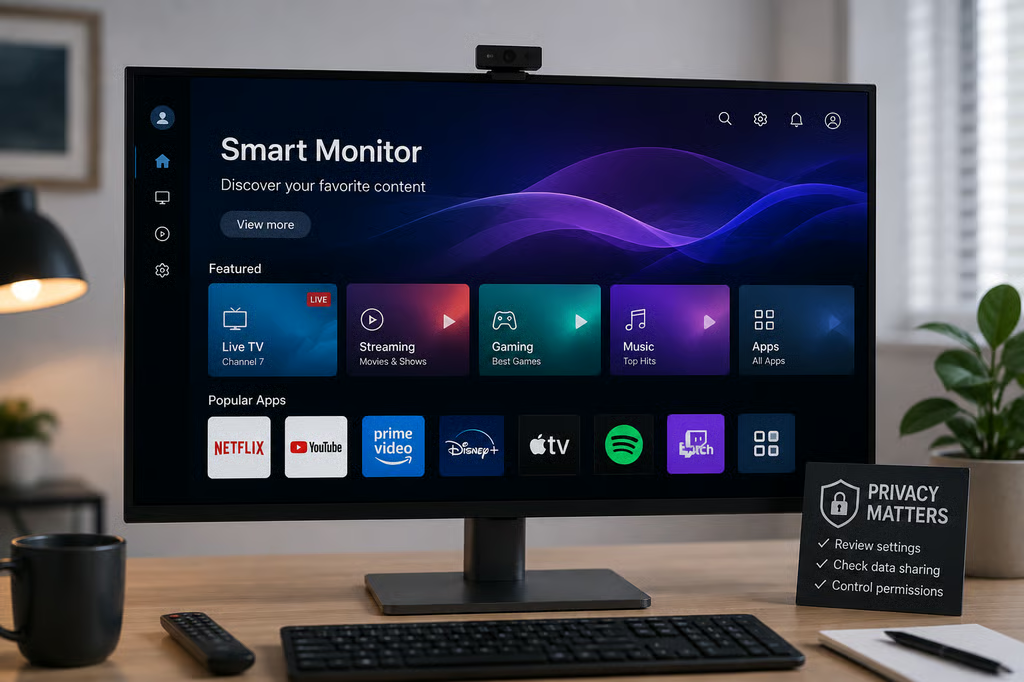
Smart monitors can collect usage data through built-in operating systems, apps, advertising services, and features such as automatic content recognition. But tracking varies by model, and not every internet-connected display collects the same information.
Before buying one, check what the specific monitor collects, whether tracking features can be disabled, and whether data may be shared with advertisers or other third parties.
Some smart monitors can send ACR-related data
Automatic content recognition, or ACR, identifies content appearing on a display. It can be used for recommendations, audience measurement, and advertising.
RTINGS included a Samsung Odyssey S32DG80 smart monitor in its smart-device tracking tests. With ACR consent enabled, researchers observed regular traffic to Samsung services associated with content recognition. Disabling the relevant setting stopped or sharply reduced that traffic.
The result confirms that ACR-related tracking can occur on a smart monitor, but it should not be generalized to every model.
Ars Technica reports that LG and Samsung smart monitors use the same broad operating-system families found on their smart TVs. The publication also found that privacy policies covering monitors from LG, Samsung, and Acer allow some collected information to be shared with advertisers.
A smart monitor can also run streaming services and other third-party apps without a PC attached. Those apps may have their own data-collection practices on top of anything the monitor platform collects.
Tracking can mean different things
ACR is not the same as recording conversations through a microphone.
A Google Assistant privacy case involved allegations that unintended voice activation caused private conversations to be recorded. ACR instead analyzes content appearing on a display.
Connected devices can process other sensitive information too. Amazon’s Ring facial-recognition feature identifies familiar visitors, for example. Buyers should therefore look at the specific type of data a device processes rather than treating all tracking as the same behavior.
What to check before buying a smart monitor
Treat a smart monitor as an internet-connected device, not just a screen. Before buying, check whether it:
- Uses ACR or another viewing-information feature.
- Enables tracking or personalized advertising during setup.
- Lets users disable those features later.
- Requires an account to access core functions.
- Runs third-party apps with separate privacy policies.
- Explains what information may be shared with advertisers.
Security matters alongside privacy. The US Cyber Trust Mark was created to help buyers evaluate security practices on eligible connected consumer devices, including information about software support and updates.
If you only need a display for a connected computer, a conventional monitor avoids the built-in app, account, and advertising layer of a smart model.
For a smart monitor, check the exact model’s privacy settings during setup and again after installation. The useful question is not simply whether smart monitors track users, but what the model collects and whether you can turn that collection off.
Also read: T-Mobile’s T-Life privacy settings demonstrate how data collection, advertising preferences, and opt-out controls can exist in separate parts of a connected service.