


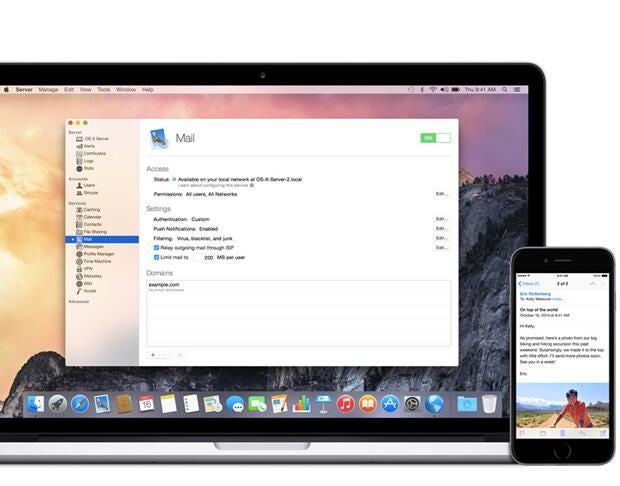
Email. The ubiquitous mass communication medium that’s used the world over for relaying important information and staying in touch with contacts. It’s the lifeblood of an organization and generally regarded as an essential business tool. Make no mistake… email is serious business!
And managing email services can be difficult considering the multitude of pressures stemming from keeping services available for mission-critical uses, balancing resources on the server(s), protecting the integrity of messages from malware and unauthorized access, not to mention keeping the various component services and protocols working smoothly like a well-oiled machine.
While some email servers offer much more control or better integration with other domain services in use within a company, Mail from OS X Server is as simple to set up and easy to manage as one has come to expect from an Apple application.
Prior to getting into the setup and configuration of the Mail service, let’s take a moment to review the necessary requirements:
- Computer running Apple OS X Server (10.7+)
- Broadband internet connection (Ethernet preferred)
- Registered Domain Name
- Static IP address (optional, but highly recommended)
- 3rd-party SSL certificate (optional for internal messaging, but highly recommended for external messaging)
- Authoritative DNS with forward and reverse-lookup records
- Open Directory services
- FQDN set as host name (optional for internal messaging, yet required for external messaging)
- Push Notification services (optional, but highly recommended for mobile devices accessing email)
While some of the above requirements are indeed optional, in most cases, they address key issues for ensuring the availability and integrity of messages as they travel to and from server and endpoint. Once the requirements have been met, we can proceed to set up the Mail server. Follow these steps:
- Launch Server.app from the Applications folder.
- Login to the server you wish to manage using administrative credentials.
- Select Mail from the Services pane (Figure A).
Figure A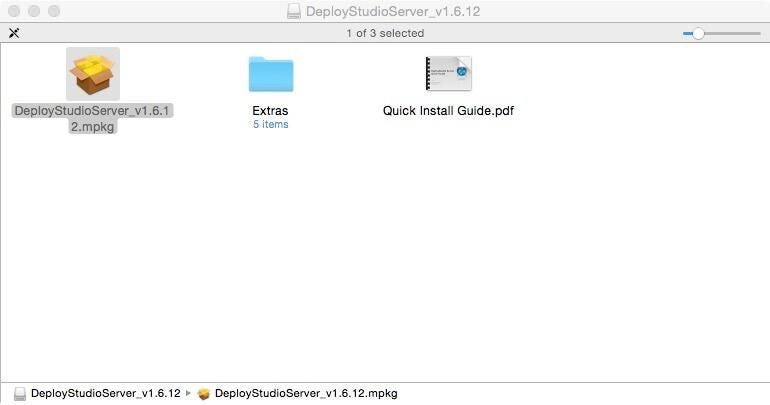
- Leaving the service turned off, click the plus sign [+] under Domains to add a new email domain to send/receive messages from.
- Enter the FQDN in the Domains text field, and click the Create button to add the domain (Figure B).
Figure B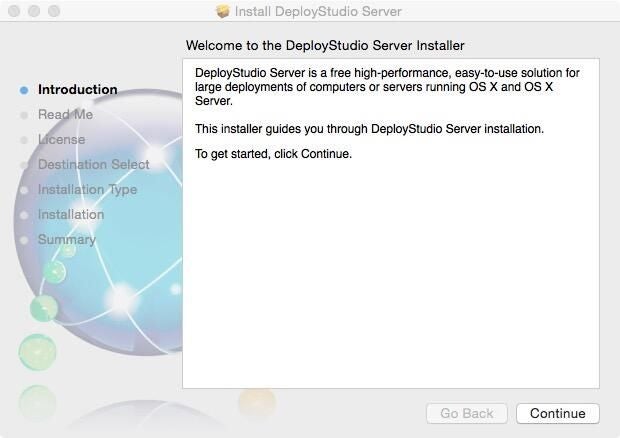
- Mail server is capable of managing multiple email domains. If necessary, repeat steps 4-5 until all required domains have been created. Once completed, return back to the Mail services pane.
- Under the Settings section, several options are available for managing Authentication, Push Notifications, and Filtering of malware and spam settings (Figure C).
Figure C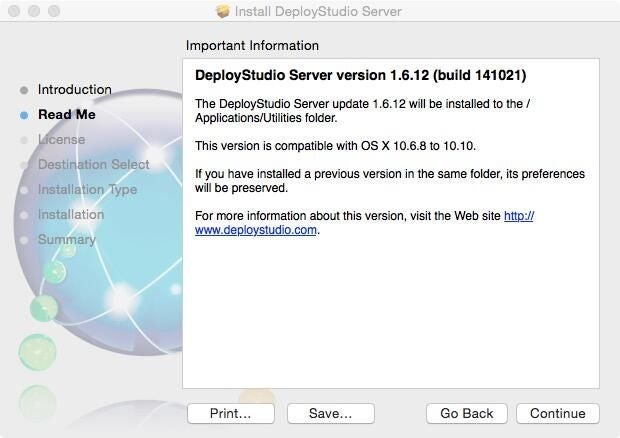
- Clicking the Edit… button next to Authentication allows for the configuration of the authentication mechanism to use for end users. For the purposes of this tutorial, select Open Directory to manage authentication of user accounts. However, depending on your specific setup, Active Directory or Custom values may be selected as examples of alternate configurations possible (Figure D).
Figure D
- If Push Notifications are not yet set up, clicking the Edit… button next to that selection will allow you to link an Apple ID to generate new APNS certificates and bind them to that Apple ID and FQDN. Once the Apple ID has been added, click the Enable Push Notifications button to turn on that service (Figure E).
Figure E
- Filtering is optional, but it’s highly recommended for security purposes, since many types of malware and junk mail can greatly affect the performance of your server and can lead to further issues regarding network and desktop security. Click the Edit… button to enable virus filtering, which scans incoming messages for known malware. Enabling junk mail filtering will allow for a more or less aggressive posture when scanning incoming email for junk mail. You should also enable blacklist filtering to help identify spam. This uses known RBLs (Real-Time Blackhole Lists) to identify known IP addresses and domains that send out spam messages. Once it’s enabled, the service checks the remote server and updates its listings automatically (Figure F).
Figure F
- Last step is to turn on the Mail service to allow the Mail services and protocols to start and accept incoming mail, plus send outgoing messages (Figure G).
Figure G
Once the Mail service is enabled, adding users (and their mailboxes) can be performed from the Users pane under Accounts in the navigation pane. Additionally, OS X Server can be configured for other communication services, such as Messages instant messaging or collaborative services like unified contacts and calendars.
Configuration of mail clients must be done on the devices themselves, since OS X Server does not natively support webmail. However, utilizing the websites service and the 3rd-party open-source Roundcube, OS X Server may be configured to host its own webmail service that ties into the OS X Server Mail backend.
I have two final pieces of advice to take into account when administratively managing an email server. One, backup, backup, backup! Email is stored in mailboxes on the server and should be backed up regularly. Since Time Machine services are also included in OS X Server, this provides a great way to backup the Mail and server itself — and makes for a very easy restore process if the server encounters issues. Two, be vigilant and monitor the mail server’s resources carefully. As the level of users increases, the available storage space can decrease exponentially due to overuse and abuse — not to mention exceeding bandwidth usage by sending large attachments and sapping the server of important memory and CPU cycles. Using the Stats pane will give the sysadmin a good overview of the daily usage cycles and their impact on server-side resources.
What other tips and tricks would you recommend for setting up the Mail service in OS X? Share your expertise in the discussion thread below.