



Retreat from the stress of the normal news cycle and find some peace in technology, which is always reliable and never lets you down. This week’s most-read features are full of tips and tricks to get the most out of your technology. Don’t miss our review of the best new developer PC designed to support Windows Arm development.
SEE: Home video setup: What you need to look and sound professional (TechRepublic Premium)
Jump to:
- How to view Live Activities on your iPhone Lock Screen with iOS 16.1
- How to boost your iPhone’s battery charge
- The best keyboard shortcuts for rows and columns in Microsoft Excel
- Hands on with Microsoft’s Windows Dev Kit 2023
- How to take advantage of Start Menu feature improvements in Windows 11 22H2
How to view Live Activities on your iPhone Lock Screen with iOS 16.1

Ready to level-up your lock screen? Among the upgrades you’ll find in iOS 16.1, Live Activities is one of the most useful. Now you can track in-app activities directly from the lock screen with apps that support the feature. Lance Whitney brings you this iPhone tutorial followed by demonstrations of how the feature works in a couple of apps.
How to boost your iPhone’s battery charge
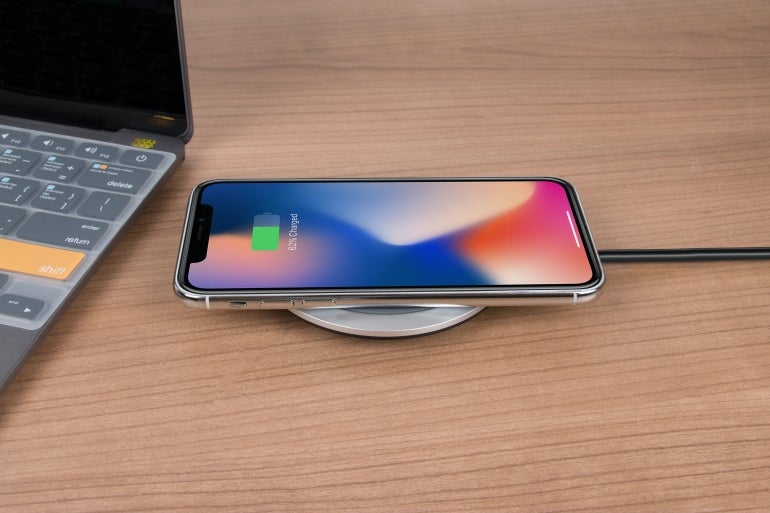
While the iPhone’s battery life has significantly improved since its first introduction in 2007, you can extend the overall lifespan and each individual charge. Lance Whitney shows you how to change the settings on your iPhone to extend the battery life and where to see the apps that drain your battery. He also throws in some pro tips to get more out of your battery.
The best keyboard shortcuts for rows and columns in Microsoft Excel

Spend most of your day working in spreadsheets? Me too. These 11 keyboard shortcuts from Susan Harkins will speed up your spreadsheet building and editing. Better warn your team, because you’re going to be analyzing data at triple speed when you can use Excel keyboard shortcuts to select, delete, and add rows and columns.
Hands on with Microsoft’s Windows Dev Kit 2023
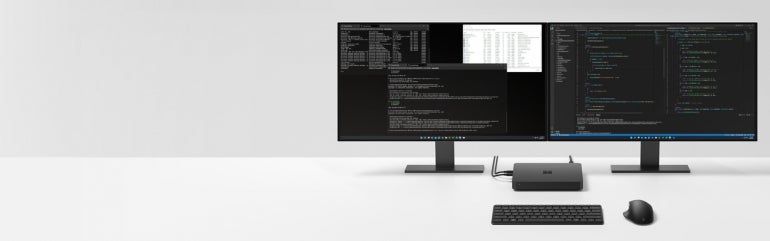
Formerly called Project Volterra, the Windows Dev Kit 2023 provides an Arm-ready environment for application development. Simon Bisson reviews the tool and provides a hands-on look at how the PC exceeds the Surface Pro 9’s functionality. Because it’s priced low, it makes for an extensible computer for development environments that also happens to natively support Windows Arm.
How to take advantage of Start Menu feature improvements in Windows 11 22H2
Among its many improvements, the 22H2 release of Windows 11 feature updates improves the organization and usability of the Start Menu experience. Mark Kaelin walks us through the options available in the customizable Start Menu for Windows 11, including how to nest pinned items to get the most out of the space.