Here’s a rundown of the top announcements at the Google I/O 2017 keynote in case you missed it.
I/O 2017 launched on May 17, 2017, and the opening keynote was full of new innovations and announcements. Read on for a full rundown of the two-hour event.
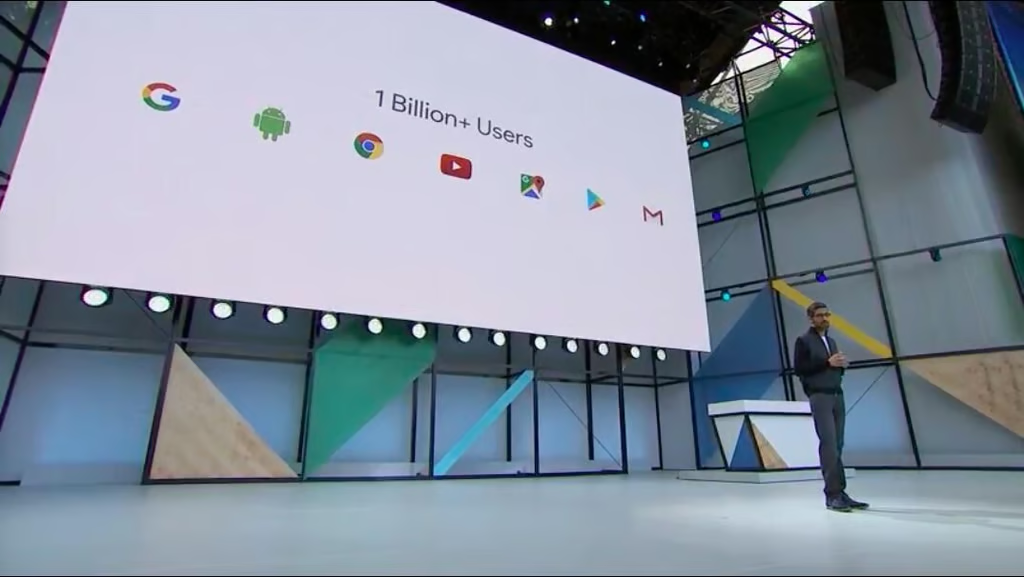
Google opened with a lot of numbers to highlight growth.
The internet giant reported 1 billion monthly active Google users, 500 million active Google Photos users, and 2 billion active Android devices.
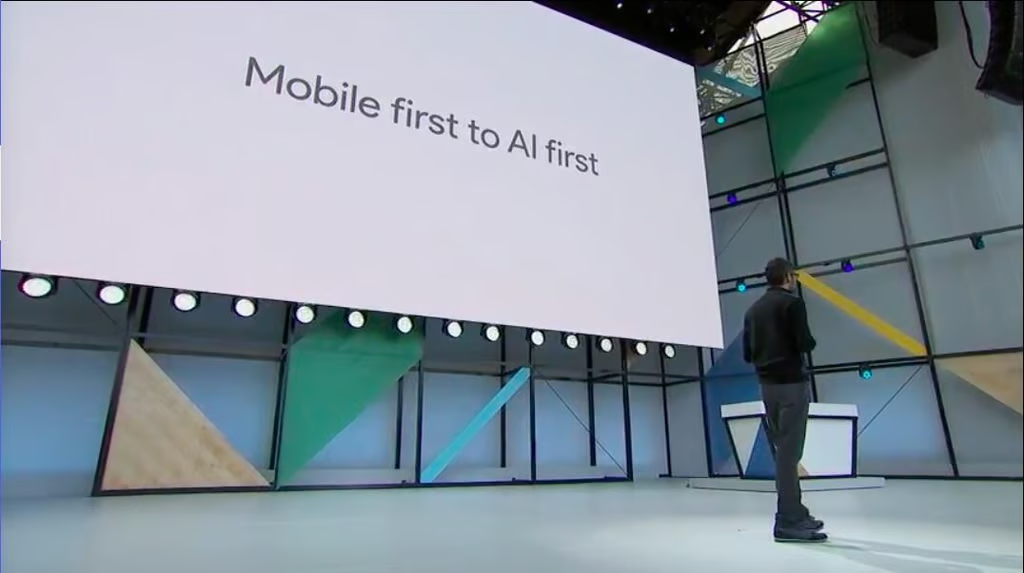
The focus of I/O 2017 was, unsurprisingly, Google’s continued push from mobile first to AI first computing, and most of the products announced included some element of AI or machine learning.
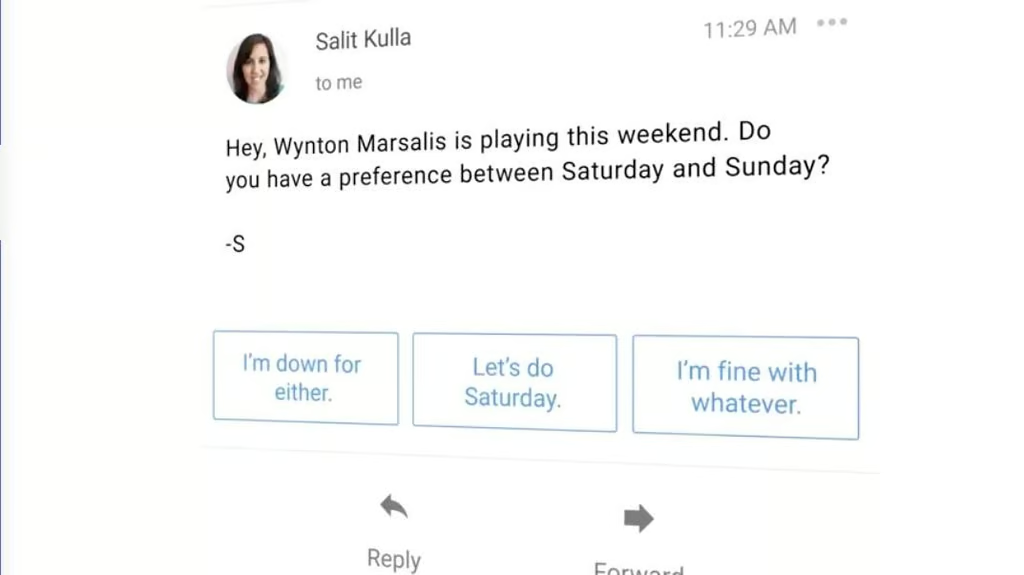
The system uses machine learning to generate “conversational” responses that can be sent at the touch of a button.
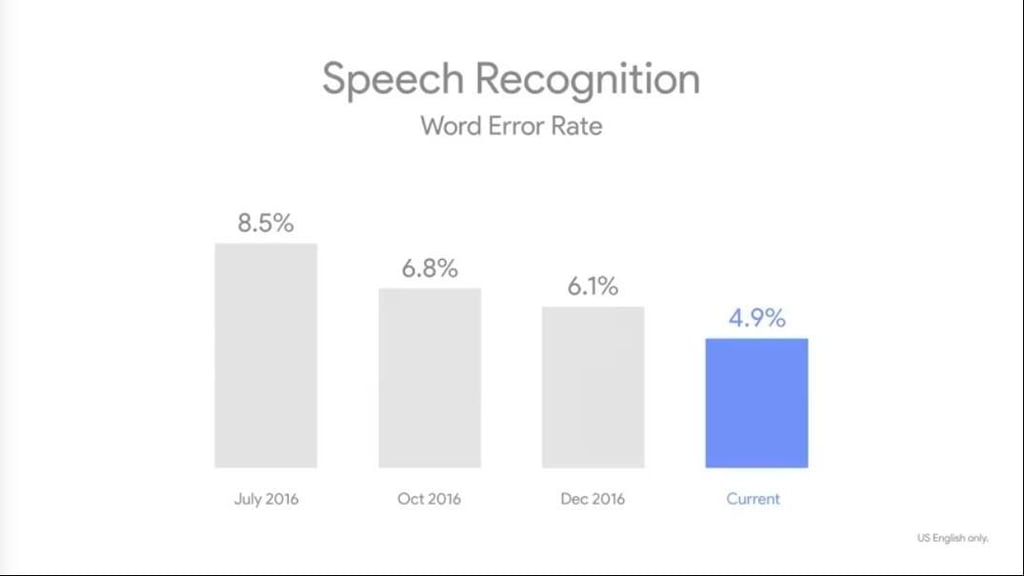
Google’s word recognition error rate has been cut nearly in half since July 2016.
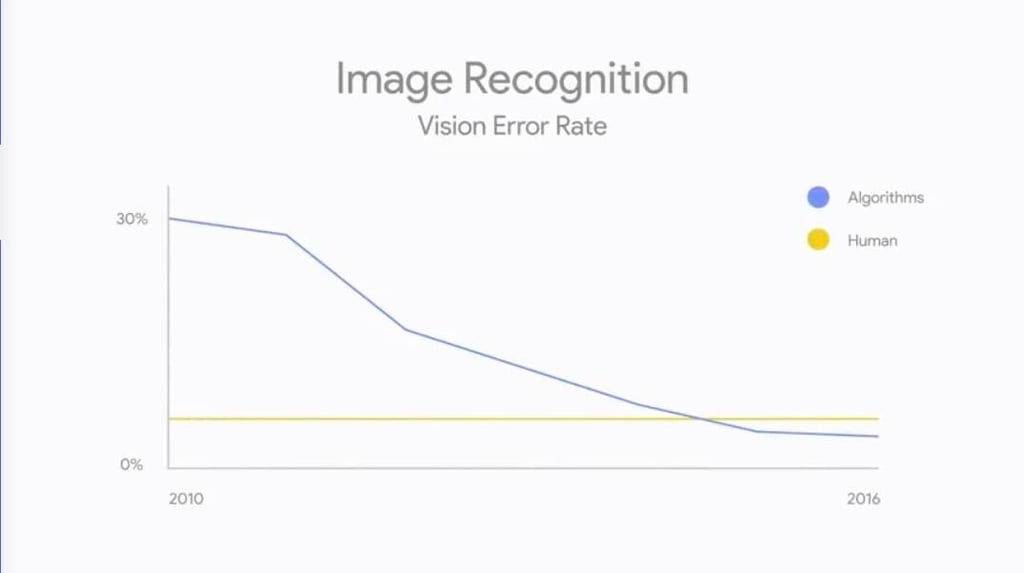
We’re now inferior to machines in yet another way–they can recognize objects in an image better than we can.
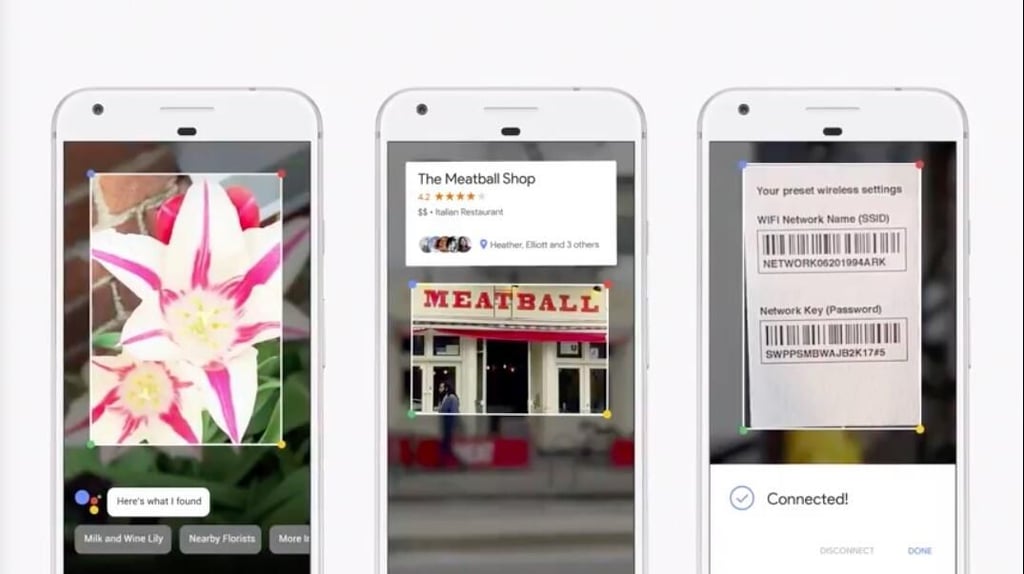
Google describes it as using machine learning “vision-based capabilities to recommend actions based on what your phone sees.”
Just point it at something and it won’t just recognize it–you’ll get contextual recommendations as well.
Examples from the keynote included identifying a flower, automatically connecting to Wi-Fi based on the router information label, and pulling up restaurant reviews by looking at their storefronts.
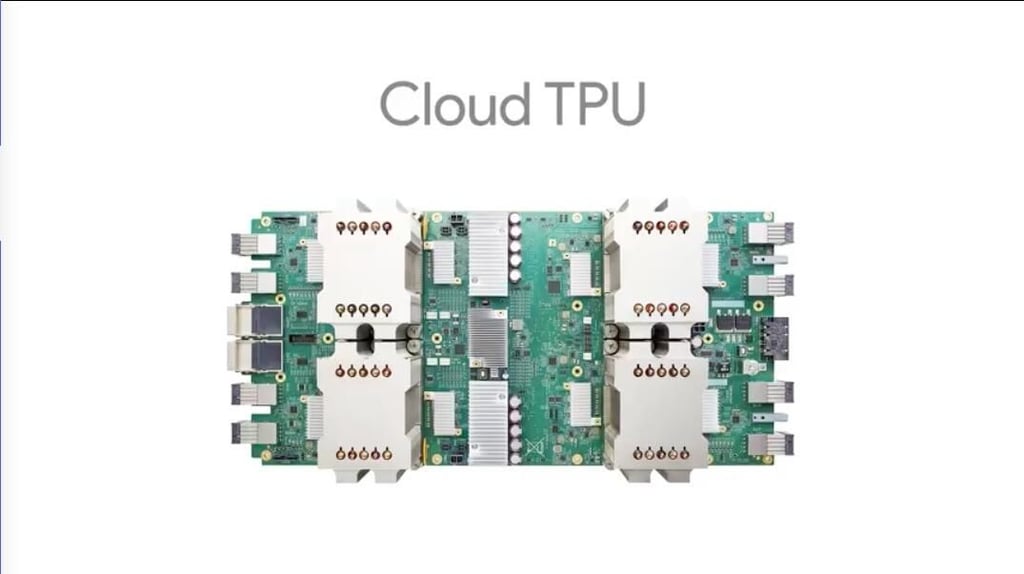
The new Cloud TPU is optimized for both training and inference-style machine learning workloads.
It can also perform 180 trillion floating point operations per second.
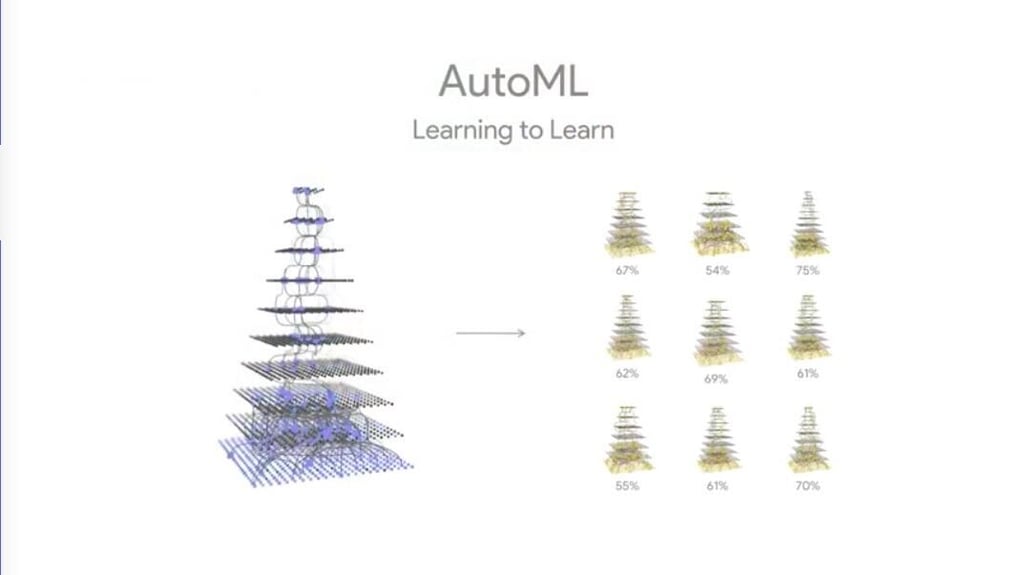
AutoML uses reinforcement learning to build the most efficient neural net possible. It runs calculations using various setups and arrives at the best one possible, allowing the real work to be done more efficiently.
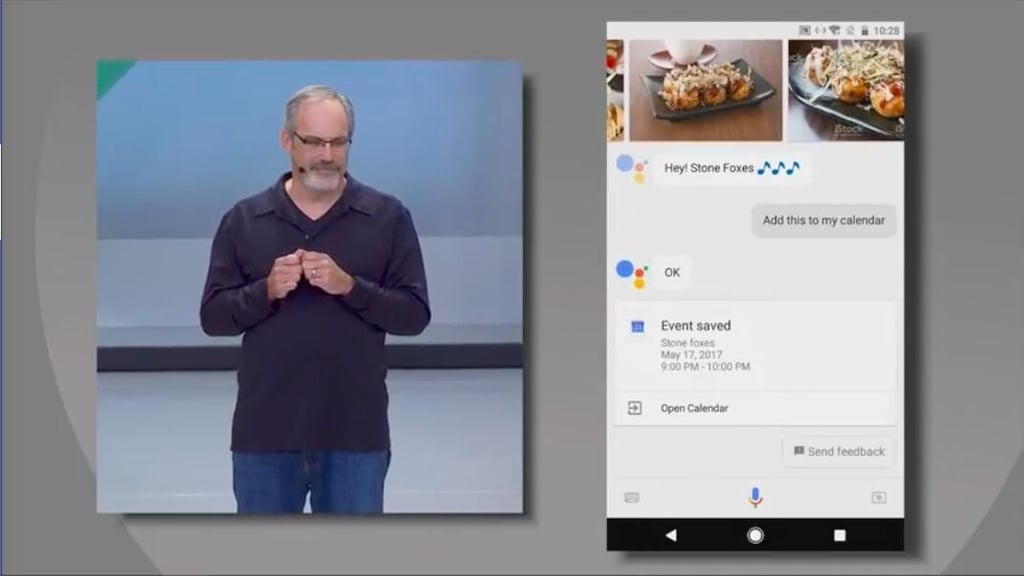
Assistant is gaining some new functionality from Google Lens. You can point it at things, like a concert venue marquee, and it will automatically determine which show is coming up based on location, date, and other variables. From there you can ask Assistant to remind you to get tickets and even create a calendar event.
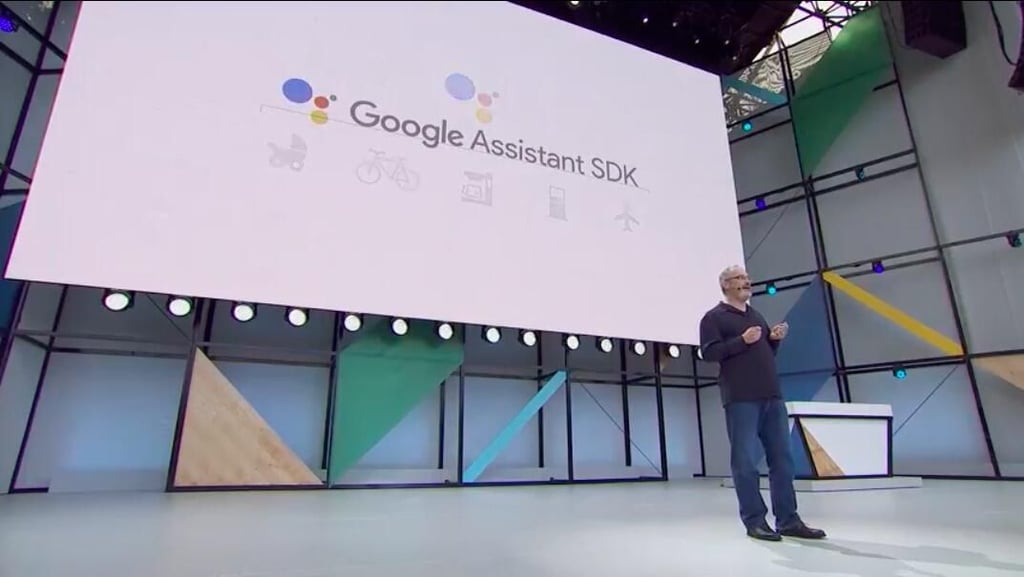
In a clear attempt to get Google Assistant into third-party products like Amazon has done with Alexa, Google spoke about the Assistant SDK.
It’s designed for third-party hardware makers who wish to add Assistant functionality to their products–just like Alexa.
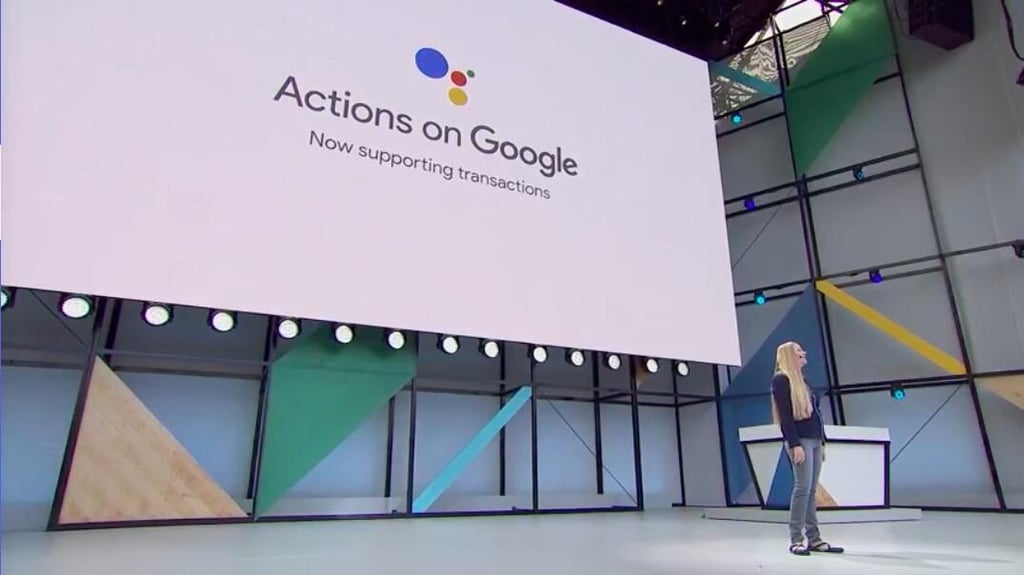
Google Assistant has come to iOS, and with it Actions on Google. Actions now also support transactions as well, allowing for seamless purchasing from inside the Assistant interface.
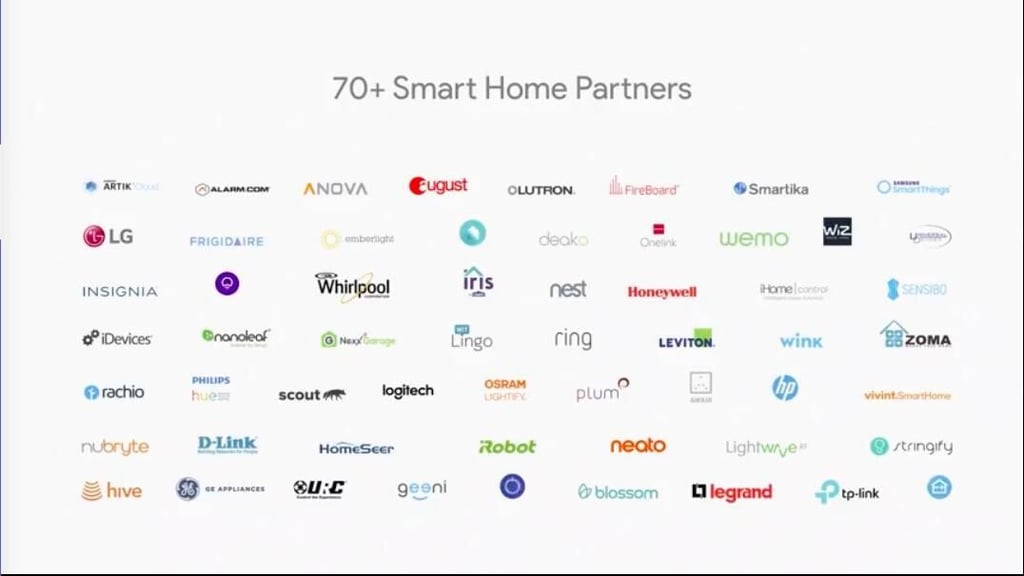
Here’s a list of the IoT partners that work with Actions on Google. Now you can give your Google Home even more functionality as a smart home hub!
We’ve all been waiting for more news on Android O, and we got it.
There are some interesting new features coming in Android O that you’re sure to be excited about.
Google admitted that split screen windows hasn’t quite been a big hit on mobile devices, so it’s back to the drawing board.
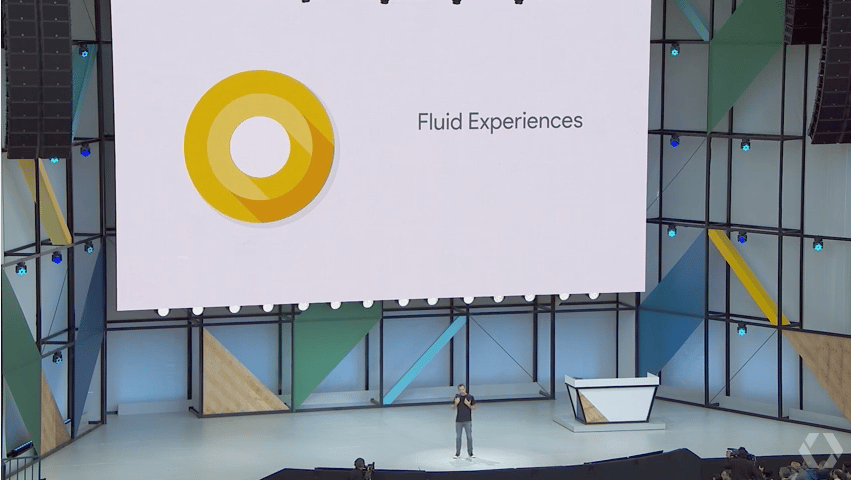
Android’s Fluid Experiences are designed to be a new way to make using mobile devices simpler and smoother.
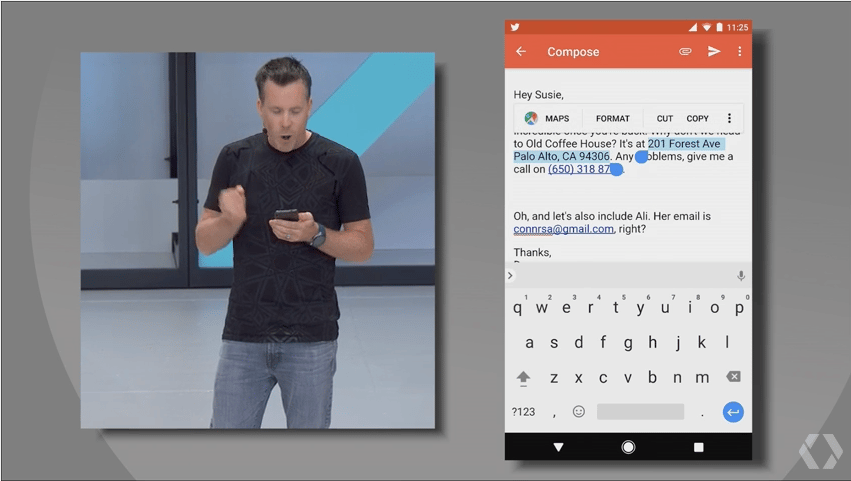
In what may be one of the most welcomed new improvements, Google is adding a bit of intelligence to the way Android highlights text. If it detects you trying to copy an address it will auto highlight the whole thing. The same goes for names, email addresses, and phone numbers, which Google said are the most commonly copied items.
Contextual recommendations will join the copy and selection options as well.
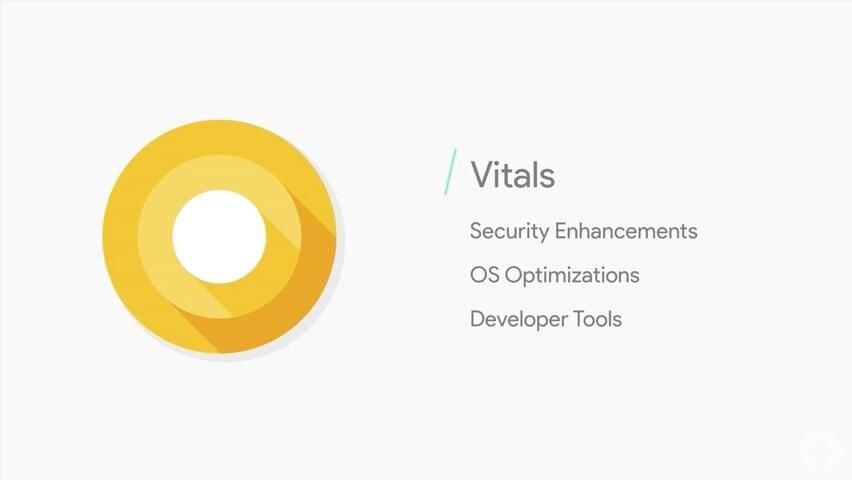
Android O is also introducing Vitals, a set of features designed to optimize system behavior.
Google Play Protect will bring background app scanning to the foreground in a malware protection-like interface, OS optimizations and runtime changes will speed up app execution, and Wise Limits will set boundaries on how much power an app can use in the background.
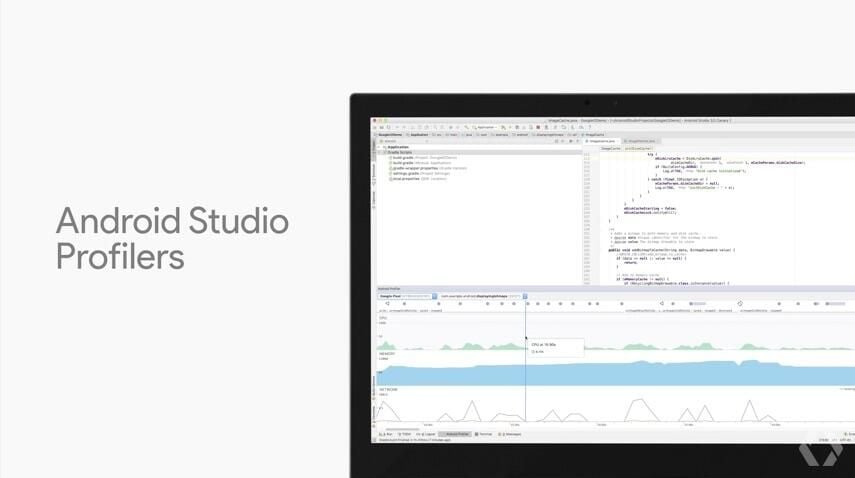
Both the Android Studio and Google Play have added dashboards, reporting, and other options to dig down into app performance.
Both will help identify battery drains, crashes, UI hangups, and other issues so developers can easily locate and fix offending code.
Google said Kotlin was the single most requested programming language for Android devs, and now you can use it for buiding Android apps!
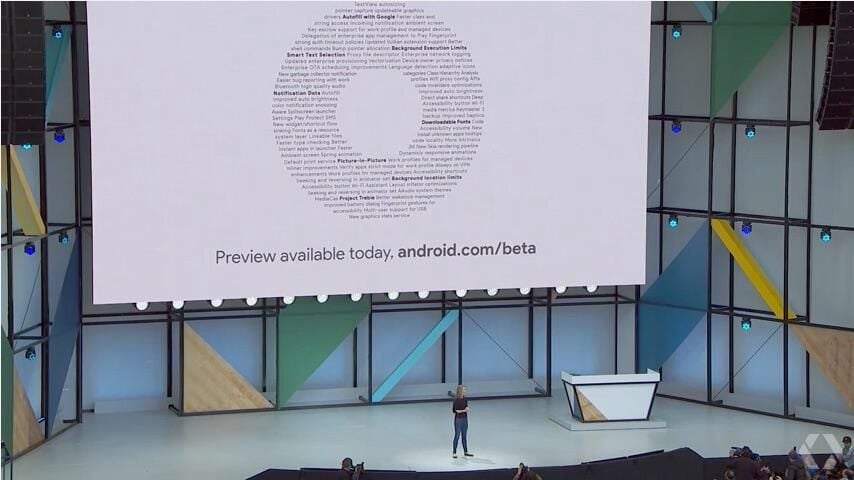
Android O will be out this summer, but the beta is available now.
Most of the Android phones being used around the world have between 512MB and 1GB of memory.
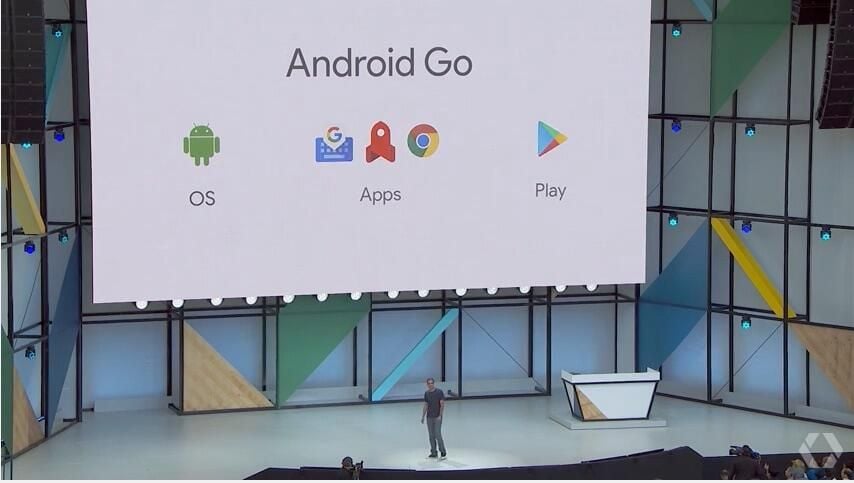
Android Go is Google’s solution for software that is too intense for those devices.
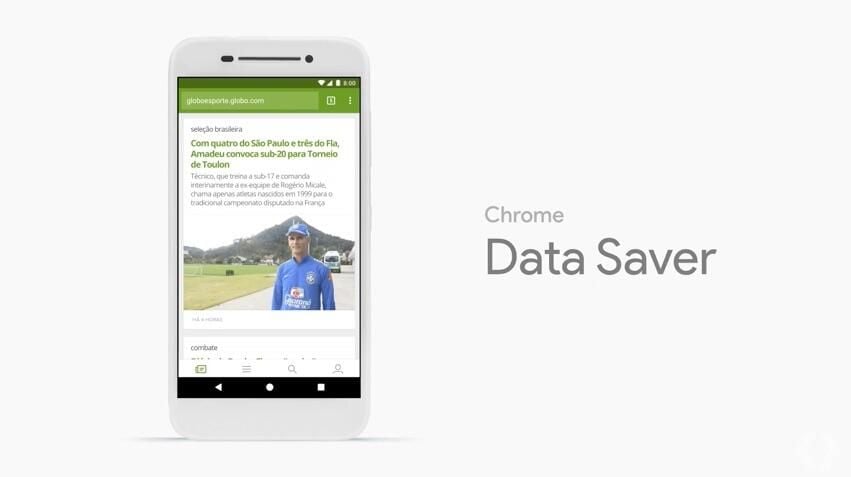
Chrome data saver is on by default, and Data management options have been moved to the quick settings window, helping users on limited data plans make the most of every single bit.
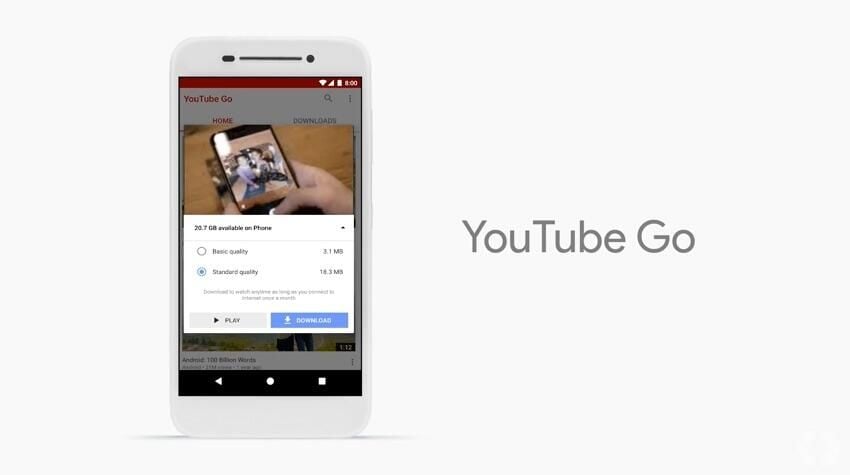
YouTube’s new app for Android Go allows users to preview videos, get estimates on data usage, and download videos to be watched later on without burning through their data plan.
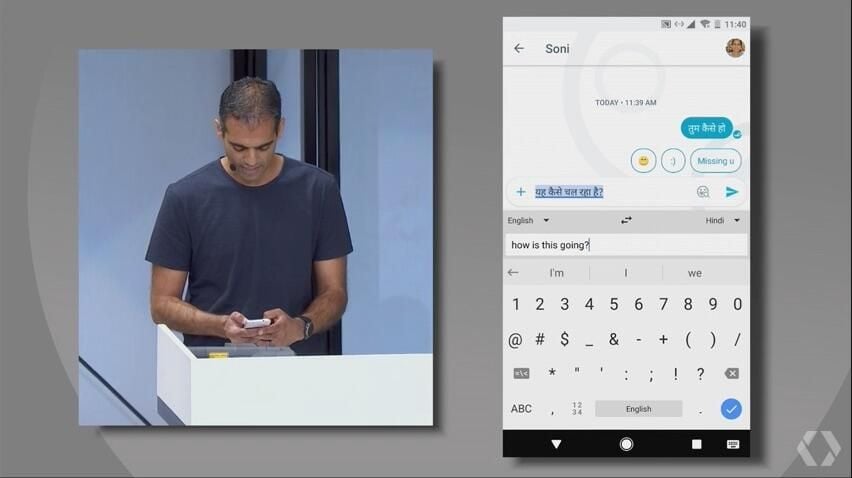
Many users of budget Android devices are in non-English speaking countries, so Android Go has better language options built in.
In the above shot you can see a user typing a message in English that is translated on-the-fly into a different alphabet and language.
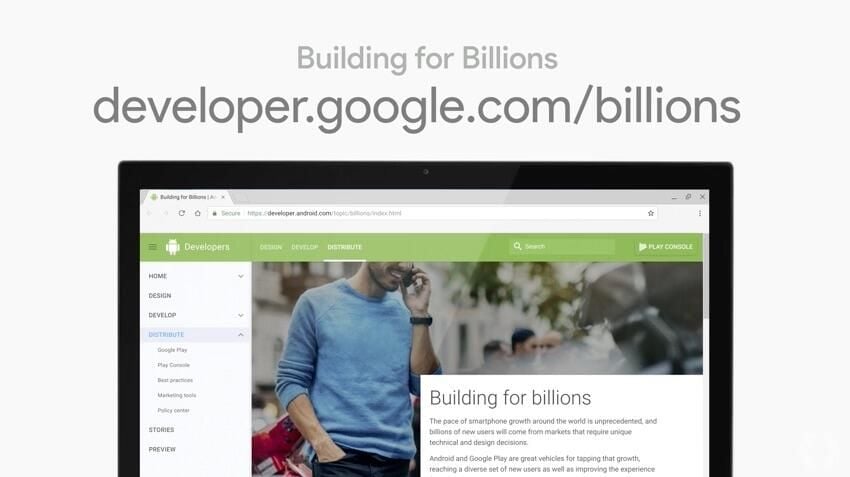
Google is going to make Android Go-optimized apps front and center in the Play store, so if you want to get in on the larger market that comes with it check out the Building for Billions project.
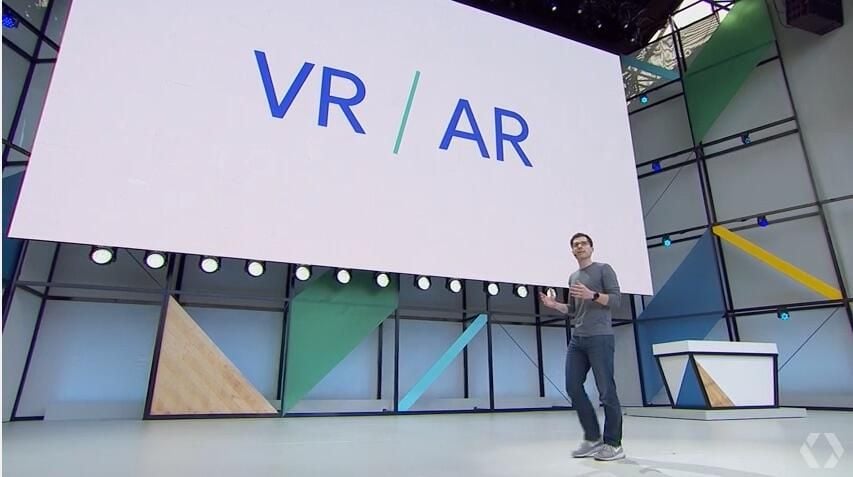
Continuing with the trend of “AI everywhere,” Google’s VR and AR development has gained a lot from Google’s machine learning efforts.
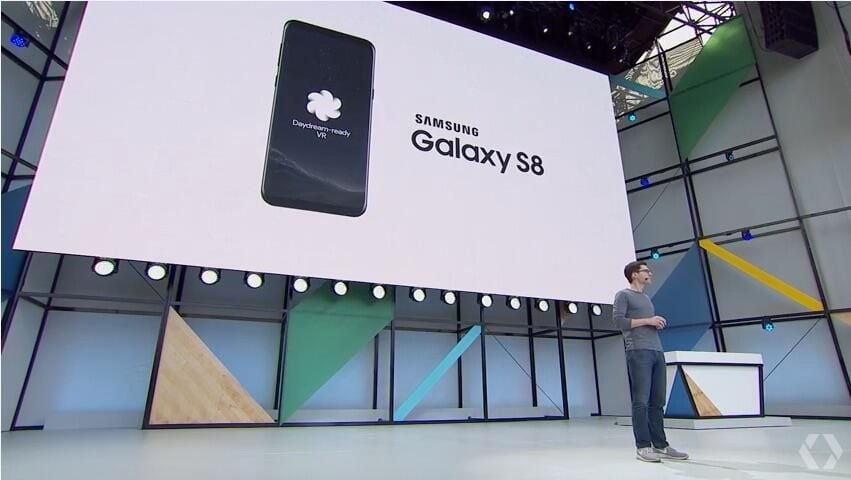
LG’s new flagship phone and the Samsung Galaxy S8 series will both be able to run Daydream View apps in the coming months.
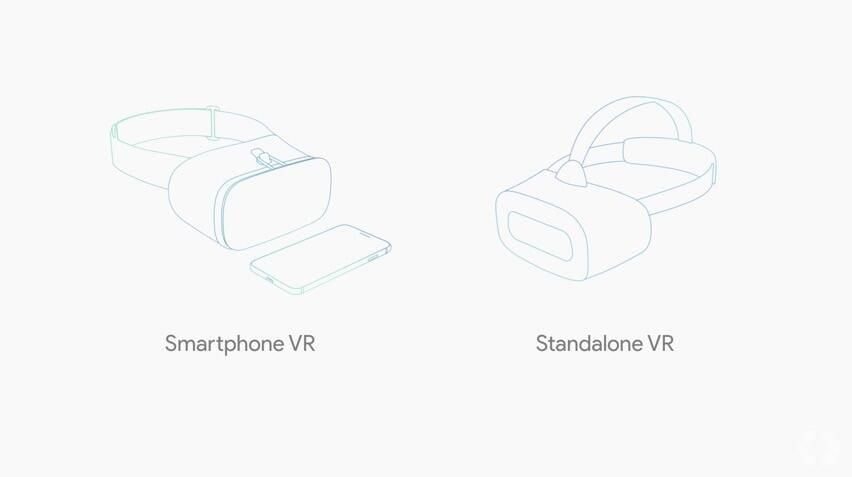
Google is going one step up from the smartphone-powered View and building their own standalone VR headset.
They’ve partnered with Qualcomm, HTC, and Lenovo to build the new headset.
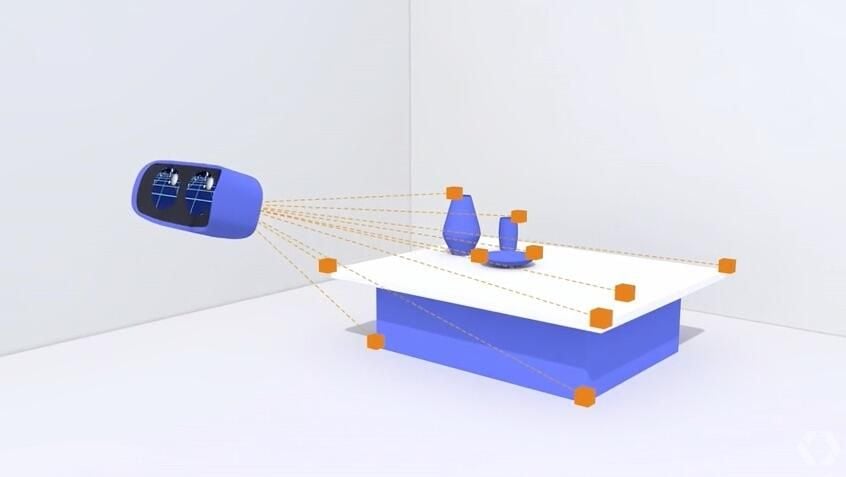
The new standalone VR headset is equipped with outward-facing sensors that scan the environment and matches movement of the VR display to it, which Google says will make moving around in virtual space more realistic.
Also powered by Tango is Google’s new Virtual Positioning Service, or VPS.
Phones will use VPS to identify key visual features in order to locate their positions “to within a few centimeters.”
Google said “GPS gets you to the door, and VPS gets you to the item you’re looking for.”
VPS will be a core component of Google Lens.
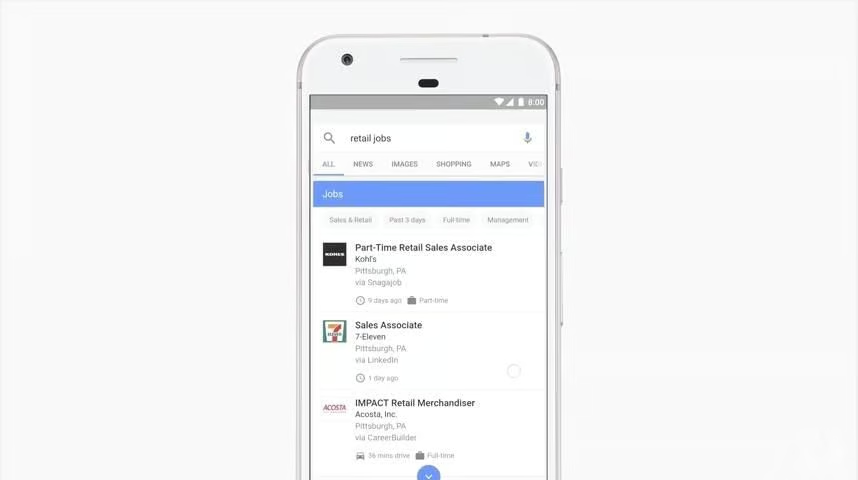
Google has partnered with LinkedIn, Facebook, Glassdoor, and Career Builder to aggregate job postings into one search.
Google for Jobs automatically filters by the user’s location, and then clusters different but equivalent job titles into a single page of results.