Photos: 10 years of Google Chrome - TechRepublic

Photos: 10 years of Google Chrome

  • 00-birthday.jpg

    ​Google Chrome: 10 years of surfing the web

    When Google Chrome was released on September 2, 2008, it was just one more browser competing with Internet Explorer and the six-year old Mozilla Firefox.

    Fast forward 10 years and Chrome controls a commanding 66% of the desktop browser market, with Firefox–its next closest competitor–only holding 11%.

    In honor of the 10th anniversary of Chrome, let’s take a look back at major milestones in the life of Google’s iconic browser.

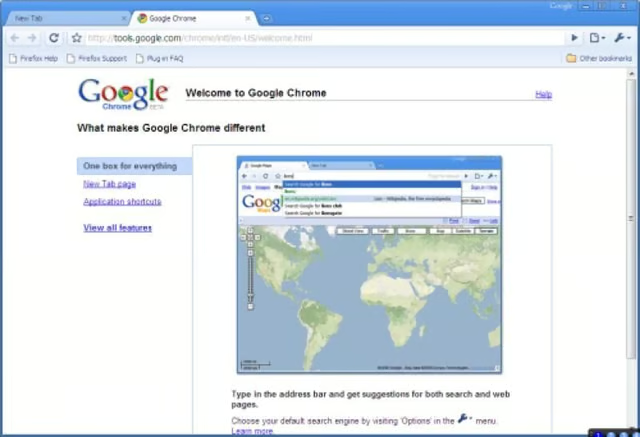
  • chromebetazdnet.jpg

    Google Chrome's beta release

    “So why are we launching Google Chrome?” asked Google’s then-VP of product management Sundar Pichai, “Because we believe we can add value for users and, at the same time, help drive innovation on the web.”

    That was the word from Google’s Chrome announcement post that came out one day before the release of the public beta version of Chrome on September 2, 2008.

    Chrome’s design was new, innovative, and it fixed many problems associated with other web browsers. If you are curious about Google’s vision for Chrome and all of the changes it would bring, read the comic book the company produced to commemorate the event.

    Image: ZDNet\/TechRepublic
  • google-sundar-pichai-7958-crop3.jpg

    ​Chrome 1.0

    Sundar Pichai (pictured) and Linus Upson wrote that the initial beta of Google Chrome ended with the release of version 1.0.154 on December 11, 2008. Between September and December 2008, Google added a spellchecker, notifications for blocked popups, privacy management options, and bookmark import/export capabilities.

    Image: James Martin\/CNET
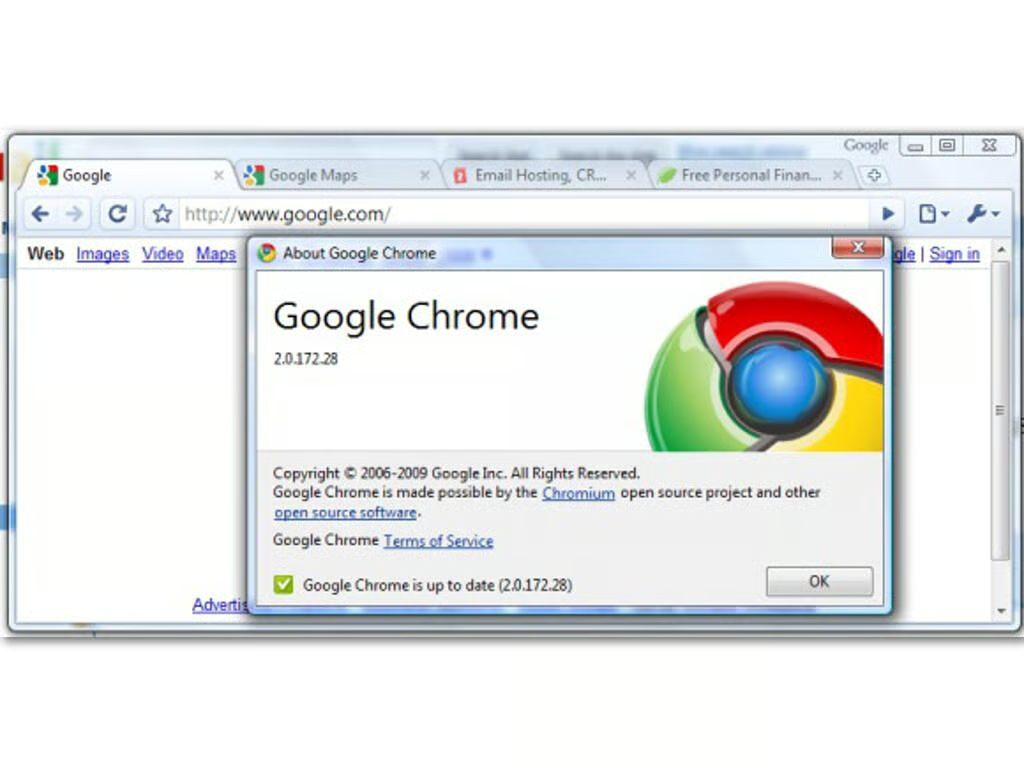
  • ​2.0: Chrome's first big upgrade

    Chrome version 2.0 was released in May 2009 and included a list of new features that would be inconceivable to not have in a web browser in 2018. Included were the addition of mouse wheel support, full-screen mode, full-page zoom, form autofill, and tab docking between browser windows and different sides of the screen.

    Image: Google
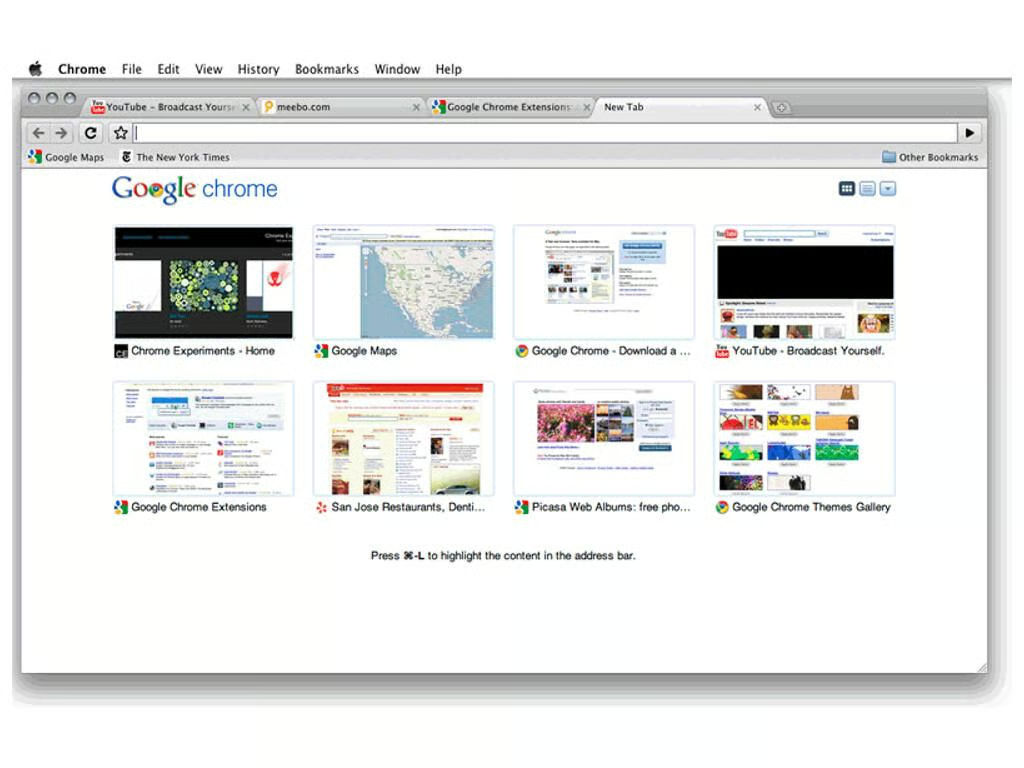
  • ​Chrome comes to Mac OS and Linux

    Shortly after the release of Chrome 1.0 Google announced its plans to release Chrome for Mac OS and Linux in the first half of 2009. That didn’t quite work out, and Mac OS and Linux users had to wait until the release of Chrome 5.0 in May 2010 to get a stable version of Google’s browser.

    Chrome 5.0 also brought the integration of the Adobe Flash Player, cross-device preferences sync, and expanded HTML5 functionality.

    Image: Google
  • ​The Chrome Web Store

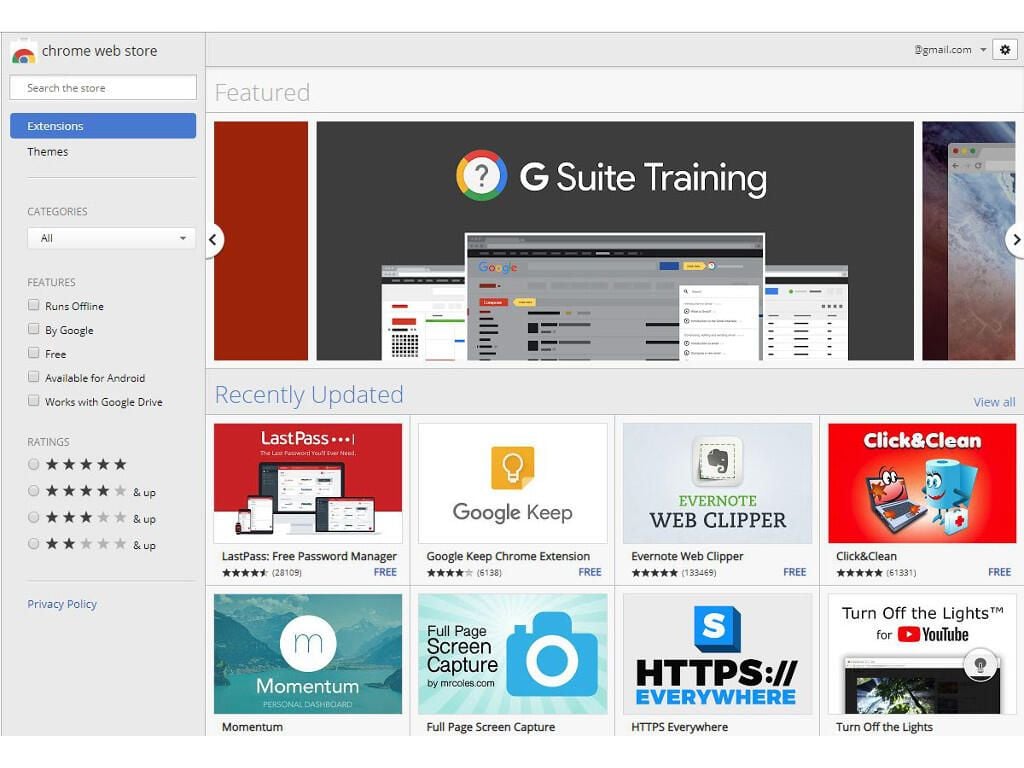
    Version 8.0 of Google Chrome, released in December 2010, brought the launch of the Chrome Web Store, home to apps, extensions, and pretty much all software for Chrome OS.

    Image: Brandon Vigliarolo\/TechRepublic
  • ​Cross-device browser tabs

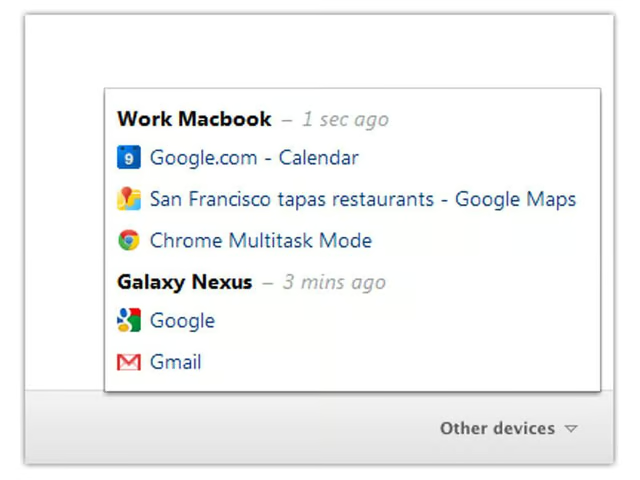
    It’s one of those features that’s hard to imagine not having six years later, but it wasn’t until May 2012 that Chrome got support for cross-device browser tab syncing. The feature was added in version 19 of Chrome, and I for one am still thrilled at having it all these years later.

    Image: Google
  • chromeiostwitter.jpg

    ​Chrome goes mobile

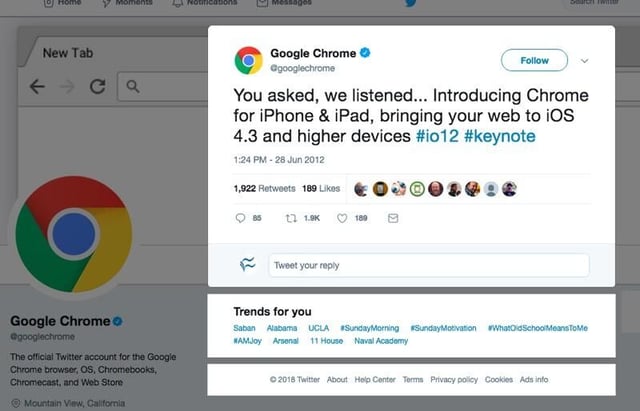
    iOS and Android users were finally able to get their hands on Chrome for their respective mobile devices in June 2012. While the full-fledge version of Chrome still has more features, iOS and Android versions have made choosing Chrome a given for many users since it has continued to get more cross-device features as time as gone on.

    Image: Twitter
  • ​Google adds Do Not Track to Chrome

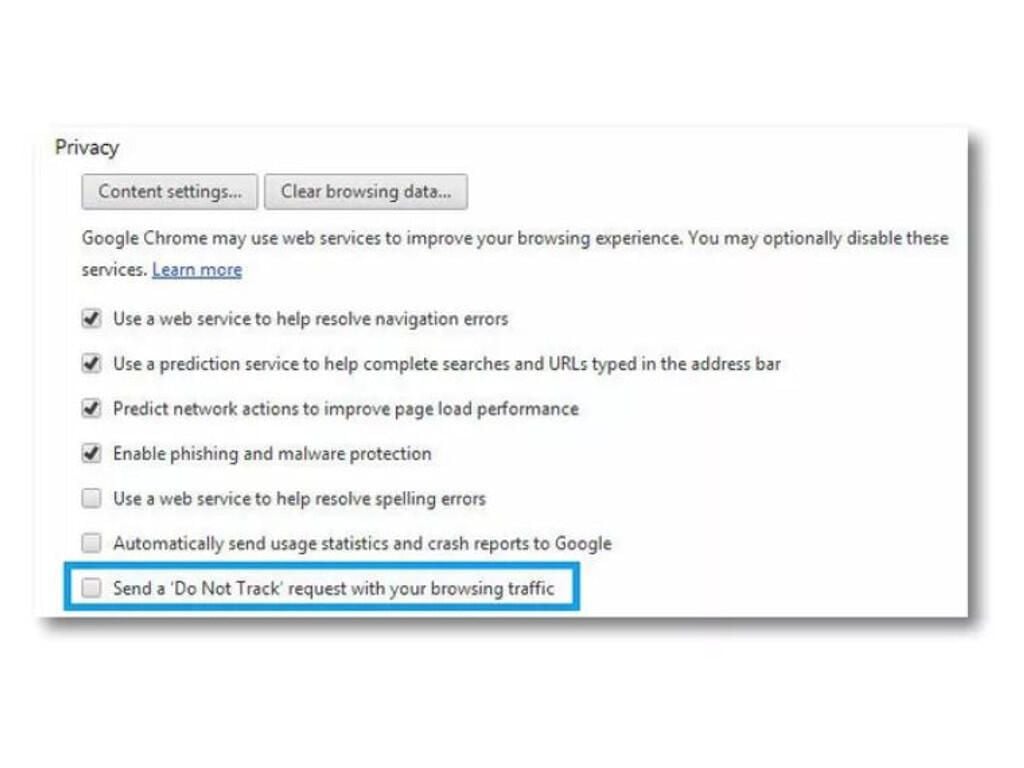
    The next major addition to Google Chrome came in version 23, released in November 2012, which added a new privacy option in the form of Do Not Track requests. When the option was enabled, Chrome would request that websites a user visits not track them, but that doesn’t mean the site would have to comply–Do Not Track is a request, not a demand.

    If you think newer iterations of Do Not Track are any different, sorry–it’s still just a request that many websites choose to ignore.

    Image: Nicole Cozma\/CNET
  • ​Goodbye WebKit, hello Blink

    From the earliest days of its beta Chrome had been powered by Apple’s WebKit browser engine. That all changed with the release of Chrome 28 in July 2013, which introduced a new browser engine called Blink.

    Blink is a fork of WebKit built by the Chromium Project for use in Chrome and other web browsers, but its introduction doesn’t mean WebKit has been completely abandoned by the Chrome team–Apple still requires it for Chrome on iOS.

    Image: CNET
  • 10-fido.jpg

    ​The groundwork is laid for Google Titan

    The recently released Google Titan security keys are powered by the FIDO universal second facto (U2F) protocol, which was added to Google Chrome in version 38, released in October 2014.

    FIDO allows any website to use USB or Bluetooth keys as second login factors, greatly increasing user security.

    Image: Brandon Vigliarolo\/TechRepublic
  • chrome45youtube.jpg

    Chrome 45: ​Netscape's web API, and a bunch of plugins, die

    The Netscape Plug-in API (NPAPI) was one of the original web extensions that standardized how different forms of content were delivered. By September 2015, which brought the release of Chrome 45, it was permanently disabled in favor of newer, more secure options.

    NPAPI was, and still is, a popular API for browser plugins, and is used by Adobe Flash Player, Microsoft Silverlight, Java Runtime Environment, and others.

    Image: Google Chrome Developers YouTube
  • ​HTML5 becomes standard, Flash fades out

    Chrome 56, released in January 2017, finally relegated Adobe Flash Player to its list of automatically blocked plugins. In its place, HTML5–far more secure and capable of delivering the same content–was enabled by default and the internet by and large hasn’t looked back.

    Image: Google
  • headlesschrome59googleyoutube.png

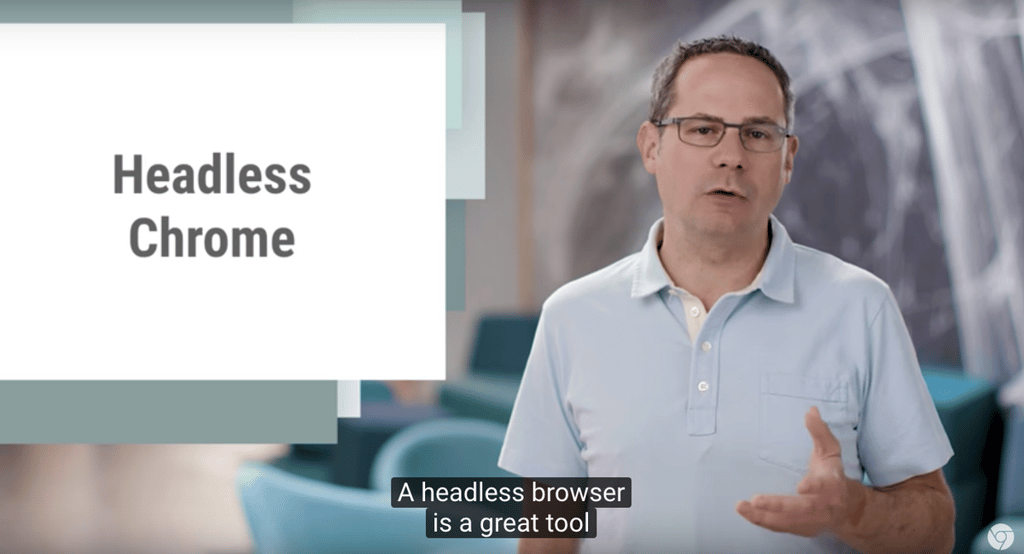
    ​Chrome loses its head

    Chrome 59 introduced a huge new feature for developers: Headlessness. Headless browsers are web browsers without a graphic user interface, which means all that exists is the content of a particular webpage.

    As Google engineer Eric Bidelman said, headless browsers have some great applications: “A headless browser is a great tool for automated testing and server environments where you don’t need a visible UI shell. For example, you may want to run some tests against a real web page, create a PDF of it, or just inspect how the browser renders an URL.”

    Image: Google Chrome Developers YouTube
  • ​HTTP warnings get obvious

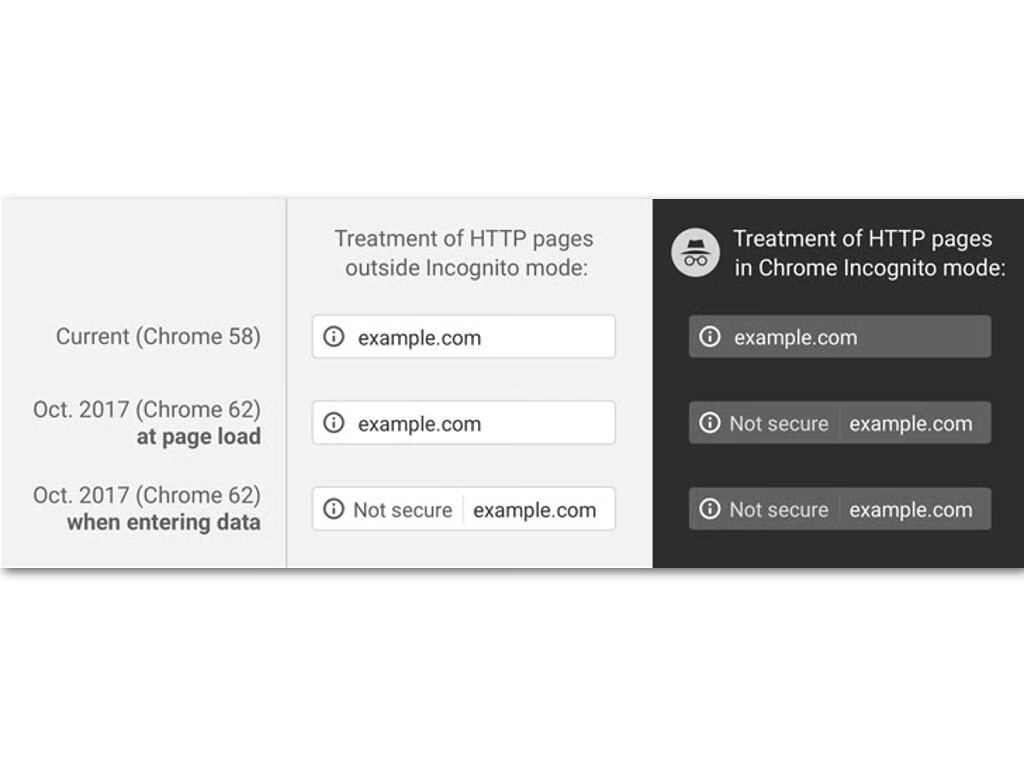
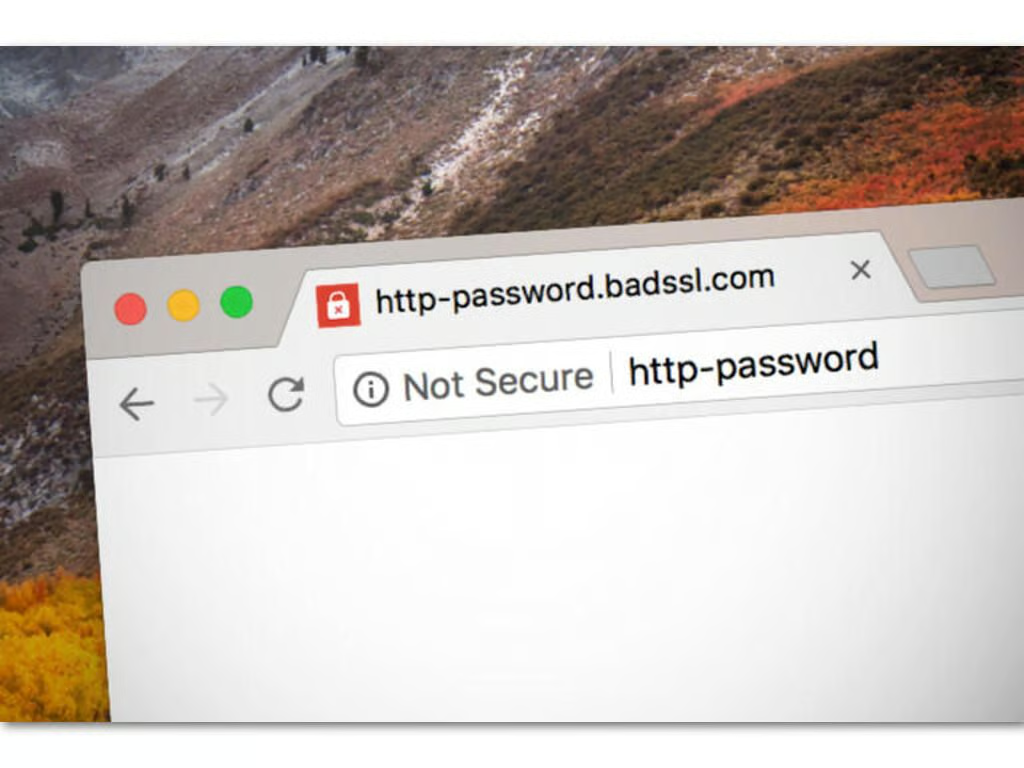
    Unsecured HTTP websites have been in the tech industry’s crosshairs for a while, and Google finally made websites that request user data while not using HTTPS stand out in Chrome 62. Starting with the October 2017 release, standard HTTP websites that want personal info began displaying “not secure” in front of their URLs, indicating to visitors that they should be cautious when giving out sensitive information on those sites.

    Image: Chromium blog
  • ​Chrome 68

    Chrome 68 expanded the HTTP warnings to all sites not using HTTPS–even those not requesting user data. HTTPS has essentially become the de facto standard for web browsing in 2018, and Google’s latest change is just one more nail in the coffin of unsecured HTTP websites.

    Chrome 68 also added a feature to stop iFrames from quietly redirecting users to malicious websites; any iFrame that attempts a redirect will have to be given user permission to do so.

    Image: ZDNet
  • Chrome 69 and beyond

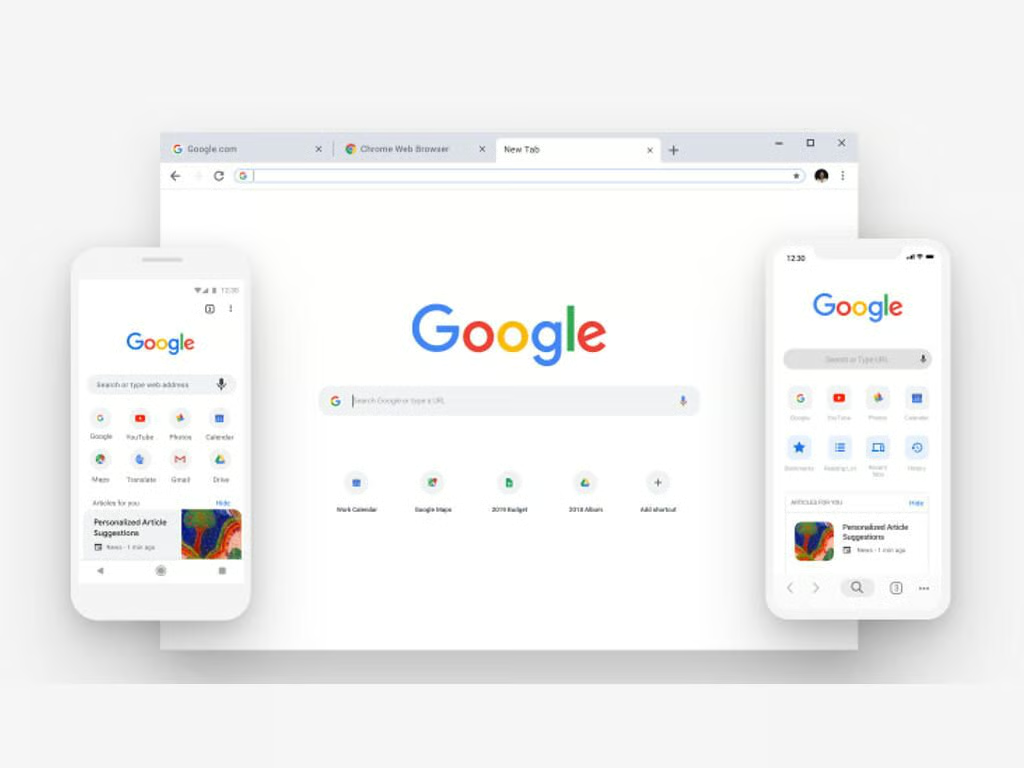
    Google released Chrome 69 to coincide with the 10th anniversary, and with it comes the biggest visual change Chrome has seen in a long time. A new Google Material Design makes its debut in this latest version, as does a password generation feature that will eliminate the need to create repetitive, and easily guessed, credentials.

    Developer and canary testing channels currently contain Chrome 70, which will itself add tons of new features, big and small, for users and developers.

    \tWith 10 years behind it, and many more yet to come, here’s wishing a happy birthday to Chrome, the most popular browser on the internet.

    Also see

      \t
      \t \t
    Image: Google
1 of 17
Brandon Vigliarolo

Brandon is a Staff Writer for TechRepublic. He's an award-winning feature and how-to writer who previously worked as an IT professional and served as an MP in the US Army.