


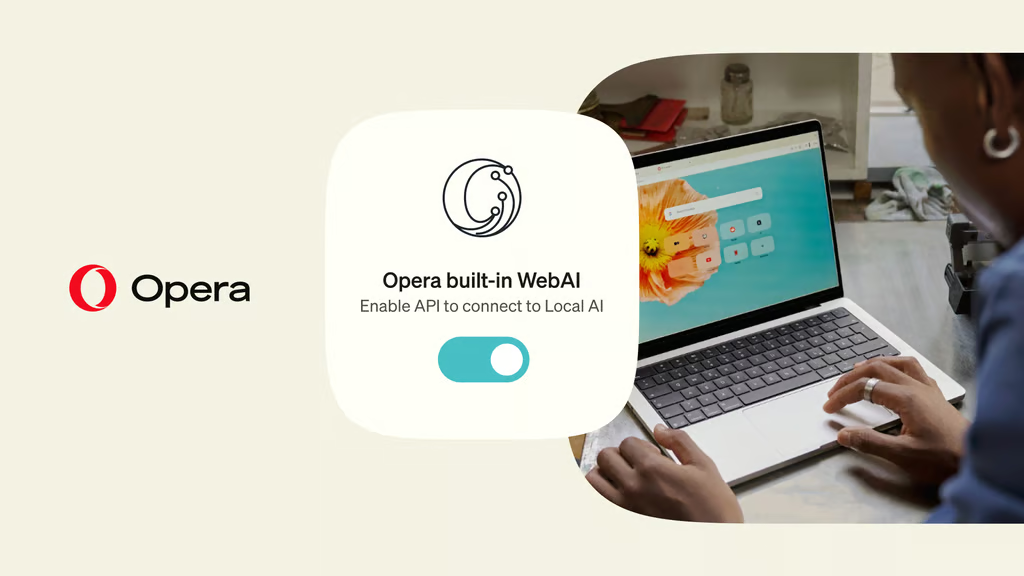
Opera is making it easier for websites to use AI models running directly on users’ computers rather than relying entirely on cloud services.
The company has introduced WebAI, an implementation of a proposed web standard that allows developers to access compatible local AI models through the browser. The approach could reduce reliance on external AI providers while giving users more control over how certain AI tasks are processed.
If the proposal gains wider adoption, it could help cut down AI costs, while giving privacy-conscious AI users an alternative to the cloud.
But Opera’s implementation is only a starting point: broader adoption will depend on browser support, model compatibility, and, more importantly, device specifications — all issues that can lock out users who may want to benefit from the feature.
How Opera’s WebAI works
WebAI by Opera is not an AI model; it is Opera’s implementation of a proposed web standard that gives developers APIs to access AI capabilities through the browser.
This could allow developers to add certain AI features to websites and extensions without sending every request to a cloud-based model or maintaining separate infrastructure for those AI tasks.
Opera provides the browser-side technology and model access, while developers build the tools and users choose whether to enable the feature and permit websites to use it.
Opera’s implementation supports several local AI models, and the company’s press release lists Google’s Gemma and Apple’s on-device foundation model as supported models.
Opera builds on its earlier local AI push
Opera’s WebAI initiative builds on the company’s earlier efforts to bring local AI capabilities into its browsers. In 2024, Opera introduced built-in access to local language models, allowing users to run supported AI tools on their own devices.
The latest initiative extends that approach to third-party developers. Instead of limiting local AI to browser features, WebAI aims to make compatible models accessible to websites and extensions through a common interface.
The timing also reflects growing interest in on-device AI as more computers gain the processing power needed to run models locally. However, whether WebAI becomes widely useful will depend on support beyond Opera’s own browsers and the capabilities of users’ devices.
What users should know before enabling WebAI
Local AI offers several benefits. These include greater control over the models users use, improved privacy, customization, and lower costs for running AI applications.
These advantages could be particularly valuable to smaller businesses, which may be able to add AI-powered features to their products without paying for every request sent to a cloud-based AI provider. Opera’s WebAI could also bring local AI to less technical users by allowing them to access compatible models through their browser, without having to set up their own inference software.
However, local inference does not automatically guarantee privacy. Although on-device processing can reduce the need to send data to an external AI provider, websites and extensions may still collect or transmit information depending on how developers build them and the permissions users grant.
Running AI models can also consume significant memory and processing power, potentially affecting device performance. Users with less capable hardware may also be unable to benefit from local AI.
Opera says WebAI is available across Opera One, Opera GX and Opera Neon. However, the initial rollout supports only 64-bit Windows PCs with Intel or AMD processors and Macs with Apple silicon, excluding Intel-based Macs and Linux computers.
Users must enable WebAI in their browser settings before downloading a compatible model.
For users and developers, WebAI offers another way to access AI capabilities without depending entirely on cloud services. Its broader value will depend on model compatibility, hardware requirements, and whether other browsers adopt a similar approach.
Want to get better results from AI? Start with The Neuron Academy’s free six-minute course, How to Talk to AI, and learn simple prompting techniques you can use at work. TechRepublic readers also get free seven-day access to The Neuron Academy’s other practical AI courses, designed to help professionals use AI more confidently and effectively. Explore all lessons here →