


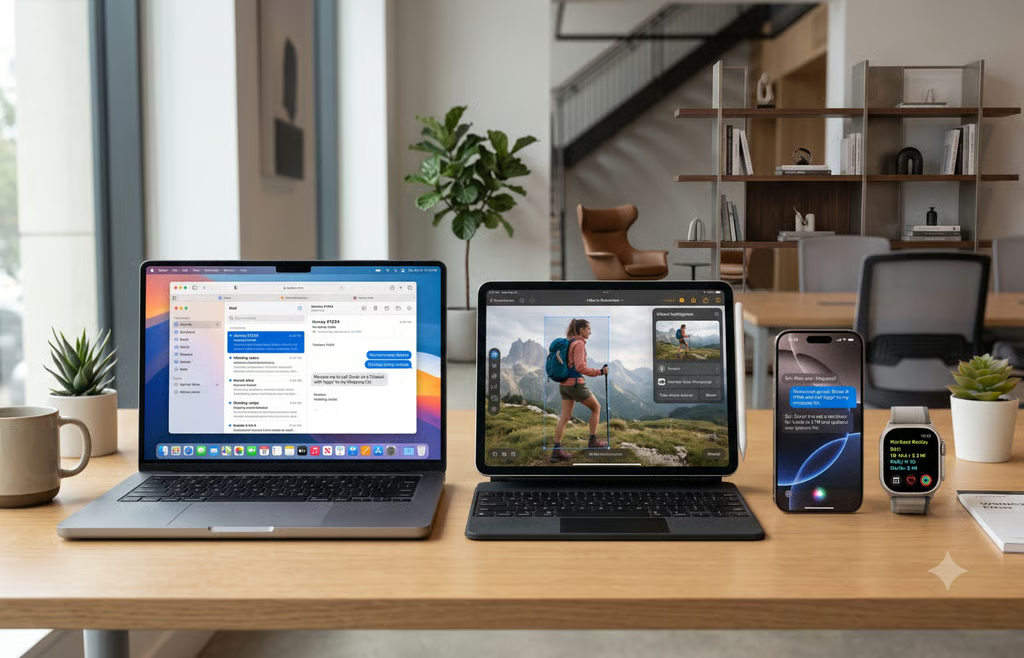
Apple opened its latest major software update of the year to public beta users, moving the long-awaited Siri AI out of developer-only testing.
Public betas for iOS 27, iPadOS 27, and macOS 27 Golden Gate are available through the company’s testing program, with final releases expected this fall.
Early adopters now have to decide whether the new features are worth running unfinished software.
Siri gets the overhaul Apple users have been waiting for
Siri can now carry on conversations and respond to open-ended questions. It can also help with work or creative ideas.
Personal context lets the assistant locate an old photo, surface a buried email, or retrieve a saved note. Inside supported apps, it can edit a recently sent message or add a song to a playlist.
A dedicated Siri app stores conversations and syncs them across devices. The app’s writing tools can draft or review text, while its Camera mode can answer questions or act on what the phone sees.
Apple Intelligence works on the iPhone 15 Pro and Pro Max, all iPhone 16 models and later, plus M1 or newer iPads and Macs. Siri AI starts in English and will not initially be available on iOS, iPadOS, or watchOS in the European Union.
Faster apps and smarter everyday tools
Even people who rarely use Siri may notice iOS 27 running faster. Company testing shows app launches up to 30% faster, new photos up to 70% faster, and AirDrop transfers up to 80% faster.
Several familiar apps also receive updates.
- Safari: Tabs can be grouped by topic. Notify Me monitors pages for price changes or restocks.
- Passwords and Shortcuts: The Passwords app flags weak or compromised credentials. Shortcuts turns a written request into a routine involving several apps.
- Photos: Spatial Reframing adjusts composition, Extend expands the frame, and Clean Up removes larger unwanted objects.
- Family controls: Parents can approve unfamiliar websites, restrict apps, and schedule access by time of day.
- iPad and Mac: Apple Pencil can select onscreen content for Visual Intelligence on iPad. External SSD transfers can run up to five times faster, and macOS 27 Golden Gate gives Mac users improved Mail search.
- Liquid Glass: Contrast and readability improve, with a slider ranging from transparent to tinted.
- Apple Watch: watchOS 27 adds Siri AI and a dynamic app grid to supported models. Tap controls, Workout Buddy upgrades, and expanded cycle tracking are also included.
Reports submitted through Feedback Assistant will inform later builds before the official release. The next few months will reveal which features hold up under daily use and which still need work.
Early access can disrupt daily use
Apple’s beta page confirms availability without naming a launch date. Engadget, however, reported that the first public betas became available on July 13. Enrollment is free with a valid Apple Account, and new builds are delivered through Software Update.
Beta software may still cause bugs, battery drain, and compatibility issues, including problems with workplace or school apps.
Apple recommends installing pre-release software on a secondary or non-business-critical device and creating a backup first. Returning to an earlier commercial release may require erasing the device and restoring a backup made before installation.
Anyone who relies on one device for work or authentication may be better off waiting for a later build or the final fall release.
Also read: Apple’s abandoned car effort could end up powering a very different product race: on-device and server-side AI.