


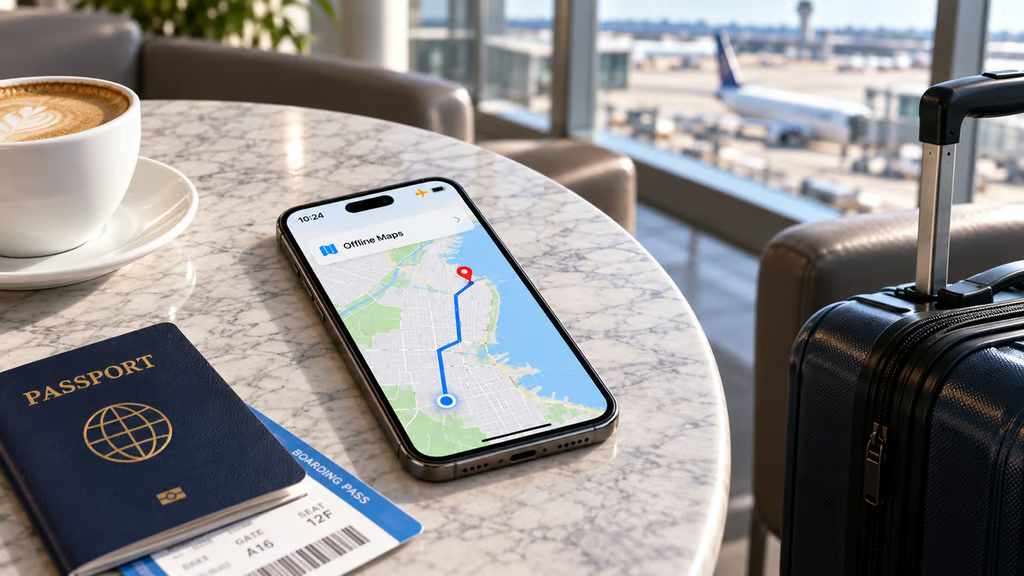
Your phone could lose service halfway through a holiday journey. The bigger problem is discovering that your maps, tickets, or hotel details need an internet connection.
A quick offline test before departure can reveal which essentials remain accessible without cellular service or Wi-Fi. It’s especially useful for international travel and journeys through areas with unreliable coverage. Missing maps and inaccessible bookings are easier to fix before leaving than when you’re already on the road.
The offline test: Maps, routes, and travel documents
Start by downloading a map covering your destination, accommodation, and planned routes. Apple’s offline Maps feature, available in iOS 17 and later, supports driving, walking, cycling, and transit directions in eligible areas. Google Maps supports offline driving directions when the entire route falls within the downloaded area, but walking, cycling, transit, live traffic, and alternative routes are unavailable without internet access, according to Google’s offline navigation guidance.
On iPhone, open Apple Maps, tap your picture or initials, and select Offline Maps. In Google Maps, tap your profile picture, select Offline maps, then Select your own map. Include connecting roads and nearby destinations. Offline downloads aren’t available in every region.
Connected navigation features need separate consideration. Google’s Gemini-powered navigation on Apple CarPlay adds conversational route assistance, but travelers should not expect those connected features to work without internet access.
Check that downloaded maps remain stored on your phone. Apple Maps can automatically remove unused maps when Optimize Storage is enabled, while Google Maps requires updates before downloaded maps expire.
Next, turn on Airplane Mode and confirm Wi-Fi is disabled. Apple’s Airplane Mode guidance explains that Wi-Fi can still be used while the setting is active.
Open your mapping app, search for a destination, and start navigation. If the route works, you’ve confirmed that particular journey is available offline. If it fails, check the downloaded area and try again.
While disconnected, open your boarding pass, hotel confirmation, and other essential files. Test locally saved PDFs or screenshots separately. A screenshot may not replace an airline’s accepted boarding pass when updated information or live verification is required.
Travelers using prerelease Android software should be particularly cautious. Google’s recent Android 17 beta connectivity fixes address reported calling and wireless connection issues, but the release remains beta software and may introduce other problems.
Satellite access has separate requirements
Satellite connectivity may provide another fallback when cellular service disappears, although availability depends on the device, location, and provider. Apple’s Messages via satellite works on eligible iPhone 14 and later models with an active SIM and compatible software. As of October 2026, it is available in the United States, Canada, Mexico, and Japan, subject to purchase-region restrictions.
Eligible users can practice through Settings > Apps > Messages > Satellite Connection Demo. The demonstration requires a clear view of the sky and does not guarantee coverage at the destination. Messages via satellite is not intended for emergencies; Emergency SOS via satellite is a separate service.
Carrier-provided satellite features operate independently of Apple’s services. Some support iPhone 13 and later, but availability depends on the carrier, coverage, software, and plan. Additional charges may apply.
Travelers relying on local SIMs should also check carrier announcements before departure. Singapore’s SIMBA licence investigation illustrates a separate regulatory risk, although authorities have not ordered a service suspension.
Before departure, check essential downloads again while reliable internet access is available. The test cannot guarantee connectivity throughout a trip, but it can expose problems before they disrupt travel.
Read more: Travelers switching devices should also review Android 17’s iPhone migration tools, which support transferring passwords, Wi-Fi credentials, and eSIMs on compatible phones.