


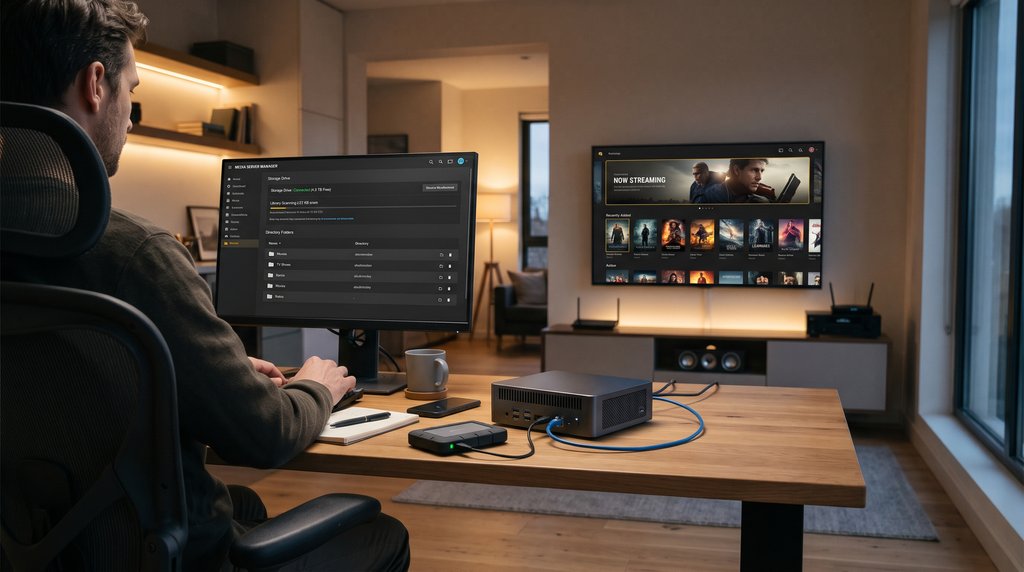
That old computer collecting dust could be your ticket to a personal streaming service, complete with your favorite movies, TV shows, and music.
Instead of relying entirely on subscription platforms, software such as Plex, Jellyfin, and Emby lets you turn a spare PC or home server into your own entertainment hub. You can organize your media collection, stream it to compatible TVs and other devices, and keep the files on hardware you control. There’s no need to worry about a favorite movie disappearing from a streaming catalog, provided you already have your own copy.
For IT enthusiasts, the appeal goes beyond entertainment. Building a personal media server is also a practical home lab project that introduces network configuration, storage management, and remote access. But how easy is it to set up, and is maintaining your own streaming library worth the effort?
Inside a self-hosted media setup
A personal media server combines storage with software that delivers entertainment to other screens. Users can install it on a spare computer, a dedicated home lab, or compatible network-attached storage.
After installation, the software scans selected media folders and organizes their contents into a catalog with movie posters and descriptions. Original files remain on storage controlled by the owner, while the server handles requests from connected devices.
Someone watching on a living room TV, for example, can open a compatible app and select a movie stored on a computer elsewhere in the house. Playback happens over the local network without uploading the video to commercial cloud storage.
Unlike Netflix or Disney+, these platforms don’t supply subscription movie catalogs. Users provide their own media files and need the appropriate rights to use them.
Three platforms offer different levels of control
Plex, Jellyfin, and Emby use the same basic server approach, but they differ in licensing, paid features, and remote access. Choosing between them involves more than picking a streaming interface.
| Platform | ||
|---|---|---|
| Plex | Proprietary software with free and paid features | Local personal streaming is free, while remote video playback generally requires a paid pass |
| Jellyfin | Free and open-source | No paid software tiers, with users configuring their own remote access |
| Emby | Proprietary software with free core features | Some app playback and advanced capabilities require payment |
Each platform offers ways to browse personal collections across supported devices, including household profiles and playback history. Device compatibility can vary, however, and videos sometimes need conversion before they can play on a particular screen.
Running your own streaming service takes planning
People with an existing NAS or home server can start with a small movie collection before moving hundreds of files. Test a few high-resolution videos on your usual viewing devices to see whether the hardware can handle playback. Anyone using a spare PC should also factor in electricity and storage costs.
Watching your collection while traveling involves a few more considerations. Remote playback depends on your home internet’s upload speed, and connections must be secured. Jellyfin warns against directly exposing its server to the internet, making a properly configured VPN one option for remote access.
For family recordings or other irreplaceable files, keep copies outside the streaming server. A backup routine can help protect the collection if a storage drive fails.
A media server can also run alongside photo storage or file-sharing services you already host, provided the hardware has enough capacity. People who mainly watch subscription catalogs may find little benefit in maintaining another system. Running your own streaming library is ultimately as much about managing the technology as it is about watching the movies.
Related reading: Tired of paying for cloud photo storage? Meet Immich, a Google Photos alternative that runs on your own hardware, and explore how it works.