Cracking Open the 7" Acer Iconia Tab (A100) - TechRepublic

Cracking Open the 7″ Acer Iconia Tab (A100)

  • acer_iconia_tab_a100_teardown_067_wm.jpg

    Cracking Open Acer Iconia Tab A100

    \n\tThe Acer Iconia Tab A100 is one of several 7″ Android tablets to hit the market in 2011. Like its 10″ cousin, the Acer Iconia Tab A500, the A100 has a stylish exterior, dual-core NVIDIA Tegra 2 processor, two cameras, HDMI out, and expandable memory support. It’s available in 8GB and 16GB versions.

    \n

    \n\tI cracked open the larger A500 earlier this year. Follow along as I do the same to the Iconia Tab A100.

    \n

    \n\tFor a more in-depth review of the A100’s internal hardware, check out my article, “Acer Iconia Tab A100 teardown: Lots of tech crammed into 7″ case.”
    \n\t
    \n\tPhoto by: Bill Detwiler / TechRepublic
    \n\tCaption by: Bill Detwiler
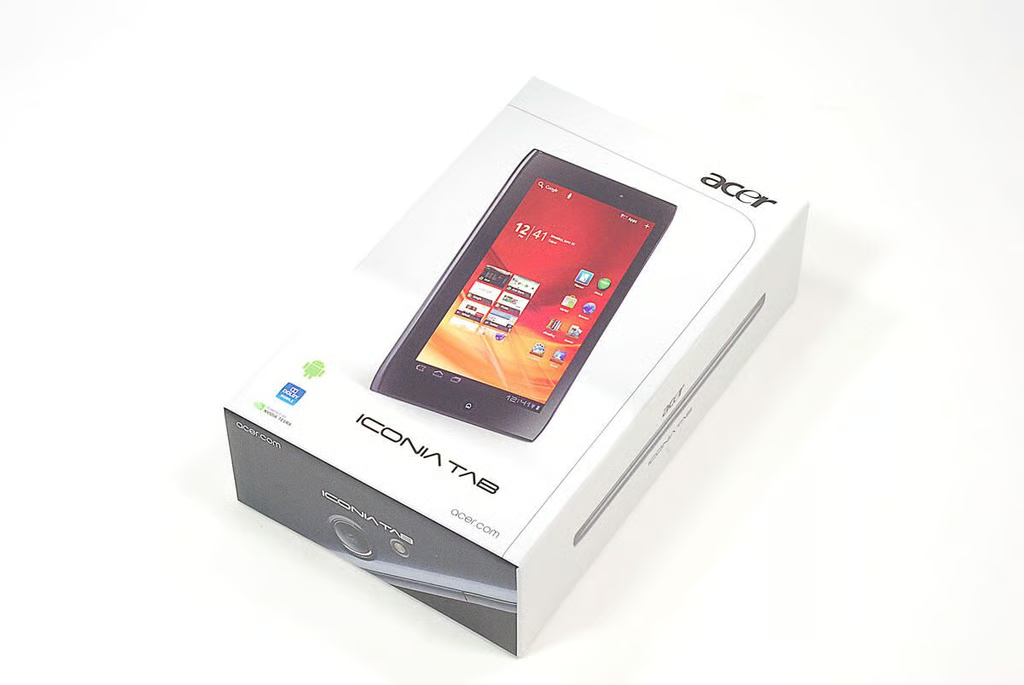
  • Cracking Open Acer Iconia Tab A100: In the box

    \n\tAs of this writing, the Acer Iconia Tab A100 is available in 8GB ($329.99) and 16GB ($349.99) versions. The current versions only support Wi-Fi connectivity. But like the larger Iconia Tab A500, there is already a spot inside the A100’s case for a cellular card.
    \n\t
    \n\tPhoto by: Bill Detwiler / TechRepublic
    \n\tCaption by: Bill Detwiler
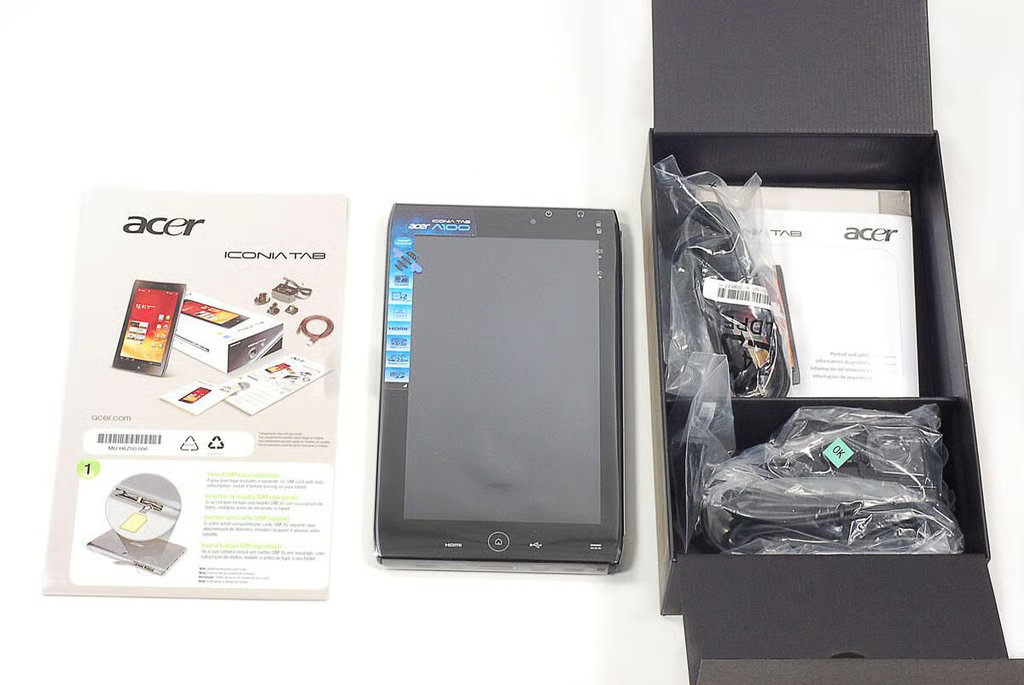
  • Cracking Open Acer Iconia Tab A100: Box contents

    \n\tInside the Iconia Tab A100’s box, you’ll find the tablet itself, power adapter and cord, USB cable, and product documentation.

    \n

    \n\tPhoto by: Bill Detwiler / TechRepublic
    \n\tCaption by: Bill Detwiler
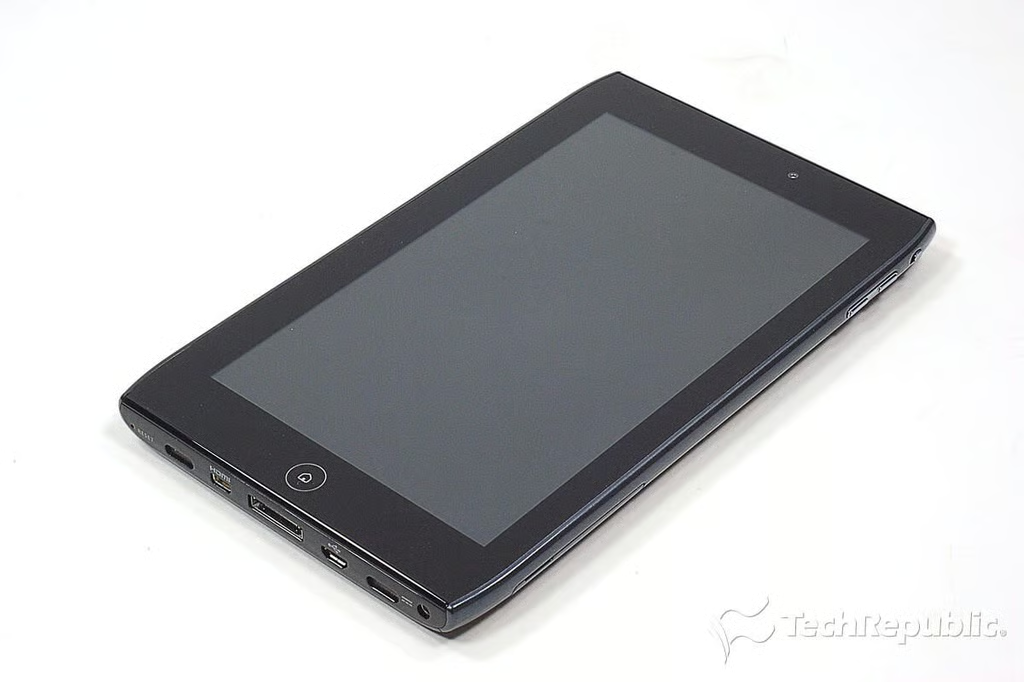
  • Cracking Open Acer Iconia Tab A100: Dimensions and weight

    \n\tThe Acer Iconia Tab A100 weighs 0.92 lbs. and measures 7.7″ (W) x 4.6″ (H) x 0.5″ (D). The A100 is lighter than the HTC Flyer and BlackBerry PlayBook.

    \n

    \n\tThe A100 has a dual-core NVidia Tegra 2 1GHz processor, 1GB of DDR2 SDRAM, a 7″ touchscreen display (1,0240×600), a 2 MP front camera and 5 MP rear camera. It comes with Android 3.2 Honeycomb installed.
    \n\t
    \n\tPhoto by: Bill Detwiler / TechRepublic
    \n\tCaption by: Bill Detwiler
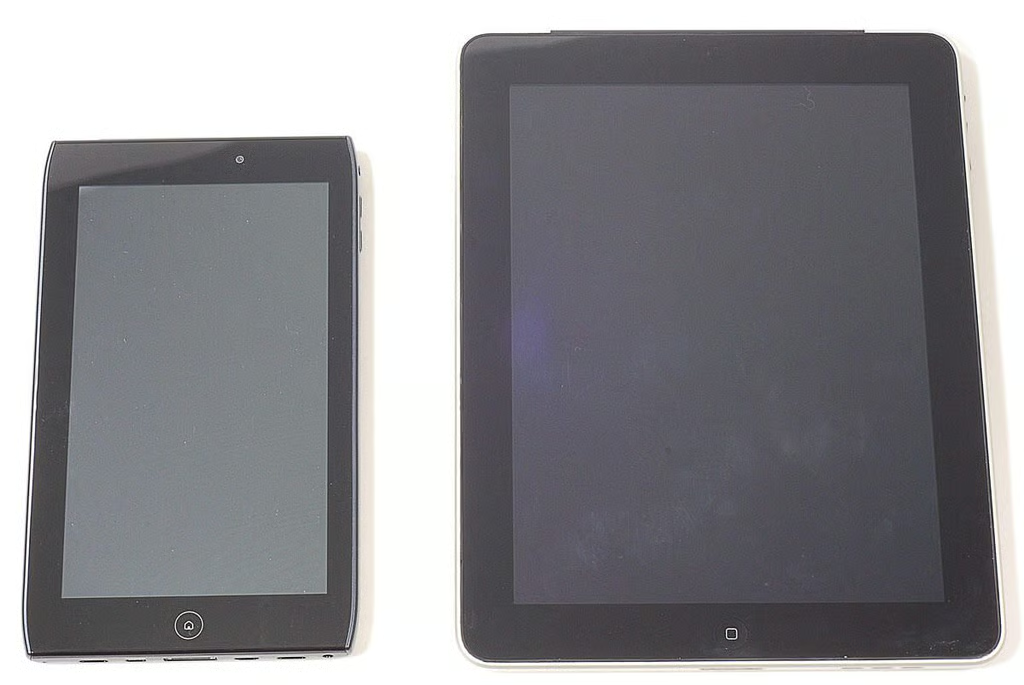
  • Cracking Open Acer Iconia Tab A100: Compared to the Apple iPad

    \n\tTo illustrate just how small the 7″ Iconia Tab A100 is compared to other 10″ tablets, I took this photo of it alongside the Apple iPad.
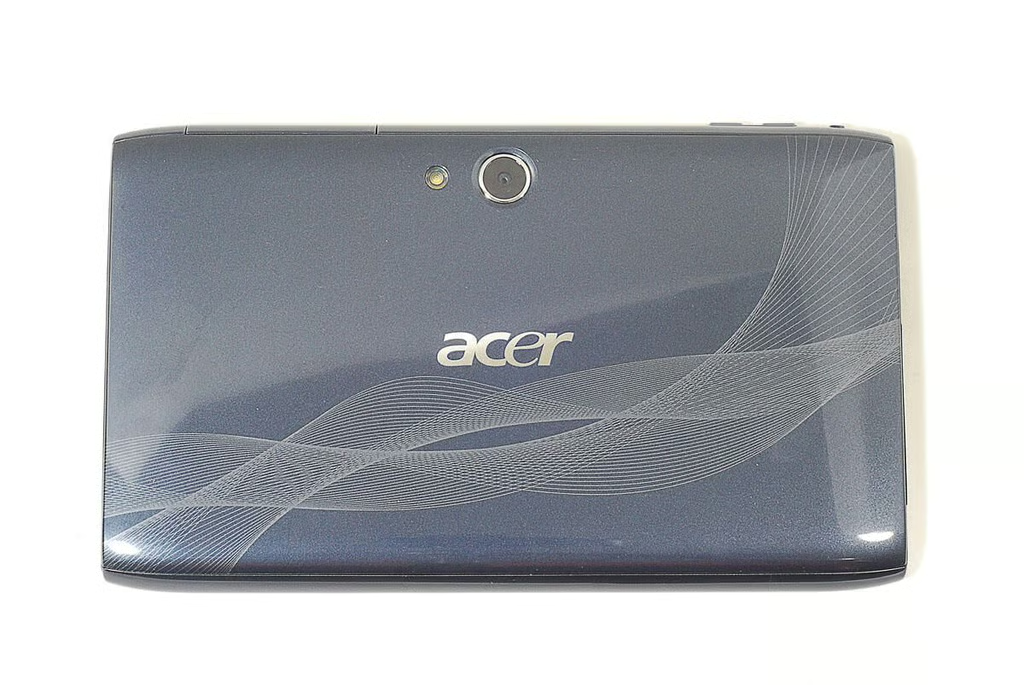
  • Cracking Open Acer Iconia Tab A100: Back

    \n\tOn the back of the Iconia Tab A100 are the 5MP camera and LED flash.
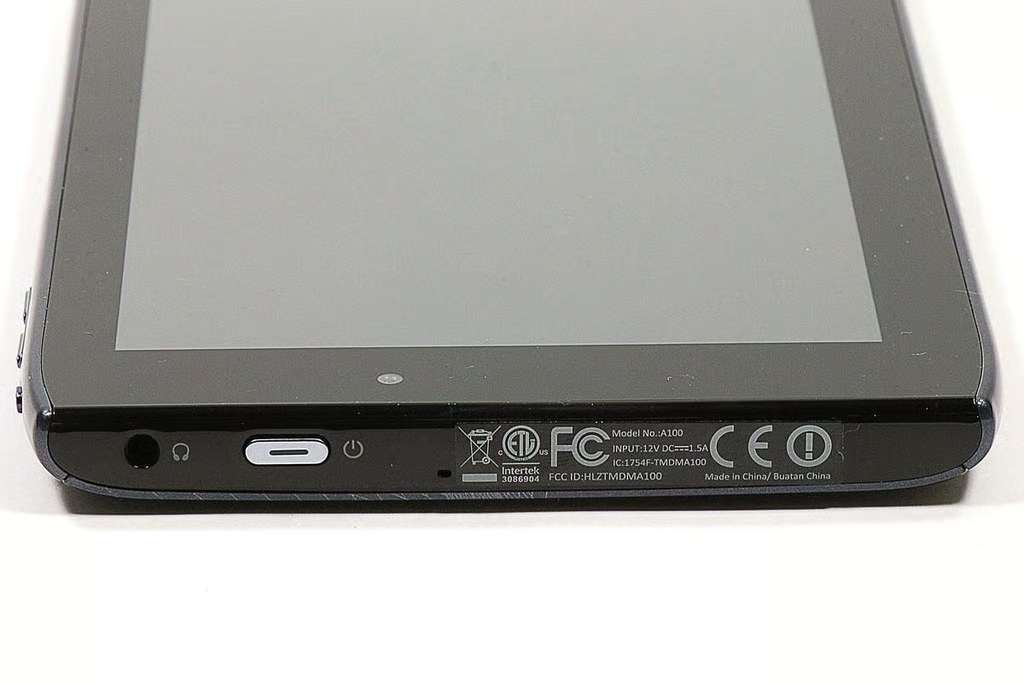
  • Cracking Open Acer Iconia Tab A100: Headphone jack and power button

  • Cracking Open Acer Iconia Tab A100: Bottom edge

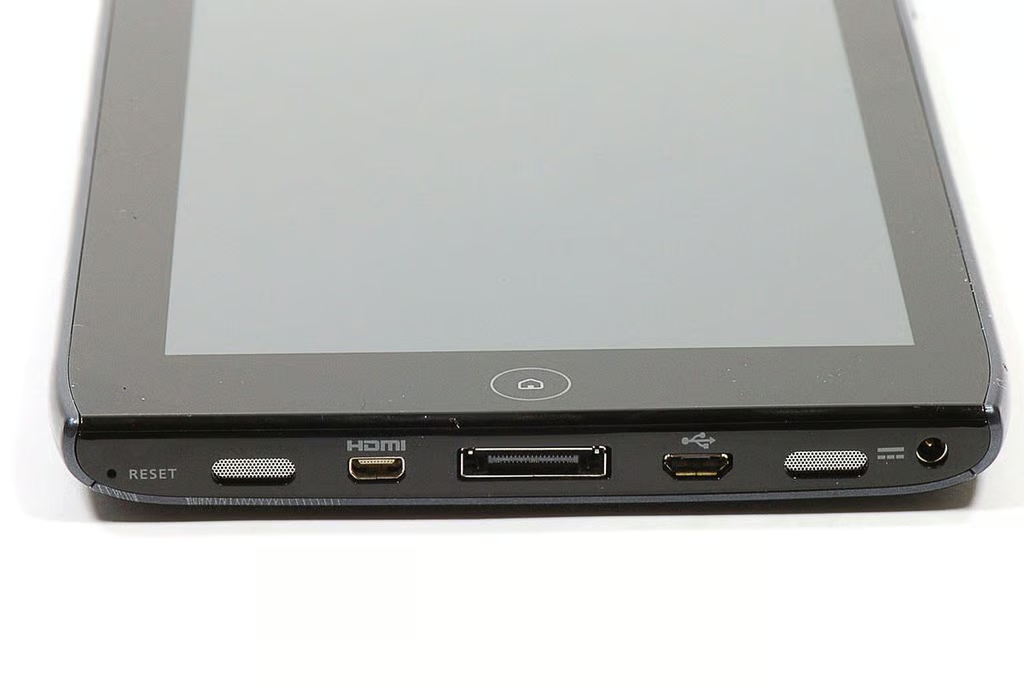
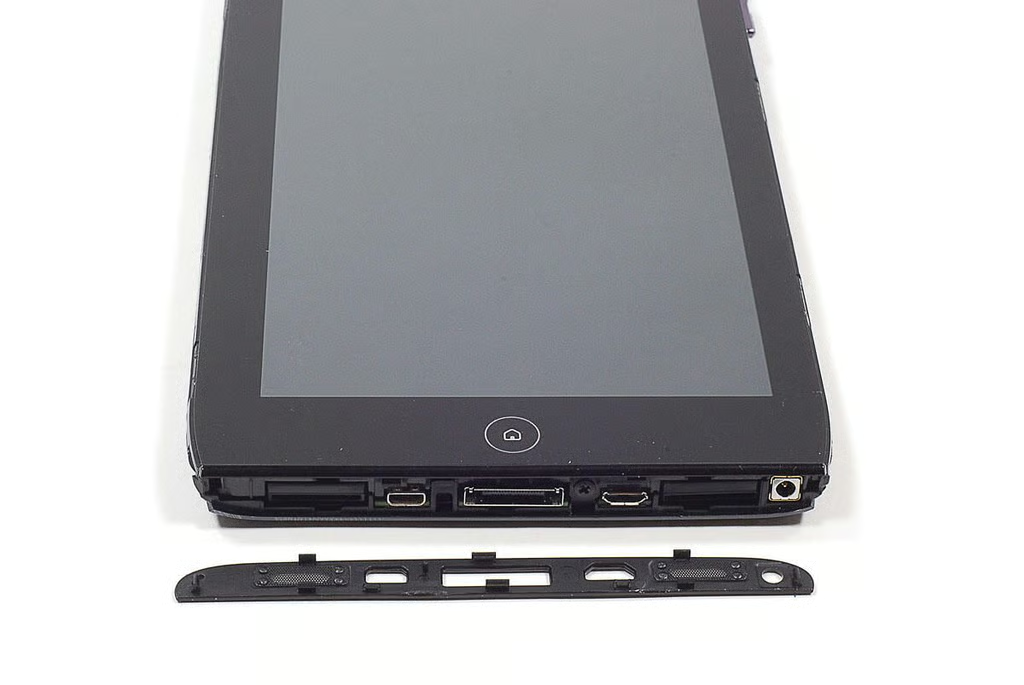
    \n\tAlong the Iconia Tab A100’s bottom edge are the Reset button, Micro (Type D) HDMI port, docking port, Micro USB port, DC-in power jack, and speaker. A Home button is also located on the lower, front bezel.
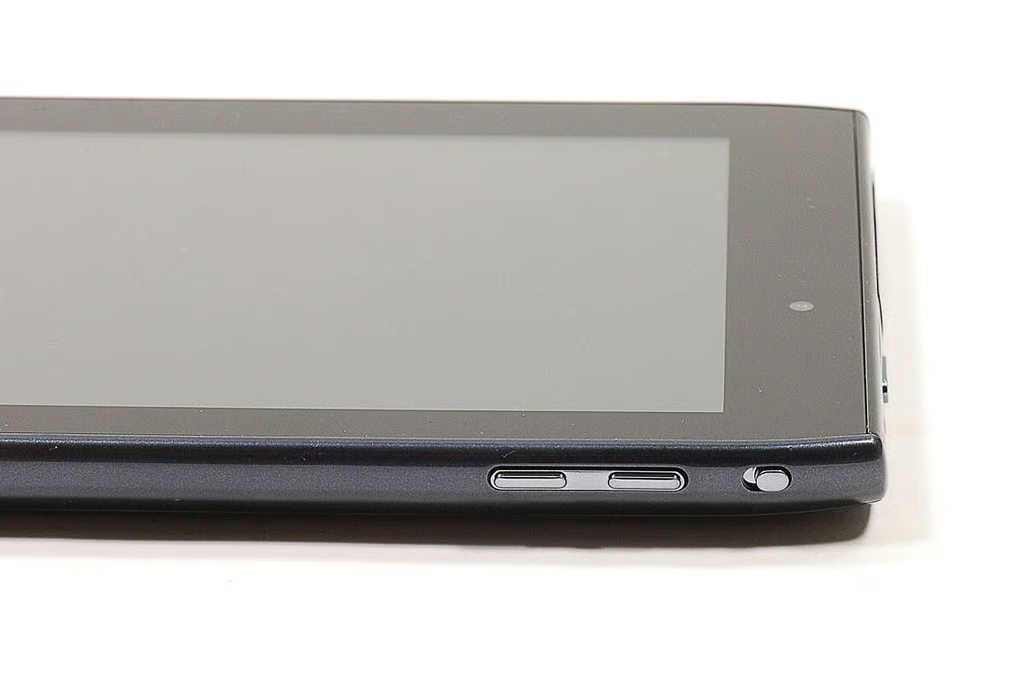
  • Cracking Open Acer Iconia Tab A100: Volume control key and screen rotation lock switch

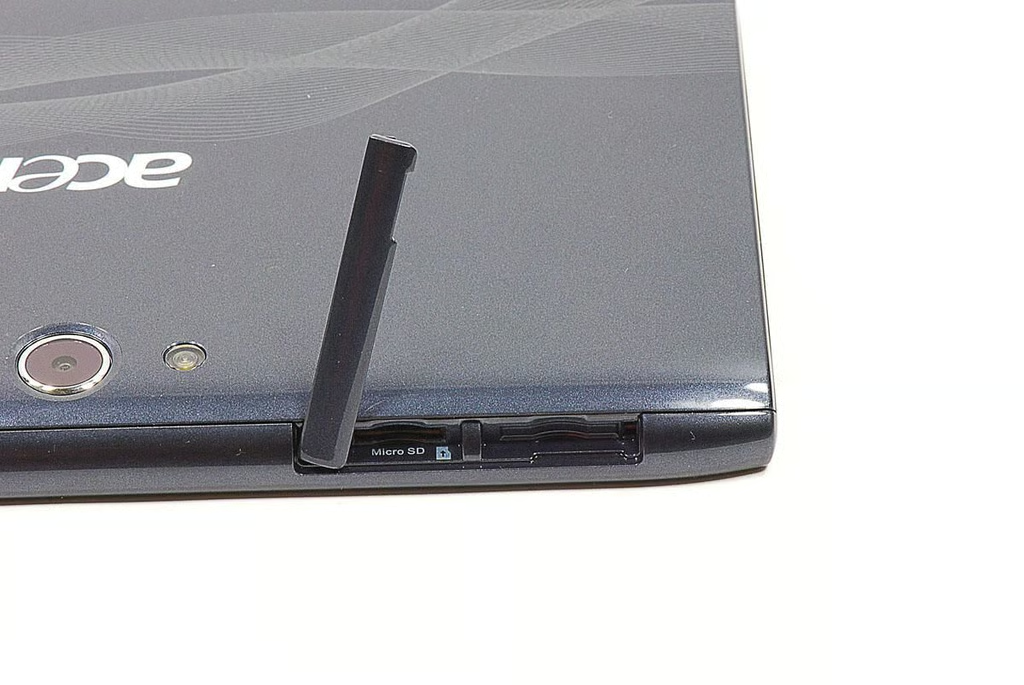
  • Cracking Open Acer Iconia Tab A100: MicroSD card slot and SIM card slot

    \n\tNext to the Iconia Tab A100’s MIcroSD card slot is a space for a SIM card slot, which is blocked.
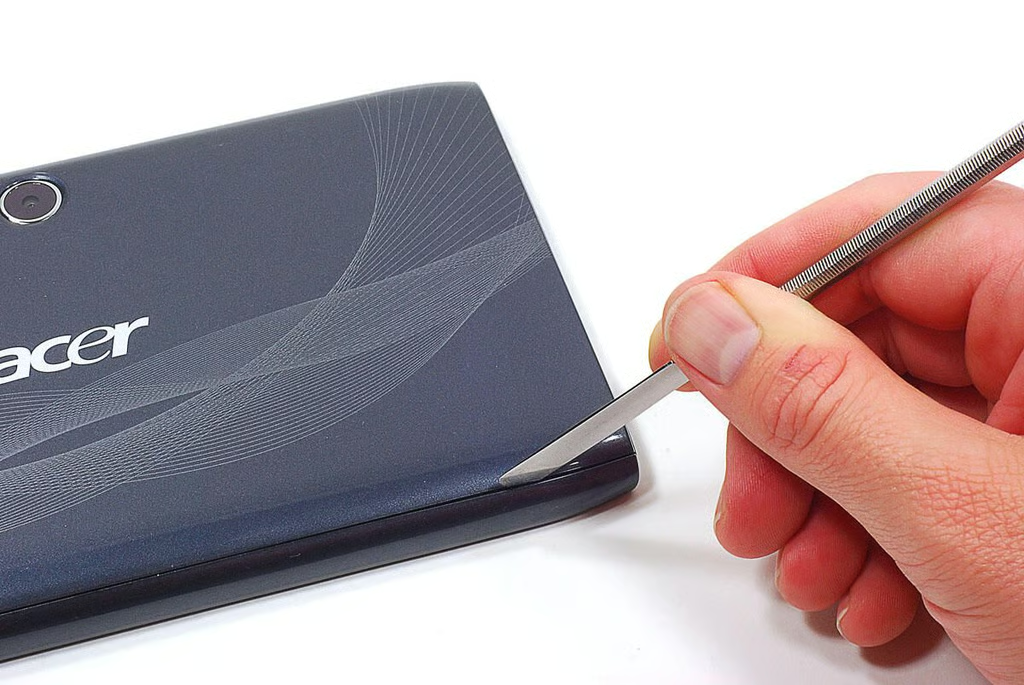
  • Cracking Open Acer Iconia Tab A100: Prying loose the case's edge pieces

    \n\tUsing a thin metal blade and taking care not to damage the Iconia Tab A100’s plastic case, I popped loose the thin plastic pieces that run along the tablet’s left and right edges.
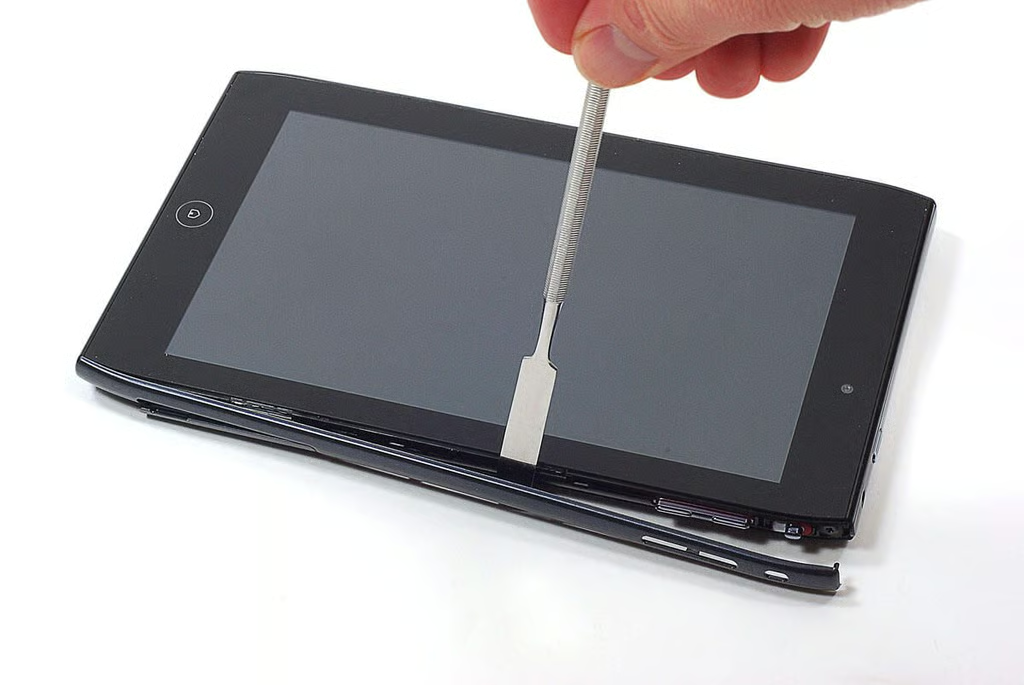
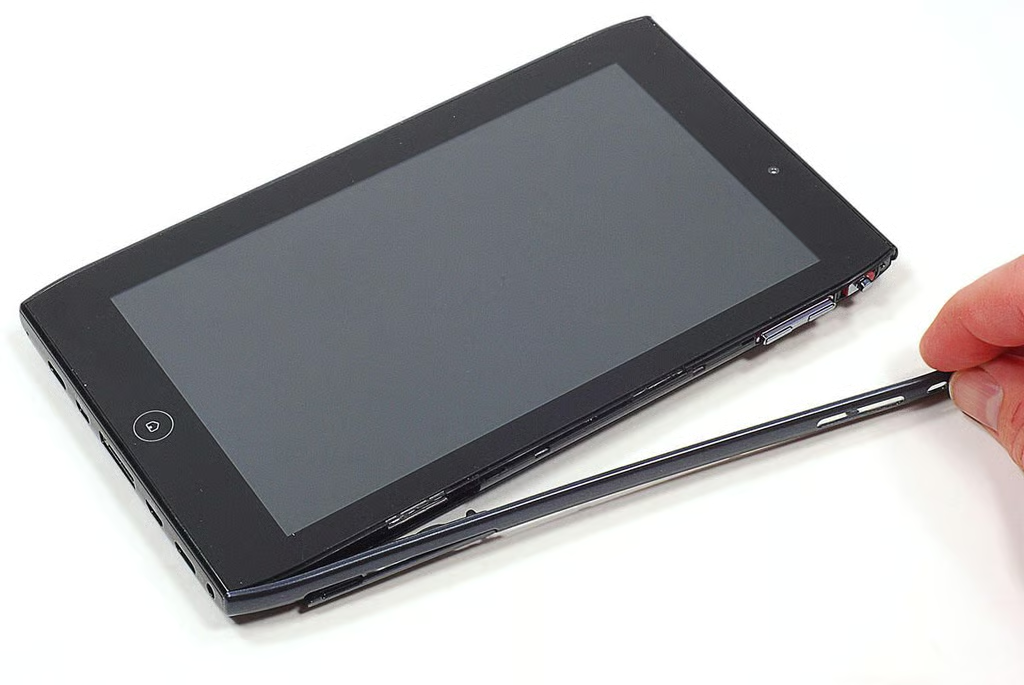
  • Cracking Open Acer Iconia Tab A100: Slowing working my way along the edge

  • Cracking Open Acer Iconia Tab A100: Removing the edge pieces

  • Cracking Open Acer Iconia Tab A100: Back cover screws

    \n\tFive screws hold the Iconia Tab A100’s back cover in place. Two screws along the left and right edge and one screw along the bottom edge.
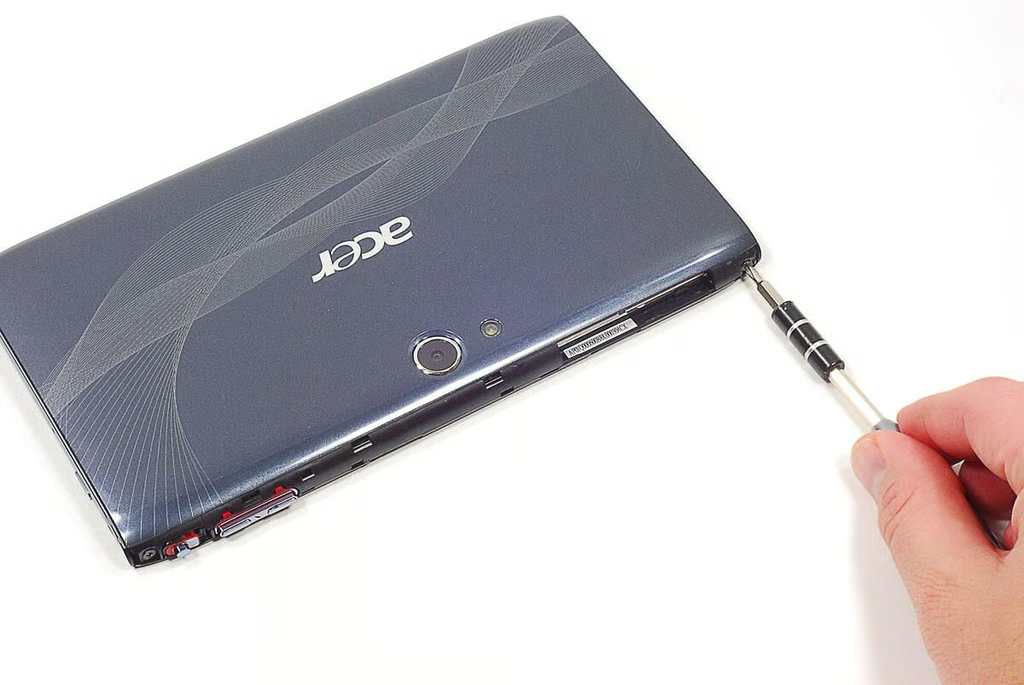
  • Cracking Open Acer Iconia Tab A100: Removing the left/right side back cover screws

  • Cracking Open Acer Iconia Tab A100: Bottom edge cover removed

    \n\tLike the left and right edge covers, I used my thin metal blade to pop off the bottom edge cover.
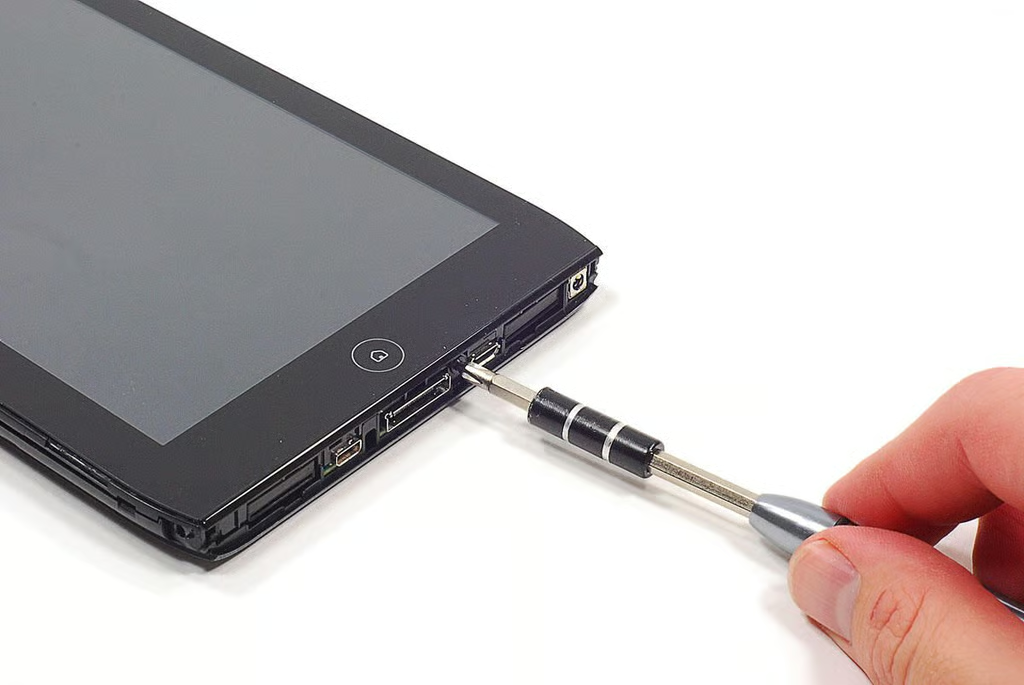
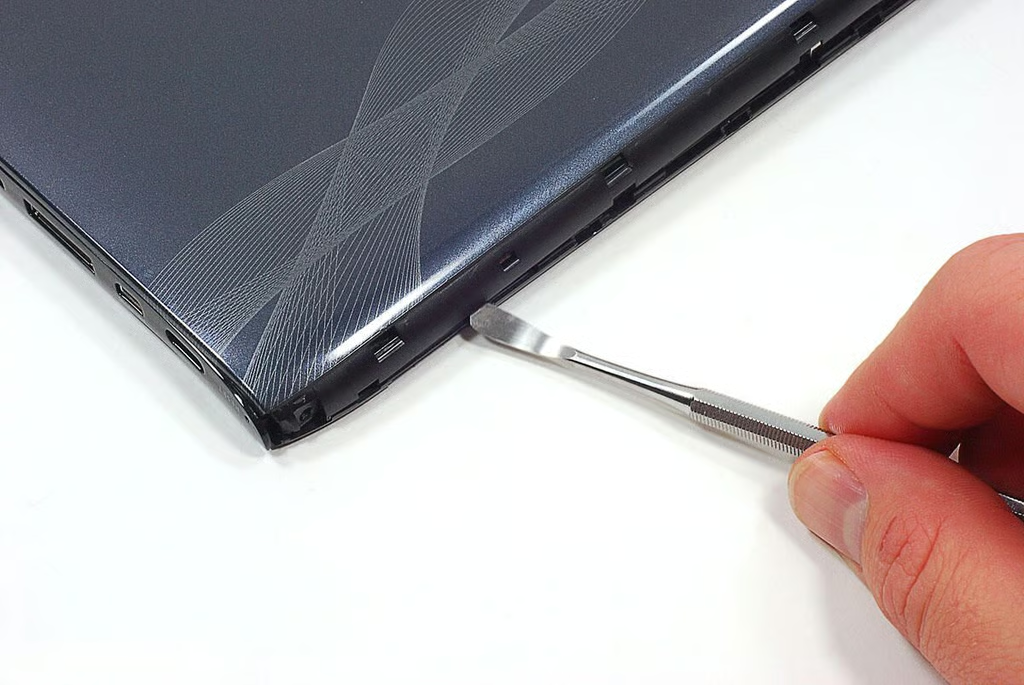
  • Cracking Open Acer Iconia Tab A100: Removing the bottom edge cover screw

  • Cracking Open Acer Iconia Tab A100: Removing the back cover

    \n\tWith all the screws removed, I used a curved metal tool to pry off the back cover.
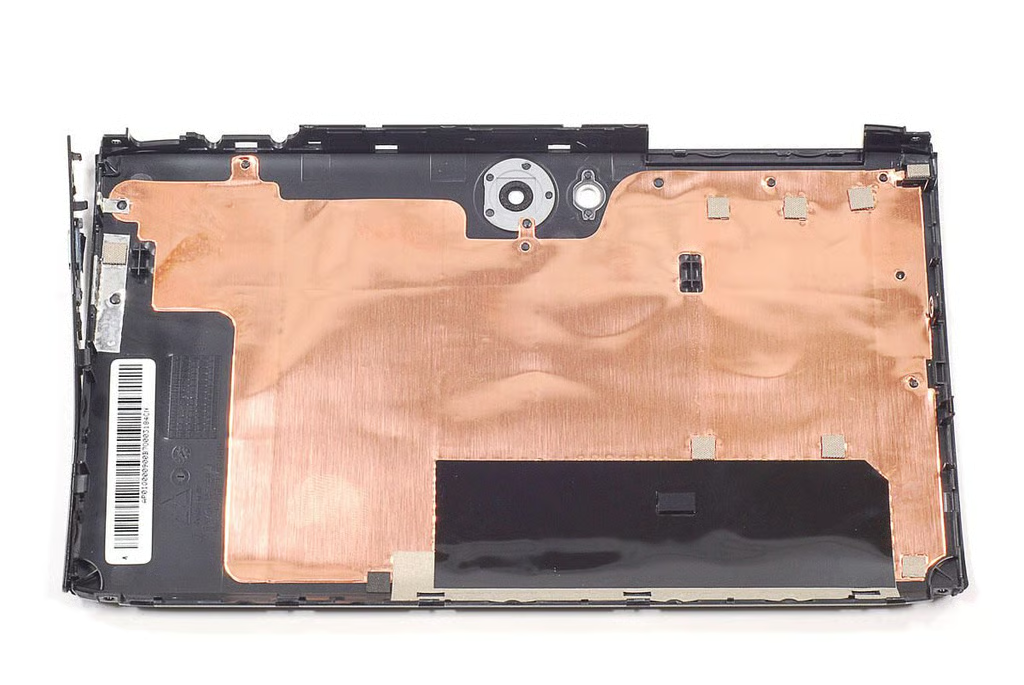
  • Cracking Open Acer Iconia Tab A100: Back cover removed

  • Cracking Open Acer Iconia Tab A100: Top edge cover is attached to back cover

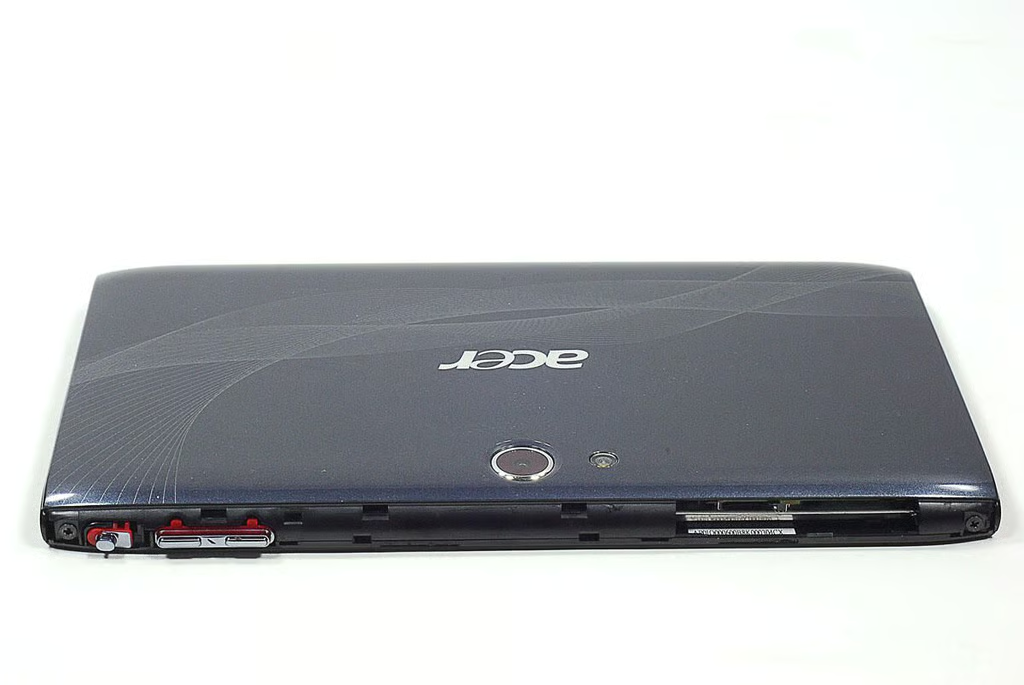
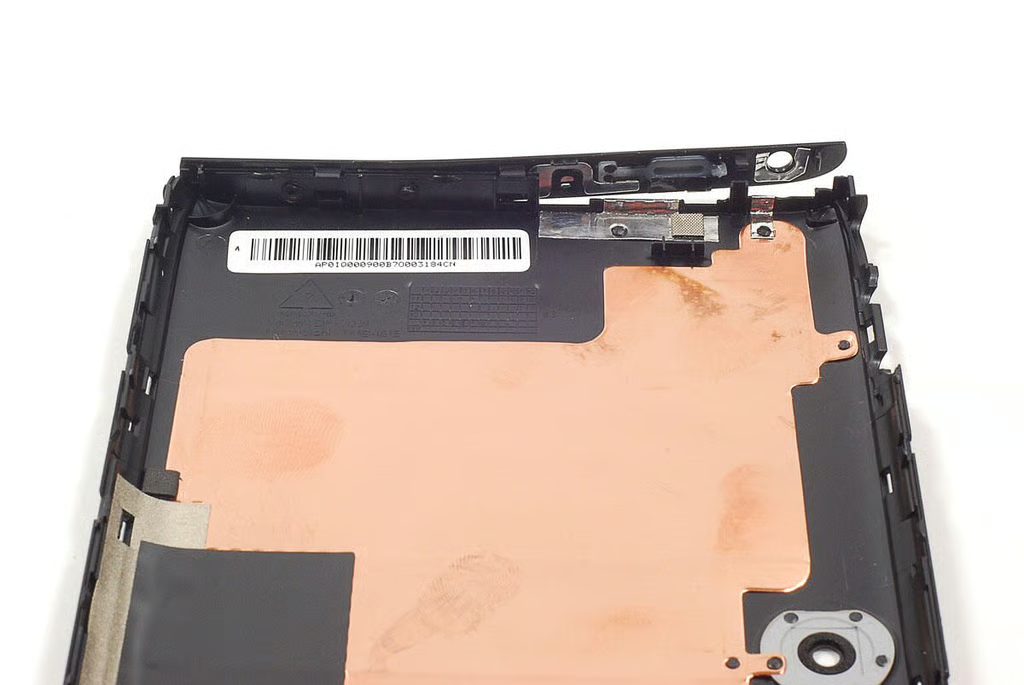
    \n\tAlthough the Iconia Tab A100’s lower edge cover is removable, the top edge cover is permanently attached to the back cover.
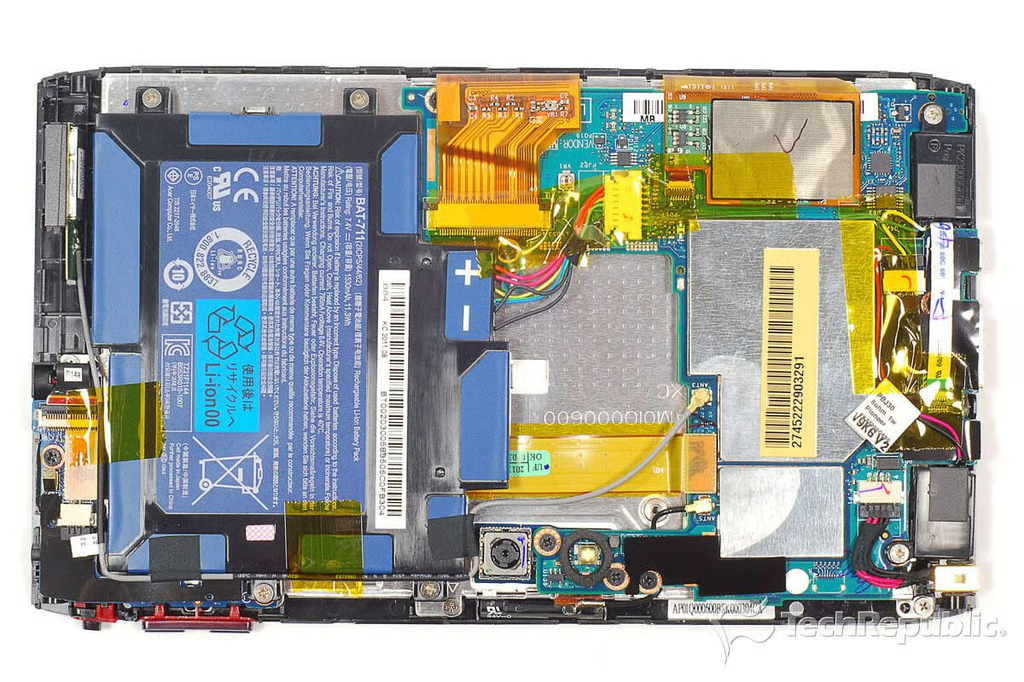
  • Cracking Open Acer Iconia Tab A100: Internal hardware

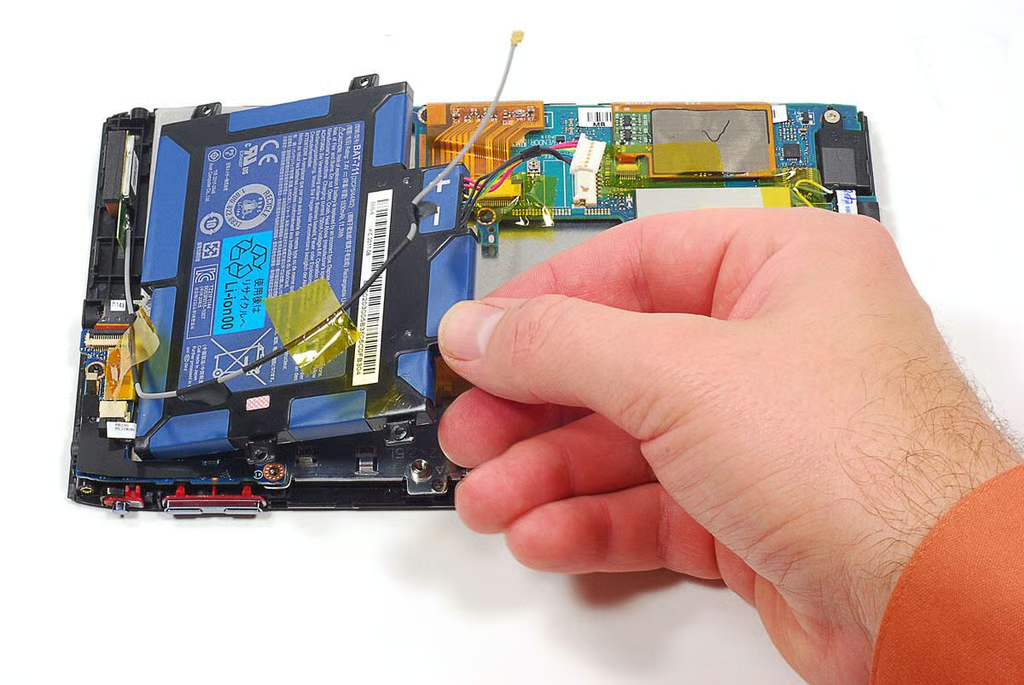
    \n\tThe Iconia Tab A100’s internal hardware layout is extremely similar to the larger Iconia A500.
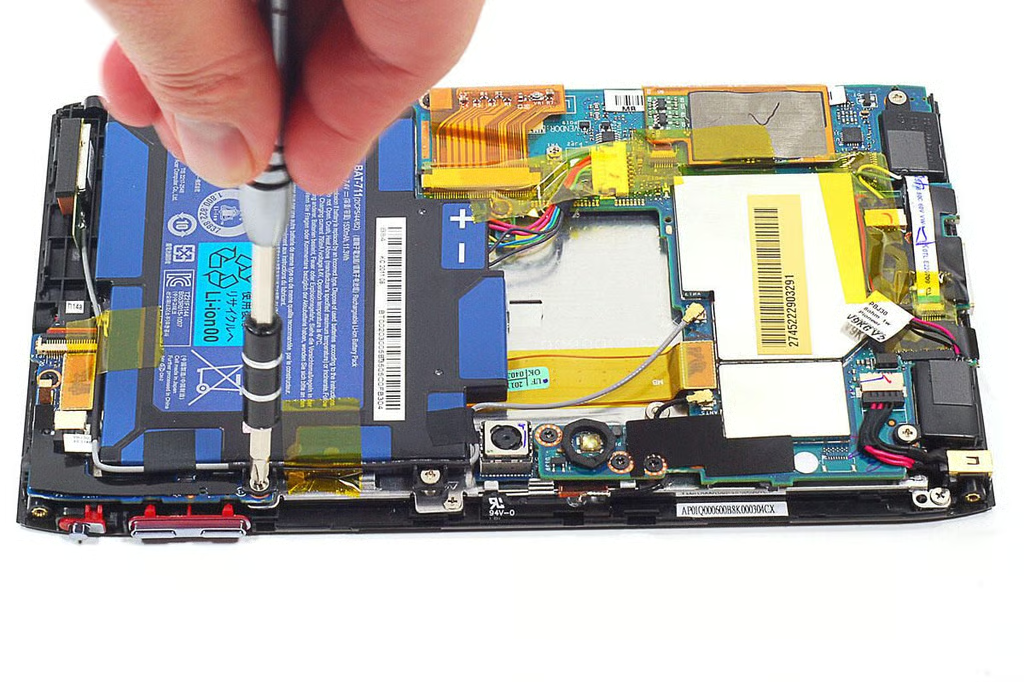
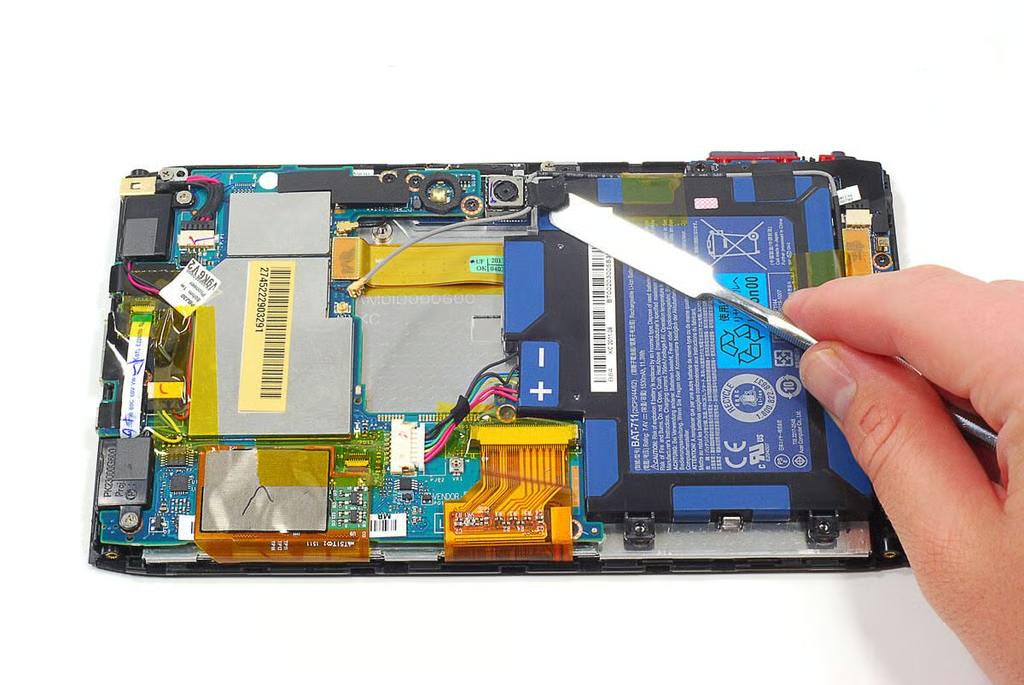
  • Cracking Open Acer Iconia Tab A100: Removing the battery screws

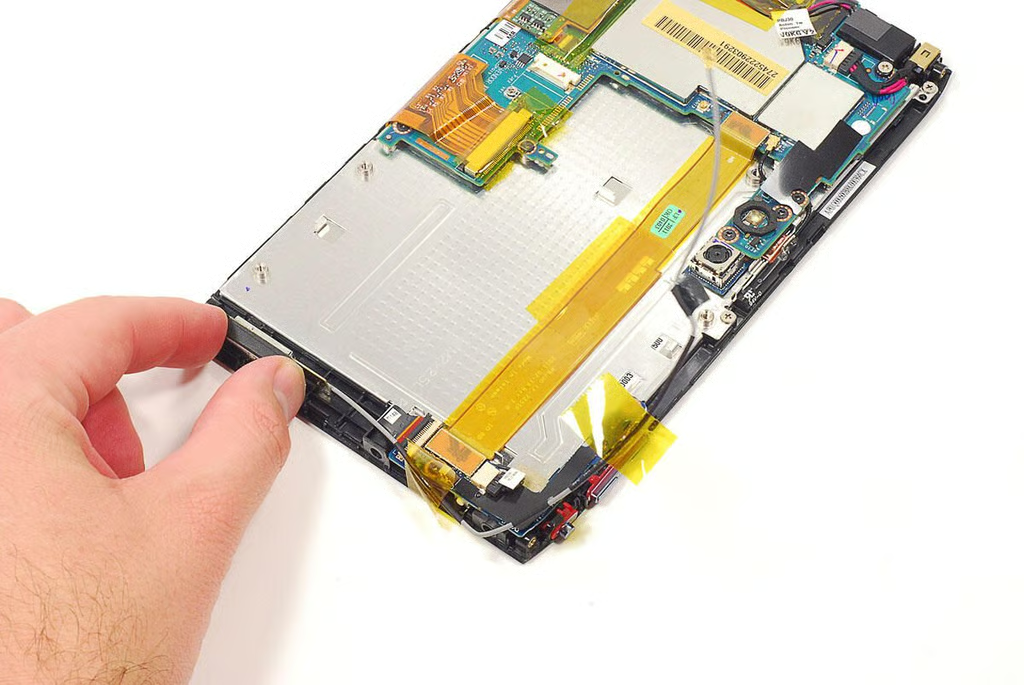
  • Cracking Open Acer Iconia Tab A100: Detacting the GPS antenna wire from the battery pack

  • Cracking Open Acer Iconia Tab A100: Removing the battery pack

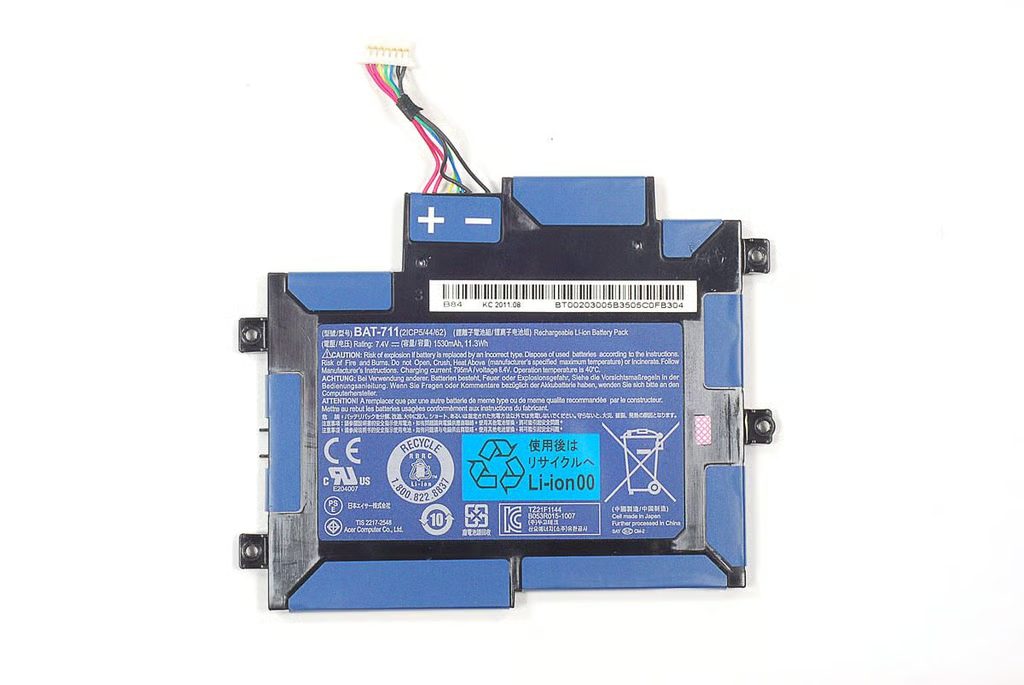
  • Cracking Open Acer Iconia Tab A100: 1530 mAh 11.3Wh Li-Polymer battery pack (BAT-711)

  • Cracking Open Acer Iconia Tab A100: Removing the GPS antenna

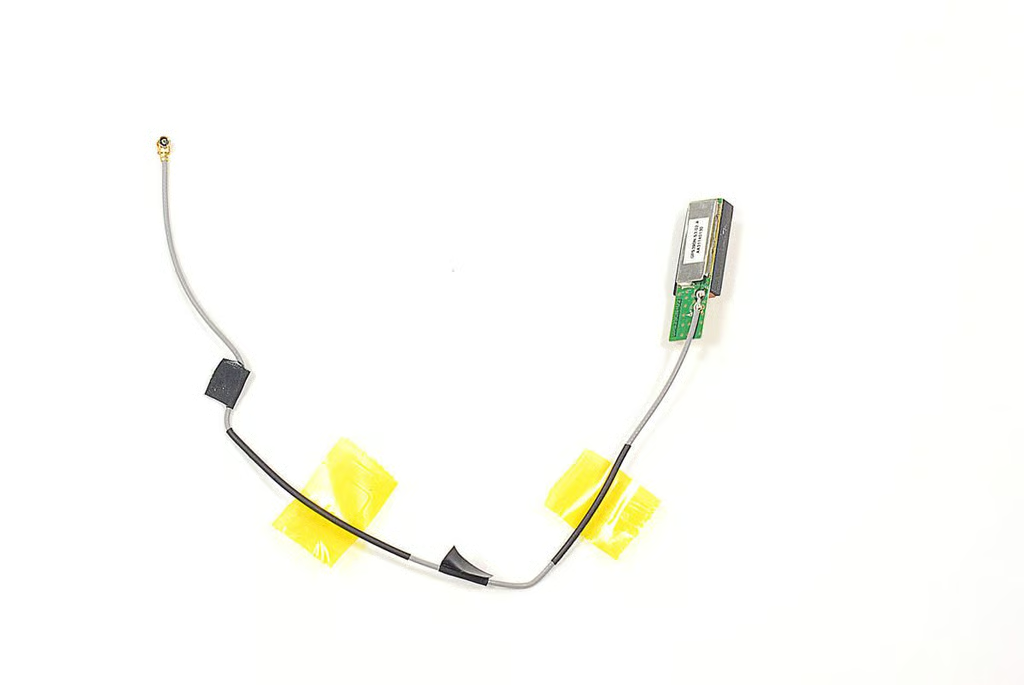
  • Cracking Open Acer Iconia Tab A100: GPS390N.S3.02.A antenna (AA31140130))

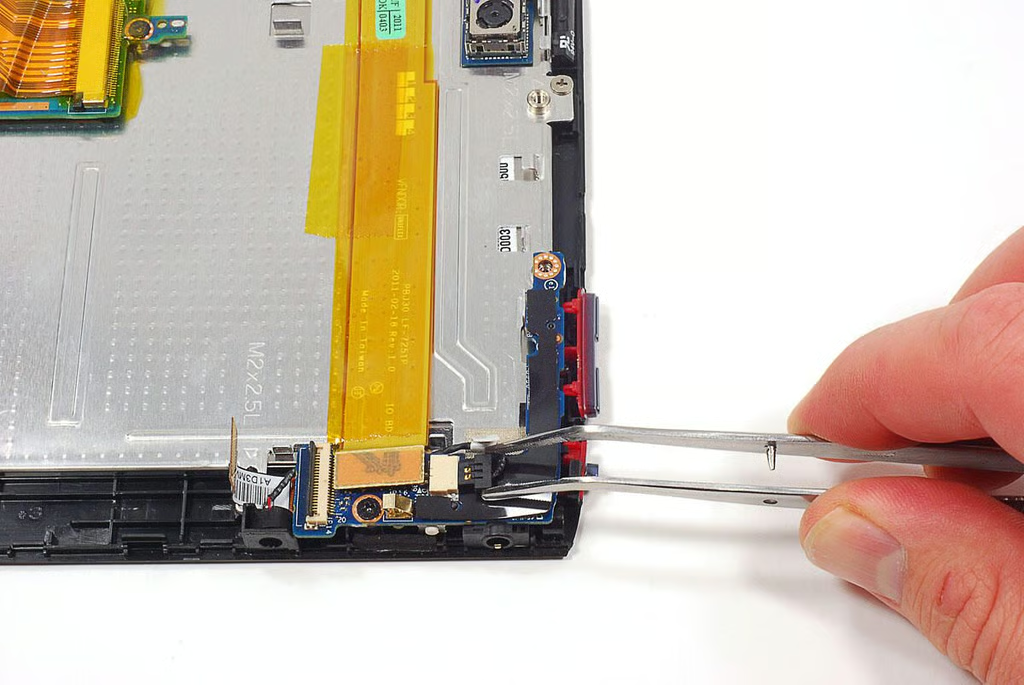
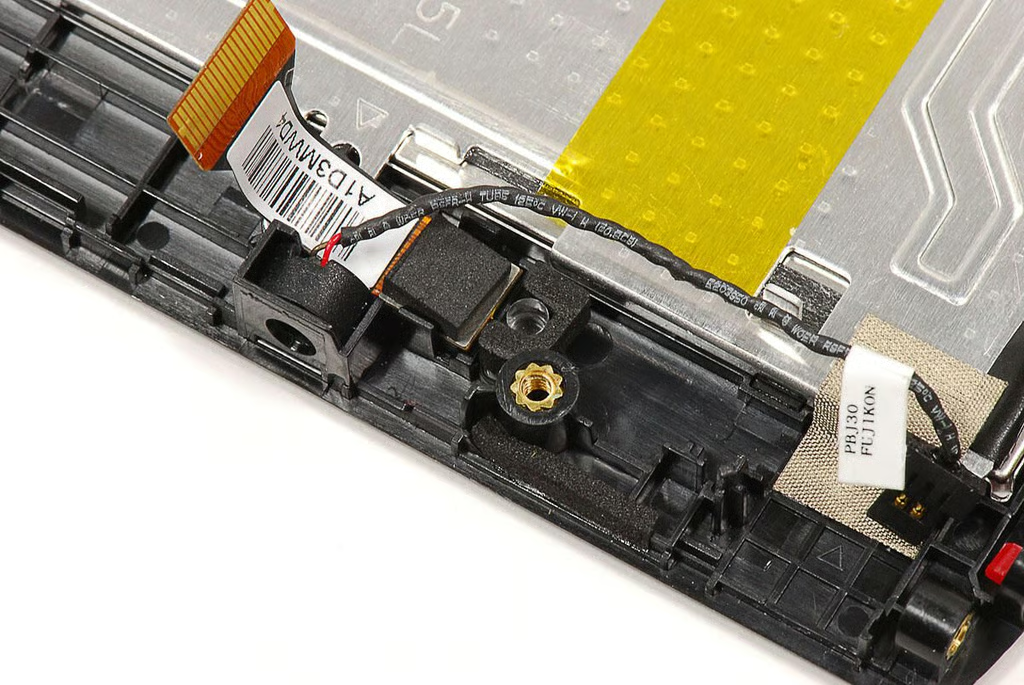
  • Cracking Open Acer Iconia Tab A100: Disconnecting the microphone cable

    \n\tA small PCB mounted at the top of the Iconia Tab A100 contains connectors for the microphone (left), front-facing camera, volume control keys, screen rotation lock switch, power button, and headphone jack.
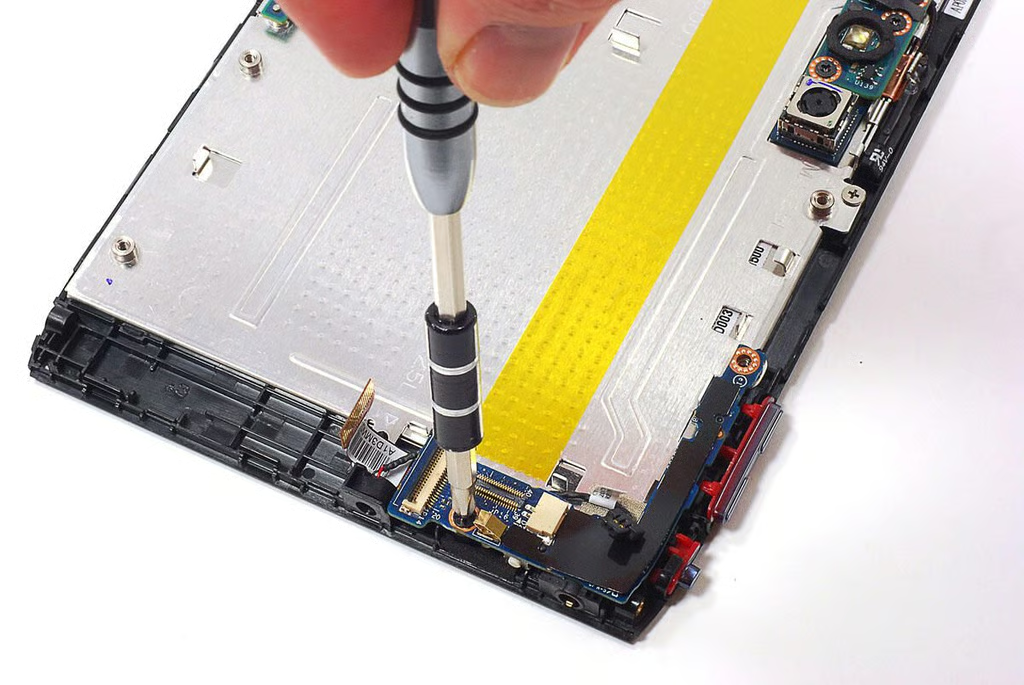
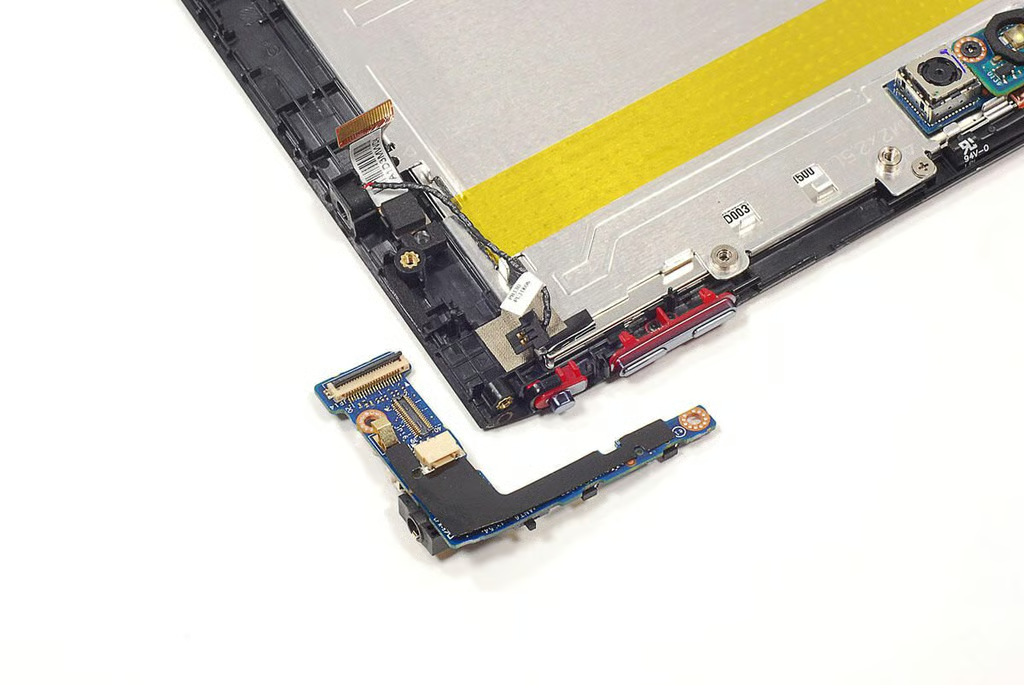
  • Cracking Open Acer Iconia Tab A100: Removing the upper PCB screw

  • Cracking Open Acer Iconia Tab A100: Upper PCB removed

  • Cracking Open Acer Iconia Tab A100:

    \n\tThis PCB contains connectors for the microphone (left), front-facing camera, volume control keys, screen rotation lock switch, power button, and headphone jack.
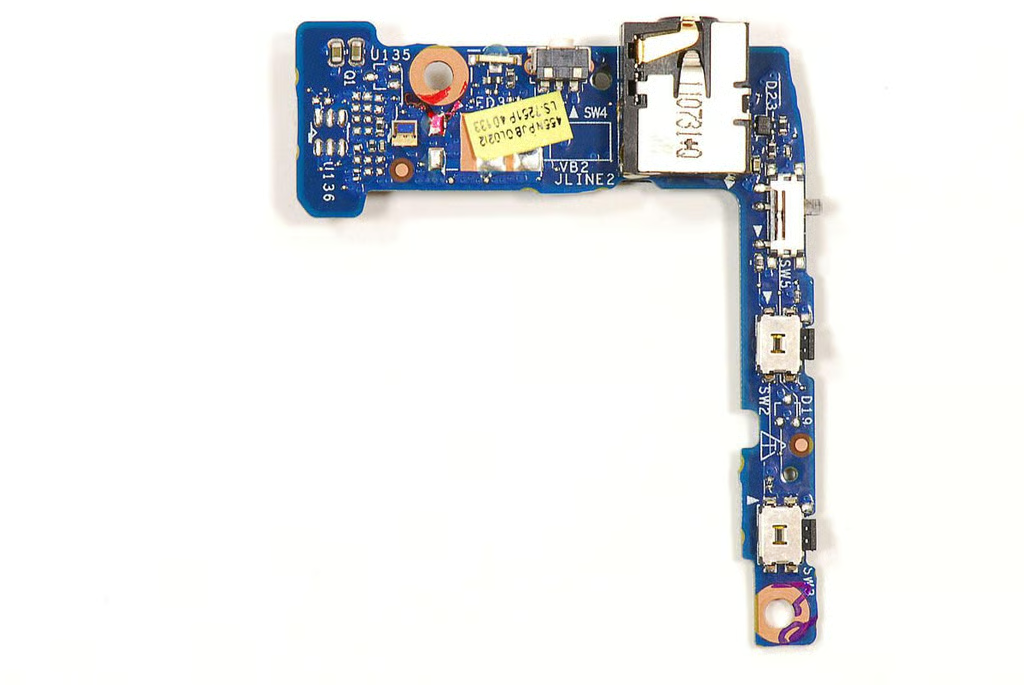
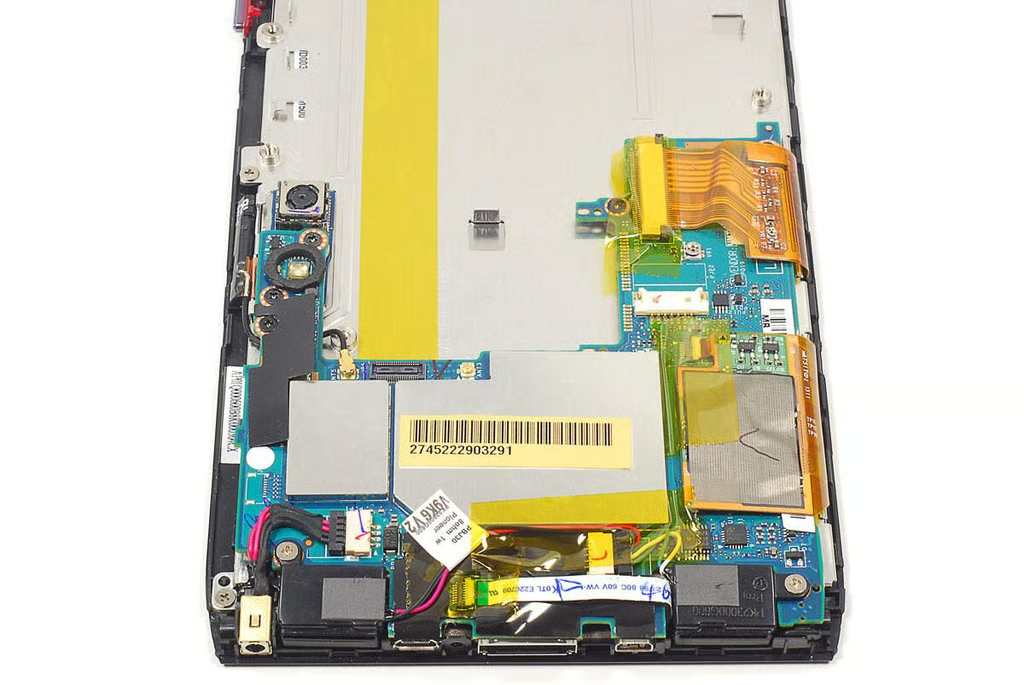
  • Cracking Open Acer Iconia Tab A100: Microphone and front-facing camera

  • Cracking Open Acer Iconia Tab A100: Motherboard and attached hardware

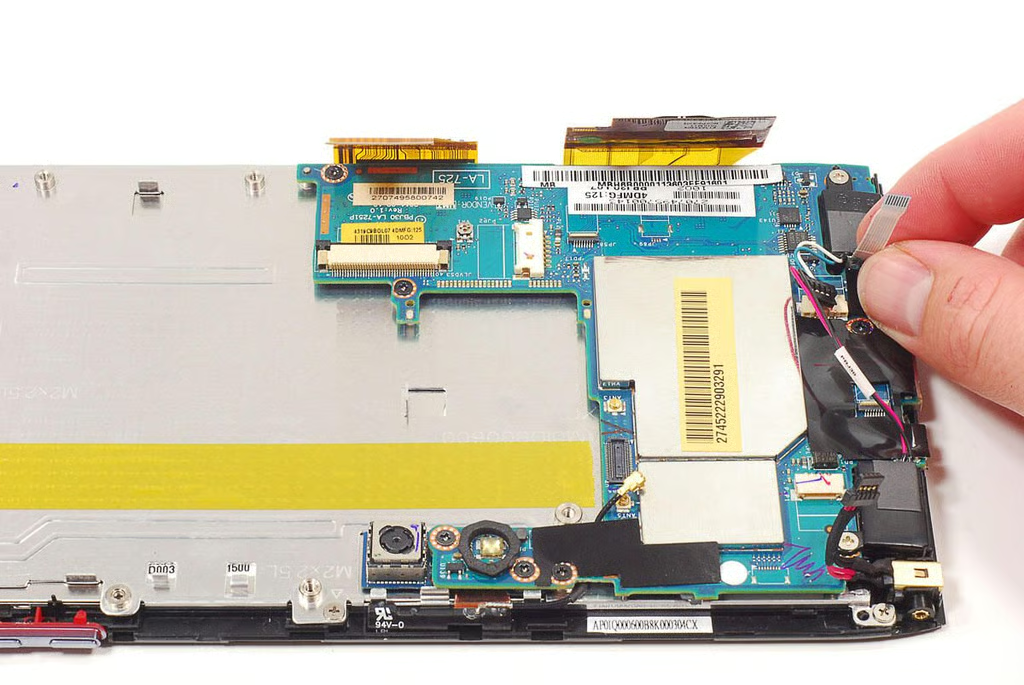
  • Cracking Open Acer Iconia Tab A100: Disconnecting the motherboard connectors

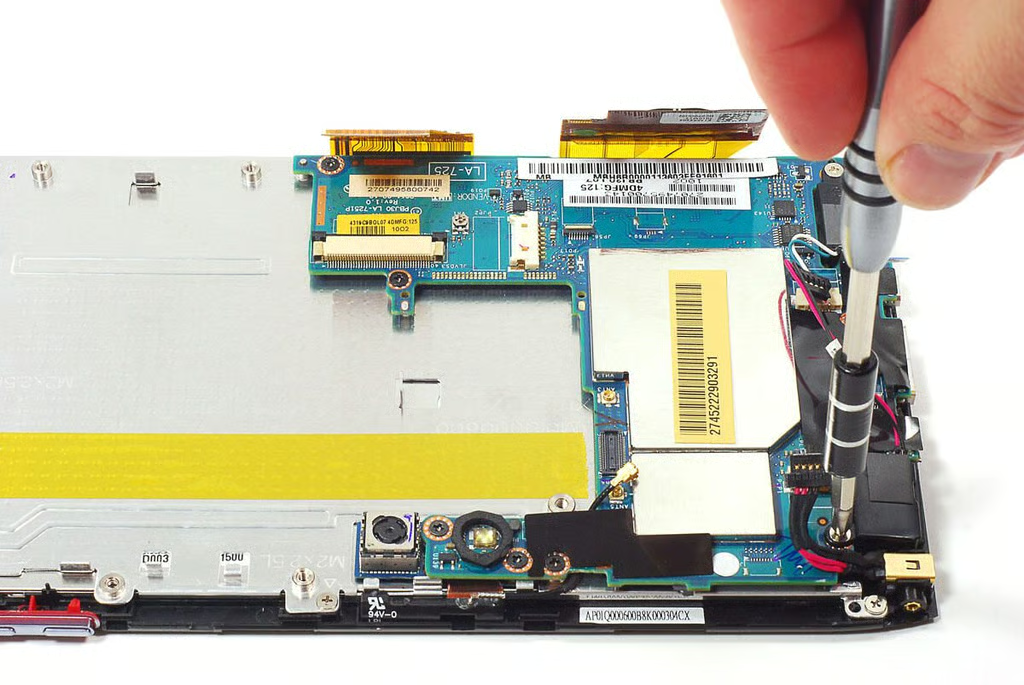
  • Cracking Open Acer Iconia Tab A100: Removing the speaker screws

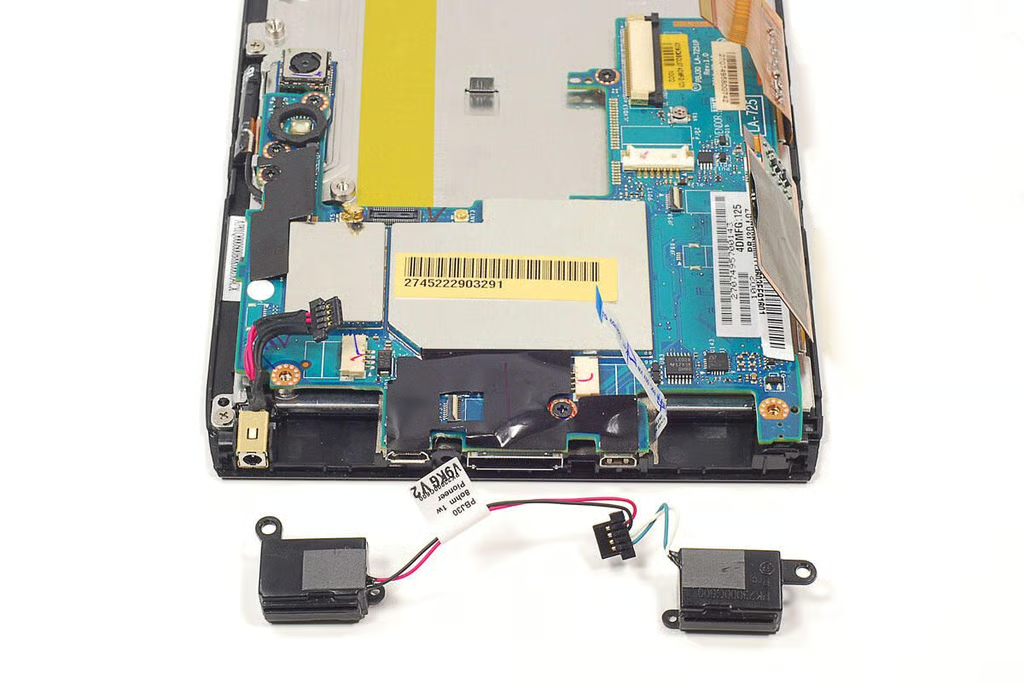
  • Cracking Open Acer Iconia Tab A100: Speakers

  • Cracking Open Acer Iconia Tab A100: Removing the motherboard screws

  • Cracking Open Acer Iconia Tab A100: Removing the motherboard

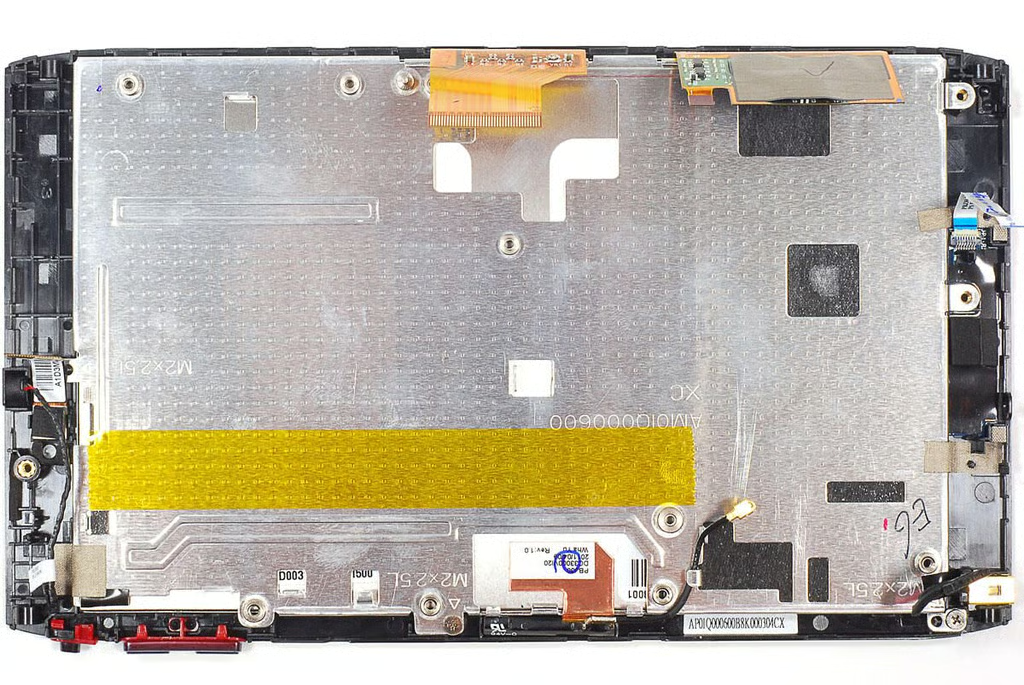
  • Cracking Open Acer Iconia Tab A100: Front panel/display assembly

    \n\tLike the A500, the Iconia Tab A100 has a metal mounting plate that covers the display. As the front panel (digitizer) and display are fused together and removing the mounting plate doesn’t reveal much, I decided to leave it in place.
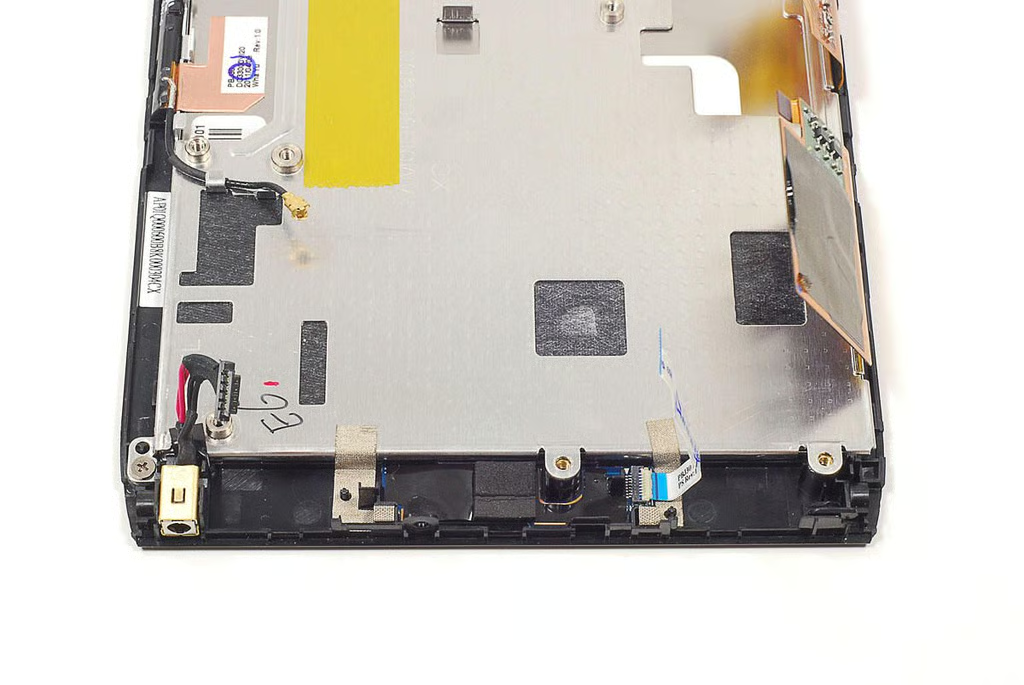
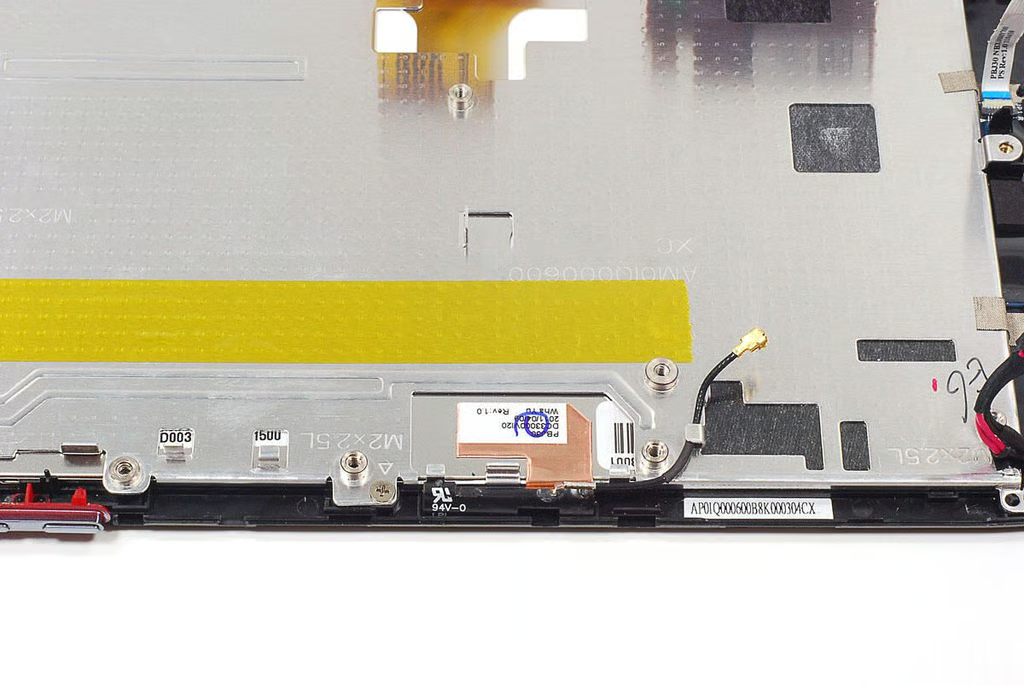
  • Cracking Open Acer Iconia Tab A100: DC-in power jack and Home button

  • Cracking Open Acer Iconia Tab A100: Antenna

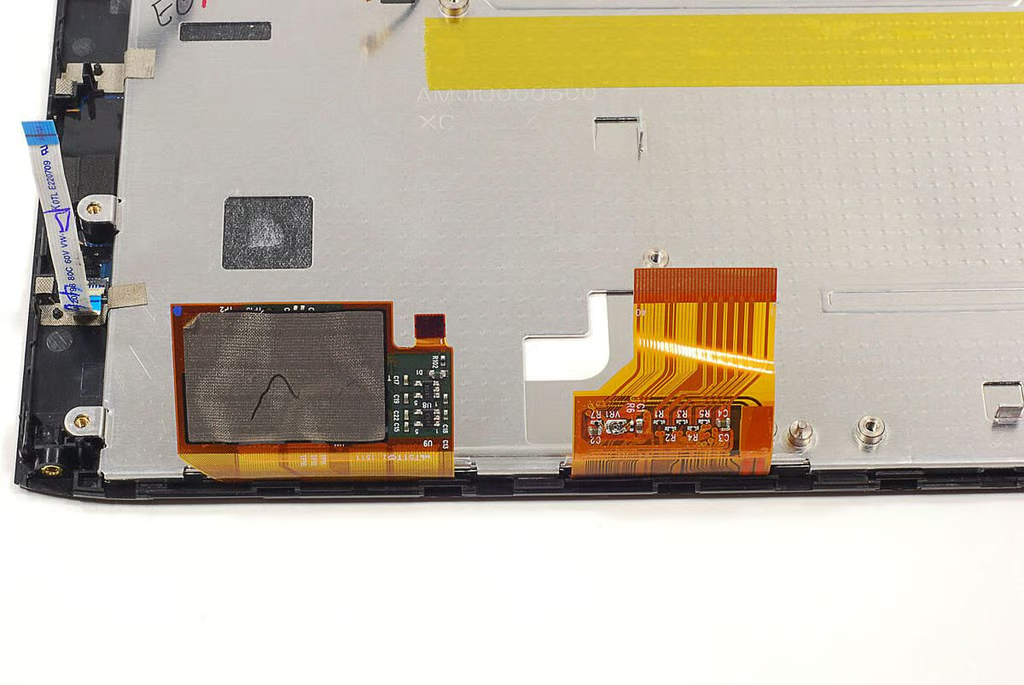
  • Cracking Open Acer Iconia Tab A100: Display and touchscreen connectors

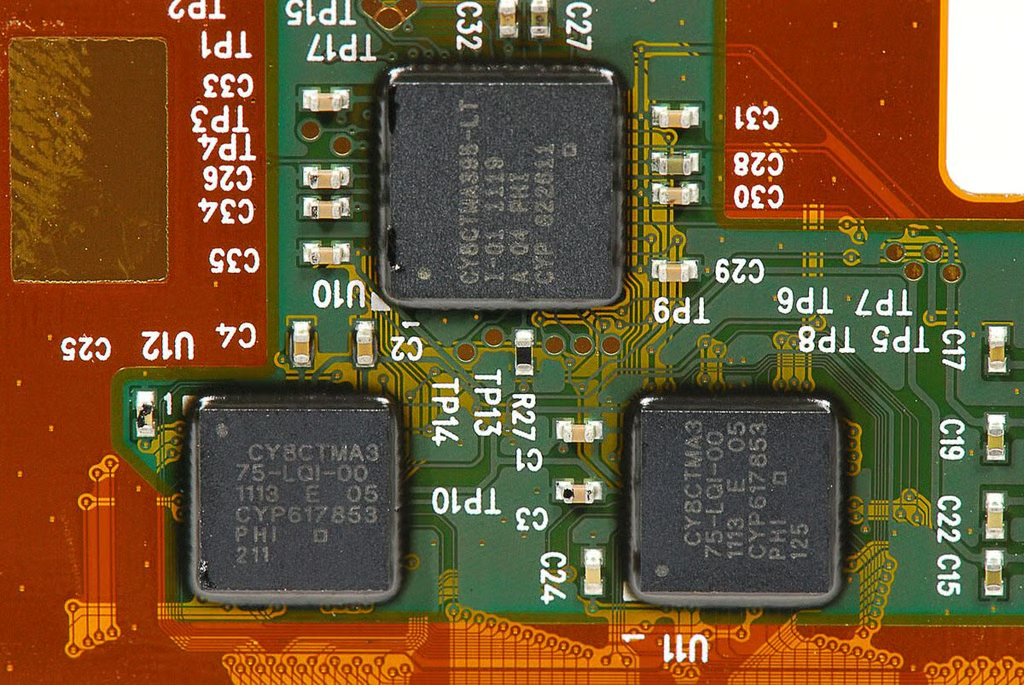
  • Cracking Open Acer Iconia Tab A100: Cypress Semiconductor CY8CTMA375 and CY8CTMA395 touchscreen controllers

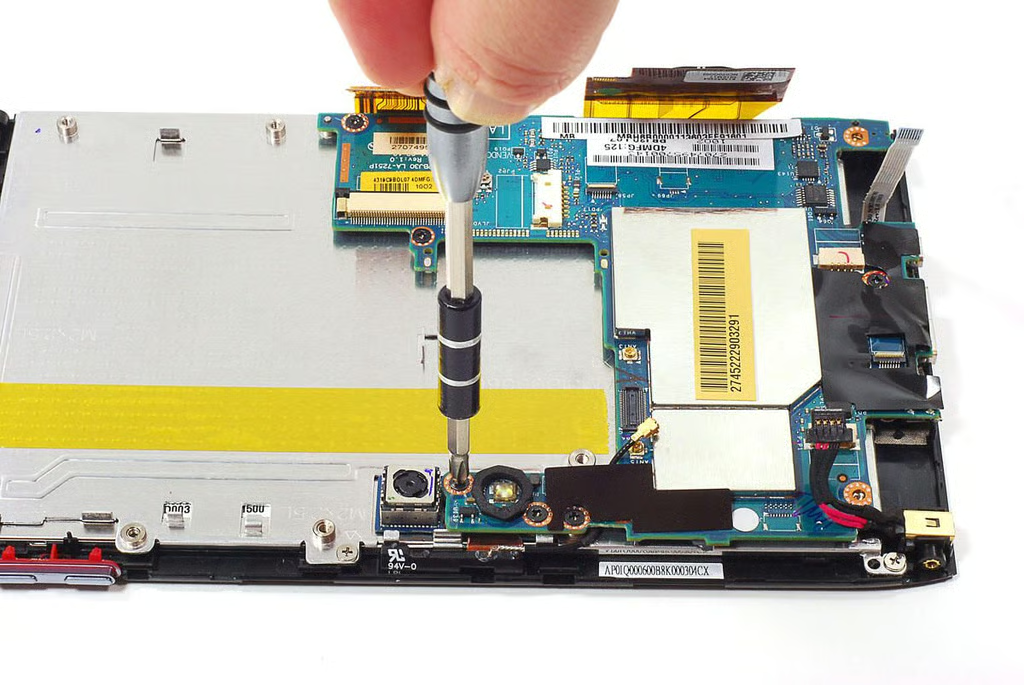
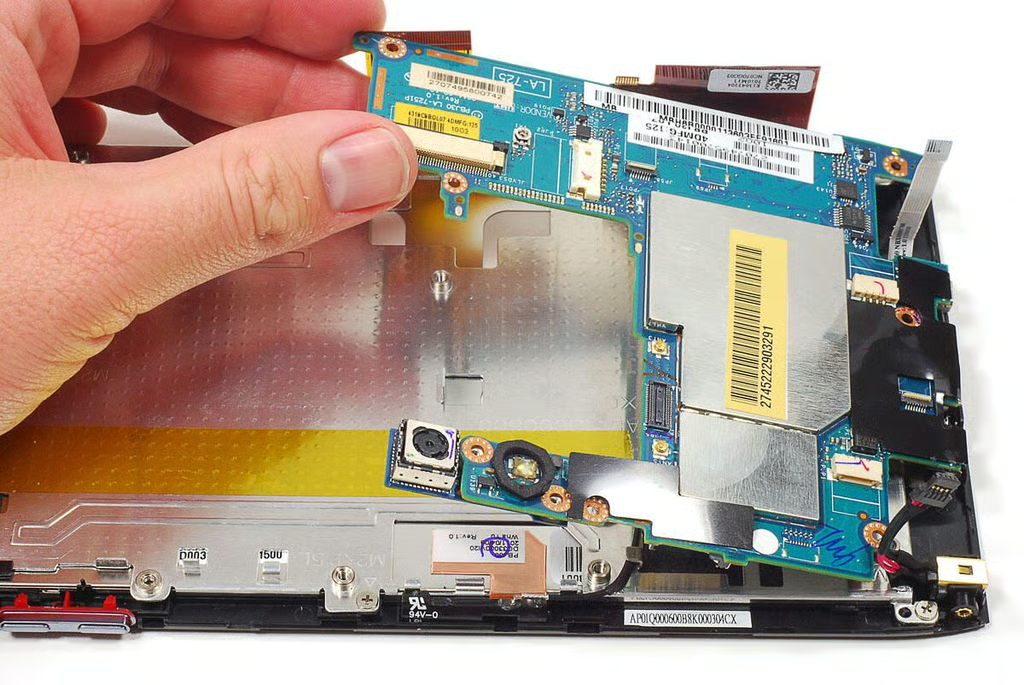
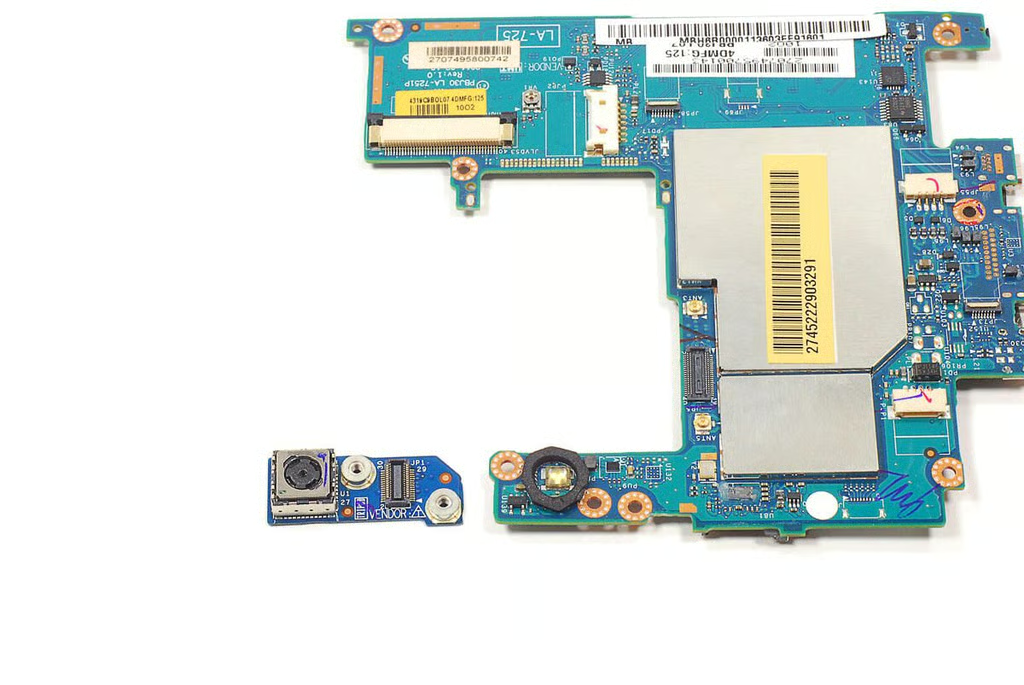
  • Cracking Open Acer Iconia Tab A100: Removing the 5MP rear-facing camera PCB

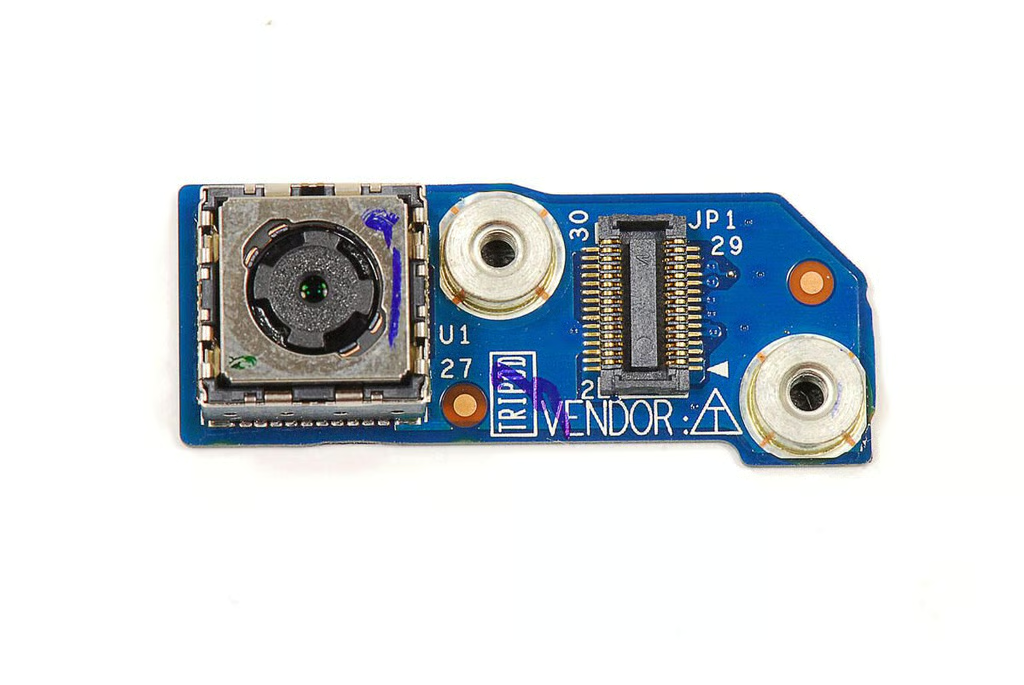
  • Cracking Open Acer Iconia Tab A100: 5MP rear-facing camera

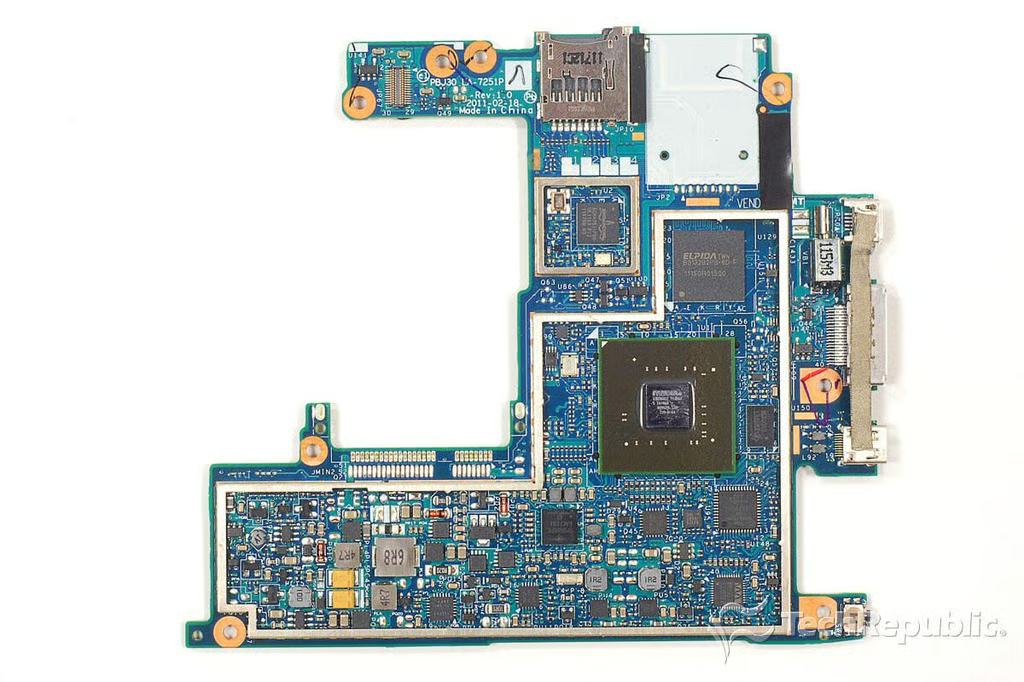
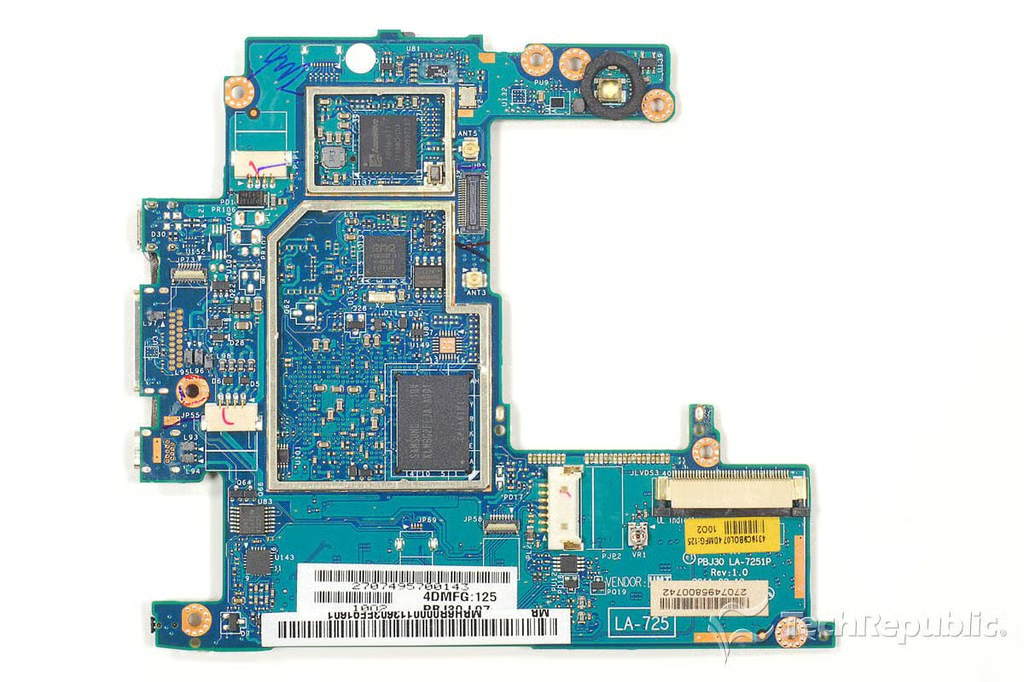
  • Cracking Open Acer Iconia Tab A100: Motherboard - Front

  • Cracking Open Acer Iconia Tab A100: Motherboard - Back

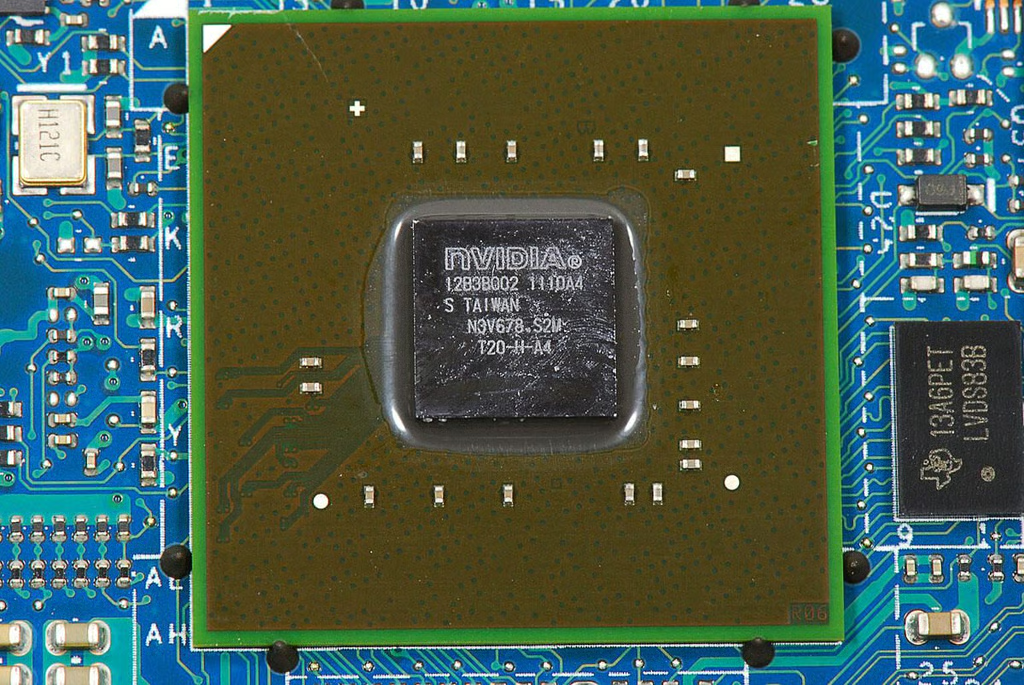
  • Cracking Open Acer Iconia Tab A100: 1.0 GHz dual-core NVidia Tegra 2 application processor (12B3B002 1110A4)

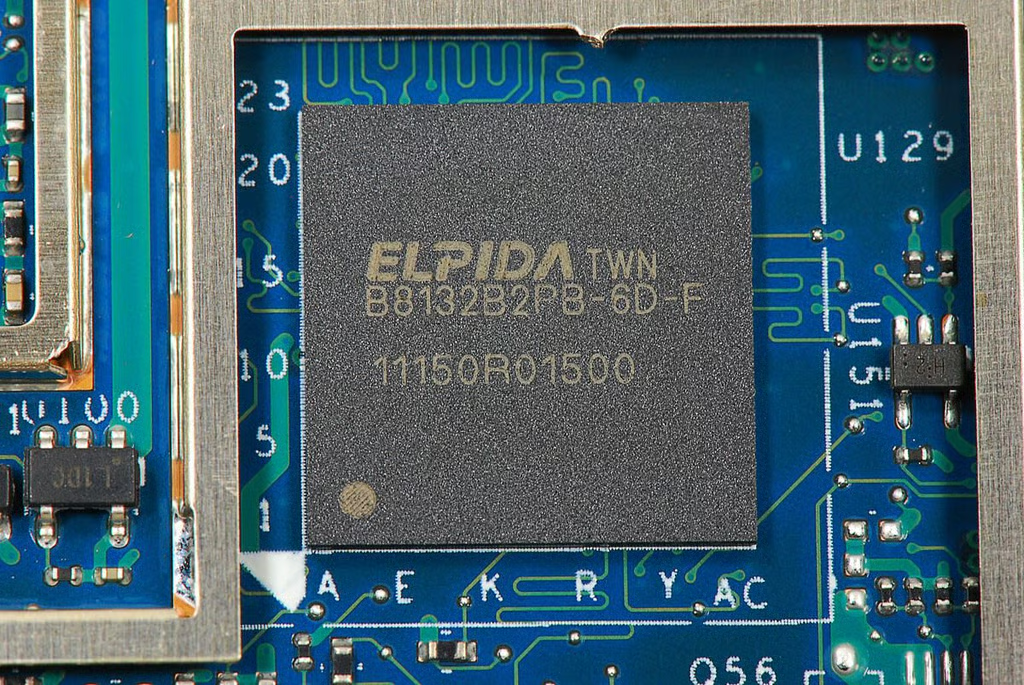
  • Cracking Open Acer Iconia Tab A100: 1GB Elpida B8132B2PB-6D-F LPDDR2 SDRAM

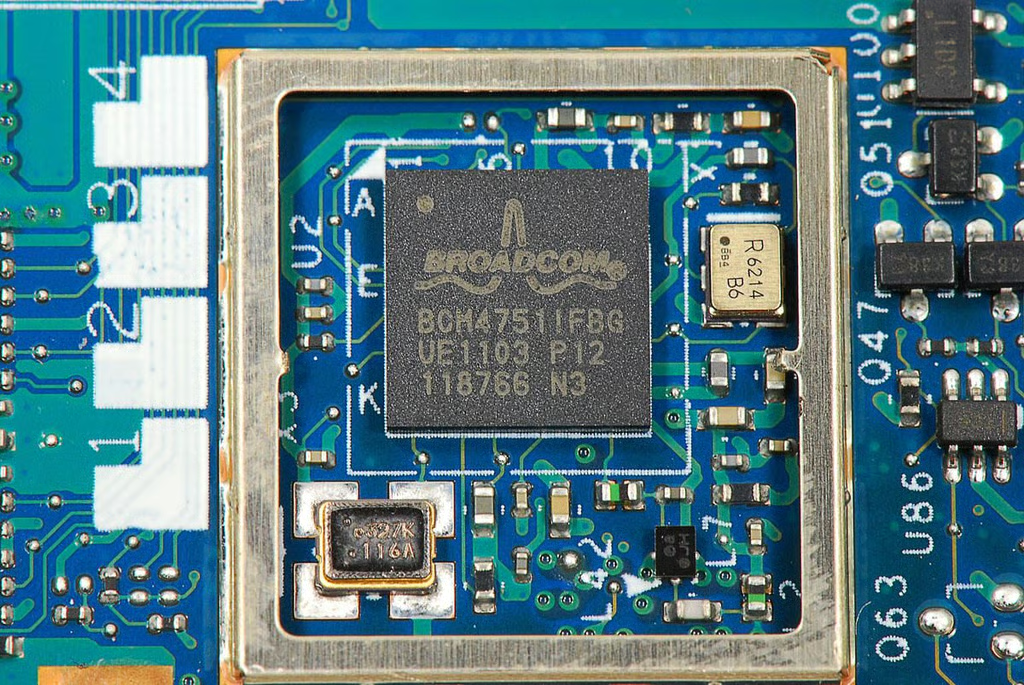
  • Cracking Open Acer Iconia Tab A100: Broadcom BCM4751 Integrated Monolithic GPS Receiver

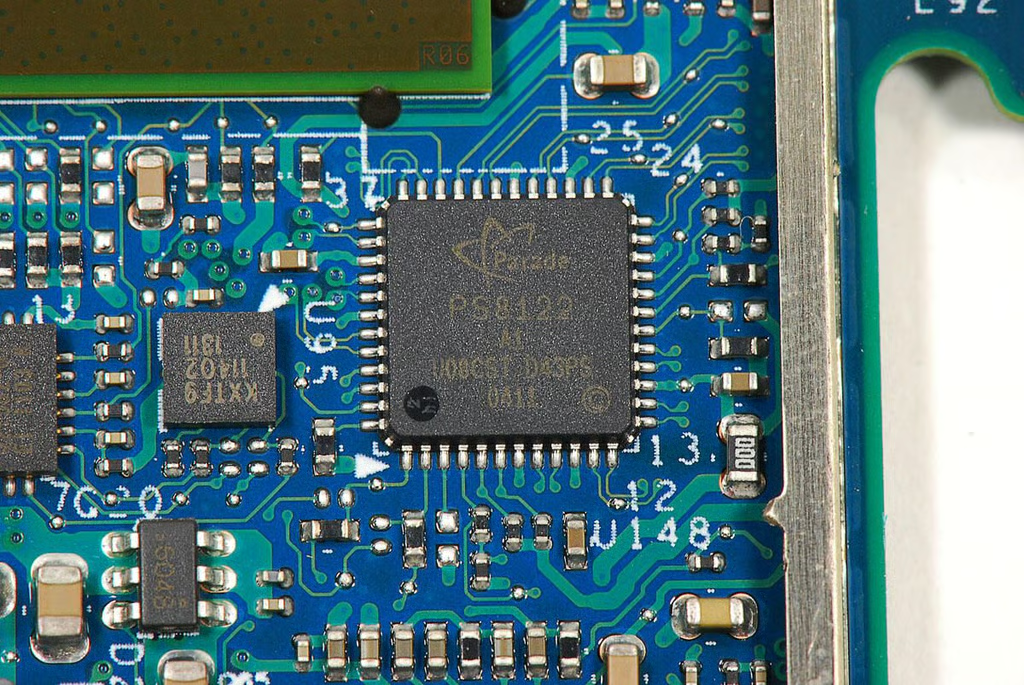
  • Cracking Open Acer Iconia Tab A100: Parade PS8122 1-to-2 DP & HDMI/DVI De-multiplexer

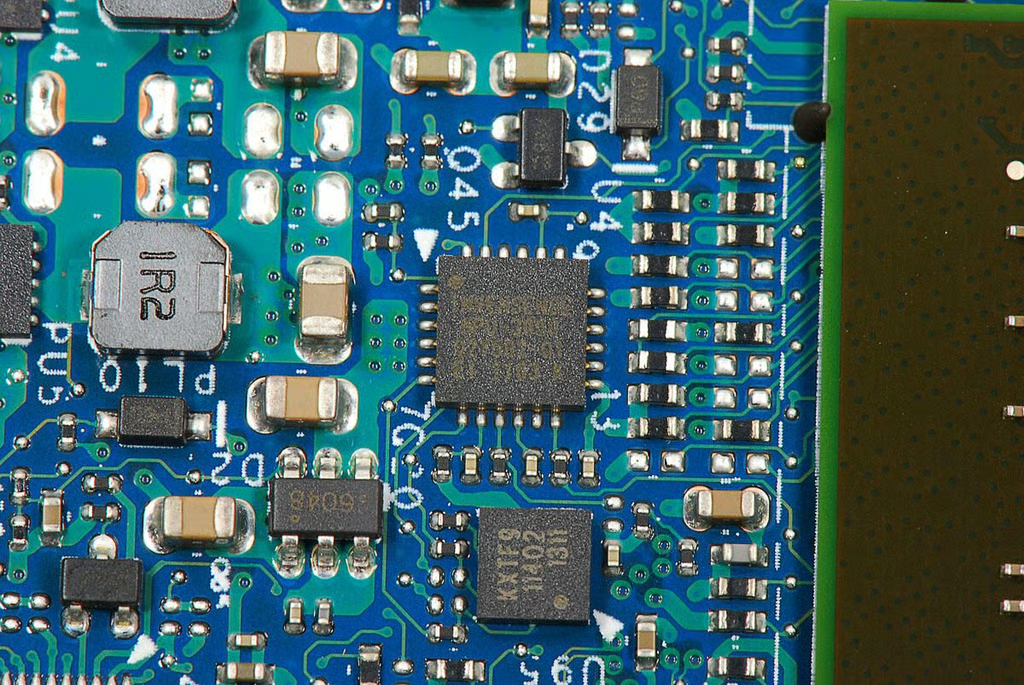
  • Cracking Open Acer Iconia Tab A100: Invensense MPU-3050 Triple Axis Gyroscope with Embedded Digital Motion Processor

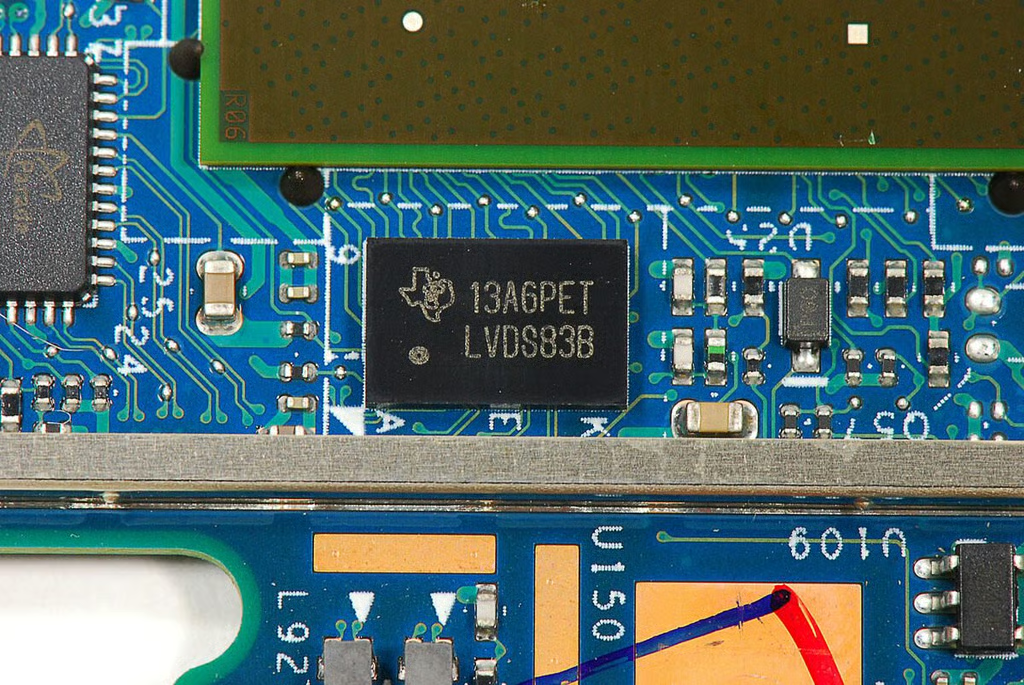
  • Cracking Open Acer Iconia Tab A100: Texas Instruments LVDS83B power controller

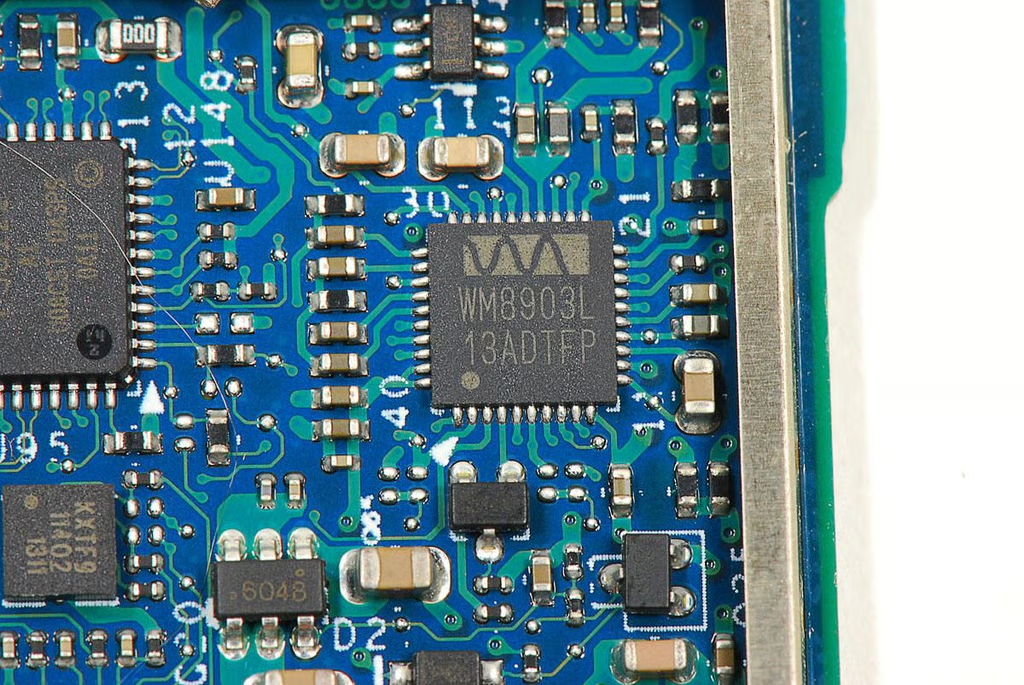
  • Cracking Open Acer Iconia Tab A100: Wolfson WM8903 Ultra low power audio CODEC

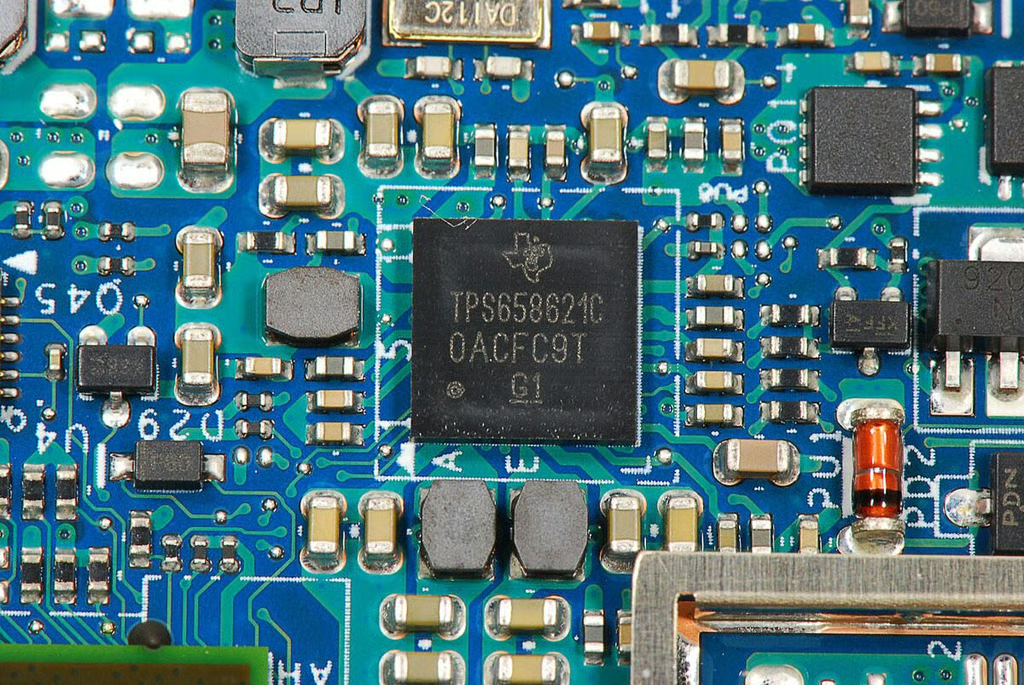
  • Cracking Open Acer Iconia Tab A100: Texas Instruments TPS65862 power-management IC

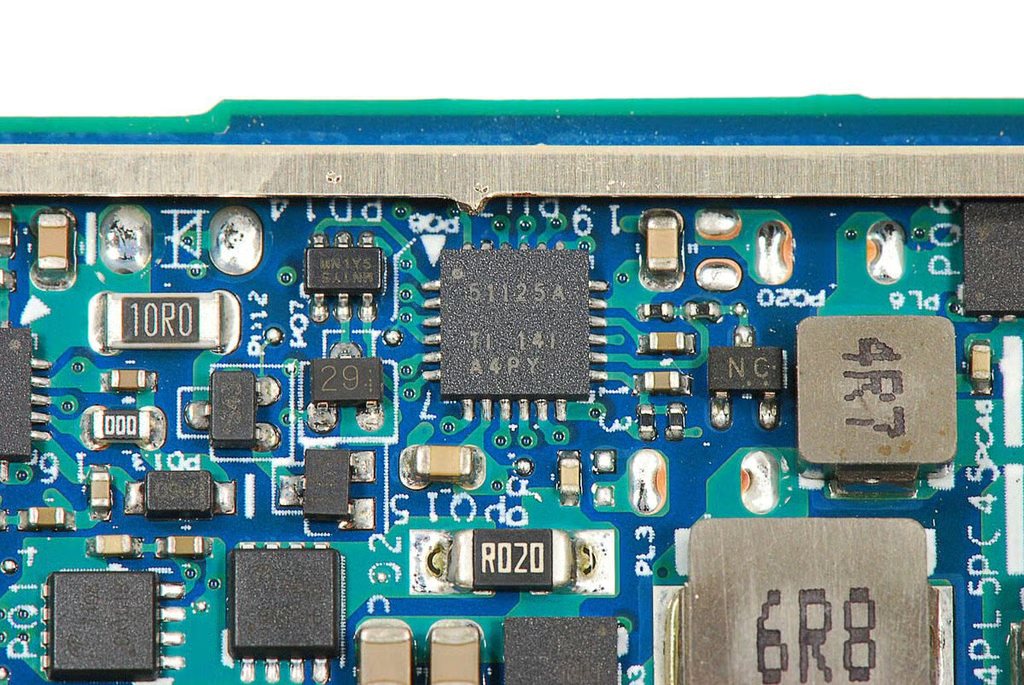
  • Cracking Open Acer Iconia Tab A100: Texas Instruments 51125 Dual-Synchronous, Step-Down Controller (power management chip)

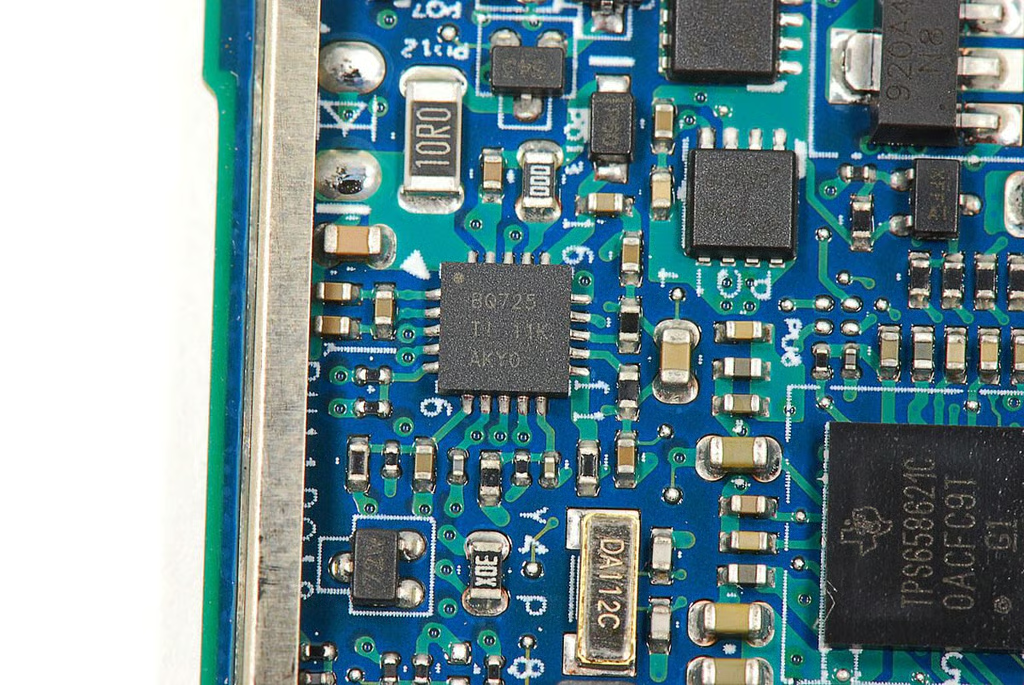
  • Cracking Open Acer Iconia Tab A100: Texas Instruments 8Q725

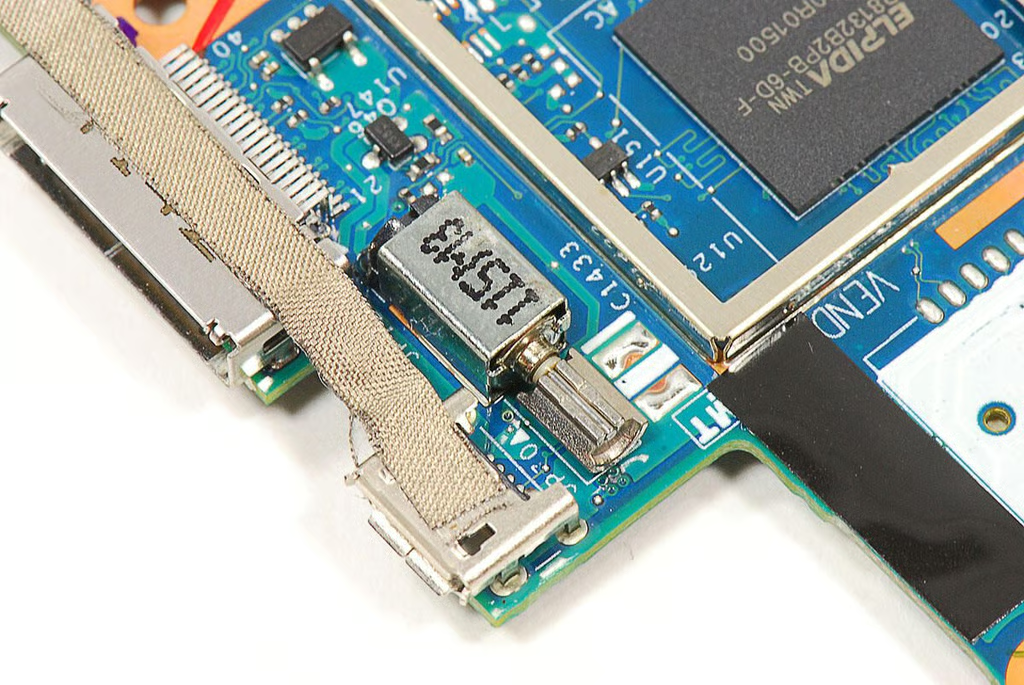
  • Cracking Open Acer Iconia Tab A100: Vibration motor

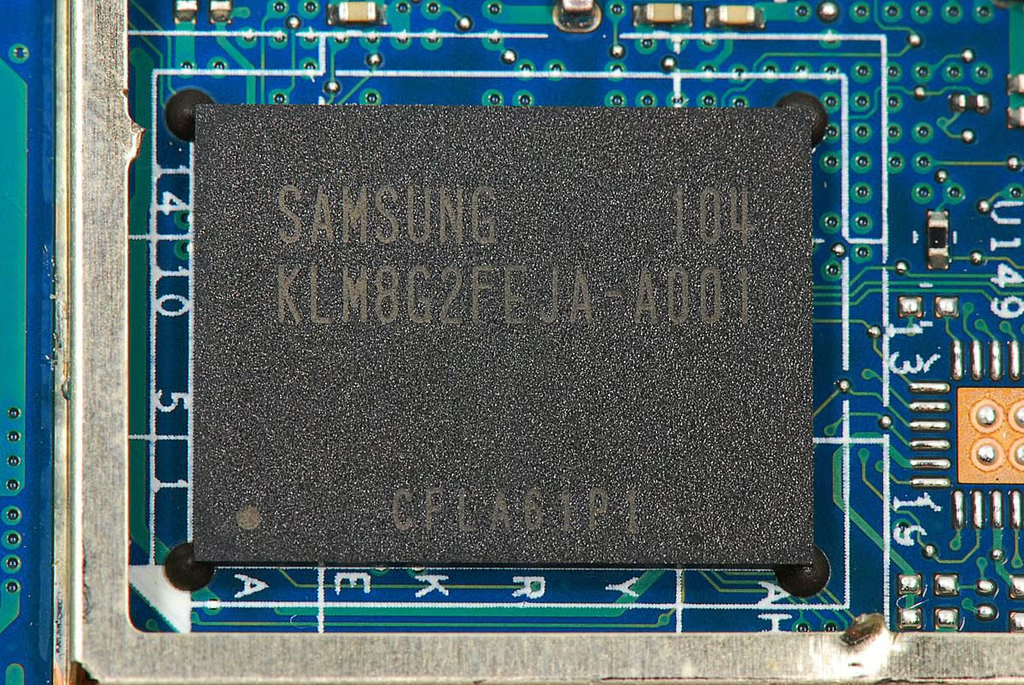
  • Cracking Open Acer Iconia Tab A100: 8GB Samsung KLM8G2FEJA-A001 moviNAND flash memory module

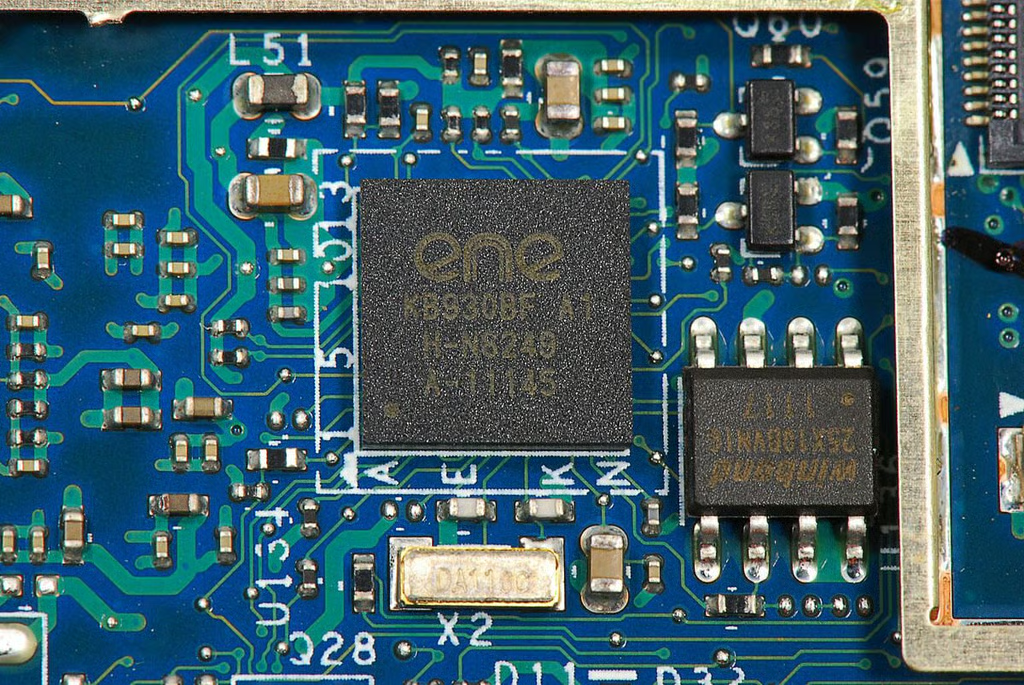
  • Cracking Open Acer Iconia Tab A100: ENE Technology KB930QF A1 quad power amplifier (REALTEK)

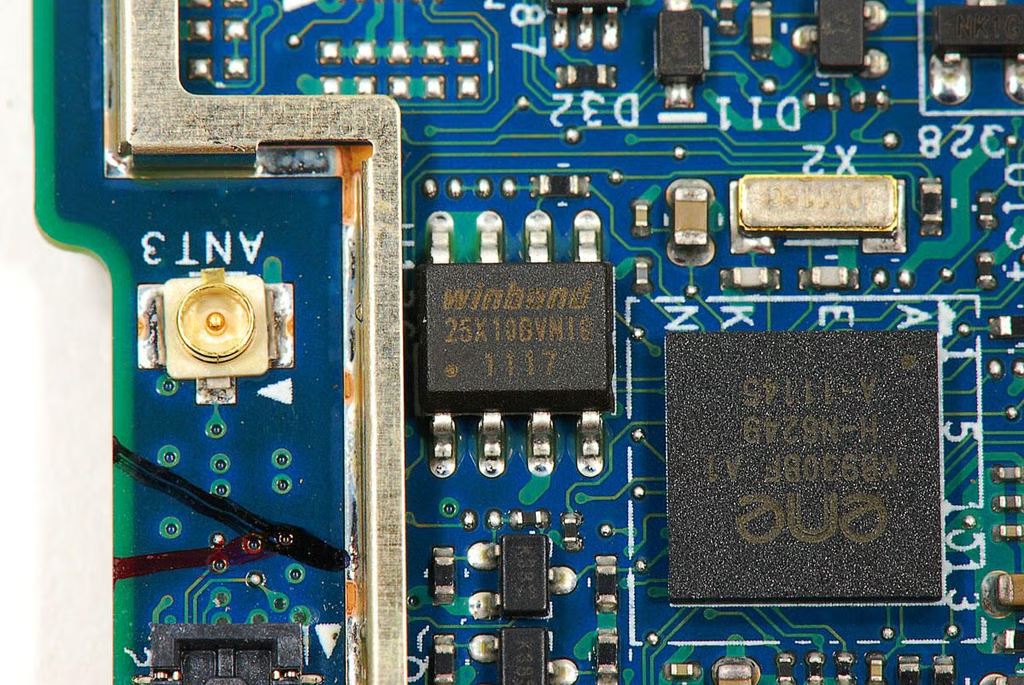
  • Cracking Open Acer Iconia Tab A100: Winbond 25X10BVN1C 1M-bit Serial Flash Memory

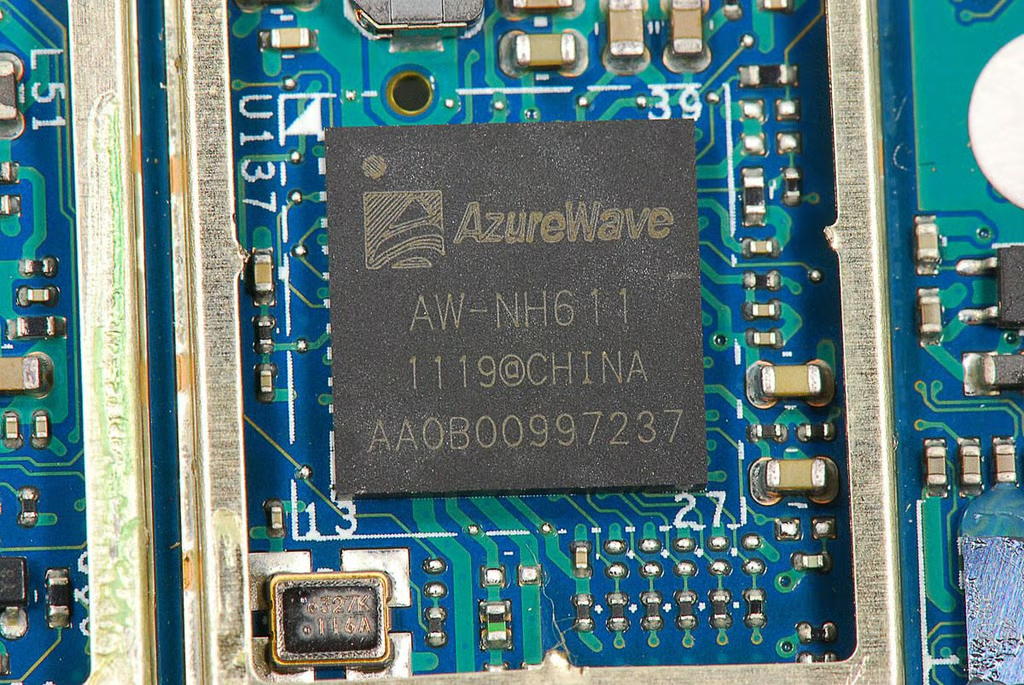
  • Cracking Open Acer Iconia Tab A100: AzureWave AW-NH611 802.11 b/g/n WLAN, Bluetooth, FM Combo Module IC

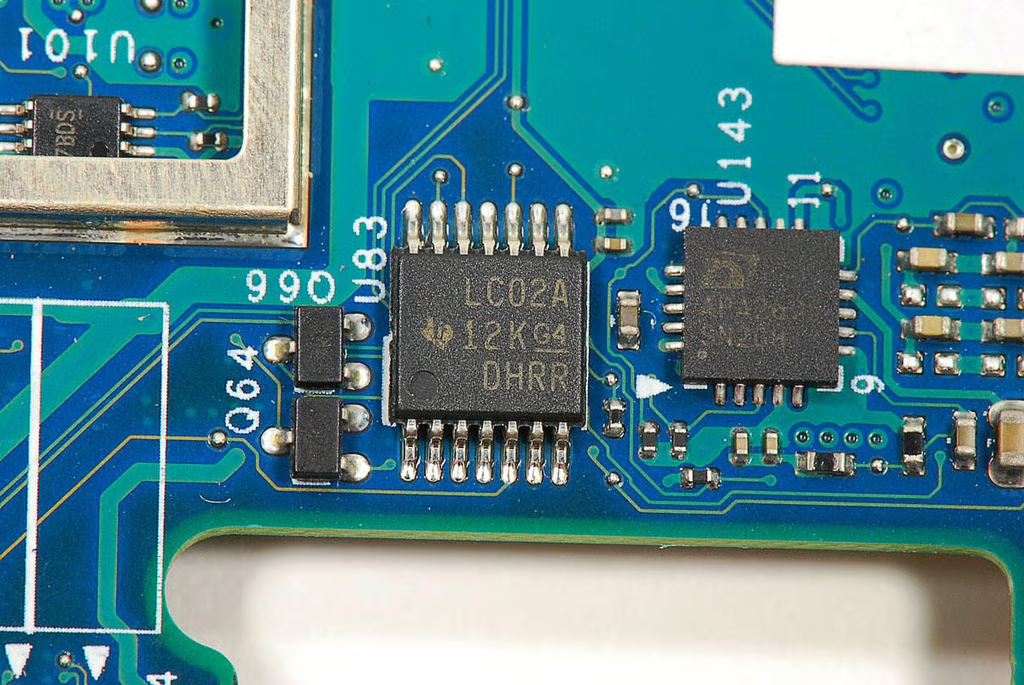
  • Cracking Open Acer Iconia Tab A100: Texas Instruments LC02A

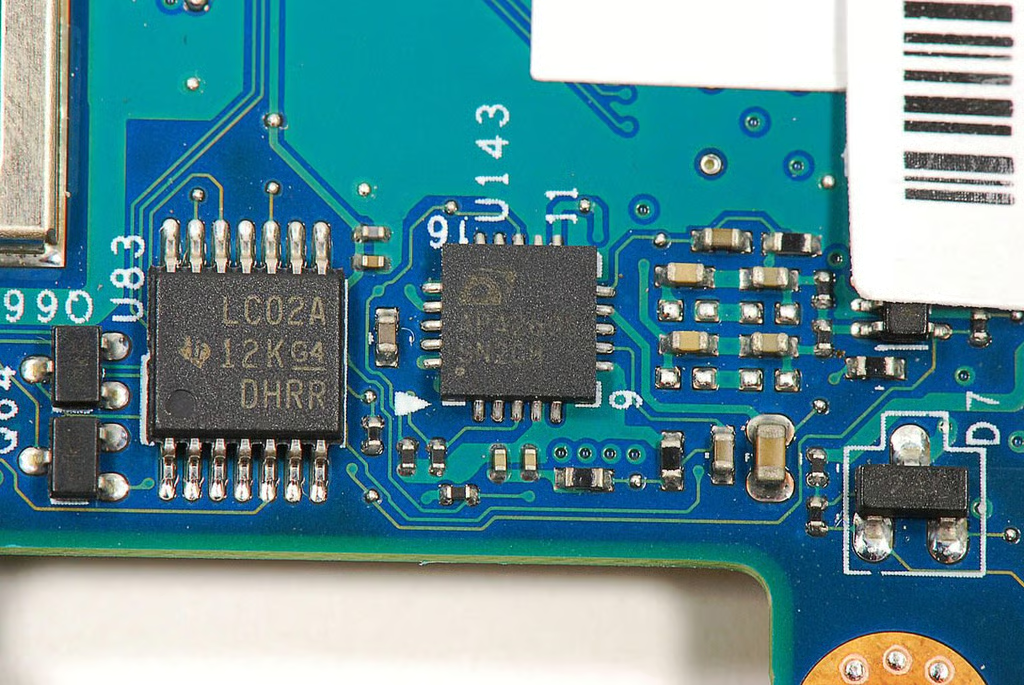
  • Cracking Open Acer Iconia Tab A100: APA2605 SN208

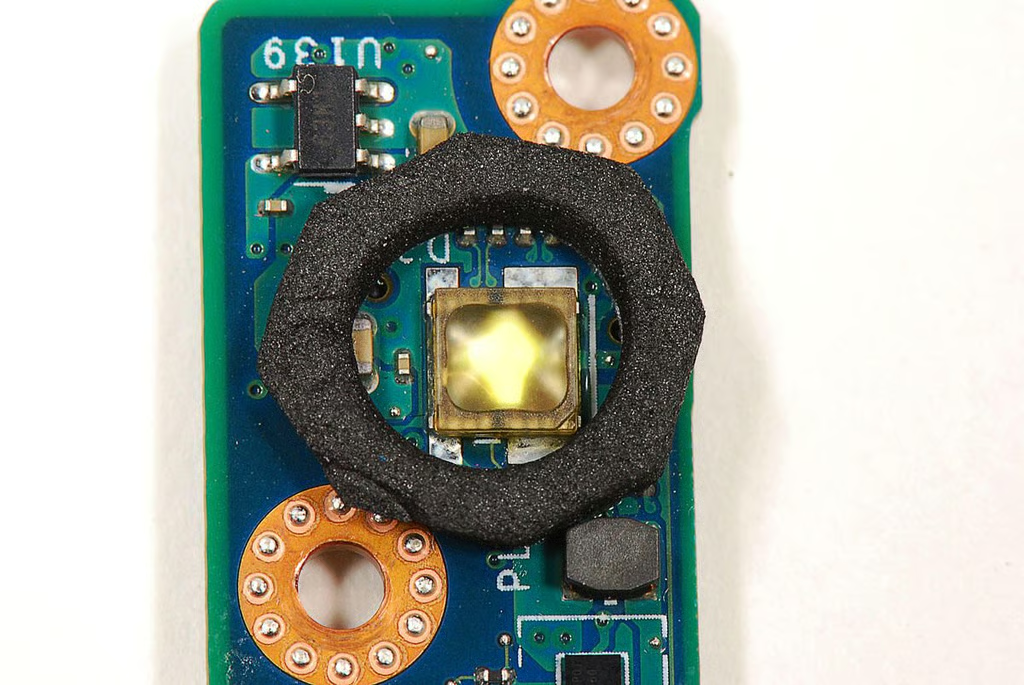
  • Cracking Open Acer Iconia Tab A100: LED Flas

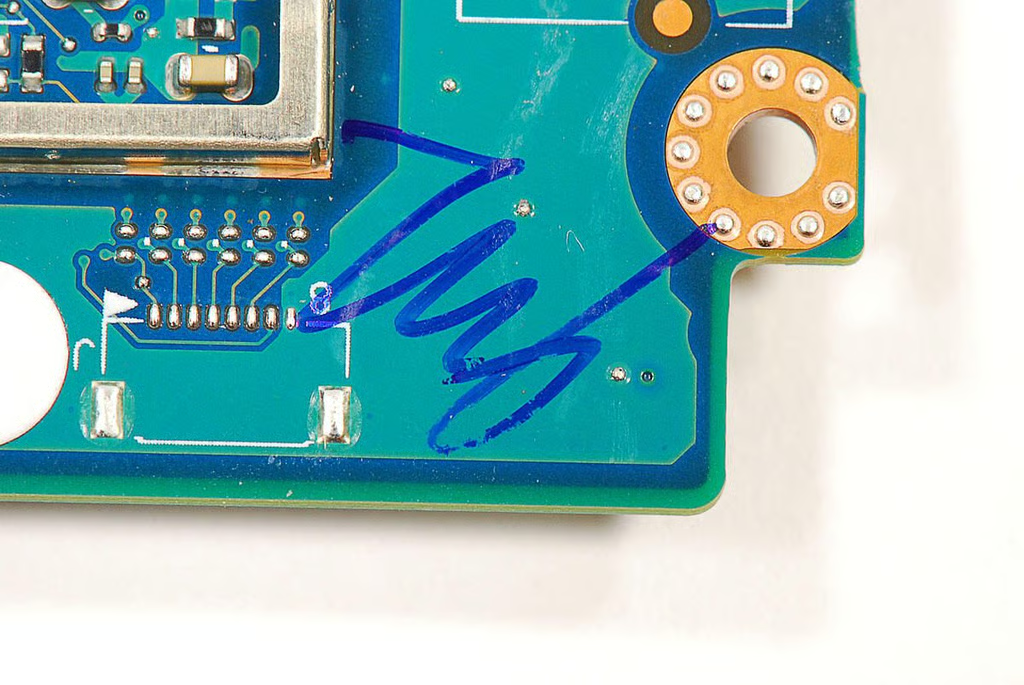
  • Cracking Open Acer Iconia Tab A100: Motherboard initials

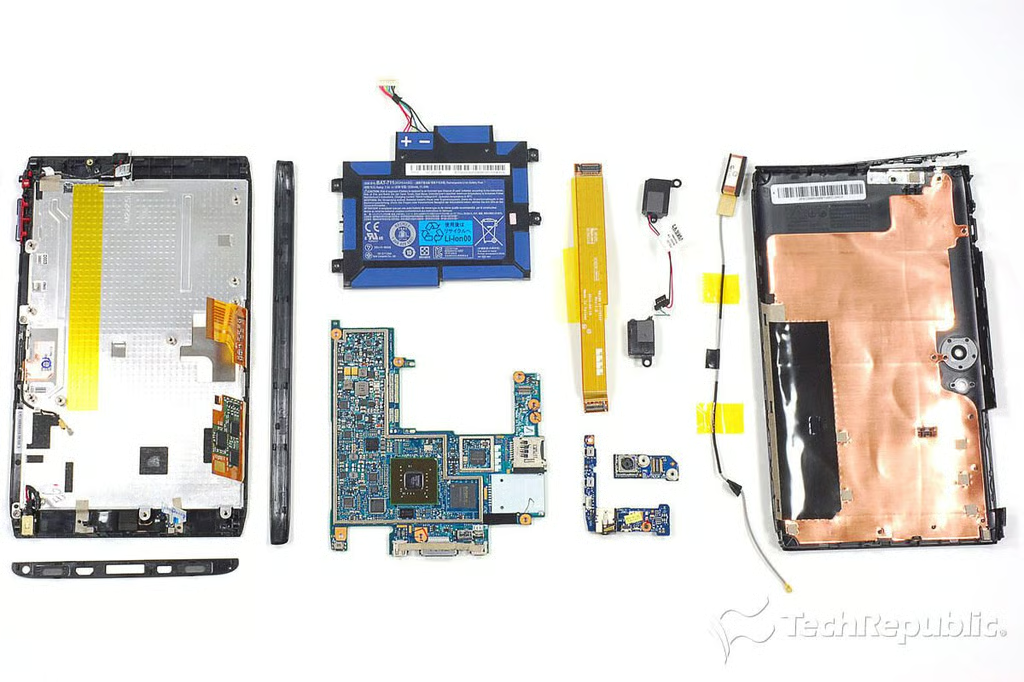
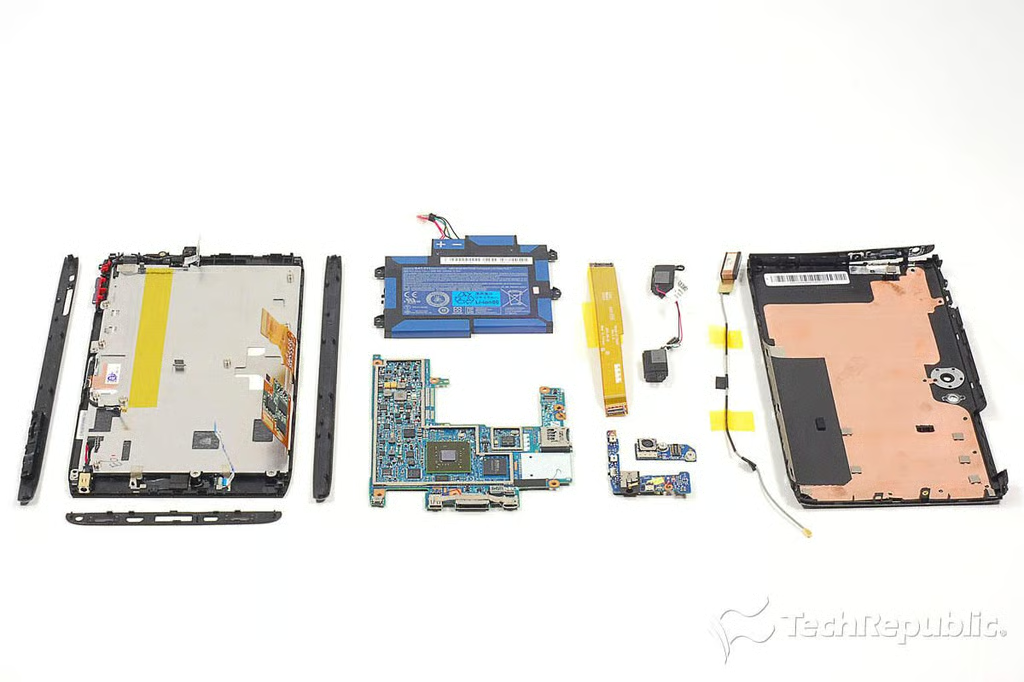
  • Cracking Open Acer Iconia Tab A100: Complete teardown

    \n\tFor a more in-depth review of the A100’s internal hardware, check out my article, “Acer Iconia Tab A100 teardown: Lots of tech crammed into 7″ case.”

1 of 67
BD

Bill Detwiler is the Editor for Technical Content and Ecosystem at Celonis. He is the former Editor in Chief of TechRepublic and previous host of TechRepublic's Dynamic Developer podcast and Cracking Open, CNET and TechRepublic's popular online show. Previously, Bill was an IT manager in the social research and energy industries. He has bachelor's and master's degrees from the University of Louisville, where he has also lectured on computer crime and crime prevention.