\n\tFollow along as we go inside Apple’s ultra-thin laptop.
\n
\n\tTo disassemble the new MacBook Air you’ll need a screwdriver with Torx T5 and T8 bits and either a very small Phillips screwdriver or special pentalobe bit.
\n\tPhoto by: Bill Detwiler / TechRepublic
\n\tCaption by: Bill Detwiler
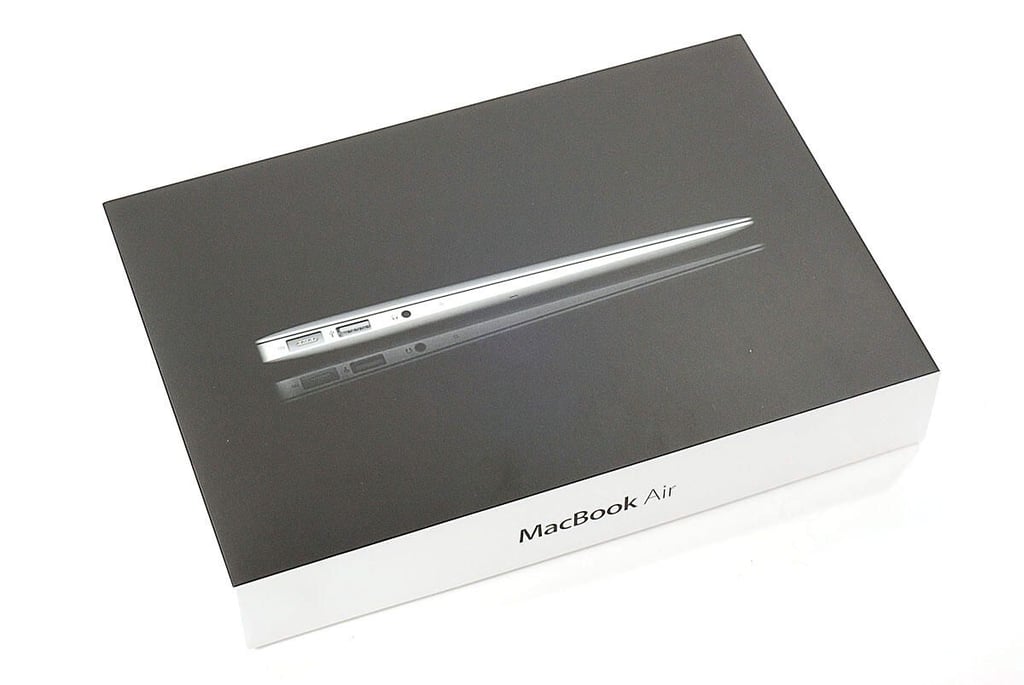
Cracking Open the Apple MacBook Air (2011 11-inch): Box
\n\tThe 2011 MacBook Air is available in four basic configurations–11-inch with 64GB of storage, 11-inch with 128GB of storage, 13-inch with 128GB of storage, and 13-inch with 256GB of storage. Within each of these divisions, you can further customize the processor and RAM.
\n\t
\n\tPhoto by: Bill Detwiler / TechRepublic
\n\tCaption by: Bill Detwiler
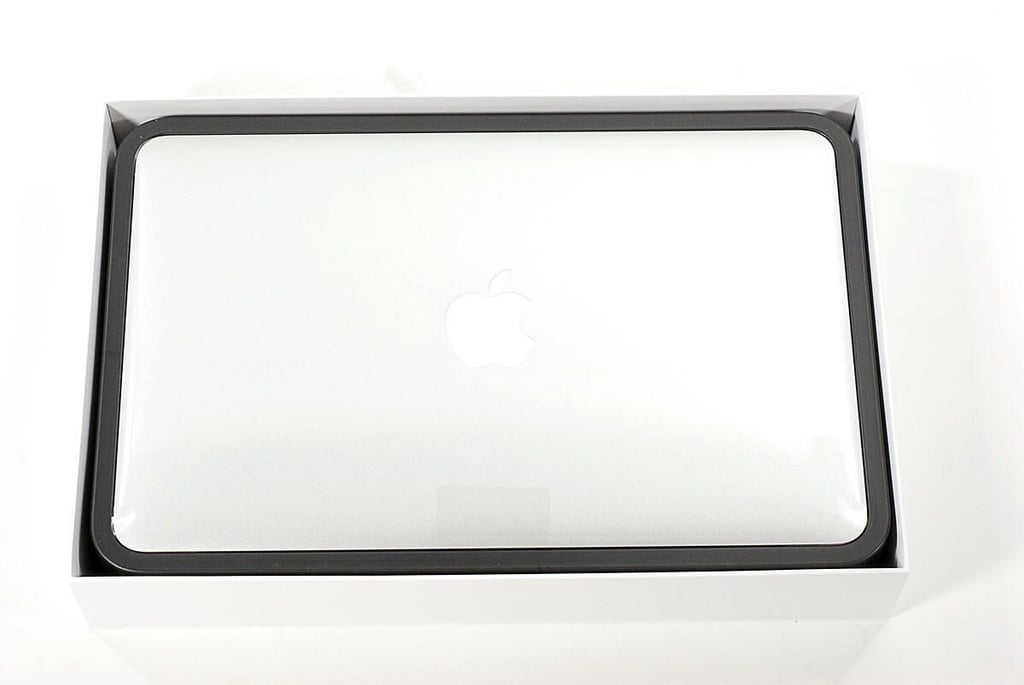
Cracking Open the Apple MacBook Air (2011 11-inch): Opening the box
\n\tOur $1,199 MacBook Air (11-inch) came with a 1.6GHz dual-core Intel i5 CPU, 4GB 1333MHz DDR3 SDRAM, 128GB flash storage, Intel HD Graphics 3000 processor with 384MB of shared DDR3 SDRAM, and an 11.6-inch LED-backlit display.
\n\t
\n\tPhoto by: Bill Detwiler / TechRepublic
\n\tCaption by: Bill Detwiler
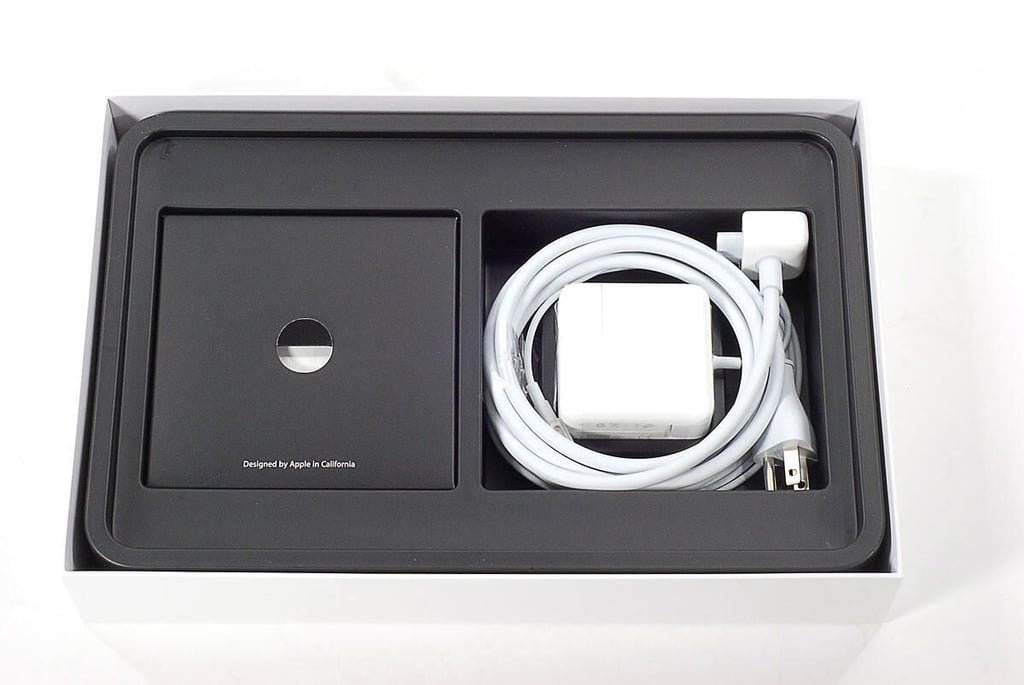
Cracking Open the Apple MacBook Air (2011 11-inch): Power adapter and product documentation
Cracking Open the Apple MacBook Air (2011 11-inch): Top
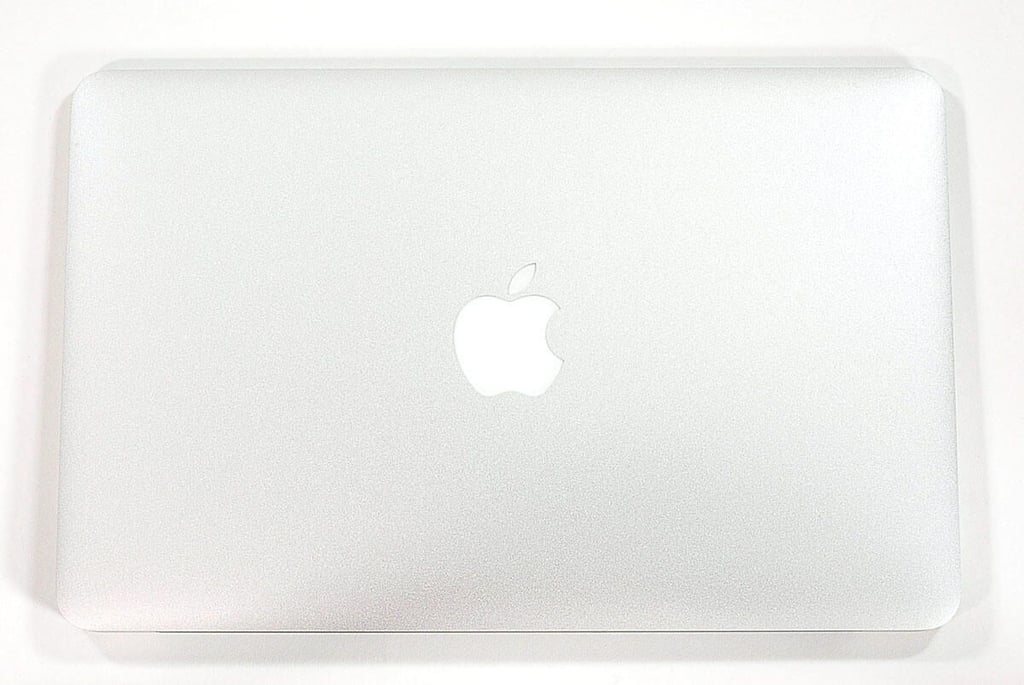
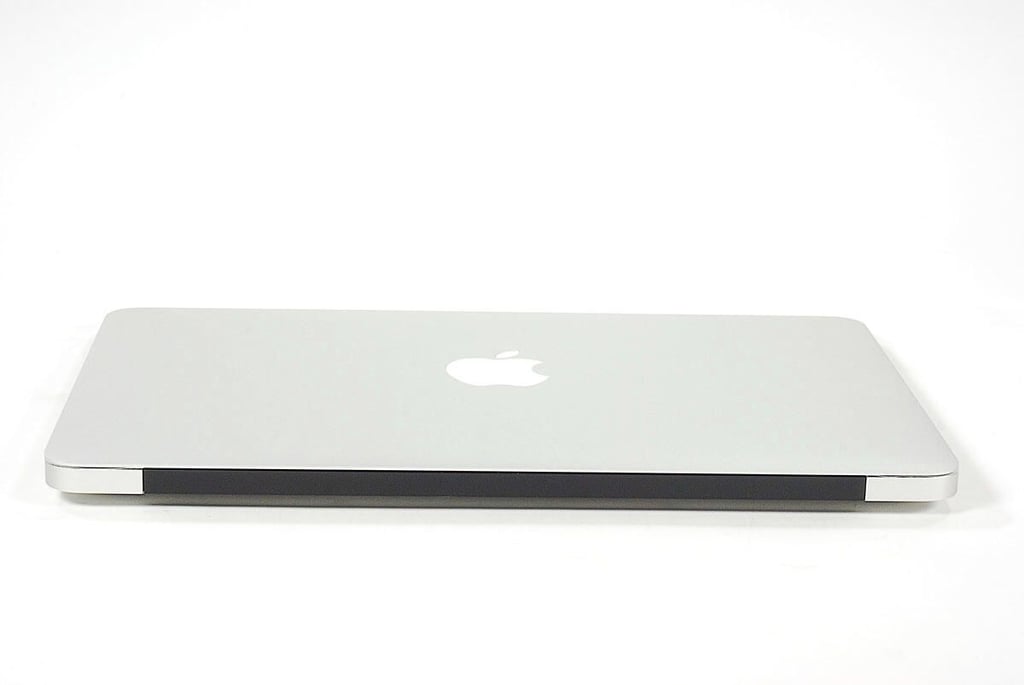
\n\tOur 11-inch 2011 MacBook Air has the same dimensions as the 11-inch 2011 model. The 2011 Air measures 0.11-0.68 inch (H) x 11.8 inches (W) x 7.56 inches (D). It weighs 2.38 pounds.
\n
\n\tPhoto by: Bill Detwiler / TechRepublic
\n\tCaption by: Bill Detwiler
Cracking Open the Apple MacBook Air (2011 11-inch): Front edge
Cracking Open the Apple MacBook Air (2011 11-inch): Back edge
Cracking Open the Apple MacBook Air (2011 11-inch): 11.6-inch Display
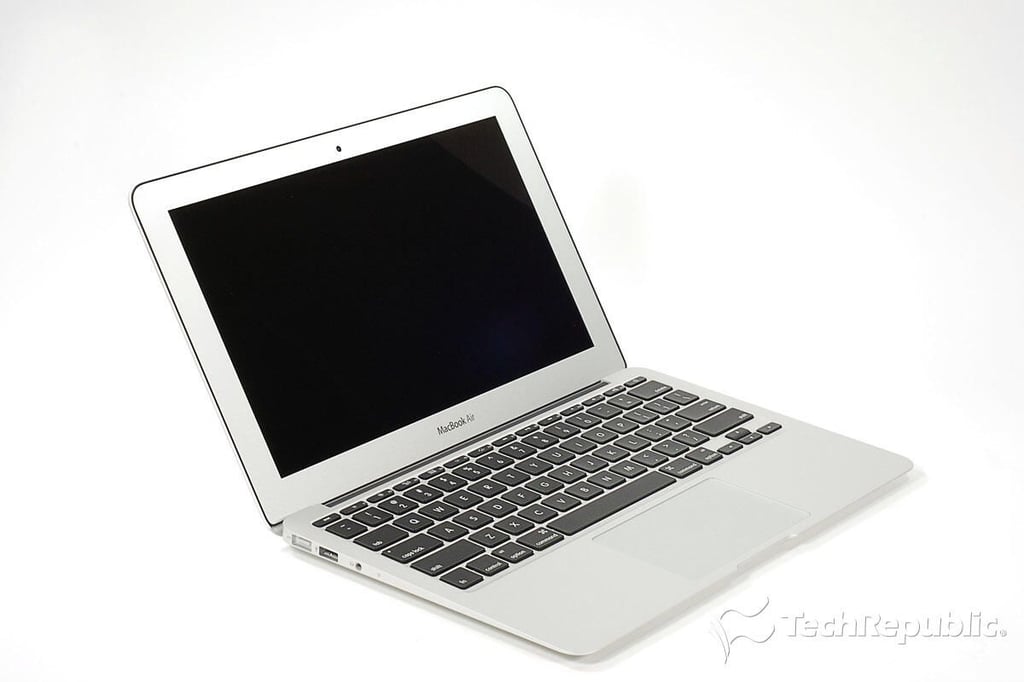
\n\tThe MacBook Air has an 11.6-inch (diagonal) LED-backlit display that supports several resolutions–including 1366 x 768 pixels (native).
\n
\n\tPhoto by: Bill Detwiler / TechRepublic
\n\tCaption by: Bill Detwiler
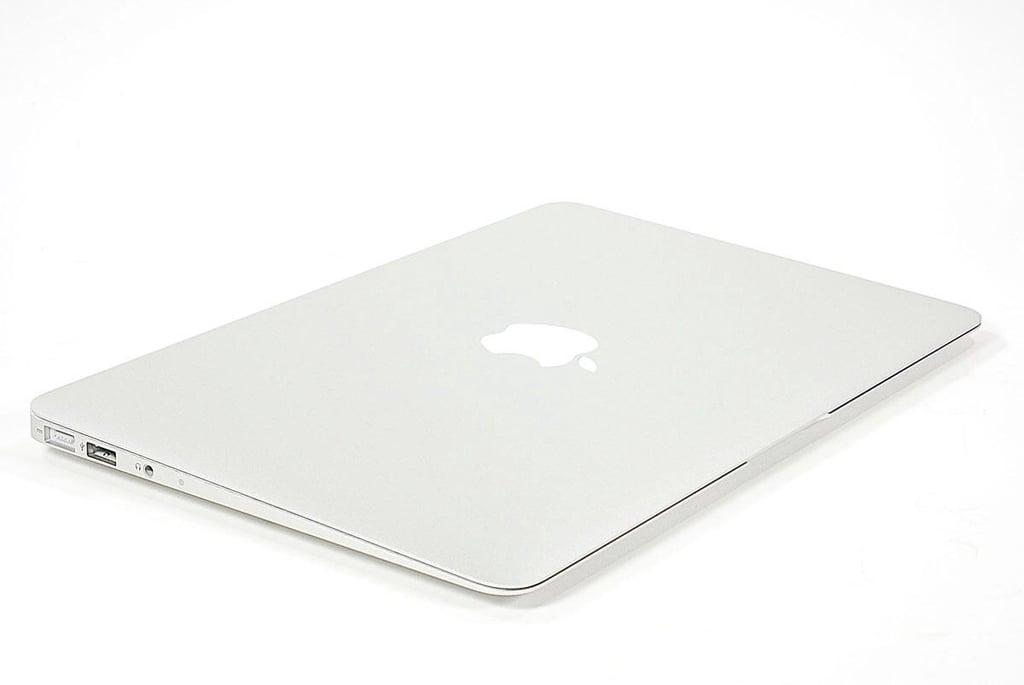
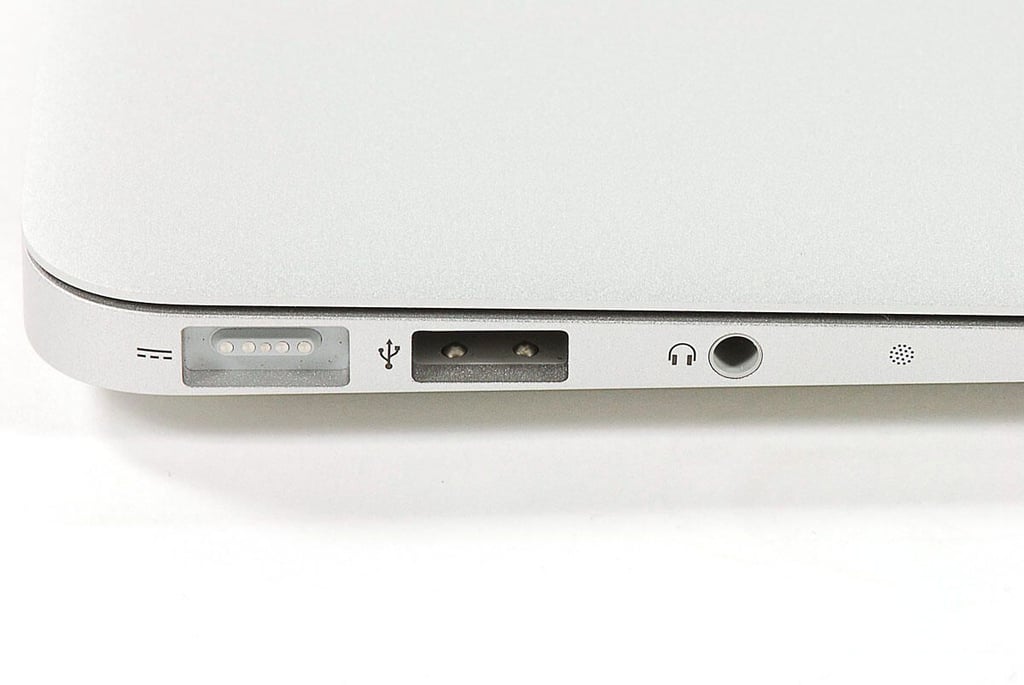
Cracking Open the Apple MacBook Air (2011 11-inch): MagSafe power connector, USB port, headphone jack, and microphone
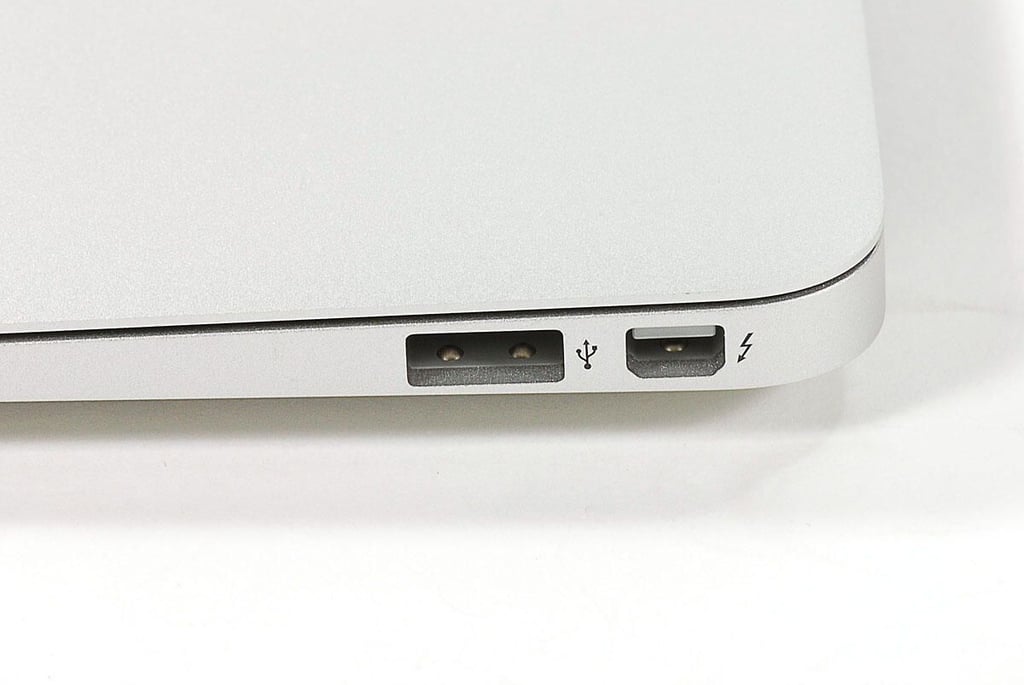
Cracking Open the Apple MacBook Air (2011 11-inch): USB port and Thunderbolt port
\n\tApple added a Thunderbolt port to the 2011 MacBook Air. Unlike the 13-inch Air, the 11-inch model does not have an SD-card reader.
\n
\n\tPhoto by: Bill Detwiler / TechRepublic
\n\tCaption by: Bill Detwiler
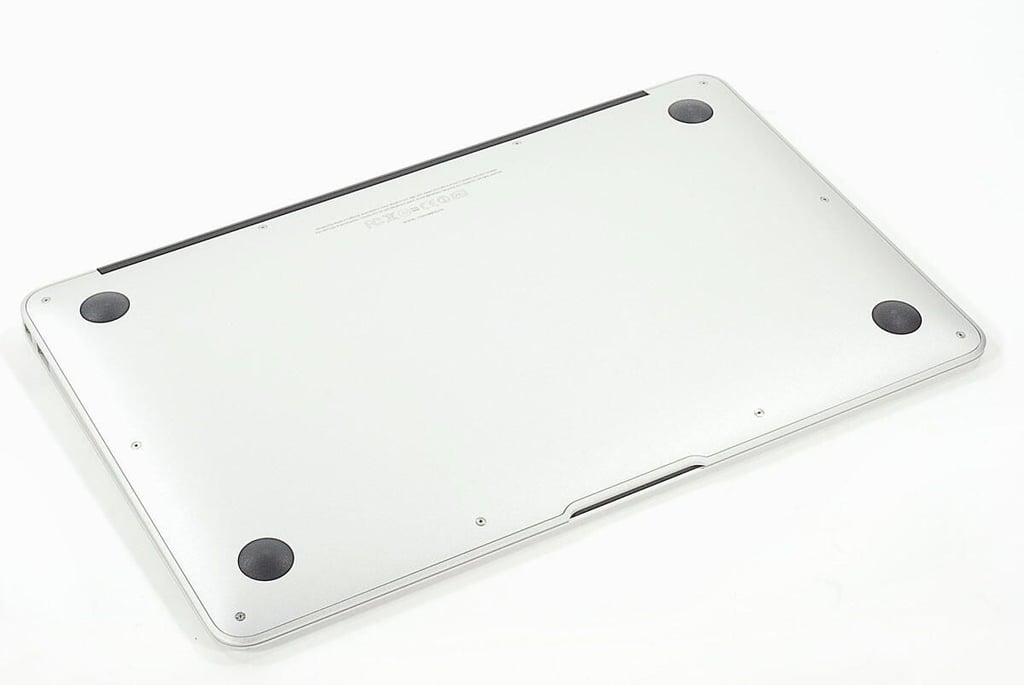
Cracking Open the Apple MacBook Air (2011 11-inch): Bottom
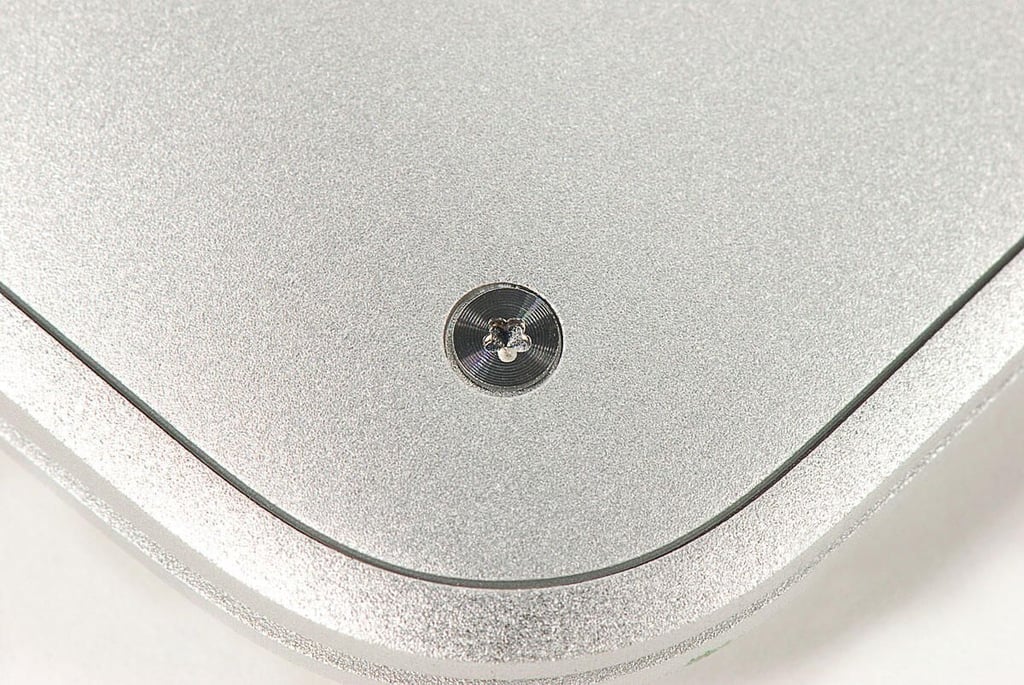
Cracking Open the Apple MacBook Air (2011 11-inch): 5-point petalobe tamper-resistant screws
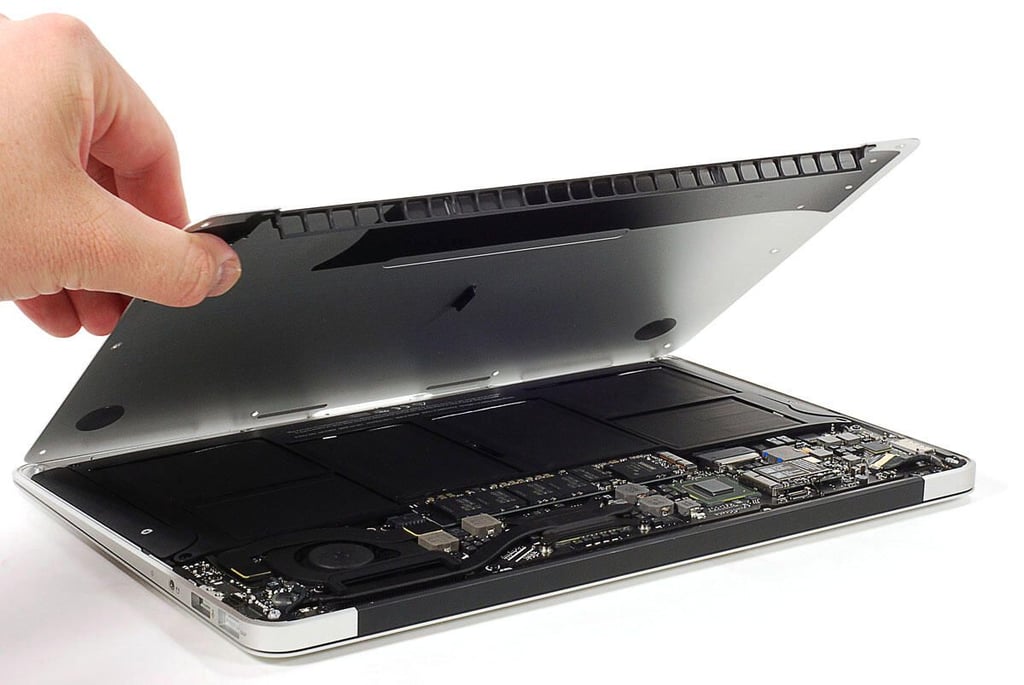
\n\tAs on the 2010 MacBook Air and some iPhone 4’s, Apple used tamper-resistant pentalobe screws on the 2011 Air’s bottom cover. Using a small Phillips I was able to remove the screws, but not without damaging one of the screws beyond future use. I’ll be looking for replacement screws before reassembling this laptop.
\n\t
\n\tPhoto by: Bill Detwiler / TechRepublic
\n\tCaption by: Bill Detwiler
Cracking Open the Apple MacBook Air (2011 11-inch): Removing the bottom cover
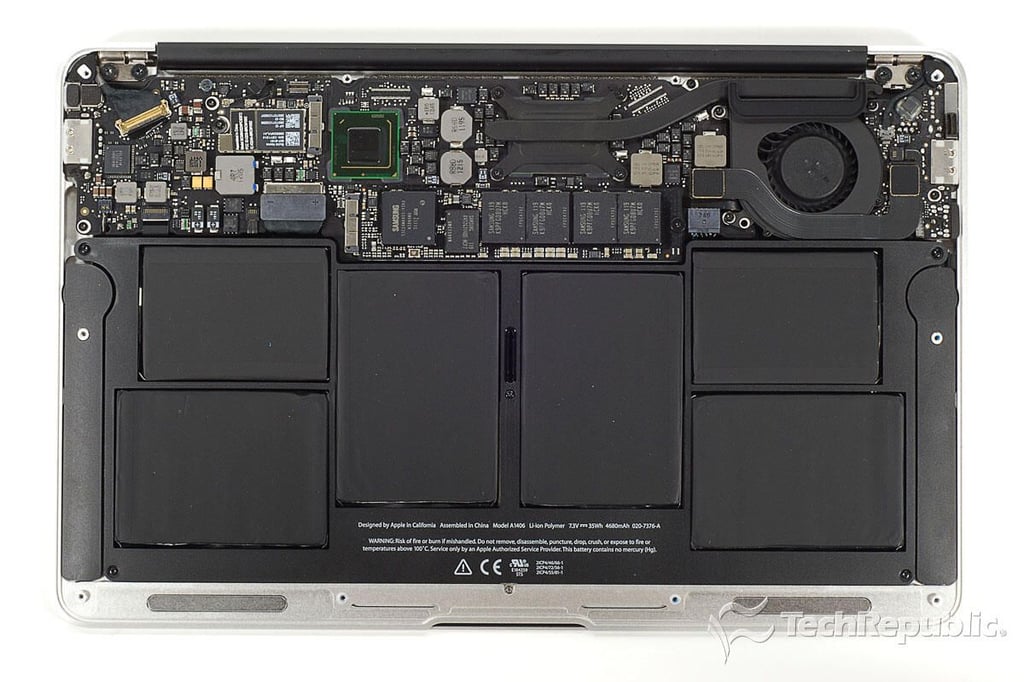
Cracking Open the Apple MacBook Air (2011 11-inch): Internal hardware
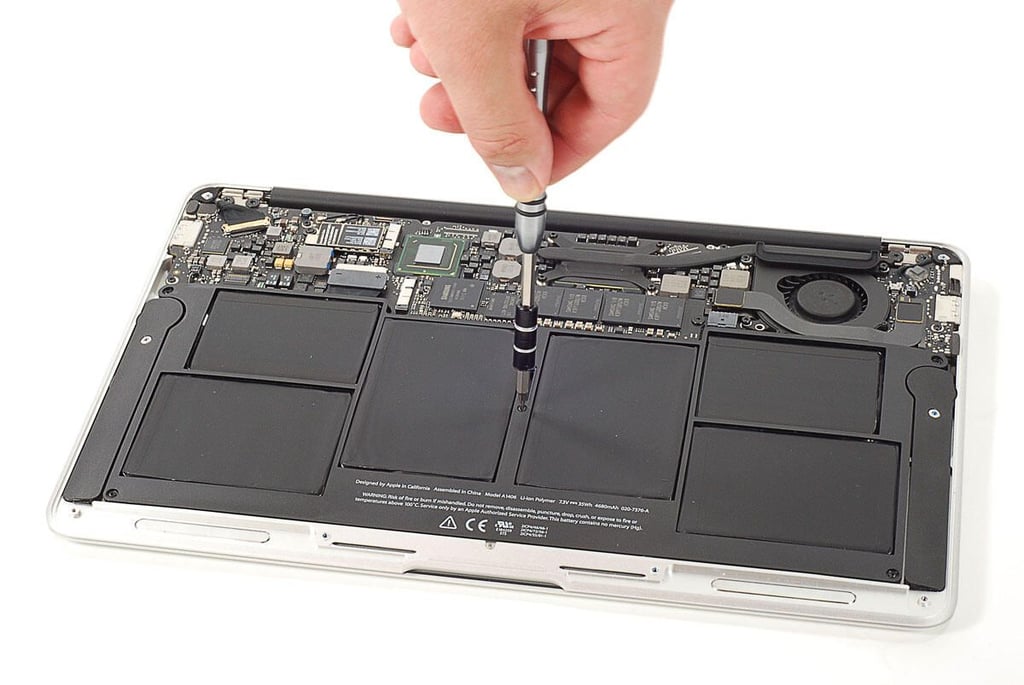
Cracking Open the Apple MacBook Air (2011 11-inch): Removing the battery screws
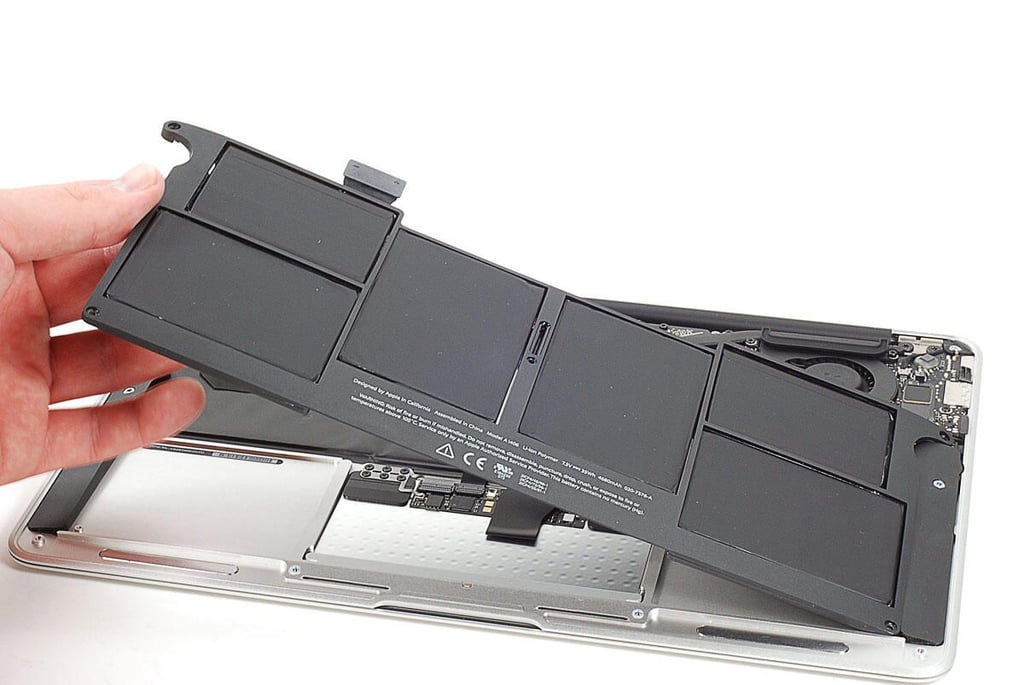
Cracking Open the Apple MacBook Air (2011 11-inch): Removing the battery
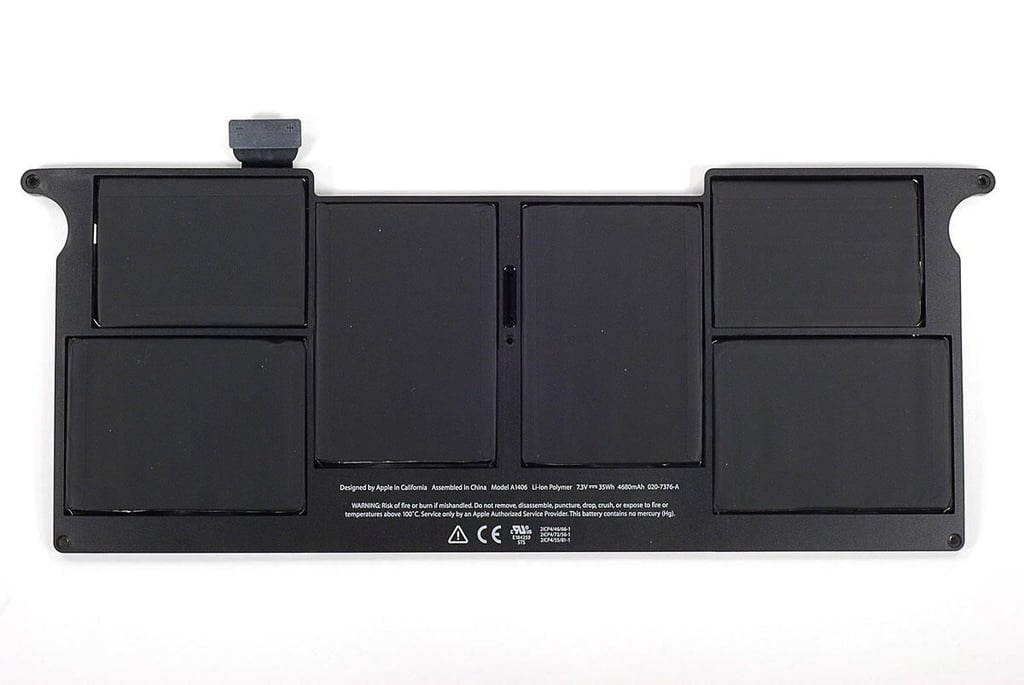
Cracking Open the Apple MacBook Air (2011 11-inch): 7.3V 4680mAh Li-ion Polymer Battery (Model A1406)
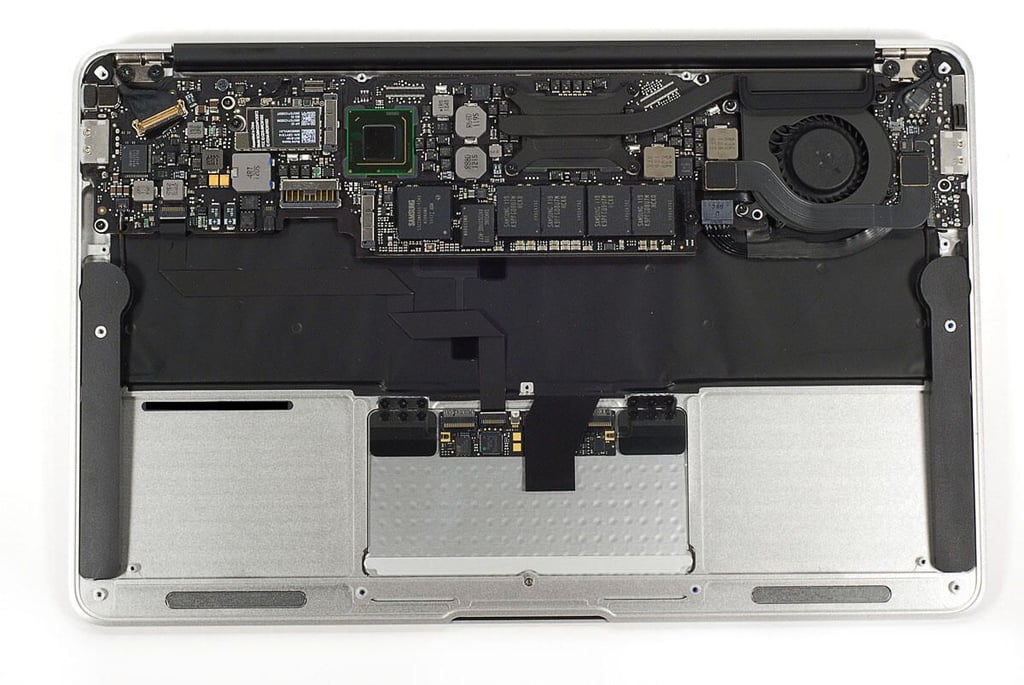
Cracking Open the Apple MacBook Air (2011 11-inch): Battery removed
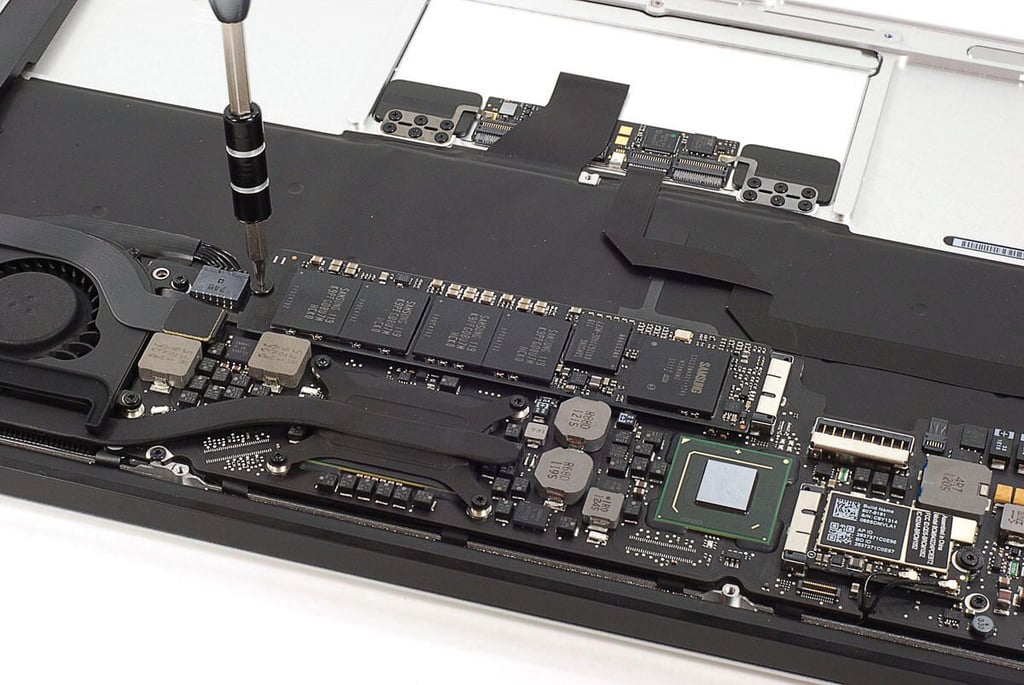
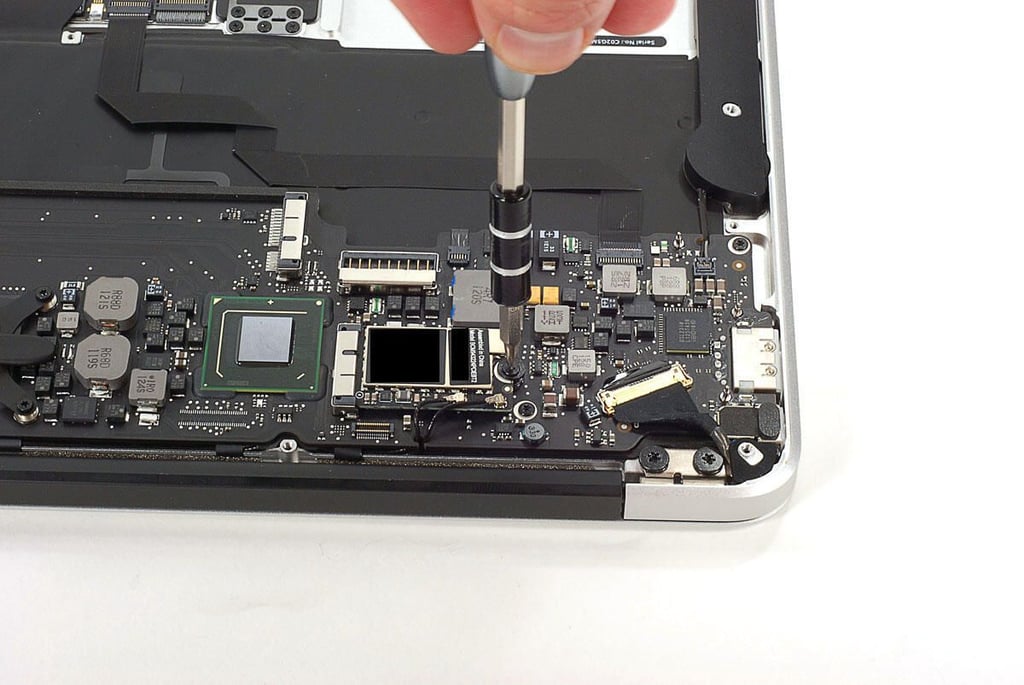
Cracking Open the Apple MacBook Air (2011 11-inch): Removing the SSD screw
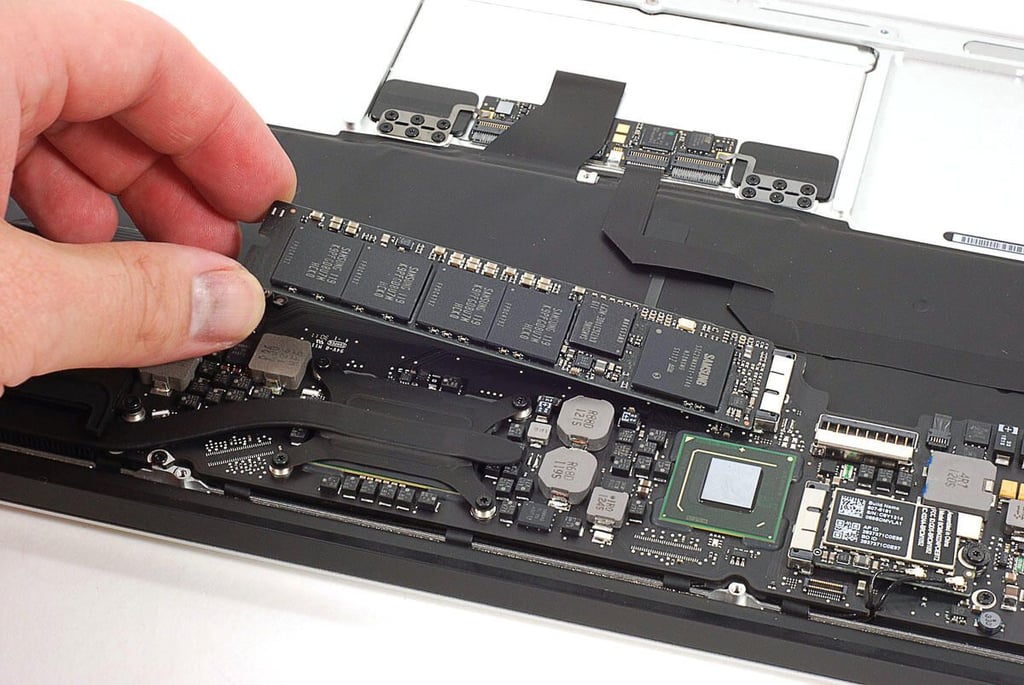
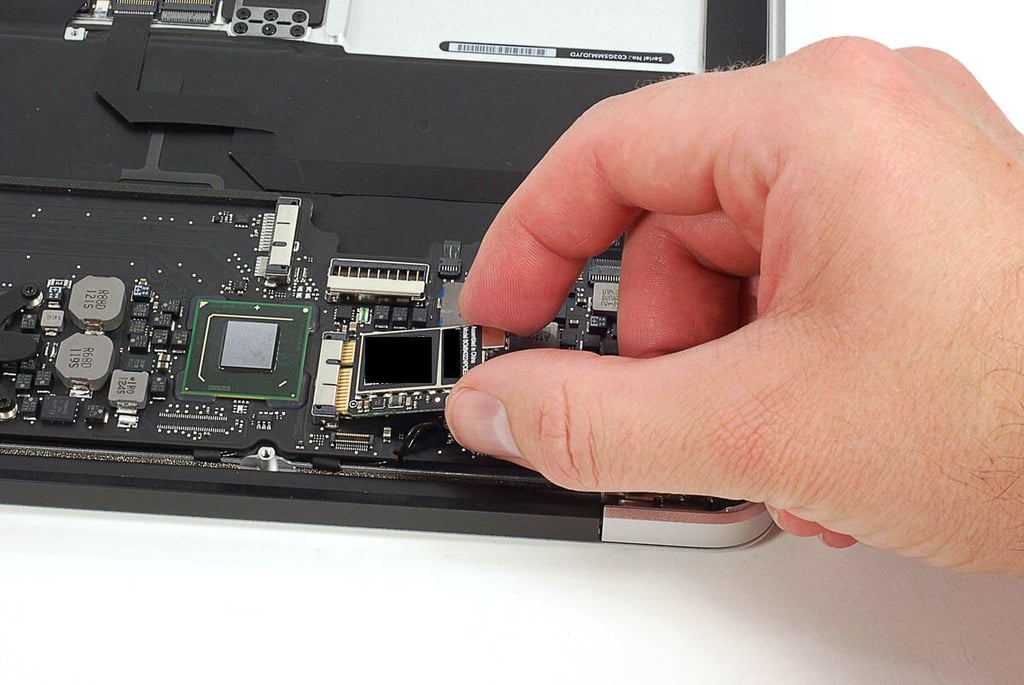
Cracking Open the Apple MacBook Air (2011 11-inch): Removing the Samsung SSD
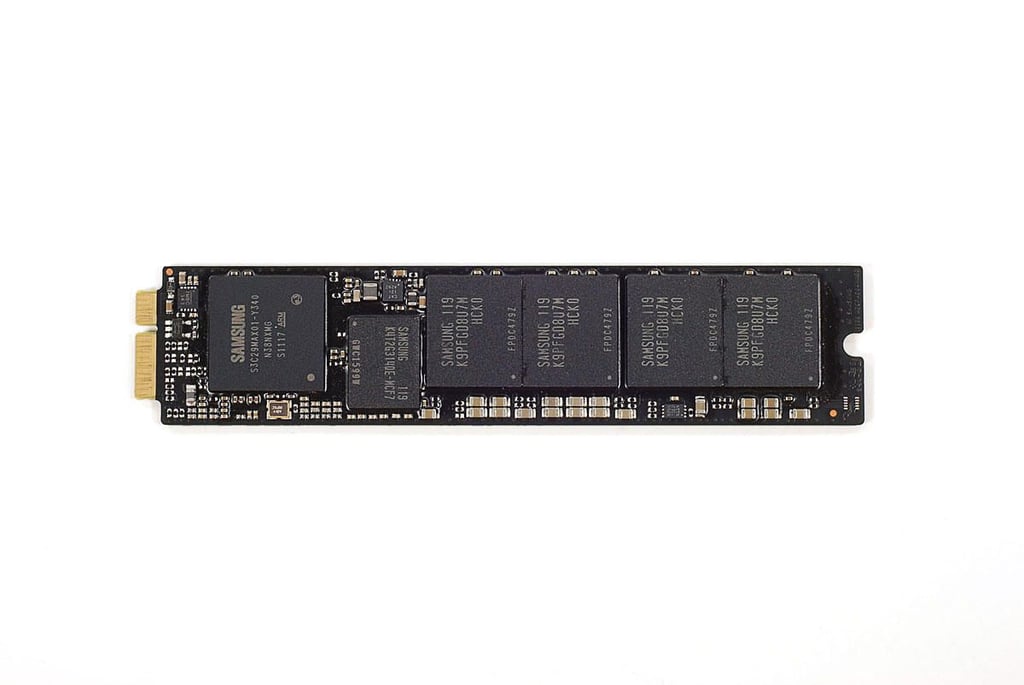
Cracking Open the Apple MacBook Air (2011 11-inch): 128GB Samsung MZ-CPA1280/0A2 SSD
Cracking Open the Apple MacBook Air (2011 11-inch): Removing the Broadcom mini-PCIe wireless card screw
Cracking Open the Apple MacBook Air (2011 11-inch): Removing the Broadcom mini-PCIe wireless card
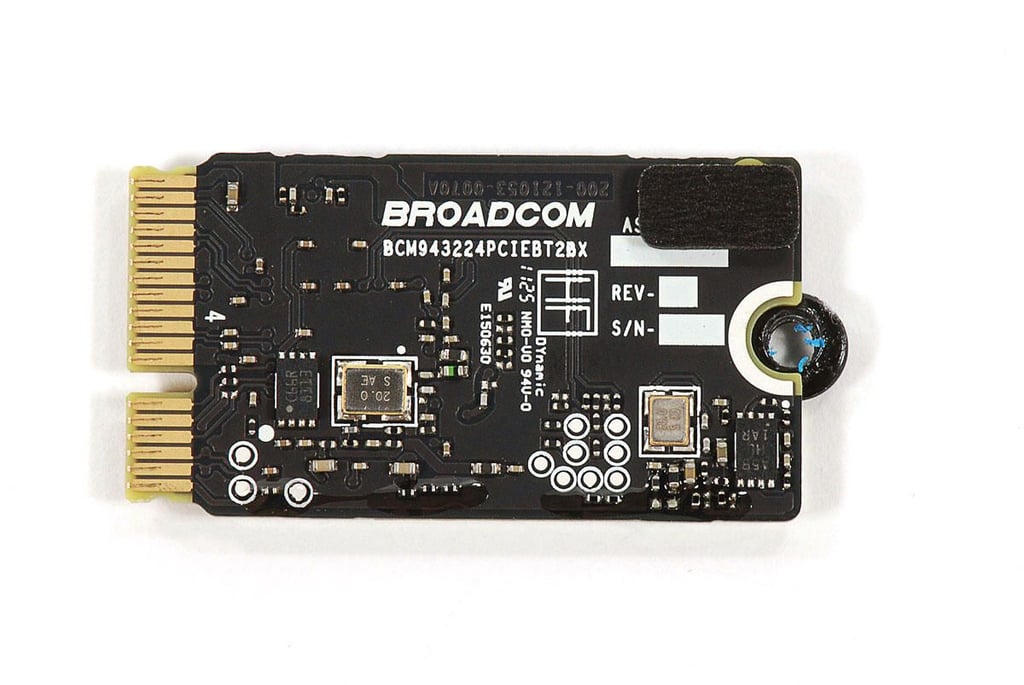
Cracking Open the Apple MacBook Air (2011 11-inch): Broadcom BCM943224PCIEBT2BX mini-PCIe wireless card
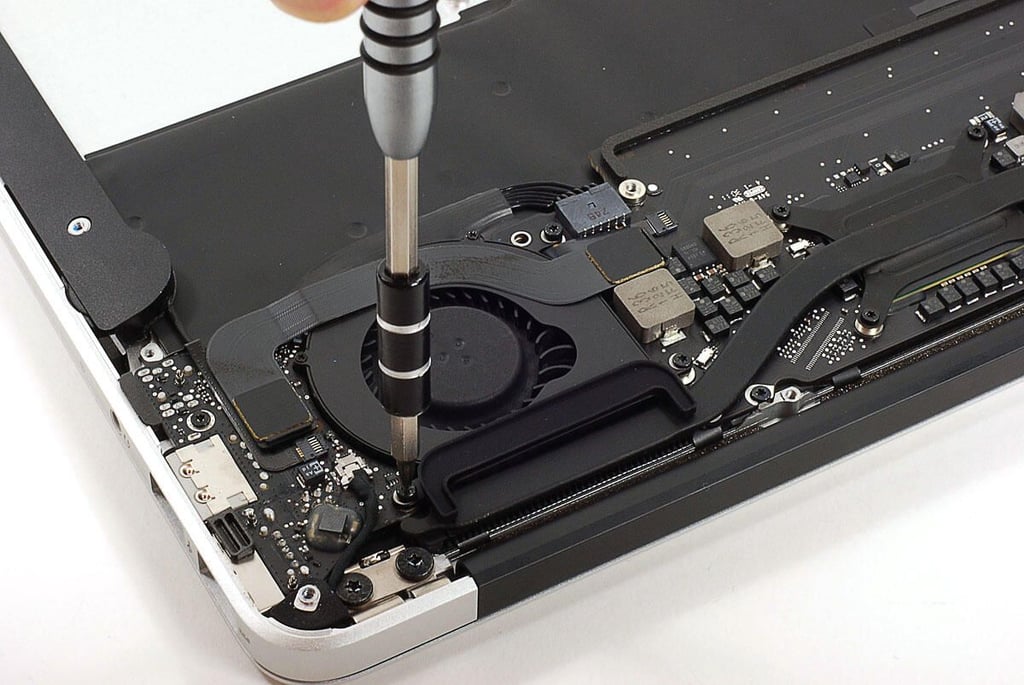
Cracking Open the Apple MacBook Air (2011 11-inch): Removing the cooling fan screws
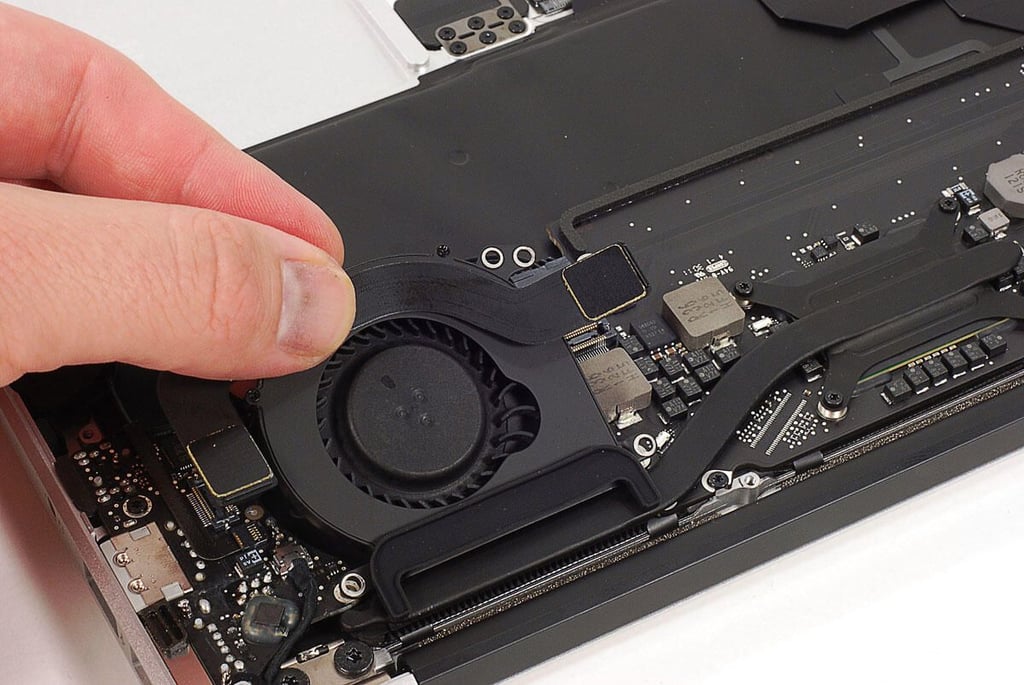
Cracking Open the Apple MacBook Air (2011 11-inch): Removing the cooling fan
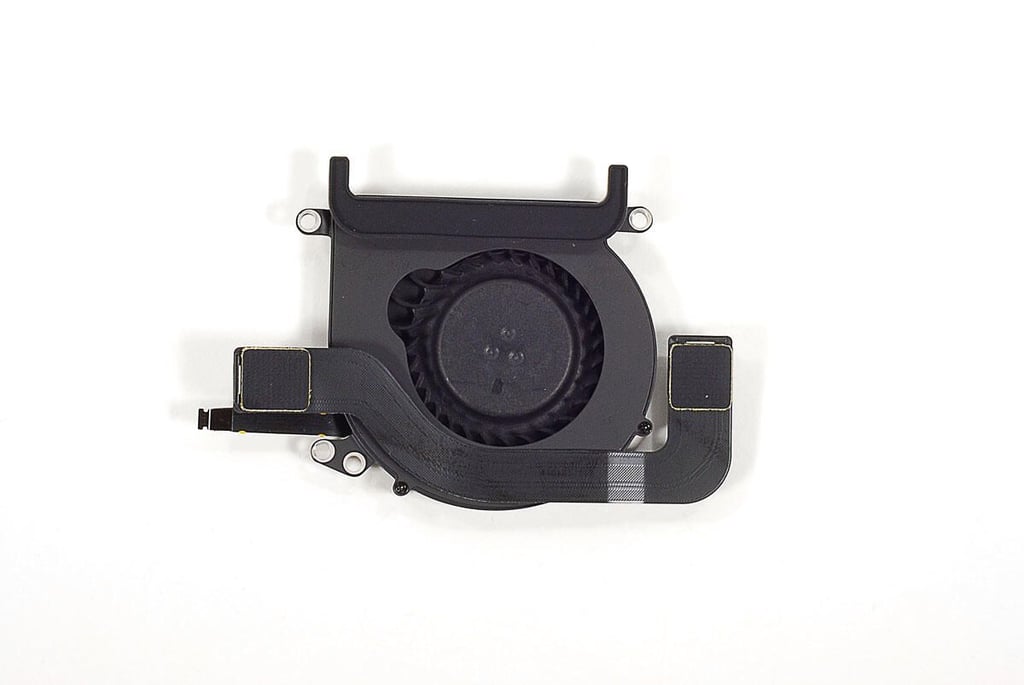
Cracking Open the Apple MacBook Air (2011 11-inch): Delta Electronics KDB05105HC-HM04 cooling fan
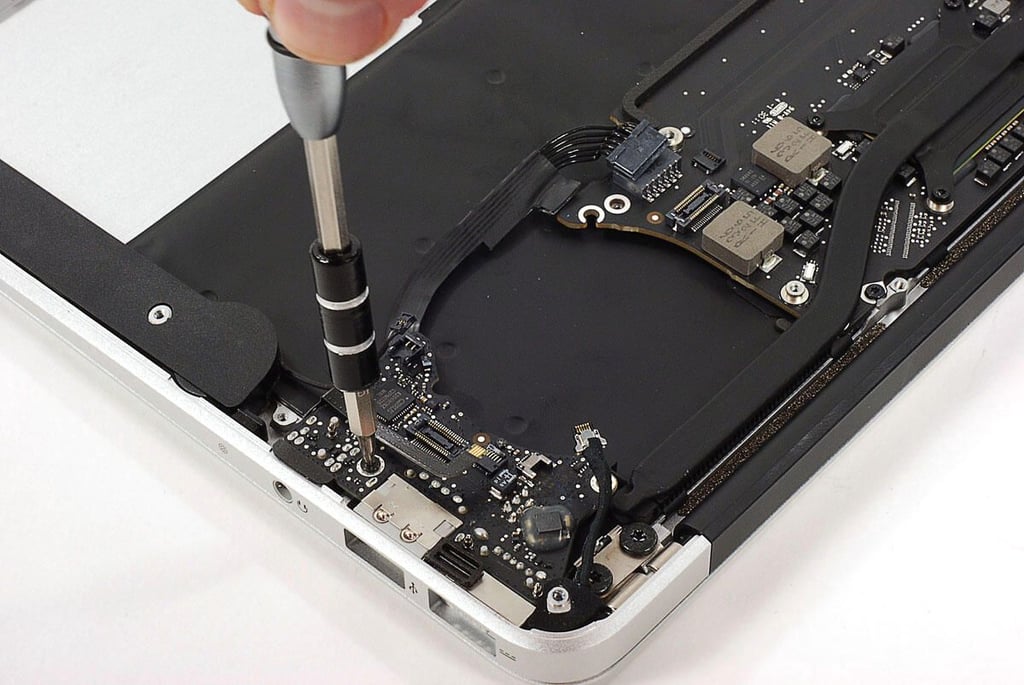
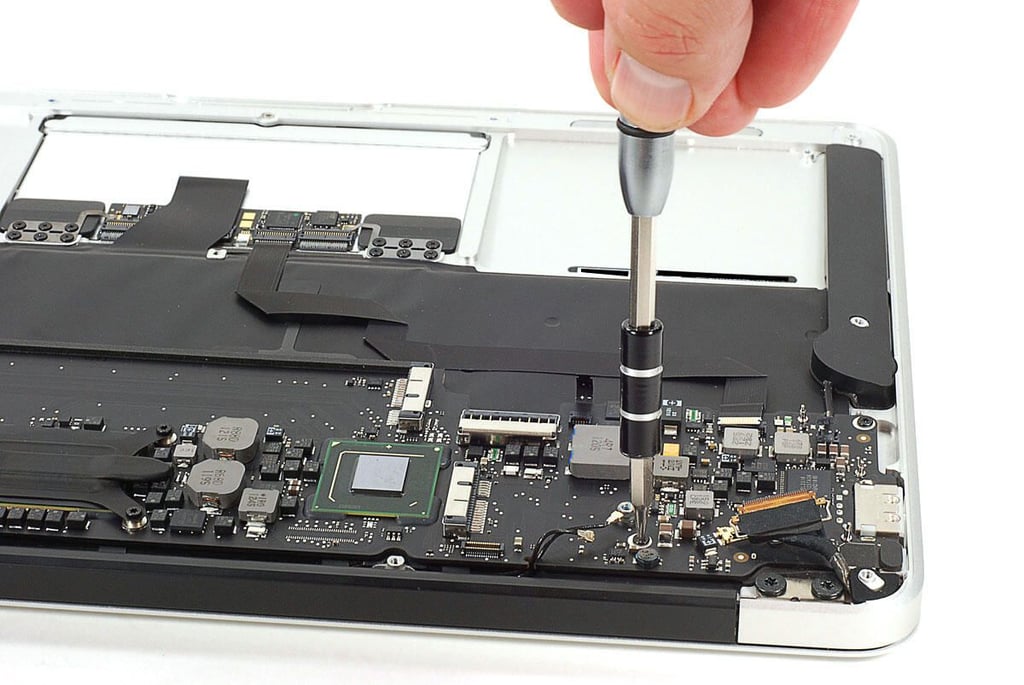
Cracking Open the Apple MacBook Air (2011 11-inch): Removing the left-side PCB screw
Cracking Open the Apple MacBook Air (2011 11-inch): Removing the left-side PCB
Cracking Open the Apple MacBook Air (2011 11-inch): Left-side PCB
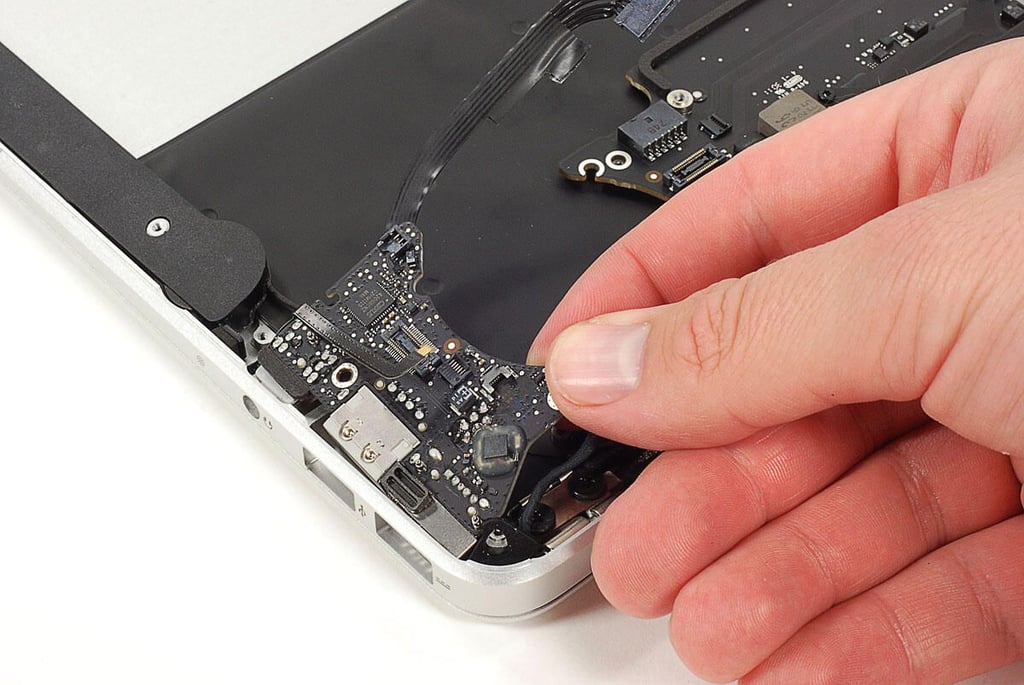
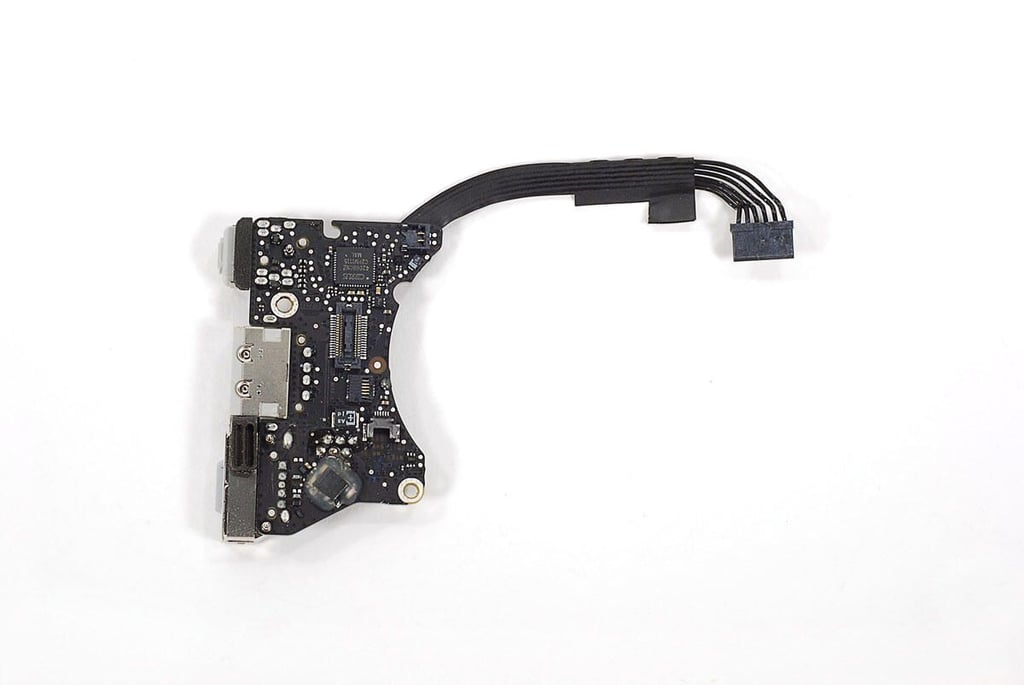
\n\tThe left-side PCB contains the MagSafe power connectors, USB port, and headphone jack.
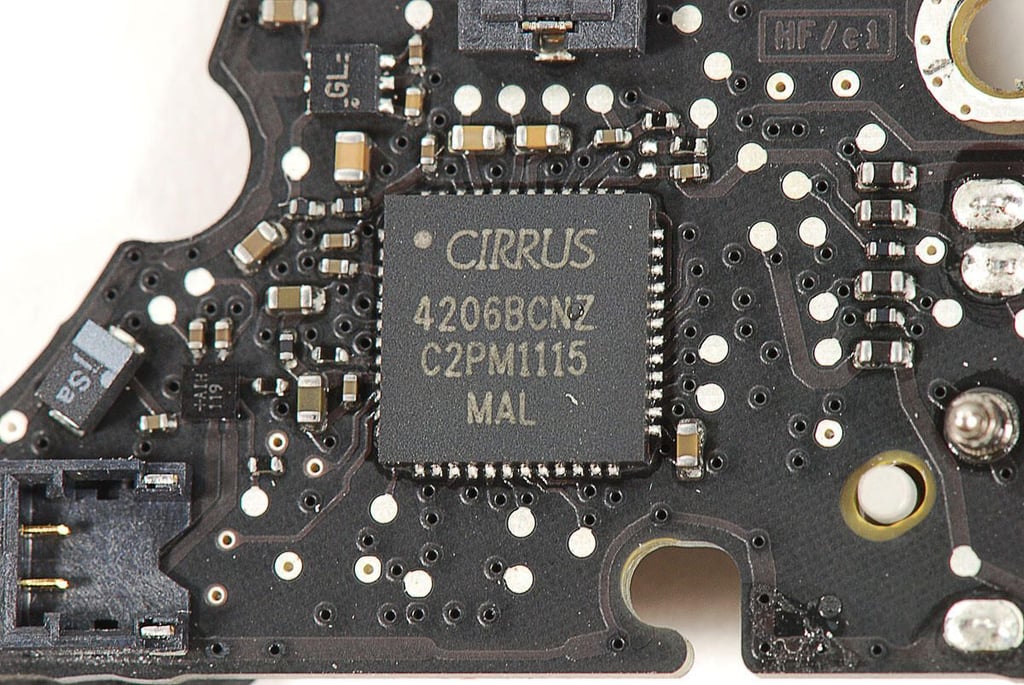
Cracking Open the Apple MacBook Air (2011 11-inch): Cirrus 4206BCNZ audio controller
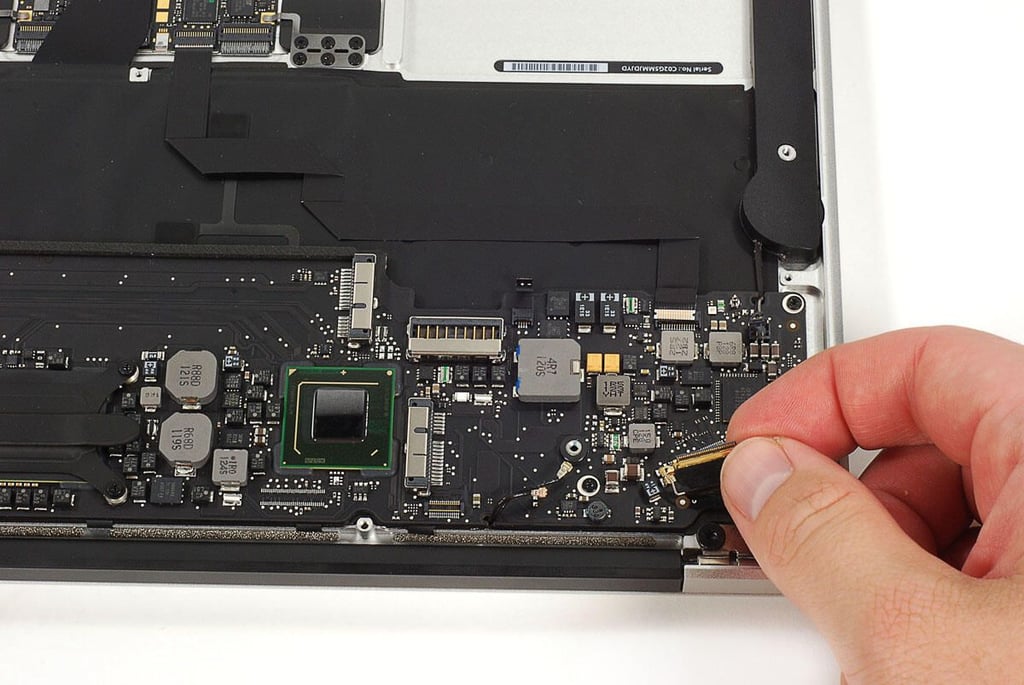
Cracking Open the Apple MacBook Air (2011 11-inch): Disconnecting the motherboard cables
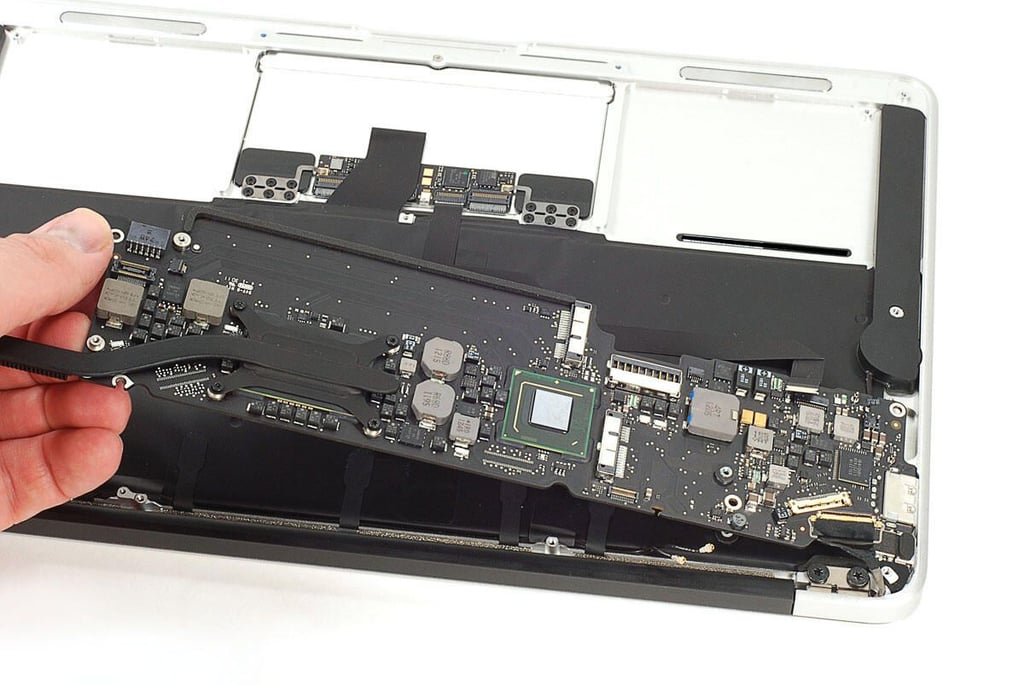
Cracking Open the Apple MacBook Air (2011 11-inch): Removing the motherboard screws
Cracking Open the Apple MacBook Air (2011 11-inch): Removing the motherboard
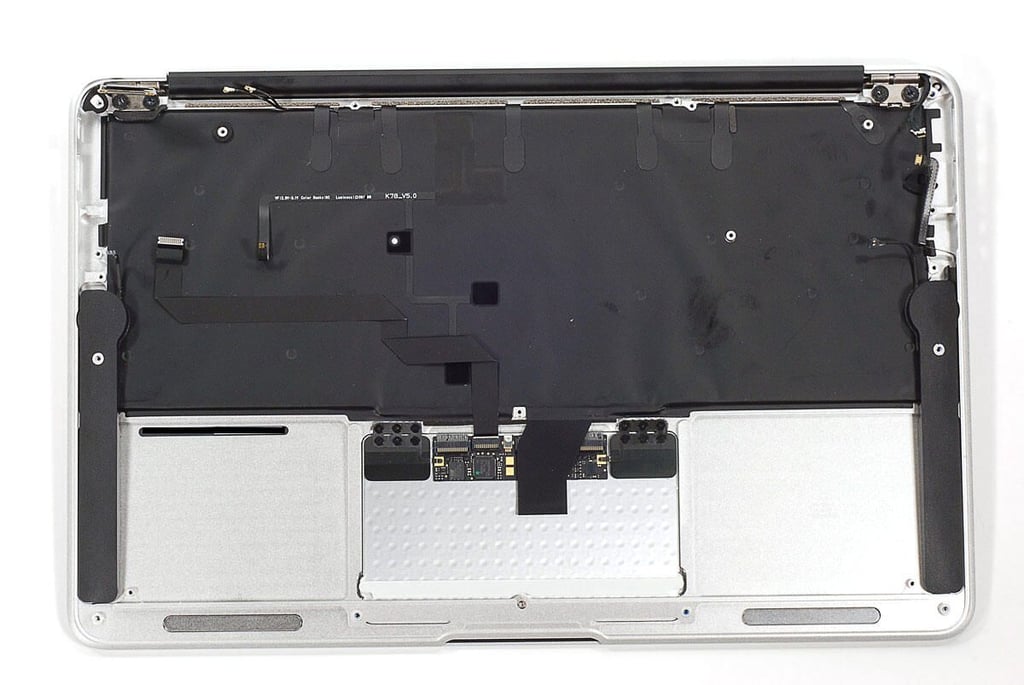
Cracking Open the Apple MacBook Air (2011 11-inch): Aluminum body and display assembly
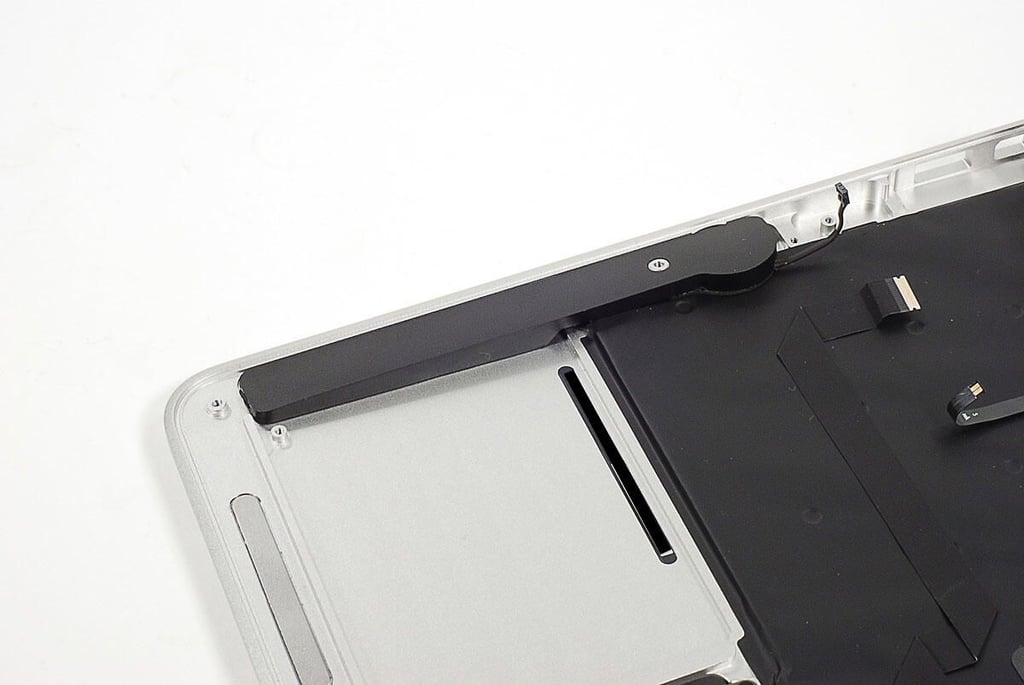
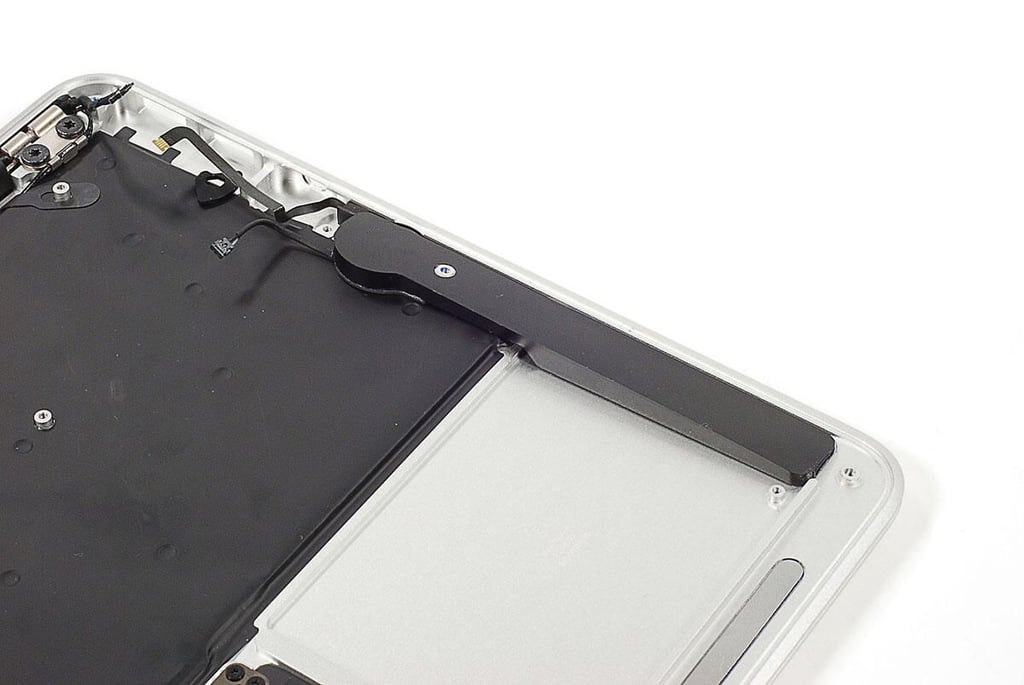
Cracking Open the Apple MacBook Air (2011 11-inch): Right-side speaker
Cracking Open the Apple MacBook Air (2011 11-inch): Left-side speaker
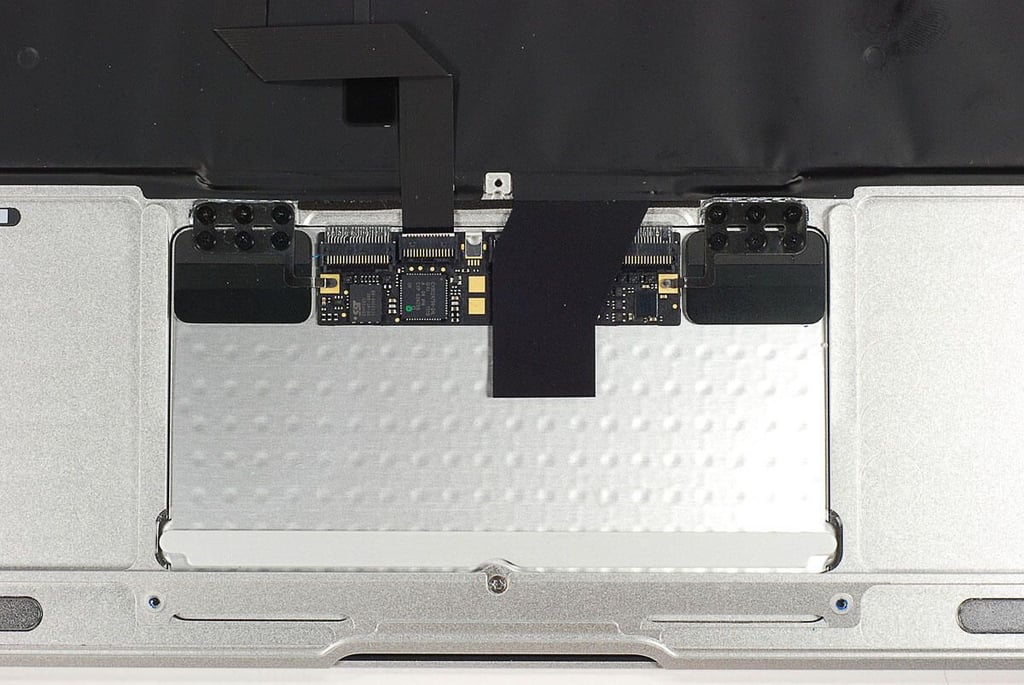
Cracking Open the Apple MacBook Air (2011 11-inch): Trackpad
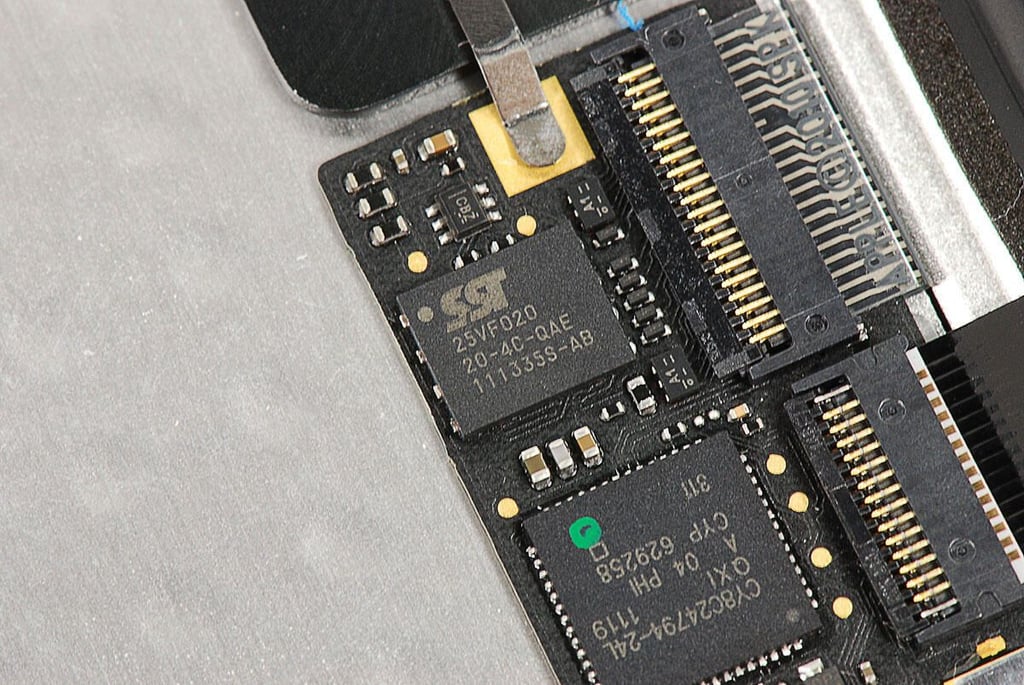
Cracking Open the Apple MacBook Air (2011 11-inch): Silicon Storage Technology - SST 25VF020 20-4C-QAE 111335S-AB
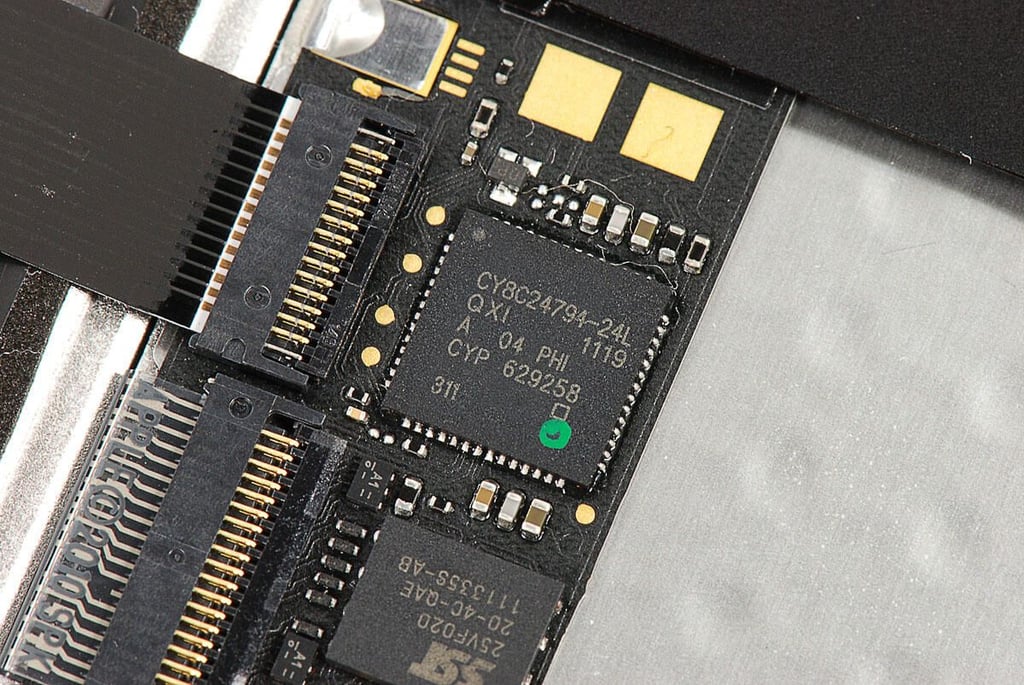
Cracking Open the Apple MacBook Air (2011 11-inch): Cypress CY8C24x94-24L PSoC
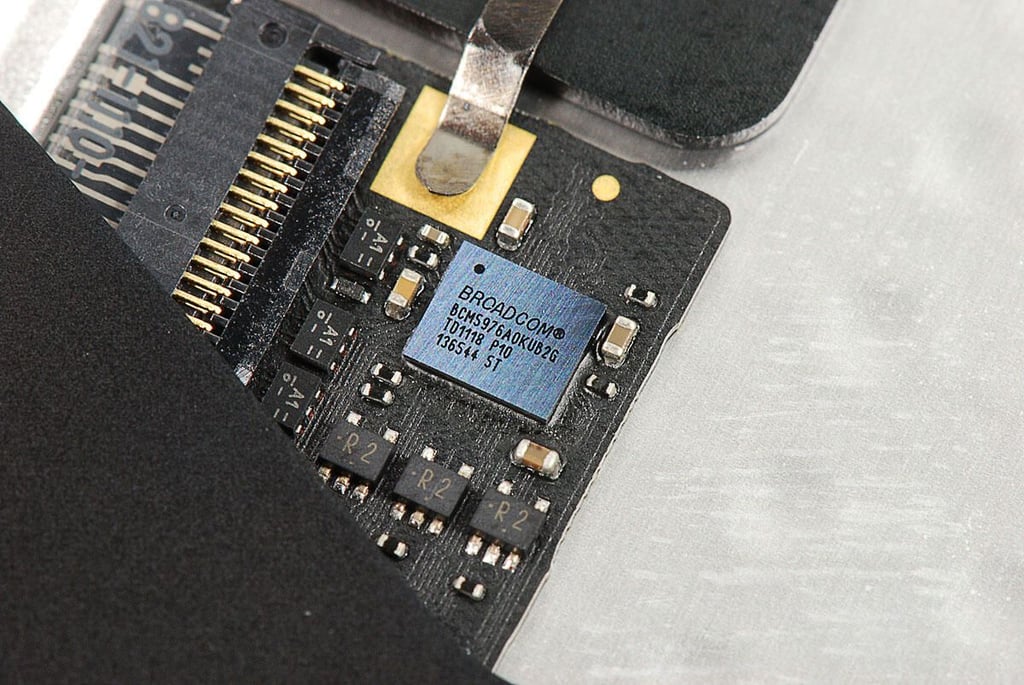
Cracking Open the Apple MacBook Air (2011 11-inch): Broadcom BCM5976A0KUB2G
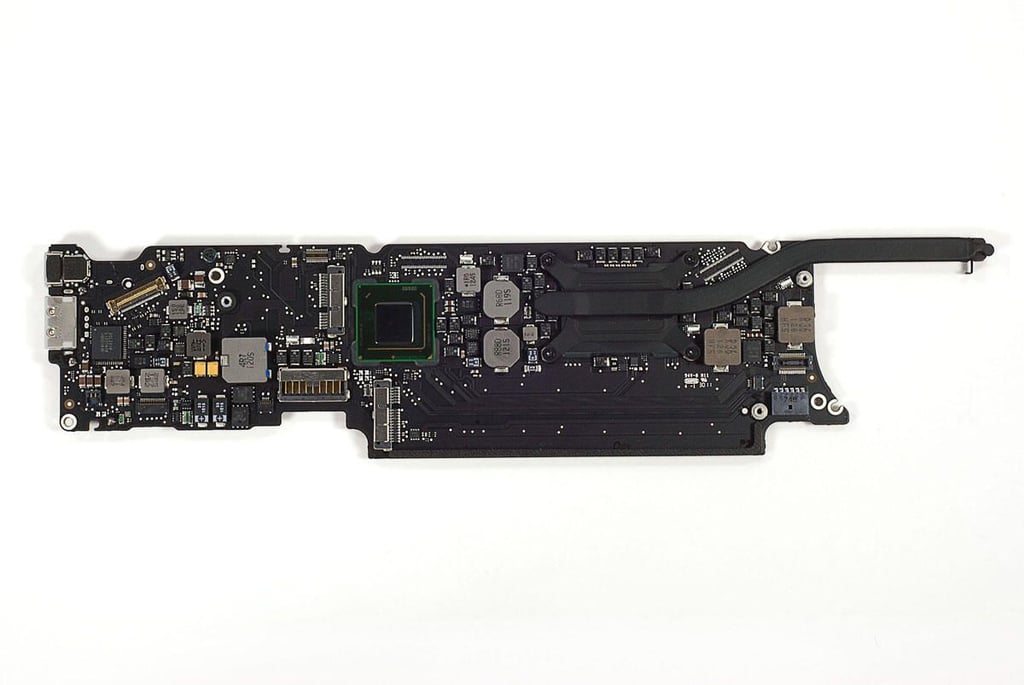
Cracking Open the Apple MacBook Air (2011 11-inch): Motherboard and heatshink
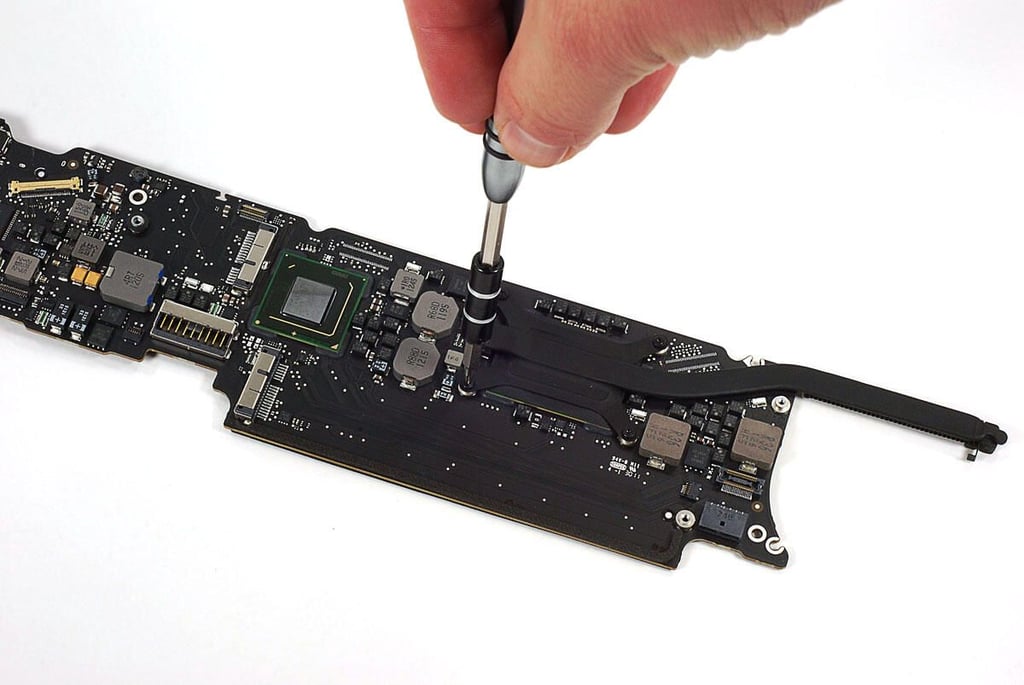
Cracking Open the Apple MacBook Air (2011 11-inch): Removing the heatsink screws
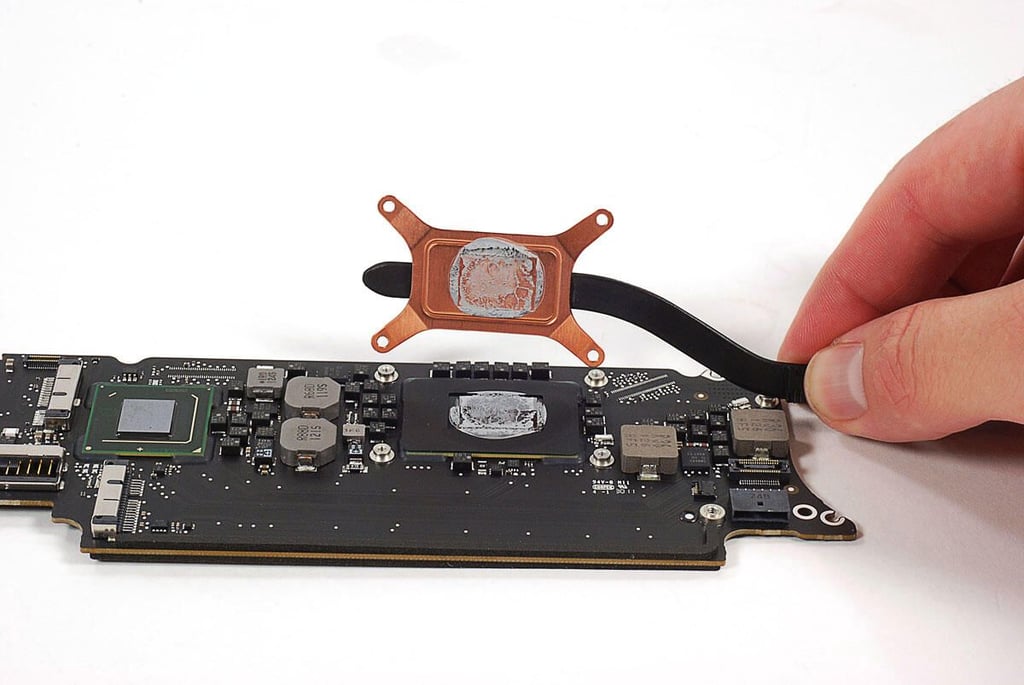
Cracking Open the Apple MacBook Air (2011 11-inch): Removing the heatsink
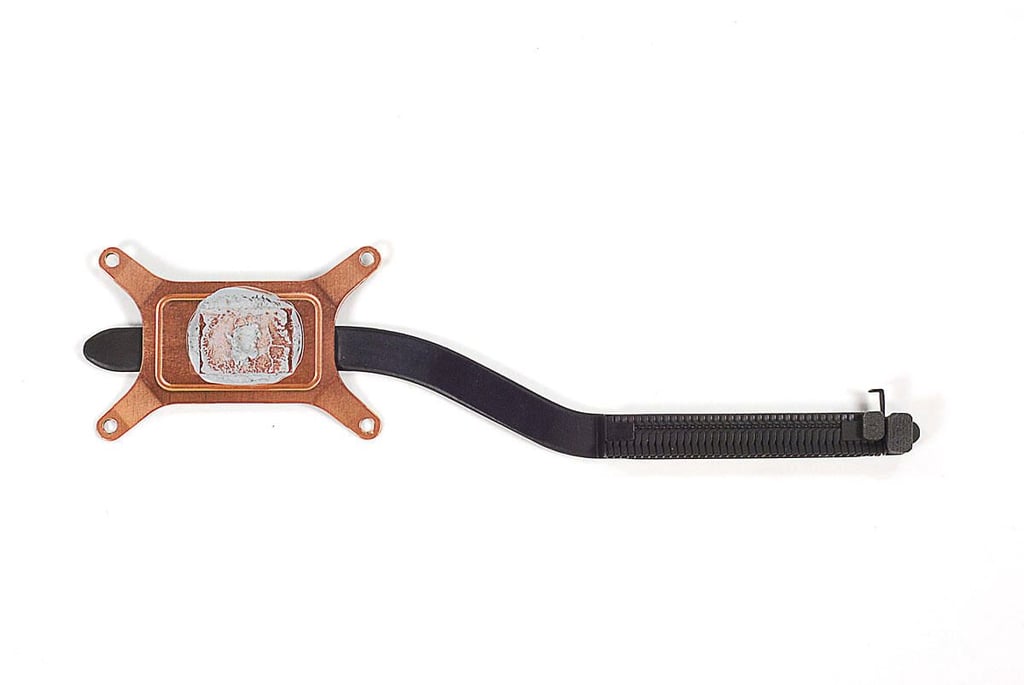
Cracking Open the Apple MacBook Air (2011 11-inch): Heatsink
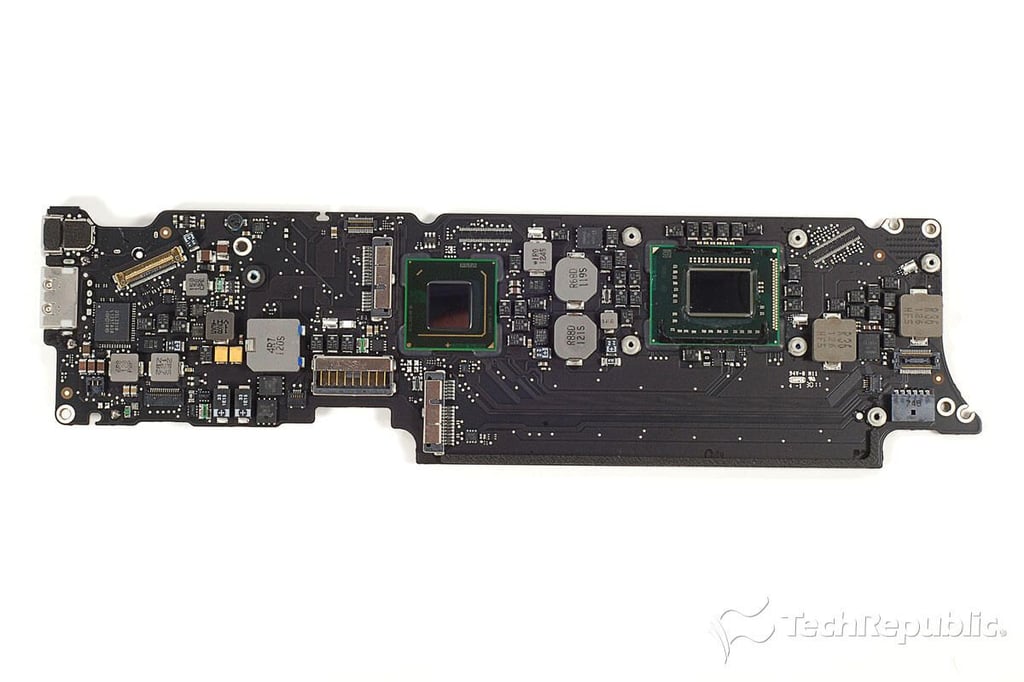
Cracking Open the Apple MacBook Air (2011 11-inch): Motherboard - Top
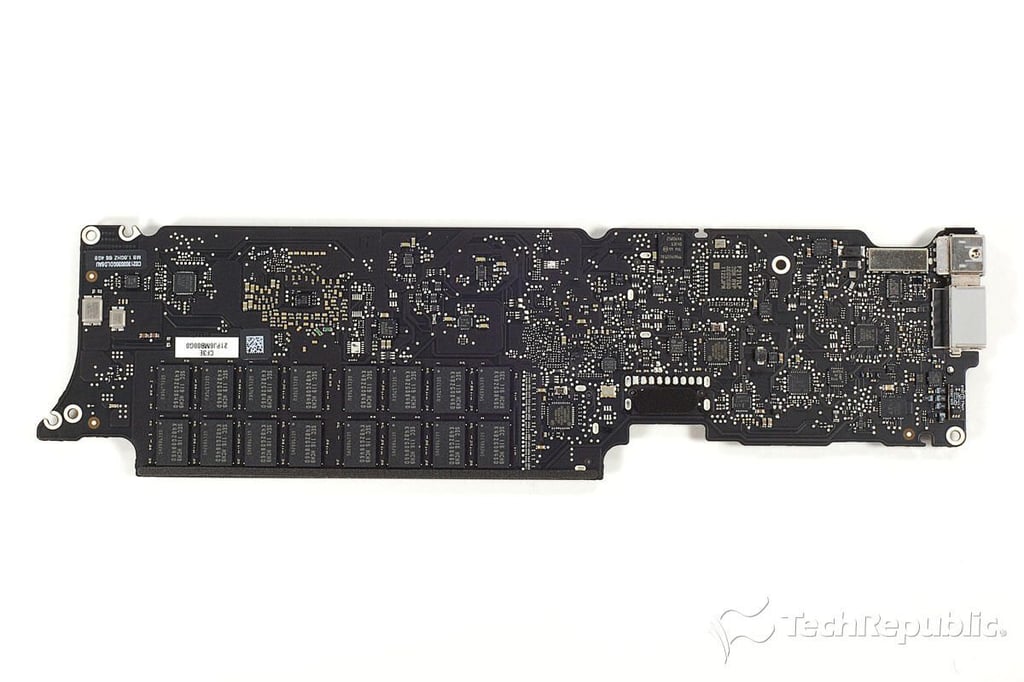
Cracking Open the Apple MacBook Air (2011 11-inch): Motherboard - Bottom
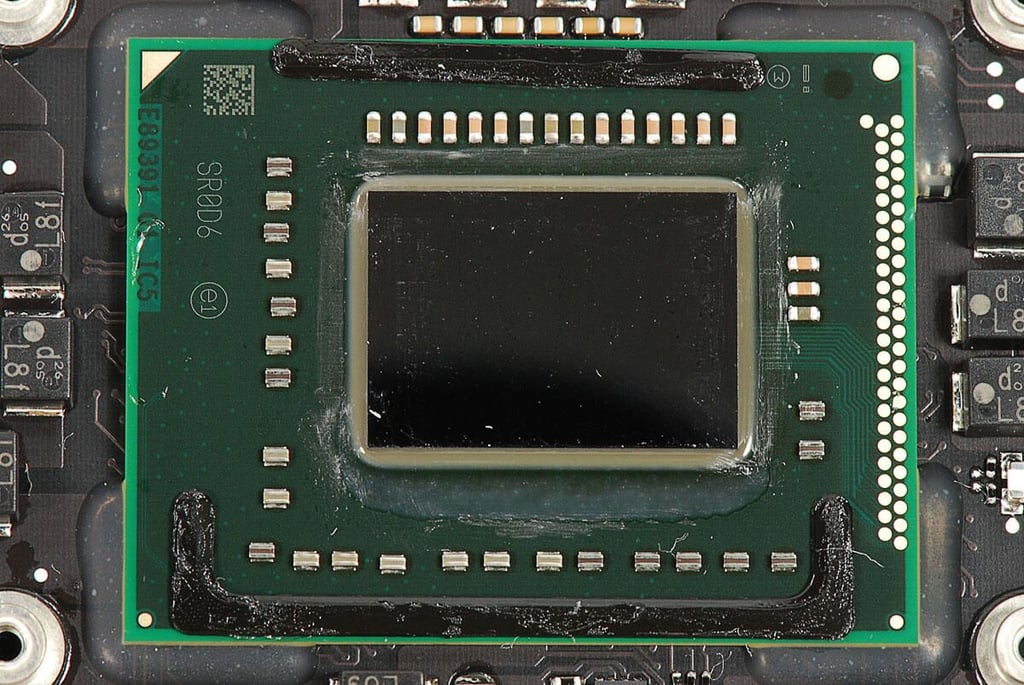
Cracking Open the Apple MacBook Air (2011 11-inch): 1.6GHz Intel Core i5 Processor with integrated Intel HD 3000 graphics
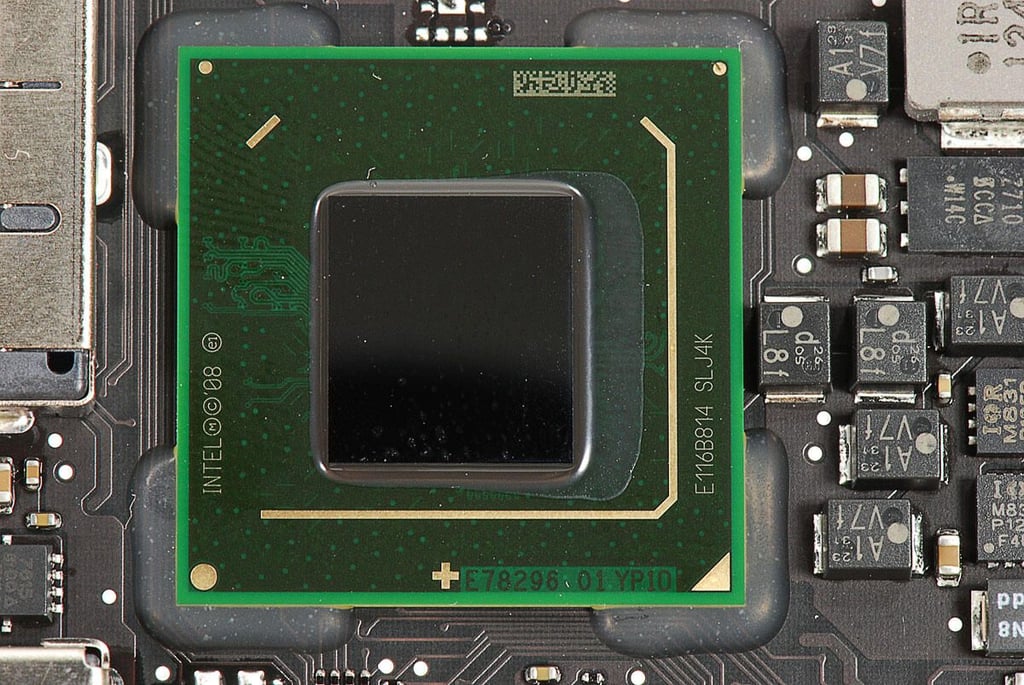
Cracking Open the Apple MacBook Air (2011 11-inch): Intel E78296 Platform Controller Hub
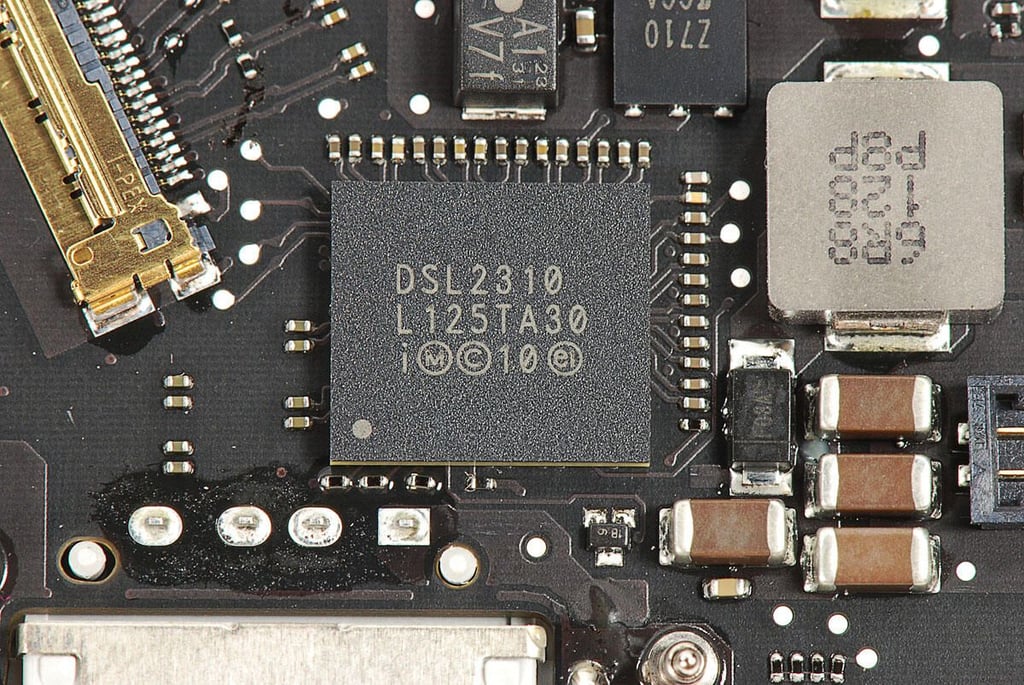
Cracking Open the Apple MacBook Air (2011 11-inch): Intel DSL2310
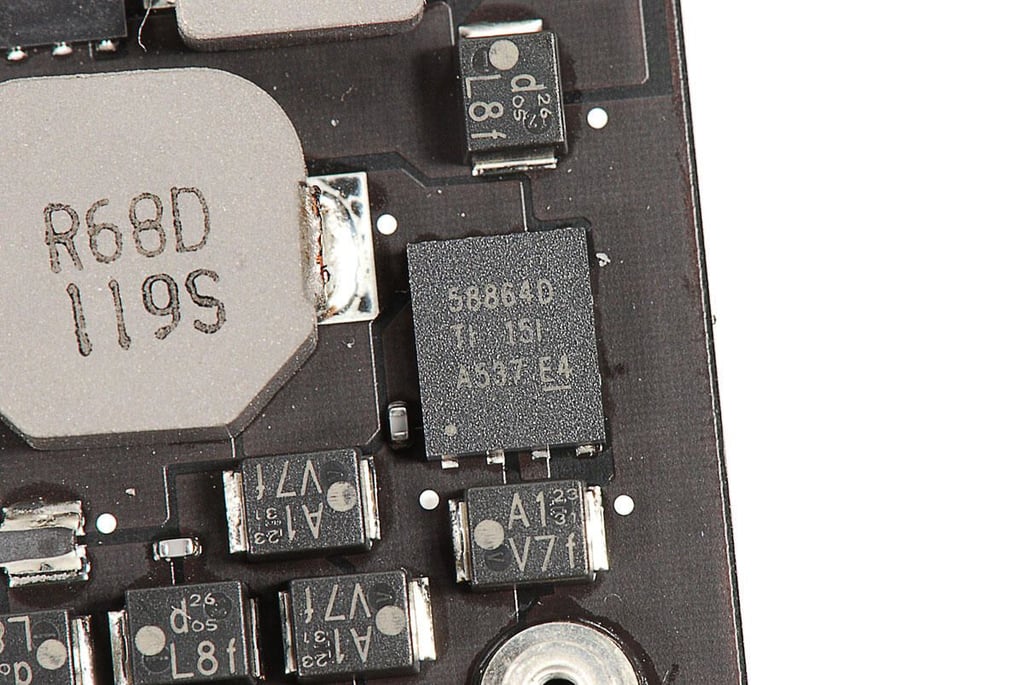
Cracking Open the Apple MacBook Air (2011 11-inch): Texas Instruments 58864D
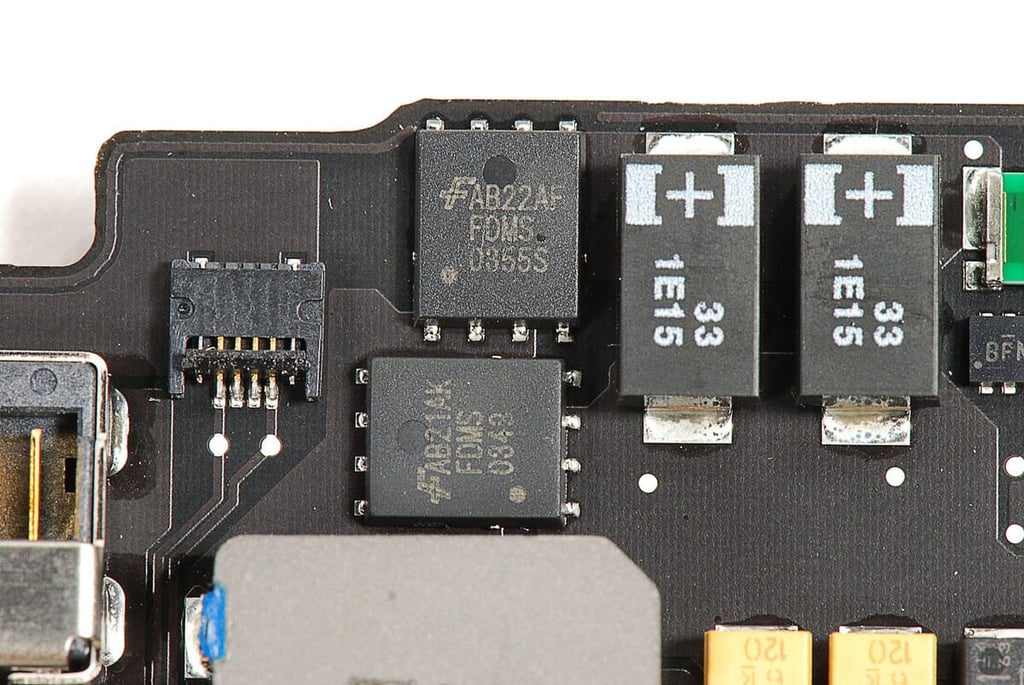
Cracking Open the Apple MacBook Air (2011 11-inch): Fairchild AB22AF FDMS 0355S and AB21AK FDMS 0348
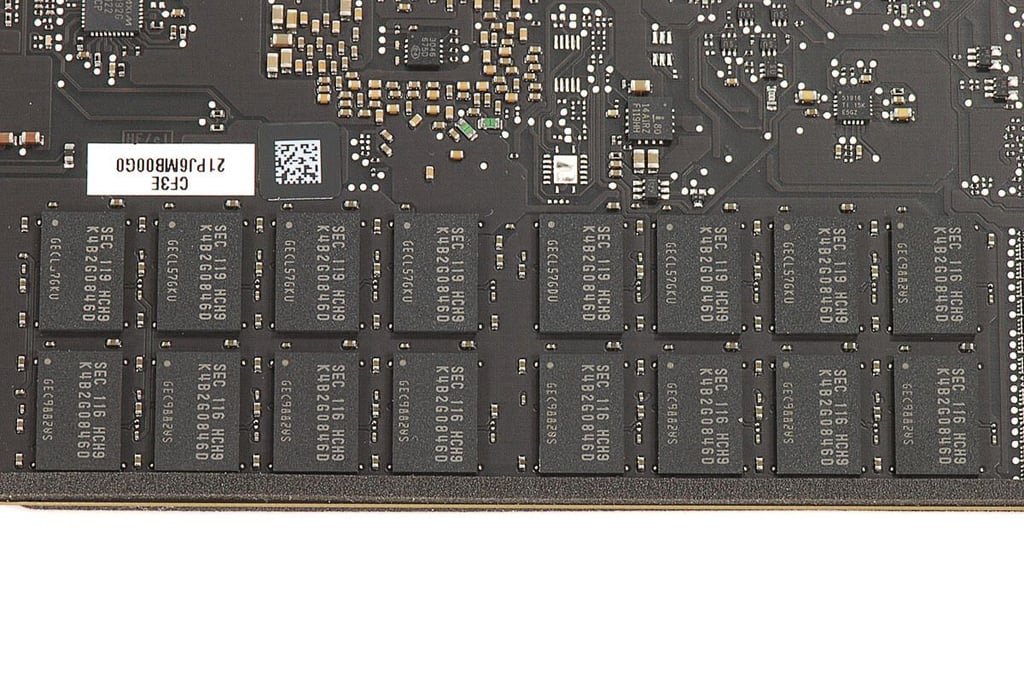
Cracking Open the Apple MacBook Air (2011 11-inch): Samsung K4B2G0846D DDR3 SDRAM (4GB)
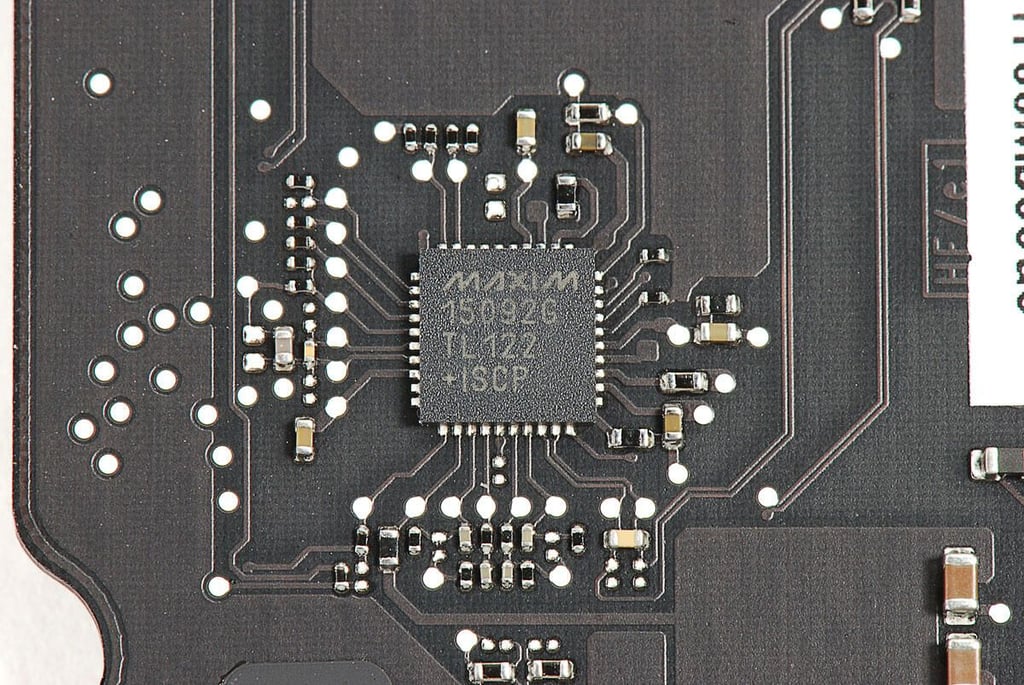
Cracking Open the Apple MacBook Air (2011 11-inch): MAXIM 15092G
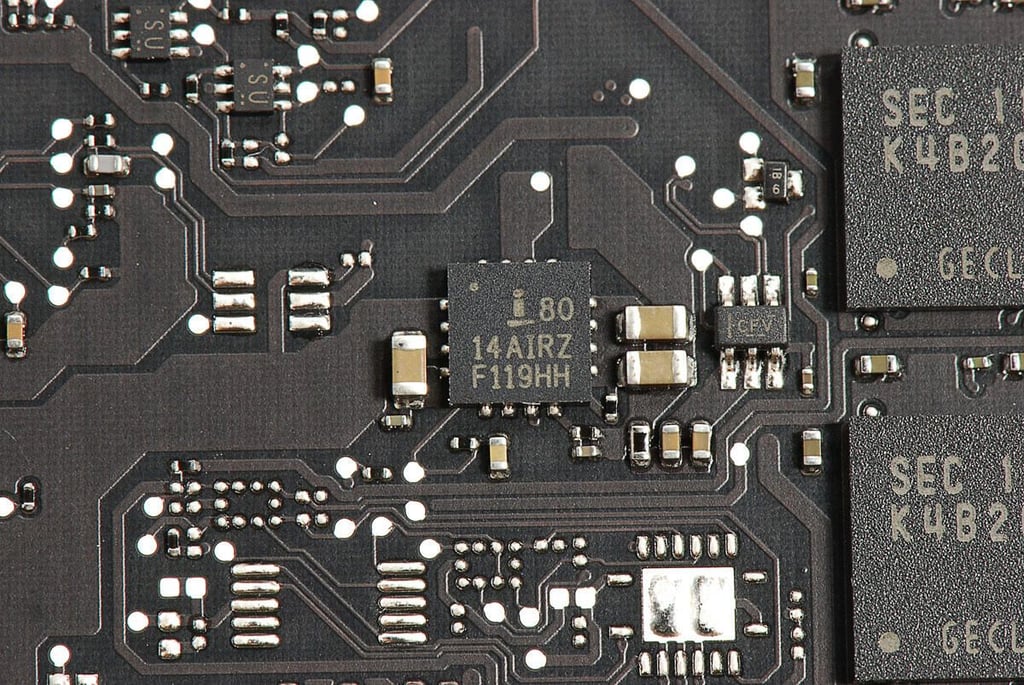
Cracking Open the Apple MacBook Air (2011 11-inch): Intersil 80 14AIRZ F119HH
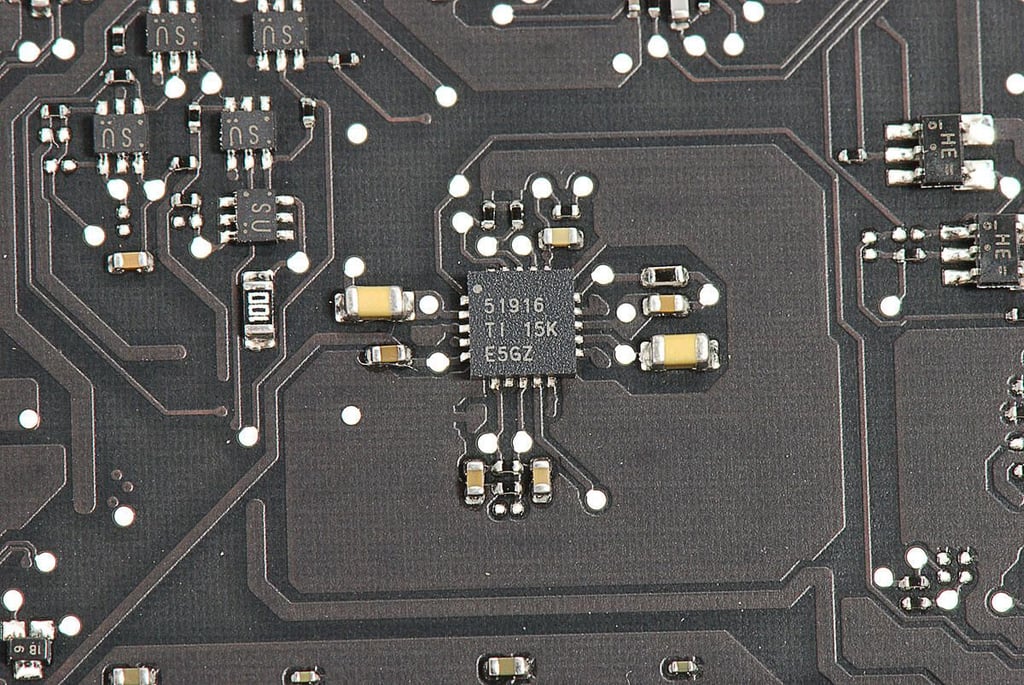
Cracking Open the Apple MacBook Air (2011 11-inch): Texas Instruments 51916
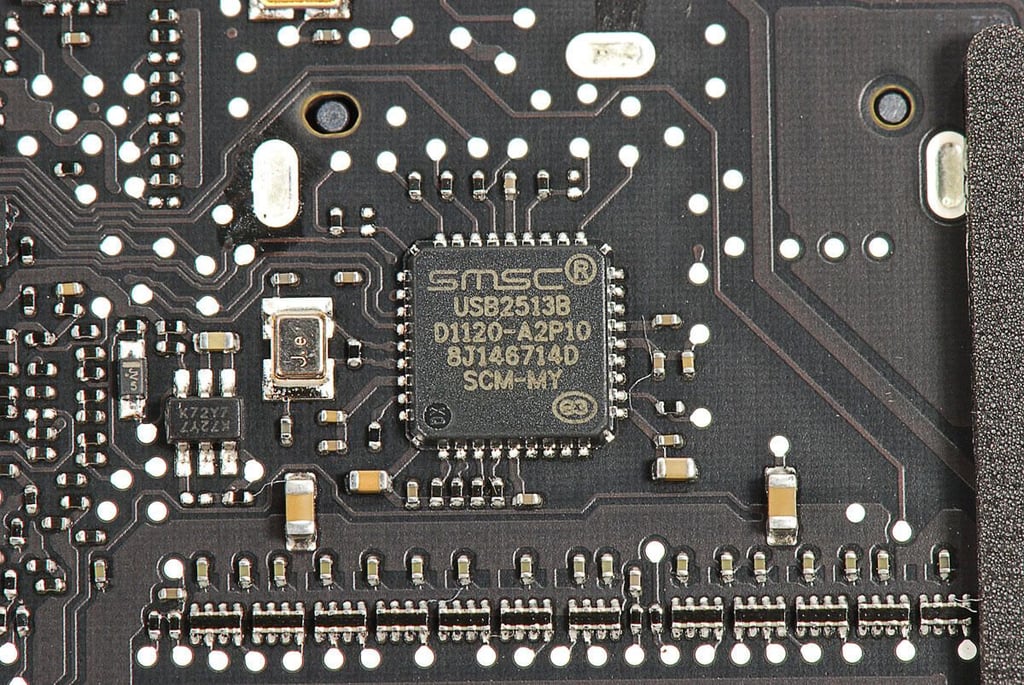
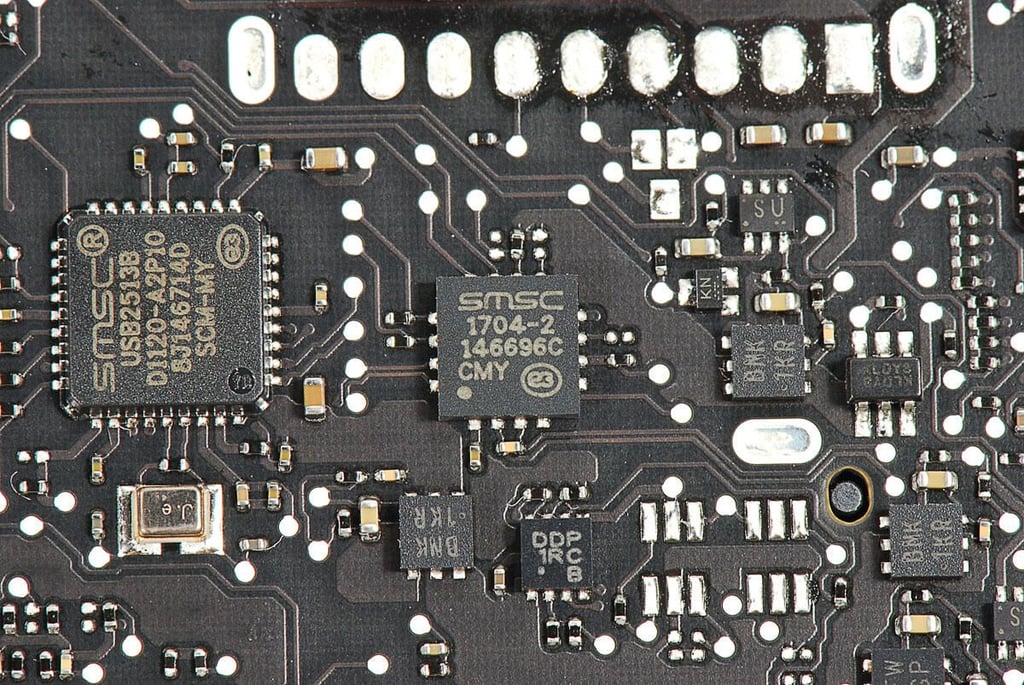
Cracking Open the Apple MacBook Air (2011 11-inch): SMSC USB2513B USB 2.0 Hub Controller
Cracking Open the Apple MacBook Air (2011 11-inch): SMSC 1704-2 146696C CMY
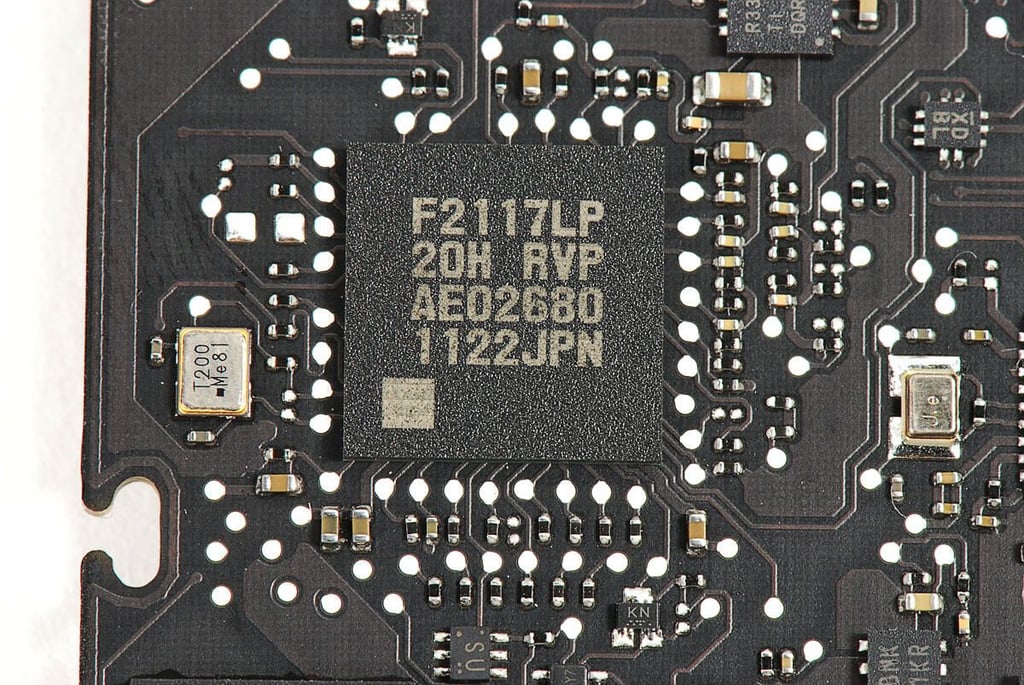
Cracking Open the Apple MacBook Air (2011 11-inch): F2117LP 20H RVP AE0268 1111JPN
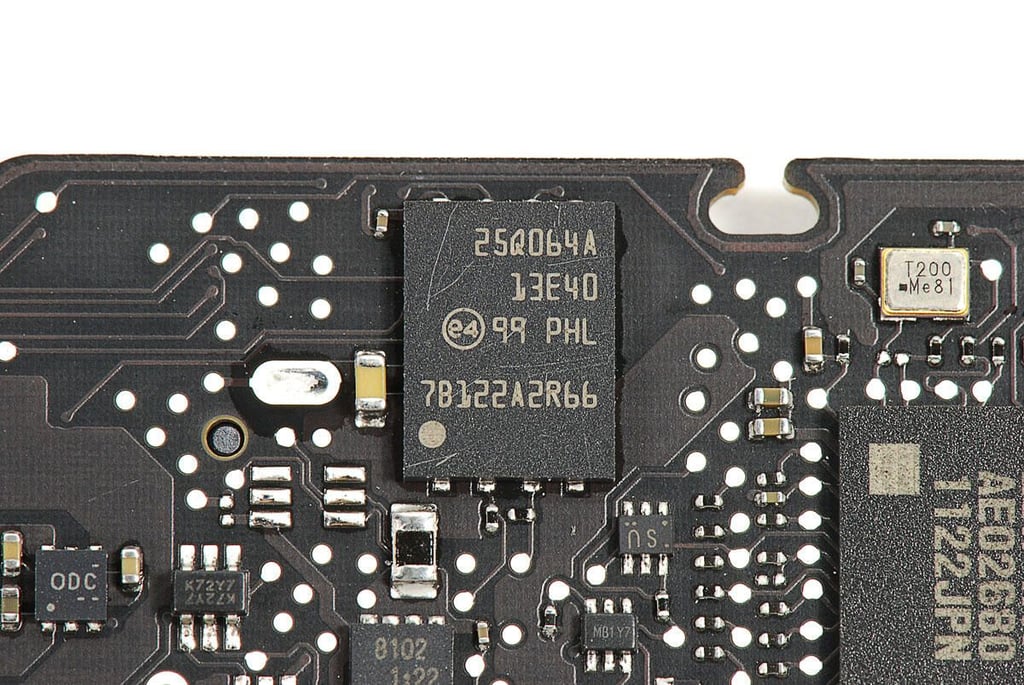
Cracking Open the Apple MacBook Air (2011 11-inch): 25Q064A 13E40 99 PHL 7B122A2R66
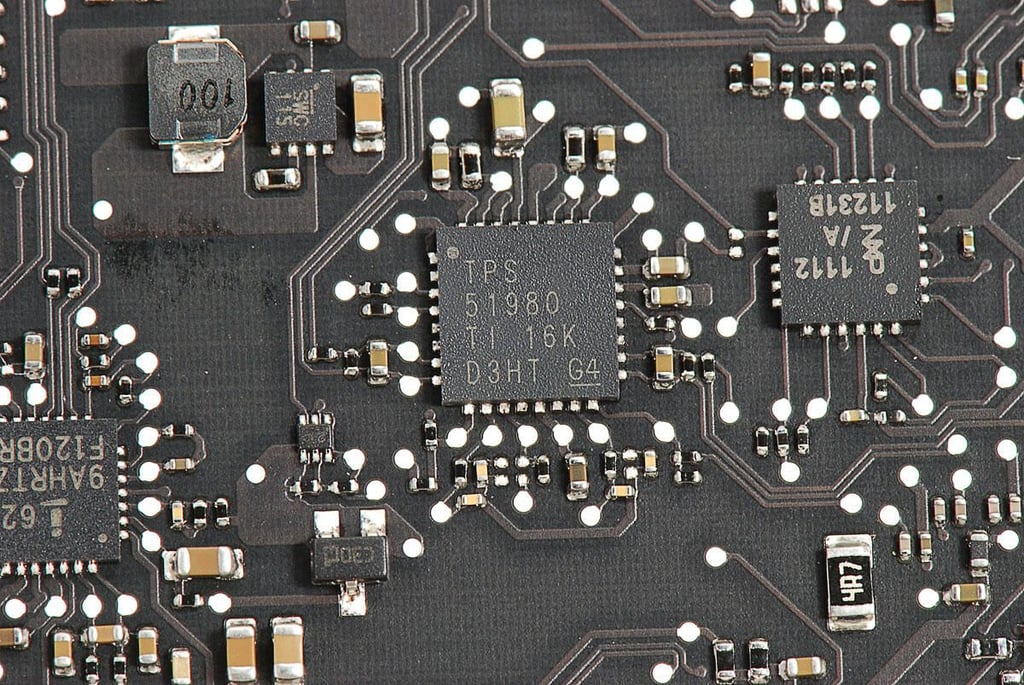
Cracking Open the Apple MacBook Air (2011 11-inch): Texas Instruments TPS 51980
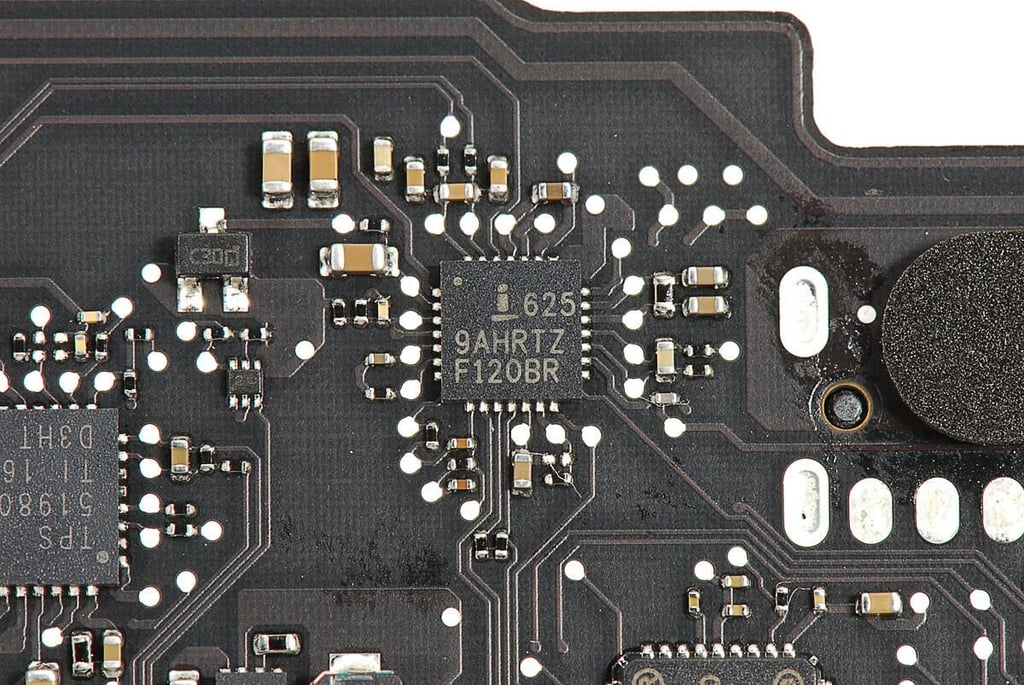
Cracking Open the Apple MacBook Air (2011 11-inch): Intersil 625 9AHRTZ F120BR
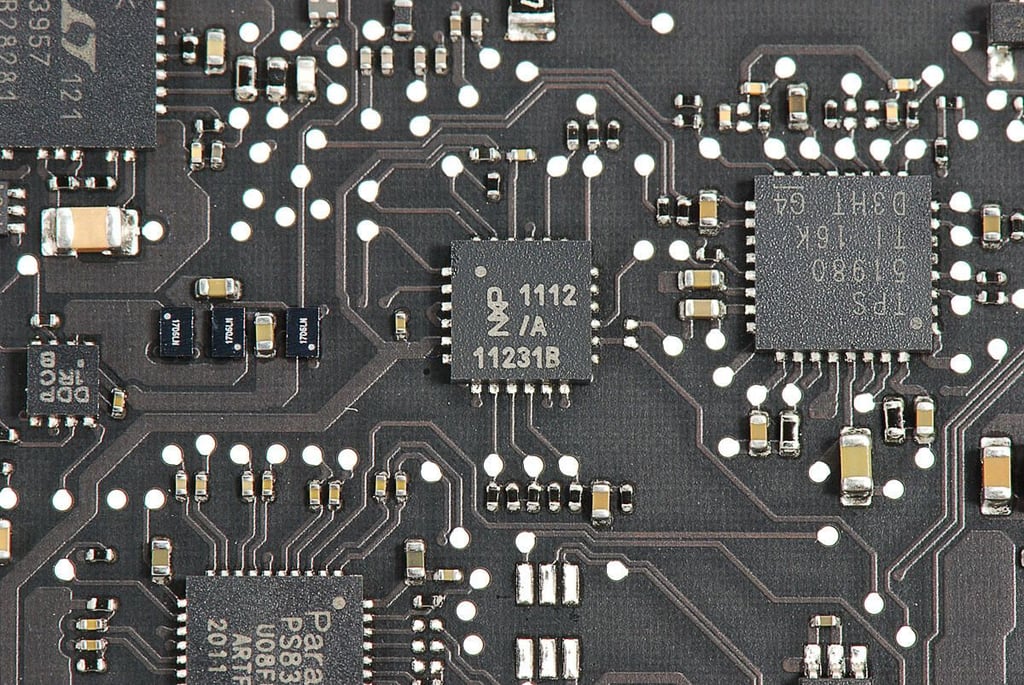
Cracking Open the Apple MacBook Air (2011 11-inch): NXP 1112 /A 11231B
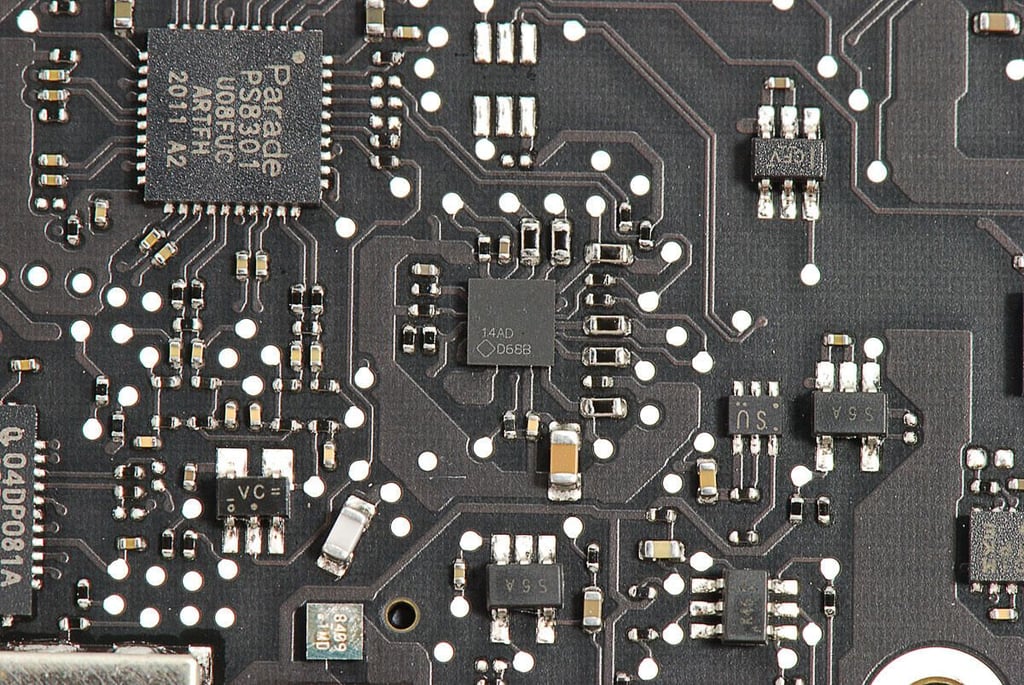
Cracking Open the Apple MacBook Air (2011 11-inch): 14AD D68B
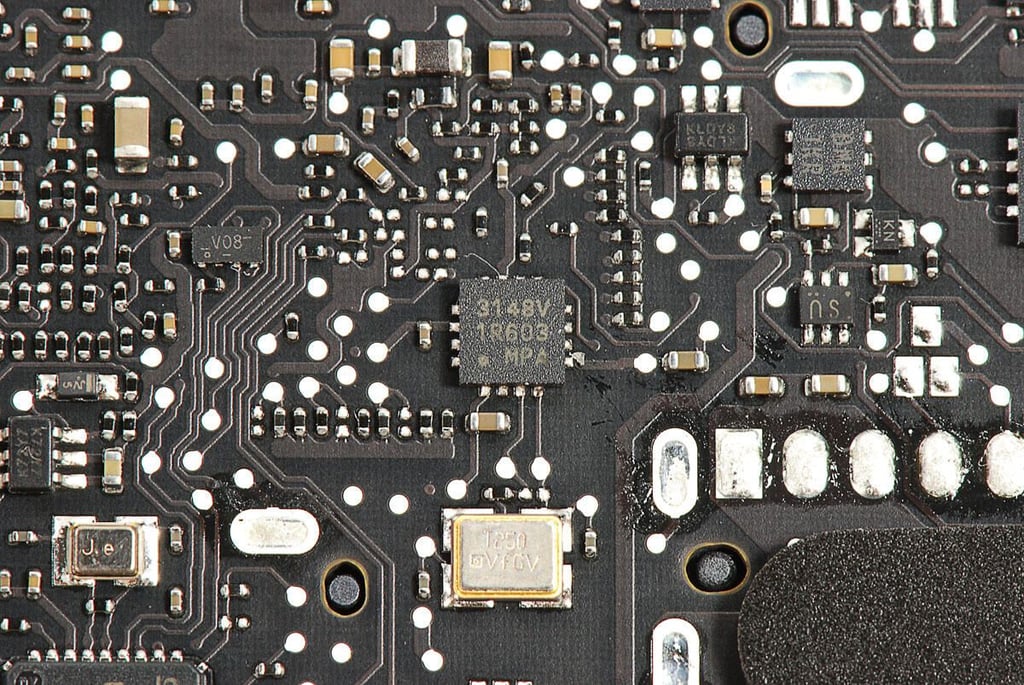
Cracking Open the Apple MacBook Air (2011 11-inch): 3148V 1R603 MPA
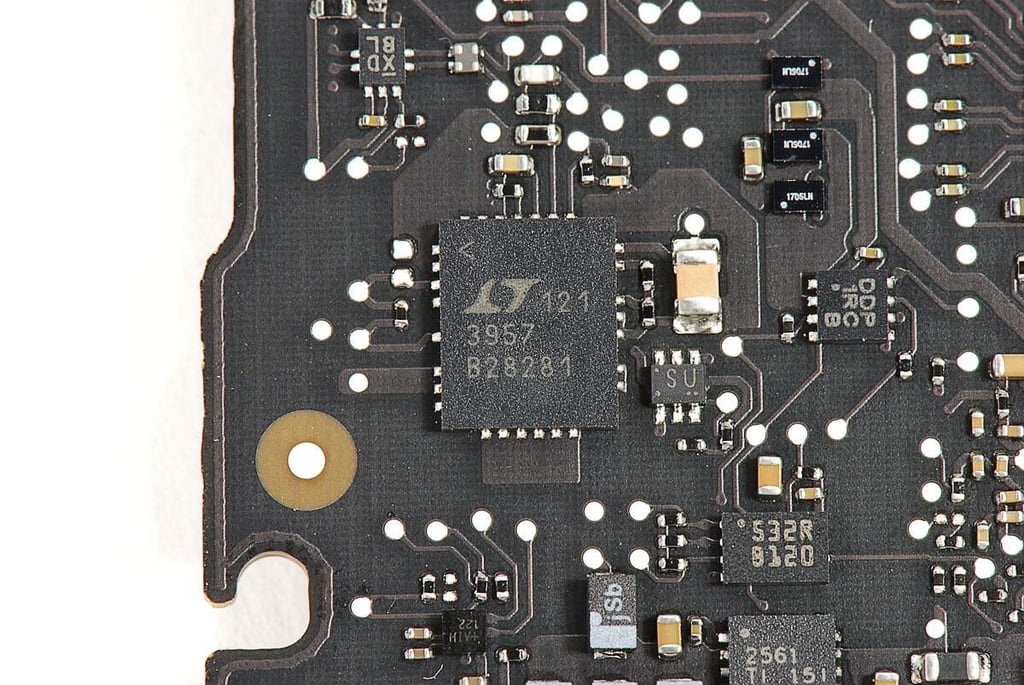
Cracking Open the Apple MacBook Air (2011 11-inch): Linear Technology 121 3957 B28281
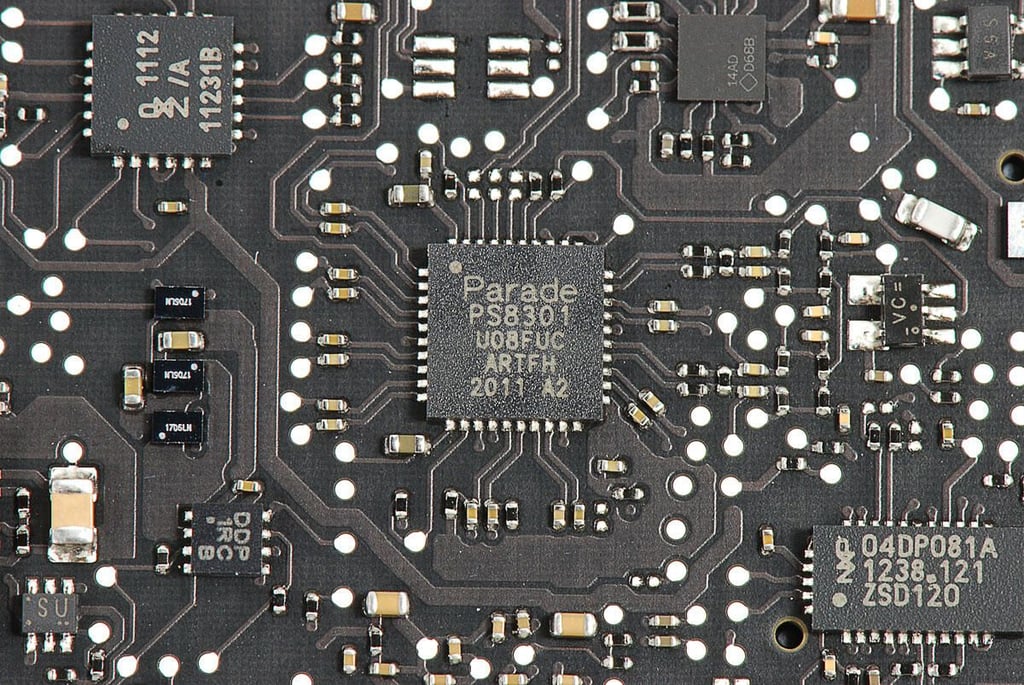
Cracking Open the Apple MacBook Air (2011 11-inch): Parade PS8301 U08FUC ARTFH 2011 A2
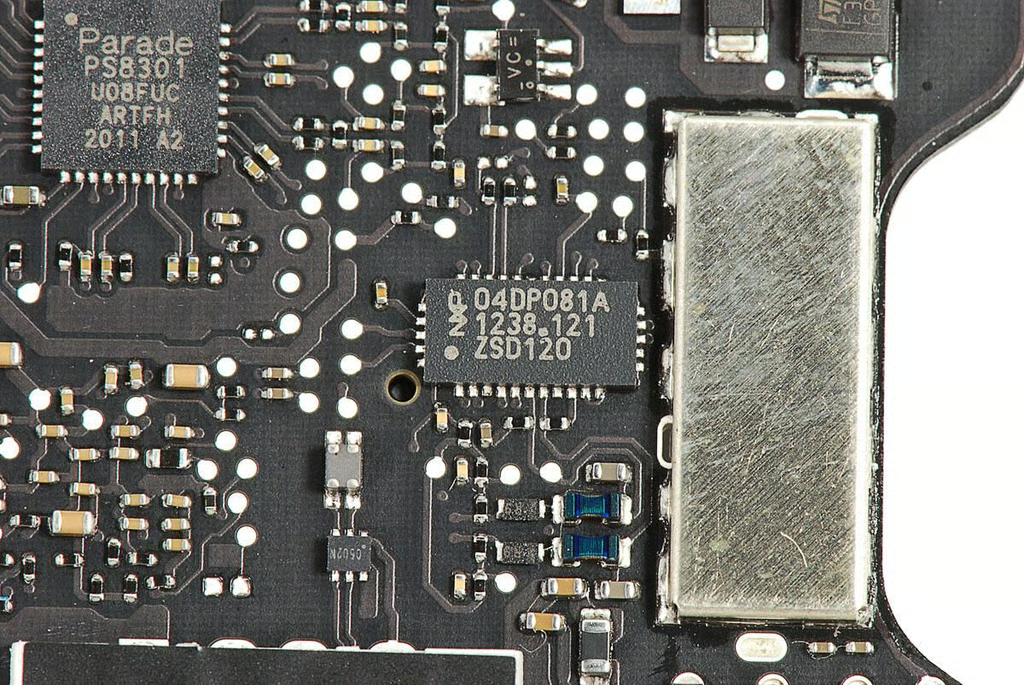
Cracking Open the Apple MacBook Air (2011 11-inch): NXP 04DP081A 1238.121 ZSD120
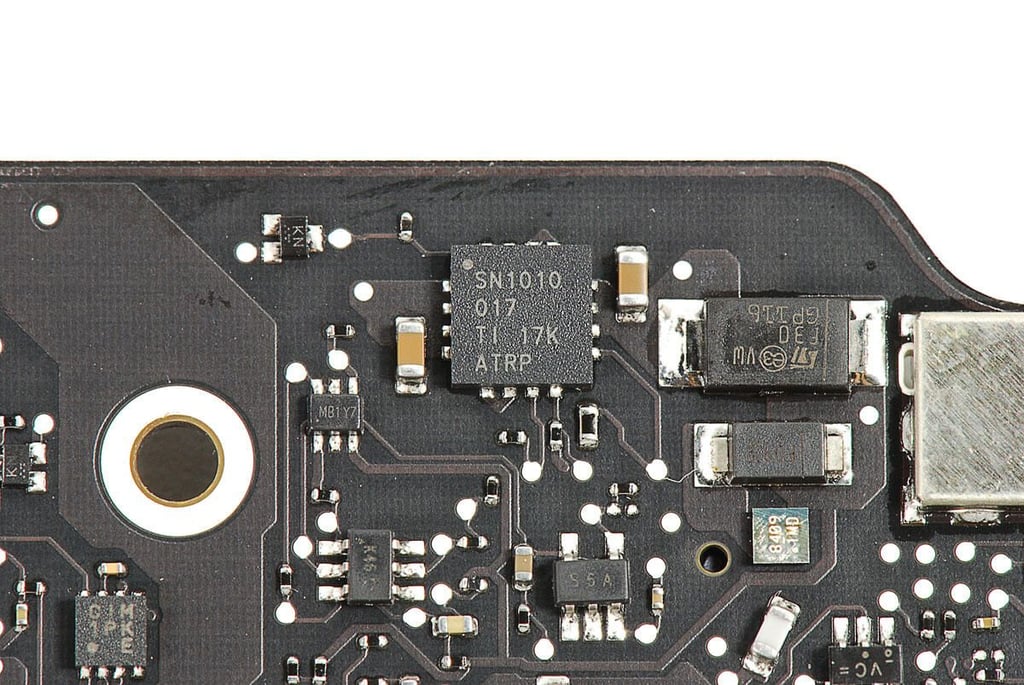
Cracking Open the Apple MacBook Air (2011 11-inch): Texas Instruments SN1010 017 TI 17K ATRP
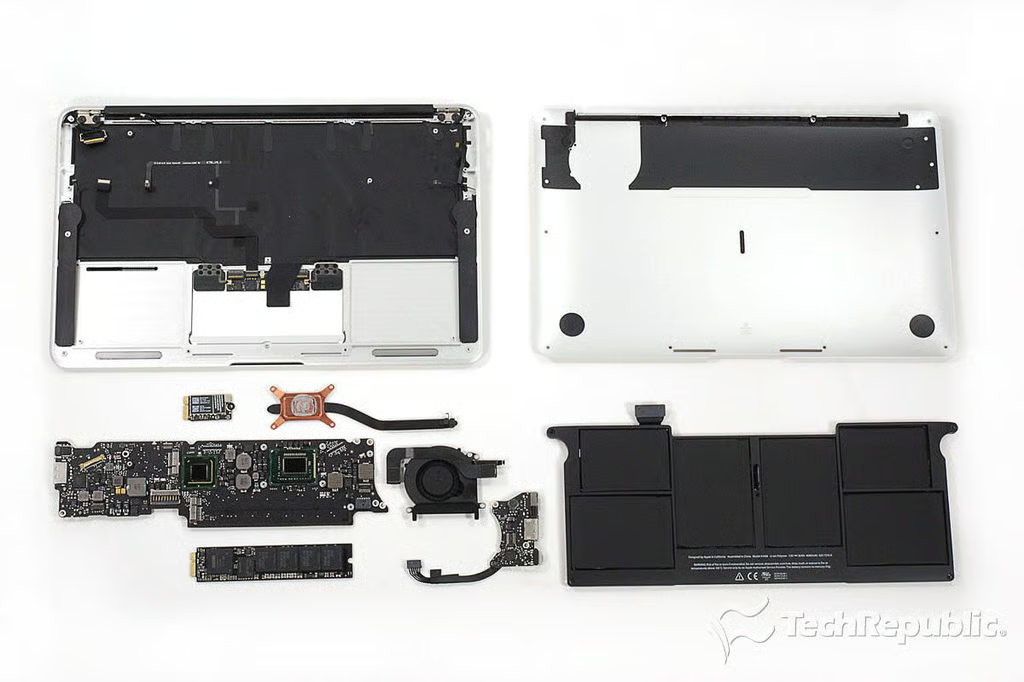
Cracking Open the Apple MacBook Air (2011 11-inch): Complete teardown
\n\tAs with the 2010 MacBook Air and 13-inch 2011 model, the 2011 11-inch MacBook Air is simple to disassembled, once you remove the bottom cover. Apple’s use of tamper-resistant pentalobe screws, makes the Air very difficult to open.
Bill Detwiler is the Editor for Technical Content and Ecosystem at Celonis. He is the former Editor in Chief of TechRepublic and previous host of TechRepublic's Dynamic Developer podcast and Cracking Open, CNET and TechRepublic's popular online show. Previously, Bill was an IT manager in the social research and energy industries. He has bachelor's and master's degrees from the University of Louisville, where he has also lectured on computer crime and crime prevention.