
\n\tThere are a few cardinal rules every seasoned Twitter user knows:
\n
\n\t
\n\t
\n
\n
\n\tSeasoned Twitter users also know they can tap into a wealth of Twitter apps and tools to augment the microblogging experience – helping to search, mine and monitor tweets and trends, visualize Twitter data, analyse followers and engagement, and much more.
\n
\n\tIndeed, there are scores of Twitter apps – many of them free. But to whet your appetite for what Twitter apps can do, silicon.com has rounded up 20 handy tools, in no particular order, that can help business users get more from Twittering.
\n
\n\tCredit: Jeff Turner, silicon.com
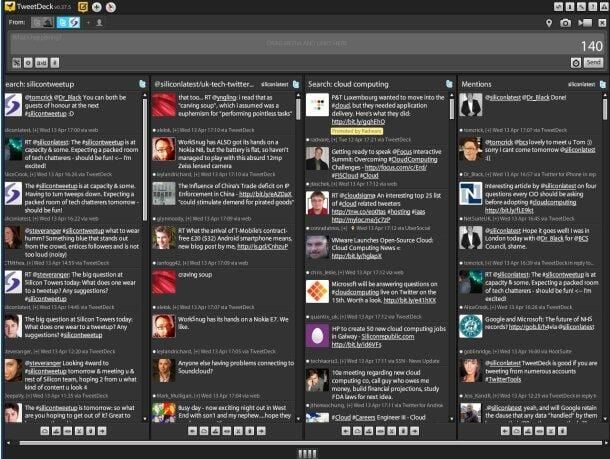
\n\tFor many, TweetDeck is the de facto standard third-party Twitter client. Features include customizable columns for more easily monitoring various search terms and the ability to tweet from multiple Twitter accounts.
\n
\n\tCredit: Natasha Lomas/silicon.com
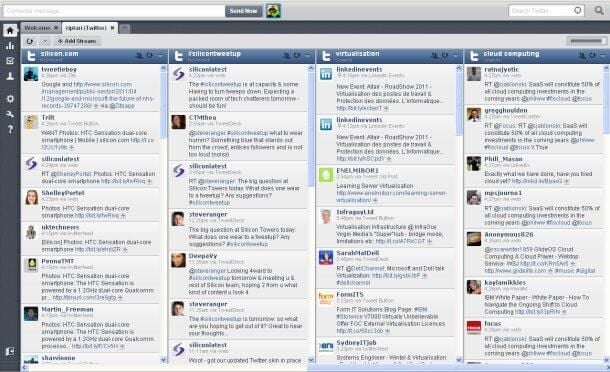
\n\tHootSuite is another feature-packed Twitter client and includes customizable columns, built-in analytics and the ability to schedule tweets.
\n
\n\tCredit: Natasha Lomas/silicon.com
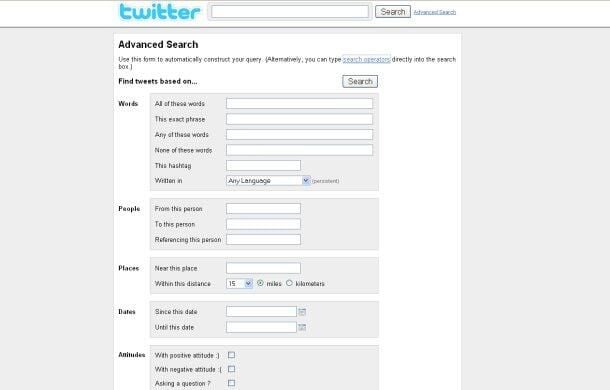
\n\tThis Twitter search engine includes advanced options such as searching for tweets with particular attitude – positive, negative, or asking questions – so businesses can find out what users think of their product or service.
\n
\n\tCredit: Natasha Lomas/silicon.com
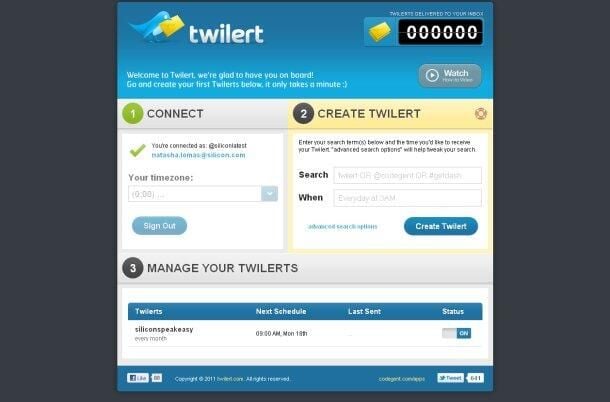
\n\tSet up Twitter keyword alerts that are emailed to your inbox at intervals of your choosing with the Twilert app.
\n
\n\tCredit: Natasha Lomas/silicon.com
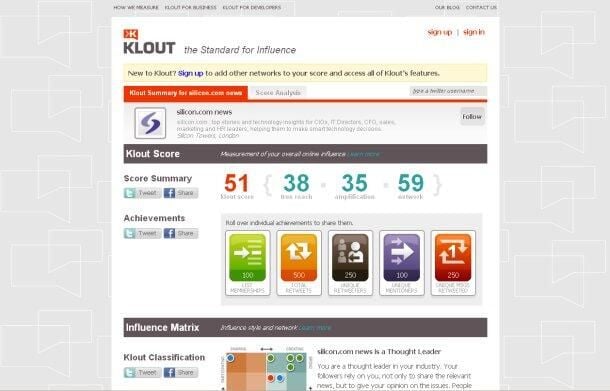
\n\tWant to identify who is most influential among your followers? The Klout tool ranks Twitter users by a variety of metrics, including how often they are retweeted by their followers.
\n
\n\tCredit: Natasha Lomas/silicon.com
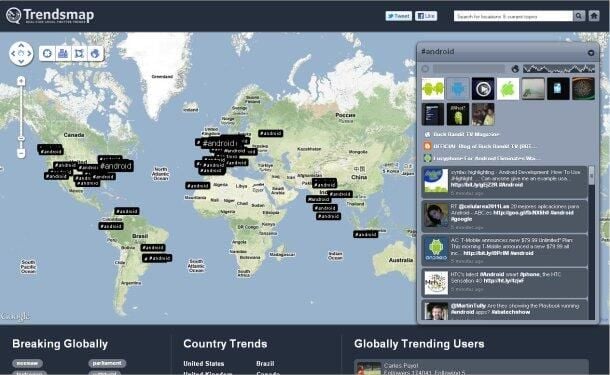
\n\tThe Trendsmap tool mashes up trending Twitter topics with Google Maps to produce a map of where in the world topics are encouraging web chatter.
\n
\n\tCredit: Natasha Lomas/silicon.com
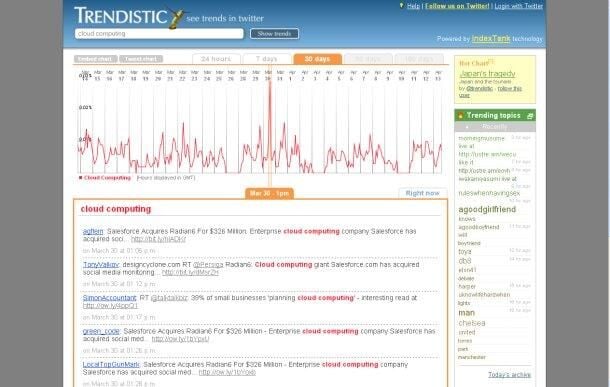
\n\tAnother data-visualisation tool, Trendistic plots Twitter trends on line charts – with options to show the tweet frequency hourly, daily, weekly or over longer periods.
\n
\n\tCredit: Natasha Lomas/silicon.com
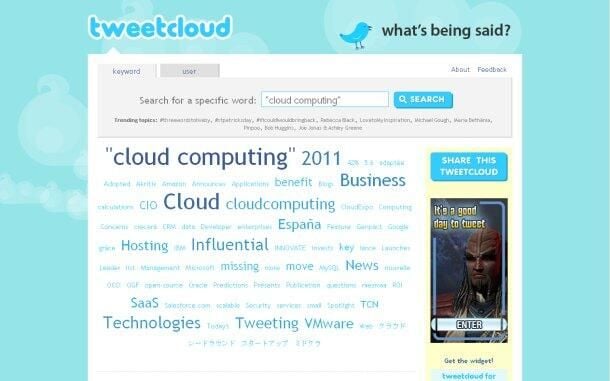
\n\tNeed a quick but potent image for a PowerPoint presentation? The Tweetcloud tool generates word clouds from Twitter search terms or Twitter users’ feeds.
\n
\n\tCredit: Natasha Lomas/silicon.com
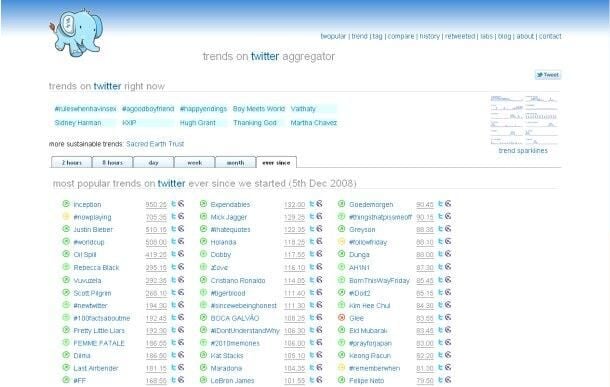
\n\tAnother trend-tracker tool, Twopular shows the most popular trends on Twitter in the past couple of hours, days, weeks, months or since the end of 2008.
\n
\n\tCredit: Natasha Lomas/silicon.com
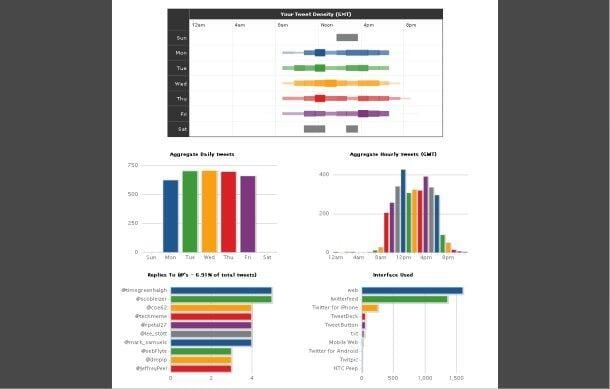
\n\tAnalyze your Twitter stream to see how often you tweet, what time of day you send most of your tweets, and who you reply to most. TweetStats also generates a tweet cloud of your most used words.
\n
\n\t
\n
\n\tCredit: Natasha Lomas/silicon.com
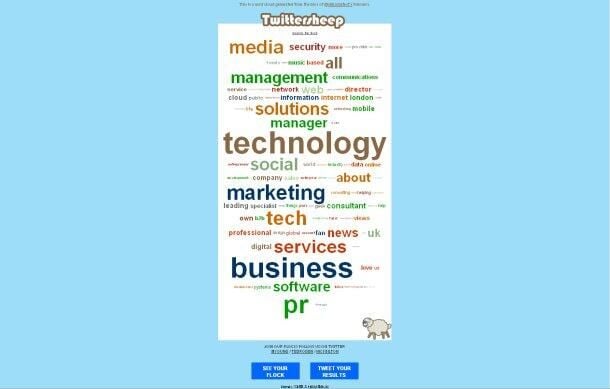
\n\tLearn more about the types of people who follow you by generating a word cloud made up of words from the Twitter biogs of your followers.
\n
\n\tCredit: Natasha Lomas/silicon.com
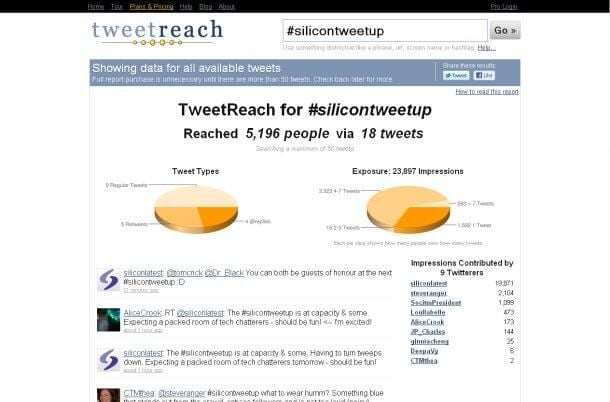
\n\tFind out how powerful your tweets really are with the TweetReach app, which measures how far hashtags, links and brand names have travelled in the Twittersphere and who has helped them on their way.
\n
\n\tCredit: Natasha Lomas/silicon.com
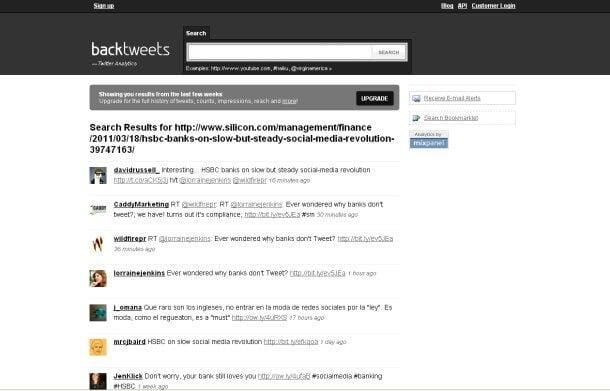
\n\tAnother reach-tracker tool, BackTweets also displays a list of the tweets that helped your brand or content to travel around the Twittersphere.
\n
\n\tCredit: Natasha Lomas/silicon.com
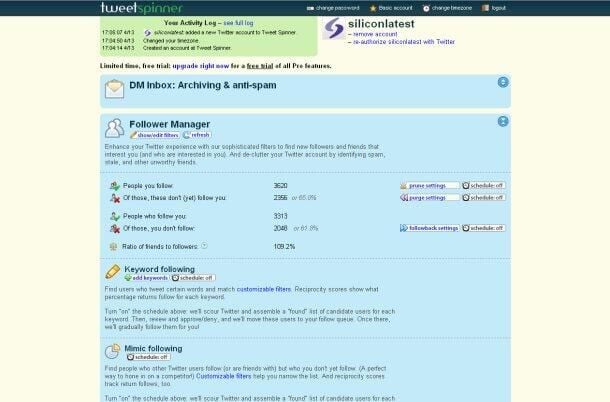
\n\tYou can analyze your followers, archive Twitter DMs and filter them for spam, schedule rules-based tweets, and rotate your profile background with this CRM Twitter tool.
\n
\n\tCredit: Natasha Lomas/silicon.com
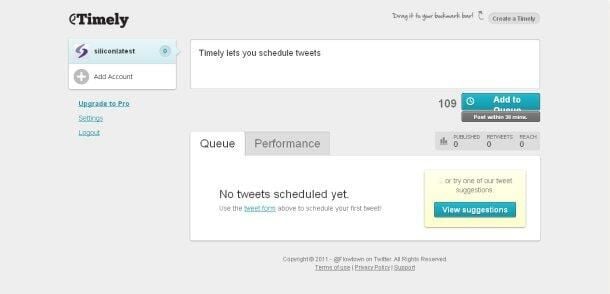
\n\tTimely is another Twitter app that enables tweets to be scheduled. The tool also promises to analyse the performance of tweets and work out the best time of day to send new updates so your Twitter followers engage with them.
\n
\n\tCredit: Natasha Lomas/silicon.com
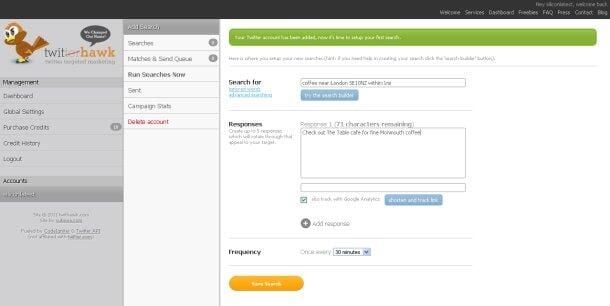
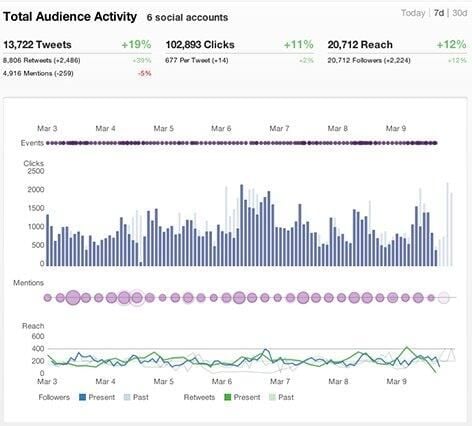
\n\tSocialFlow is another tool that promises to take the pulse of the Twitter community and work out the optimum time to tweet. The buzzword here is resonance. Still in beta, the service has just raised $7m in Series A funding.
\n
\n\tImage: SocialFlow
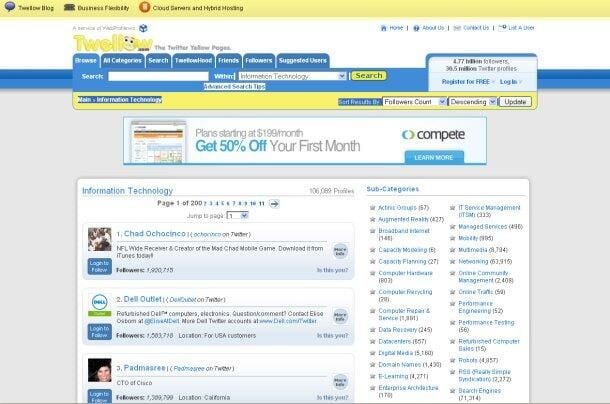
\n\tTwellow is a Yellow Pages of tweeters, listing a browsable who’s who to identify Twitter users by topic.
\n
\n\tCredit: Natasha Lomas/silicon.com

\n\tHolding an event and want a bit of social-media buzz to come too? TweetWall Pro is software for the tweet-wall generation – just add a projector.
\n
\n\tCredit: Natasha Lomas/silicon.com
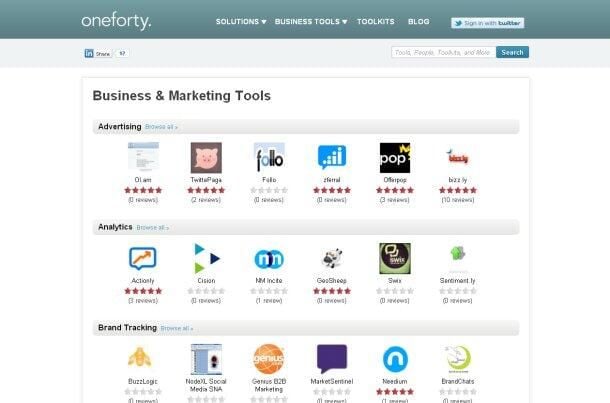
\n\tNineteen Twitter tools not enough? Check out the OneForty software hub to discover scores more.
\n
\n\tCredit: Natasha Lomas/silicon.com

My name is Sonja Thompson. I've worked for TechRepublic since October of 1999, starting with the enewsletter team, then with the Premium Products group (creating books and CDs), as well as programming some of the elements on the site. After leading the Tech News team on TR, I jumped at the opportunity to switch gears and try my hand at video editing, podcasts, and other forms of multimedia on the site. I'm currently the host of the Smartphones blog, plus I edit the TR Dojo video series. \ \ I graduated from the University of Louisville. Since then, I've also completed several technology related courses from SmartPlanet. My goal is to learn about the TR community, interact with members on the site, and hopefully encourage more people to participate - and more often.


