HanDBase 4.0 is the latest release of one of the most popular mobile database applications that works with Windows Mobile, S60, and Palm devices. There are desktop clients for Windows and Mac as well.
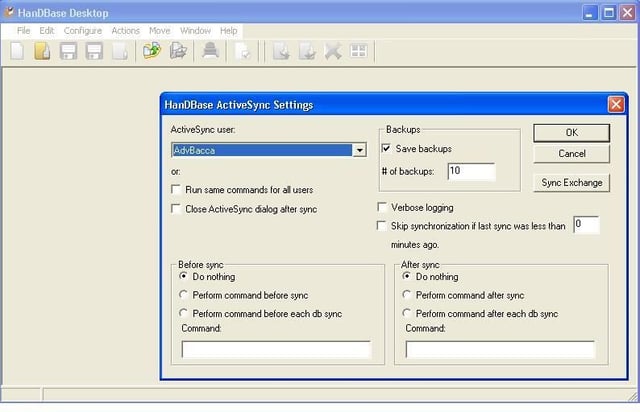
There are several settings available to control syncing databases to your device.
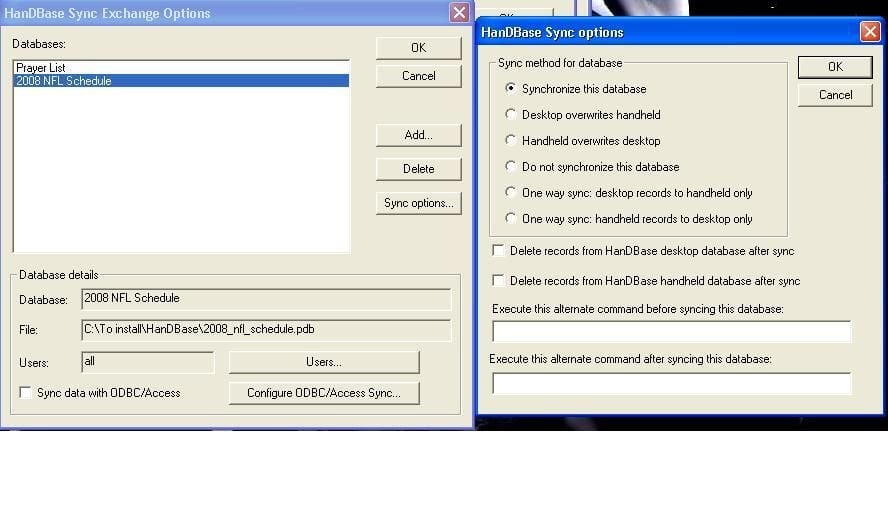
You can control what databases you sync and how you sync them to your devices with the desktop client.
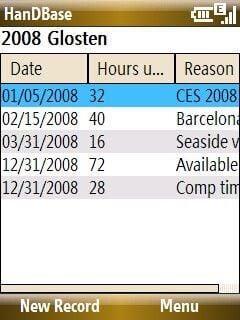
When you launch HanDBase on your device this is the main screen that appears.
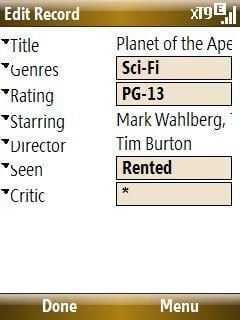
You can edit the fields in a record on your smartphone.
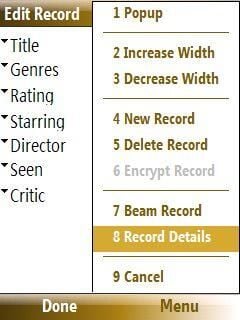
There are a few options available on non-touch screen Windows Mobile devices when editing your records. There are even more record editing options on touch screen devices.
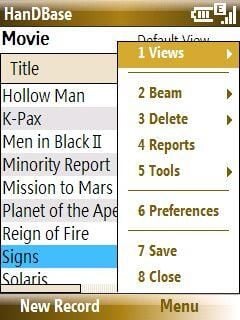
There are several options available from the main display. The options are slightly different between touch and non-touch screens. You can create new databases on touch screen devices, but not on the non-touch screen devices.
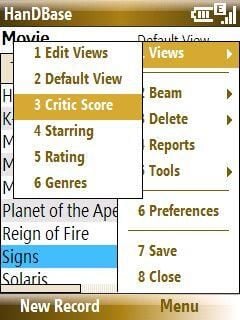
View options in the selected database. The views are fully customizable when you create your database.
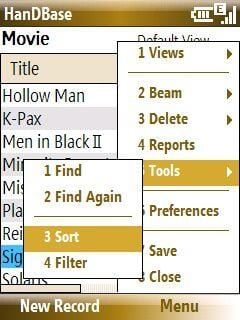
The power of a database is to find, sort, and filter your records and it is quite simple in HanDBase 4.0.
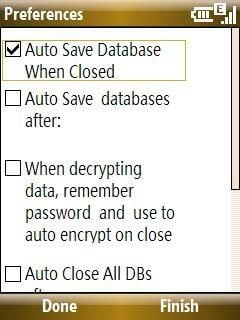
There is a single display of preferences for WM Smartphones. On touch screen devices, there are several more options available for navigation and performance settings.
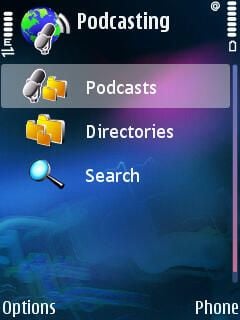
The Nokia Podcasting application is a free podcatcher application and does not actually allow you to podcast from the device. However, Nokia Podcasting gives you the ability to subscribe to, download, and listen to podcasts right from your S60 device.
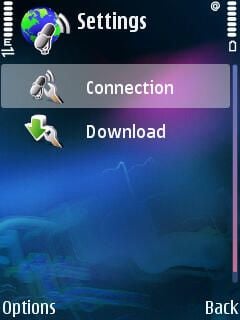
You can setup your connection and also schedule automatic downloads.
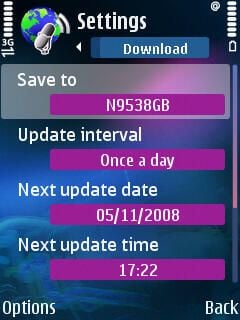
You can set where to save your podcasts, when (15 minutes to once per day) to download, and what the limit of your storage card is allowed to be taken up by podcasts.
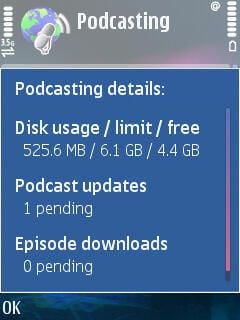
This menu option lets you quickly check how much space your podcasts are consuming on your device.
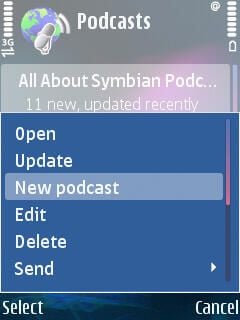
You can open or update podcasts you have already subscribed to. New podcasts can also be added by entering the podcast feed URL on your device.
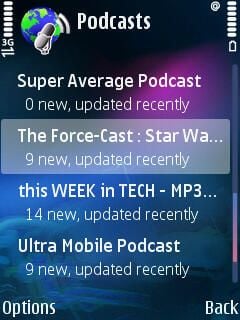
Scrolling through my list of subscribed podcasts.
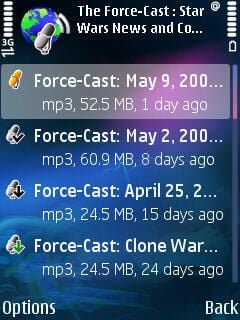
There are small icons on the left side that show what podcasts haven’t been played (but have been downloaded), have been played, are available to download, and more.
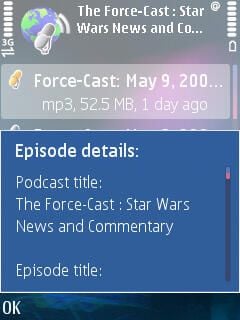
You can view summary information on the podcast in case you forget what the podcast is about.
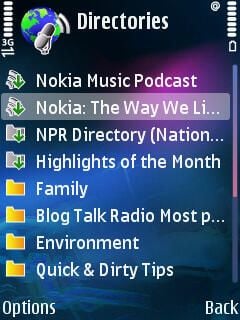
Nokia includes some directories so you can browse through available podcasts and find ones that appeal to you.
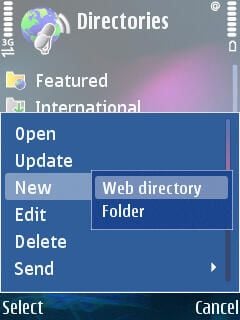
You can also add custom directories to your podcast options.
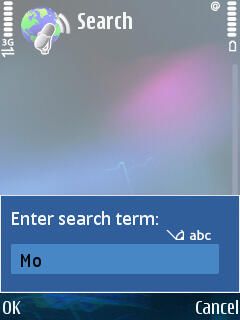
While you can browse directories for podcasts, you can also search them if you know what you are looking for. The search does seem limited to the directories and doesn’t search the internet for podcasts.

Icon for gallery thumbnail

Thumbnail for the gallery


