

Multiple item input
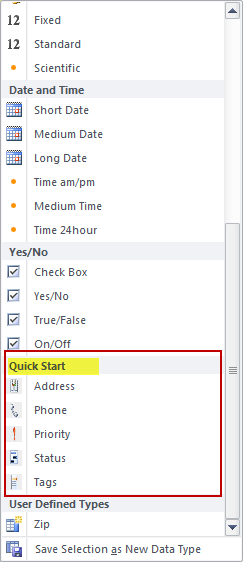
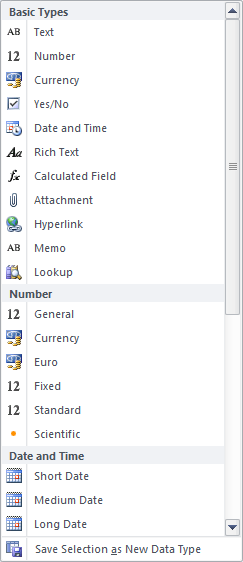
Data Type gallery
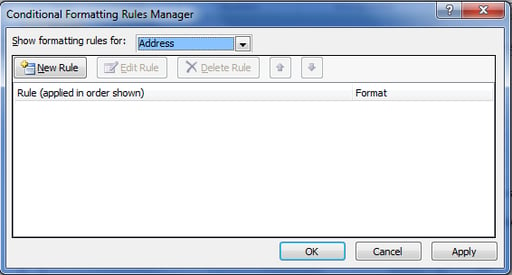
Conditional formatting
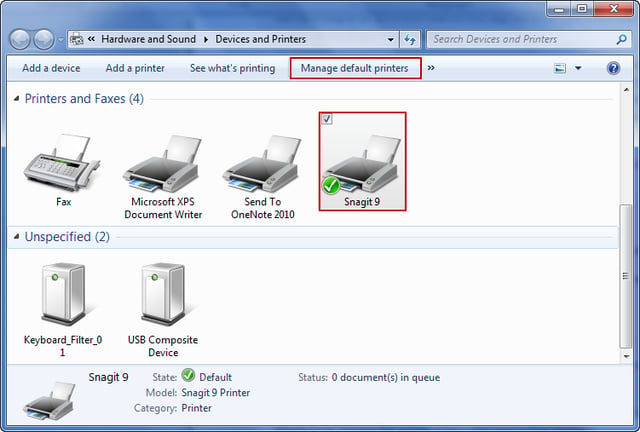
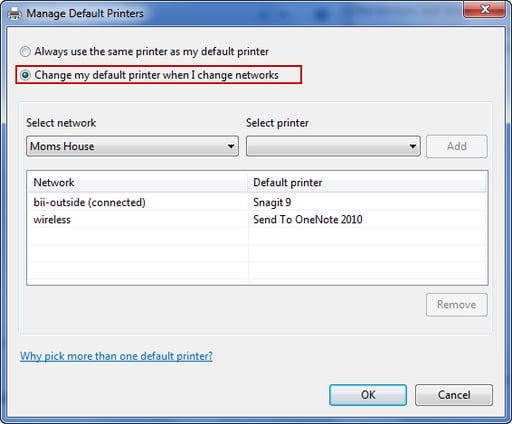
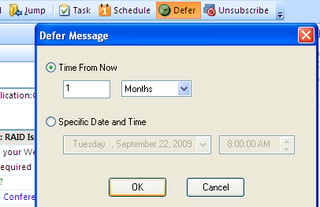
Deferring messages
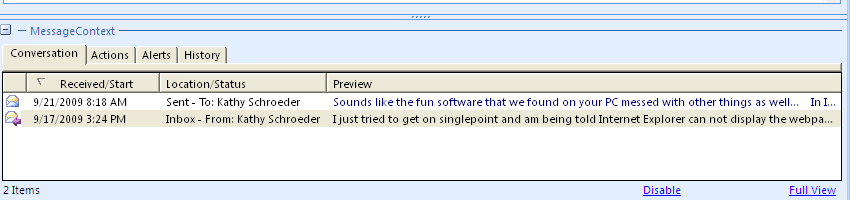
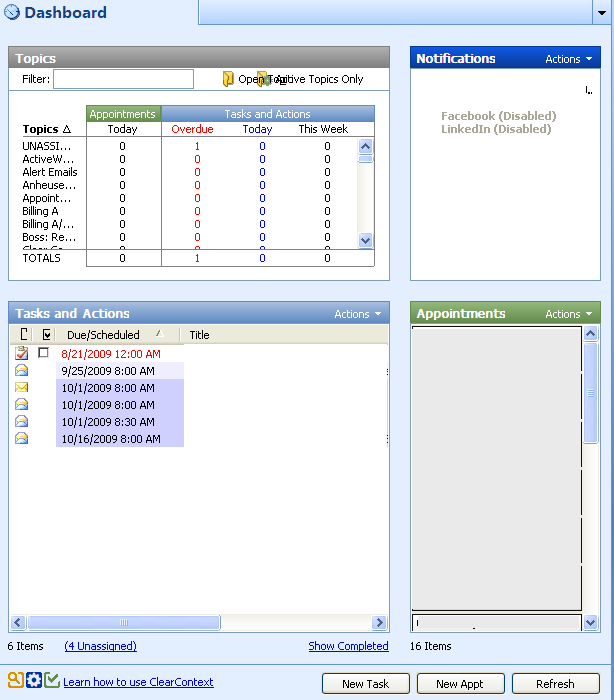
Dashboard view
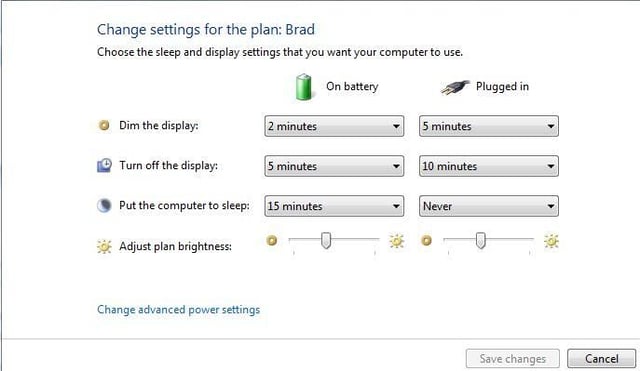
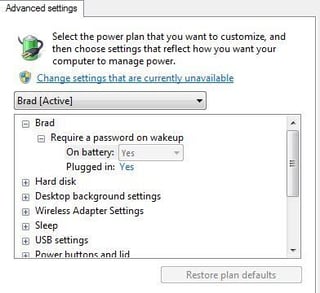
Advanced settings
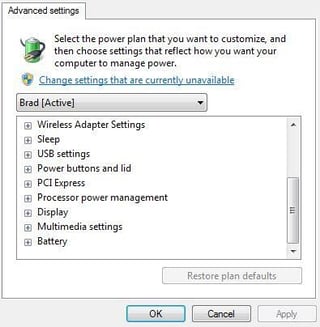
More advanced settings
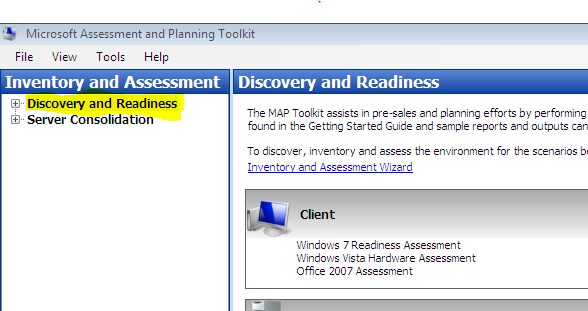
Select the items you wish to review.
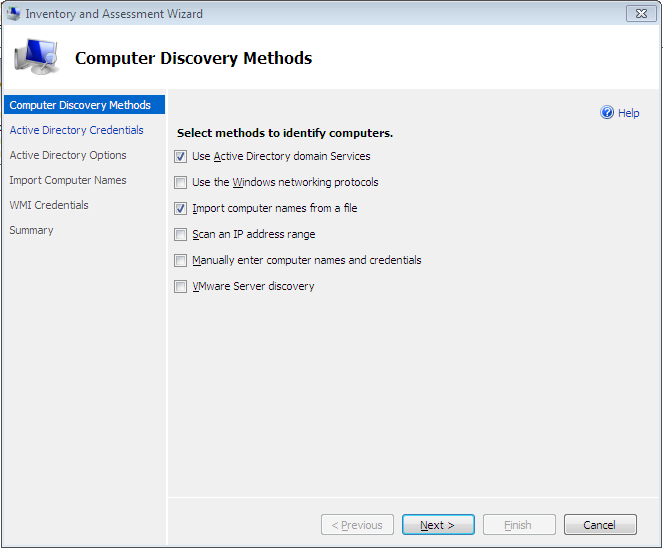
Inventory and Assessment Wizard
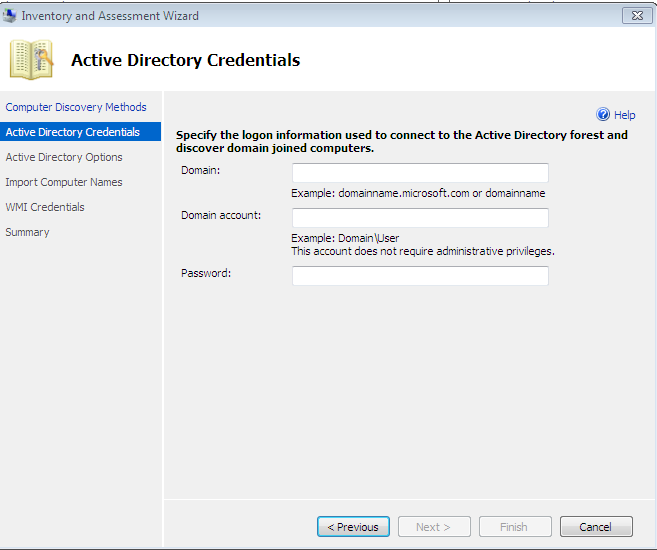
Provide credentials for your Active Directory Domain
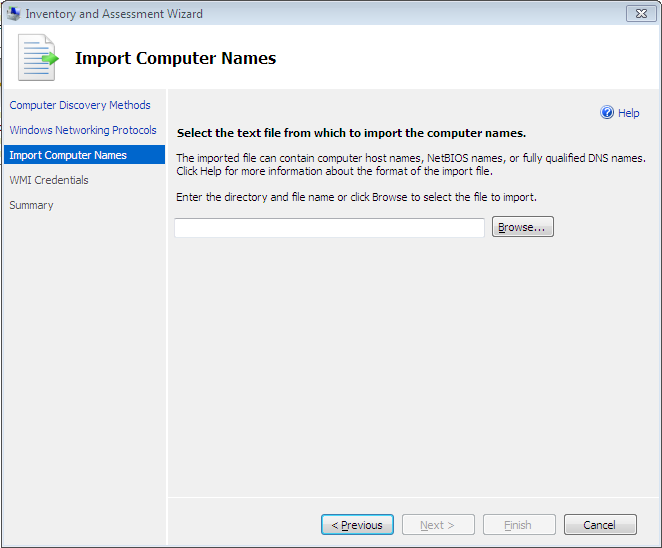
Specify the path to a list of computers to import.
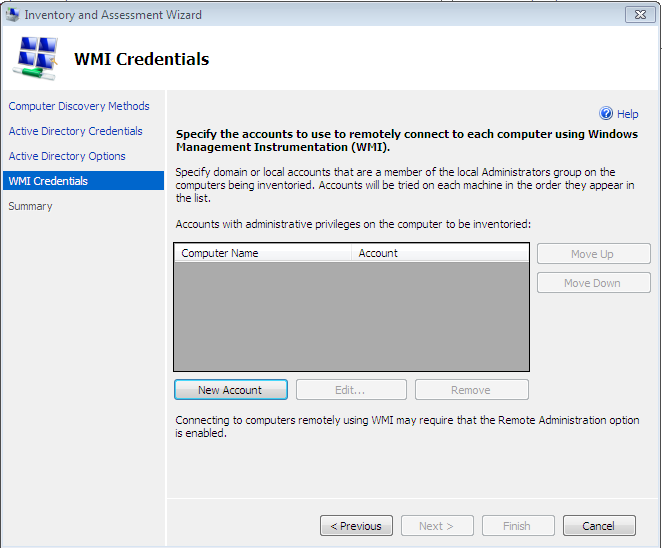
WMI Credentials to allow the MAP toolkit to access machine data
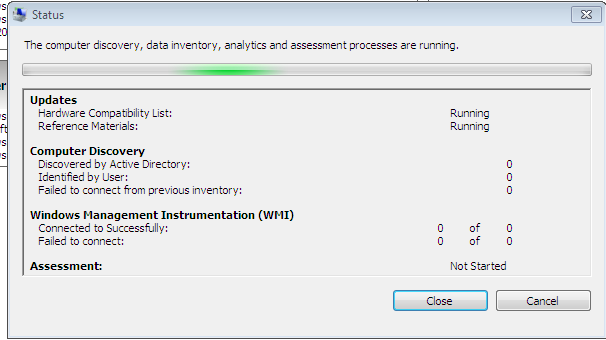
Progress during the inventory scan
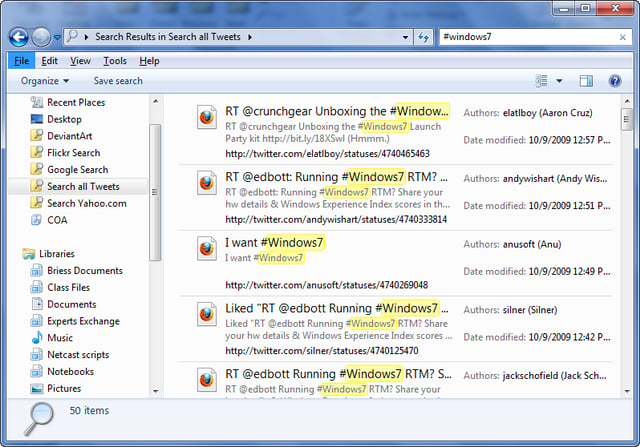
Search Twitter with search connector
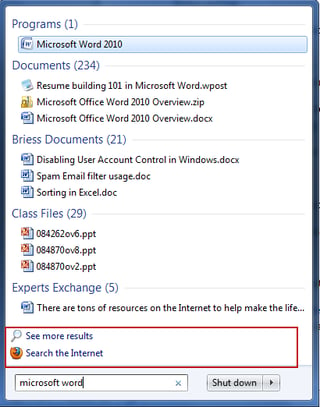
Search options pinned to the Start menu
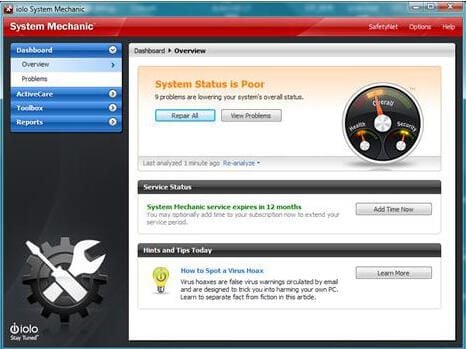
Dashboard with problems identified
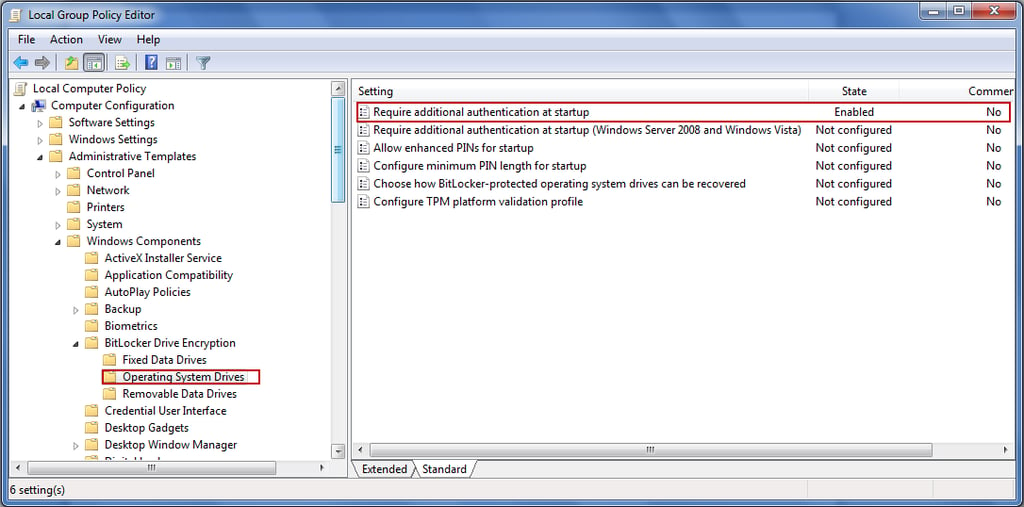
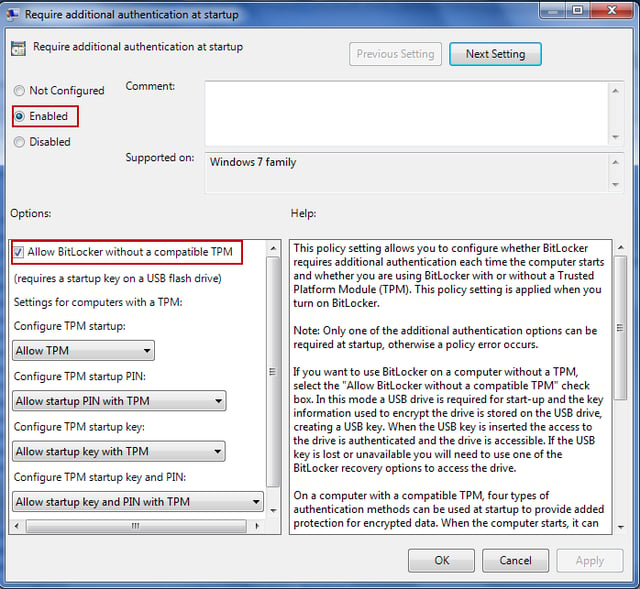
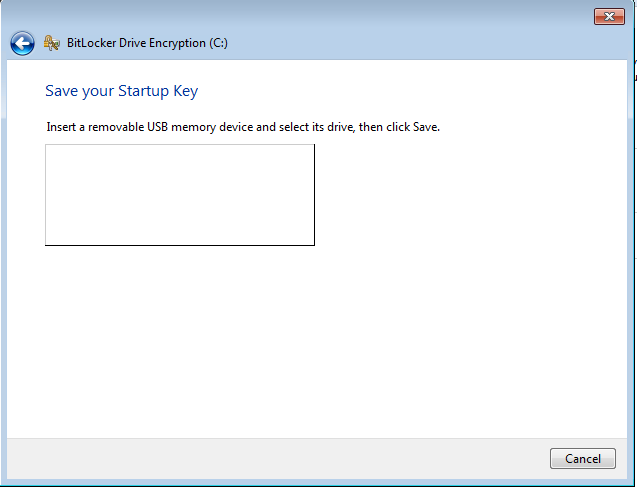
Providing the authentication key
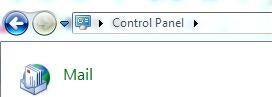
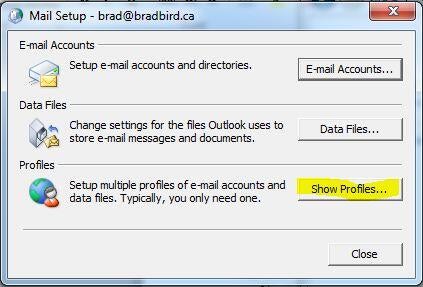
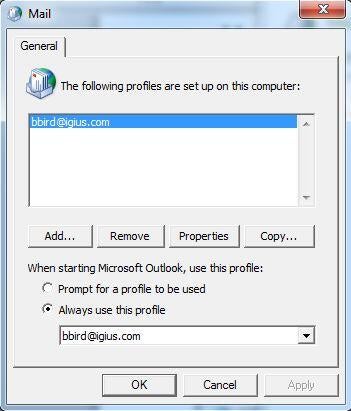
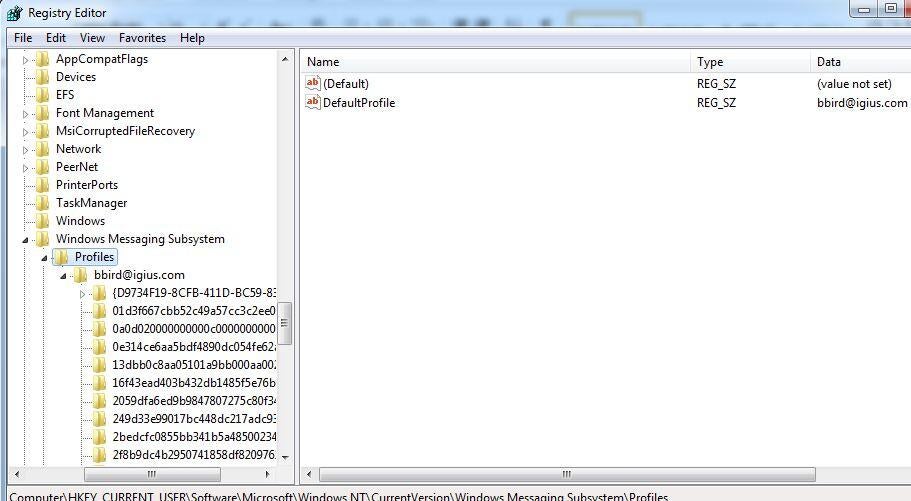
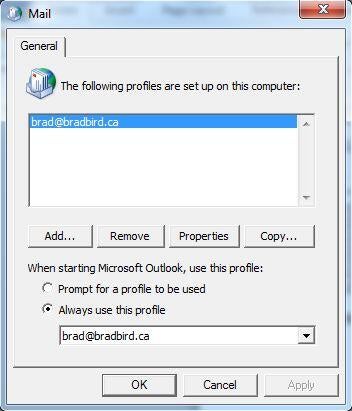
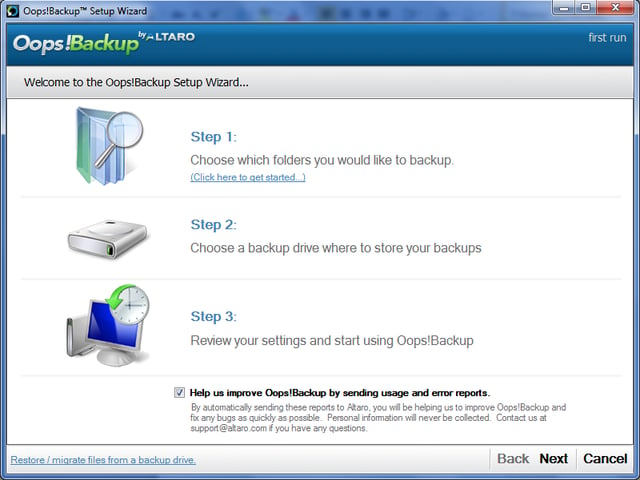
Choose the files/folders to backup.
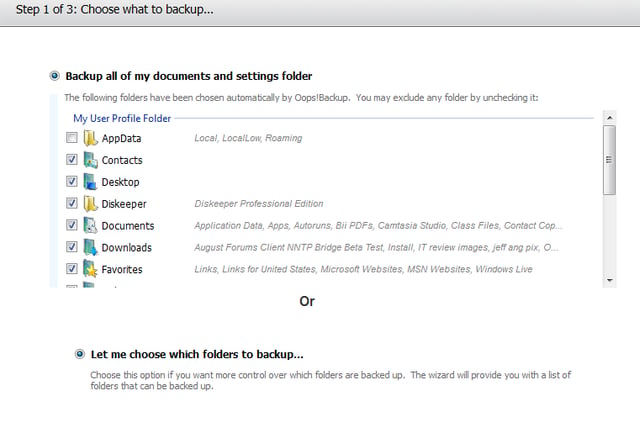
Select all available or custom folders to backup.
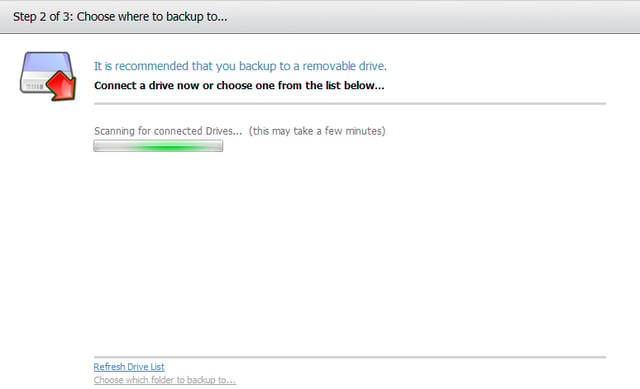
Select a destination drive/device for the backup.
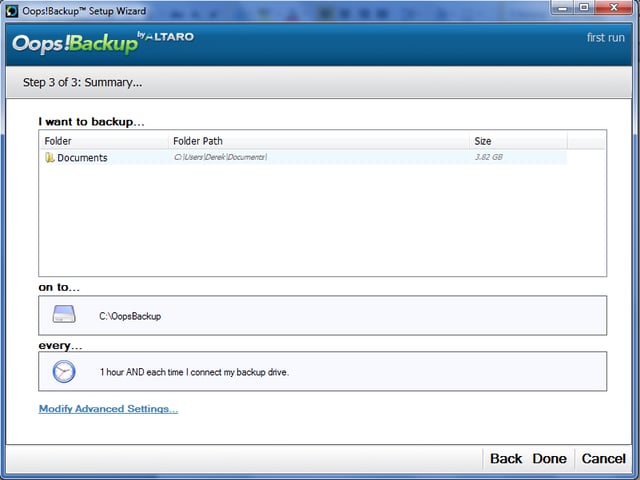
Review your selections and begin initial backup.
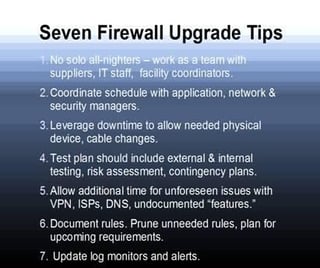

Courtesy of Cisco


Selena Frye is a former Senior Editor for TechRepublic. Her background is in technical writing, editing, and research. I edit the Data Center, Linux and Open Source, Apple in the Enterprise, and IT Security blogs.


