Five Apps: Free email clients for Google mail - TechRepublic

Five Apps: Free email clients for Google mail

  • 1_email_iStock.jpg

    Five free Gmail-friendly email desktop clients

    This gallery is also available as a TechRepublic article.

    Email is the single most important element of daily work\r\nlife; without which we would be less-than-efficient. We rely upon email to\r\ncommunicate, send files, schedule, and much more. Every company depends upon\r\ndifferent solutions for email – some use Gmail. For those that depend upon\r\nGmail, the browser interface may not be the ideal interface to work with\r\nthroughout the day. For those wishing to have a more standard email client, you’re\r\nin luck. I have found five efficient, user-friendly desktop email clients that\r\ninteract with Gmail.

    \r\n\r\nNo more will you have to depend upon a browser-only\r\ninteraction with your email account. Let’s take a look at these five clients\r\nand see if any of them can stand up to your demands. Each of them offers a\r\ndifferent feature set; but all of them tackle the most important task \u2013 email.

    Anatoliy Babiy
  • a1_geary_1.png

    Geary 1

    Five apps

    \r\n\r\n

    1. Geary

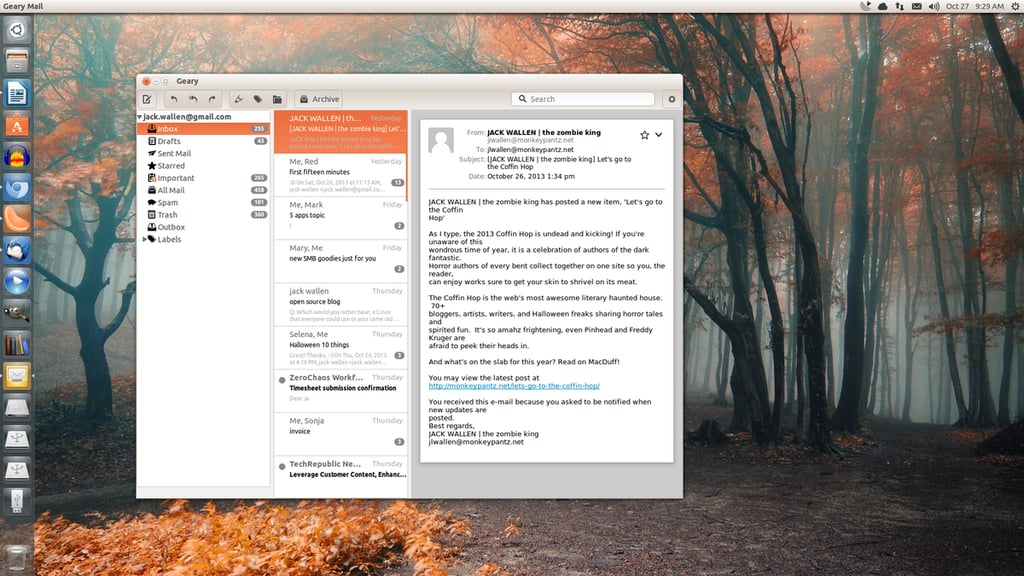
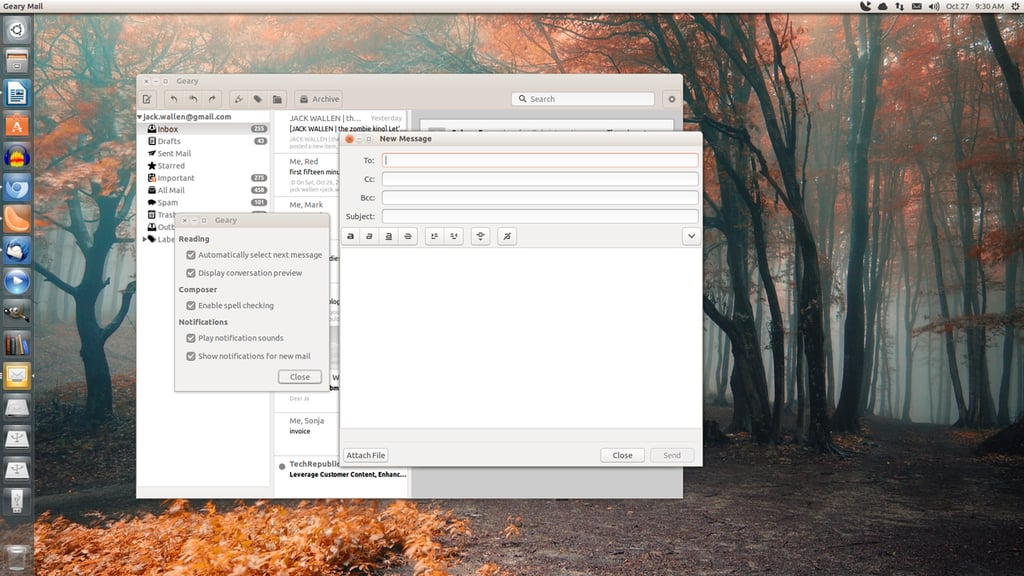
    \r\n\r\nGeary\r\nis the one Linux-only client on the list. It’s written in Vala and intended for\r\nseamless integration into the GNOME desktop. It’s about as simple as it gets -\r\nopen it up and use your Gmail account. There are few bells and whistles to this\r\ntake on the desktop Gmail client. The Geary interface is based on\r\nconversations, which makes reading an entire discussion quite simple. Setting\r\nup Geary is as simple as adding your Gmail address and password. Once you’ve\r\ndone that, Geary will very quickly draw in your email so you can begin reading\r\nwithin seconds. Geary does allow you to mark conversations, add labels, archive\r\nemails, view inline and attached images, search, and more. Geary is free and\r\ncan be installed from source or from your package manager.

    \r\n\r\n

    Credit: Image by Jack\r\nWallen for TechRepublic

  • a2_geary_2.png

    Geary 2

    Credit: Image by Jack\r\nWallen for TechRepublic

  • b1_gmdesk_1.png

    GMDesk 1

    2. GMDesk

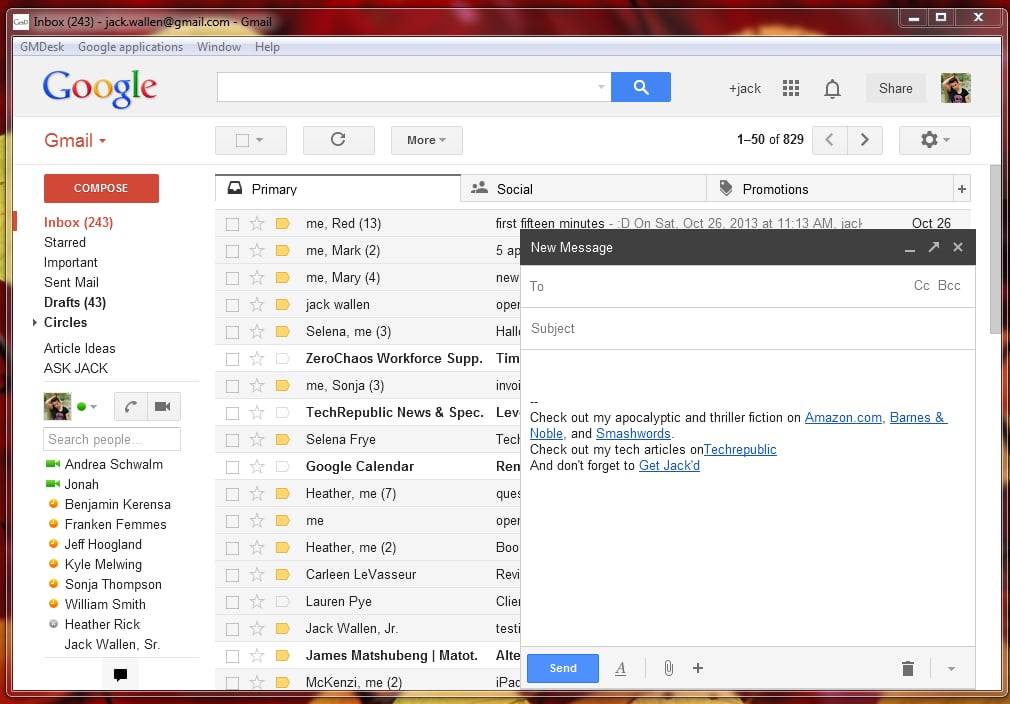
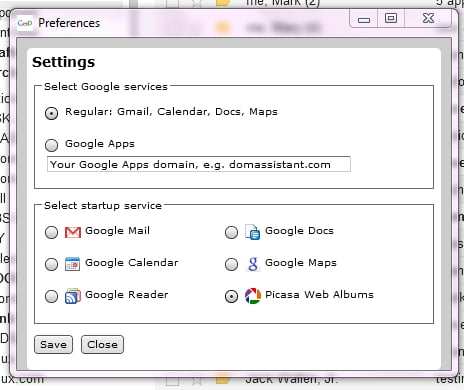
    \r\n\r\nGMDesk\r\nis built upon the Adobe Air runtime\r\nenvironment. Although GMDesk hasn’t been in development for quite some time, it\r\nstill works and works well. With this Air-based application you get access to\r\nall of the Gmail features, including Calendar, Drive, and more. Each app will\r\nopen as a stand-alone application and can be closed as such. There is zero\r\nconfiguration necessary – just enter your Gmail credentials and go. You can\r\nalso connect GMDesk to your Google Apps account instead of the standard Google\r\nservices. You can select your preferred start-up service, and even switch\r\nbetween Google services within a single window.

    \r\n\r\n

    Credit: Image by Jack\r\nWallen for TechRepublic

  • b2_gmdesk_2.png

    GMDesk 2

    Credit: Image by Jack\r\nWallen for TechRepublic

  • c1_emclient_1.png

    eM Client 1

    3. eM Client

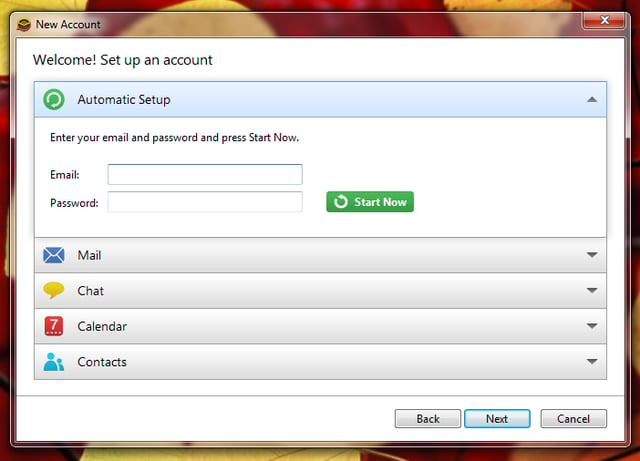
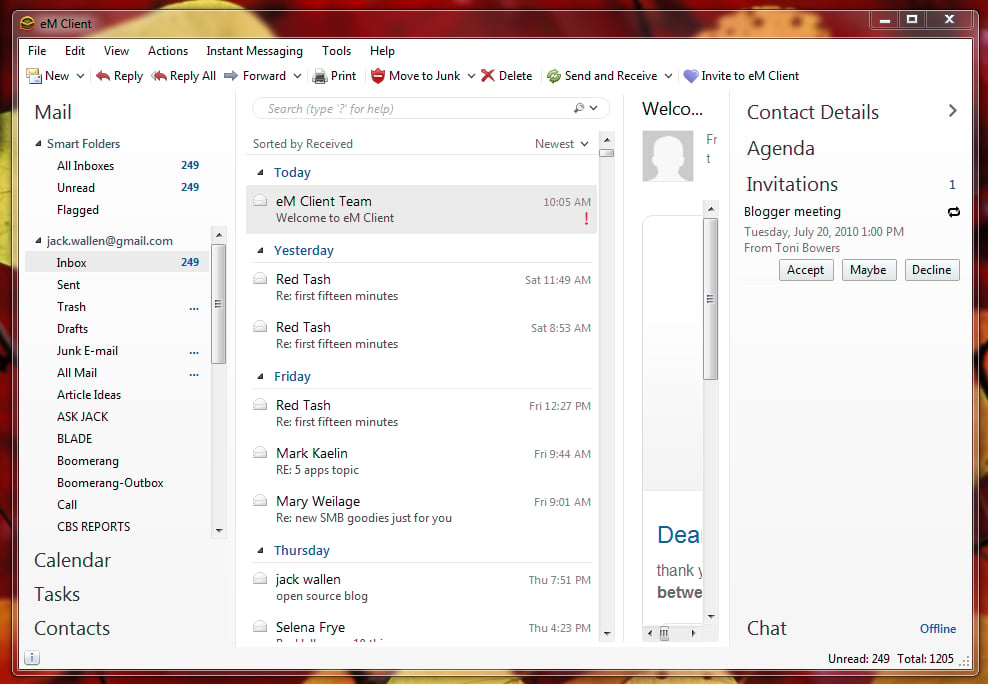
    \r\n\r\neM\r\nClient offers Gmail synchronization built in. This particular solution is\r\nmore of a traditional email client. In fact, you might find it similar to that\r\nof Outlook – only geared toward Gmail. With eM Client you can work with your\r\nemail, calendar, tasks, and contacts. You do miss out on Google Drive – but\r\nthat’s not really the purpose of an email client anyway. Em Client also has a\r\nbuilt in tool to connect with your colleagues using Gtalk. The one caveat to\r\nusing eM Client is that, in order to get it for free, you must register. The free license is\r\nintended for non-commercial use and does not offer any support. If you want the\r\nPro version, you’ll have to shell out $49.95 USD.

    \r\n\r\n

    Credit: Image by Jack\r\nWallen for TechRepublic

  • c2_emclient_2.png

    eM Client 2

    Credit: Image by Jack\r\nWallen for TechRepublic

  • d1_gmailpokki_1.png

    Gmail by Pokki 1

    4. Gmail by Pokki

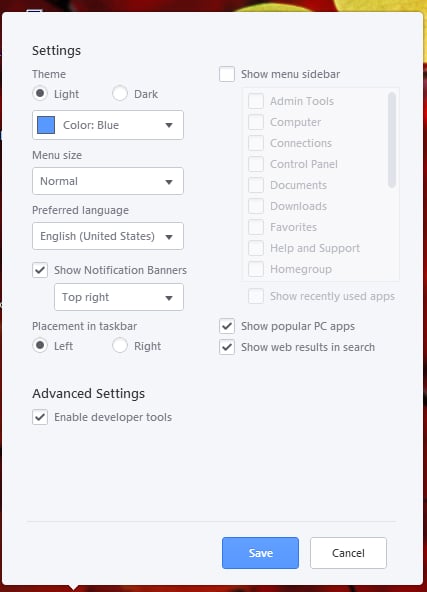
    \r\n\r\nGmail by Pokki\r\nis another simple to use desktop app for your Gmail account that offers up\r\nfriendly notifications from within the Windows system tray. With this free app\r\nyou can: View and save attachments, set label notifications, create customized\r\ntabs, chat, turn any conversation into a video call with up to ten friends, establish\r\na theme, and more. The one thing to be aware of is that Pokki is an entire app\r\nstore on its own. So when you download Gmail by Pokki, you are installing their\r\napp store. It is quite unobtrusive and can be easily avoided. Getting to the\r\nsettings requires a right-click of the Pokki “menu” button in the\r\ntask bar.

    \r\n\r\n

    Credit: Image by Jack\r\nWallen for TechRepublic

  • d2_gmail_pokki_2.png

    Gmail by Pokki 2

    Credit: Image by Jack\r\nWallen for TechRepublic

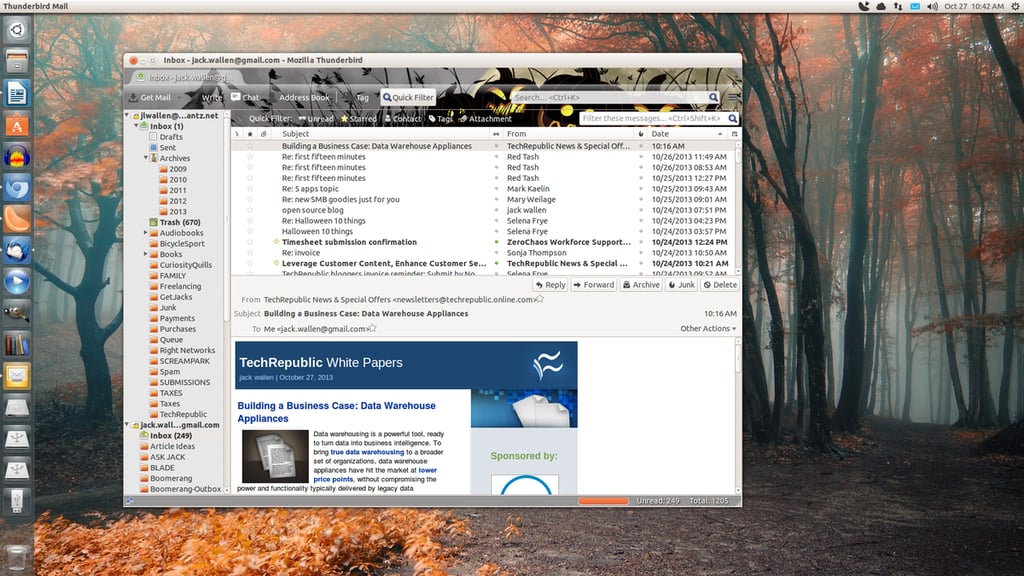
  • e1_thunderbird_1.png

    Thunderbird 1

    5. Thunderbird

    \r\n\r\nThunderbird\r\nis just as capable of dealing with Gmail as any other client. Set up of your\r\nGmail account on Thunderbird is quite simple – no need to know the Gmail server\r\naddresses (just create a new account, add your Gmail credentials and let\r\nThunderbird handle the rest. You won’t gain access to your Calendar, contacts,\r\ntasks, labels, or any of the other Gmail features, but you will have a very\r\npowerful email client at your disposal. You can, of course, add the Lightning\r\naddon and have it connect to your Gmail Calendar. Thunderbird is a great\r\ncross-platform solution (Windows, Linux, Mac) for those looking for a Gmail\r\ndesktop client.

    \r\n\r\n

    Credit: Image by Jack\r\nWallen for TechRepublic

1 of 10
Jack Wallen

Jack Wallen is an award-winning writer for TechRepublic, The New Stack, and Linux New Media. He's covered a variety of topics for over twenty years and is an avid promoter of open source. For more news about Jack Wallen, visit his website jackwallen.com.