
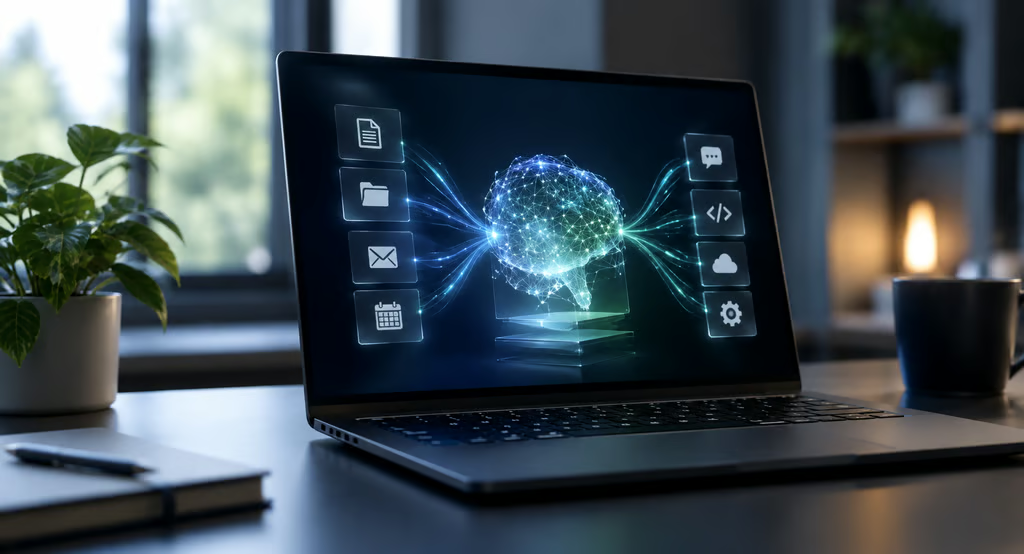


Perplexity has released Portable Computer for Windows, bringing its local-first AI agent to compatible Nvidia RTX PCs. The agent runs its model, orchestrator, scheduler, and execution environment on the device, while asking permission before sending a task to cloud models.
The Windows release changes the story from a promised September launch to an available product. It also settles the main hardware question: Perplexity requires a supported Nvidia GeForce RTX or RTX PRO GPU with at least 24GB of VRAM for local inference.
Portable Computer for Windows at a glance
| Details | |
|---|---|
| Availability | Available now in the Perplexity Windows app |
| Hardware | Supported Nvidia GeForce RTX or RTX PRO GPU with 24GB+ VRAM |
| Local model | PPLX 27B |
| Plans | Pro and Max, including individual and enterprise plans |
| Cloud use | User approval required before task data is sent to cloud models |
Nvidia announced the Windows release on September 14, saying Portable Computer now runs on compatible RTX PCs and workstations. Perplexity’s current product documentation lists the same 24GB VRAM minimum and says PPLX 27B is currently the local model available on Windows.
Qwen 3.8 27B is not currently available on Windows RTX PCs, while Nvidia Nemotron 3.5 Lightning is listed as coming soon. Windows users start with the Perplexity app and enable local inference on a supported PC.
That hardware requirement puts Portable Computer outside many mainstream office PCs. Organizations already exploring local AI workloads should check GPU memory before treating the Windows app as a broadly deployable endpoint tool.
What stays local and what can leave the PC
Portable Computer can work with documents, spreadsheets, PDFs, code, images, and other files in approved locations. Perplexity says code and tool execution run in isolated environments with controlled access to local files and connected apps.
Its local orchestrator can work with Gmail, Outlook, Slack, and GitHub, while desktop applications can connect through local Model Context Protocol servers. Work completed by the local model does not consume Perplexity Computer credits.
For tasks requiring current web information or stronger reasoning, Portable Computer can call Perplexity Search or more than 15 cloud models. Perplexity says the agent asks for approval before sending anything from the device to the cloud.
That local-first architecture differs from more cloud-centered AI agents, but it does not eliminate permission and data-flow questions. IT teams still need to know what each connector can access, what gets logged, and whether local execution boundaries match existing endpoint policies.
Those controls deserve particular attention when an agent can work with local files. A separate Perplexity Comet vulnerability disclosed earlier this year involved local-file exposure through malicious calendar content. That flaw did not involve Portable Computer, but it demonstrates why file permissions and agent boundaries need explicit review.
What IT teams should verify before deployment
Portable Computer is available to Pro and Max subscribers across individual and enterprise plans. Perplexity’s Enterprise offerings advertise controls including SSO, SCIM, audit logs, and data-retention settings, but its Portable Computer documentation does not explain how every enterprise control applies specifically to local agent activity.
Before a pilot, IT teams should verify connector scopes, local file permissions, cloud-escalation logging, sandbox boundaries, model-update controls, and whether tool execution can be restricted for managed users.
The 24GB VRAM requirement should also be checked against the actual device fleet. Hardware qualification is a first-step deployment requirement rather than an edge case for users who want inference to stay local.
Testing should begin with nonproduction accounts and narrowly scoped folders and connectors. Portable Computer is available on Windows now, but broader deployment depends on whether Perplexity’s controls, logging, and hardware requirements fit the organization’s endpoint, identity, and data-governance policies.
Also read: Our guide to business laptops for AI workloads compares systems designed for heavier local AI processing.