As more companies continue to utilize virtual meetings as a primary method of collaboration and hosting large meetings and events, this is a great time to explore some new Zoom virtual backgrounds. Although the platform provides many backgrounds for users, other options are available online if you want a more realistic Zoom virtual background. So, check out the following list to find the best background for your business needs!
Facilitate seamless connection within your remote tech and IT teams with Zoom. Get high-quality video conferencing, real-time collaboration tools, and third-party software app integrations by signing up today!
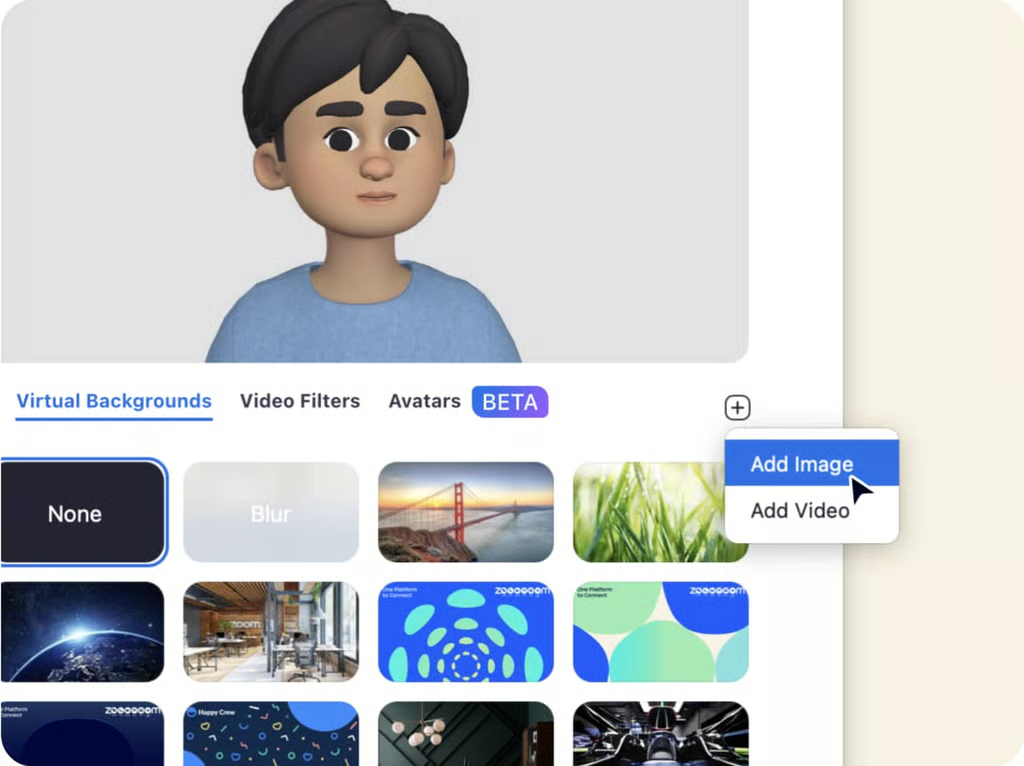
Image caption: Choose from multiple Zoom virtual backgrounds or upload a personal image.
Sure, comic book backgrounds are fun, but sometimes, you need a low-key background for a video conference. So, for a genuinely realistic Zoom virtual background, look for images reminiscent of home. These backgrounds are simple and don’t draw too much attention to your virtual environment while reflecting some aspects of your aesthetic or personal style.
SEE: How to Use Zoom: 15 Tips & Tricks for more information.
Image caption: West Elm has collaborated with interior designers to create several room images using West Elm products. The perspective and depth make the photos look like your living room.
West Elm has a way of finding the best kitchen images. Let your co-workers think you have the best interior design skills with this photo.
This waterfront view will make it hard for your colleagues to keep their minds on work.
Get a combination of interior design and tasteful settings with the virtual backgrounds from Williams Sonoma Home.
Get some greenery into your meetings with a patio view from the Kathy Kuo Home interior design blog.
Bring more comfort into your virtual home office with a dark academia-style study from LUXVT’s real estate site.
Finding a home office background can be beneficial if you work from home but don’t have the typical home office environment. These backgrounds can include everything from rows of books and shelving to framed images and desk set-ups that always make it look like you have the perfect office, even when you don’t.
Image caption: Feel the warmth of the fireplace with an office layout from the Kathy Kuo Home interior design blog.
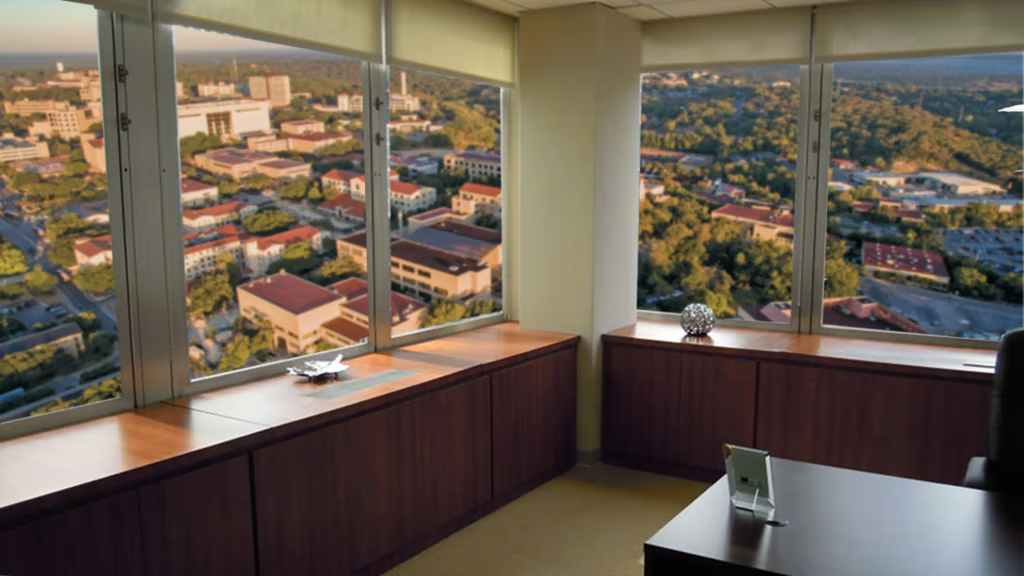
Get a campus view with a top-floor office at Texas State University.
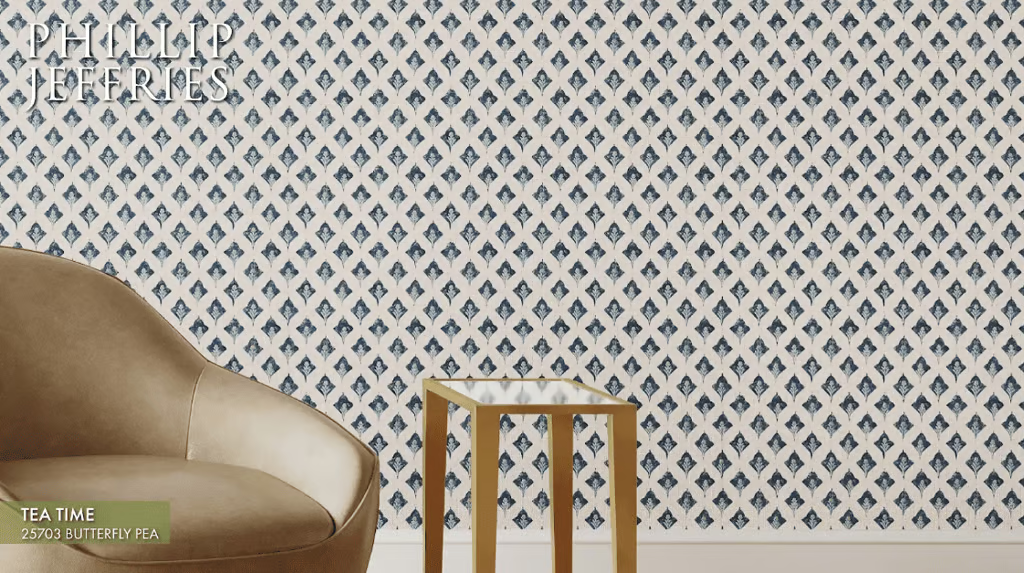
Consider Phillip Jeffries Zoom backgrounds for each season due to their custom office backgrounds that use wallpaper prints to replicate an accent wall.
Recreate a collaborative workspace with Louisiana State University’s classrooms and labs.
For those who miss being back in the office, Microsoft Copilot offers multiple virtual backgrounds replicating the open floor plans and workspaces of a 21st-century office building.
When giving a big presentation, Microsoft Viva’s conference room backgrounds add professionalism to your virtual office.
One of the best options for virtual backgrounds is the bookshelf. Whether it’s a university library, an eclectic collection, or a curation of classics, this background shows off your personality and intellect (even if you haven’t read them all).
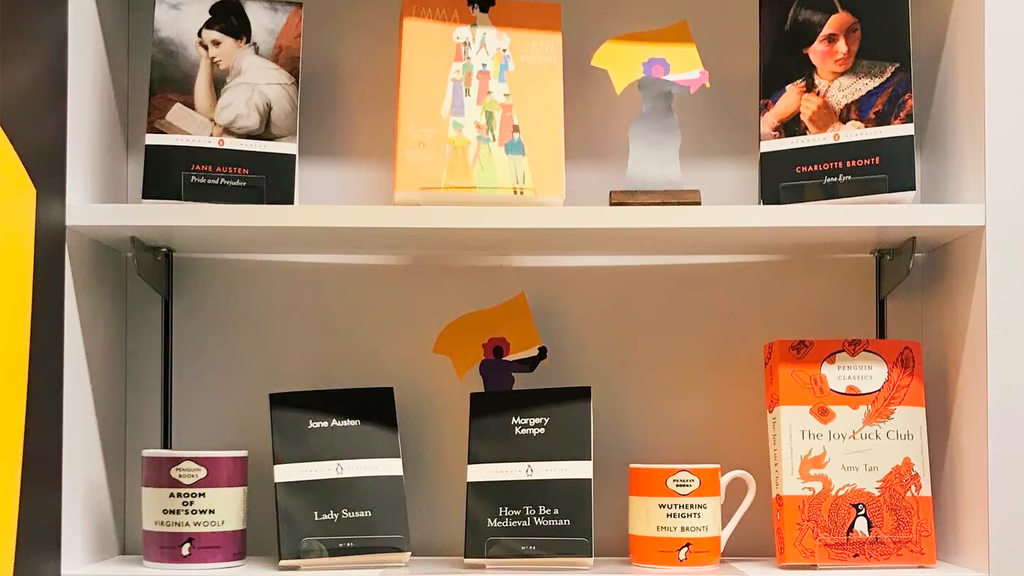
Image caption: Put yourself in front of a credible bookshelf with options from Penguin Random House Canada.
Go for Penguin Classics if you want book suggestions for your next meeting.
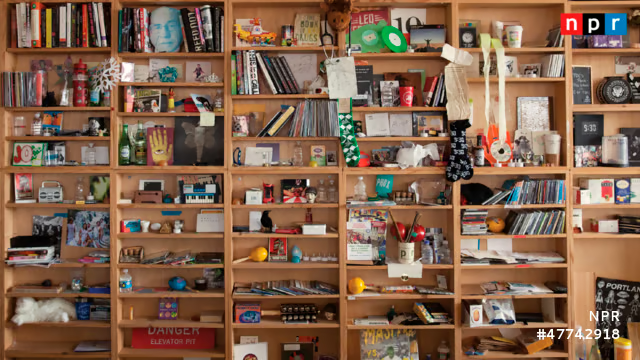
This bookcase background from NPR TinyDesk looks authentic, with just the right amount of quirk for music lovers and public radio fans.
George R. Martin fans will enjoy this Game of Thrones-themed library shelf from the University of Chicago. The University’s website also offers Zoom backgrounds, including the city skyline, popular buildings, and natural settings.
Readers who love a good mystery and a millennial classic will appreciate this bookshelf background, including authors from young adult fiction to romance and thrillers.
There’s something about working in a library that can make you feel more focused and productive. So, bring some of that energy into your meetings with a background from the Cornell University library stacks.
Some of the best images recreate the experience of working in whatever environment you want. Whether a fictional forest or an international vacation, you can work from anywhere with realistic Zoom virtual backgrounds.
SEE: How to Use Virtual Backgrounds on Your Phone
Image caption: Doesn’t everyone want to hang out with the Hobbits? ISA Study Abroad has shared images from several of its sites.
The Westminster Bridge and Big Ben in London, UK, are favorites of many.
Alaska Airlines has shared images for use as virtual backgrounds, which will make you feel like you are traveling to a tropical destination — all from the comfort of your desktop.
Enjoy the great outdoors with REI’s cabins and camping backgrounds. The sporting goods store also offers images of rock climbing, kayaking, and other nature scenes for the adventurer working from home.
Many studios and television networks are creating Zoom backgrounds that recreate your favorite film sets. So, whether you’re a fan of Top Gun Maverick or the latest Netflix series, you can bring your favorite movies to your next meeting.
Travel twenty thousand leagues under the sea with Zoom backgrounds from the NOAA Ocean Exploration. Each of these images features aquatic creatures, ships, and other photographs that will get you lost in the majesty of the sea.
While most Zoom backgrounds focus on images of specific environments or locations, not everyone wants to feel like they are in an office or on vacation. In that case, choose an artistic background focusing on color and composition. You can also keep things simple and blur your Zoom background.
Image caption: A solid-brick background is good when you don’t want a distraction. Chapman University in Irvine, Calif., offers a great selection of free Zoom backgrounds on its site.
Opt for a detailed, non-specific background, such as this Los Angeles Public Library (LAPL) ceiling view.
You can’t go wrong with Zoom’s branded images for a classic virtual background. The platform offers a variety of static and moving images that are simple but visually interesting.
Although no one needs a reminder that lunch is almost here, Williams Sonoma offers several unique photo spreads to make your coworkers hungry.
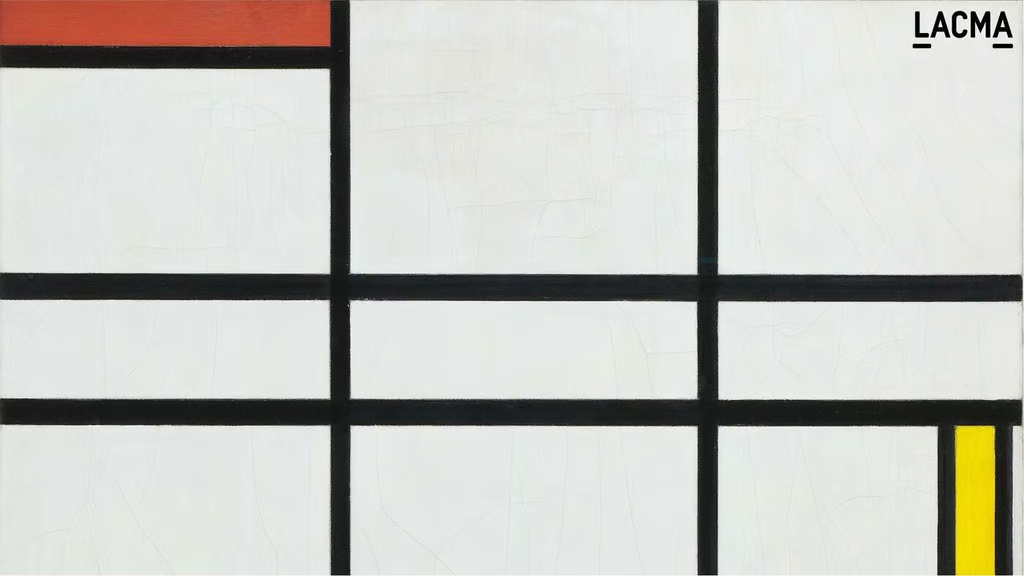
Some of the best images for your background can be found at your favorite museum. For example, the Los Angeles County Museum of Art (LACMA) offers many Zoom backgrounds using pieces from its archives.
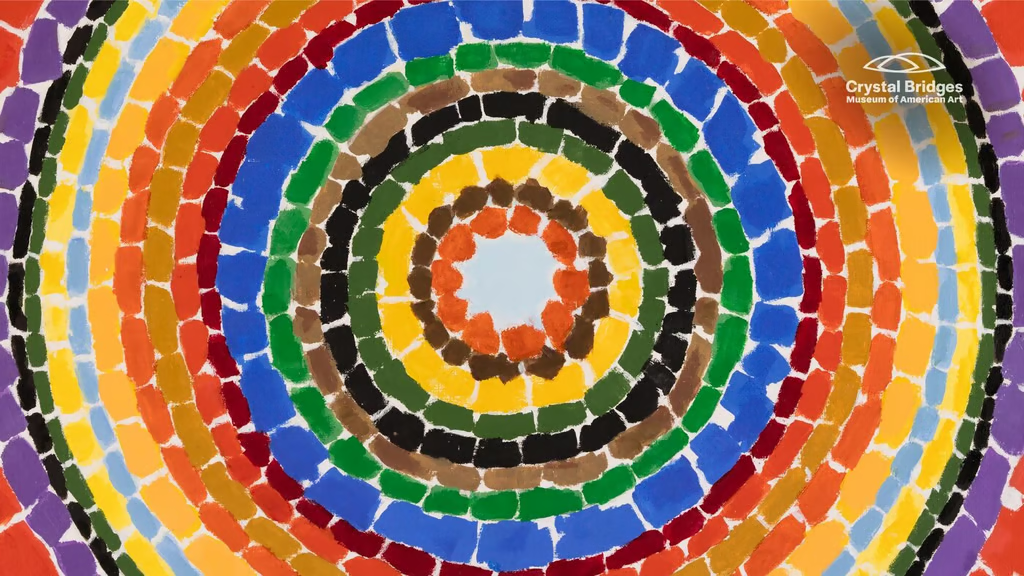
Find more paintings turned Zoom Backgrounds from the Crystal Bridges Museum of American Art.
For backgrounds that are more personalized to you, you can find Zoom virtual backgrounds that are downloadable or customizable to add unique touches to the image. Then, you can save these images on your computer or mobile device, making uploading and changing your background easier.
Image caption: Find a Zoom background from your favorite college campus to represent your alma mater or tap into the calm of a university setting, like the flowers blooming in front of the University of Michigan’s Rackham building.
Add positivity to your virtual office by downloading Zoom backgrounds with positive affirmations and natural landscapes from the organization Breathe for Change.
Science nerds will enjoy the many aquatic and animal images from the California Academy of Sciences.
On the Zoom website, you can access multiple downloadable backgrounds in the design, sports, and entertainment realms. Additionally, Zoom offers custom backgrounds to reflect each season.

There’s nothing more exciting than seeing an animal friend make an impromptu appearance on a Zoom call, and animal lovers can find many furry friends to share meetings with from the San Diego Zoo.
Before AI agents, there was Microsoft Clippy. Microsoft Teams’ nostalgic virtual backgrounds allow those using Zoom or the Microsoft suite to reminisce about the early days of Office. Download images featuring everything from Solitaire to your old friend Clippy, the paperclip.
SEE: How to Blur and Change Your Background in Microsoft Teams
Faithe J. Day is a technology educator with over a decade of experience covering emerging digital trends and business technology. She holds a Ph.D. in Communication Studies and has spent more than six years teaching diverse audiences about digital communication and online engagement. Her work focuses on artificial intelligence, CRM and sales platforms, marketing technology, workplace software, and modern communication tools, helping readers understand how evolving technologies shape business growth and digital communication. Faithe has written for publications and organizations including Fit Small Business, TechnologyAdvice, Noble Desktop, and Women in Tech. Her work combines product analysis with practical business insights to help professionals make informed technology decisions. Grounded in the digital humanities, Faithe is particularly interested in how digital platforms and emerging technologies shape the way businesses and communities connect and build more inclusive digital experiences.