


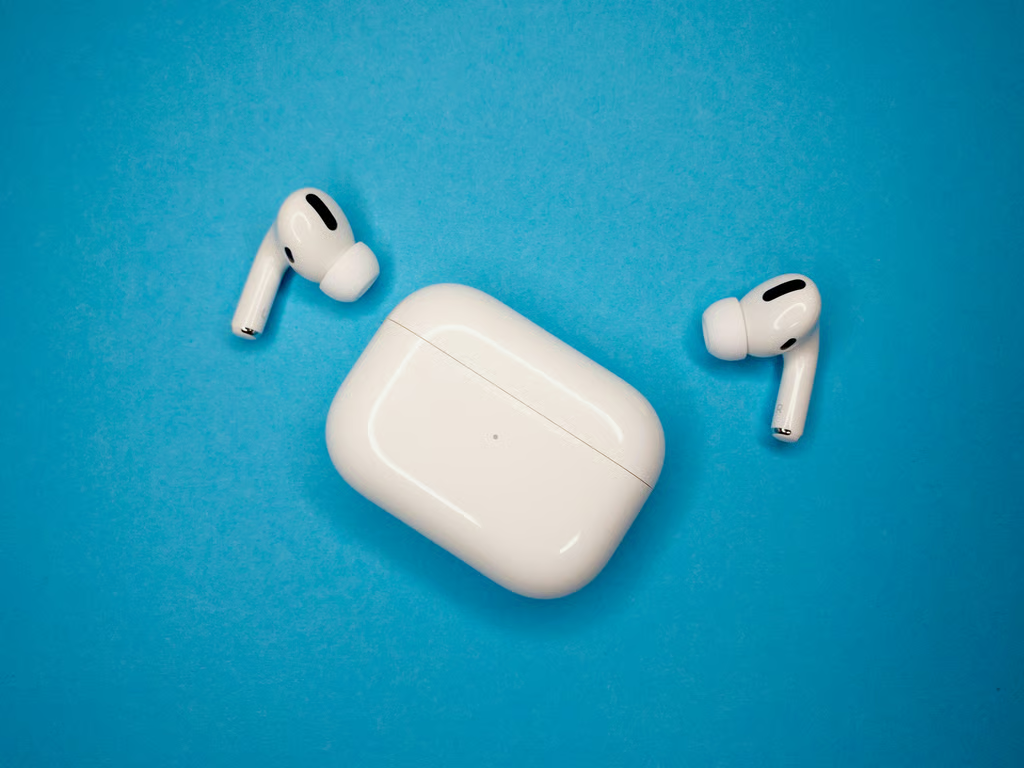
Apple’s firmware 9A348 introduces Custom EQ for AirPods 4 and later, AirPods Pro 2 and later, and AirPods Max 2. But owners of older models still have another way to adjust their sound through Headphone Accommodations.
The two features serve different purposes and have different compatibility requirements. Custom EQ offers direct control over bass, midrange, and treble, while Headphone Accommodations helps users adjust audio for their hearing needs.
Knowing which feature your AirPods support can save time searching for settings that aren’t available on your model.
Which AirPods support Custom EQ?
According to Apple’s firmware release notes, version 9A348 adds a three-band equalizer for adjusting low, mid, and high frequencies.
The feature supports:
- AirPods 4 and later: Including AirPods 4 with Active Noise Cancellation.
- AirPods Pro 2 and later: Including AirPods Pro 3.
- AirPods Max 2: The second-generation over-ear headphones.
Custom EQ works with supported AirPods connected to an iPhone, iPad, or Mac.
Headphone Accommodations, meanwhile, supports AirPods 2 and later, all AirPods Pro generations, AirPods Max models, wired EarPods, and several Beats headphones.
Apple introduced Headphone Accommodations with iOS 14. The feature can amplify softer sounds, adjust tonal balance, and help users hear speech more clearly.
It also includes Custom Audio Setup, which asks users to compare audio samples and recommends settings based on their responses.
Unlike Custom EQ’s three sliders, Headphone Accommodations provides hearing-focused adjustments for media, phone calls, and supported listening modes.
Some AirPods Pro features go further. Apple’s Conversation Boost technology focuses on speech from someone directly in front of the listener, as explained in TechRepublic’s guide to improving conversation volume.
An AirPods 3 owner, for example, can use Headphone Accommodations but won’t find the new Custom EQ controls. The same applies to the original AirPods Pro.
The original AirPods support neither feature.
How to find and adjust Custom EQ
Apple places Custom EQ in the AirPods settings menu rather than the main Accessibility controls.
To use it on an iPhone or iPad:
- Connect your supported AirPods and put them on.
- Open Settings and tap your AirPods’ name.
- Select Audio & Routing, then Equalizer.
- Choose Custom.
- Adjust the Low, Mid, and High sliders to your preference.
On a Mac, open System Settings, select your AirPods, then navigate to Audio & Routing > Equalizer > Custom.
Apple confirms that Custom EQ settings are stored on the AirPods themselves. Your adjustments therefore carry over when you connect the headphones to another paired device.
To disable your custom settings, select Recommended instead of Custom.
Headphone Accommodations follows a different setup process.
On an iPhone or iPad, open Settings > Accessibility > Audio & Visual > Headphone Accommodations. You can then enable the feature, select where the adjustments apply, and customize the sound.
Apple’s Headphone Accommodations documentation explains the supported models and available adjustments.
Mac compatibility is more restrictive. Apple documents Headphone Accommodations for AirPods Pro 2 and AirPods Pro 3 on macOS Sequoia or later.
That means AirPods Max 2 owners can access Custom EQ on a Mac but cannot assume the same Headphone Accommodations controls will be available.
Hearing Assistance can also override existing Headphone Accommodations settings on supported AirPods Pro models. Users should check whether that feature is active before assuming their audio preferences have been reset.
What to check if the EQ setting is missing
If Custom EQ doesn’t appear, start with the AirPods model rather than resetting every audio setting.
First, confirm that your headphones are among the supported generations. AirPods 3, the original AirPods Pro, and first-generation AirPods Max do not qualify for Custom EQ.
Next, check the installed firmware. On an iPhone or iPad, connect your AirPods, open Settings, select their name, and find the firmware version in the device information.
AirPods firmware updates install automatically under Apple’s supported charging and connectivity conditions. There is no standard manual installation button.
If the headphones are compatible and updated but the setting is still missing, reconnect them and check for available operating system updates. TechRepublic’s guide to troubleshooting AirPods problems covers additional connection and audio checks.
Apple’s documentation does not clearly establish a minimum iOS, iPadOS, or macOS version for Custom EQ beyond the firmware requirement, so older operating system versions should not be assumed compatible.
Finally, consider whether Headphone Accommodations better matches the adjustment you need. Custom EQ is intended for personal sound preferences, while Headphone Accommodations offers more targeted hearing adjustments.
The distinction is particularly relevant to owners of AirPods Pro 3, which combine conventional listening features with hearing-related capabilities.
For most users, the first step is straightforward: check the AirPods generation, confirm the firmware, and open the correct settings menu. Older models may still offer useful audio customization even without Apple’s new three-band equalizer.
Also read: Our guide to the best wireless earbuds for work calls compares microphone performance, noise cancellation, comfort, and device compatibility.