


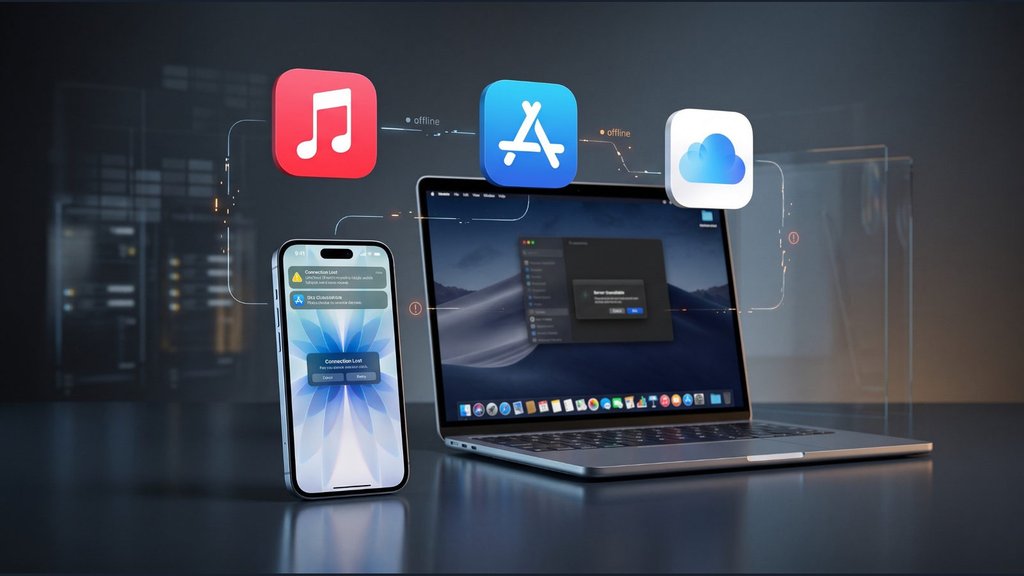
An app that won’t download. An iCloud account that won’t sign in. On November 17, even buying something at an Apple Store became a problem.
Apple said an internal update disrupted services including iCloud, the App Store and Apple Music. The outage also affected retail operations and some business and education tools. Apple ruled out a cyberattack and confirmed that services were restored by approximately 5:46 p.m. ET.
Although the widespread outage is over, users who still encounter failed downloads, sign-in errors or interrupted purchases may need to check their accounts and devices. The first step is determining whether Apple is experiencing a new service problem.
Apple identifies the cause, but not the failed system
Apple has not identified the specific system or deployment process responsible. In a statement reported by Reuters, the company acknowledged the disruption and said it was working to restore affected services.
The incident involved iCloud Account & Sign In, Apple Music, the App Store and AppleCare on Device. Additional problems affected iCloud Mail, iCloud.com and several business and education services, according to TechCrunch’s outage coverage.
Some services were unavailable, while others experienced degraded performance. Users also reported Apple Pay problems, although Apple did not establish how widely payment functionality was affected.
Downdetector recorded approximately 2,300 US reports concerning Apple Pay around 12:20 p.m. ET. Reports involving iCloud peaked at roughly 1,800. These figures represent submitted complaints, not confirmed numbers of affected customers.
Retail operations were disrupted, too. Employees at stores in New York and Chicago told NBC News that internal software failures temporarily prevented purchases and appointment bookings.
Apple subsequently confirmed to CBS News that its services were restored by approximately 5:46 p.m. ET. Its public status page showed no unresolved incidents by 6 p.m.
Fixing lingering iCloud and App Store problems
Apple’s November 17 outage has been resolved, but individual connection or authentication errors may still occur. Before resetting passwords or changing device settings, check Apple’s System Status page for new incidents.
If the affected service is operational, try these steps:
- Check your connection. Test another network and review VPN settings, software updates and device time settings using Apple’s troubleshooting instructions.
- Fix iCloud sign-in errors. Confirm that you’re using the correct Apple Account and follow Apple’s iCloud sign-in guidance if authentication continues failing.
- Retry App Store downloads. Close and reopen the App Store, then check your internet connection. If updating your iPhone, consult the iOS 27 compatibility guide before installing a major software upgrade.
- Check Apple Music. Restart the app and retry playback. If problems continue, check whether other internet-connected apps work.
- Review interrupted purchases. Check purchase histories and confirmations before repeating Apple Pay transactions or App Store purchases.
If troubleshooting involves updating iOS, check which software updates are available for your iPhone model. Updates can address software bugs and security vulnerabilities, but Apple has not identified a specific device update as necessary to recover from this outage.
Users who rely on community troubleshooting discussions should also be aware that Apple’s Support Community is closing November 20. Apple Support remains available for unresolved account and device problems.
Apple’s services are back online, but a restored status page cannot confirm that every interrupted purchase or download succeeded. Check the outcome before retrying the task.
Also read: When searching for fixes, avoid unfamiliar downloads and suspicious websites. Attackers have targeted iPhone and Android users through compromised sites, making official troubleshooting instructions the safer starting point.