


If you can’t beat ’em, merge with ’em.
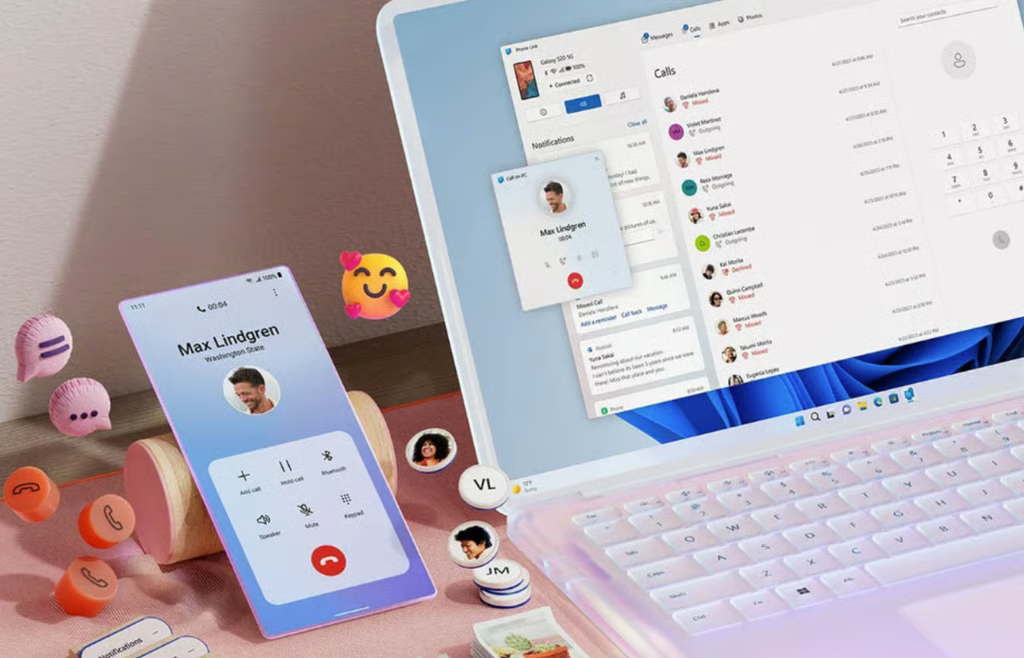
Microsoft, having long abandoned its dreams of a Windows-powered smartphone, reportedly plans to weave your existing Android device or iPhone directly into the fabric of Windows 11.
According to internal plans revealed by Windows Central, the Redmond-based company is prototyping a UX overhaul designed to make your smartphone feel like a native, built-in part of your computer rather than an afterthought.
Moving beyond the app
Historically, connecting your phone to Windows required opening the standalone Phone Link app. Microsoft wants to change that by embedding these capabilities directly into the Windows 11 shell. The proposed updates, which are currently being tested internally, would bring more Phone Link capabilities directly into the Windows 11 interface, reducing the need to open the standalone app for some tasks.
Key features reportedly in development include:
- An upgraded Start menu: The Phone Companion panel in the Start menu would allow users to scroll through recent phone activity and hover over items to preview full messages or photos without launching an app.
- The system tray flyout: A dedicated phone icon will appear in the taskbar when a device is connected. Clicking it opens a status dashboard with quick toggles for Do Not Disturb, vibrate mode, and find phone.
- Drag-and-drop sharing: Users will reportedly be able to send files to their phone simply by dragging them onto the system tray phone icon.
- Full clipboard history: While Windows currently syncs only the most recently copied item, Microsoft is exploring ways to sync your entire clipboard history across devices.
- A standalone messages app: A new, dedicated SMS app that can be pinned directly to the Start menu for easier texting.
The strategic pivot: Winning without hardware
By turning Windows 11 into a cozy home for Android and iOS devices, Microsoft is executing a clever Trojan Horse strategy.
For years, Apple’s walled garden has kept Mac and iPhone users locked into a highly lucrative ecosystem because the two devices communicate seamlessly. Since Microsoft lacks its own mobile platform, its hardware partners like Dell, HP, and Lenovo have struggled to combat this ecosystem stickiness.
By pulling phone features out of a clunky utility app and baking them directly into the Windows taskbar, File Explorer, and clipboard, Microsoft is neutralizing Apple’s primary advantage. It’s a massive win for consumer convenience, signaling that Microsoft is finally meeting users where they actually are: on their phones.
The catch: Security risks and update bloat
While a seamless PC-to-phone bridge sounds convenient, it introduces significant trade-offs.
Keeping an active, OS-level mirror of your phone’s clipboard history and messages on your PC means that if your computer is compromised, your entire digital life is laid bare.
Deeper integration could also introduce performance drag and system bloat. If these background sync processes aren’t perfectly optimized, users may face battery drain on their mobile devices and lag on their PCs.
Deeper cross-device integration could strengthen Windows’ appeal in a market where smartphones remain at the center of users’ digital lives. The biggest uncertainty is timing. Since the features are still under internal development, they could change significantly or never ship at all depending on testing results and feedback from the Windows Insider community.
Also read: Our Windows 11 cleanup guide can help users cut startup clutter, background processes, and storage junk before adding more synced phone features.