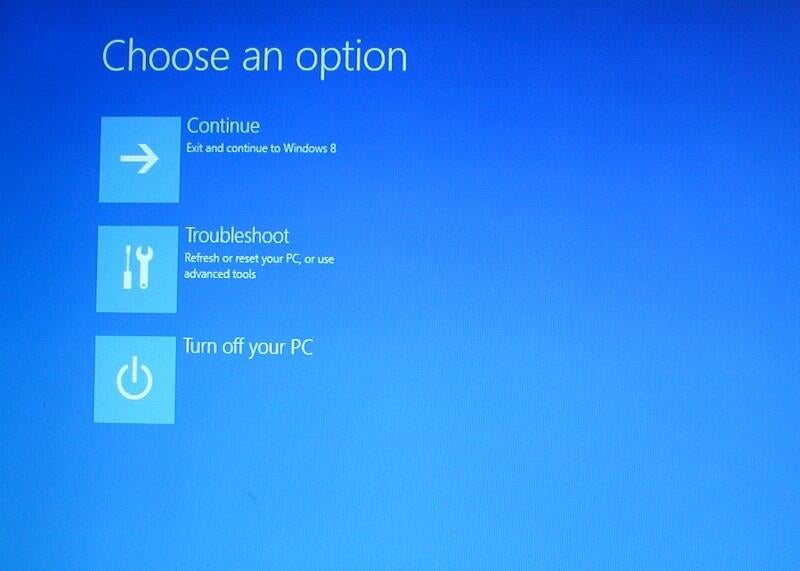
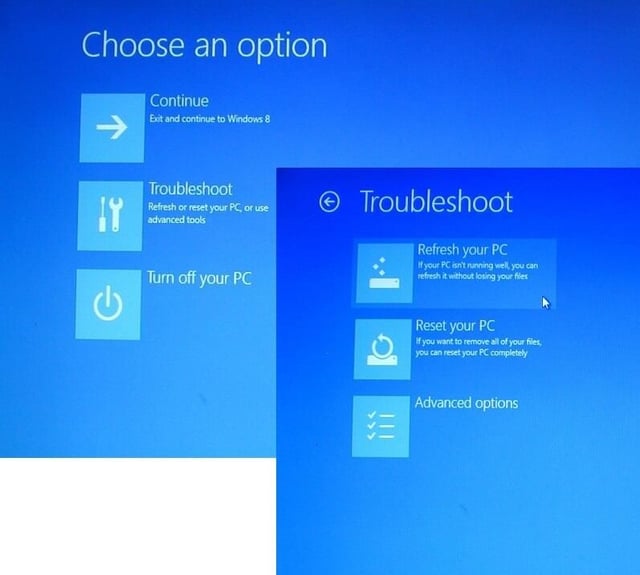
Reset your PC tool removes all of your data and settings and then reinstalls Windows 8. Greg Shultz shows you how it works.
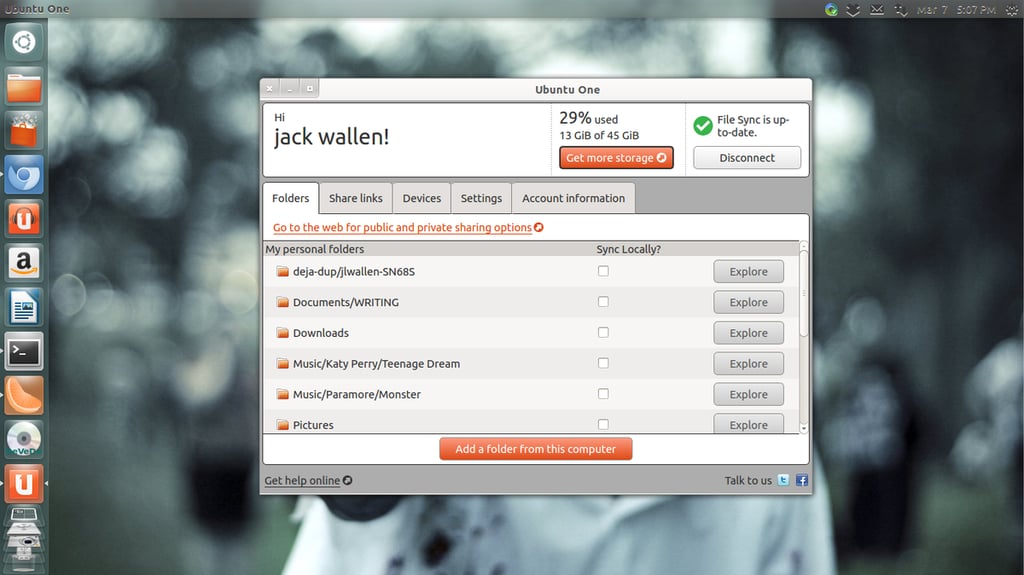
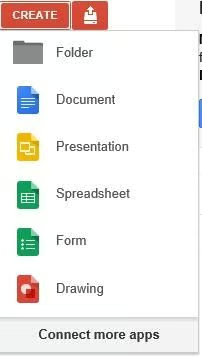
Jack Wallen shares his five choices for best of breed cloud sync apps.
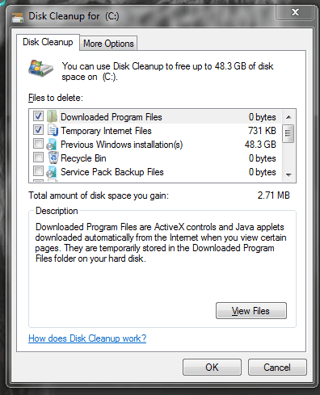
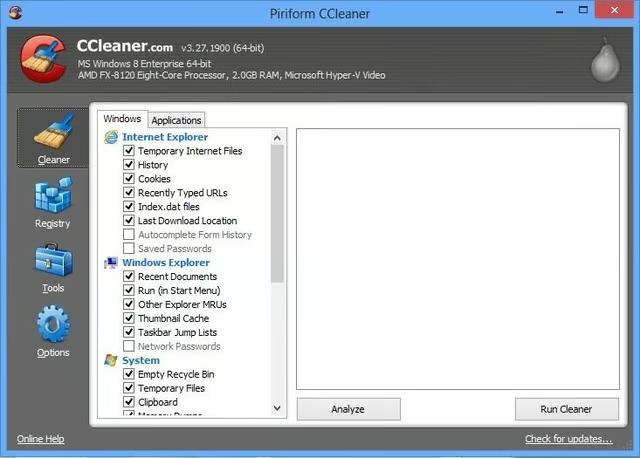
There are times when a handy disk janitor utility can swoop in and save the day. Jack Wallen lists a few of his favorites.
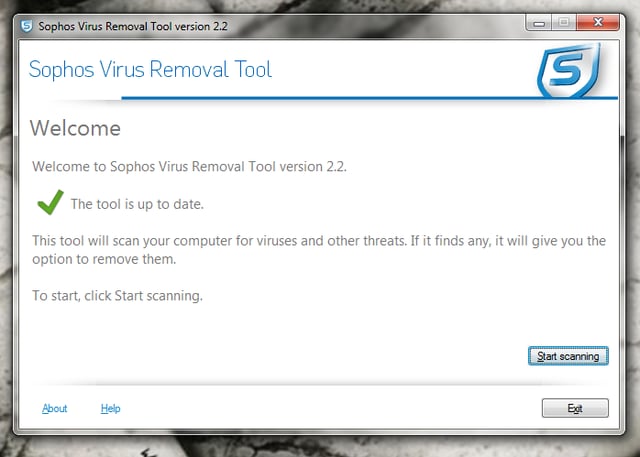
The second you suspect a rootkit action must be taken immediately. Here are five apps that can help.
Greg Shultz explains how to use the default mode of the Windows 8 Refresh your PC tool from the Recovery Drive.
Brien Posey discusses five utilities that can help you to clean up Internet Explorer and cover your tracks.
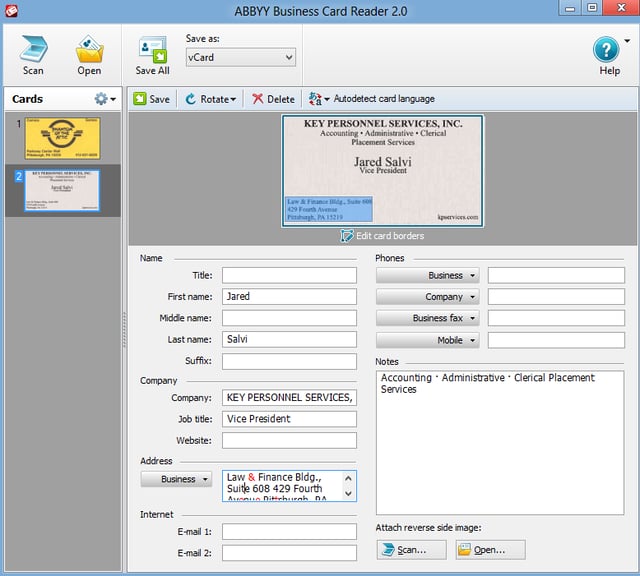
Matthew Nawrocki lists five apps that will help you create, manage, and process business cards.
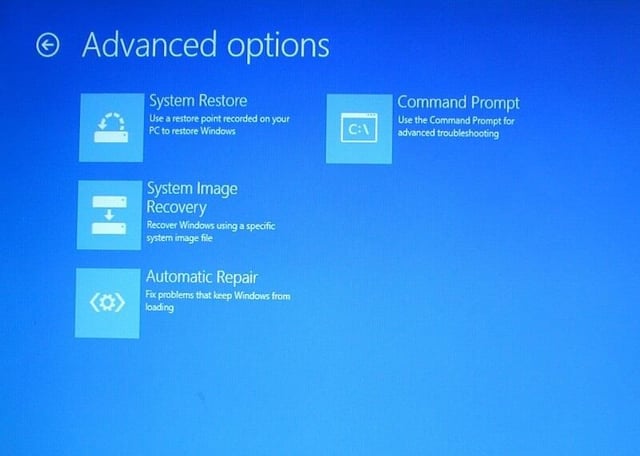
Greg Shultz takes a look at the Automatic Repair from the Recovery Drive feature of Microsoft Windows 8.
Microsoft Office is not the only game in town; Brien Posey suggests some suitable alternatives.
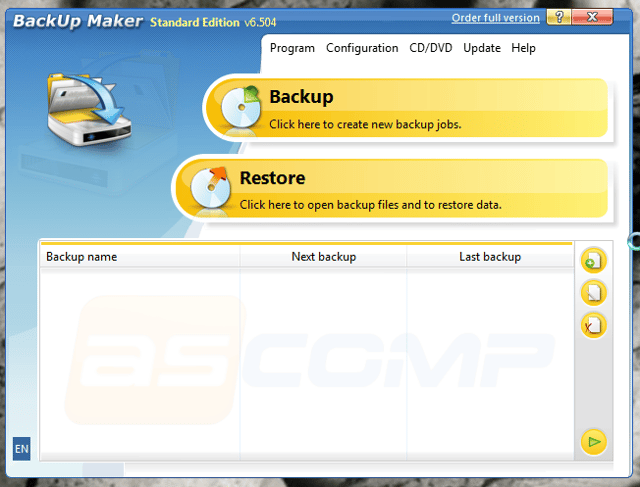
It’s nice to know there are backup tools that can be installed, free of charge, which can handle one, simple task.
Best STL describes some of the new features of Office 2013 and some of features that have been removed.
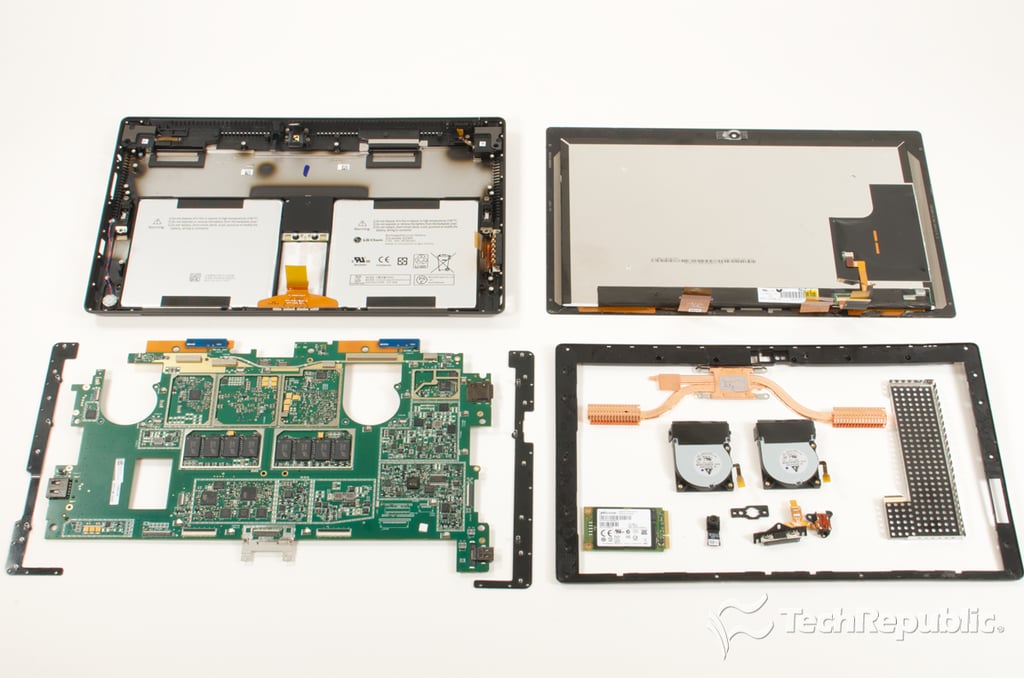
Bill Detwiler walks you through disassembling the Microsoft Surface Pro and shows you the laptop-like hardware inside.
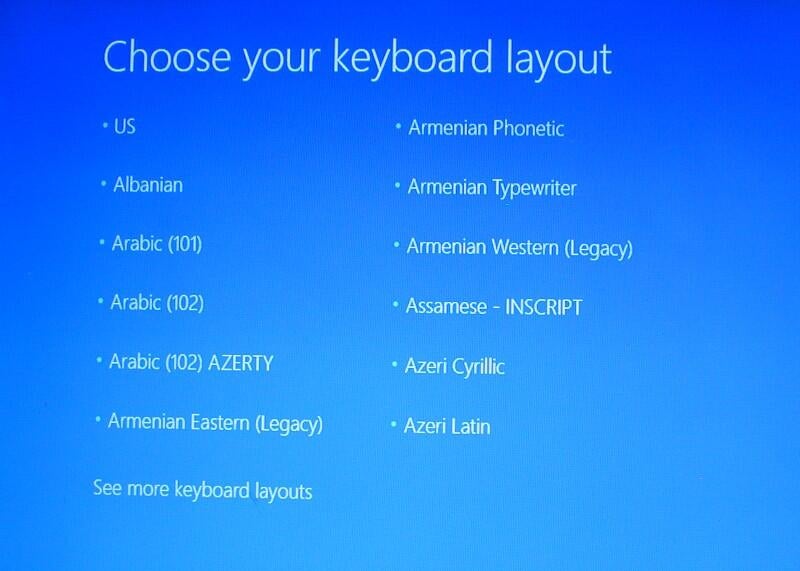
Greg Shultz shows you how to use the Windows 8 Recovery Drive and exactly what to expect if you should ever need it.
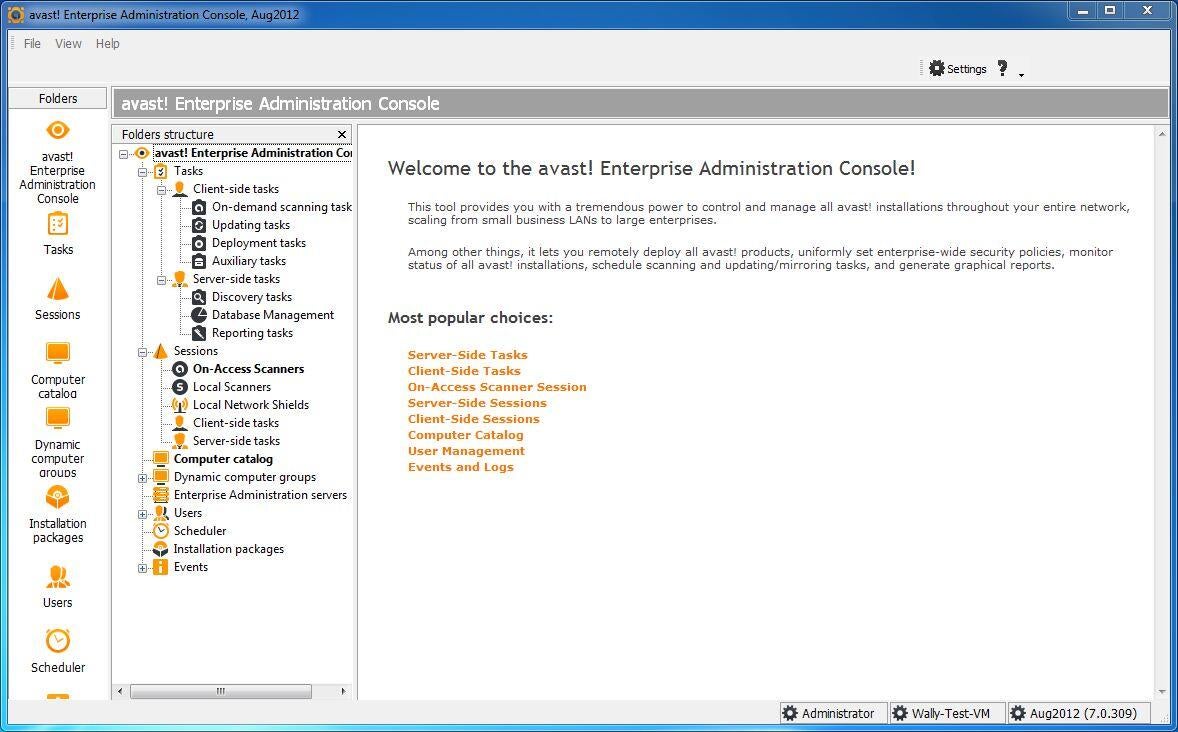
Wally Bahny takes a look at five antivirus systems that are designed to be used by corporate customers.
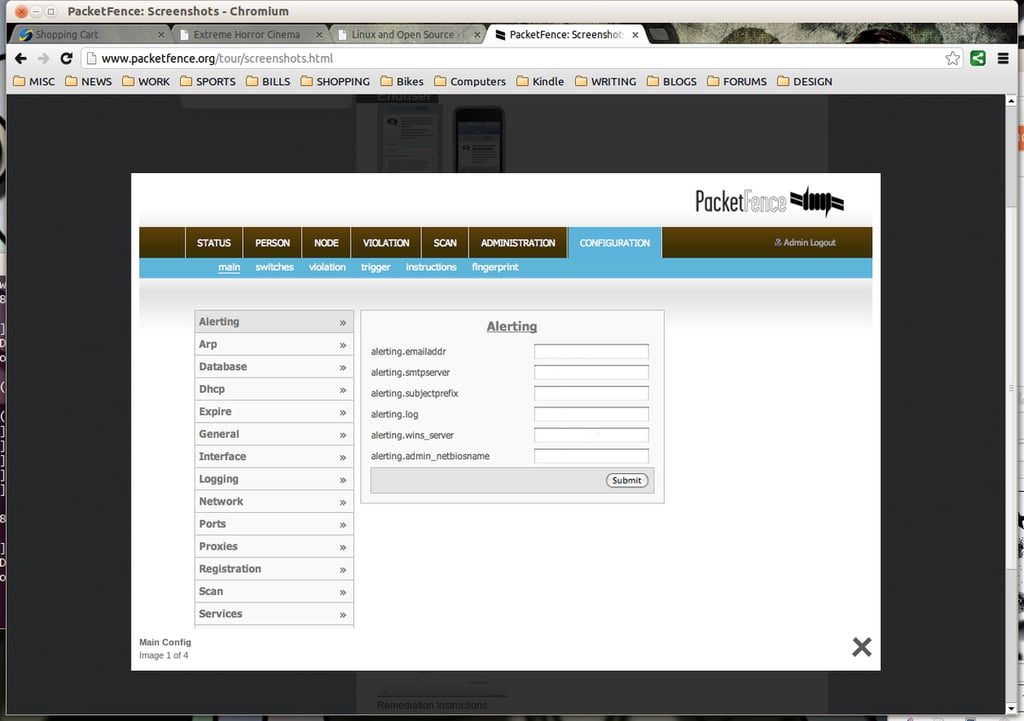
Jack Wallen lists five must-deploy tools to help secure your company’s BYOD experience.
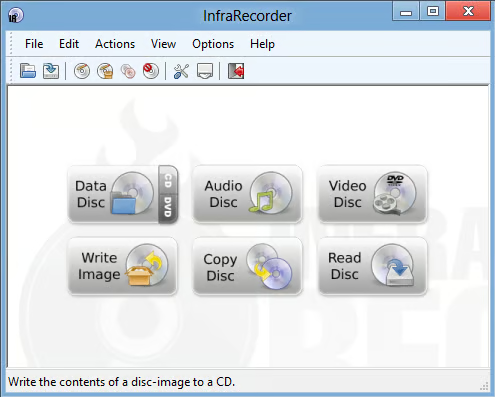
Matthew Nawrocki lists five optical disc tools that he finds particularly helpful.
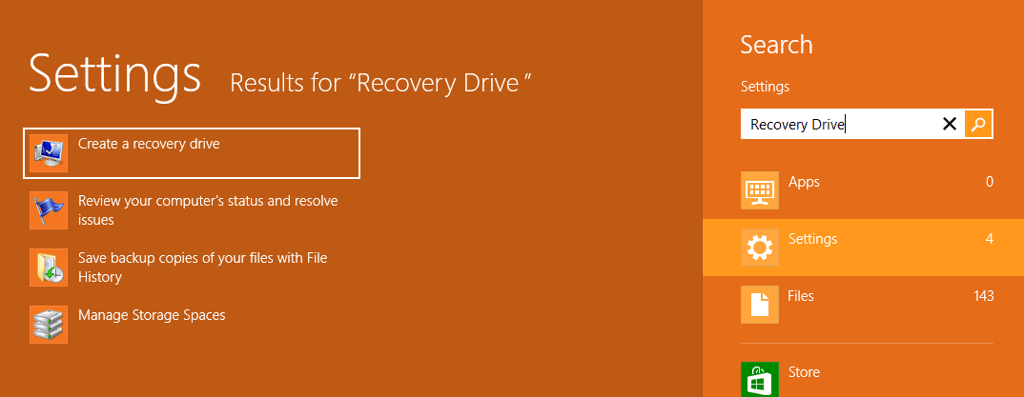
Greg Shultz shows you how to create a Recovery Drive in Windows 8 for both a flash drive and an optical disk.
Here is a first look at the Rackspace interface to sign up for virtual servers.