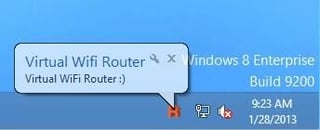
Brien Posey shares some utilities that can help you to get the most out of what Wi-Fi has to offer.
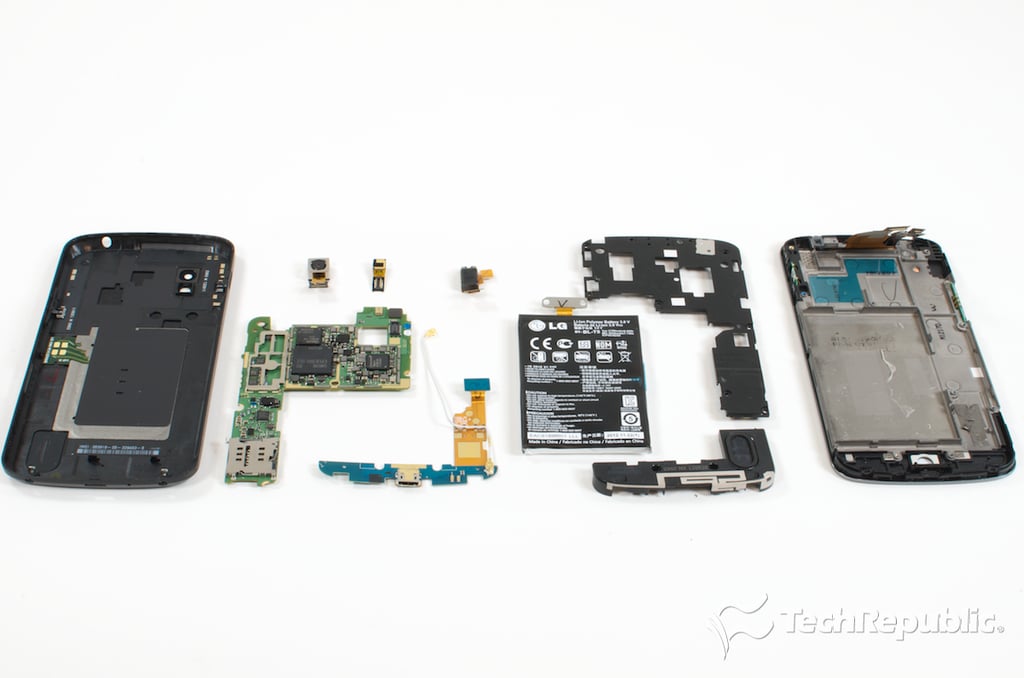
Bill Detwiler walks you through the disassembly process for the LG-built, Google Nexus 4 and shows you the hardware inside.
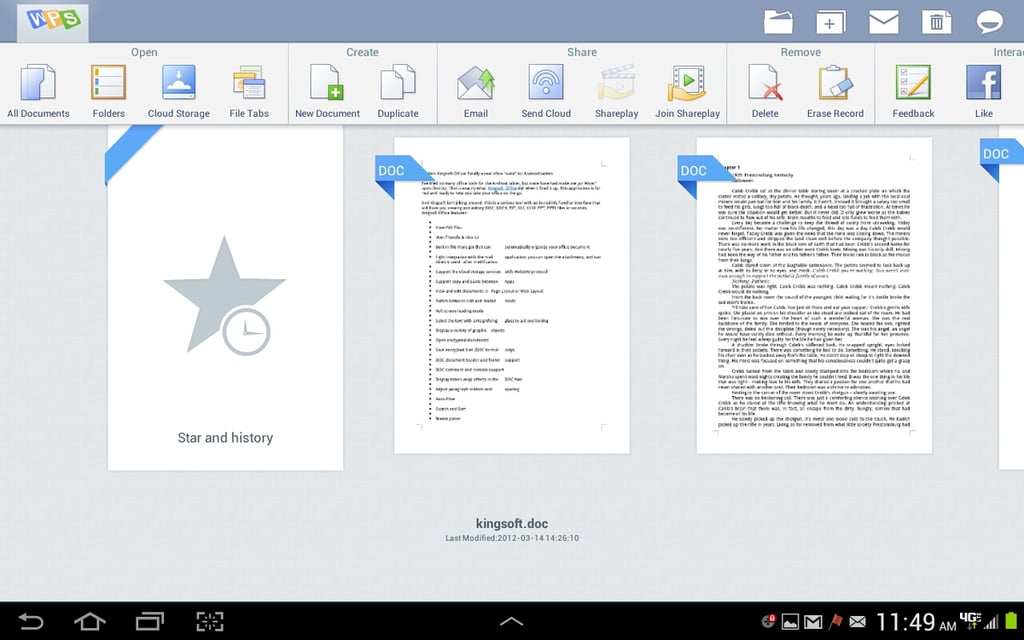
With the right productivity apps you can manage to remain productive when you’re using your own devices at your place of business.
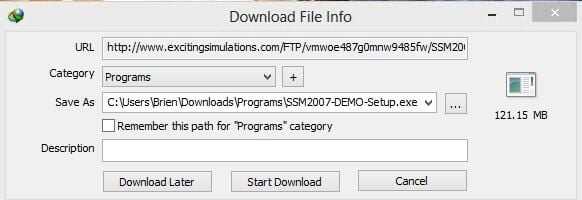
Brien Posey lists tools that will simplify your large scale downloads.
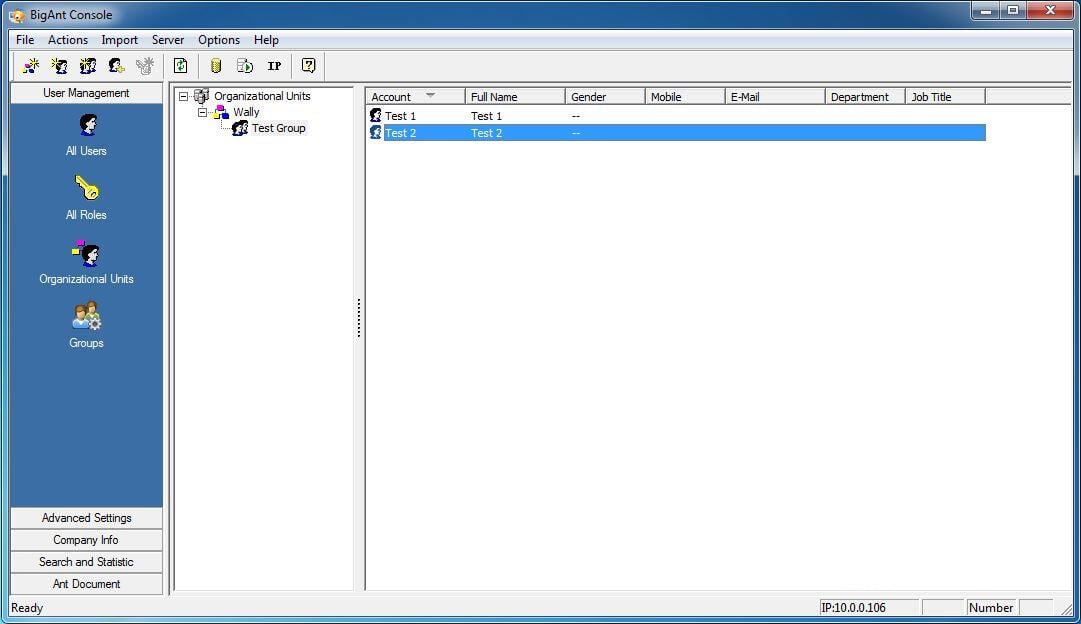
Wally Bahny takes a look at five instant messaging systems that are designed to be used within a private corporate network.
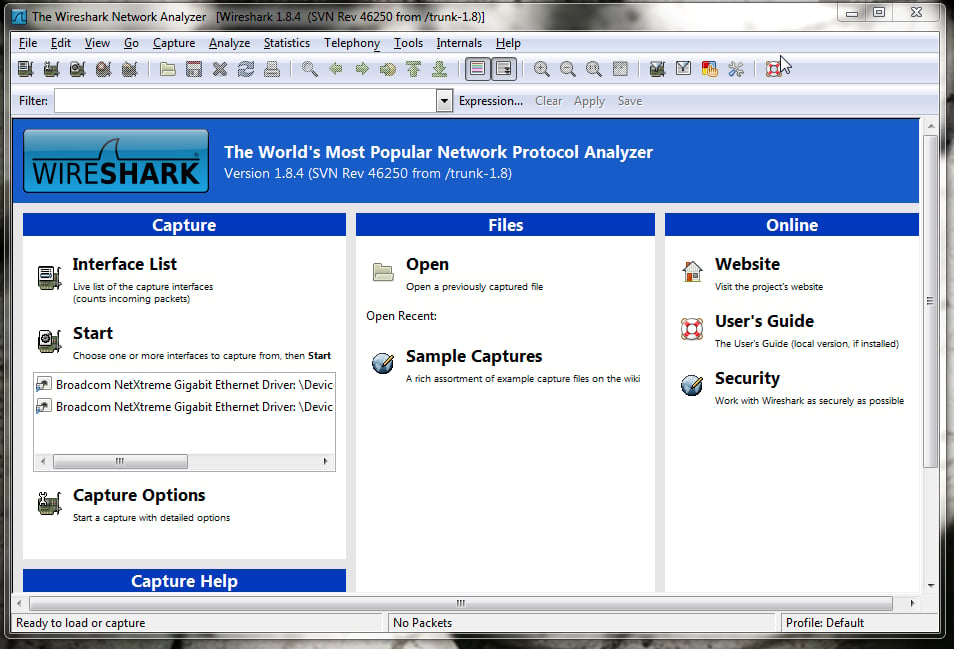
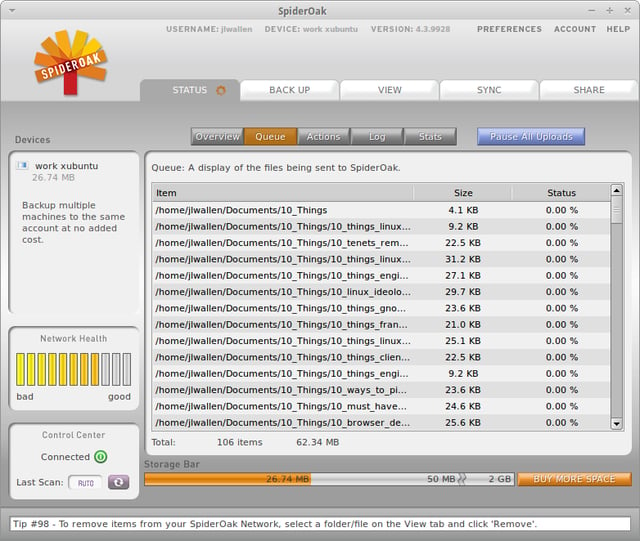
Solid information leads to a strong and worry-free network. Jack Wallen lists five tools that can get you that solid information for free.
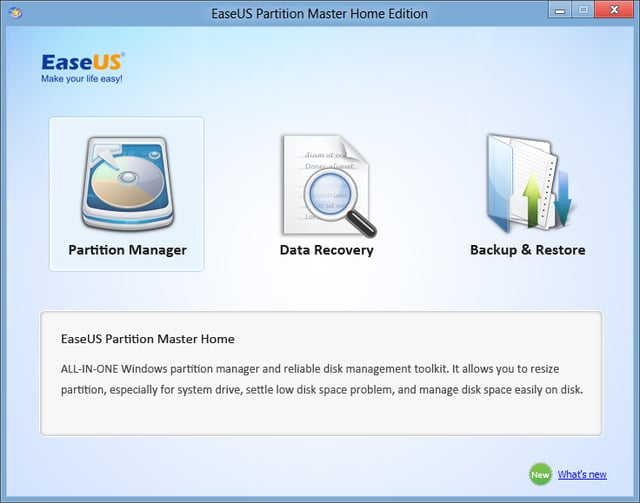
Matthew Nawrocki shares five freeware partition editors that should serve as effective replacements for the tools that come with Windows.
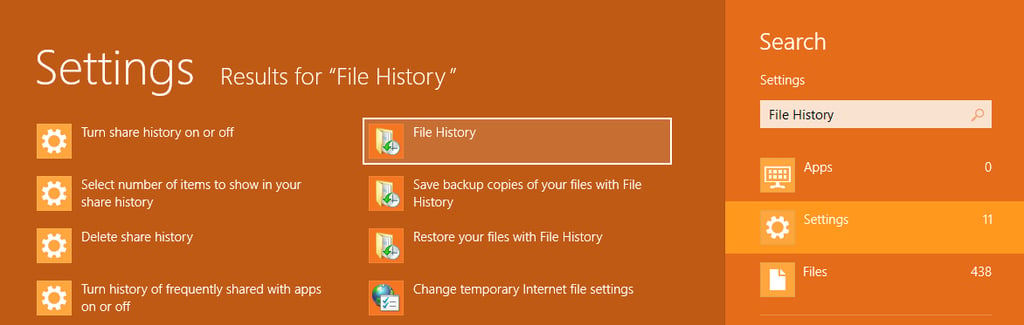
Greg Shultz shows you how enable File History in Windows 8 and why it is important that you do.
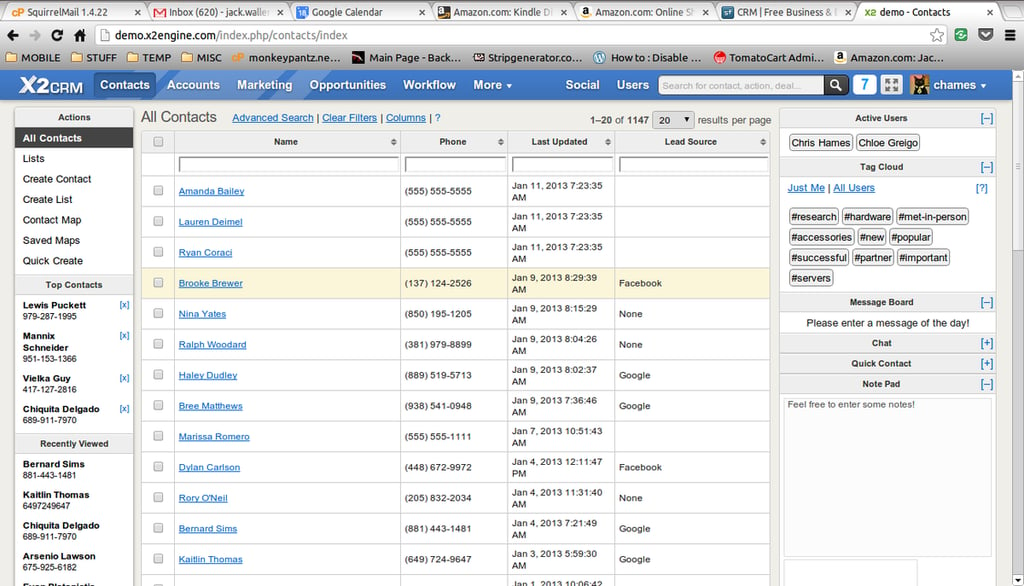
Jack Wallen has found five tools to make your customer relationships more efficient and flexible.
Jack Wallen suggests apps that will help make switching between home and office easier.
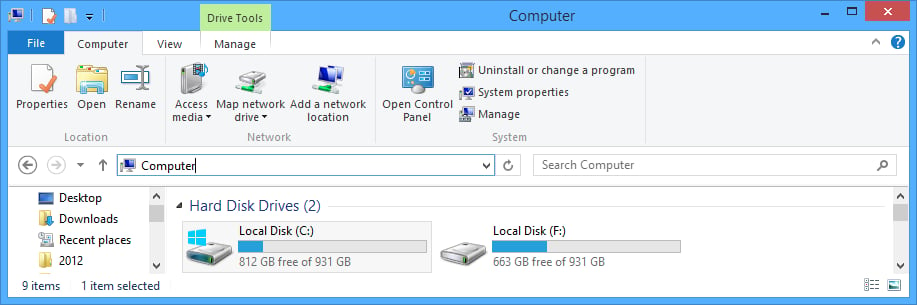
Greg Shultz continues to introduce advanced features found in Windows 8’s new File Explorer.
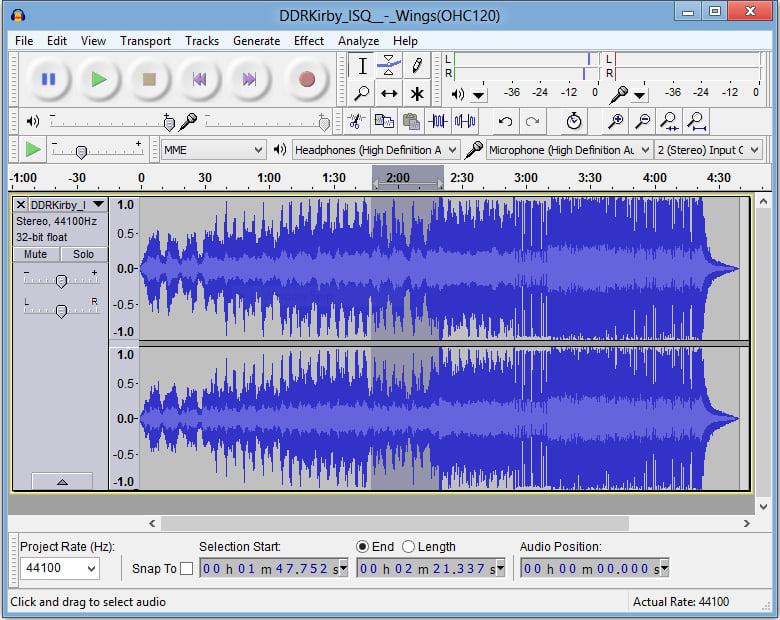
Matthew Nawrocki shares his favorite audio editors on the Windows platform.
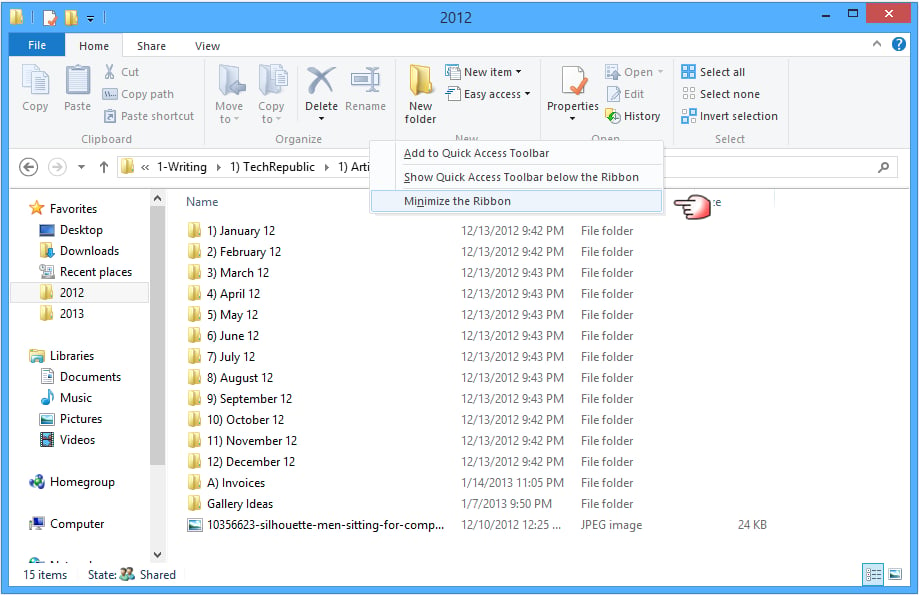
Greg Shultz shows explores and explains the contextual tabs on the new Windows 8 File Explorer Ribbon.
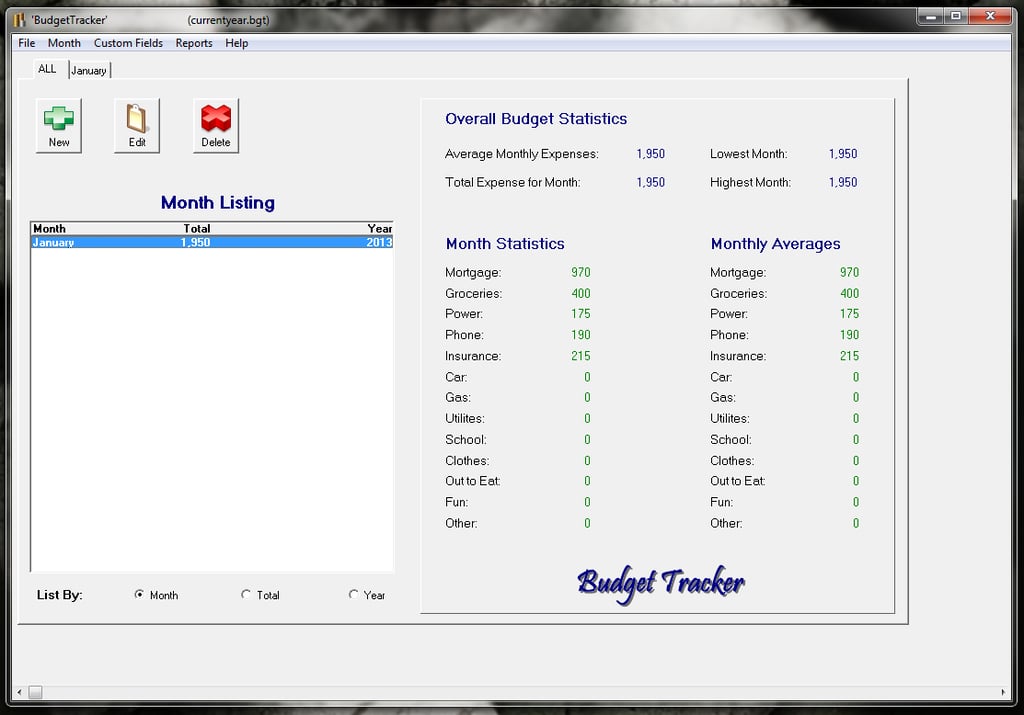
Take advantage of budget apps so your business expenses can be better managed and not be a nightmare at the end of the year.
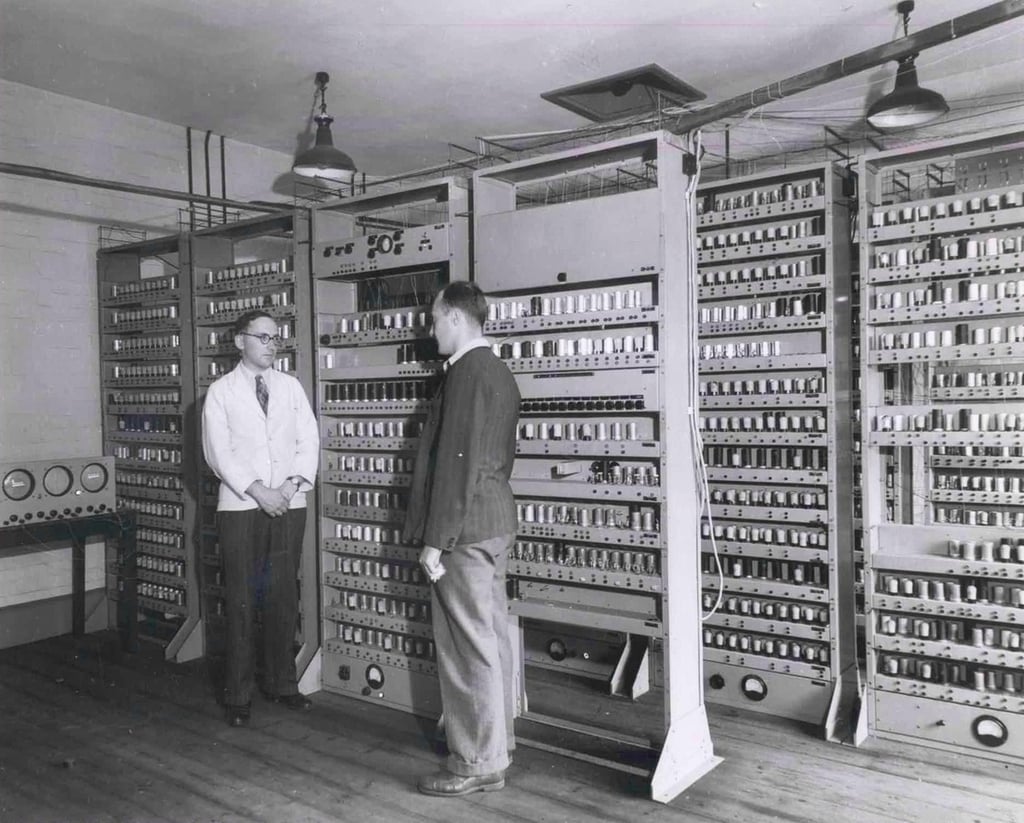
Work has started on rebuilding the EDSAC, the UK’s first fully operational general-purpose computer, more than 60 years after it was first switched on.
Wally Bahny suggests five web apps that you can use to hone your IT skills as well as make yourself smarter in other business-related areas.
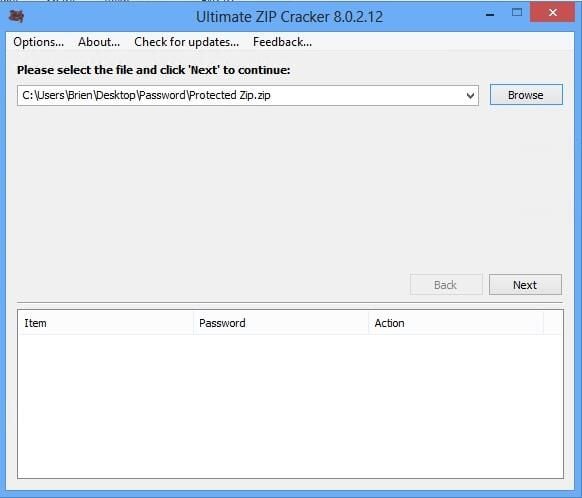
Sometimes we forget passwords and need a little help with the recovery process.
Greg Shultz introduces you to the Windows 8’s new File Explorer and some of its time-saving features.