


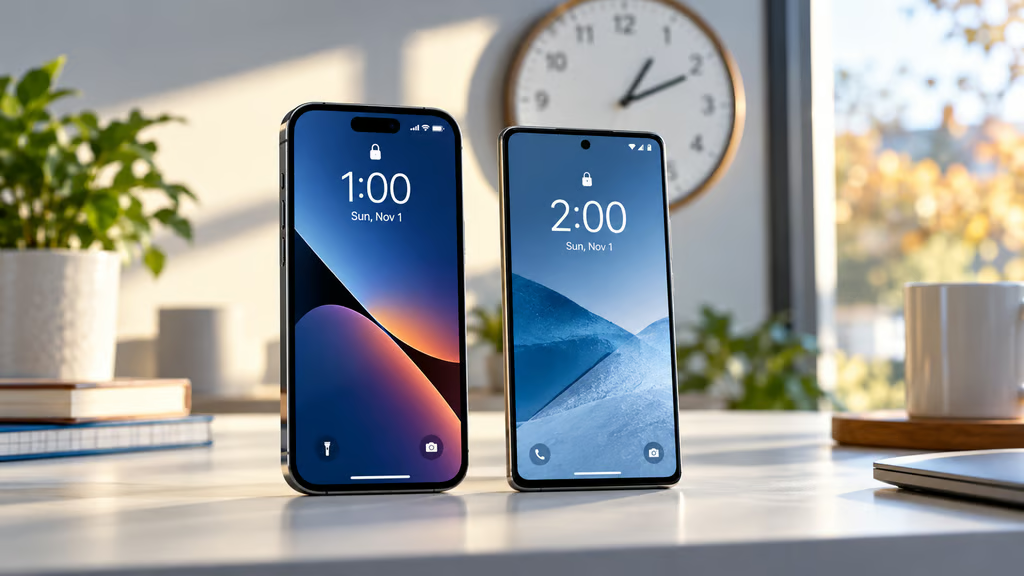
Your phone should turn back the clock automatically on Nov. 1. But in some parts of North America, doing so would leave it an hour behind.
Daylight saving time ends Sunday, Nov. 1, 2026, across most of the United States, with clocks moving back one hour at 2 a.m. Most iPhones and Android phones should adjust automatically. However, several Canadian provinces and territories have ended seasonal clock changes, prompting Google to warn that some devices may display the wrong time.
Google said on Oct. 23 that updated time-zone rules might not reach every affected device before the transition. An incorrect clock could disrupt alarms and work schedules, while certain Google Calendar appointments may also need attention.
Where clocks will change — and where they won’t
Under the US daylight saving time schedule, participating states move their clocks from 2 a.m. back to 1 a.m. Hawaii, most of Arizona and several US territories do not observe the seasonal change.
Canada has introduced new rules for 2026. British Columbia adopted permanent daylight saving time after its final seasonal adjustment on March 8. Most communities will remain on UTC−7, although some eastern areas follow different arrangements.
Manitoba announced in September that it would remain on UTC−5, while Alberta adopted permanent Alberta Time, UTC−6. The Northwest Territories also adopted permanent UTC−6. Parts of northwestern Ontario are affected by the new rules, while Yukon and most of Saskatchewan already observe year-round time.
In its October 23 advisory, Google acknowledged that software updates reflecting these changes might not reach every Android or ChromeOS device in time. Users in affected regions should install available updates and restart their devices.
Checking automatic time settings on iPhone and Android
On Android: Open Settings and search for Date & Time. Check that automatic date and time are enabled, then turn on Automatic time zone and, where available, Use location for time zone.
If the clock remains incorrect after updating and restarting, manually select the appropriate time zone. Menu names vary by manufacturer and software version, as explained in this Android features and updates guide.
Android update availability varies by manufacturer and device model, with Samsung and OnePlus offering different support commitments.
On iPhone: Open Settings > General > Date & Time and enable automatic time adjustment. Apple’s troubleshooting instructions call the option Set Time Automatically, although the label may differ on older iOS versions.
If the time zone is wrong, check Settings > Privacy & Security > Location Services > System Services > Setting Time Zone. Install available updates and restart the iPhone if updated time-zone information becomes available. Recent iOS fixes for other iPhone problems also illustrate why keeping software current is worthwhile.
Google warns that some Calendar appointments in affected Canadian regions may appear an hour late after Nov. 1. It is automatically correcting many events, but some require manual review through Calendar’s web version.
Most phones should adjust correctly without intervention, but devices in regions adopting permanent time deserve an extra check. Verify your clock and upcoming appointments on Nov. 1, particularly if you travel or coordinate schedules across time zones.
Read more: Software updates also protect against security threats. Apple recently patched an iOS 26 vulnerability that may have been exploited in targeted attacks, reinforcing the importance of installing available fixes.