


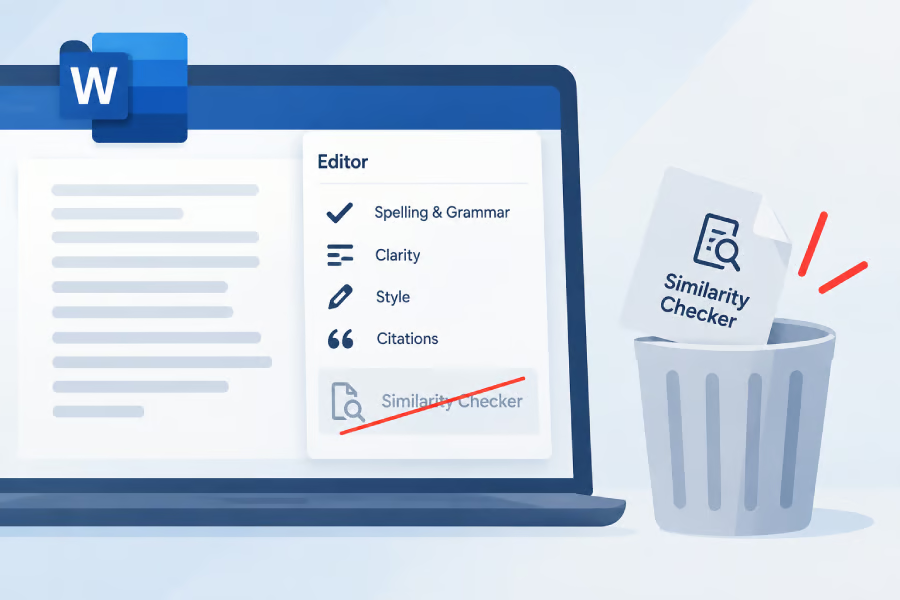
Microsoft is retiring Word’s Similarity Checker, removing an integrated source-matching tool used by some students, educators, and organizations.
The feature is scheduled to disappear on October 3, 2026, six years after its introduction, and Microsoft has not announced a direct replacement. Users whose academic or review workflows depend on it should begin evaluating an alternative before the deadline.
Windows Forum reported, citing an archived Microsoft retirement notice, that the company is discontinuing the feature to focus on more widely used Word capabilities.
The change does not mean Word users will lose access to other writing assistance tools, including spelling, grammar, and Microsoft 365 Copilot.
But Microsoft is explicitly warning users not to treat Copilot as a replacement for formal checks of similarity, plagiarism, or originality, according to The Register.
The impact will be most noticeable for students, teachers, and organizations that use Word as part of an academic writing or review process, because they will no longer be able to perform that source-matching check from within the application.
For those users, Similarity Checker was essentially a checkpoint between writing and submission. From Word’s Editor, they could review passages that matched material found online, follow the listed sources, and decide whether the wording needed to be rewritten or properly attributed.
The tool also provided a similarity percentage and the number of matching passages, but those results were not a declaration of plagiarism. A legitimate quotation, properly cited material, or a commonly used phrase could all produce a match, so the flagged content still required human review.
Once the retirement takes effect, schools and other organizations that rely on the feature will need a separate similarity-checking service or a revised review process.
Microsoft is making Text Predictions opt-in
The changes don’t stop with the Similarity Checker. Microsoft is also rethinking Text Predictions, the feature that tries to anticipate the next word or phrase while you type in Word and Outlook.
The important difference is that Microsoft isn’t killing this feature. Instead, the company is changing how it appears. Microsoft says Text Predictions will become an opt-in feature, meaning users who want writing suggestions may need to enable them manually as the change rolls out.
Text Predictions anticipates what a user might write next. Some users find the suggestions helpful, while others consider them distracting.
The change applies across Word for Windows, Word for the web, Word on iOS and Android, and classic Outlook for Windows and Outlook for Mac.
Microsoft has not said whether every existing Text Predictions user will have the feature disabled immediately or whether the change will be introduced gradually.
The company says further rollout information will come through Microsoft 365 administration channels.
More Microsoft news
- Inside Microsoft’s Real-Time War Against Cybersecurity Threats
- Project Ire: Microsoft Tests AI That Autonomously Detects Malware
- Microsoft Targets ‘Critical AI Talent’ from Meta to Dominate Next AI Breakthroughs
- Windows 10 Support Ends Soon, Though Extended Security Updates Offers Are Available
What Word and Outlook users should do next
Most people who use Word for everyday writing do not need to act immediately. The October 3 deadline primarily affects students, educators, and organizations that rely on Similarity Checker as part of an academic or editorial review process.
Those users should select another source-matching service or revise their review process before the feature disappears. Microsoft 365 administrators should also determine whether Similarity Checker is incorporated into any institutional workflows.
Text Predictions users should check their Word and Outlook settings once Microsoft begins the rollout. Those who want predictive suggestions may need to enable the feature, while users who find them distracting can leave it switched off.
Microsoft 365 administrators should monitor administration channels for more specific rollout details.
Read more: Microsoft has extended support for classic Outlook, giving organizations additional time to prepare before moving users to the new Outlook experience.