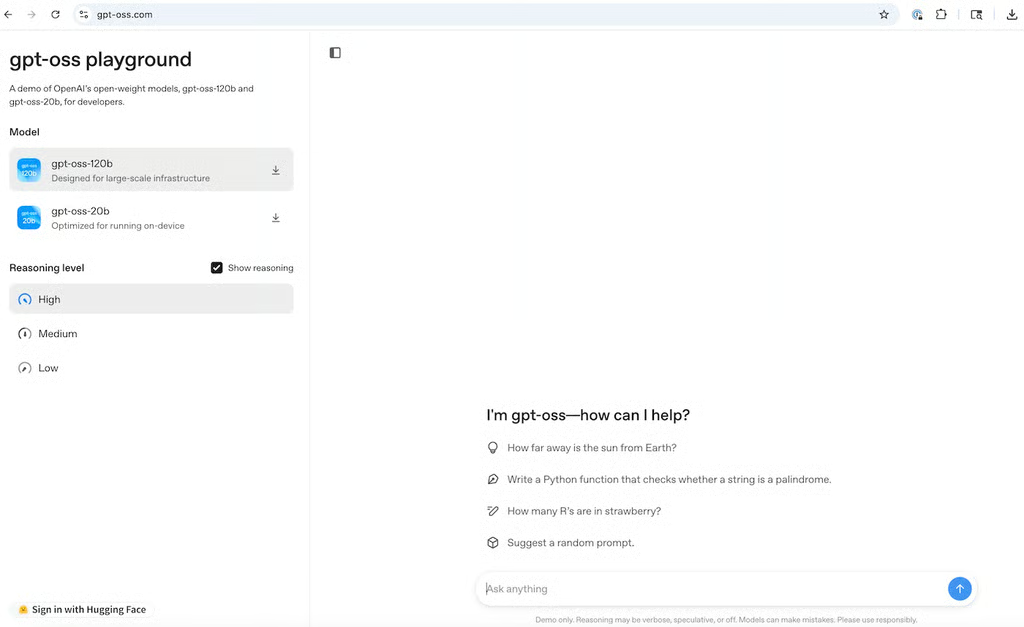
Screenshot of OpenAI's simple playground where developers can try both gpt-oss models in the browser. Image: OpenAI
TechnologyAdvice’s Grant Harvey shares a “dead-simple prompting hack” for OpenAI’s gpt-oss models, as well as several related developer guides.

OpenAI’s new open-weight gpt-oss models come with a dead-simple prompting hack: just add “Reasoning: high” to unlock deep thinking mode, or use “reasoning: low” for faster responses when you don’t need the full analysis. (“Reasoning: medium” is the balanced version, which is on by default.) Here’s how that’s handled in LM Studio.
These gpt-oss models separate their outputs into channels: “analysis” shows raw chain-of-thought, while “final” contains the polished answer. So when you prompt with high reasoning, you literally see the model working through the problem step-by-step before answering.
First of all, Hugging Face has a guide to working with gpt-oss. Secondly, you’ll need to use the harmony response format for proper prompt formatting. OpenAI demonstrates what that looks like below:
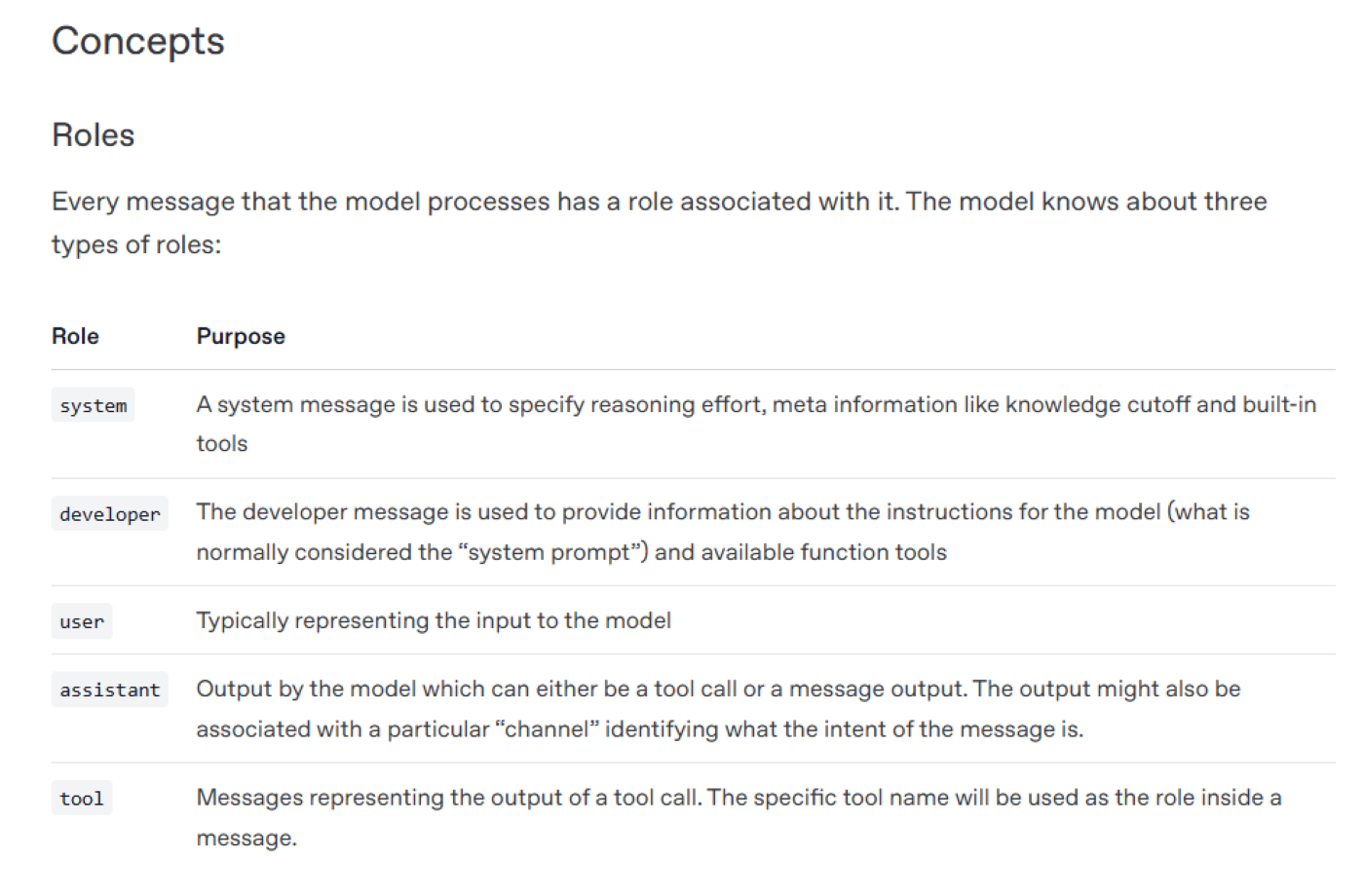
OpenAI says this structure is needed to get the oss models to output to multiple “channels” for chain of thought, tool calling, and regular responses.
They open-sourced the Harmony renderer for this purpose, but this OpenAI guide walks through how to use this if you’re going to try to spin this up on your own and not through an API provider or via Ollama or LM Studio. Oh, and if you want to fine-tune this model yourself, here’s OpenAI’s guide for that, too.
Editor’s note: This content originally ran in today’s newsletter of our sister publication, The Neuron. To read more from The Neuron, sign up for its newsletter here.
Grant Harvey is the daily writer of The Neuron, a TechnologyAdvice AI newsletter for non-technical people. He spends his days analyzing AI tools and the industry-at-large, then breaking them down in a language understandable by anyone.

