


- Best for friendly design: FigJam by Figma
- Best for enterprise integrations: Miro
- Best for experimental AI: Lucidspark by Lucid Software
- Best for free use: Microsoft Whiteboard
- Best for Zoom meetings: Zoom Whiteboard
- Best for Apple device users: Apple Freeform
Google announced last year that support for Jamboard devices and apps will end as of Oct. 1, 2024. Google Jamboard delivers easy-to-use collaborative drawing capabilities to people who use Google Workspace through a combination of Jamboard apps and a Jamboard device. The Jamboard apps can be used without buying a Jamboard device and work on the web, iOS, iPadOS, and Android devices and in Google Meet.
People who use Jamboard devices or apps will need to seek alternatives. For hardware options, Google’s announcement recommended either the Series One Board 65 (priced around $9,000) or the Series One Desk 27 (priced around $2,000), both by Avocor.
Three software solutions — FigJam by Figma, Lucidspark by Lucid Software, and Miro — have been integrated to work with Series One devices, and import options for Jamboard content are available.
Top Jamboard competitors and alternatives: Comparison table
People who use the Jamboard apps, independent of the Jamboard device, may consider a wide range of software alternatives. The following six options all support visual collaboration and might serve as suitable replacements for Jamboard.
| Google Jamboard | FigJam | Miro | Lucidspark | Microsoft Whiteboard | Zoom Whiteboard | Apple Freeform | |
|---|---|---|---|---|---|---|---|
| Browser version | Yes | Yes | Yes | Yes | Yes | Yes | No |
| Offline use for personal board (i.e., not for active collaboration) | Yes | No | No | Yes | No | No | Yes |
| Voting features | No | Yes | Yes | Yes | No | Yes | No |
| Google-identified Jamboard alternative | Not applicable | Yes | Yes | Yes | No | No | No |
FigJam by Figma: Best for friendly design

Figma, a collaborative interface design application company, launched FigJam (Figure A) in 2021. FigJam supports drawing tools, shapes, stickers, notes, text, connectors, and stamps, along with section and table management features. You may also import images or insert links to web resources, including shared Google Drive files. Cursor chat enables an ephemeral conversation with collaborators that disappears when you exit the mode, while the comment system allows conventional comments on content anywhere on the board. FigJam offers a few more features than Jamboard, delivered with a cleanly designed user interface, as you might expect. Included with those is FigJam AI, a new collaboration tool that helps teams brainstorm with AI-generated suggestions, text-to-image capabilities, and automations.
Figure A
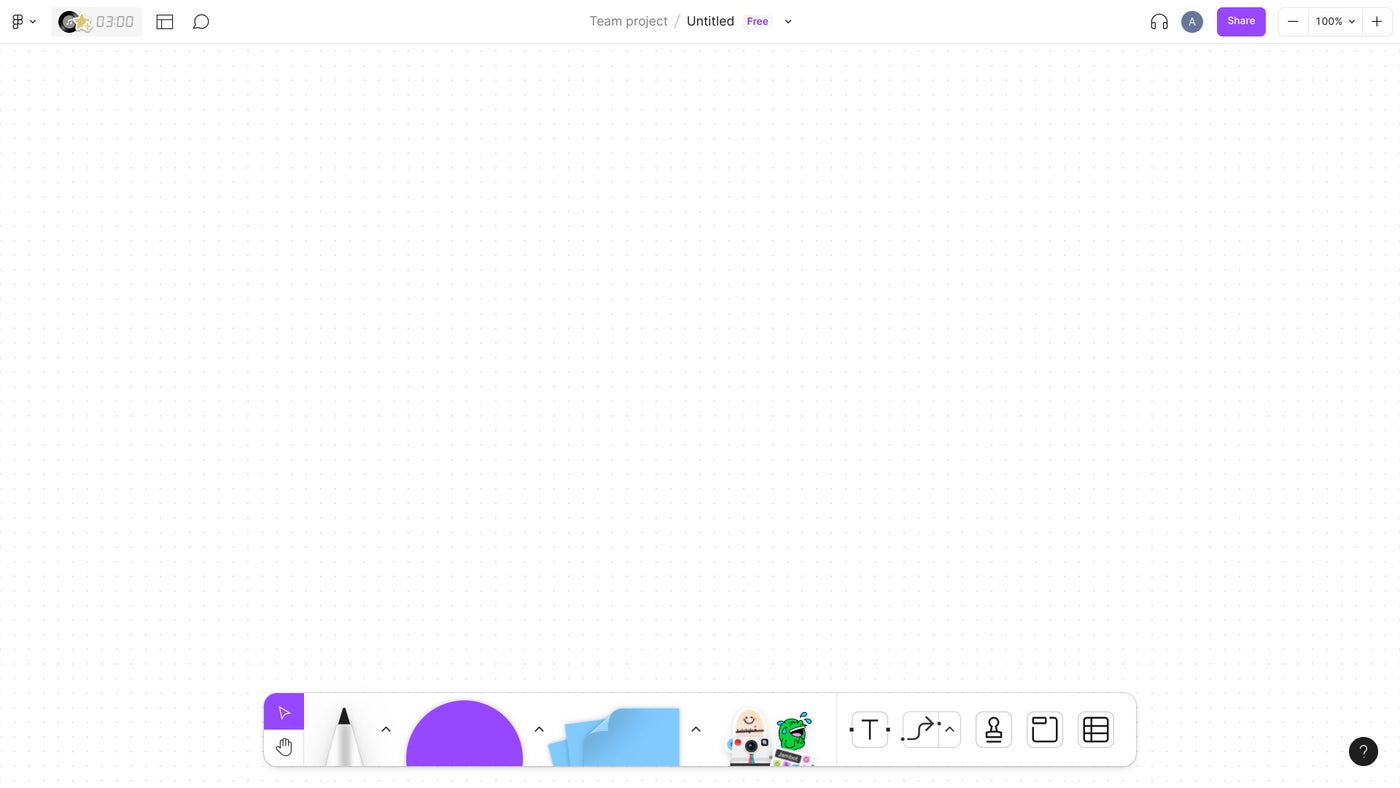
Figma’s ownership merits mention since Adobe, a creative content giant, announced an agreement to acquire Figma in September 2022; however, the deal was terminated in December 2023. While ownership doesn’t directly affect product features, the fact that Figma once sought to merge with a larger company may signal a long term potential for acquisition.
| Pros | Cons |
|---|---|
| FigJam app is available on the web (and Google Workspace Marketplace) and iPad. | No dedicated FigJam iPhone or Android app. |
| Clean design. | No offline mode. |
| More features than Google Jamboard. | |
| Free edition is available to students and educators. |
Pricing
Figma offers four FigJam pricing plans: Starter, Professional, Organization, and Enterprise.
- Starter, which is free and lets you create up to three Figma and three FigJam files, with unlimited personal files and unlimited collaborators, among other features.
- Professional, $5 per full seat per month. Includes all Starter features and adds unlimited FigJam files, open sessions, password protections, voting, and more. Students and educators may access this edition for free.
- Organization, $5 per full seat per month. Includes all Profesional features plus custom colors and templates, centralized administration, centralized content management, and more.
- Enterprise, $5 per full seat per month. Includes all Organization features, plus dedicated workspaces, guest access controls, along with many other user management and security features.
Visit FigJam
Miro: Best for enterprise integrations

Miro (Figure B), formerly known as RealtimeBoard, provides a robust set of features all centered around visual collaboration. Standard drawing tools are available to draw, add shapes (including flowchart and Unified Modeling Language symbols), sticky notes, and text, along with many templates. Miro also lets you add a huge variety of content types, including images, spreadsheets, tables, kanban, code blocks, charts, diagrams, and more. Timer, voting, chat, video chat, and notes let you collaborate with others in various ways on your board content, while the new “Create with AI” feature generates ideas from a prompt or items on a board.
Figure B
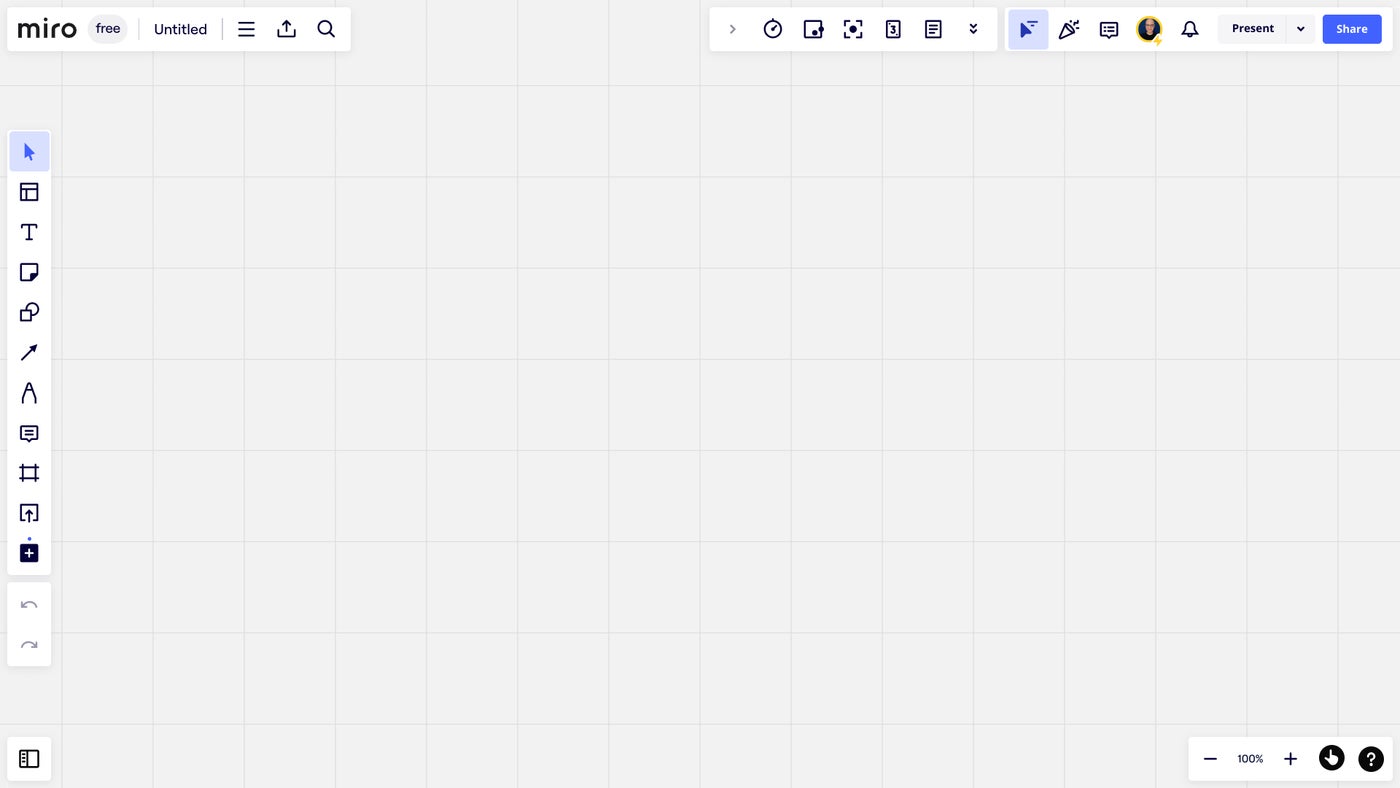
Miro lets you present your board to other people in several ways. The Talktrack feature lets you record a video with your webcam (inset in a circle on the screen) as you navigate and discuss the board. The resulting video is saved and may be shared. Alternatively, you may present either the entire board, which hides many menus to emphasize your content; or present frames, which allows you to define and navigate selected sections of content in order. Business and Enterprise editions offer access to facilitation tools to support activities such as voting and adding sticky notes or reactions.
| Pros | Cons |
|---|---|
| Miro app is available on the web (and Google Workspace Marketplace), macOS, Windows, iPhone, iPad and Android. | No offline mode. |
| Very full-featured. | |
| Diverse types of content can be added. | |
| Useful variety of presentation options. |
Pricing
Miro offers four pricing plans for professional use: Free, Starter, Business, and Enterprise.
- Free, which includes one workspace with three editable boards, five Talktracks, access to templates, and support for integrations.
- Starter, $8 per member per month, paid annually. This plan adds unlimited boards, high-resolution exports, collaboration with unlimited visitors on public boards, unlimited Talktracks, unlimited project folders, Private Mode sticky notes, version history, meeting features (e.g., timers, voting, and video chat), and private boards.
- Business, $16 per member per month paid annually. This plan includes all Starter features, plus unlimited boards for every team and client, secure collaboration with unlimited guests on private and team boards, advanced shape access, enhanced meeting features (e.g., breakouts and voting), and more.
- Enterprise, which requires contacting sales for pricing. This plan includes all Business features plus added security, compliance, management, and reporting capabilities, along with premium support.
Students, educators, and non-profits may access different Miro pricing plans.
- Educator plans are designed for staff members and students of educational institutes. For educators, the plan is valid indefinitely, but for students they are valid for two years. They come with unlimited active boards, board viewers, and commenters, training and forum resources, and more.
- Nonprofits can get a 30% discount on paid Miros plans.
SEE: How to use Miro as your whiteboard in a virtual meeting
Visit Miro
Lucidspark by Lucid Software: Best for experimental AI

Lucidspark (Figure C) provides a board on which you may draw and add images, shapes, sticky notes, text, and lines. The comments and task system lets board collaborators not only comment on specific board content but also assign work to a colleague. To aid explanation, you may define frame areas and designate paths so as to show sections of the board in sequence. Visual activities templates support various types of sorting, rating, and board engagement, along with additional timer and voting tools.
Figure C
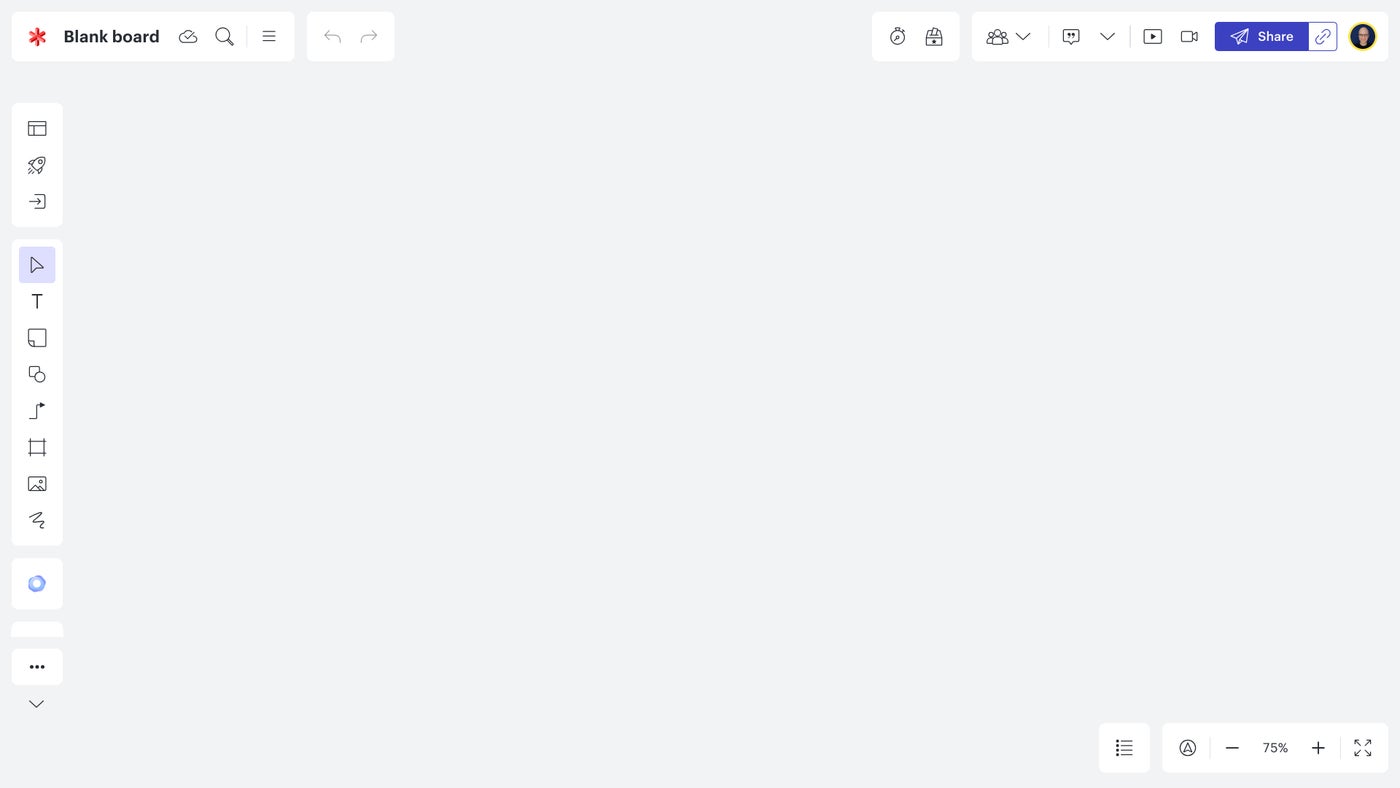
Lucidspark also offers menu customization and an experimental AI feature. Customize the left-side on-screen menu with a Tool pinning feature to show only the options you select. For example, if you rarely need Jira integration, you may unpin that option and it will not display on-screen, although you may still access it from the More menu. And a Collaborative AI option generates ideas from an entered prompt. For example, a prompt of “Best features of Lucidspark” created a 3×3 set of sticky notes, each filled with two or three words describing features such as “Integrated Video Chat,” “Seamless Integrations,” and “Presentation mode.”
| Pros | Cons |
|---|---|
| Lucidspark app is available on the web (and Google Workspace Marketplace) and Android. | Team or Enterprise edition accounts are required to use mobile app on iOS or iPadOS. |
| Customizable menu for fast access to most-used options. | |
| Collaborative AI to generate ideas. | |
| Significant number of supported app integrations. |
Pricing
There are four Lucidspark plans: Free, Individual, Team, and Enterprise.
- Free, which includes three editable boards, unlimited shapes, drawing, emoji reactions, commenting, presentation mode, basic visual activities to gather feedback and aggregate results, basic collaborative AI, and other features.
- Individual, $7.95 per user per month billed annually ($95.40/annually per user). This plan adds unlimited editable boards, 1 GB of storage, premium visual activities to gather feedback, and aggregate results, and more.
- Team, three team user licenses for $27 per month billed annually ($324/annually for the 3 licenses, which is $108/user per year). This plan adds advanced controls for visual activities, chat, revision history and versioning, voting, a timer and facilitator tools, touch screen whiteboards, developer platform, and more.
- Enterprise licenses require contacting sales. This plan offers access to Lucidchart for diagramming and adds Team folders, Universal Canvas, many app integrations, and access to various user management and security features.
Educators may access a variant of the Team plan for free; this provides teachers and students access to the mobile app and many Team features at no charge. An optional upgrade to a paid team plan for education adds centralized account management, audit logs, and access to priority support.
Visit Lucidspark

Microsoft Whiteboard: Best for free use
Microsoft Whiteboard (Figure D) is free, but it does require a Microsoft account to view, create, or collaborate on boards; therefore, this option may make the most sense for individuals or organizations who already use other Microsoft services, such as Microsoft 365.
Figure D
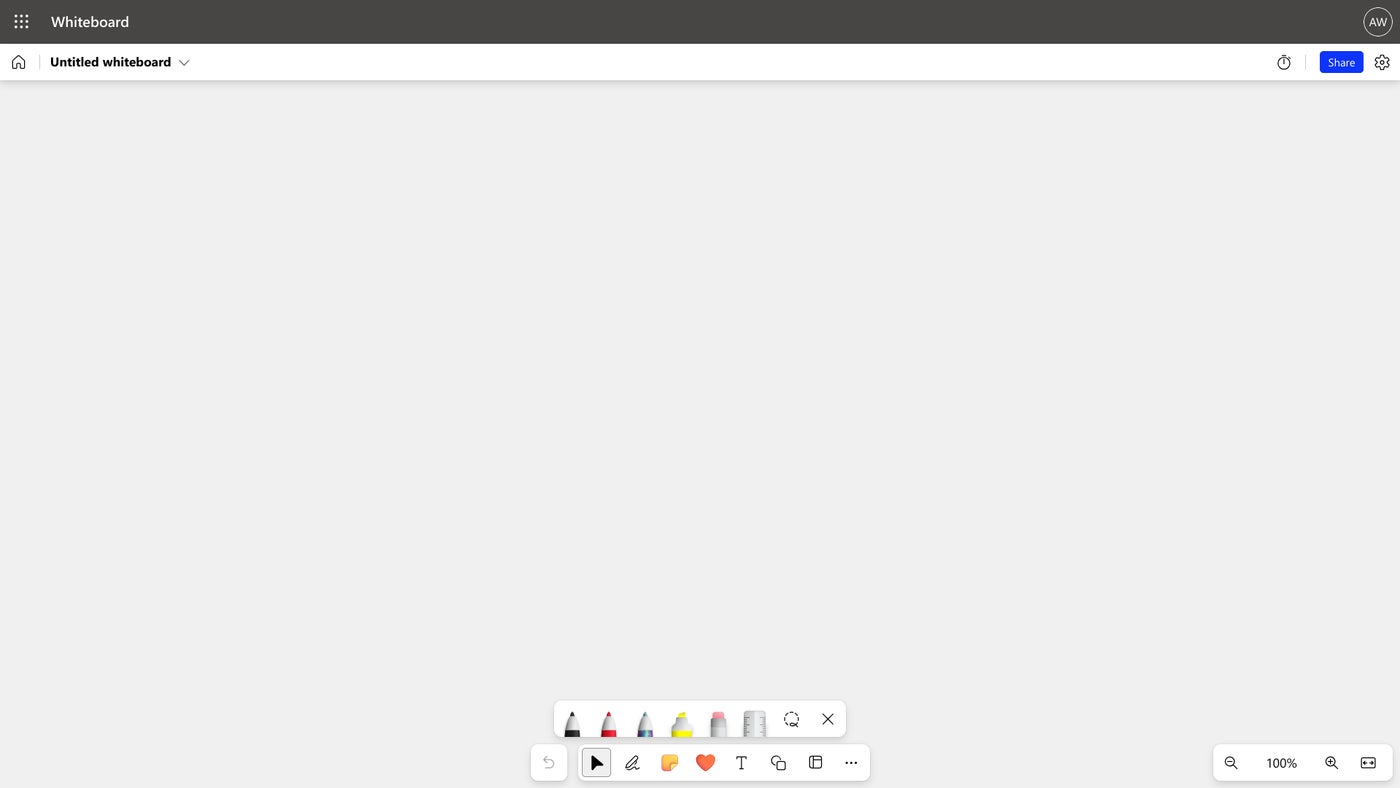
Microsoft Whiteboard offers a standard set of tools that includes a pen, highlighter, ruler, notes, emoji-style reactions, text and shapes. You may also upload images to a board. Plus, Microsoft Whiteboard offers a large number of templates for all sorts of brainstorming, planning, meeting, and learning activities. You may customize the board background color and select from a set of nine background grid designs. And there’s an included timer. Share the link to give collaborators access to all of these tools, too.
| Pros | Cons |
|---|---|
| Microsoft Whiteboard is available on the web, iPhone, iPad and Android, as well as for Microsoft Surface Hub and Microsoft Teams Rooms devices. | Not available in the Google Workspace Marketplace. |
| Free. | Must sign in with a Microsoft account. |
| Significant variety of templates for business uses, such as brainstorming, project planning and meeting activities. | No offline mode. |
| Focused set of tools. |
Pricing
Microsoft Whiteboard is free, although you must sign in with a Microsoft account to use it. A Microsoft account may be obtained for free.
Visit Microsoft Whiteboard
More Google coverage
- New Google Search AI Mode is ‘Total Reimagining,’ Says CEO Sundar Pichai
- In Major Ruling, Judge Finds Google ‘Willfully Acquired and Maintained Monopoly Power’ Over Digital Ad Market
- Google’s Big Bet on Nuclear Energy: ‘The Race to Power AI-Driven Data Centers is Accelerating’
- Computer History Museum Releases Original AlexNet Code: Why It Matters
Zoom Whiteboard: Best for Zoom meetings

The Zoom conferencing platform offers Zoom Whiteboard (Figure E), which may be used either with a web meeting or separately. For anyone with an existing Zoom account, Zoom Whiteboard merits consideration.
Figure E
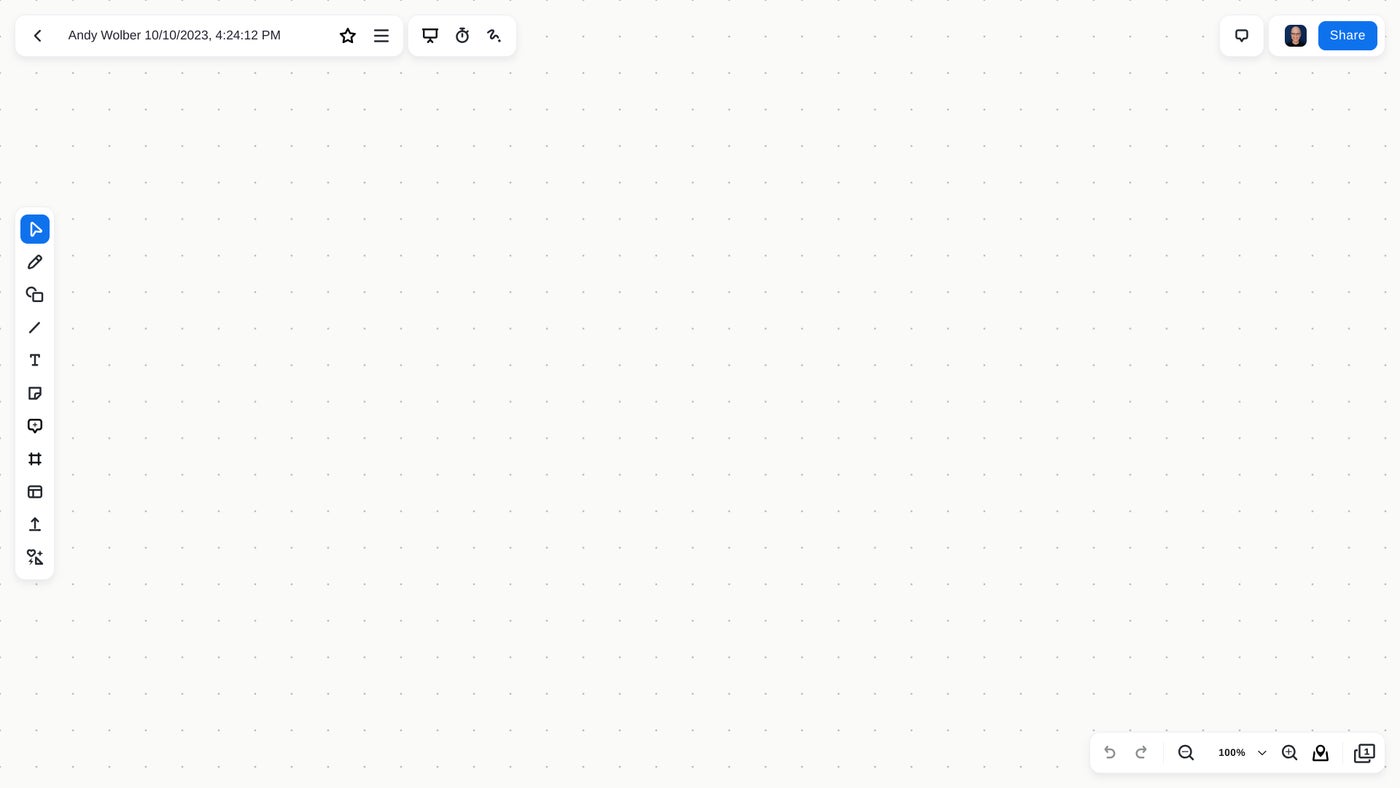
Zoom Whiteboard offers a large number of templates for brainstorming, diagramming, meeting, education, or entertainment; or you may simply create a new blank board. The system includes tools such as pens, shapes, lines, text, sticky notes, and comments. You may upload images and PDFs to your board or add a mind map, table, kanban board, or cards. In particular, cards let you assign tasks and track both dates and task status. Zoom boards also let you create multiple pages. As a presentation aid, you may add frames around your board content, then organize and present the frames in sequence. The timer and laser pointer may be useful during presentations or collaborations as well.
| Pros | Cons |
|---|---|
| Available as part of Zoom on the web (and Google Workspace Marketplace), macOS, Windows, Linux, iPhone, iPad and Android. | Zoom Whiteboard offers secondary functionality to web meetings. |
| Large number of templates for business uses, such as brainstorming and diagramming. | No offline mode |
| Support for multiple pages within a board. | |
| Frames to order presentation sequence. |
Pricing
Three Zoom Whiteboard editions are available: Whiteboard Basic, Whiteboard, and Whiteboard Plus.
- Whiteboard Basic, which is included with Zoom Workplace Basic and Zoom Workplace Pro, includes three concurrent editable boards owned and 25 MB of storage, along with all core drawing, annotation, image, and collaboration features.
- Whiteboard, $24.90 per user per year, and may be added to either the Zoom Workplace Basic or Zoom Workplace Pro plan. This plan adds unlimited concurrent editable boards, standard features, and advanced document control. It is also included in Zoom Workplace Business, Zoom Workplace Business Plus, and Zoom Workplace Enterprise.
- Whiteboard Plus, $70 per user per year and may be added to either Zoom Workplace Basic or Zoom Workplace Pro plans, adds advanced whiteboard features and support for custom and organizational templates. Also, Zoom Whiteboard Plus is included as part of Zoom Rooms plans and Zoom Workplace Enterprise Plus.
SEE: How to use the new Zoom Whiteboard for hybrid meetings
Visit Zoom Whiteboard
Apple Freeform: Best for Apple device users
Freeform (Figure F), a visual collaboration tool by Apple, is included with current devices that run iOS, iPadOS, and macOS. The app is free, although only people who use Apple devices may use it. For example, Freeform would be an excellent option for a classroom where a teacher and students all use iPadOS or macOS devices, but would not be suitable for a situation where collaborators might use Windows, ChromeOS, or Android devices.
Figure F
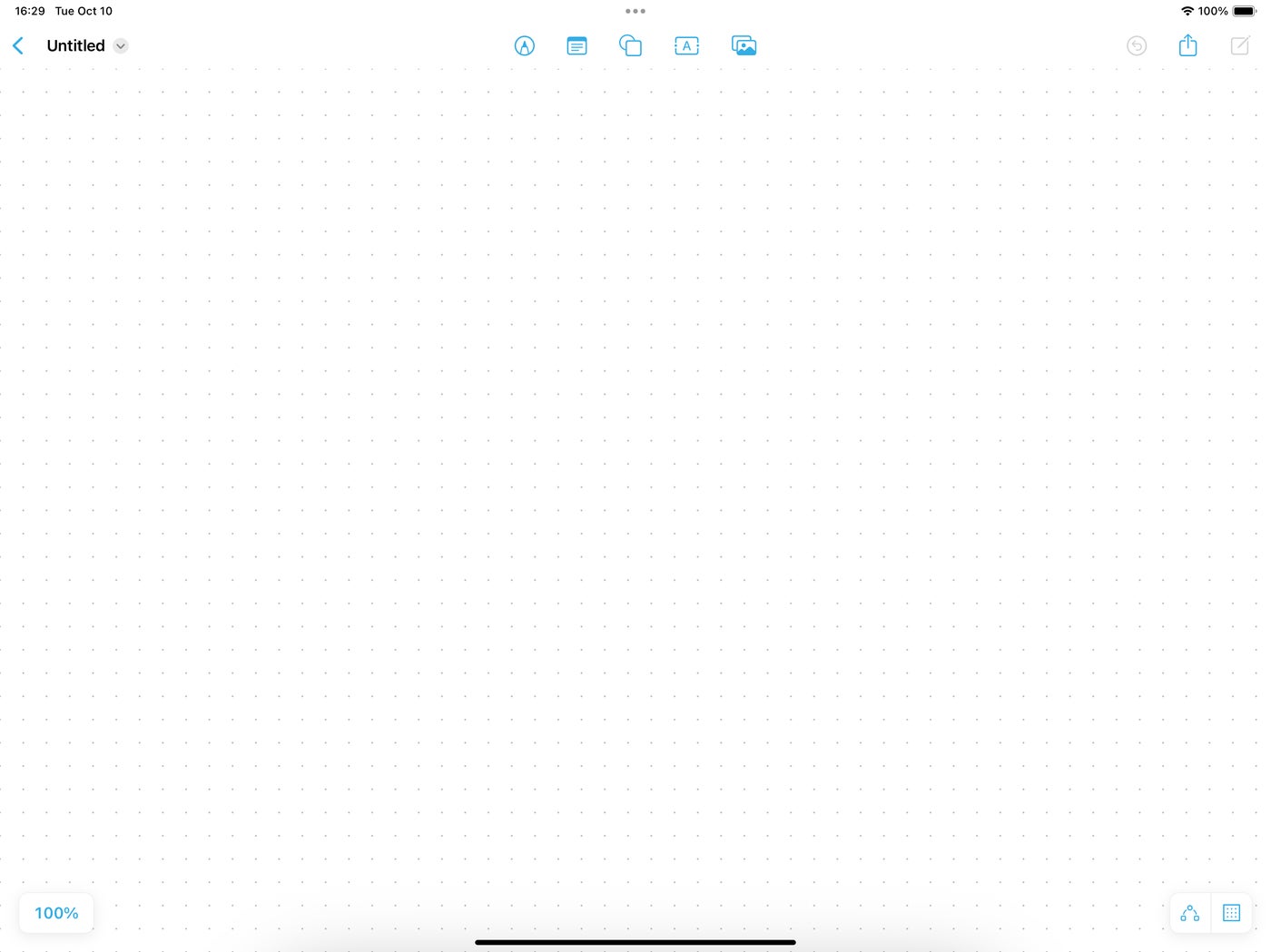
Freeform offers numerous writing and drawing styles, including a pen, pencil, highlighter, crayon, ink, and watercolor options. On devices that support an Apple pencil, you may leverage the system’s built-in handwriting recognition system, Scribble, to convert pencil strokes into text. Freeform lets you add notes, links, shapes, and typed text. You may use a camera to capture a photo or upload an image, video, audio file, or PDF to a board. Freeform works offline, so you can use it to capture ideas almost anywhere. Freeform allows up to 100 people to collaborate on a board, and it may be used with Messages or FaceTime.
| Pros | Cons |
|---|---|
| Available on current iPhone, iPad and macOS devices. | Available only on Apple devices. |
| Can create and work offline. | |
| Works well with Apple Pencil, Messages and FaceTime. | |
| Wider range of drawing tool styles (e.g., watercolor, ink and crayon) compared to many of the other alternatives in this article. |
Pricing
Freeform is available as one of the default apps on all modern Apple devices, including iPhone, iPad, and macOS systems.
Visit Apple Freeform
More Jamboard alternatives to consider
Beyond the six services covered above, many other collaborative drawing options exist. Google suggests Google Drawings or Google Slides might meet some needs. Other services that may merit consideration include Canva Whiteboard, Conceptboard, Excalidraw, Explain Everything, Inko, Pear Deck, Pencil Spaces, Sketchboard, or Whiteboard.chat.
Jamboard phase-out timeline: What you need to do
- Sept. 30, 2024: By this date, you must have backed up any Jamboard device event logs that you want to keep from the Admin console, as you will no longer be able to do this afterwards and event log data will be deleted.
- Oct. 1, 2024: If you haven’t already, you need to start backing up the Jam files you want to retain and migrating them to other applications. You can also save them as PDFs or PNG files.
You will also no longer be able to create new or edit existing Jam files on any platform, including the web, iOS, and Android, while the 55-inch Jamboard device will no longer join Meet meetings or save to the cloud. - Dec. 31, 2024: The Jamboard application will be wound down, so you will no longer be able to access your Jam files, and they will be permanently deleted.
Methodology
The first three services — FigJam by Figma, Miro, and Lucidspark by Lucid Software — are included because Google specifically recommends those as alternatives to Google Jamboard. All three will offer some type of import tool to allow you to preserve existing Jamboard content.
The remaining three options were selected because of the widespread use of Microsoft, Zoom, and Apple tools in the education community — a significant user of Jamboard apps. If you and your collaborators use Apple hardware, Freeform makes sense as an alternative to Jamboard. If you and your collaborators have existing Microsoft or Zoom accounts, then either of those respective services might serve you well.
The author signed and actively tested each of the services for testing purposes, and has actively used and covered Google Jamboard since its inception. Each of the screenshots was taken during this experimentation. We rely on vendor websites for pricing.