


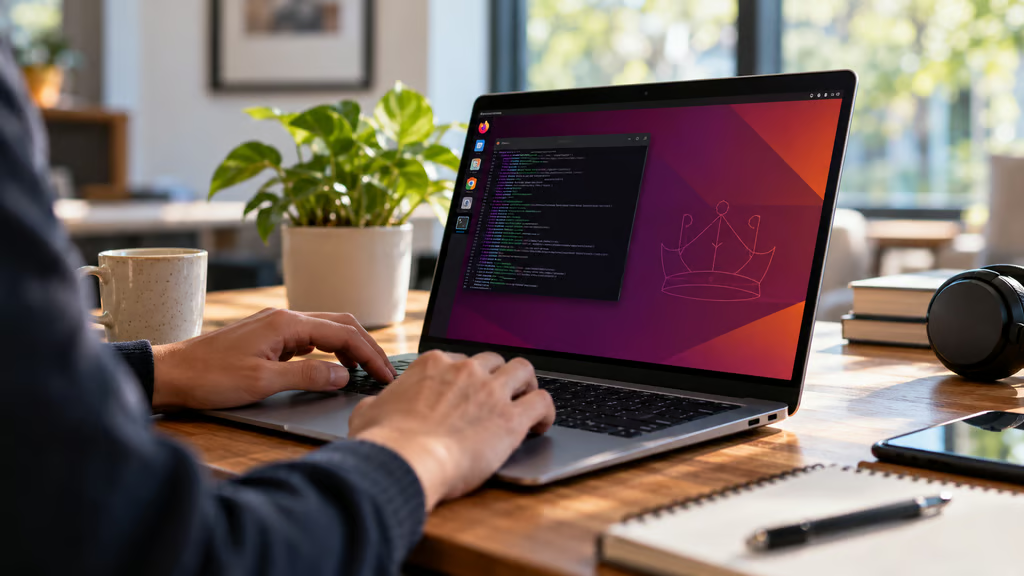
Linux support is coming to Snapdragon X2 laptops, but getting the operating system to boot is only part of the challenge. Some of the first supported models still have problems with cameras, HDMI output, and other hardware features.
Device Tree patches for three Snapdragon X2 Elite laptops, the ASUS Zenbook A14 UX3407NA, Lenovo Yoga Slim 7x Gen11, and HP EliteBook X G2q 14 AI, are queued for Linux 7.4, according to Phoronix. The stable kernel release is expected around the end of December.
Qualcomm has also launched an early Linux developer preview, while Canonical is working toward certified Ubuntu support in 2027. For anyone considering a Snapdragon laptop for Linux, the important distinction is between hardware that developers can experiment with today and systems ready for everyday use.
Snapdragon X2 Elite Linux laptops: What works and what doesn’t
The three laptops are among the first Snapdragon X2 Elite systems receiving upstream Linux support, but their remaining limitations differ.
According to Phoronix’s report, the current gaps include:
- ASUS Zenbook A14 UX3407NA: HDMI output is not yet supported, although patches are in development.
- Lenovo Yoga Slim 7x Gen11: Camera support and an embedded-controller driver are missing.
- HP EliteBook X G2q 14 AI: Camera support is missing, and HDMI output still has issues.
The ASUS model uses Qualcomm’s Glymur platform, with an 18-core Snapdragon X2 Elite processor, 32GB of memory, a WUXGA OLED display, two USB-C ports, one USB-A port, and HDMI.
These are development-stage limitations, not necessarily permanent hardware restrictions. Support may improve as kernel patches and drivers are completed.
Qualcomm’s early developer preview currently focuses on Snapdragon X2 laptops rather than desktops, earlier Snapdragon X processors, or unrelated development boards.
The company is working on USB, PCIe, power management, thermal controls, and other hardware functions. Graphics support relies on open-source Mesa components, including Freedreno, Turnip, and Rusticl for Adreno graphics and compute workloads.
For buyers, those details deserve as much attention as processor performance. Qualcomm’s Snapdragon X2 Elite chips offer substantial computing and AI capabilities, but those specifications alone cannot guarantee that every component works under Linux.
A laptop that boots successfully may still be unsuitable for video meetings, external monitors, or other everyday tasks.
Debian and Ubuntu support are arriving on different schedules
Qualcomm is using Debian 13 as the reference environment for its early Linux development work. Broader Debian support is targeted for the end of 2026, although the current preview is intended primarily for developers and maintainers.
Ubuntu is taking a different route.
Canonical has released an experimental Ubuntu Concept 26.10 Snapdragon Edition, with initial enablement for several Snapdragon X2 laptops.
Its supported-device work includes ASUS Zenbook A14 and A16 systems, Lenovo Yoga Slim 7 models, and the HP EliteBook X G2q. Buyers should confirm exact model numbers because support for one configuration does not automatically extend to every laptop in the same product family.
Installation also requires extra work.
Some firmware files cannot yet be distributed directly with Ubuntu. Canonical instructs users to install and run qcom-firmware-extract after the first reboot, then restart the system again to load the extracted firmware.
That is manageable for experienced Linux users, but it is not the installation process most laptop buyers expect.
Canonical and Qualcomm are separately developing an official, certified Ubuntu image for Snapdragon X2 systems, with availability targeted for 2027.
Qualcomm has identified the first half of 2027 as its Ubuntu certification target. The experimental Concept image available now should not be confused with that future certified release.
One technical obstacle is the difference between how Windows and Linux identify hardware.
Windows typically relies on ACPI information provided by system firmware. Linux support on these Snapdragon platforms also depends on Device Trees that describe the hardware configuration.
If the correct Device Tree is missing or incompatible with a laptop’s firmware, the system may fail to boot.
Canonical is working on mechanisms to package the necessary hardware descriptions with its kernel images while preserving Secure Boot.
For organizations considering ARM-based enterprise laptops, the resulting support differences make exact model and firmware compatibility especially important.
Can Snapdragon X2 laptops run local AI on Linux?
Snapdragon X2 processors include Qualcomm’s Hexagon NPU, designed to accelerate AI workloads without sending every calculation to the cloud.
Qualcomm plans to expose the NPU to Linux applications through the FastRPC driver. It is also working on the graphics and compute drivers needed for broader application support.
That creates a path toward running AI models locally on Linux, but the developer preview does not establish which production applications, frameworks, or model runtimes are fully supported.
It also does not provide independent Linux performance results for the new laptops.
The distinction is important when comparing Snapdragon X2 with other local AI platforms, including Nvidia’s RTX Spark laptops, which target developers running AI models and agents on Windows hardware.
Qualcomm’s Linux work is still focused on getting the underlying hardware and software stack ready. Buyers should not assume that Windows AI performance claims will translate directly to Linux.
Before purchasing a Snapdragon X2 laptop specifically for AI development, confirm that the intended framework supports the NPU or GPU drivers available on the chosen distribution.
What IT teams should check before buying
The current Linux support picture makes a test device more useful than a specification sheet.
Before committing to a wider deployment, organizations should verify:
- Exact model and firmware: Confirm that the laptop configuration matches the hardware supported by the selected Linux build.
- Everyday hardware: Test webcams, HDMI, external displays, keyboards, trackpads, and power management.
- Installation requirements: Check Secure Boot behavior, Device Tree support, and any manual firmware-extraction steps.
- Distribution support: Distinguish experimental Ubuntu images from future certified releases and Debian development builds.
- AI workloads: Test required frameworks, drivers, and model runtimes rather than relying on NPU specifications alone.
Qualcomm is targeting further production-readiness work by the end of November, with additional upstream development, certification, and OEM support continuing afterward.
For developers willing to troubleshoot drivers and firmware, Snapdragon X2 Linux support is becoming a practical area to explore. For organizations buying laptops for everyday work, the safer approach is to wait until their exact model, operating system, and required hardware features have been validated.
Also read: Our Surface Pro alternatives comparison covers current Windows and ARM-based devices for buyers evaluating different portable computing options.