


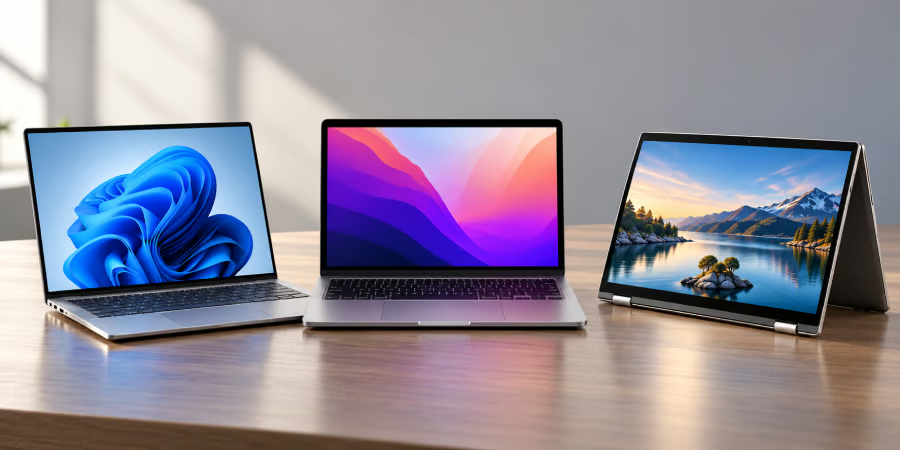
Chromebooks remain a practical choice for browsing, schoolwork, and cloud-based productivity, but Windows and macOS laptops offer alternatives for users who need desktop software or different hardware features.
The best Chromebook alternative depends on what you want to gain by switching. Windows gives you broader desktop software and peripheral support, while macOS may suit people already using Apple devices. Some alternatives also preserve familiar Chromebook strengths such as touchscreens, convertible designs, long battery life, and portability.
- Best Chromebook alternatives at a glance
- How we chose the best Chromebook alternatives
- Dell XPS 13: Best overall Windows alternative
- MacBook Neo: Best affordable Mac alternative
- HP OmniBook X Flip 14: Best 2-in-1 alternative
- ASUS Zenbook A14: Best lightweight Windows alternative
- MacBook Air M5: Best premium Mac alternative
- Which Chromebook alternative should you buy?
Best Chromebook alternatives at a glance
The Dell XPS 13 starts at $699.99, while the MacBook Neo starts at $699 and the MacBook Air at $1,299. The HP OmniBook X Flip 14 configuration below costs $929.99, and the ASUS Zenbook A14 starts at $1,099.99. Prices are in USD and may vary by configuration and promotion.
| Dell XPS 13 | From $699.99 | Windows 11 | Best overall Windows alternative |
| MacBook Neo | From $699 | macOS | Best affordable Mac alternative |
| HP OmniBook X Flip 14 | $929.99 current configuration | Windows 11 | Best 2-in-1 |
| ASUS Zenbook A14 | From $1,099.99 | Windows 11 | Best lightweight Windows option |
| MacBook Air M5 | From $1,299 | macOS | Best premium Mac alternative |
How we chose the best Chromebook alternatives
We focused on three areas that matter most when moving away from ChromeOS:
- Software and compatibility: Access to desktop applications, peripherals, and workplace tools.
- Value and performance: Current US pricing, memory, storage, display quality, and everyday performance.
- Portability and flexibility: Weight, battery life, touch support, and convertible features.
Dell XPS 13: Best overall Windows alternative
The 2026 Dell XPS 13 is an easy step up from a premium Chromebook. The base model combines an Intel Core 5 320 processor with 8GB of memory, 256GB SSD, and a 13.4-inch touchscreen. Dell says the laptop starts at 2.2 pounds, keeping it light enough for commuting or school.
Full Windows 11 support is the main reason to choose it over a Chromebook, especially if you rely on traditional desktop apps. The biggest compromise is the base configuration. Eight gigabytes of RAM and 256GB of storage are workable for everyday use but leave less room for heavier multitasking.
What's hot at TechRepublic
- Blackpoint Cyber vs. Arctic Wolf: Which MDR Solution is Right for You?
- Why AWS Sellers Choose Deepgram Over Other Voice AI Tools
- SS&C Intralinks DealCentre AI vs. Datasite: Which platform is built for the future of dealmaking?
- SS&C Intralinks FundCentre AI vs. Juniper Square: Which platform better supports modern private markets fund managers?
- Verito vs. Rightworks: Which IT Provider Is Best for Your Firm?
MacBook Neo: Best affordable Mac alternative
MacBook Neo gives Chromebook users a relatively inexpensive route into macOS. The base model uses Apple’s A18 Pro chip with 8GB of unified memory, 256GB SSD, and a 13-inch Liquid Retina display. Apple rates it for up to 16 hours of video streaming, and it weighs 2.7 pounds.
Neo makes the most sense for browsing, writing, streaming, video calls, and mainstream productivity. Its limitations are also clear: there is no touchscreen, memory starts at 8GB, and its USB-C connectivity is more limited than the MacBook Air.
HP OmniBook X Flip 14: Best 2-in-1 alternative
The HP OmniBook X Flip 14 is the closest match for anyone replacing a convertible Chromebook. HP’s current configuration includes an Intel Core Ultra 5 325 processor, 16GB of memory, a 512GB SSD, and a 14-inch 2K multitouch display. The convertible design supports four modes for laptop, tablet, stand, and tent-style use.
The 16GB of memory and 512GB SSD also give it more breathing room than the base XPS 13 or MacBook Neo. Its main tradeoff is portability: a 14-inch convertible is less convenient to carry and hold as a tablet than the lighter options here.
ASUS Zenbook A14: Best lightweight Windows alternative
The Zenbook A14 stands out for portability. ASUS says the lineup starts below 2.18 pounds and offers OLED displays, Snapdragon processors, up to 32GB of memory, and up to 1TB of SSD storage. Some 2026 configurations use Qualcomm’s 18-core Snapdragon X2 Elite processor.
Windows on Arm is the main caveat. Microsoft says most Windows apps run natively or through emulation, but software and peripherals that depend on unsupported drivers can still have compatibility problems. Buyers using older printers, specialist hardware, or niche workplace software should check support before switching.
MacBook Air M5: Best premium Mac alternative
The 13-inch MacBook Air M5 is the better Apple option for users who need more headroom than MacBook Neo provides. Its base configuration includes 16GB of unified memory, 512GB SSD, two Thunderbolt 4 ports, MagSafe charging, and support for up to two external displays. Apple rates battery life at up to 18 hours of video streaming.
The higher price buys more memory, storage, connectivity, and performance flexibility. Like the Neo, however, it lacks a touchscreen, which may matter to anyone moving from a touch-focused Chromebook.
Which Chromebook alternative should you buy?
| A straightforward move to Windows | Dell XPS 13 | Light, touchscreen, and competitively priced | Modest base RAM and storage |
| The lowest-cost MacBook | MacBook Neo | Affordable entry into macOS | 8GB memory and no touchscreen |
| Tablet and tent modes | HP OmniBook X Flip 14 | Convertible touchscreen and 16GB RAM | Less portable than lighter models |
| Maximum Windows portability | ASUS Zenbook A14 | Very light design and OLED options | ARM compatibility needs checking |
| More room to grow on macOS | MacBook Air M5 | 16GB RAM, 512GB SSD, and Thunderbolt 4 | Higher price |
The Dell XPS 13 is the most natural Windows replacement for someone who likes a Chromebook’s portability and touchscreen but needs broader software support. MacBook Neo is the more affordable choice for buyers ready to move into Apple’s ecosystem.
The HP OmniBook X Flip 14 is better suited to convertible Chromebook users, while the Zenbook A14 favors frequent travelers. For heavier multitasking on macOS, the MacBook Air M5 offers more memory and storage than the Neo. Before buying any replacement, confirm that your essential apps, printers, docks, and external monitors work with the exact model. For a work laptop, also check your IT team’s requirements.
If you want more laptop options that pair well with Android phones, see our guide to the best laptops for Android users in 2026, including Googlebook and Galaxy Book models.