


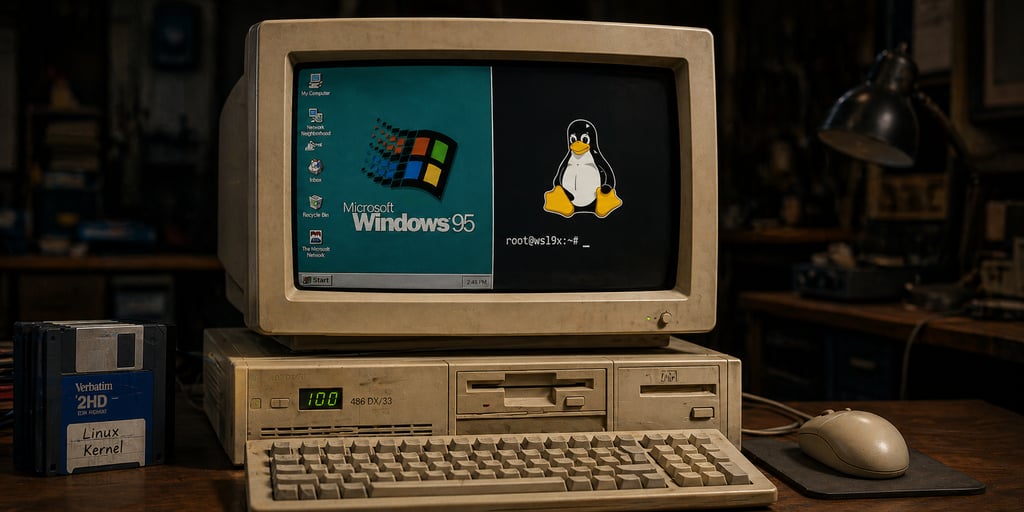
A 30-year-old Windows PC running a modern Linux kernel sounds impossible… until now.
The project, known as WSL9x, introduces a compatibility layer that enables legacy Windows 9x systems to host a modern Linux kernel by modifying the Windows Subsystem for Linux (WSL). Instead of replacing the old Operating System (OS), it works alongside it, just like WSL does, effectively bridging a gap between decades-old hardware and current software capabilities.
What makes it possible is a clever workaround that pushes Windows to its limits.
The nitty-gritty of it
In a post shared online, Hailey, who describes herself as a computer tinkerer and hacker, revealed that she’s successfully created a modified form of WSL.
At the core of this modification is what she calls WSL9x, which in full means Windows 9x Subsystem for Linux, emphasizing its relation to the conventional WSL. Rather than bringing Linux into Windows, which the conventional WSL already does well, Hailey found a way to tweak WSL’s Windows support to enable modern Linux on older devices as well. Until now, this has been largely impossible.
Under the hood, the modification works by adding a compatibility layer that overrides the usual hardware virtualization WSL uses. This layer now sits between the actual host (Windows) and the Linux kernel. Since both are incompatible, the compatibility layer translates and routes requests between them so that both ends can understand them without detecting the incompatibility.
You can think of this as a live translator that does its job so well that two people with different languages never notice the language barrier between them.
Stressing the technical difficulty and unusual nature of the setup, she calls it “one of my greatest hacks of all time” and points out that she wrote the code for it without AI.
A powerful tool, but with a breaking point
Achieving a hack as significant as this goes beyond simply modifying how WSL works; it touches the deeper levels of Windows systems. According to Hailey, in this setup, both Linux and Windows run side by side in ring 0 (the deepest layer of system access).
While this can improve performance, there’s a caveat: anyone using it should know that if one OS crashes, the other goes with it. This makes it unsuitable for production-level deployment where uptime and fault tolerance are non-negotiable.
However, for hobbyists, systems engineers, and Linux fans, this is useful. And not only can they tinker with it for experimental and personal use, but it also proves that when the right kinds of settings are in place, anything becomes possible, especially with Linux, which is considered a very lightweight OS.
Since it builds upon the conventional WSL, it not only works on unsupported Windows, as far back as Windows 489, but also runs on modern ones, giving users a sense of this significant breakthrough.
Also read: Microsoft’s April Windows update patched 165 vulnerabilities and two zero-days, underscoring how much Windows security still depends on timely system fixes.