By John Lee
We’re going to crack open this surprisingly functional toy robot and make darn sure that Kenny Baker isn’t trapped in there.
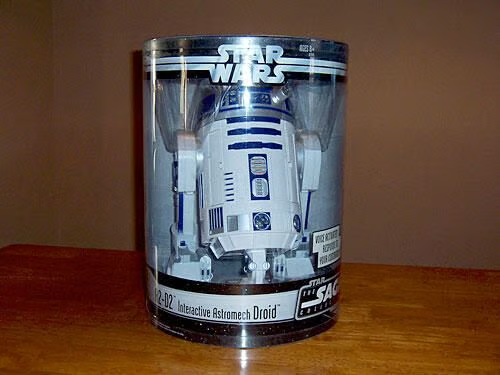
Hasbro’s interactive R2-D2 comes in this plastic cylinder that stands about 18″ tall.
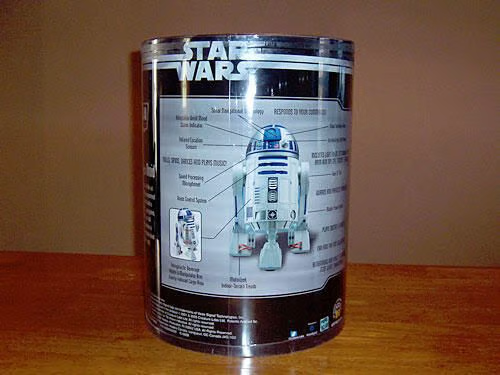
The back of Artoo’s plastic package lists his many interactive features and is sure to get your inner geek eager to whip out your credit card.
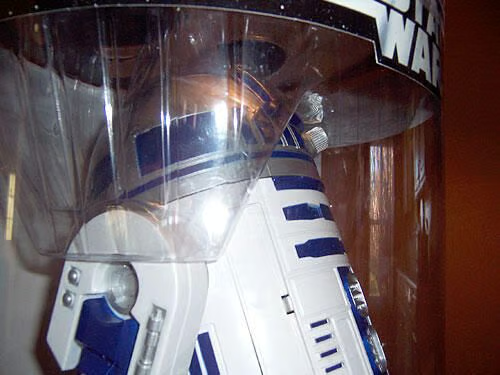
It’s highly likely that R2 was shipped in a see-through package so that his detailed modeling could be seen up-front.
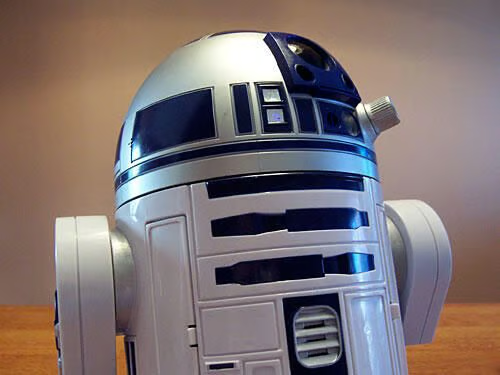
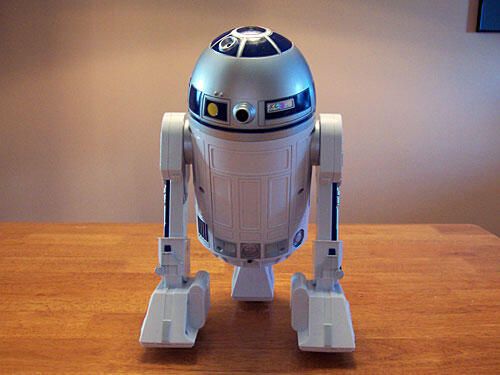
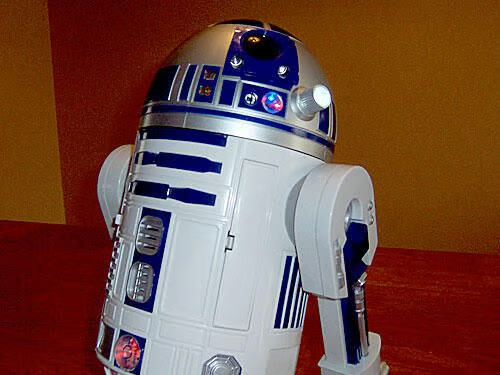
Shiny and sharp, this R2 replica could easily be mistaken for the real thing if he were photographed without a reference for his size.
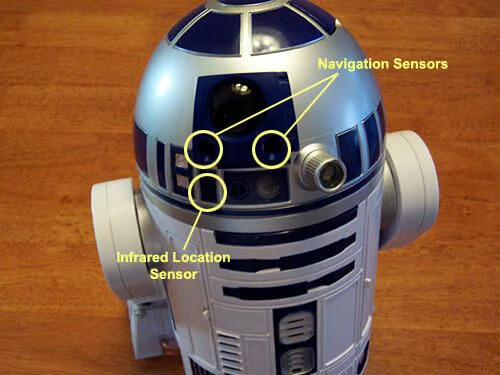
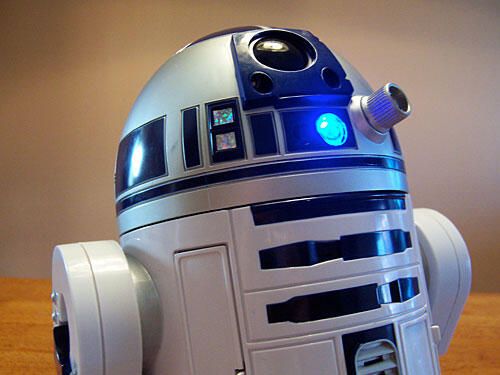
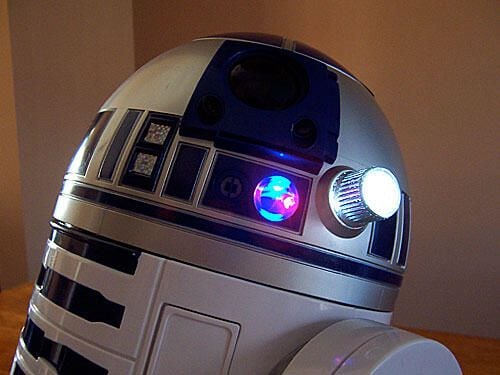
The instruction manual tells me that this is the location of R2’s navigation sensors (sonar that “sees” objects) and infrared location sensor (for detecting moving people)
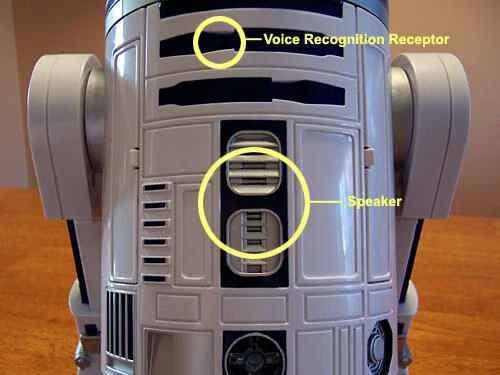
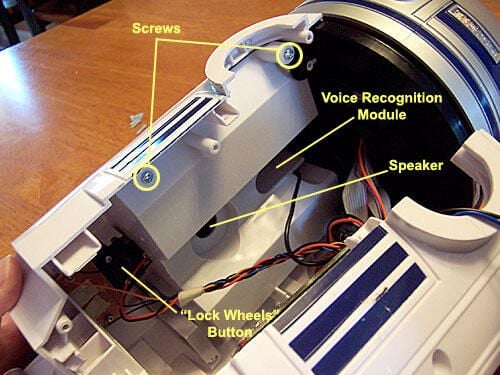
Right under R2’s dome, I can find the voice recognition module, and the center of his body contains the speaker for all of the sound effects.
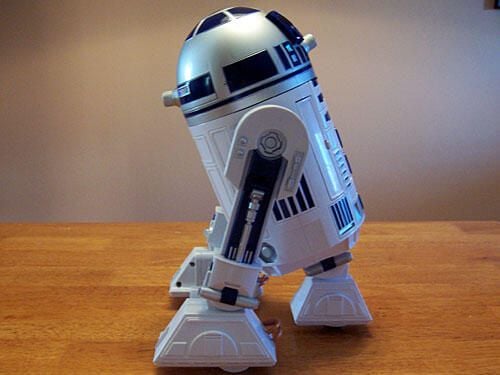
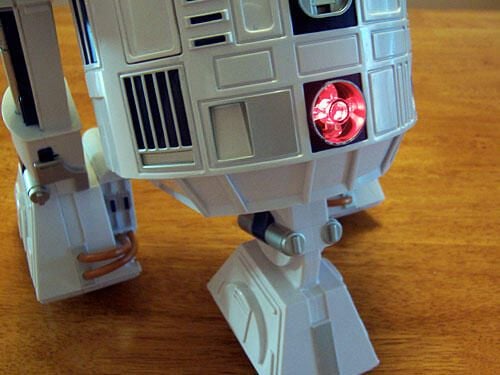
Artoo’s silhouette is a perfect match for his movie counterparts’. If only the center leg were retractable…
No real features here, except for the battery hatch and the master on/off switch.
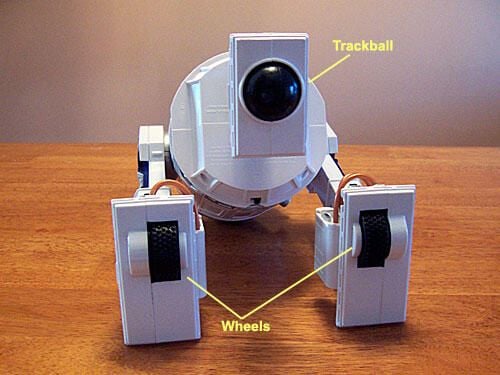
The two legs house a pair of sturdy wheels, while the third leg features a large trackball. It seems strange, but it works perfectly as R2 had no problem navigating my thick home carpeting.
Turning R2 on via a small switch under the battery hatch, I have to wait for him to warm up for about 30 seconds. His LED light flashes between red and blue while he does this. \r\n
\r\nOnce he’s running, his light will stay a steady blue if he is in a good mood, or turn red if he is angry or sad.
When R2 boots up, this button on the front is automatically activated. When it is red, he will not move, a good feature for when he is near stairs (he doesn’t recognize them) or on a table for a photo shoot.
R2’s a temperamental fella. Whenever I picked him up or turned him while he was on and the Wheel Lock button was activated, he let me know that he didn’t like it!
R2’s holoplayer turns on or off whenever you give the voice command “Light Beam.”\r\n
\r\nIf you give the voice command “Play Message,” you get a partial playback of Princess Leia’s plea for help from Episode IV.
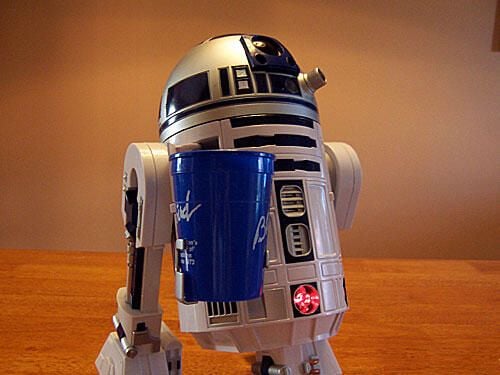
R2 comes with, of all things, a beverage holder. Against all conventional wisdom, I found nothing in the instruction manual that warned against letting R2 run around with a cup full of liquid.
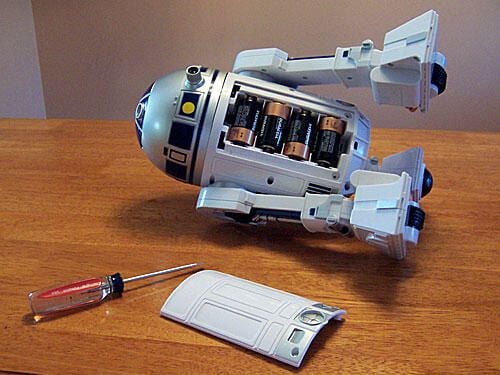
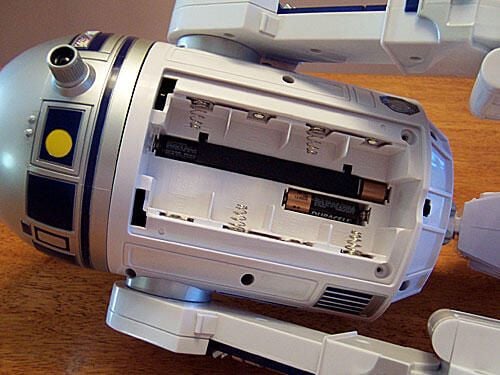
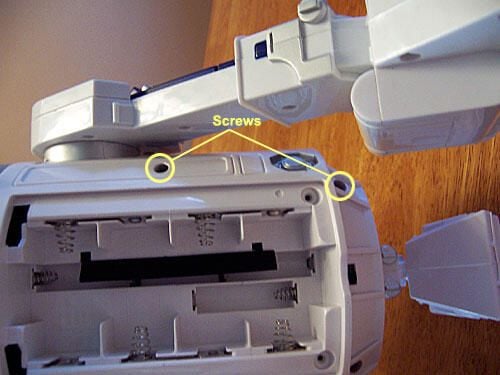
Starting with the obvious, I unscrew the back plate that houses the batteries. Four “D” batteries power the motor.
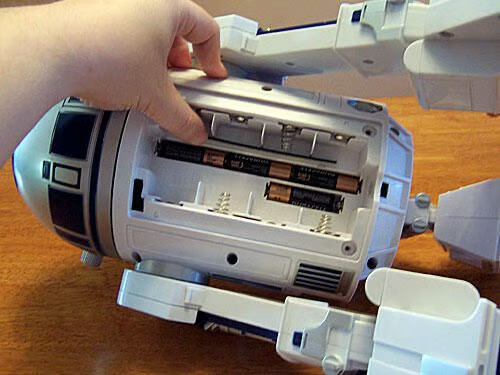
Once the “D” batteries are removed, I find slots for four additional “AA” batteries, which power the sensors, LEDs, and speaker.
Yes sir, that is 4 “D” and 4 “AA” batteries to power one R2-D2. Good thing I have a Costco membership.
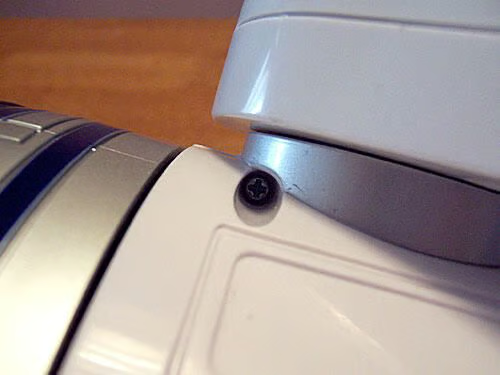
After the battery cover is out of the way, I quickly spot a screw in R2’s right back shoulder. It comes out with no difficulty.
I then locate two more sets of screws midway down R2’s back and at the bottom of his body. These too come out quickly.
Once all six back screws are removed, Artoo pops open and collapses easily — almost too easily! It’s a little surprising.
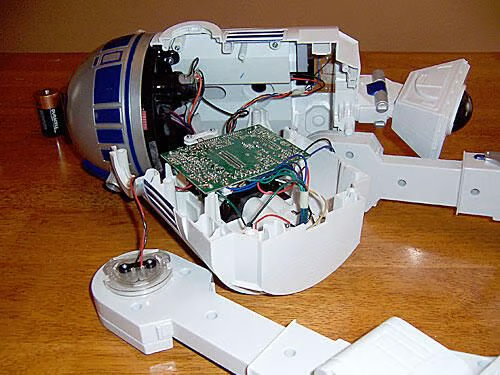
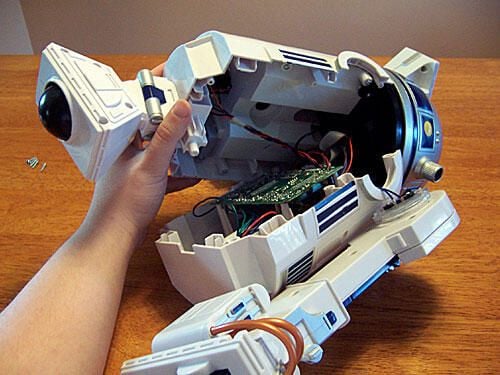
Although R2 is nearly wide open, all five pieces of him — head, front half, back half and both legs — are solidly connected with electronic wires. He’s like a tangled marionette.
\r\nI can’t get the parts to spread very far apart on the table while they are all strung together, so I look for ways to safely disconnect some of them. The left leg is a good place to start.
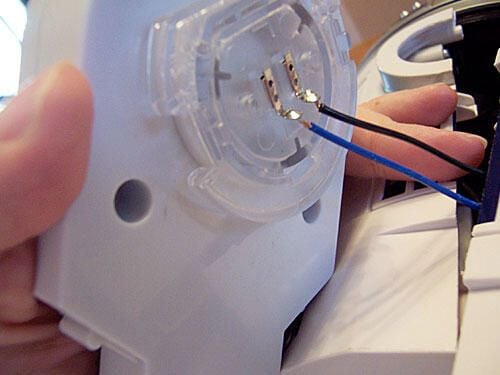
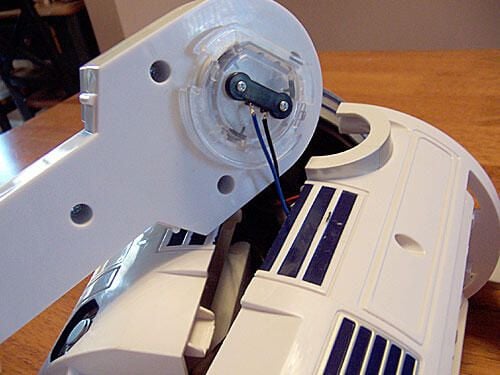
No dice. Unscrewing the connecting plate on the upper leg just shows me how expertly the wires are attached.
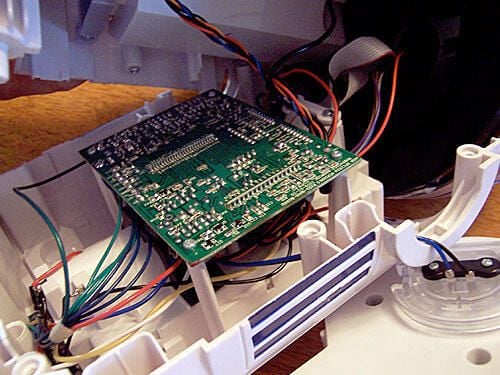
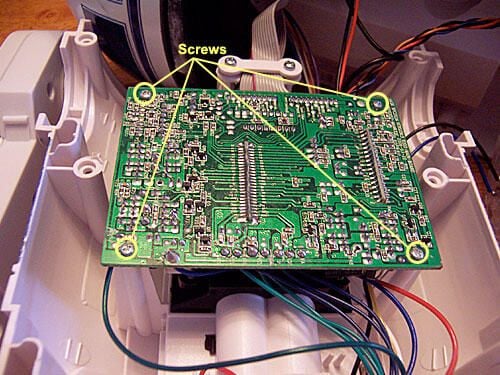
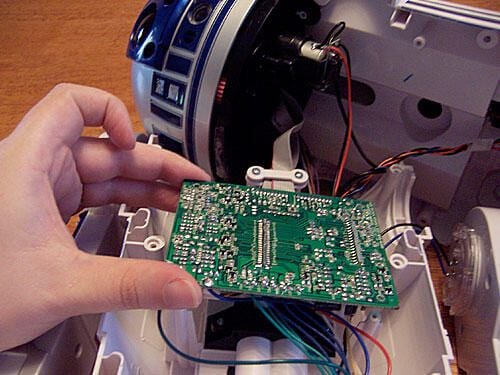
The circuit board attached to his front half looks like it would yield a little wiggle room if I can unseat it.
These four screws should come out easily enough.
The four screws come out easy-peasy and I have a little more room to operate… but not much.
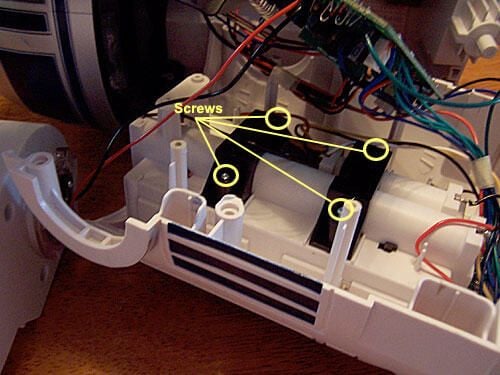
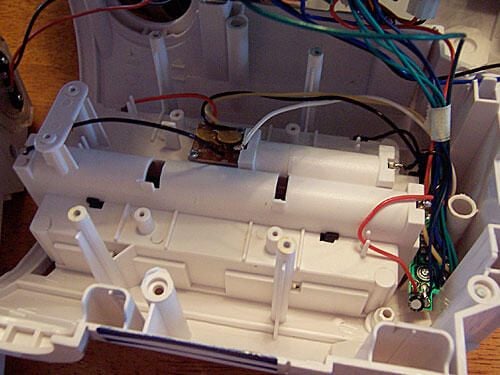
Not sure what these two brackets are for on R2’s back half, but they look as if they’ll come out easy, so I’ll have at ’em.
Turns out the brackets just hold the “AA” batteries in place on the outside of the unit. The circuitry at the bottom is for the main power switch. Nothing more to see here.
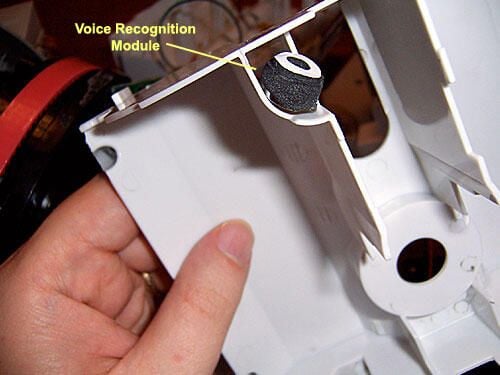
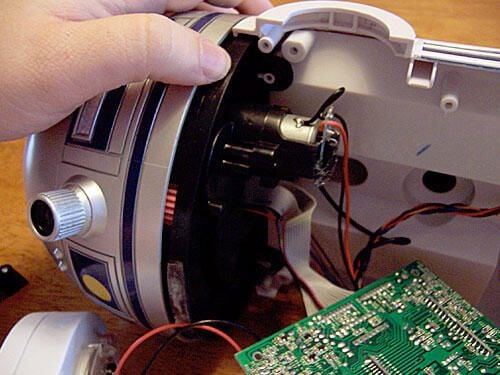
I turn to the front half of R2, where the manual says that the voice recognition module and speaker are seated. Unscrewing the four screws that join the housing to the body is no problem.
The Voice recognition module looks a lot like a microphone.
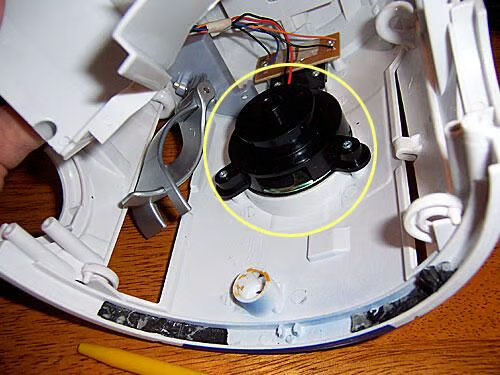
The speaker is simply…a speaker.
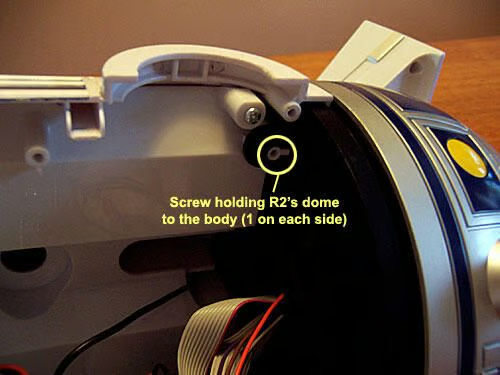
Time to see what’s inside R2’s head. Only two screws hold his head to his body, and like all the other screws, they come out easily.
However, his head remains firmly in place.
Try as I might, I cannot muster the strength to get R2’s head separated from his body.
A quick Google search reveals that the head is held in place with a strong black adhesive, so all I can do is grab a screwdriver and use it as a lever and hope that I don’t crack anything.
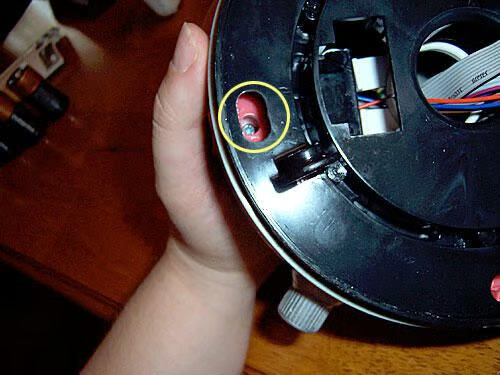
There are four screws inside the track that come out just as easy as every other screw in this poor little droid.
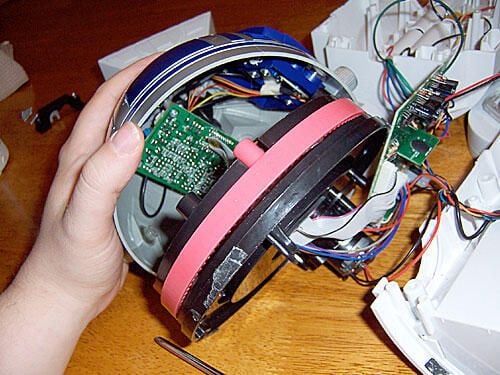
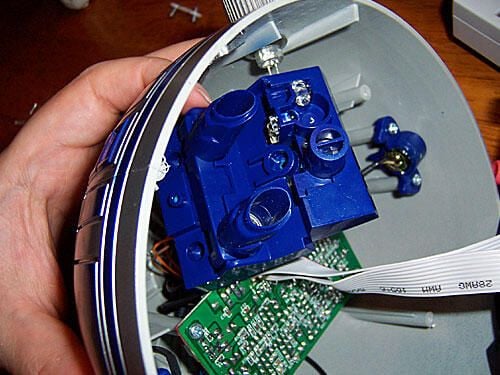
Separating the Dome from the track, we can see another circuit board wired to R2’s infrared and navigation sensors.
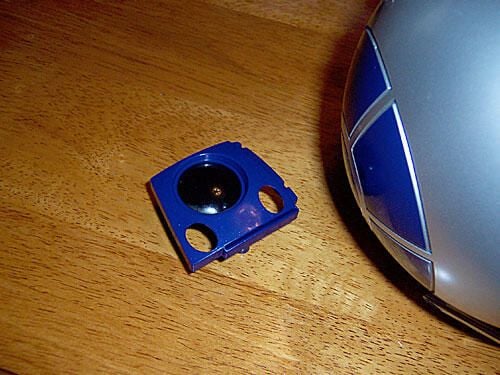
Unscrewing the navigation sensor from the dome, I’m a little disappointed to discover that R2’s eye is just decorative, non-functional plastic.
The “guts” behind the eye make up R2’s primary navigation system.
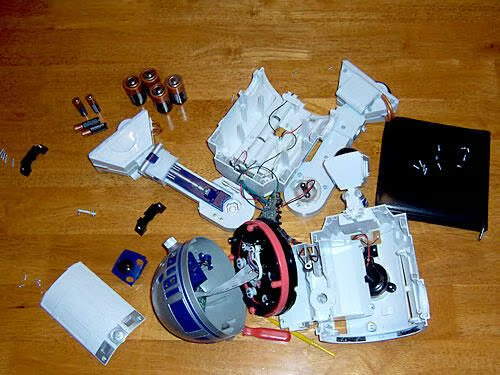
Here’s R2 in a near-total state of disarray. I could cut a lot of wires from their boards, but I wouldn’t see anything new, and I’ve gotten too attached to my little friend.
One hour later, and R2 is nearly back in one piece.
He’s back and he works! Nary a single piece missing, either.
\r\nAfter playing with R2 for a while, I highly recommend him. He’s very responsive and full of personality. It’s like having a dog that doesn’t need to be fed, but it won’t be able to save you if you’re ever trapped in a burning house.
\r\nJohn Lee is a consultant specializing in design and illustration and a freelance technical writer. You can visit his Web site at johnleestudio.com.