\n\tReleased in 2000, the PlayStation 2 (PS2) was Sony’s second game console. According to Sony sales reports, over 115 million PS2s have been shipped as of December 31, 2006. Many consider the PS2 to be the most successful game console to date.
\n\t
\n\tThe PS2 can read both CDs and DVDs and is backwards compatible with PlayStation (PS1) games. Since the unit’s launch, Sony has given the PS2 several hardware revisions, including a dramatic case size reduction in 2004. Originally priced at $299.99 USD, we purchased this new slimeline PS2 for $129.99.
\n\n
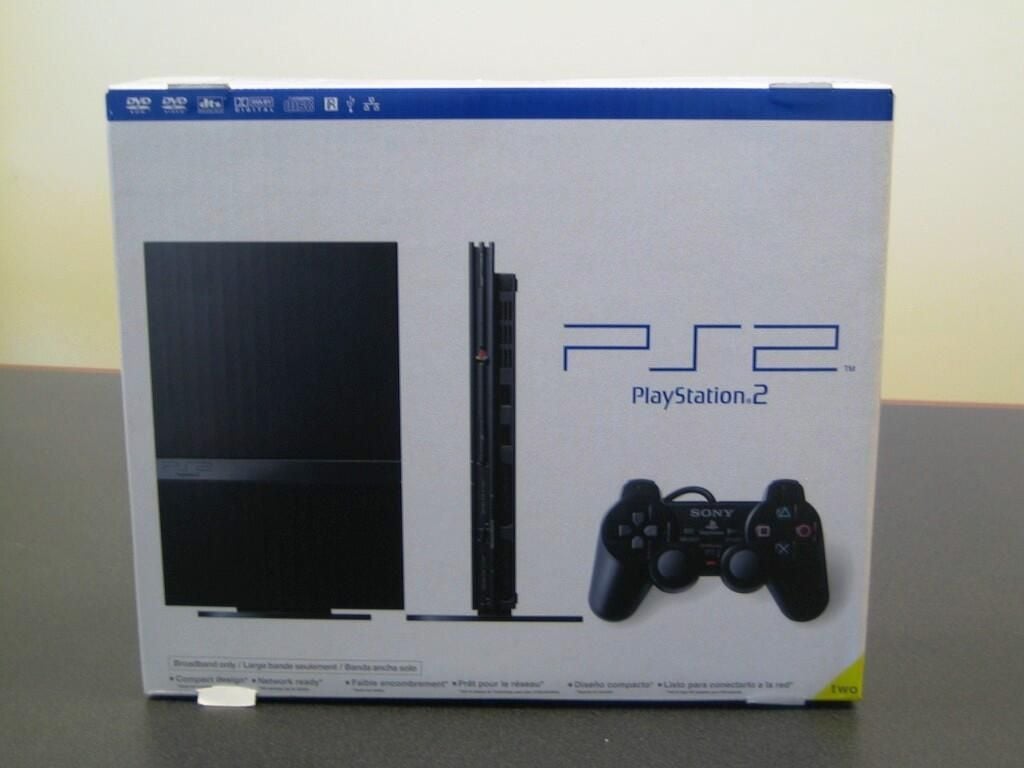
The new slim case PlayStation 2’s box is smaller then the boxes for the Xbox 360, Wii, and PlayStation 3.
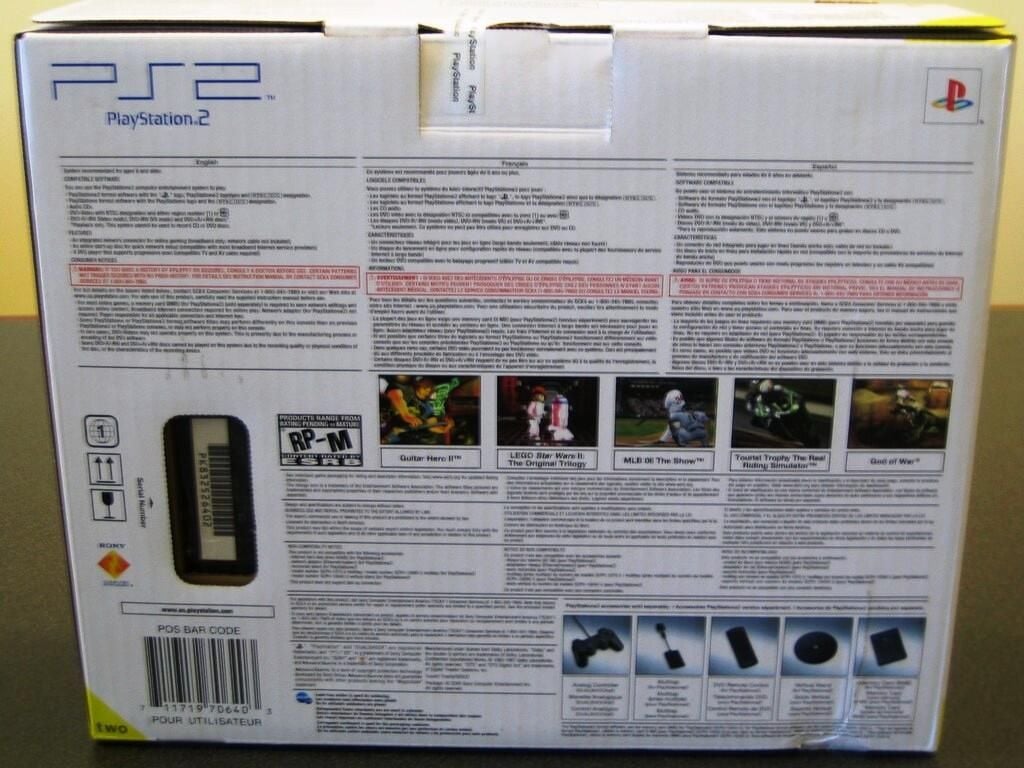
Sony packed a ton of information on the box’s back in English, French, and Spanish.
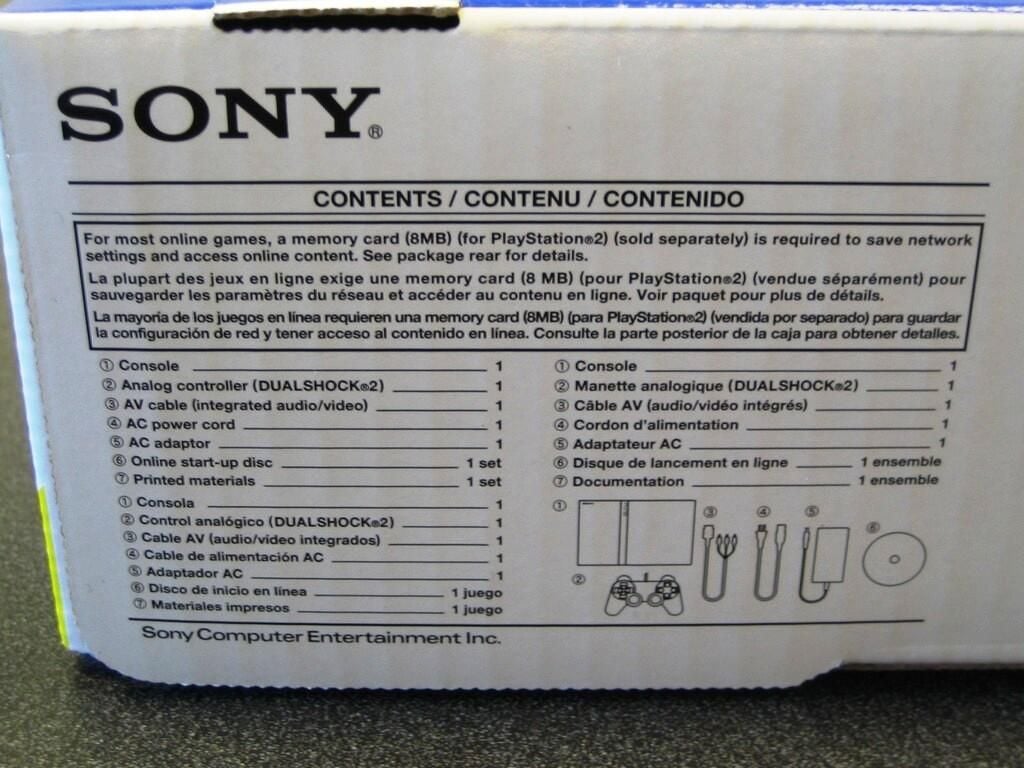
For $129.99 (plus tax), this new PlayStation 2 SCPH-77001 comes with the console, one DUALSHOCK 2 analog controller, an AV cable, AC power cord and adaptor, online sart-up disc, and printed manuals.
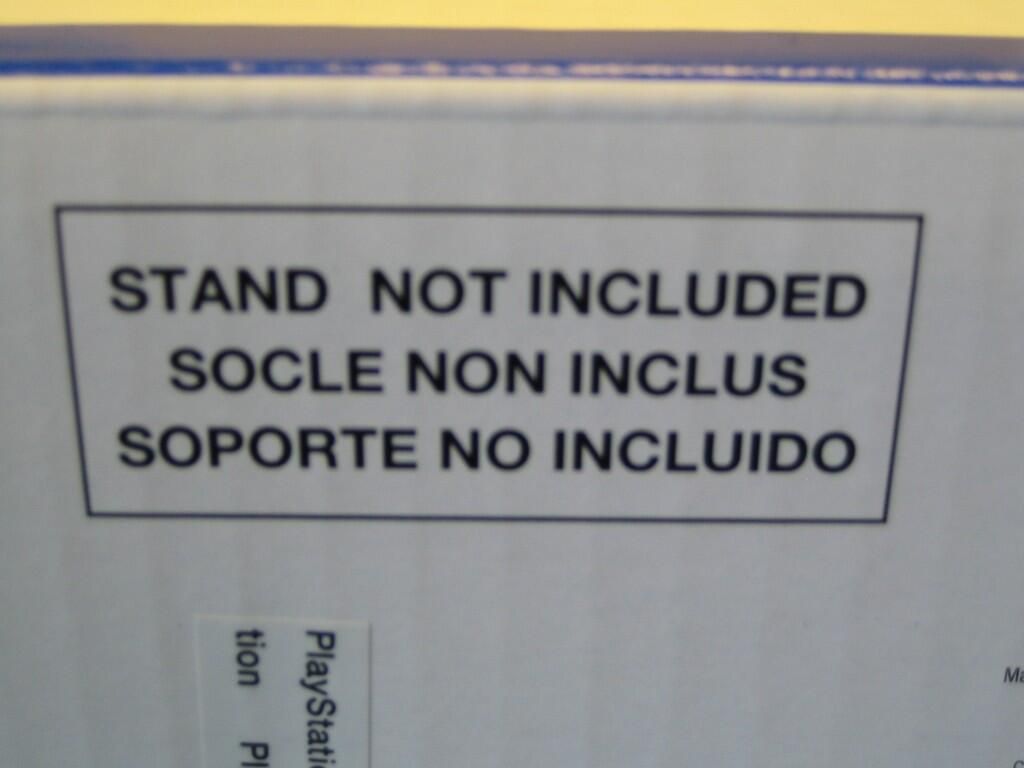
If you look closely at the box’s front cover, you’ll see the PlayStation 2 standing upright on a thin, circular stand. Unfortunately, this vertical stand is not included with the console. You can buy the vertical stand for about $20 USD from various retailers.
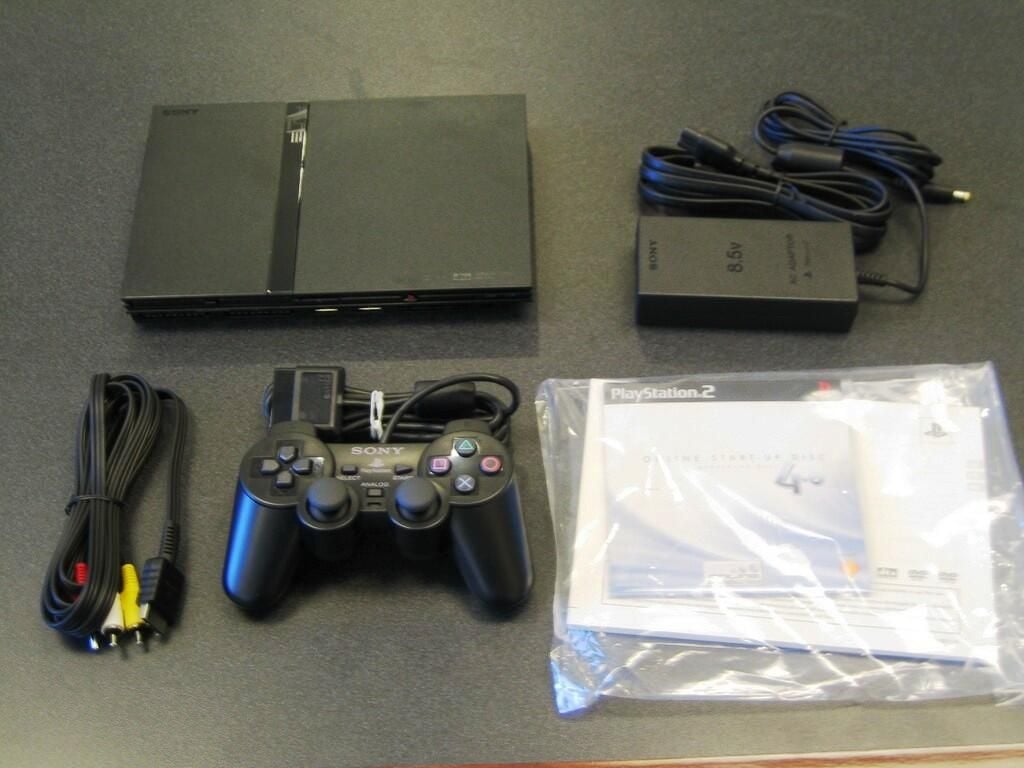
Before buying this unit, I had never seen or held a slim case PlayStation 2. I was surprised by the PS2’s tiny size. The included DUALSHOCK 2 controller is almost as wide as the PS2.
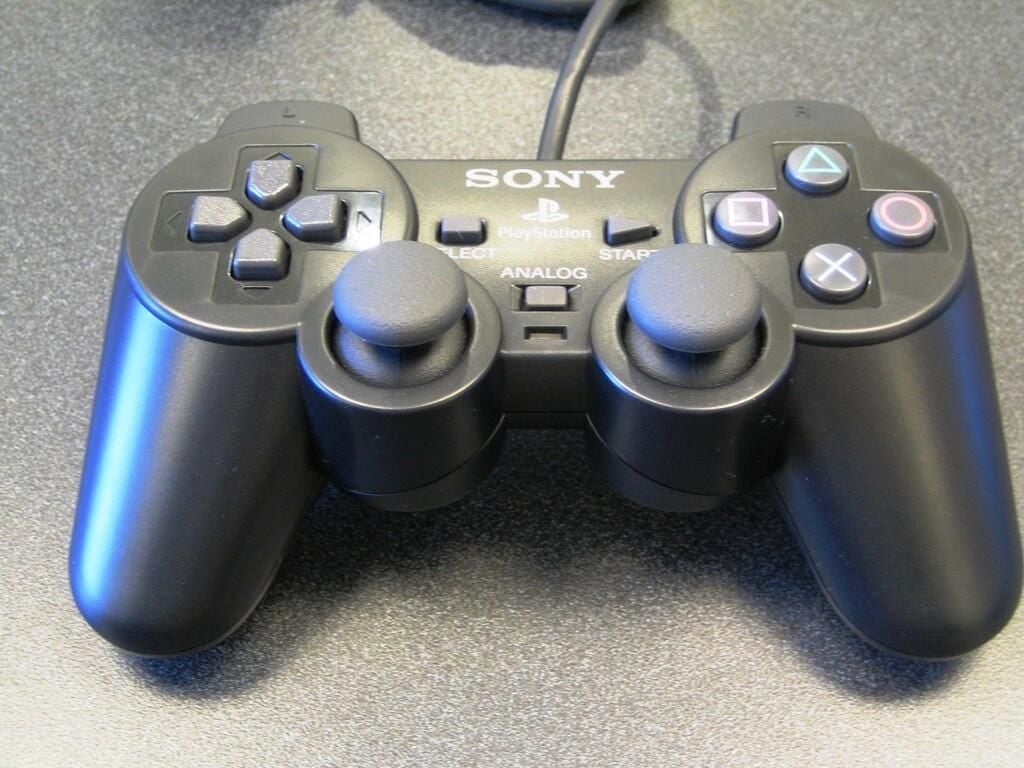
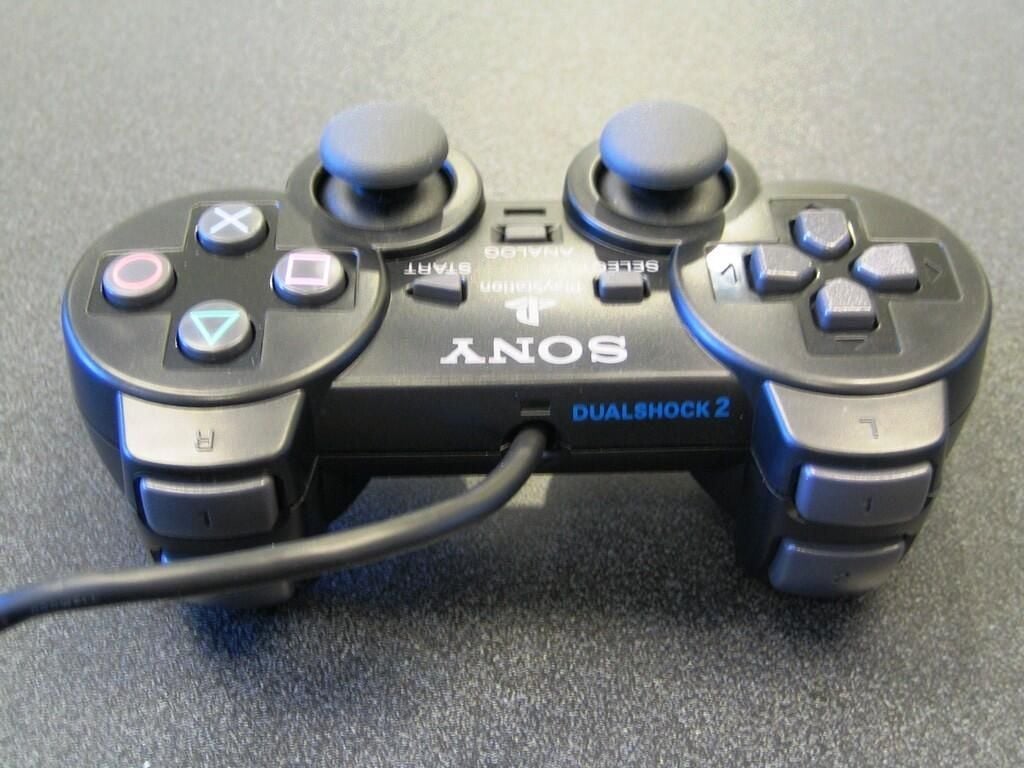
The DUALSHOCK 2 controller provides vibration feedback.
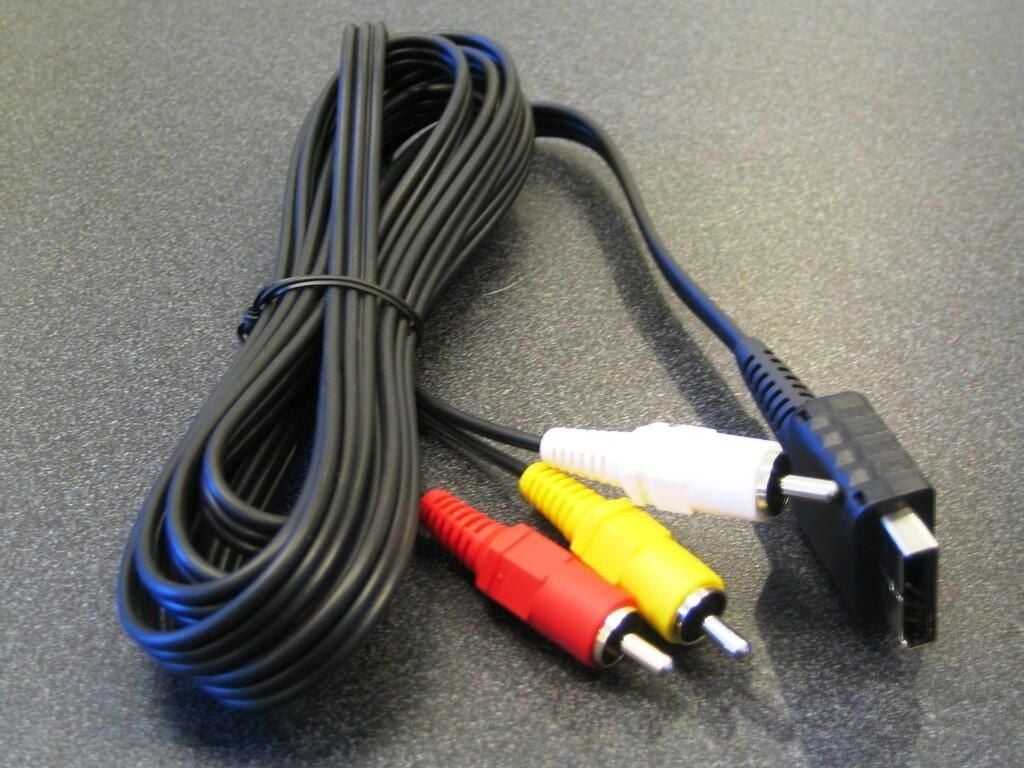
The included AV cable provides RCA video and audio plugs.
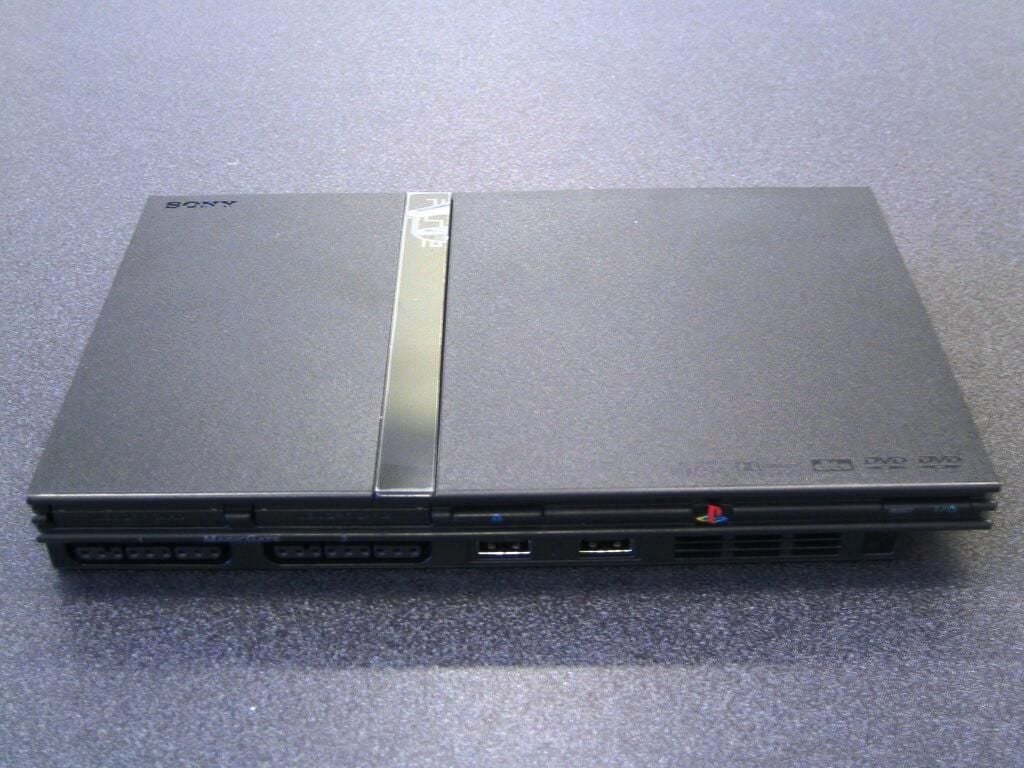
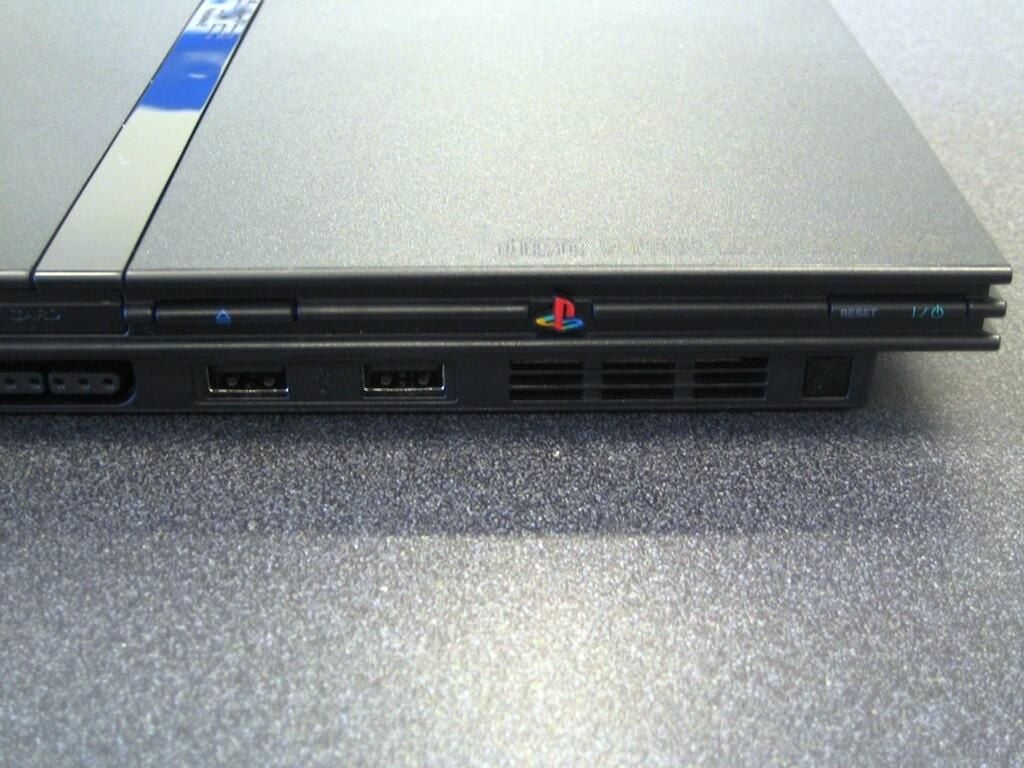
On the front of the PlayStation 2, you’ll find two memory card ports, two controller ports, disc cover open button, power/reset button, two USB ports, the IR receiver, and front cooling vents.
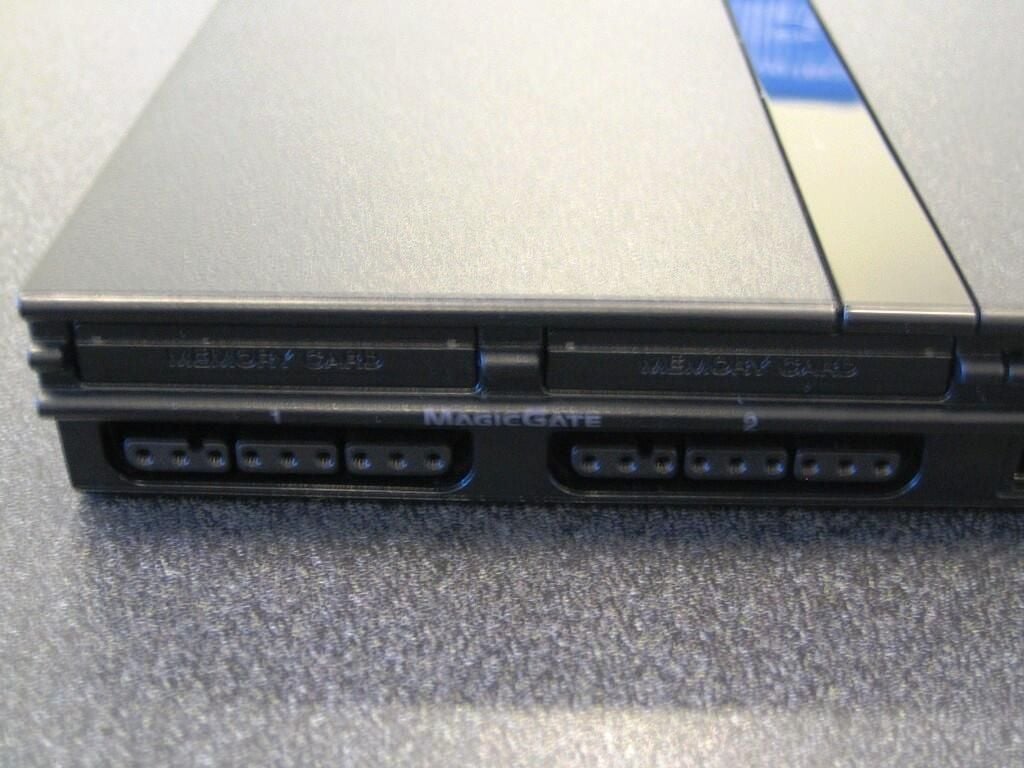
The PlayStation 2 supports both the ~120KB PlayStation memory cards (SCPH-1020 U) and the 8MB PlayStation 2 memory cards (SCPH-10020 U).
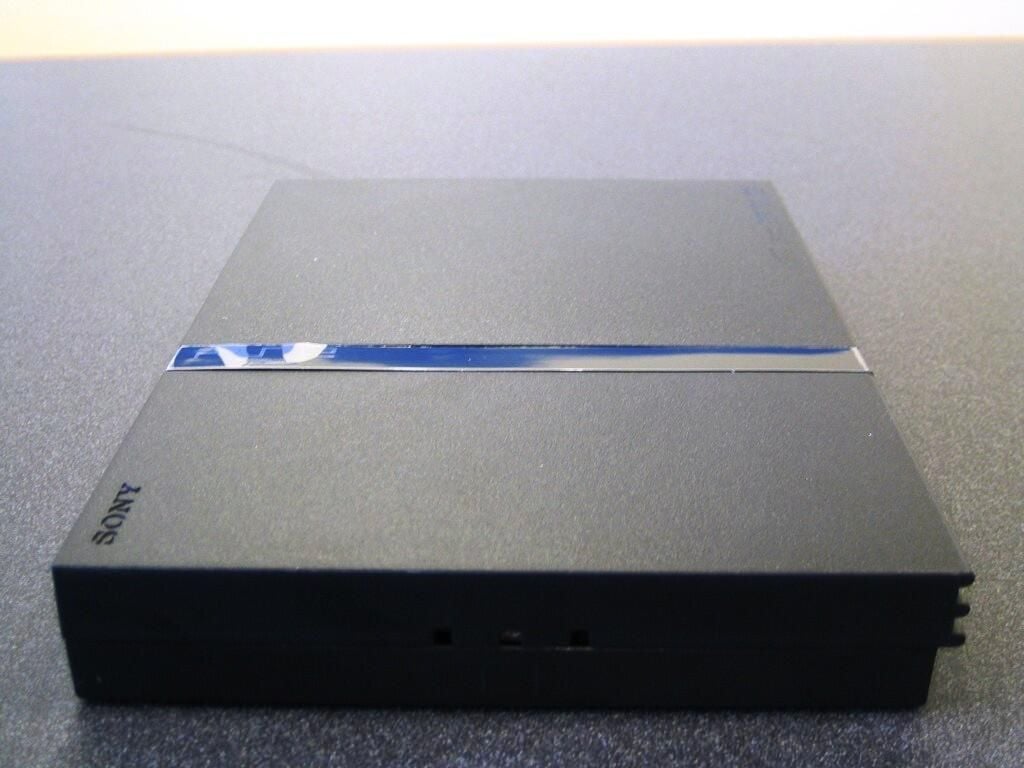
The PlayStation 2’s right side, or bottom when mounted vertically, has three small holes used to attached the vertical stand–sold separately.
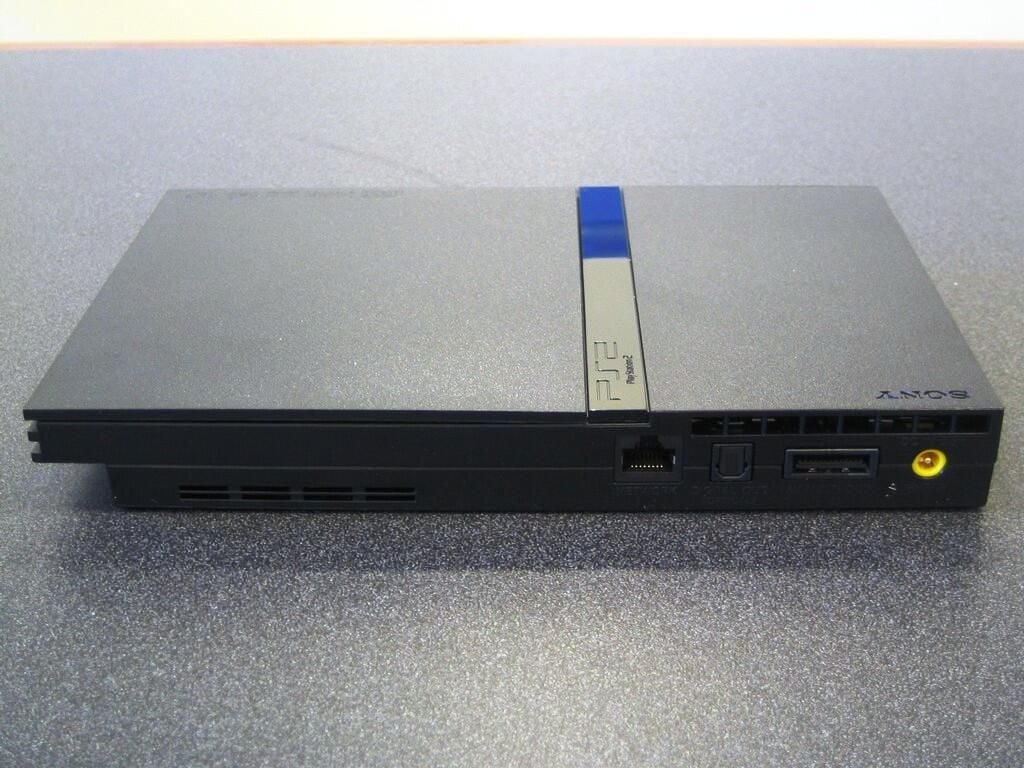
The Ethernet jack, digital audio out (optical), AV multi out connector, power connector, and two cooling vents are located on rear of the PlayStation 2.
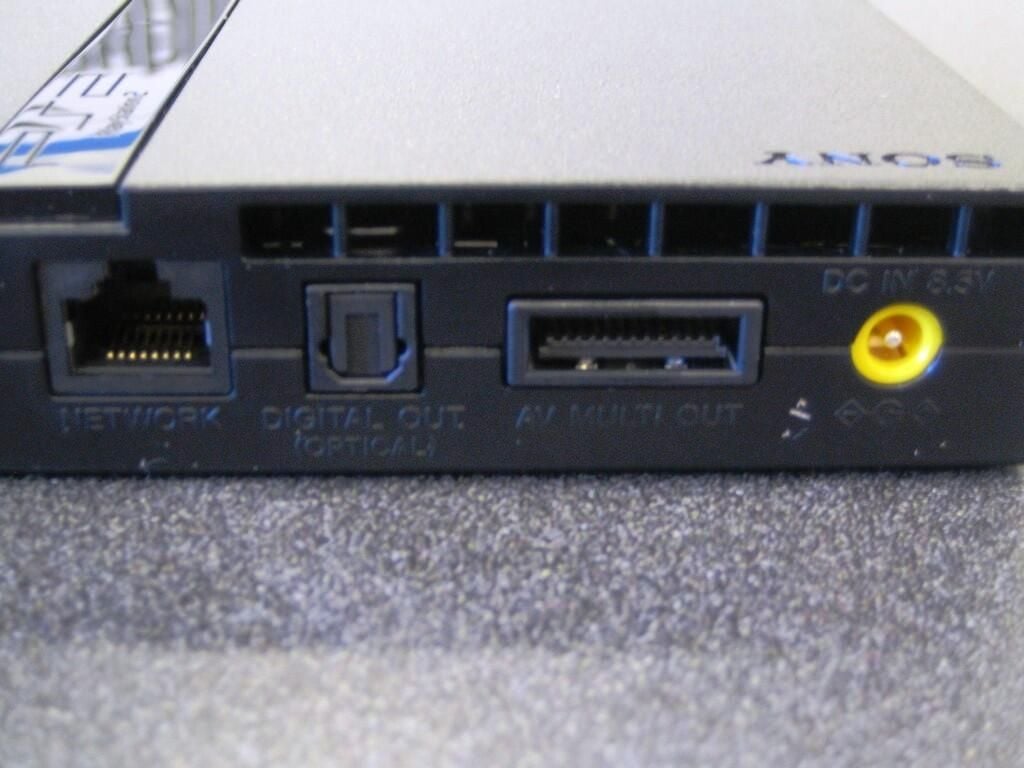
This image shows a closeup of the Ethernet jack, digital audio out (optical), AV multi out connector, power connector, and one of the rear vents.
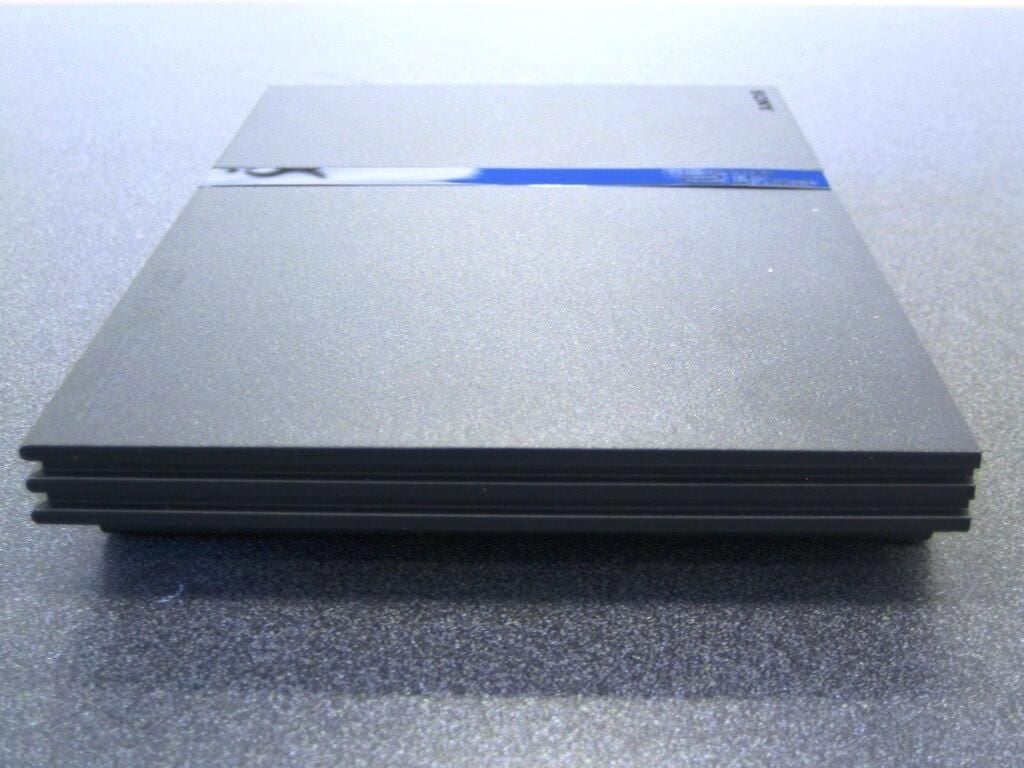
The PlayStation 2’s CD/DVD drive takes up most of the unit’s left side.
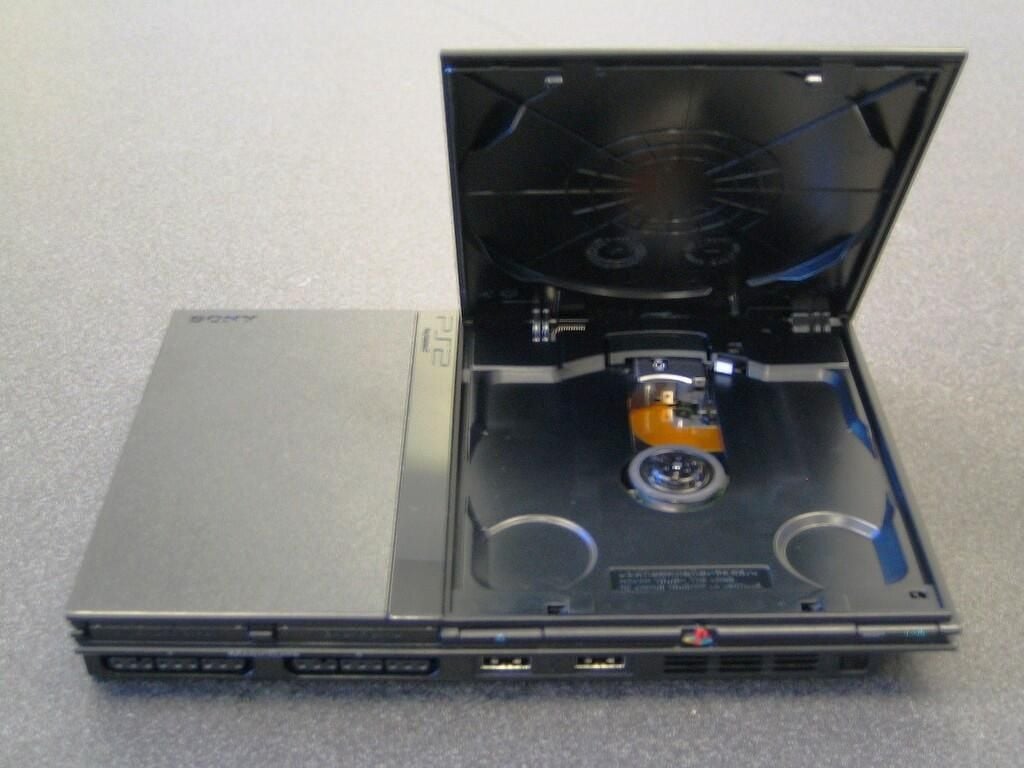
The PlayStation 2’s optical drive supports the following formats:
PlayStation format CD-ROM
PlayStation 2 format CD-ROM
PlayStation 2 format DVD-ROM
Audio CD
DVD-R
DVD-RW (Video mode)
DVD R
DVD RW
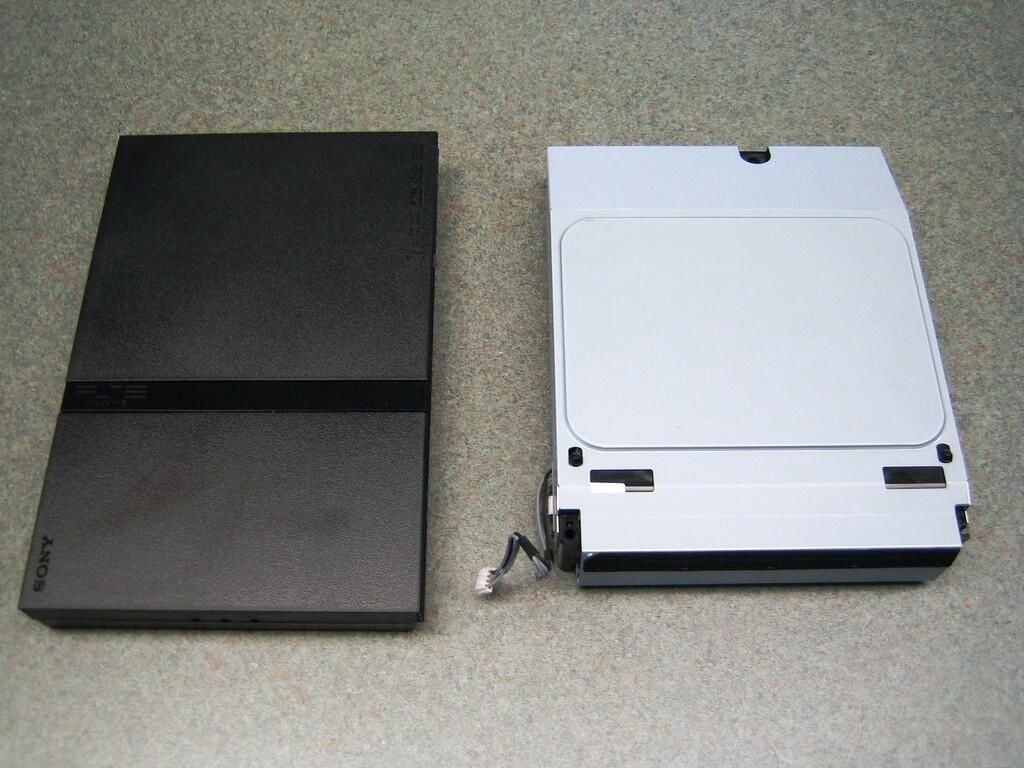
I thought it would be interesting to compare the PlayStation 2 and some of the components from the PlayStation 3. This picture shows the whole PlayStation 2 console and the PlayStation 3’s Blu-Ray drive.
If you would like to see more of the PlayStation 3’s internal hardware, check out my gallery, “Cracking open the Sony PlayStation 3”.
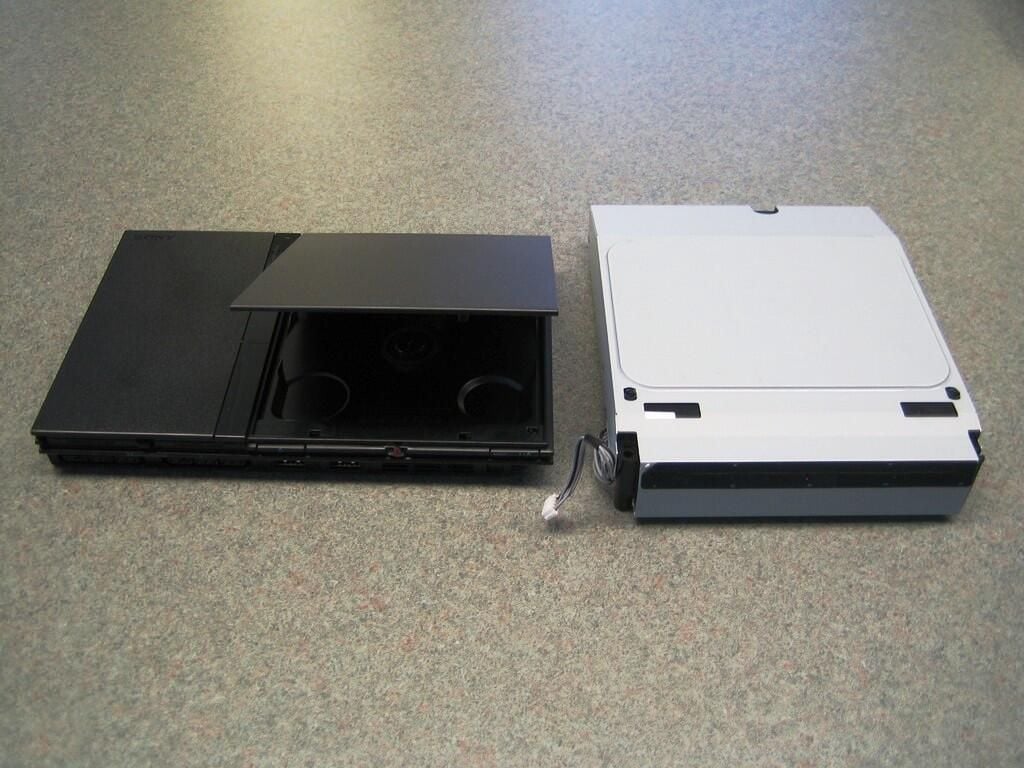
This picture is another shot with the PlayStation 2’s drive cover open and the PlayStation 3’s Blu-Ray drive.
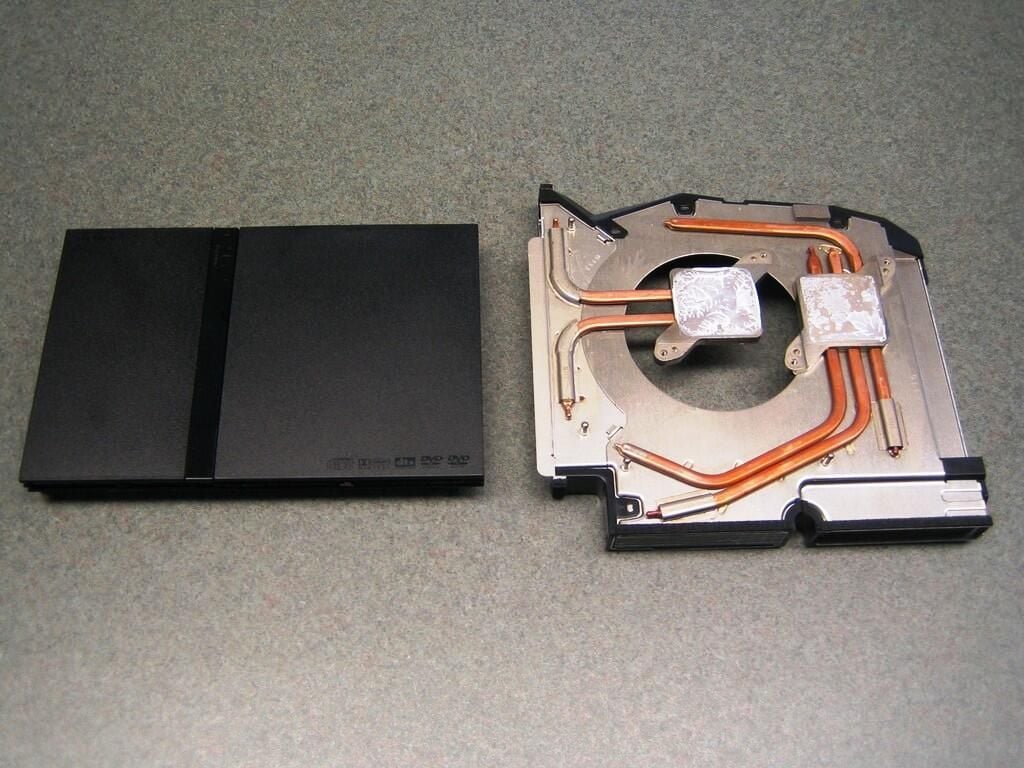
This photo shows another shocking comparison–the slim case PlayStation 2 and the cooling system from the PlayStation 3.
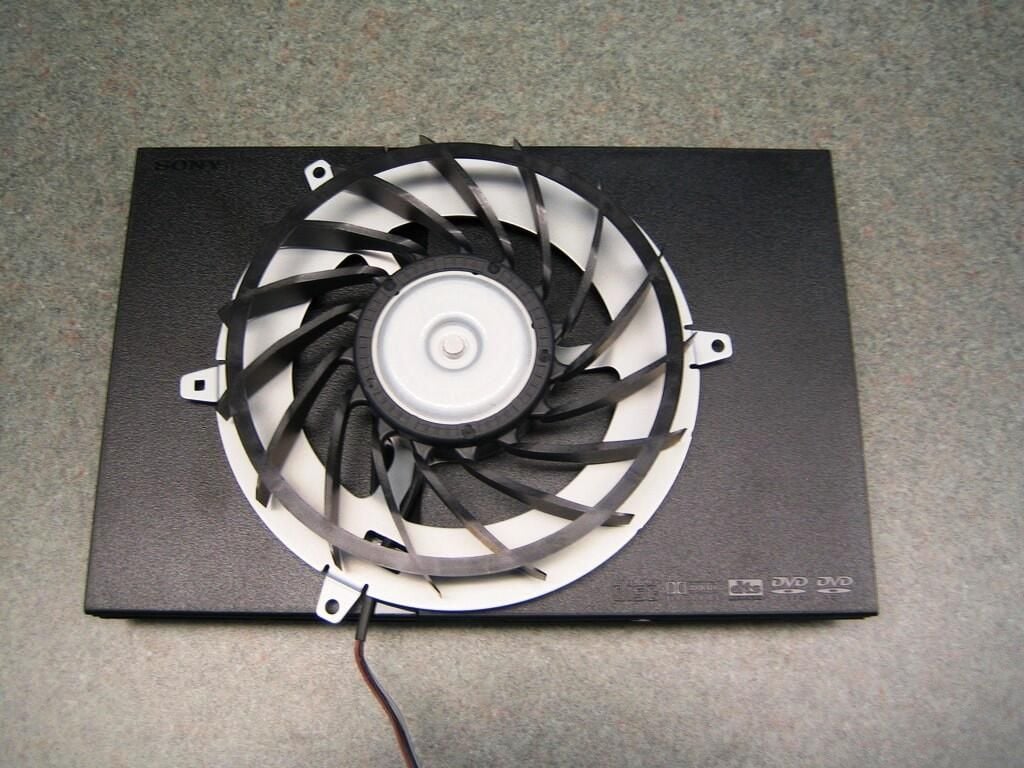
When I saw the size of the PlayStation 3’s fan, I had to take this photo.
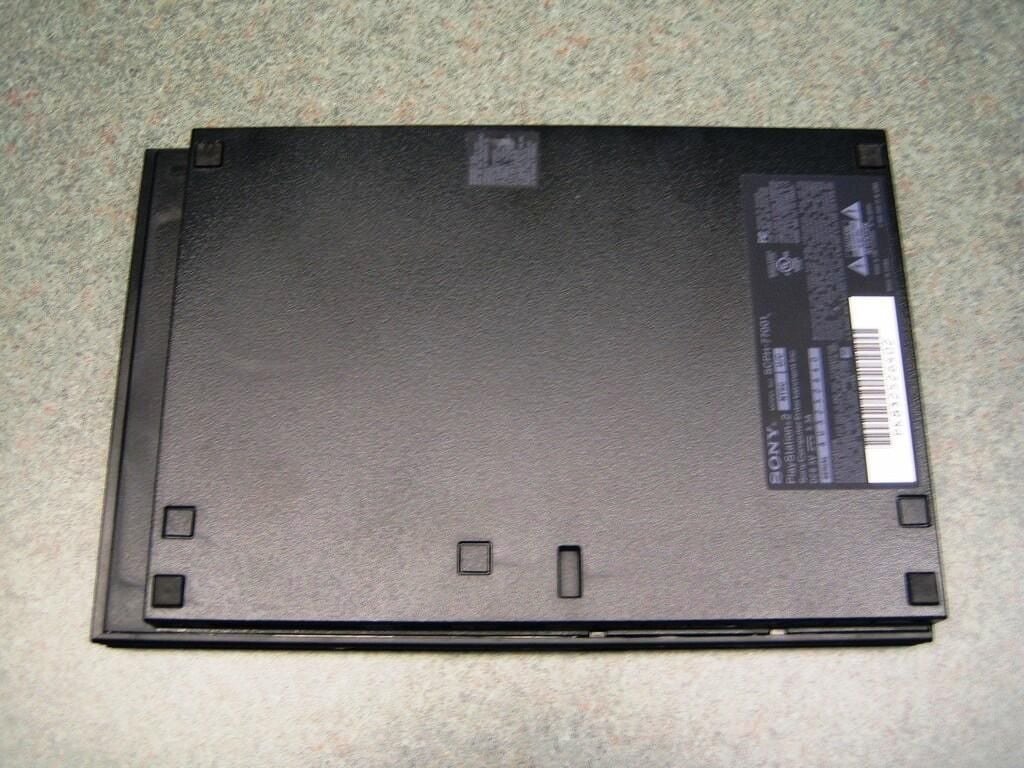
To disassemble the PlayStation 2, you’ll start on the bottom. There are six case screws that you must remove.
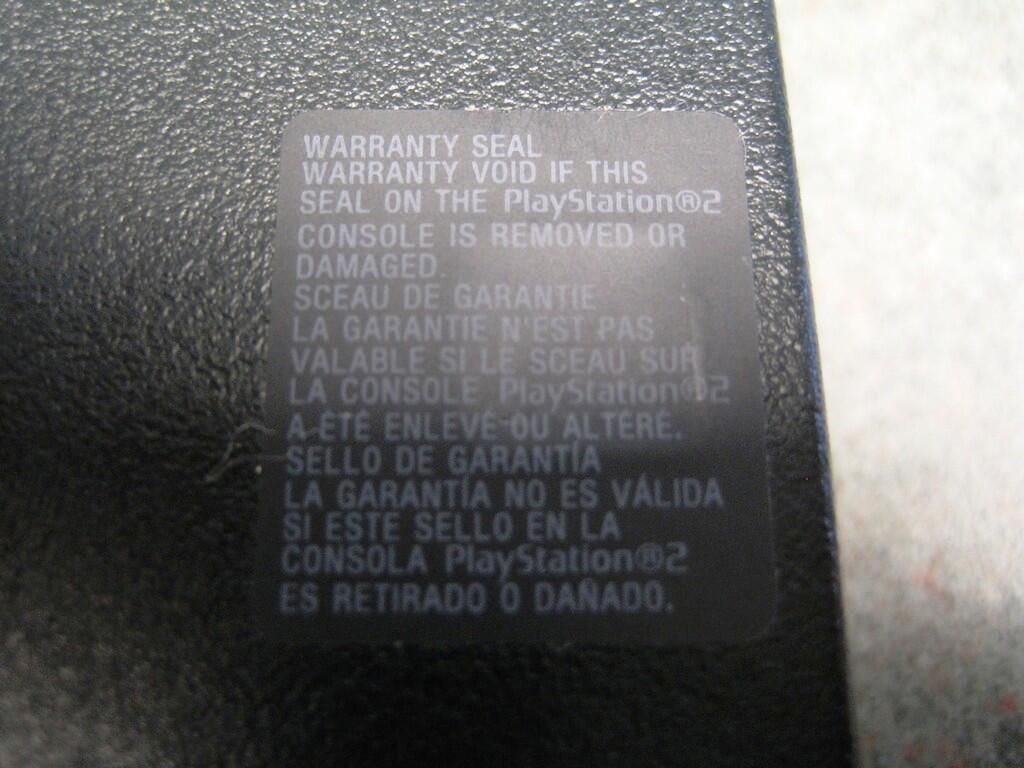
This warranty seal covers one of the case screws.
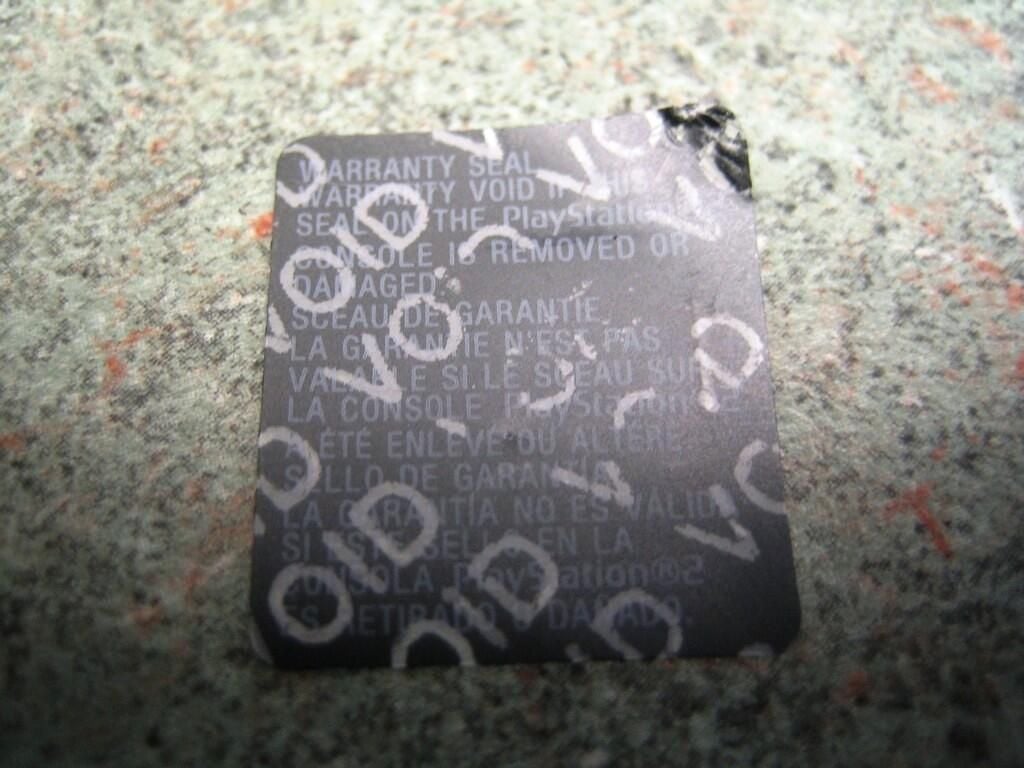
There’s no turning back now.
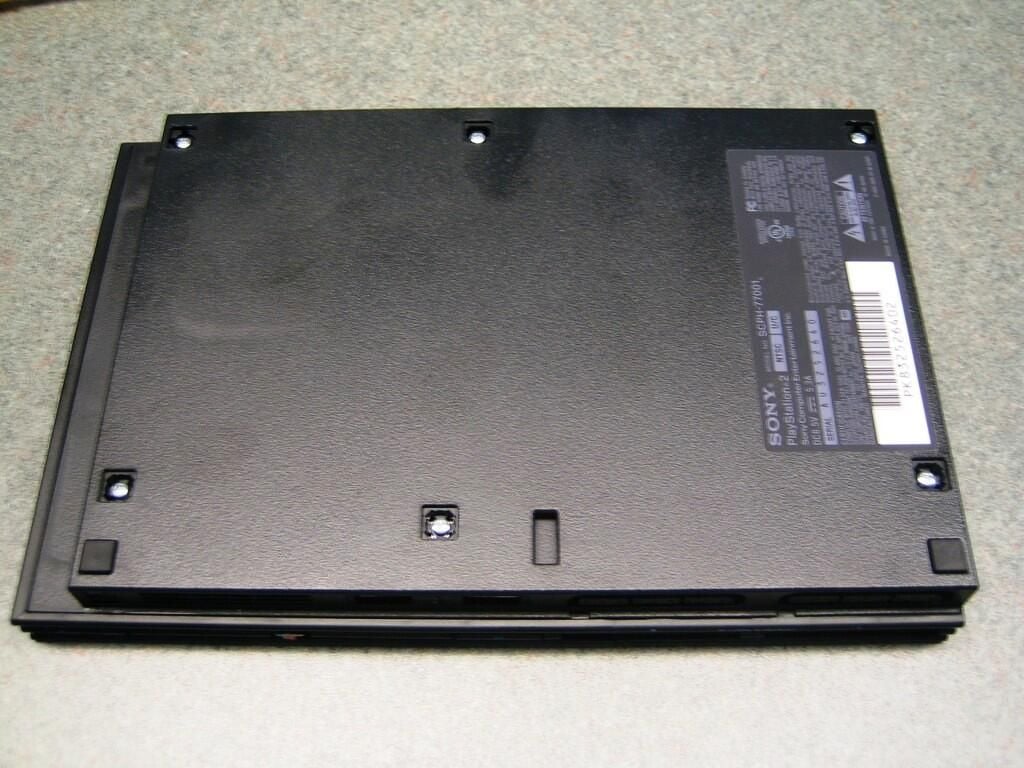
Removing the warranty stick, the unit’s two rear rubber feat and three rubber plugs from the front will reveal the six Phillips case screws.
Unlike the Nintendo Wii or PlayStation 3, the PlayStation 2 has no security screws.
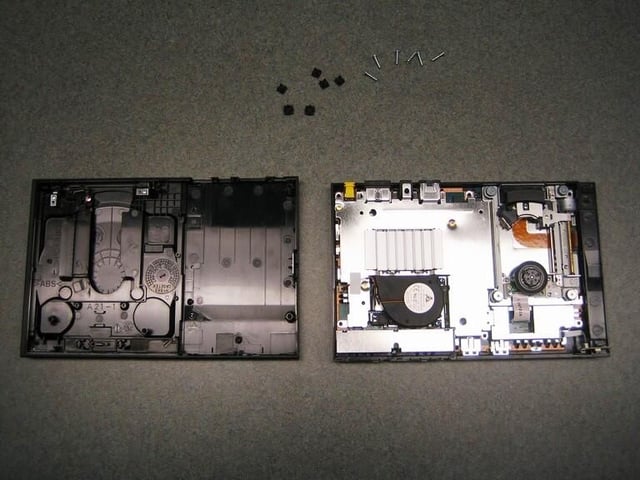
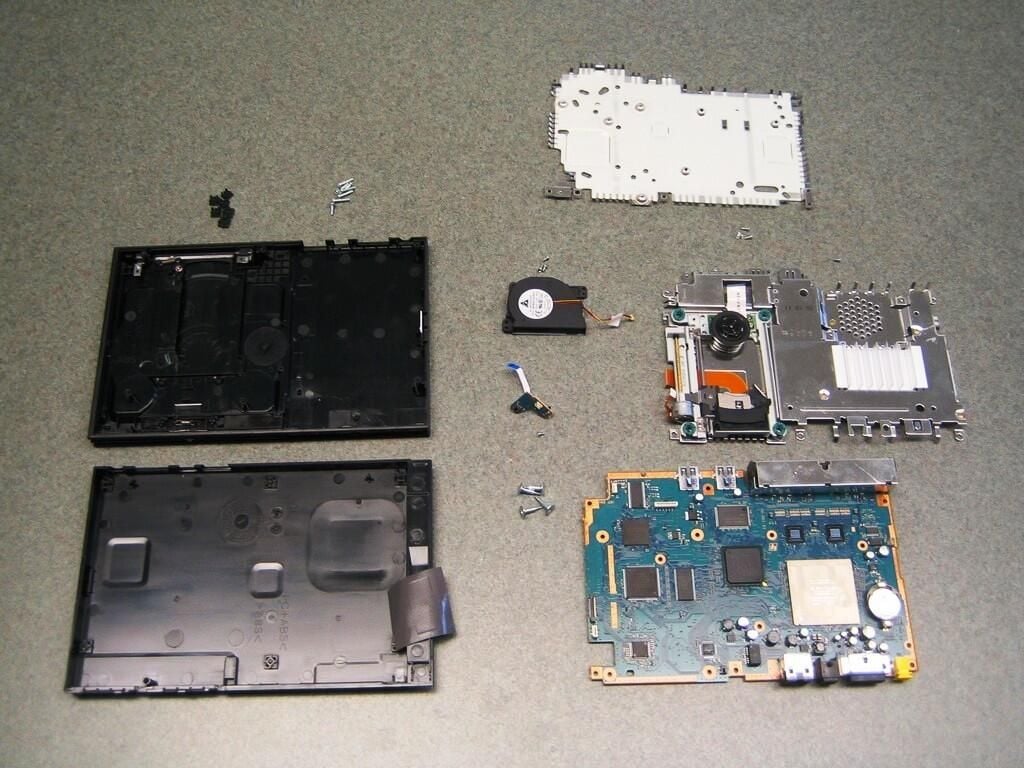
With the six case screws removed, you can gently lift off the PlayStation 2’s top cover. Unlike the Xbox 360, Wii, or PlayStation 3, the PlayStation 2’s lacks a self contained optical drive. Removing the case’s top half exposes the optical drive’s laser and drive mechanism. Be careful not to damage these components during dissection and reassembly.
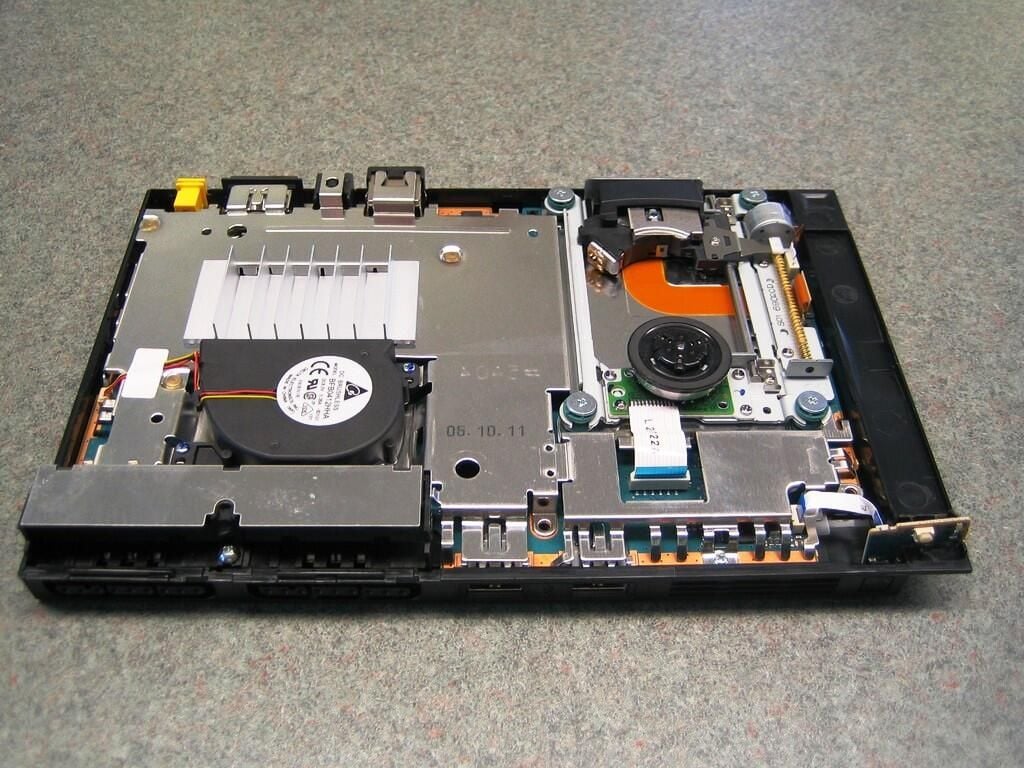
Removing the case’s top half also exposes the PlayStation 2’s metal shielding, tiny cooling fan, heatsink, power button PCB, and a tiny bit of the mainboard.
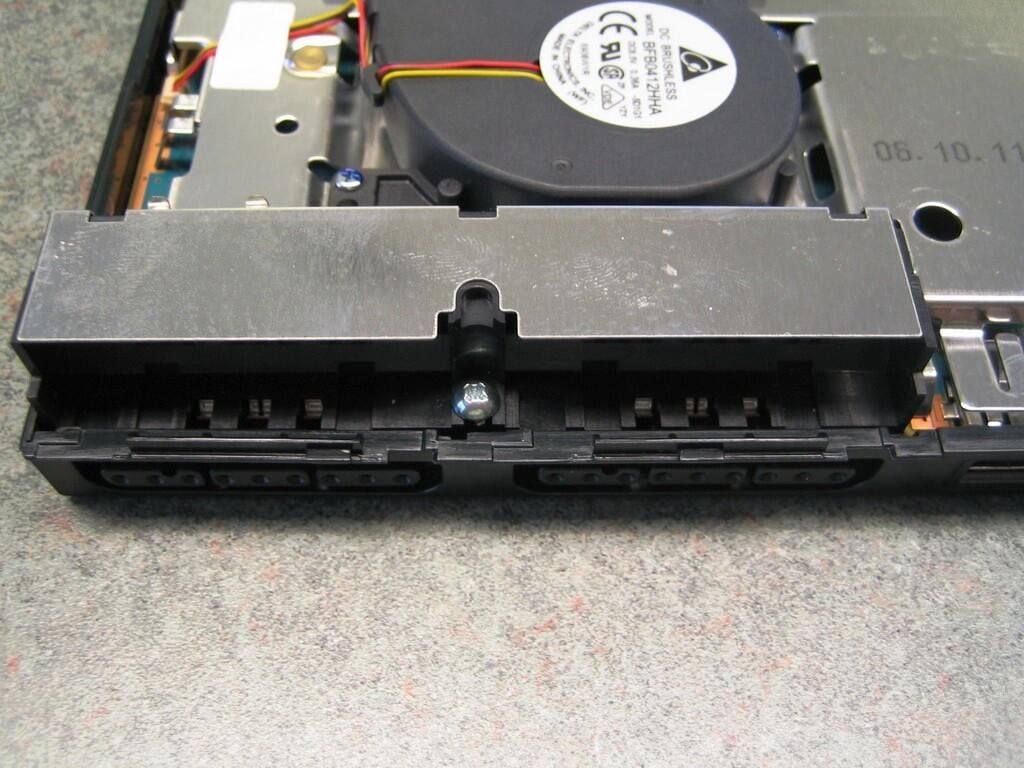
To remove the metal shielding and mainboard from the case’s bottom half, remove this screw–located between the two memory card ports.
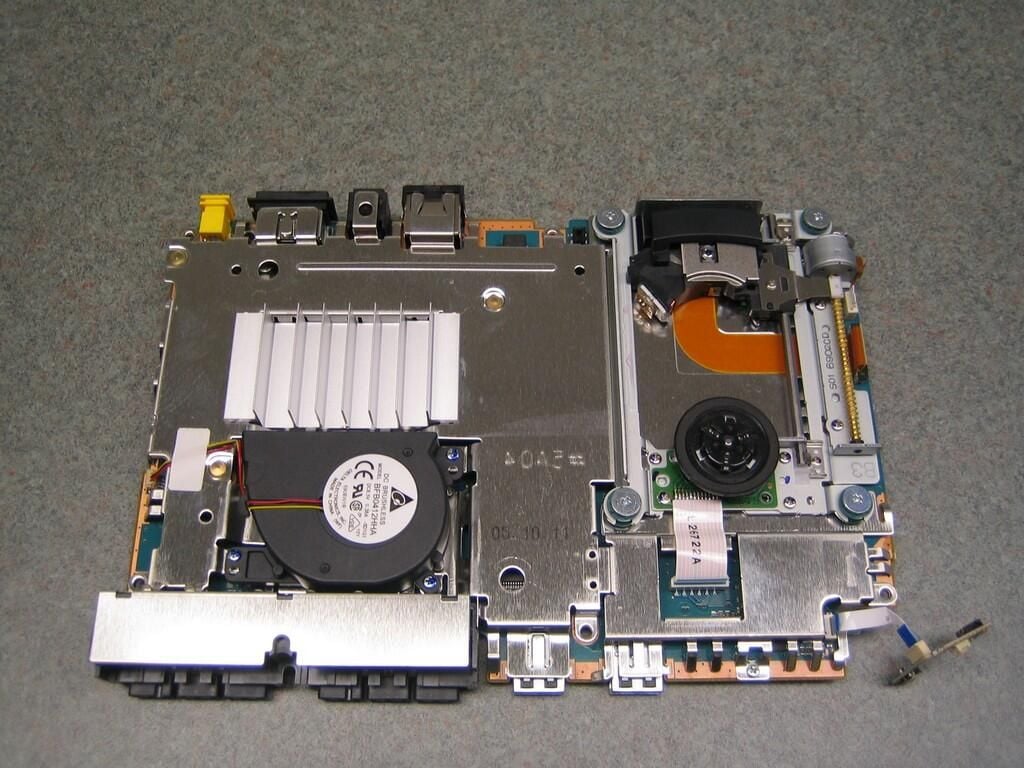
With the last screw removed, you can lift the metal shielding and mother assembly away from the case’s bottom half.
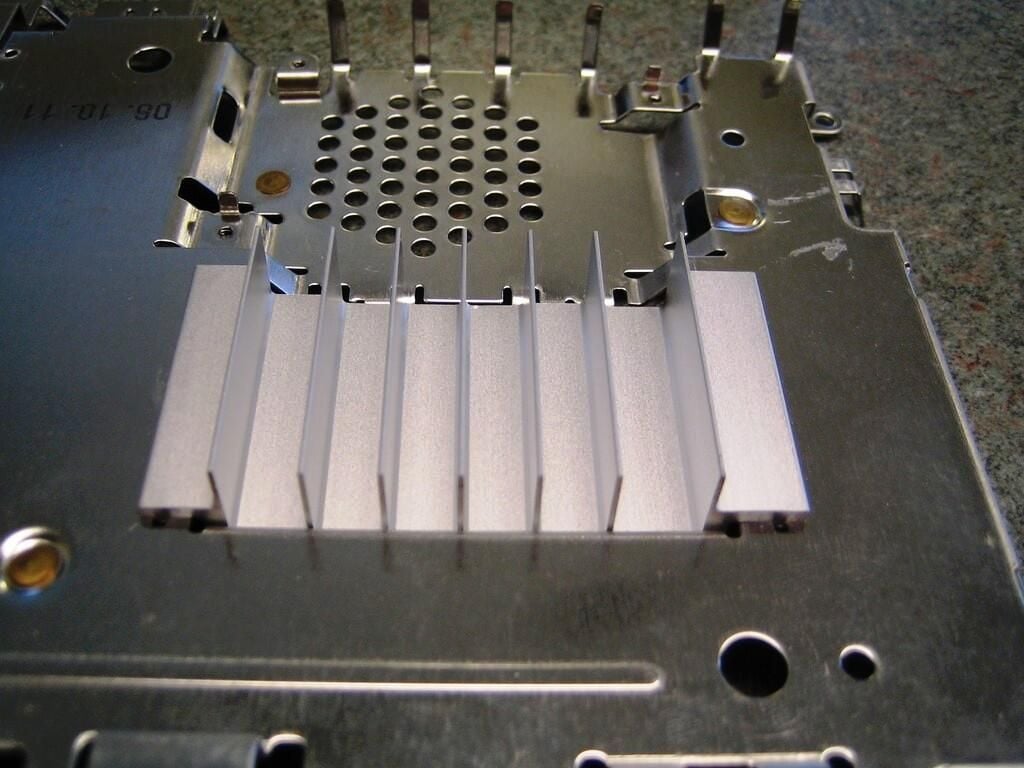
Compared with the PlayStation 3’s massive cooling system, the PlayStation 2 heatsink is downright puny.
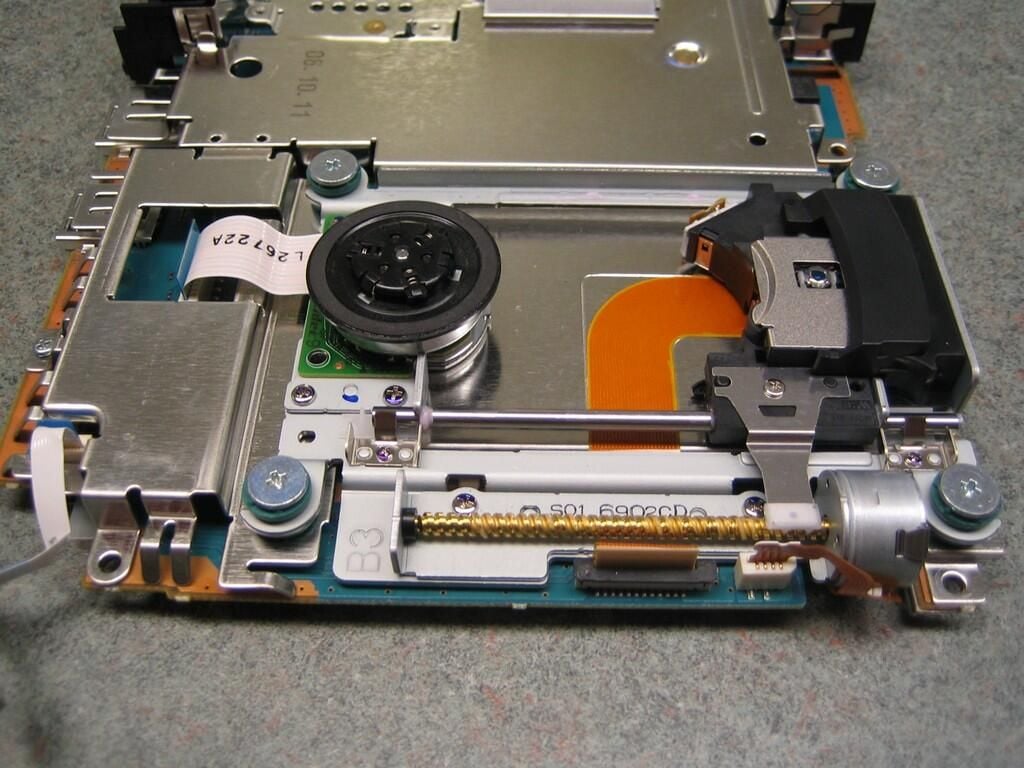
Instead of being a self-contained component, the PlayStation 2’s CD/DVD drive is part of the metal shielding. Four, screws hold the drive mechanism to the shielding and mainboard. You must remove these screws before removing the shielding.
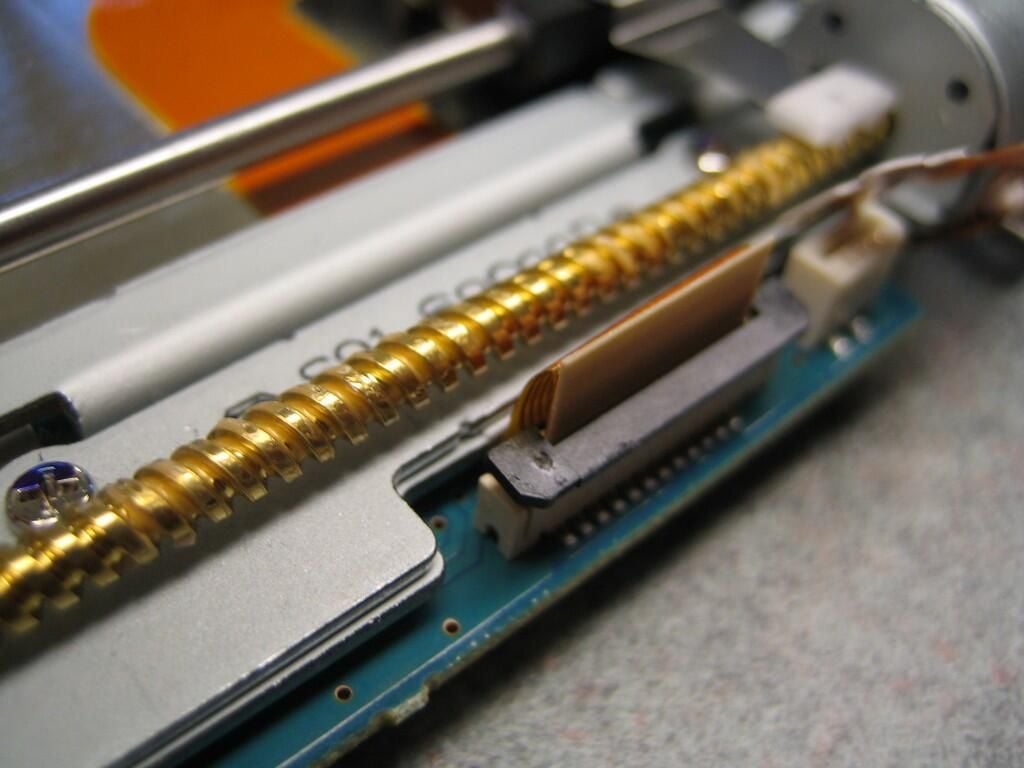
Before removing the metal shield from the mainboard, disconnect the CD/DVD drive’s ribbon cable.
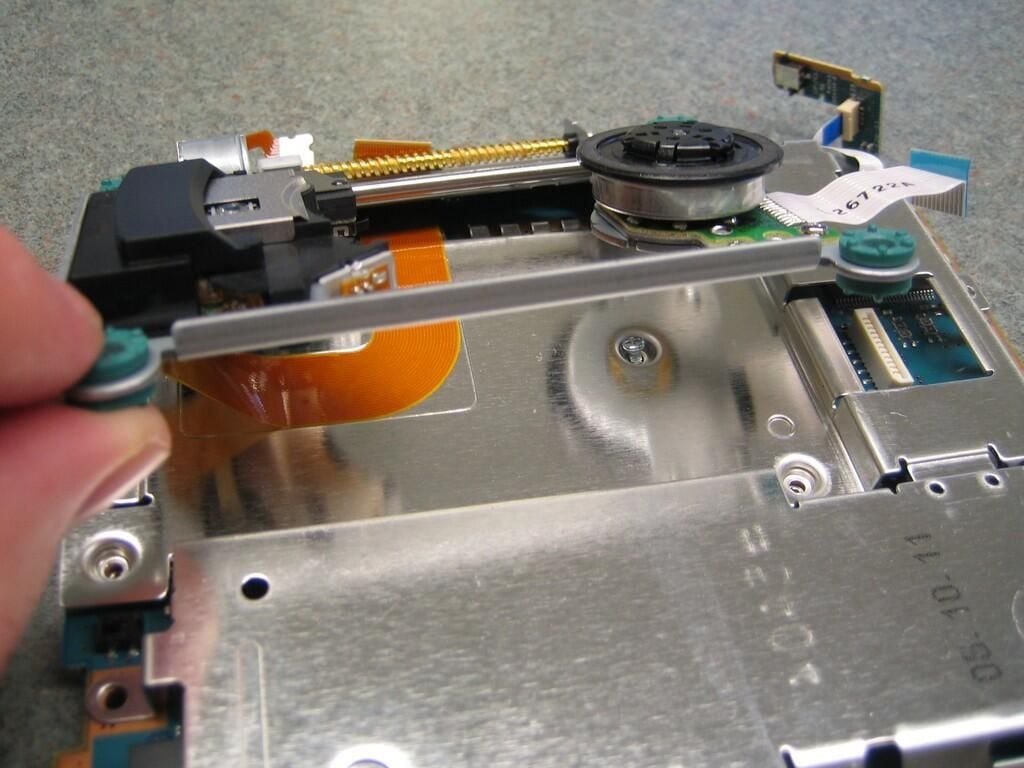
The CD/DVD drive’s ribbon cable is fastened to the metal shield with an adhesive. I was unsure if the cable could withstand the stress of being pulled free, so I left the CD/DVD drive in place.
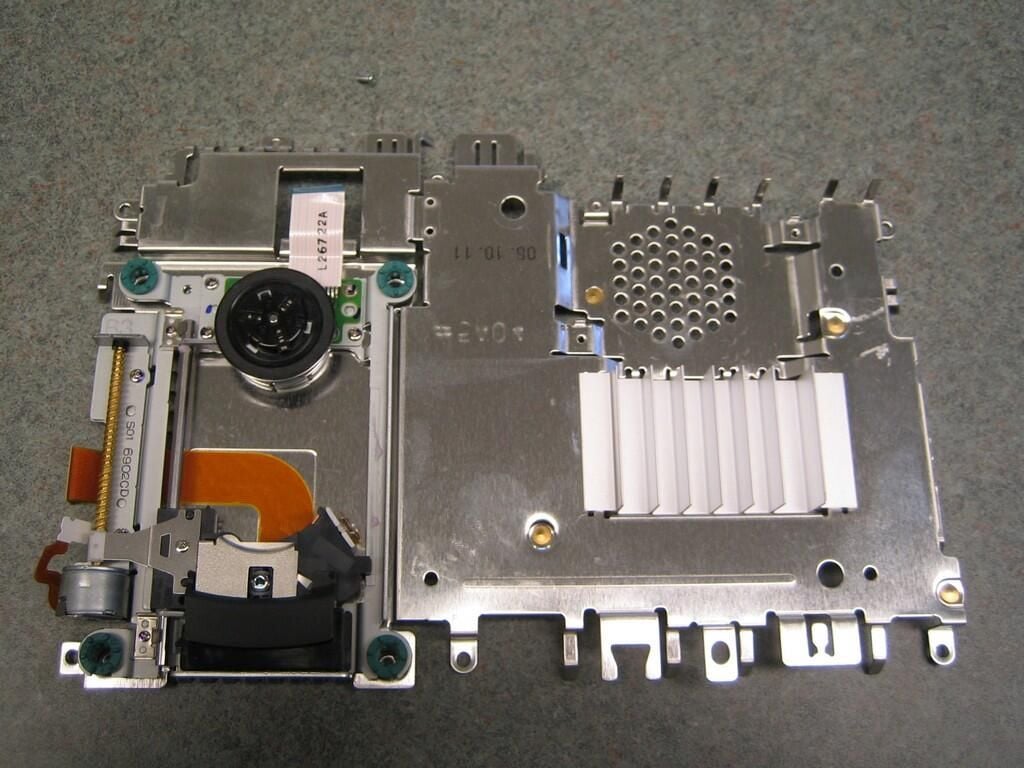
With the CD/DVD ROM screws removed and the ribbon cable disconnected, you can remove the top section of the metal shielding.
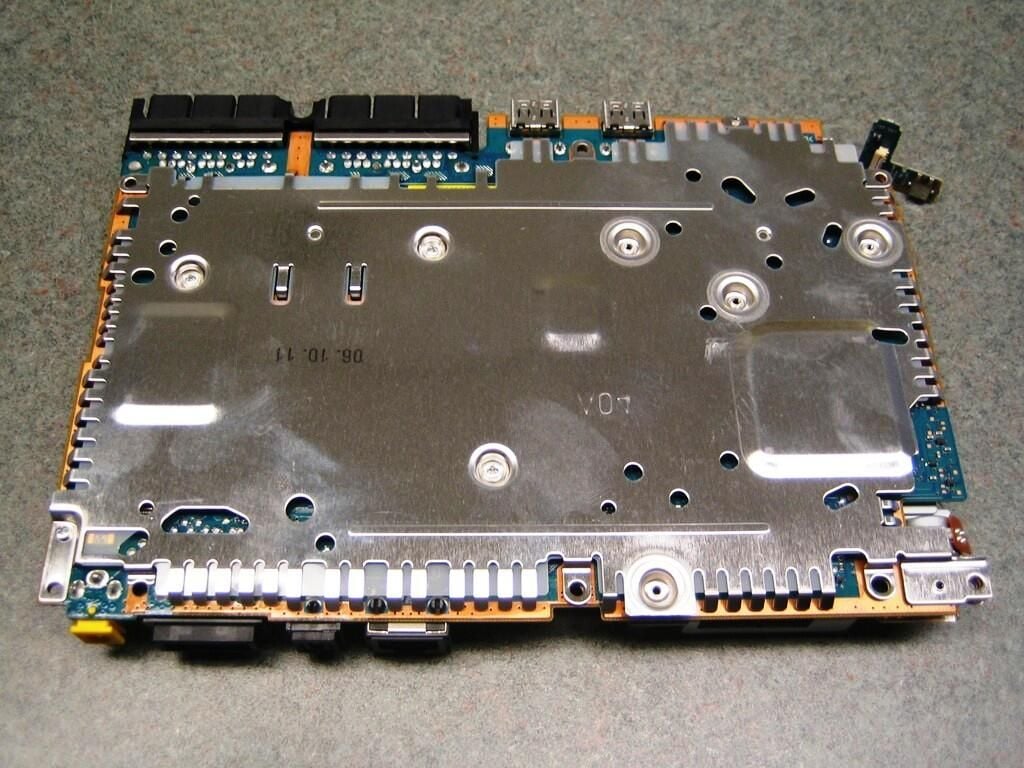
There are not screws to remove on the bottom of the metal shielding. Just gently separate the shield from the mainboard.
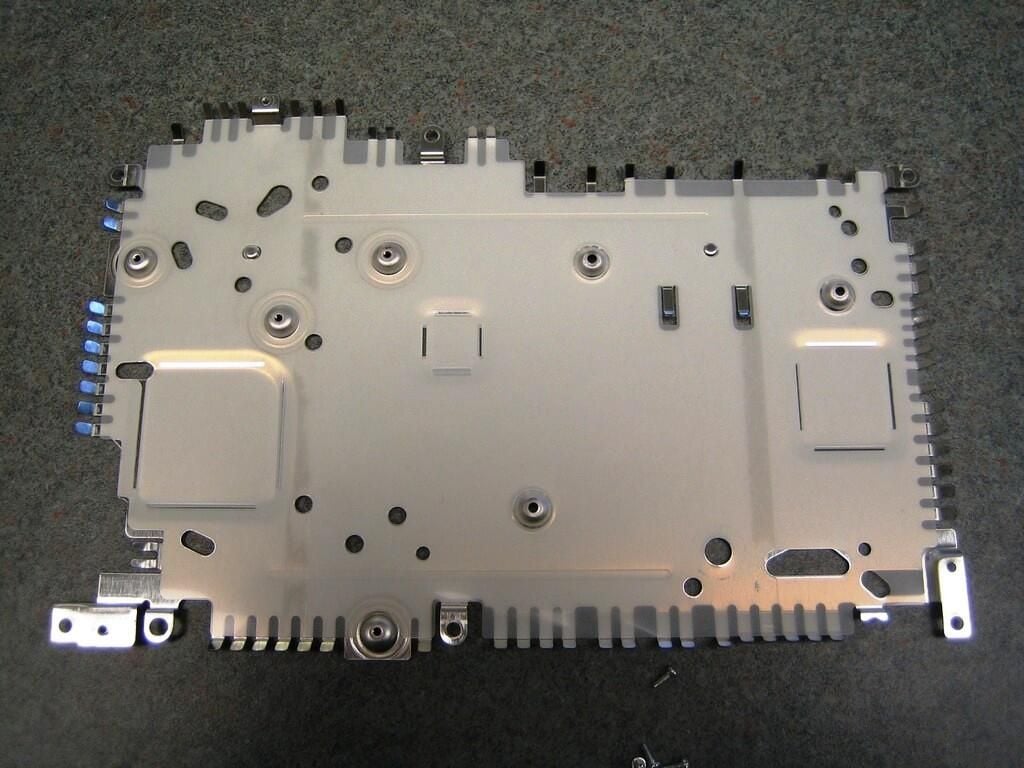
The metal shields are easily bent. Be careful when removing them.
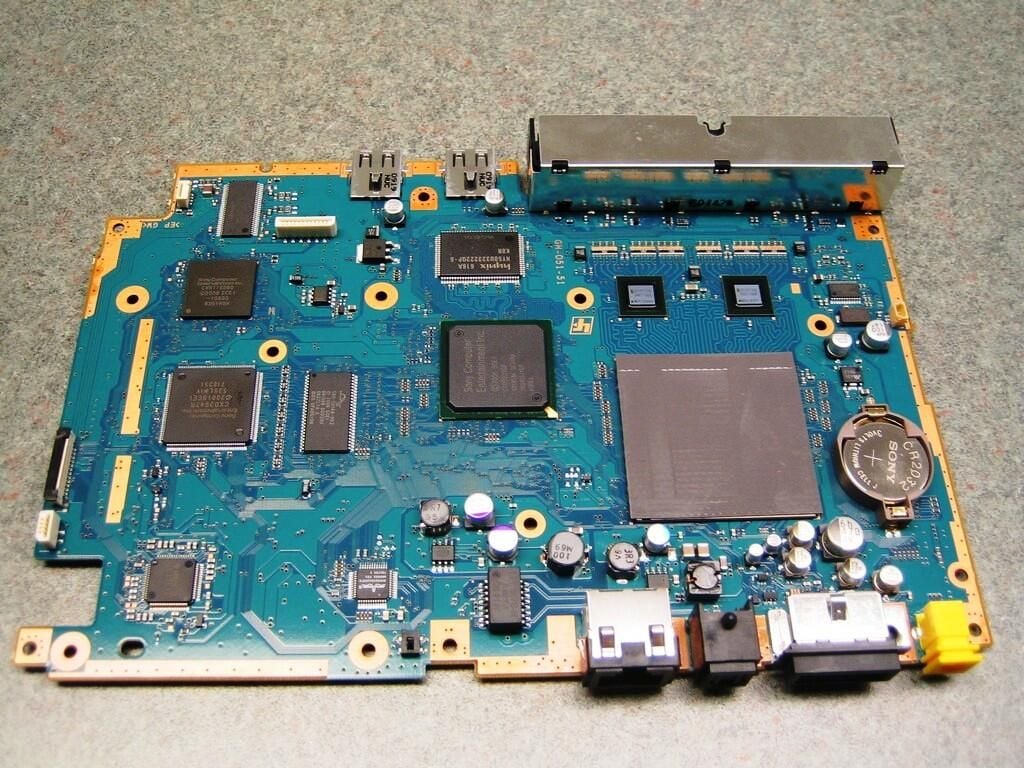
The slimline PlayStation 2’s mainboard is dramatically different than the original PS2 mainboard. Many of the functions once handled by separate components hare now handled by single chips. For example, the Emotion Engine (CPU) and Graphics Synthesizer (GPU) are now a single chip.
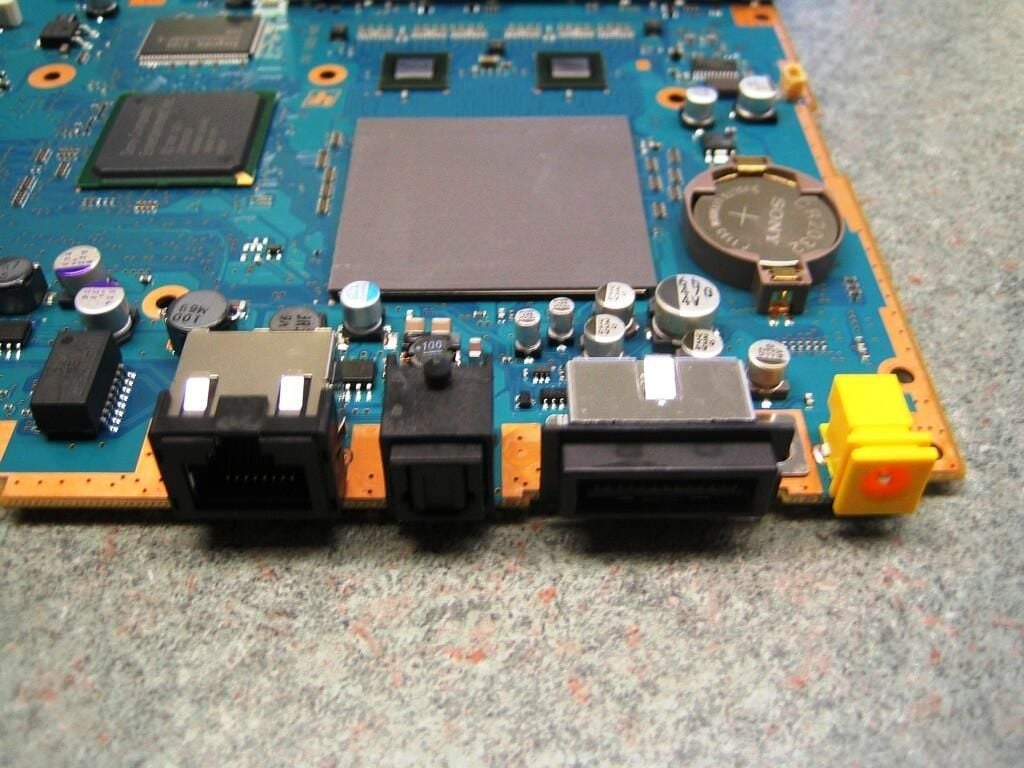
This image shows the system batter, CPU/GPU (covered with a gray pad), and the PS2’s rear ports.
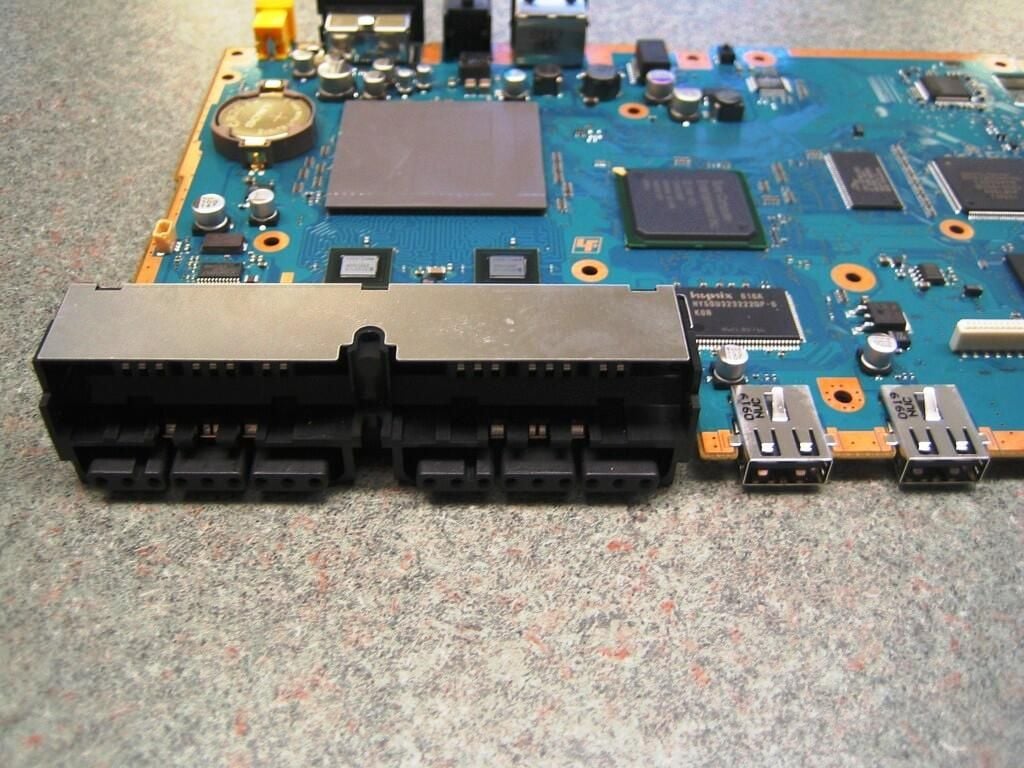
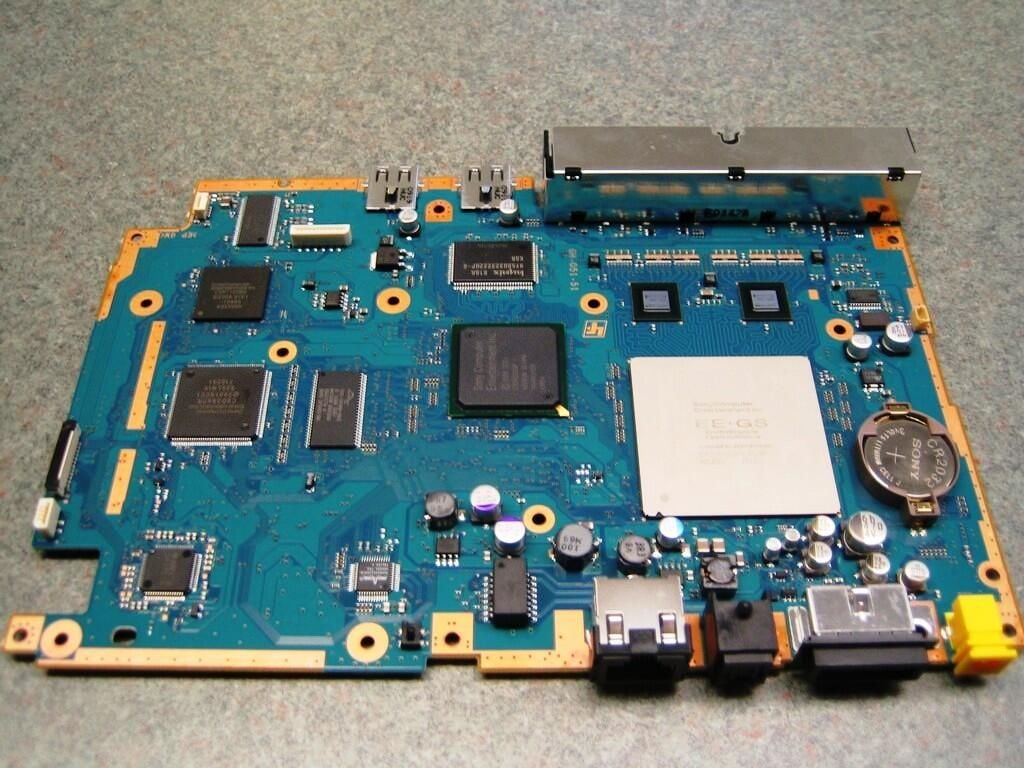
With the protective pad removed, you get a better view of the integrated Emotion Engine and Graphic Synthesizer.
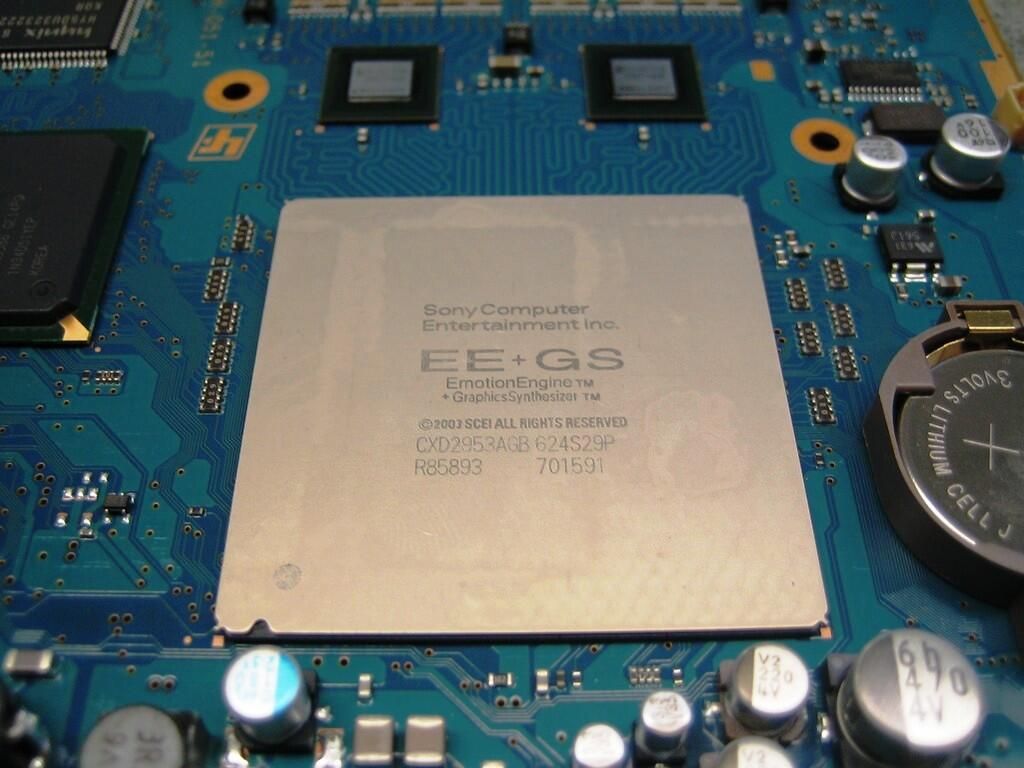
Jointly designed by Toshiba and Sony, the PlayStation 2’s Emotion Engine is a 128 bit, 294.9 MHz RISC processor that provides 6.2 GFLOPS of floating-point performance. The graphic processor is capable of 128-bit 2D/3D graphics acceleration, uses 4MB of video RAM, and can produce a maximum resolution (external) of 1280 x 1024.
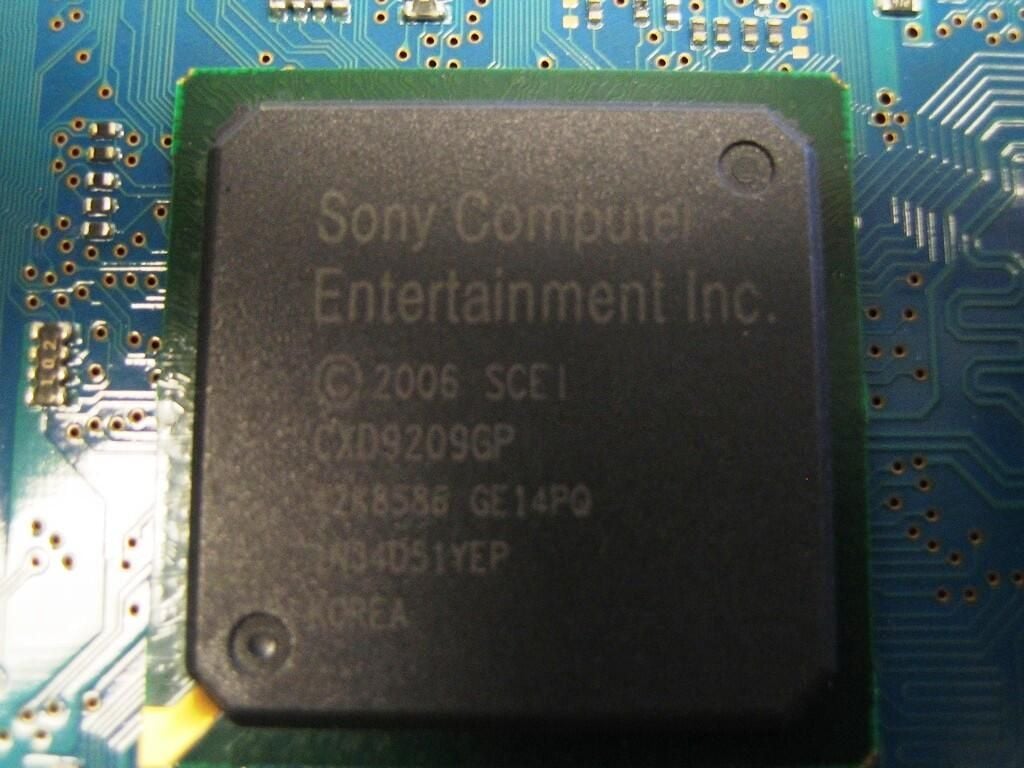
I was unable to locate any information on the Sony CXD9209GP chip. The PlayStation 3 has a very similar Sony chip labeled CXD9208GP, but I was unable to locate any specific information on that chip.
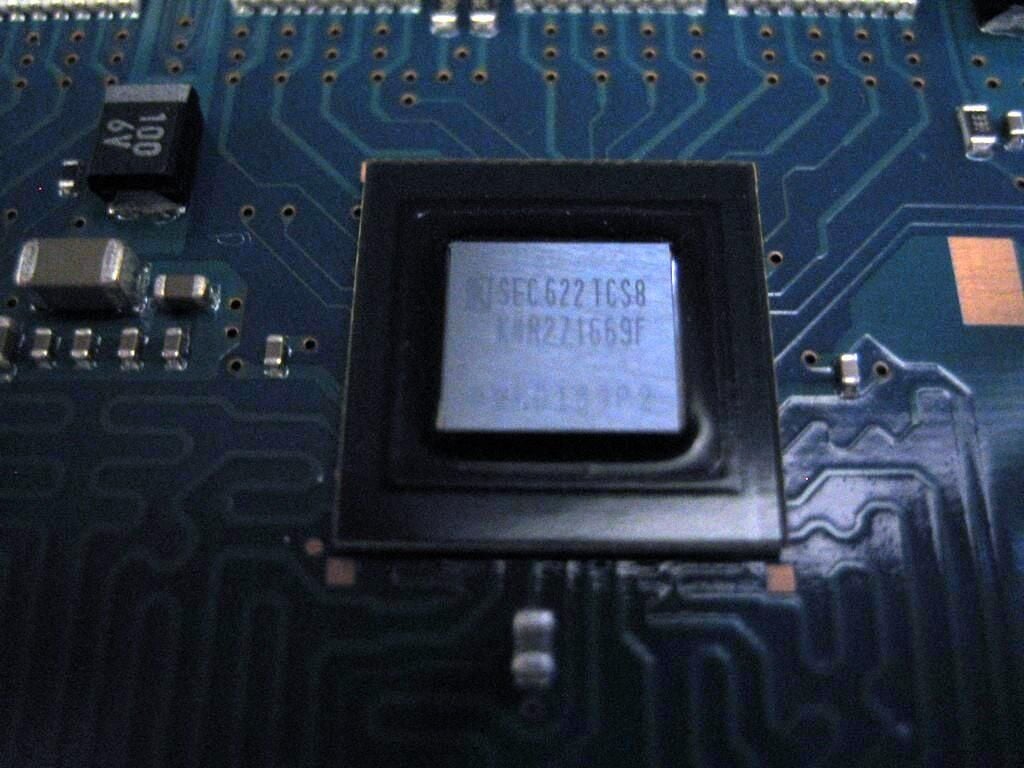
Samsung K4R271669F 128Mbit RDRAM (F-die) – 256K x 16 bit x 32s Banks
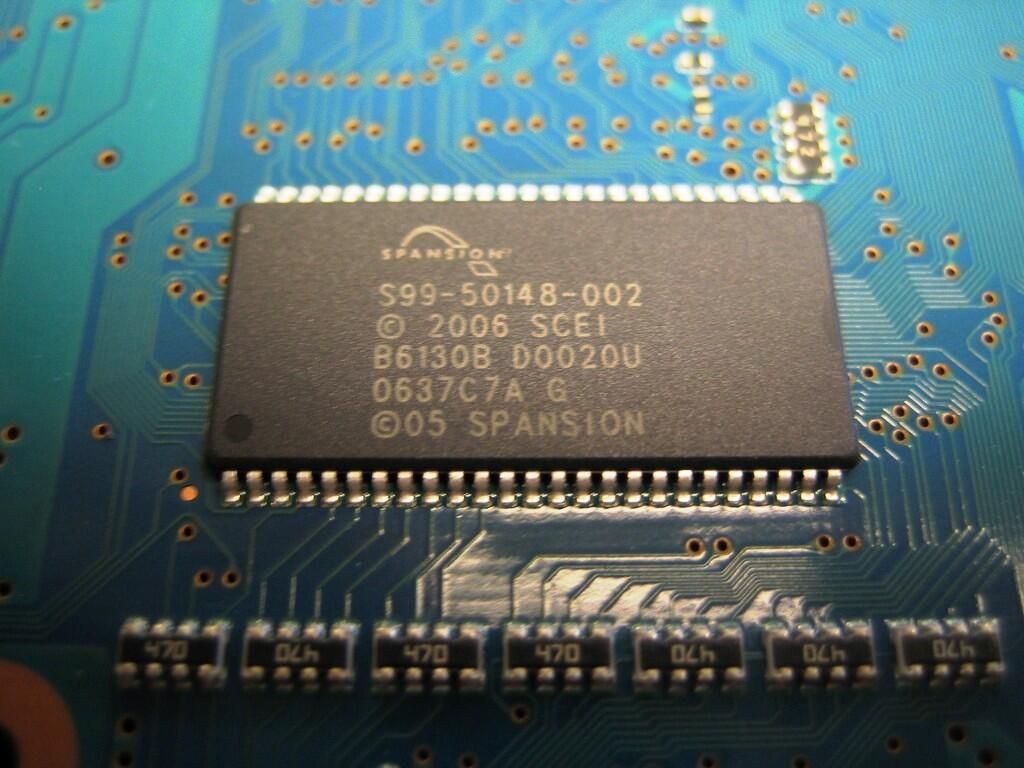
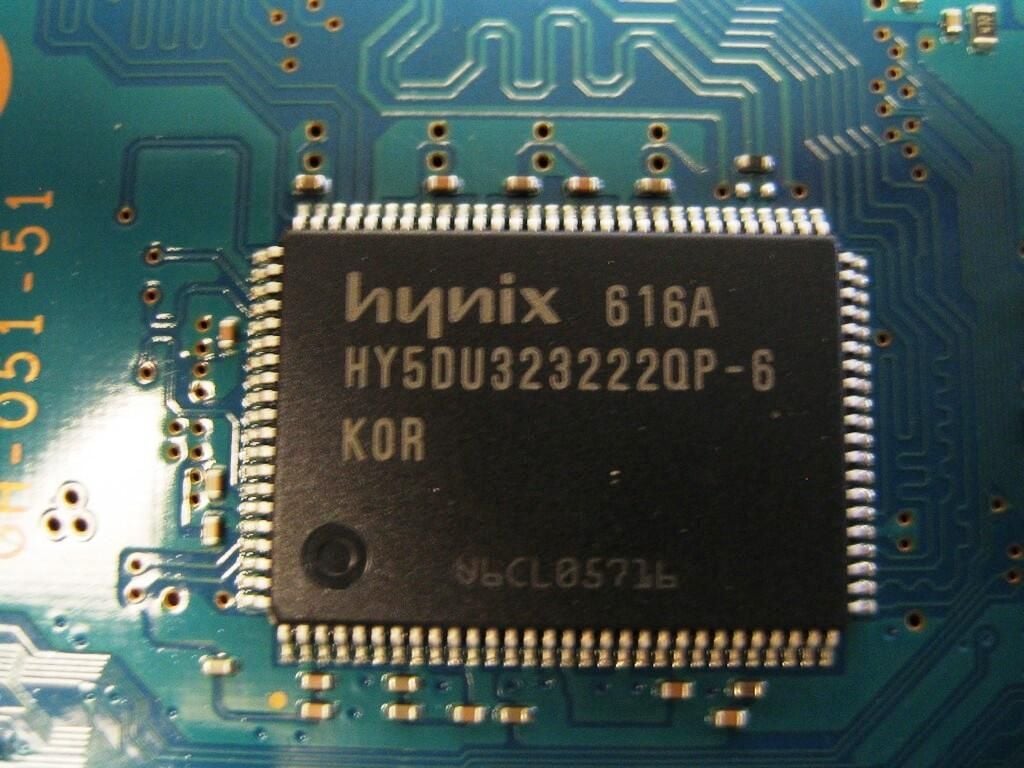
Although I can’t be 100 percent certain, I believe this Spansion NOR Flash memory chip is used to store the PlayStation 2’s BIOS.
Spansion, AMD’s former memory division, also provided memory chips for the PS3’s Bluetooth module and Blu-Ray drive. AMD spun Spansion off as a separate company in 2006.
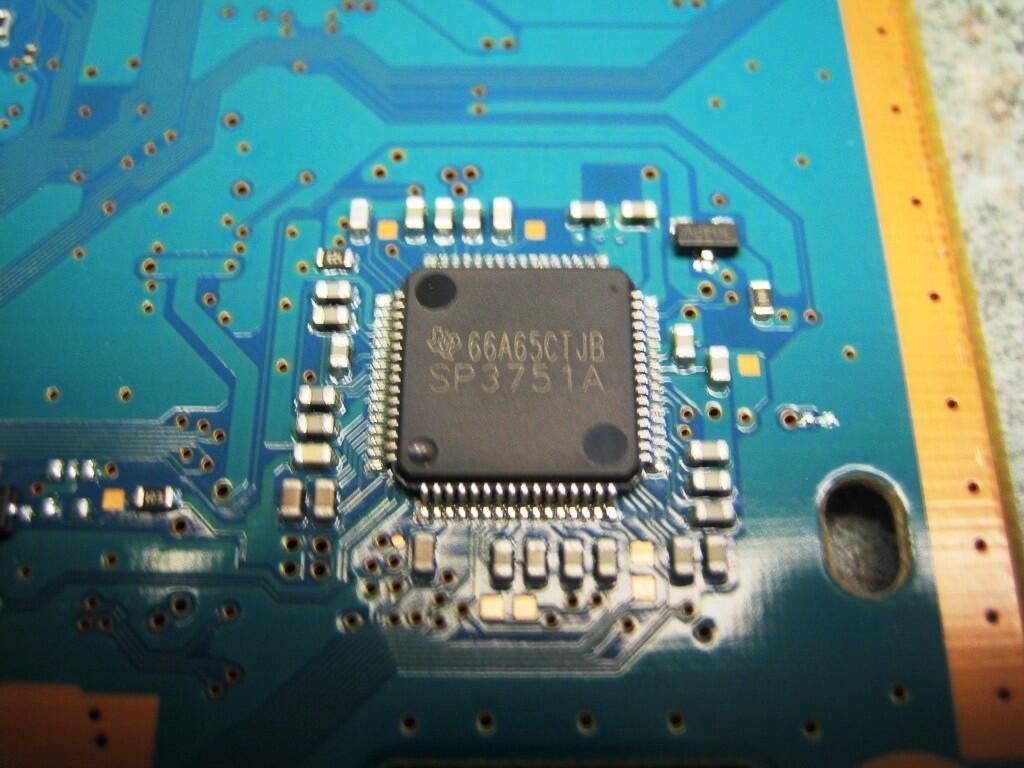
I was unable to find any information explaining this chip’s function. Searching the Internet for ‘SP375’, I found several references for a SP375 integrated circuit made by Texas Instruments and Sipex.
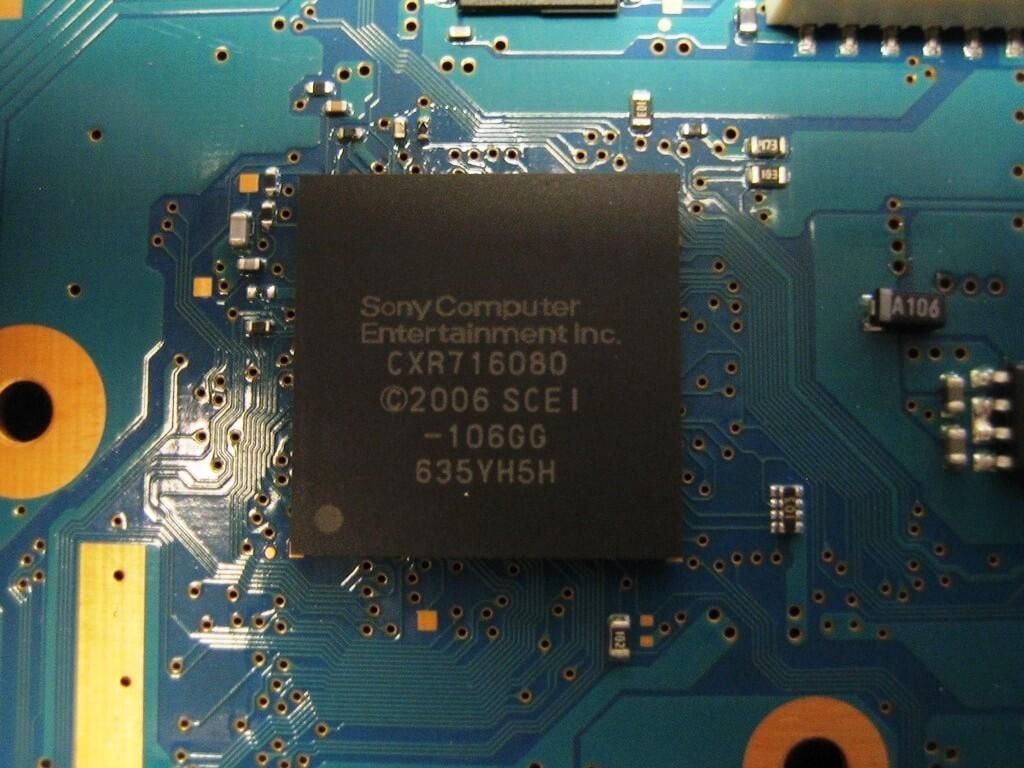
Posts on several PlayStation 2 forums identified the CXR716080 chip as the DVD Control integrated circuit (IC)
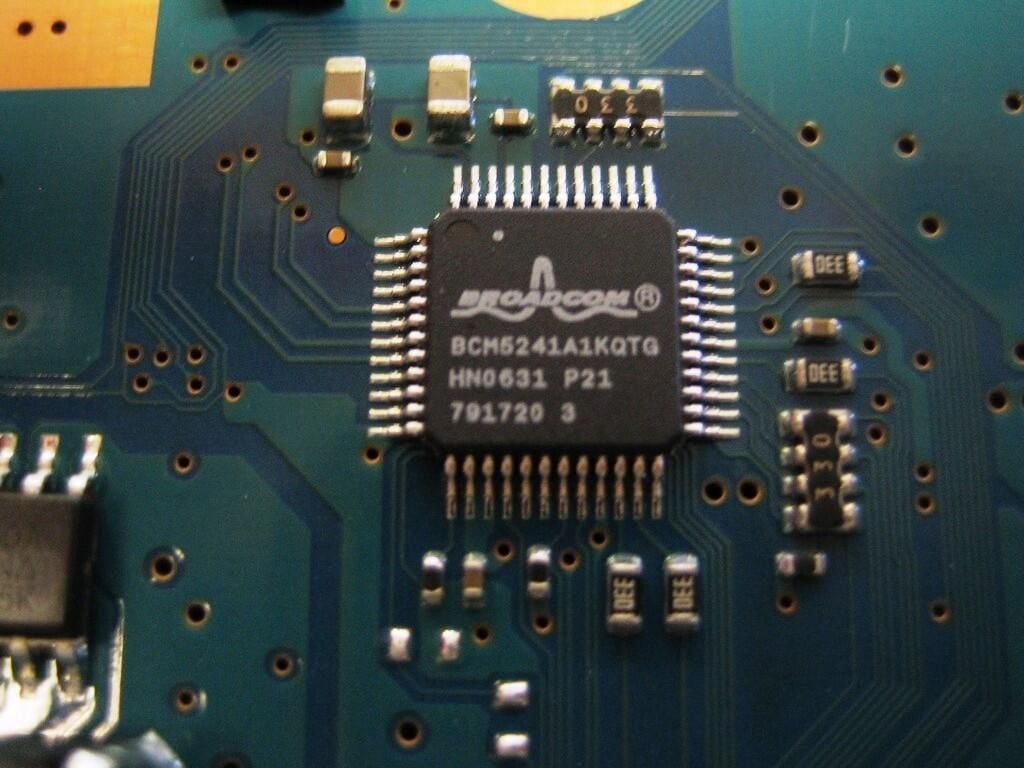
Broadcom’s BCM524110/100BASE-TX Single-Channel Transceiver provides the PlayStation 2’s Ethernet support.
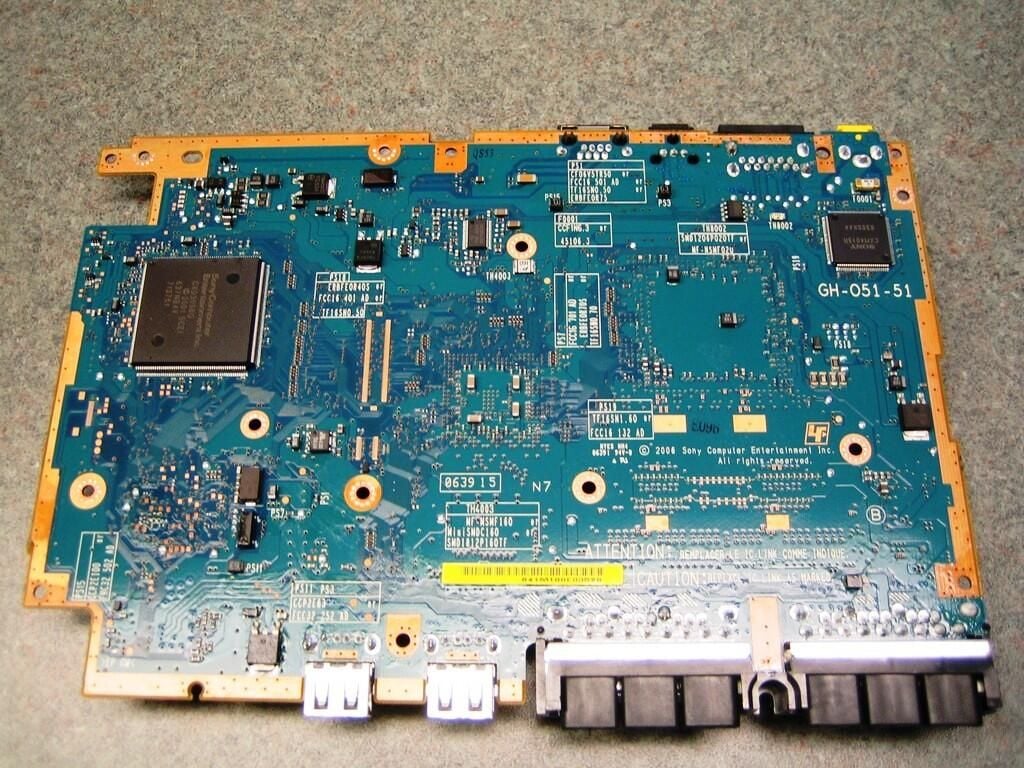
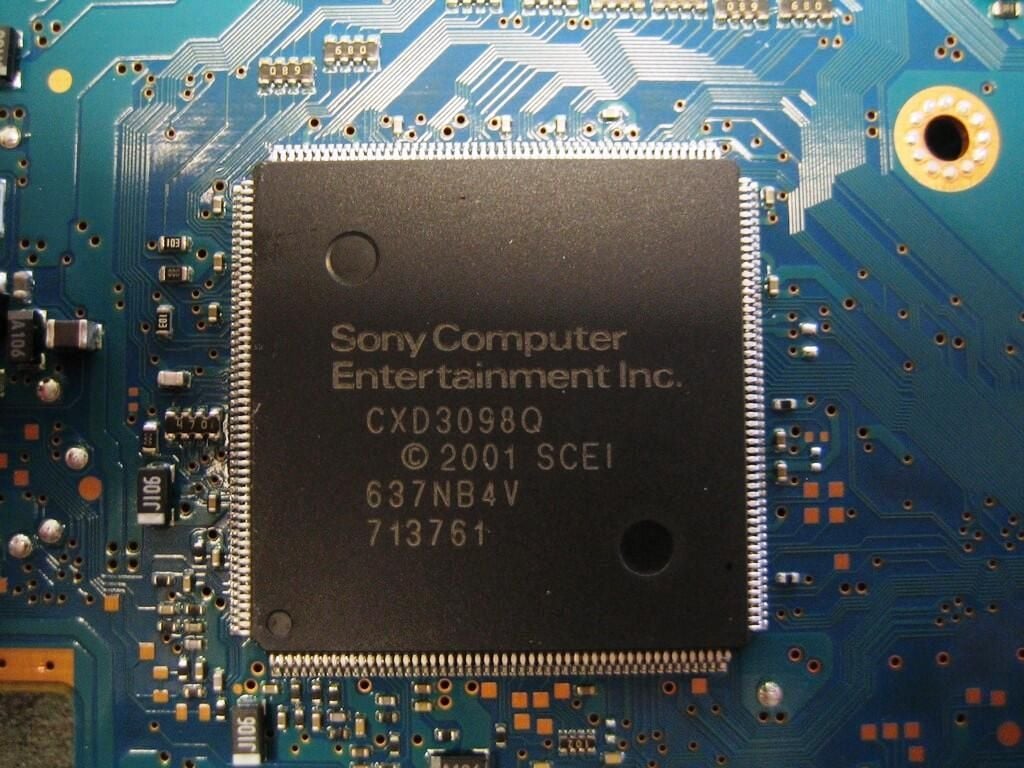
My research indicated that the chip shown in this picture is a custom digital signal processor (DSP) that provides the floating-point calculations used for 3D graphics and the video decoding for DVD playback.
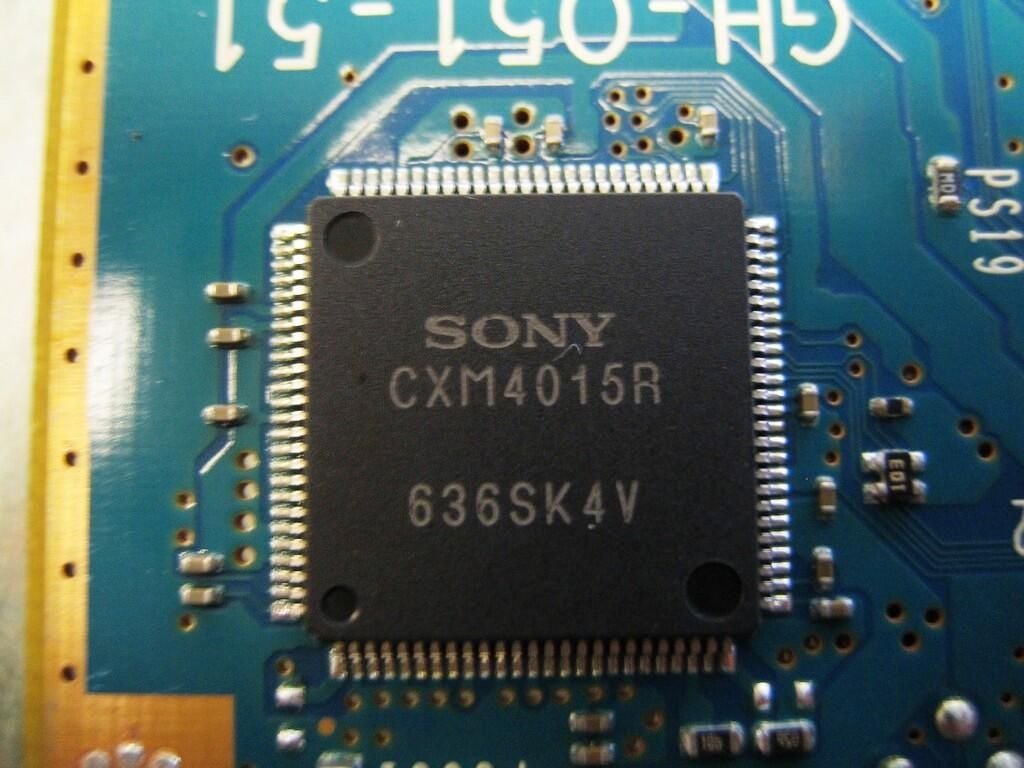
According to a forum post on nfggames.com, the Sony CXM4015R chip converts the raw video signal from the CPU/GPU into RGB video. As part of the signal processing, the chip handles the MacroVision (copy protection) mixing and Sync-On-Green (component video sync signal) mixing.
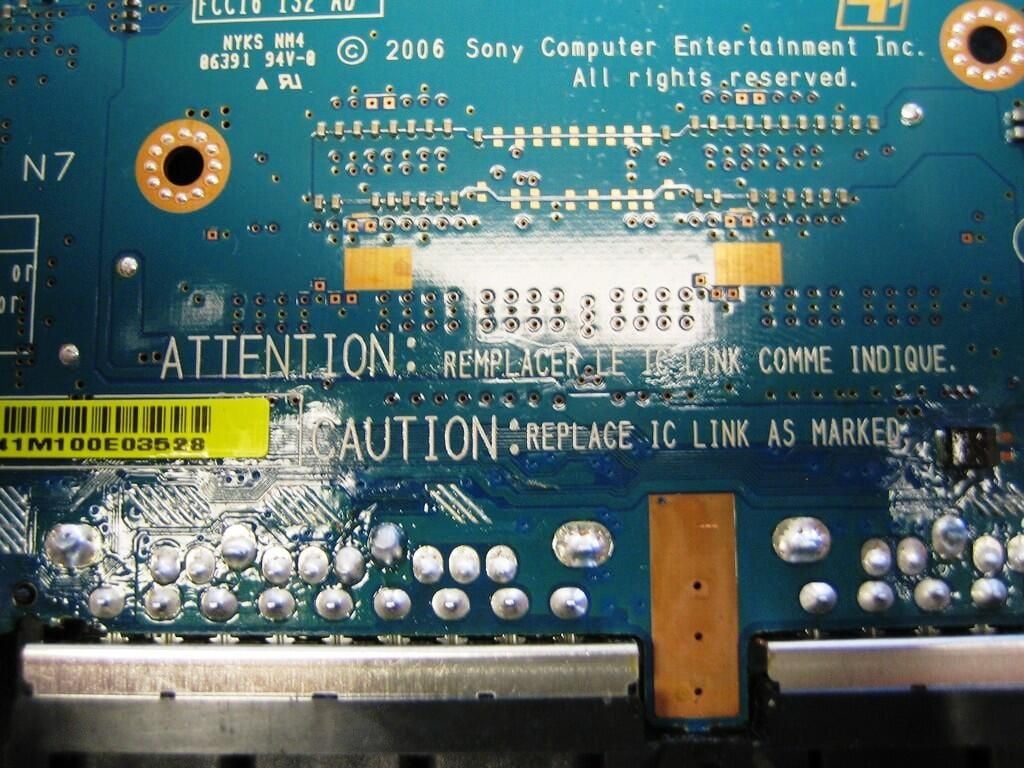
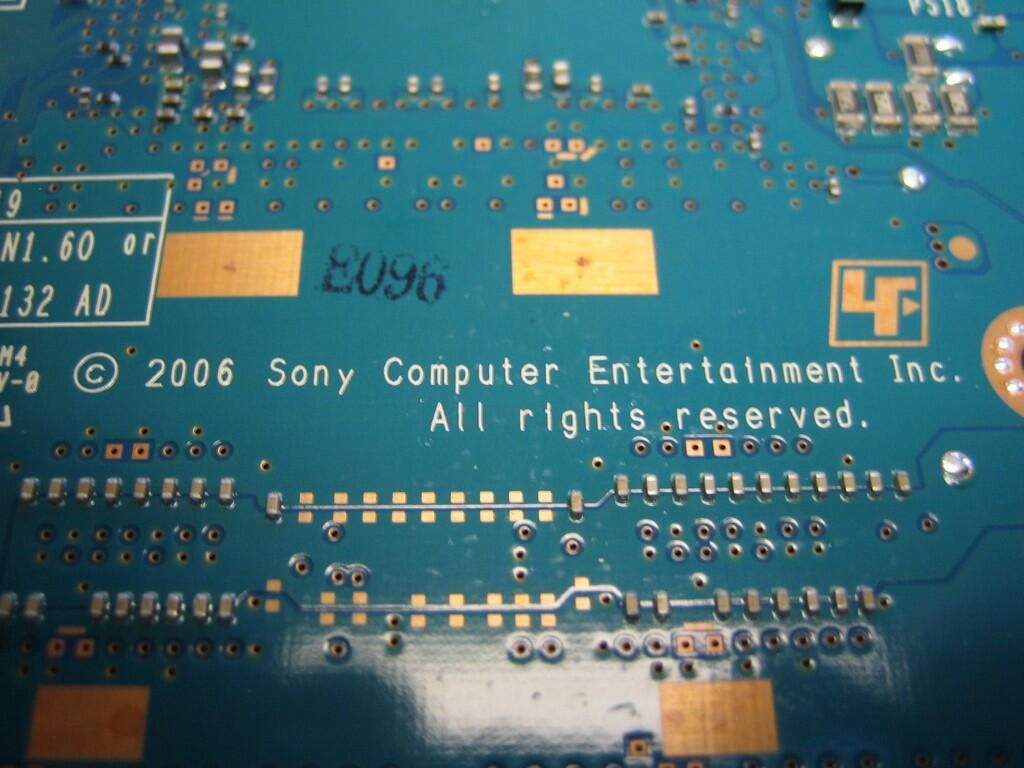
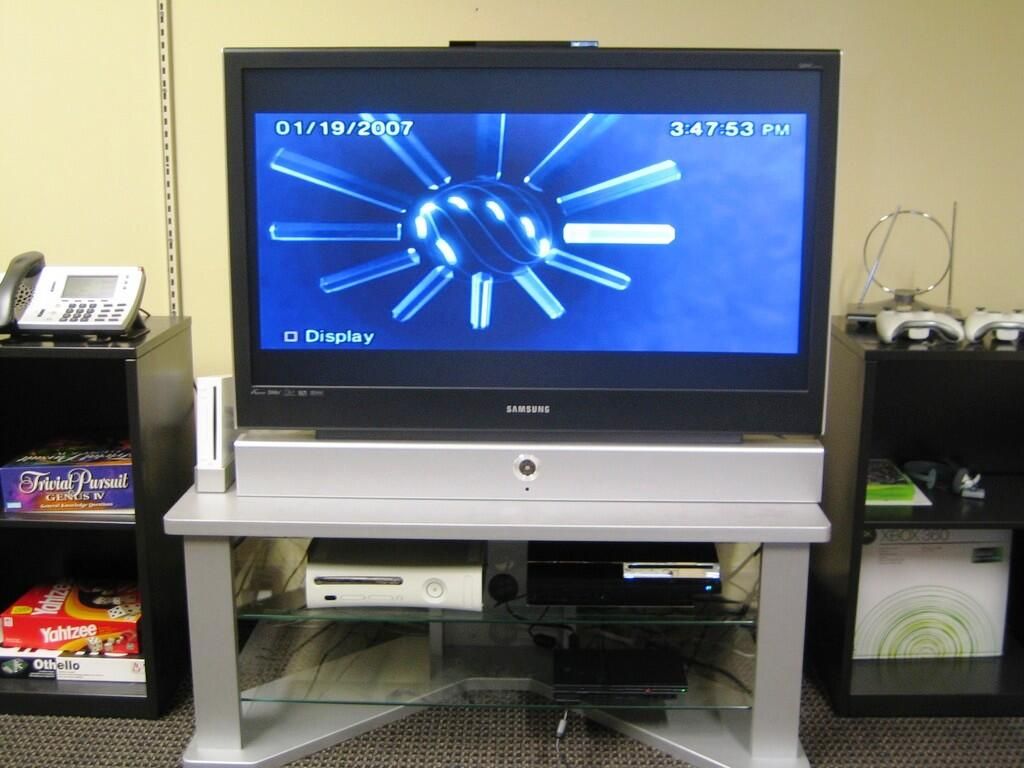
After putting the pieces back together, our PlayStation 2 test system still worked.
Bill Detwiler is the Editor for Technical Content and Ecosystem at Celonis. He is the former Editor in Chief of TechRepublic and previous host of TechRepublic's Dynamic Developer podcast and Cracking Open, CNET and TechRepublic's popular online show. Previously, Bill was an IT manager in the social research and energy industries. He has bachelor's and master's degrees from the University of Louisville, where he has also lectured on computer crime and crime prevention.


