Cracking Open the 27" Apple iMac (2011) - TechRepublic

Cracking Open the 27″ Apple iMac (2011)

  • apple_imac_27inch_2011_140.jpg

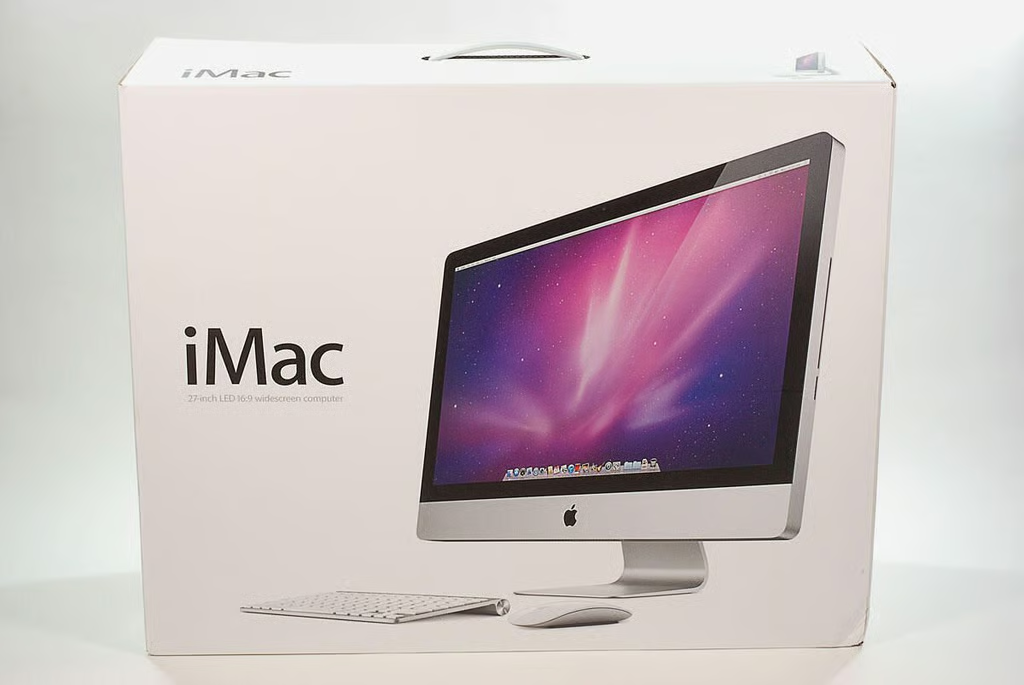
    27" Apple iMac teardown (Model: A1312)

    \n\tIn 2011, Apple updated the iMac line with Intel’s second-generation Core CPU family and AMD’s new Radeon HD 6000-series graphics processors. Apple also replaced the old Mini DisplayPort input with a Thunderbolt port.

    \n

    \n\tIn March, I took a look inside the HP Compaq 6000 Pro All-in-one Business PC and couldn’t wait to see how the new iMac compared. Follow along as I crack open the 27″ Apple iMac (2011).
    \n\t
    \n\tPhoto by: Bill Detwiler / TechRepublic
    \n\tCaption by: Bill Detwiler

  • 27" Apple iMac teardown: Hardware specifications

    \n\tAs of this writing, the 21.5″ iMac starts at $1,199 (US), and the 27″ iMac starts at $1,699.

    \n

    \n\tOur 27″ test unit cost $1,768 (before taxes), and the following technical specifications:

    \n

      \n\t

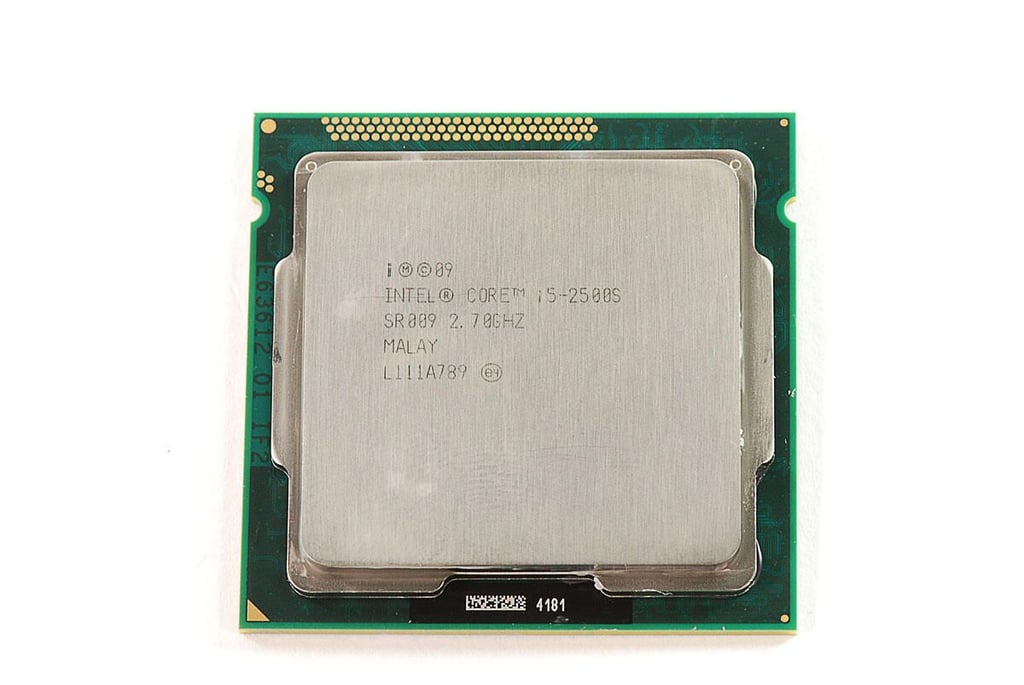
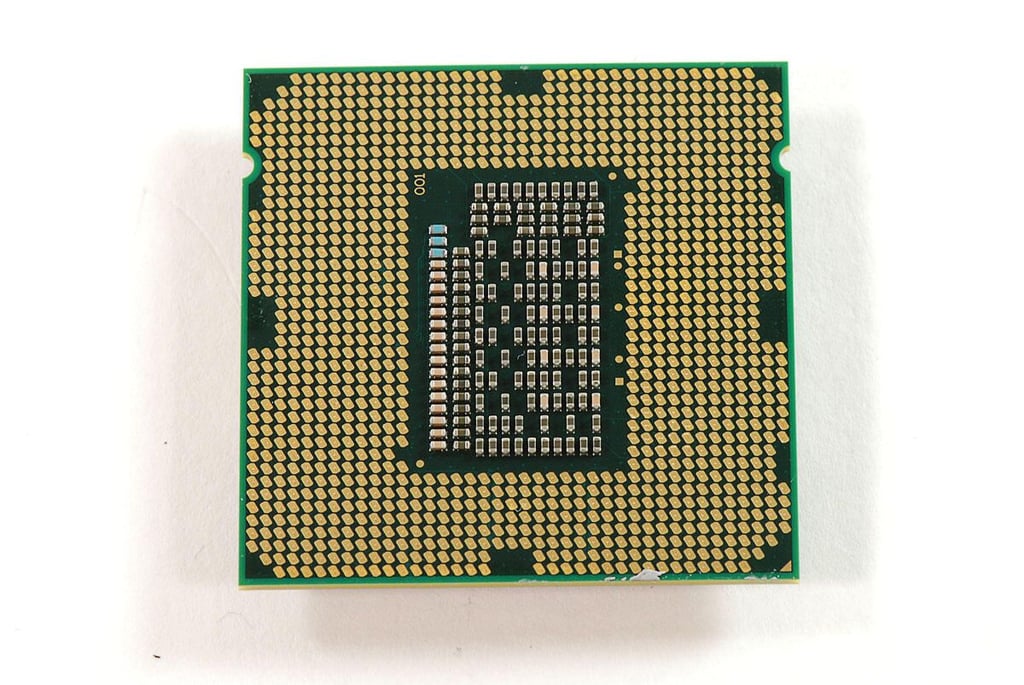
    • \n\t\tProcessor: 2.7GHz Quad-Core Intel Core i5
    • \n\t

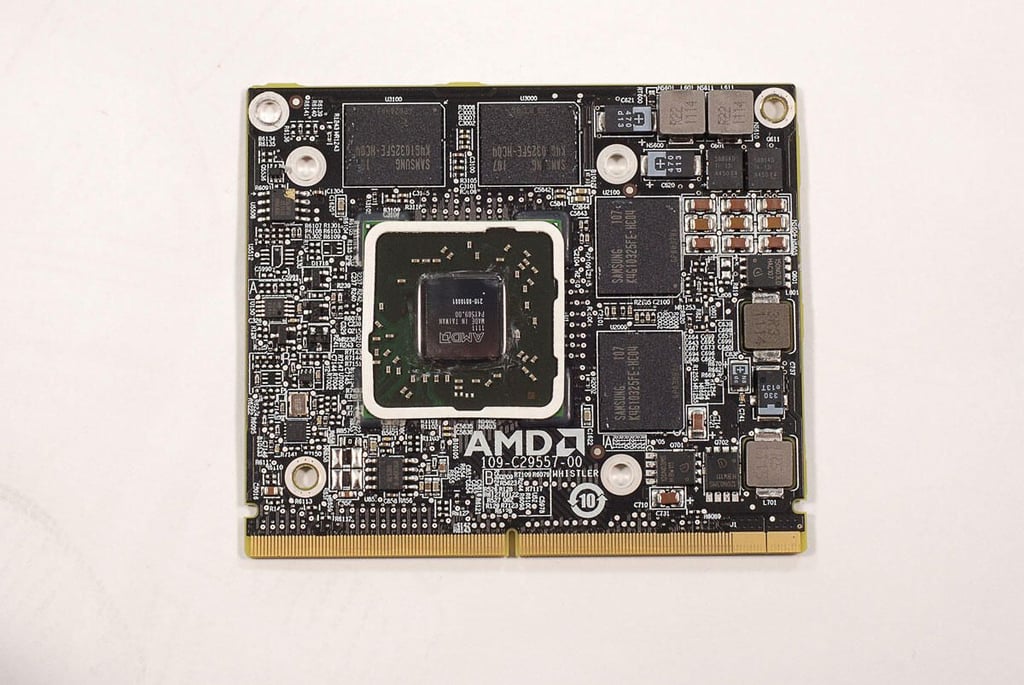
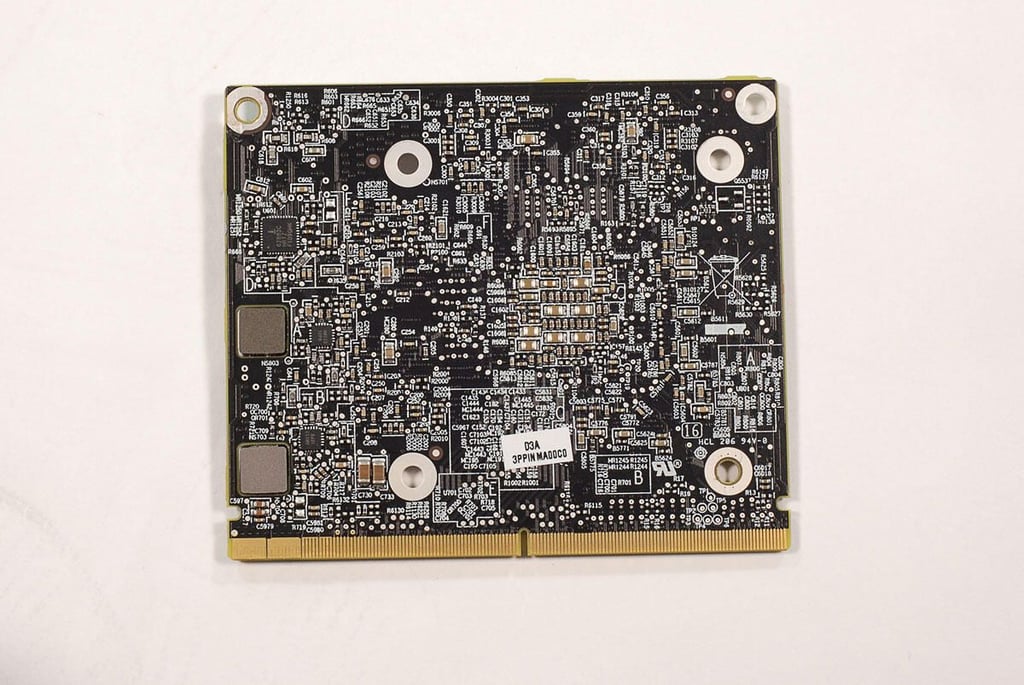
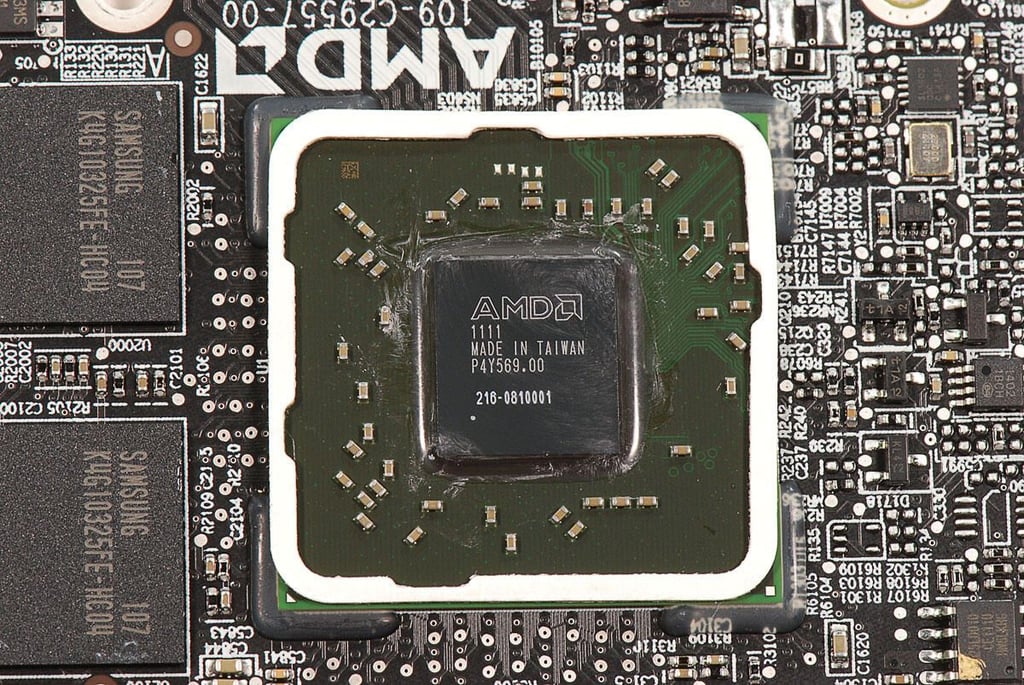
    • \n\t\tGPU: AMD RadeonHD 6770M 512MB GDDR5
    • \n\t

    • \n\t\tRAM: 4GB 1333MHz DDR3 SDRAM
    • \n\t

    • \n\t\tStorage: 1TB Serial ATA Drive
    • \n\t

    • \n\t\tDisplay: 27-inch LED-backlit glossy screen (2,560 x 1,440 resolution)
    • \n\t

    • \n\t\tOptical drive: 8x SuperDrive with 4x double-layer burning (DVD\u00b1R DL/DVD\u00b1RW/CD-RW)
    • \n\t

    • \n\t\tPorts: SDXC card slot, audio line output, audio line input, four USB 2.0, one FireWire 800, two Thunderbolt, Mini DisplayPort output (DVI, VGA, and dual-link DVI), Gigabit Ethernet, and IR receiver
    • \n\t

    • \n\t\tSpeakers: Built-in stereo speakers and two internal 20-watt amplifiers
    • \n\t

    • \n\t\tCamera: FaceTime HD camera
    • \n\t

    • \n\t\tInput device: Apple Wireless Keyboard, Magic Trackpad, and Magic Mouse
    • \n\t

    • \n\t\tWireless: 802.11 a/b/g/n Wi-Fi and Bluetooth 2.1 + EDR
    • \n\t

    • \n\t\tWarranty: 1-year limited warranty
    • \n

    \n

    \n\tPhoto by: Bill Detwiler / TechRepublic
    \n\tCaption by: Bill Detwiler

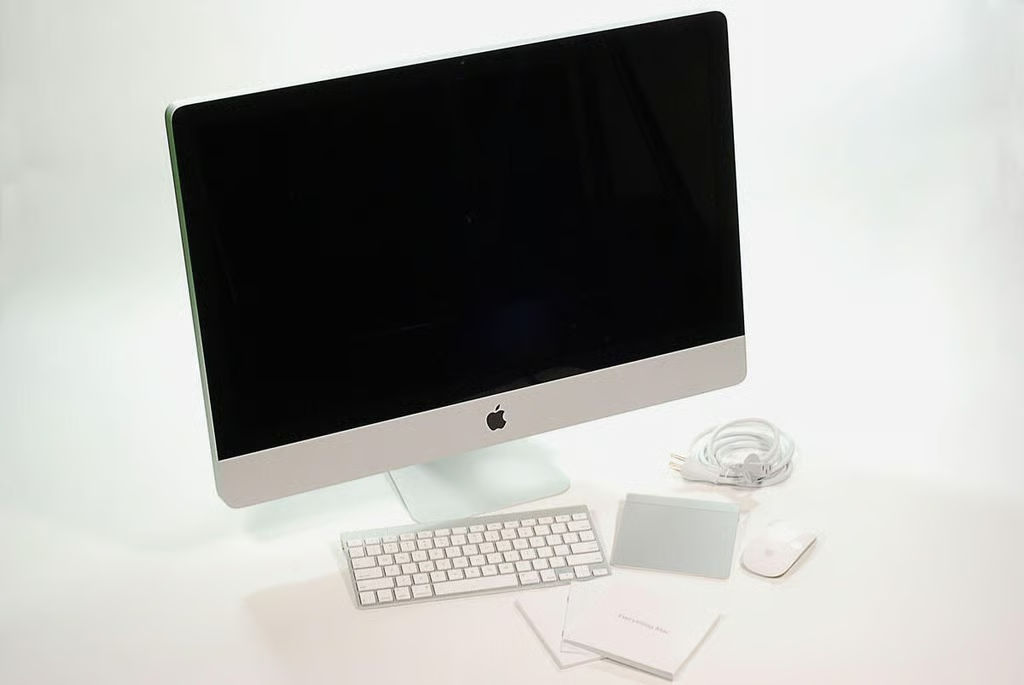
  • 27" Apple iMac teardown: Box contents

    \n\tOur test machine came with an Apple Wireless Keyboard, Magic Mouse, Magic Trackpad, power cable, OS X disc, and product documentation.

    \n

    \n\tPhoto by: Bill Detwiler / TechRepublic
    \n\tCaption by: Bill Detwiler

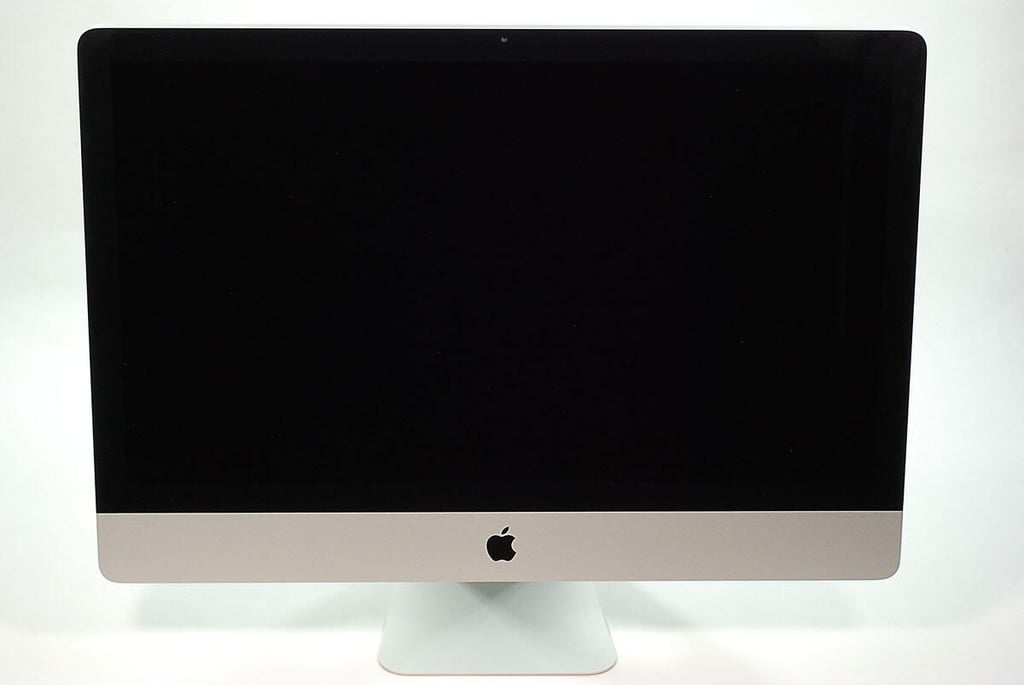
  • 27" Apple iMac teardown: Front

    \n\tThe 27″ Apple iMac weighs a hefty 30.5 pounds and measures 25.6″ (W) x 8.15″ (D) x 20.4″ (H).
    \n\t
    \n\tPhoto by: Bill Detwiler / TechRepublic
    \n\tCaption by: Bill Detwiler

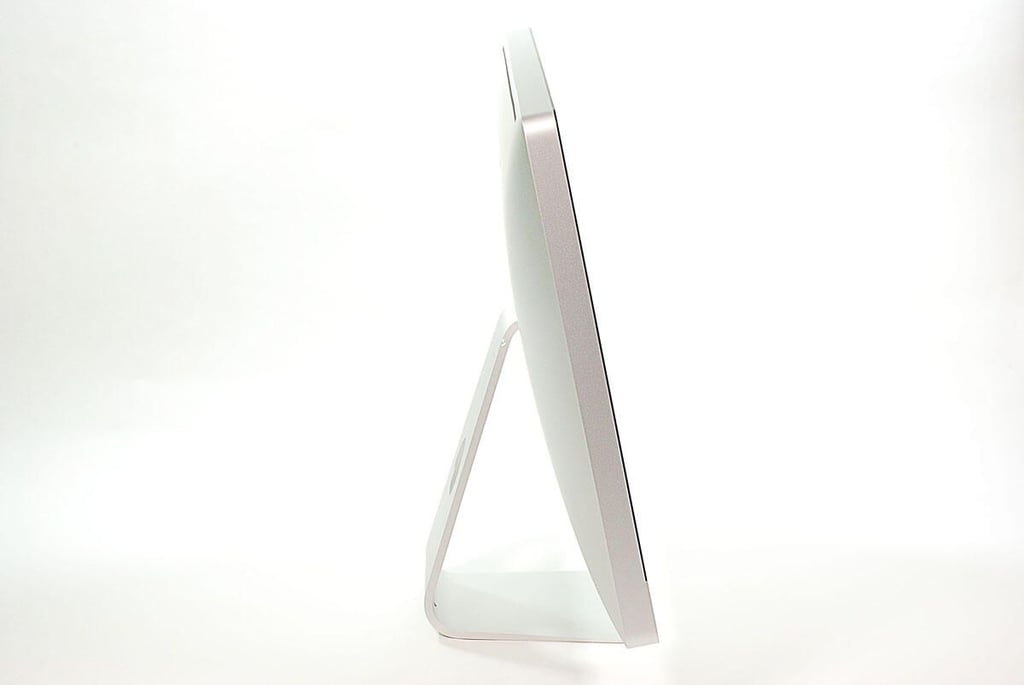
  • 27" Apple iMac teardown: Left side

    \n\tPhoto by: Bill Detwiler / TechRepublic
    \n\tCaption by: Bill Detwiler

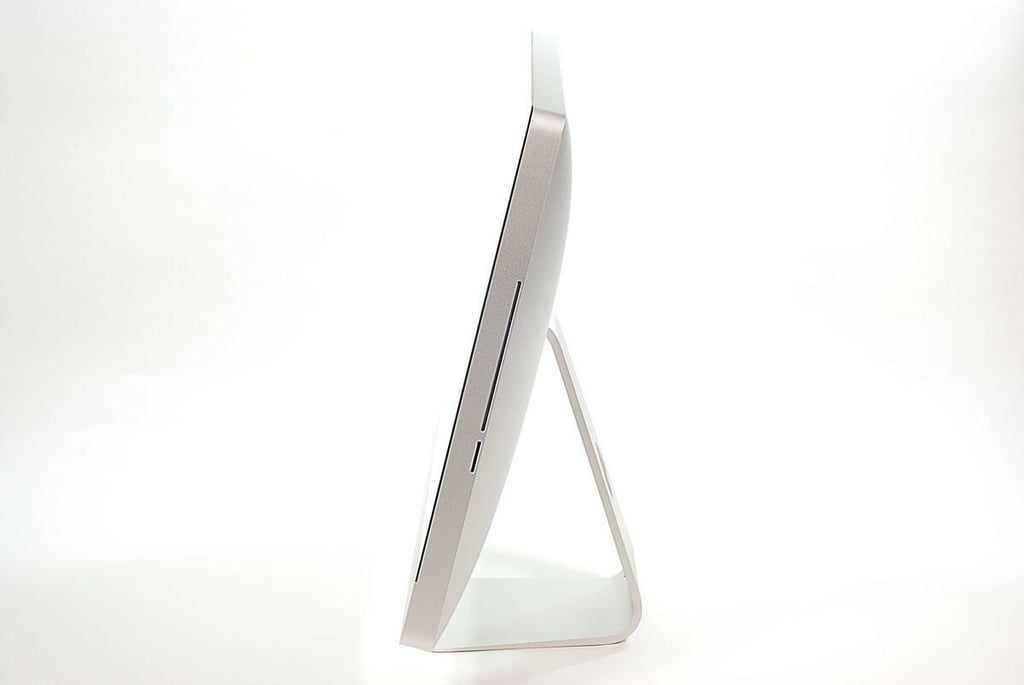
  • 27" Apple iMac teardown: Right side

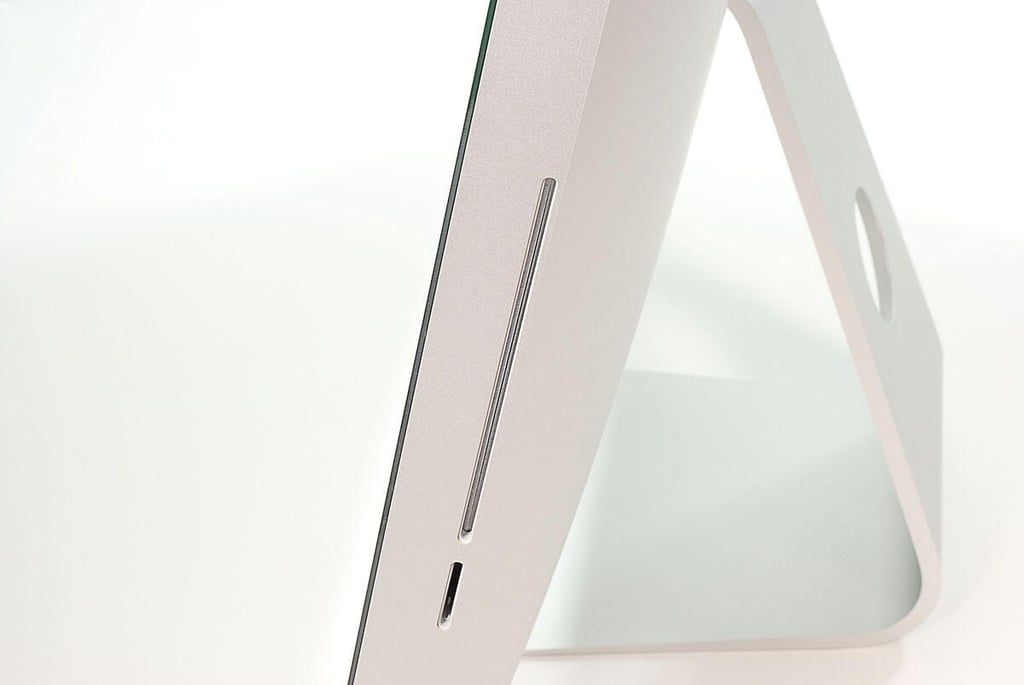
  • 27" Apple iMac teardown: SDXC card and optical drive slots

    \n\tPhoto by: Bill Detwiler / TechRepublic
    \n\tCaption by: Bill Detwiler

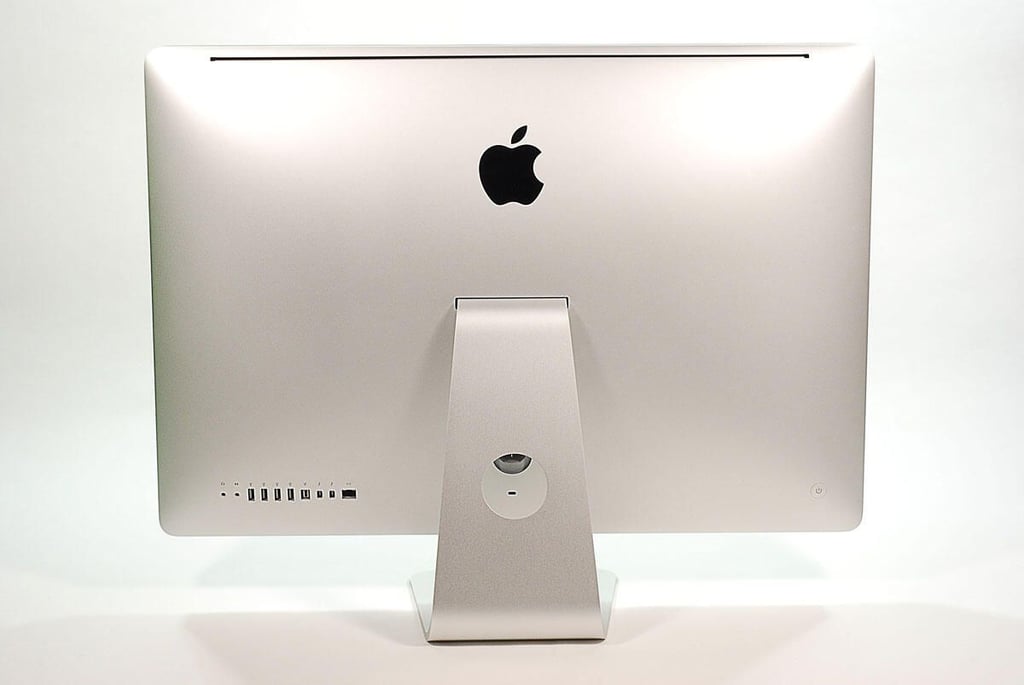
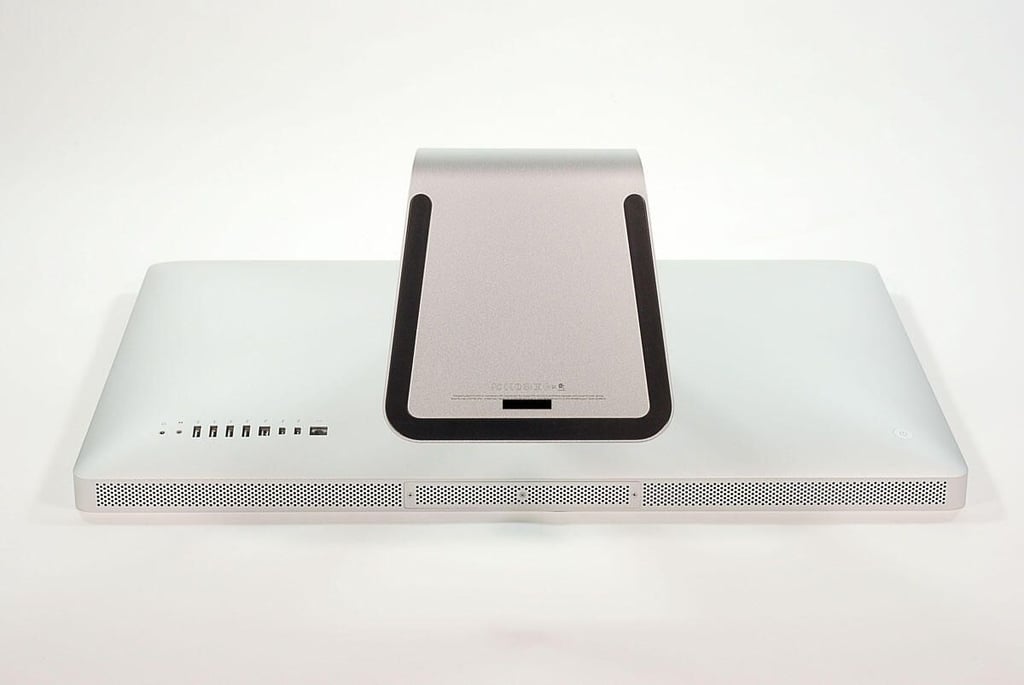
  • 27" Apple iMac teardown: Back

    \n\tPhoto by: Bill Detwiler / TechRepublic
    \n\tCaption by: Bill Detwiler

  • 27" Apple iMac teardown: Base

    \n\tPhoto by: Bill Detwiler / TechRepublic
    \n\tCaption by: Bill Detwiler

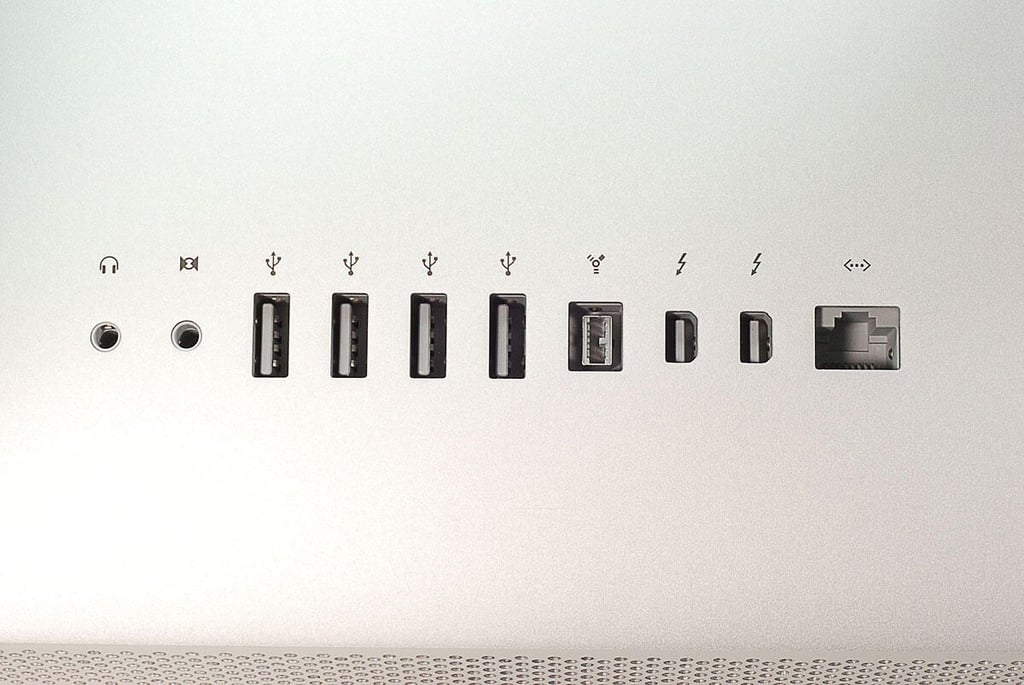
  • 27" Apple iMac teardown: External ports

    \n\tAlong the back of the 27″ Apple iMac are an audio line output, audio line input, four USB 2.0, one FireWire 800, two Thunderbolt, one Mini DisplayPort output (DVI, VGA, and dual-link DVI), and one Gigabit Ethernet port.

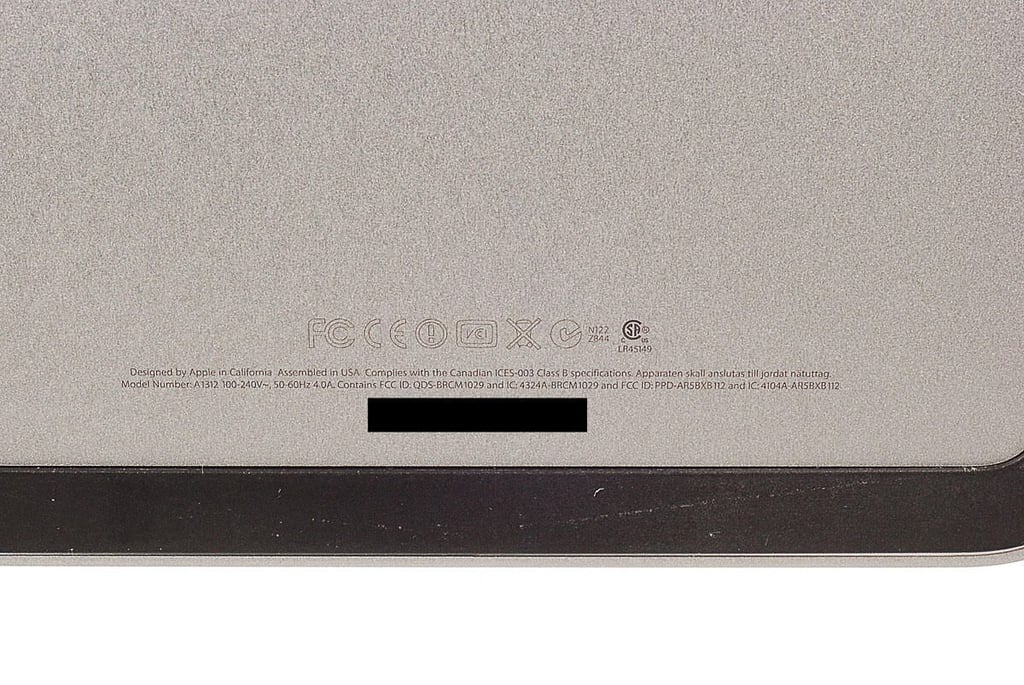
  • 27" Apple iMac teardown: Model A1312

    \n\tPhoto by: Bill Detwiler / TechRepublic
    \n\tCaption by: Bill Detwiler

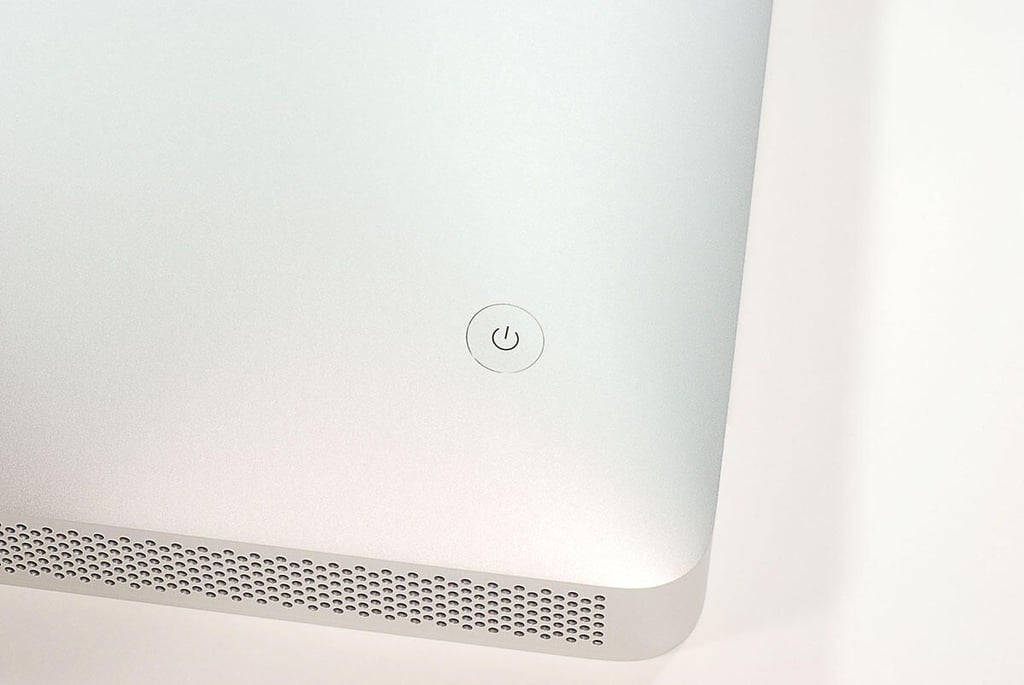
  • 27" Apple iMac teardown: Power button

    \n\tPhoto by: Bill Detwiler / TechRepublic
    \n\tCaption by: Bill Detwiler

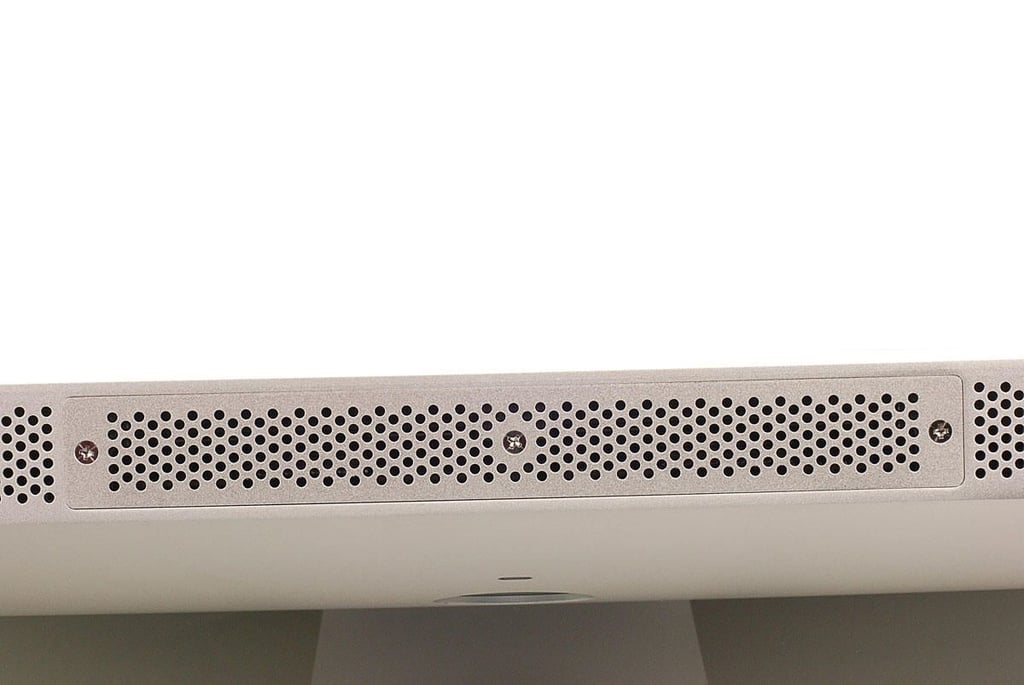
  • 27" Apple iMac teardown: SDRAM compartment cover

    \n\tPhoto by: Bill Detwiler / TechRepublic
    \n\tCaption by: Bill Detwiler

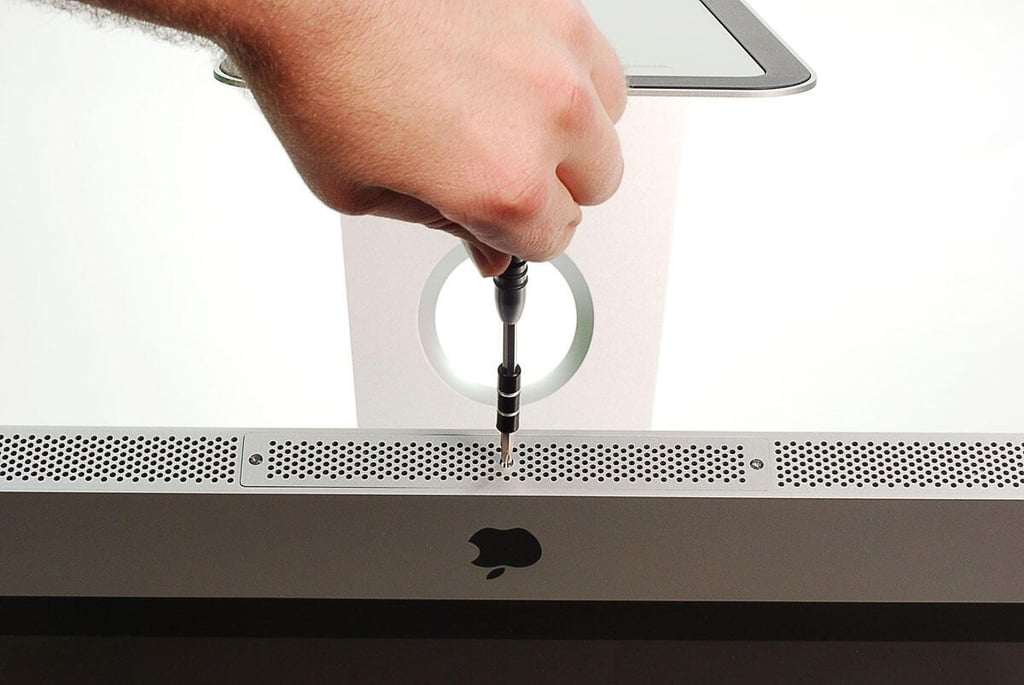
  • 27" Apple iMac teardown: Removing the SDRAM compartment screws

    \n\tPhoto by: Bill Detwiler / TechRepublic
    \n\tCaption by: Bill Detwiler

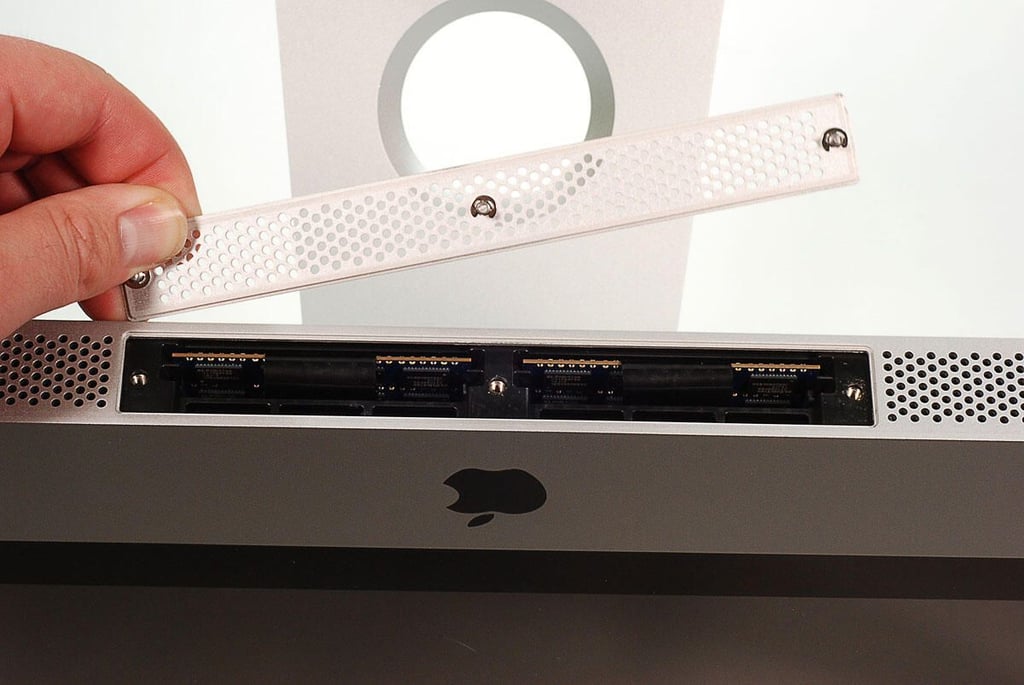
  • 27" Apple iMac teardown: Lifting off the SDRAM compartment cover

    \n\tPhoto by: Bill Detwiler / TechRepublic
    \n\tCaption by: Bill Detwiler

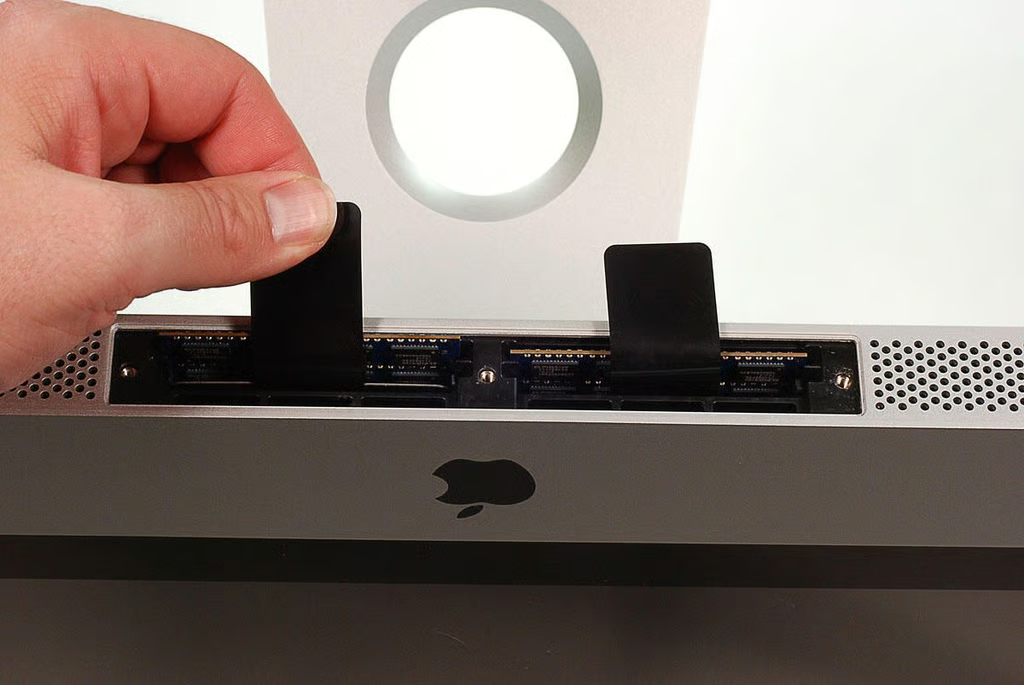
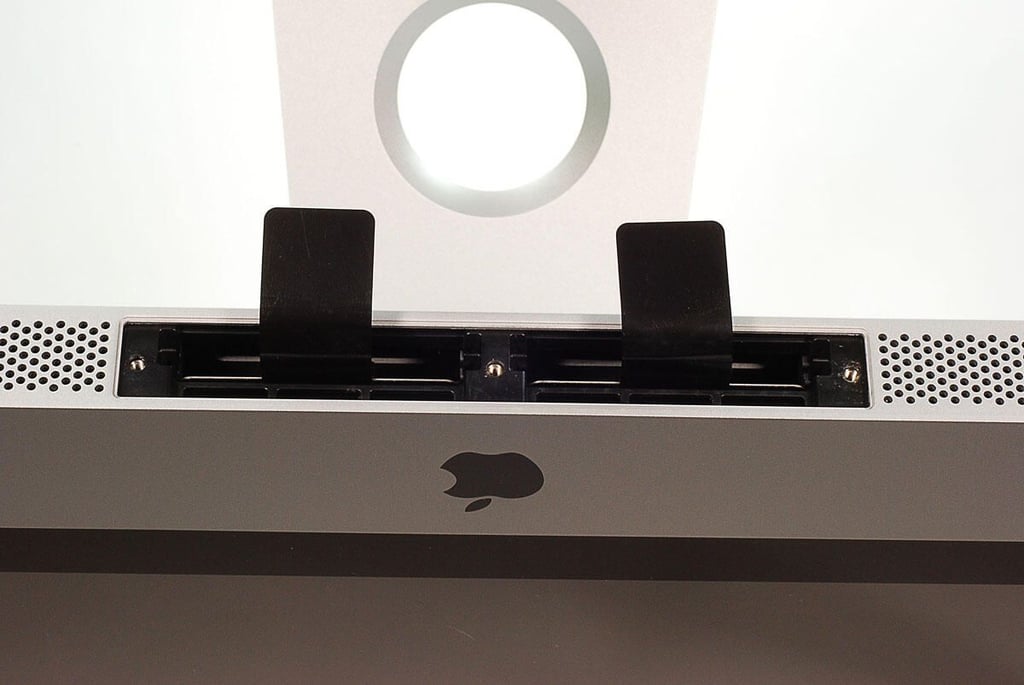
  • 27" Apple iMac teardown: Pulling up on the SDRAM chip release tabs

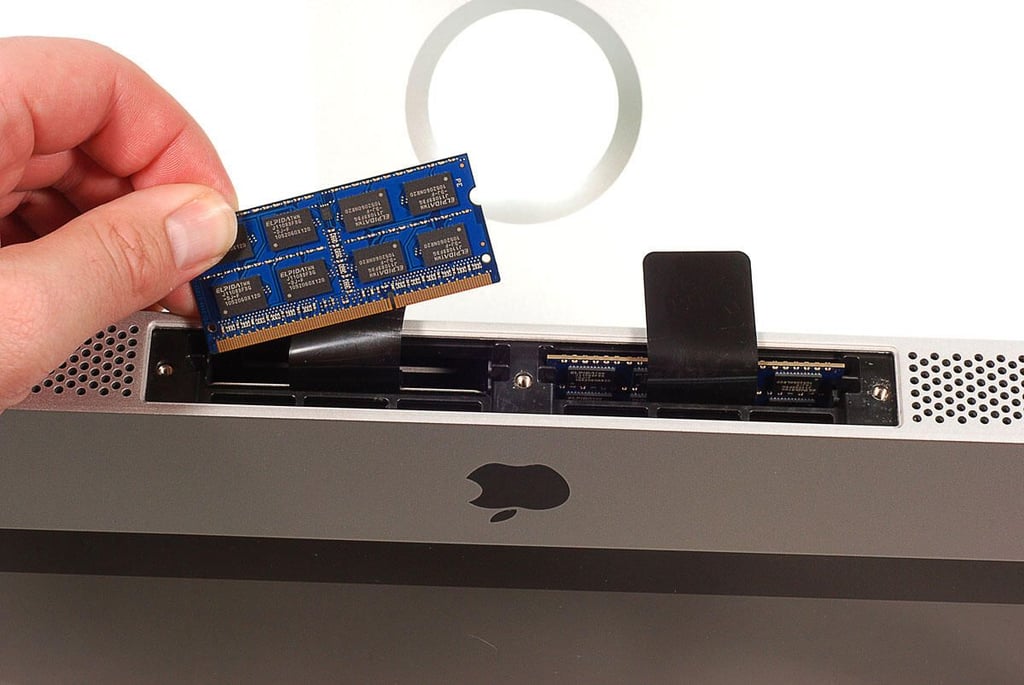
  • 27" Apple iMac teardown: Removing one of the two 2GB SDRAM chips

    \n\tPhoto by: Bill Detwiler / TechRepublic
    \n\tCaption by: Bill Detwiler

  • 27" Apple iMac teardown: SDRAM chips removed

    \n\tPhoto by: Bill Detwiler / TechRepublic
    \n\tCaption by: Bill Detwiler

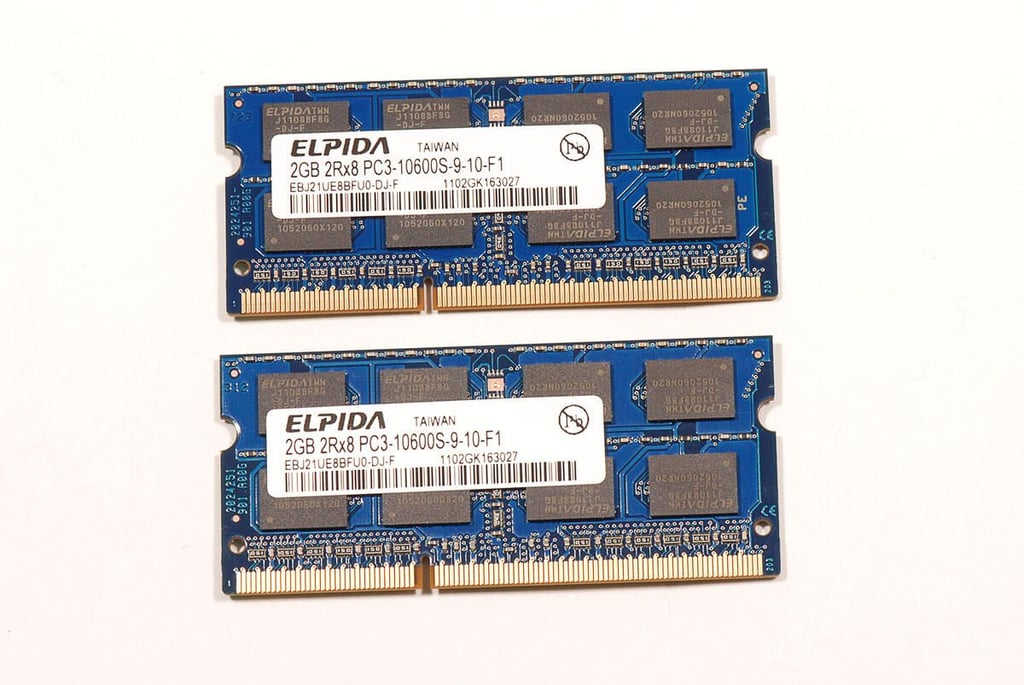
  • 27" Apple iMac teardown: Elpida 2GB PC3-10600S9-10-F1 SDRAM chips

    \n\tPhoto by: Bill Detwiler / TechRepublic
    \n\tCaption by: Bill Detwiler

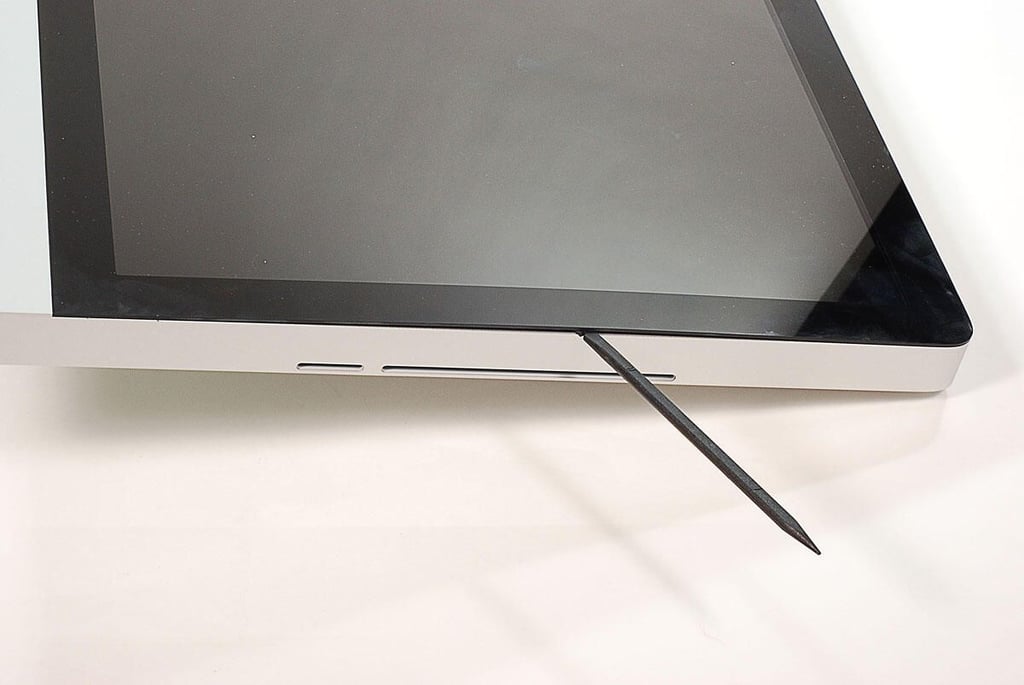
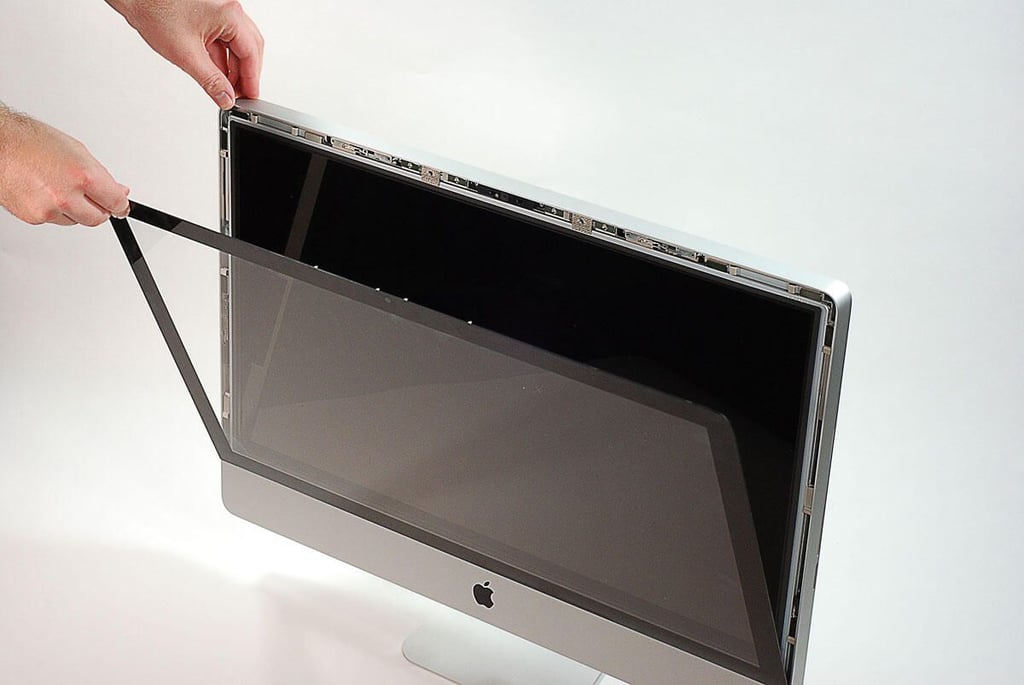
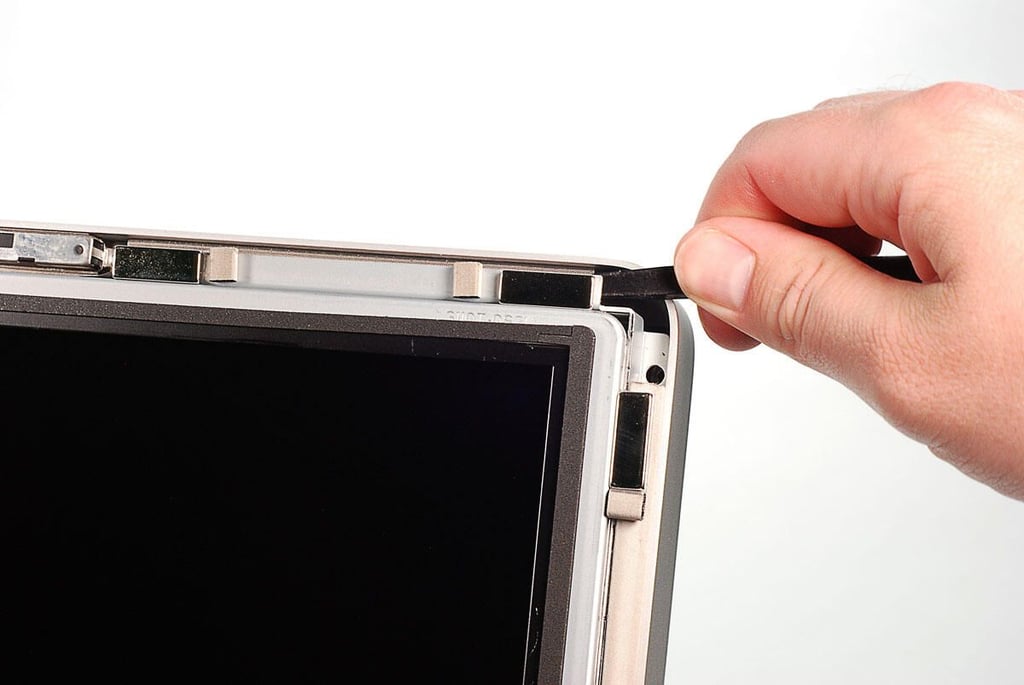
  • 27" Apple iMac teardown: Separating the front panel from the case

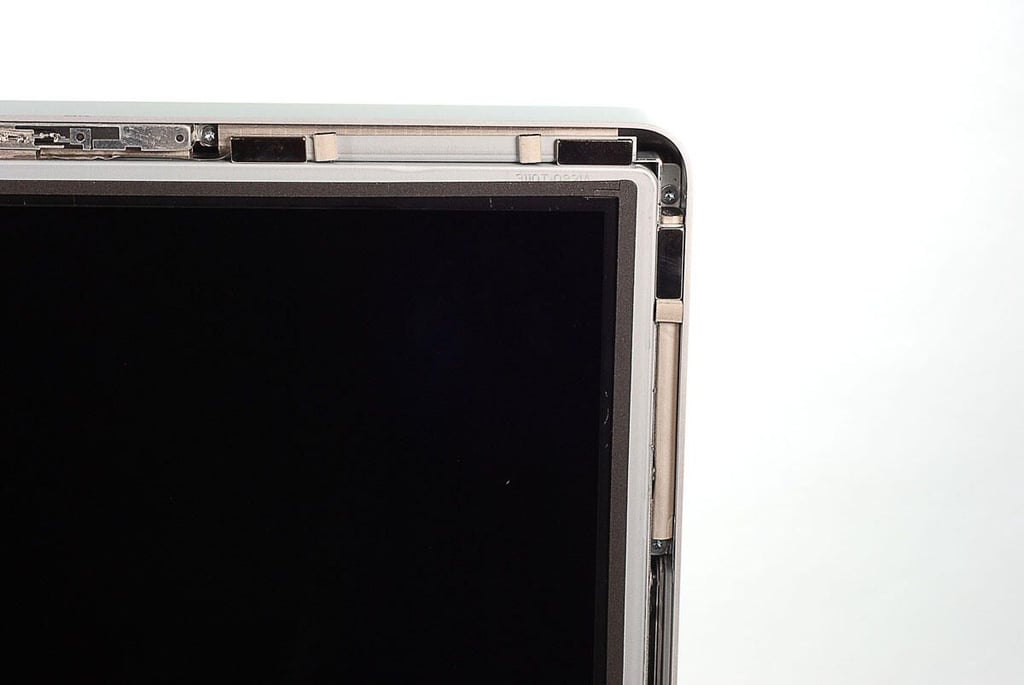
    \n\tThe iMac’s from panel is held in place with strong magnets. Using a thin plastic spudger, I separated the magnets attached to the panel from their counterparts mounted to the aluminum case.

    \n

    \n\tPhoto by: Bill Detwiler / TechRepublic
    \n\tCaption by: Bill Detwiler

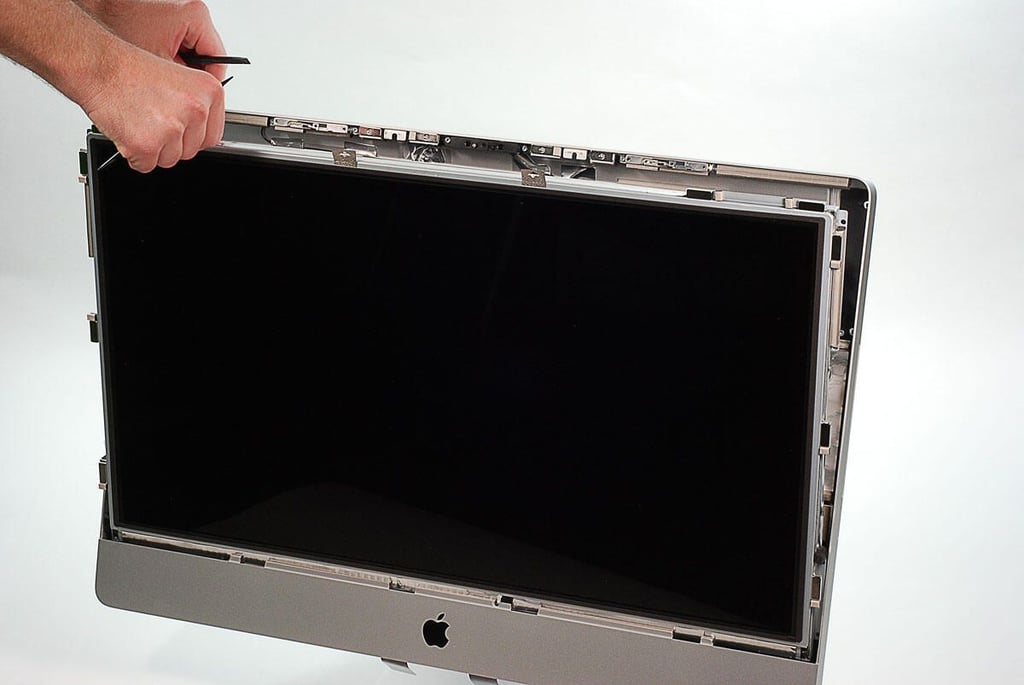
  • 27" Apple iMac teardown: Removing the front panel

    \n\tPhoto by: Bill Detwiler / TechRepublic
    \n\tCaption by: Bill Detwiler

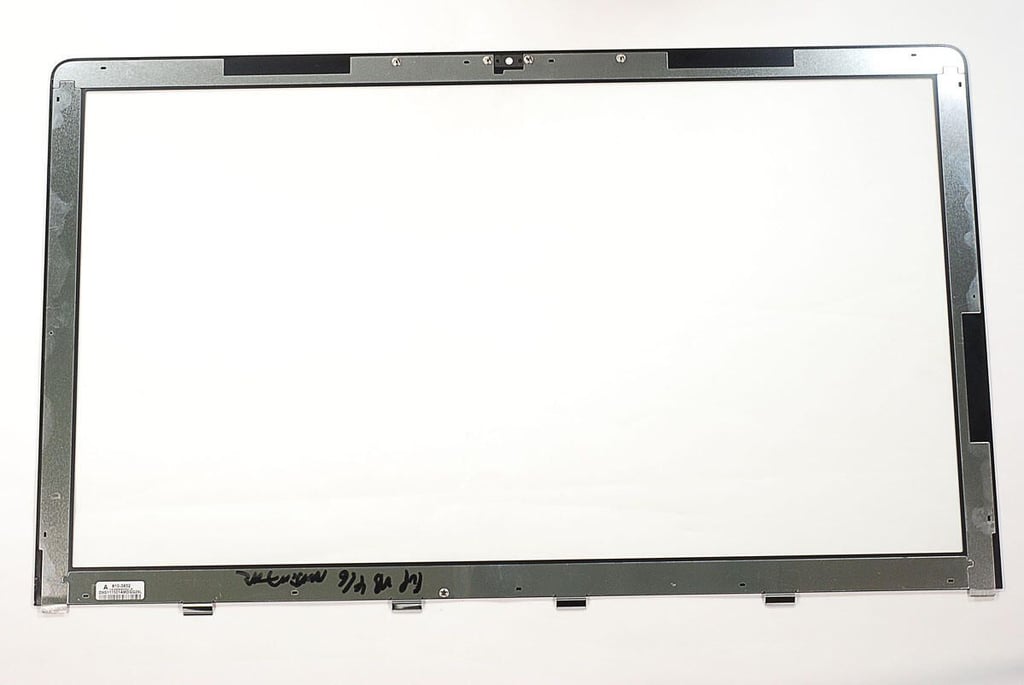
  • 27" Apple iMac teardown: Front panel

    \n\tPhoto by: Bill Detwiler / TechRepublic
    \n\tCaption by: Bill Detwiler

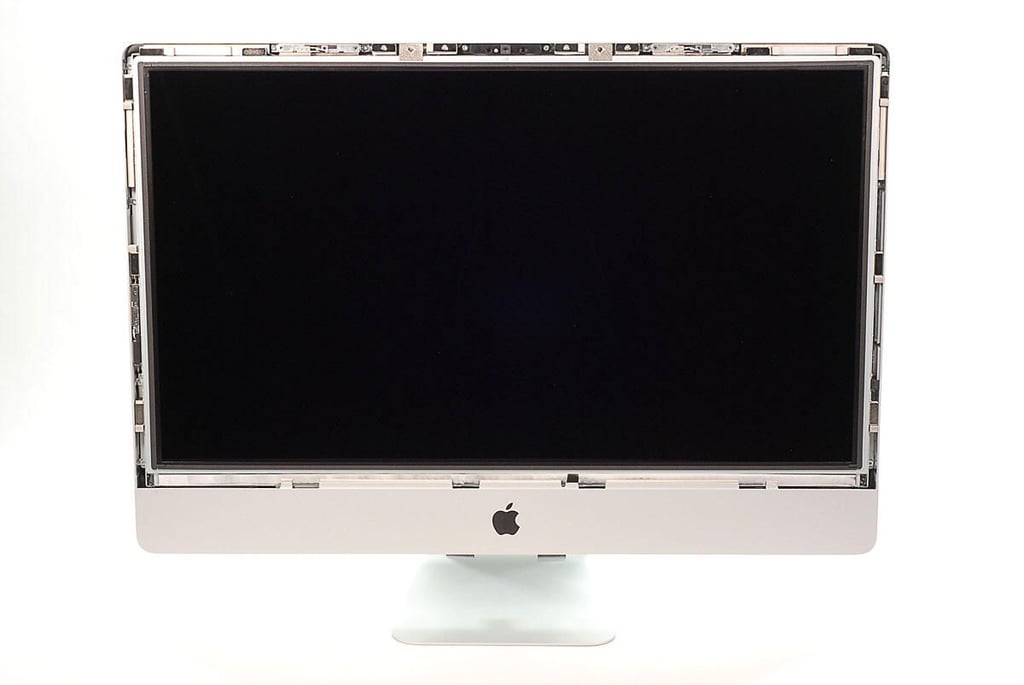
  • 27" Apple iMac teardown: Without the front panel

  • 27" Apple iMac teardown: Magents that hold the front panel in place

    \n\tPhoto by: Bill Detwiler / TechRepublic
    \n\tCaption by: Bill Detwiler

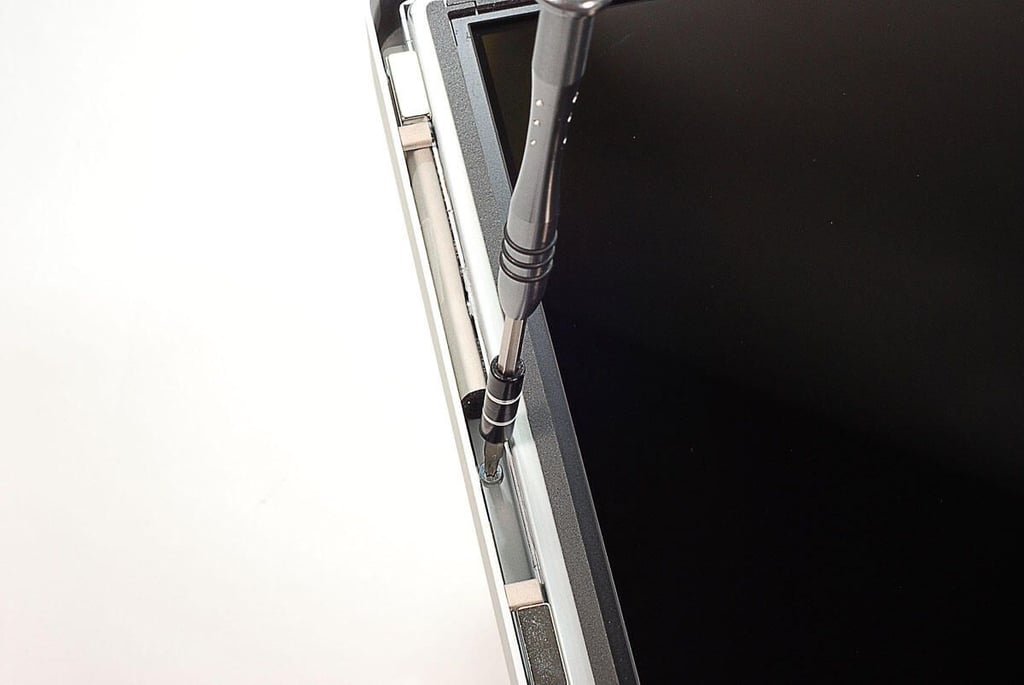
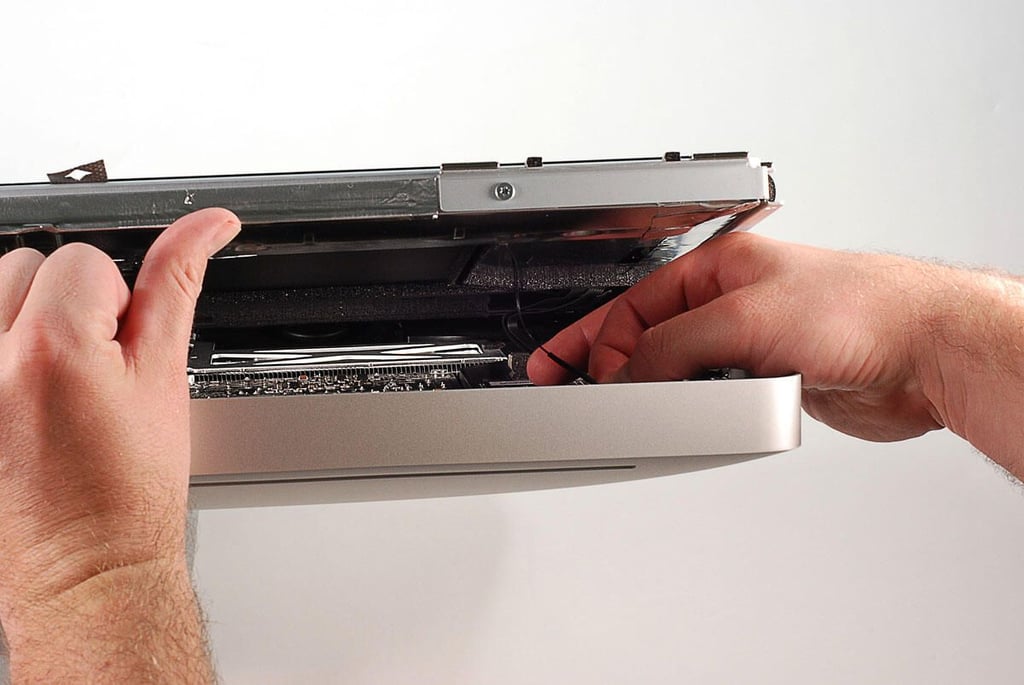
  • 27" Apple iMac teardown: Removing the LCD assembly screws

    \n\tPhoto by: Bill Detwiler / TechRepublic
    \n\tCaption by: Bill Detwiler

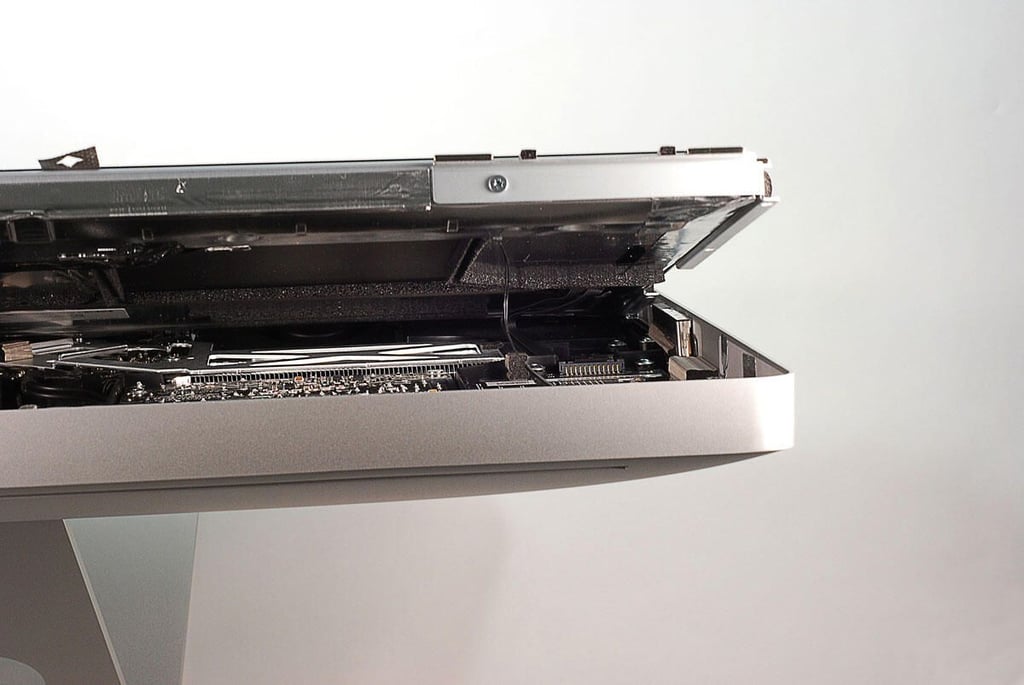
  • 27" Apple iMac teardown: Prying the LCD assembly away from the case

    \n\tPhoto by: Bill Detwiler / TechRepublic
    \n\tCaption by: Bill Detwiler

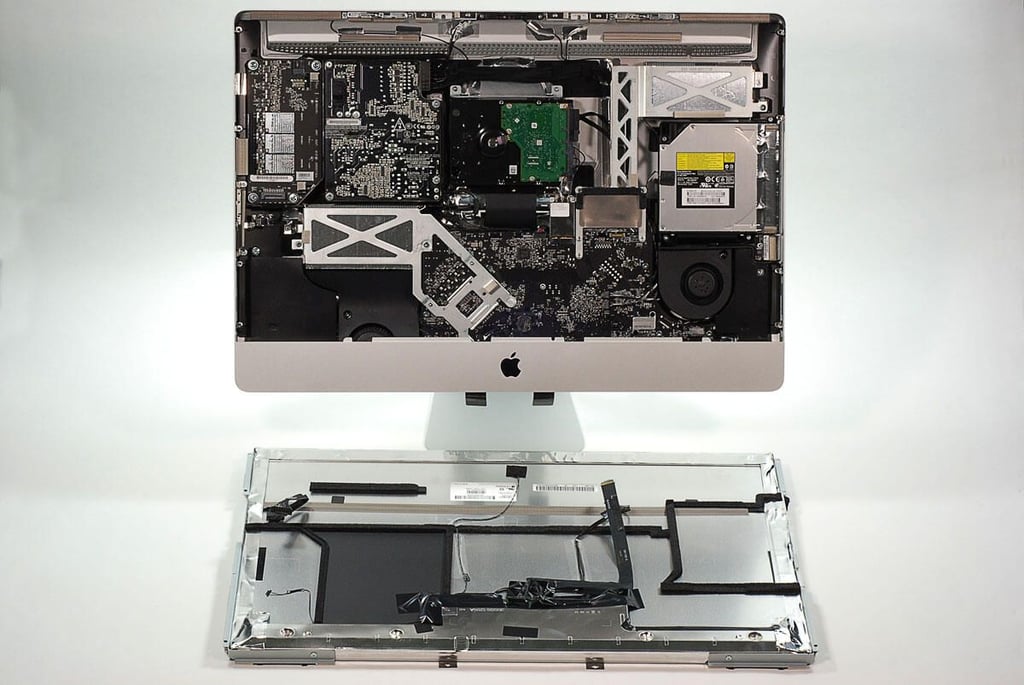
  • 27" Apple iMac teardown: Removing the LCD assembly from the case

    \n\tPhoto by: Bill Detwiler / TechRepublic
    \n\tCaption by: Bill Detwiler

  • 27" Apple iMac teardown: LCD assembly wires

    \n\tPhoto by: Bill Detwiler / TechRepublic
    \n\tCaption by: Bill Detwiler

  • 27" Apple iMac teardown: Disconnecting the LCD assembly wires and cables

    \n\tPhoto by: Bill Detwiler / TechRepublic
    \n\tCaption by: Bill Detwiler

  • 27" Apple iMac teardown: LCD assembly removed

    \n\tPhoto by: Bill Detwiler / TechRepublic
    \n\tCaption by: Bill Detwiler

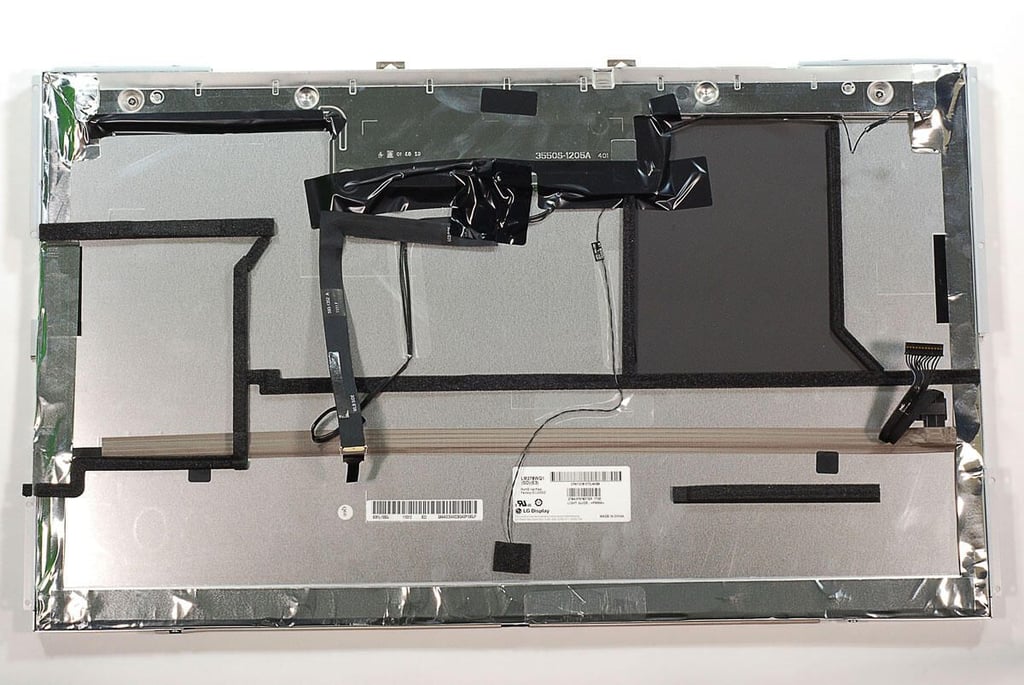
  • 27" Apple iMac teardown: LCD assembly - Back

    \n\tPhoto by: Bill Detwiler / TechRepublic
    \n\tCaption by: Bill Detwiler

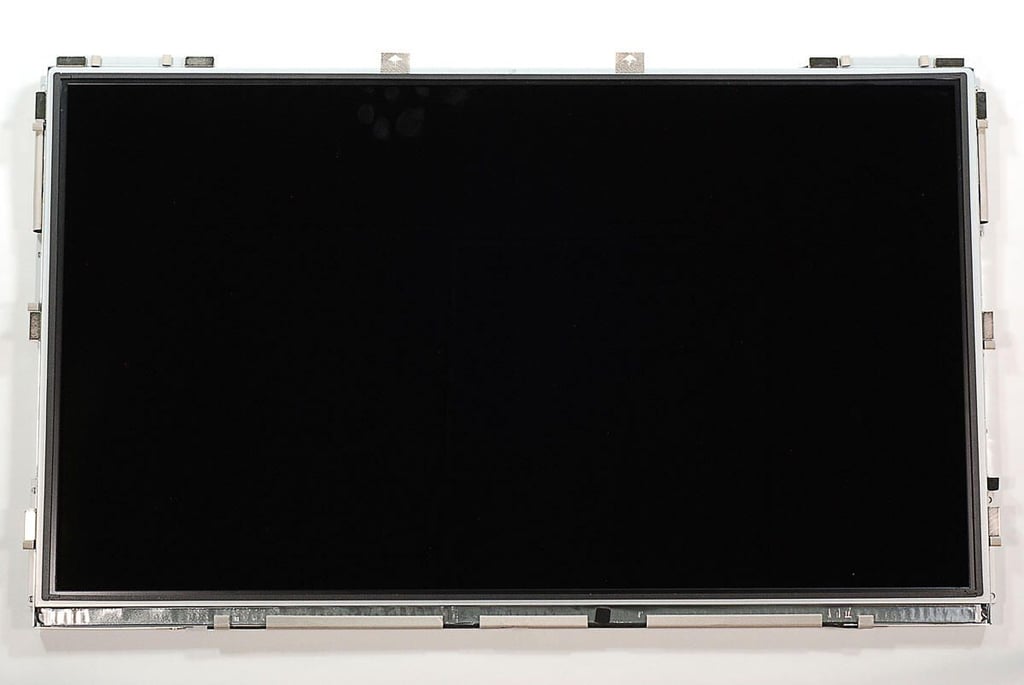
  • 27" Apple iMac teardown: LCD assembly - Front

    \n\tPhoto by: Bill Detwiler / TechRepublic
    \n\tCaption by: Bill Detwiler

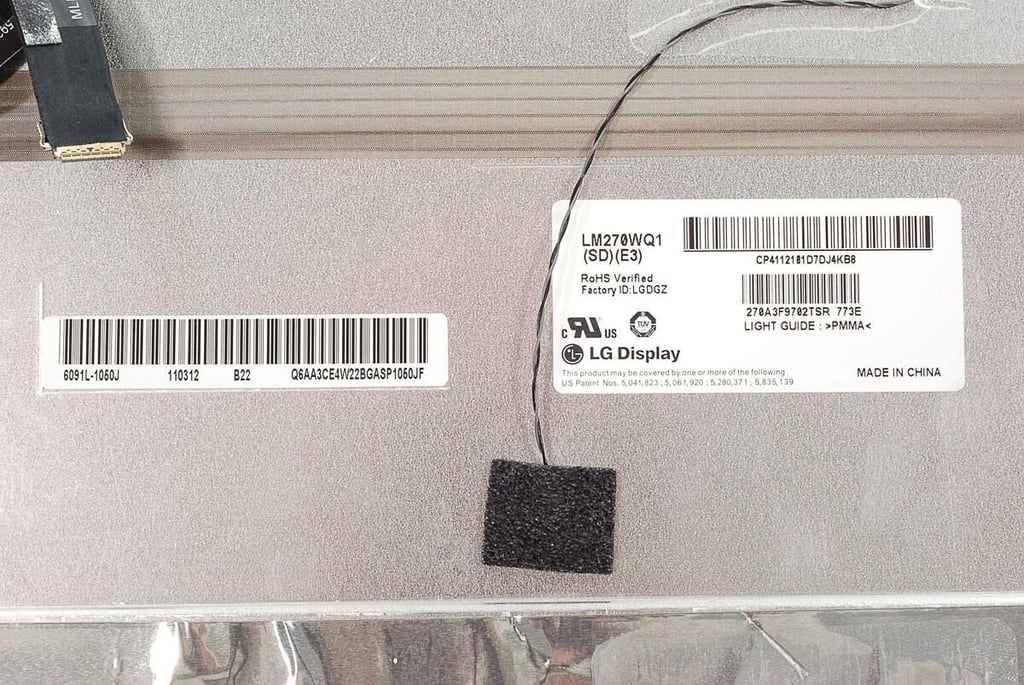
  • 27" Apple iMac teardown: LG Display LM270WQ1

    \n\tPhoto by: Bill Detwiler / TechRepublic
    \n\tCaption by: Bill Detwiler

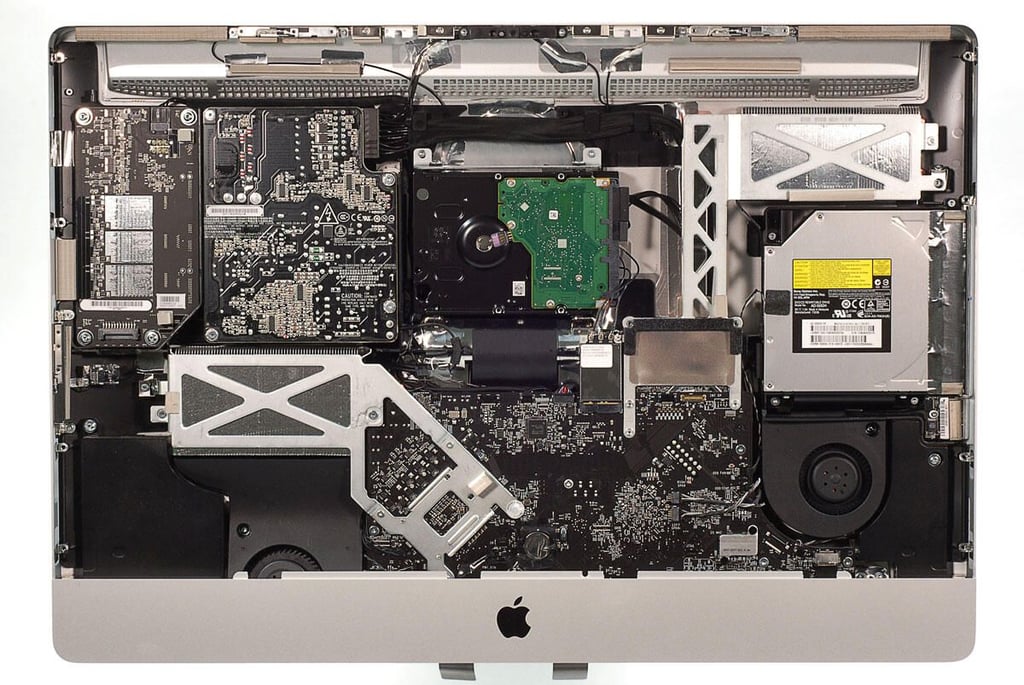
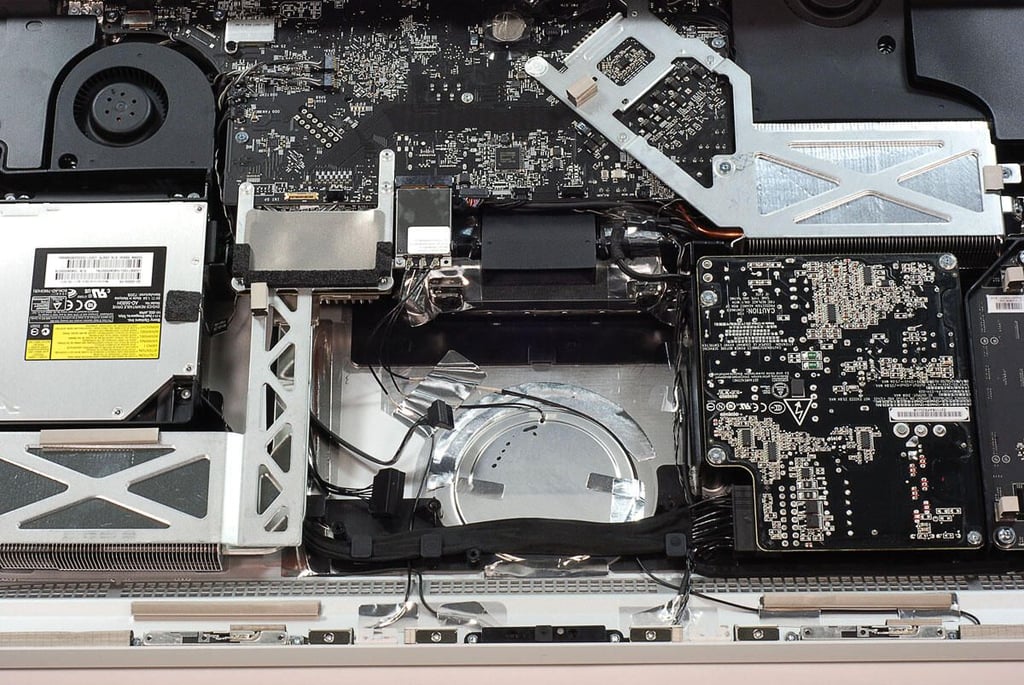
  • 27" Apple iMac teardown: First look at the internal hardware

    \n\tPhoto by: Bill Detwiler / TechRepublic
    \n\tCaption by: Bill Detwiler

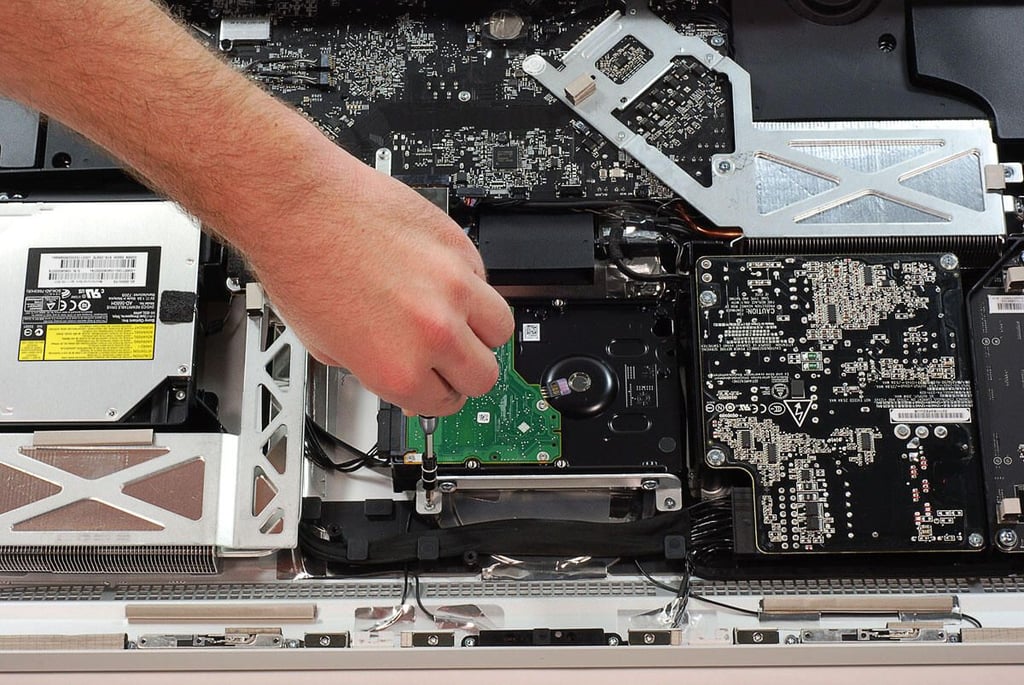
  • 27" Apple iMac teardown: Removing the hard drive bracket screws

    \n\tPhoto by: Bill Detwiler / TechRepublic
    \n\tCaption by: Bill Detwiler

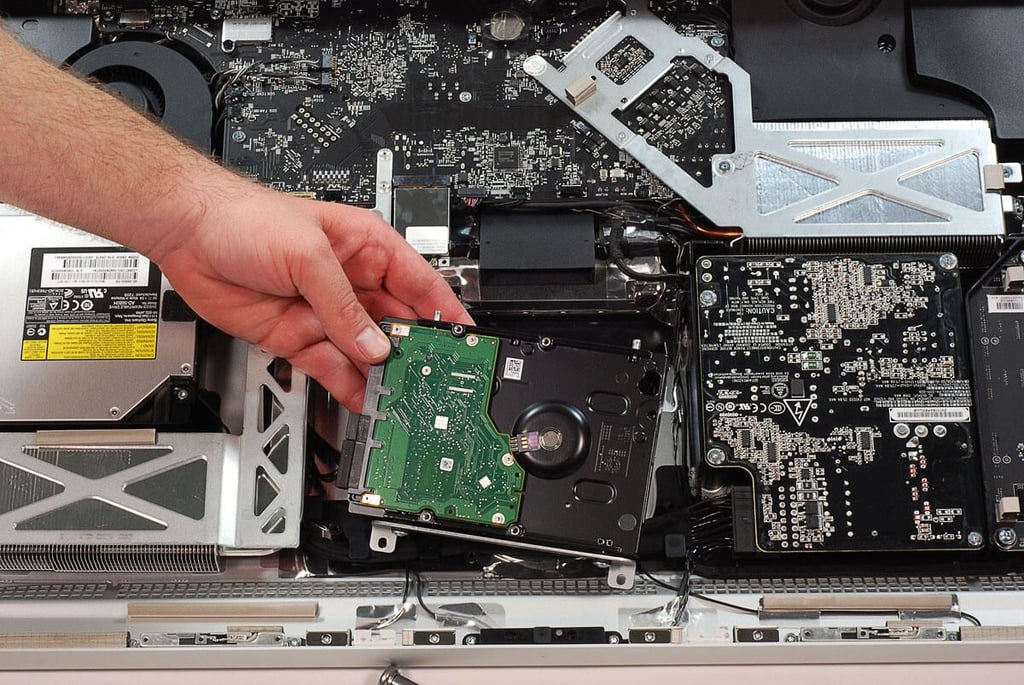
  • 27" Apple iMac teardown: Removing the hard drive

    \n\tPhoto by: Bill Detwiler / TechRepublic
    \n\tCaption by: Bill Detwiler

  • 27" Apple iMac teardown: Hard drive removed

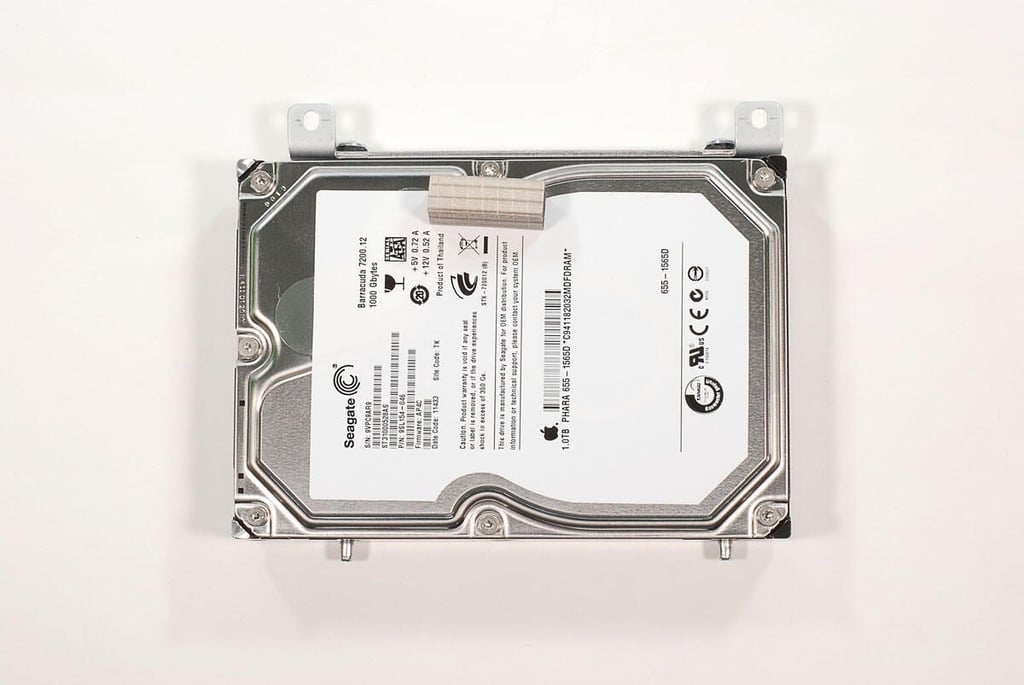
  • 27" Apple iMac teardown: 1T Seagate Barracude 7200 RPM hard drive

    \n\tPhoto by: Bill Detwiler / TechRepublic
    \n\tCaption by: Bill Detwiler

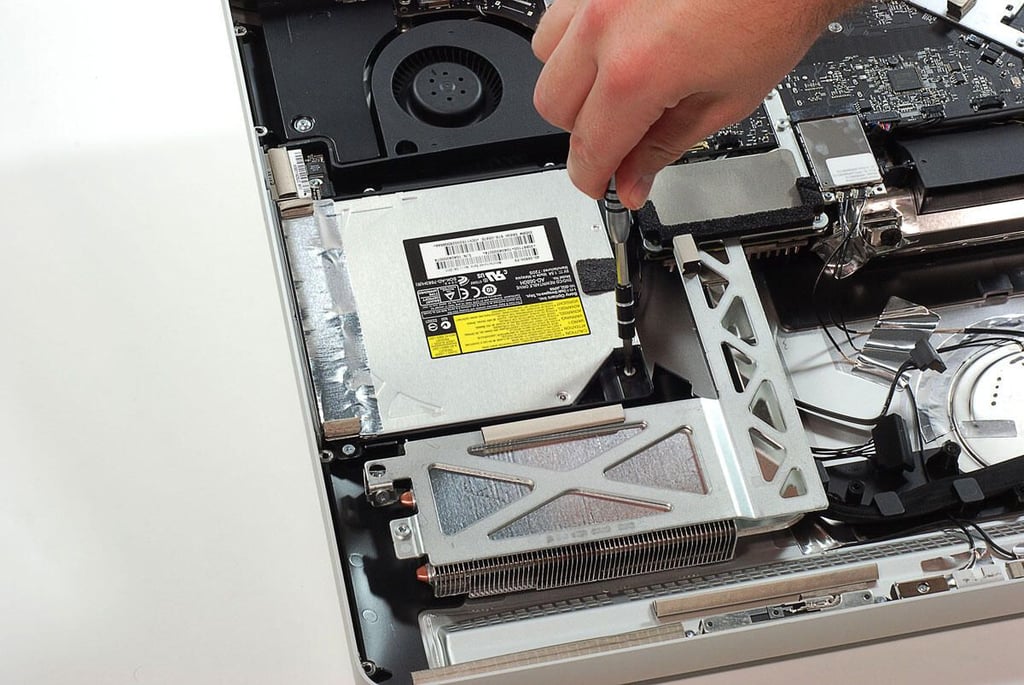
  • 27" Apple iMac teardown: Removing the optical drive bracket srews

    \n\tPhoto by: Bill Detwiler / TechRepublic
    \n\tCaption by: Bill Detwiler

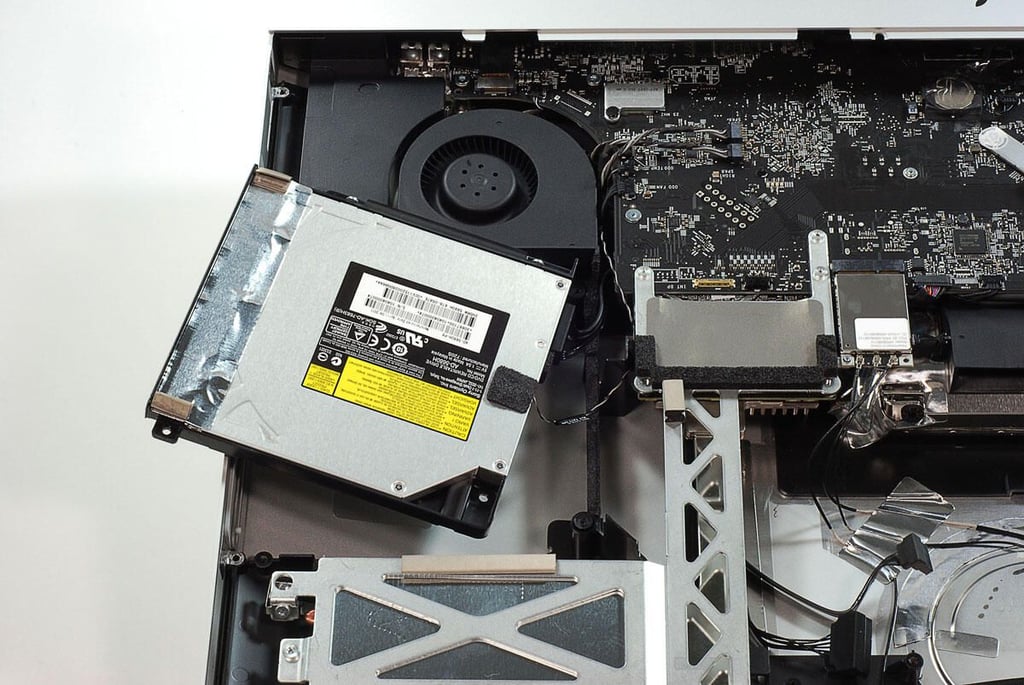
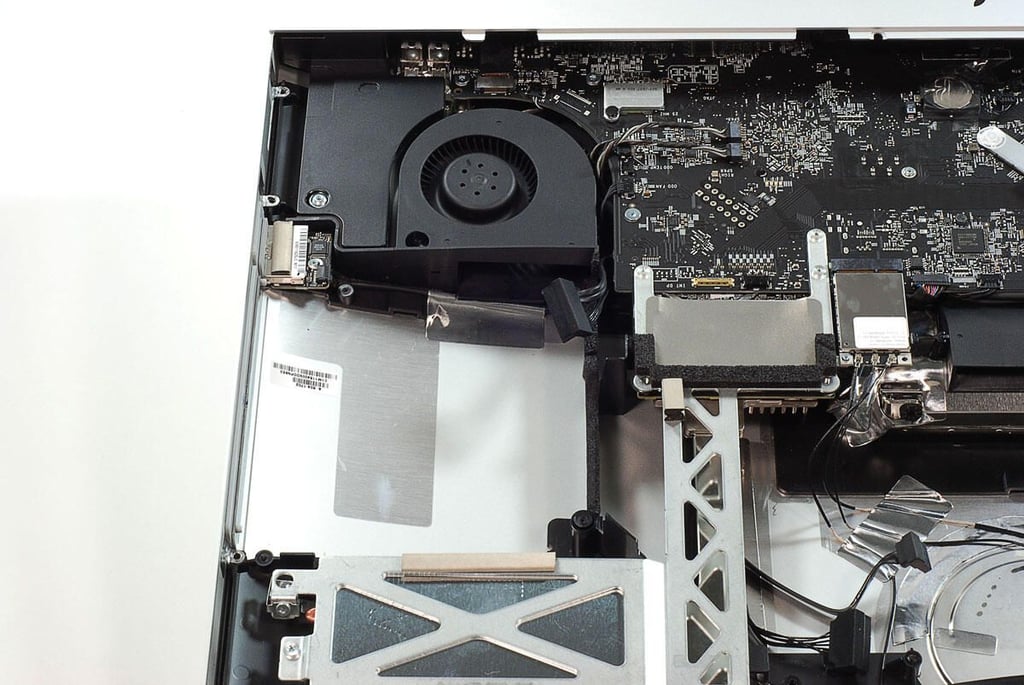
  • 27" Apple iMac teardown: Removing the optical drive

    \n\tPhoto by: Bill Detwiler / TechRepublic
    \n\tCaption by: Bill Detwiler

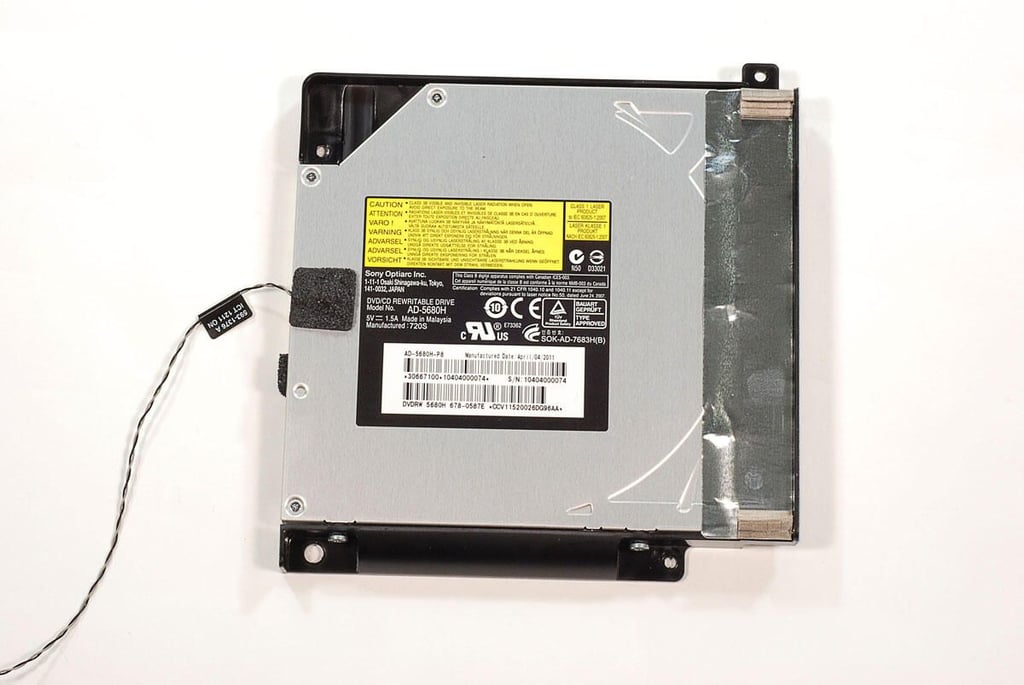
  • 27" Apple iMac teardown: Optical drive removed

    \n\tPhoto by: Bill Detwiler / TechRepublic
    \n\tCaption by: Bill Detwiler

  • 27" Apple iMac teardown: Sony Optiarc DVD/CD Rewritable Drive AD-5680H

    \n\tPhoto by: Bill Detwiler / TechRepublic
    \n\tCaption by: Bill Detwiler

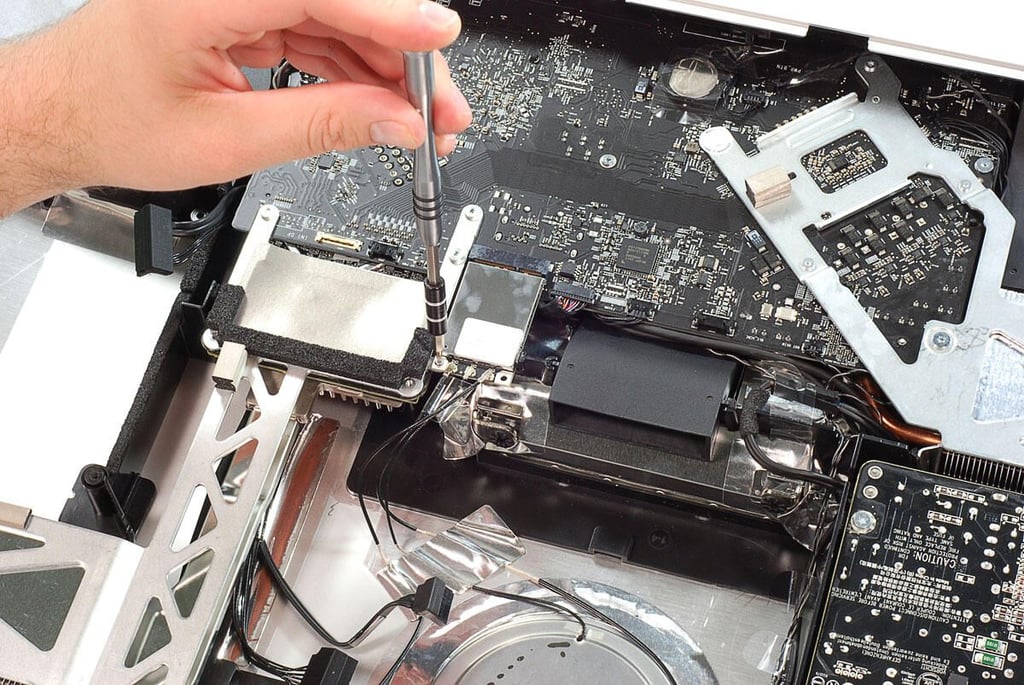
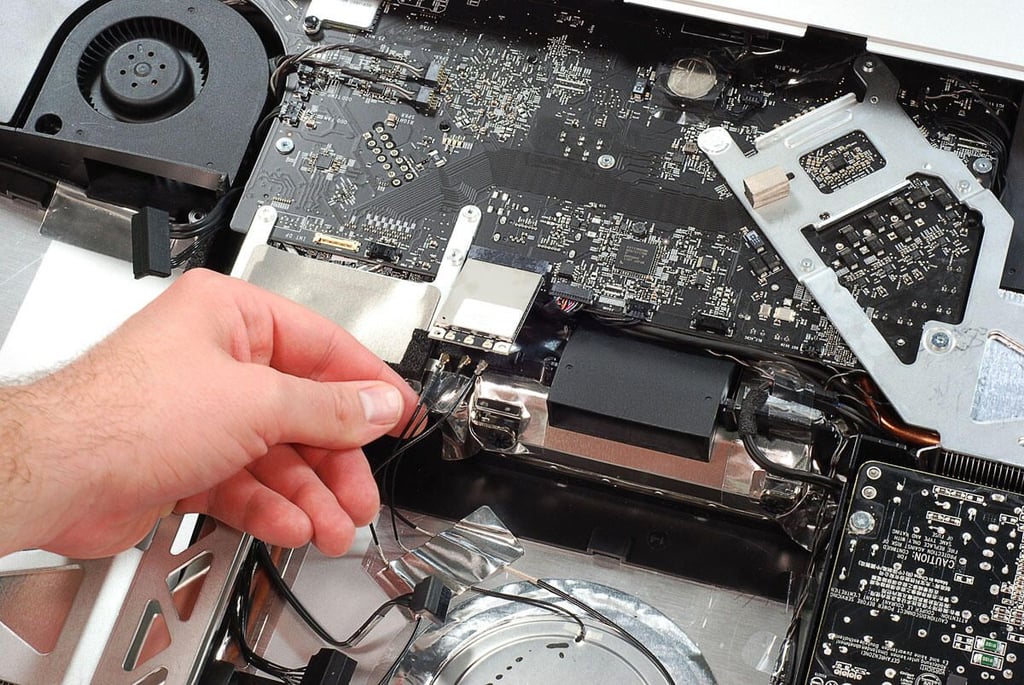
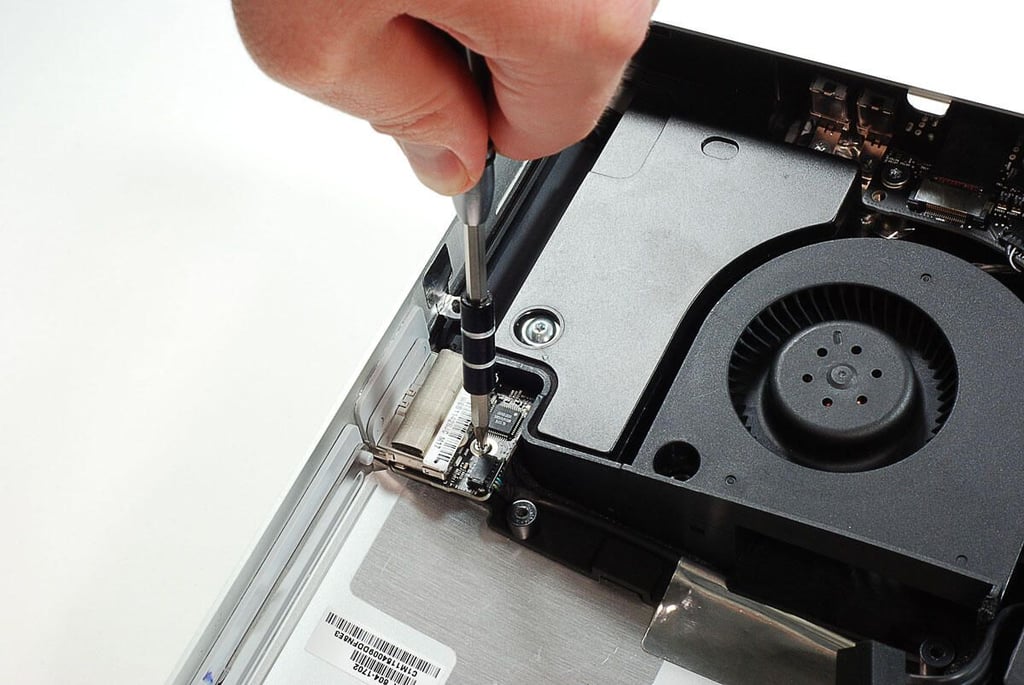
  • 27" Apple iMac teardown: Removing the wireless card

    \n\tPhoto by: Bill Detwiler / TechRepublic
    \n\tCaption by: Bill Detwiler

  • 27" Apple iMac teardown: Disconnecting the wireless card antenna wires

    \n\tPhoto by: Bill Detwiler / TechRepublic
    \n\tCaption by: Bill Detwiler

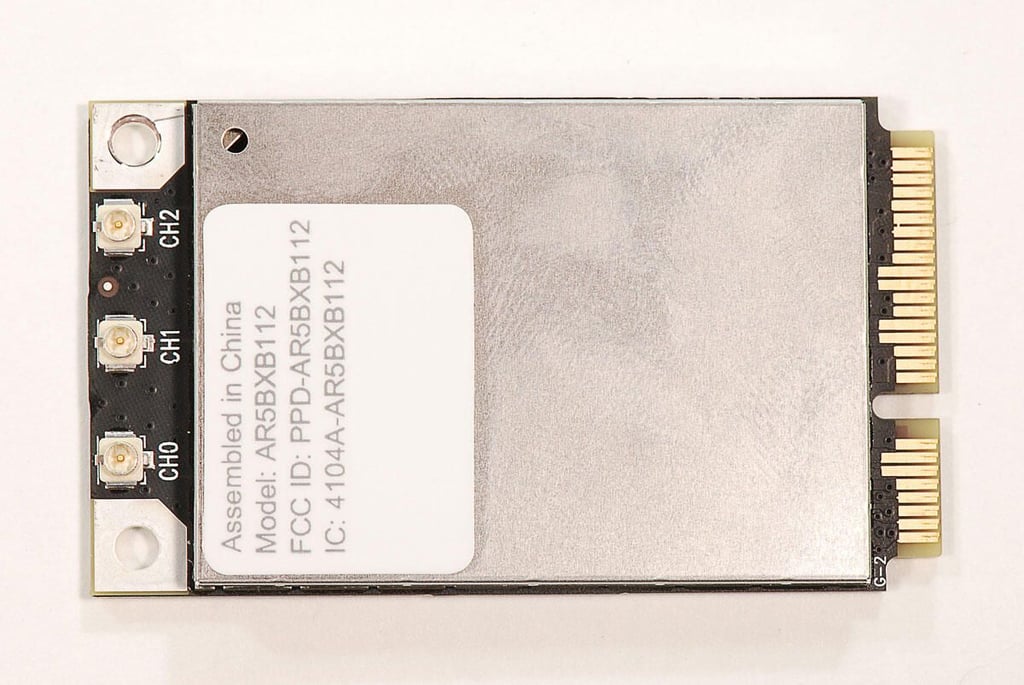
  • 27" Apple iMac teardown: Atheros (Qualcomm) AR5BXB112 wireless card

    \n\tPhoto by: Bill Detwiler / TechRepublic
    \n\tCaption by: Bill Detwiler

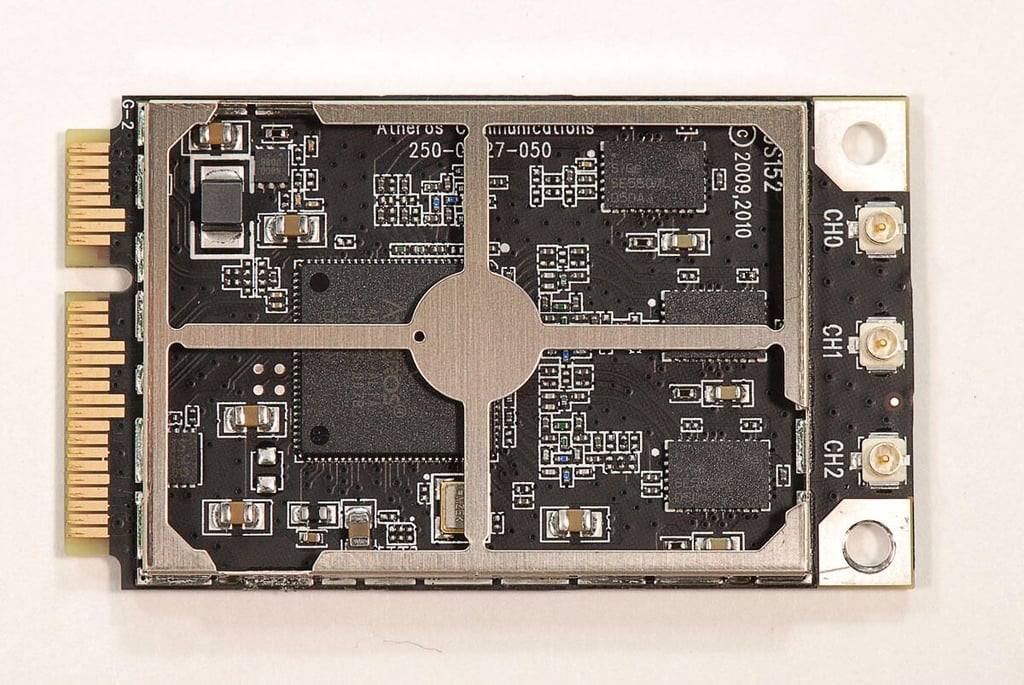
  • 27" Apple iMac teardown: Atheros (Qualcomm) AR9388-AL1A chip

    \n\tPhoto by: Bill Detwiler / TechRepublic
    \n\tCaption by: Bill Detwiler

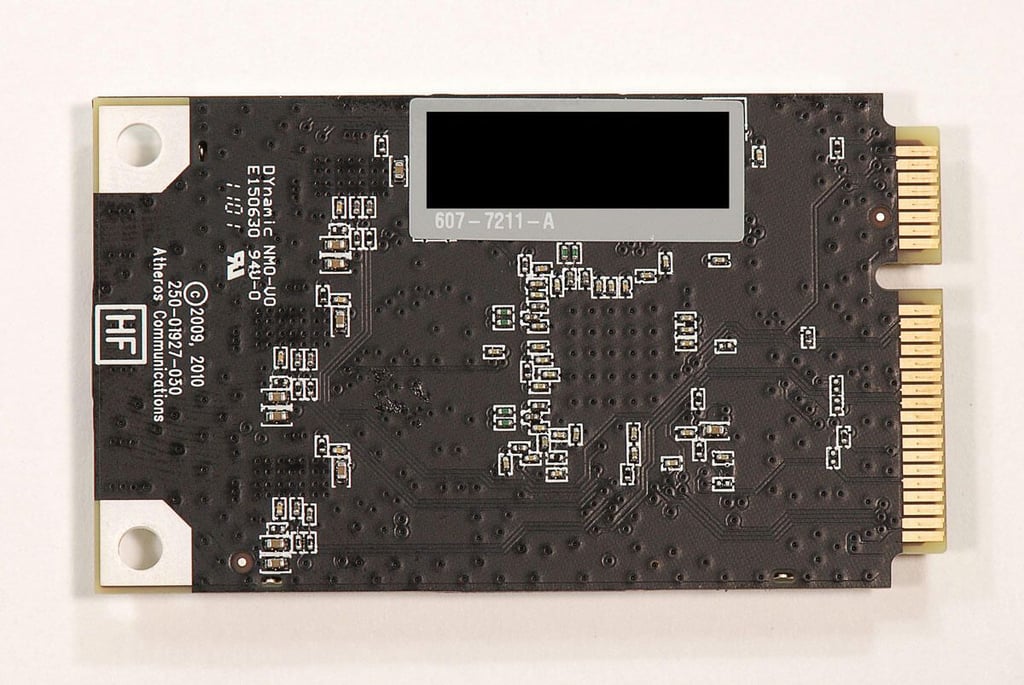
  • 27" Apple iMac teardown: Atheros (Qualcomm) AR5BXB112 wireless card - Back

    \n\tPhoto by: Bill Detwiler / TechRepublic
    \n\tCaption by: Bill Detwiler

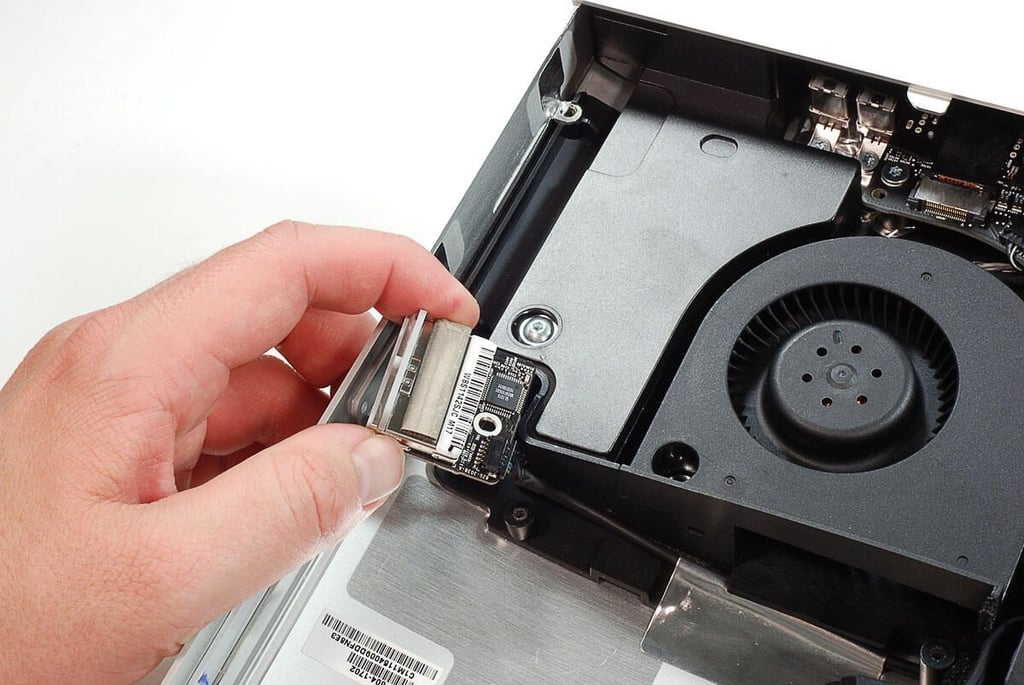
  • 27" Apple iMac teardown: Removing the SDXC card slot PCB screw

    \n\tPhoto by: Bill Detwiler / TechRepublic
    \n\tCaption by: Bill Detwiler

  • 27" Apple iMac teardown: Removing the SDXC card slot PCB

    \n\tPhoto by: Bill Detwiler / TechRepublic
    \n\tCaption by: Bill Detwiler

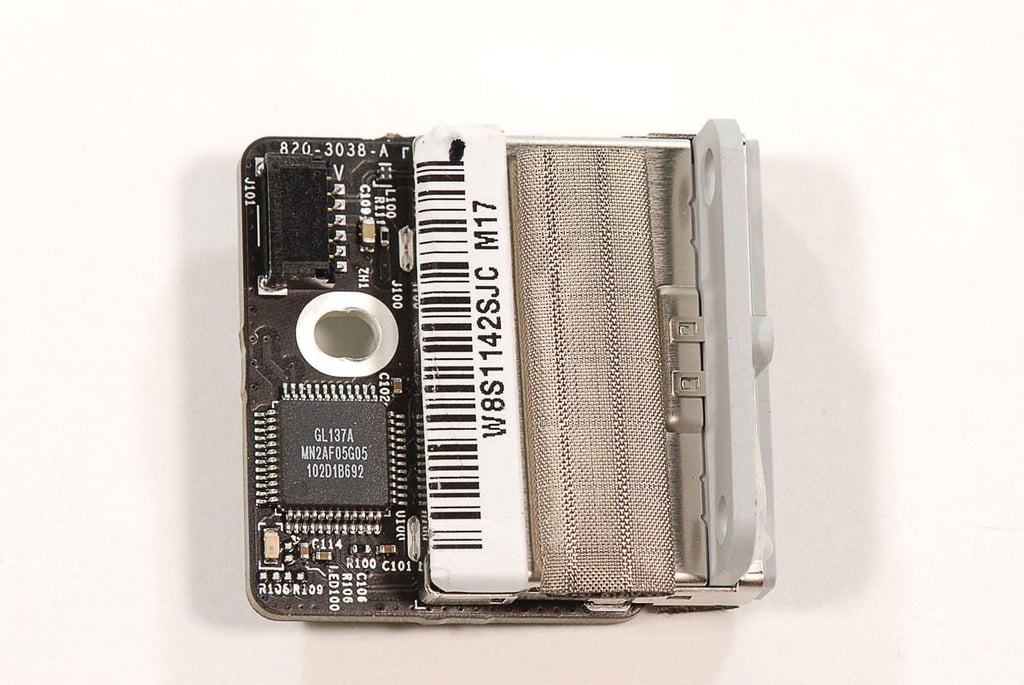
  • 27" Apple iMac teardown: SDXC card slot PCB - Front

    \n\tPhoto by: Bill Detwiler / TechRepublic
    \n\tCaption by: Bill Detwiler

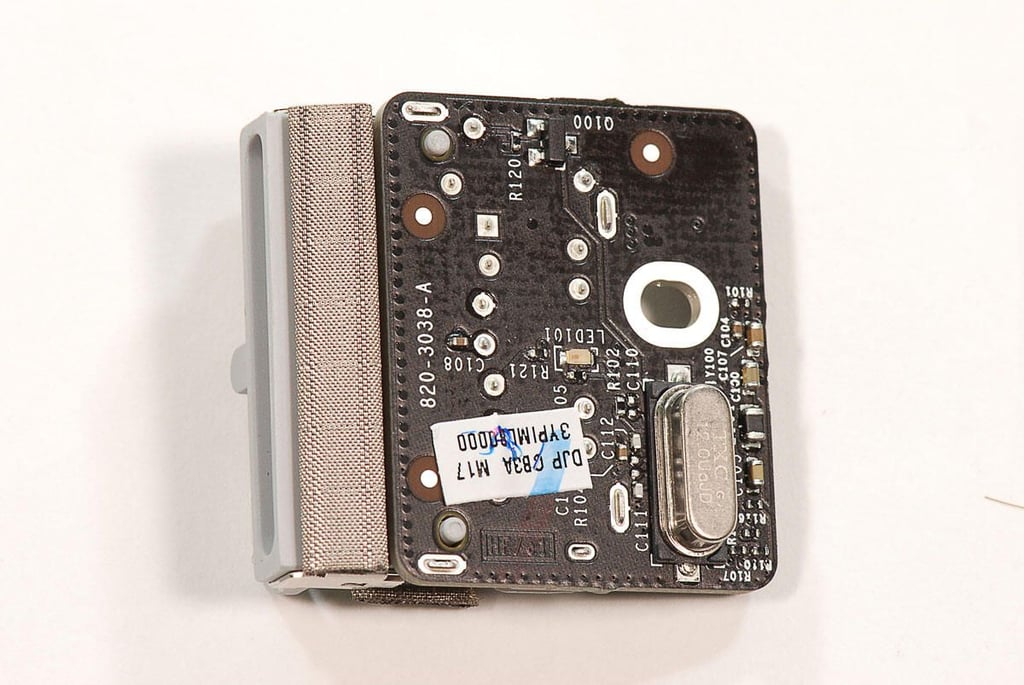
  • 27" Apple iMac teardown: SDXC card slot - Back

    \n\tPhoto by: Bill Detwiler / TechRepublic
    \n\tCaption by: Bill Detwiler

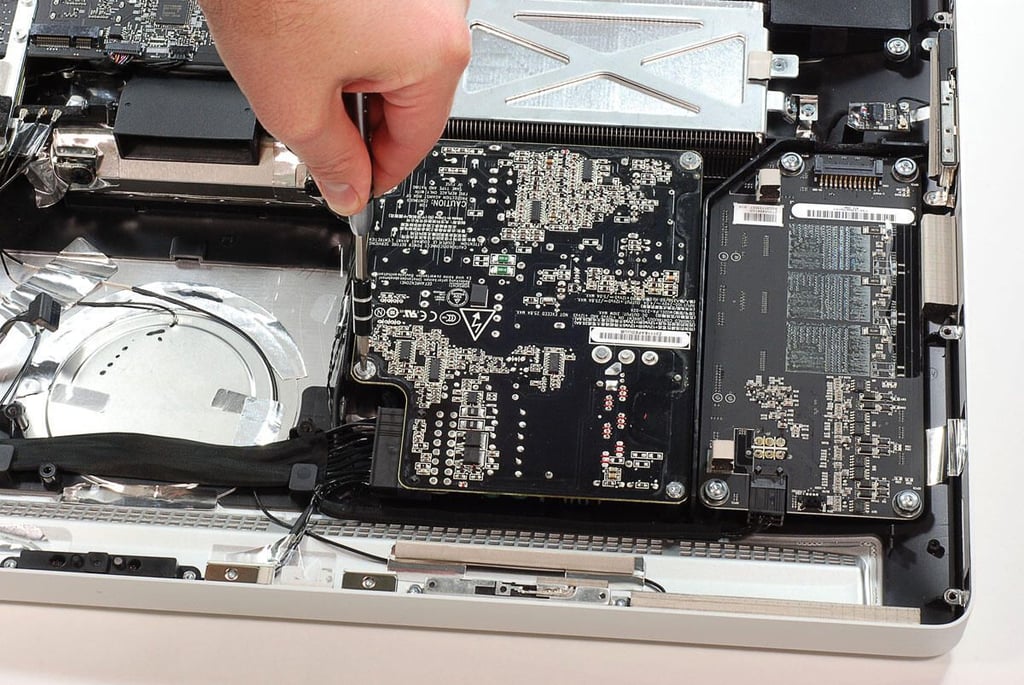
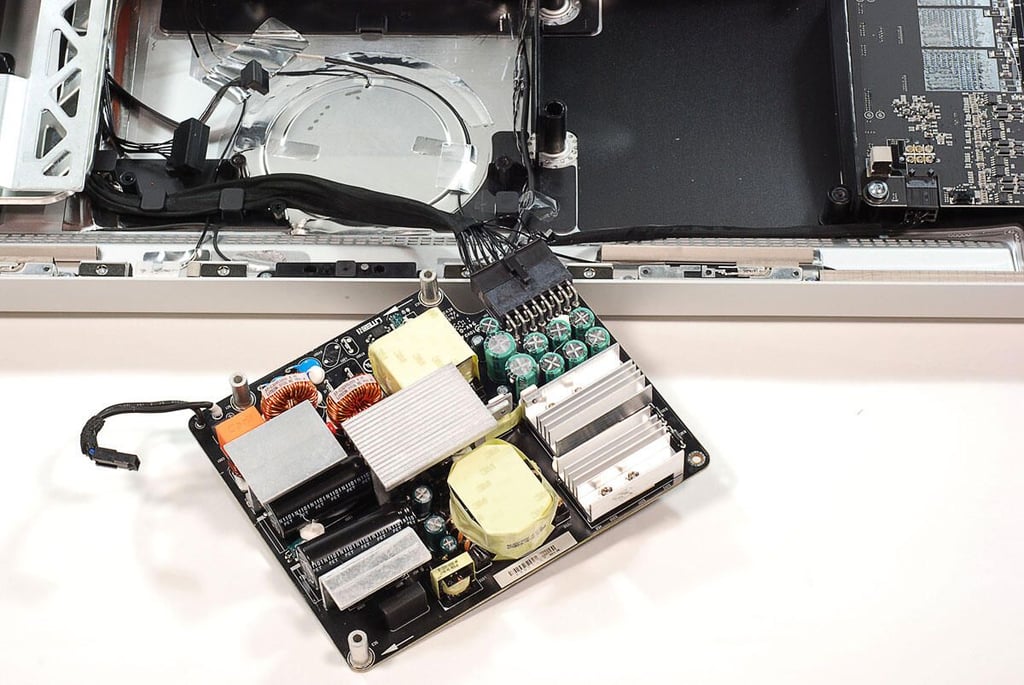
  • 27" Apple iMac teardown: Removing the power supply circuit board

    \n\tPhoto by: Bill Detwiler / TechRepublic
    \n\tCaption by: Bill Detwiler

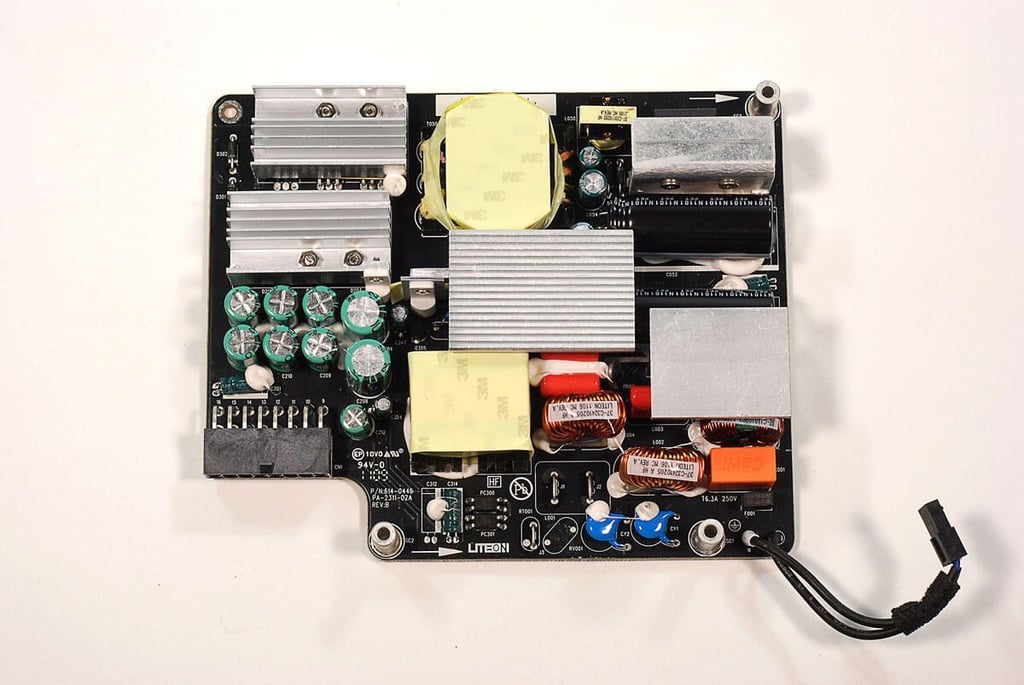
  • 27" Apple iMac teardown: Power supply unit removed

  • 27" Apple iMac teardown: Power supply

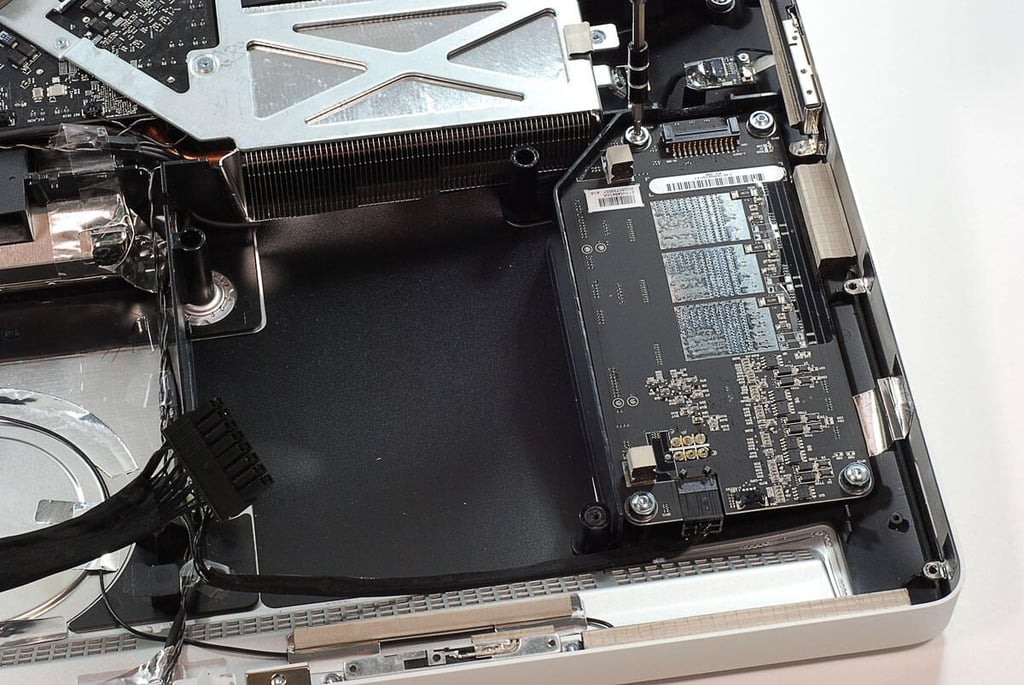
  • 27" Apple iMac teardown: Removing the LED driver board screws

    \n\tPhoto by: Bill Detwiler / TechRepublic
    \n\tCaption by: Bill Detwiler

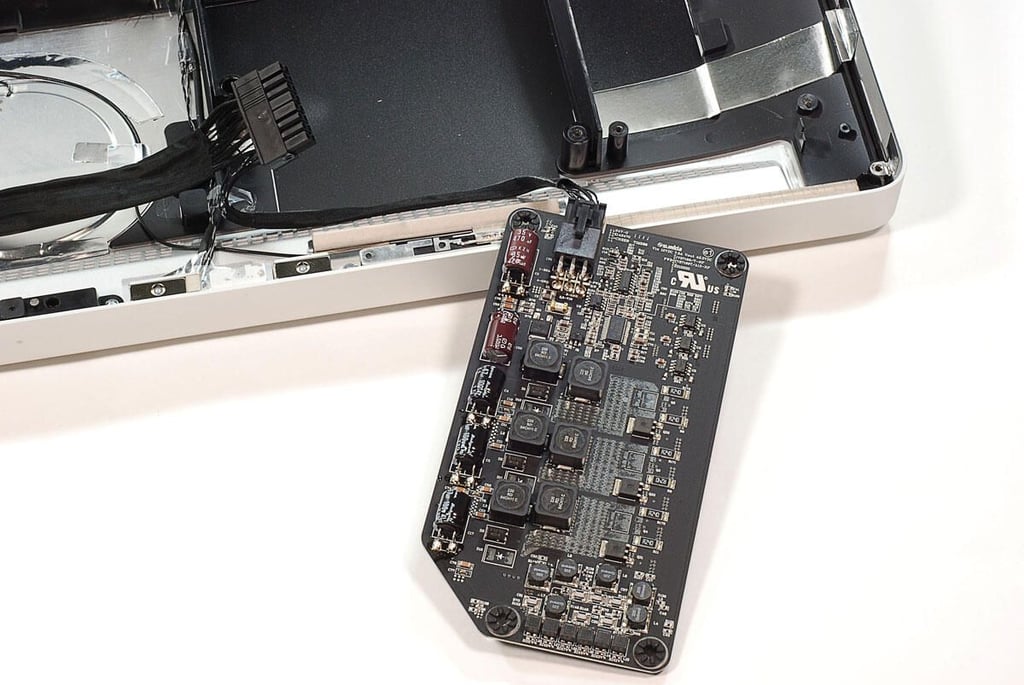
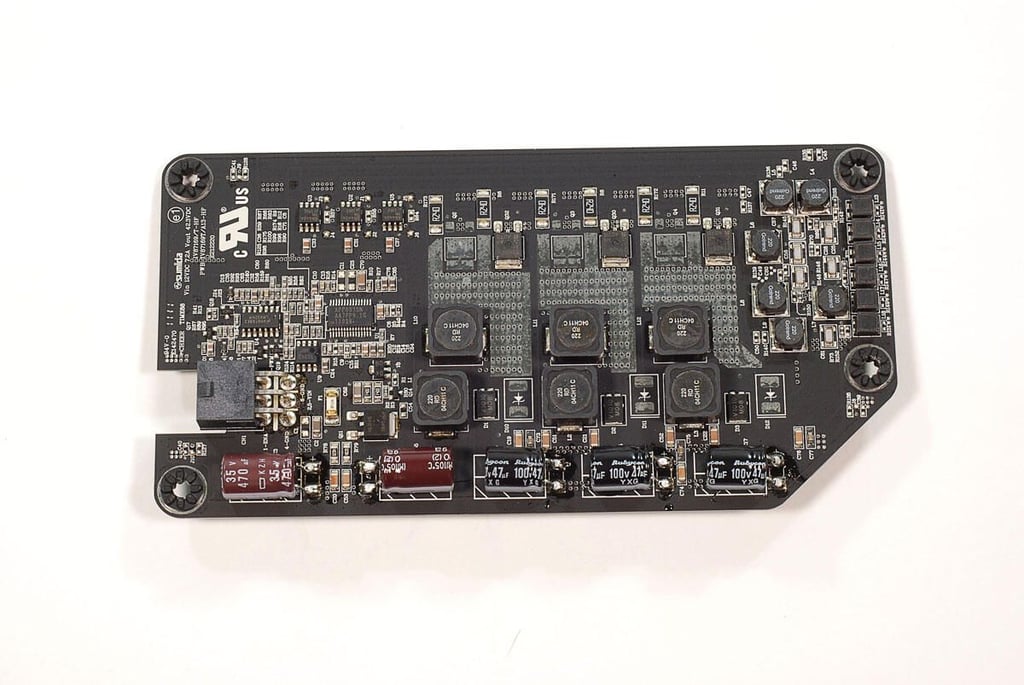
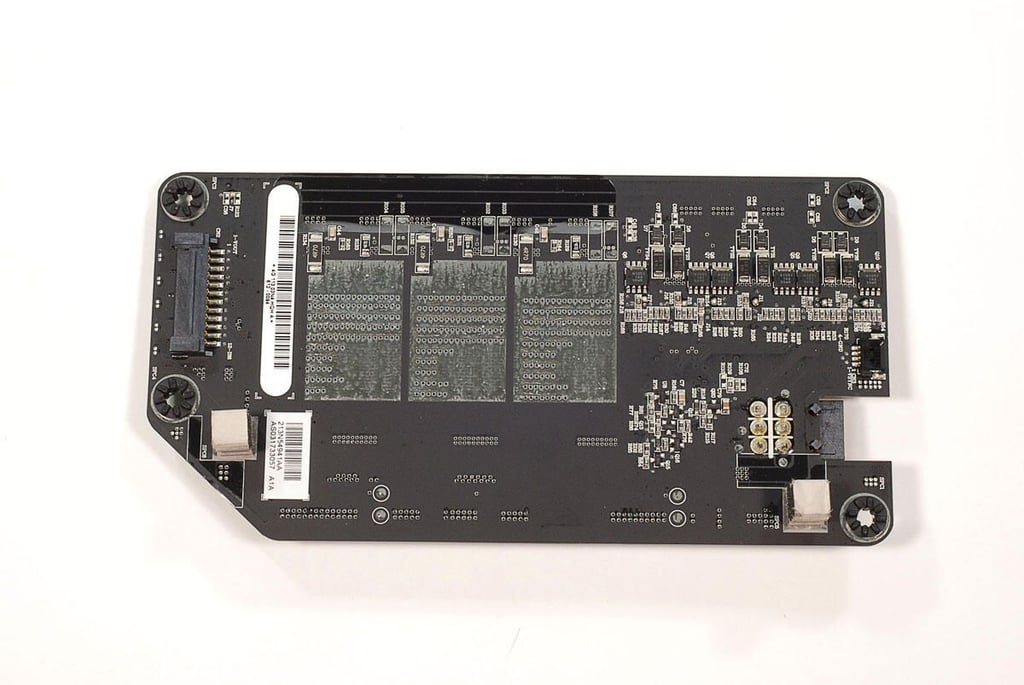
  • 27" Apple iMac teardown: LED driver board removed

    \n\tPhoto by: Bill Detwiler / TechRepublic
    \n\tCaption by: Bill Detwiler

  • 27" Apple iMac teardown: LED driver board - Front

    \n\tPhoto by: Bill Detwiler / TechRepublic
    \n\tCaption by: Bill Detwiler

  • 27" Apple iMac teardown: LED driver board - Back

    \n\tPhoto by: Bill Detwiler / TechRepublic
    \n\tCaption by: Bill Detwiler

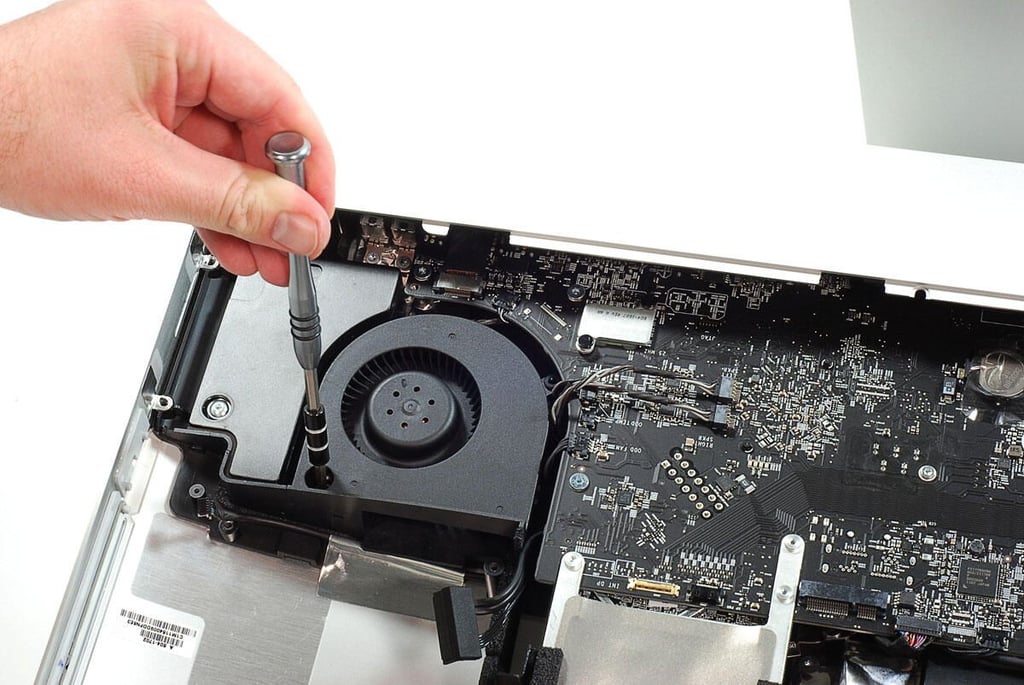
  • 27" Apple iMac teardown: Removing the right-side cooling fan screws

    \n\tPhoto by: Bill Detwiler / TechRepublic
    \n\tCaption by: Bill Detwiler

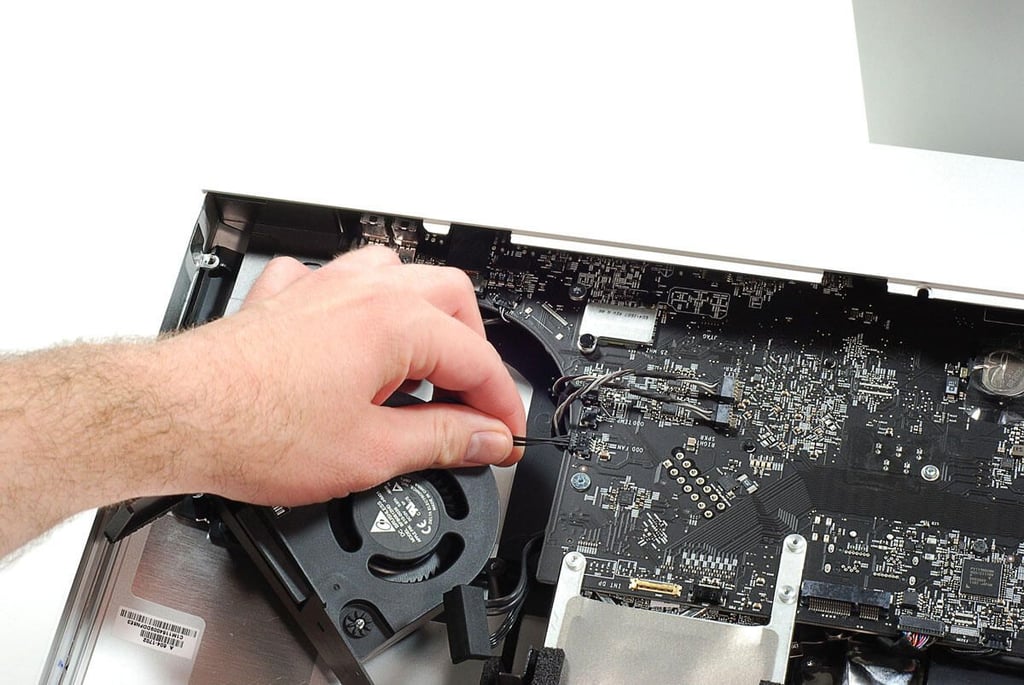
  • 27" Apple iMac teardown: Disconnecting the right-side cooling fan wire

    \n\tPhoto by: Bill Detwiler / TechRepublic
    \n\tCaption by: Bill Detwiler

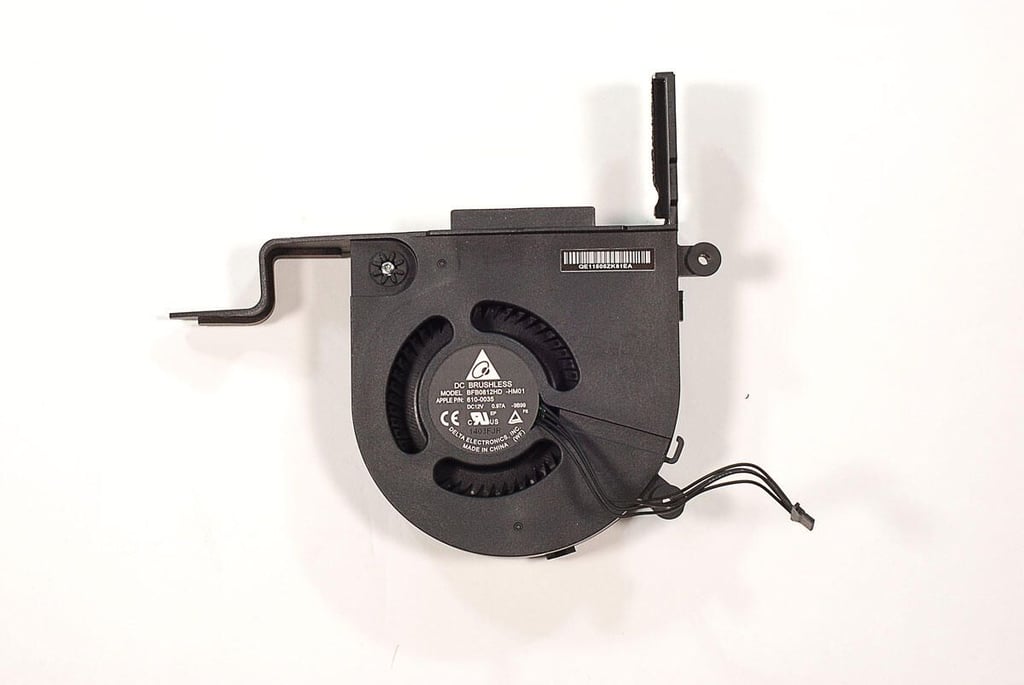
  • 27" Apple iMac teardown: Right-side cooling fan

    \n\tPhoto by: Bill Detwiler / TechRepublic
    \n\tCaption by: Bill Detwiler

  • 27" Apple iMac teardown: Ready to begin removing the motherboard

    \n\tPhoto by: Bill Detwiler / TechRepublic
    \n\tCaption by: Bill Detwiler

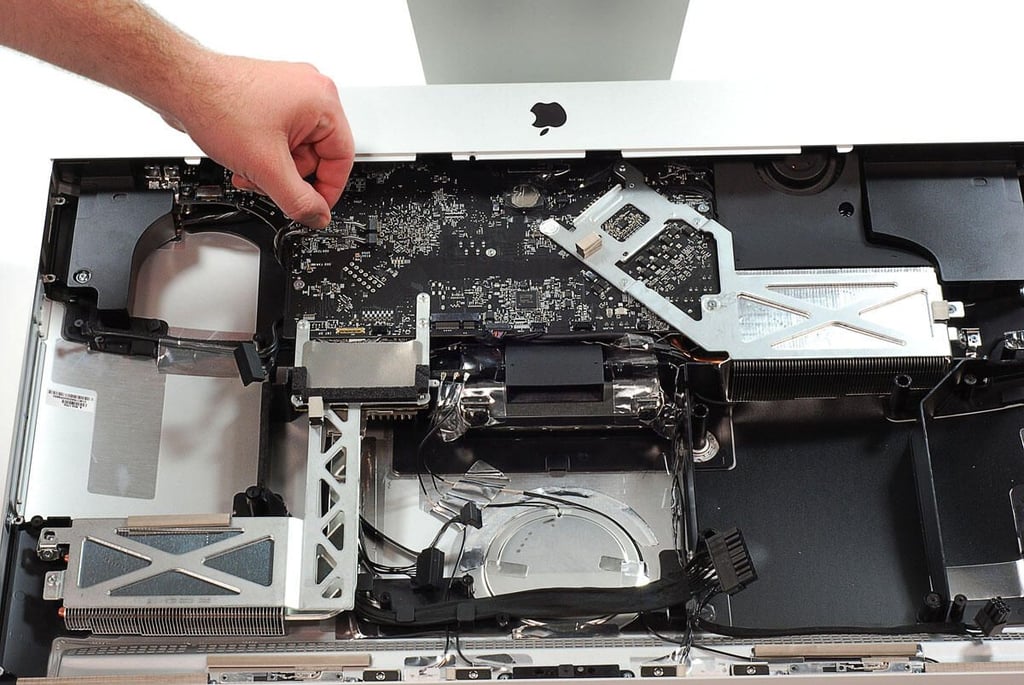
  • 27" Apple iMac teardown: Disconnecting the motherboard cables

    \n\tPhoto by: Bill Detwiler / TechRepublic
    \n\tCaption by: Bill Detwiler

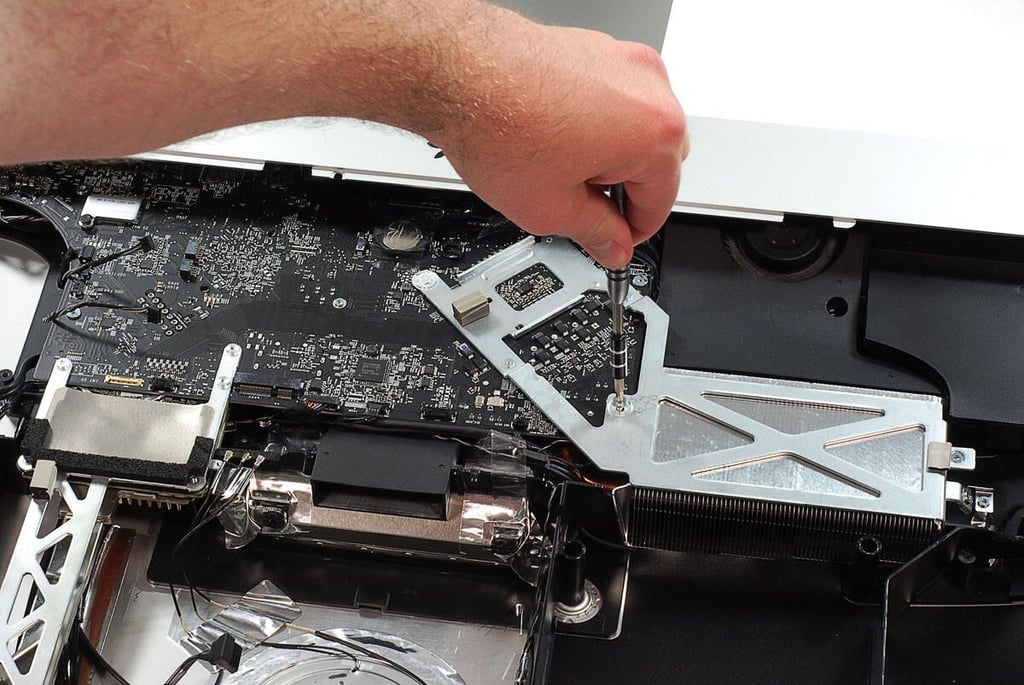
  • 27" Apple iMac teardown: Removing the motherboard and cooling assembly screws

    \n\tPhoto by: Bill Detwiler / TechRepublic
    \n\tCaption by: Bill Detwiler

  • 27" Apple iMac teardown: Removing the motherboard

    \n\tPhoto by: Bill Detwiler / TechRepublic
    \n\tCaption by: Bill Detwiler

  • 27" Apple iMac teardown: Motherboard removed

    \n\tPhoto by: Bill Detwiler / TechRepublic
    \n\tCaption by: Bill Detwiler

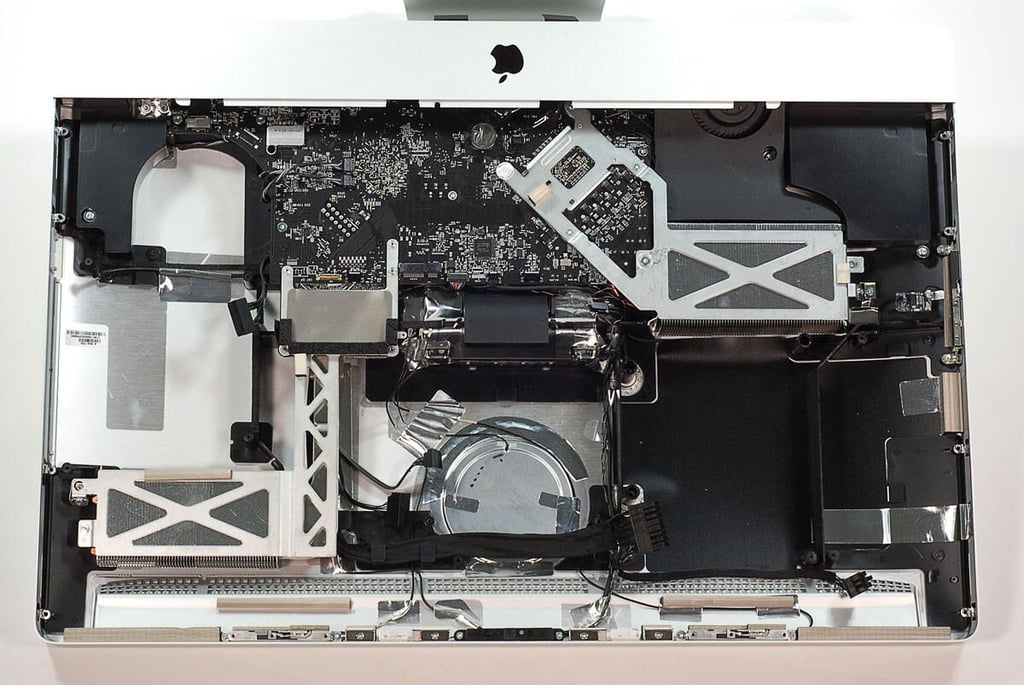
  • 27" Apple iMac teardown: Case with most internal hardware removed

    \n\tPhoto by: Bill Detwiler / TechRepublic
    \n\tCaption by: Bill Detwiler

  • 27" Apple iMac teardown: Center cooling fan

    \n\tPhoto by: Bill Detwiler / TechRepublic
    \n\tCaption by: Bill Detwiler

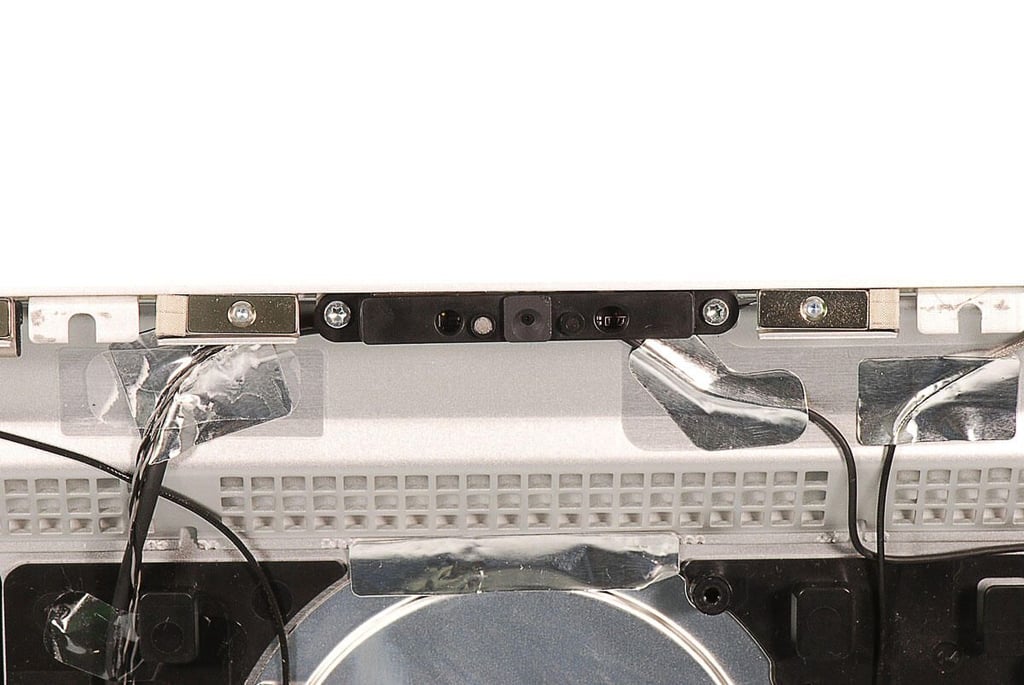
  • 27" Apple iMac teardown: FaceTime HD camera

    \n\tPhoto by: Bill Detwiler / TechRepublic
    \n\tCaption by: Bill Detwiler

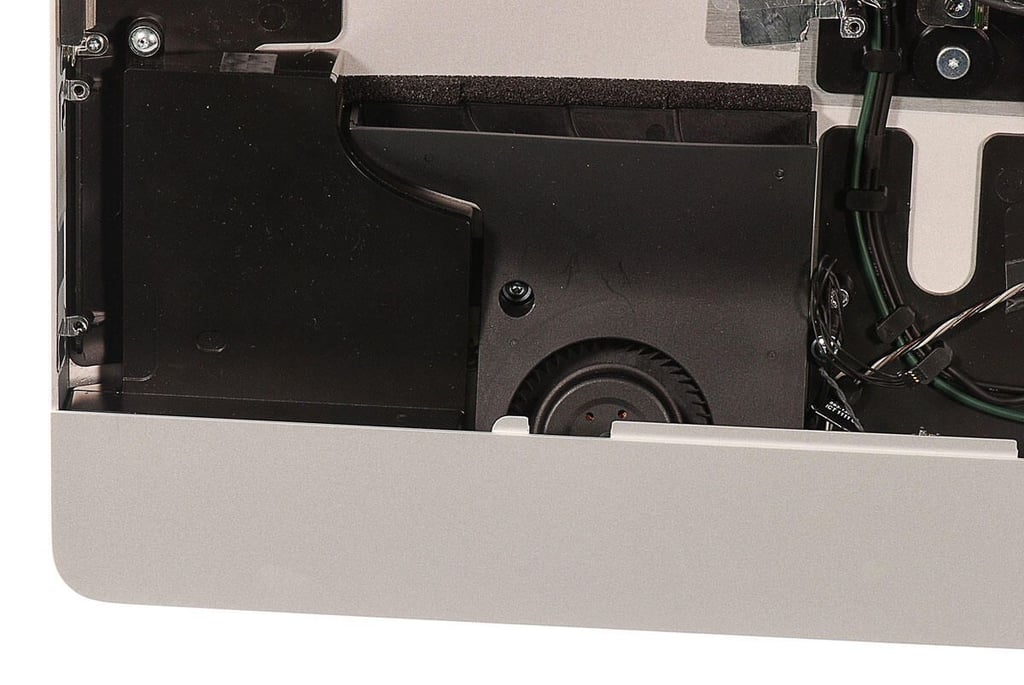
  • 27" Apple iMac teardown: Left-side cooling fan and speaker

    \n\tPhoto by: Bill Detwiler / TechRepublic
    \n\tCaption by: Bill Detwiler

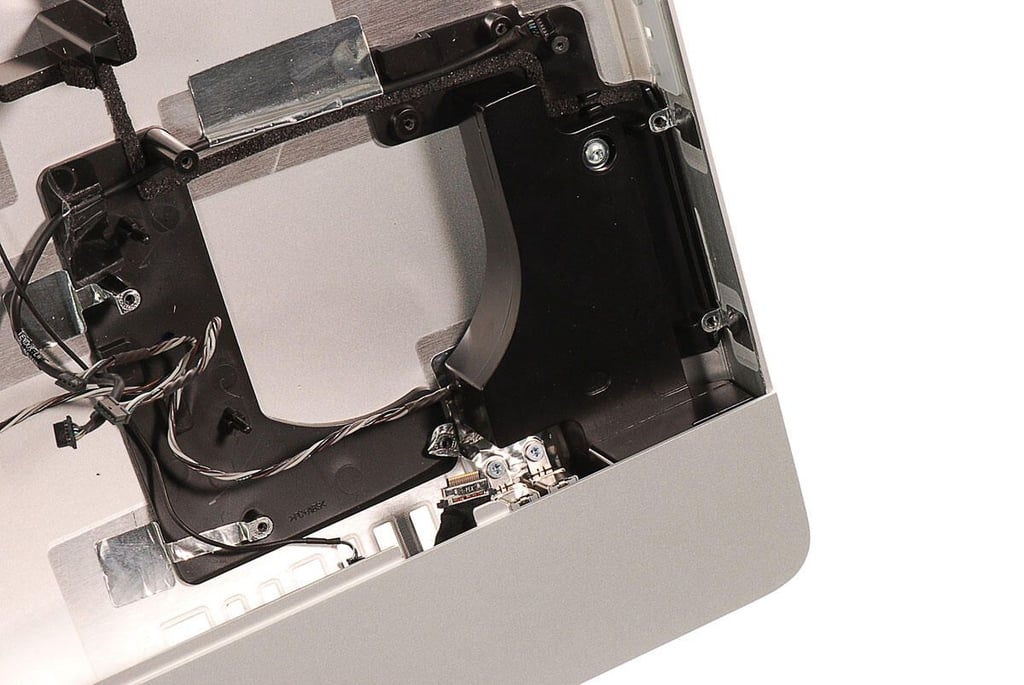
  • 27" Apple iMac teardown: Right-side speaker

    \n\tPhoto by: Bill Detwiler / TechRepublic
    \n\tCaption by: Bill Detwiler

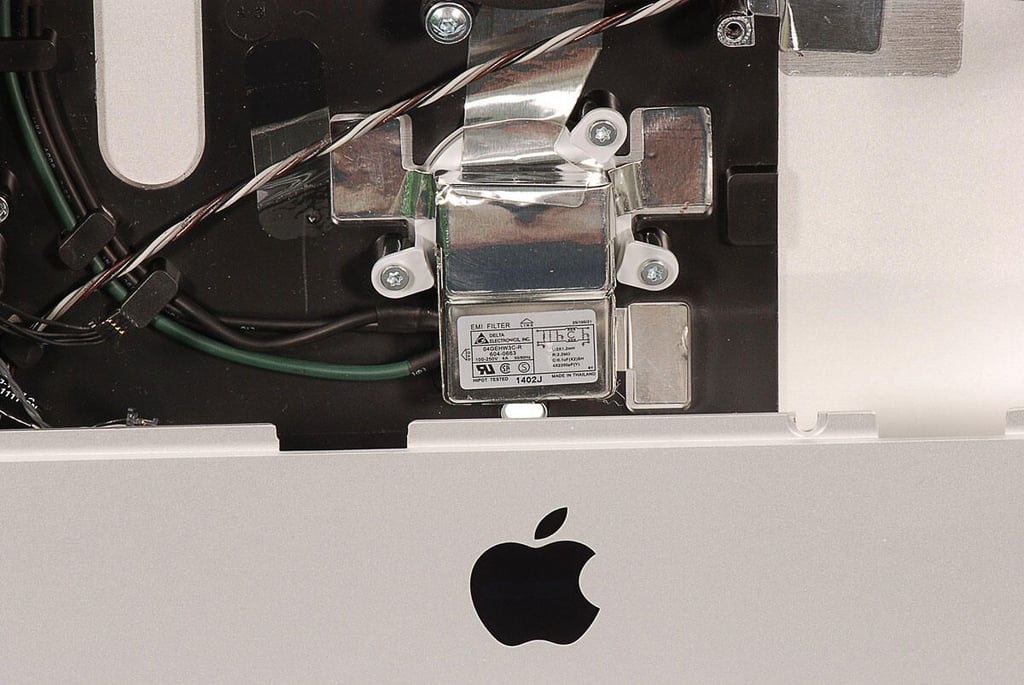
  • 27" Apple iMac teardown: Delta Electronics EMI filter

    \n\tPhoto by: Bill Detwiler / TechRepublic
    \n\tCaption by: Bill Detwiler

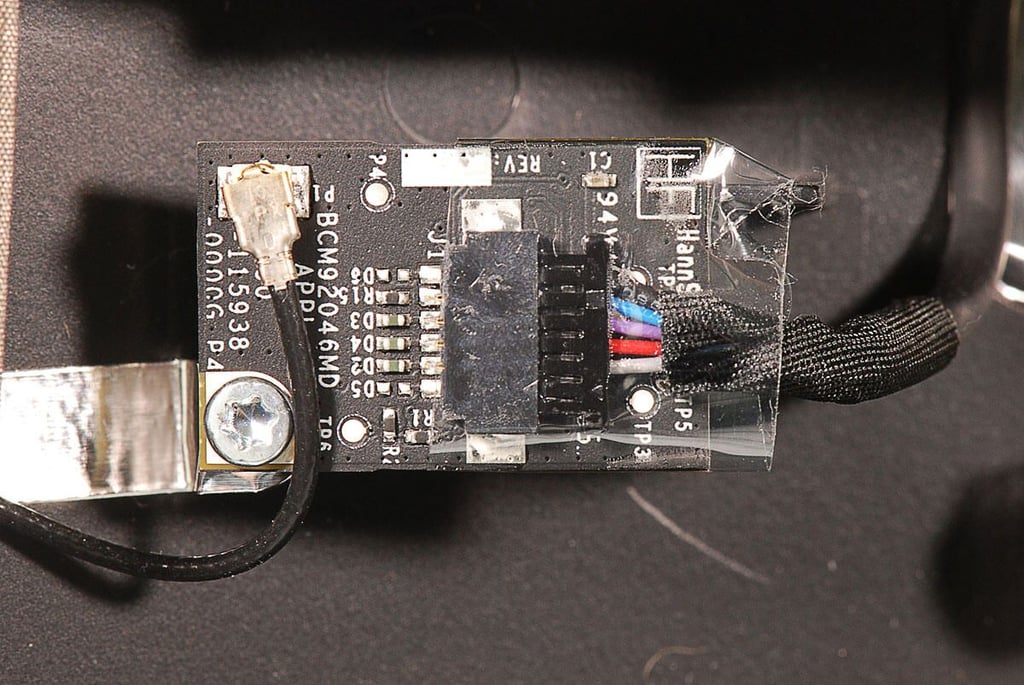
  • 27" Apple iMac teardown: Broadcom BCM92046MD Bluetooth module

    \n\tPhoto by: Bill Detwiler / TechRepublic
    \n\tCaption by: Bill Detwiler

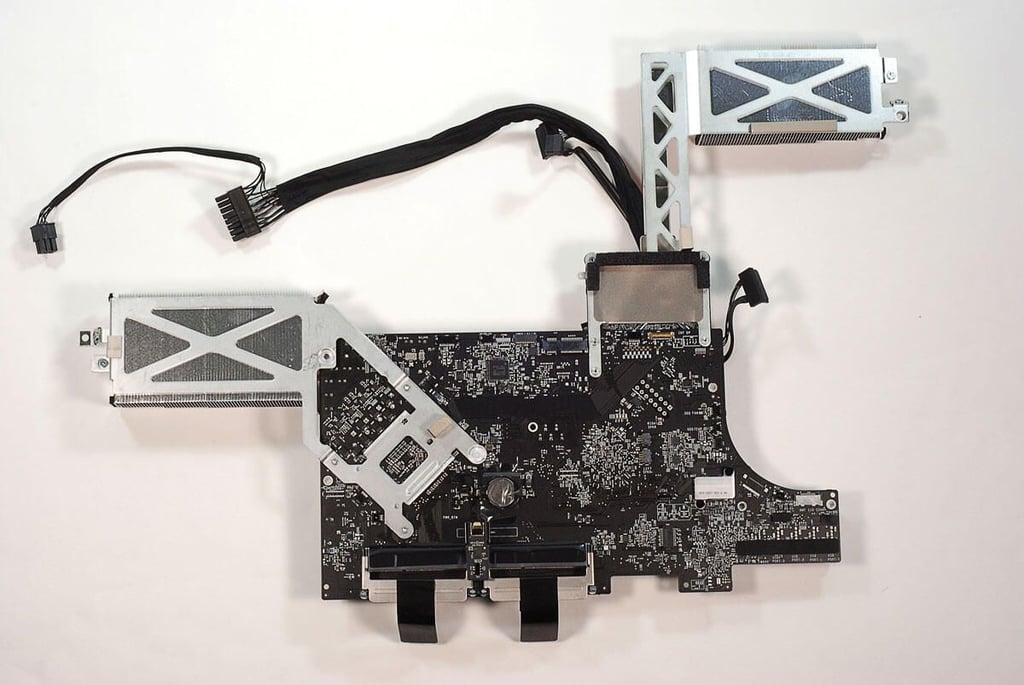
  • 27" Apple iMac teardown: Motherboard with cooling assemblies attached - Top

    \n\tPhoto by: Bill Detwiler / TechRepublic
    \n\tCaption by: Bill Detwiler

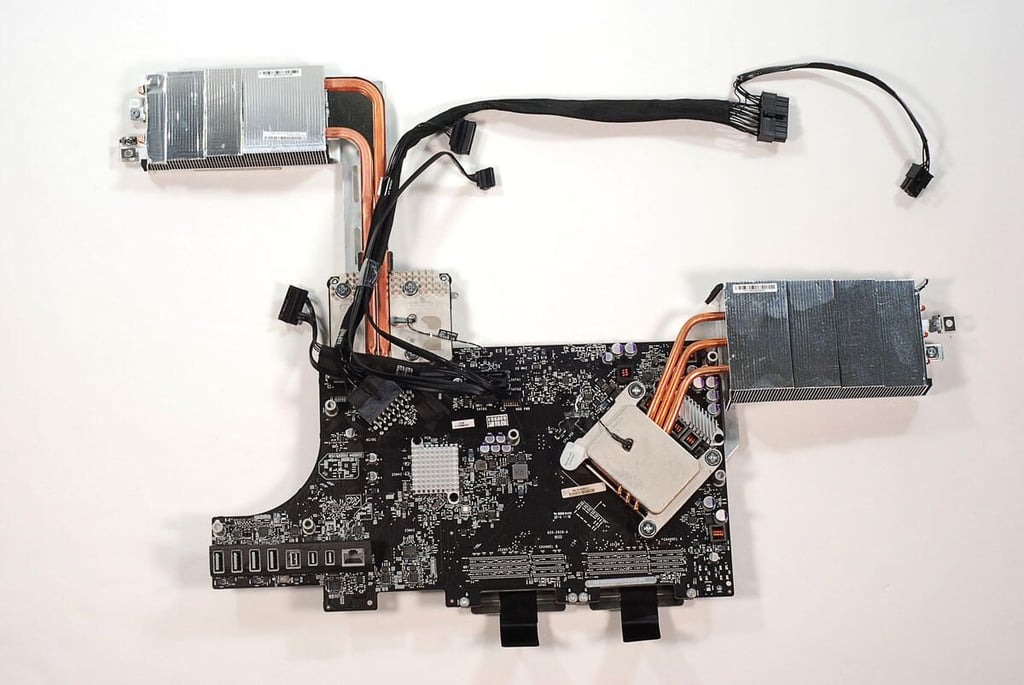
  • 27" Apple iMac teardown: Motherboard with cooling assemblies attached - Back

    \n\tPhoto by: Bill Detwiler / TechRepublic
    \n\tCaption by: Bill Detwiler

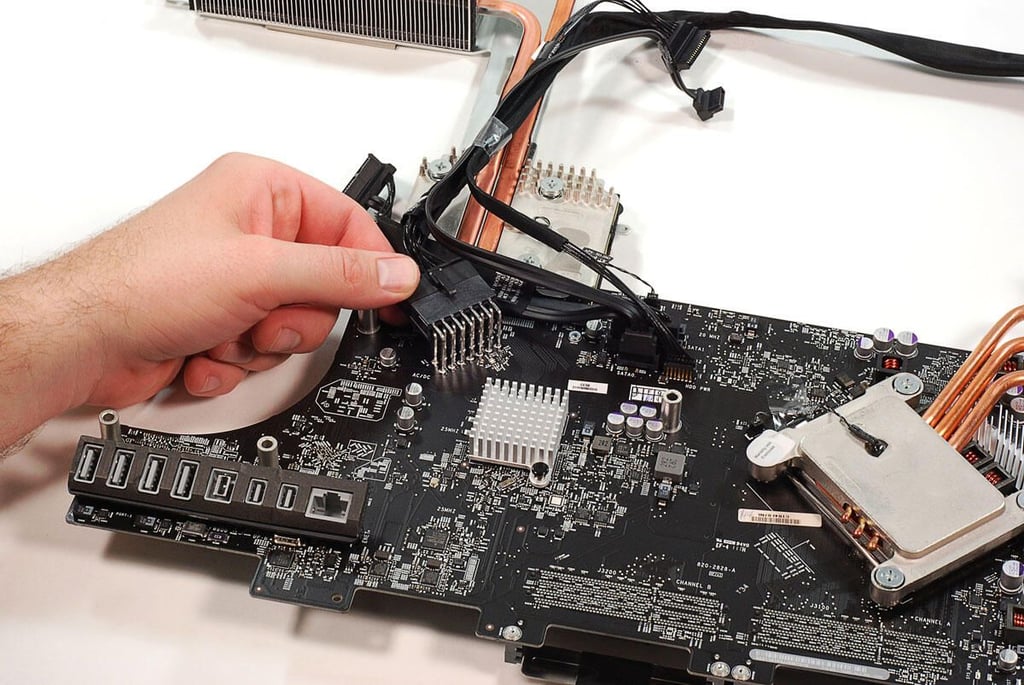
  • 27" Apple iMac teardown: Disconnecting the remaining motherboard cables

    \n\tPhoto by: Bill Detwiler / TechRepublic
    \n\tCaption by: Bill Detwiler

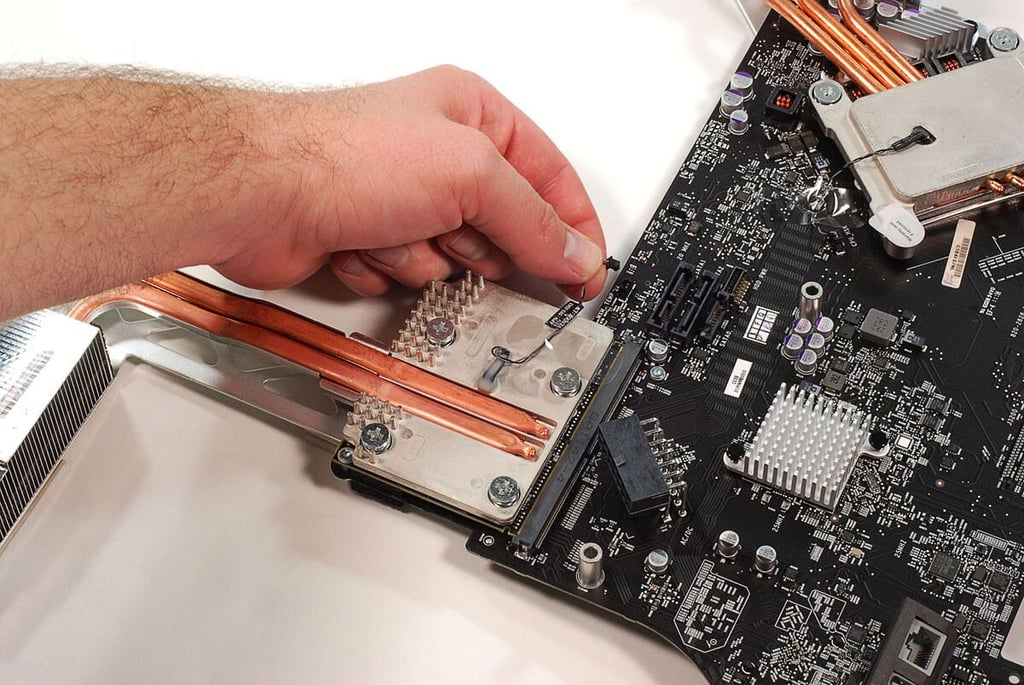
  • 27" Apple iMac teardown: Disconnecting the GPU cooling assembly's thermal sensor wire

    \n\tPhoto by: Bill Detwiler / TechRepublic
    \n\tCaption by: Bill Detwiler

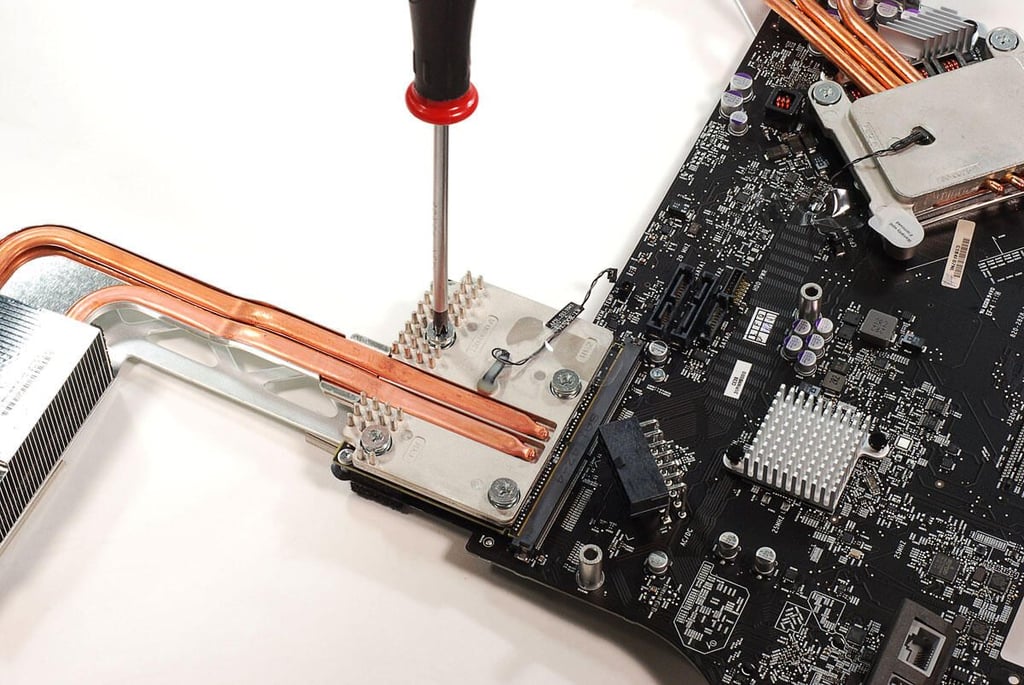
  • 27" Apple iMac teardown: Removing the GPU cooling assembly screws

    \n\tPhoto by: Bill Detwiler / TechRepublic
    \n\tCaption by: Bill Detwiler

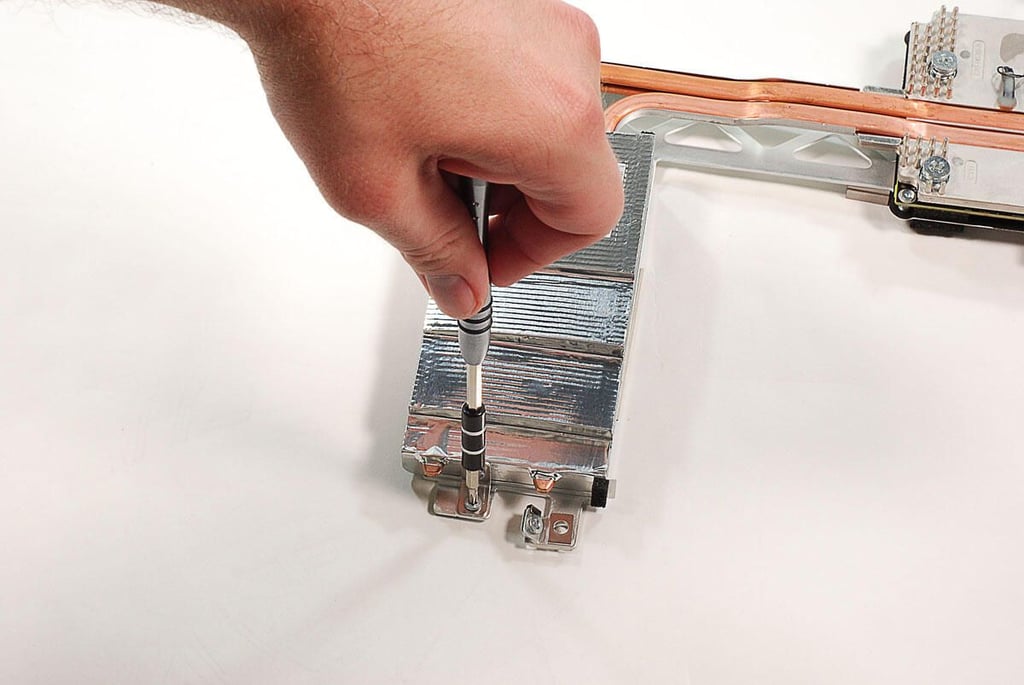
  • 27" Apple iMac teardown: Removing the GPU cooling assembly bracket screw

    \n\tPhoto by: Bill Detwiler / TechRepublic
    \n\tCaption by: Bill Detwiler

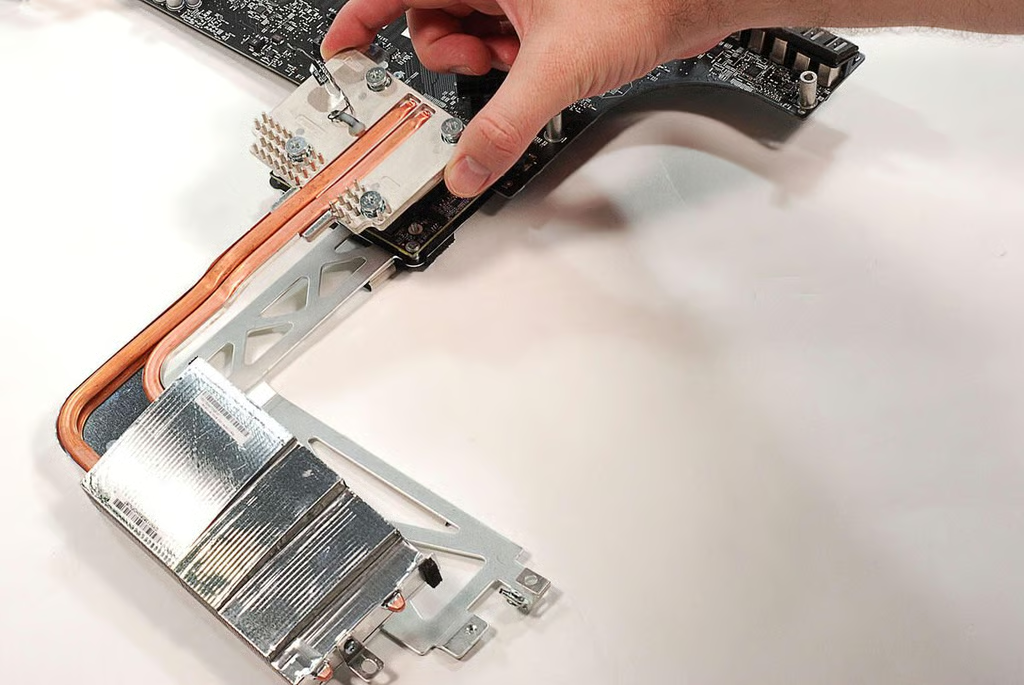
  • 27" Apple iMac teardown: Removing the GPU cooling assembly

    \n\tPhoto by: Bill Detwiler / TechRepublic
    \n\tCaption by: Bill Detwiler

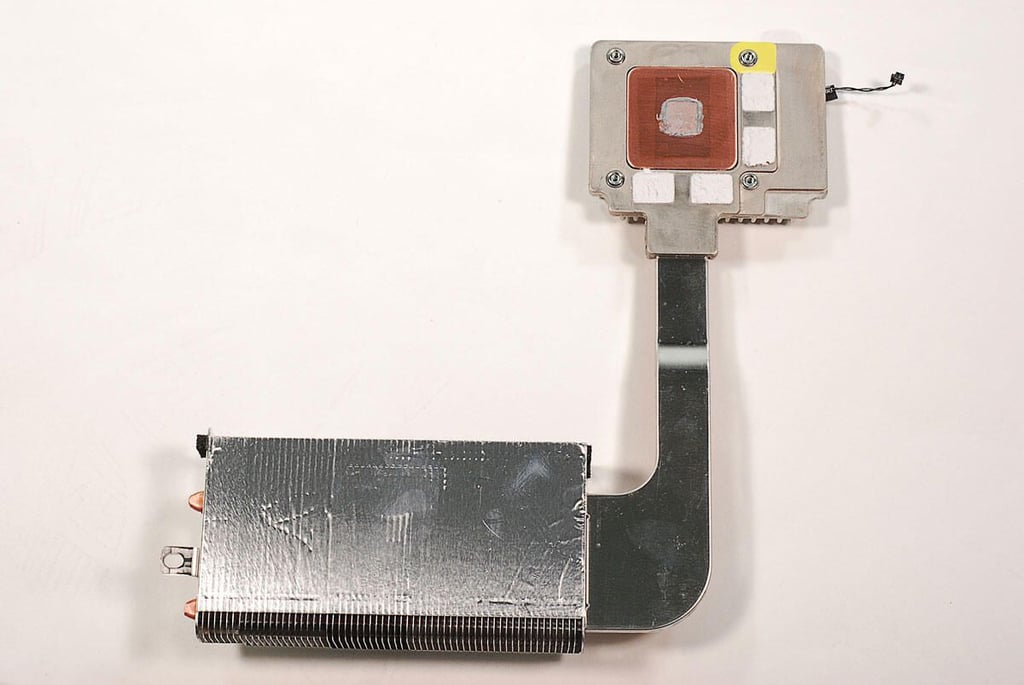
  • 27" Apple iMac teardown: GPU cooling assembly - Bottom

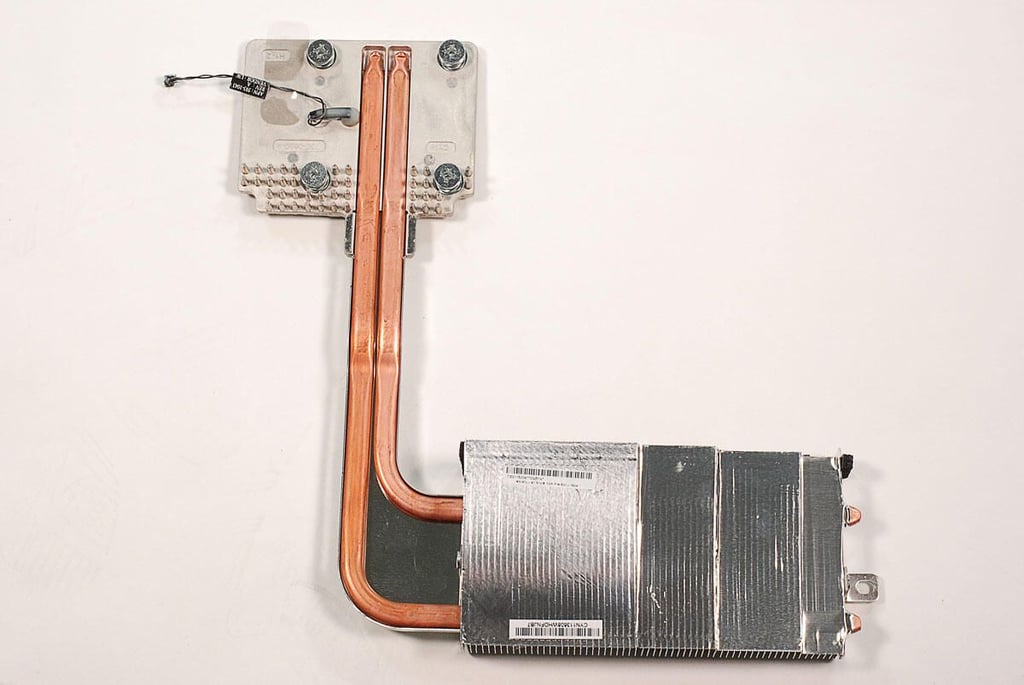
  • 27" Apple iMac teardown: GPU cooling assembly - Top

    \n\tPhoto by: Bill Detwiler / TechRepublic
    \n\tCaption by: Bill Detwiler

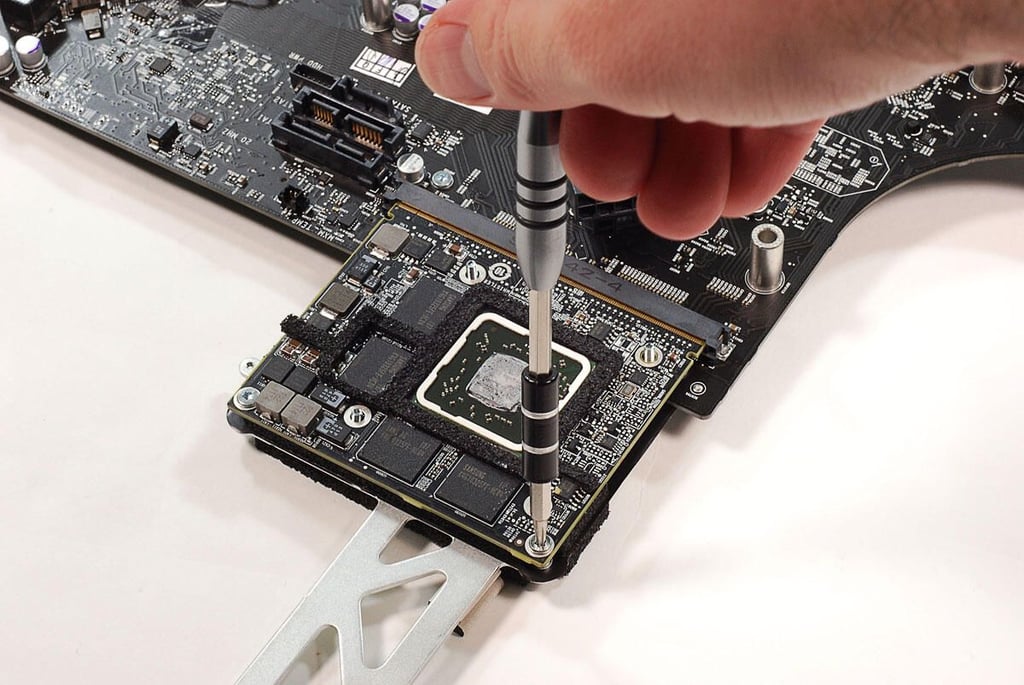
  • 27" Apple iMac teardown: Removing the GPU board screws

    \n\tPhoto by: Bill Detwiler / TechRepublic
    \n\tCaption by: Bill Detwiler

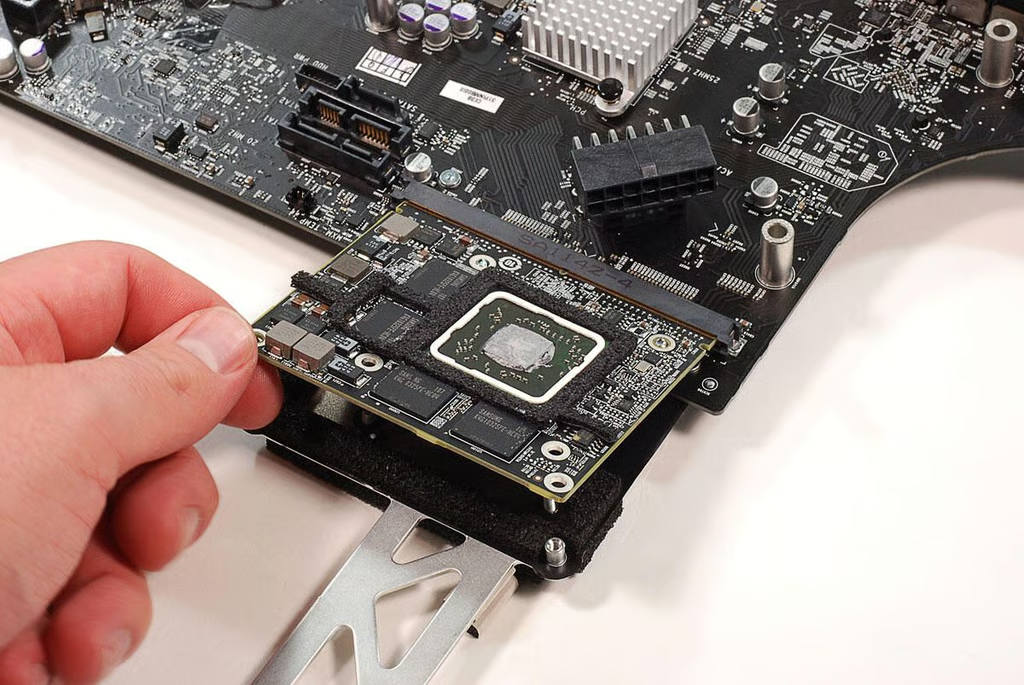
  • 27" Apple iMac teardown: Removing the GPU card

    \n\tPhoto by: Bill Detwiler / TechRepublic
    \n\tCaption by: Bill Detwiler

  • 27" Apple iMac teardown: AMD RadeonHD 6770M GPU - Top

    \n\tPhoto by: Bill Detwiler / TechRepublic
    \n\tCaption by: Bill Detwiler

  • 27" Apple iMac teardown: AMD RadeonHD 6770M GPU - Bottom

    \n\tPhoto by: Bill Detwiler / TechRepublic
    \n\tCaption by: Bill Detwiler

  • 27" Apple iMac teardown: AMD Radeon HD 6770M GPU chip

    \n\tPhoto by: Bill Detwiler / TechRepublic
    \n\tCaption by: Bill Detwiler

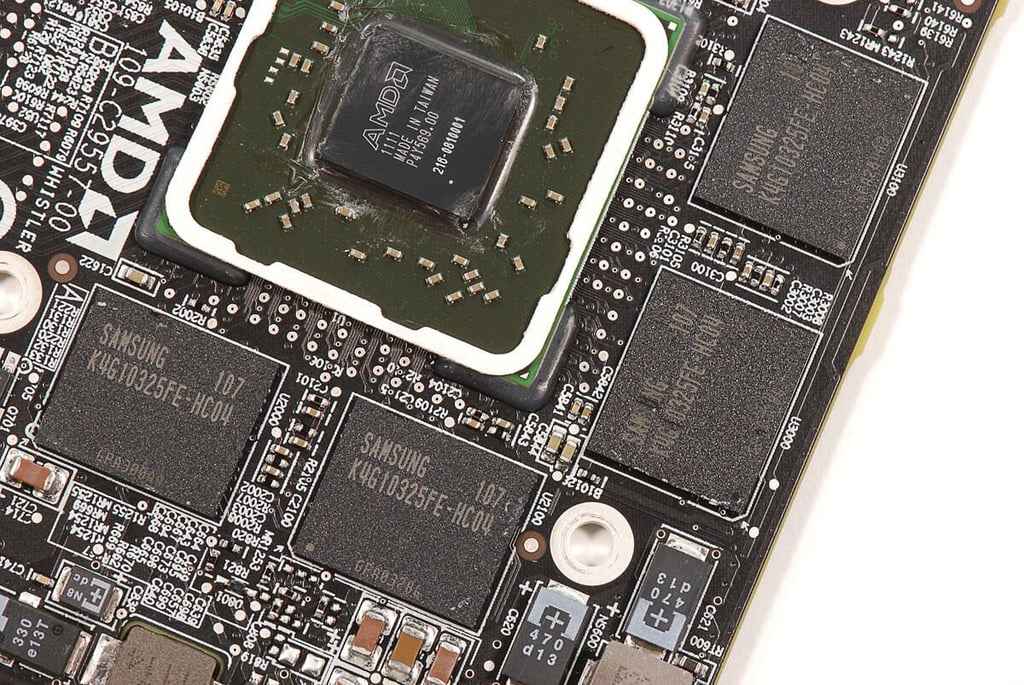
  • 27" Apple iMac teardown: Four Samsung K4G10325FE-HC04 GDDR5 chips

    \n\tPhoto by: Bill Detwiler / TechRepublic
    \n\tCaption by: Bill Detwiler

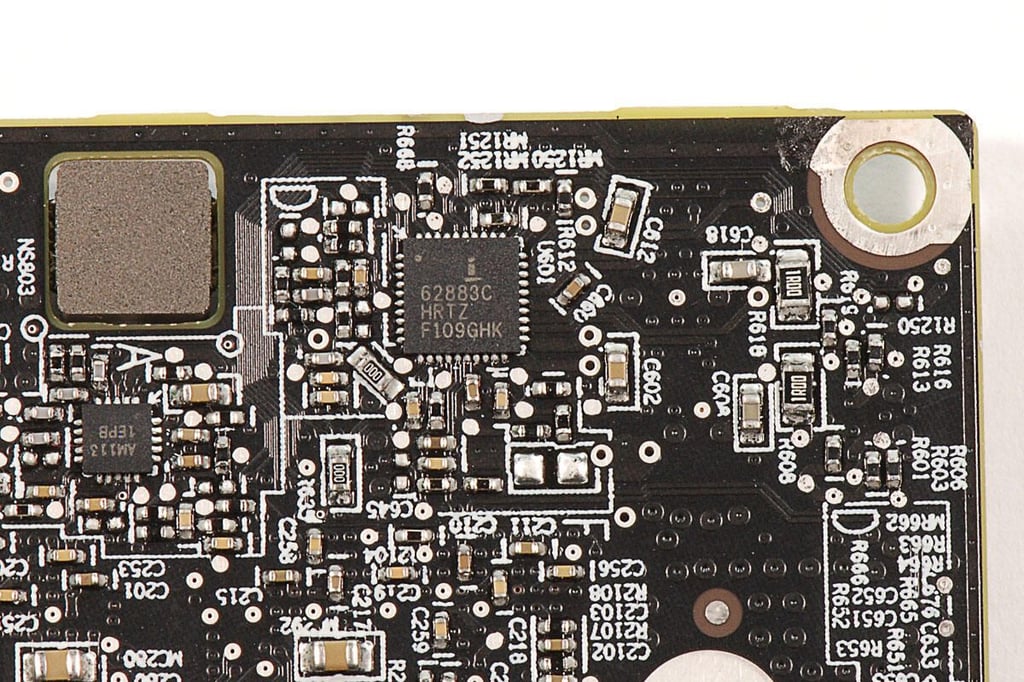
  • 27" Apple iMac teardown: ISL62883 Multiphase PWM Regulator on the GPU board

    \n\tPhoto by: Bill Detwiler / TechRepublic
    \n\tCaption by: Bill Detwiler

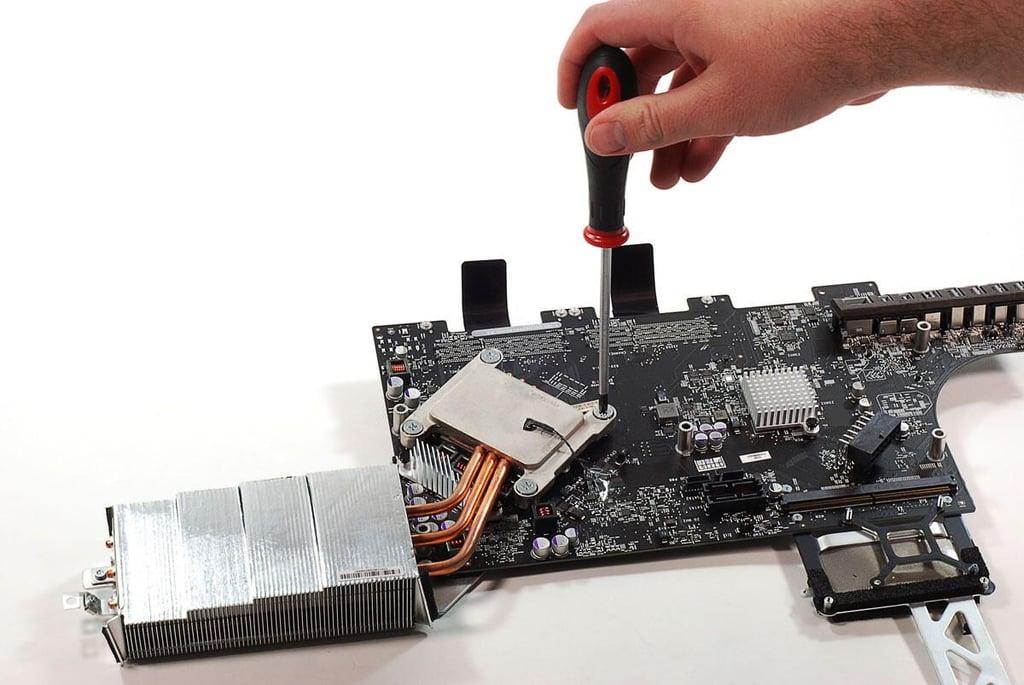
  • 27" Apple iMac teardown: Removing the CPU cooling assembly screws

    \n\tPhoto by: Bill Detwiler / TechRepublic
    \n\tCaption by: Bill Detwiler

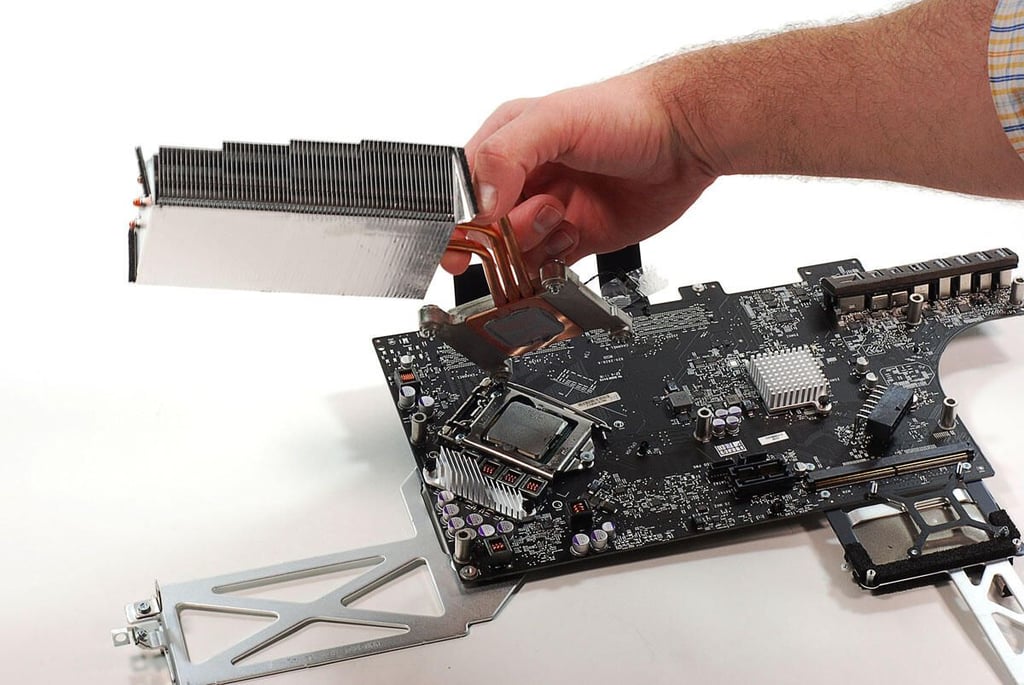
  • 27" Apple iMac teardown: Removing the CPU cooling assembly

    \n\tPhoto by: Bill Detwiler / TechRepublic
    \n\tCaption by: Bill Detwiler

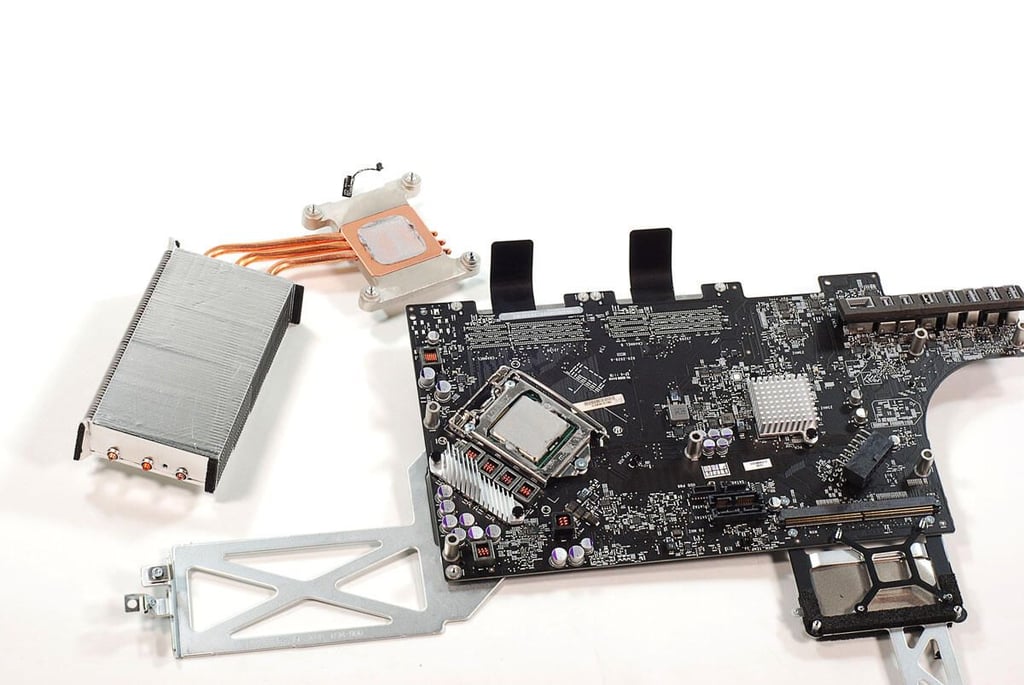
  • 27" Apple iMac teardown: CPU cooling assembly removed

    \n\tPhoto by: Bill Detwiler / TechRepublic
    \n\tCaption by: Bill Detwiler

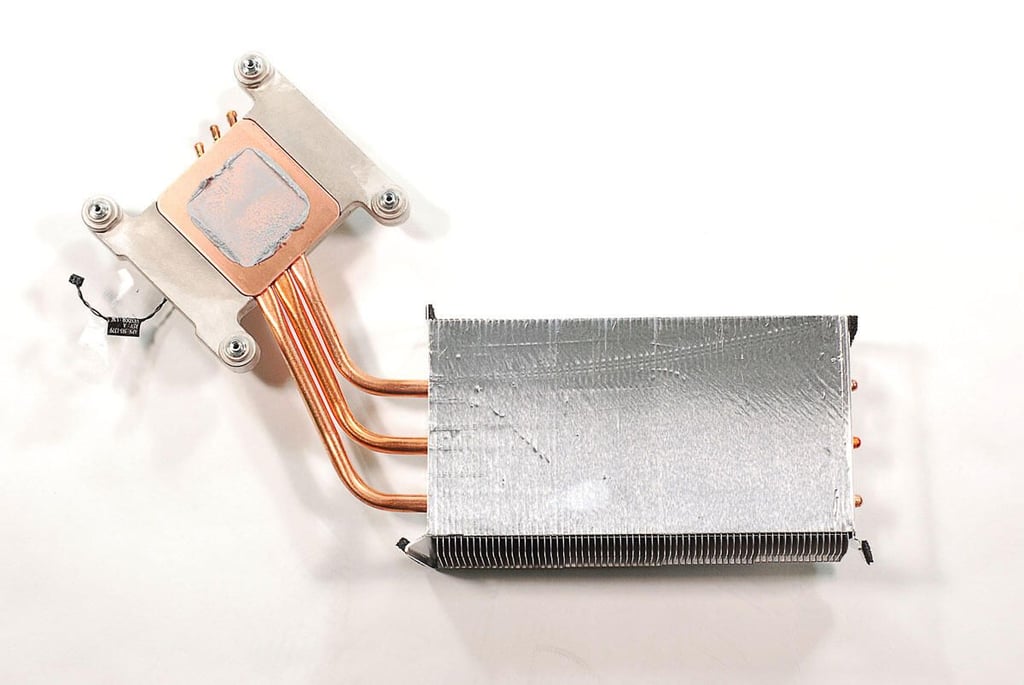
  • 27" Apple iMac teardown: CPU cooling assembly - Bottom

    \n\tPhoto by: Bill Detwiler / TechRepublic
    \n\tCaption by: Bill Detwiler

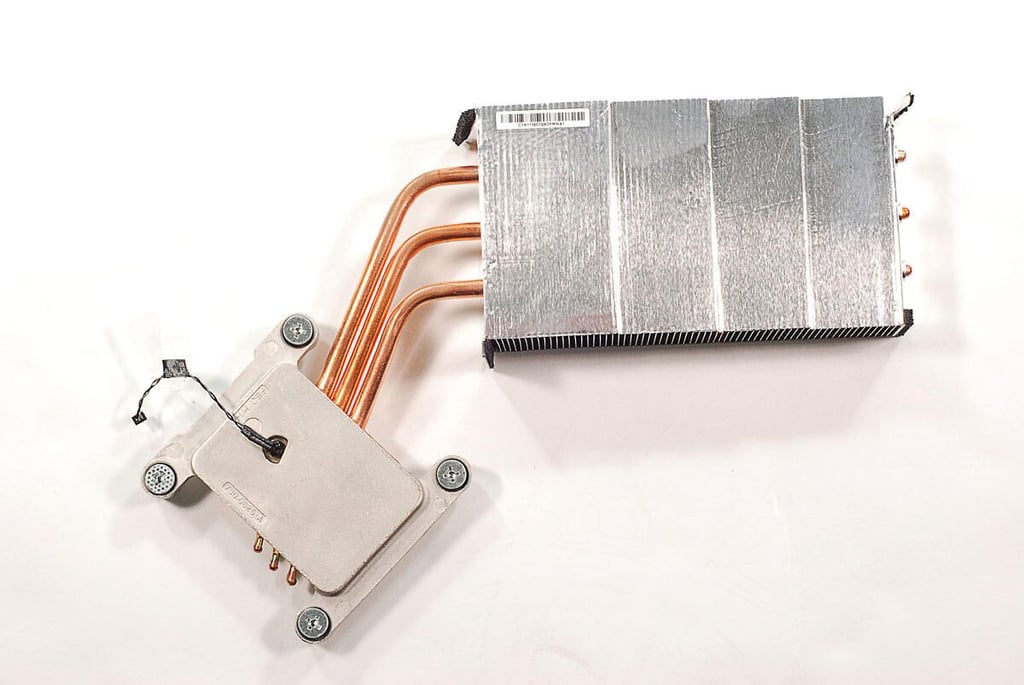
  • 27" Apple iMac teardown: CPU cooling assembly - Top

    \n\tPhoto by: Bill Detwiler / TechRepublic
    \n\tCaption by: Bill Detwiler

  • 27" Apple iMac teardown: Removing the GPU cooling assembly bracket

    \n\tPhoto by: Bill Detwiler / TechRepublic
    \n\tCaption by: Bill Detwiler

  • 27" Apple iMac teardown: GPU cooling assembly bracket

    \n\tPhoto by: Bill Detwiler / TechRepublic
    \n\tCaption by: Bill Detwiler

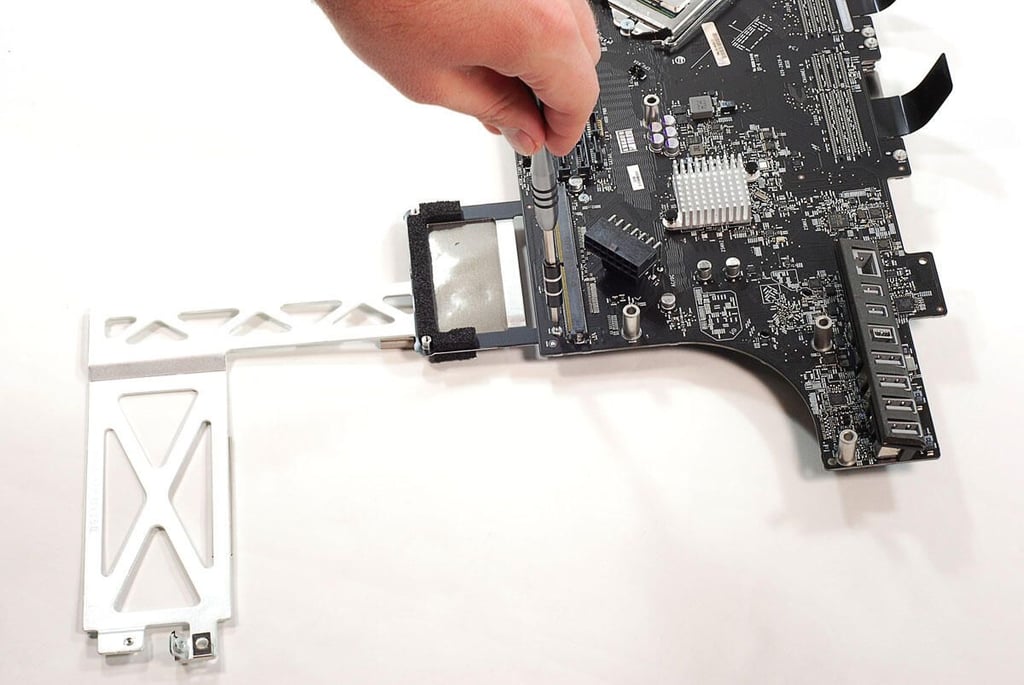
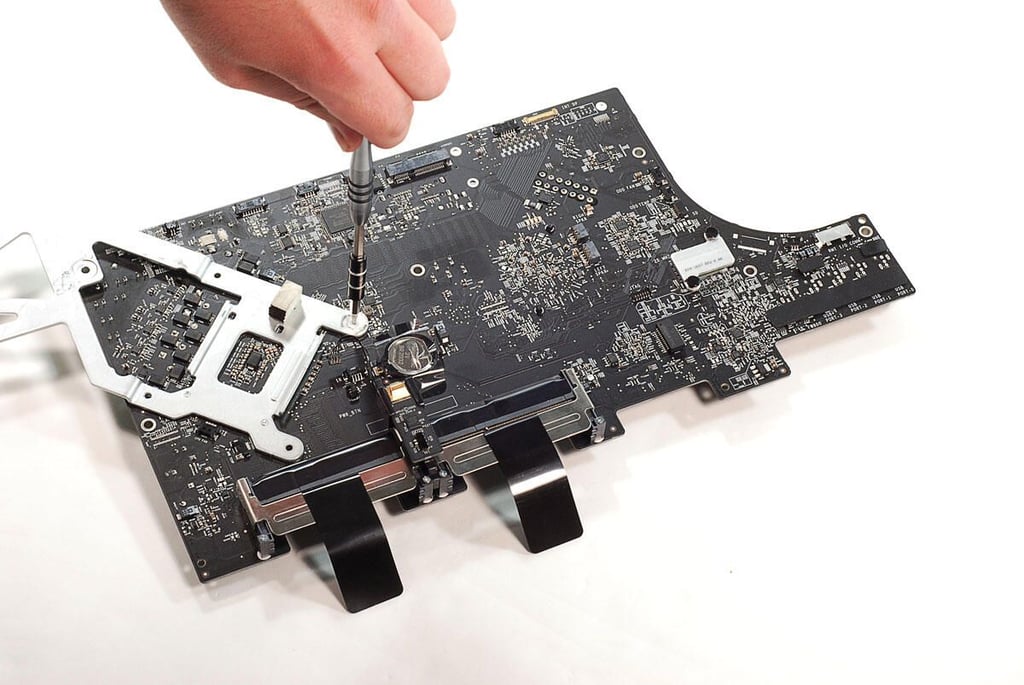
  • 27" Apple iMac teardown: Removing the CPU cooling assembly bracket

    \n\tPhoto by: Bill Detwiler / TechRepublic
    \n\tCaption by: Bill Detwiler

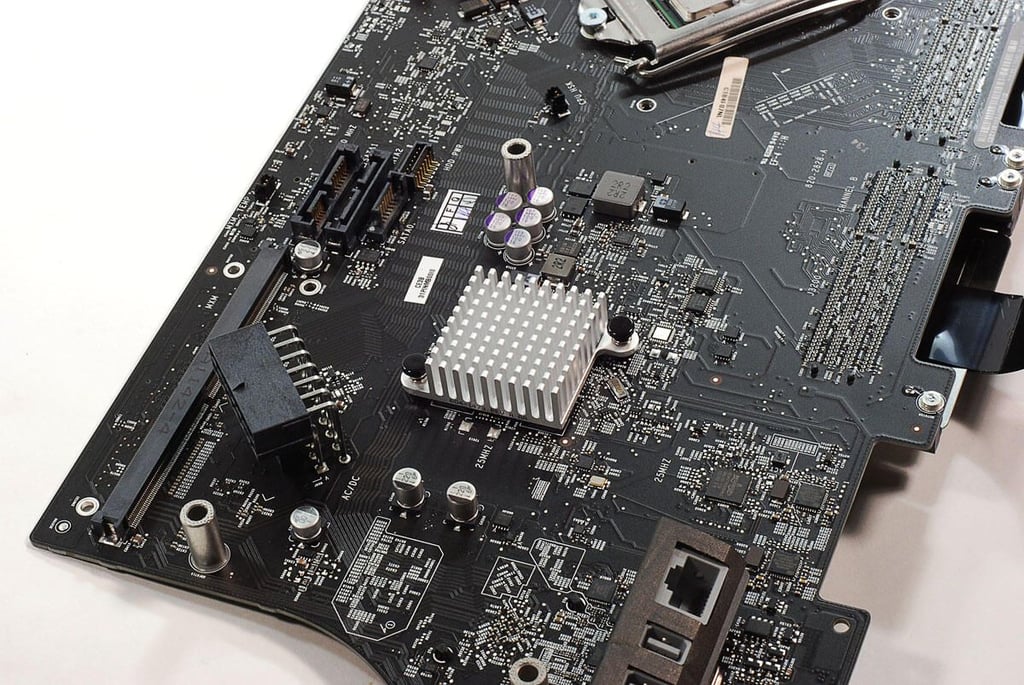
  • 27" Apple iMac teardown: Intel Platform Controller Hub heat sink attached to motherboard

    \n\tPhoto by: Bill Detwiler / TechRepublic
    \n\tCaption by: Bill Detwiler

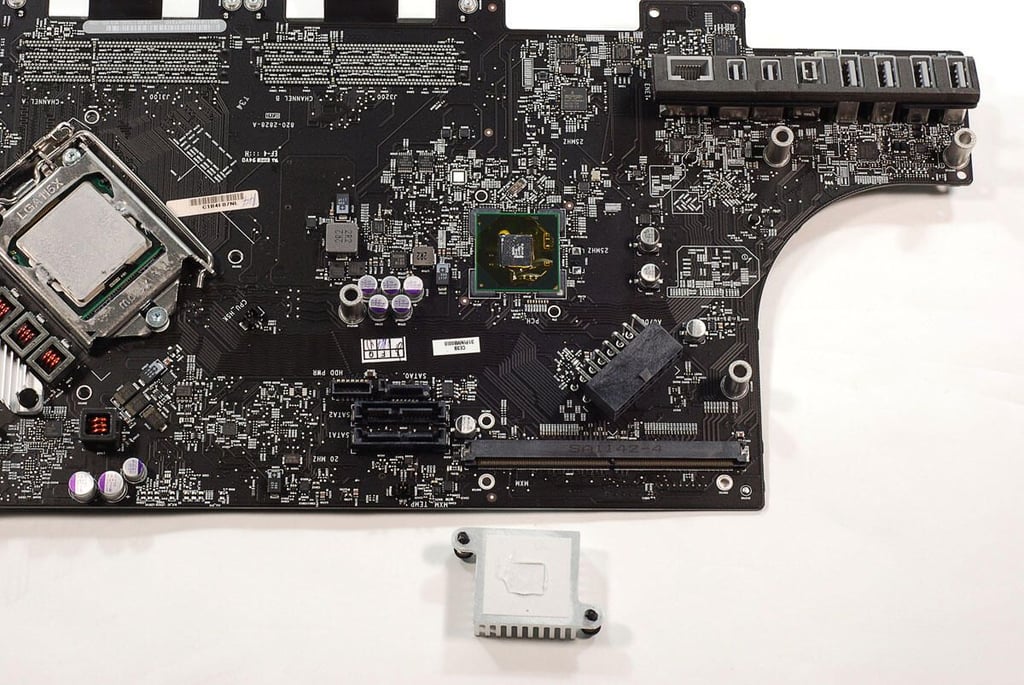
  • 27" Apple iMac teardown: Intel Platform Controller Hub heat sink removed

    \n\tPhoto by: Bill Detwiler / TechRepublic
    \n\tCaption by: Bill Detwiler

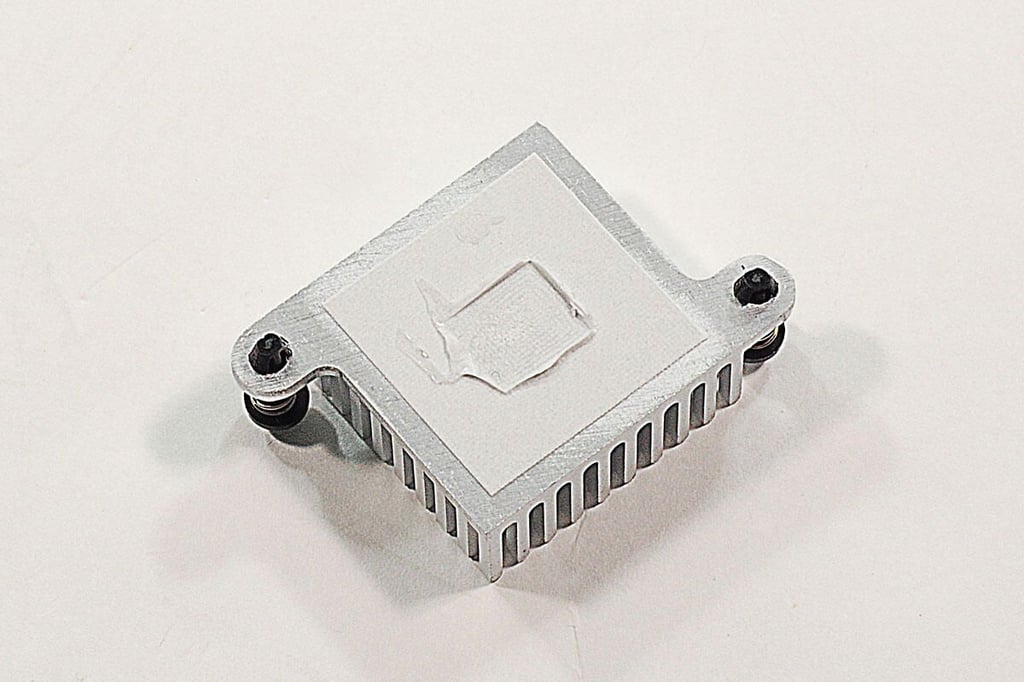
  • 27" Apple iMac teardown: Intel Platform Conrtoller Hub heat sink

    \n\tPhoto by: Bill Detwiler / TechRepublic
    \n\tCaption by: Bill Detwiler

  • 27" Apple iMac teardown: Intel Thunderbolt port IC heat sink

    \n\tPhoto by: Bill Detwiler / TechRepublic
    \n\tCaption by: Bill Detwiler

  • 27" Apple iMac teardown: Intel Thunderbolt port IC heat sink removed

    \n\tPhoto by: Bill Detwiler / TechRepublic
    \n\tCaption by: Bill Detwiler

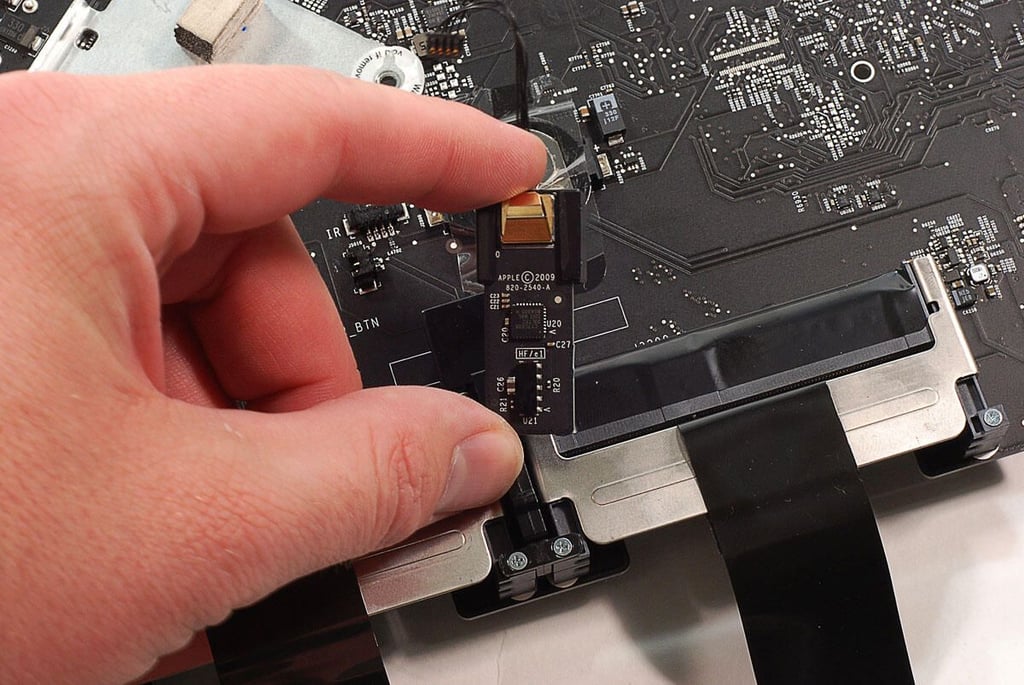
  • 27" Apple iMac teardown: Removing the IR receiver board

    \n\tPhoto by: Bill Detwiler / TechRepublic
    \n\tCaption by: Bill Detwiler

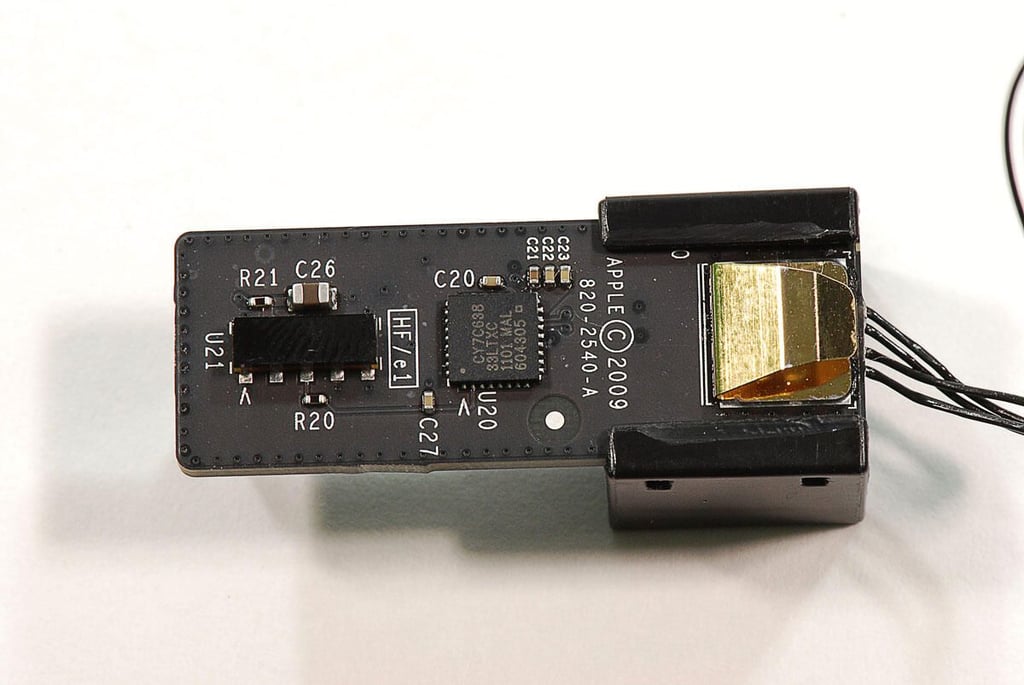
  • 27" Apple iMac teardown: IR receiver board

    \n\tPhoto by: Bill Detwiler / TechRepublic
    \n\tCaption by: Bill Detwiler

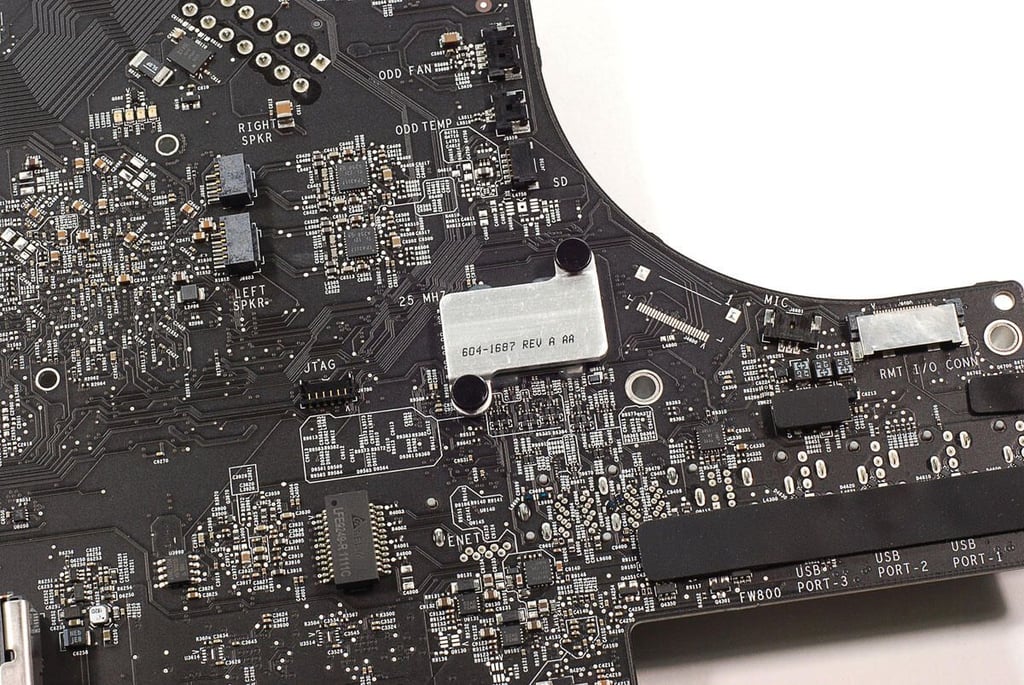
  • 27" Apple iMac teardown: Another heat sink

    \n\tPhoto by: Bill Detwiler / TechRepublic
    \n\tCaption by: Bill Detwiler

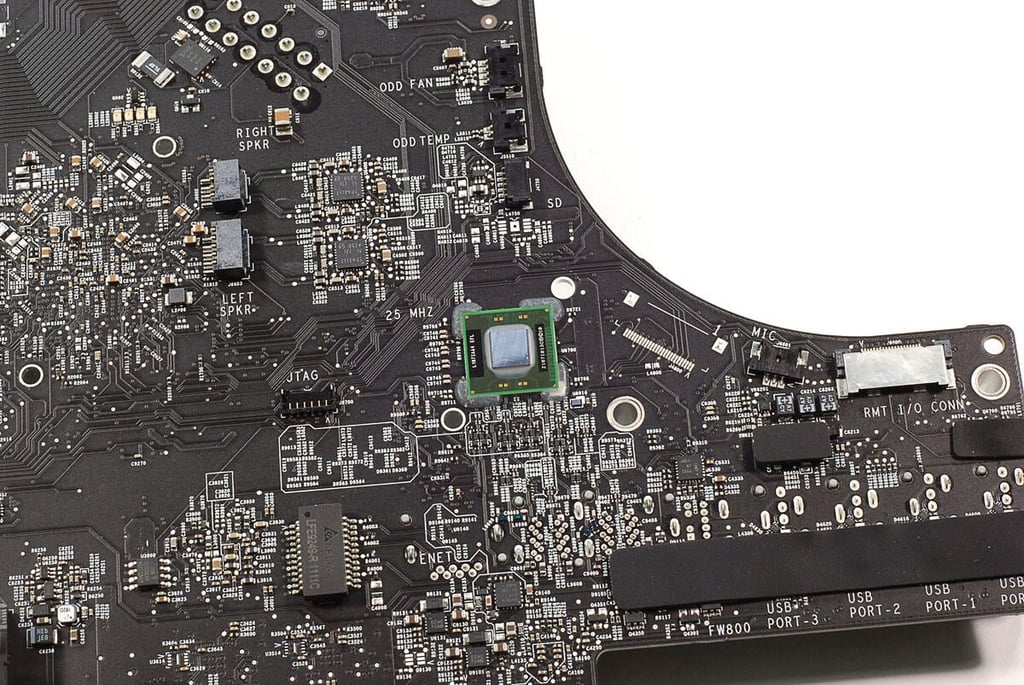
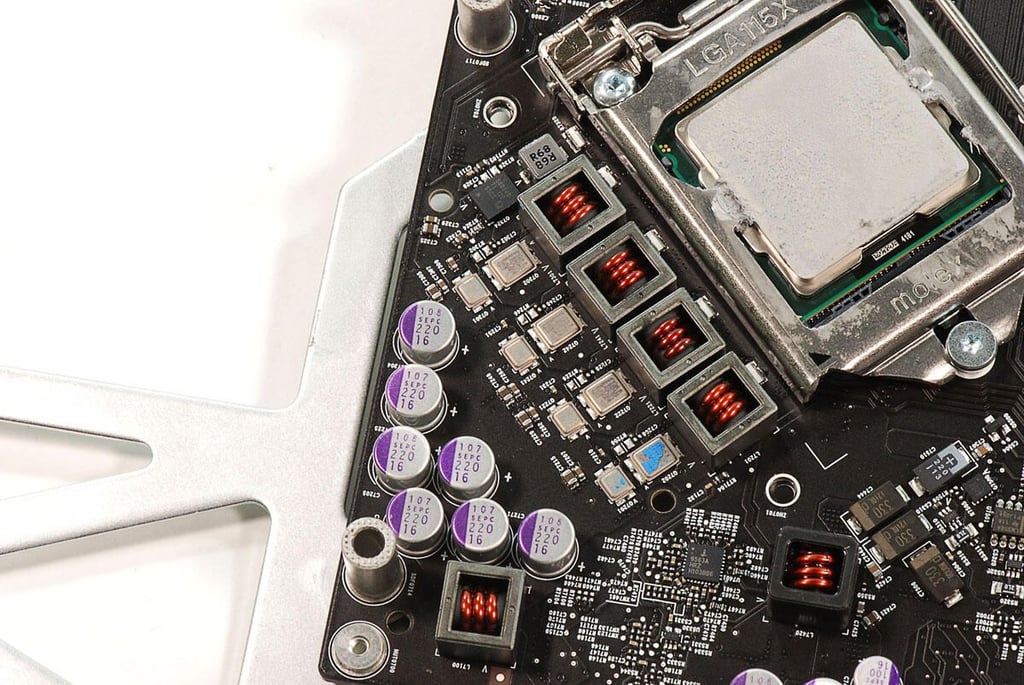
  • 27" Apple iMac teardown: Last motherboard heat sink removed

    \n\tPhoto by: Bill Detwiler / TechRepublic
    \n\tCaption by: Bill Detwiler

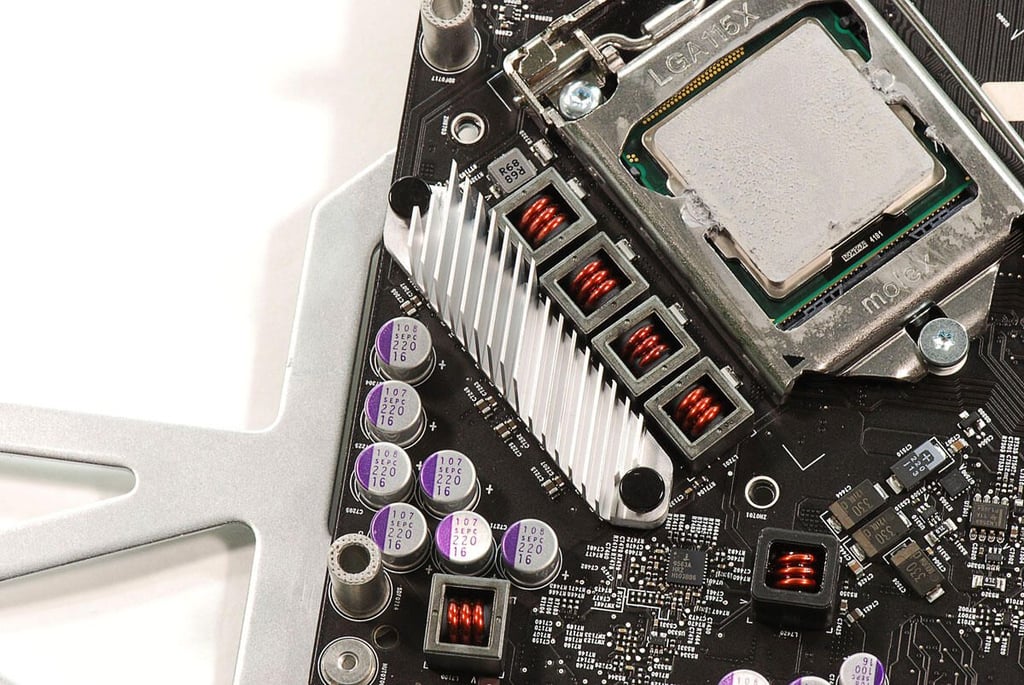
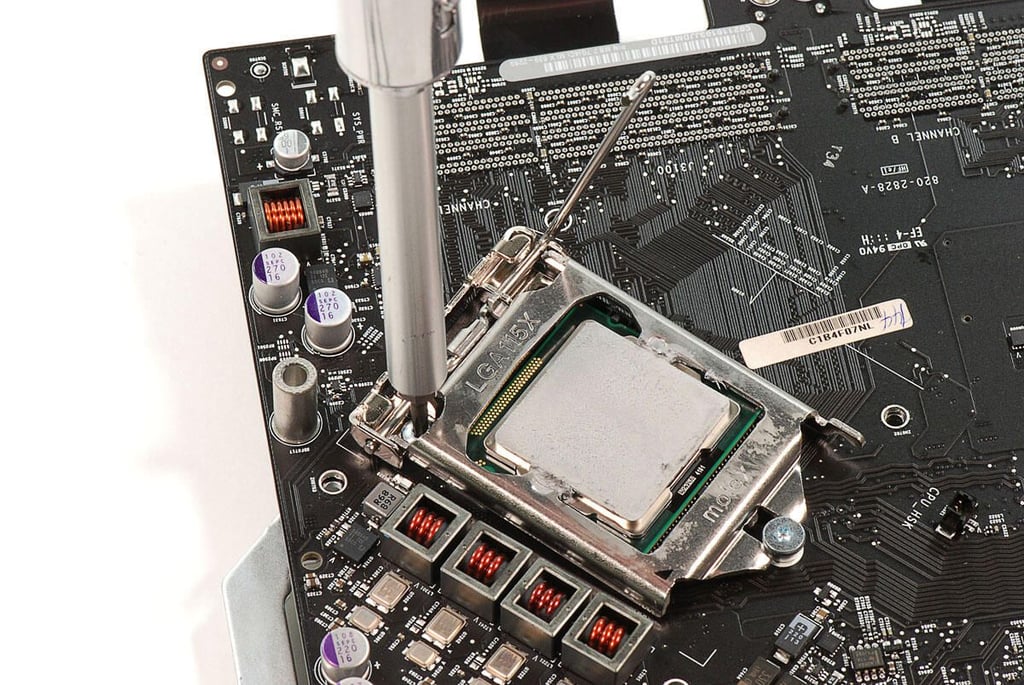
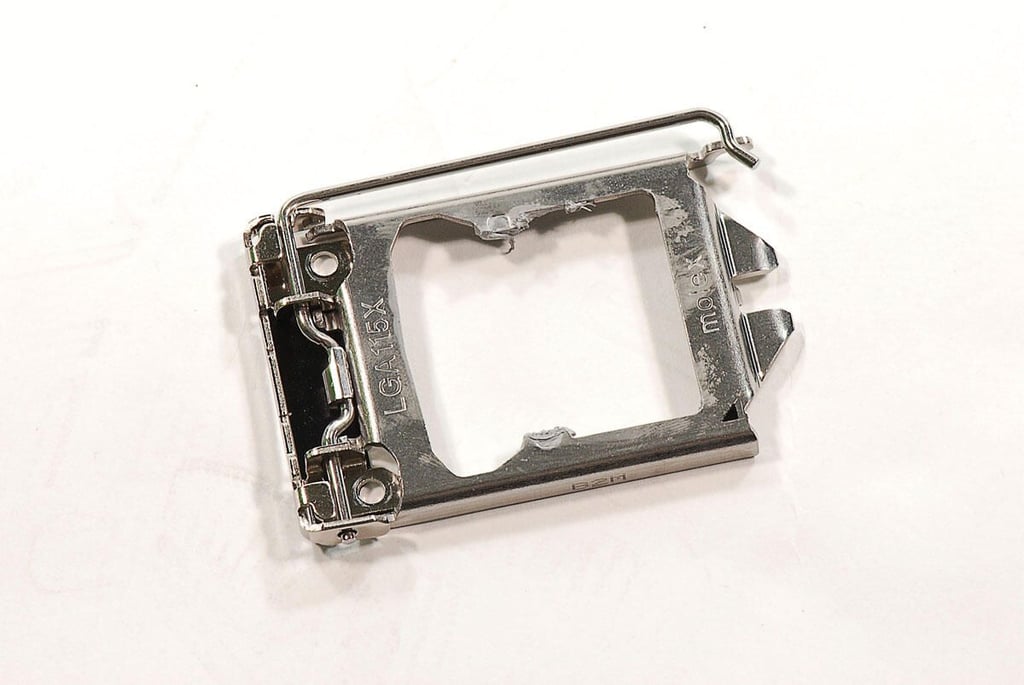
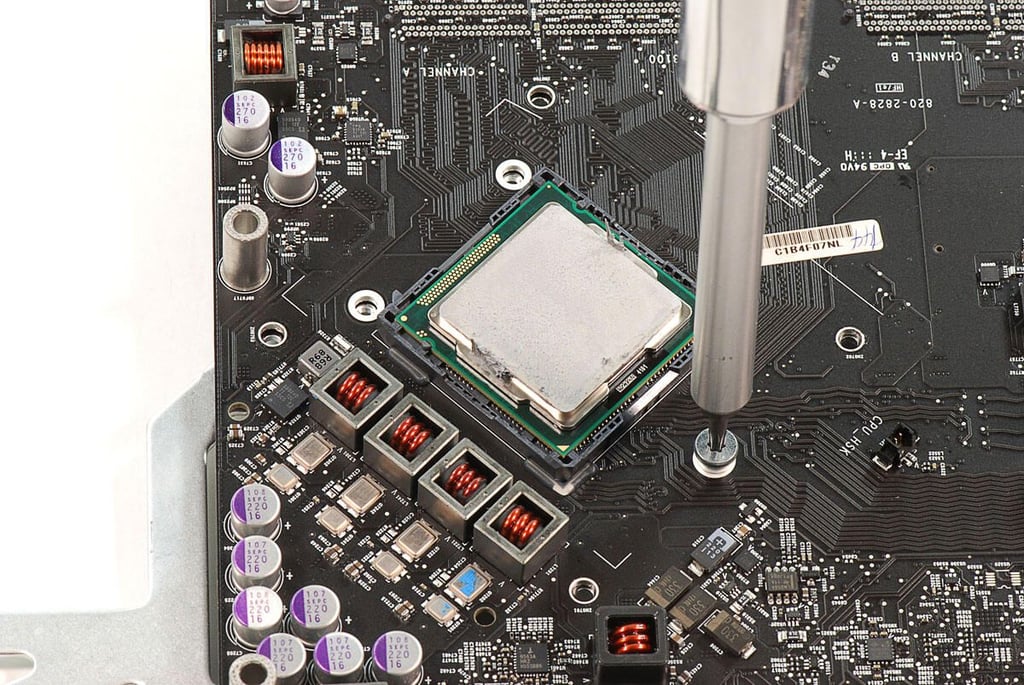
  • 27" Apple iMac teardown: Removing the CPU bracket

    \n\tPhoto by: Bill Detwiler / TechRepublic
    \n\tCaption by: Bill Detwiler

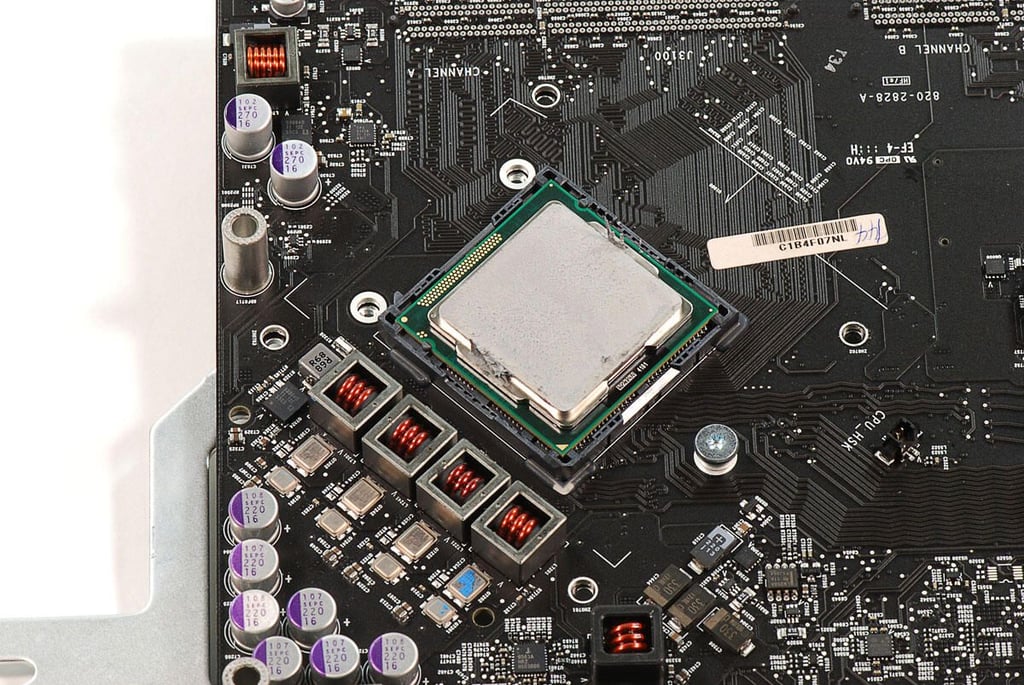
  • 27" Apple iMac teardown: CPU bracket removed

    \n\tPhoto by: Bill Detwiler / TechRepublic
    \n\tCaption by: Bill Detwiler

  • 27" Apple iMac teardown: CPU Bracket

    \n\tPhoto by: Bill Detwiler / TechRepublic
    \n\tCaption by: Bill Detwiler

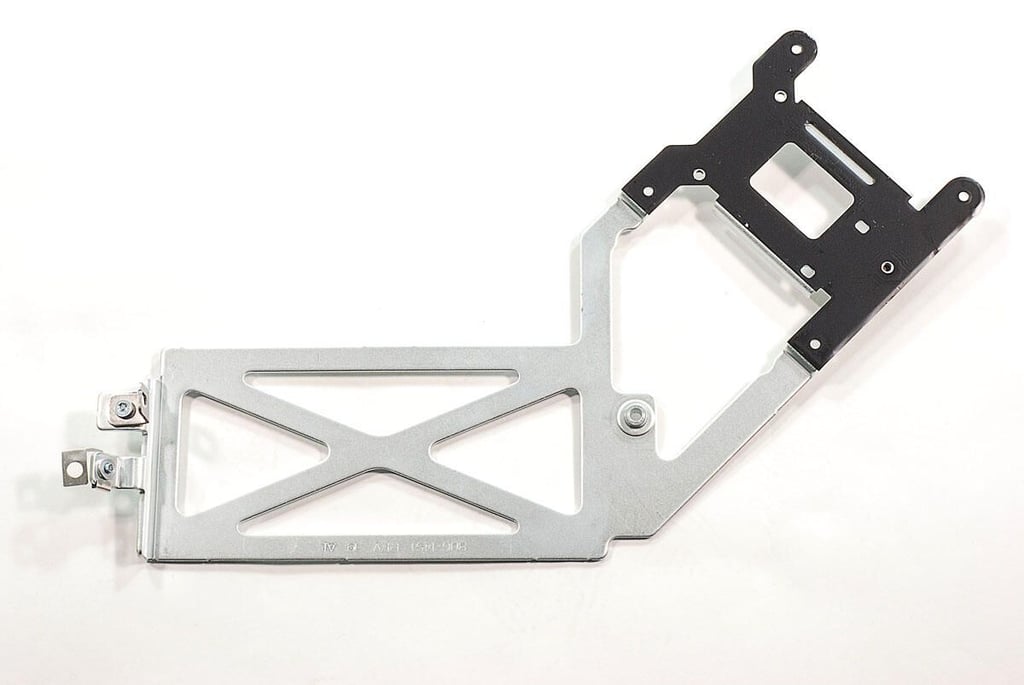
  • 27" Apple iMac teardown: Removing the last CPU cooling assembly bracket screw

    \n\tPhoto by: Bill Detwiler / TechRepublic
    \n\tCaption by: Bill Detwiler

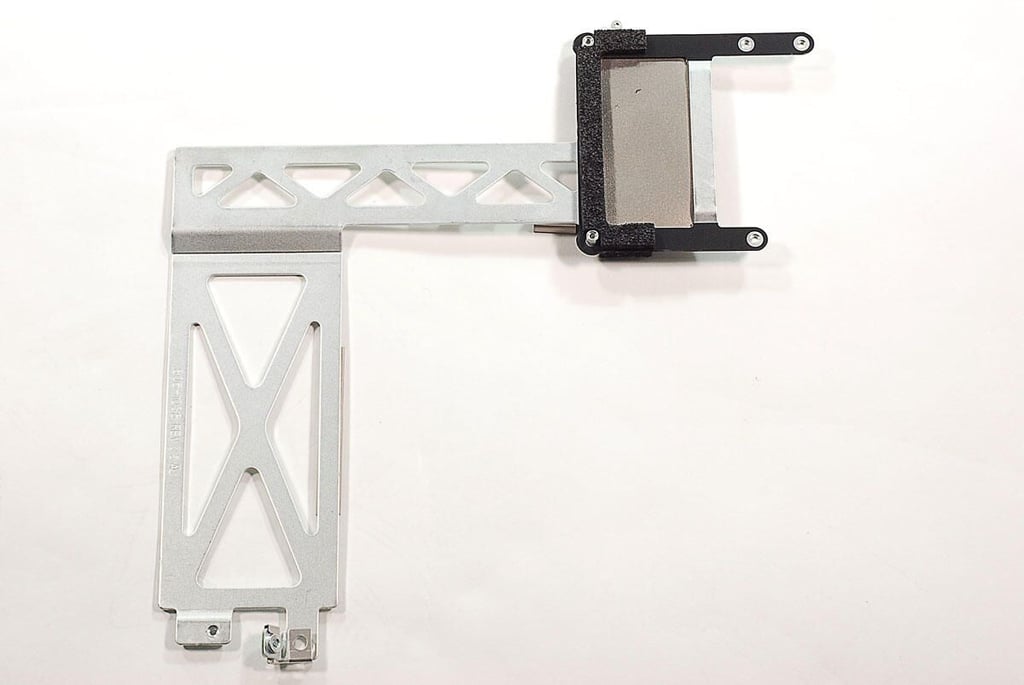
  • 27" Apple iMac teardown: CPU cooling assembly bracket

    \n\tPhoto by: Bill Detwiler / TechRepublic
    \n\tCaption by: Bill Detwiler

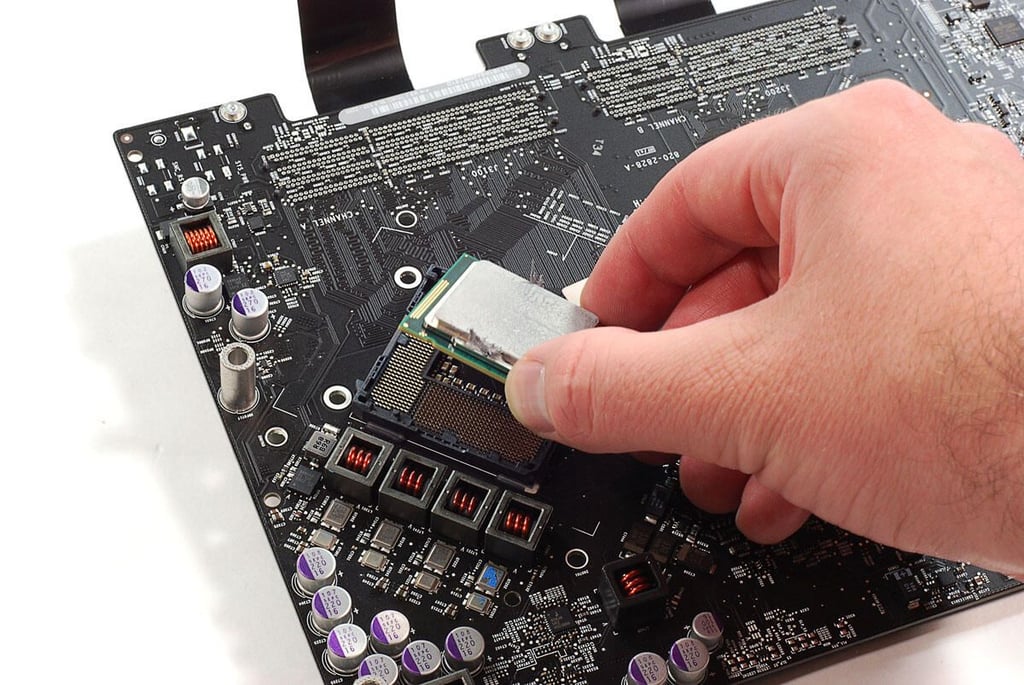
  • 27" Apple iMac teardown: Removing the CPU

    \n\tPhoto by: Bill Detwiler / TechRepublic
    \n\tCaption by: Bill Detwiler

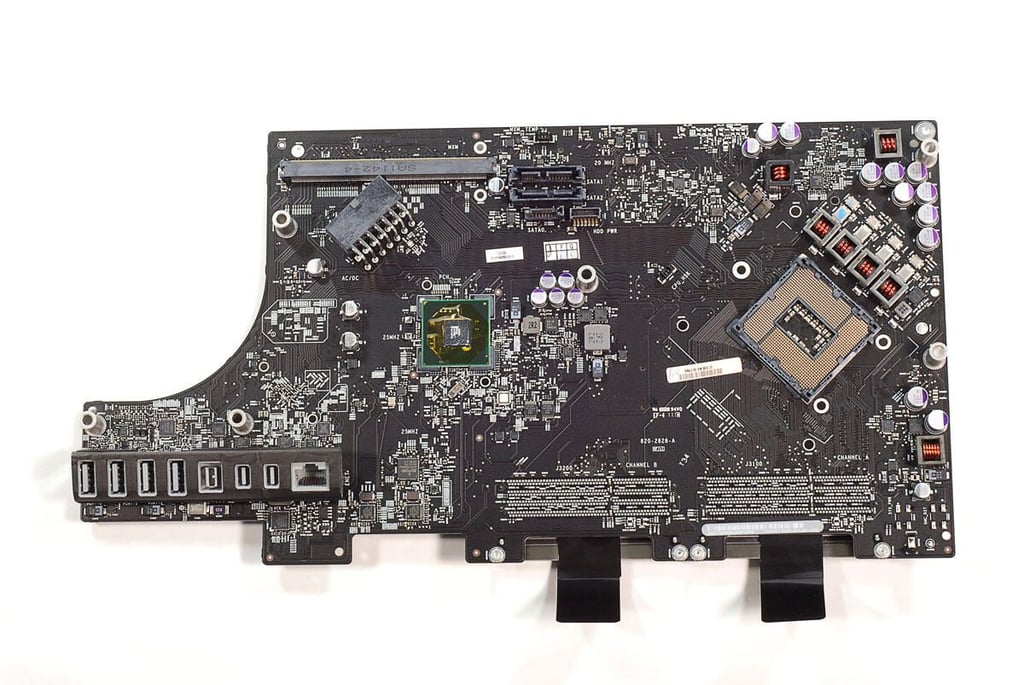
  • 27" Apple iMac teardown: Motherboard - Top

    \n\tPhoto by: Bill Detwiler / TechRepublic
    \n\tCaption by: Bill Detwiler

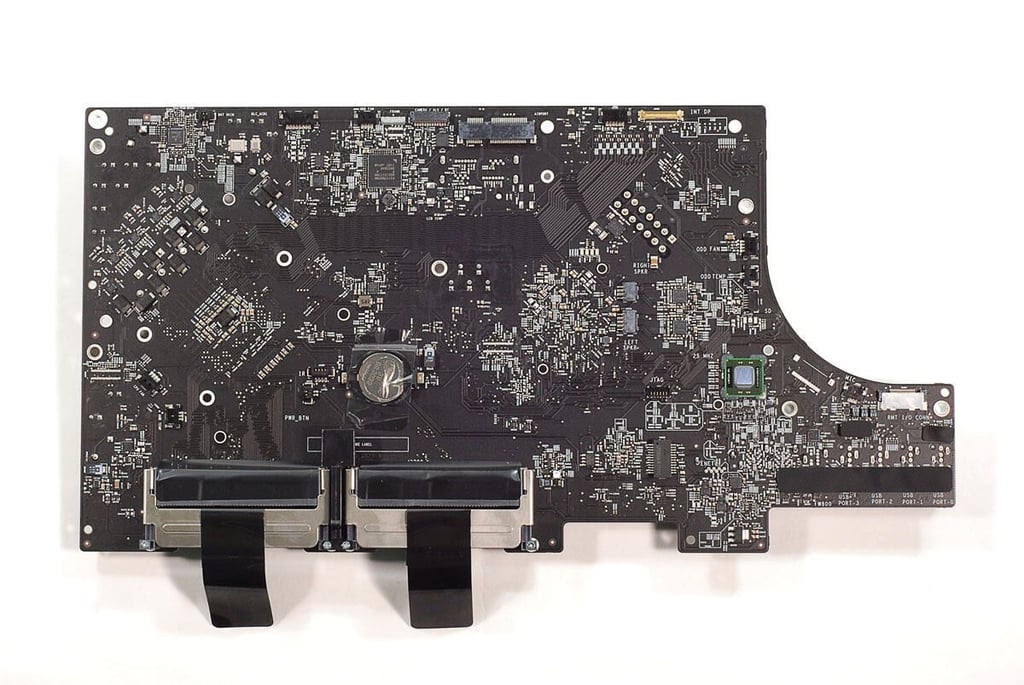
  • 27" Apple iMac teardown: Motherboard - Bottom

    \n\tPhoto by: Bill Detwiler / TechRepublic
    \n\tCaption by: Bill Detwiler

  • 27" Apple iMac teardown: Intel 2.7GHz Quad-Core Intel Core i5 - Top

    \n\tPhoto by: Bill Detwiler / TechRepublic
    \n\tCaption by: Bill Detwiler

  • 27" Apple iMac teardown: Intel 2.7GHz Quad-Core Intel Core i5 - Bottom

    \n\tPhoto by: Bill Detwiler / TechRepublic
    \n\tCaption by: Bill Detwiler

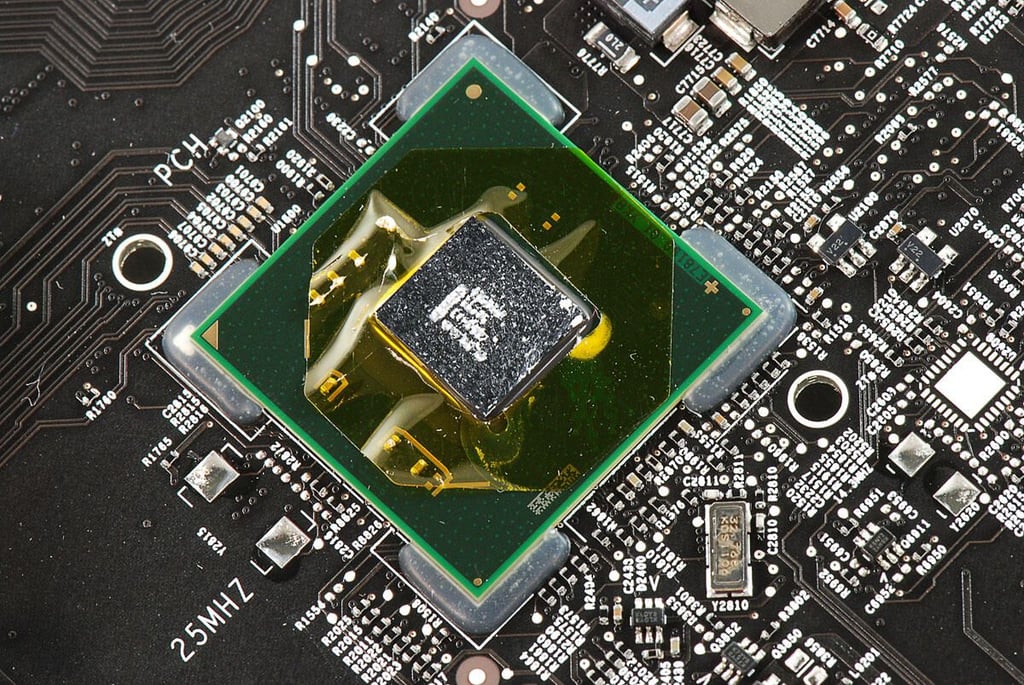
  • 27" Apple iMac teardown: Intel Platform Controller Hub

    \n\tPhoto by: Bill Detwiler / TechRepublic
    \n\tCaption by: Bill Detwiler

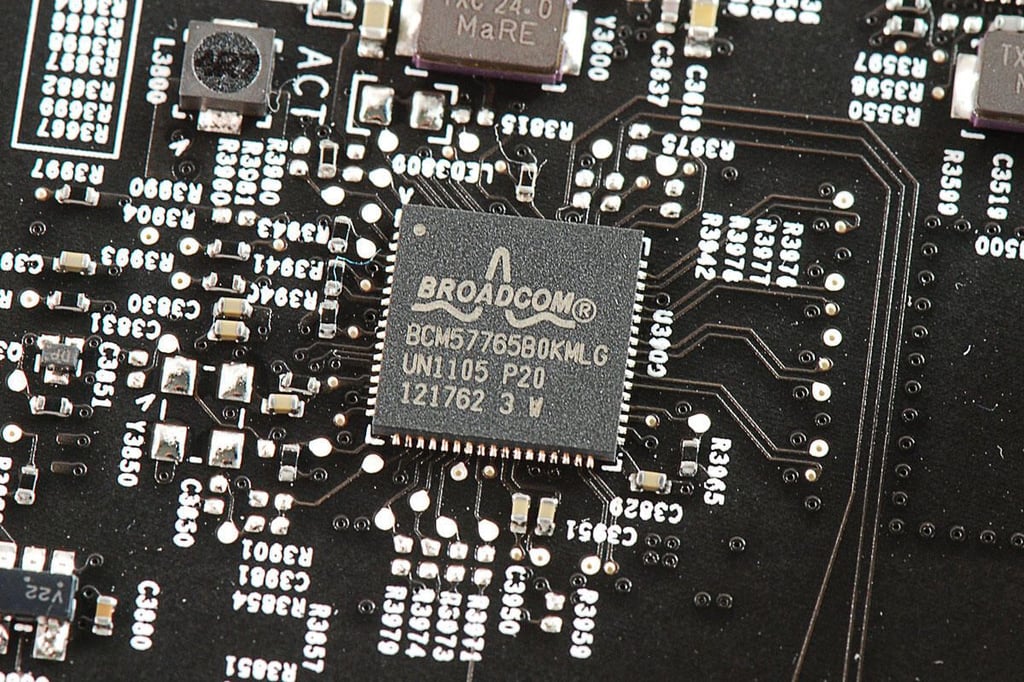
  • 27" Apple iMac teardown: Broadcom BCM57765B0KMLG Integrated Gigabit Ethernet and Memory Card Reader Controller

    \n\tPhoto by: Bill Detwiler / TechRepublic
    \n\tCaption by: Bill Detwiler

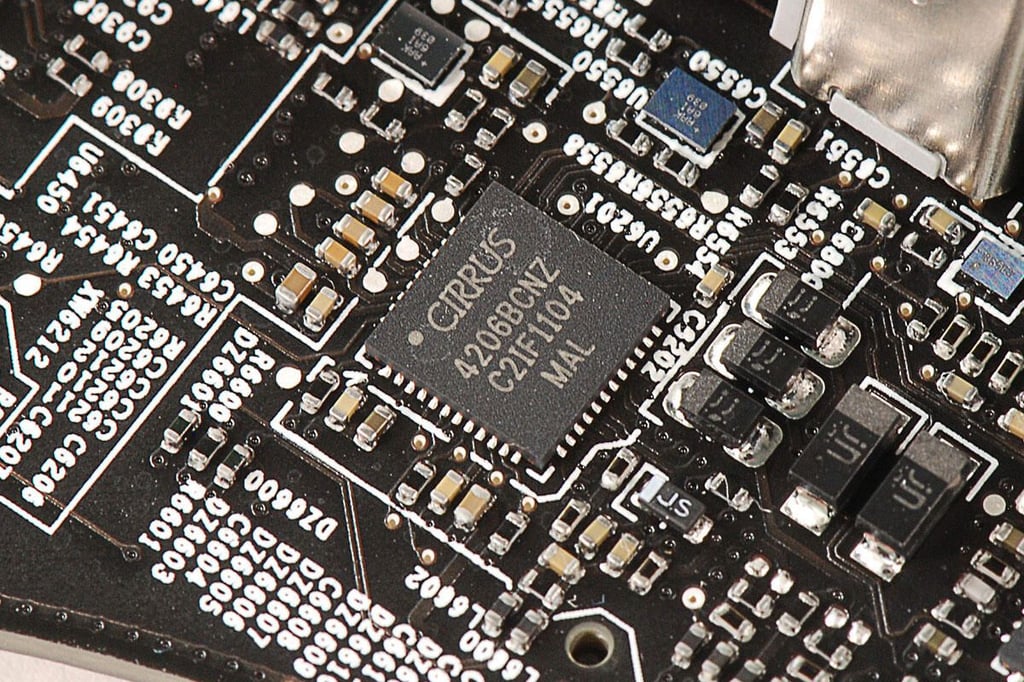
  • 27" Apple iMac teardown: Cirrus 4206BCNZ audio controller

    \n\tPhoto by: Bill Detwiler / TechRepublic
    \n\tCaption by: Bill Detwiler

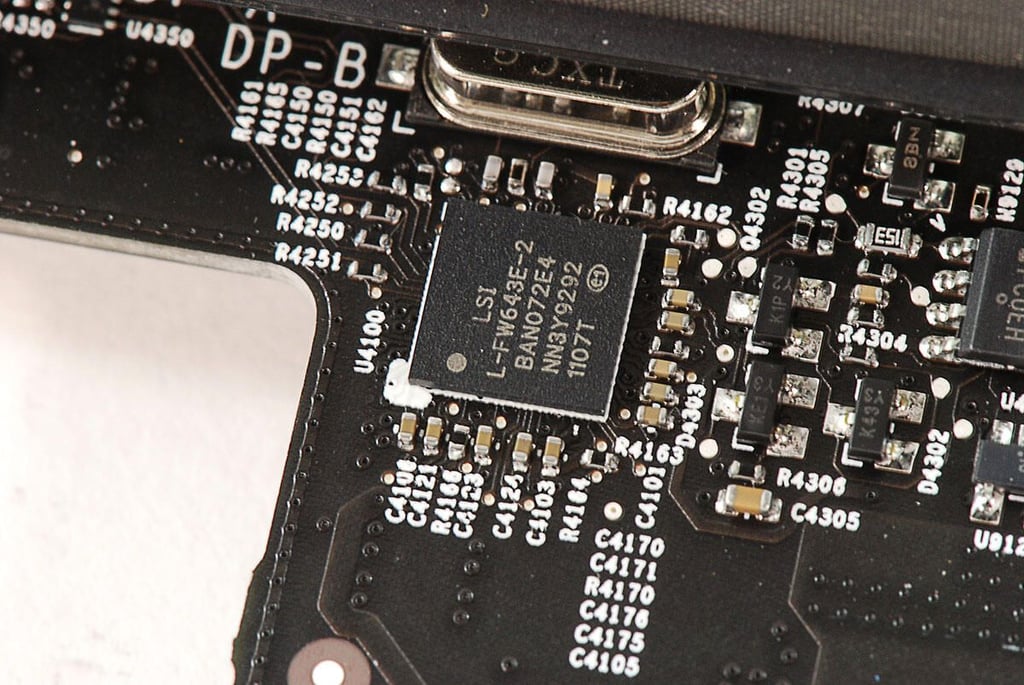
  • 27" Apple iMac teardown: LSI FW643E PCI Express 1394b Link / PHY Open Host Controller Interface

    \n\tPhoto by: Bill Detwiler / TechRepublic
    \n\tCaption by: Bill Detwiler

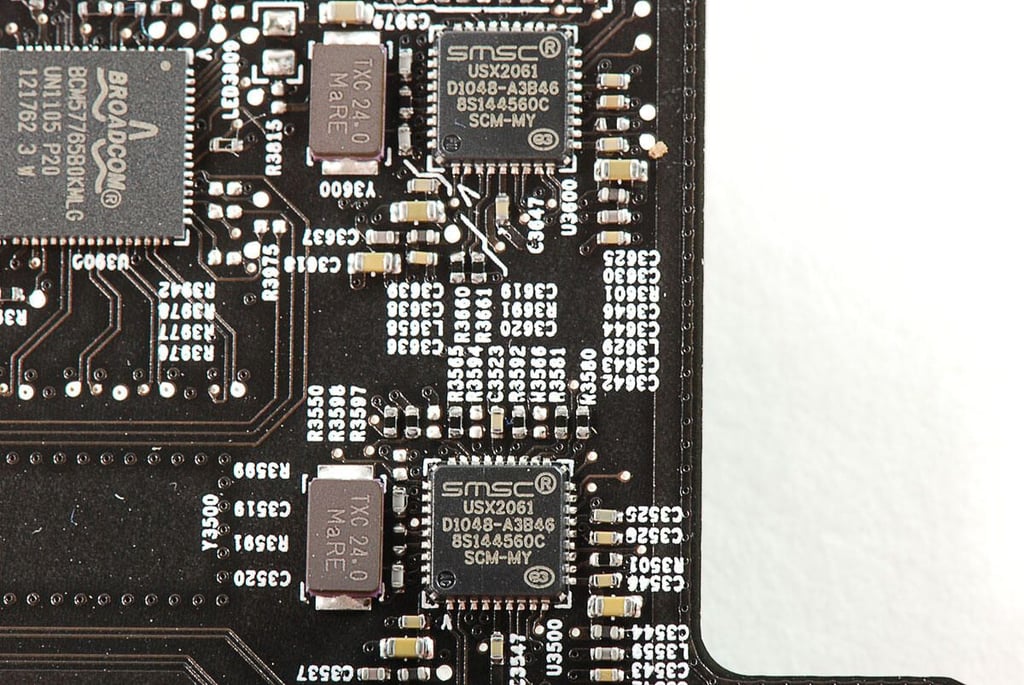
  • 27" Apple iMac teardown: Two SMSC USX2061 USB controllers

    \n\tPhoto by: Bill Detwiler / TechRepublic
    \n\tCaption by: Bill Detwiler

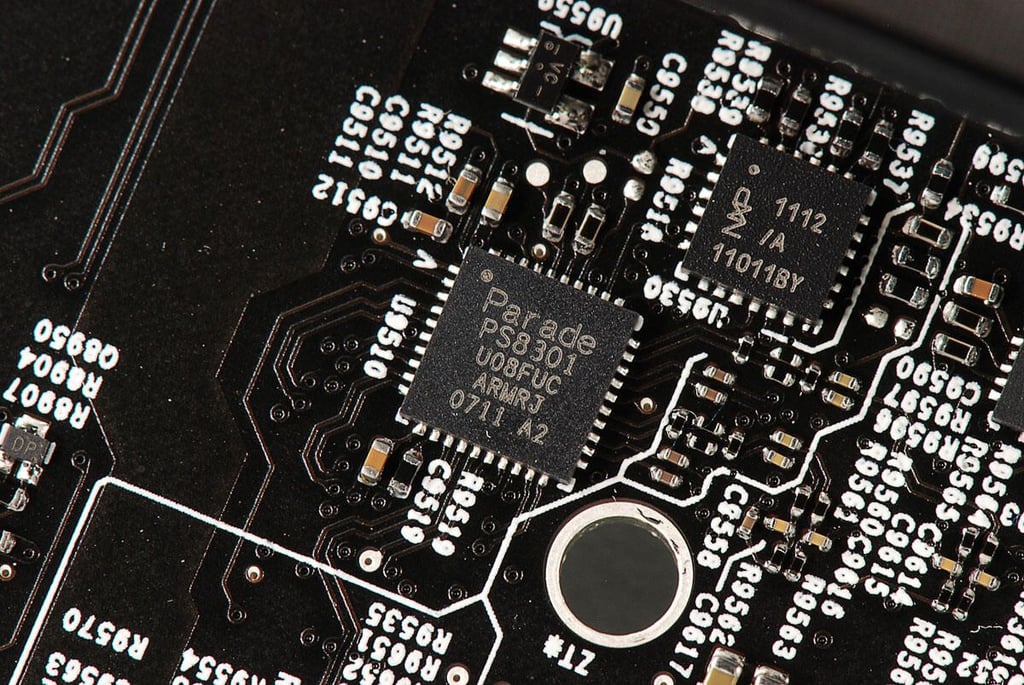
  • 27" Apple iMac teardown: Parade PS8301

    \n\tPhoto by: Bill Detwiler / TechRepublic
    \n\tCaption by: Bill Detwiler

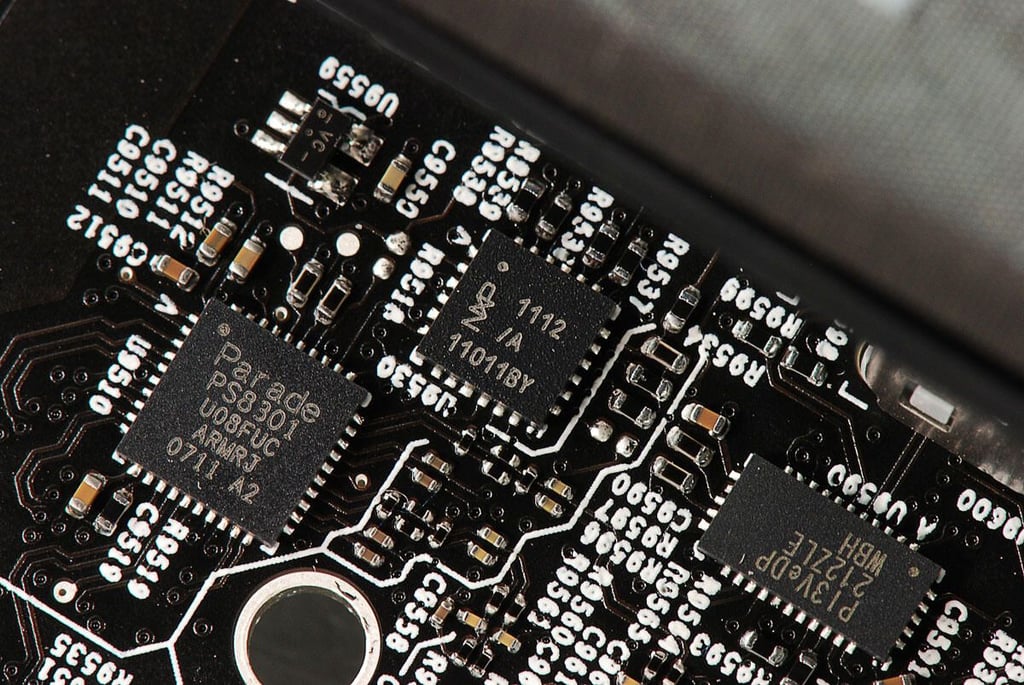
  • 27" Apple iMac teardown: NXP 1112

    \n\tPhoto by: Bill Detwiler / TechRepublic
    \n\tCaption by: Bill Detwiler

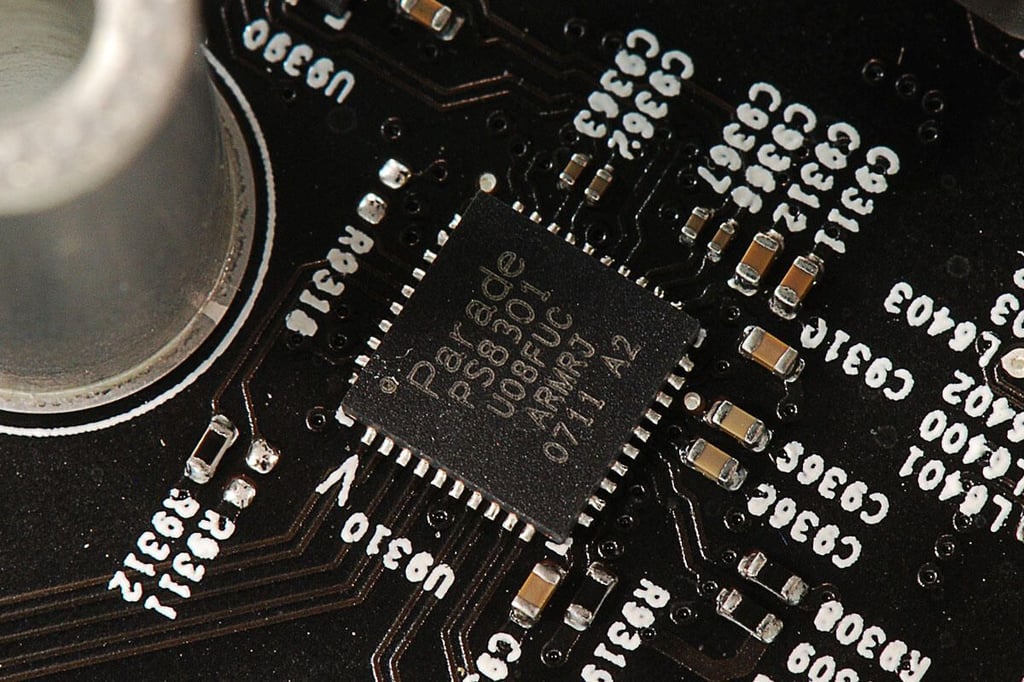
  • 27" Apple iMac teardown: Parade PS8301

    \n\tPhoto by: Bill Detwiler / TechRepublic
    \n\tCaption by: Bill Detwiler

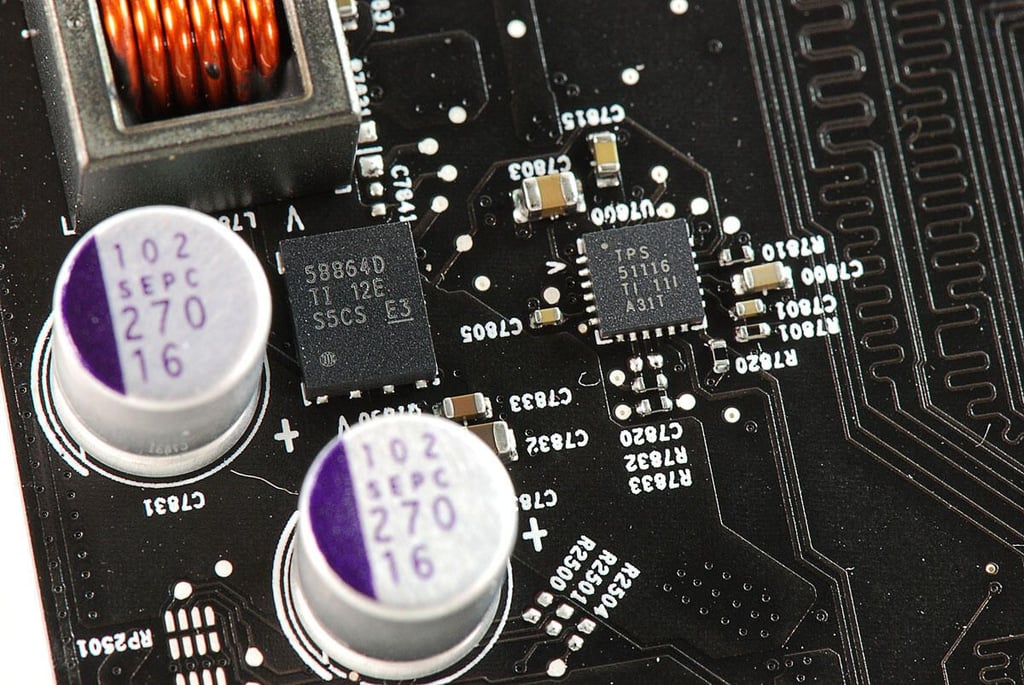
  • 27" Apple iMac teardown: Texas Instruments 58864D and TPS51116 Switching Regulator

    \n\tPhoto by: Bill Detwiler / TechRepublic
    \n\tCaption by: Bill Detwiler

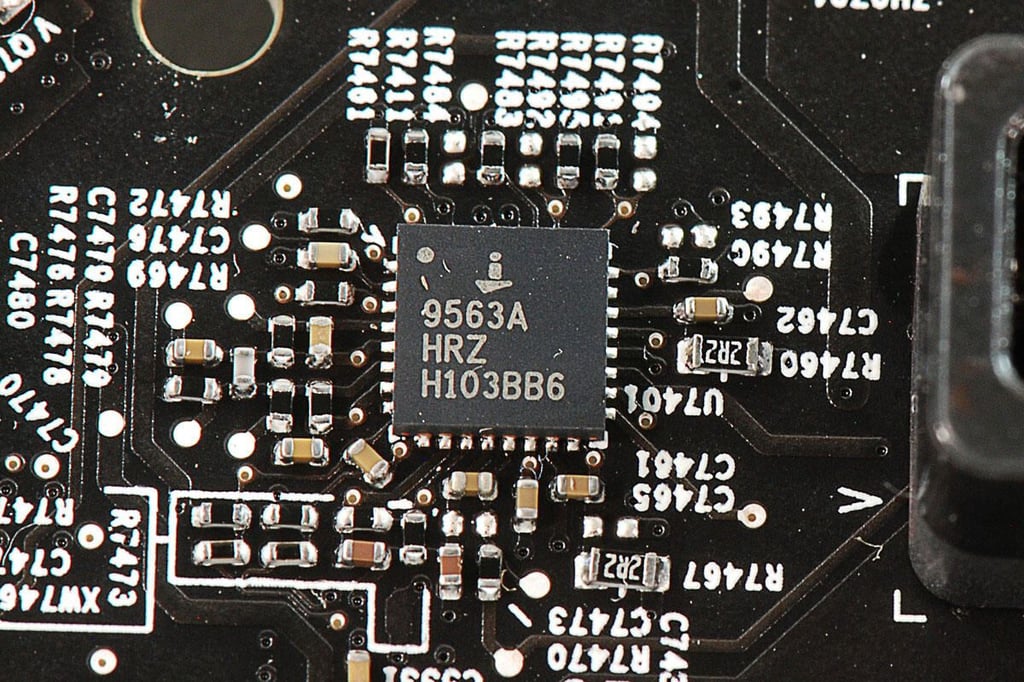
  • 27" Apple iMac teardown: Intersil 9563A

    \n\tPhoto by: Bill Detwiler / TechRepublic
    \n\tCaption by: Bill Detwiler

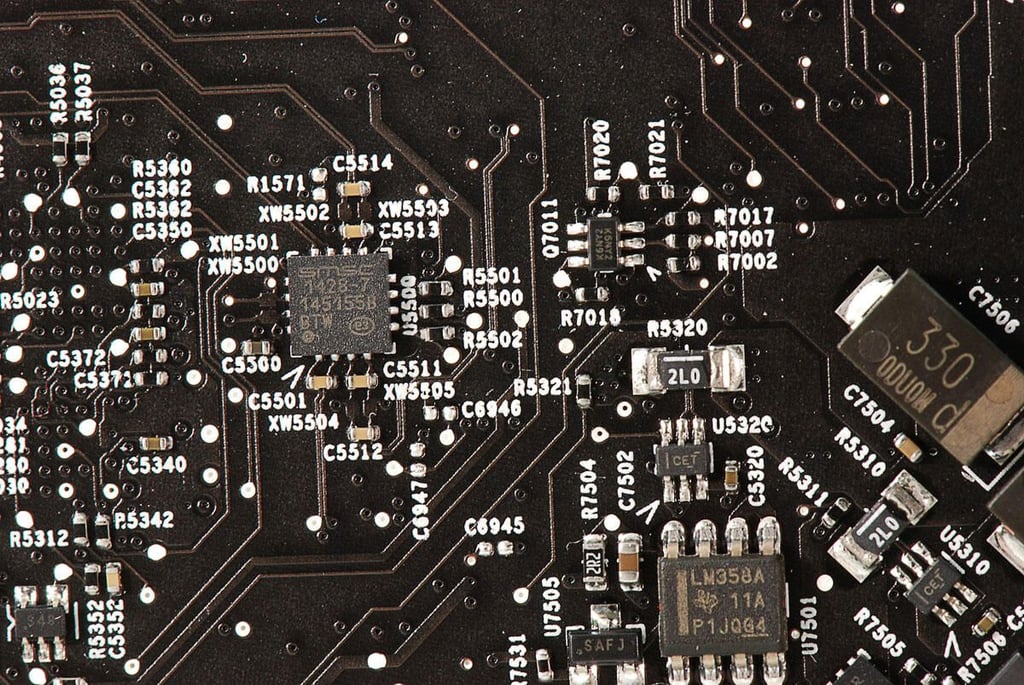
  • 27" Apple iMac teardown: SMSC 1128-7

    \n\tPhoto by: Bill Detwiler / TechRepublic
    \n\tCaption by: Bill Detwiler

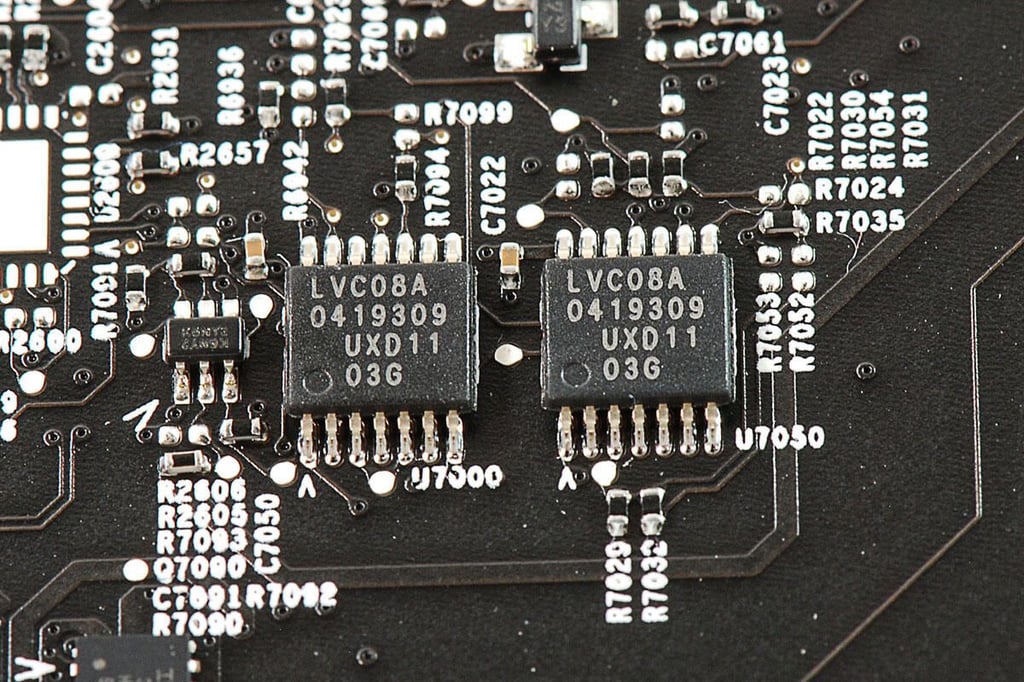
  • 27" Apple iMac teardown: Pair of LVC08A chips

    \n\tPhoto by: Bill Detwiler / TechRepublic
    \n\tCaption by: Bill Detwiler

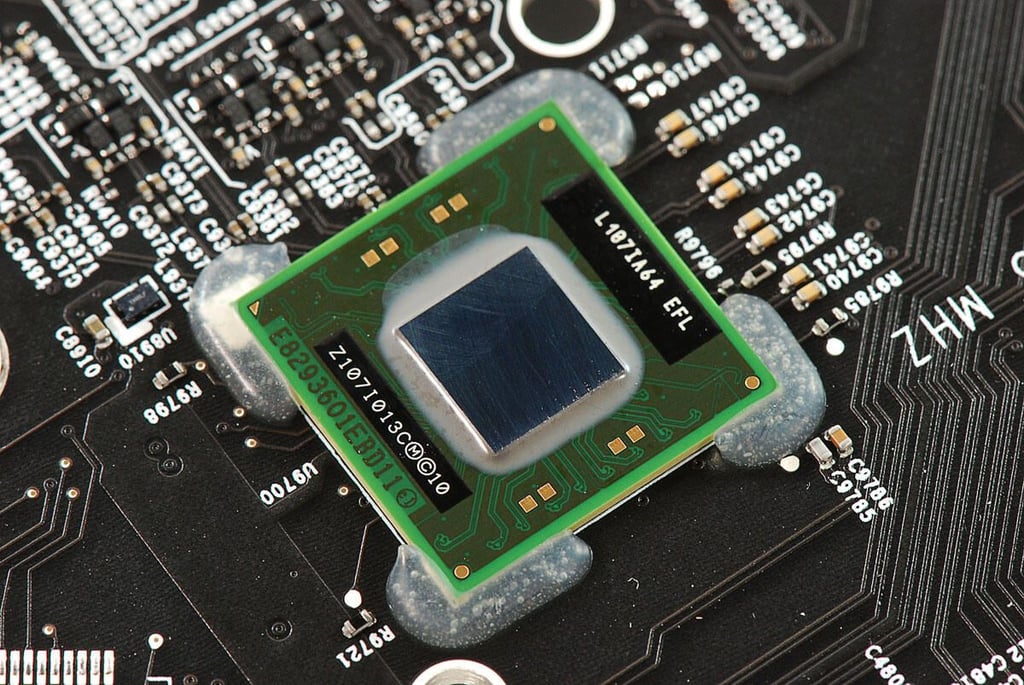
  • 27" Apple iMac teardown: Intel L107IA64 EFL Thunderbolt IC

    \n\tPhoto by: Bill Detwiler / TechRepublic
    \n\tCaption by: Bill Detwiler

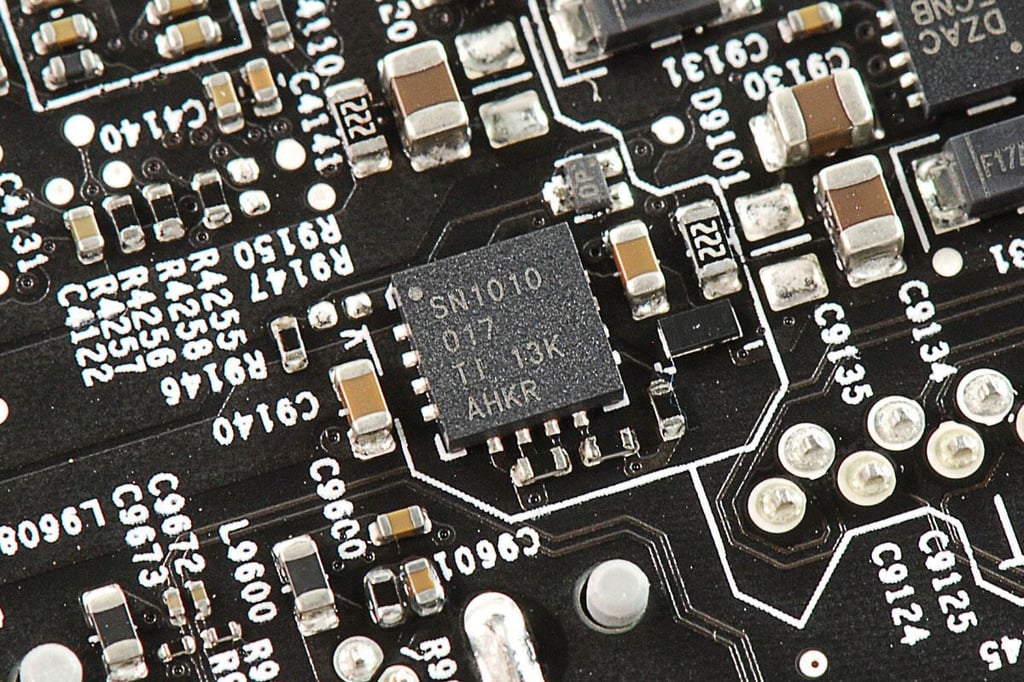
  • 27" Apple iMac teardown: Texas Instruments SN1010 chip

    \n\tPhoto by: Bill Detwiler / TechRepublic
    \n\tCaption by: Bill Detwiler

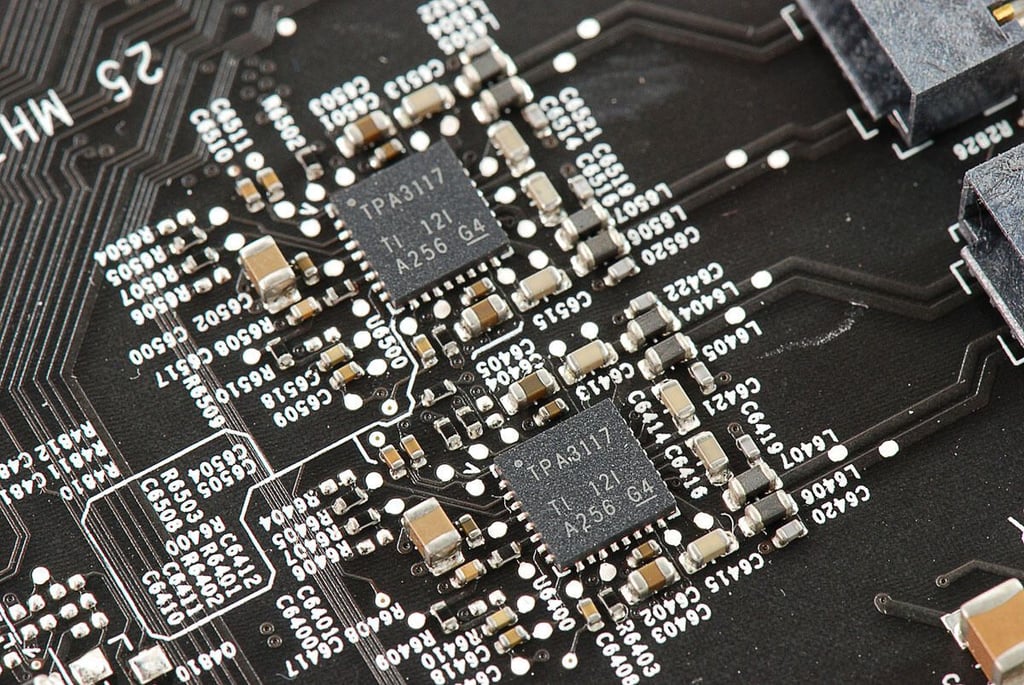
  • 27" Apple iMac teardown: Texas Instruments TPA3117 chips

    \n\tPhoto by: Bill Detwiler / TechRepublic
    \n\tCaption by: Bill Detwiler

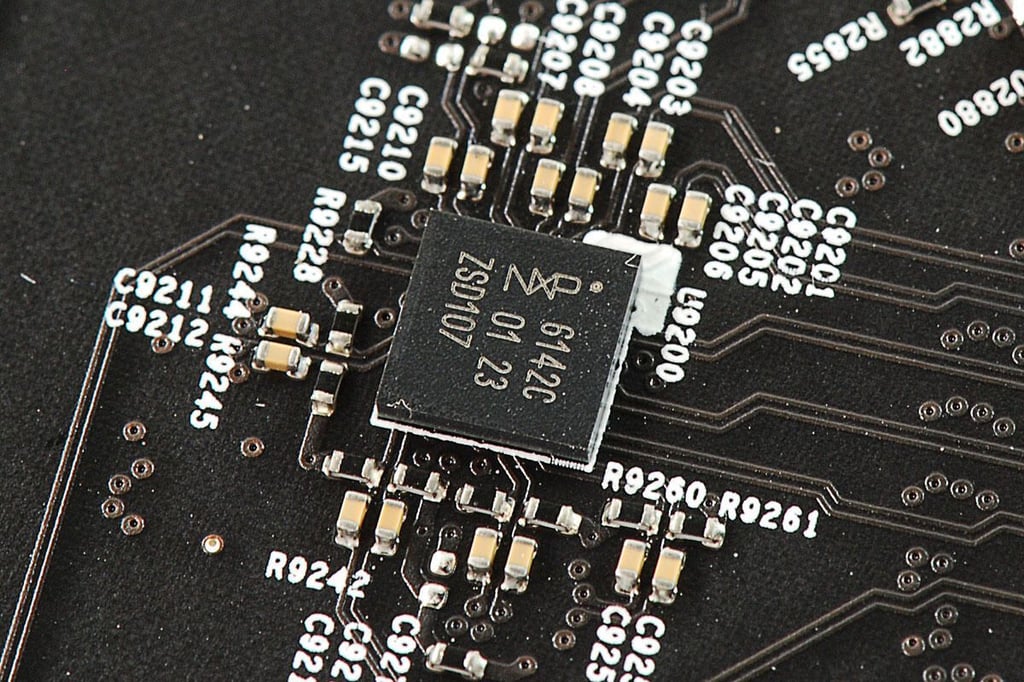
  • 27" Apple iMac teardown: NXP 6142C chip

    \n\tPhoto by: Bill Detwiler / TechRepublic
    \n\tCaption by: Bill Detwiler

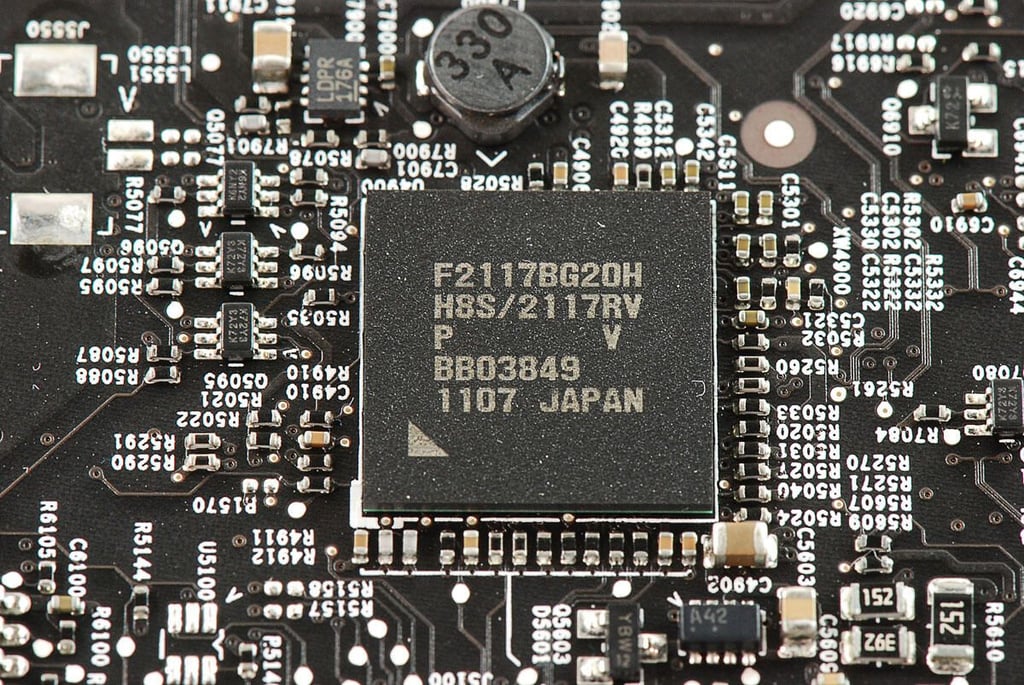
  • 27" Apple iMac teardown: Chip with markings F2117BG20H H82/2117RV

    \n\tPhoto by: Bill Detwiler / TechRepublic
    \n\tCaption by: Bill Detwiler

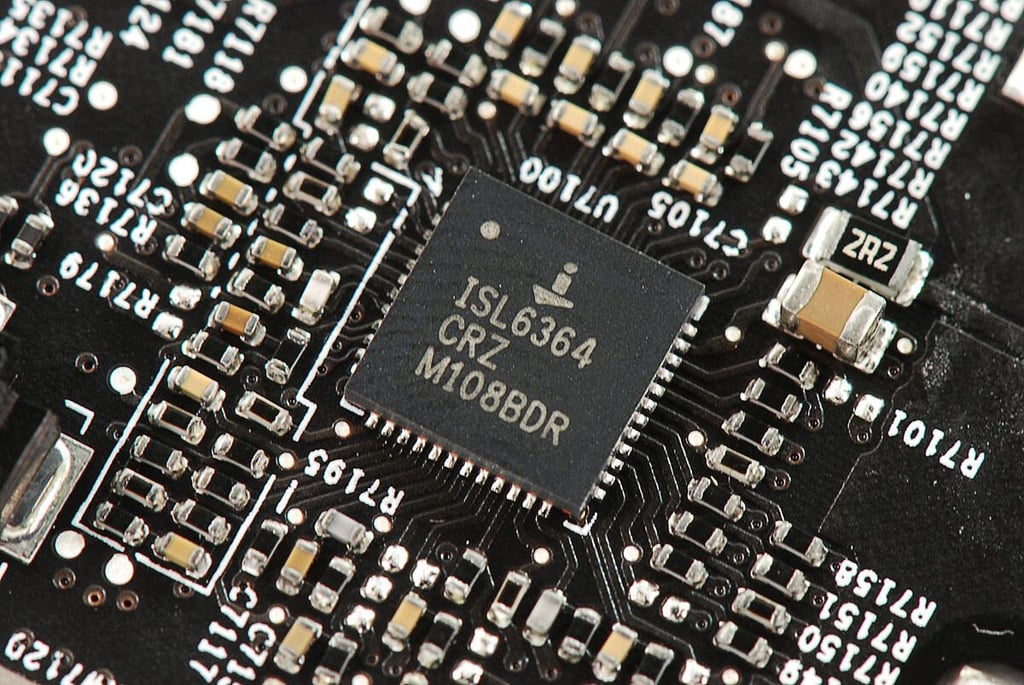
  • 27" Apple iMac teardown: Intersil ISL6364 CRZ PWM Controller

    \n\tPhoto by: Bill Detwiler / TechRepublic
    \n\tCaption by: Bill Detwiler

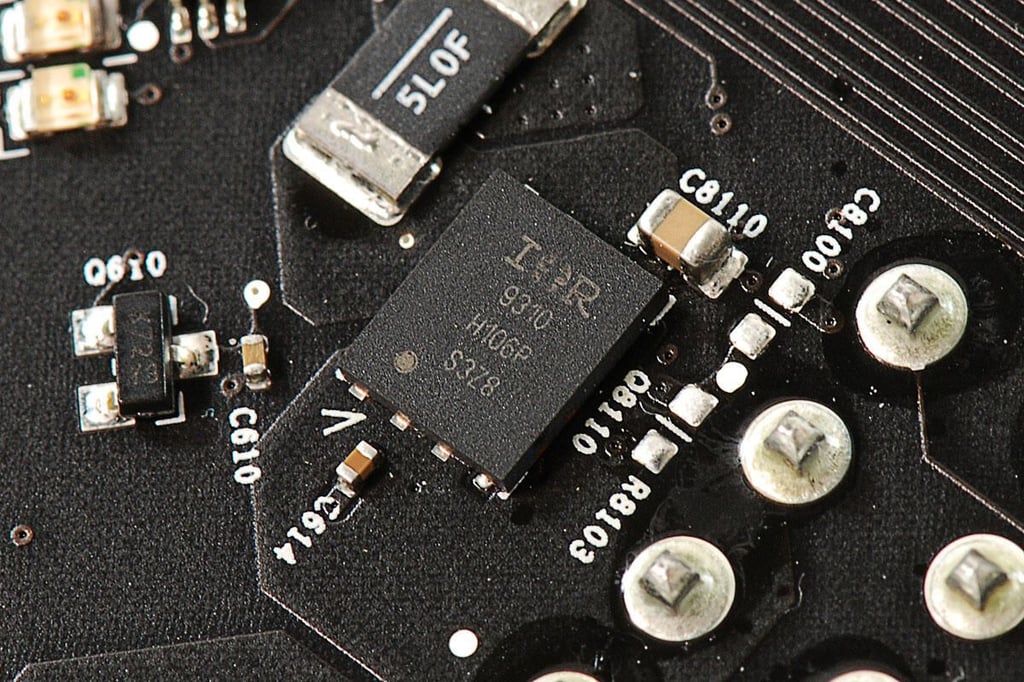
  • 27" Apple iMac teardown: Chip with markings IR 9310 H106P S3Z8

    \n\tPhoto by: Bill Detwiler / TechRepublic
    \n\tCaption by: Bill Detwiler

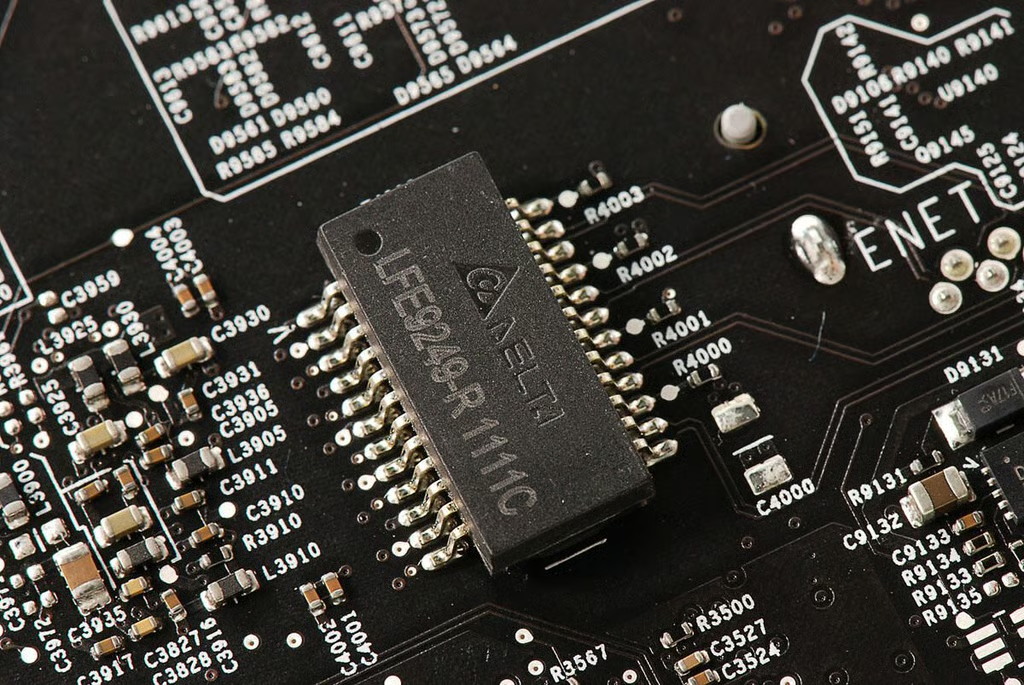
  • 27" Apple iMac teardown: Delta Electronics LFE9249-R 1111C

    \n\tPhoto by: Bill Detwiler / TechRepublic
    \n\tCaption by: Bill Detwiler

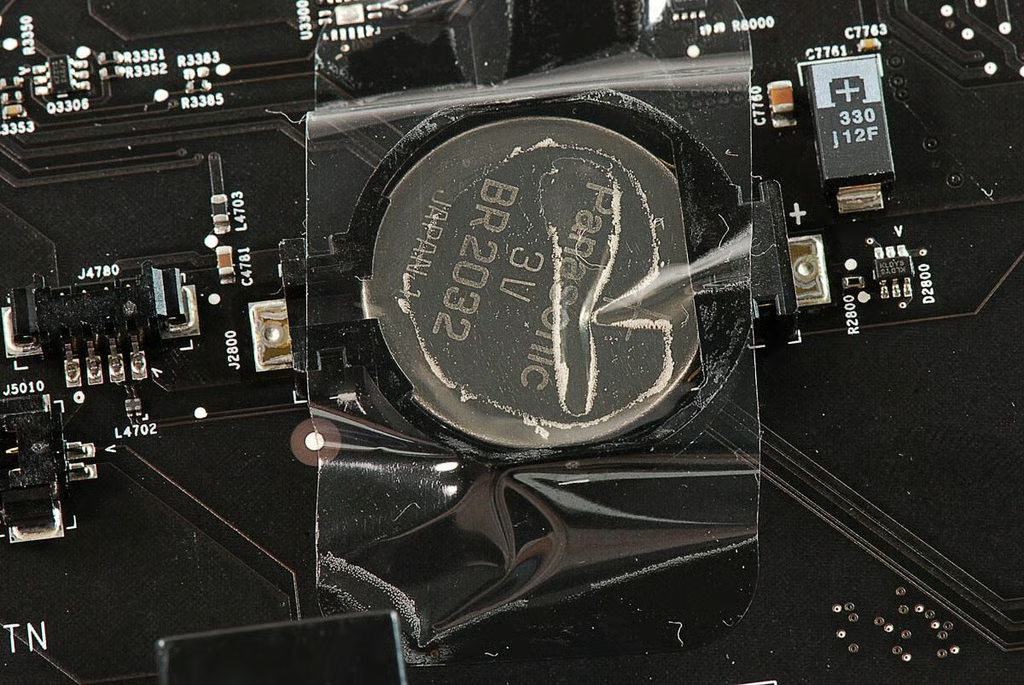
  • 27" Apple iMac teardown: Panasonic 3V BR2032 CMOS battery

    \n\tPhoto by: Bill Detwiler / TechRepublic
    \n\tCaption by: Bill Detwiler

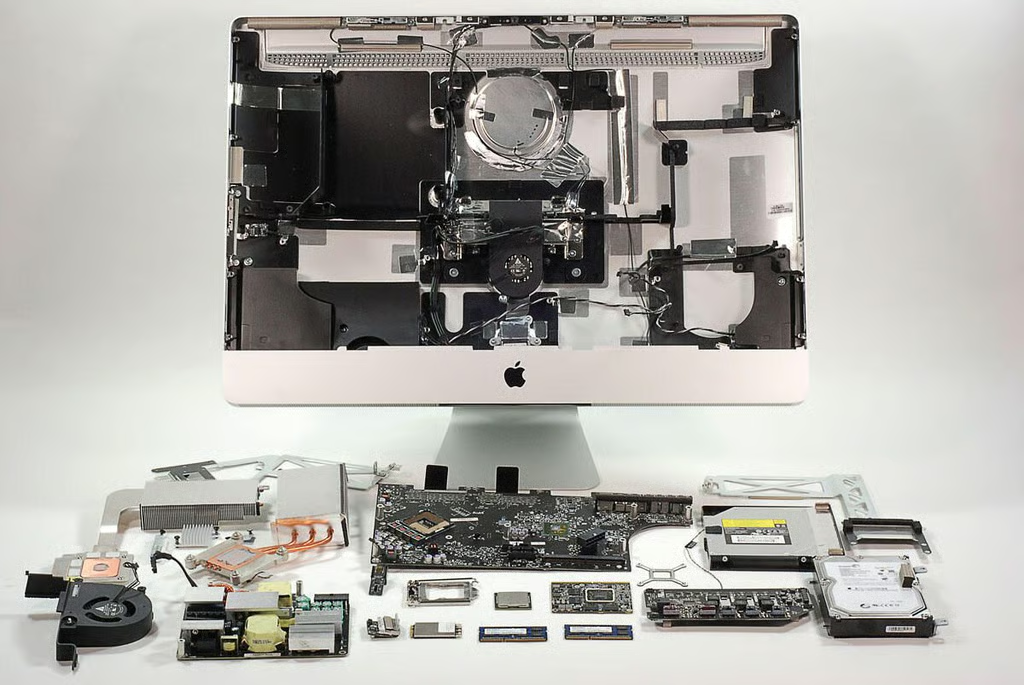
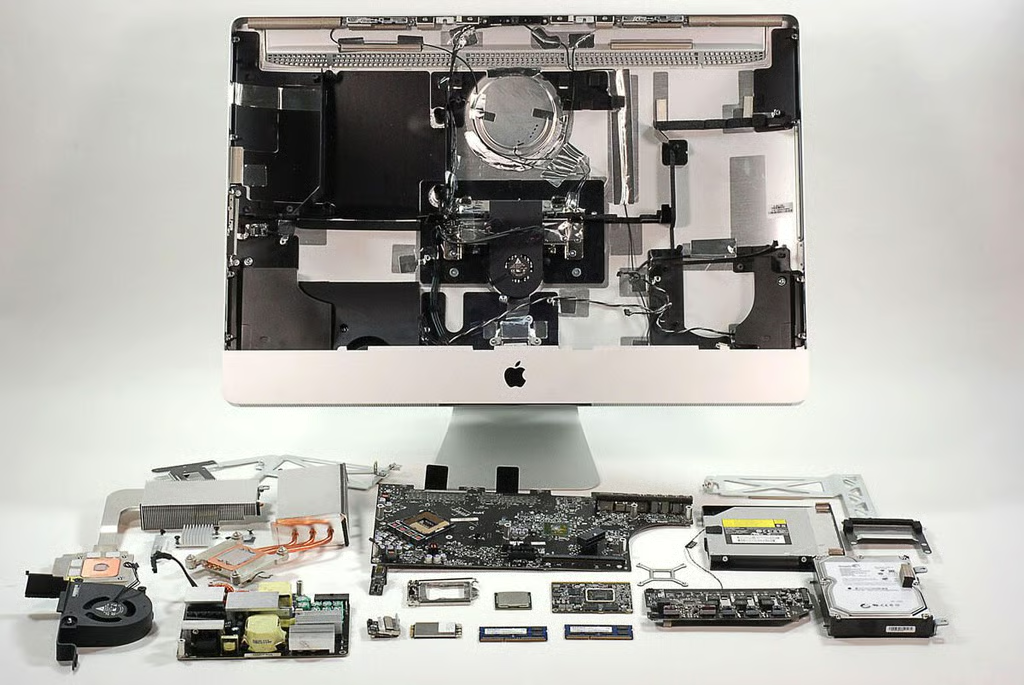
  • 27" Apple iMac teardown: Completely disassembled

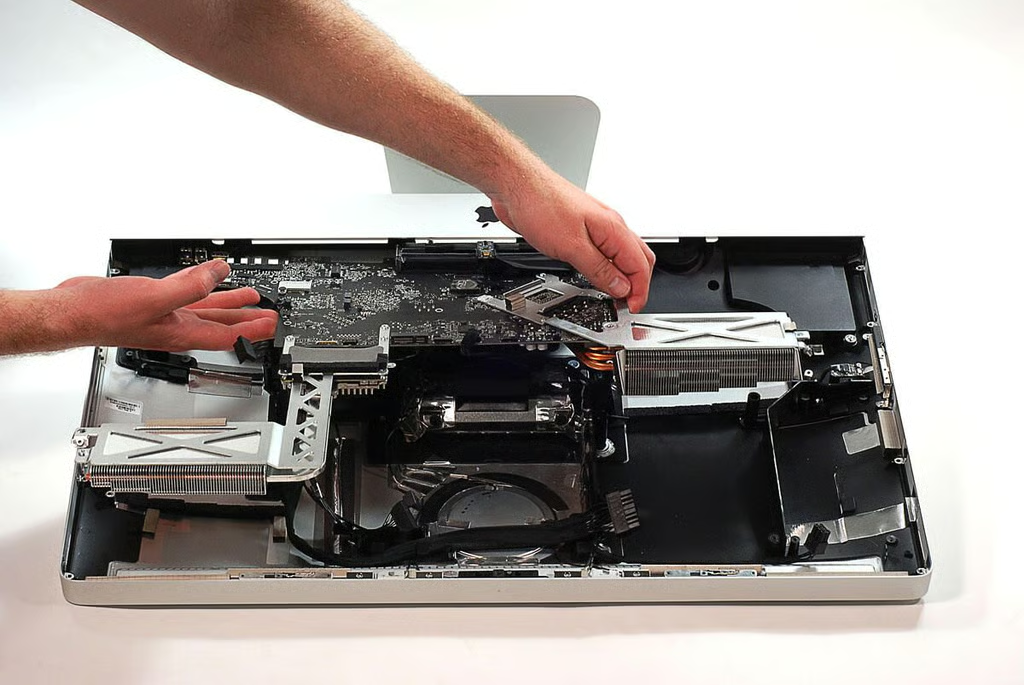
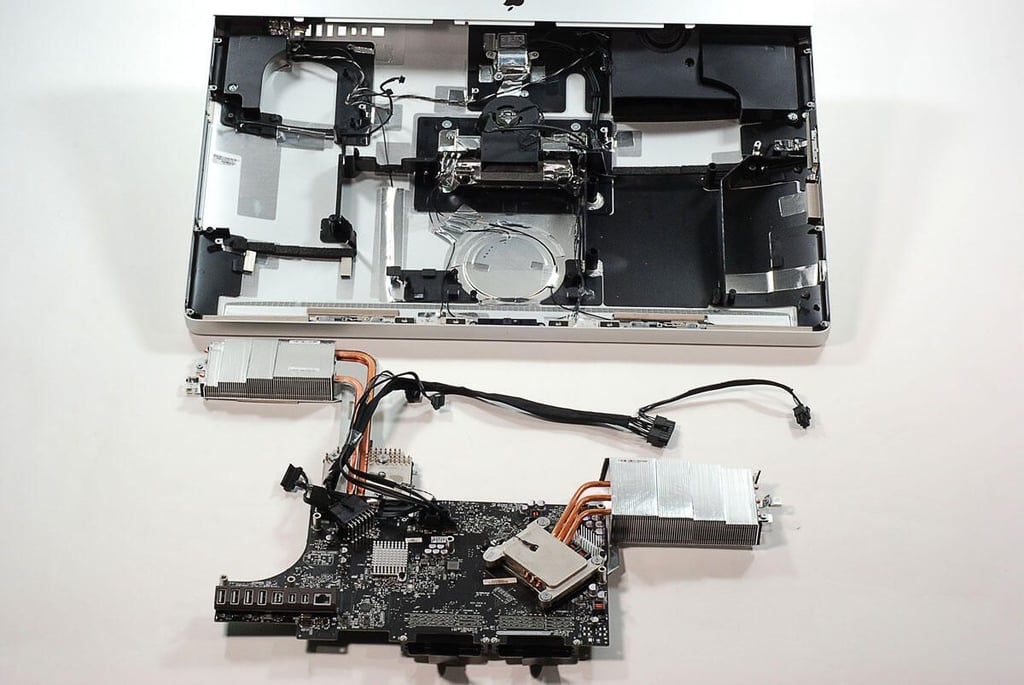
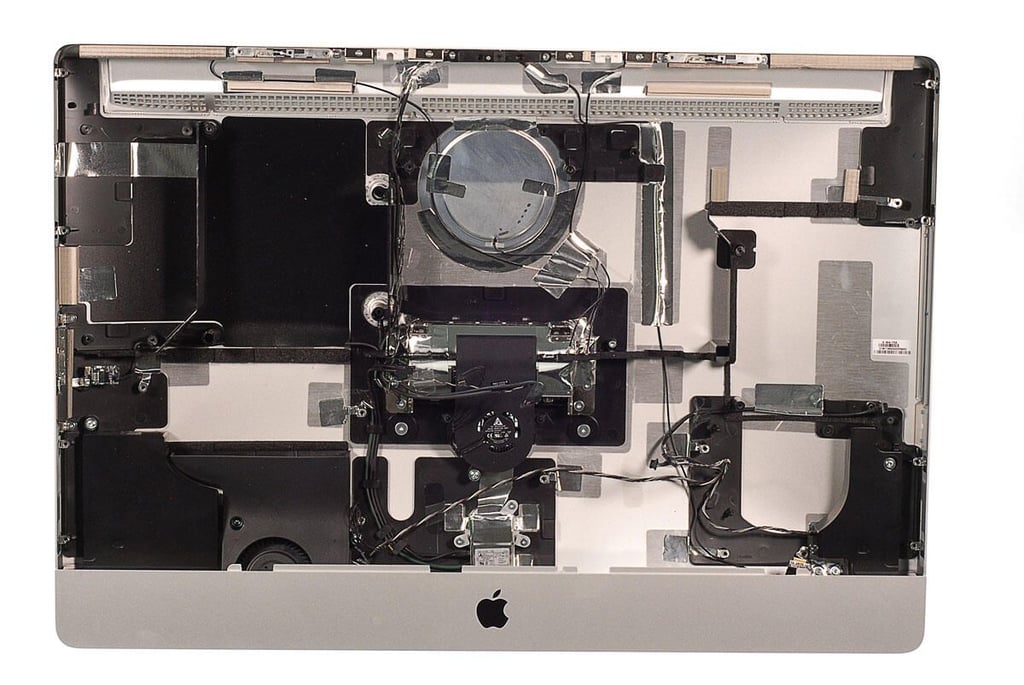
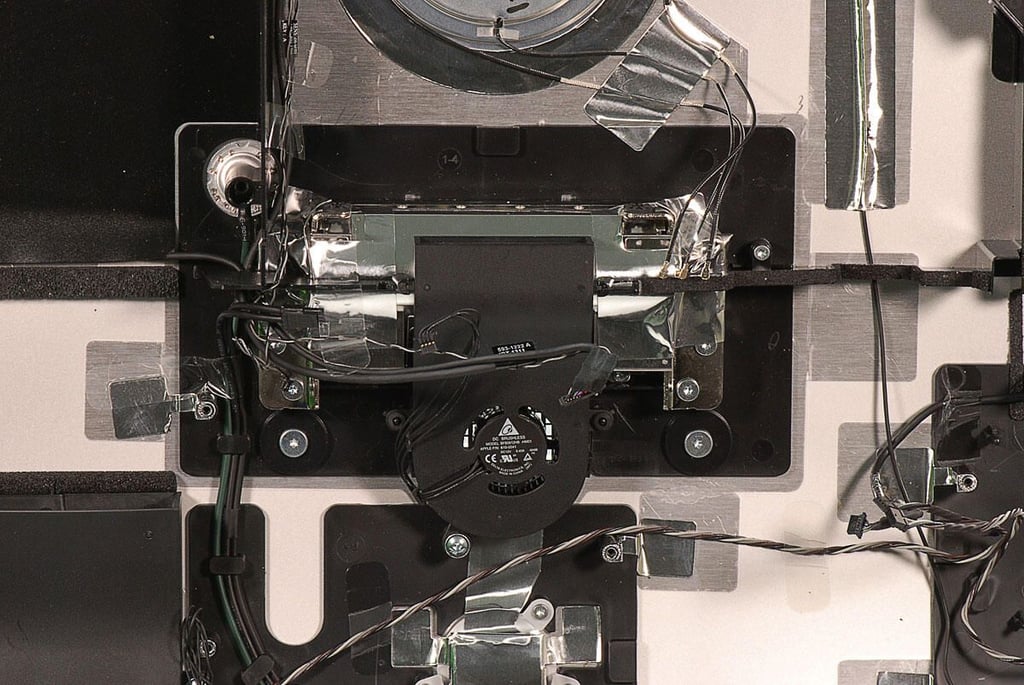
    \n\tThe 27″ Apple iMac (2011) isn’t difficult to disassemble, but it can take a very long time. Replacing the RAM, HDD, and optical drive are relatively quick tasks. But, replacing the motherboard, GPU board, or CPU are time-consumming jobs, as you’ll need to disconnect lots of cables and remove dozens of screws.

    \n

    \n\tThere is however, plenty of room to work inside the 27″ iMac’s case and Apple uses standard Torx and Phillips screws to hold the internal hardware in place.

    \n

    \n\tThis is definitely a machine that most techs should feel comfortable repairing.

    \n

    \n\tPhoto by: Bill Detwiler / TechRepublic
    \n\tCaption by: Bill Detwiler

1 of 138
BD

Bill Detwiler is the Editor for Technical Content and Ecosystem at Celonis. He is the former Editor in Chief of TechRepublic and previous host of TechRepublic's Dynamic Developer podcast and Cracking Open, CNET and TechRepublic's popular online show. Previously, Bill was an IT manager in the social research and energy industries. He has bachelor's and master's degrees from the University of Louisville, where he has also lectured on computer crime and crime prevention.