Cracking Open the Apple iPad Air - TechRepublic

Cracking Open the Apple iPad Air

  • apple_ipad_air_2013_teardown_048.png

    Apple iPad Air teardown

    The iPad Air is the thinnest and lightest version of Apple’s full-size tablet. It also has a faster processor, better front-facing camera, a completely flip flopped internal layout, and lots of other hardware updates.

    In this Cracking Open gallery, I show you how to get inside the device and give you a tour of the redesigned interior. For a detailed analysis of the teardown, check out my article and video, iPad Air teardown reveals significant internal design changes.

    Bill Detwiler/TechRepublic
  • apple_ipad_air_2013_teardown_001.png

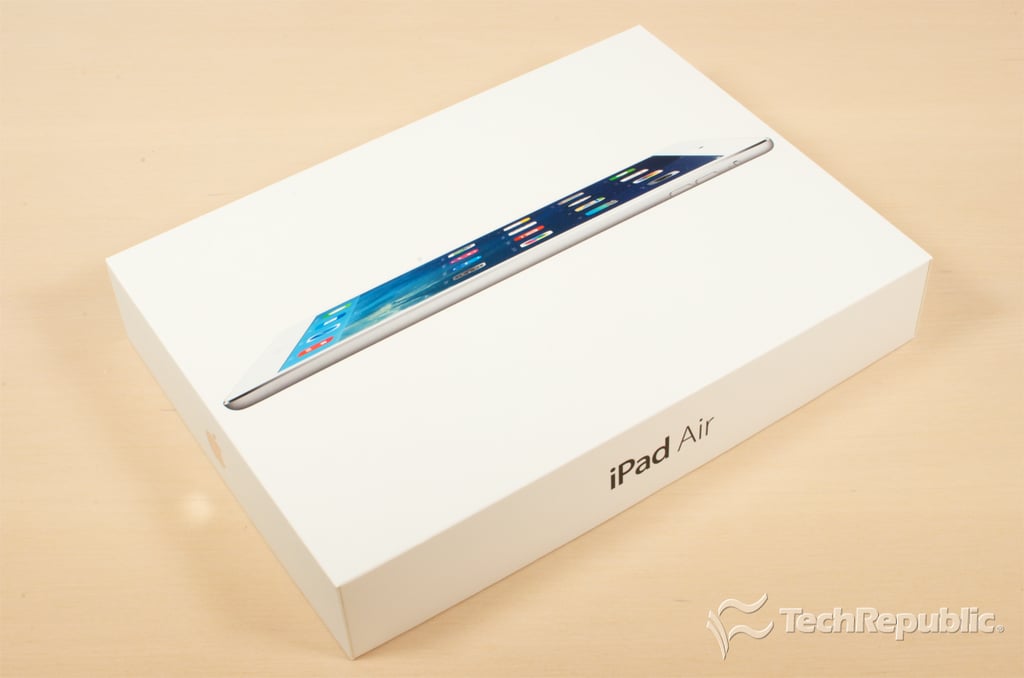
    Cracking Open iPad Air: Models and pricing

    The iPad Air is available with 16GB, 32GB, 64GB, or 128GB of storage and comes in two finishes–Space Gray (black) and Silver (white). Wi-Fi versions of the Air start at $499 and go up to $799. Cellular models start at $629 and top out at $929.

    Image: TechRepublic
  • Apple iPad Air teardown

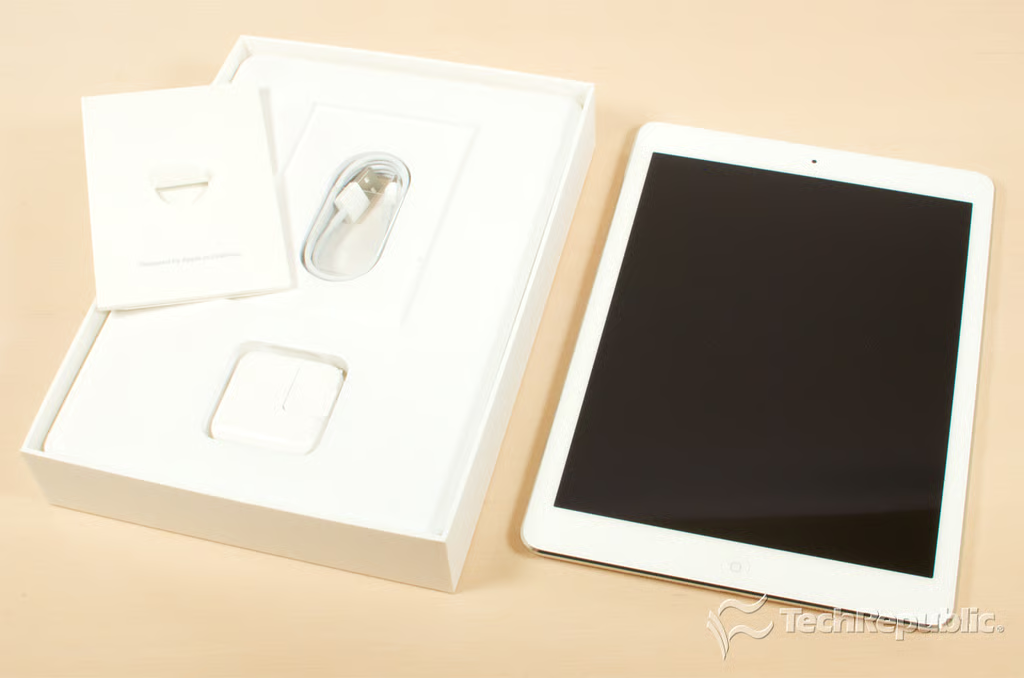
    Cracking Open iPad Air: Box contents

    Bill Detwiler\/TechRepublic
  • Apple iPad Air teardown

    Cracking Open iPad Air: Dimensions and weight

    At 6.6 inches wide, 9.4 inches tall, and a mere 0.29 inch thick, the 2013 iPad Air is thinner, shorter, and narrower than the iPad 4. It also weighs nearly half a pound less (1.0 pound for Wi-Fi and 1.05 pounds for cellular).

    Bill Detwiler\/TechRepublic
  • Apple iPad Air teardown

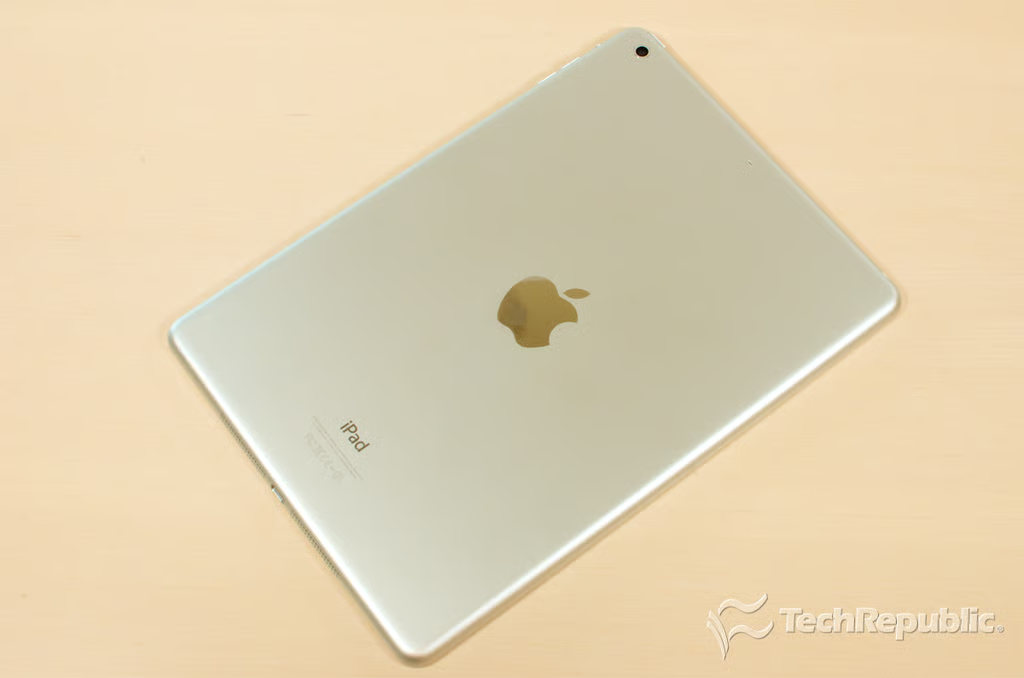
    Cracking Open iPad Air: Back

    Bill Detwiler\/TechRepublic
  • Apple iPad Air teardown

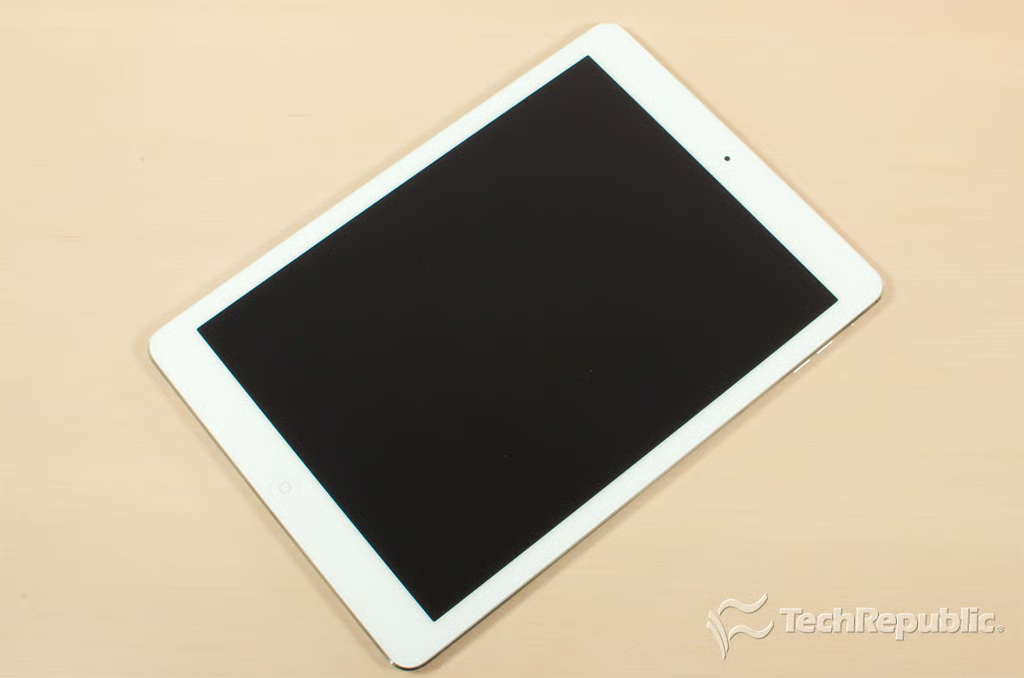
    Cracking Open iPad Air: Front

    Apple didn’t upgrade the Air’s Retina display, rear-facing camera, 802.11n Wi-Fi, or Home button–no Touch ID sensor here. But they did give their flagship tablet the company’s new 64-bit A7 processor, their M7 motion co-processor, an upgraded FaceTime HD camera, and a new battery.

    They also redesigned the internal hardware layout, which changes slightly how you crack open the Air compared to previous iPads.
    Bill Detwiler\/TechRepublic
  • Apple iPad Air teardown

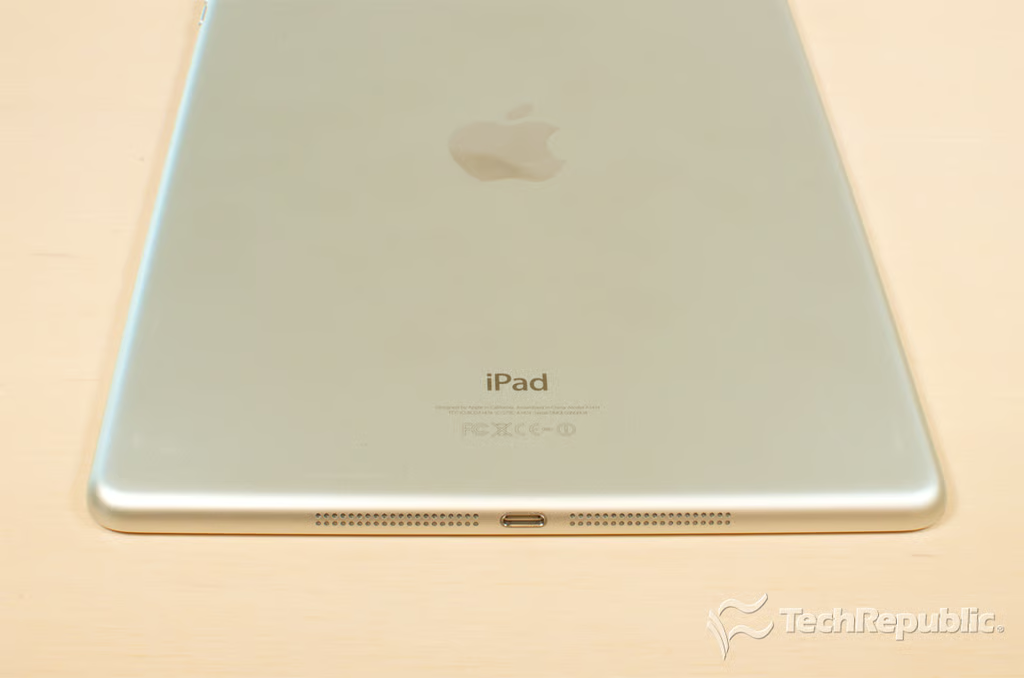
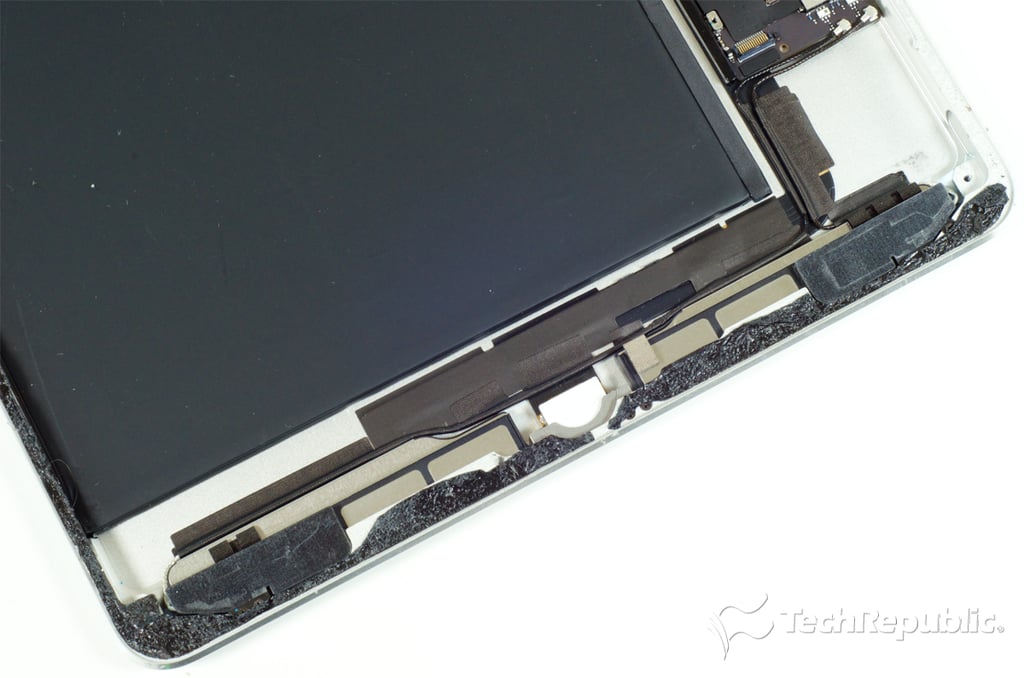
    Cracking Open iPad Air: Lightning connector and speakers

    Bill Detwiler\/TechRepublic
  • Apple iPad Air teardown

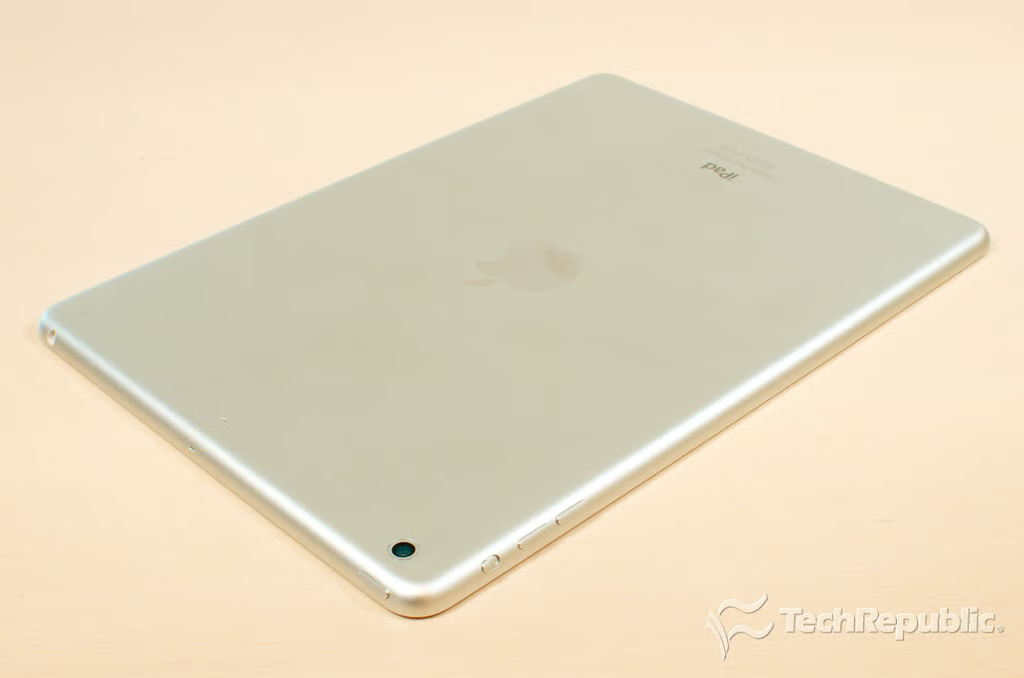
    Cracking Open iPad Air: Headphone jack, sleep/wake button, rotation lock switch, and volume buttons

    Bill Detwiler\/TechRepublic
  • Apple iPad Air teardown

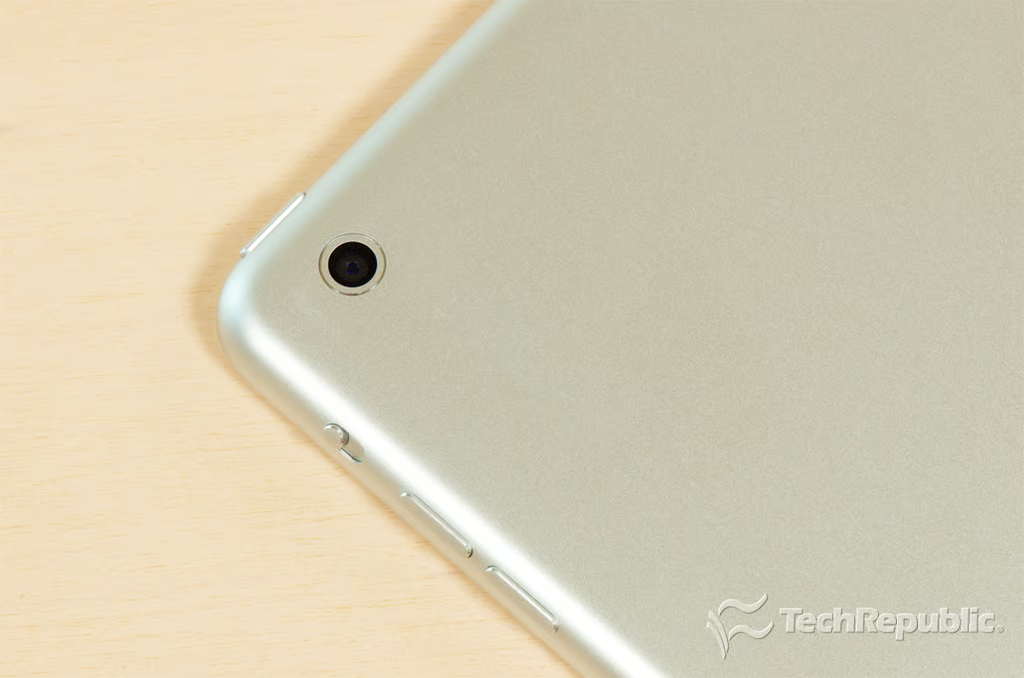
    Cracking Open iPad Air: 5MP iSight camera

    Bill Detwiler\/TechRepublic
  • apple_ipad_air_2013_teardown_009.png

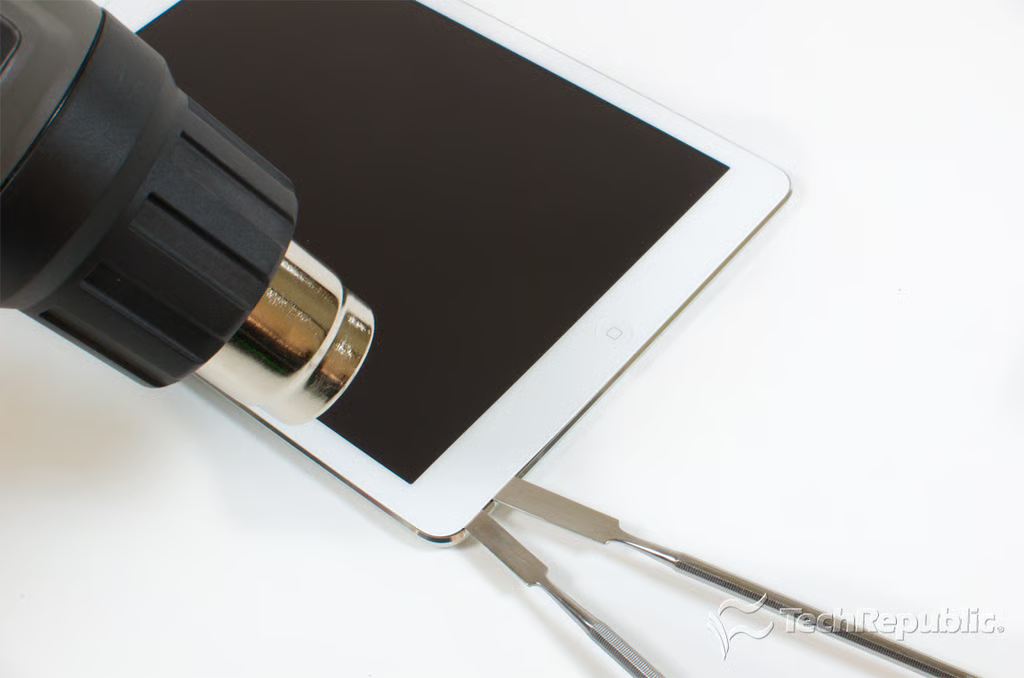
    Cracking Open iPad Air: Heating the front panel adhesive

    To begin opening the iPad Air, I heated the edges of the panel to loosen the adhesive that holds it to the aluminum body. Then, starting from the lower-left corner, I used a series of thin tools to gently pry the panel loose.
    Bill Detwiler/TechRepublic
  • apple_ipad_air_2013_teardown_010.png

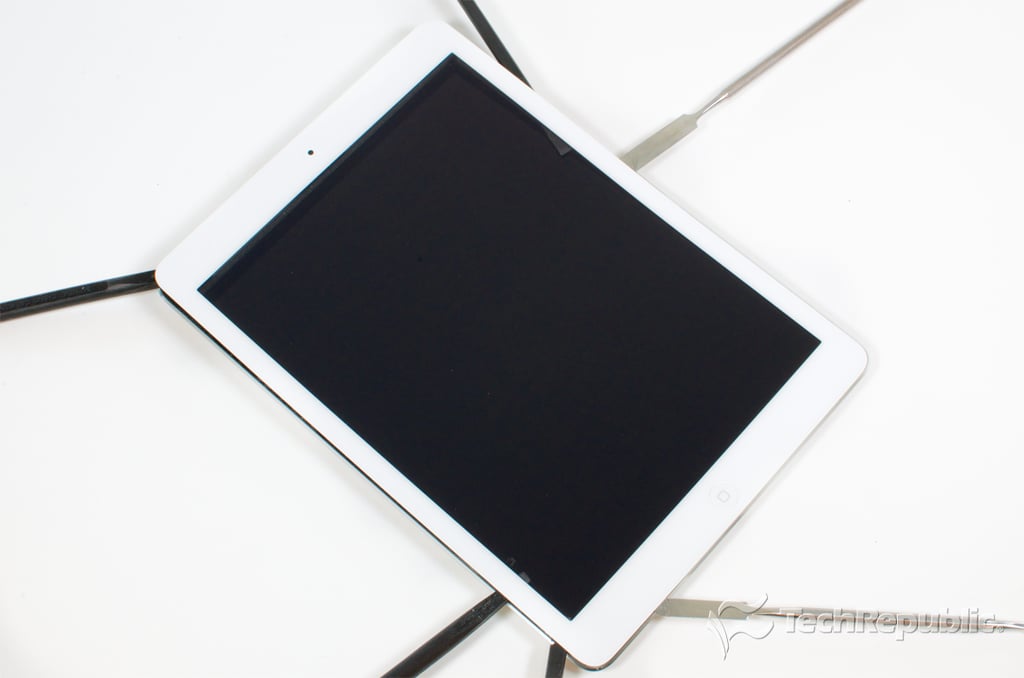
    Cracking Open iPad Air: Prying lose the front panel

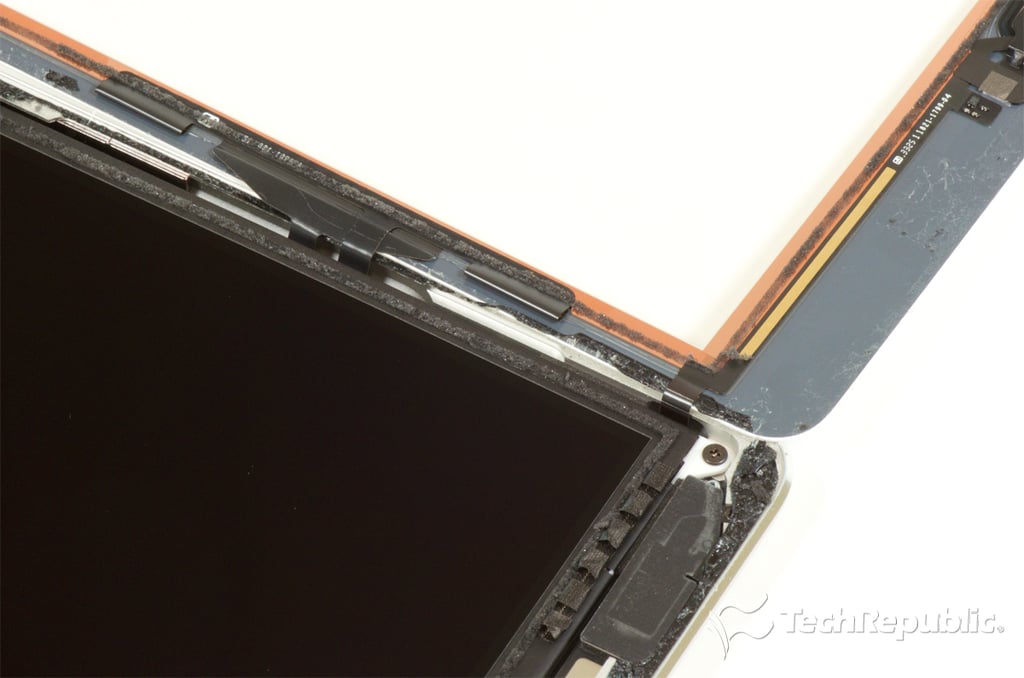
    Be very careful around the lower-right corner and along the right edge. There are several thin ribbon cables there that connect the front panel to the motherboard.

  • Apple iPad Air teardown

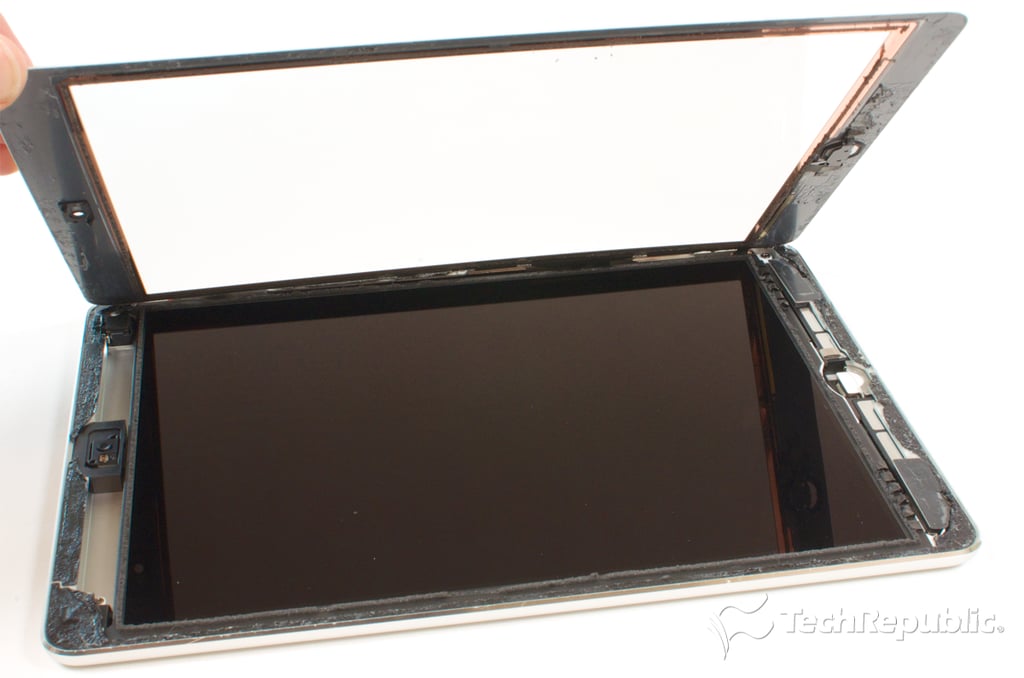
    Cracking Open iPad Air: Lift up on the front panel

    Bill Detwiler\/TechRepublic
  • Apple iPad Air teardown

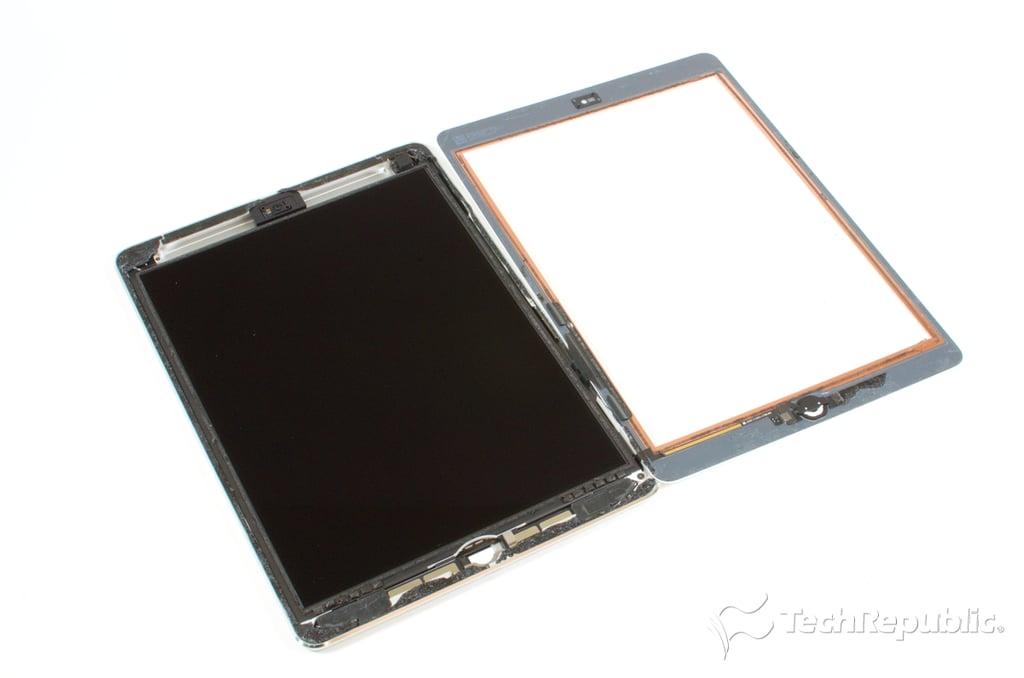
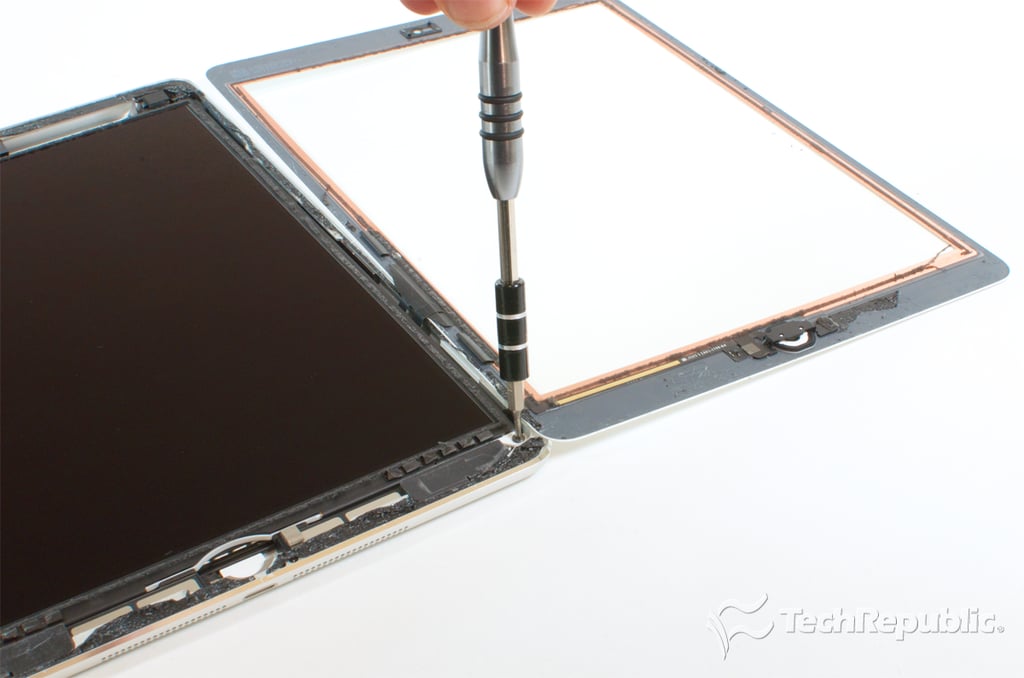
    Cracking Open iPad Air: Front panel opened, but still connected

    You can’t completely remove the panel until you take out the display.

    Bill Detwiler\/TechRepublic
  • Apple iPad Air teardown

    Cracking Open iPad Air: Front panel ribbon cables

    Bill Detwiler\/TechRepublic
  • Apple iPad Air teardown

    Cracking Open iPad Air: Removing the LCD panel screws

    Bill Detwiler\/TechRepublic
  • Apple iPad Air teardown

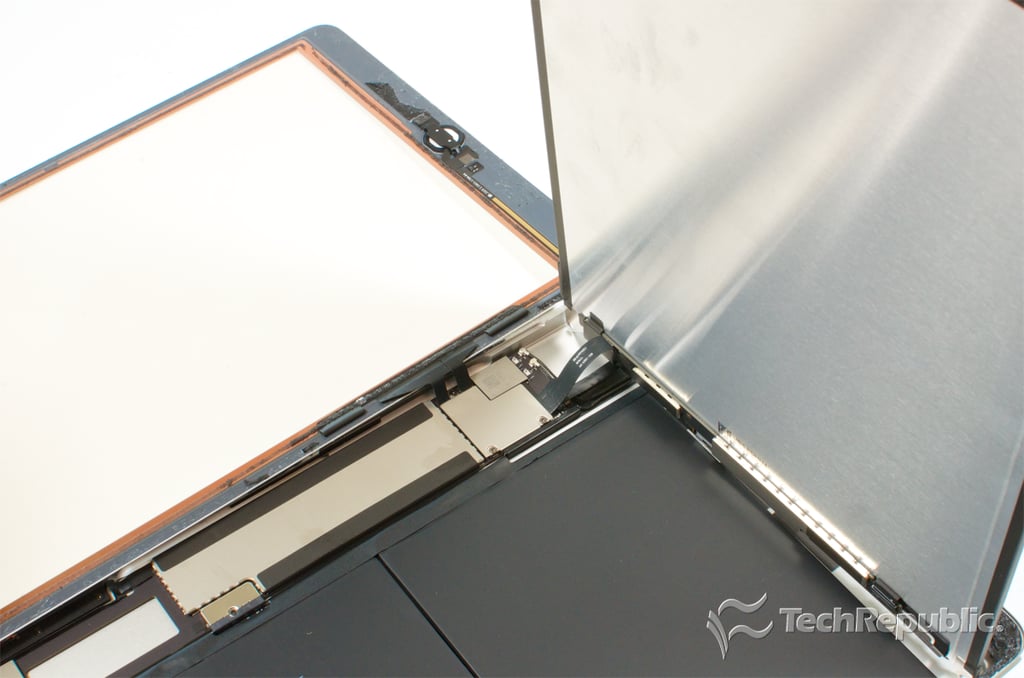
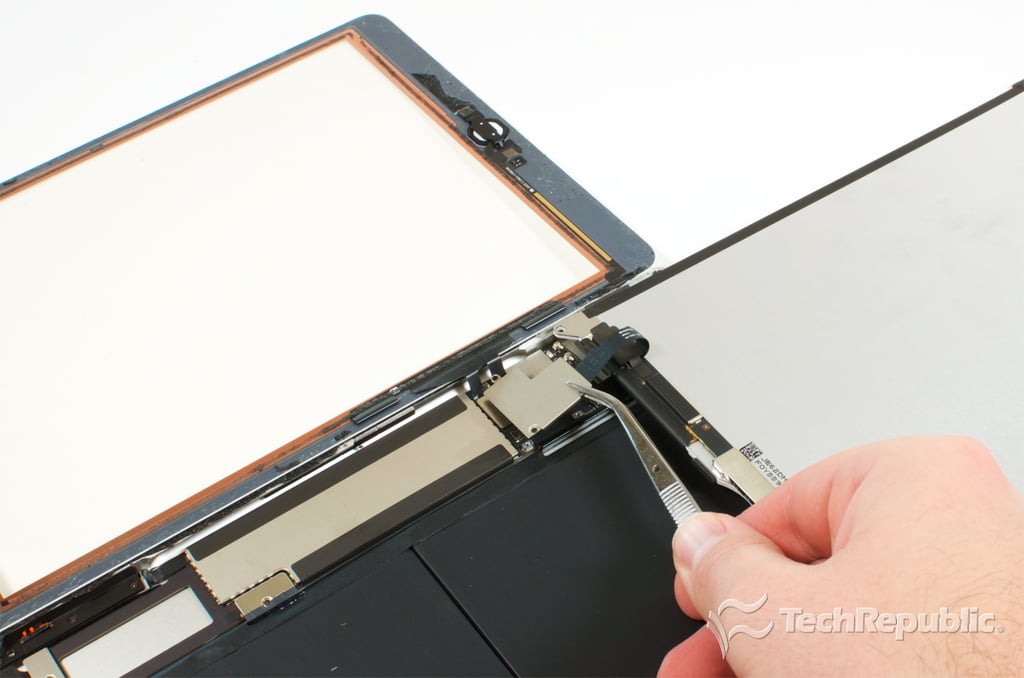
    Cracking Open iPad Air: Lifting up the LCD panel

    Bill Detwiler\/TechRepublic
  • Apple iPad Air teardown

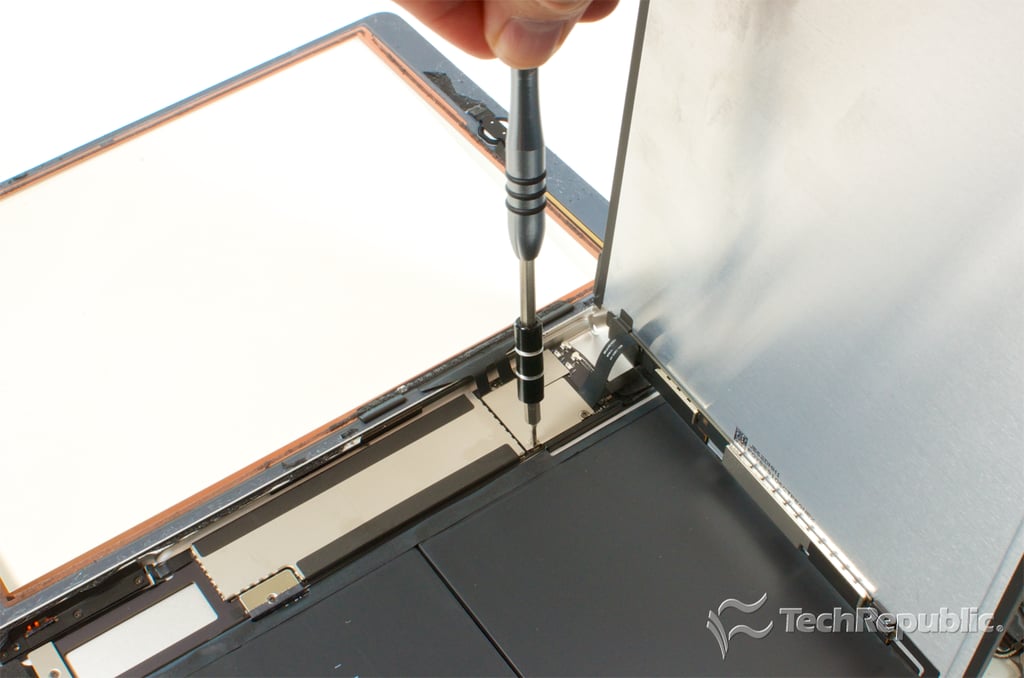
    Cracking Open iPad Air: Removing the front panel and LCD connector cover screws

    The connectors for the front panel and LCD are located under a thin metal shield, which is held in place with three screws.

    Bill Detwiler\/TechRepublic
  • Apple iPad Air teardown

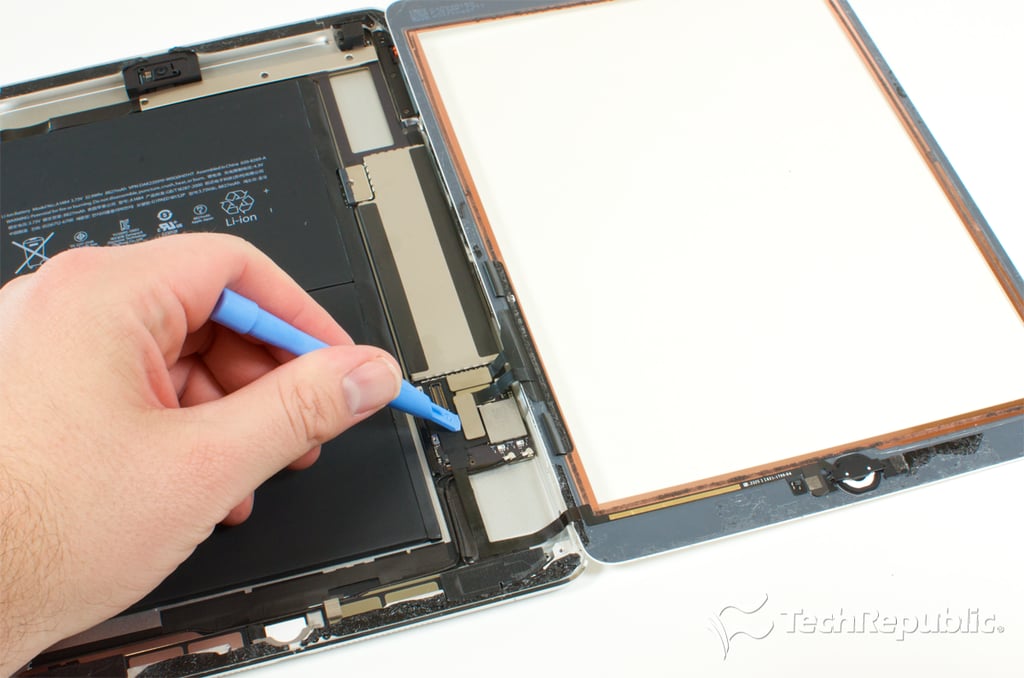
    Cracking Open iPad Air: Detaching the LCD panel connector

    Bill Detwiler\/TechRepublic
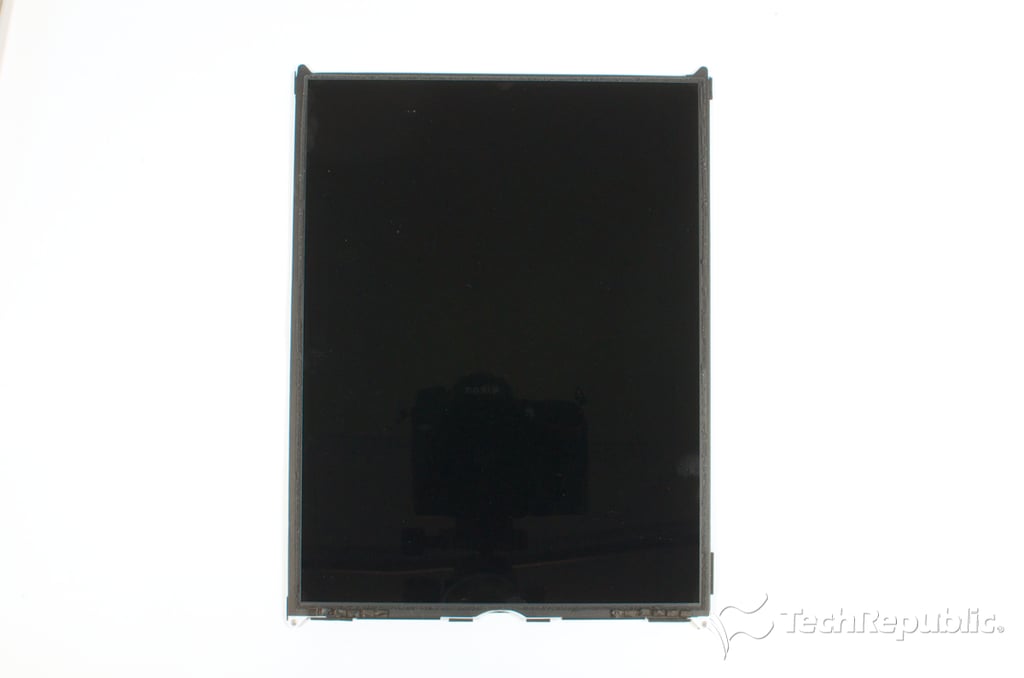
  • Apple iPad Air teardown

    Cracking Open iPad Air: Retina LCD panel - Front

    Bill Detwiler\/TechRepublic
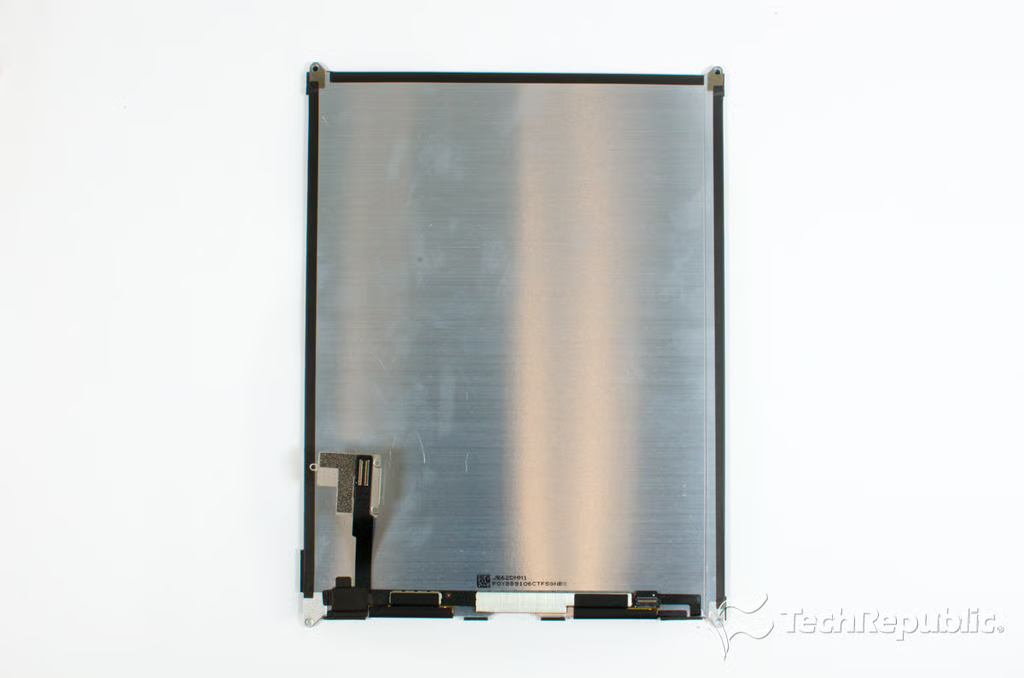
  • Apple iPad Air teardown

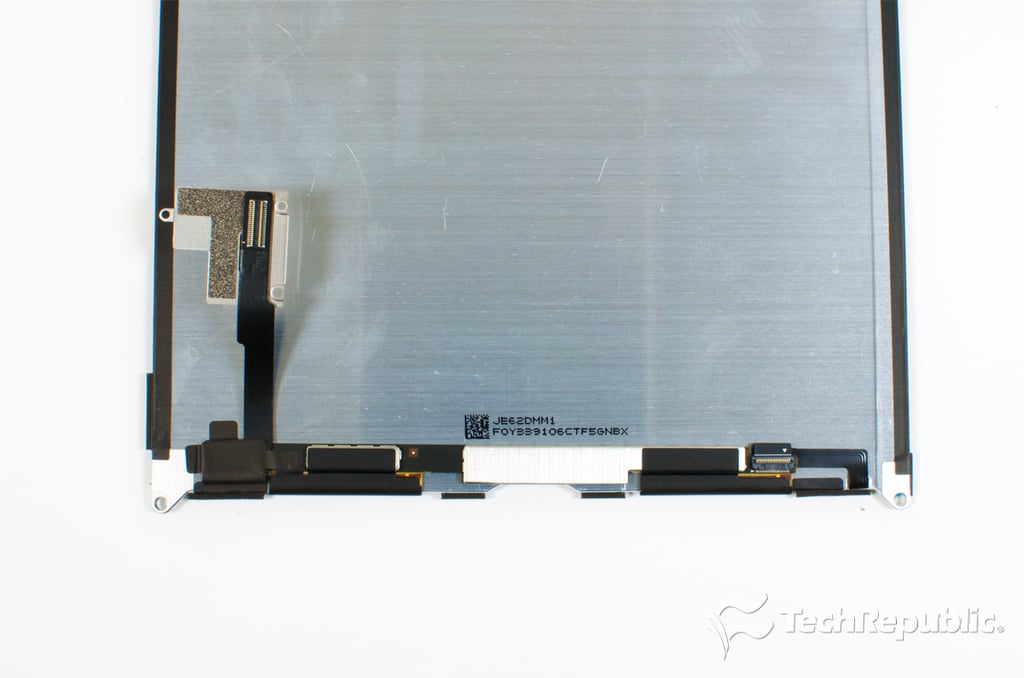
    Cracking Open iPad Air: Retina LCD panel - back

    Bill Detwiler\/TechRepublic
  • Apple iPad Air teardown

    Cracking Open iPad Air: LCD panel model number

    Bill Detwiler\/TechRepublic
  • Apple iPad Air teardown

    Cracking Open iPad Air: Detaching the front panel connectors

    Bill Detwiler\/TechRepublic
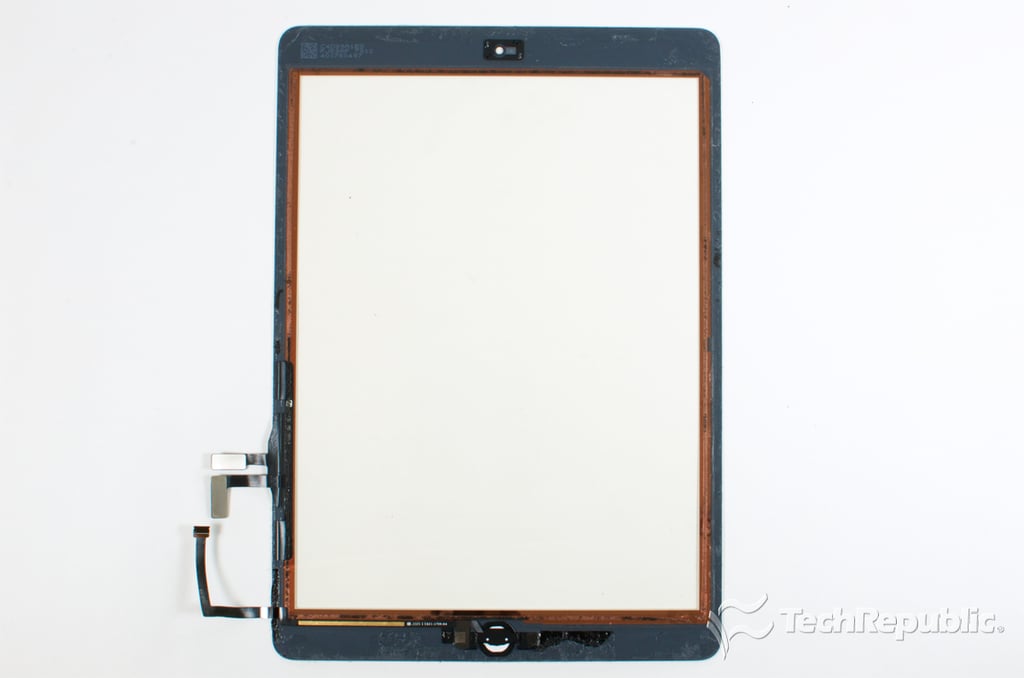
  • Apple iPad Air teardown

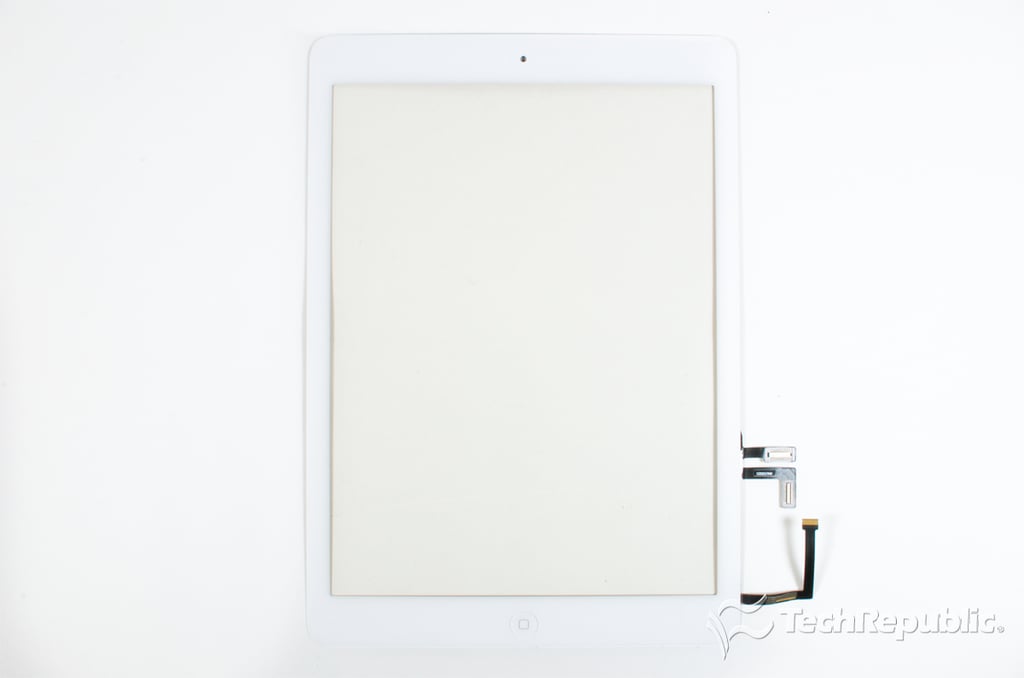
    Cracking Open iPad Air: Front panel - Front

    Bill Detwiler\/TechRepublic
  • Apple iPad Air teardown

    Cracking Open iPad Air: Front Panel - Back

    Bill Detwiler\/TechRepublic
  • Apple iPad Air teardown

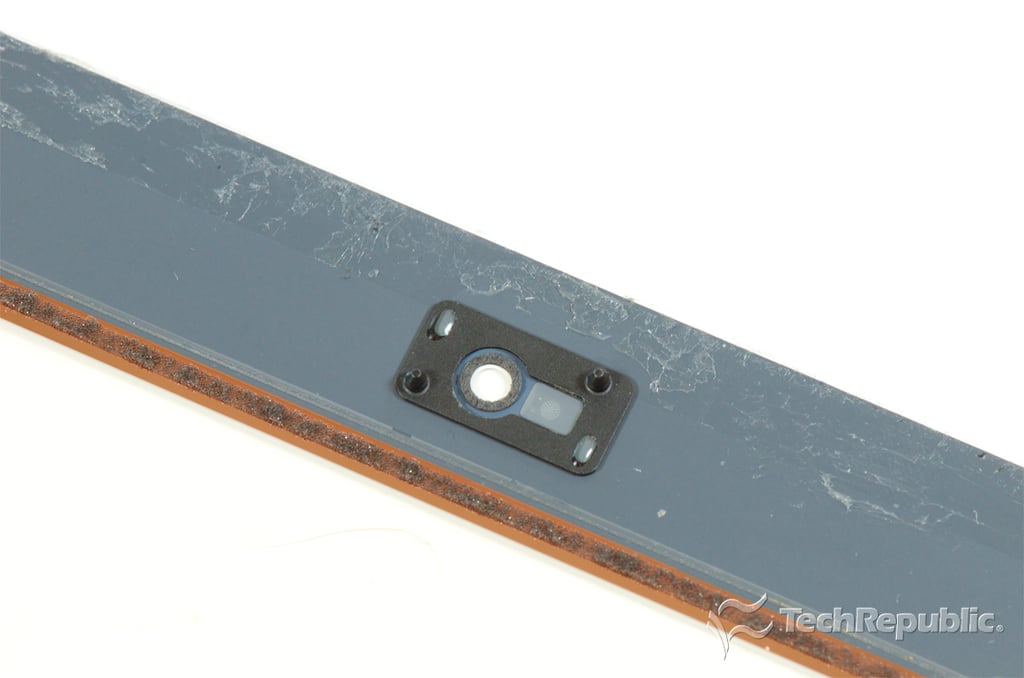
    Cracking Open iPad Air: FaceTime HD camera bracket

    Bill Detwiler\/TechRepublic
  • Apple iPad Air teardown

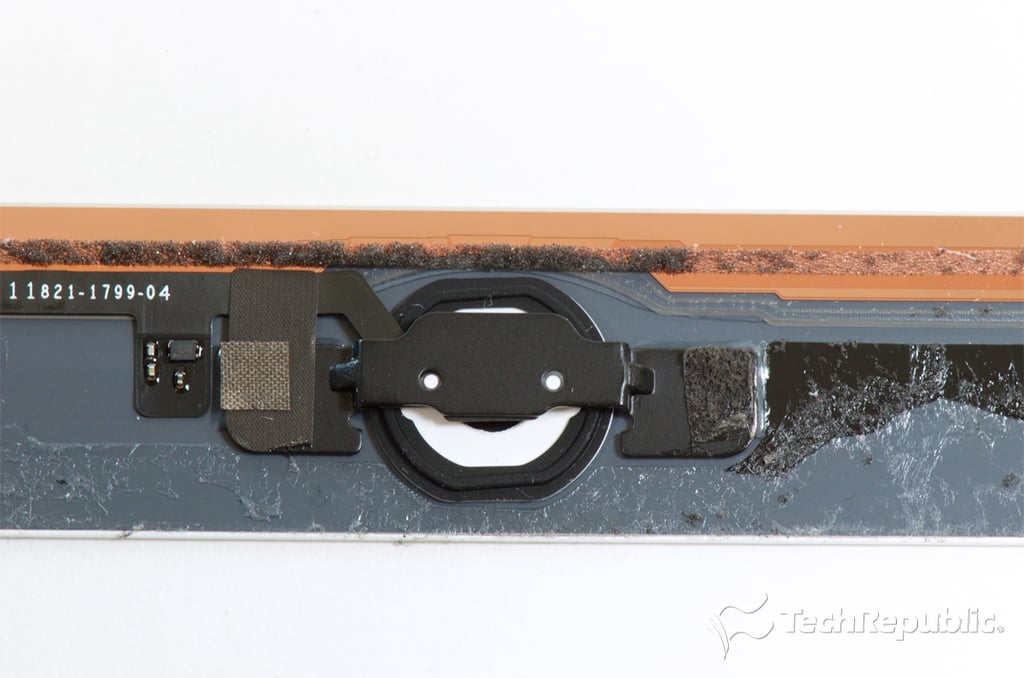
    Cracking Open iPad Air: Home button

    Bill Detwiler\/TechRepublic
  • Apple iPad Air teardown

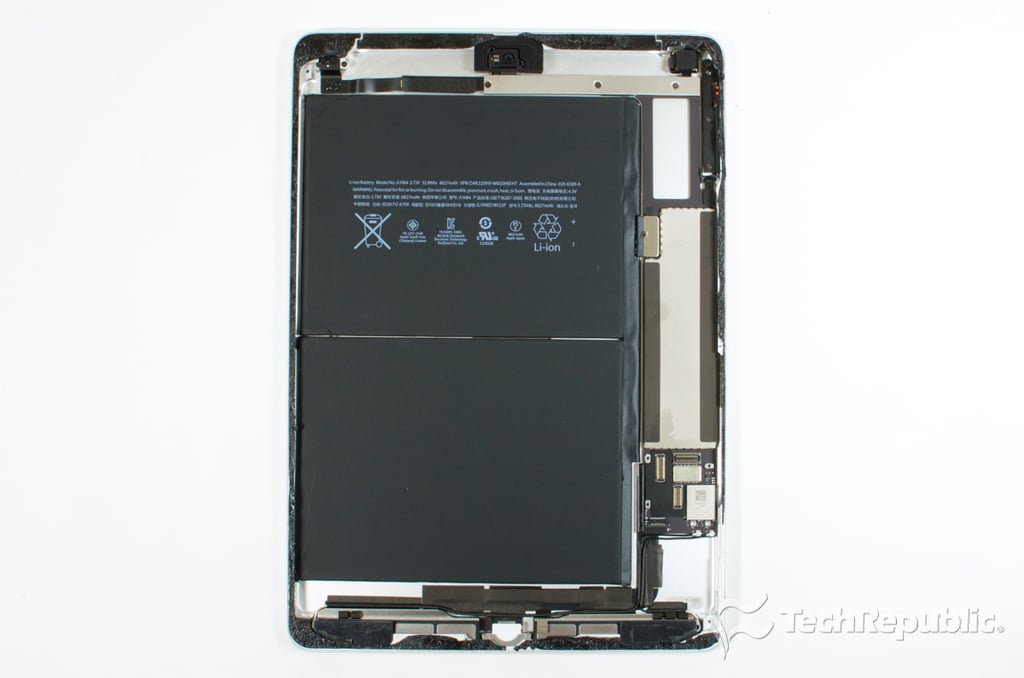
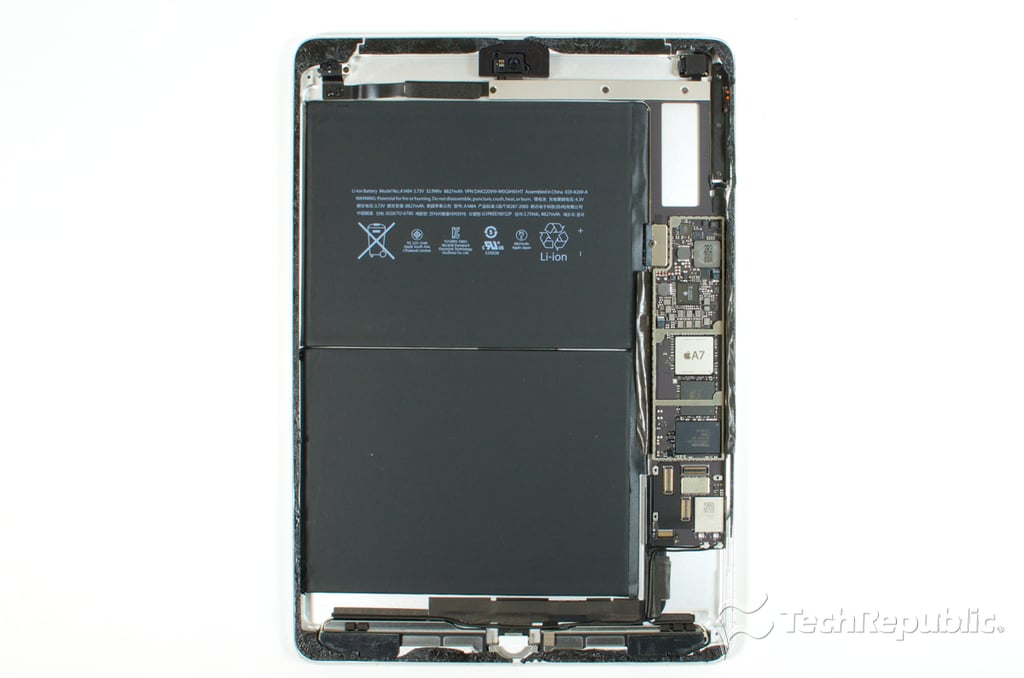
    Cracking Open iPad Air: Internal hardware

    Bill Detwiler\/TechRepublic
  • Apple iPad Air teardown

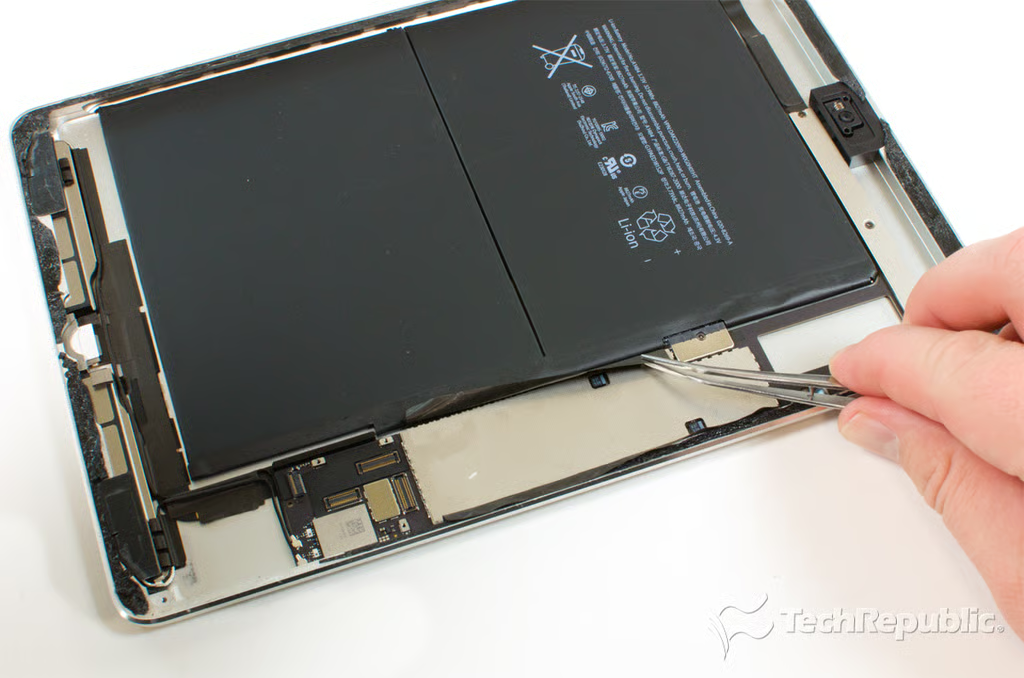
    Cracking Open iPad Air: Removing motherboard shield tape

    Bill Detwiler\/TechRepublic
  • Apple iPad Air teardown

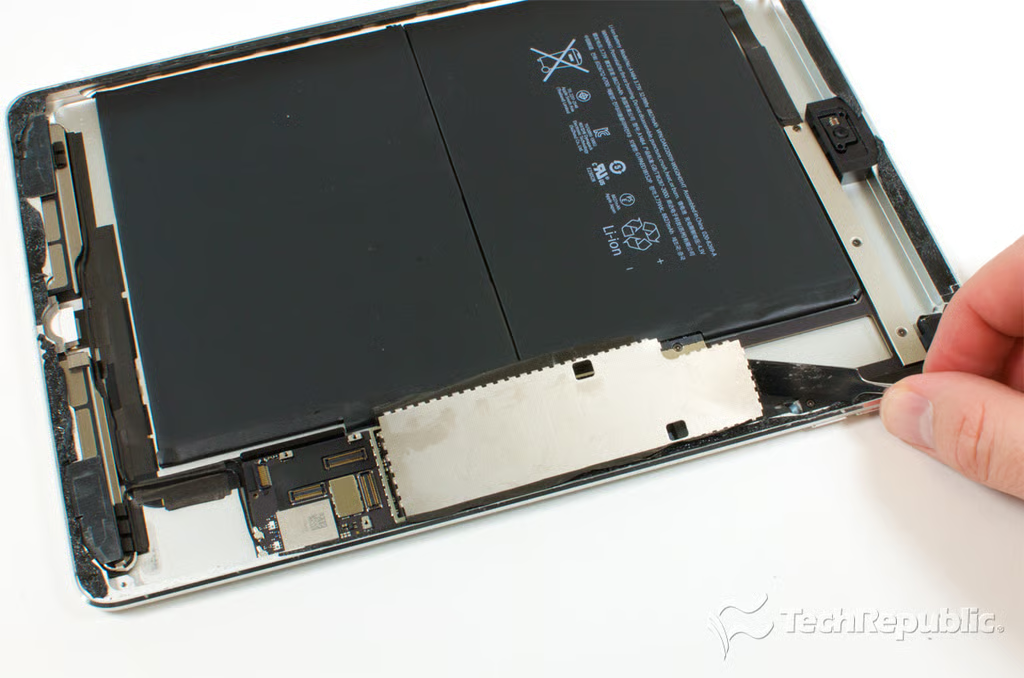
    Cracking Open iPad Air: Removing the motherboard shield

    Bill Detwiler\/TechRepublic
  • Apple iPad Air teardown

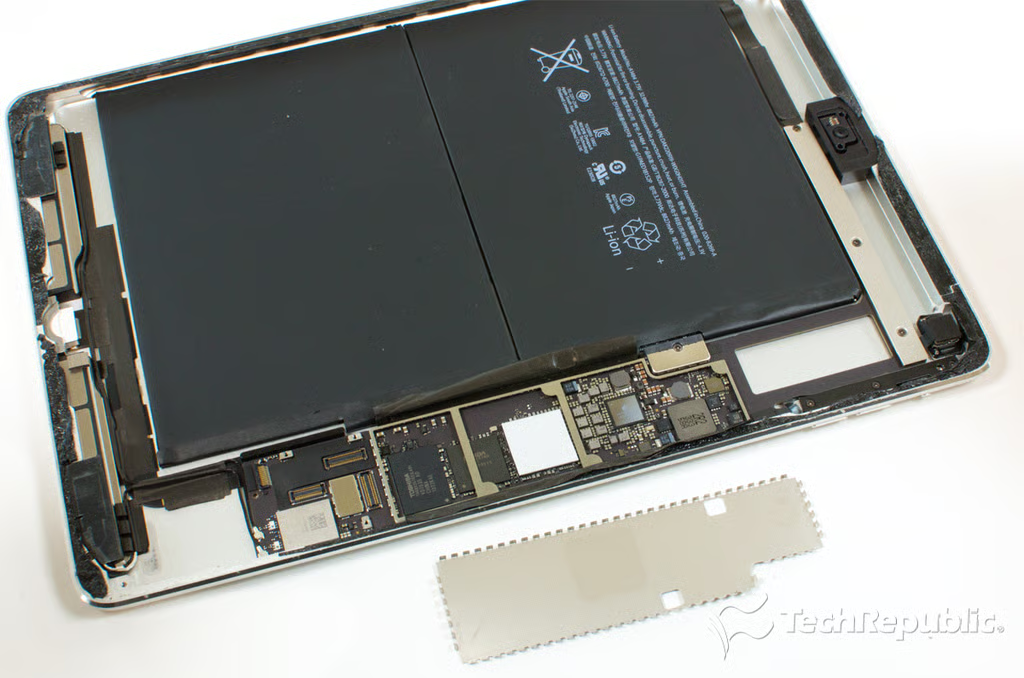
    Cracking Open iPad Air: Motherboard shield removed

    Bill Detwiler\/TechRepublic
  • apple_ipad_air_2013_teardown_029.png

    Cracking Open iPad Air: Motherboard shield removed

    Bill Detwiler/TechRepublic
  • Apple iPad Air teardown

    Cracking Open iPad Air: Upper case hardware

    Bill Detwiler\/TechRepublic
  • Apple iPad Air teardown

    Cracking Open iPad Air: Headphone jack

    Bill Detwiler\/TechRepublic
  • Apple iPad Air teardown

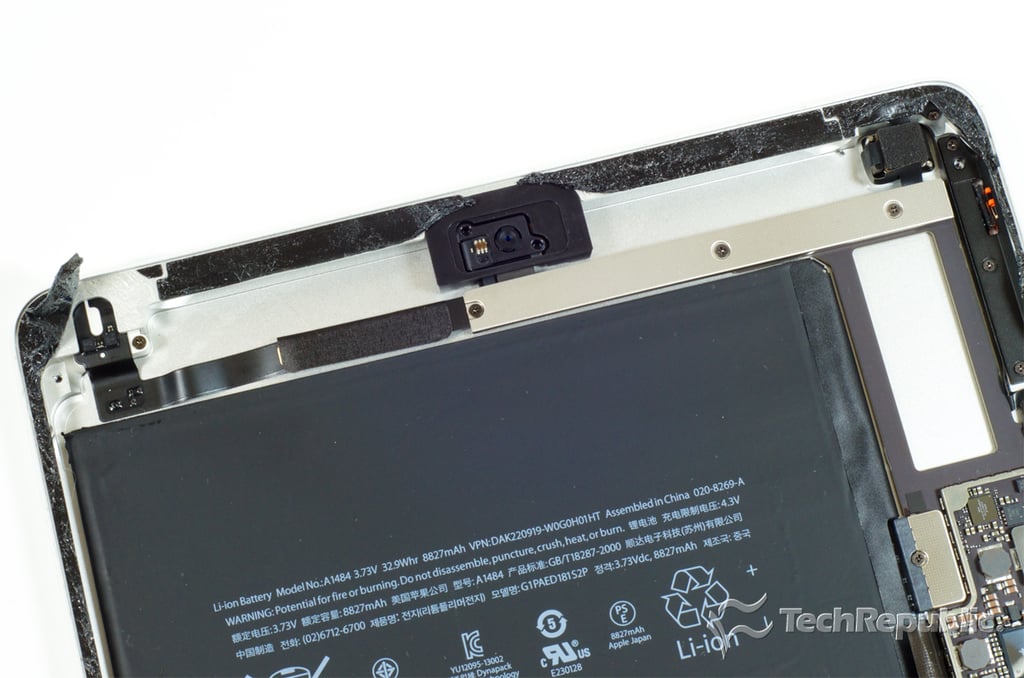
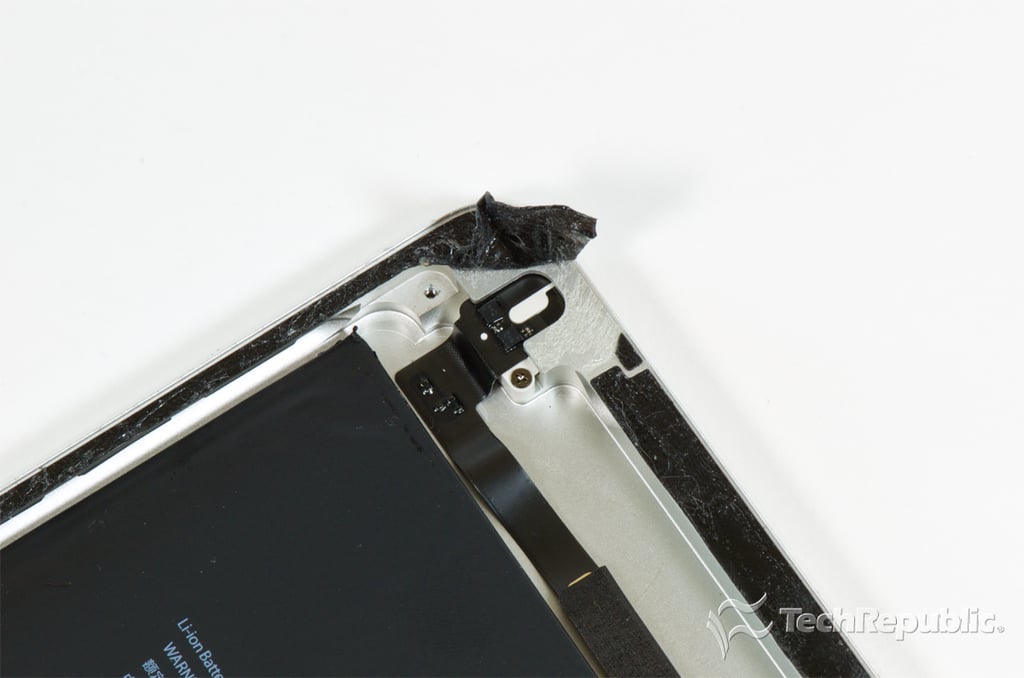
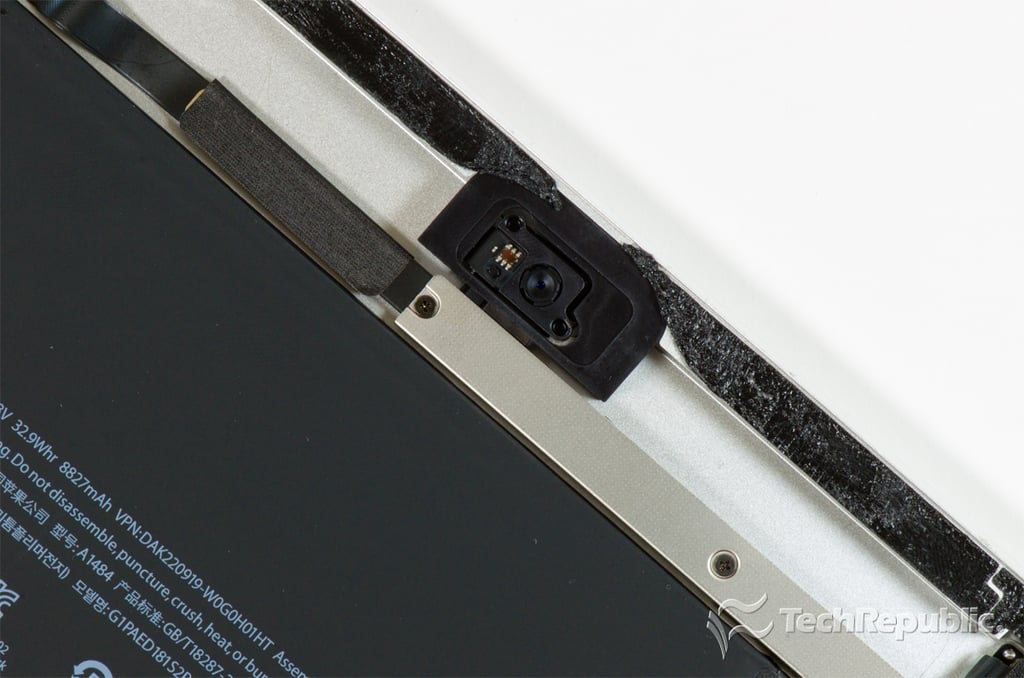
    Cracking Open iPad Air: 1.2MP FaceTime HD camera

    Bill Detwiler\/TechRepublic
  • Apple iPad Air teardown

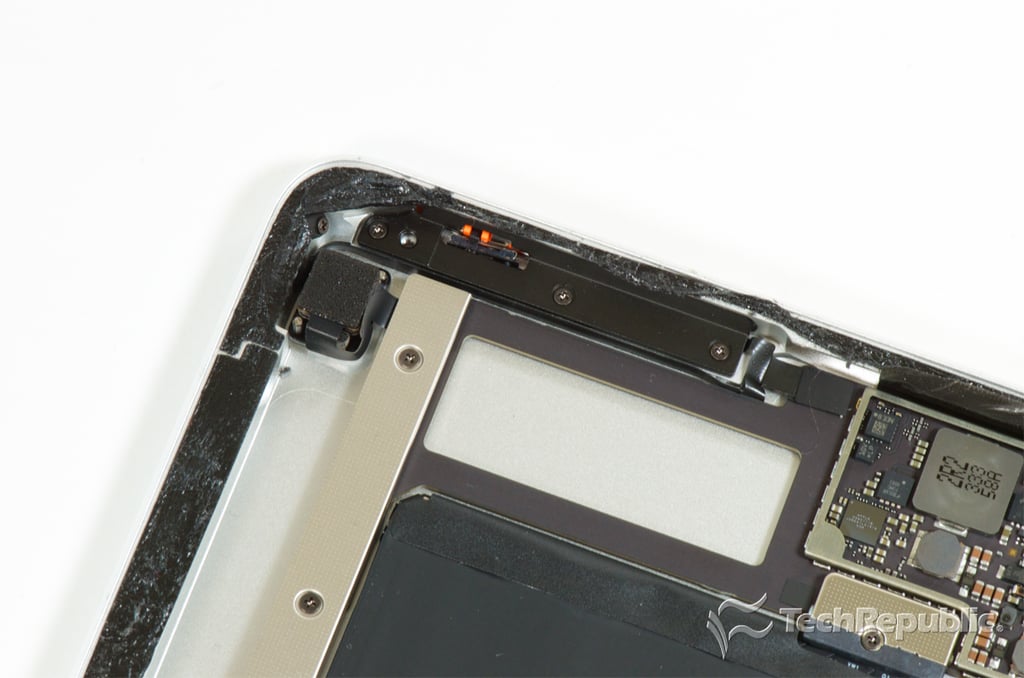
    Cracking Open iPad Air: iSight camera, sleep/wake button, lock switch, and volume button

    Bill Detwiler\/TechRepublic
  • Apple iPad Air teardown

    Cracking Open iPad Air: Lower hardware

    Bill Detwiler\/TechRepublic
  • Apple iPad Air teardown

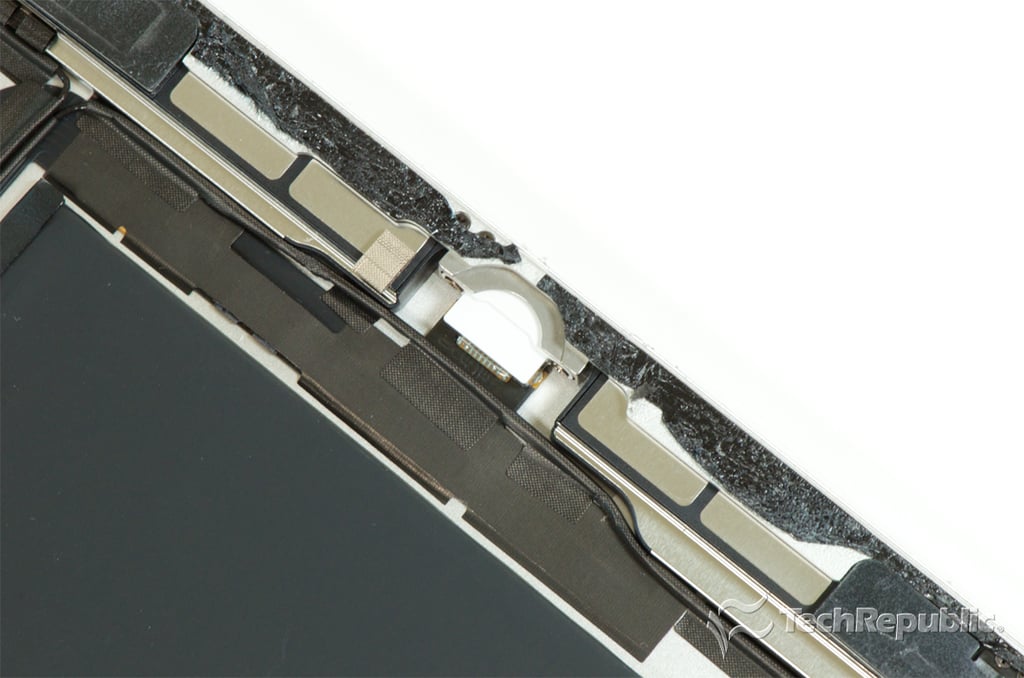
    Cracking Open iPad Air: Lightning connector

    Bill Detwiler\/TechRepublic
  • Apple iPad Air teardown

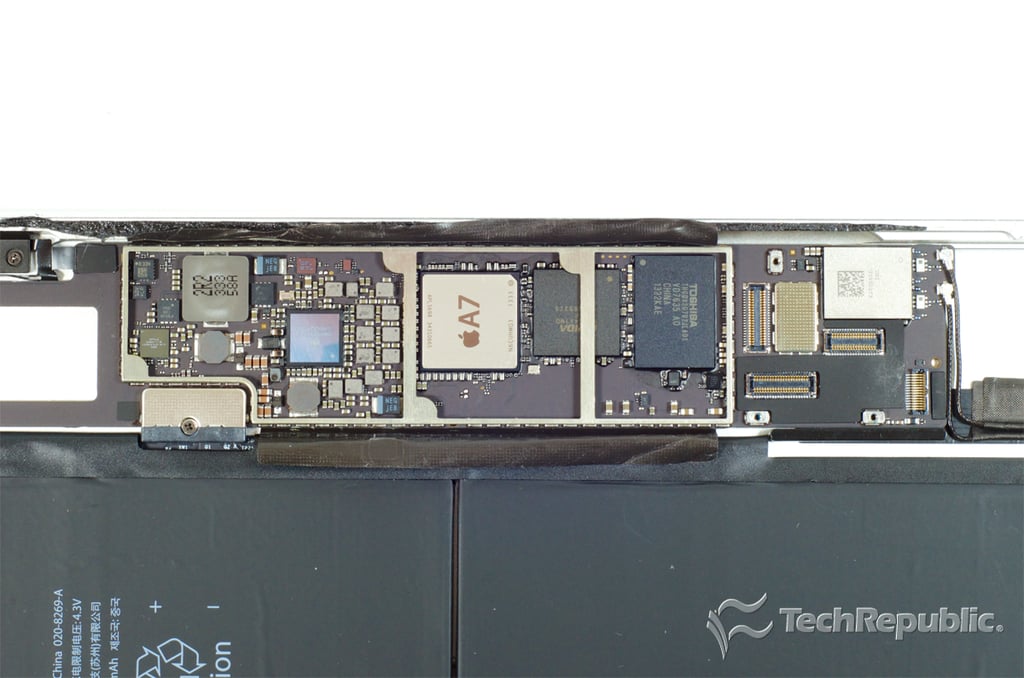
    Cracking Open iPad Air: Motherboard

    Bill Detwiler\/TechRepublic
  • apple_ipad_air_2013_teardown_037.png

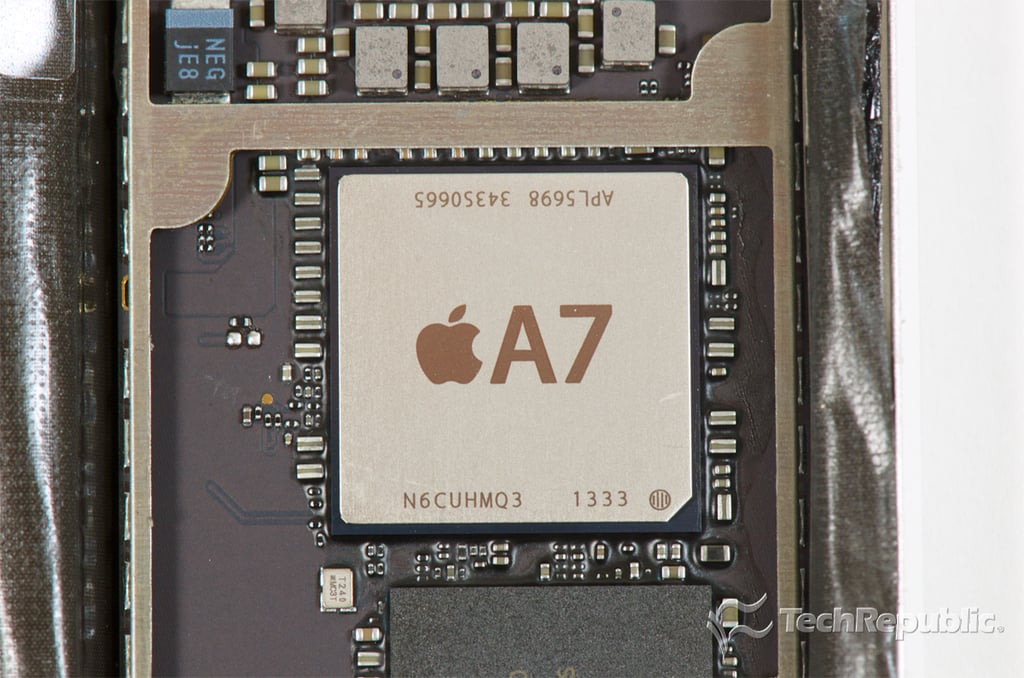
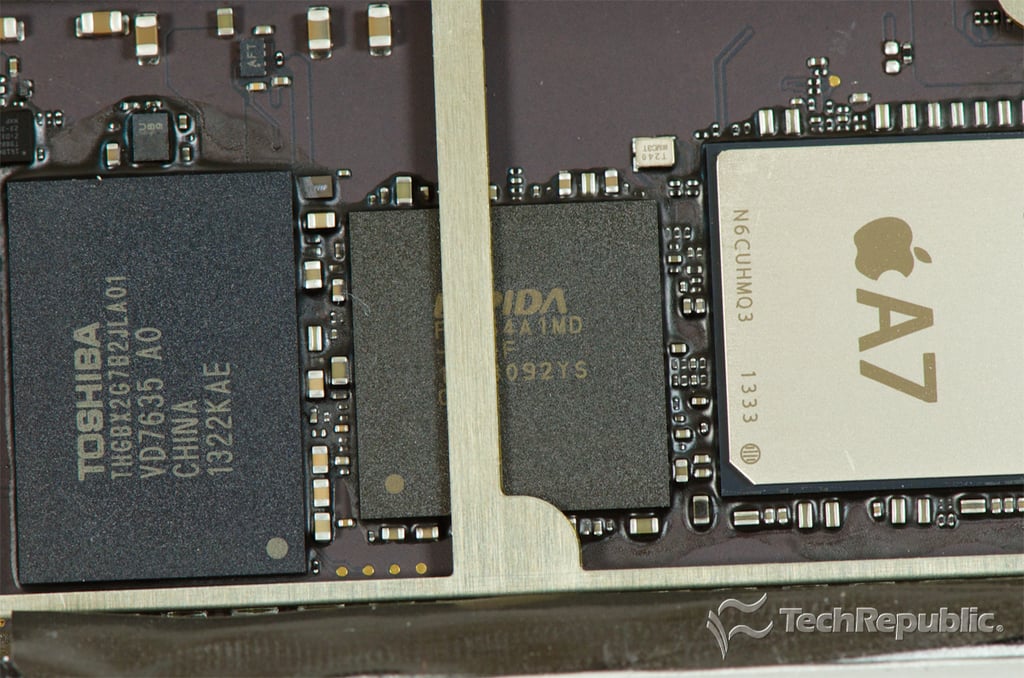
    Cracking Open iPad Air: 64-bit A7 processor

    Bil Detwiler/TechRepublic
  • Apple iPad Air teardown

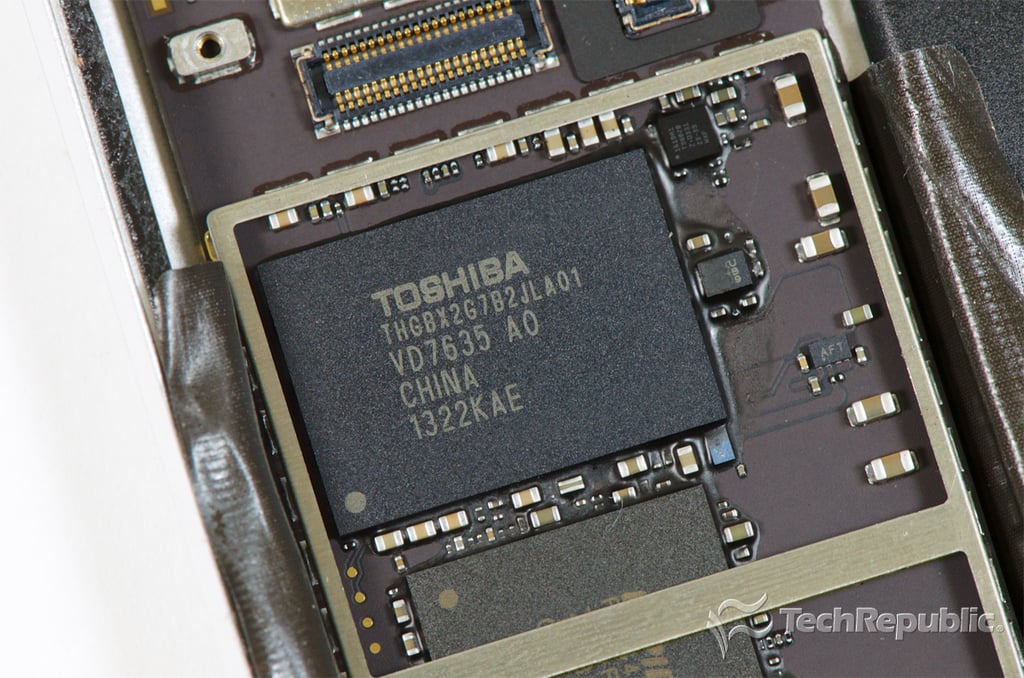
    Cracking Open iPad Air: Toshiba THGBX2G7B2JLA01 16GB NAND flash

    Bill Detwiler\/TechRepublic
  • Apple iPad Air teardown

    Cracking Open iPad Air: Elpida 1GB LPDDR3 SDRAM

    Bill Detwiler\/TechRepublic
  • Apple iPad Air teardown

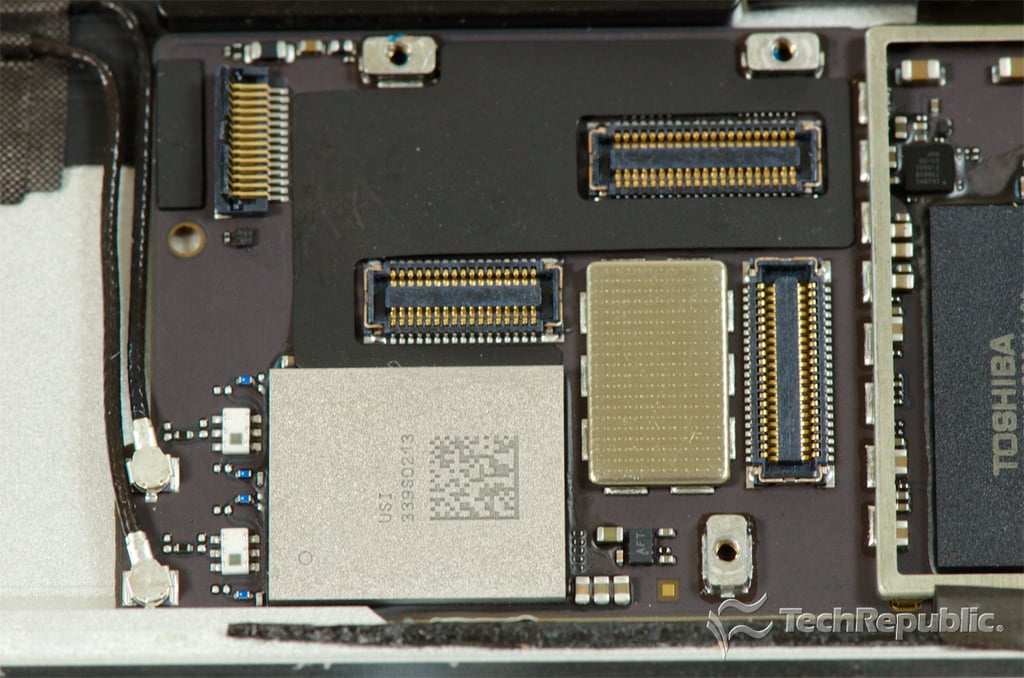
    Cracking Open iPad Air: USI 339S0213 Wi-Fi Module

    Bill Detwiler\/TechRepublic
  • Apple iPad Air teardown

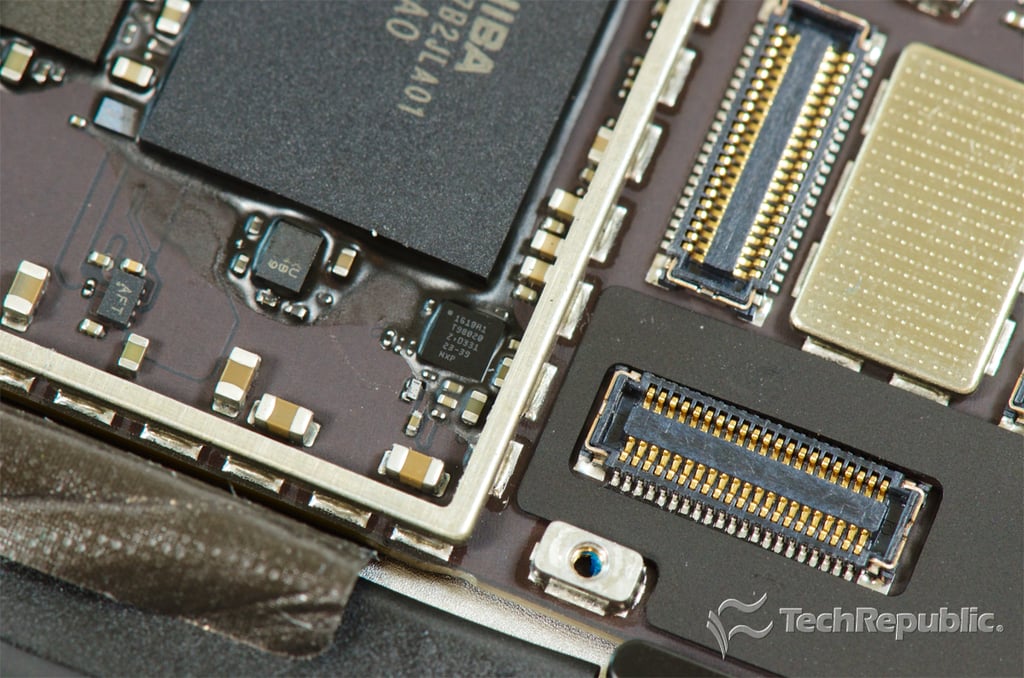
    Cracking Open iPad Air: NXP 1610A1 T98020 Z D33123-39 (also found on iPhone 5S)

    Bill Detwiler\/TechRepublic
  • Apple iPad Air teardown

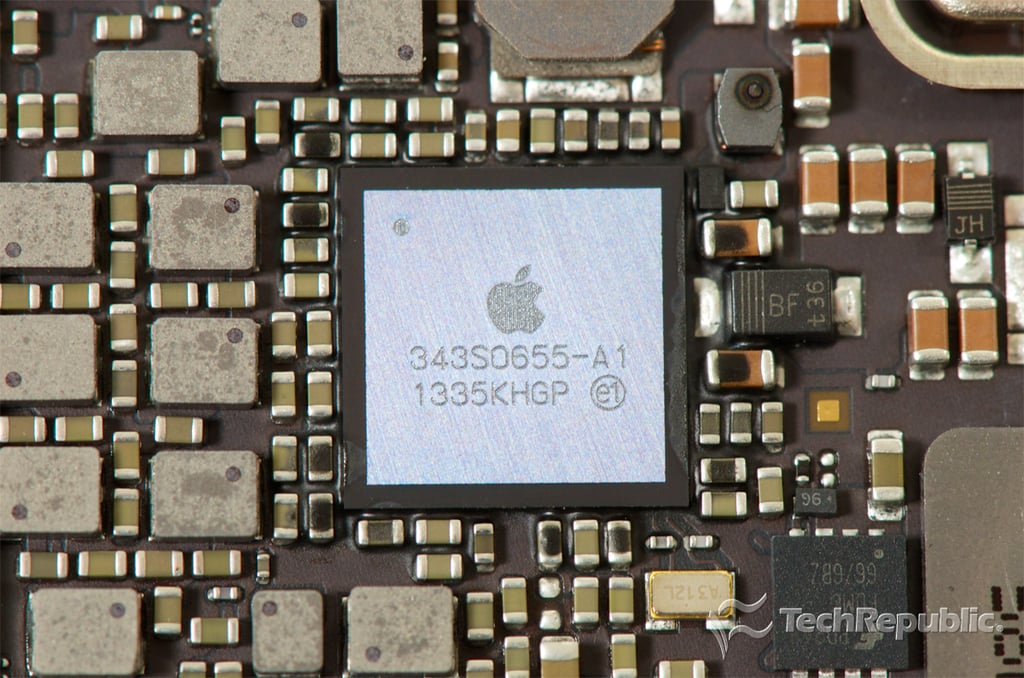
    Cracking Open iPad Air: Apple 343S0655-A1 1335KHGP

    Bill Detwiler\/TechRepublic
  • Apple iPad Air teardown

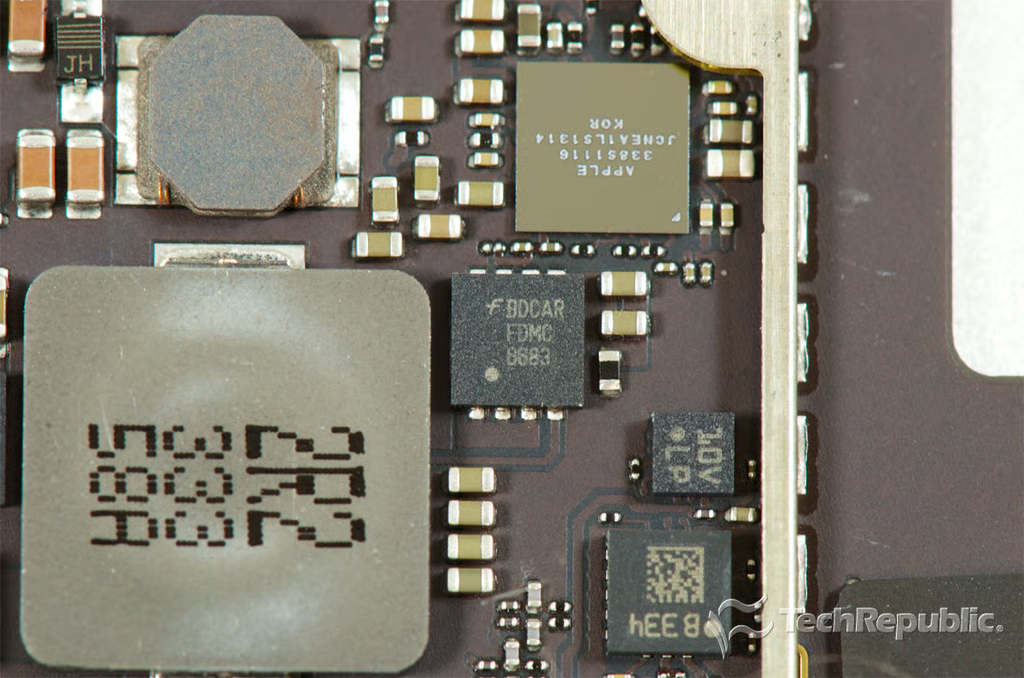
    Cracking Open iPad Air: Fairchild BDCAR FDMC 6683

    Bill Detwiler\/TechRepublic
  • Apple iPad Air teardown

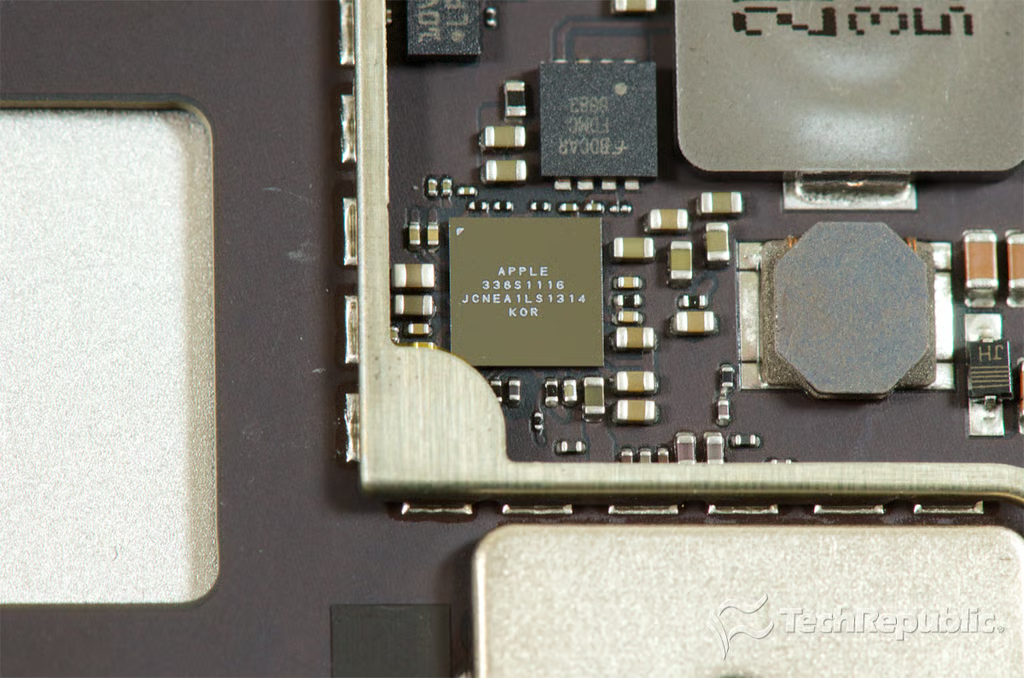
    Cracking Open iPad Air: Apple 338S1116 Cirrus Audio Code (also found in iPhone 5C)

    Bill Detwiler\/TechRepublic
  • Apple iPad Air teardown

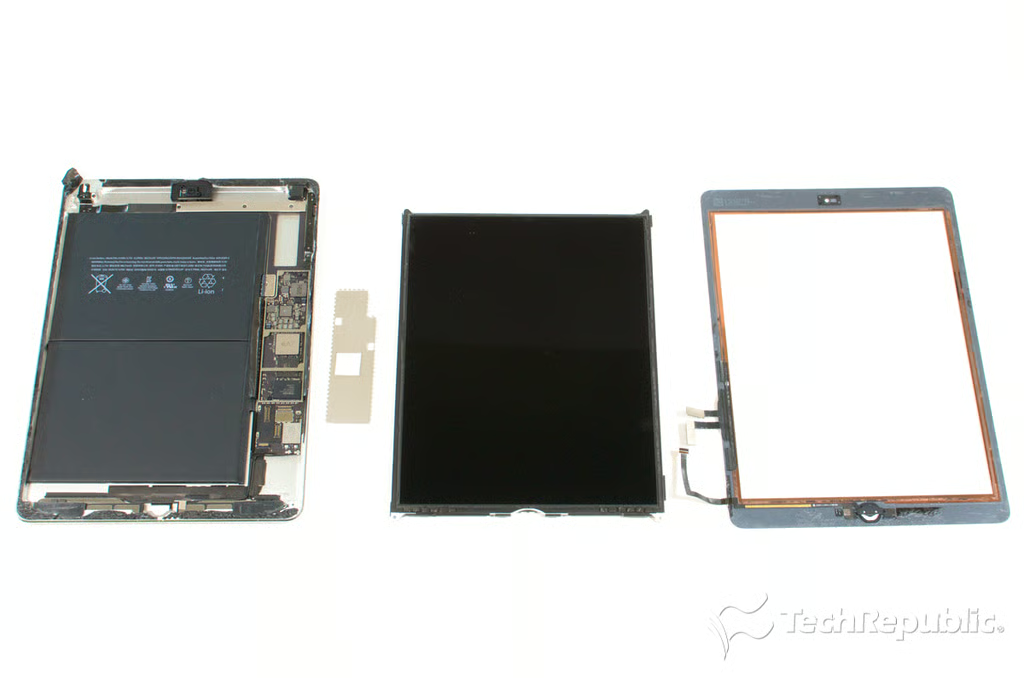
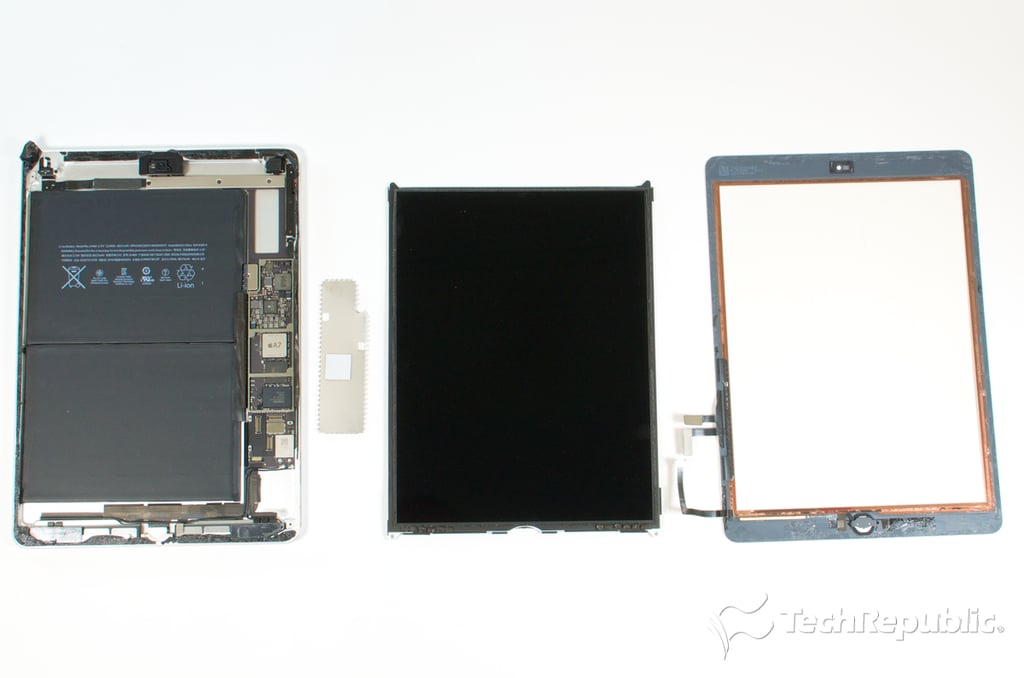
    Cracking Open iPad Air: Disassembled

    Bill Detwiler\/TechRepublic
1 of 47
BD

Bill Detwiler is the Editor for Technical Content and Ecosystem at Celonis. He is the former Editor in Chief of TechRepublic and previous host of TechRepublic's Dynamic Developer podcast and Cracking Open, CNET and TechRepublic's popular online show. Previously, Bill was an IT manager in the social research and energy industries. He has bachelor's and master's degrees from the University of Louisville, where he has also lectured on computer crime and crime prevention.