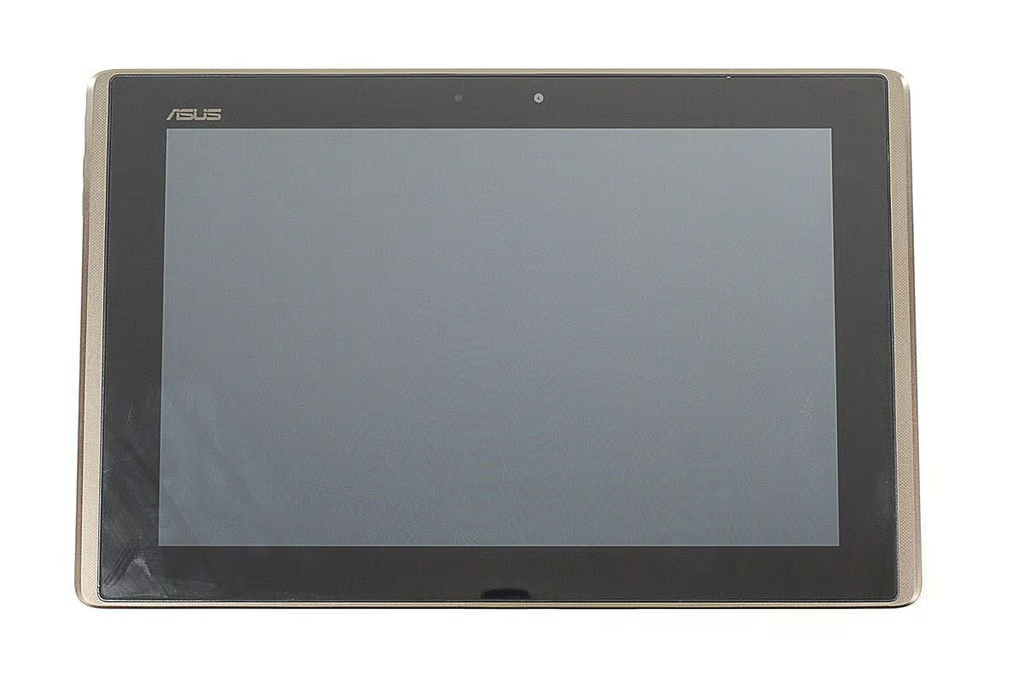
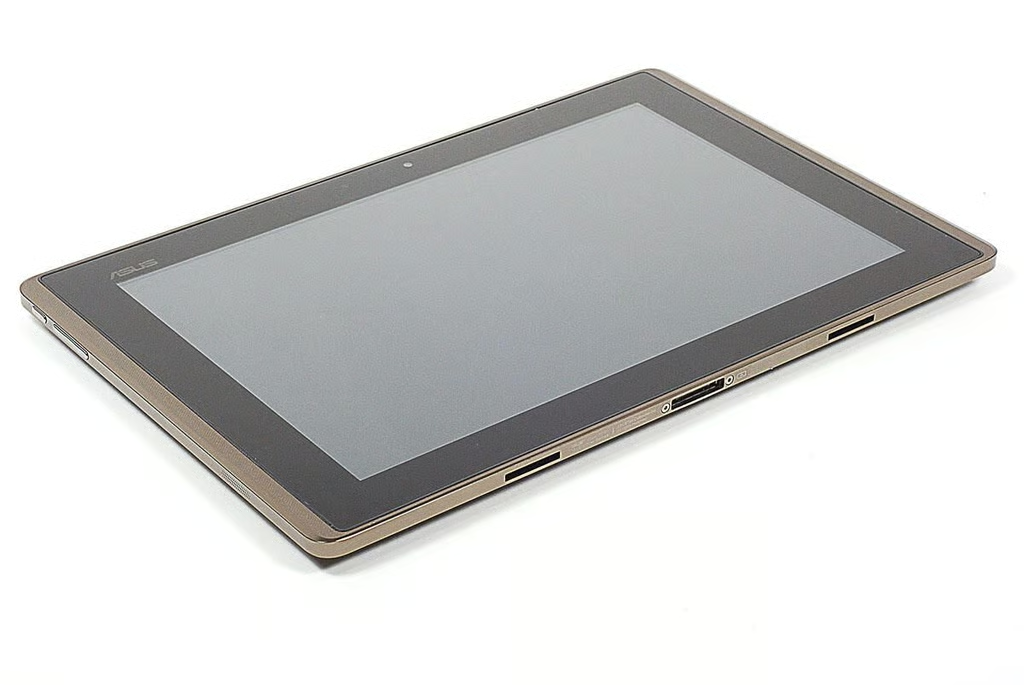
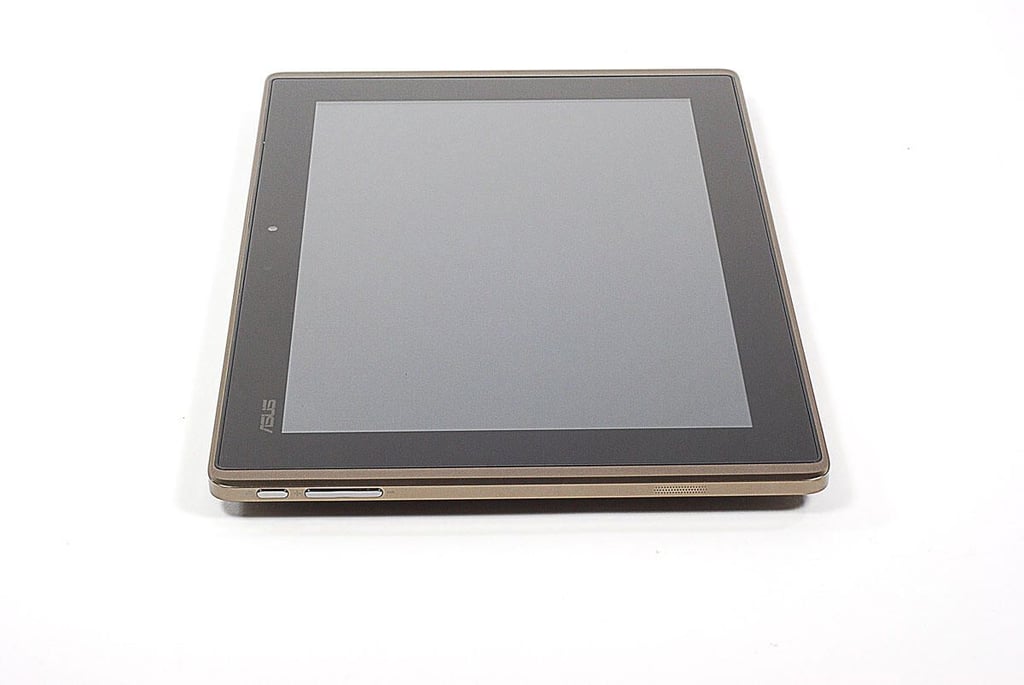
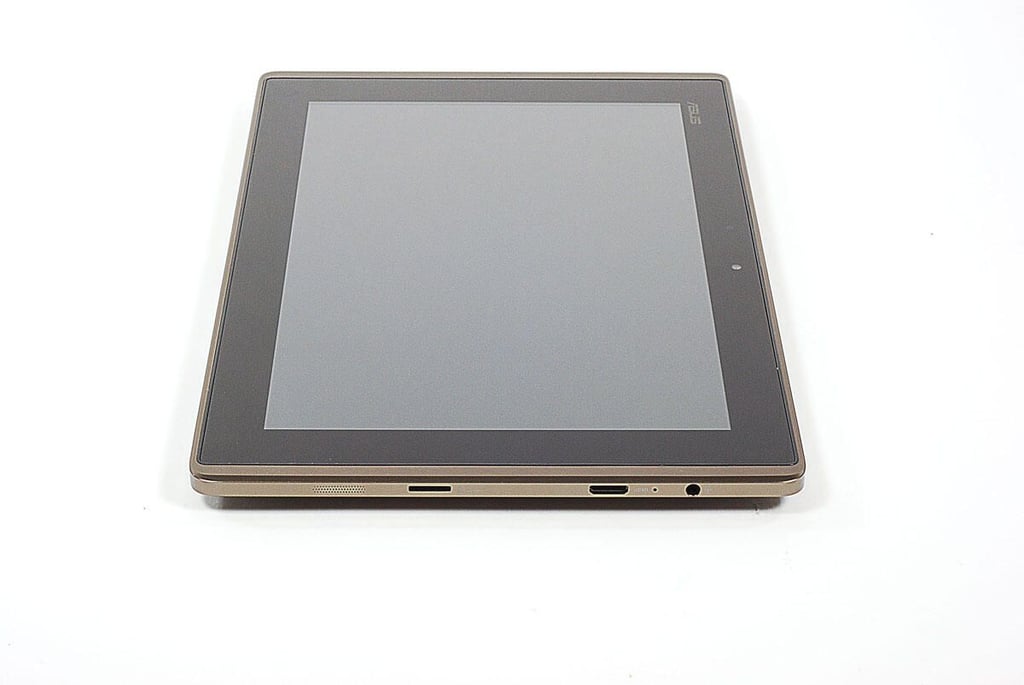
\n\tThe Eee Pad Transformer TF101 is Asus’ first 10-inch Android tablet. When released in April, 2011, it was one of the least expensive 10-inch tablets available.
\n
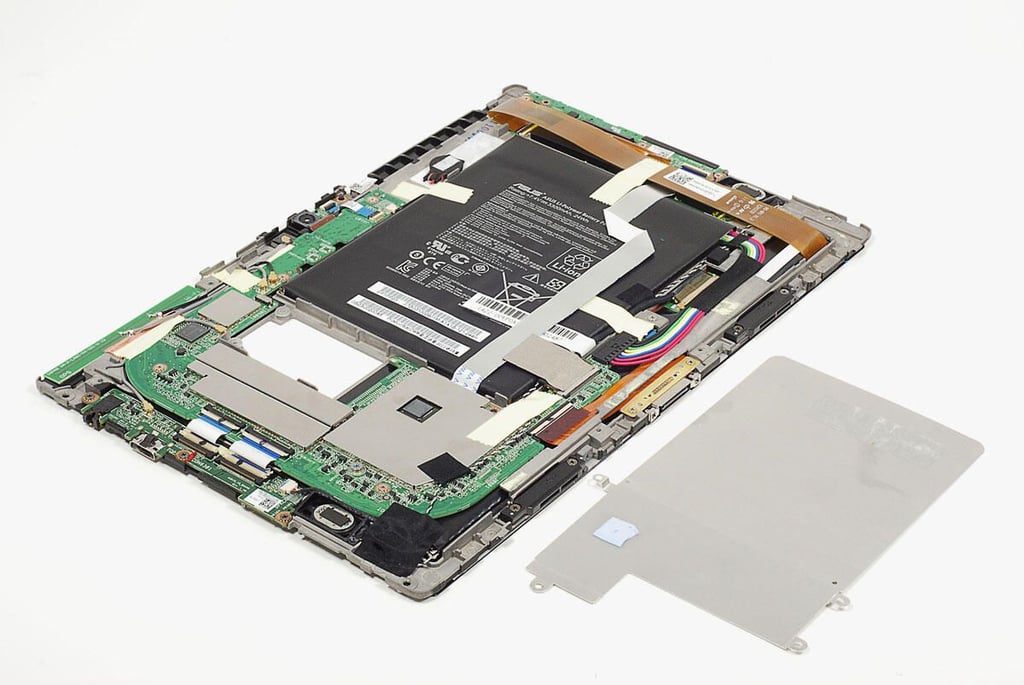
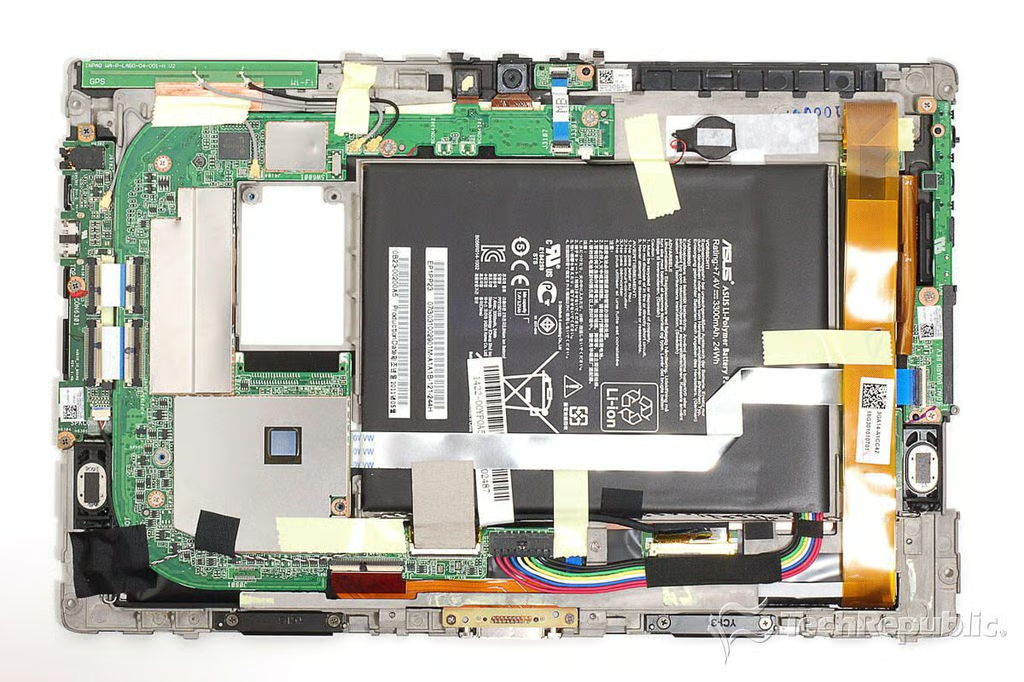
\n\tFollow along as I crack open the Transformer TF101 for a look at the hardware inside.
\n\tPhoto by: Bill Detwiler / TechRepublic
\n\tCaption by: Bill Detwiler
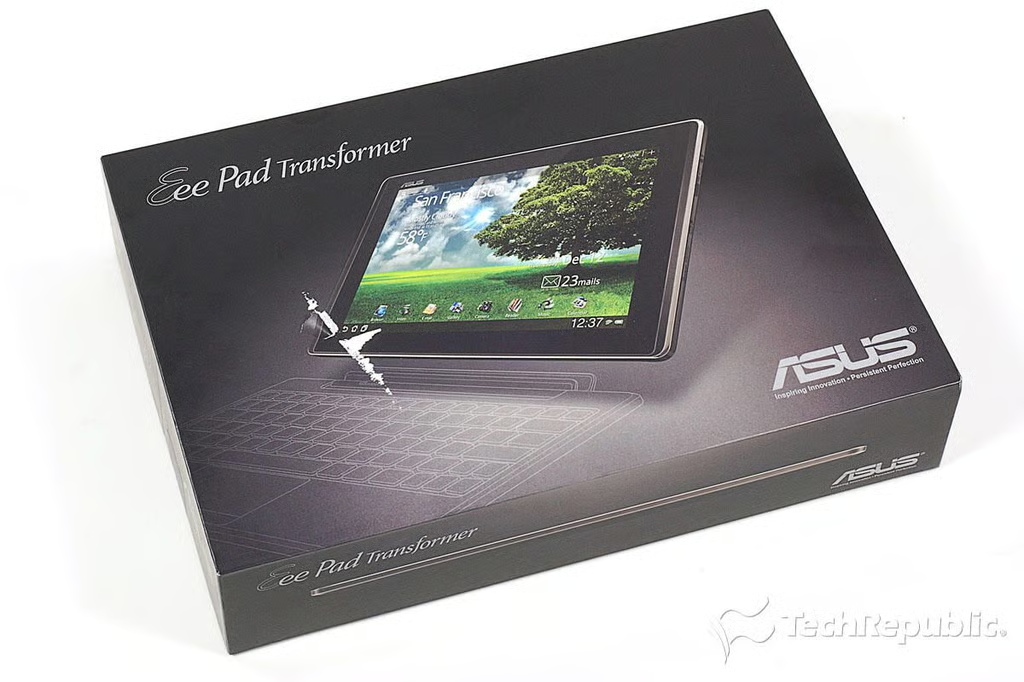
Asus Eee Pad Transformer TR101 Teardown: Box
\n\tAs of this writing, the Asus Eee Pad Transformer TF101 is available in 16GB ($399.99) and 32GB ($499.99) versions.
\n
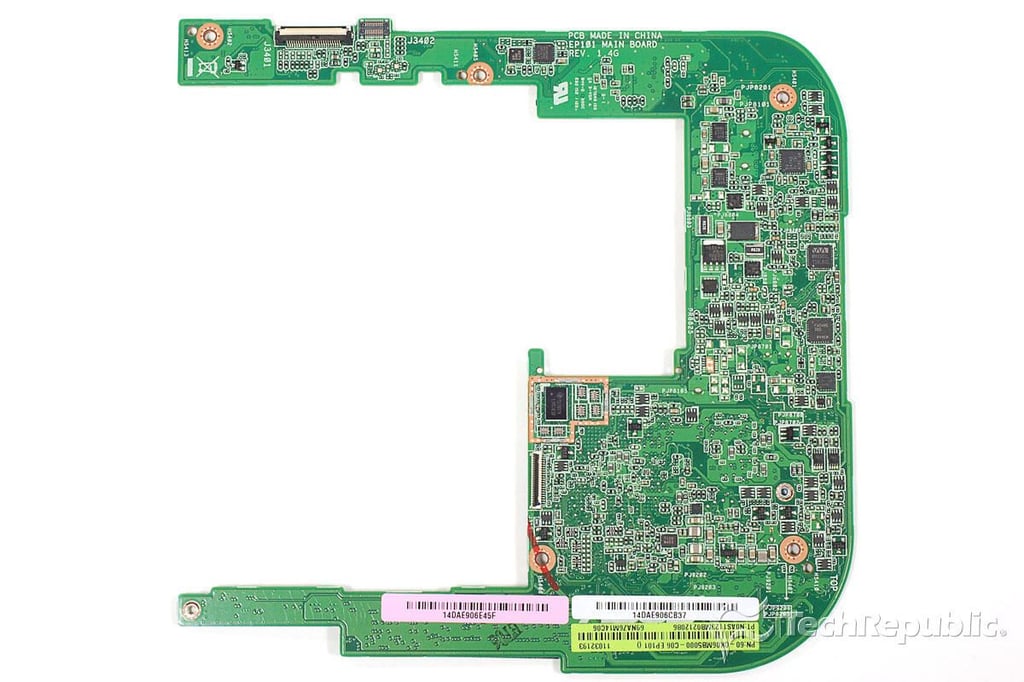
\n\tThe current versions only support Wi-Fi connectivity. Asus has said that it will launch a 3G version in the future, and there’s already a spot on the motherboard for a 3G card.
\n\t
\n\tPhoto by: Bill Detwiler / TechRepublic
\n\tCaption by: Bill Detwiler
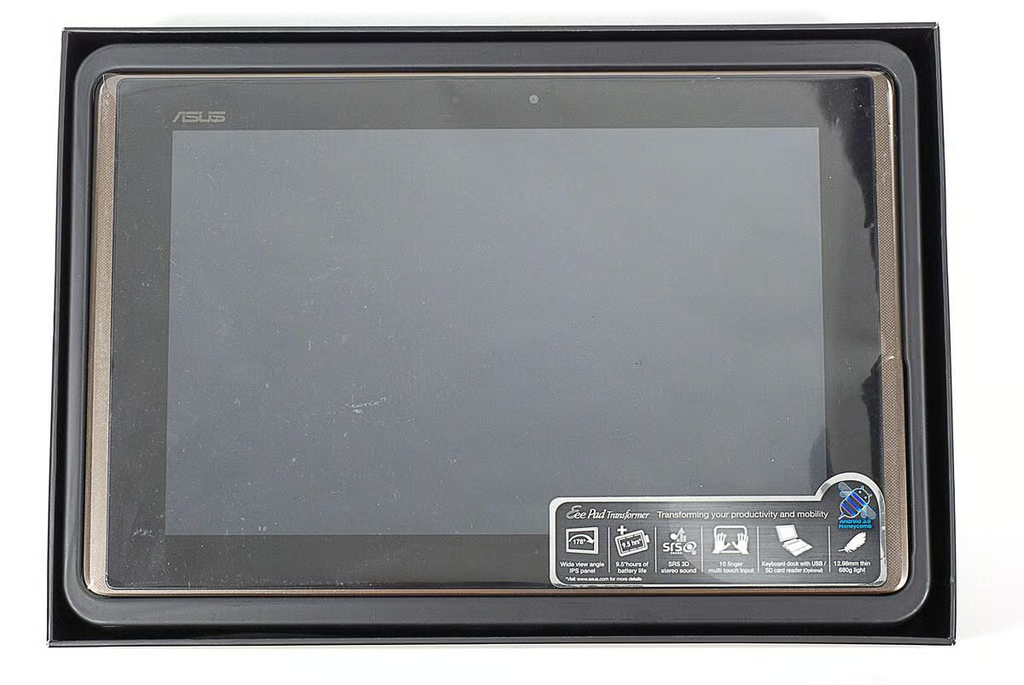
Asus Eee Pad Transformer TR101 Teardown: Still in the wrapper
\n\tThe Asus Eee Pad Transformer TF101 has a dual-core NVidia Tegra 2 1GHz processor, 1GB of RAM, a 10.1-inch touchscreen display (1280×800), a 1.2 MP front camera and 5.0 MP rear camera. It comes with Android 3.2 Honeycomb installed.
\n\t
\n\tPhoto by: Bill Detwiler / TechRepublic
\n\tCaption by: Bill Detwiler
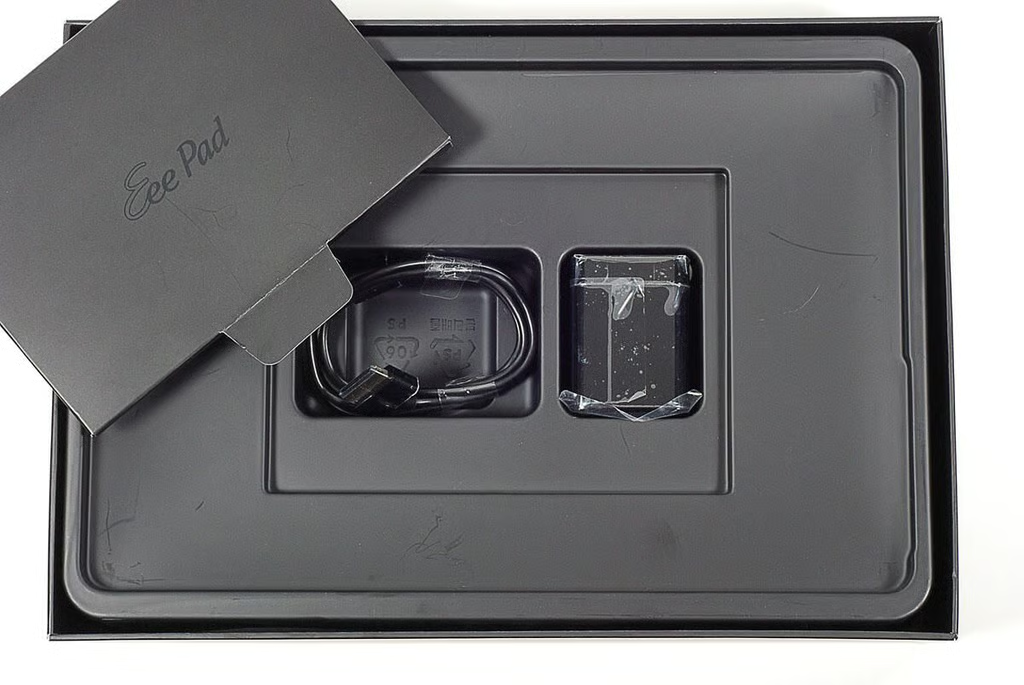
Asus Eee Pad Transformer TR101 Teardown: Product documentation, power adapter, and docking cable
\n\tUnder the Asus Eee Pad Transformer TF101 tablet are the product documentation, AC power adapter, and connector cable.
\n
\n\tPhoto by: Bill Detwiler / TechRepublic
\n\tCaption by: Bill Detwiler
Asus Eee Pad Transformer TR101 Teardown: Front
Asus Eee Pad Transformer TR101 Teardown: Back
Asus Eee Pad Transformer TR101 Teardown: Connector port and keyboard connector ports
Asus Eee Pad Transformer TR101 Teardown: Power button, volume up/down button, and left speaker grill
Asus Eee Pad Transformer TR101 Teardown: Right speaker grill, microSD Card slot, mini HDMI port, microphone, headphone/mic-in jack
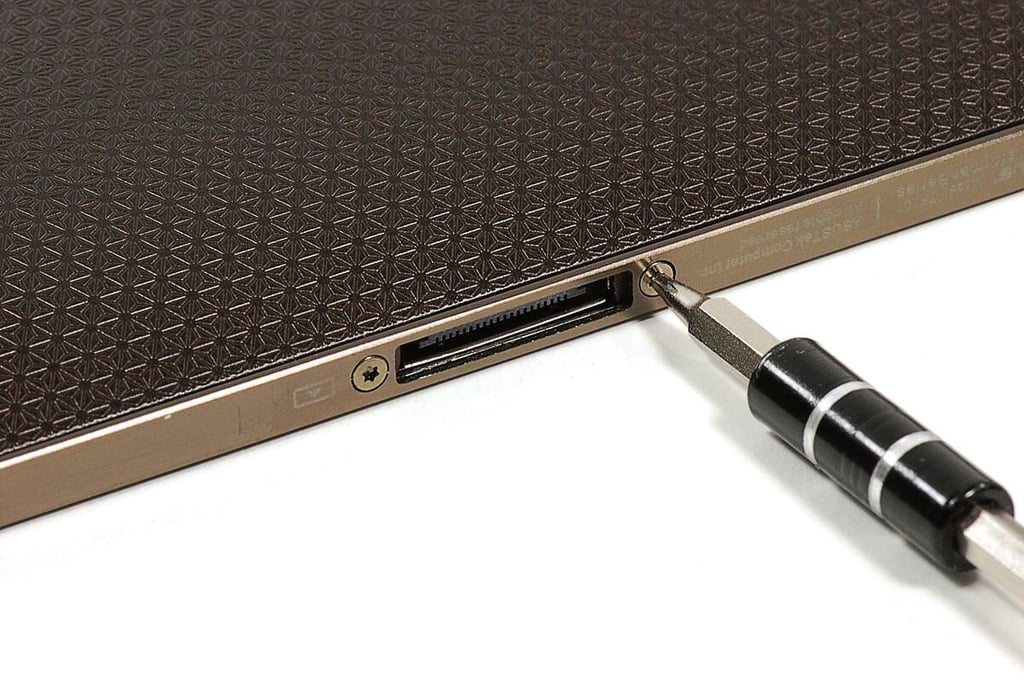
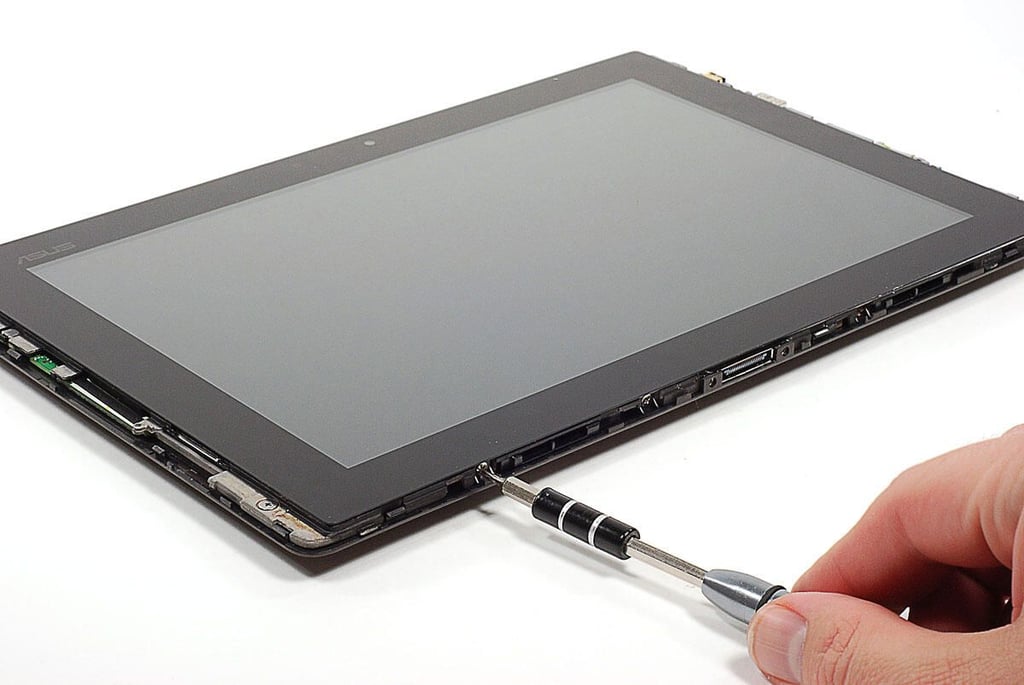
Asus Eee Pad Transformer TR101 Teardown: Removing the Torx T5 bezel screws
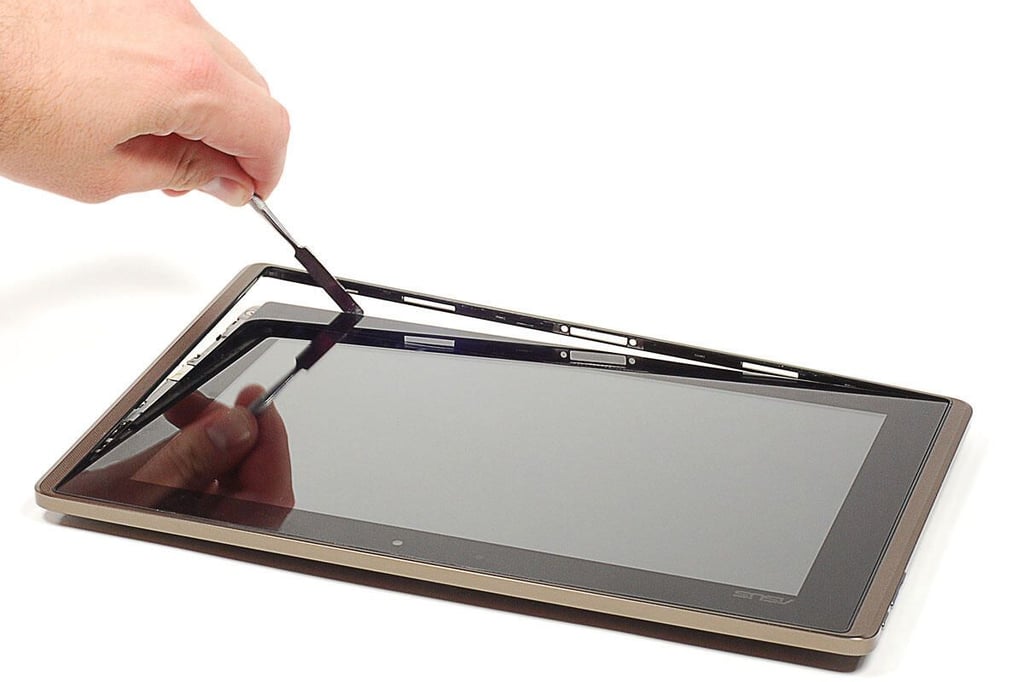
Asus Eee Pad Transformer TR101 Teardown: Removing the bezel
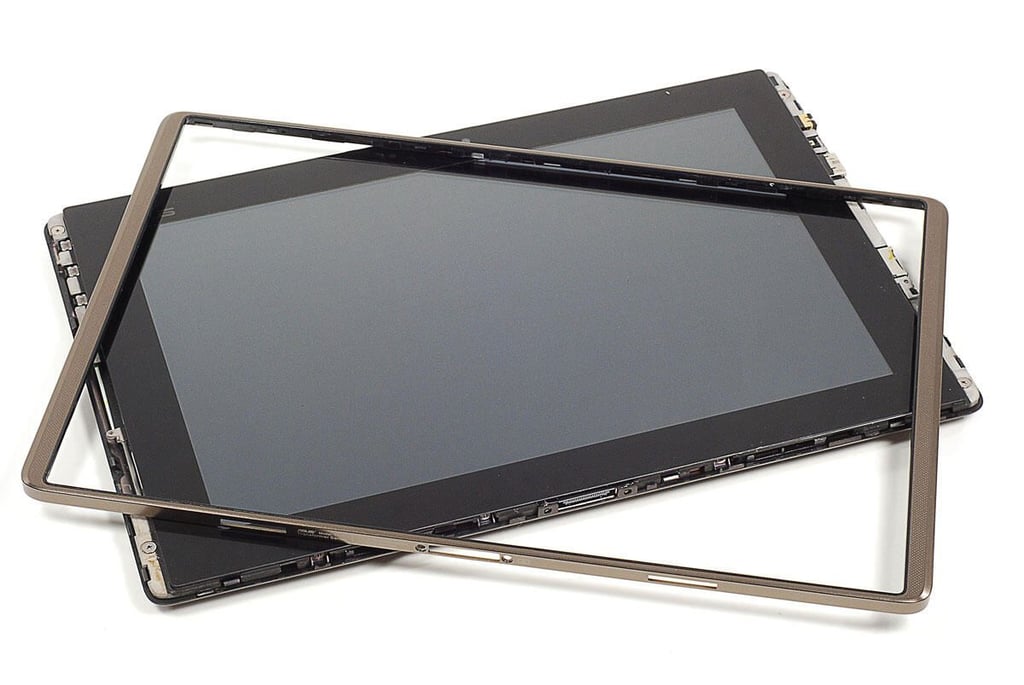
Asus Eee Pad Transformer TR101 Teardown: Metal bezel
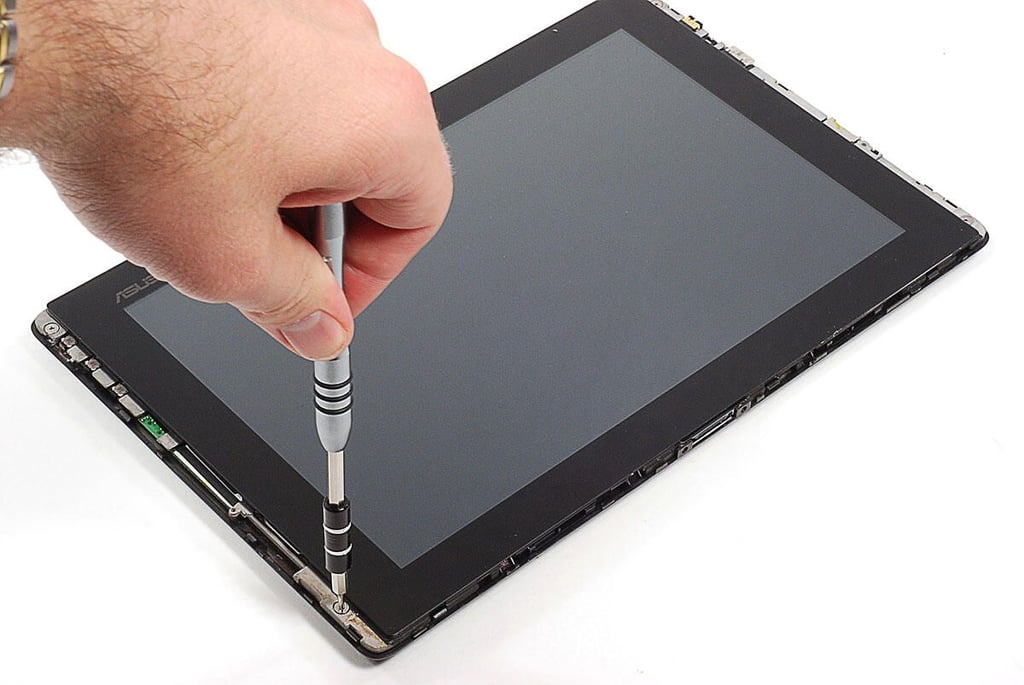
Asus Eee Pad Transformer TR101 Teardown: Removing the top set of Phillips #000 back cover screws
Asus Eee Pad Transformer TR101 Teardown: Removing the side set of Phillips #000 back cover screws
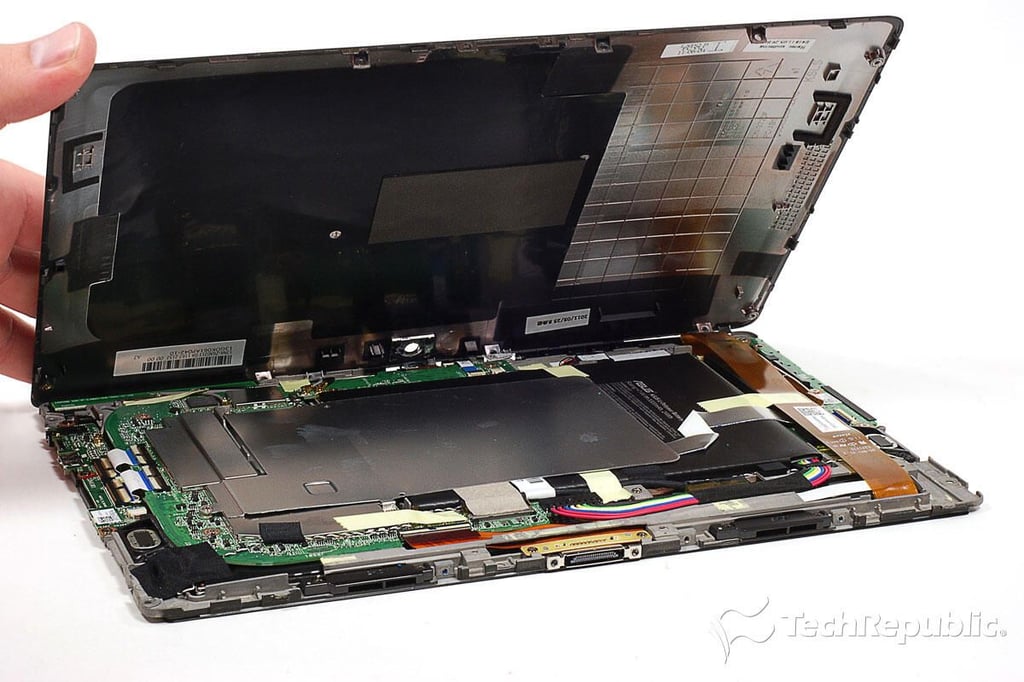
Asus Eee Pad Transformer TR101 Teardown: Removing the back cover
Asus Eee Pad Transformer TR101 Teardown: Back cover removed
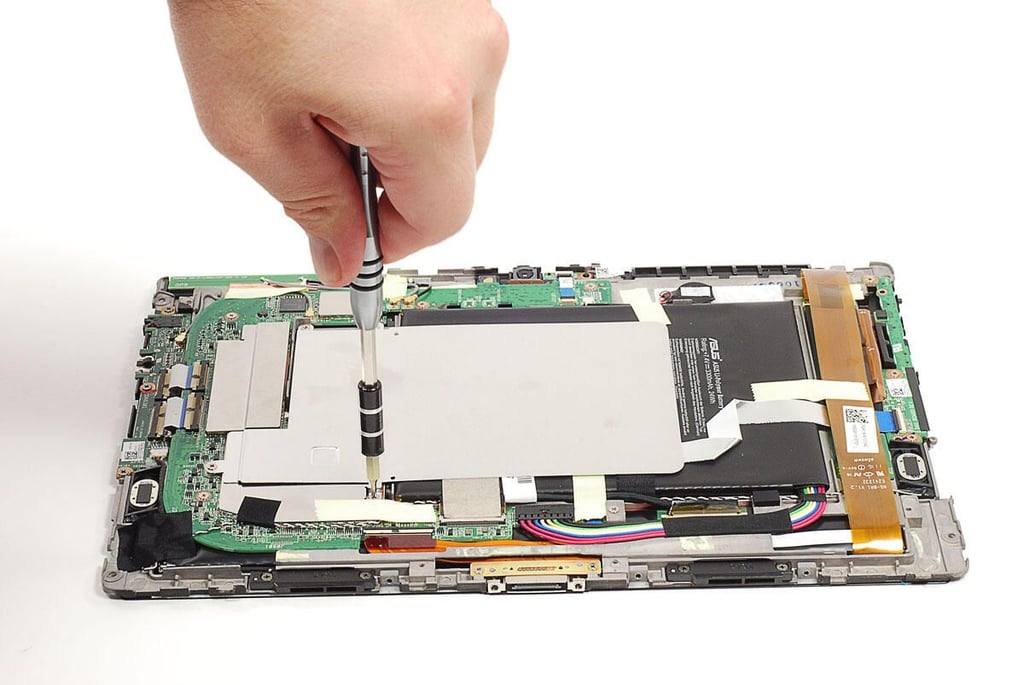
Asus Eee Pad Transformer TR101 Teardown: Removing large heatsink/shielding plate
Asus Eee Pad Transformer TR101 Teardown: Heatsink/shielding plate removed
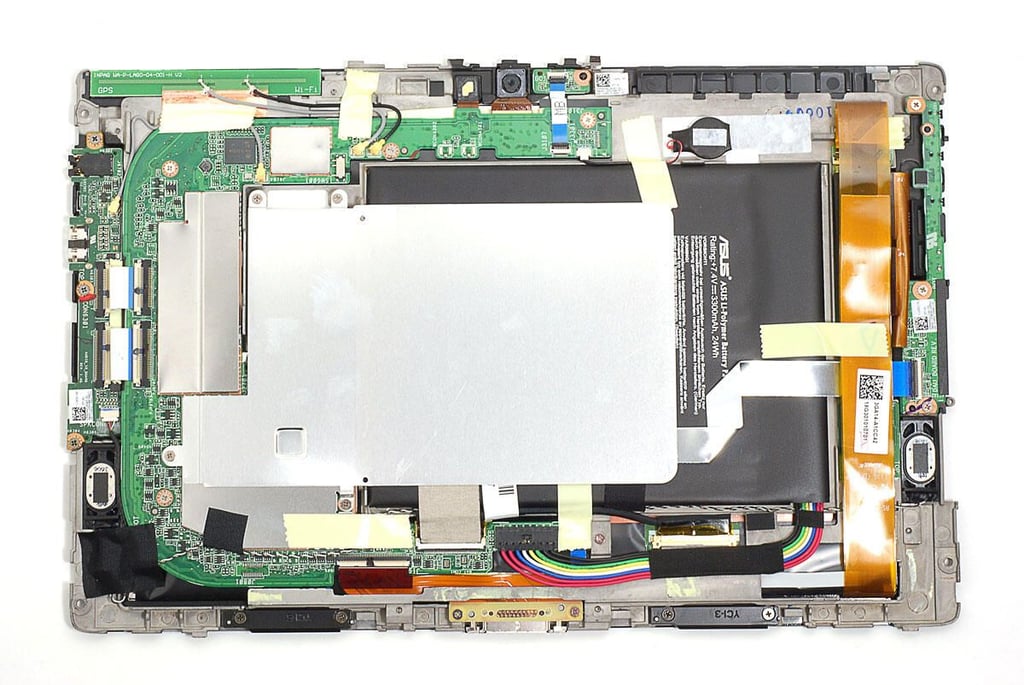
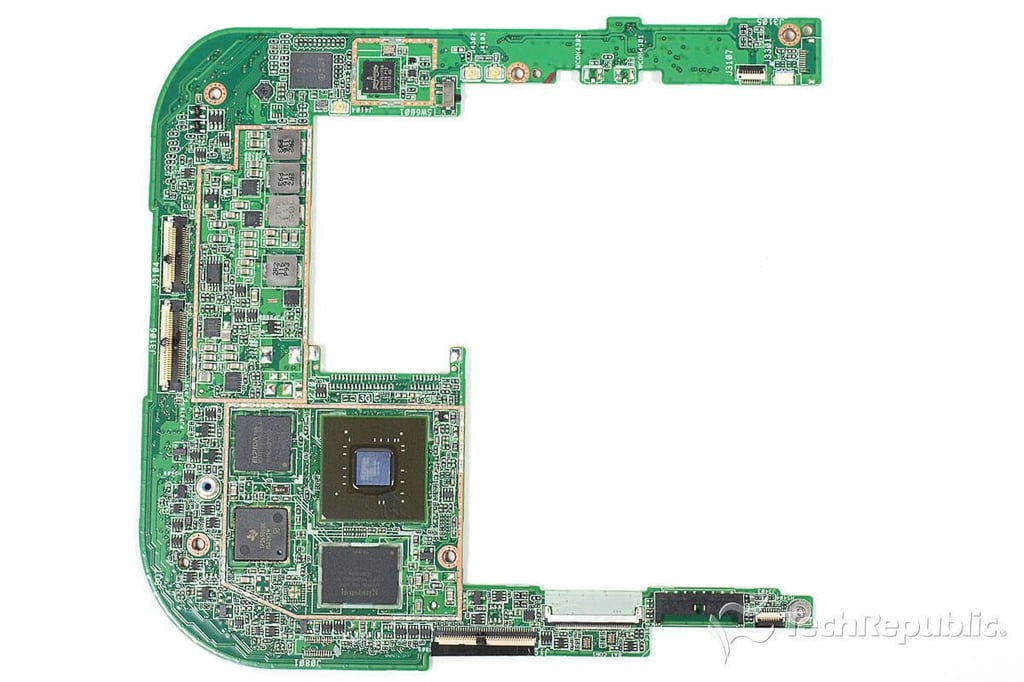
Asus Eee Pad Transformer TR101 Teardown: Internal hardware
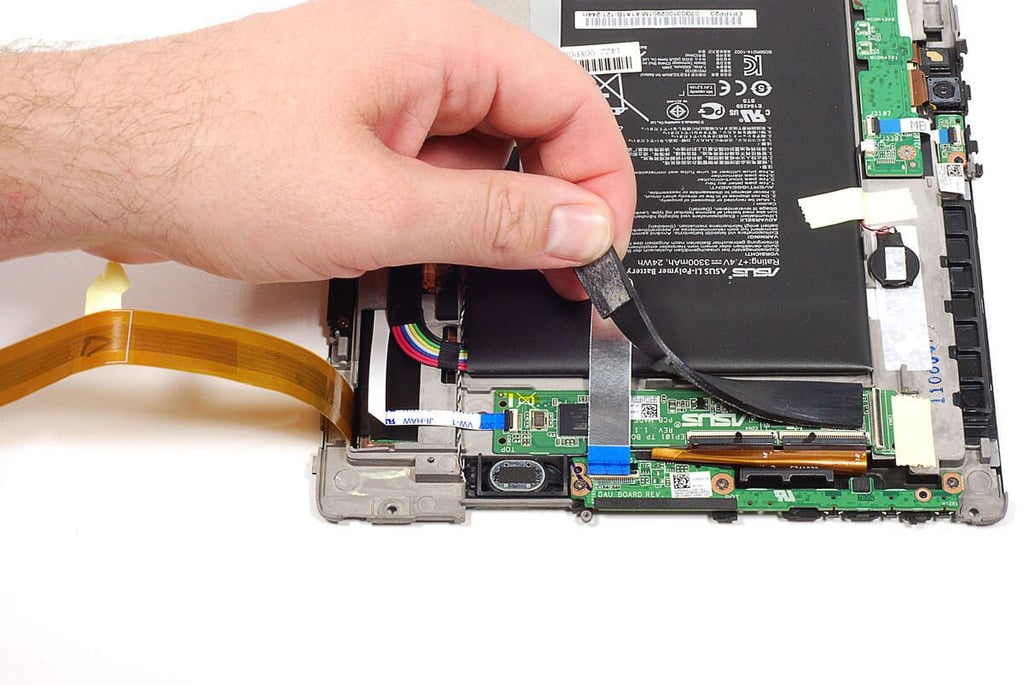
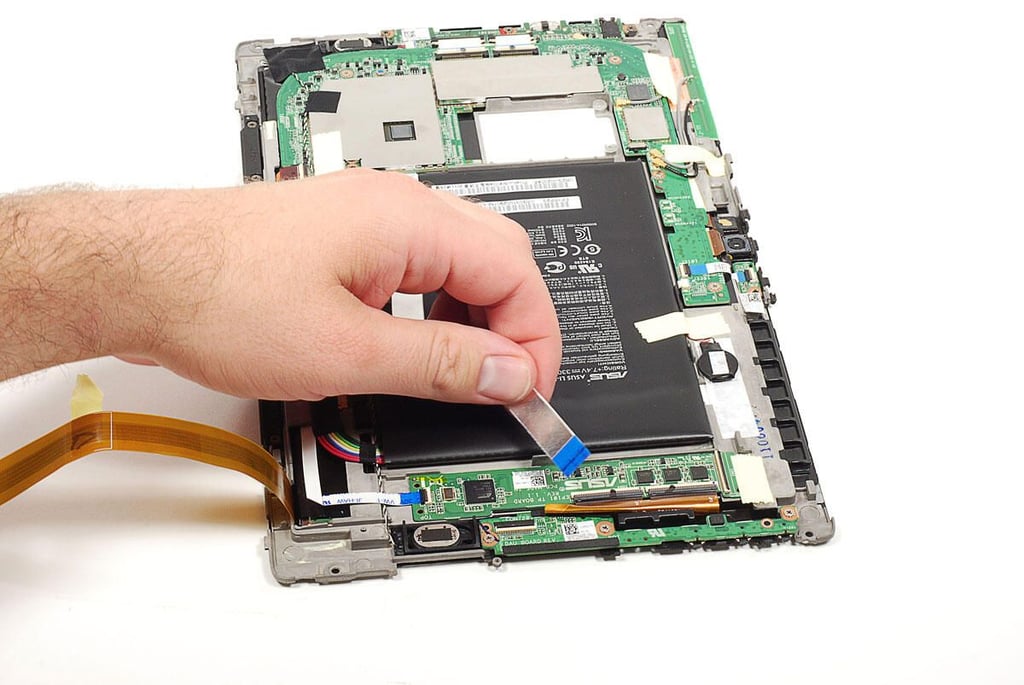
Asus Eee Pad Transformer TR101 Teardown: Removing the touchscreen PCB cushion
Asus Eee Pad Transformer TR101 Teardown: Disconnecting the touchscreen PCB to motherboard ribbon cable
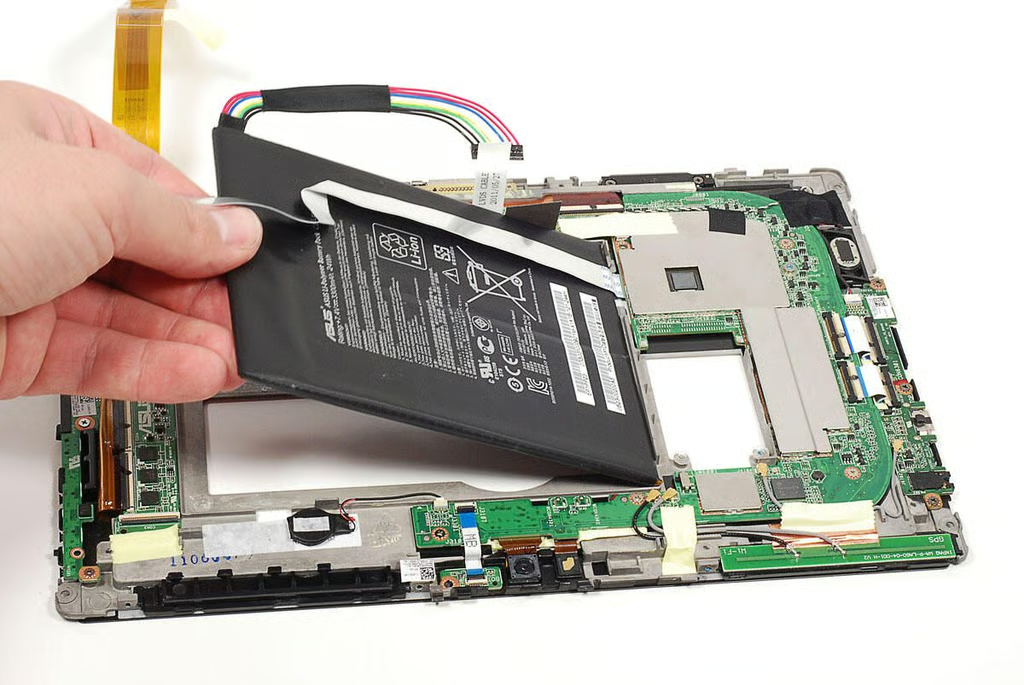
Asus Eee Pad Transformer TR101 Teardown: Removing the battery
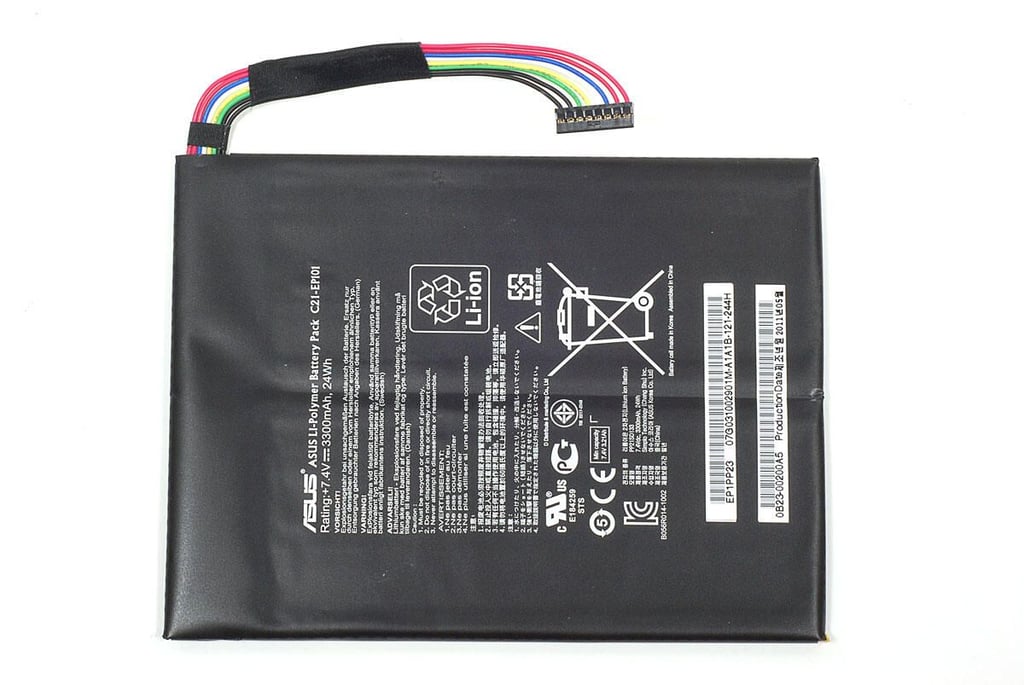
Asus Eee Pad Transformer TR101 Teardown: 3300 mAh, 24Wh Li-Polymer battery (C21-EP101)
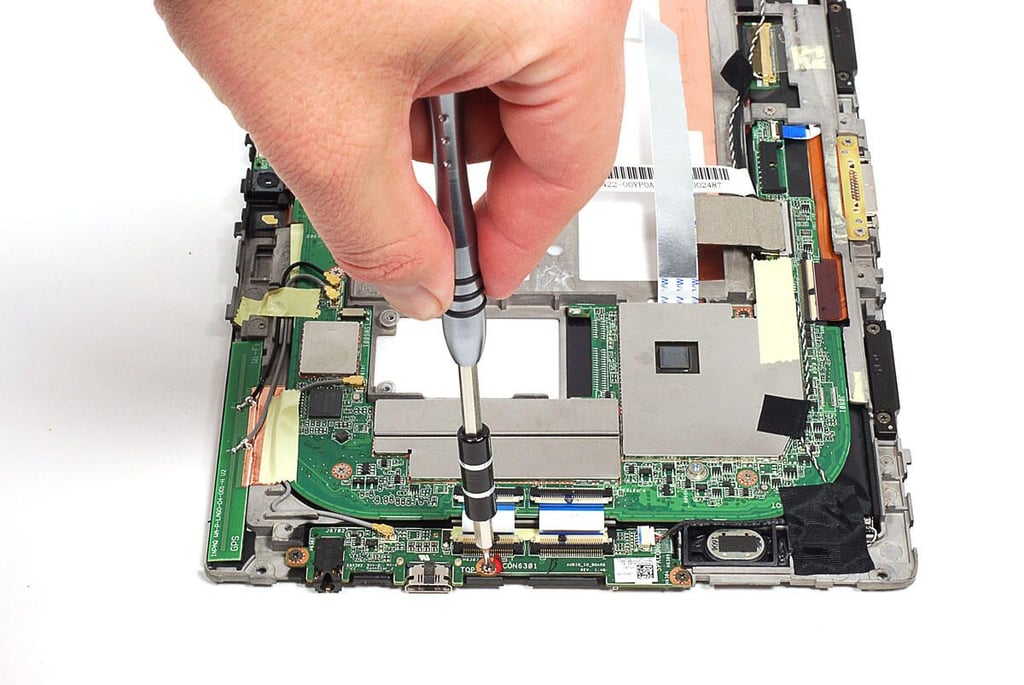
Asus Eee Pad Transformer TR101 Teardown: Removing the side connector port PCB
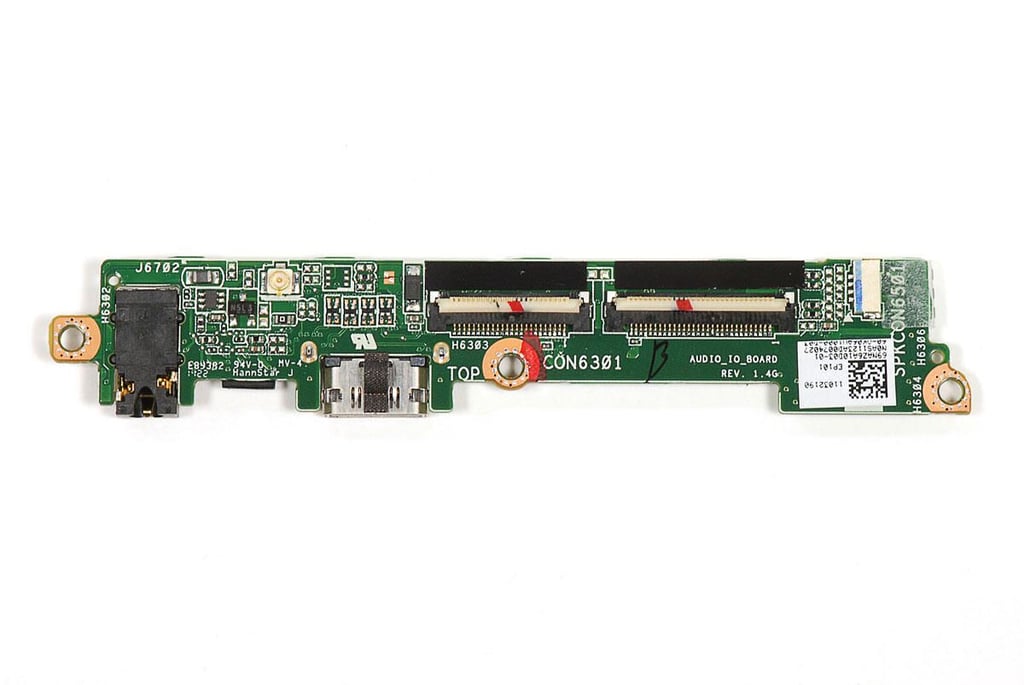
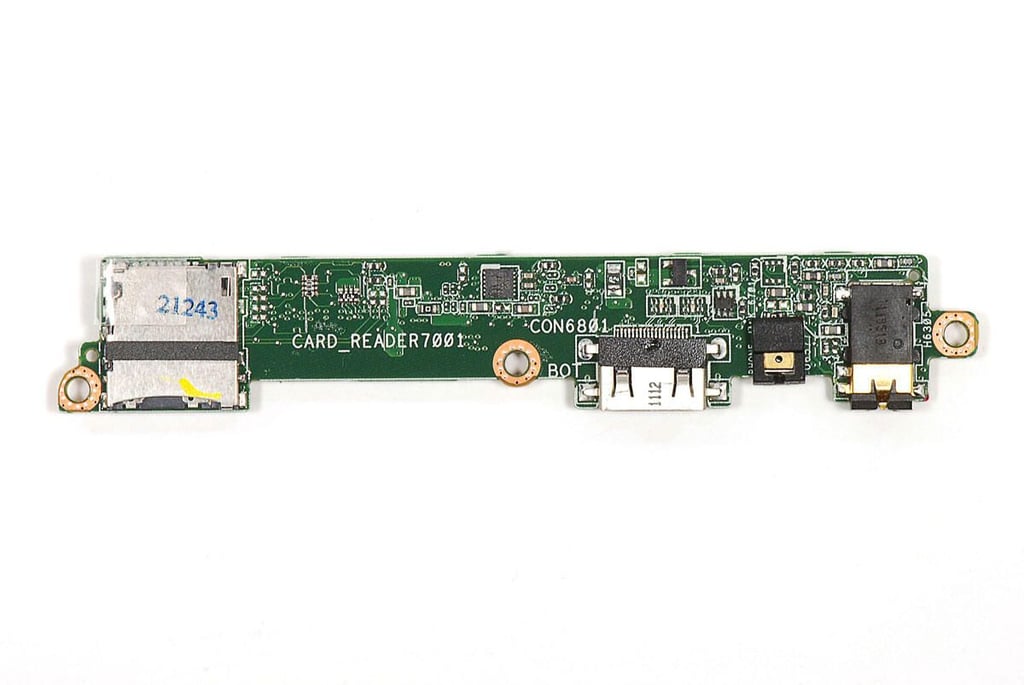
Asus Eee Pad Transformer TR101 Teardown: Headphone/mic-in jack, mini HDMI, and microSD Card slot PCB - Top
Asus Eee Pad Transformer TR101 Teardown: Headphone/mic-in jack, mini HDMI, and microSD Card slot PCB - Bottom
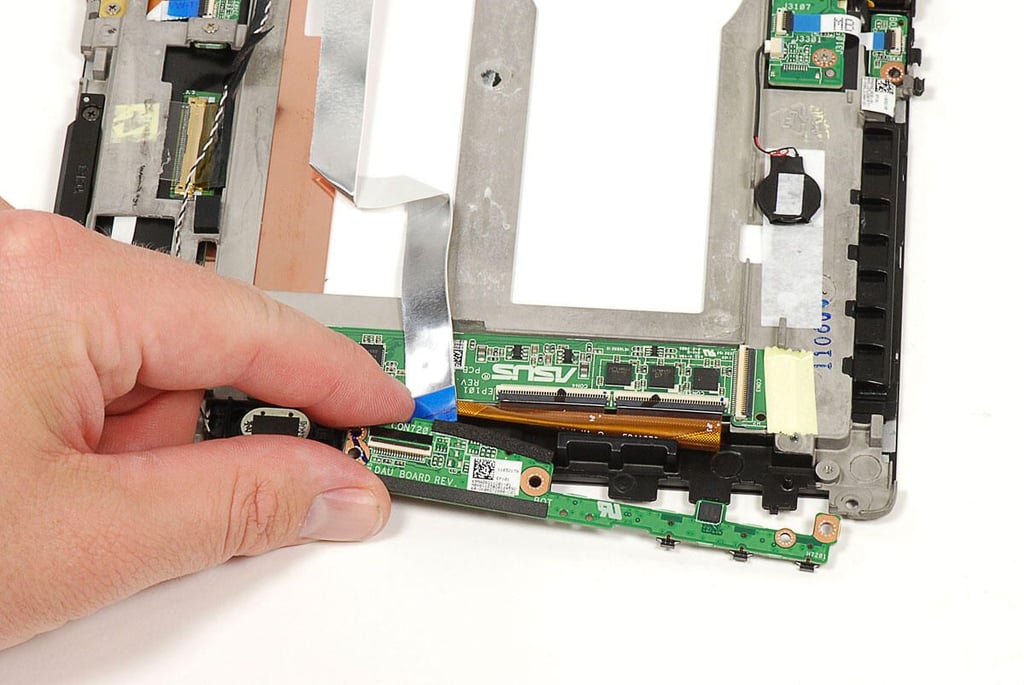
Asus Eee Pad Transformer TR101 Teardown: Removing the power and volume button PCB
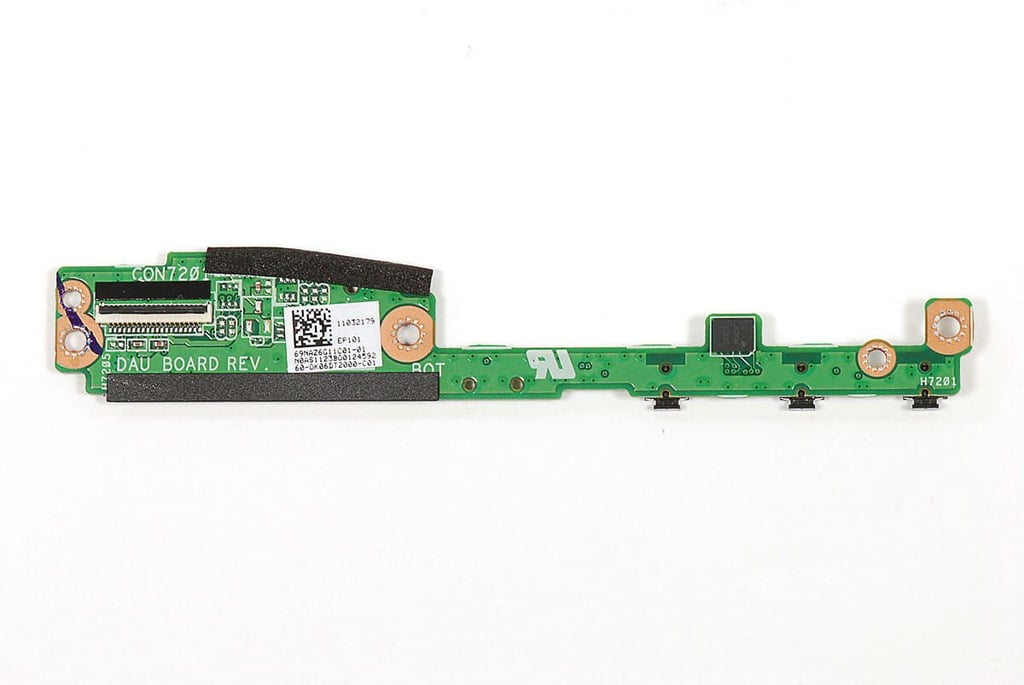
Asus Eee Pad Transformer TR101 Teardown: Power and volume button PCB - Top
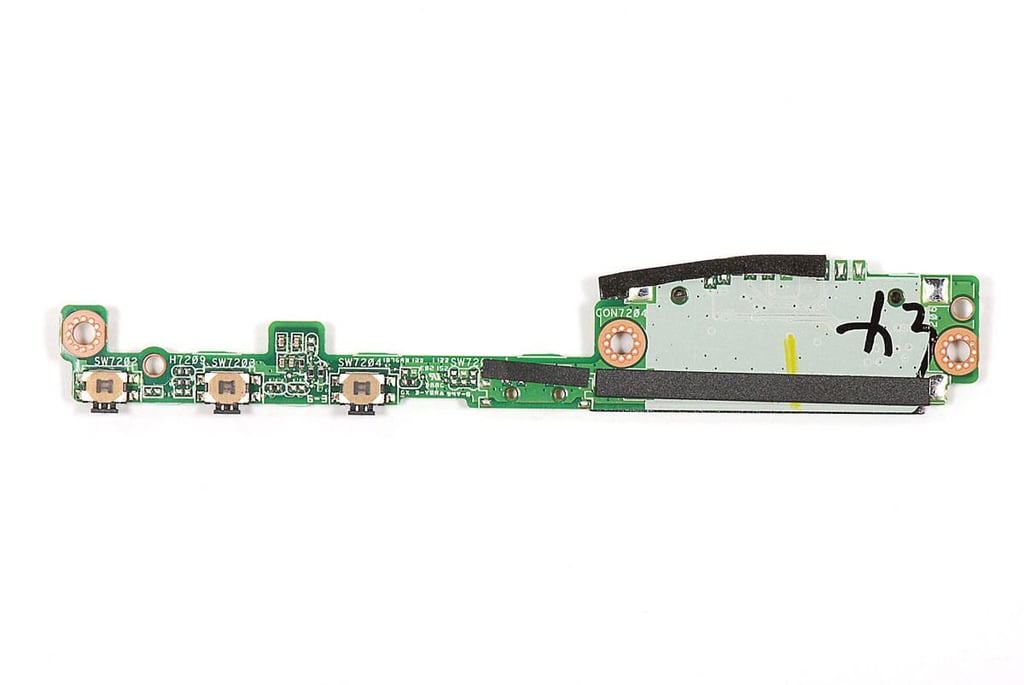
Asus Eee Pad Transformer TR101 Teardown: Power and volume button PCB - Bottom
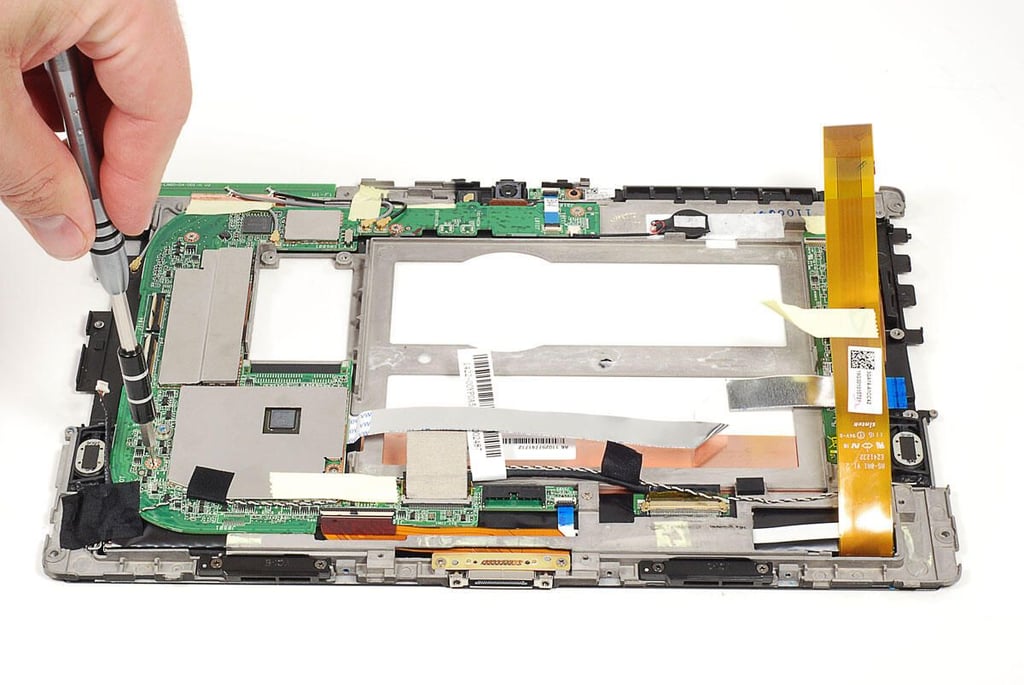
Asus Eee Pad Transformer TR101 Teardown: Removing the motherboard screws
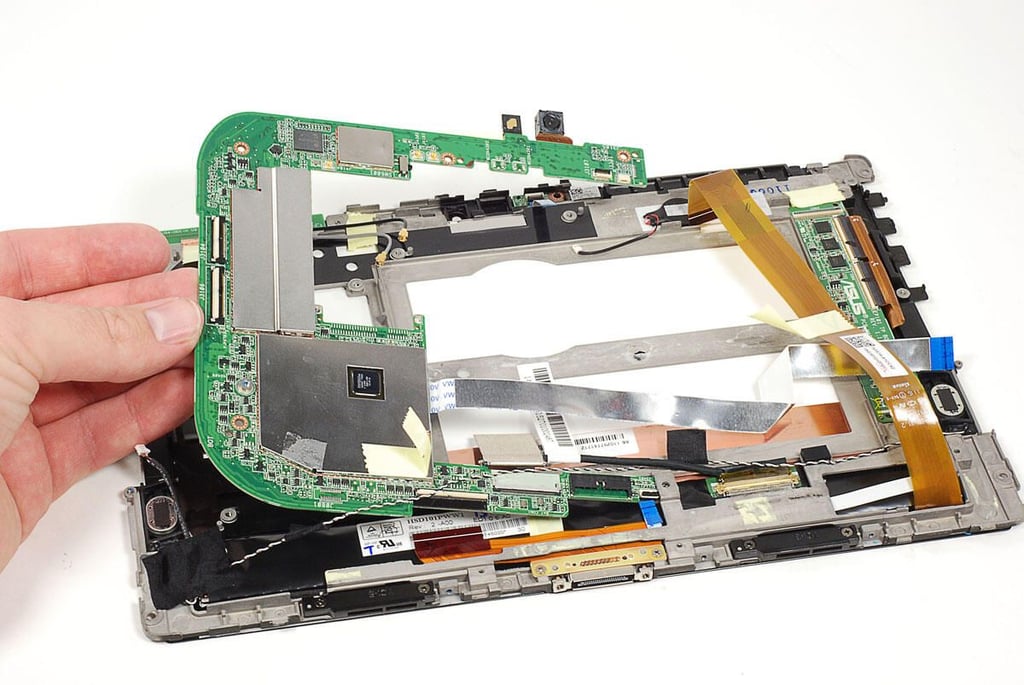
Asus Eee Pad Transformer TR101 Teardown: Removing the motherboard
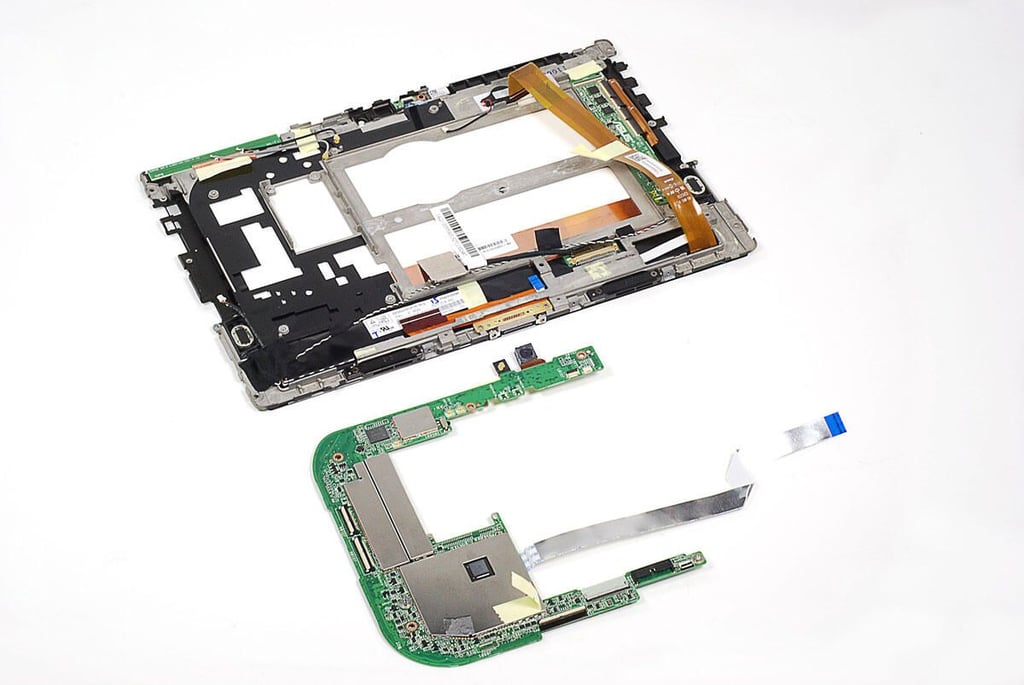
Asus Eee Pad Transformer TR101 Teardown: Front panel and motherboard
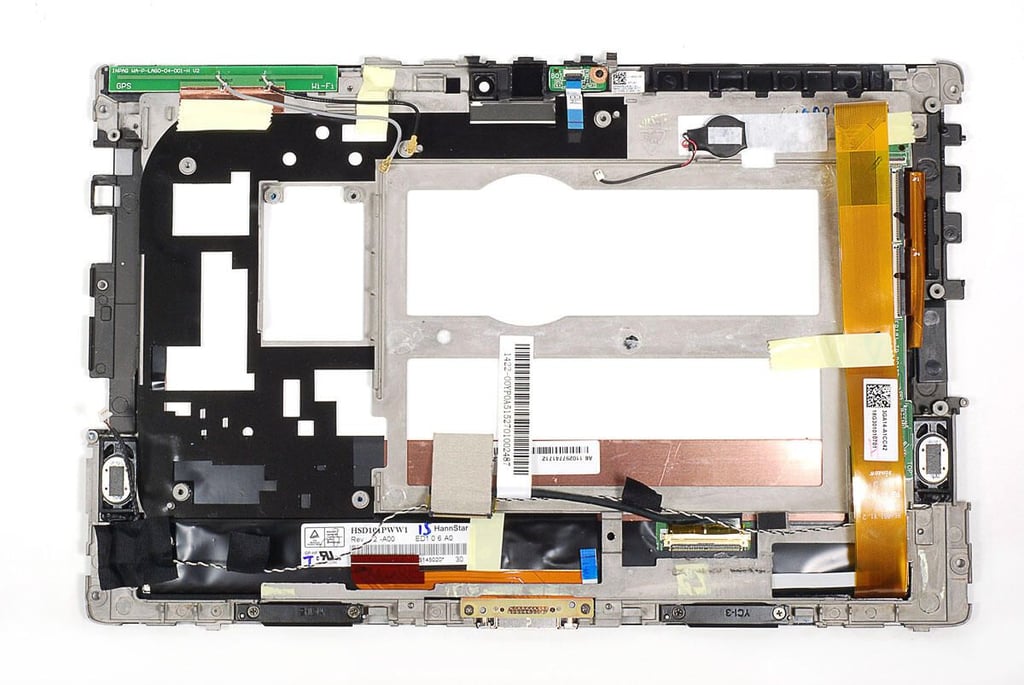
Asus Eee Pad Transformer TR101 Teardown: Front panel and display assembly
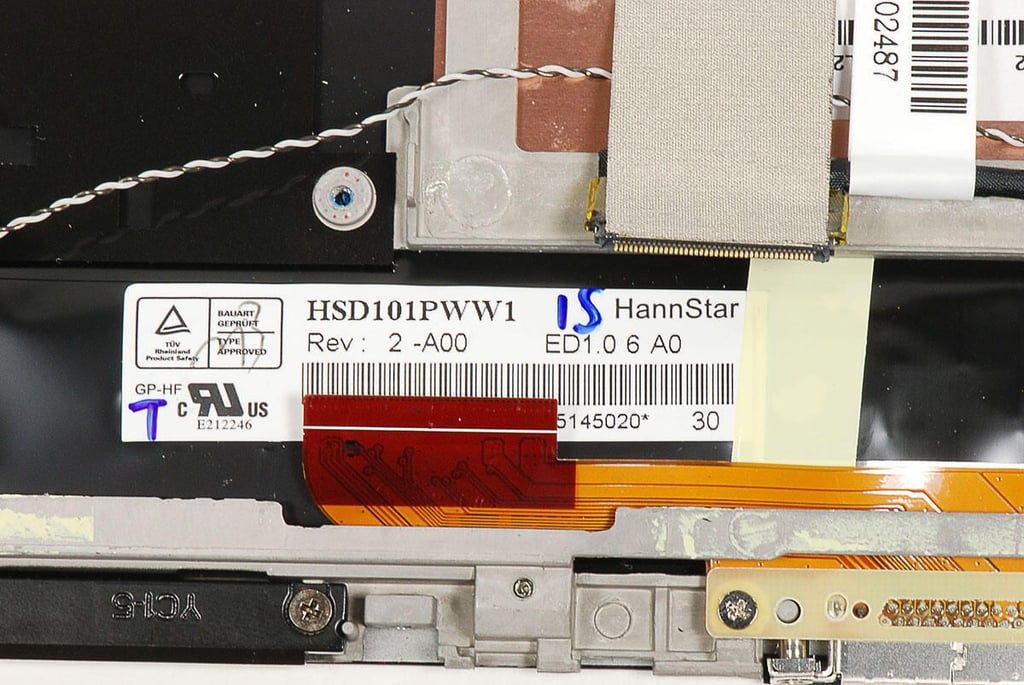
Asus Eee Pad Transformer TR101 Teardown: HannStar HSD101PWW1 LCD
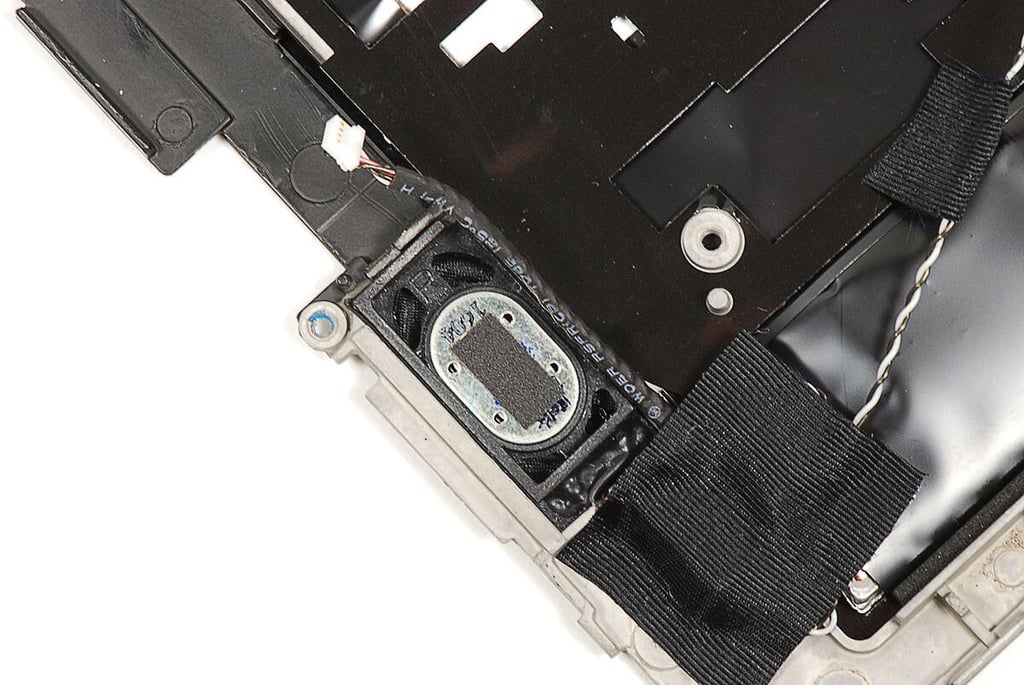
Asus Eee Pad Transformer TR101 Teardown: Right speaker
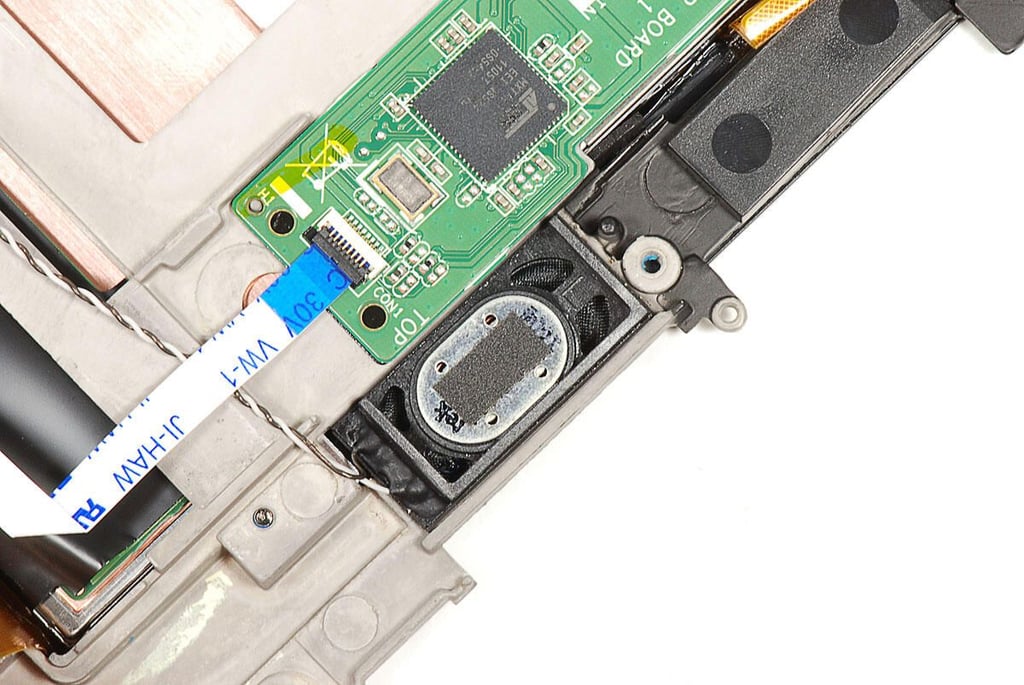
Asus Eee Pad Transformer TR101 Teardown: Left speaker
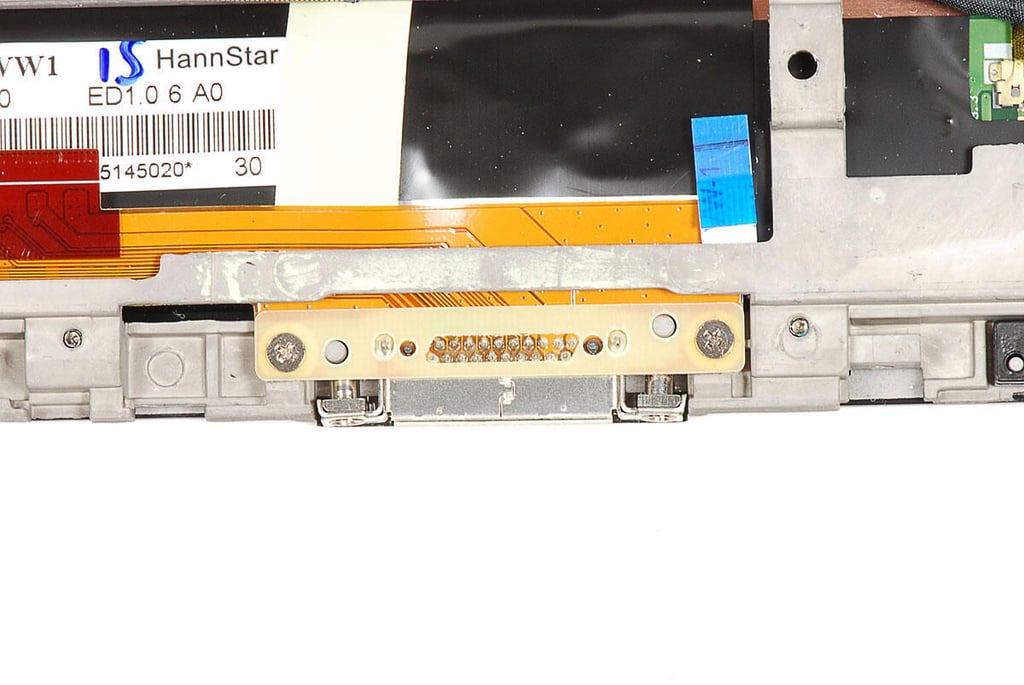
Asus Eee Pad Transformer TR101 Teardown: Docking connector
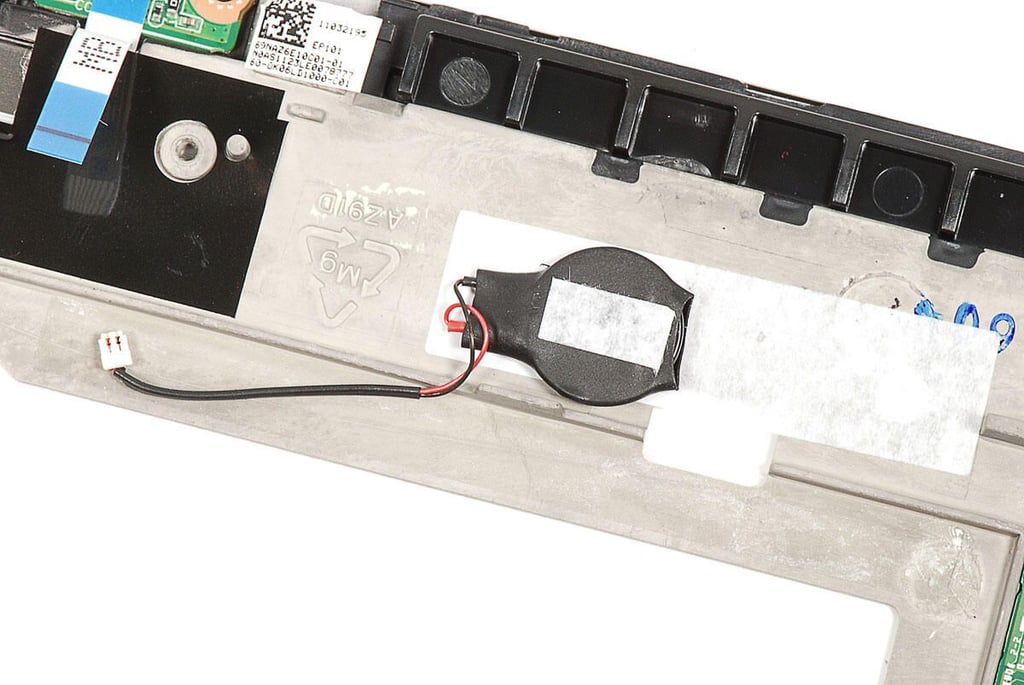
Asus Eee Pad Transformer TR101 Teardown: System battery
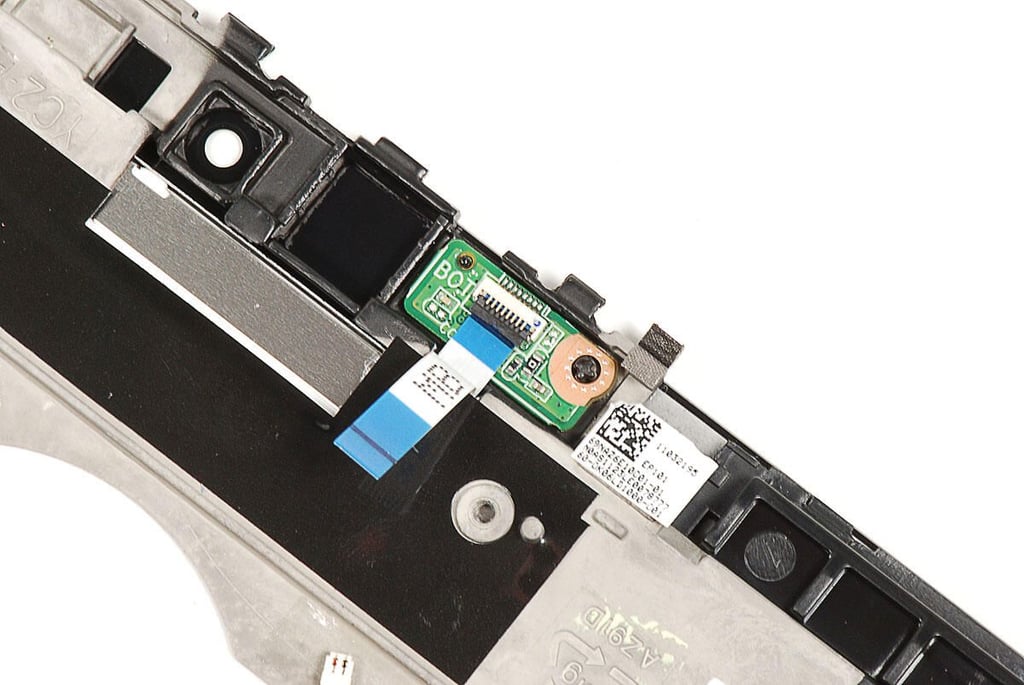
Asus Eee Pad Transformer TR101 Teardown: Ambient light sensor PCB
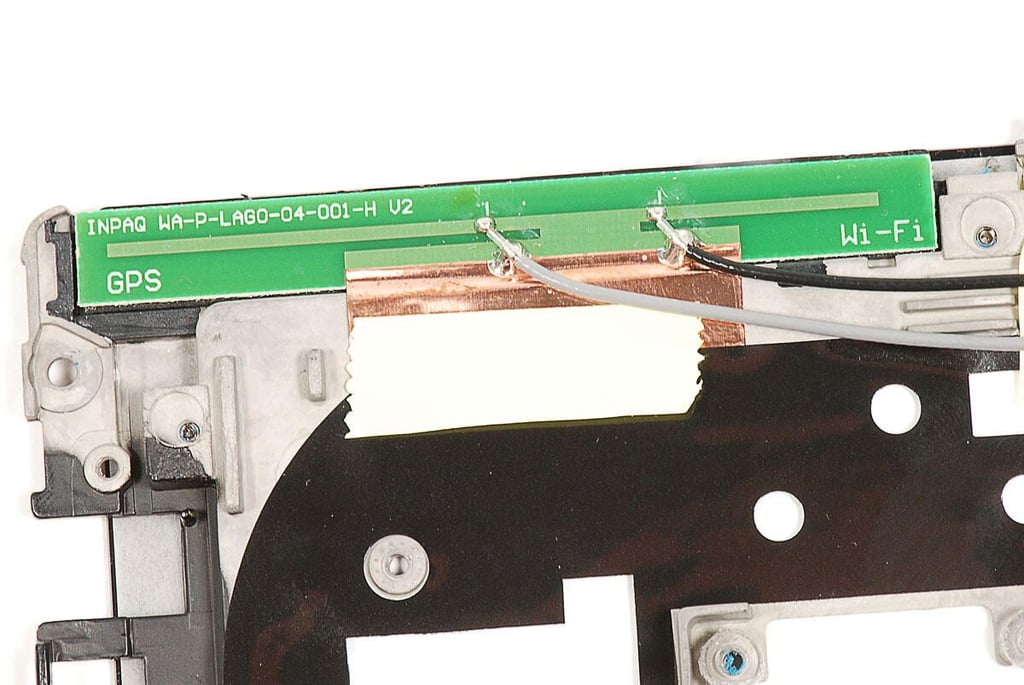
Asus Eee Pad Transformer TR101 Teardown: Antenna PCB
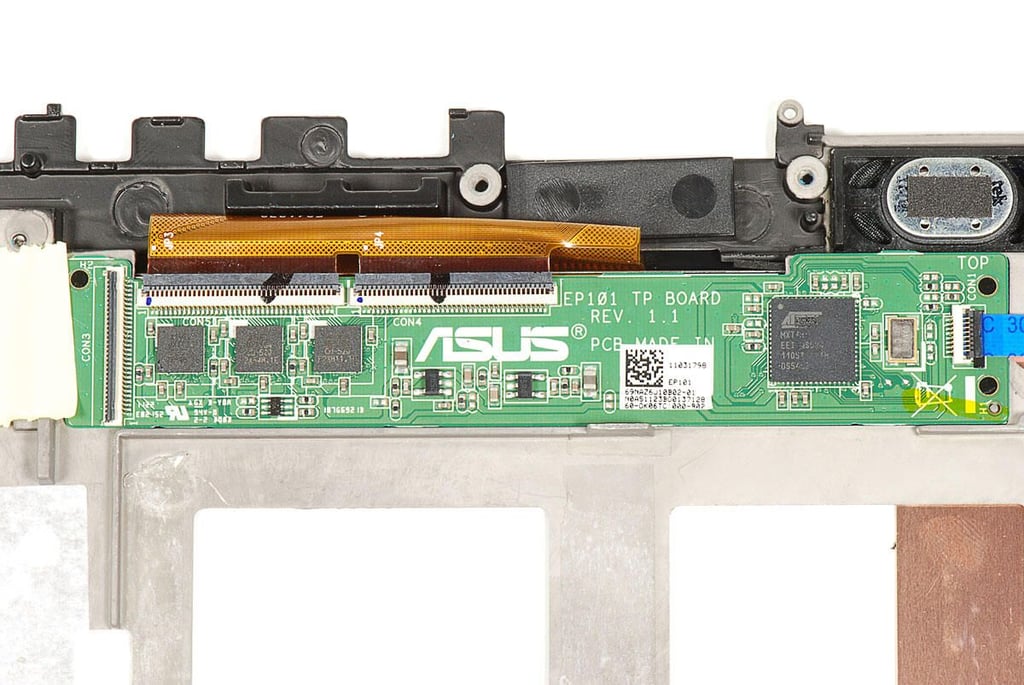
Asus Eee Pad Transformer TR101 Teardown: Touchscreen PCB
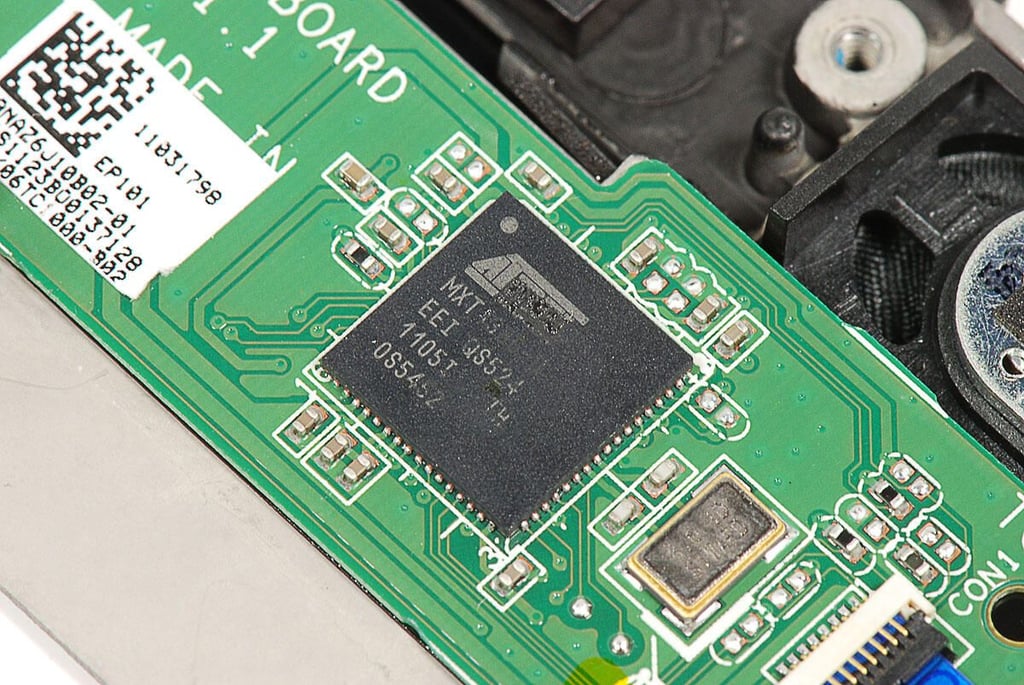
Asus Eee Pad Transformer TR101 Teardown: Atmel mXT1386 touchscreen controller
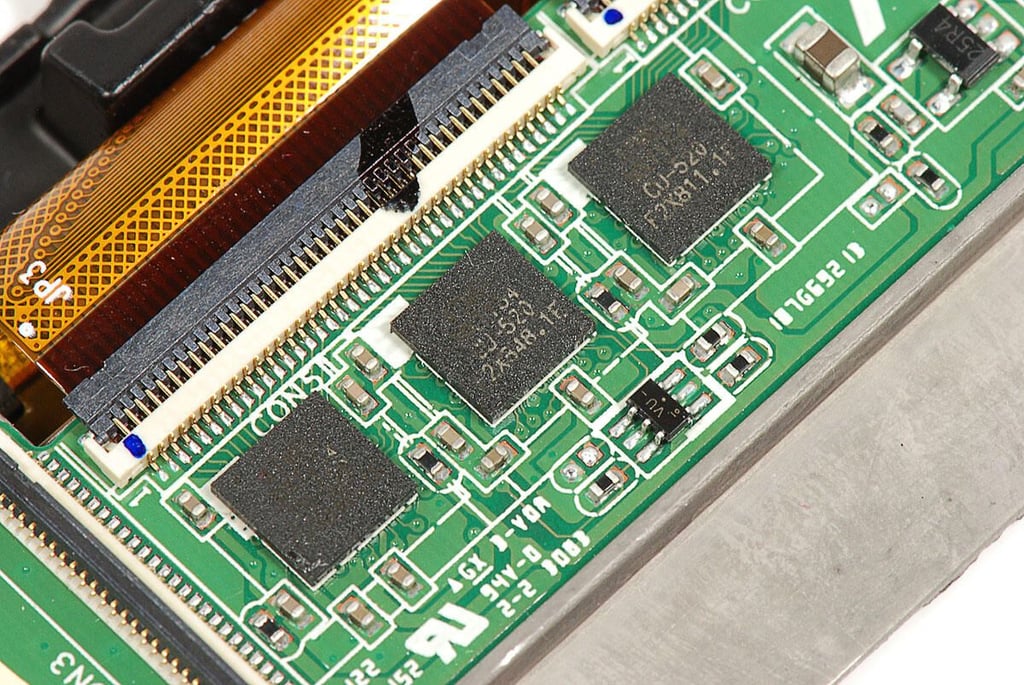
Asus Eee Pad Transformer TR101 Teardown: Atmel mXT154 touchcreen controllers (x3)
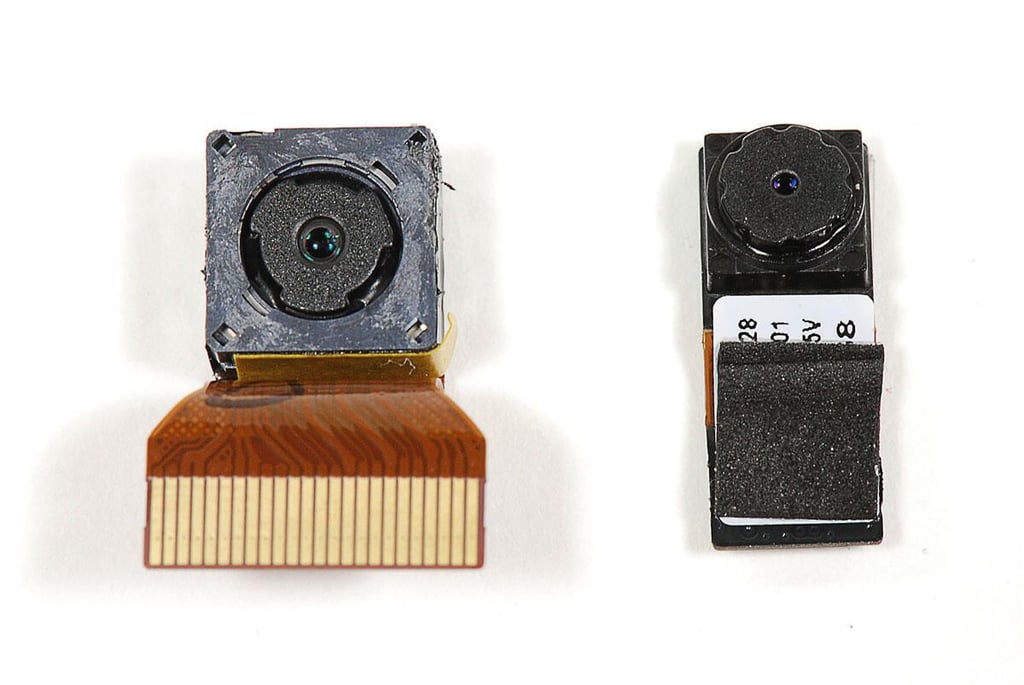
Asus Eee Pad Transformer TR101 Teardown: 1.2MP front-facing and 5.0MP rear-facing cameras
Asus Eee Pad Transformer TR101 Teardown:
Asus Eee Pad Transformer TR101 Teardown:
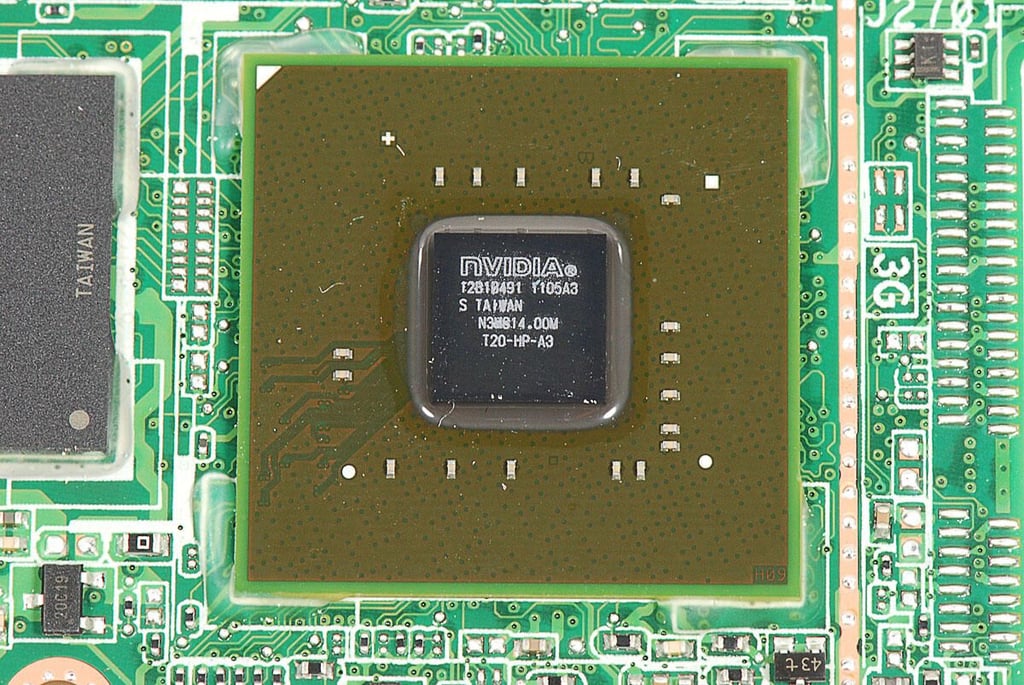
Asus Eee Pad Transformer TR101 Teardown: 1.0 GHz dual-core NVidia Tegra 2 application processor (12B1B491 1105A3)
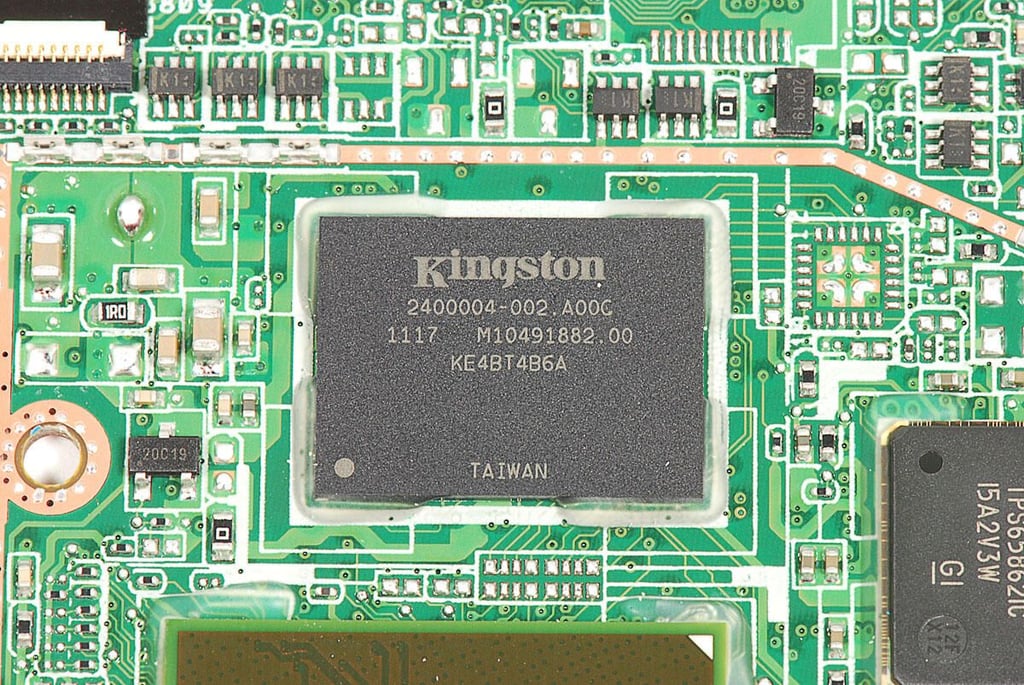
Asus Eee Pad Transformer TR101 Teardown: 16GB Kingston KE4BT4B6A NAND Flash
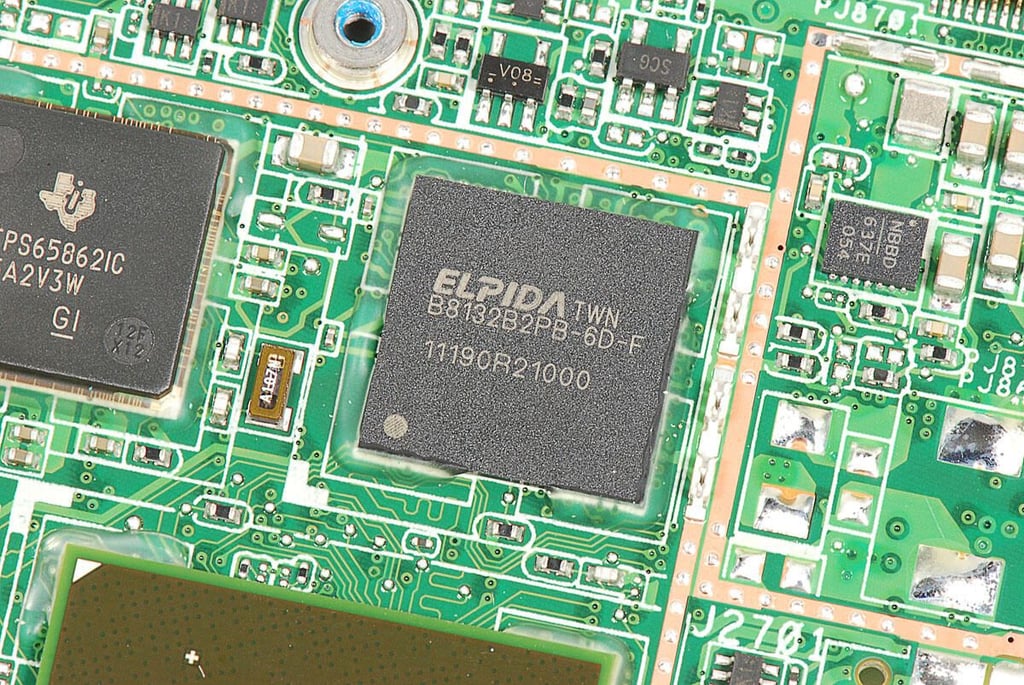
Asus Eee Pad Transformer TR101 Teardown: 1GB Elpida B8132B2PB-6D-F LPDDR2 DRAM
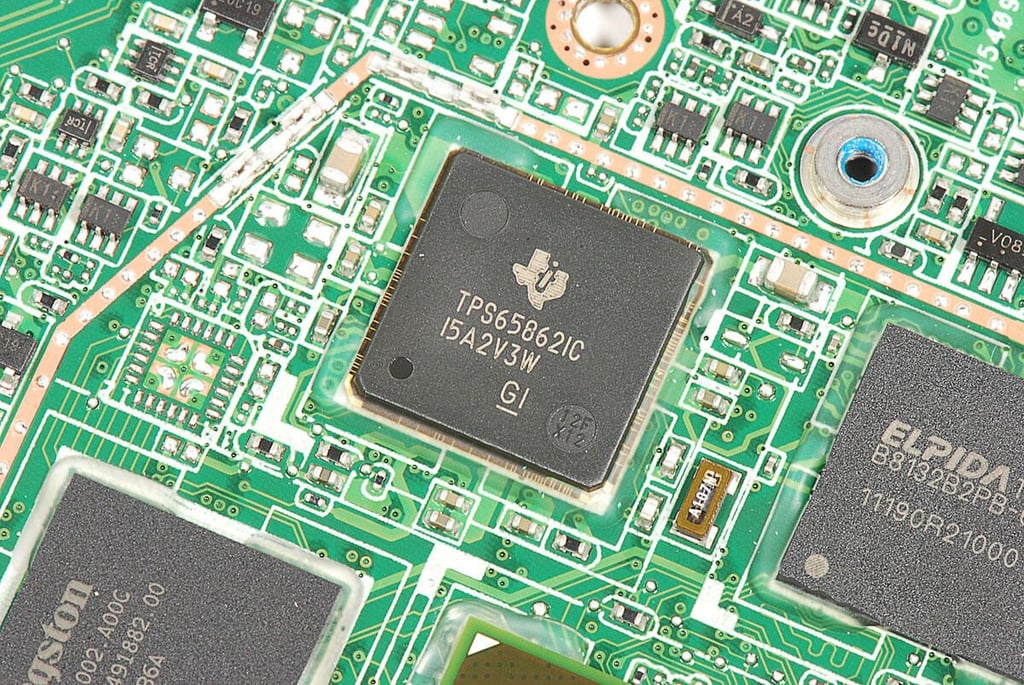
Asus Eee Pad Transformer TR101 Teardown: Texas Instruments TPS65862 power-management IC
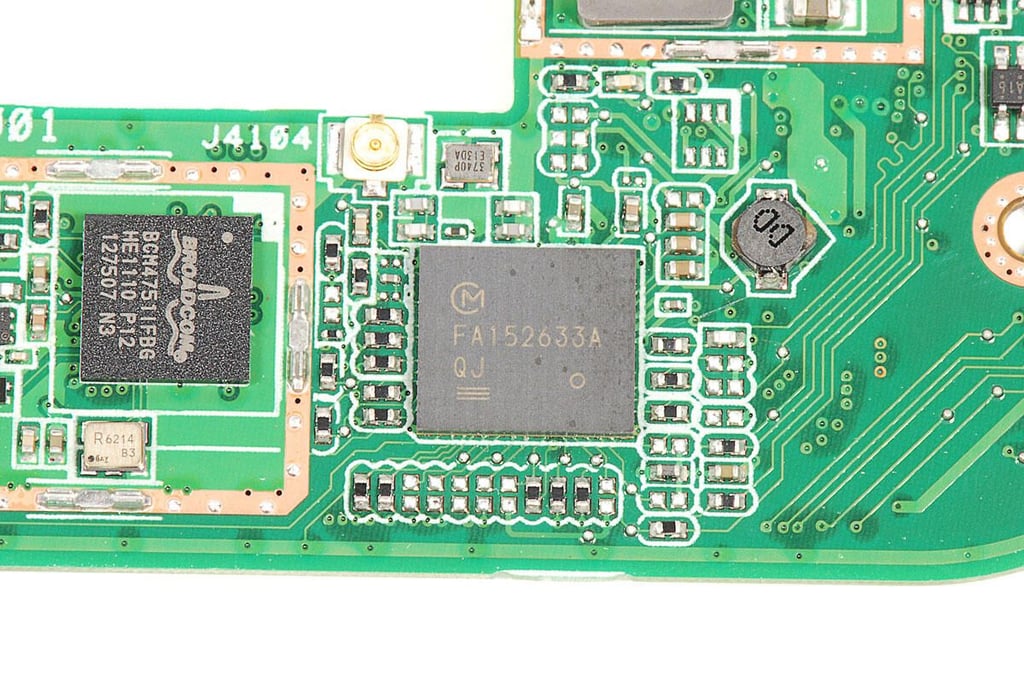
Asus Eee Pad Transformer TR101 Teardown: Murata FA152633A QJ
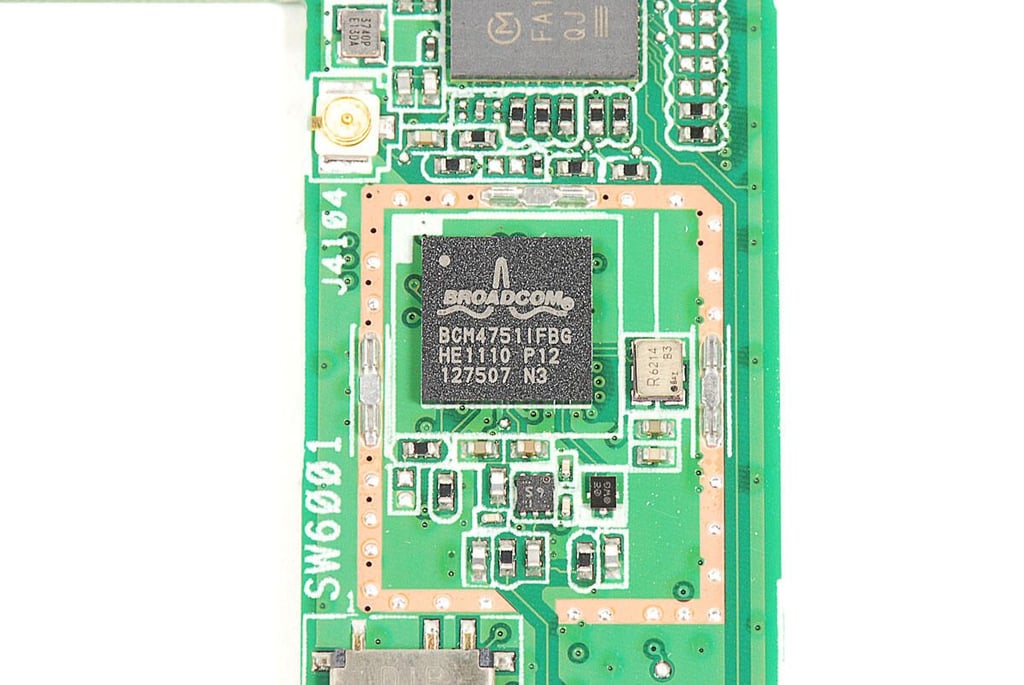
Asus Eee Pad Transformer TR101 Teardown: Broadcom BCM4751 Integrated Monolithic GPS Receiver
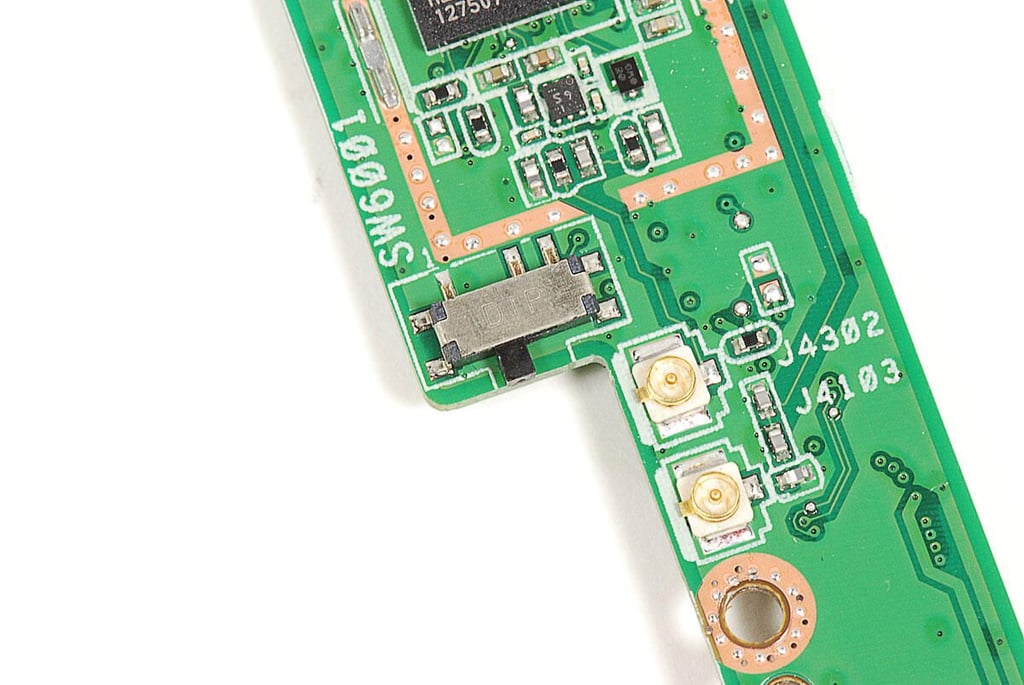
Asus Eee Pad Transformer TR101 Teardown: Dip switch
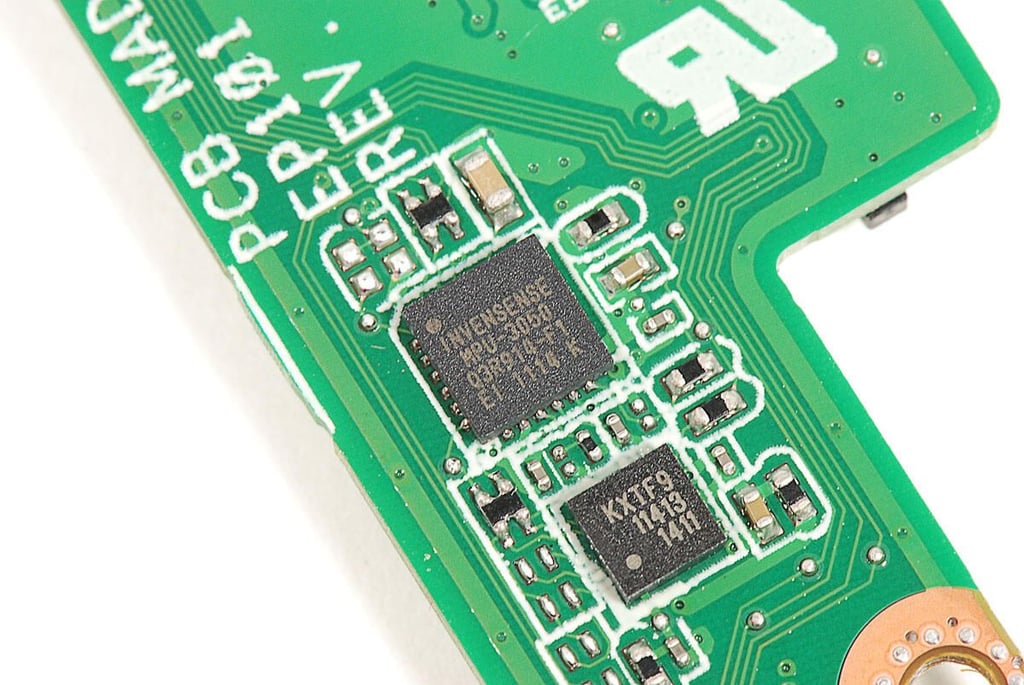
Asus Eee Pad Transformer TR101 Teardown: Invensense MPU-3050 Triple Axis Gyroscope with Embedded Digital Motion Processor
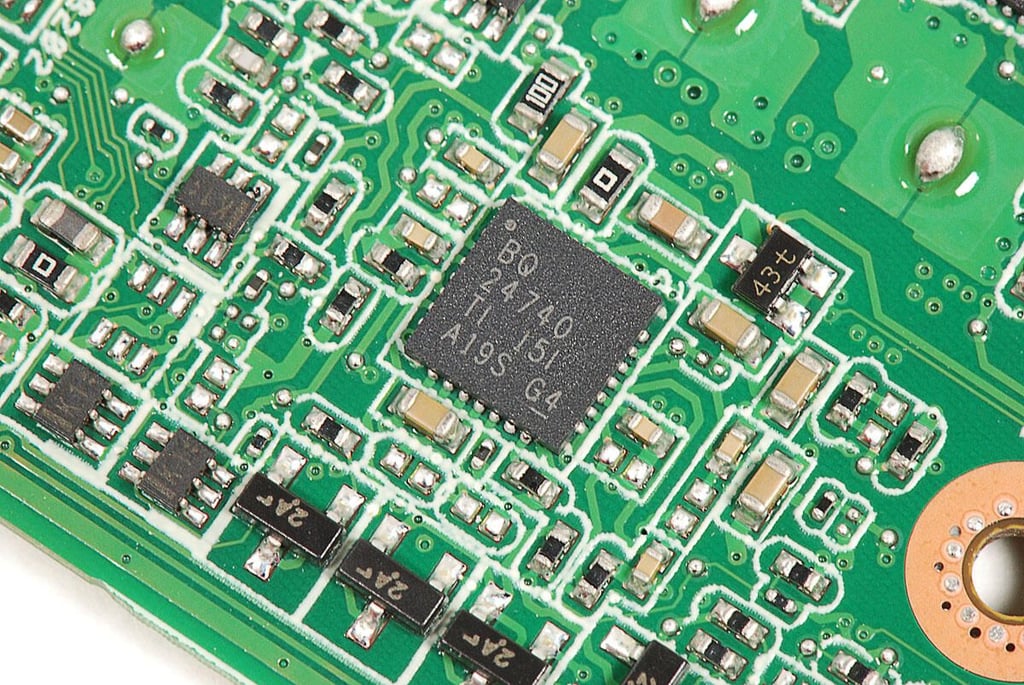
Asus Eee Pad Transformer TR101 Teardown: Texas Instruments TPS24720 2.5V to 18V Positive Voltage Power-Limiting Hot-Swap Controller
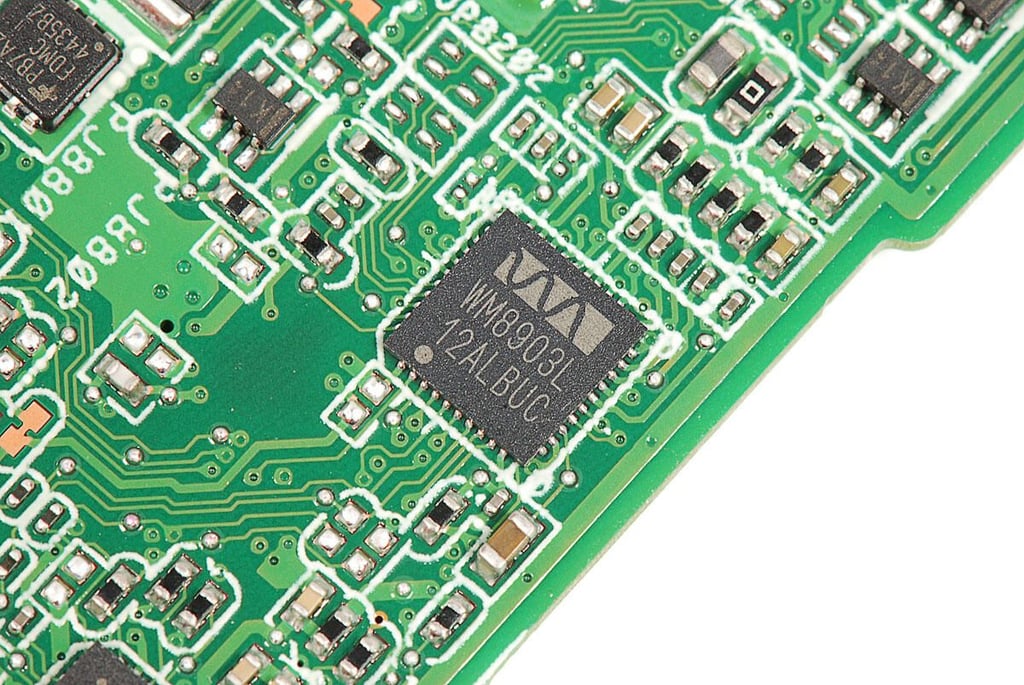
Asus Eee Pad Transformer TR101 Teardown: Wolfson WM8903 Ultra low power audio CODEC
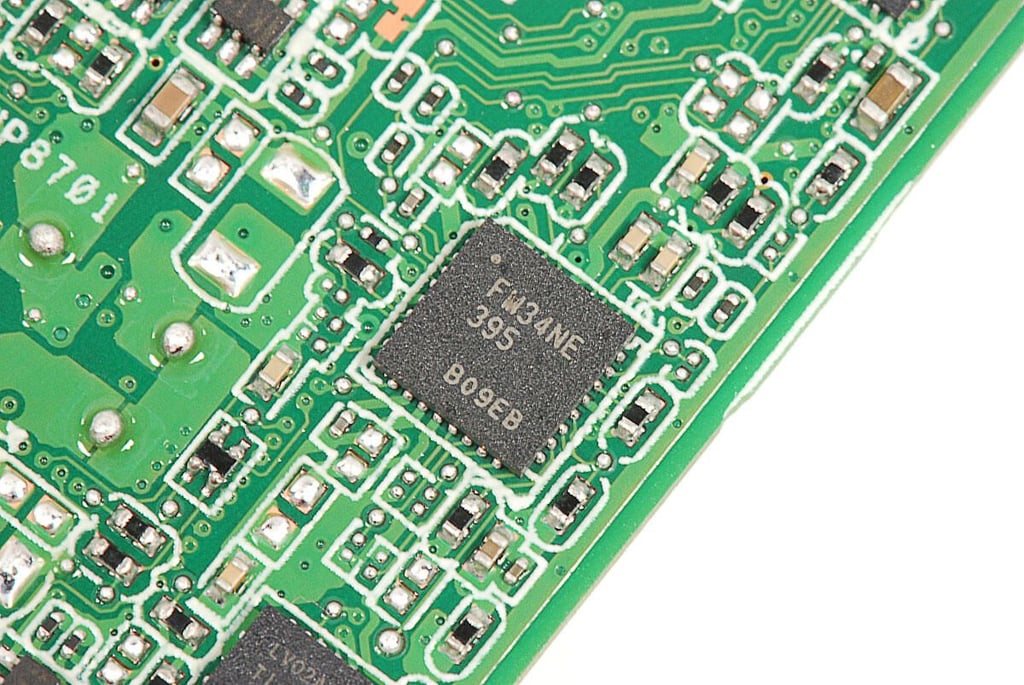
Asus Eee Pad Transformer TR101 Teardown: FM34NE 395 B09EB
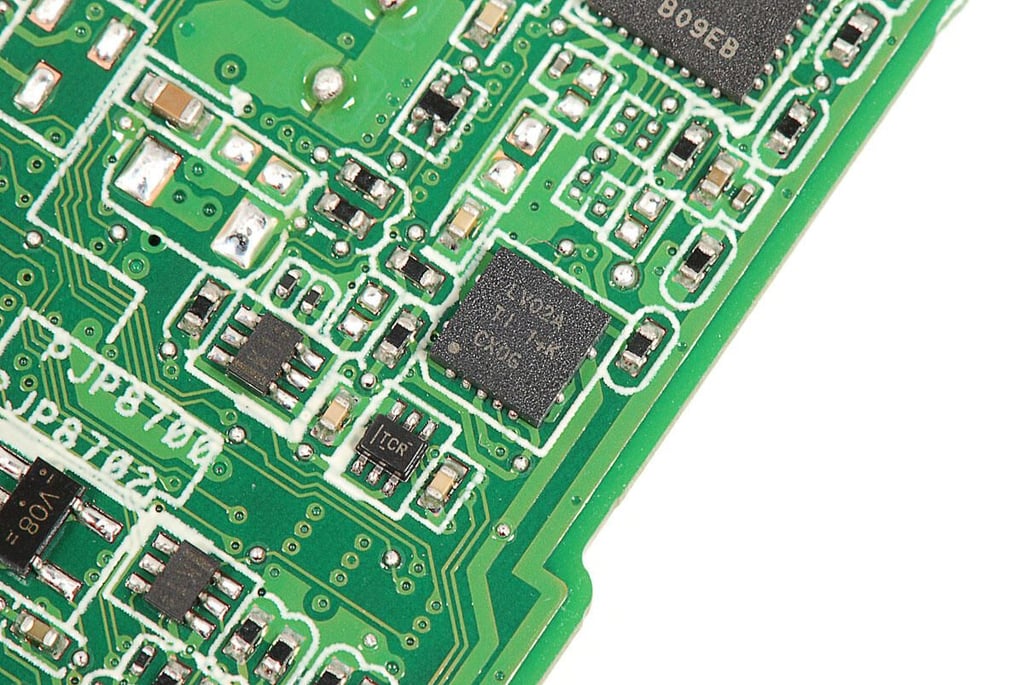
Asus Eee Pad Transformer TR101 Teardown: Texas Instruments LV02A
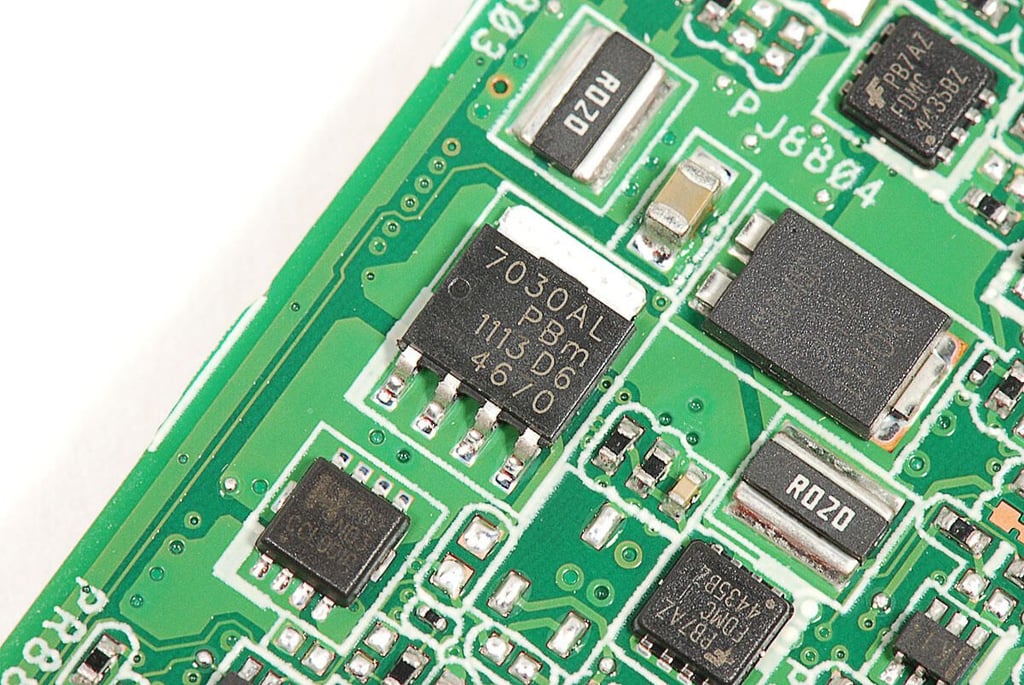
Asus Eee Pad Transformer TR101 Teardown: NXP PH7030AL N-channel TrenchMOS logic level FET
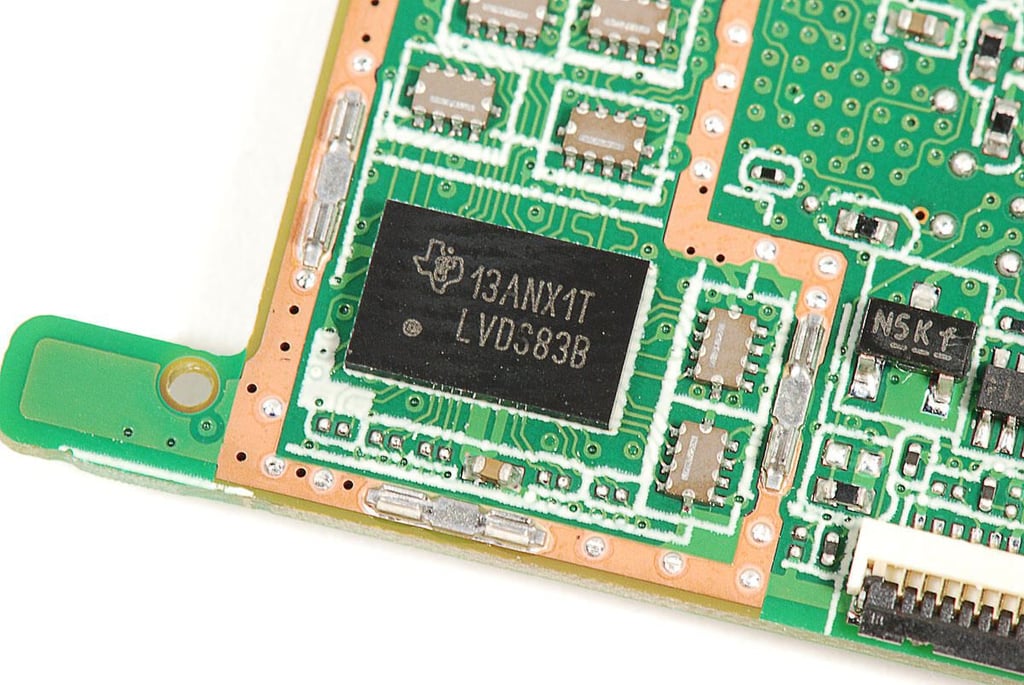
Asus Eee Pad Transformer TR101 Teardown: Texas Instruments LVDS83B power controller
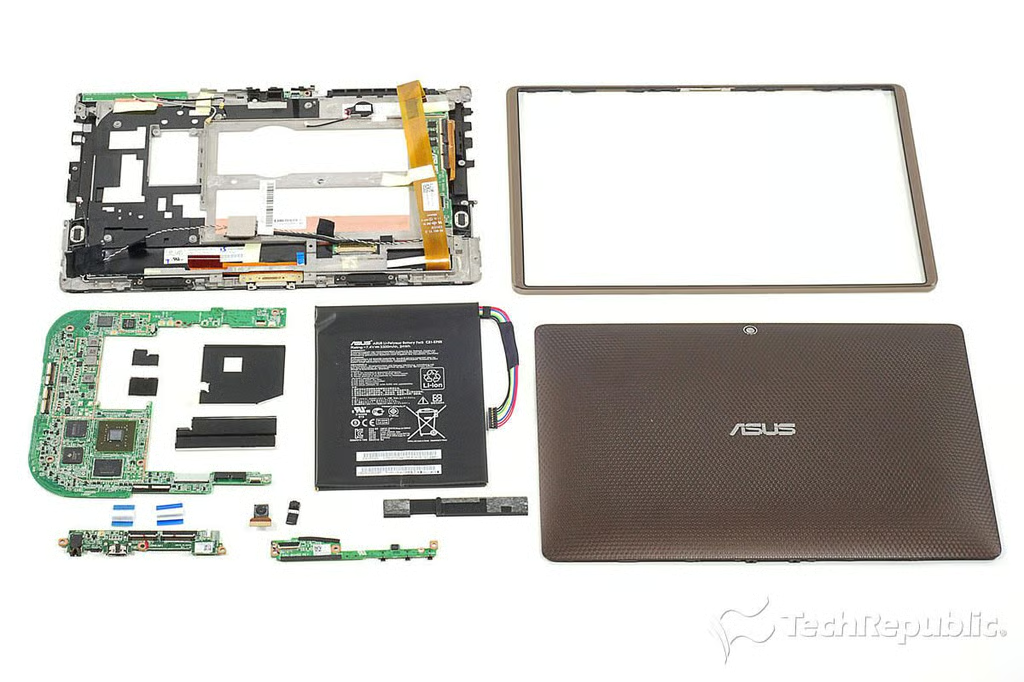
Asus Eee Pad Transformer TR101 Teardown: Completely disassembled
Bill Detwiler is the Editor for Technical Content and Ecosystem at Celonis. He is the former Editor in Chief of TechRepublic and previous host of TechRepublic's Dynamic Developer podcast and Cracking Open, CNET and TechRepublic's popular online show. Previously, Bill was an IT manager in the social research and energy industries. He has bachelor's and master's degrees from the University of Louisville, where he has also lectured on computer crime and crime prevention.