Cracking Open the Samsung Galaxy Tab 10.1 - TechRepublic

Cracking Open the Samsung Galaxy Tab 10.1

  • samsung_galaxy_tab_10_056_wm.jpg

    Samsung Galaxy Tab 10.1 Teardown

    \n\tThe Galaxy Tab 10.1 is Samsung’s follow-up to the Galaxy Tab 7.0 (released in early 2011). We cracked open the earlier 7-inch Android tablet and couldn’t resist giving its bigger brother the same treatment. Follow along as we crack open the Samsung Galaxy Tab 10.1 tablet.
    \n\t
    \n\tPhoto by: Bill Detwiler / TechRepublic
    \n\tCaption by: Bill Detwiler

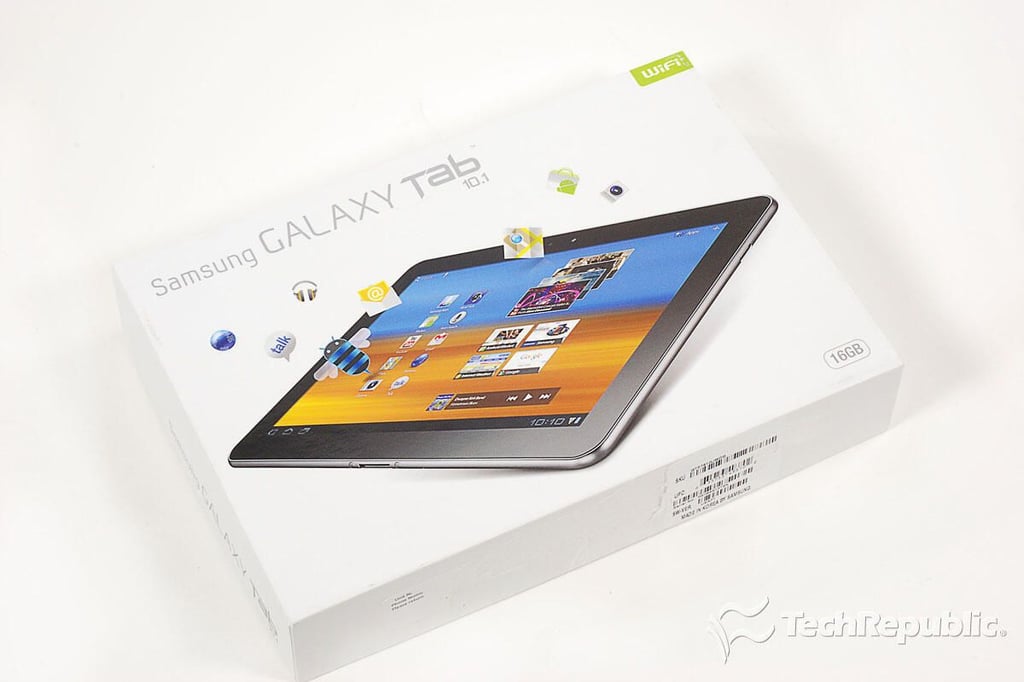
  • Cracking Open the Samsung Galaxy Tab 10.1: Box

    \n\tAs of this writing, the Samsung Galaxy Tab 10.1 is available for $499.99 (US). The current versions only support Wi-Fi connectivity, but a 3G version through AT&T (in the US) is rumored to be launching later this year.
    \n\t
    \n\tPhoto by: Bill Detwiler / TechRepublic
    \n\tCaption by: Bill Detwiler

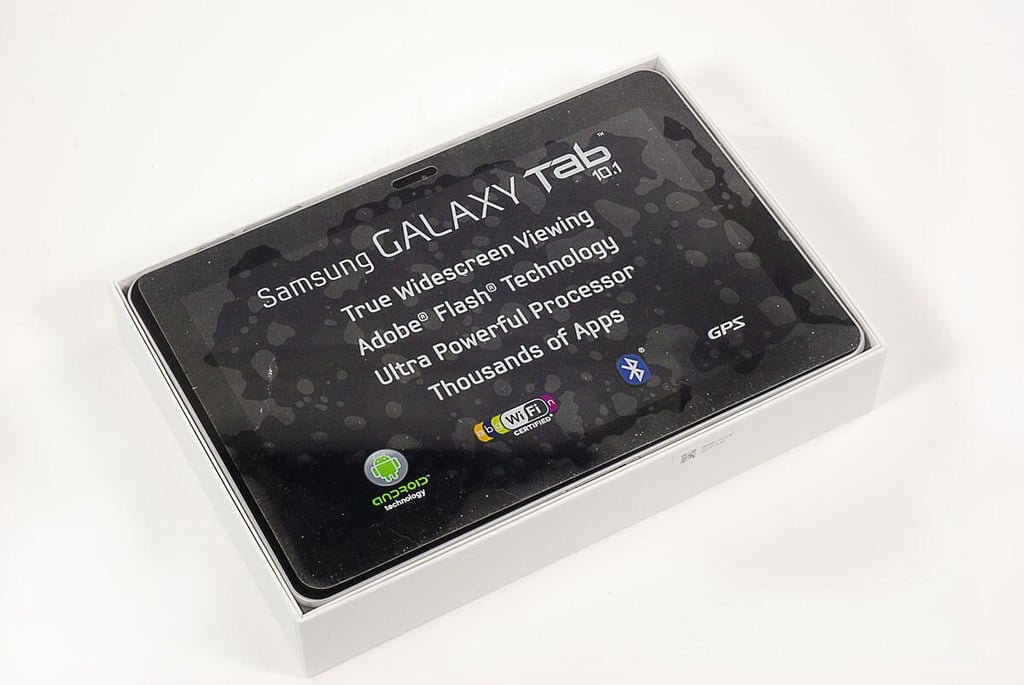
  • Cracking Open the Samsung Galaxy Tab 10.1: Unboxing

    \n\tPhoto by: Bill Detwiler / TechRepublic
    \n\tCaption by: Bill Detwiler

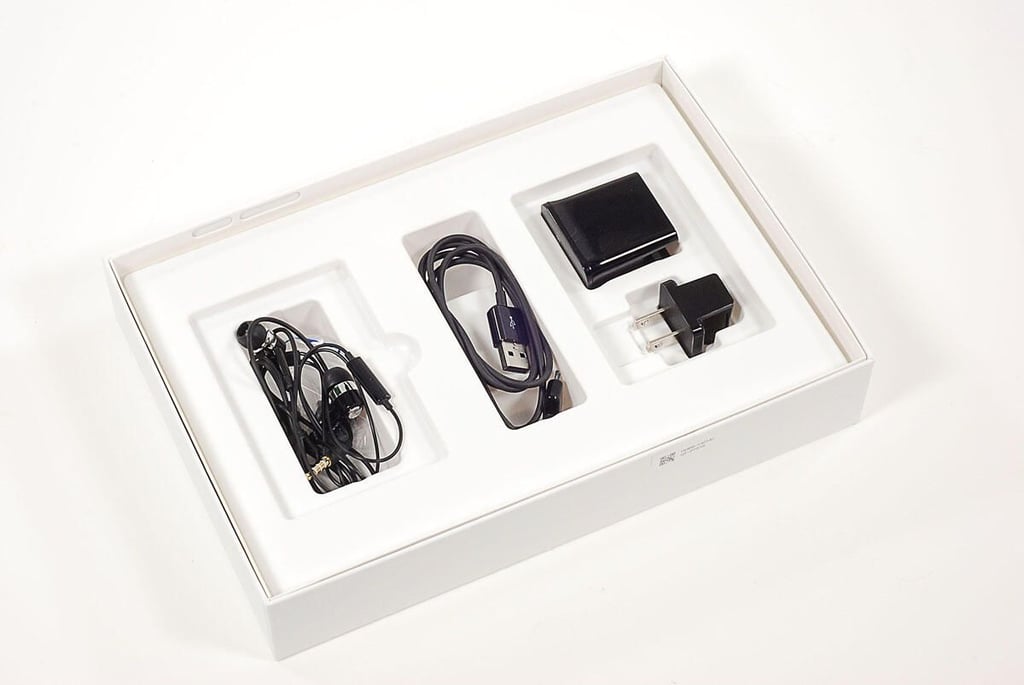
  • Cracking Open the Samsung Galaxy Tab 10.1: Accessories

    \n\tPhoto by: Bill Detwiler / TechRepublic
    \n\tCaption by: Bill Detwiler

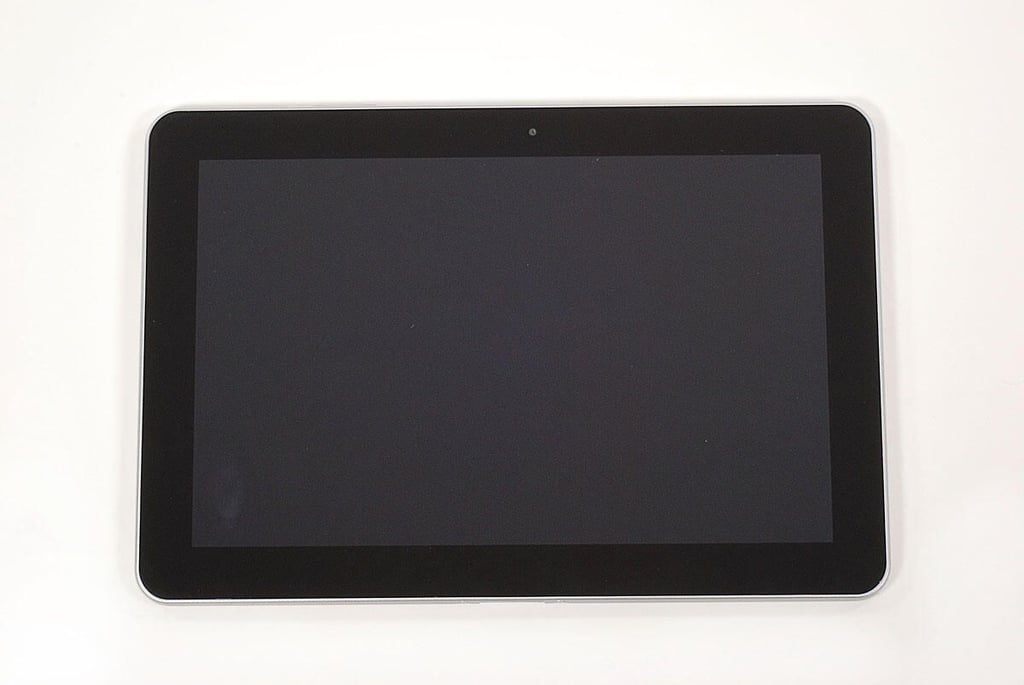
  • Cracking Open the Samsung Galaxy Tab 10.1: Front

    \n\tPhoto by: Bill Detwiler / TechRepublic
    \n\tCaption by: Bill Detwiler

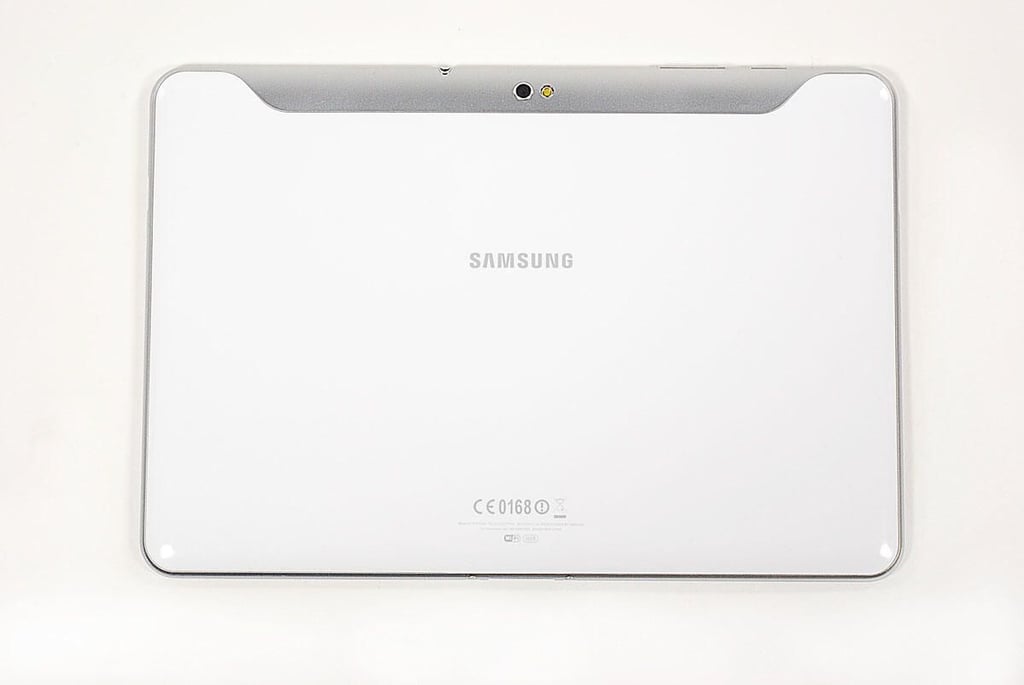
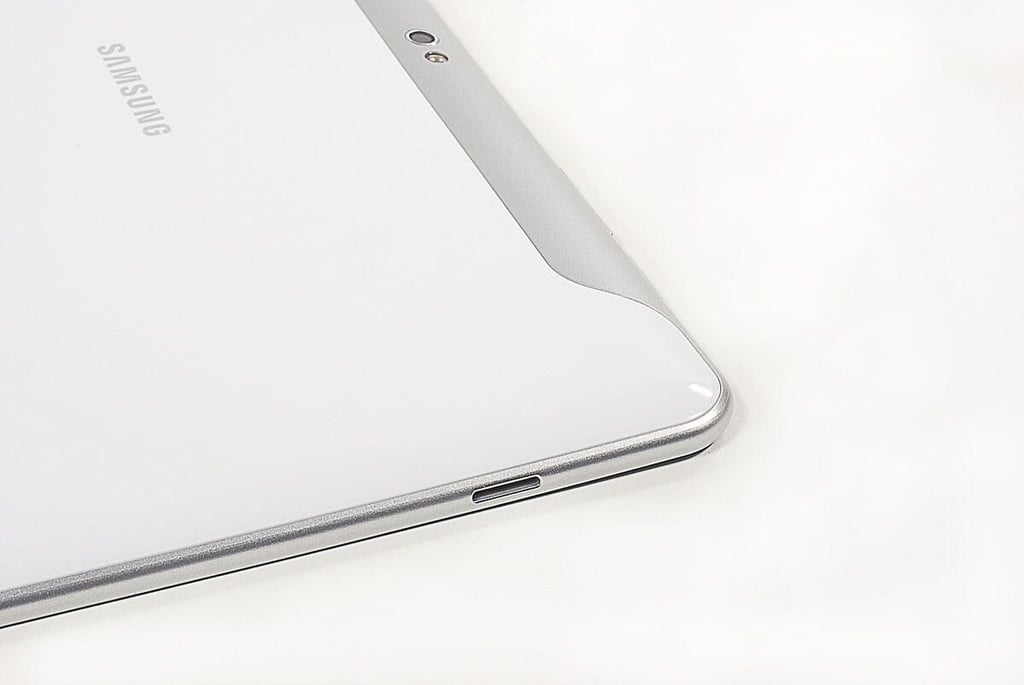
  • Cracking Open the Samsung Galaxy Tab 10.1: Back

    \n\tPhoto by: Bill Detwiler / TechRepublic
    \n\tCaption by: Bill Detwiler

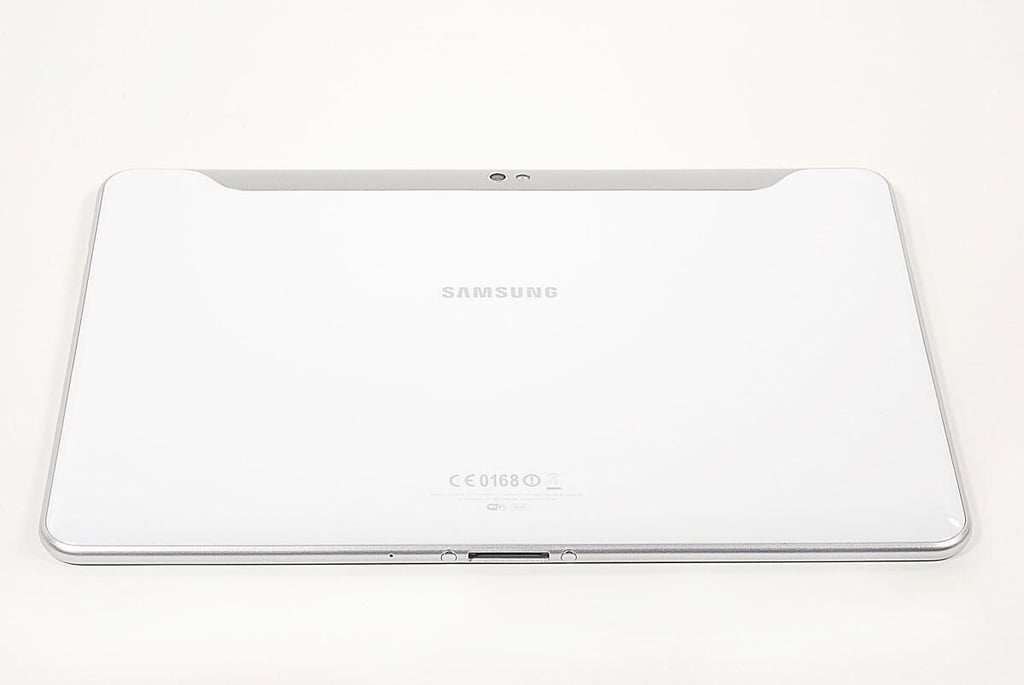
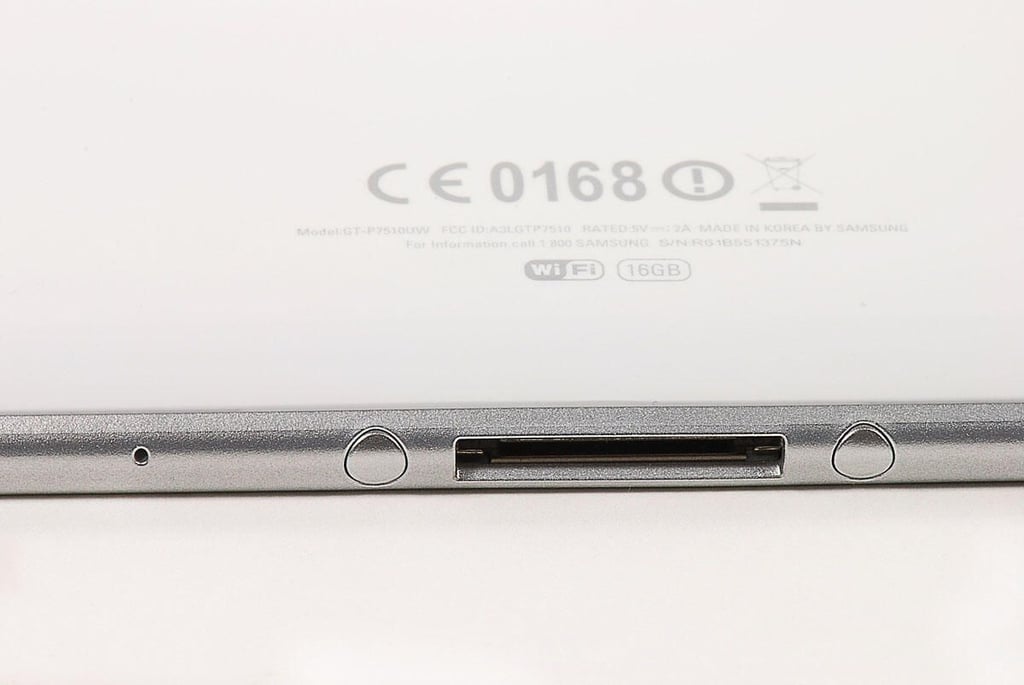
  • Cracking Open the Samsung Galaxy Tab 10.1: 30-pin connector port

    \n\tPhoto by: Bill Detwiler / TechRepublic
    \n\tCaption by: Bill Detwiler

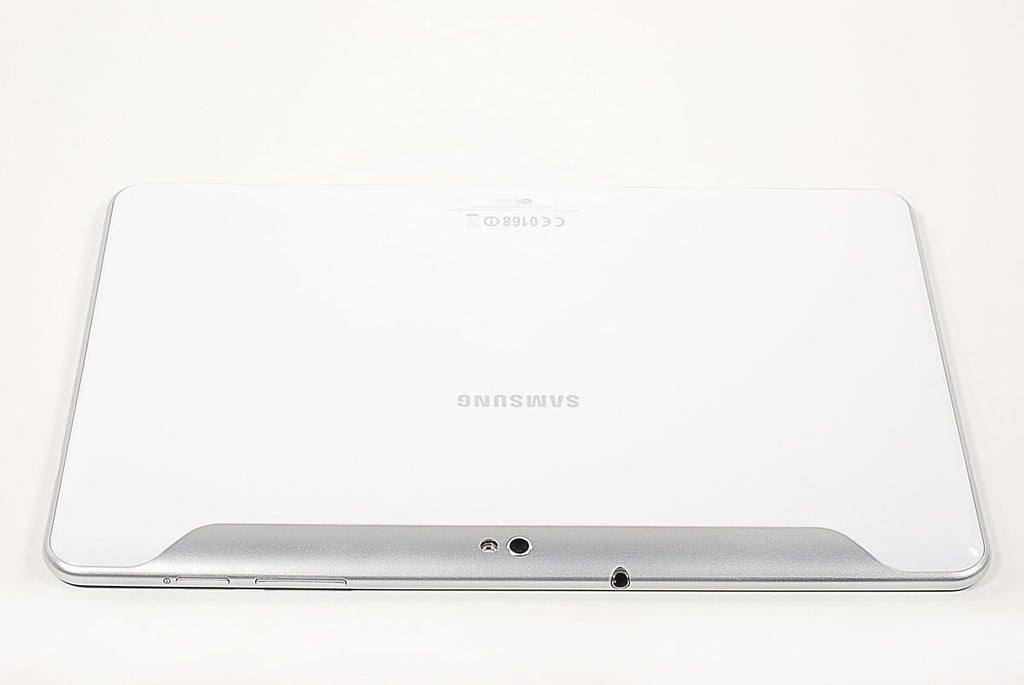
  • Cracking Open the Samsung Galaxy Tab 10.1: Rear Camera, flash, and headset jack

    \n\tPhoto by: Bill Detwiler / TechRepublic
    \n\tCaption by: Bill Detwiler

  • Cracking Open the Samsung Galaxy Tab 10.1: Speaker opening

    \n\tPhoto by: Bill Detwiler / TechRepublic
    \n\tCaption by: Bill Detwiler

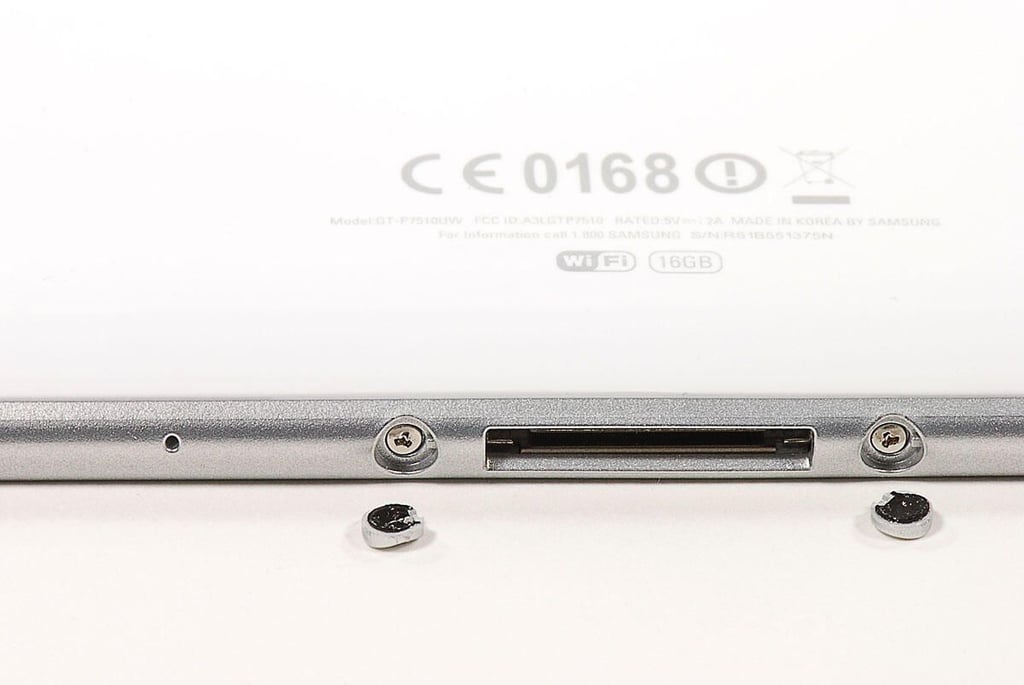
  • Cracking Open the Samsung Galaxy Tab 10.1: External screw covers

    \n\tPhoto by: Bill Detwiler / TechRepublic
    \n\tCaption by: Bill Detwiler

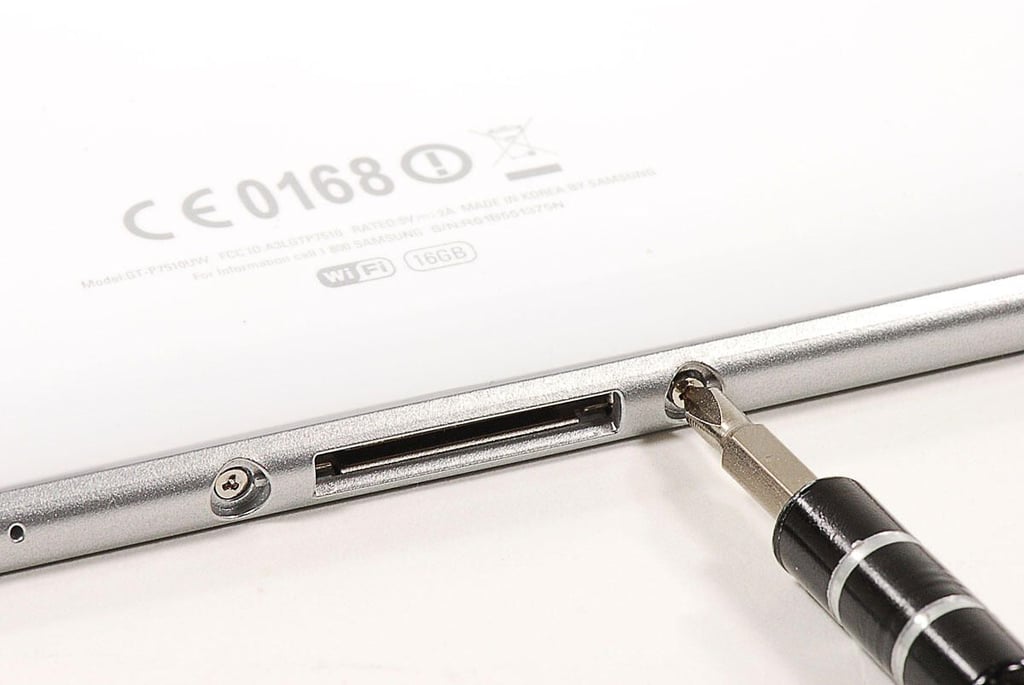
  • Cracking Open the Samsung Galaxy Tab 10.1: Tri-wing back cover screws

    \n\tPhoto by: Bill Detwiler / TechRepublic
    \n\tCaption by: Bill Detwiler

  • Cracking Open the Samsung Galaxy Tab 10.1: Removing the back cover screws

    \n\tPhoto by: Bill Detwiler / TechRepublic
    \n\tCaption by: Bill Detwiler

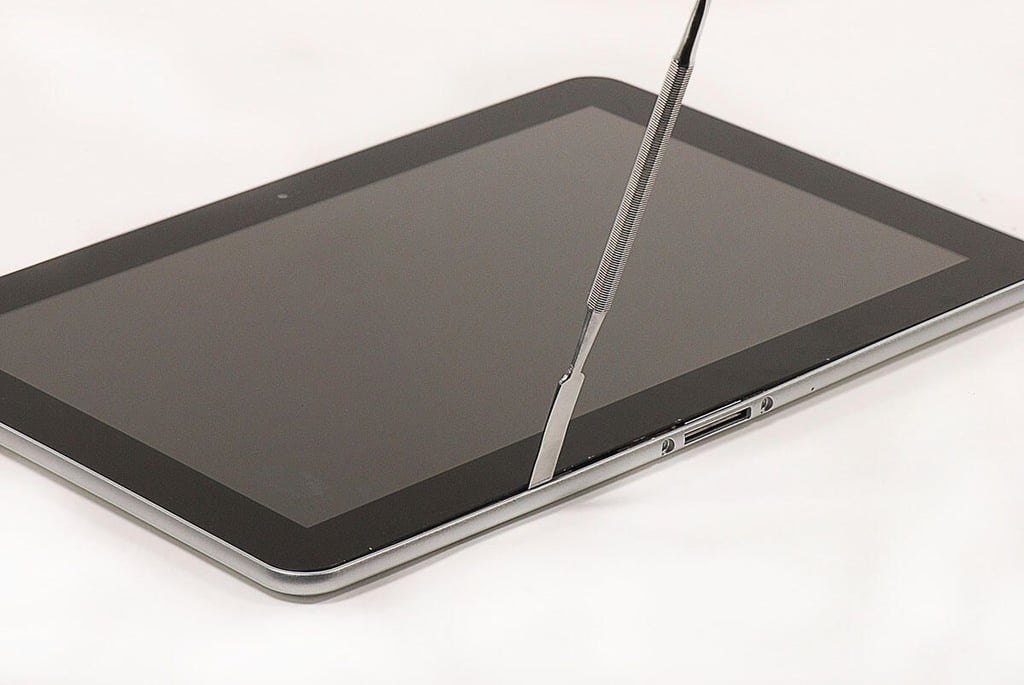
  • Cracking Open the Samsung Galaxy Tab 10.1: Popping loose the back cover from the display assembly

    \n\tPhoto by: Bill Detwiler / TechRepublic
    \n\tCaption by: Bill Detwiler

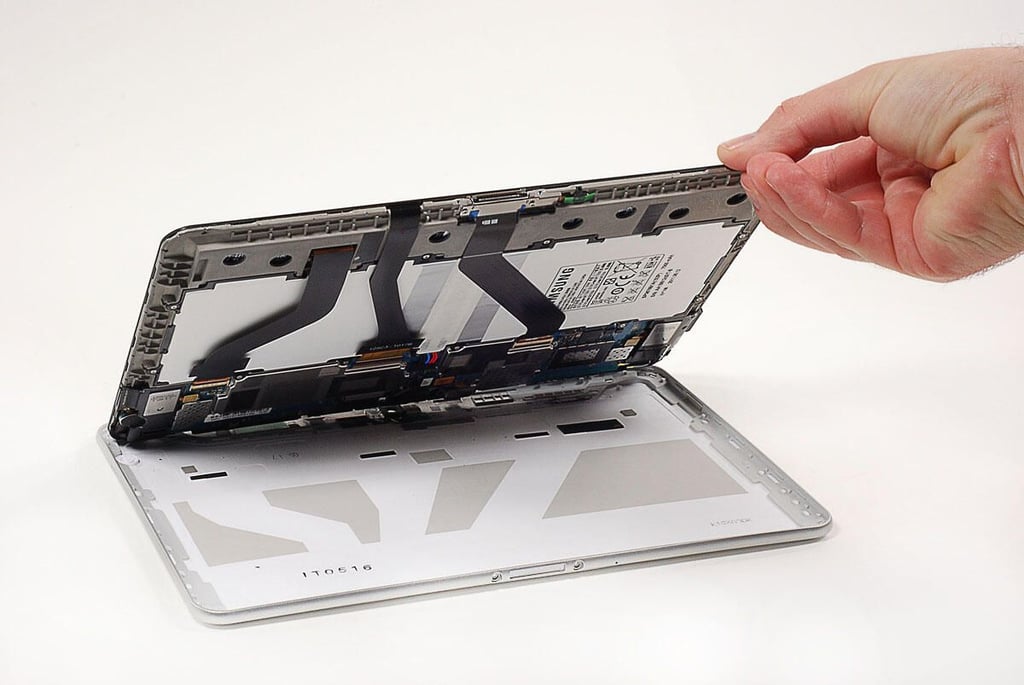
  • Cracking Open the Samsung Galaxy Tab 10.1: Lifting the display assembly away from the back cover

    \n\tThe Samsung Galaxy Tab 10.1’s back cover is held to the front panel display assembly with two tri-wing screws and strong adhesive tape. You’ll need to gently pry the back cover away from the adhesive tape.

    \n

    \n\tPhoto by: Bill Detwiler / TechRepublic
    \n\tCaption by: Bill Detwiler

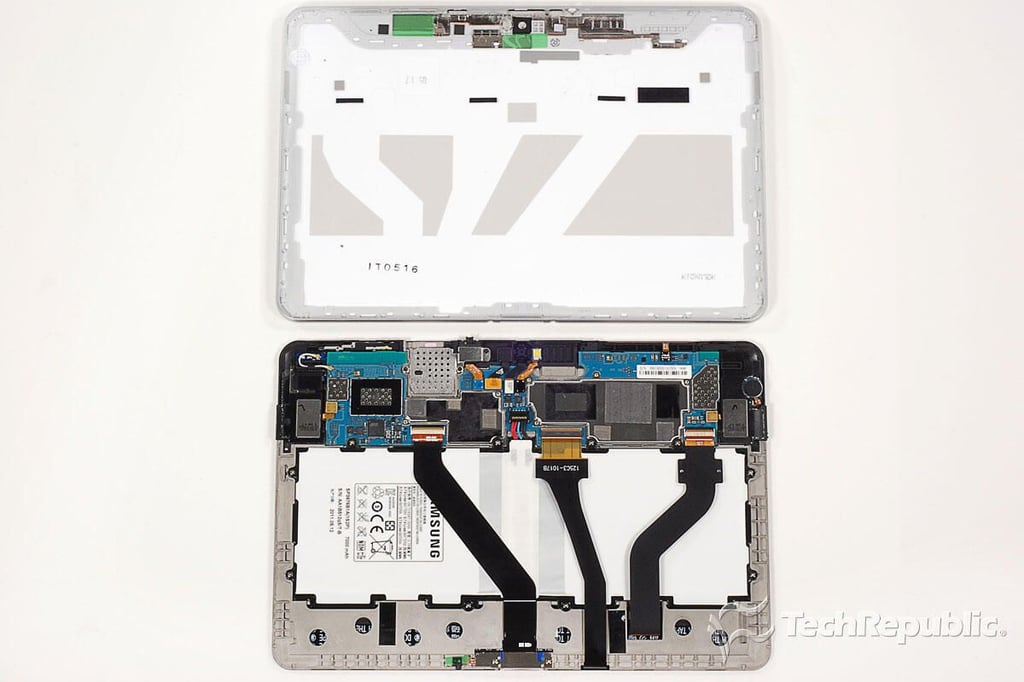
  • Cracking Open the Samsung Galaxy Tab 10.1: Back cover removed

    \n\tPhoto by: Bill Detwiler / TechRepublic
    \n\tCaption by: Bill Detwiler

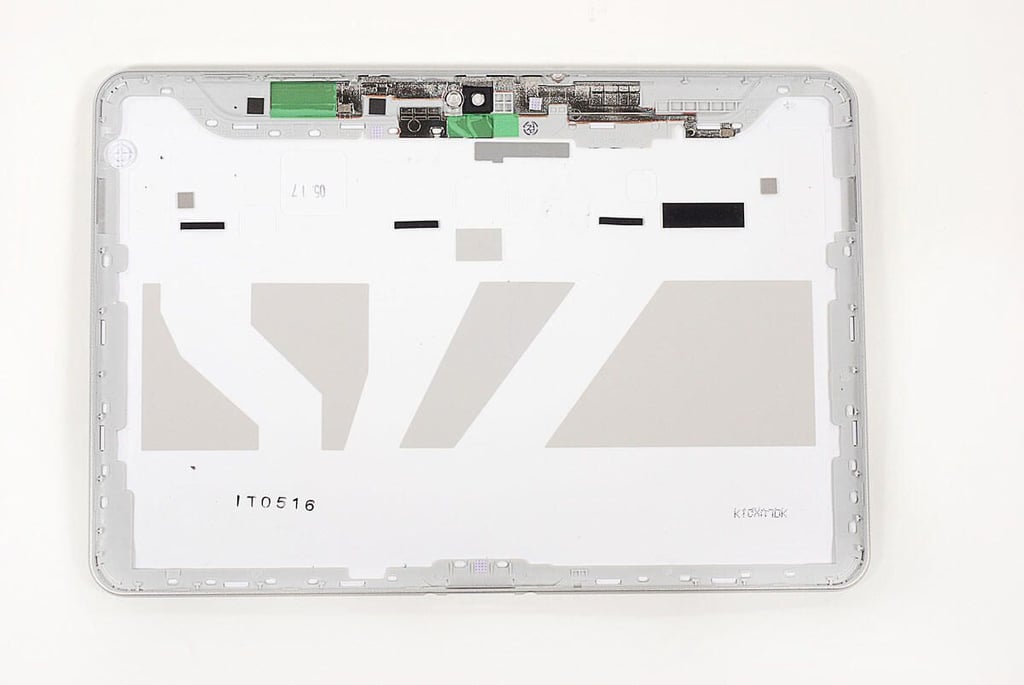
  • Cracking Open the Samsung Galaxy Tab 10.1: Back cover

    \n\tPhoto by: Bill Detwiler / TechRepublic
    \n\tCaption by: Bill Detwiler

  • Cracking Open the Samsung Galaxy Tab 10.1: Internal hardware

    \n\tPhoto by: Bill Detwiler / TechRepublic
    \n\tCaption by: Bill Detwiler

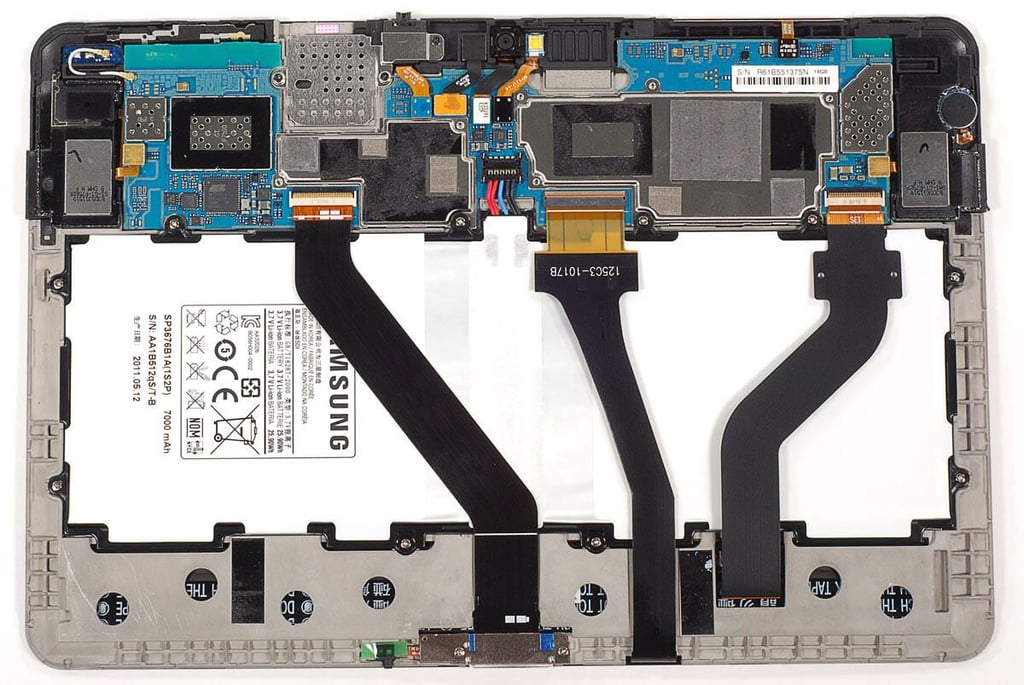
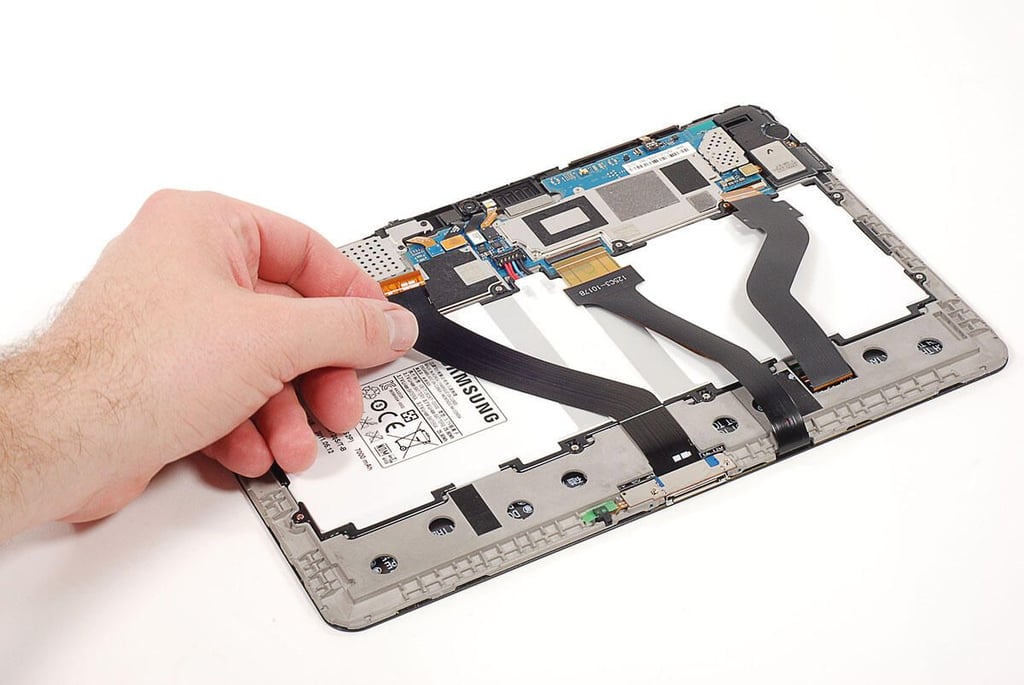
  • Cracking Open the Samsung Galaxy Tab 10.1: Disconnecting the display and touchscreen ribbon cables

    \n\tPhoto by: Bill Detwiler / TechRepublic
    \n\tCaption by: Bill Detwiler

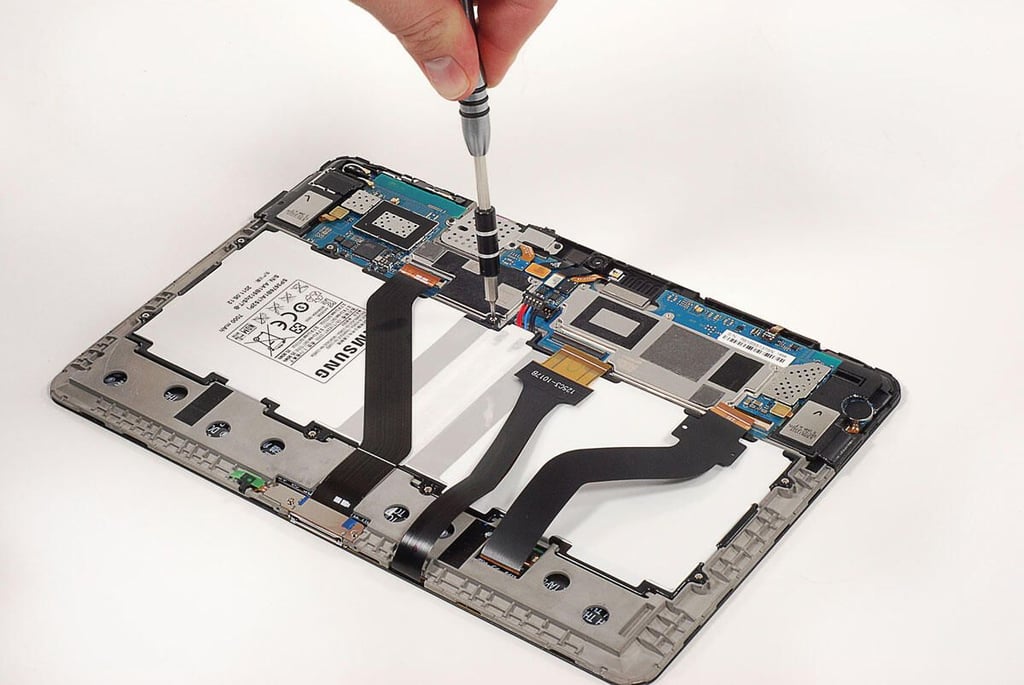
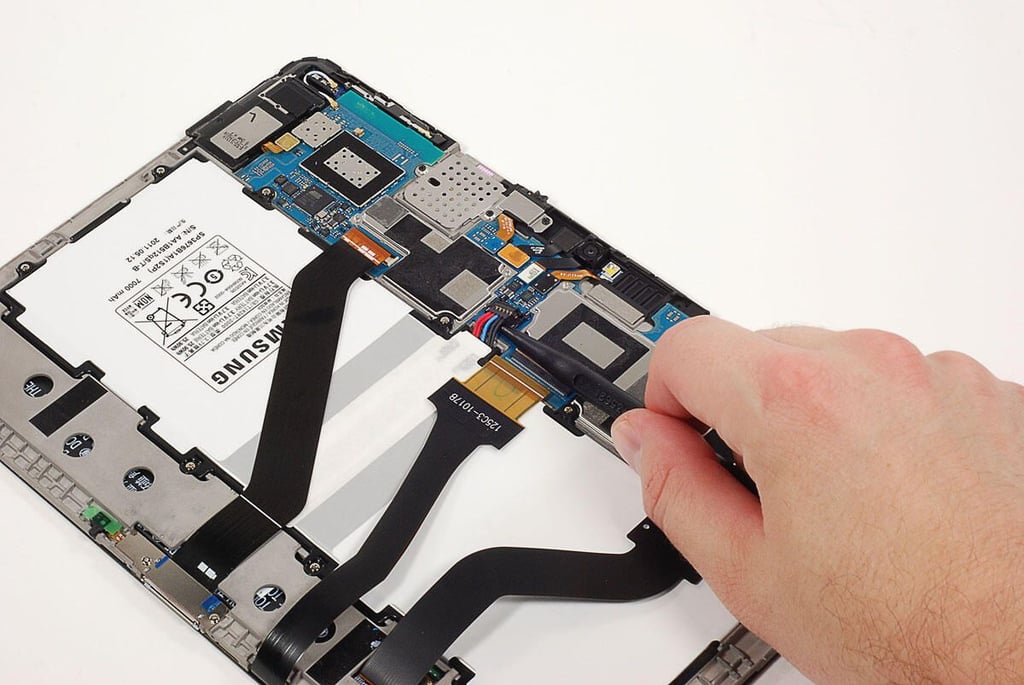
  • Cracking Open the Samsung Galaxy Tab 10.1: Disconnecting the battery

    \n\tPhoto by: Bill Detwiler / TechRepublic
    \n\tCaption by: Bill Detwiler

  • Cracking Open the Samsung Galaxy Tab 10.1: Removing the battery screws

    \n\tPhoto by: Bill Detwiler / TechRepublic
    \n\tCaption by: Bill Detwiler

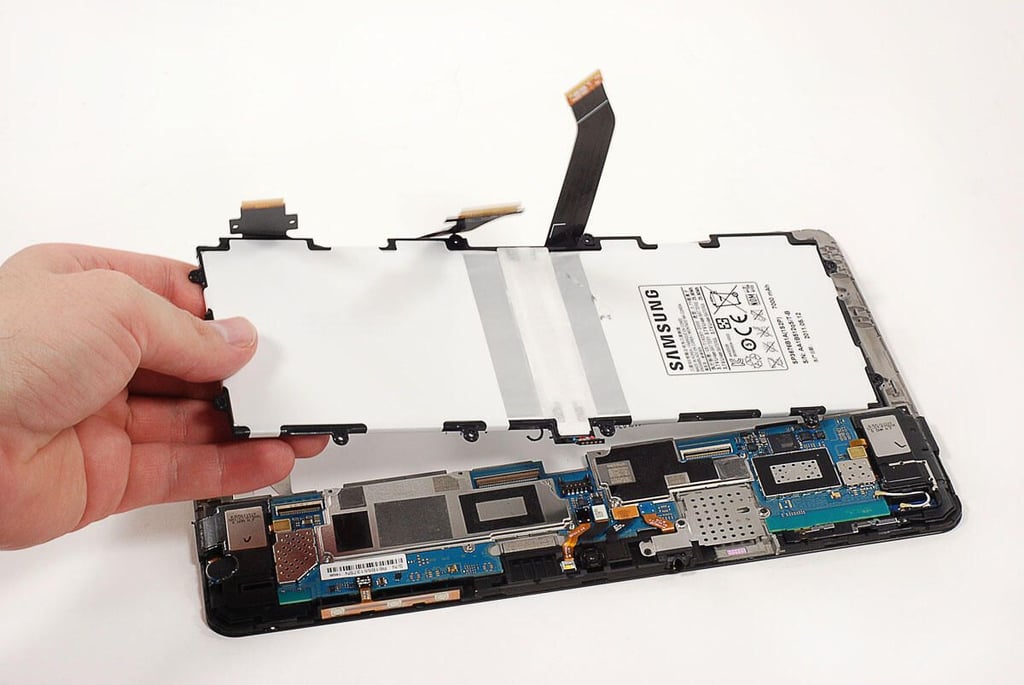
  • Cracking Open the Samsung Galaxy Tab 10.1: Removing the battery

    \n\tPhoto by: Bill Detwiler / TechRepublic
    \n\tCaption by: Bill Detwiler

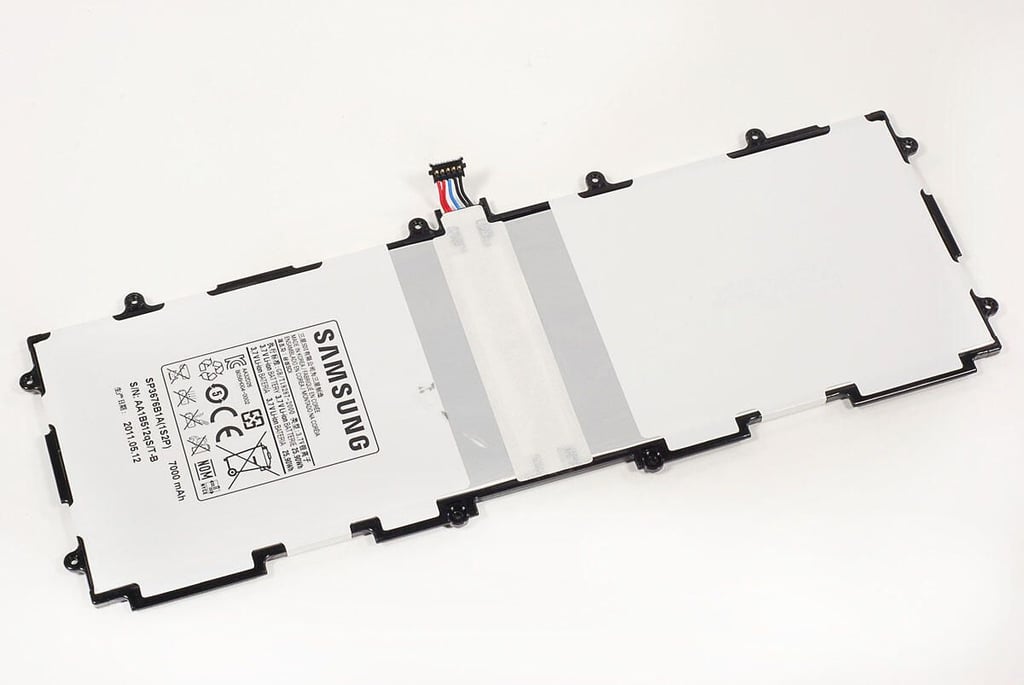
  • Cracking Open the Samsung Galaxy Tab 10.1: 6,860mAh Li-polymer battery

    \n\tPhoto by: Bill Detwiler / TechRepublic
    \n\tCaption by: Bill Detwiler

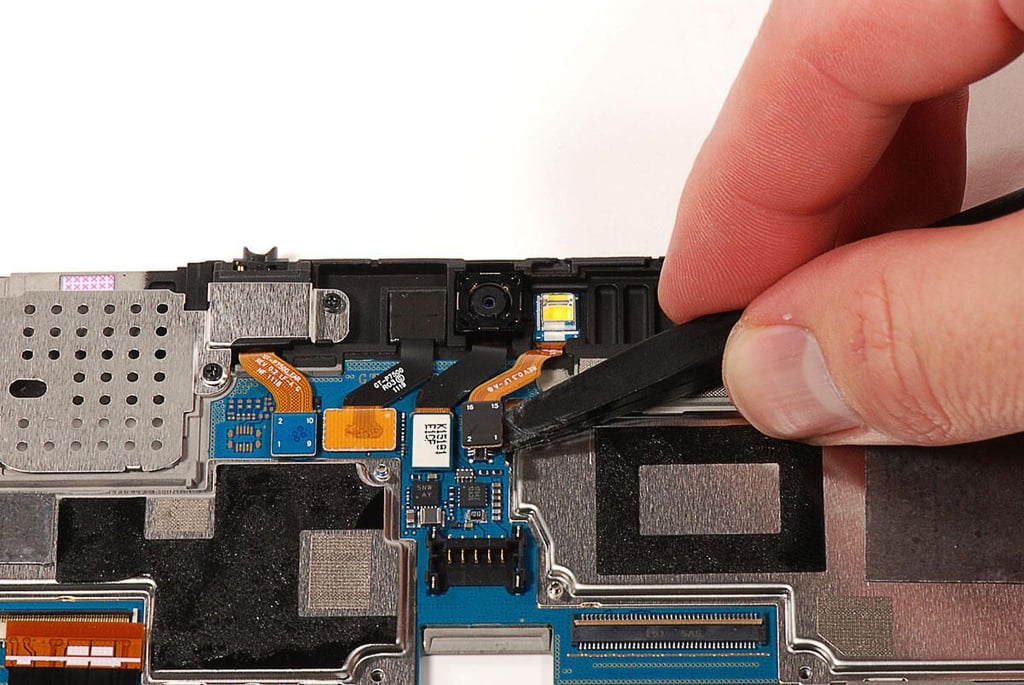
  • Cracking Open the Samsung Galaxy Tab 10.1: Disconnecting the cameras and LED flash/ambient light sensor

    \n\tPhoto by: Bill Detwiler / TechRepublic
    \n\tCaption by: Bill Detwiler

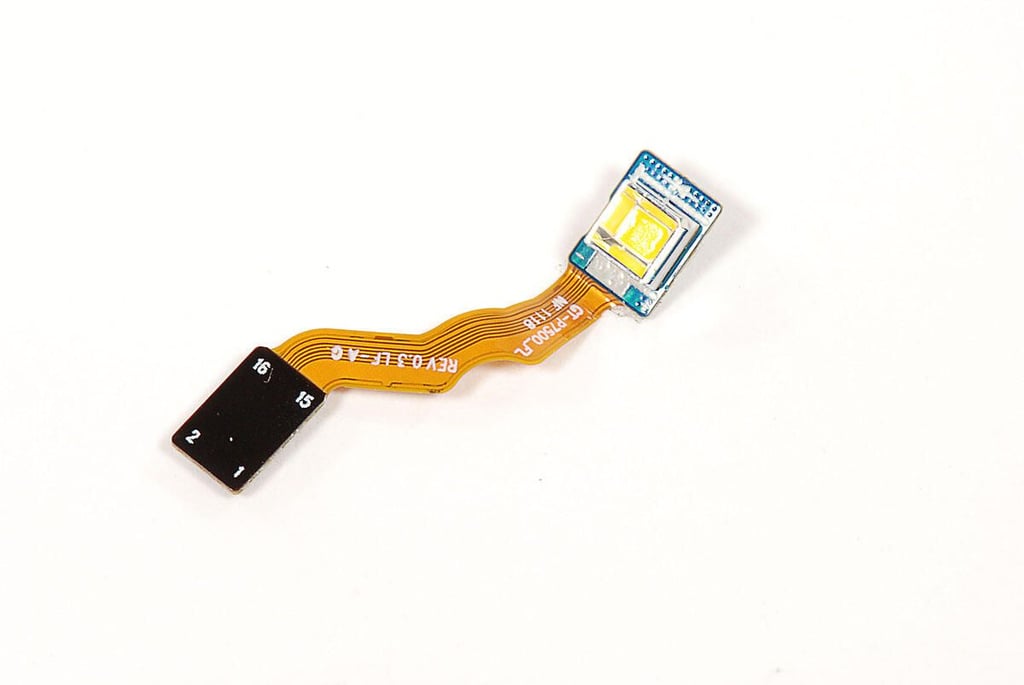
  • Cracking Open the Samsung Galaxy Tab 10.1: LED flash/ambient light sensor - Front

    \n\tPhoto by: Bill Detwiler / TechRepublic
    \n\tCaption by: Bill Detwiler

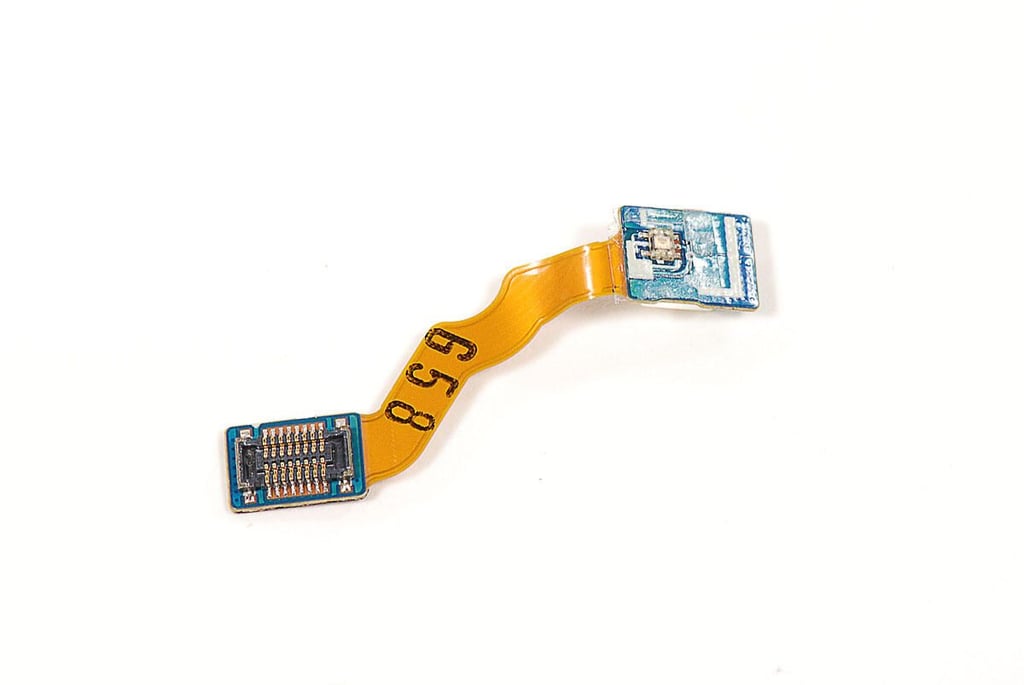
  • Cracking Open the Samsung Galaxy Tab 10.1: LED flash/ambient light sensor - Back

    \n\tPhoto by: Bill Detwiler / TechRepublic
    \n\tCaption by: Bill Detwiler

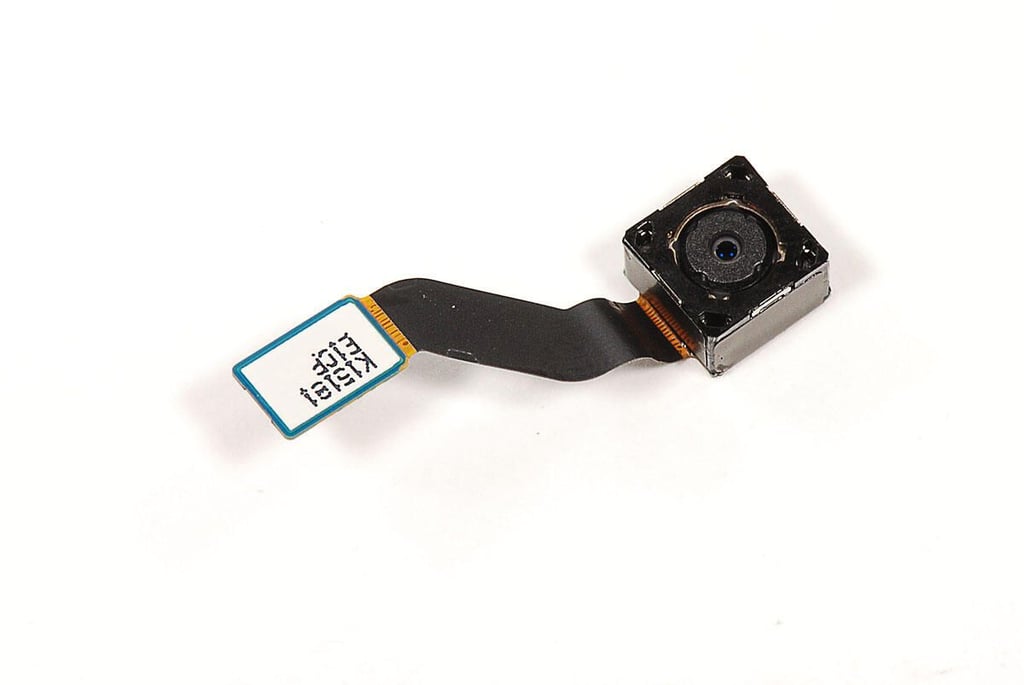
  • Cracking Open the Samsung Galaxy Tab 10.1: 3.0MP Rear camera

    \n\tPhoto by: Bill Detwiler / TechRepublic
    \n\tCaption by: Bill Detwiler

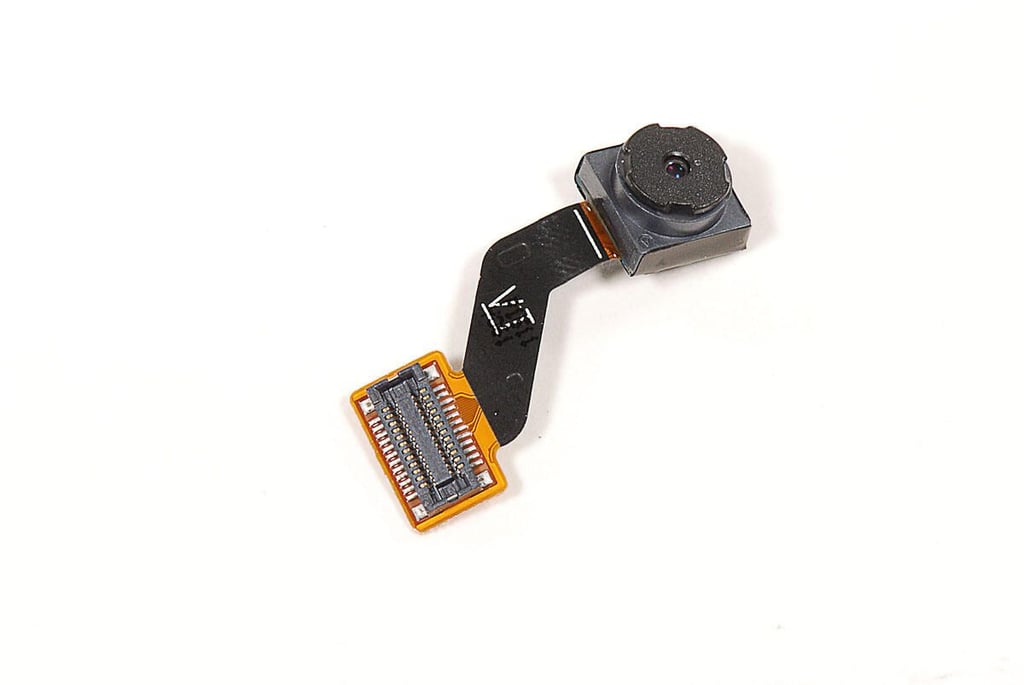
  • Cracking Open the Samsung Galaxy Tab 10.1: 2.0MP Front camera

    \n\tPhoto by: Bill Detwiler / TechRepublic
    \n\tCaption by: Bill Detwiler

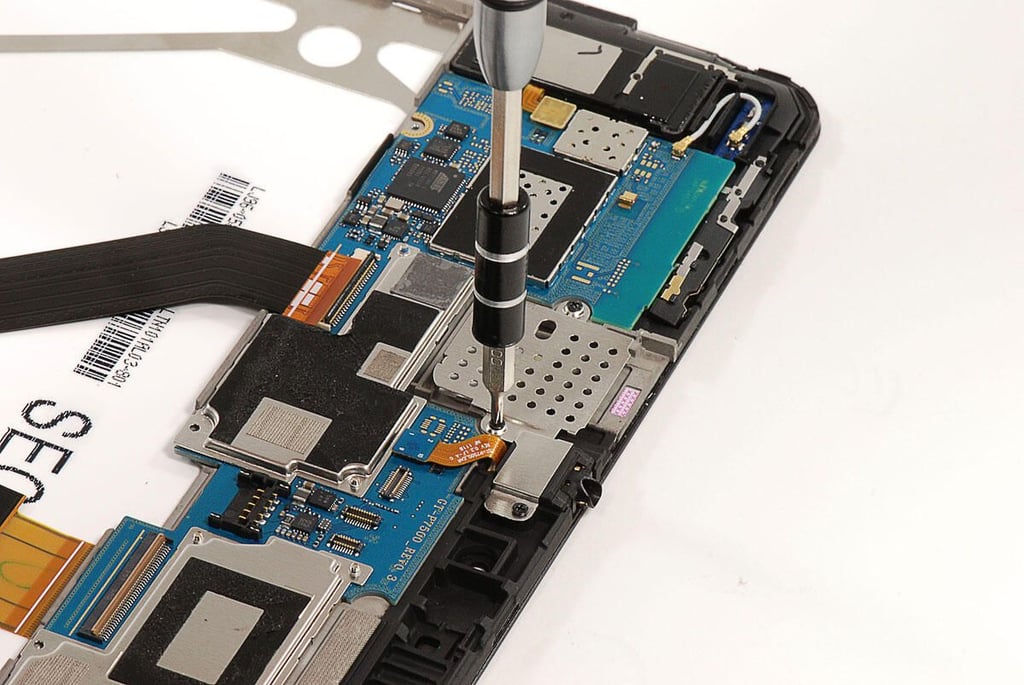
  • Cracking Open the Samsung Galaxy Tab 10.1: Removing the headset jack cover

    \n\tA metal shield covers the 3.5mm headset jack. Judgeing from the cover’s shape and the gap to the side of the headphone jack, I suspect this space will be used for the upcoming 3G version of the Samsung Galaxy Tab 10.1.

    \n

    \n\tPhoto by: Bill Detwiler / TechRepublic
    \n\tCaption by: Bill Detwiler

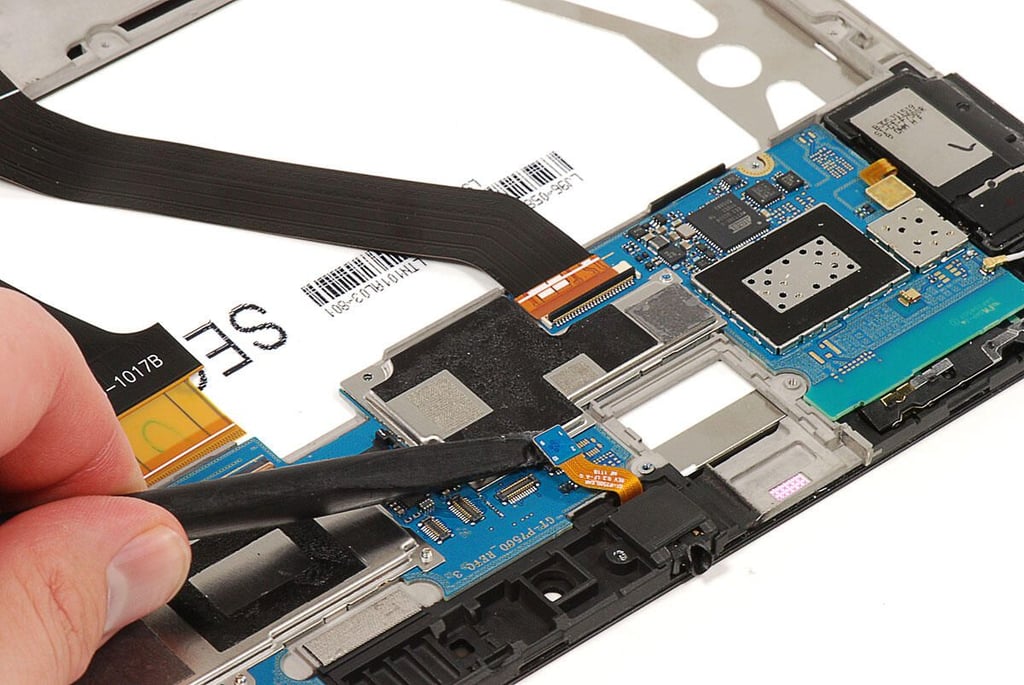
  • Cracking Open the Samsung Galaxy Tab 10.1: Disconnecting the 3.5mm headset jack

    \n\tPhoto by: Bill Detwiler / TechRepublic
    \n\tCaption by: Bill Detwiler

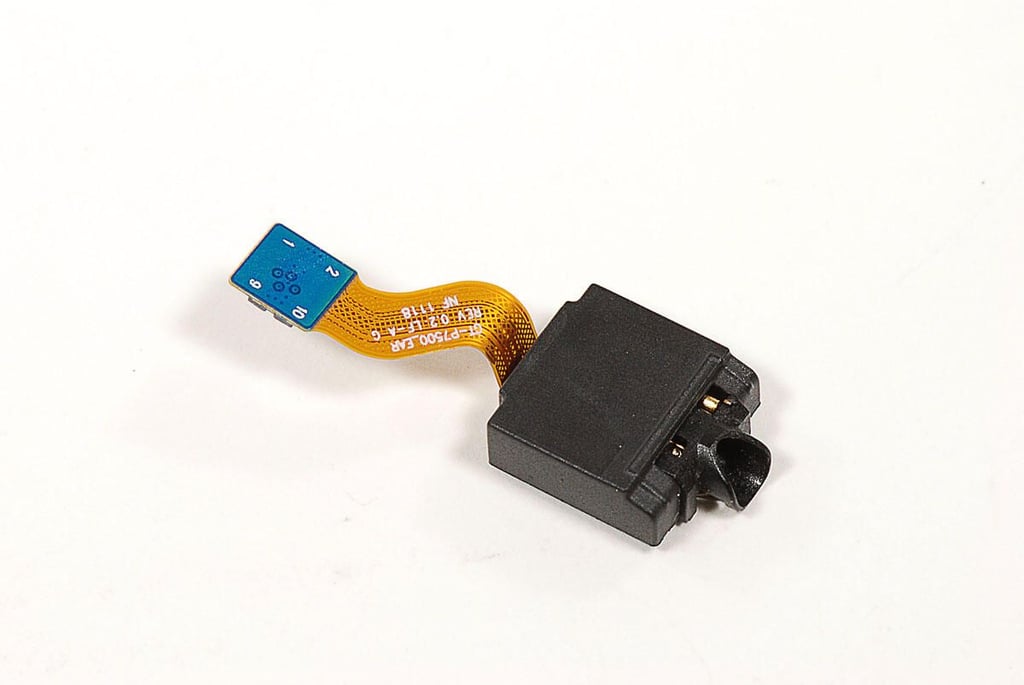
  • Cracking Open the Samsung Galaxy Tab 10.1: 3.5mm headset jack

    \n\tPhoto by: Bill Detwiler / TechRepublic
    \n\tCaption by: Bill Detwiler

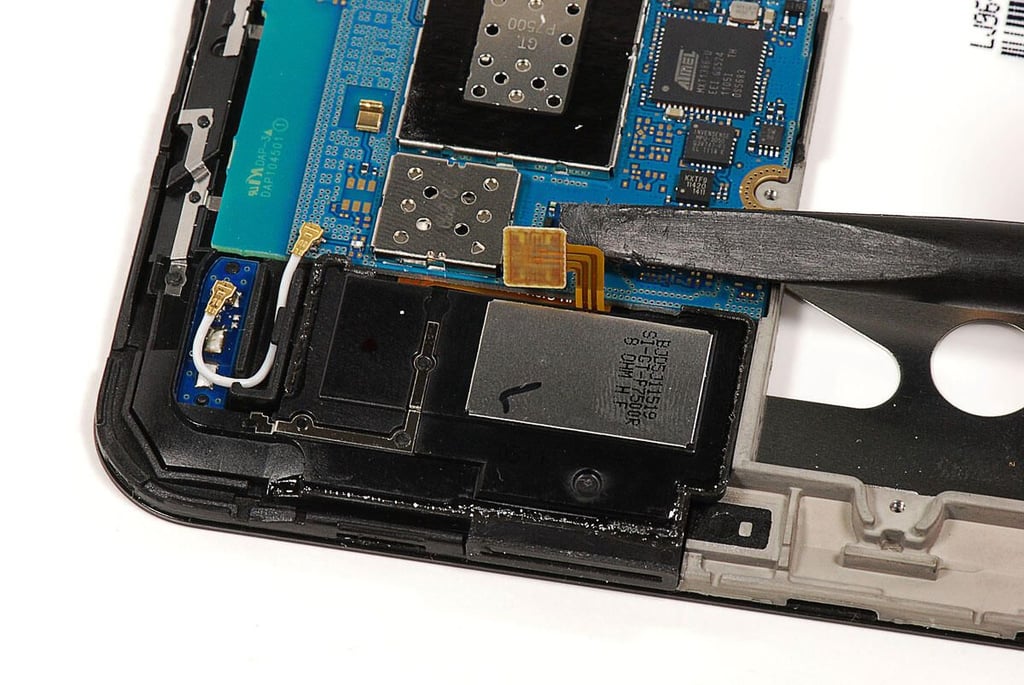
  • Cracking Open the Samsung Galaxy Tab 10.1: Disconnecting the right speaker cable

    \n\tPhoto by: Bill Detwiler / TechRepublic
    \n\tCaption by: Bill Detwiler

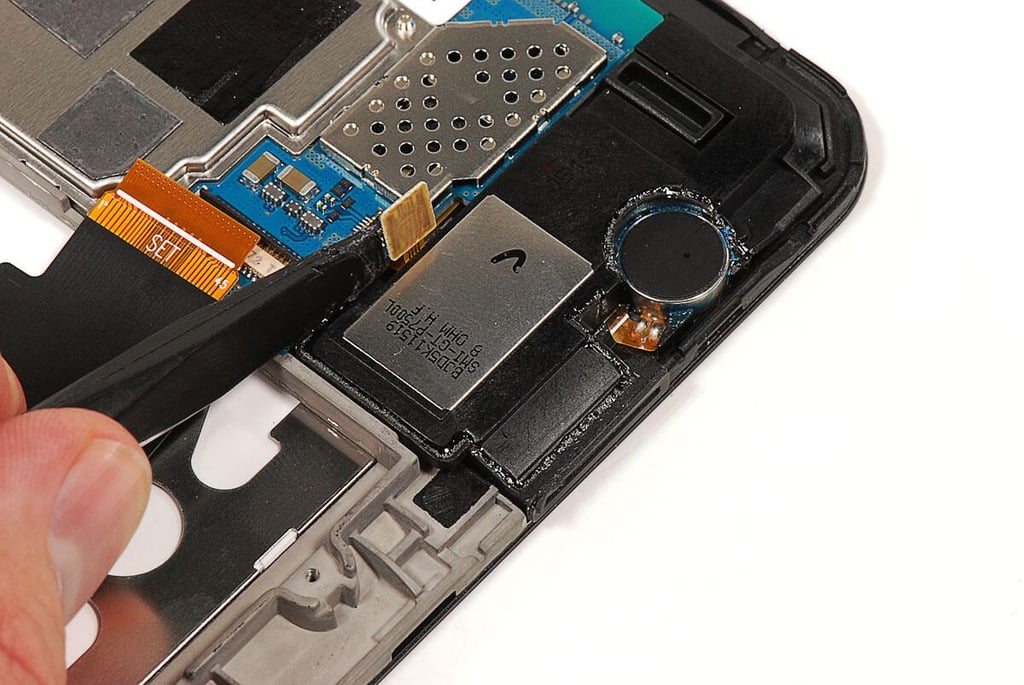
  • Cracking Open the Samsung Galaxy Tab 10.1: Disconnecting the left speaker cable

    \n\tPhoto by: Bill Detwiler / TechRepublic
    \n\tCaption by: Bill Detwiler

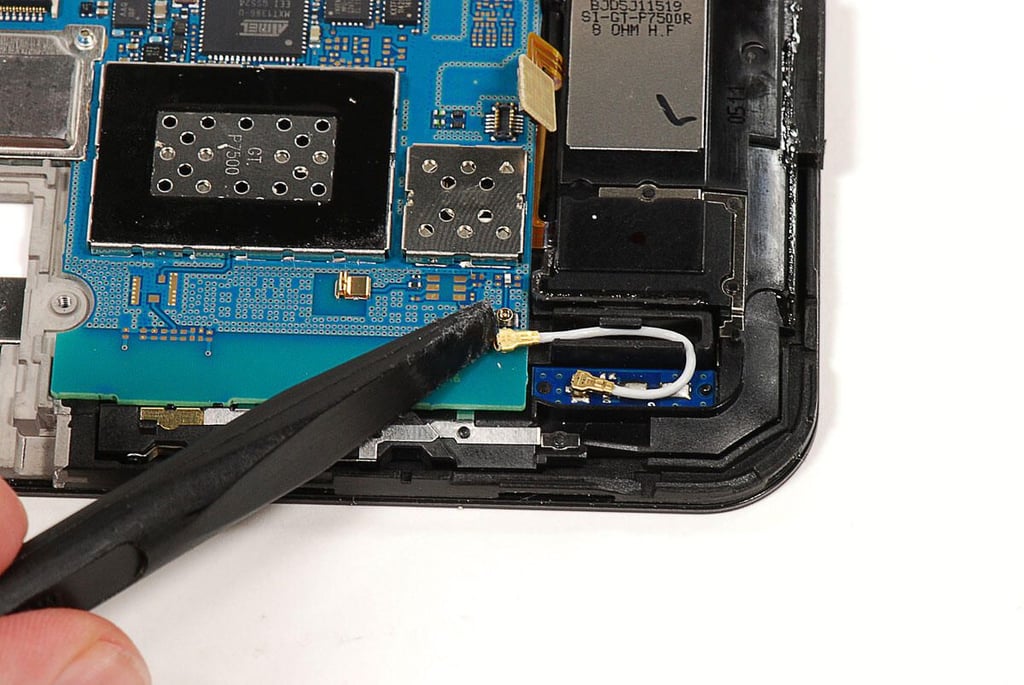
  • Cracking Open the Samsung Galaxy Tab 10.1: Disconnecting the Wi-Fi antenna wire

    \n\tPhoto by: Bill Detwiler / TechRepublic
    \n\tCaption by: Bill Detwiler

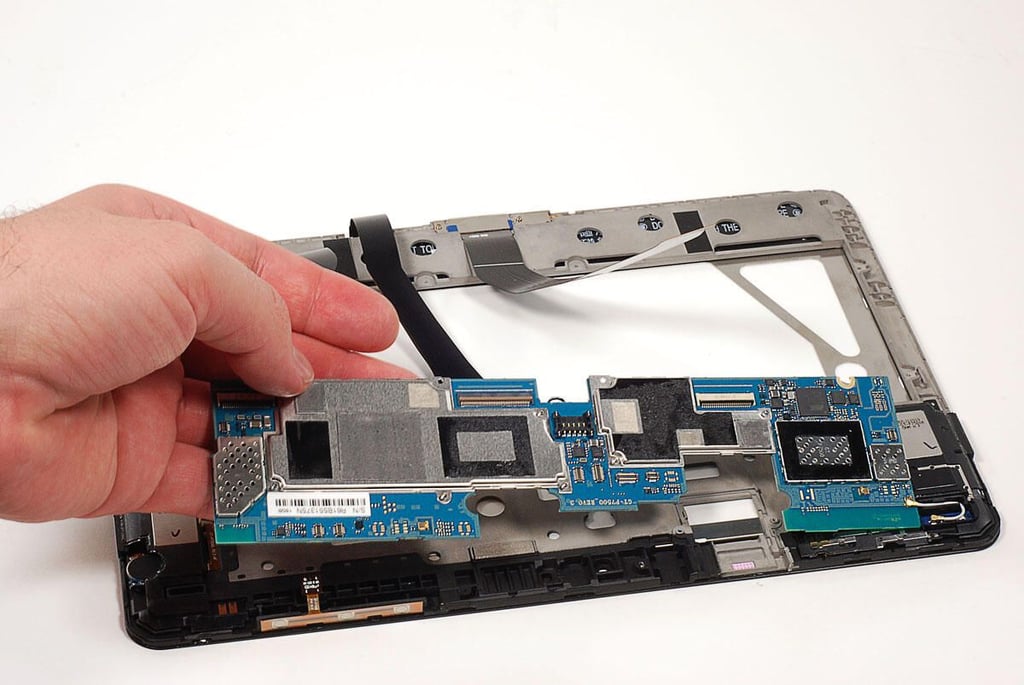
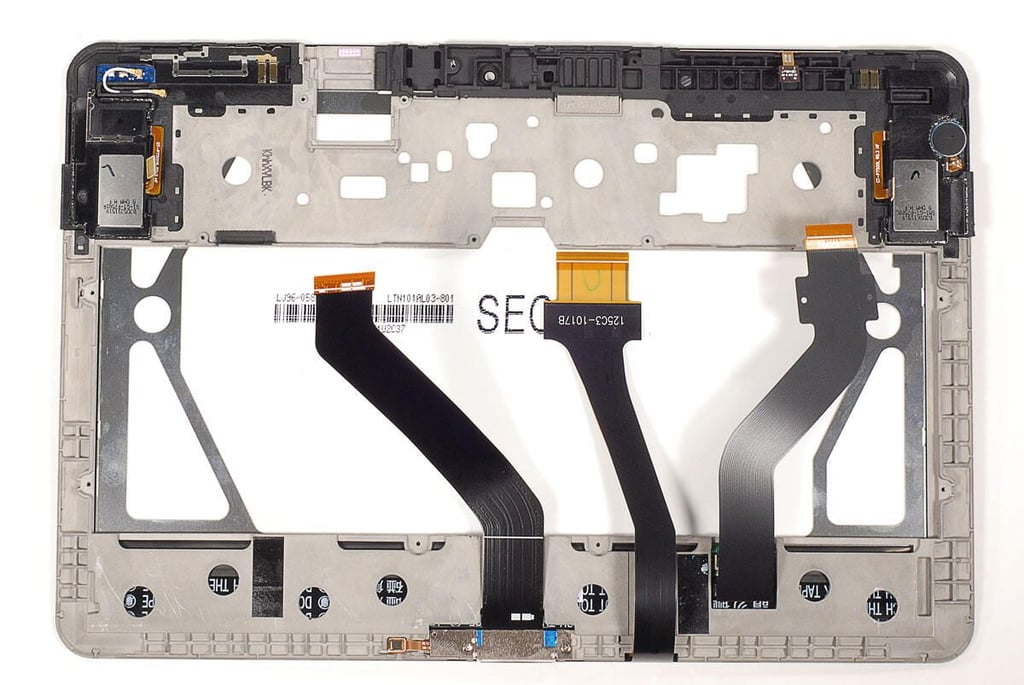
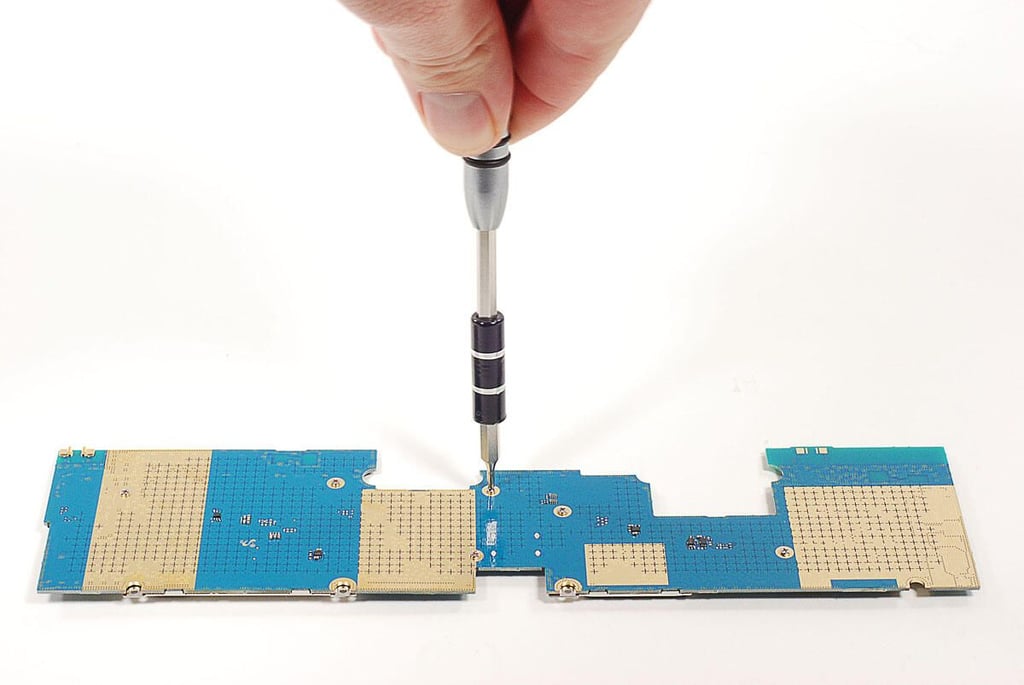
  • Cracking Open the Samsung Galaxy Tab 10.1: Removing the main PCB

    \n\tThere are no screws holding the main PCB to the front panel/display assembly. Once all the cables are disconnected, you can lift the main PCB away from the Galaxy Tab 10.1.

    \n

    \n\tPhoto by: Bill Detwiler / TechRepublic
    \n\tCaption by: Bill Detwiler

  • Cracking Open the Samsung Galaxy Tab 10.1:

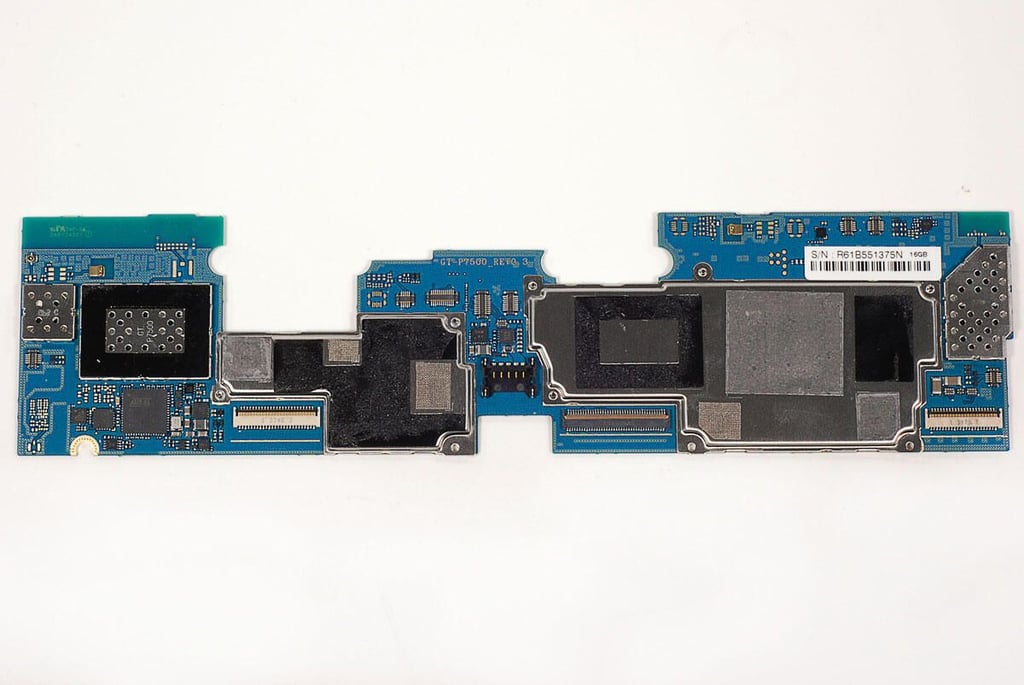
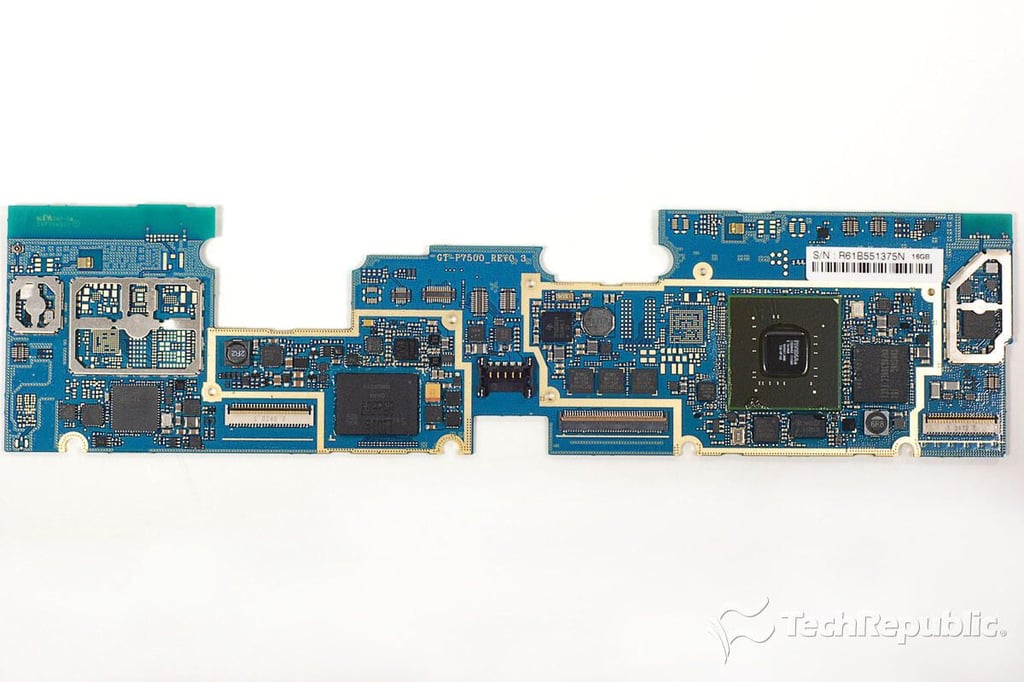
  • Cracking Open the Samsung Galaxy Tab 10.1: Main PCB - Top

    \n\tPhoto by: Bill Detwiler / TechRepublic
    \n\tCaption by: Bill Detwiler

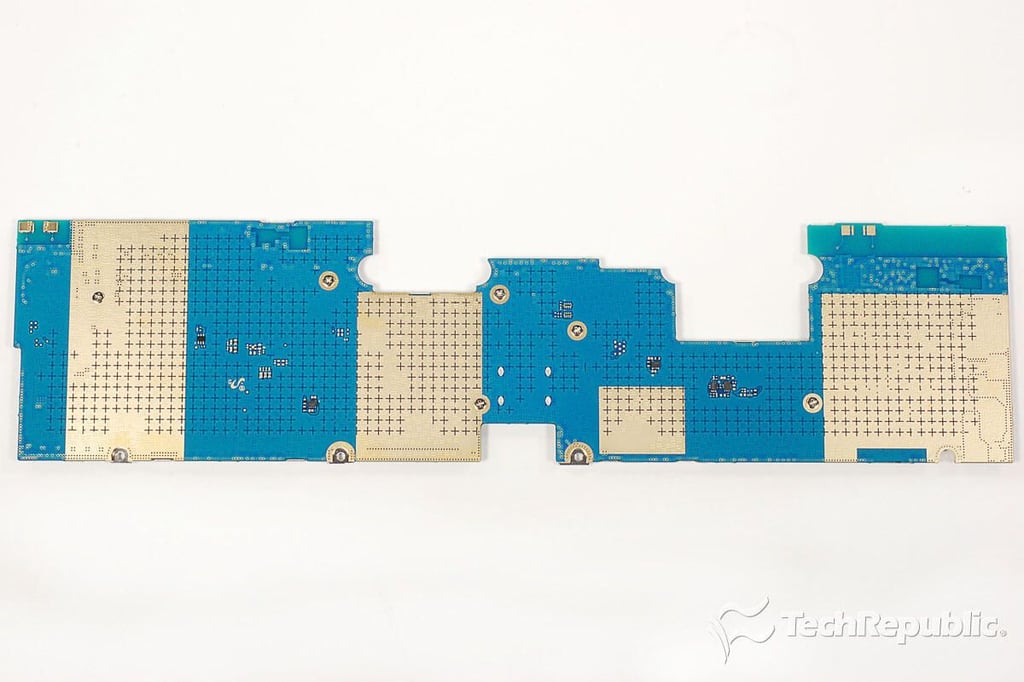
  • Cracking Open the Samsung Galaxy Tab 10.1: Main PCB - Bottom

    \n\tPhoto by: Bill Detwiler / TechRepublic
    \n\tCaption by: Bill Detwiler

  • Cracking Open the Samsung Galaxy Tab 10.1: Removing the EMI shield screws from the main PCB

    \n\tPhoto by: Bill Detwiler / TechRepublic
    \n\tCaption by: Bill Detwiler

  • Cracking Open the Samsung Galaxy Tab 10.1: Main PCB and chips

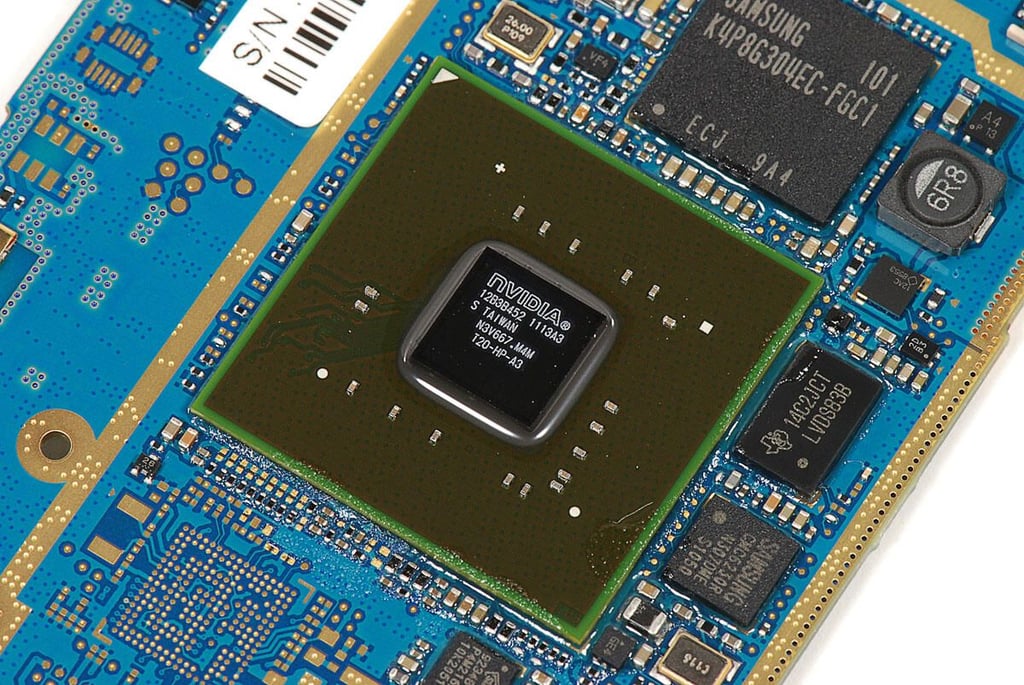
  • Cracking Open the Samsung Galaxy Tab 10.1: 1.0 GHz dual-core NVidia Tegra 2 application processor (12B3B452 1113A3)

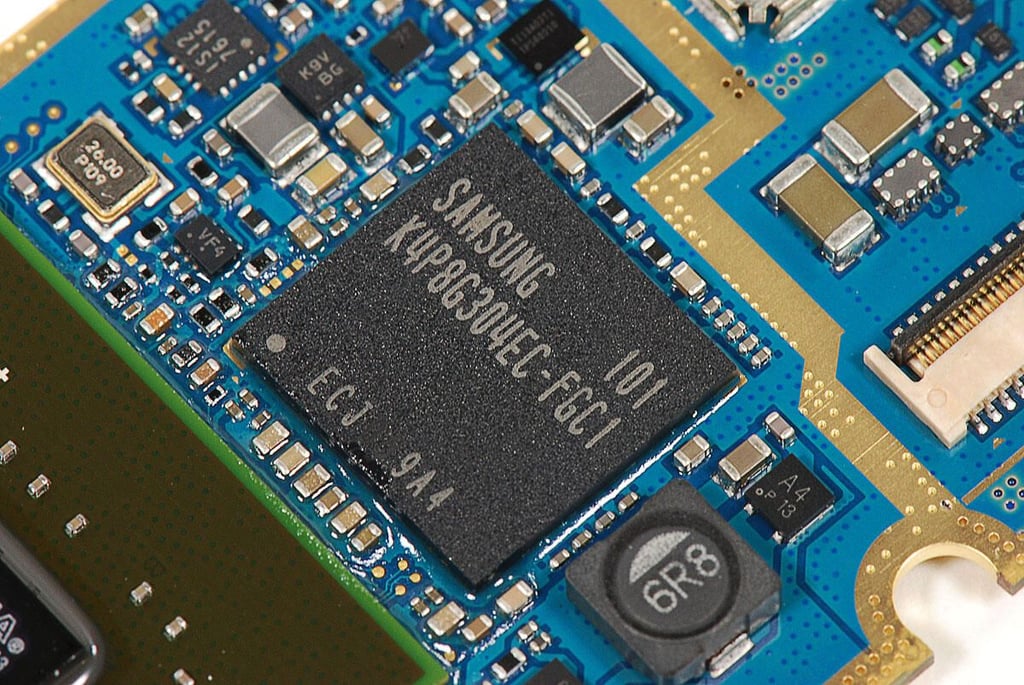
  • Cracking Open the Samsung Galaxy Tab 10.1: 1GB Samsung K4P8G304EC-FGC1 LPDDR2

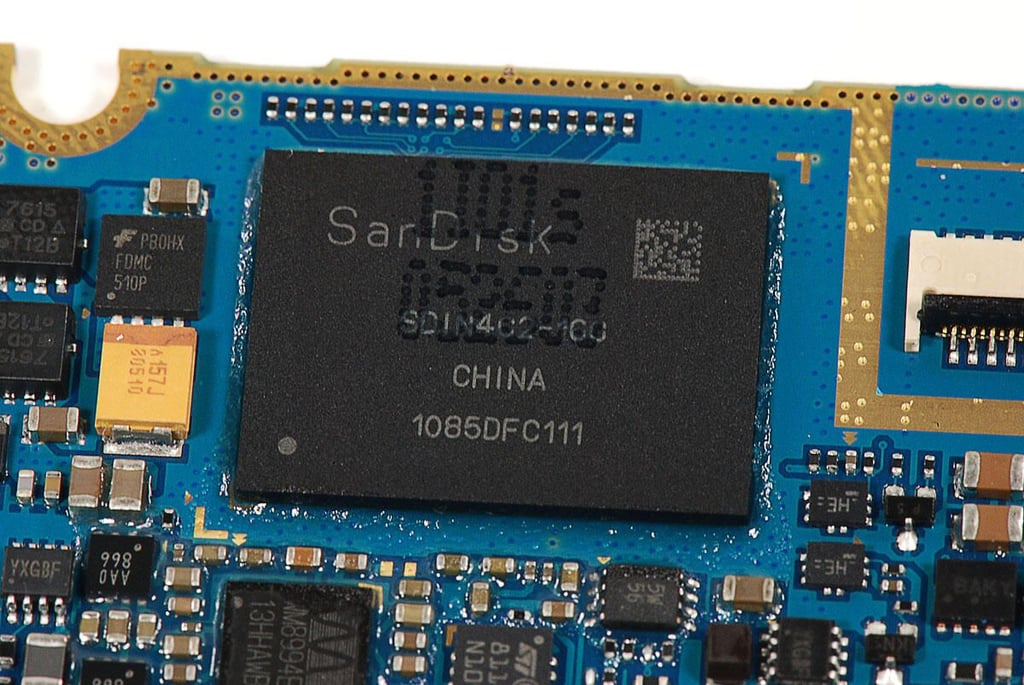
  • Cracking Open the Samsung Galaxy Tab 10.1: 16GB SanDisk SDIN4C2-160 MLC NAND flash chip

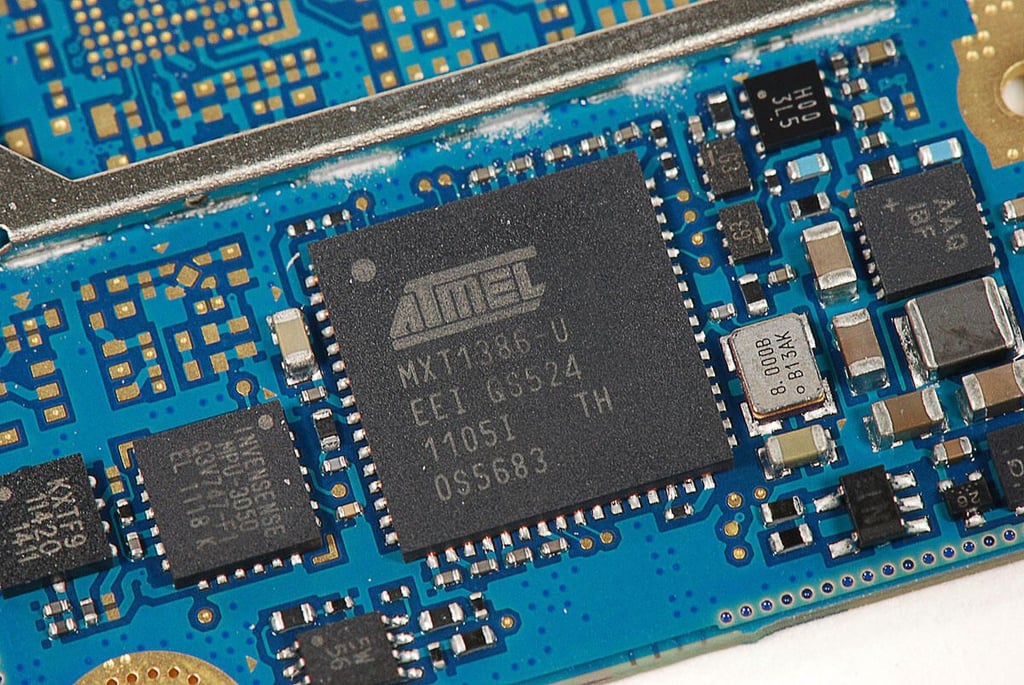
  • Cracking Open the Samsung Galaxy Tab 10.1: Atmel mXT1386 touchscreen controller (MXT1386-U EEI QS524)

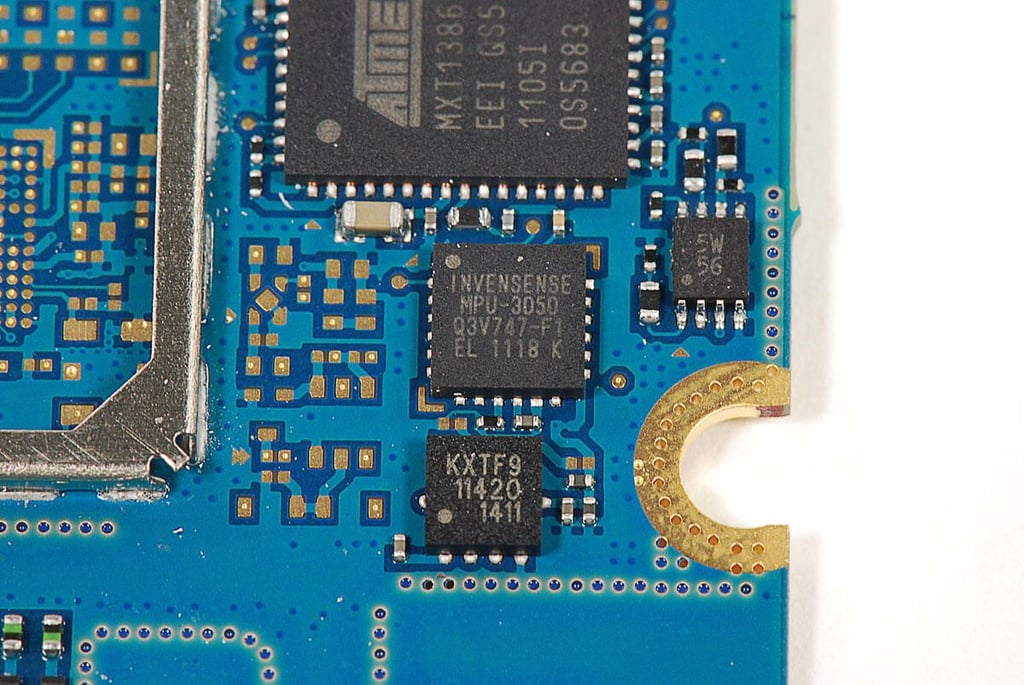
  • Cracking Open the Samsung Galaxy Tab 10.1: Invensense MPU-3050 three-axis gyroscope

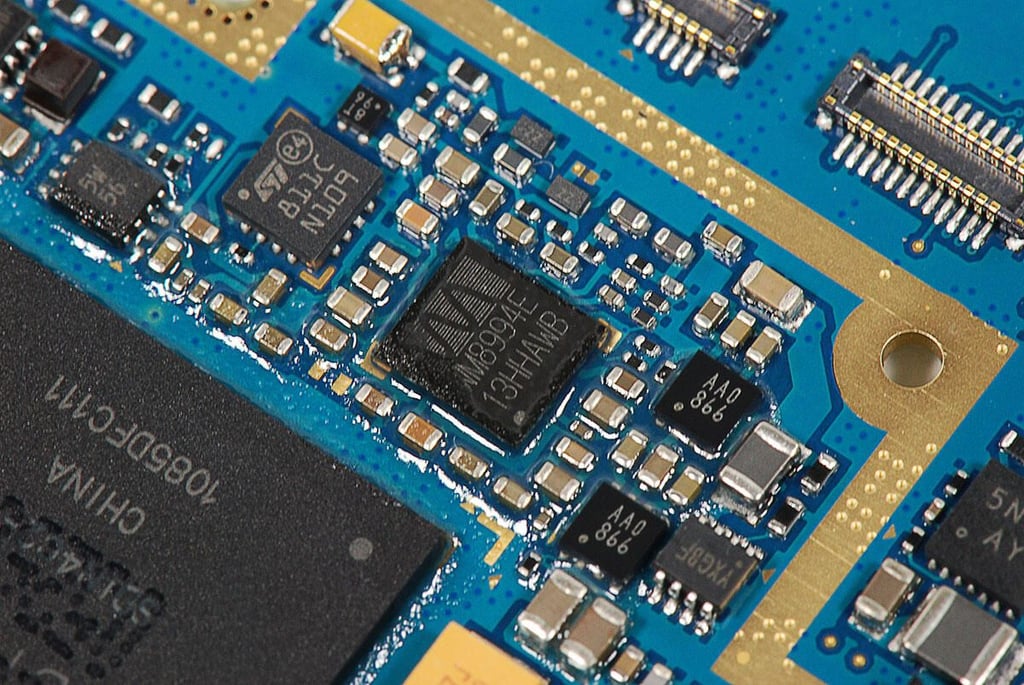
  • Cracking Open the Samsung Galaxy Tab 10.1: Wolfson WM8994E CODEC

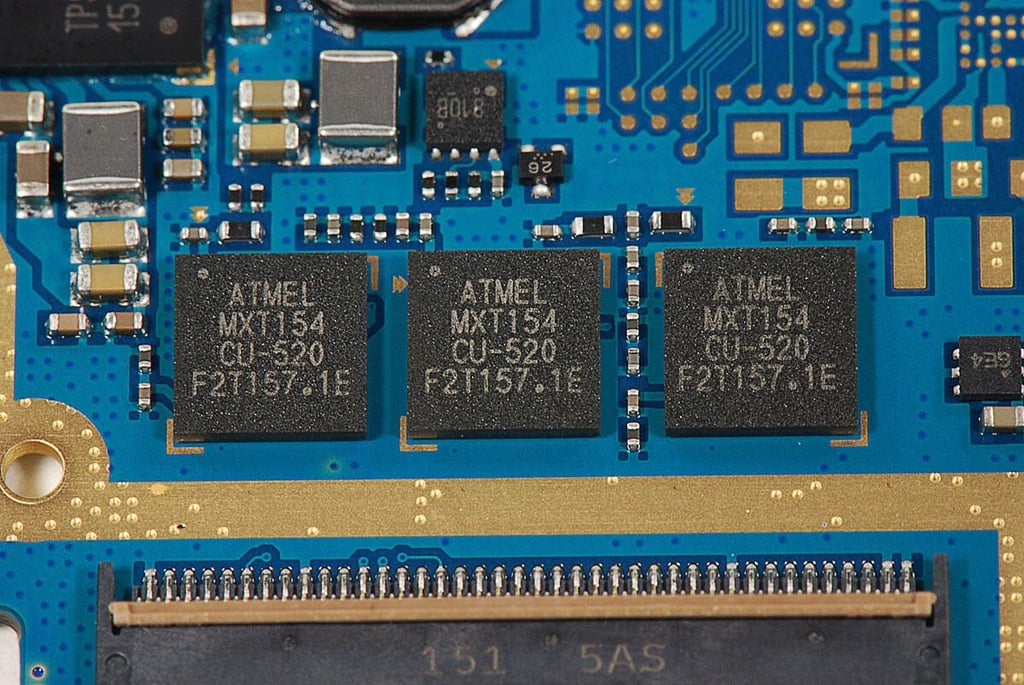
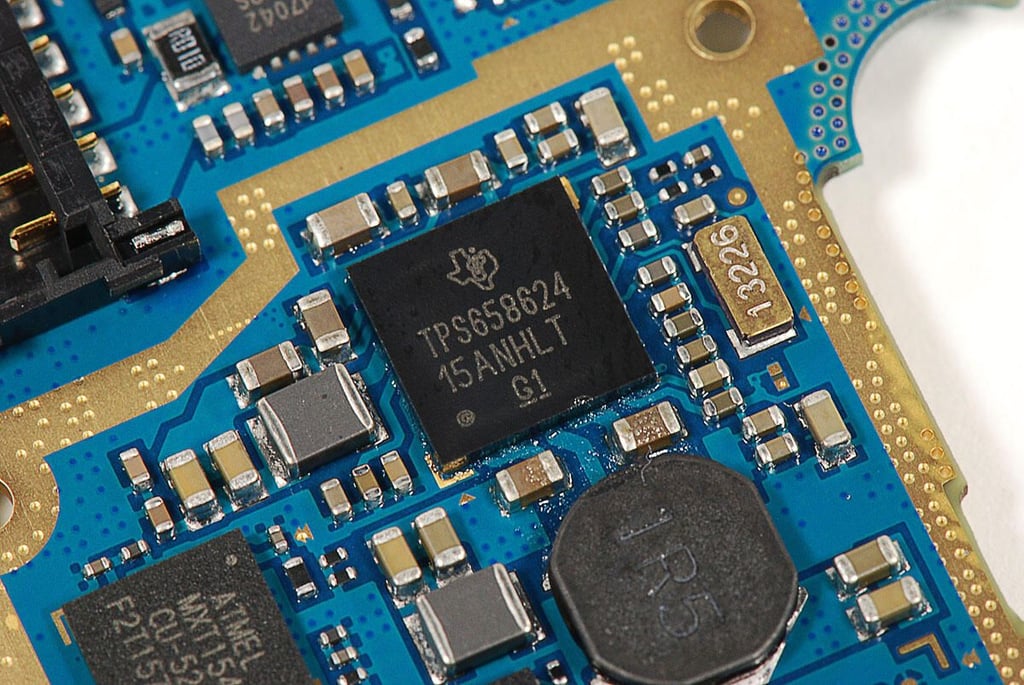
  • Cracking Open the Samsung Galaxy Tab 10.1: Atmel mXT154 touch controllers x3 (MXT154 CU-520)

  • Cracking Open the Samsung Galaxy Tab 10.1:

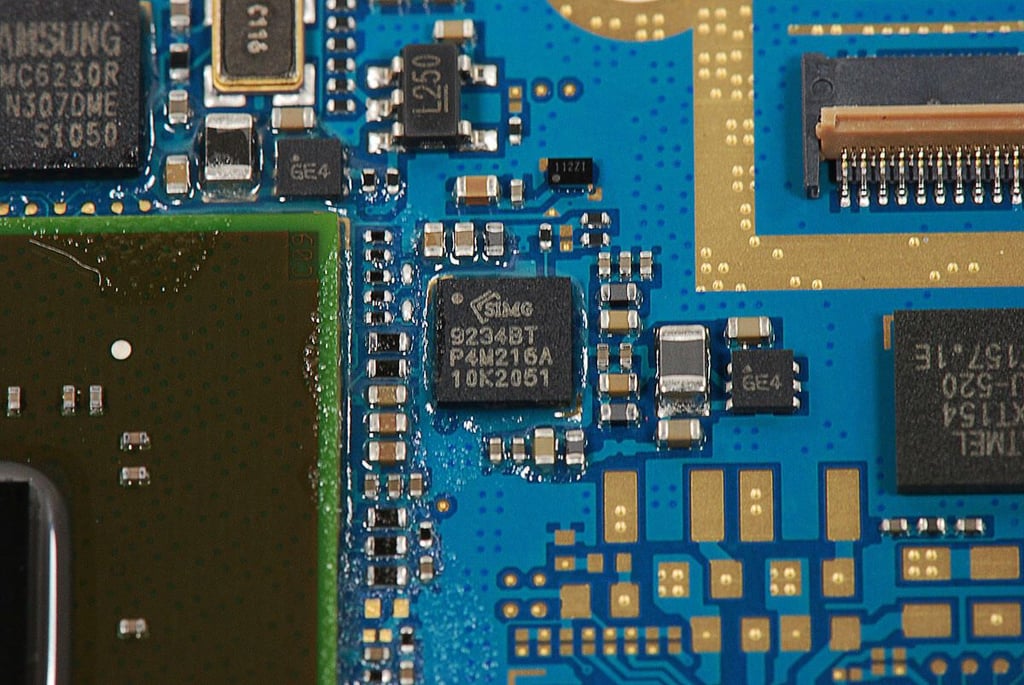
  • Cracking Open the Samsung Galaxy Tab 10.1: Silicone Image Sil9234BT HDMI interface

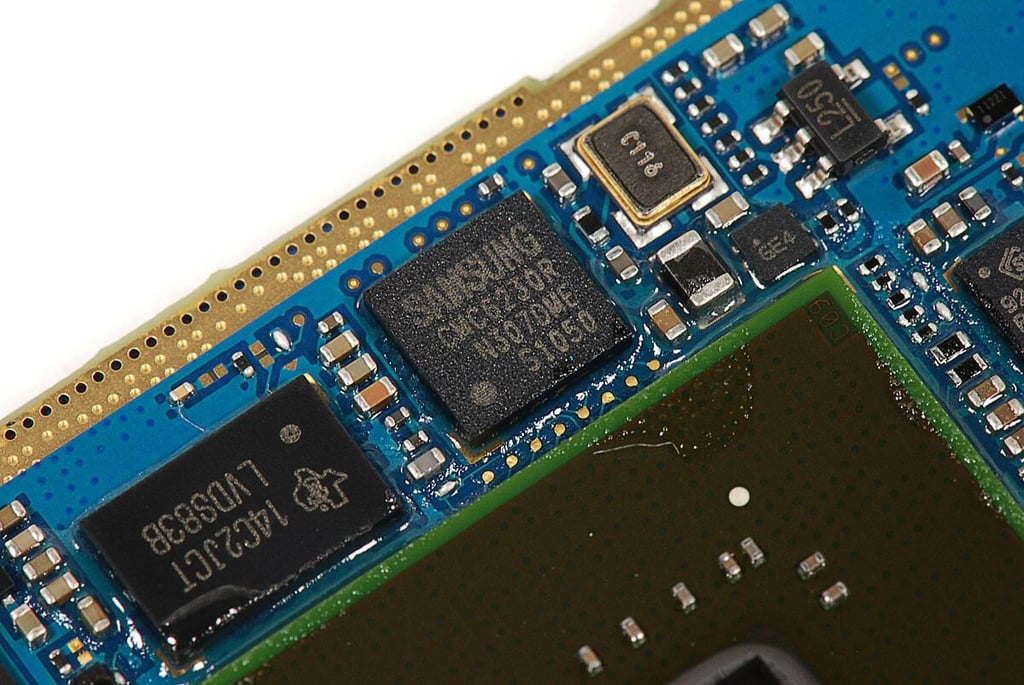
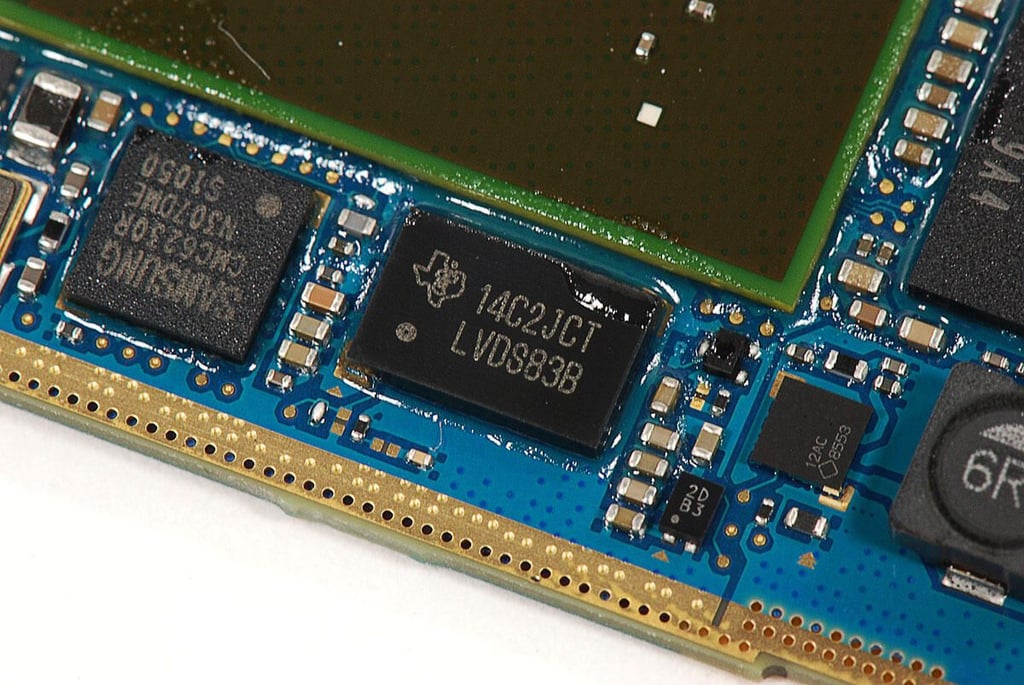
  • Cracking Open the Samsung Galaxy Tab 10.1: Samsung CMC6230R LCD driver

  • Cracking Open the Samsung Galaxy Tab 10.1: Texas Instruments LVDS83B power controller

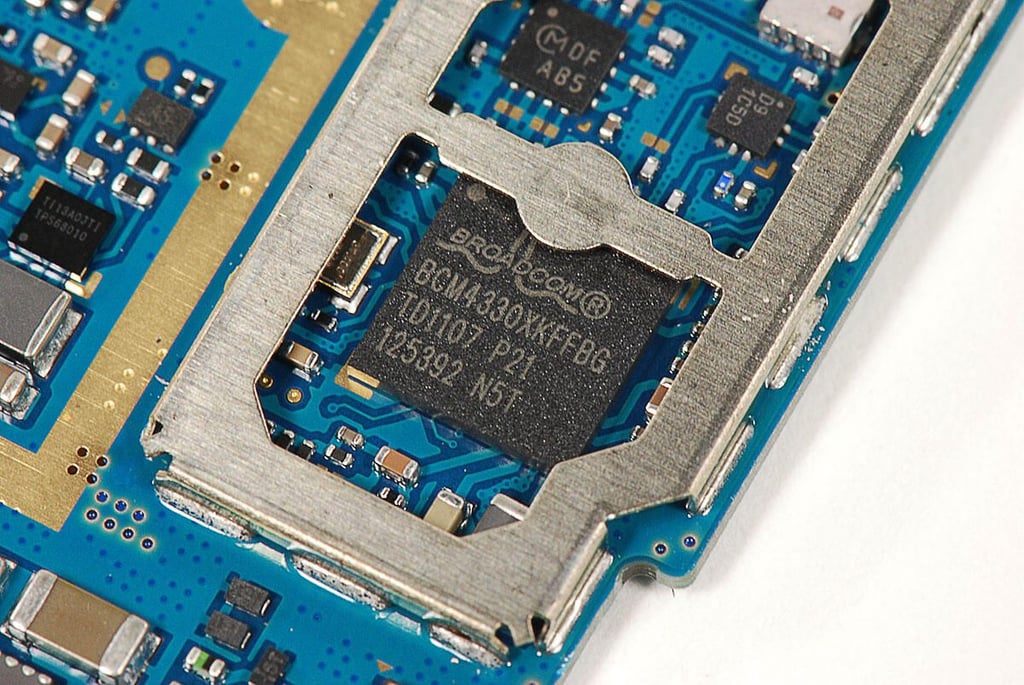
  • Cracking Open the Samsung Galaxy Tab 10.1: Broadcom BCM4330 802.11a/b/g/n MAC/Baseband/Radio with Integrated Bluetooth 4.0+HS and FM Transceiver (BCM4330XKFFBG)

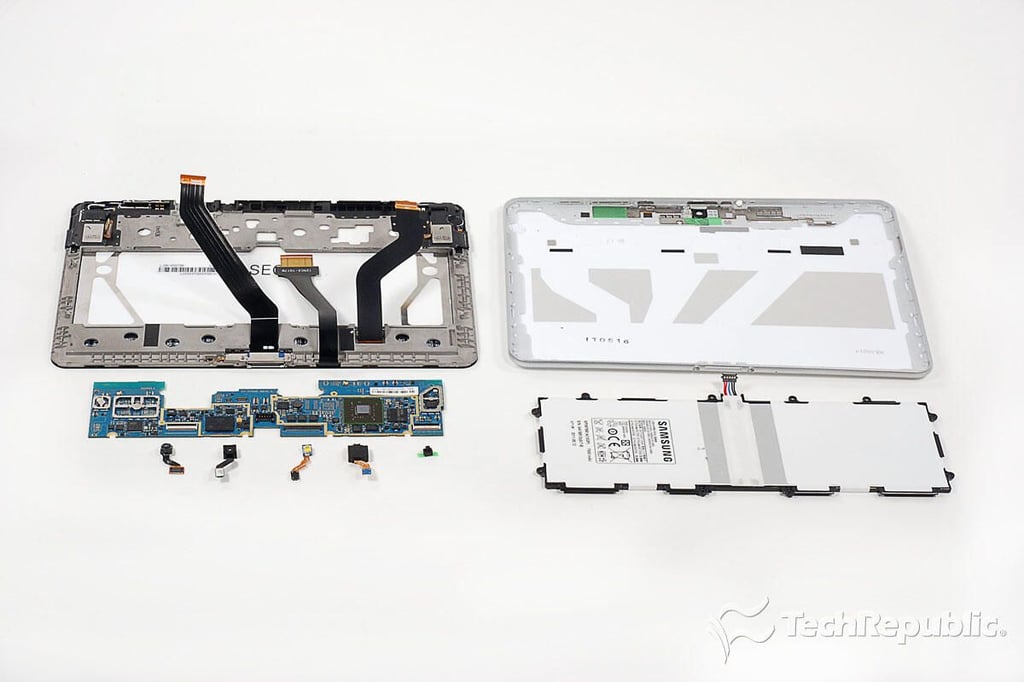
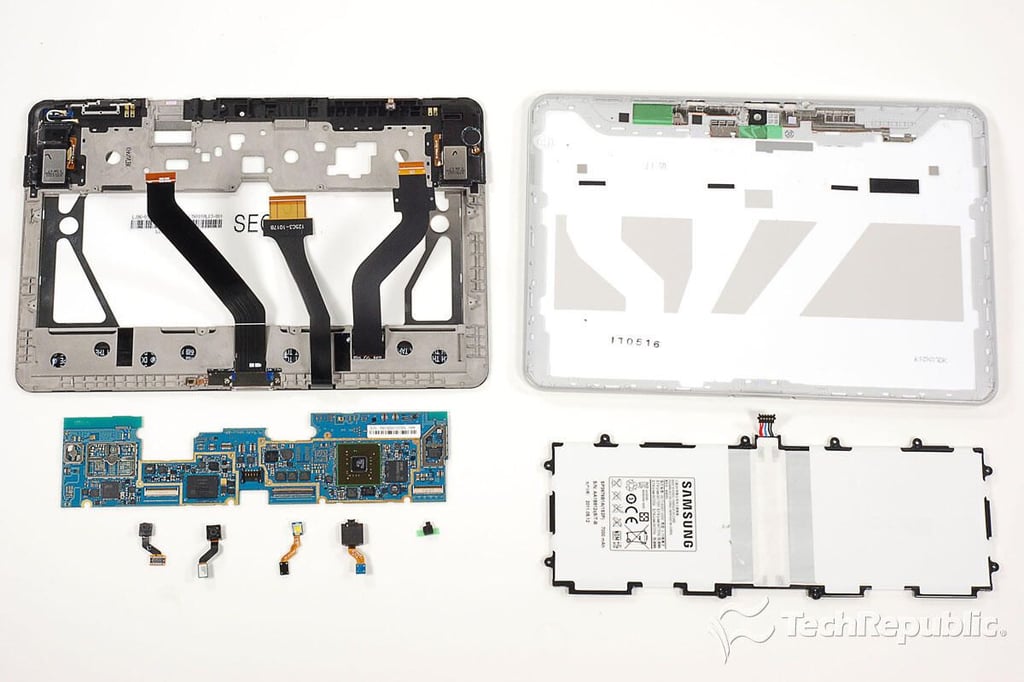
  • Cracking Open the Samsung Galaxy Tab 10.1: Completely disassembled

    \n\tSamsung made the most of the limited space inside the Galaxy Tab 10.1’s 0.34-inch-thick case. The internal components are packed together and there’s only one large PCB.

    \n

    \n\tLooking at the chips on the main PCB, Samsung used many components found in other tablets, such as the Motorola XOOM, BlackBerry PlayBook, and HP TouchPad.

    \n

    \n\tMy only complaints about the tablet’s construction are the use of tri-wing external screws, the adhesive tape used on the back cover, and the flimsy feel of the back cover itself.

    \n

    \n\tI appriciate Samsung’s efforts to reduce the Galaxy Tab 10.1’s weight, but I would have preferred an aluminum cover or one made from a thicker plastic.
1 of 52
BD

Bill Detwiler is the Editor for Technical Content and Ecosystem at Celonis. He is the former Editor in Chief of TechRepublic and previous host of TechRepublic's Dynamic Developer podcast and Cracking Open, CNET and TechRepublic's popular online show. Previously, Bill was an IT manager in the social research and energy industries. He has bachelor's and master's degrees from the University of Louisville, where he has also lectured on computer crime and crime prevention.