This gallery is also available as a TechRepublic article.
Travel, unfortunately, doesn’t always mean vacation. In\r\nfact, for most people within the corporate world, travel means on thing \u2013\r\nbusiness. The very thought of having to travel for business makes most cringe.\r\nYou’re away from your family, familiar surroundings, the amenities of normalcy\r\n- it can send you into a frenzy of anxiety. Add to the already daunting list,\r\nthe idea that anything can cause your trip to be a miserable failure, and you\r\ncan see why there are so many apps and services available that promise to make\r\nyour business travel life a whole lot easier.
\r\n\r\nBut, out of the plethora of available applications, which\r\noffer the services and features you need? Let’s take a look at five tools that\r\ncould easily make your business travel much more efficient, productive, and\r\nsuccessful.
\r\n\r\n
\r\n\r\n
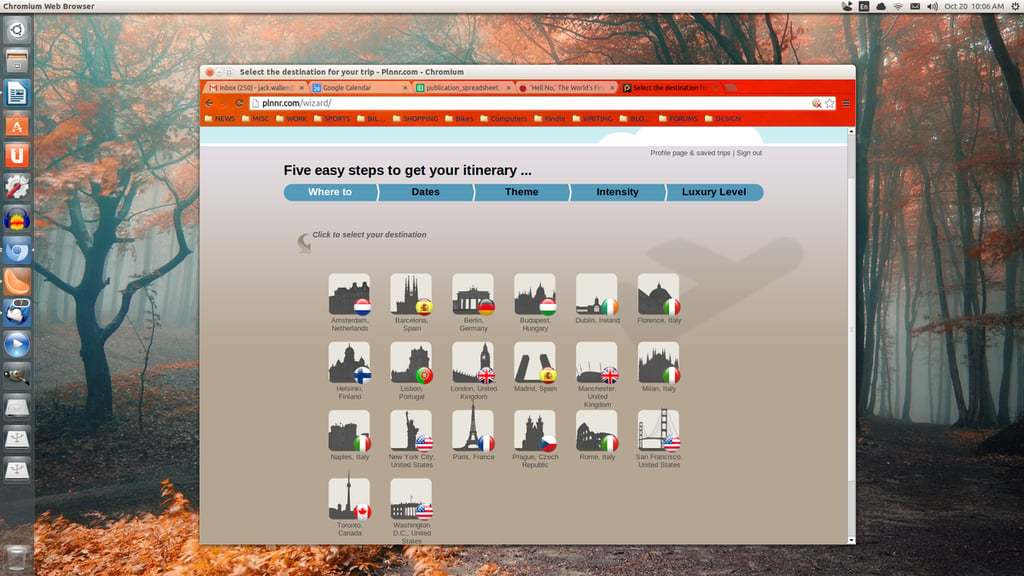
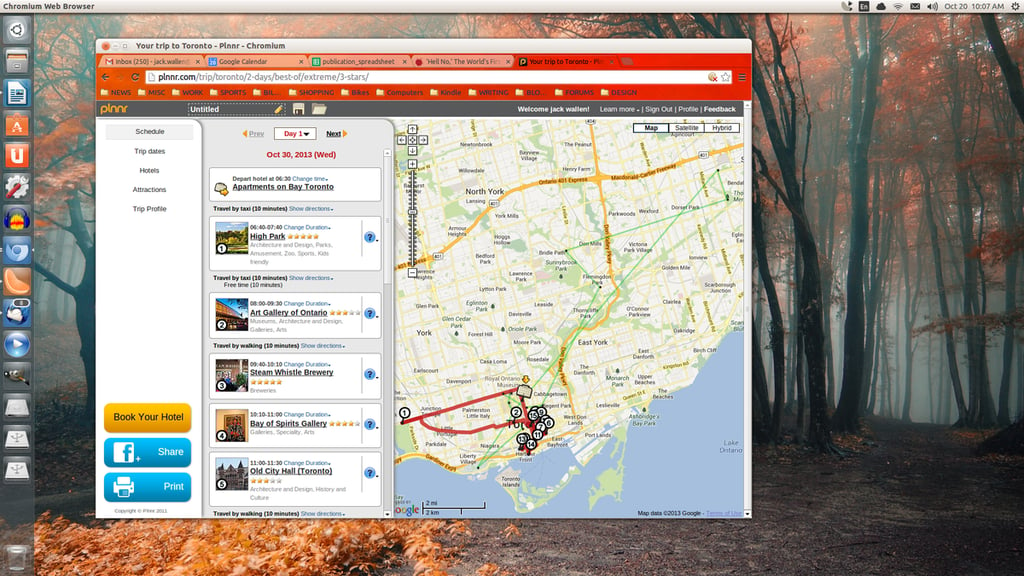
Plnnr is a web-based\r\nitinerary tool that can save you time on trip planning. With a few clicks you\r\ncan quickly get a full itinerary with routes, attractions, places to eat \u2013 all\r\nusing your hotel as a central point of focus. The entire set up of your trip is\r\nsimple and focuses on what you want. Although much of Plnnr is centered on\r\nvacation travel, it’s a great place to start \u2013 especially when your business travel\r\nis taking you to new parts of the world. Need to find the best place for drinks\r\nor food, it’s all just a click or two away. But Plnnr doesn’t just list out\r\nthose four- and five-star restaurants; it also maps out the routes from your\r\nhotel. Plnnr is free to use and always at your fingertips, so long as you have\r\na web browser at the ready.
\r\n\r\n
Credit: Images by Jack\r\nWallen for TechRepublic
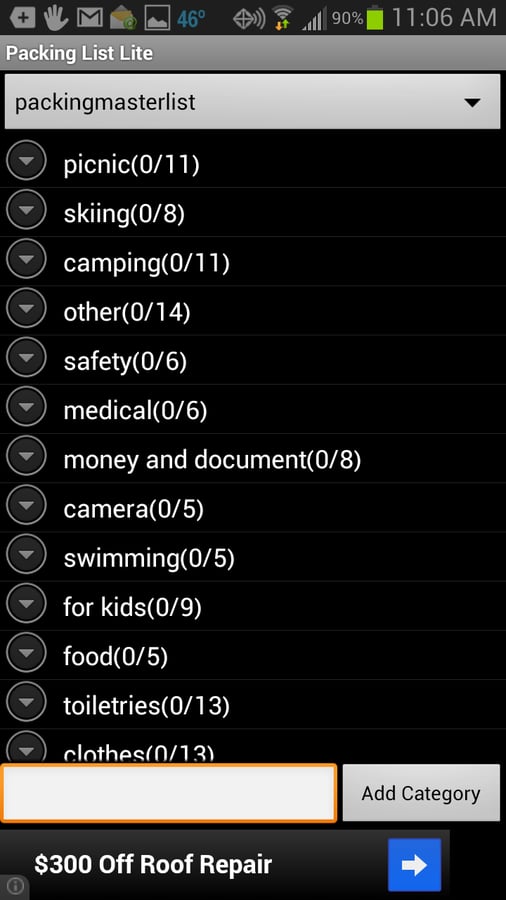
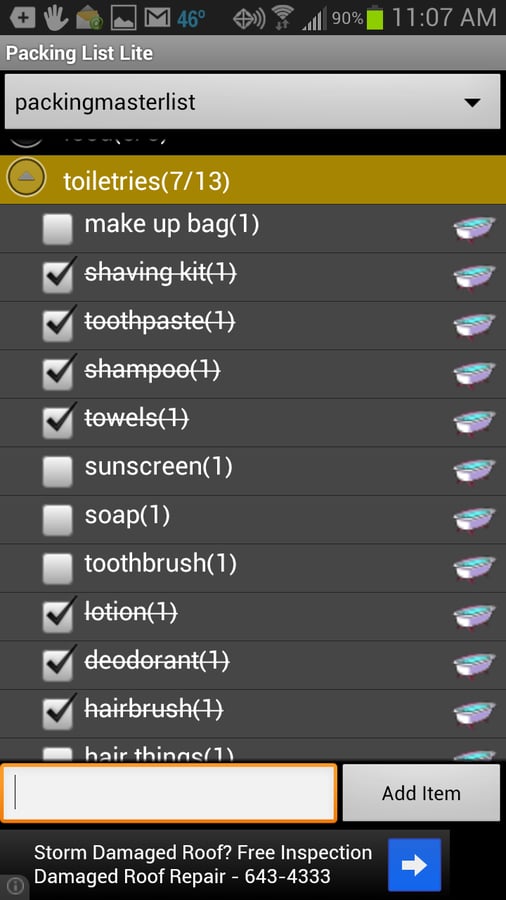
\r\n\r\nPacking\r\nList (Lite or Pro) is an Android app that allows you to create packing lists\r\nfrom scratch, generate lists from previous saved lists, and even includes a\r\nmaster list which you can use for a base-line. The feature list includes:\r\nSave/use multiple lists, re-order categories, mass change for faster editing,\r\ngroup lists by location/luggage, save lists on SD card, add\r\nnotes/quantity/weight to items, email/share your lists, and much more. If you’re\r\none of those that always seems to struggle with the idea of exactly what to\r\ntake for a business trip, Packing List could certainly help. With this handy\r\napp, you can even create lists for each business trip you take, so the act of\r\npacking is just a matter of calling up the proper list and following the “instructions”.\r\nThe Pro version ($1.50 USD) removes the advertisements and allows you to check\r\nlocation weather and sync lists across devices.
\r\n\r\n
Credit: Images by Jack\r\nWallen for TechRepublic
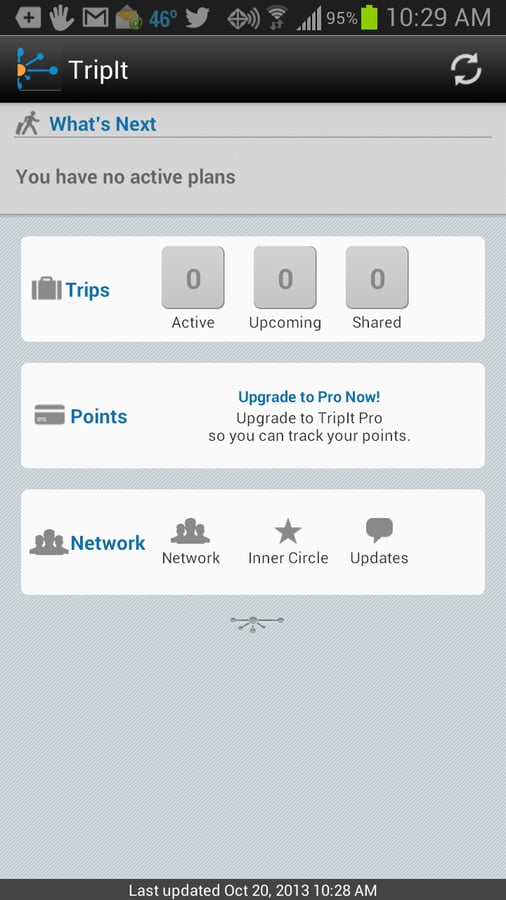
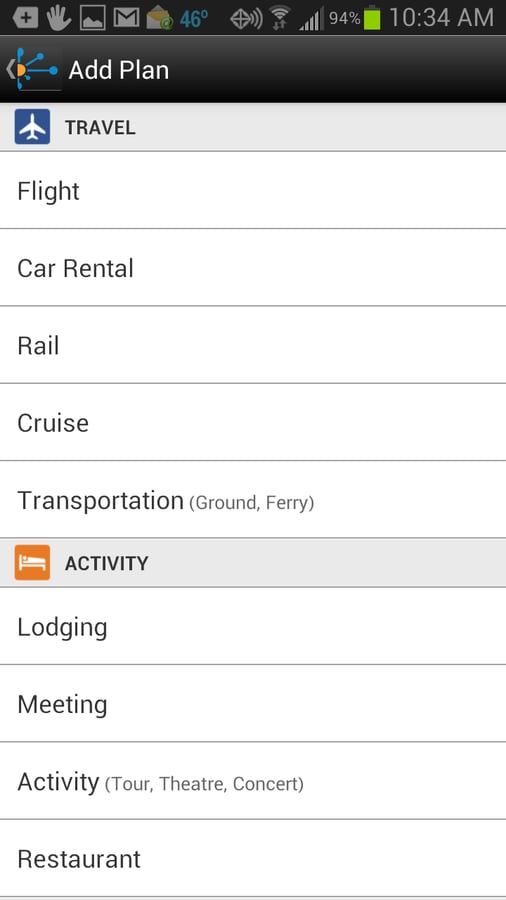
\r\n\r\nTripit is a\r\nnifty mobile app that helps you organize your travel. With this tool you can\r\nforward hotel, airline, car rental, and restaurant confirmation emails to plans@tripit.com (from the same email you\r\nused to create a Tripit account) and generate an instant itinerary that can be\r\naccessed from your mobile device. You can manually set up trips or even allow\r\nTripit to automatically scan your Gmail account to find travel plans and\r\nconfirmations. Once Tripit finds those plans/confirmations, it will turn them\r\ninto Tripit itineraries. Even if you don’t use the itinerary generator,\r\ncreating a trip manually is still quite easy and allows you to set up lodging,\r\nmeetings, activity, dining, and much more. The Pro version of the app\r\n($49.00/year) adds real-time flight alerts, seat tracker, flight finder, refund\r\nnotifications, point tracker, and more.
\r\n\r\n
Credit: Images by Jack\r\nWallen for TechRepublic
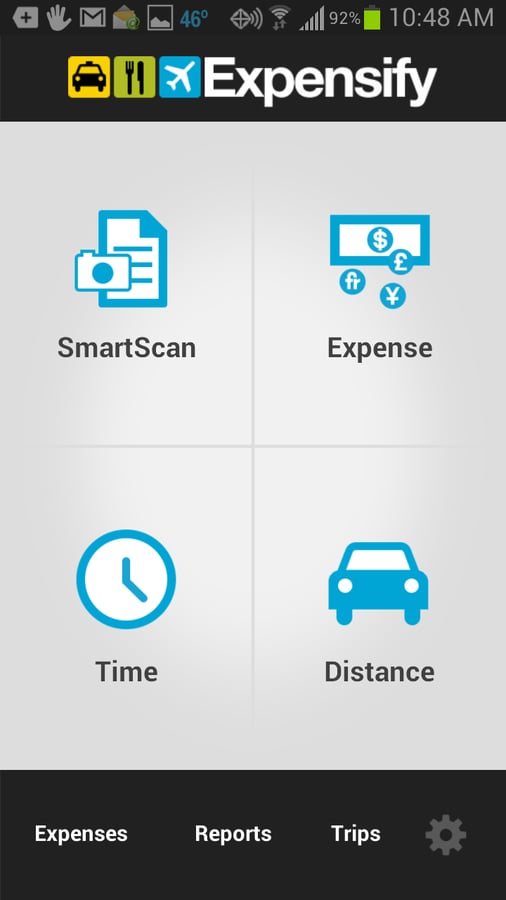
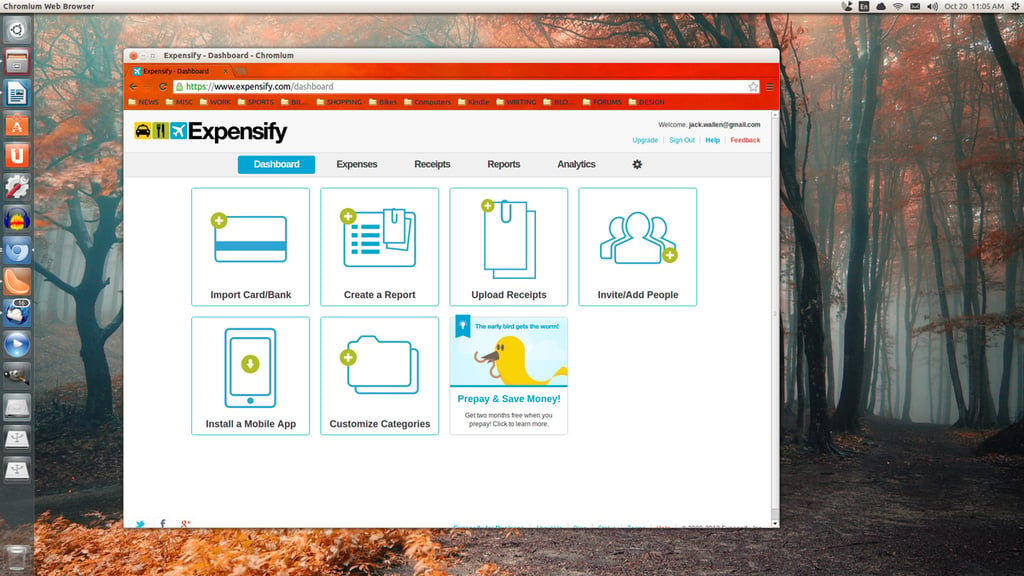
\r\n\r\nExpensify\r\nmakes keeping track of your business travel expenses a snap. With this handy\r\nmobile app, you can capture receipts from the device camera, scan your receipt,\r\ncreate and edit expenses on the go, manage your time and mileage, sync your\r\nbank and credit cards, submit reports (PDF format) via email, and more.\r\nExpensify features: Worldwide currency support, company expense policies,\r\noffline mode, integrate with cloud storage, QuickBooks, Xero, SAP, NetSuite,\r\nand more. You can even forward an itinerary (from the account email) to receipts@expensify.com to\r\nauto-generate a trip. If you’re looking for a business travel expense tool, you’ll\r\nbe hard-pressed to find one more capable than Expensify.
\r\n\r\n
Credit: Images by Jack\r\nWallen for TechRepublic
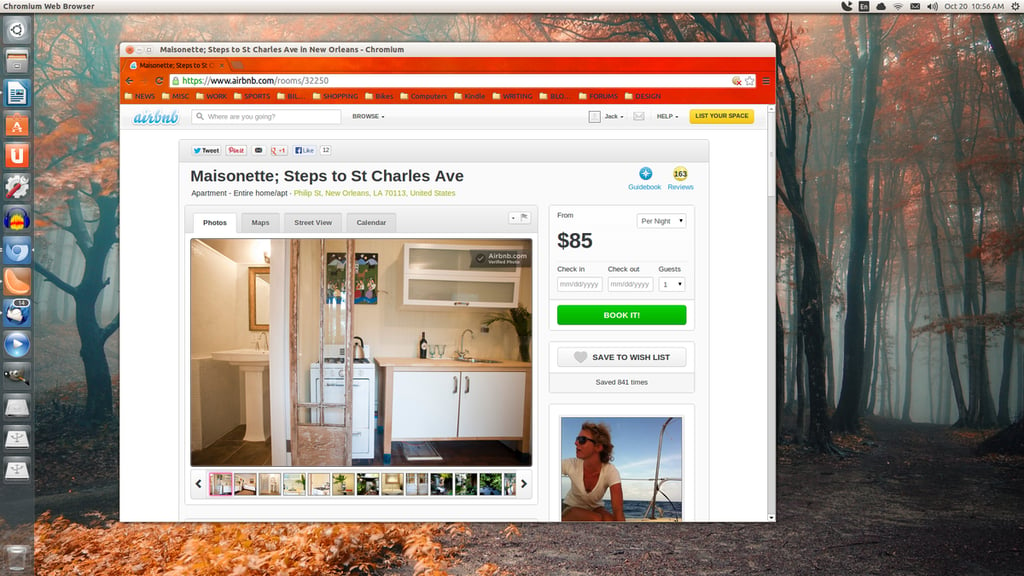
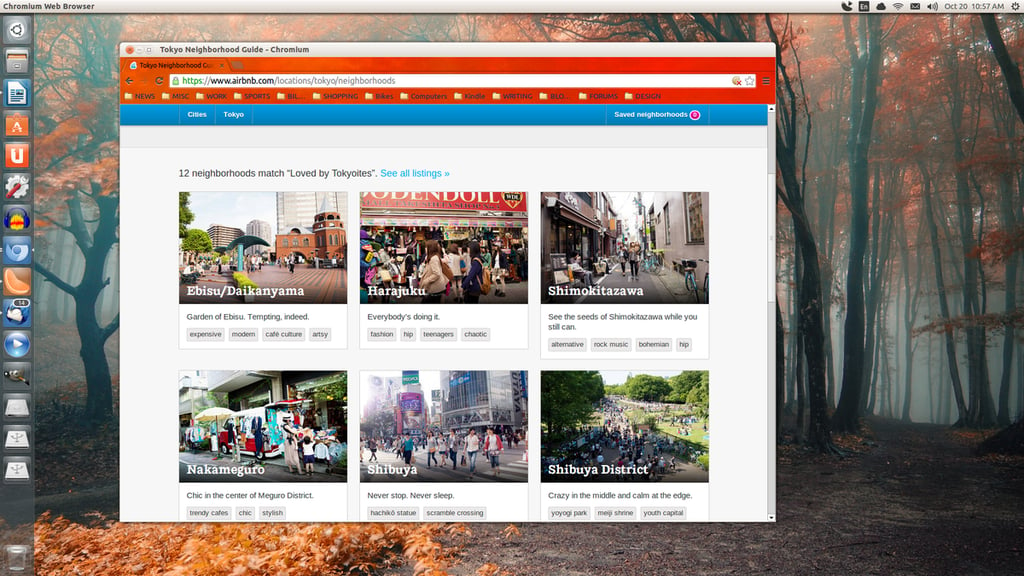
\r\n\r\nAirBnB is what you\r\nwant if you’re tired of staying in the same cookie-cutter hotels for every\r\nbusiness trip. With this service, you can book anything from bed and breakfasts\r\nto castles (yes there are over 600 castles you can rent from) for your travel\r\nstay. Instead of hooking up with corporate chains, you book with locally owned\r\n(and individually owned) locations that offer every possible amenity. With\r\nAirBnB you can rent from people in over 34,000 cities and in 192 countries.\r\nWhat’s best, you can read reviews of rentals from other travelers, so you know\r\nexactly what you’re getting into. If you’re looking to turn your business trip\r\ninto a unique travel experience, this is what you want. The service is free,\r\nthe rentals are not \u2013 but you can find incredibly cheap deals all over the\r\nworld.
\r\n\r\n
Credit: Images by Jack\r\nWallen for TechRepublic
If you’re a frequent\r\nflier, and you’re looking to make all those miles a bit easier, give one (or\r\nmore) of these apps/services a try and see if they don’t add a little\r\nefficiency and joy to your business trips. No matter what you do, or what\r\nservice you use, always travel safely.
\r\n\r\n
Credit: Images by Jack\r\nWallen for TechRepublic