
This gallery is also available as a TechRepublic article.
There are those that claim encryption is dead. Not so, says\r\nmany small and medium sized businesses across the globe. There are plenty of\r\nreasons why you might need to encrypt an outgoing email \u2013 just as many reasons\r\nas there are ways. Whether you are using an email client or a web-based email\r\nsolution, you can encrypt your email. I have searched for some of the easier\r\n(and free) means to successfully get those outgoing emails wrapped in a warm\r\nblanket of secrecy.
\r\n\r\n
With the exception of one, these tools serve a singular\r\npurpose – to encrypt email messages. Each of them offers a fairly\r\nstraight-forward learning curve that anyone should be able to get up to speed\r\nwith quickly. That said, let’s dive in and see what each of these tools can do\r\nfor your encryption needs.
\r\n\r\n
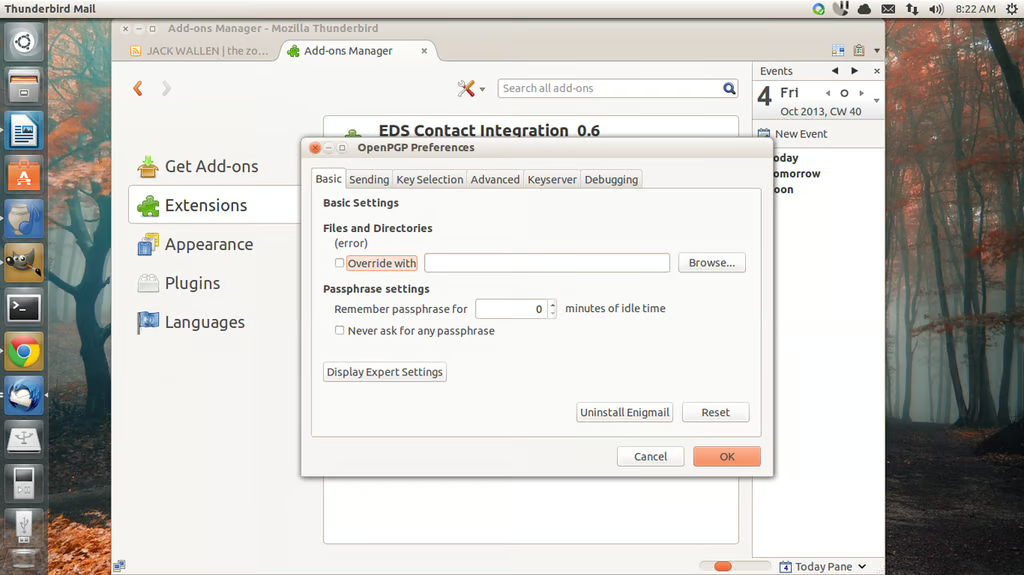
\r\n\r\nEnigmail\r\nis a Thunderbird extension that works in conjunction with GnuPG to encrypt email. This extension\r\nrequires both Thunderbird and GnuPG to be installed on the machine in order for\r\nit to function. This extension works with Thunderbird versions 17-27 on both\r\nWindows and Linux. Enigmail also features support for in-line PGP, per-identity\r\nencryption rules, automatic encrypt/sign, integrated OpenPGP PhotoID viewer,\r\nOpenPGP key retrieval via proxy servers, and much more. Enigmail is available\r\nfor Windows, Linux, Mac, BSD, and OS/2.
\r\n\r\n
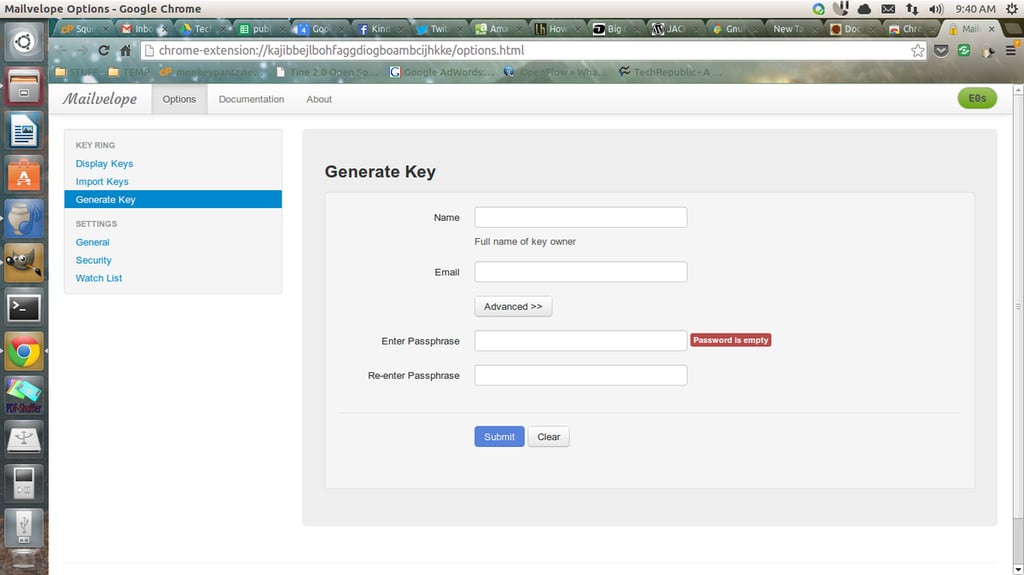
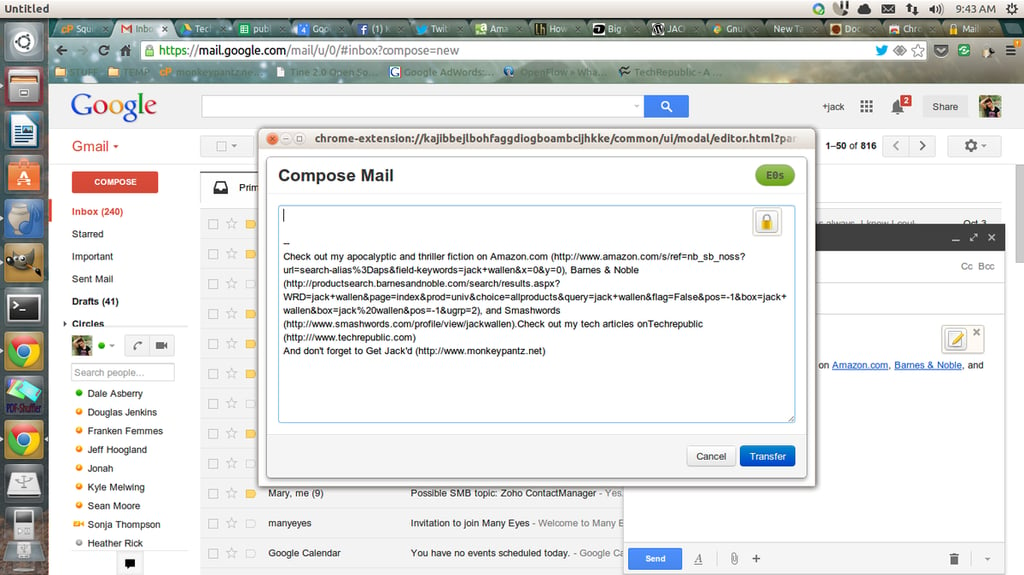
Mailvelope is an\r\nextension for Chrome and Firefox that seamlessly integrates with Gmail, Yahoo\r\nMail, Outlook.com, and GMX. With Mailvelope you can generate the necessary keys\r\n(which are stored on your local machine) and import other users keys. This\r\nextension works from within your web-mail client when you go to compose an\r\nemail. In the email composition window a small button will appear (in Gmail\r\nit’s in the upper right corner of the text area of the compose window) that you\r\ncan click to encrypt the email. By default all outgoing email are all\r\nunencrypted, so you have to manually select to encrypt. For anyone who depends\r\nupon web mail, this is one of the best solutions for mail encryption.
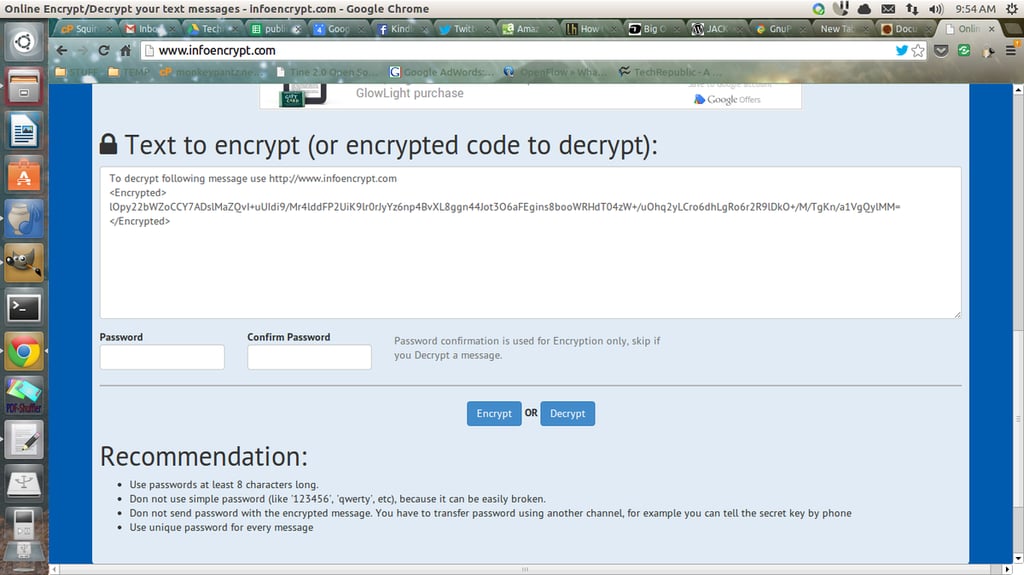
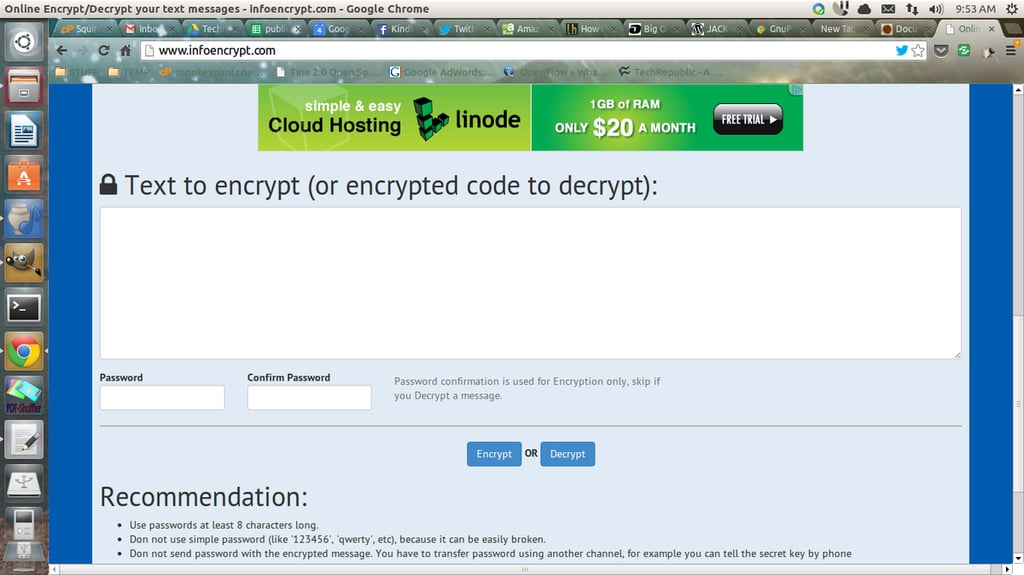
\r\n\r\nInfoencrypt is\r\nprobably one of the easiest means to encrypt a one-off email. All you need to\r\ndo is visit the site, type the email to be encrypted, type a password (and\r\nverify the password), and click Encrypt. The site will encrypt the email and\r\npost the encrypted text so you can then copy and past it into an email to be\r\ndelivered to a recipient. Once the recipient gets the email, they go back to\r\nthe site, paste the text into the window, enter the password you used to\r\nencrypt the email, and click Decrypt. Your email will be quickly decrypted for\r\nthe recipient to read. It’s that simple. Although not for the most ardent of\r\nsecurity fanatics, Infoencrypt will work just fine for those needing simplistic\r\nemail encryption.
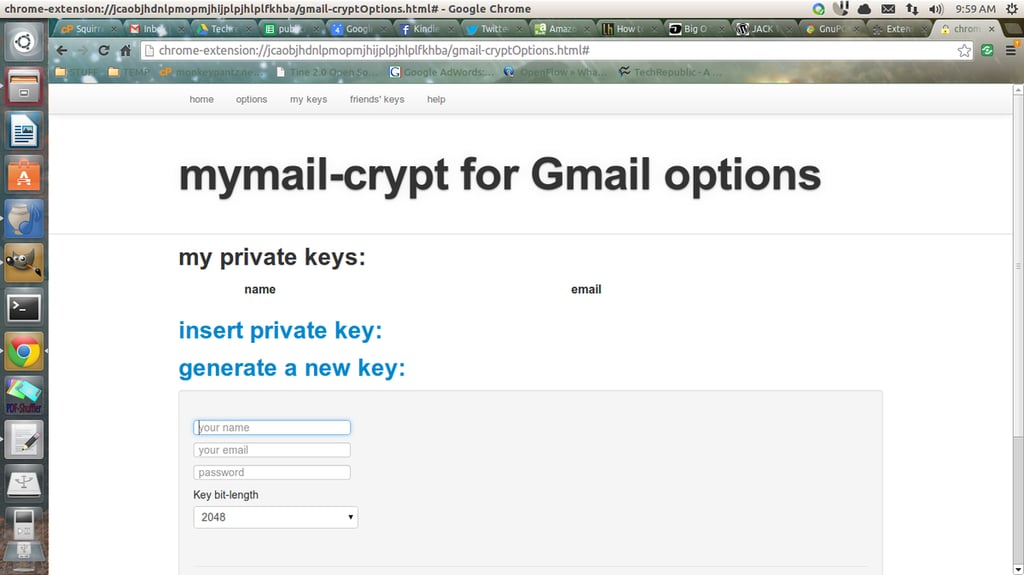
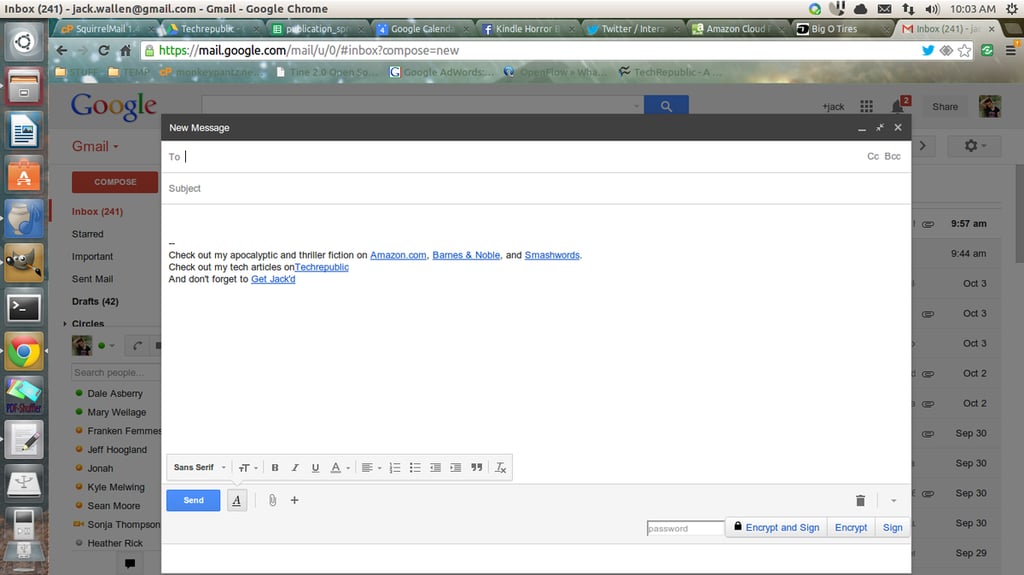
\r\n\r\nMymail\r\nCrypt for Gmail is a Gmail-specific extension for Google Chrome that makes\r\nencrypting your Gmail as easy as a few mouse clicks. Once you’ve installed the\r\nextension all you have to do is go to the Mymail Crypt options (from with the\r\nChrome Extensions window), generate your key, import your friend’s keys, and\r\nthen open up Gmail. From within the Gmail compose window you will find three\r\nnew buttons (bottom right corner): Encrypt and Sign, Encrypt, Sign. With those\r\nbuttons you’ve got all the encrypting power you need for Gmail. Mymail Crypt is\r\nmy favorite encryption tool for Gmail.
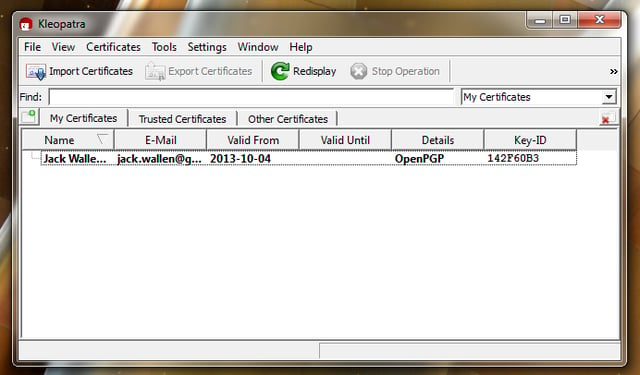
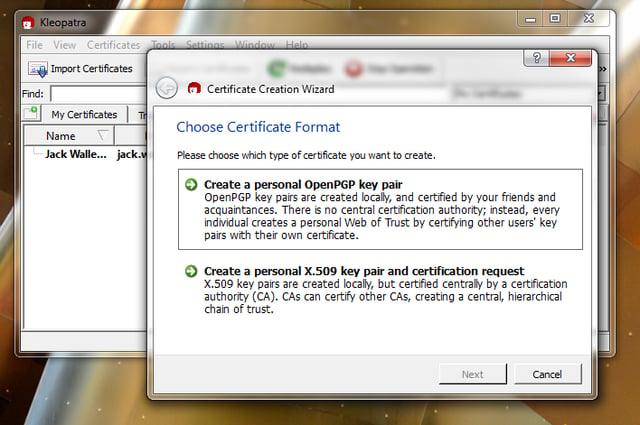
\r\n\r\nGpg4Win doesn’t\r\nactually handle the encryption of email, but if you’re going to use an\r\nencryption plugin for Thunderbird (or any other email client besides Outlook),\r\nthis application is a must-install. Gpg4Win not only can generate keys for you,\r\nbut also help you encrypt files. The installation of this software will install\r\nboth the GPG system as well as Kleopatra, an easy to use GPG certificate\r\nmanager. From Kleopatra, you will generate your own keys as well as import keys\r\nfrom others. With Gpg4Win installed, you will find tools like Enigmail not only\r\npossible on Windows, but far easier to use.
\r\n\r\nIf you’re looking to get quick and easy email encryption\r\nup and running, you cannot go wrong with any of the above tools. Not only are\r\nthey free, they are far easier than trying to get encryption working with\r\nOutlook and they won’t bog you down with having to purchase and install\r\ncertificates. Give one of these a try and see if it doesn’t meet your email\r\nencryption needs.

Jack Wallen is an award-winning writer for TechRepublic, The New Stack, and Linux New Media. He's covered a variety of topics for over twenty years and is an avid promoter of open source. For more news about Jack Wallen, visit his website jackwallen.com.


