Five Apps: Utilities for managing your contacts - TechRepublic

Five Apps: Utilities for managing your contacts

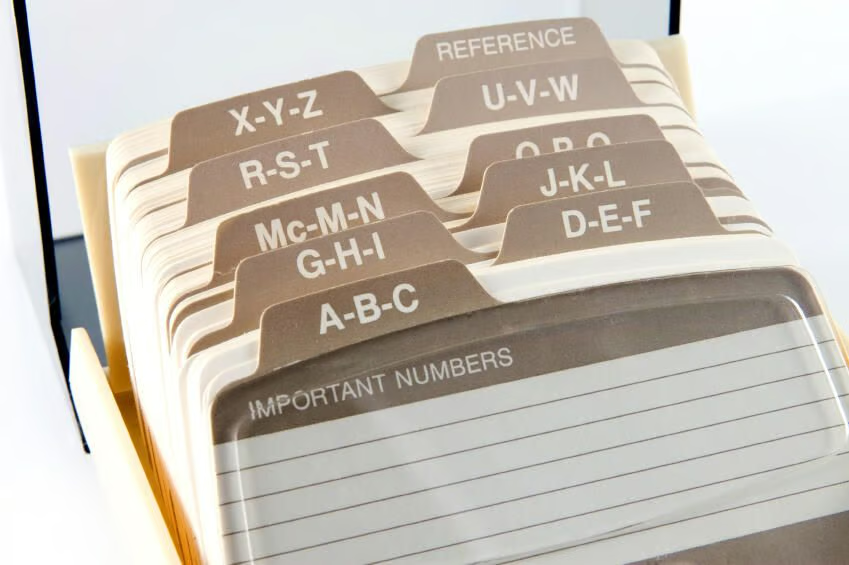
  • contacts_iStock_000005215474Small.jpg

    Managing your contacts

    This gallery is also available as a TechRepublic article.

    Although many operating systems offer built-in mechanisms\r\nfor managing contacts, there are a number of third-party utilities available\r\nthat offer additional capabilities. Take a look at this variety of\r\ncontact management applications and utilities.

    unknown
  • Figure A

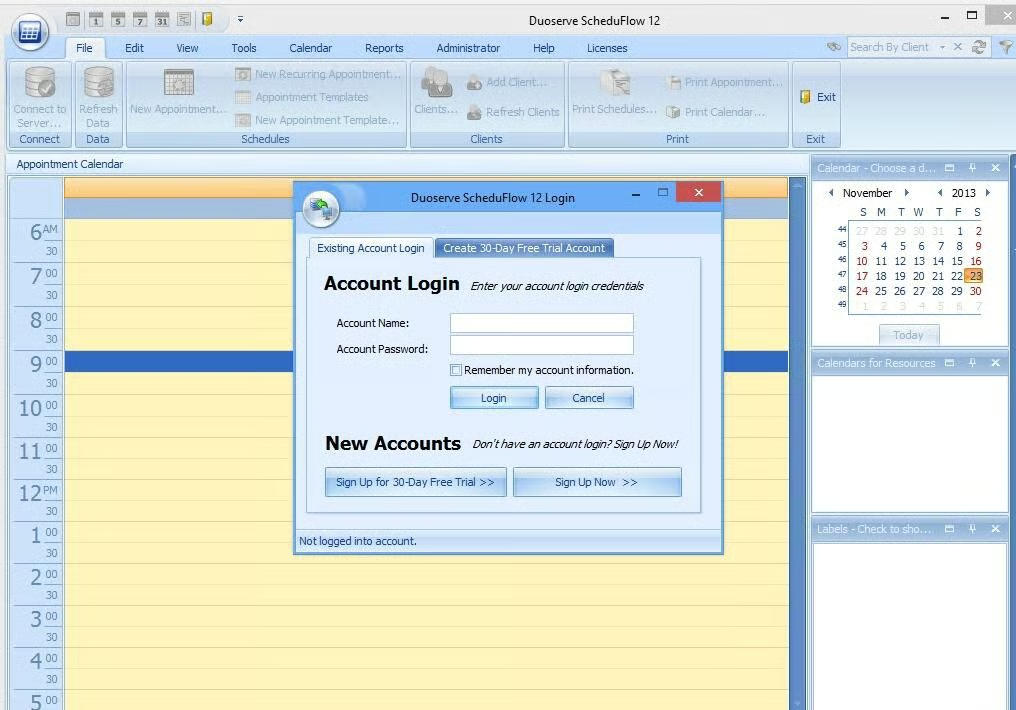
    ScheduFlow

    ScheduFlow is a utility that is probably best suited to schedule management. It sells for $99.95 (USD), but a free trial version is available for download. 

    \r\n\r\n

  • 2ScheduFlow 2.121213.jpg

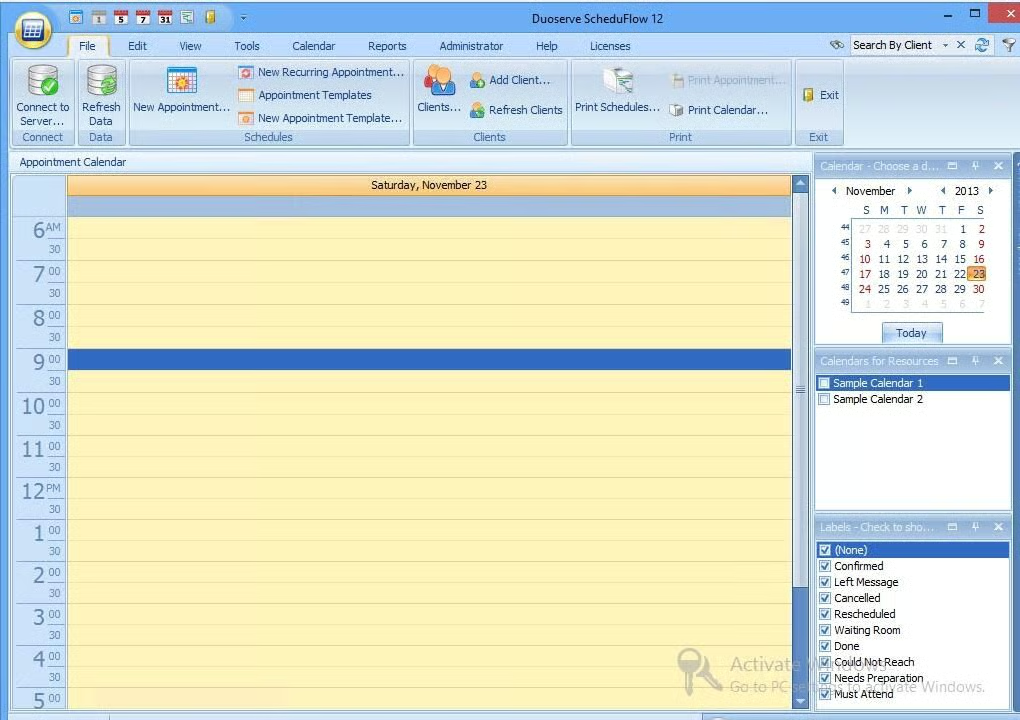
    ScheduFlow calendar

    ScheduFlow’s calendaring functionality is at least somewhat similar to that of Microsoft Outlook. 

  • 3ScheduFlow3.121213.jpg

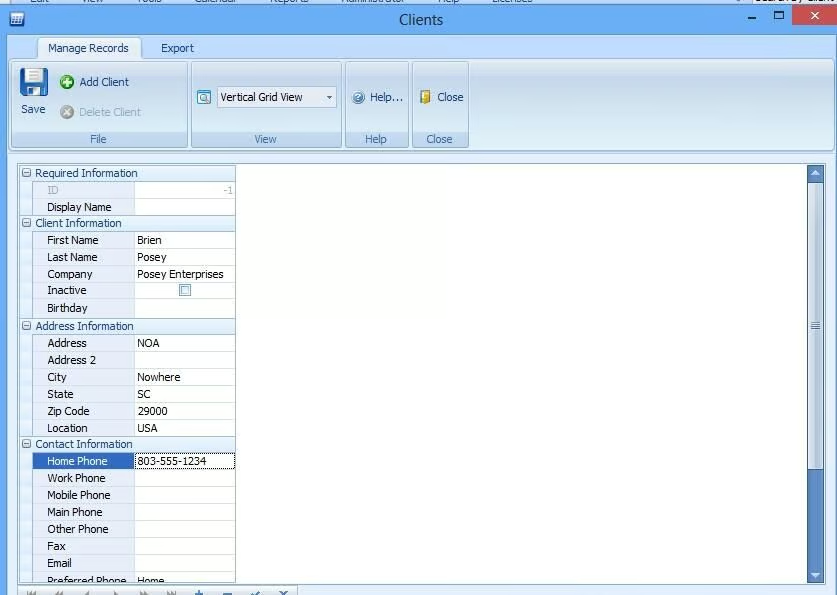
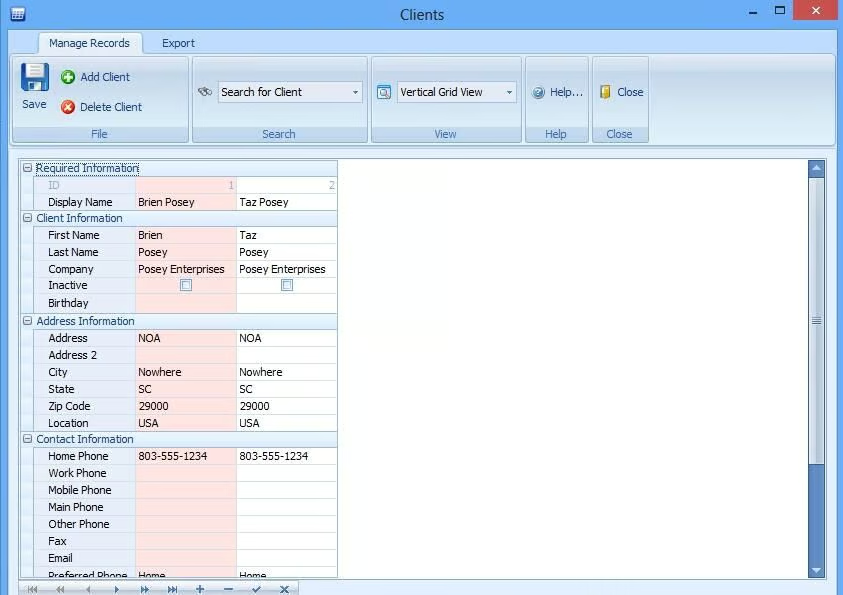
    ScheduFlow Clients

    Although this application’s primary emphasis is on\r\nscheduling, it does have a nice contact database.

  • Figure B

    ScheduFlow contact information

    The contact database allows\r\nyou to maintain client lists and to compile a variety of information for each\r\ncontact. 
  • 5ScheduFlow5.121213.jpg

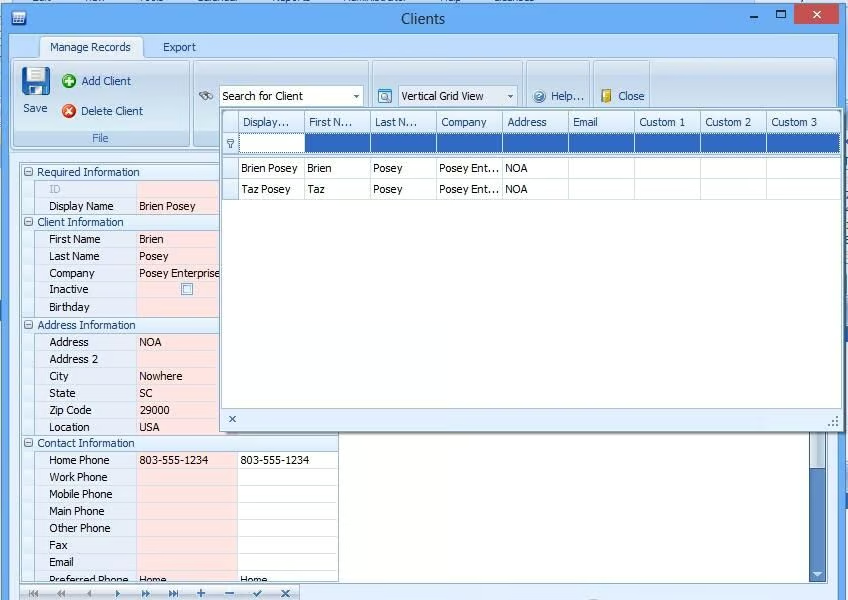
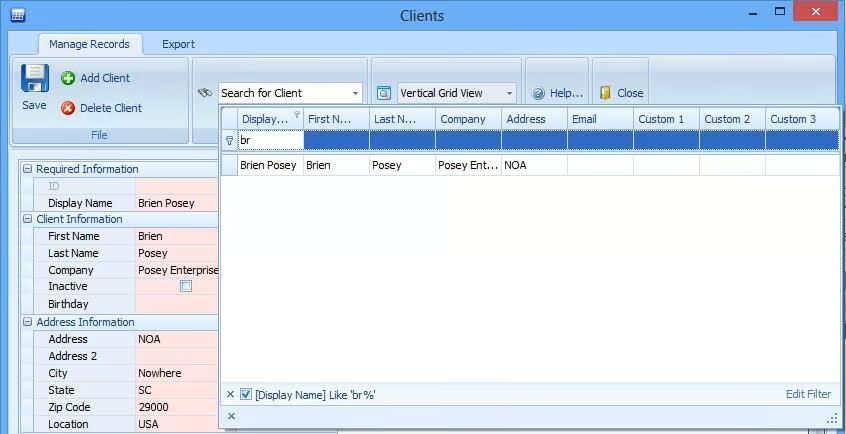
    ScheduFlow search

    You can easily find Client entries through the search feature.

  • 6ScheduFlow6.121213.jpg

    ScheduFlow fields

    The software even has the\r\nability to create custom fields for contacts. 

  • 7ScheduFlow7.121213.jpg

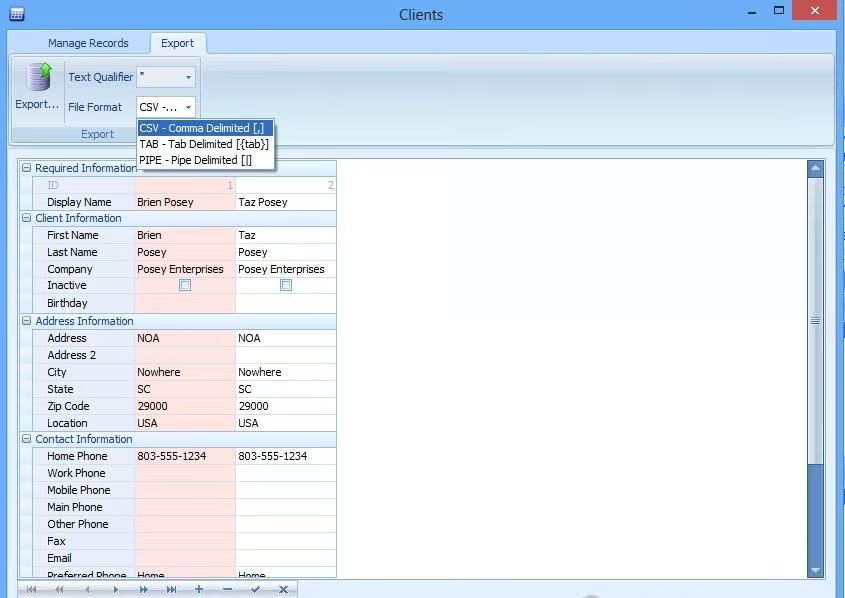
    ScheduFlow export options

    Contact data can be\r\nexported to a CSV file or to a couple of other formats, but the software cannot\r\ndirectly export contact data to Outlook or other common applications.

  • Figure C

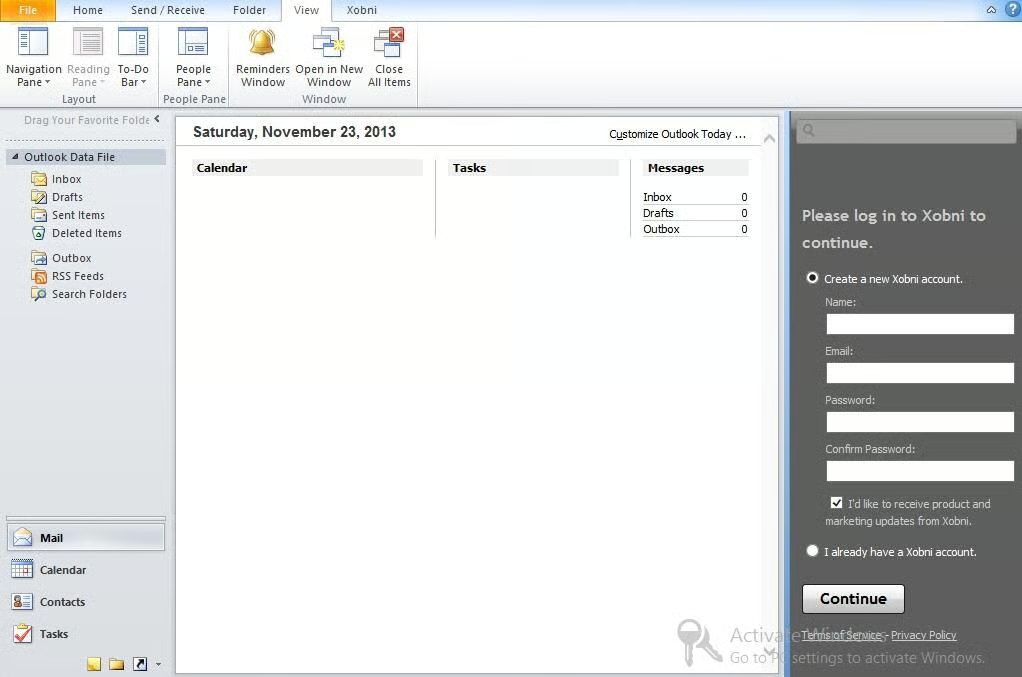
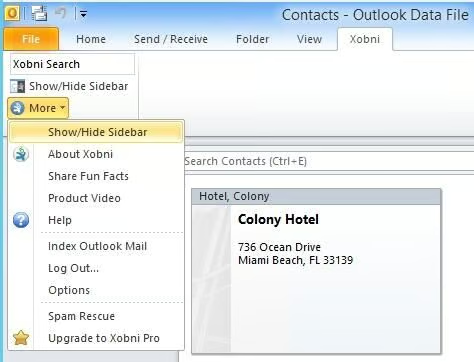
    Xobni

    Xobni is a free utility that’s designed to be a replacement for Outlook’s built-in\r\nsearch functionality.    

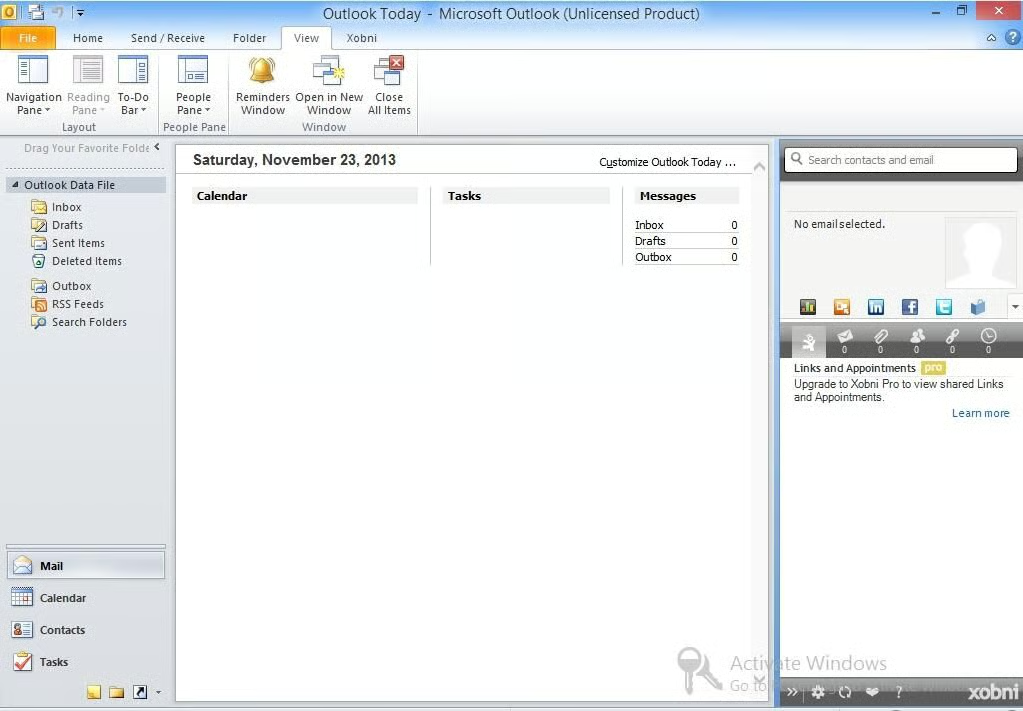
  • 9Xobini2.121213.jpg

    Xobni calendar

    The Xobni software indexes the full contents of your mailbox so\r\nthat messages and contacts can be easily searched.

  • 10Xobini3.121213.jpg

    Xobni interface

    The Xobni interface appears\r\nin place of the reading pane. 

  • Figure D

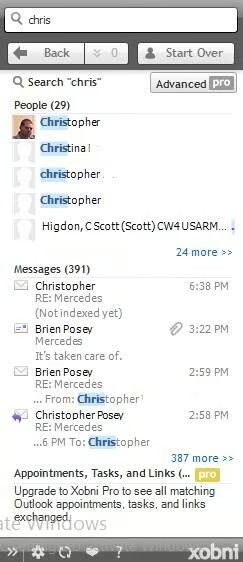
    Xobni contact list

    When you enter a name into\r\nthe search box, Xobni displays matching names from your contact list. Clicking\r\non an individual contact causes the software to display messages from that\r\ncontact.

  • Figure E

    Easy Address Book

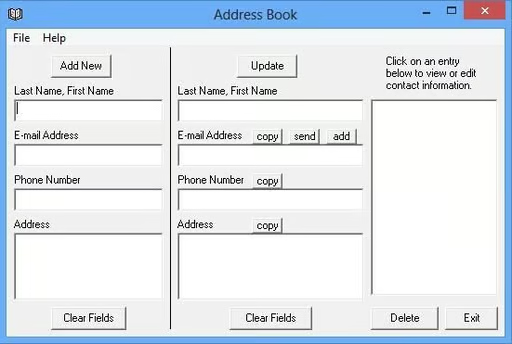
    Easy Address Book is a free utility for managing your contacts. 

  • 13EasyAddressBook2.121213.jpg

    Easy Address Book application

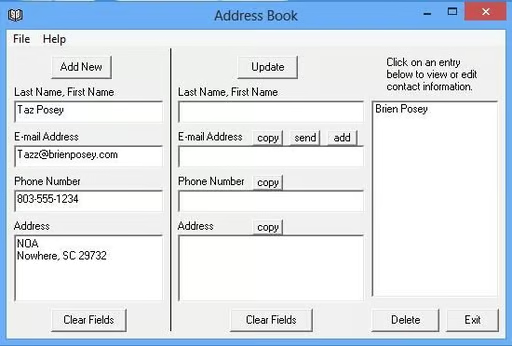
    Essentially, Easy Address\r\nBook is an extremely lightweight address book application. Although the\r\napplication isn’t feature rich, it is simple and works well.

  • 14EasyAddressBook3.jpg

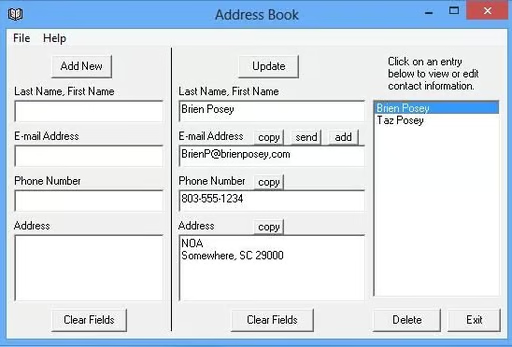
    Easy Address Book contacts

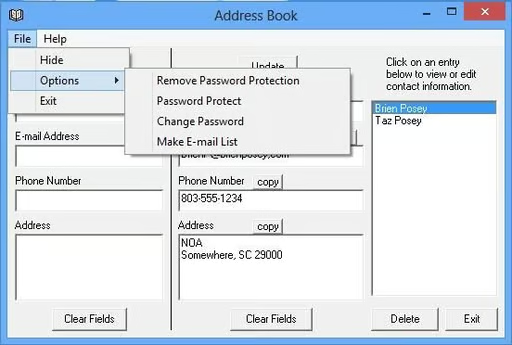
    Easy Address Book allows\r\nyou to add, modify, or delete contacts. There’s also an option to create an\r\nE-mail mailing list based on the contents of the contact database. 

  • Figure F

    Easy Address Book security

    Easy Address Book also offers password\r\nprotection.

  • Figure G

    Outlook Duplicate Remover

    Outlook Duplicate Remover is a utility for removing duplicate contacts from Microsoft Outlook. It sells for $29.95 (USD), but a limited\r\ntrial version is available for download.

    \r\n\r\n
  • 17OutlookDuplicateRemover2.121213.jpg

    Outlook Duplicate Remover toolbar

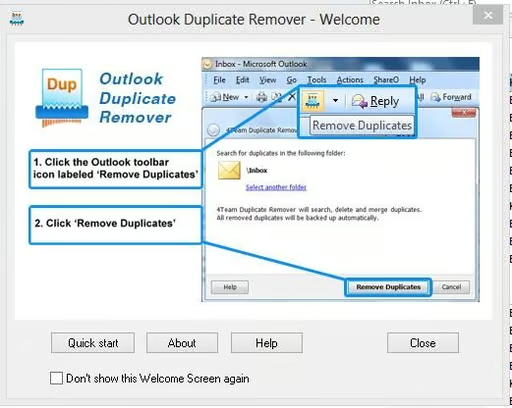
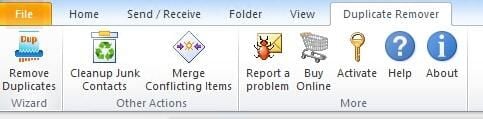
    When installed, this\r\nutility embeds itself into the Outlook toolbar. 

  • 18OutlookDuplicateRemover3.121213.jpg

    Outlook Duplicate Remover wizard

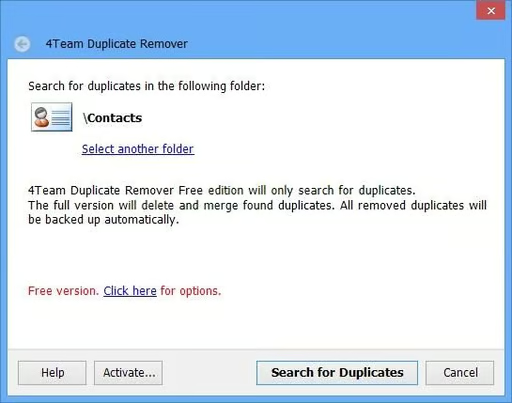
    Outlook Duplicate Remover provides a\r\nvery simple wizard that is used to search for duplicate contacts.

  • Figure H

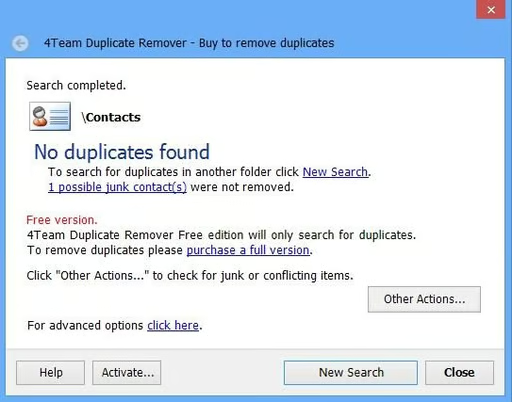
    Outlook Duplicate Remove junk contacts

    Although the utility is used to search for (and merge)\r\nduplicate contacts, it can also locate junk contacts. Junk contacts are those\r\ncontacts for which no valid information, such as an address or phone number, exists. 

  • Figure I

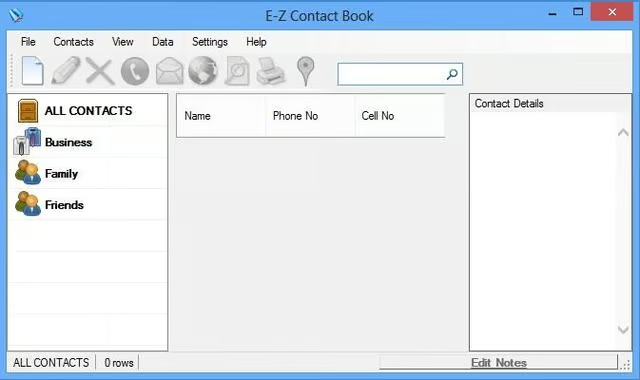
    E-Z Contact Book

    E-Z Contact Book is a free utility for keeping track of all your contacts. 

  • 21E-ZContactBook2.121213.jpg

    E-Z Contact Book contacts

    Although the name of this\r\nutility is similar to the Easy Address Book application that I discussed\r\nearlier, the two utilities are actually quite different.

  • 22E-ZContactBook3.121213.jpg

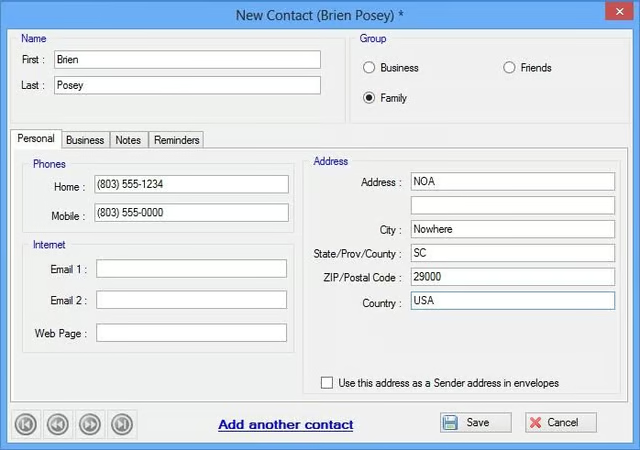
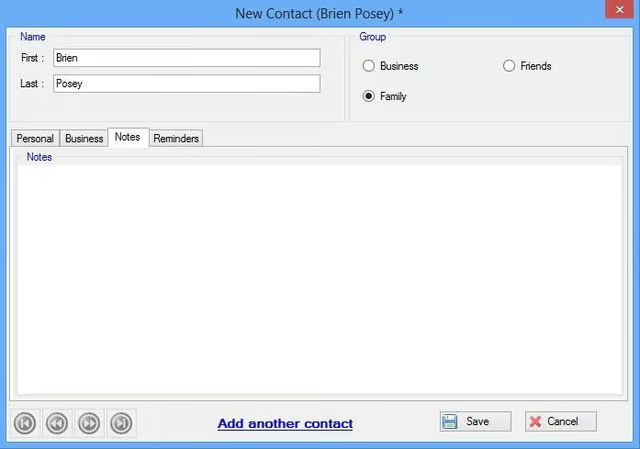
    E-Z Contact Book contact field

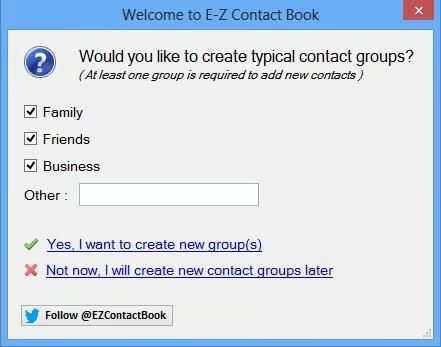
    E-Z Contact Book is meant\r\nto be easy to use but relatively full featured. 

  • 23E-ZContactBook4.121213.jpg

    E-Z Contact Book New Contact

    New Contact field in E-Z Contact Book.

  • Figure J

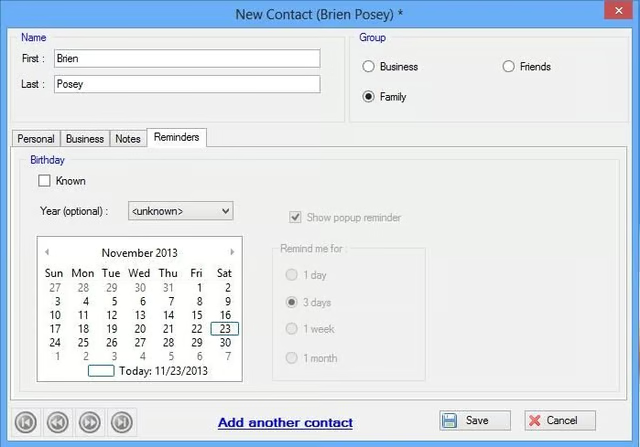
    E-Z Contact Book Reminders

    Some of the features found in E-Z Contact Book, but not\r\nin Easy Address Book, include contact grouping, birthday reminders, data import\r\nand export (for Outlook, vcard, etc.), and the ability to find addresses in\r\nGoogle Maps.

  • 25E-ZContactBook6.121213.jpg

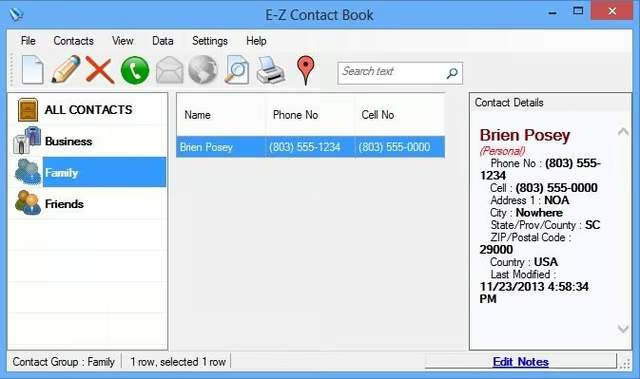
    E-Z Contact Book Family

    You can easily locate contact information based on groups, including Family.

  • 26E-ZContactBook7.121213.jpg

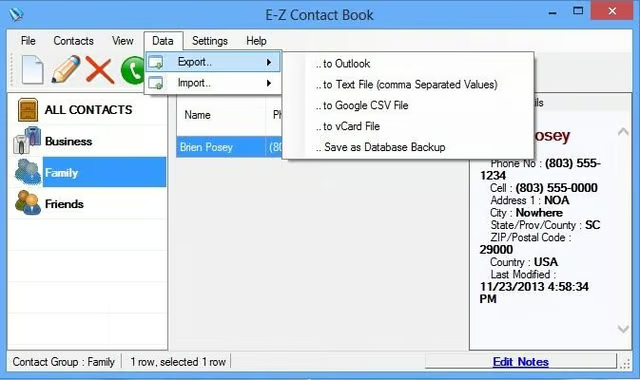
    E-Z Contact Book export options

    There are various ways to import and export your contact information.

1 of 27
Brien Posey

* 1988 - Started teaching myself about computers \ * 1992 - Mainframe programmer for an insurance company \ * 1993 - Network Administrator for a different insurance company \ * 1996 - Author for The Cobb Group \ * 1998 - Network Administrator for Fort Knox \ * 1999 - CIO for chain of hospitals \ * 2000 - Gave up the corporate rat race to work out of my home. I have been a full time technical author ever since. Visit my Web sites at http://www.brienposey.com and http://www.relevanttechnologies.com \