The Raspberry Pi 2 Model B launched earlier this year, offering a more powerful machine capable of running a wider variety of software.
The new $35 Linux board has double the memory of first generation Pis, a quad-core 900MHz processor and the ARMv7 architecture used by many mid-range smartphones.
In the months since the Pi 2 launched developers have ported an increasing number of operating systems to the board.
Here are five more OSes to try out, if our original round-up left you wanting more.
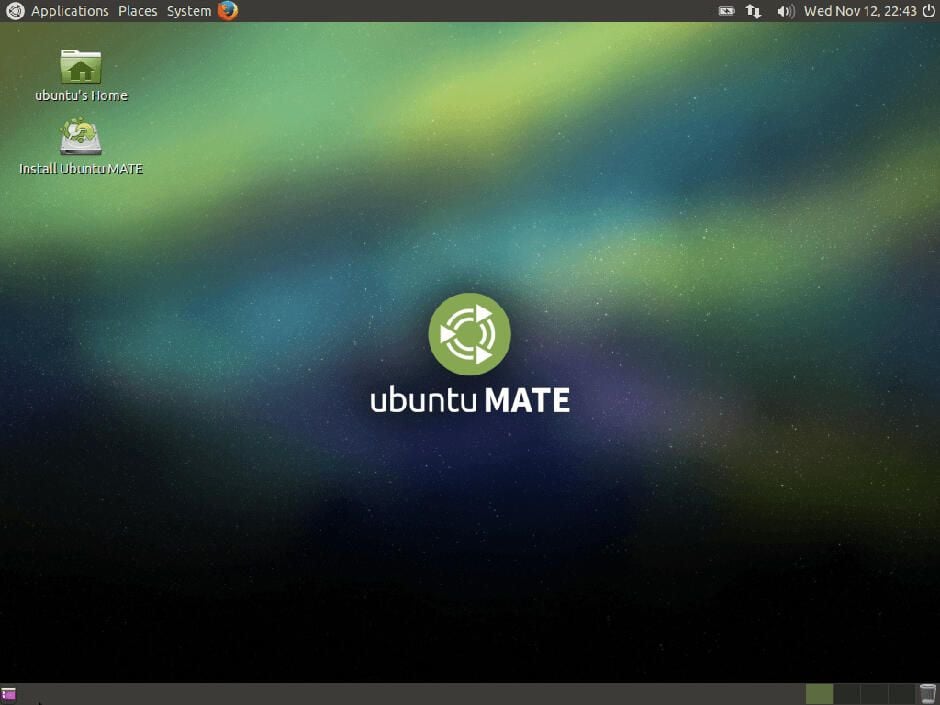
The latest release of the popular Linux OS, Ubuntu, with the Mate desktop.
Mate offers a desktop experience similar to that offered by earlier versions of Windows and is a continuation of the GNOME 2 desktop used by many different Linux distributions
It can also run on less powerful hardware than that required by Ubuntu’s default Unity desktop environment.
Instructions on how to download and install the OS are available here.
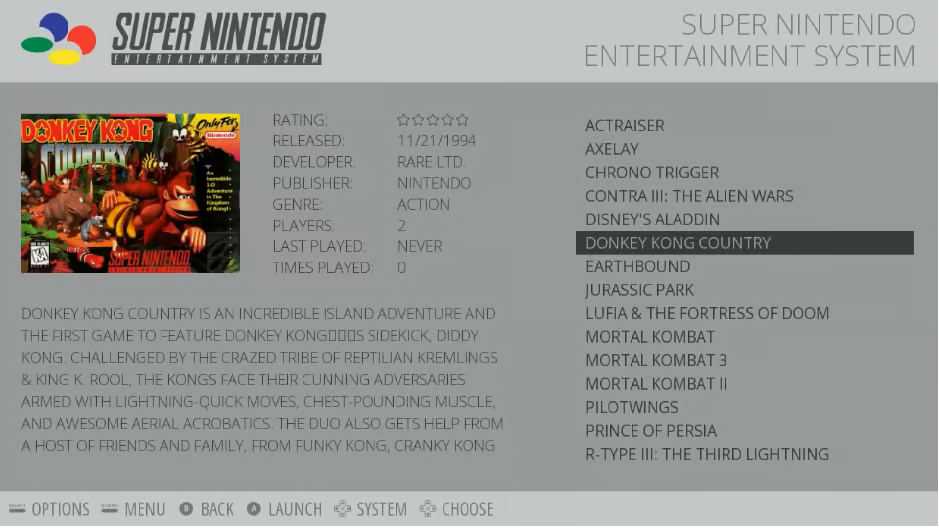
Fancy turning the Pi into an emulator for classic computers and consoles? Then check out RetroPie.
RetroPie bundles together more than 30 emulators of much-loved systems from the past 30 years – including Amigas, Ataris, the N64 and the Sega Mega Drive.
The system is based on the Raspbian operating system but is given a console-esque look by the EmulationStation front end, as well as supporting a range of retro controllers and joysticks.
The download is available here, alongside instructions for installation.
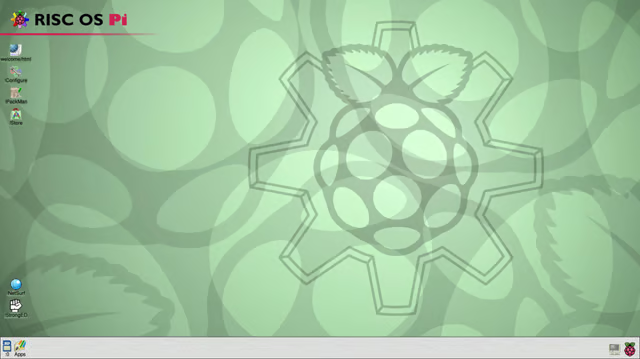
This is the descendant of the operating system that powered the Archimedes computers all the way back in the late 80s.
The open source version of the OS, RiscOS Open, has been spun into an offering for the Pi. The simple OS has been lauded for its boot speed and responsiveness.
The system looks and works differently to Windows and Linux desktops, although old Archimedes owners should feel more at home, so it is probably worth new users reading this quick start guide.
The OS is available here. Windows users should follow the installation instructions here, Linux users here and Mac OS users here.
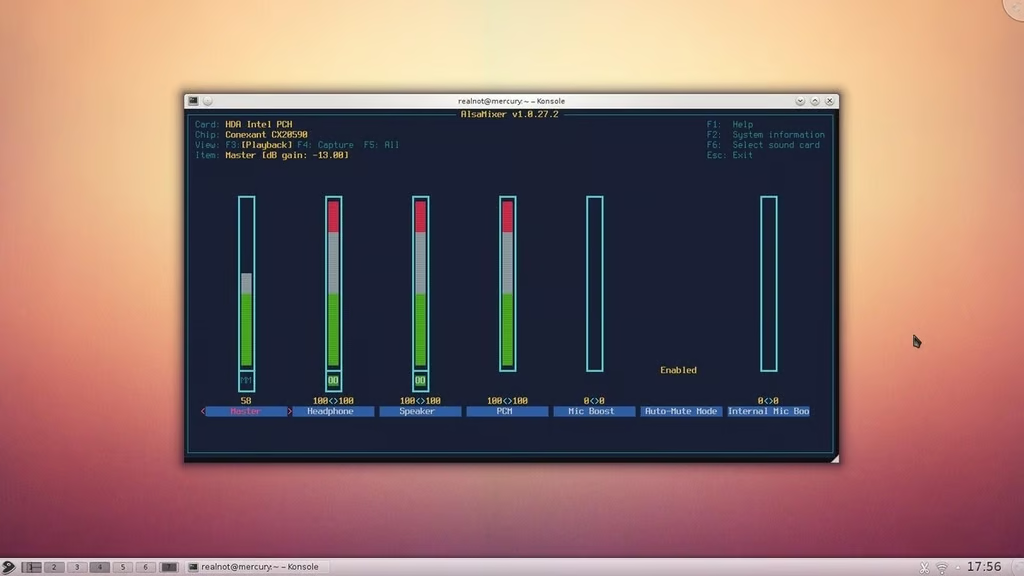
Named after the fast-swimming Gentoo penguin, this Linux-based OS is aimed at users who want complete control over their systems.
Aimed at a more technical audience, the system is geared to allow users to decide which services are installed and running.
Some board owners have got Gentoo working on the Raspberry Pi 2. Instructions on how to get it up and running can be found here, although following them requires you to be comfortable with Linux terminal commands.
The free Unix-like operating system has a lineage that dates back to the Berkeley Unix operating system of the 1970s.
The system can be used with the Gnome 2 and KDE desktops, whose layout will be familiar to long-time Linux users, as well as running many Linux-compatible applications.
FreeBSD runs on the Raspberry Pi. Unfortunately getting FreeBSD to run on the Raspberry Pi 2 currently requires significant technical expertise but instructions on how to do so using a Linux OS are available here.

Nick Heath is a computer science student and was formerly a journalist at TechRepublic and ZDNet.


