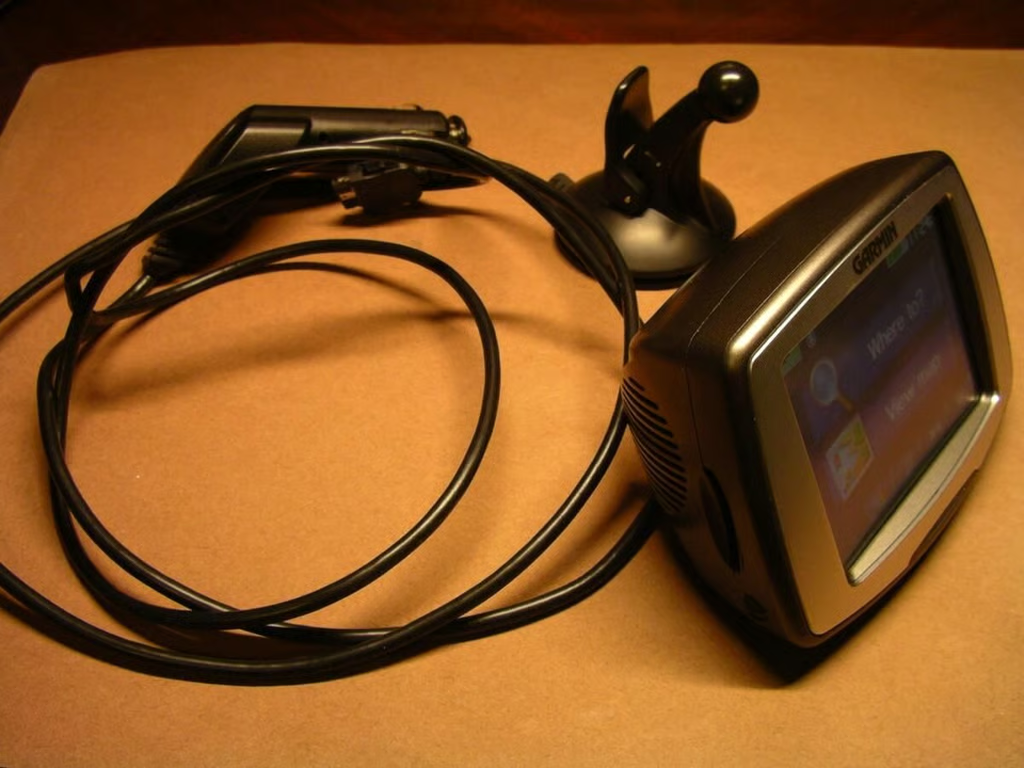
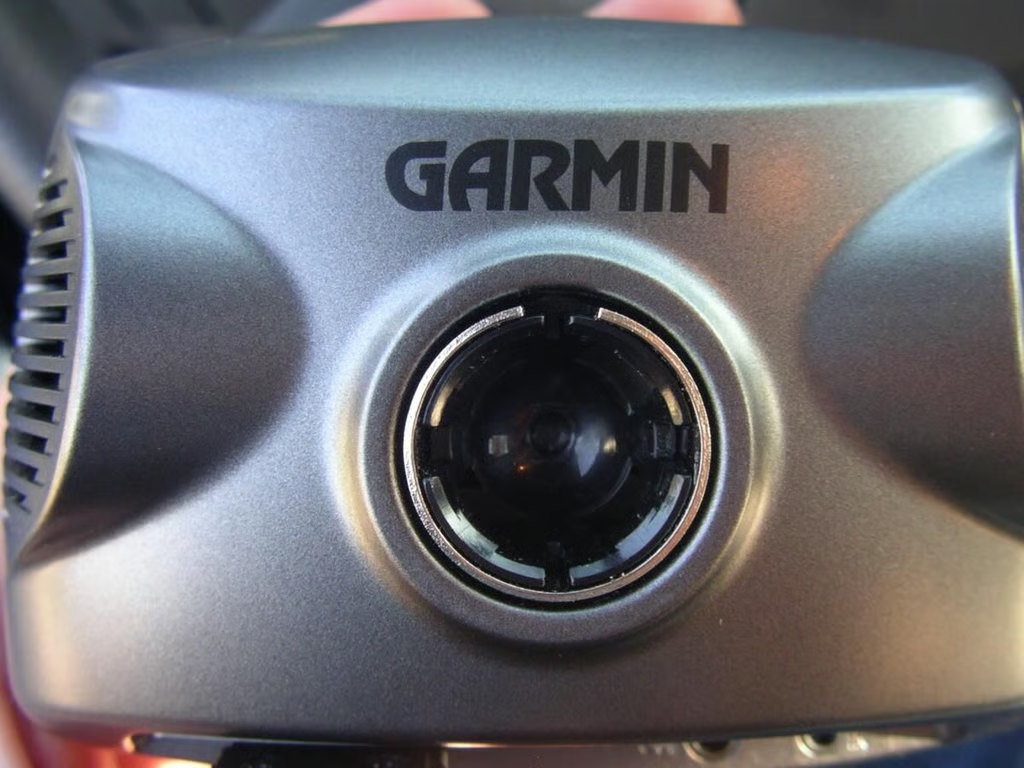
Portable GPS and navigation units are becoming more mainstream and common, but Garmin is taking it a step further with MSN Direct integration. With the StreetPilot c580 you can now get weather, traffic, movie time, and gas price information when you travel.
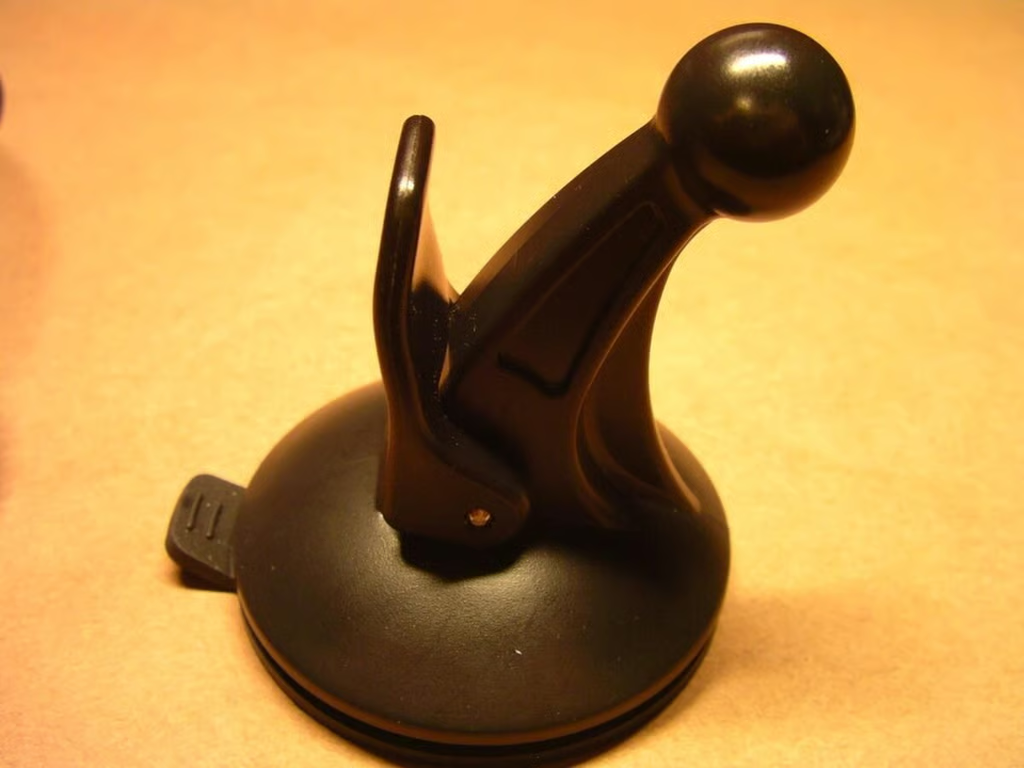
The suction cup mounting bracket is very stable and rock solid.
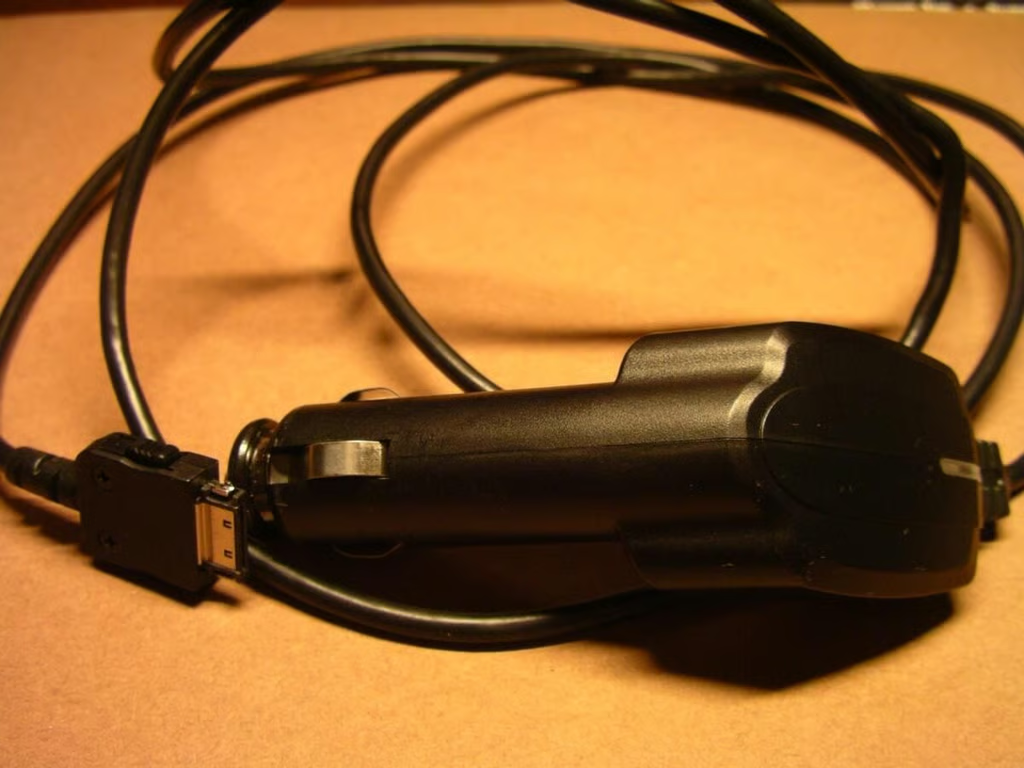
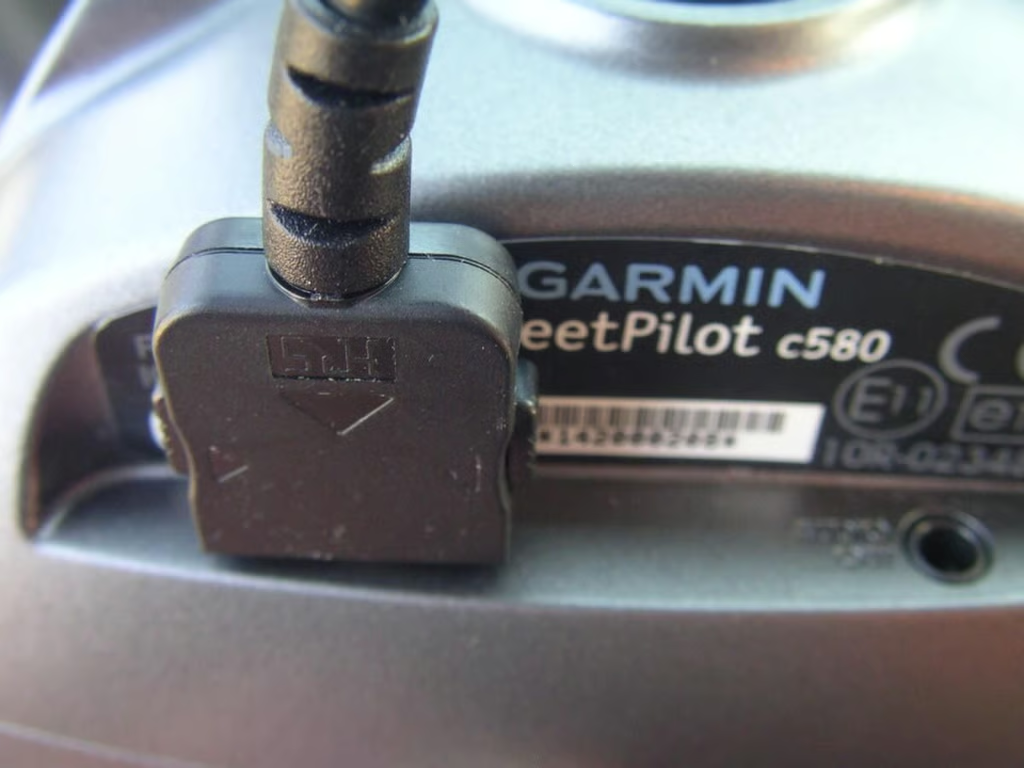
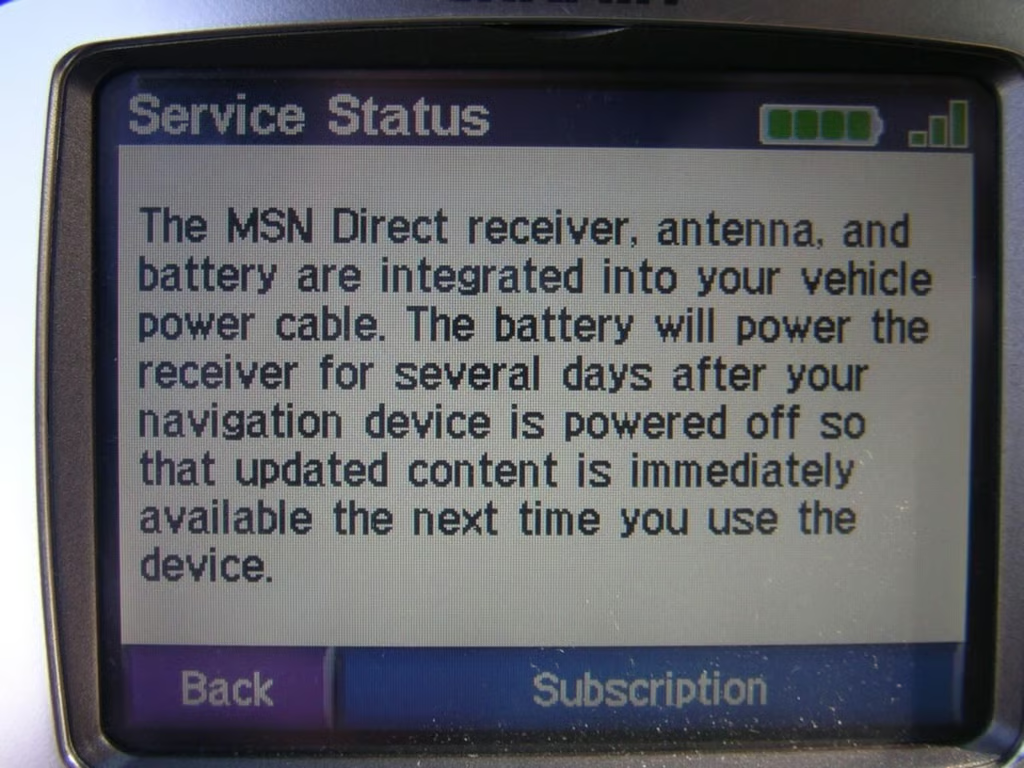
The receiver for the MSN Direct service is integrated into the cable that plugs into your cigarette lighter/DC adapter.
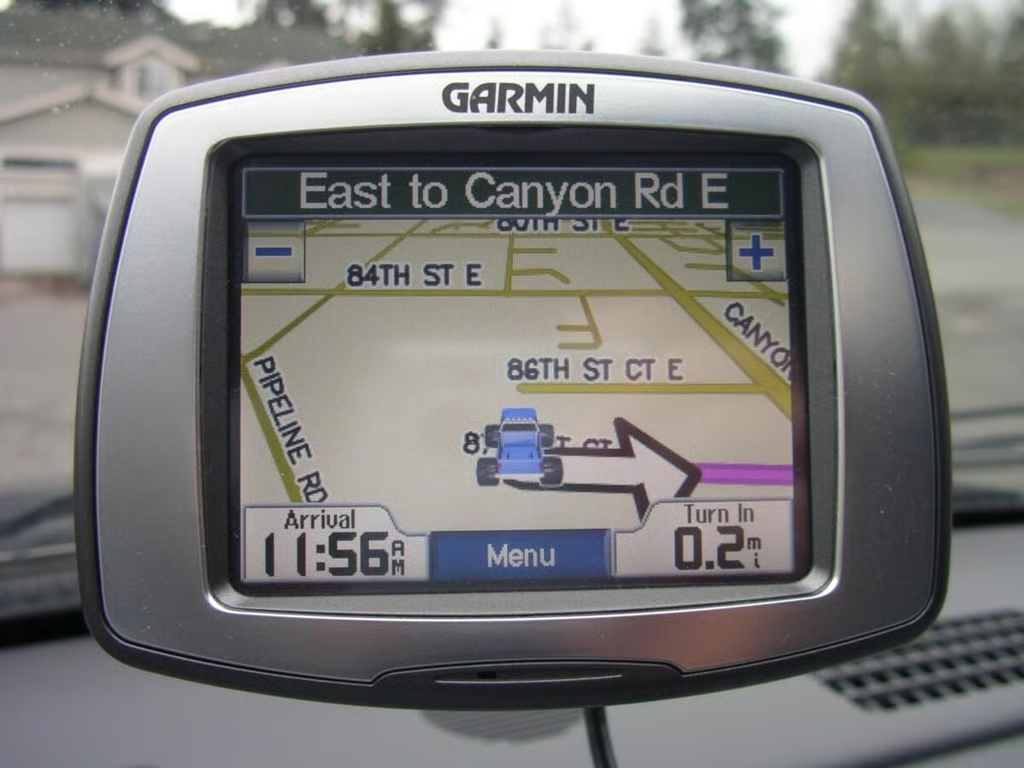
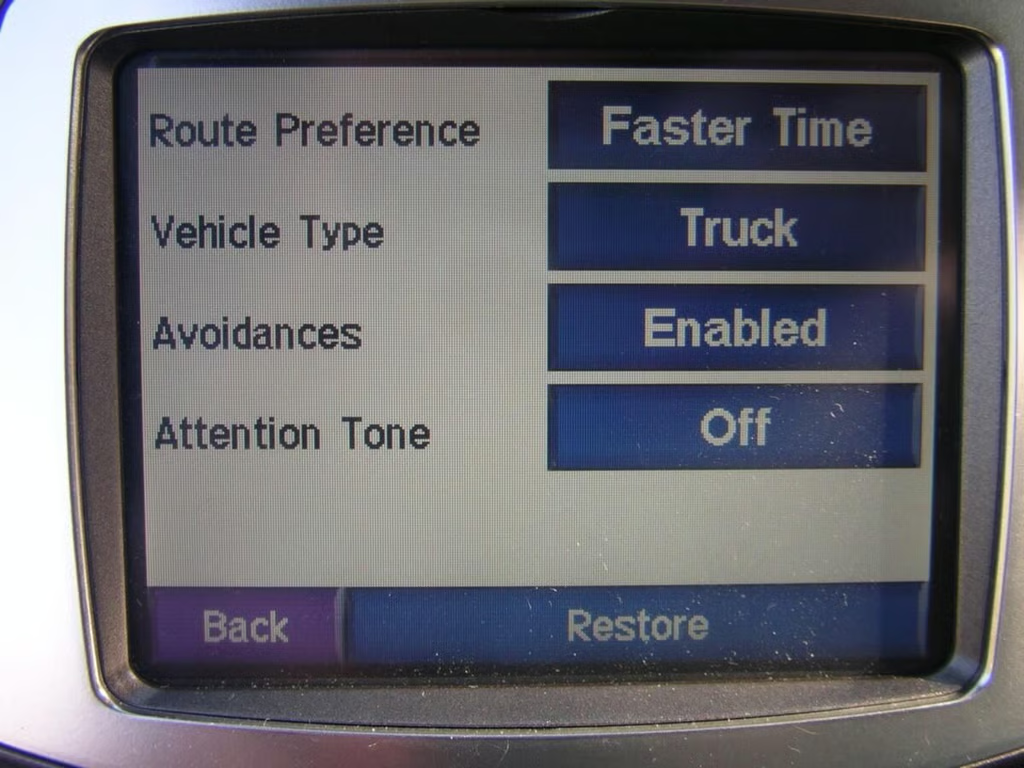
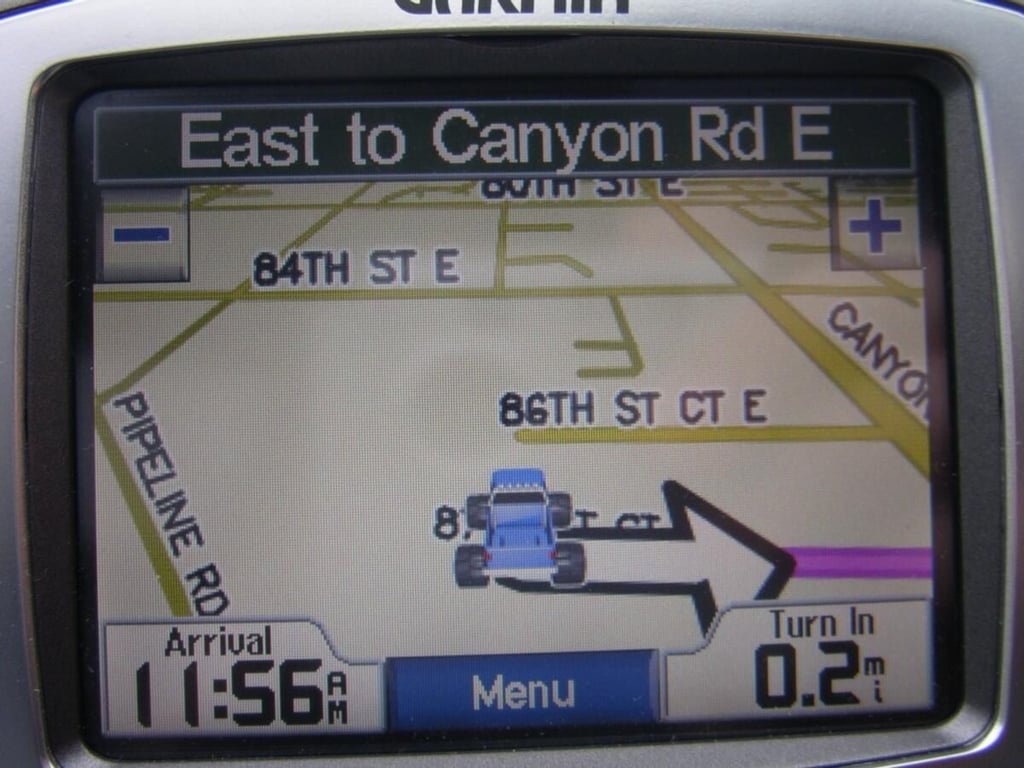
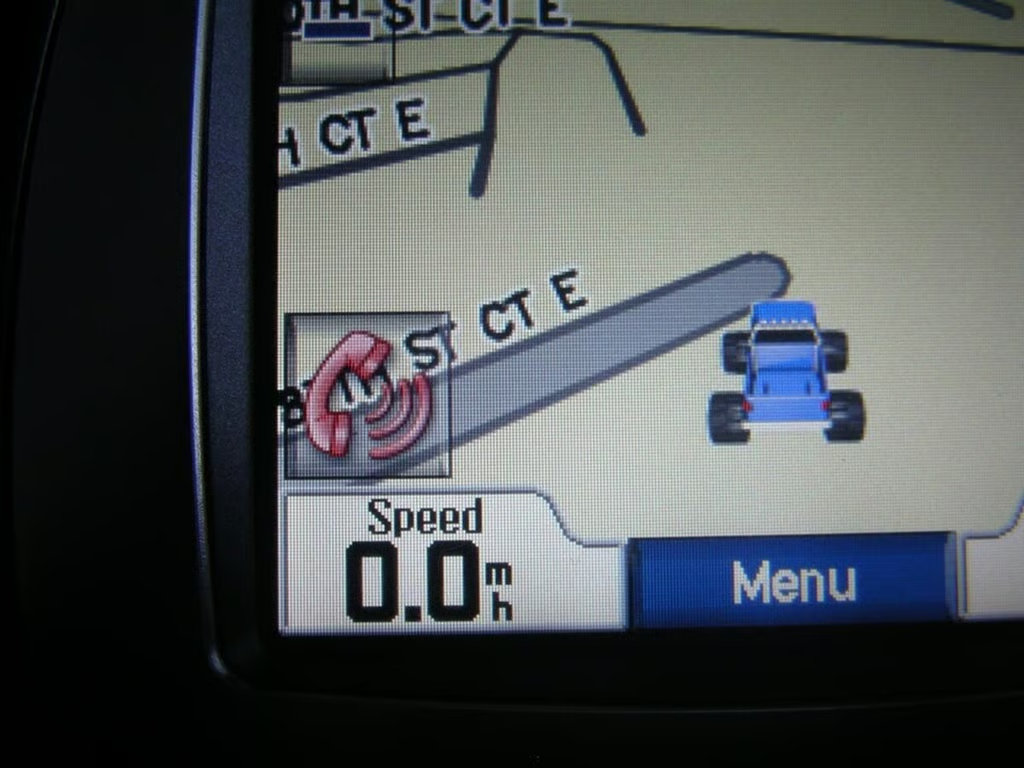
The unit even had a blue truck icon preloaded that matches my rig.
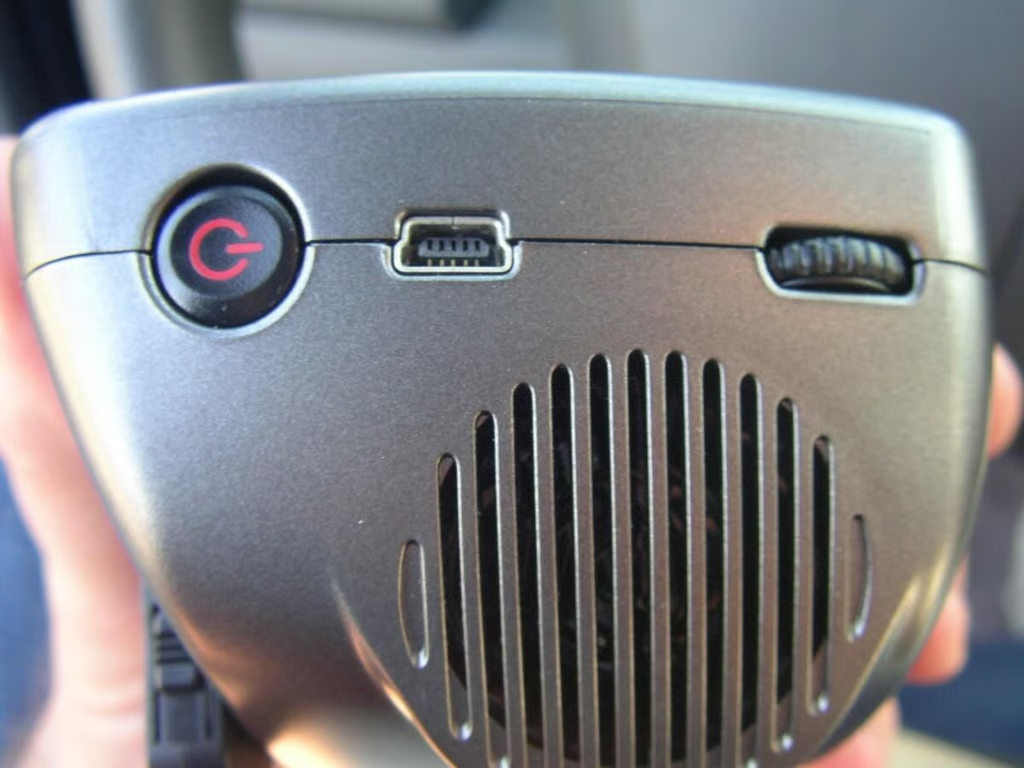
The right side has the power button, USB connector, volume scroll and speaker.
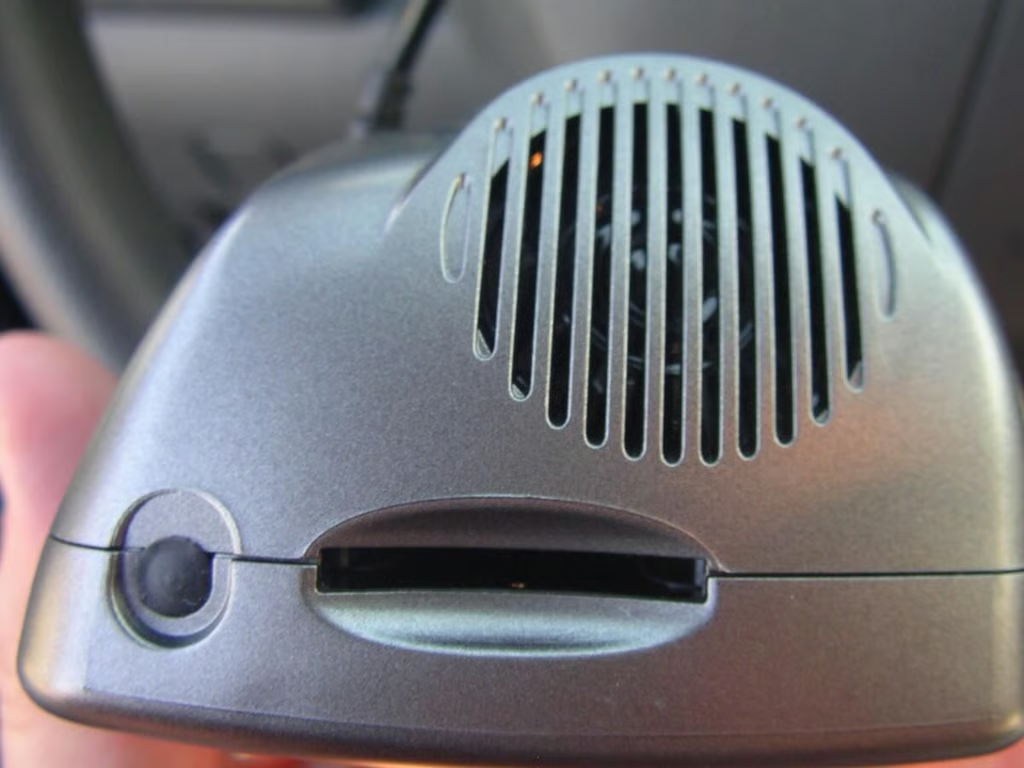
The left side contains the Secure Digital slot, the external antenna connector, and speaker.
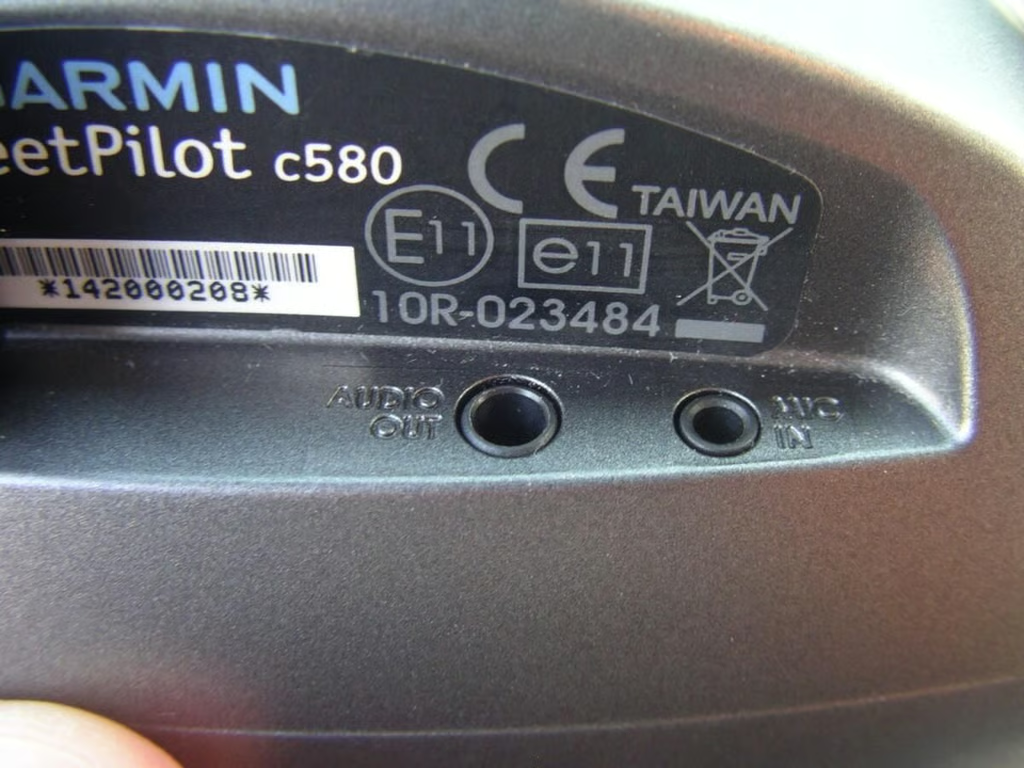
You can connect an external microphone or a cable to output the audio to your car stereo speakers.
The cable plugs into your DC power outlet and provides battery power and MSN Direct FM radio service.
The back connector snaps easily and securely onto the windshield mounting bracket.
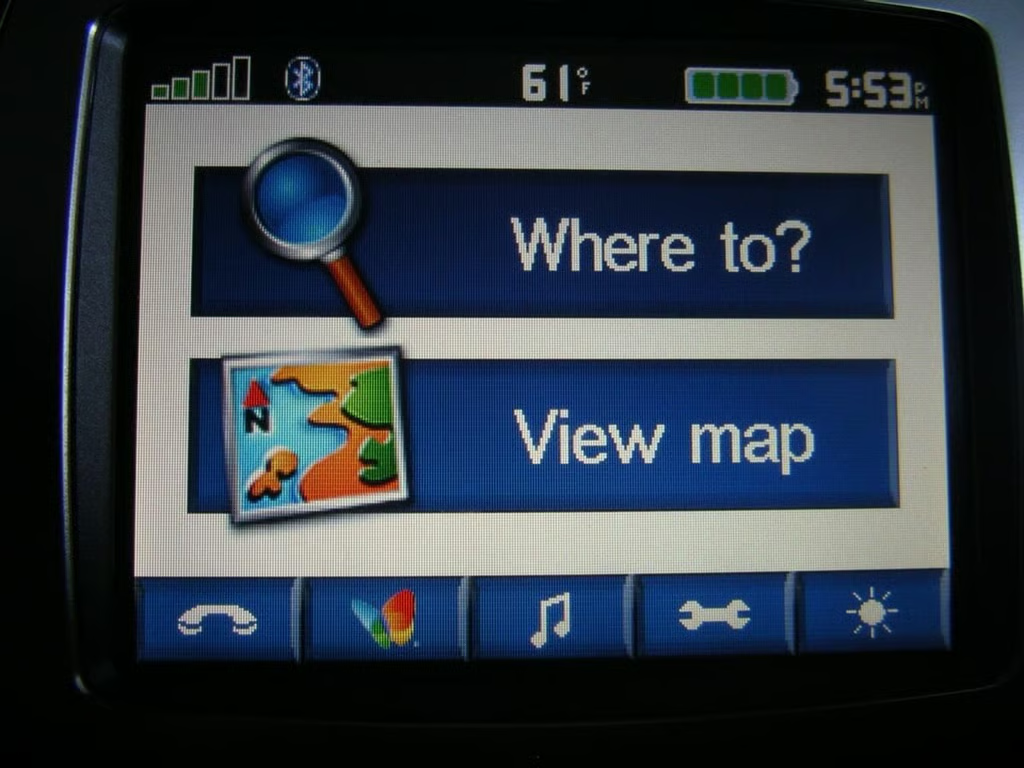
The “home” screen lets you quickly start navigation or switch to phone, MSN Direct, or MP3 player modes. Buttons also let you access the settings and brightness controls.
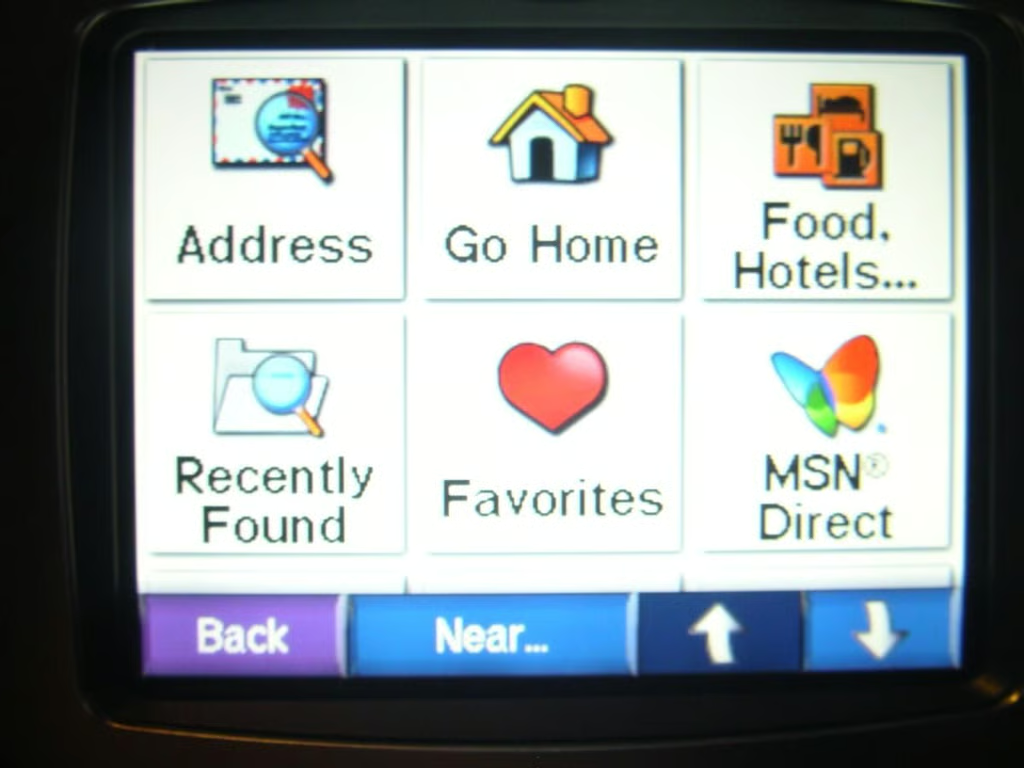
After tapping Where to? on the main “home” page these options are presented to you.
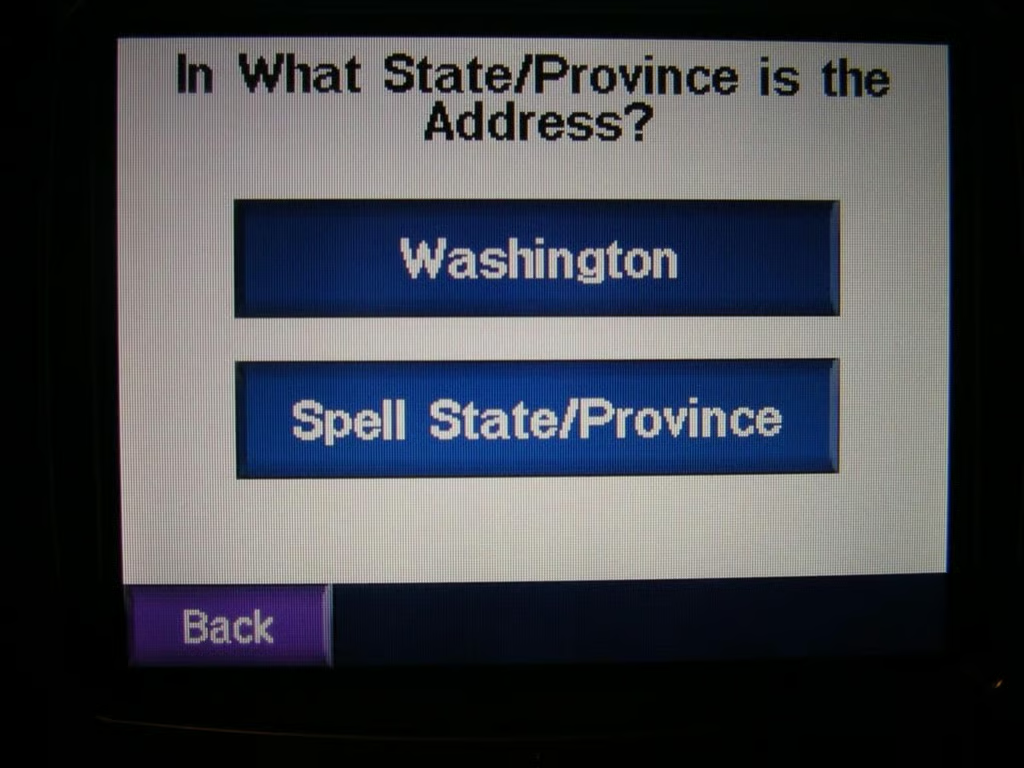
Where do you want to travel?
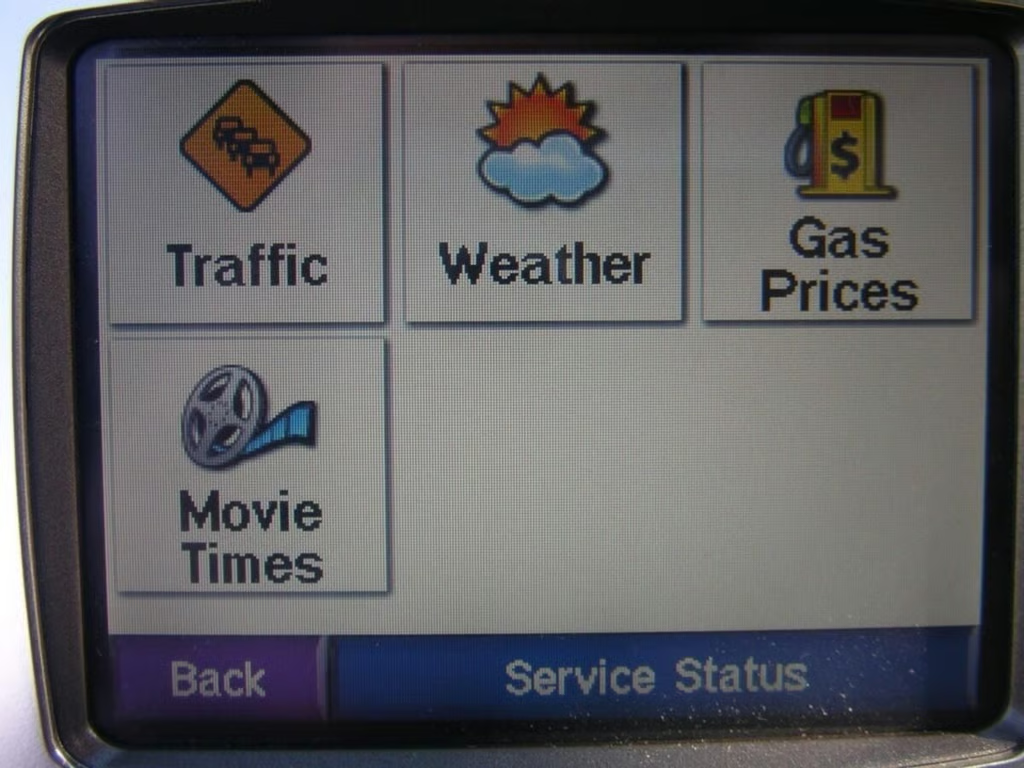
Do you want to check the weather, find movie times, find the local gas prices, or check traffic?
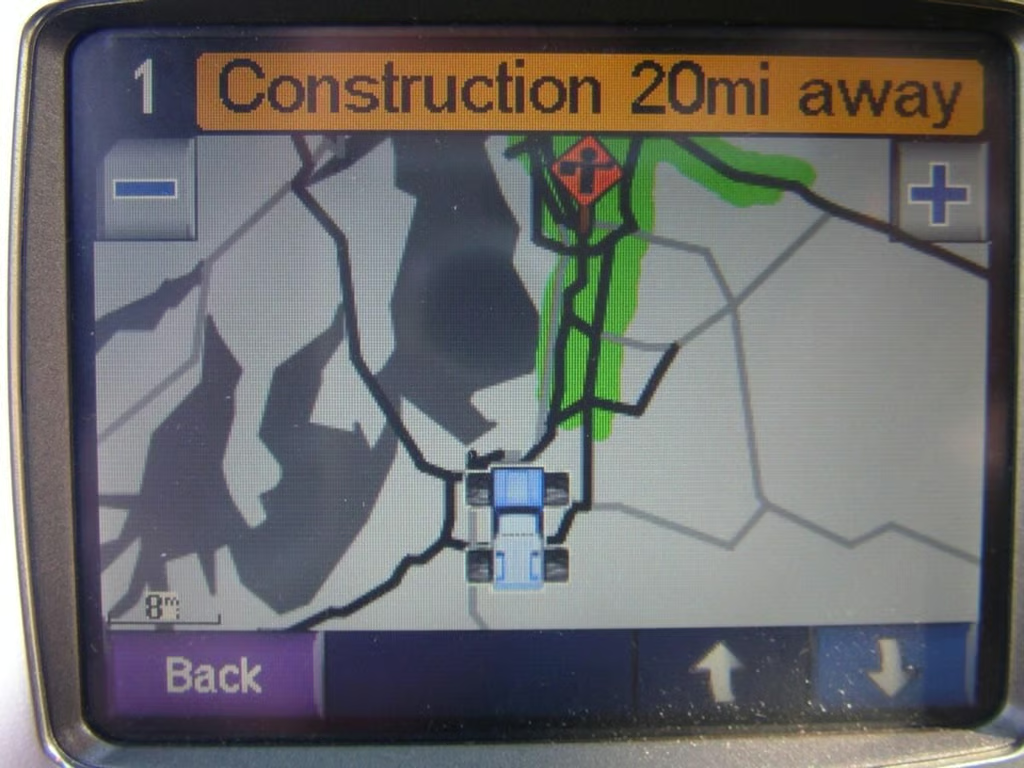
Green is good news for the commuter
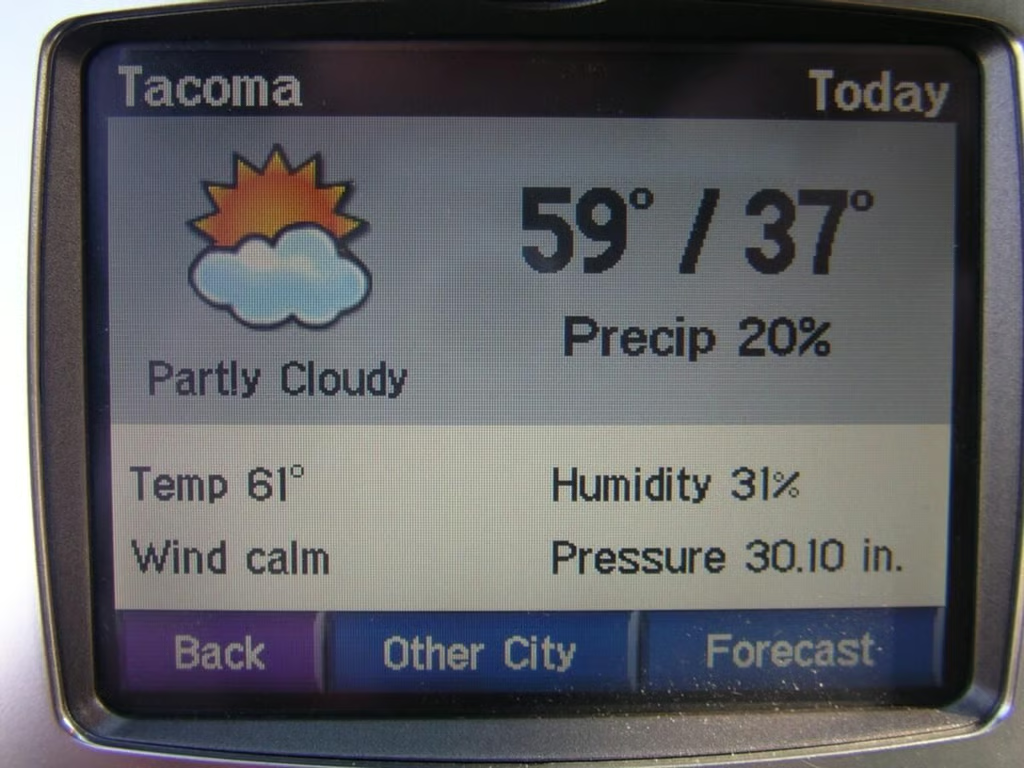
The forecast is clear and readable on the Garmin c580.
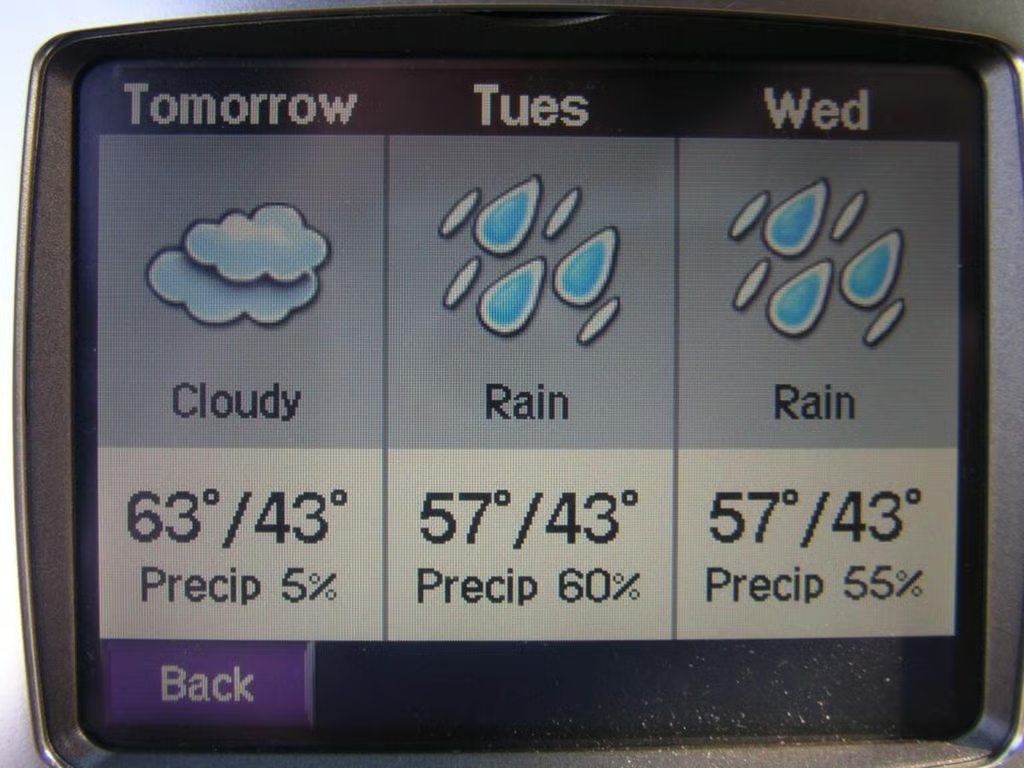
…calls for rain in the next couple of days.
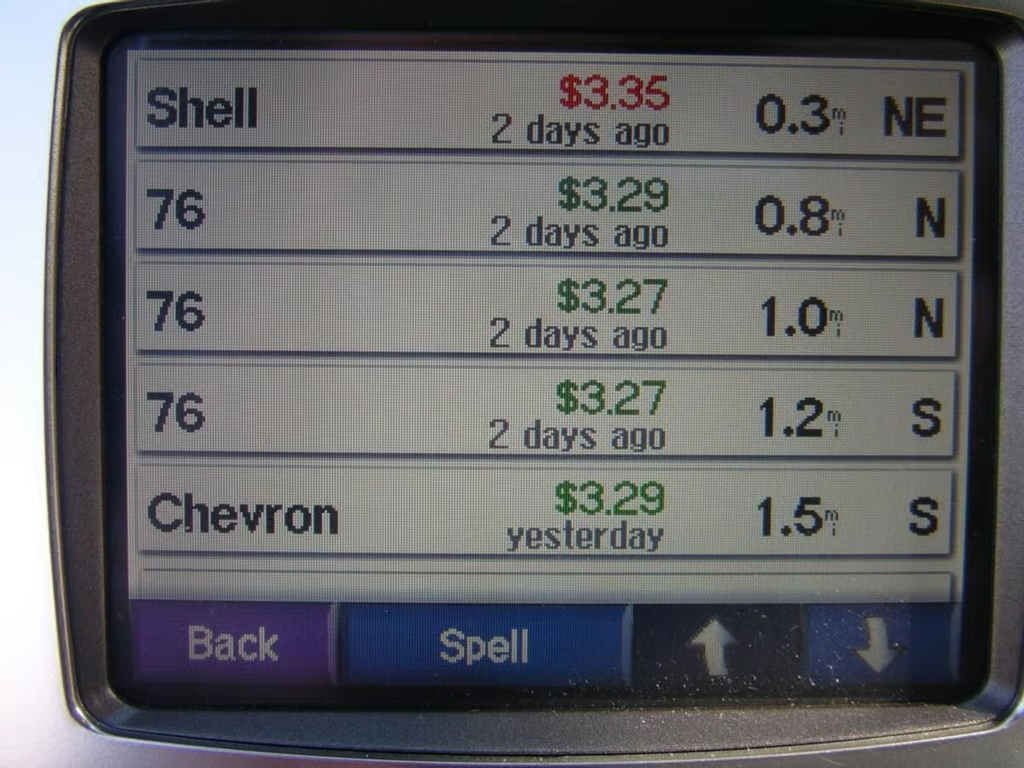
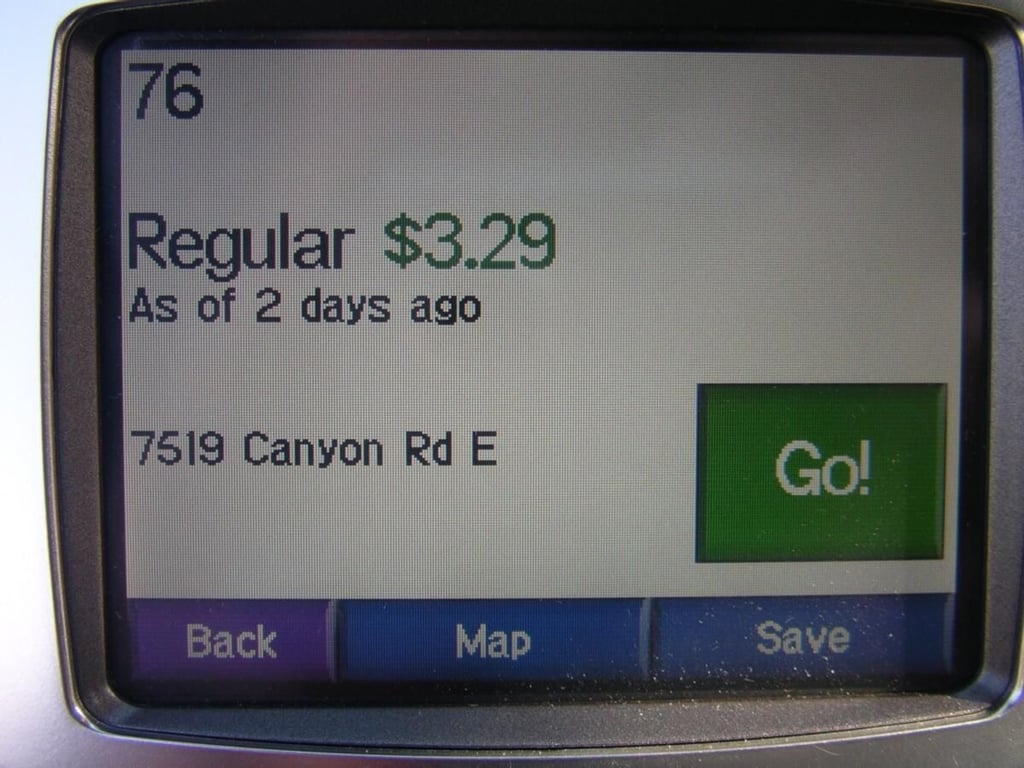
Checking local gas prices is easy. The display even lets you know the last time the price was updated.
You can quickly select a gas station and be routed there in seconds.
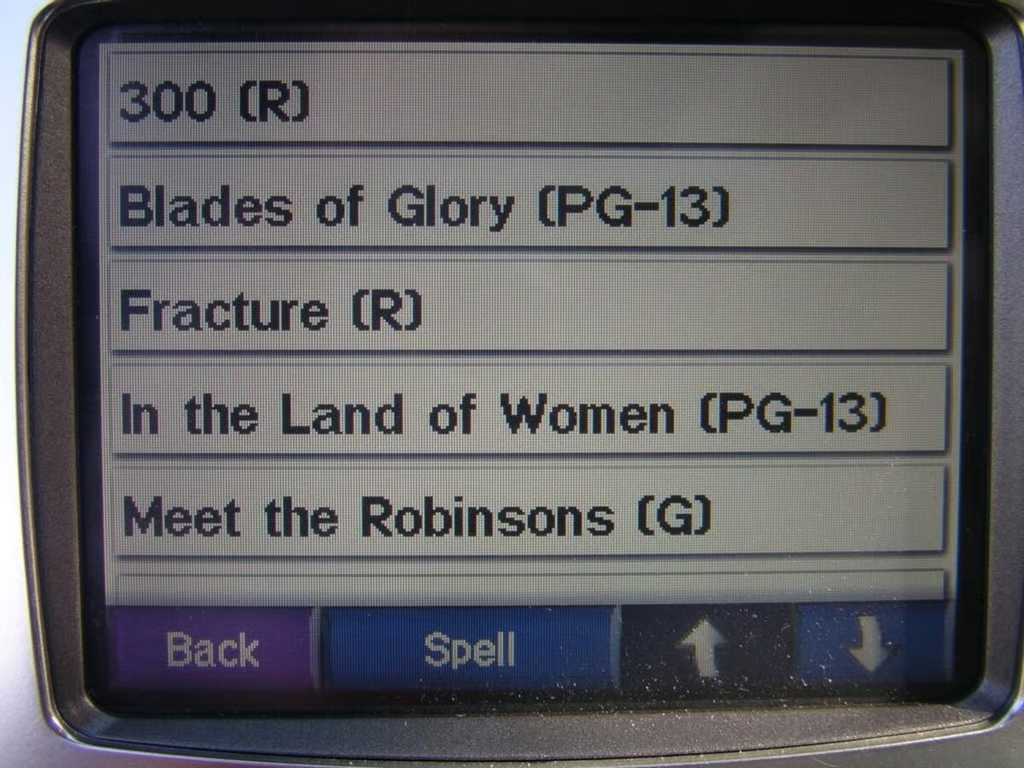
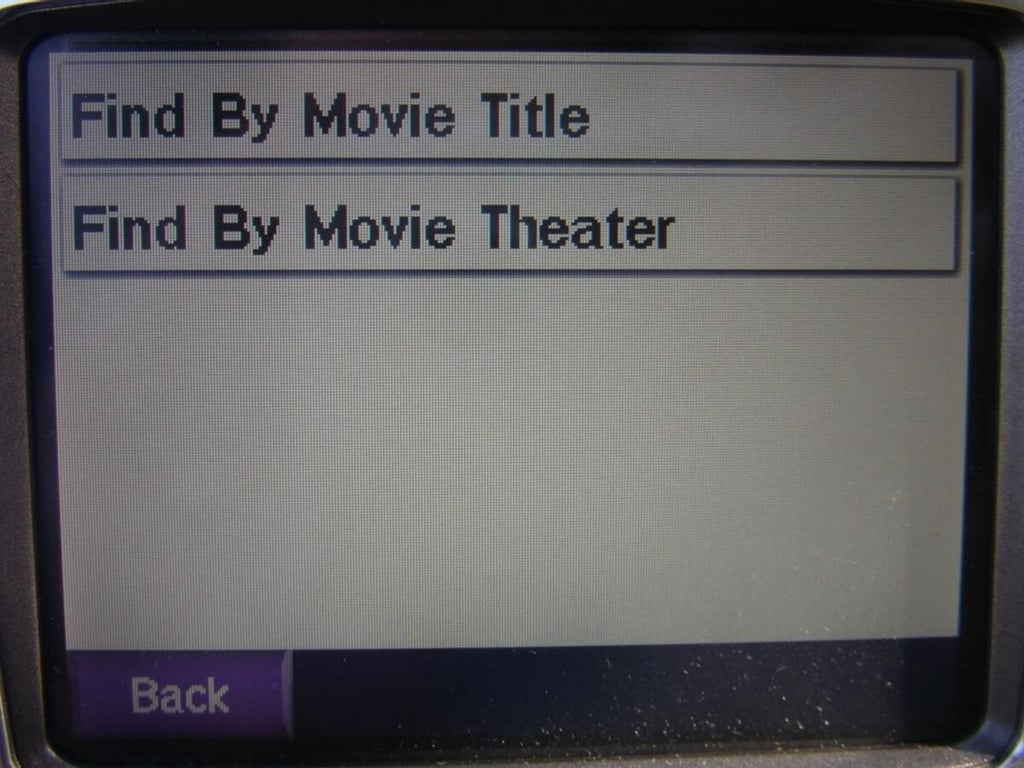
You can search by movie title or by theater location with MSN Direct on the c580.
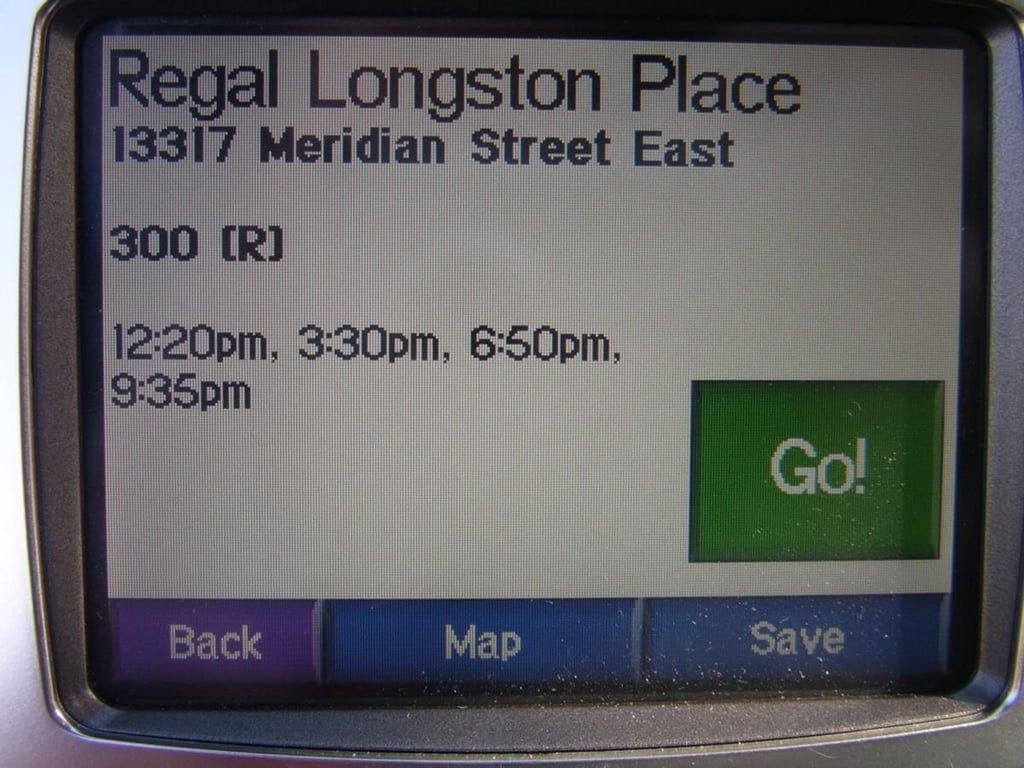
Tap on the movie you want to see for more details.
The location, movie times, and quick button to get directions appears on this display. How much easier could it get?
You may see this display when you change your location or power off the unit for an extended period of time.
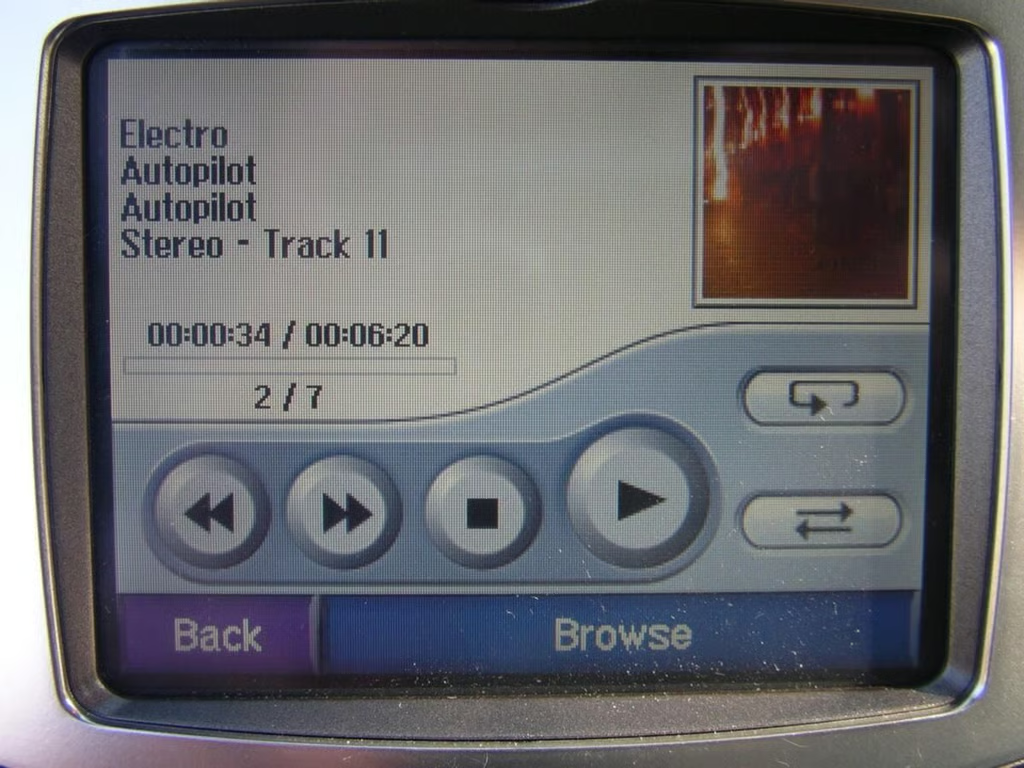
While not that useful for some of us with lots of mobile devices, others may want to take their music on the road with a SD card.
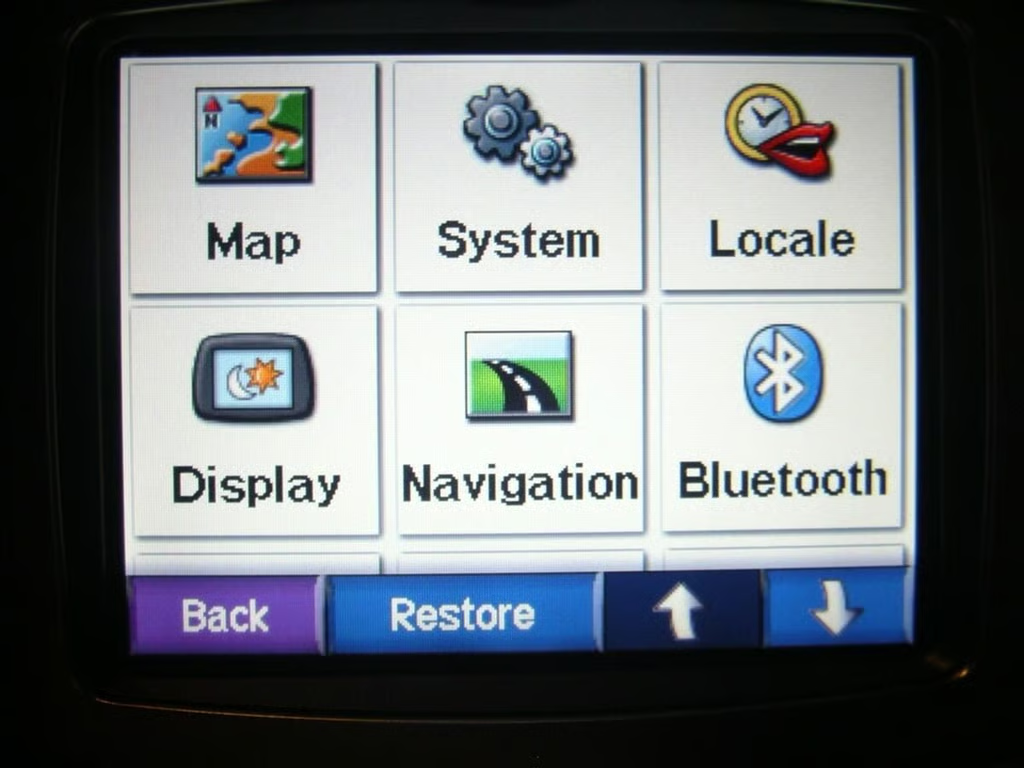
You can change many of the default settings for your personal preferences. Notice how bright the display can be?
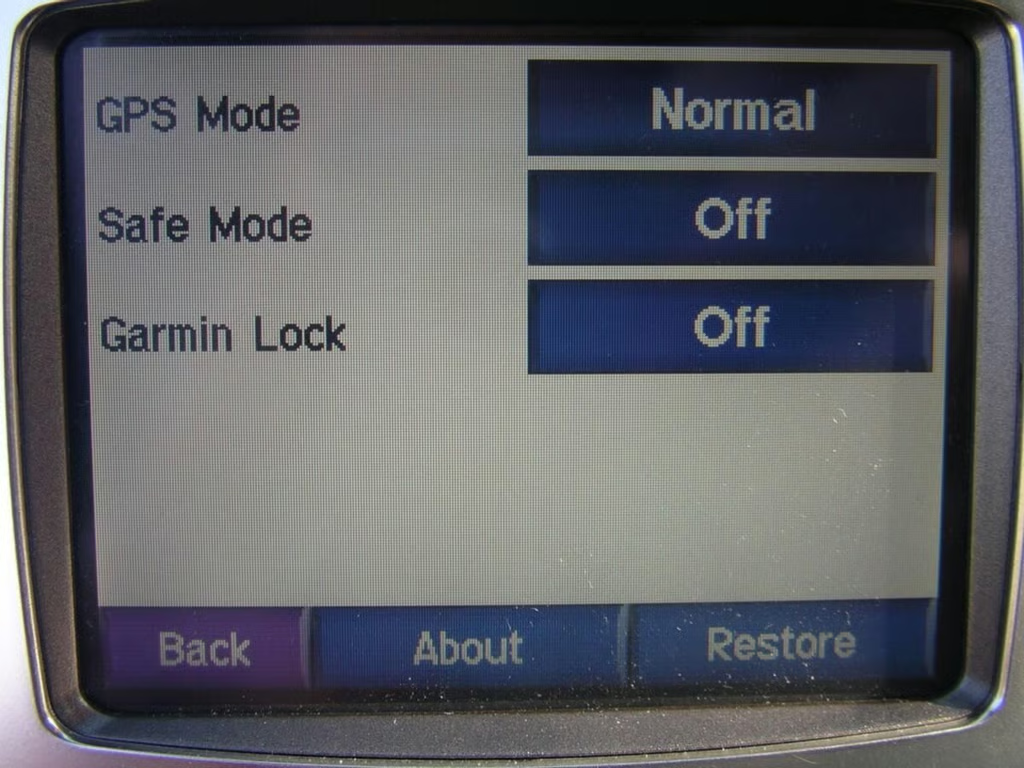
The Garmin lock will prevent others from stealing and using your device. You need to enter a PIN or place the receiver in the designated location to unlock it.
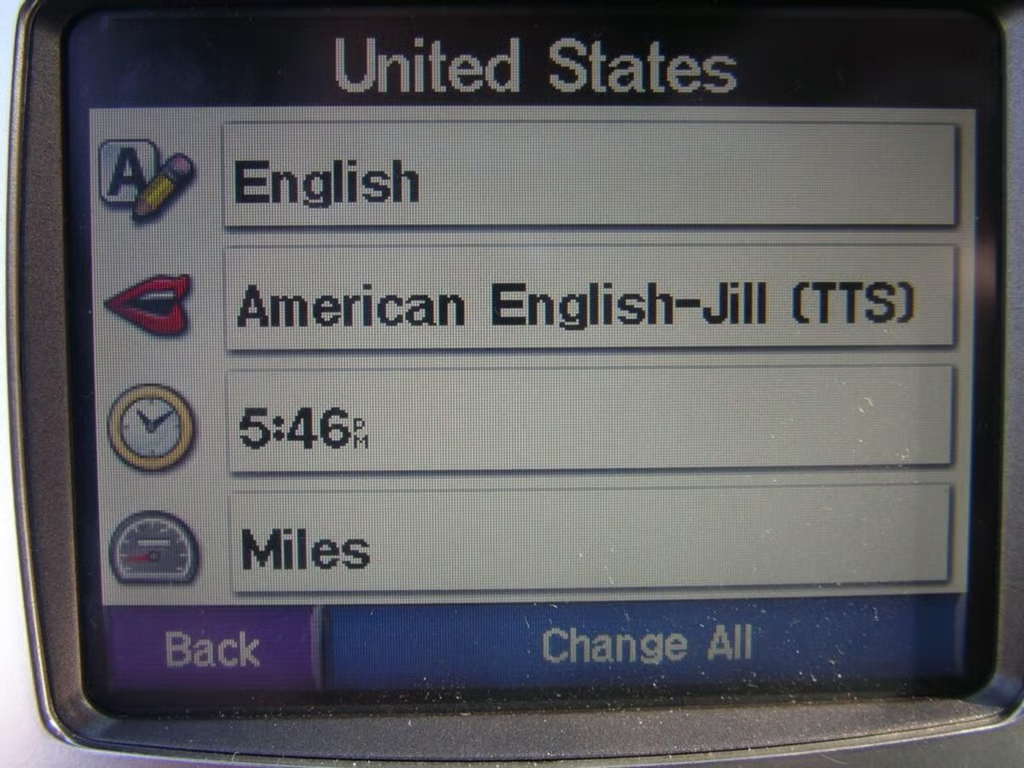
You can change the language, time format, and units on the Garmin c580.
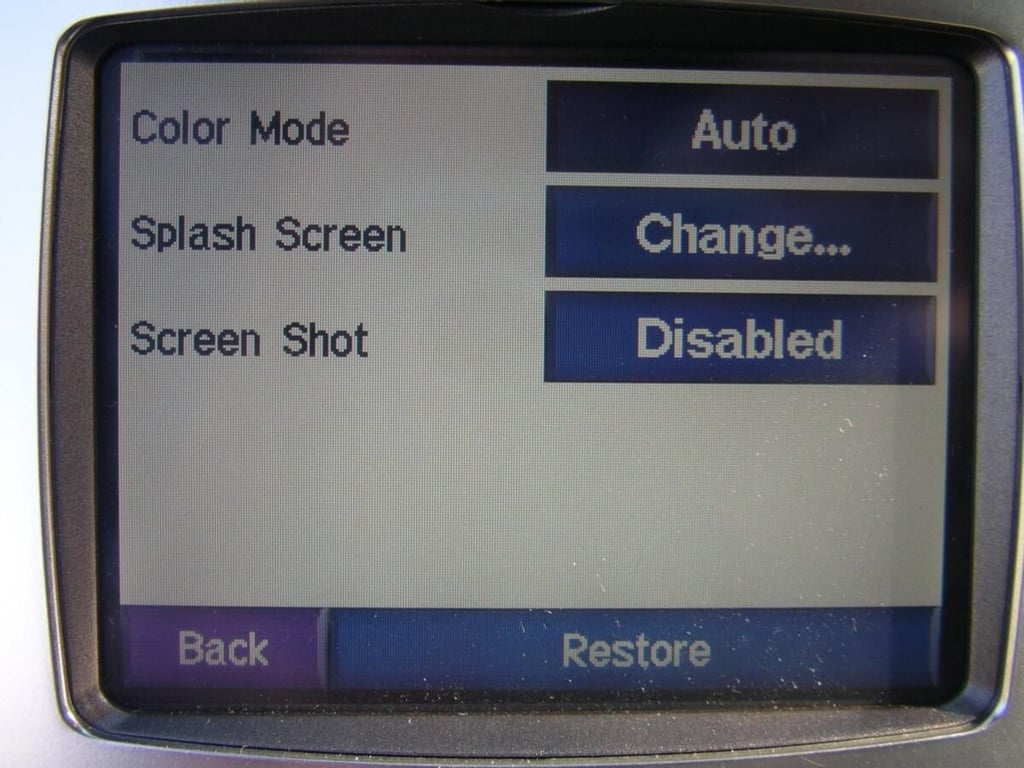
The color mode and splash screen can be changed.
Do you want short or faster routes? What is your vehicle type? Do you want to avoid construction and accidents? And do you want the c580 to get your attention?
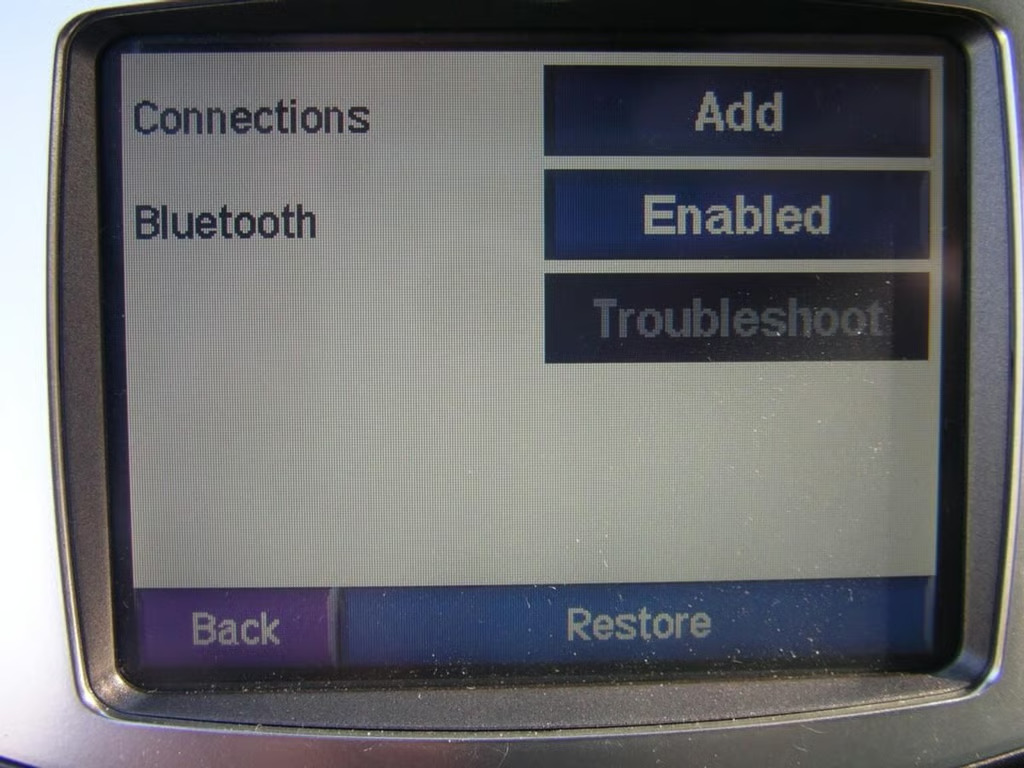
Here is where you enable Bluetooth and manage your connections to other devices.
Driving my truck around the local area. Notice the estimated arrival time and time to turn? You can also easily and quickly zoom in and out by tapping the display.
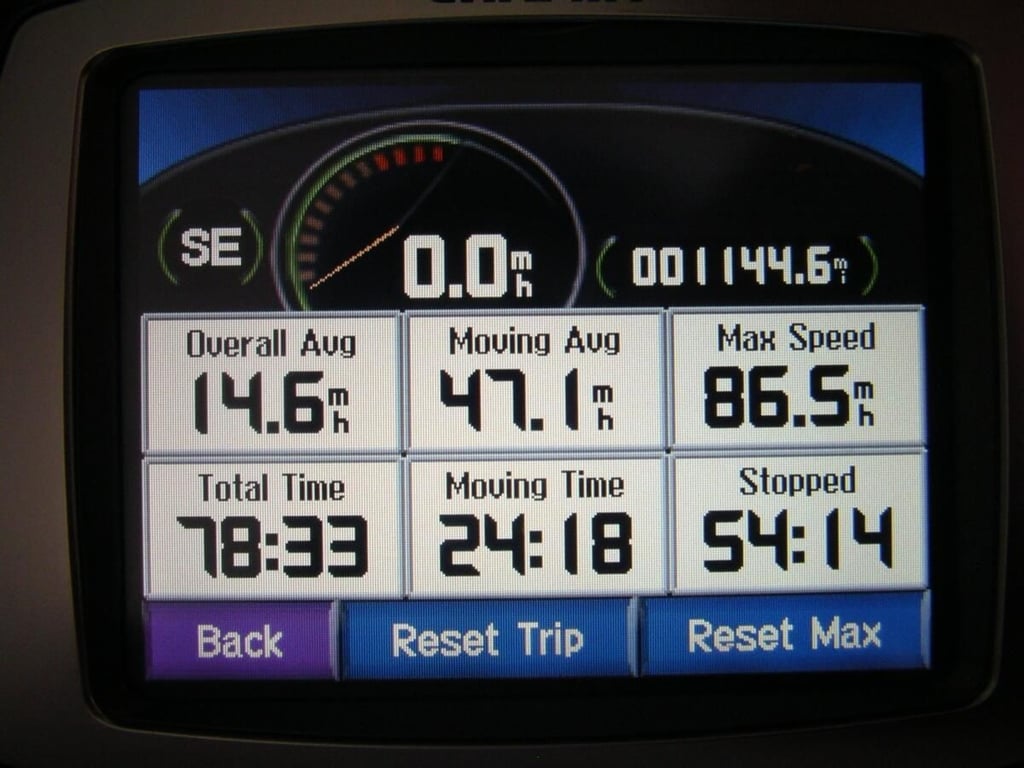
All sorts of data can be viewed on the Garmin c580. The stats can be reset for designated trips too. My wife must have been driving at that top speed 😉
These options exist when you pair with your Bluetooth phone. Some phones also support reading of text messages over the c580. None of my phones support this feature.
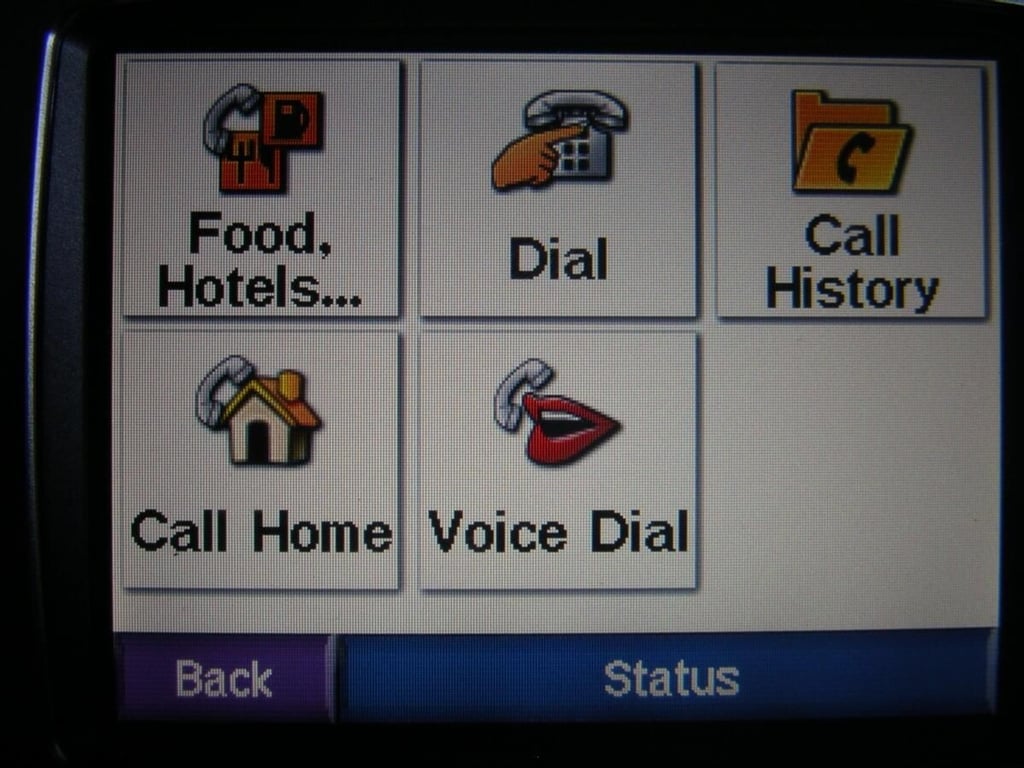
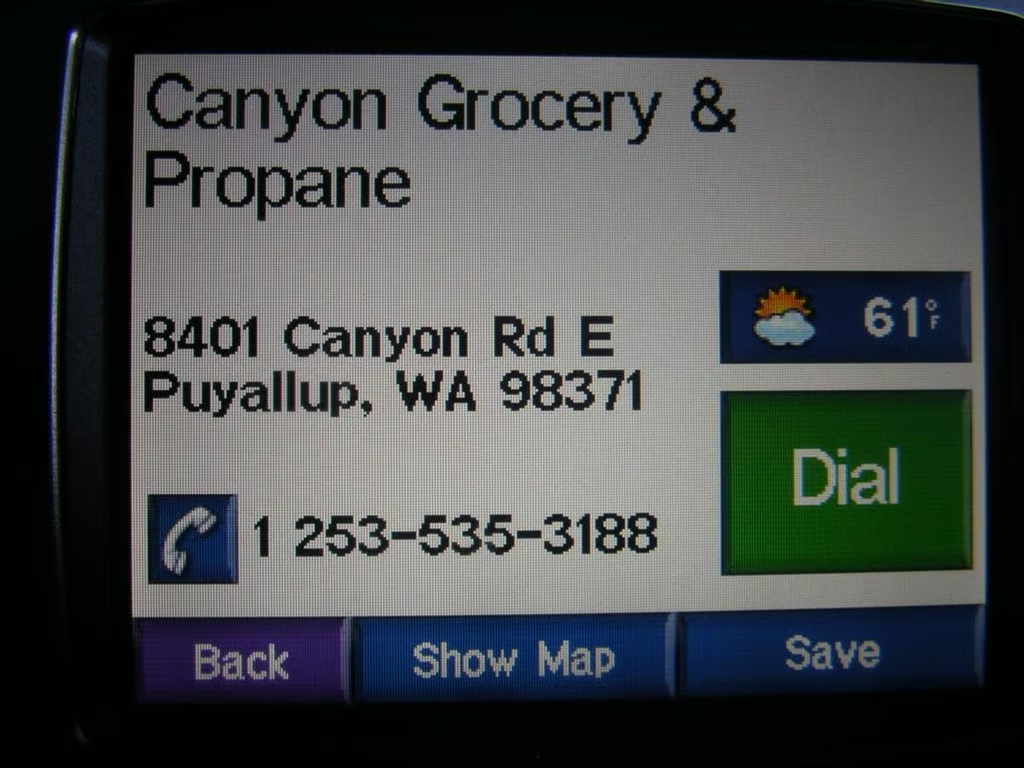
When you are paired with your phone options appear for making phone calls too. As you can see MSN Direct brings in the local weather too.
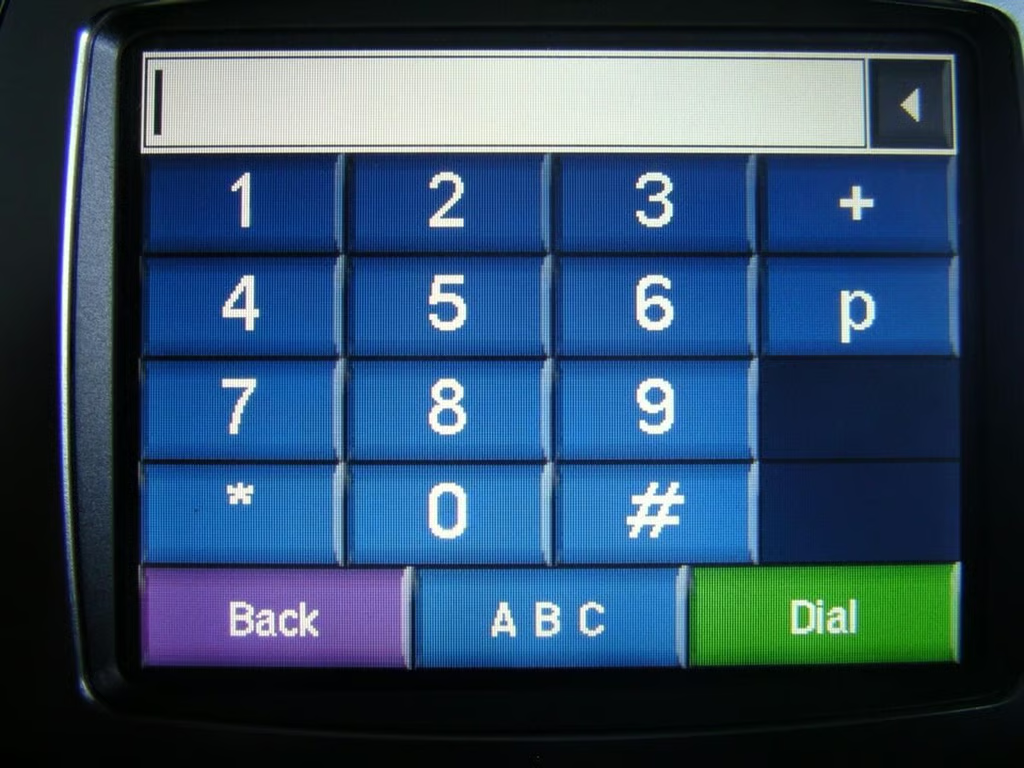
The keyboard is big and easy to use.
A phone icon appears on the display when a call comes in. You can tap the icon to answer or use your phone answer button too.
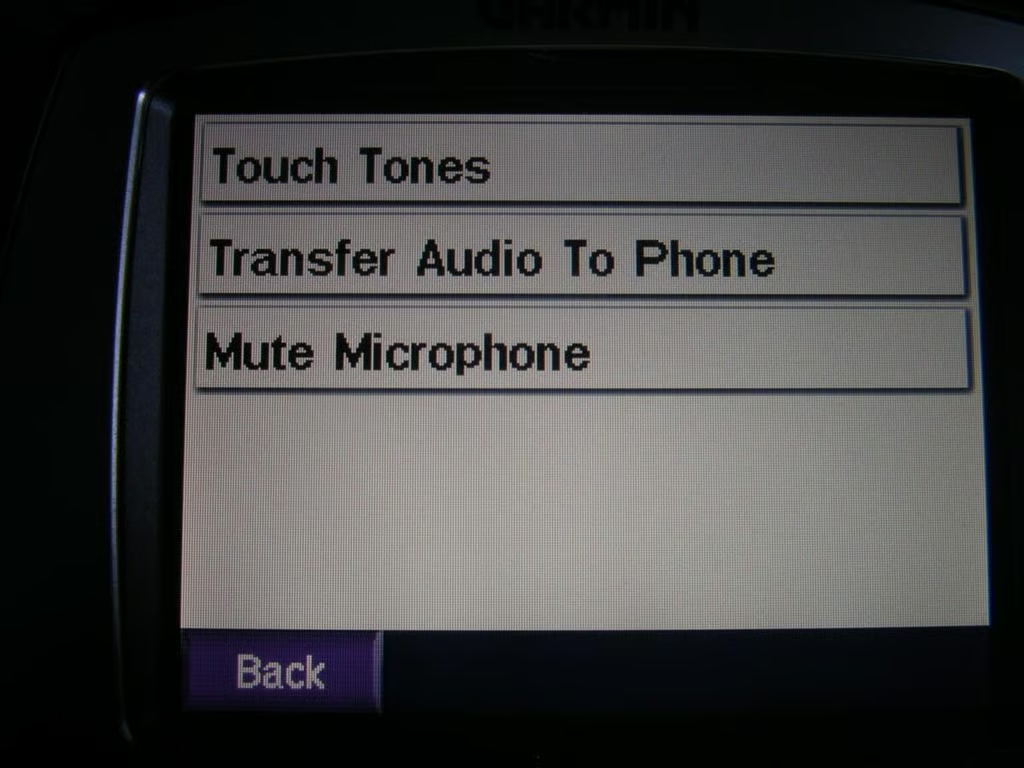
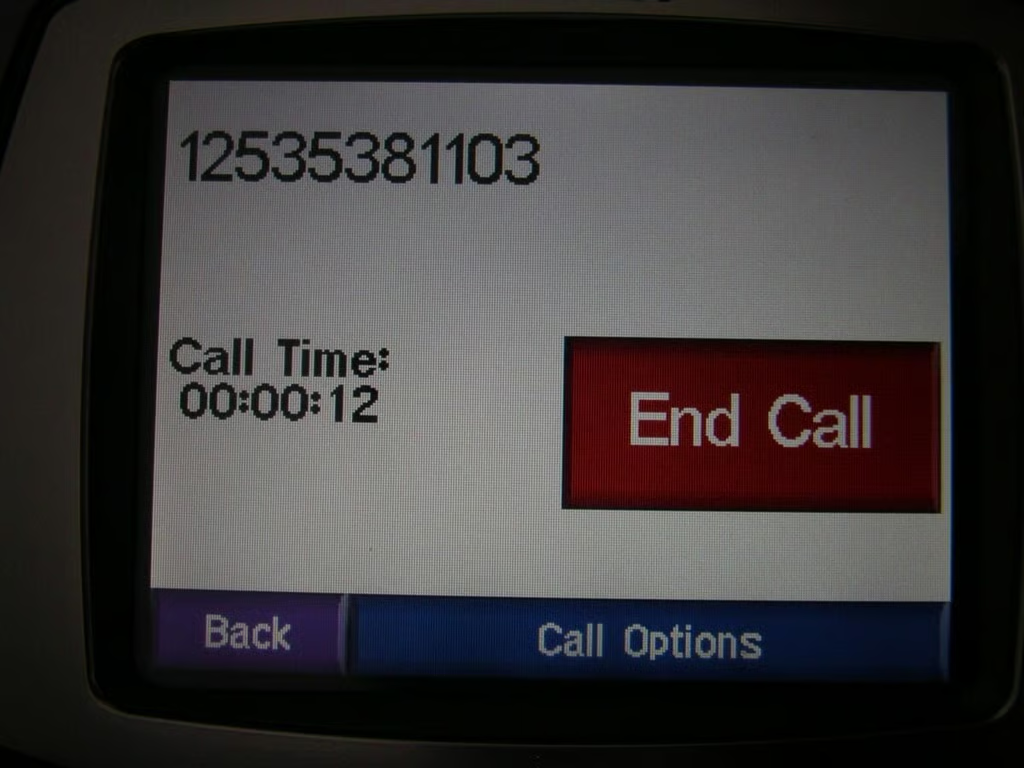
You have a few options you can make during phone calls.
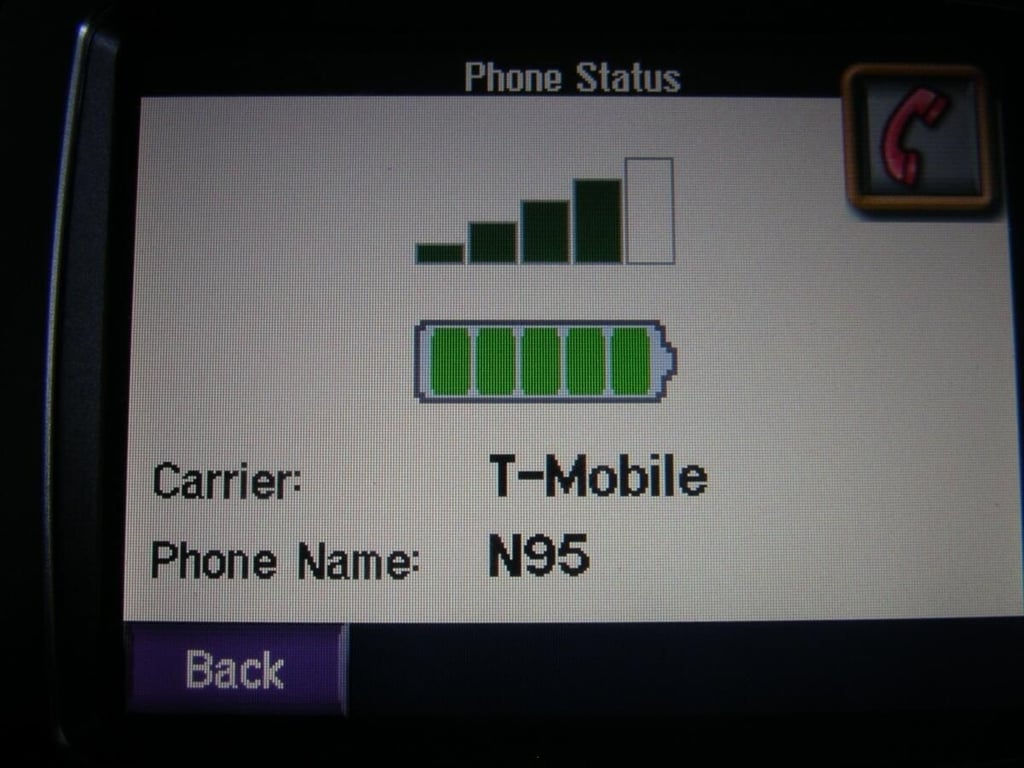
You carrier, RF reception, phone name, and even your phone battery life appears on the status display.
The large red button makes hanging up a breeze.
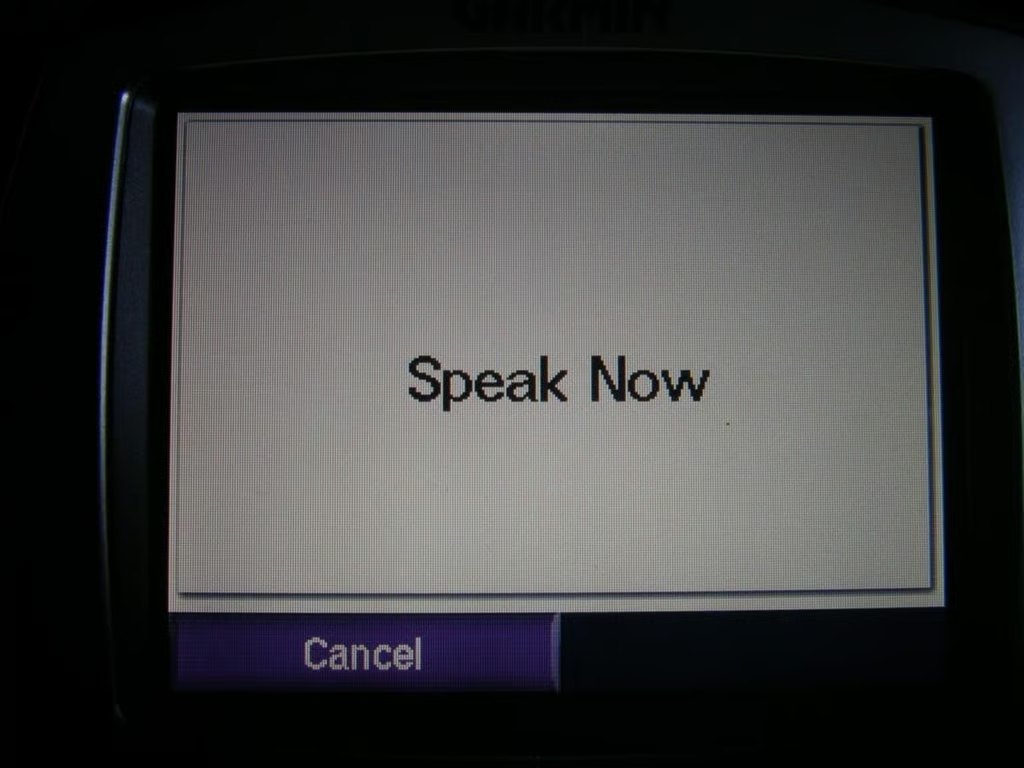
You can dial by voice command if your phone supports it.