Image: Get a perfect picture on your monitor with CheckeMon - TechRepublic

Image: Get a perfect picture on your monitor with CheckeMon

  • Get a perfect picture on your monitor with CheckeMon

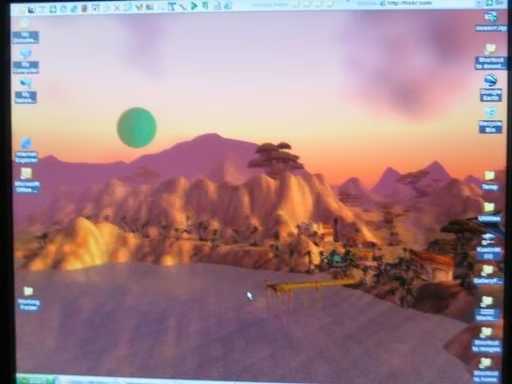
    Here is the new Sony monitor I received. That’s a screenshot from World of Warcraft I’m using as wallpaper. I call it: Moon Rising Over Ratchet

    Mark Kaelin
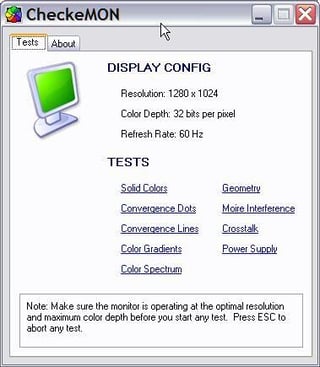
  • This is the CheckeMon application in all its glory. It’s about as simple of an interface as you can get.

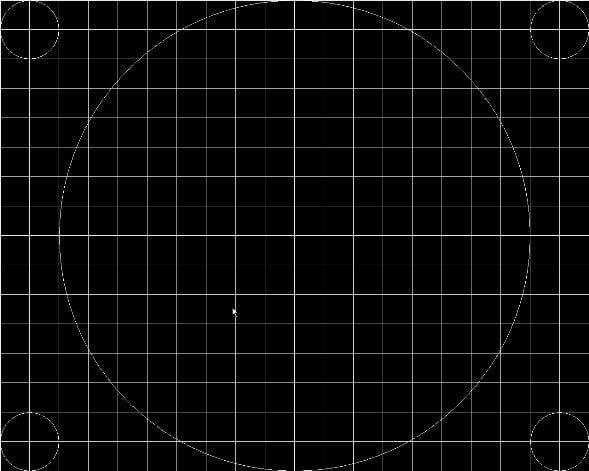
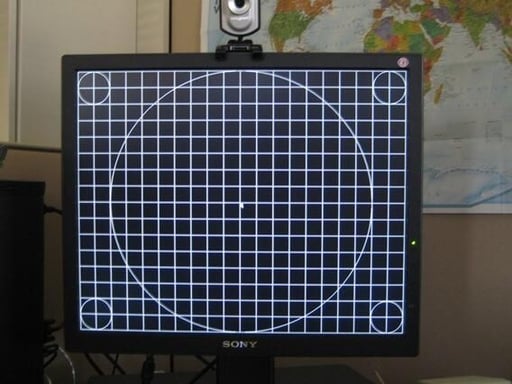
  • One of the primary adjustments I like to make on any new monitor is for geometry. Everything should line up without any distortion.

  • Testing for convergence is similiar to testing for geometry – no distortions.

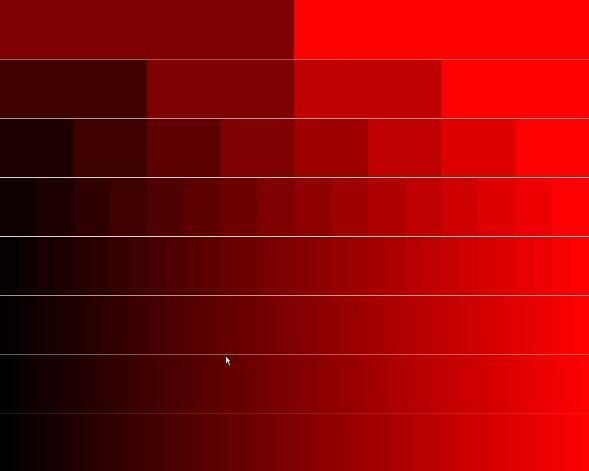
  • Don’t forget about color. Here are the various and numerous shades of red. There should be no abrupt color changes.

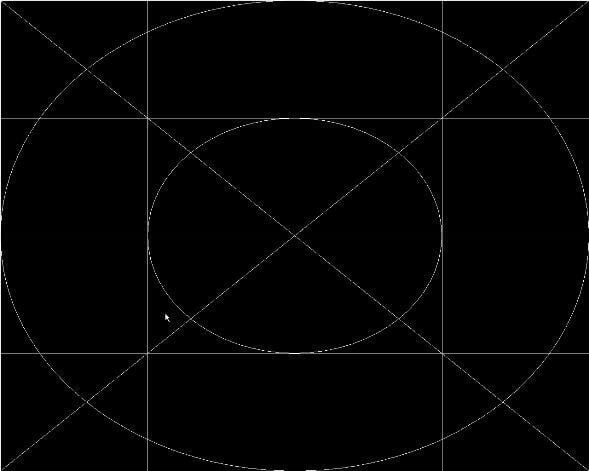
  • Here is what the geometry screen looks like in action.

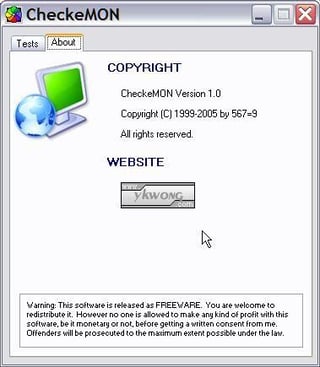
  • The About tab in CheckeMon introduces us to the programmer.

1 of 7
BD

Bill Detwiler is the Editor for Technical Content and Ecosystem at Celonis. He is the former Editor in Chief of TechRepublic and previous host of TechRepublic's Dynamic Developer podcast and Cracking Open, CNET and TechRepublic's popular online show. Previously, Bill was an IT manager in the social research and energy industries. He has bachelor's and master's degrees from the University of Louisville, where he has also lectured on computer crime and crime prevention.