Kensington PowerBack - TechRepublic

Kensington PowerBack

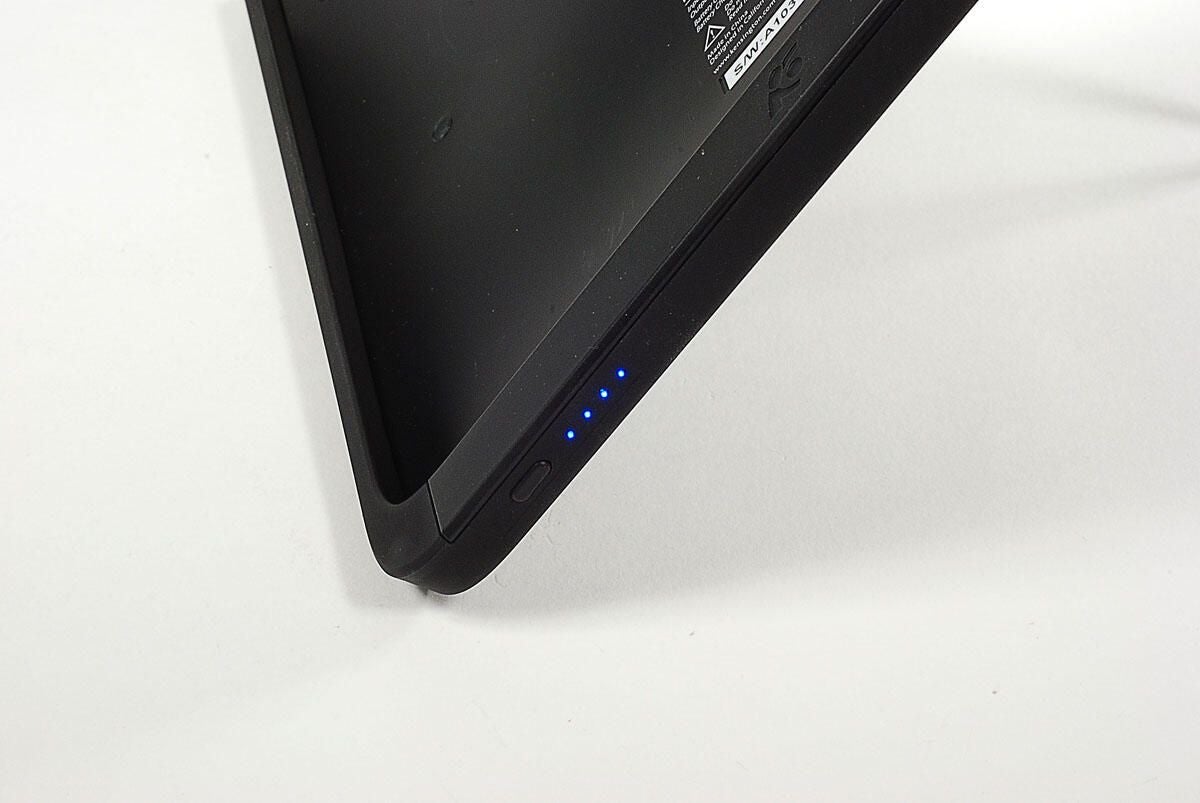
  • LED Battery fuel gauge

    The battery fuel gauge has four blue LEDs.

    To find out if it should be on your geek gift list, checkout my complete review, “Geek Gifts 2010: Kensington PowerBack.”

    Photo by: Bill Detwiler / TechRepublic

    Caption by: Bill Detwiler

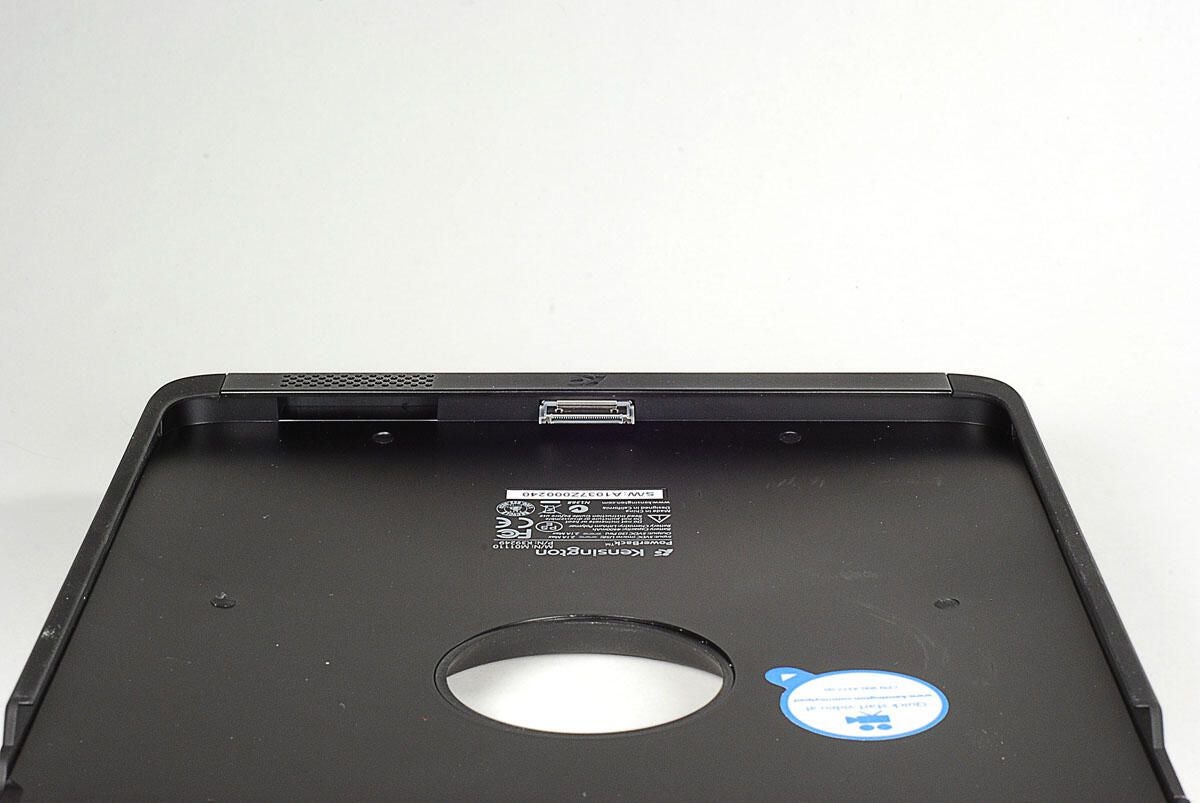
  • Apple 30-pin connector

    The PowerBack connects to the iPad via the Apple 30-pin proprietary connector.

    To find out if it should be on your geek gift list, checkout my complete review, “Geek Gifts 2010: Kensington PowerBack.”

    Photo by: Bill Detwiler / TechRepublic

    Caption by: Bill Detwiler

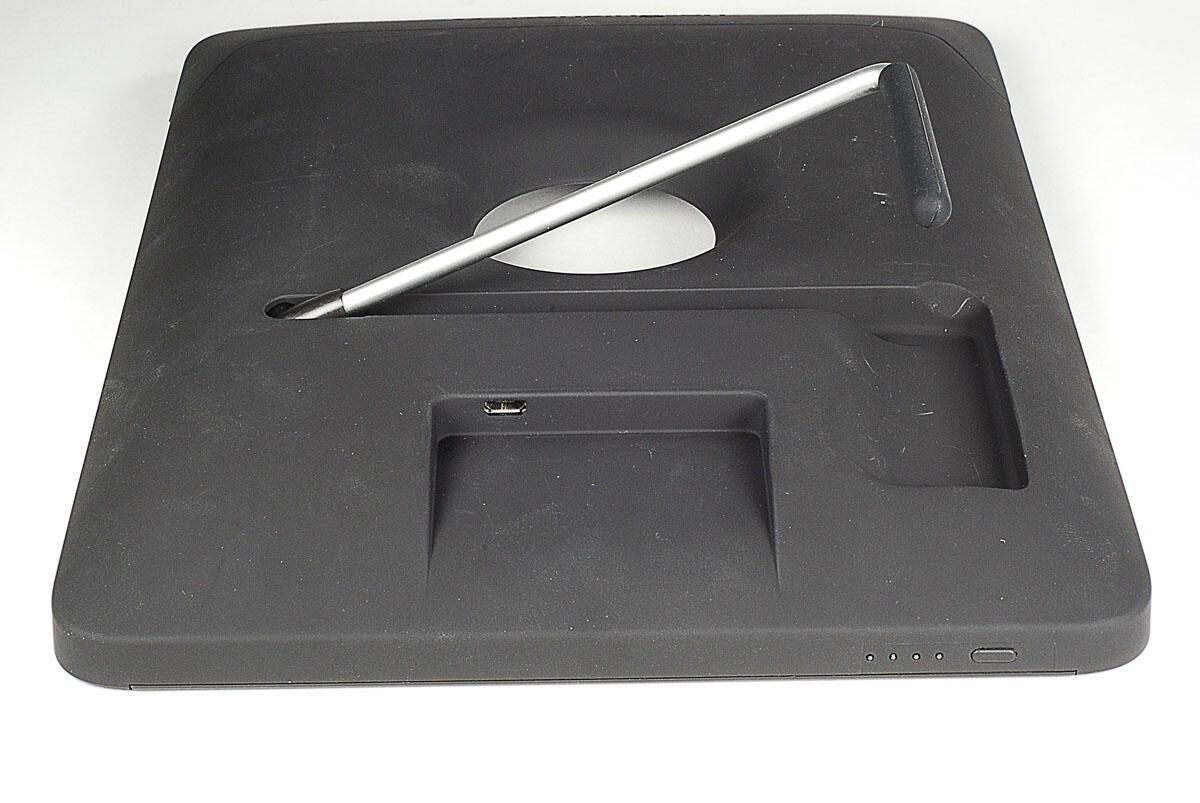
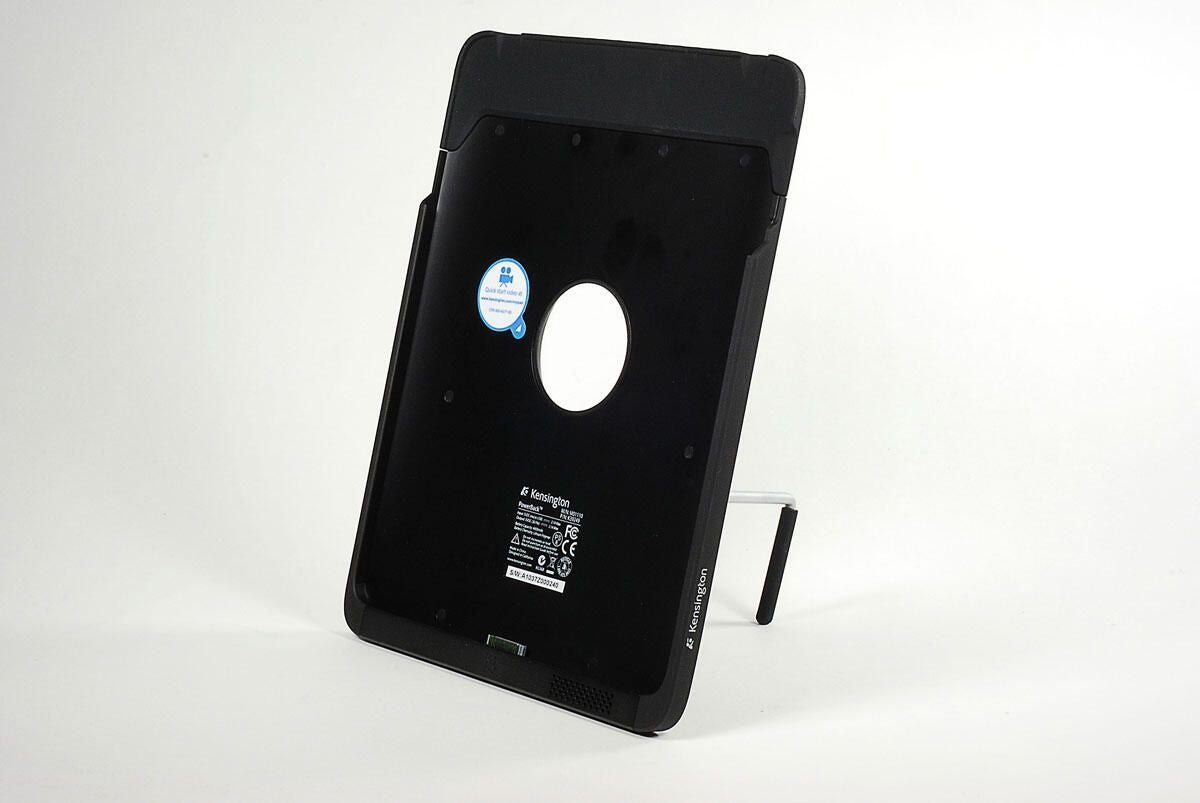
  • Kickstand and micro-USB port

    The PowerBack has a 3-position kickstand that folds into the case. The unit’s micro-USB power is also located on the back.

    To find out if it should be on your geek gift list, checkout my complete review, “Geek Gifts 2010: Kensington PowerBack.”

    Photo by: Bill Detwiler / TechRepublic

    Caption by: Bill Detwiler

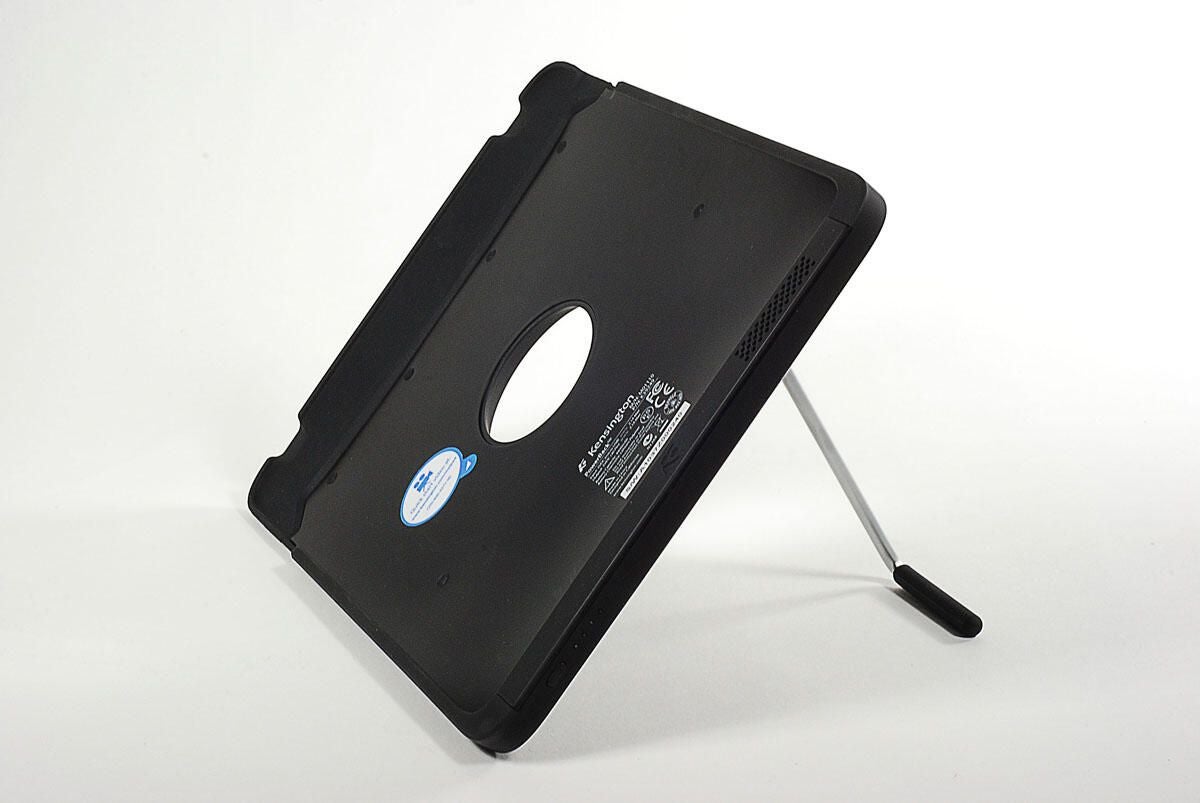
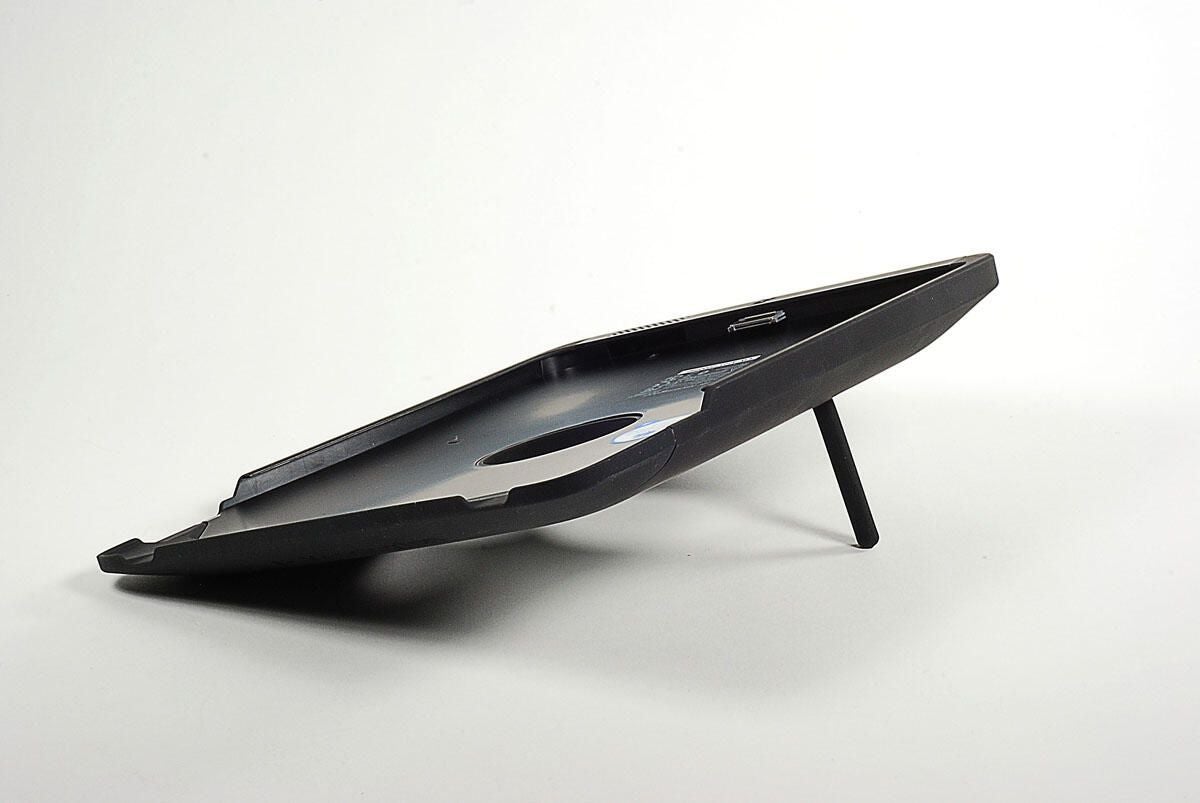
  • Kickstand in landscape mode

    To find out if it should be on your geek gift list, checkout my complete review, “Geek Gifts 2010: Kensington PowerBack.”

    Photo by: Bill Detwiler / TechRepublic

    Caption by: Bill Detwiler

  • Kickstand in portrait mode

    To find out if it should be on your geek gift list, checkout my complete review, “Geek Gifts 2010: Kensington PowerBack.”

    Photo by: Bill Detwiler / TechRepublic

    Caption by: Bill Detwiler

  • Kickstand in landscape typing mode

    To find out if it should be on your geek gift list, checkout my complete review, “Geek Gifts 2010: Kensington PowerBack.”

    Photo by: Bill Detwiler / TechRepublic

    Caption by: Bill Detwiler

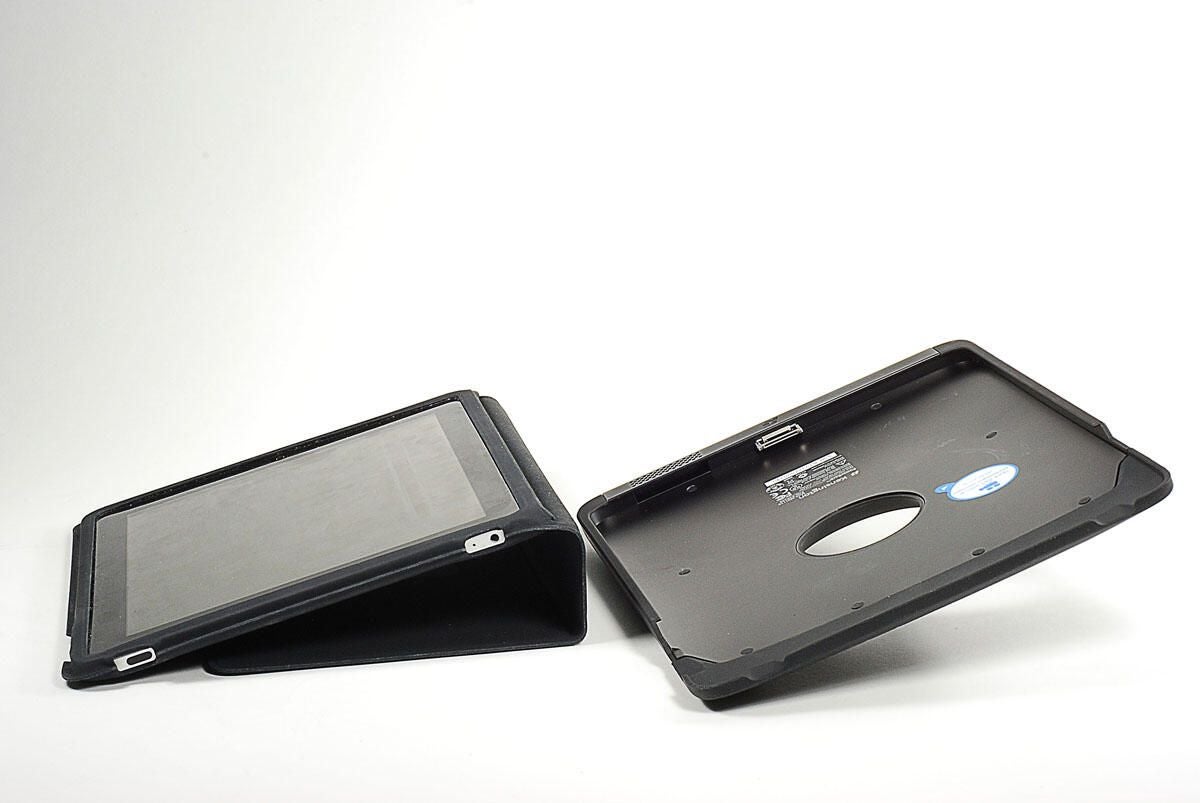
  • PowerBack and Apple iPad Case - Lanscape typing mode

    When using in landscape typing mode, the PowerBack and Apple iPad Case offer very similar angels.

    To find out if it should be on your geek gift list, checkout my complete review, “Geek Gifts 2010: Kensington PowerBack.”

    Photo by: Bill Detwiler / TechRepublic

    Caption by: Bill Detwiler

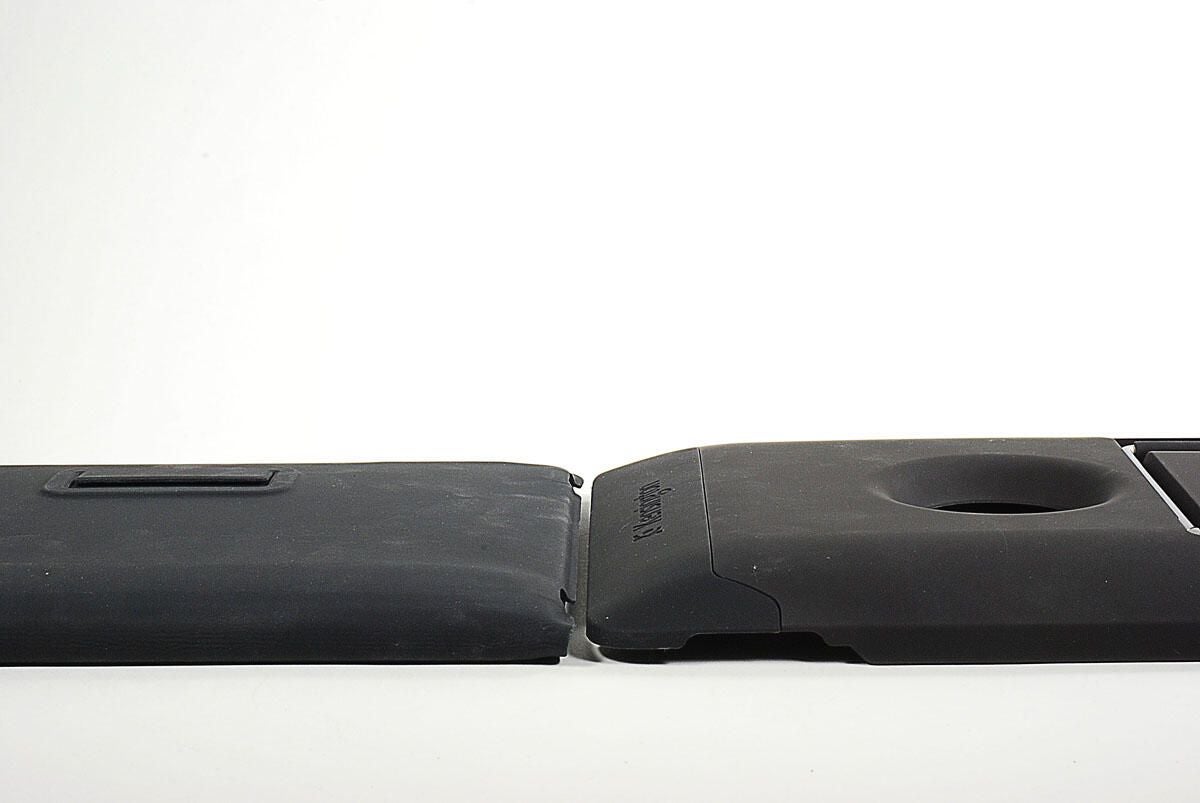
  • PowerBack and Apple iPad Case - End to end

    Despite being thicker than the Apple iPad Case, the PowerBack is not overly cumbersome.

    To find out if it should be on your geek gift list, checkout my complete review, “Geek Gifts 2010: Kensington PowerBack.”

    Photo by: Bill Detwiler / TechRepublic

    Caption by: Bill Detwiler

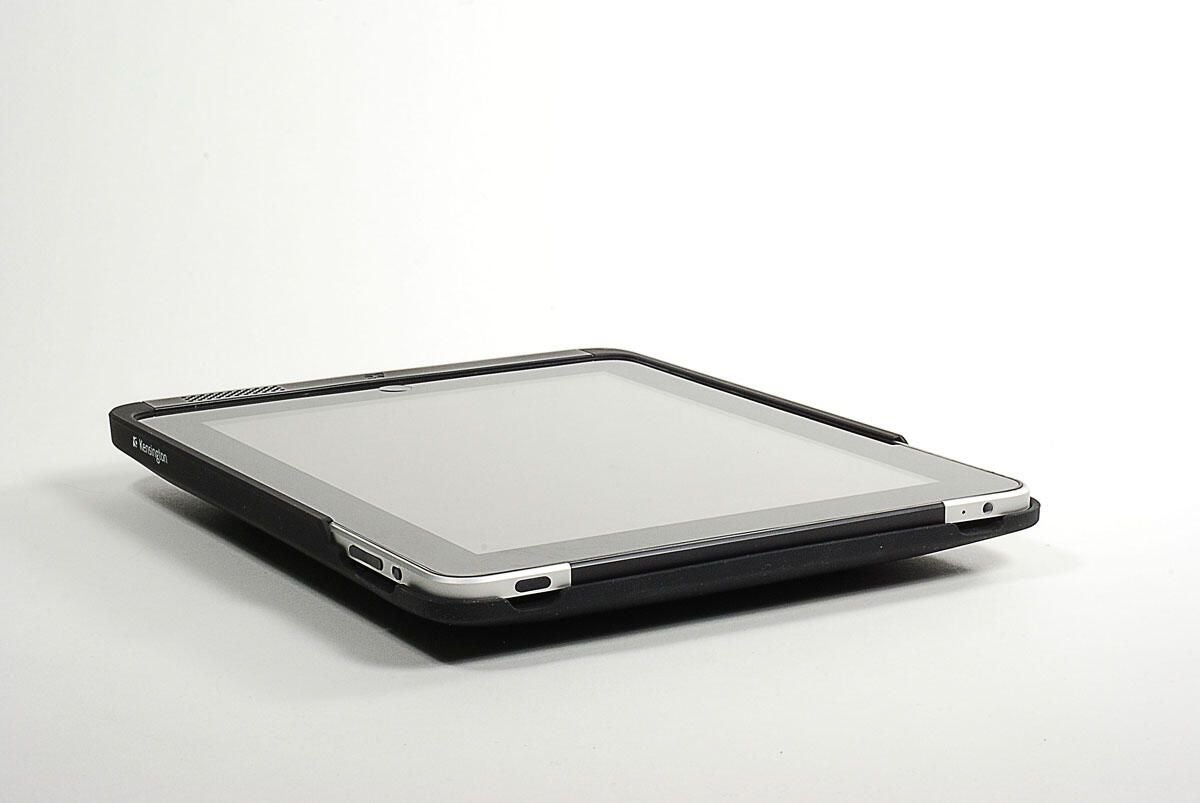
  • PowerBack and iPad laying flat

    One of my biggest complaints about the PowerBack is the lack of a folding screen cover.

    To find out if it should be on your geek gift list, checkout my complete review, “Geek Gifts 2010: Kensington PowerBack.”

    Photo by: Bill Detwiler / TechRepublic

    Caption by: Bill Detwiler

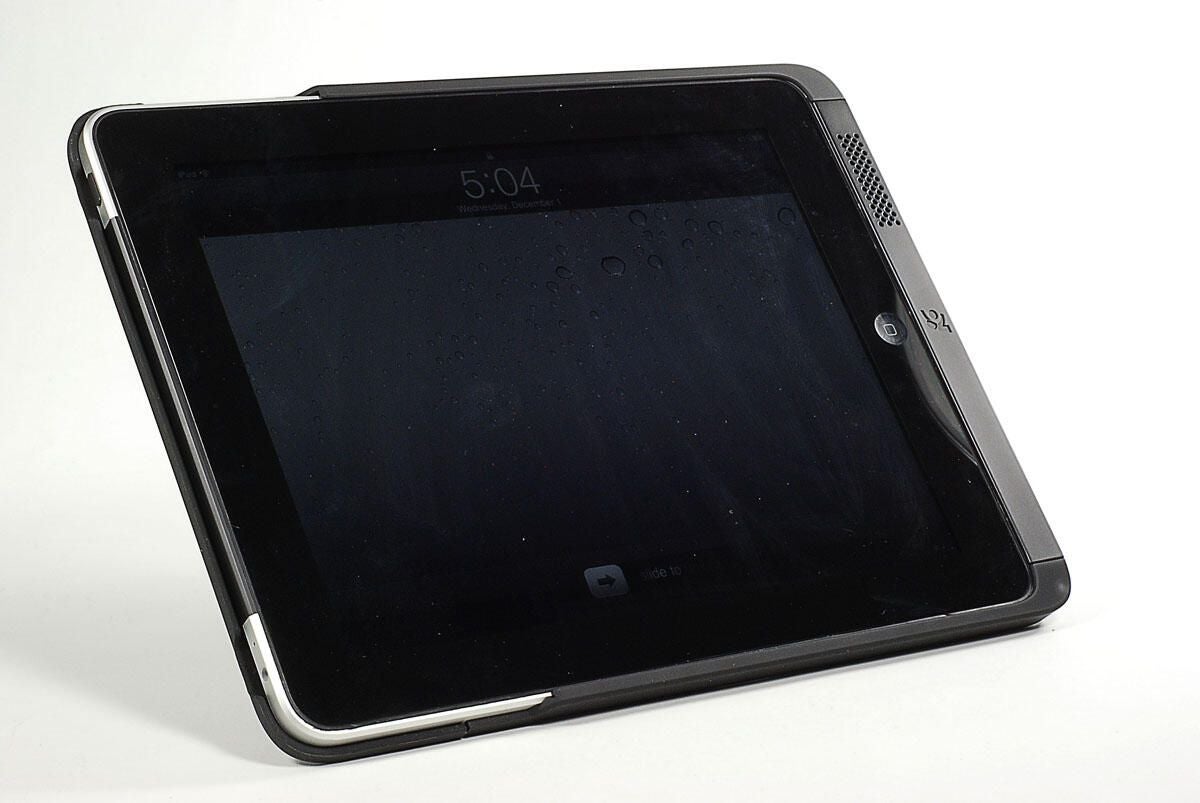
  • PowerBack with iPad in landscape mode

    To find out if it should be on your geek gift list, checkout my complete review, “Geek Gifts 2010: Kensington PowerBack.”

    Photo by: Bill Detwiler / TechRepublic

    Caption by: Bill Detwiler

1 of 10
BD

Bill Detwiler is the Editor for Technical Content and Ecosystem at Celonis. He is the former Editor in Chief of TechRepublic and previous host of TechRepublic's Dynamic Developer podcast and Cracking Open, CNET and TechRepublic's popular online show. Previously, Bill was an IT manager in the social research and energy industries. He has bachelor's and master's degrees from the University of Louisville, where he has also lectured on computer crime and crime prevention.