Mark's scrapbook 9 - TechRepublic

Mark’s scrapbook 9

  • 6242860.png

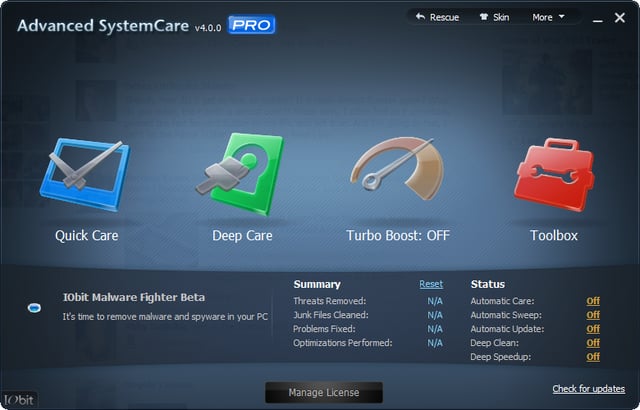
    Integrate system maintenance with IObit Advanced SystemCare PRO

  • Apple, Google, and Microsoft are all evil but we're okay with that
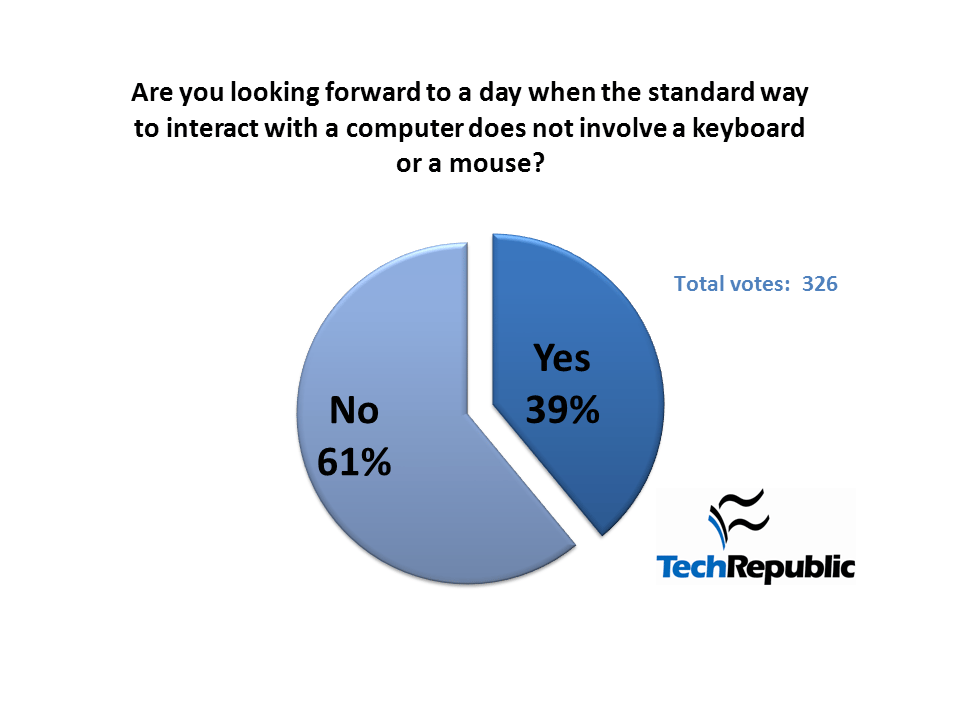
    Microsoft's claim to the evil empire moniker is being challenged by both Apple and Google. A recent TechRepublic poll indicates the only consensus is that we should be more concerned.
  • Should there be separate tablet and desktop editions of Windows 8?

    In this edition of the Windows Desktop Report, Greg Shultz examines arguments for and against separate editions of Windows 8 for tablets and desktops. We'd like your input.
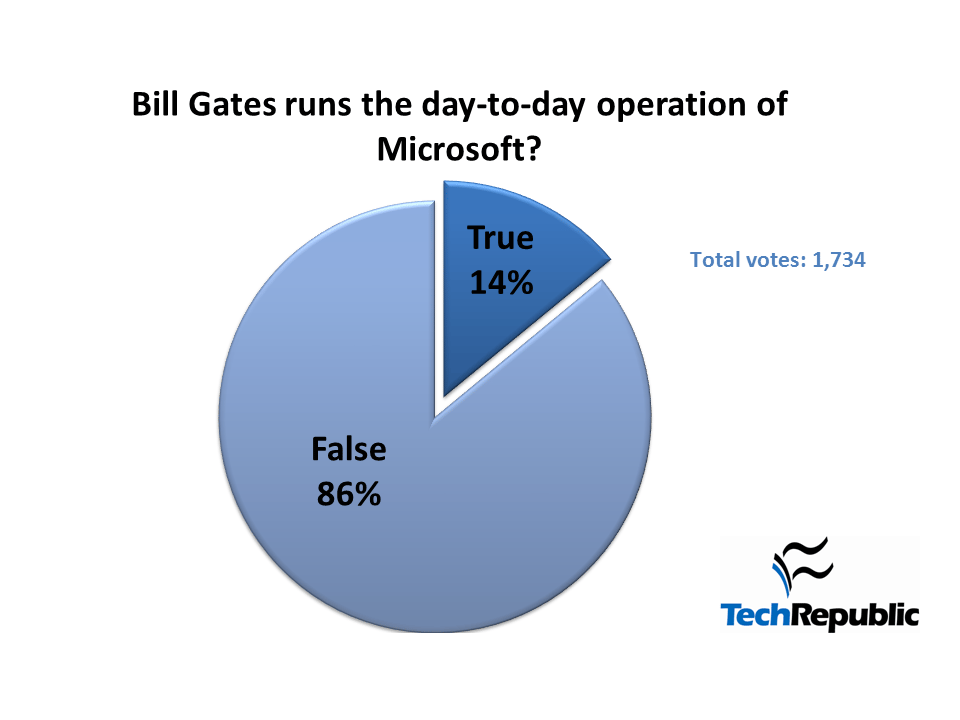
  • Bill Gates is not in charge so get over it and move on

    A recent Windows Blog poll shows that there are still a significant number of people who still consider Bill Gates to be the man in charge of Microsoft. The question is how?
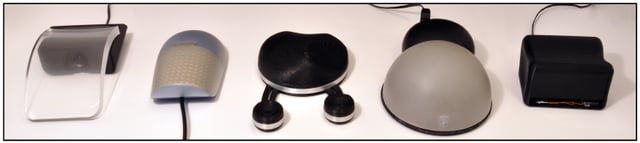
  • Windows 8 touch screen interface and the Microsoft Touch Mouse

    In this edition of the Windows Desktop Report, Greg Shultz takes a look at the Microsoft Touch Mouse and discusses the ways in which it will help us to gradually move to the Windows 8 touch screen interface.
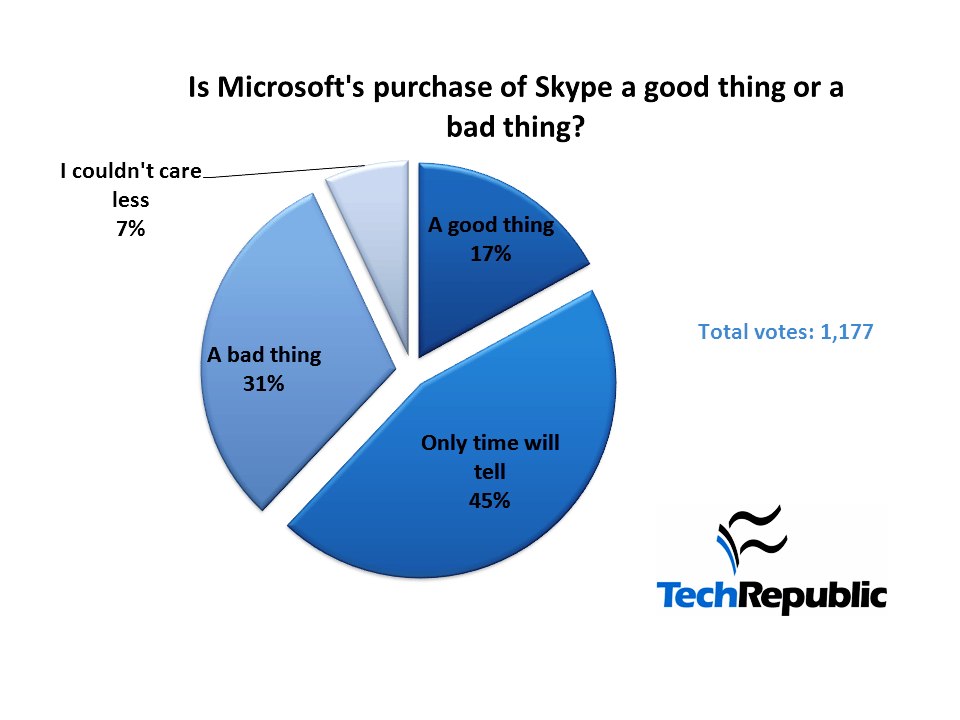
  • Patience is a virtue even when it comes to Microsoft and Skype

    TechRepublic members are concerned about whether Microsoft's acquisition of Skype will prove successful, but they are also willing to be patient to find out one way or another.
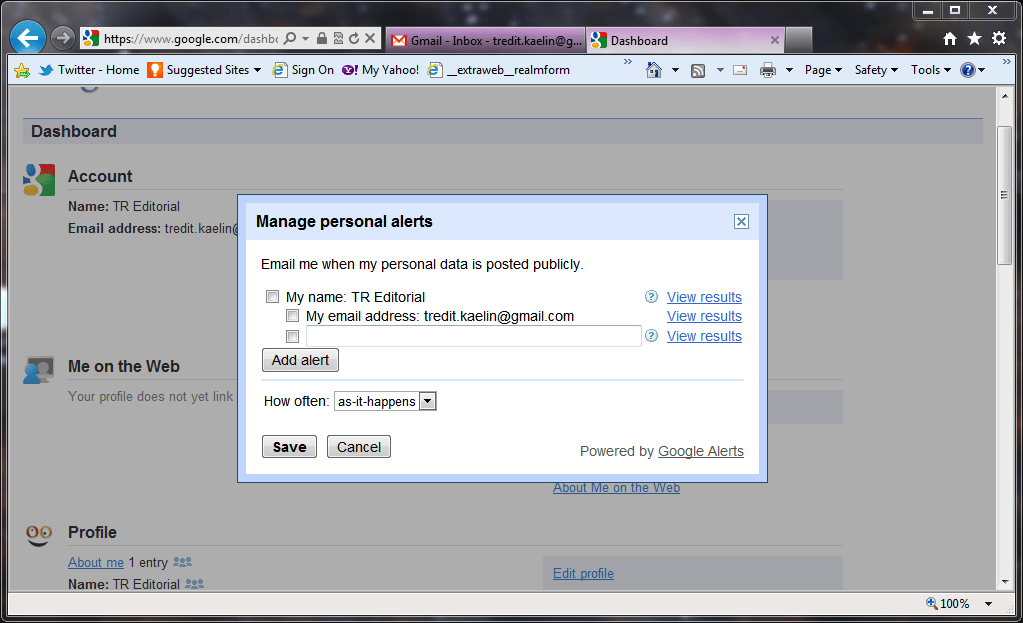
  • You, yourself, and Google: Managing your personal search ranking

    Google has released a few tools to help you monitor where and how your name shows up in a search ranking. Kevin Purdy shows you how to edit your Google Profile.
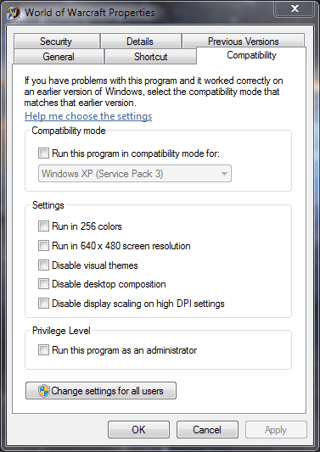
  • Quick Tip: Disable the Aero interface for just the problem applications

    The Windows Aero interface looks great, but it can cause problems with certain applications. With a simple tweak to the compatibility settings, you can have Aero and compatibility too.
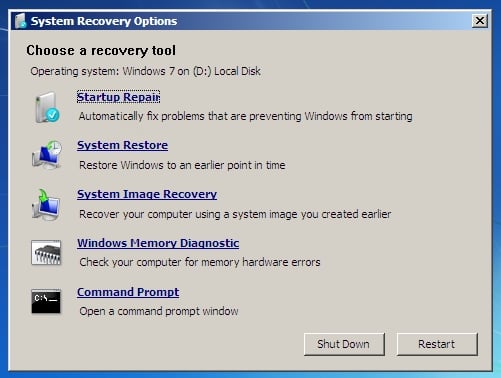
  • Access more troubleshooting tools with Windows 7 System Recovery Options

    In this edition of the Windows Desktop Report, Greg Shultz shows you how to get to the Windows 7 System Recovery Options menu and describes each of the tools on the menu.
  • Quick Tip: Gather Windows system information into Excel

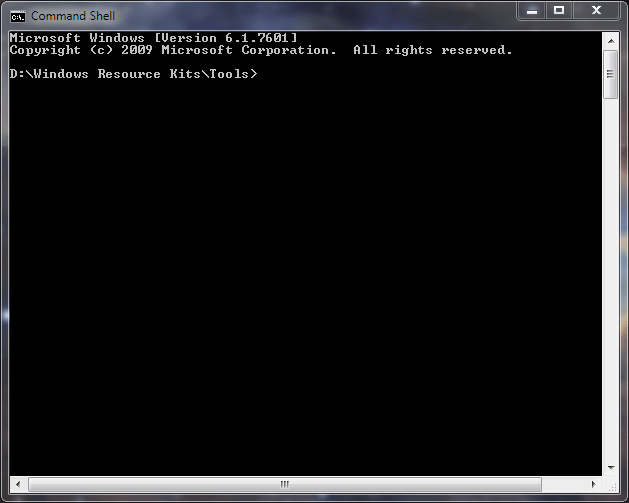
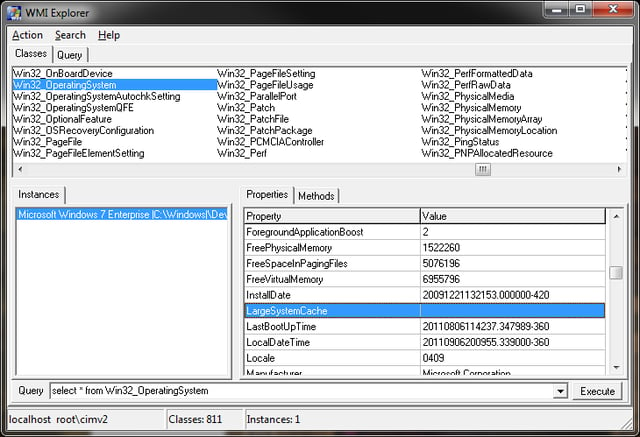
    Screenshot by Mark Kaelin for TechRepublic
  • Quick Tip: Gather Windows system information into Excel

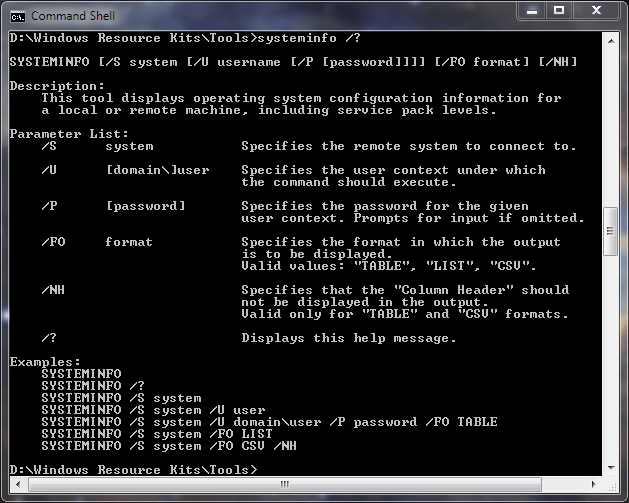
    Gather and track Windows system information in Excel for all your PCs with the systeminfo command and a few switches.
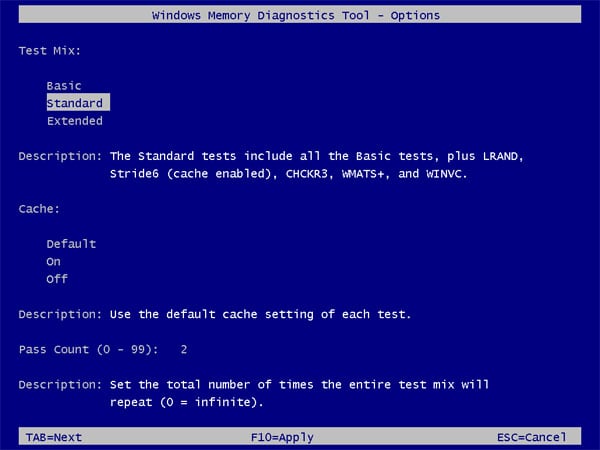
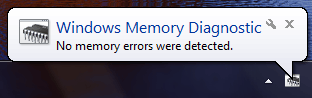
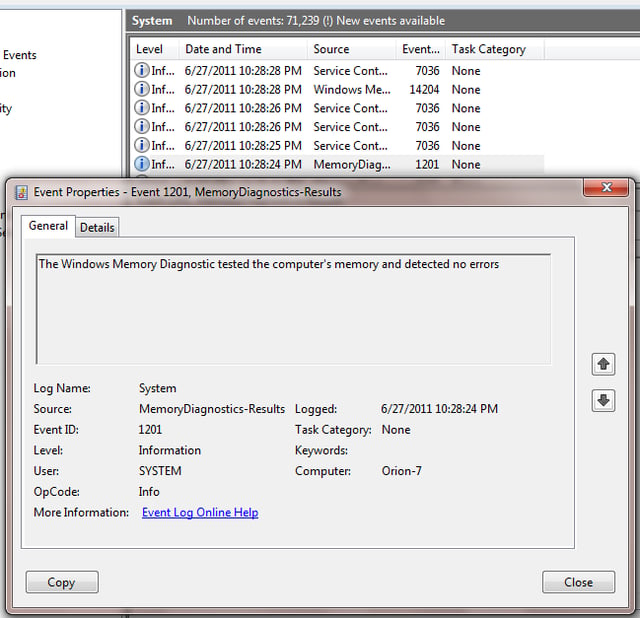
  • Use Windows Memory Diagnostic to investigate RAM problems Windows 7

  • Use Windows Memory Diagnostic to investigate RAM problems Windows 7

  • Use Windows Memory Diagnostic to investigate RAM problems Windows 7

  • Use Windows Memory Diagnostic to investigate RAM problems Windows 7

  • Use Windows Memory Diagnostic to investigate RAM problems Windows 7

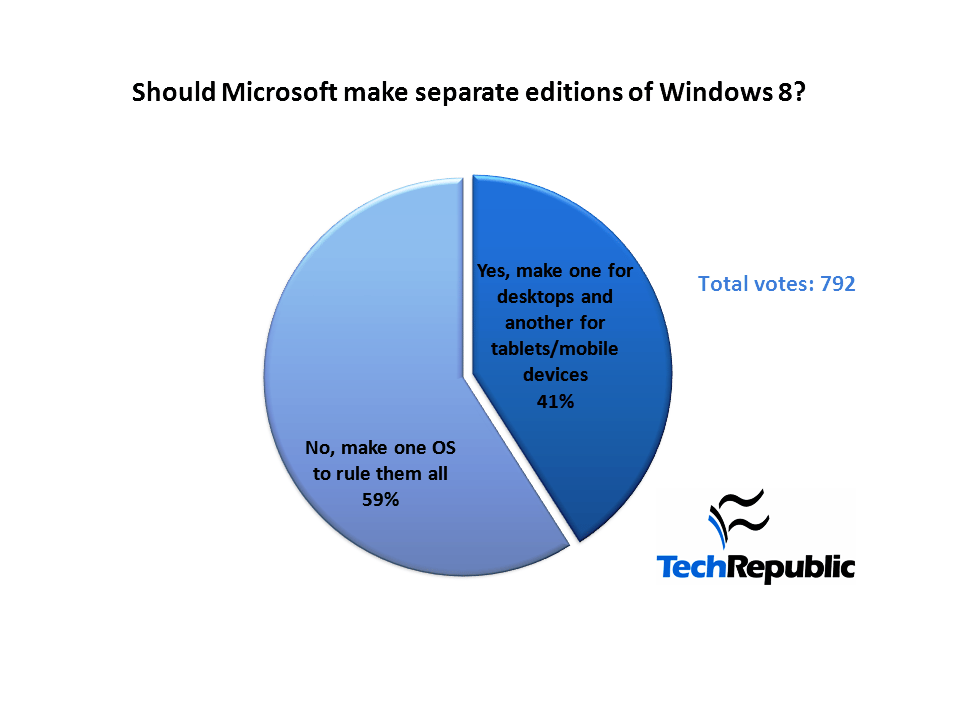
  • We are willing to accept one cross-platform Windows 8 but there are doubts

    On June 9, 2011, Greg Shultz asked: Should there be separate tablet and desktop editions of Windows 8? A poll indicates that we are ready for a one cross-platform version of Windows 8, but there are still doubts.
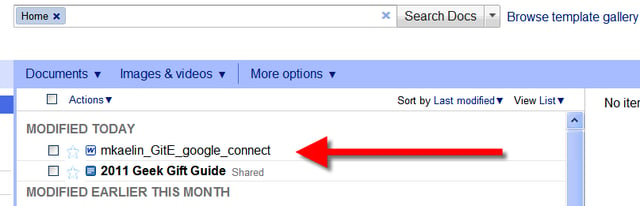
  • Use Microsoft Office to create Google docs with Cloud Connect

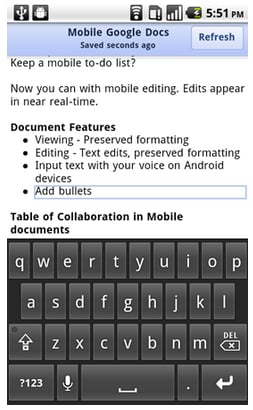
    Google Cloud Connect synchronizes your Microsoft Office documents with Google Apps automatically as you create them, saving time and hassle.
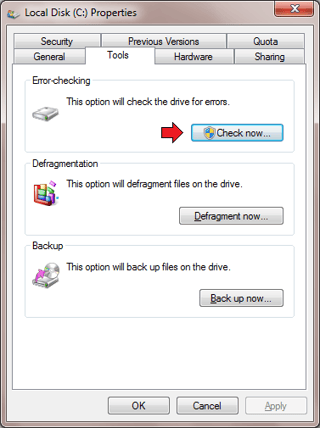
  • Use the GUI version of Check Disk to analyze the condition of your hard disks

    In this edition of the Windows Desktop Report, Greg Shultz shows you how to use the GUI version of Windows 7's Check Disk tool to perform two hard disk analysis operations.
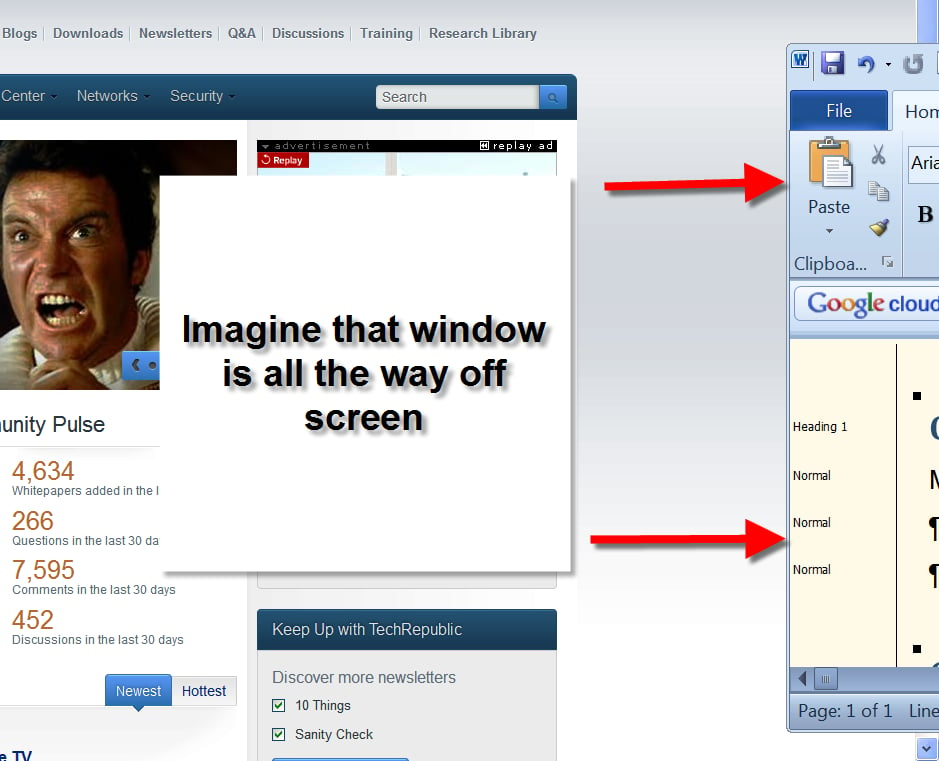
  • Quick Tip: Move a window back into view from outside the display

    In Microsoft Windows (7, Vista, and XP) there is a simple way to move that hidden application window back into view when it has slipped off the screen.
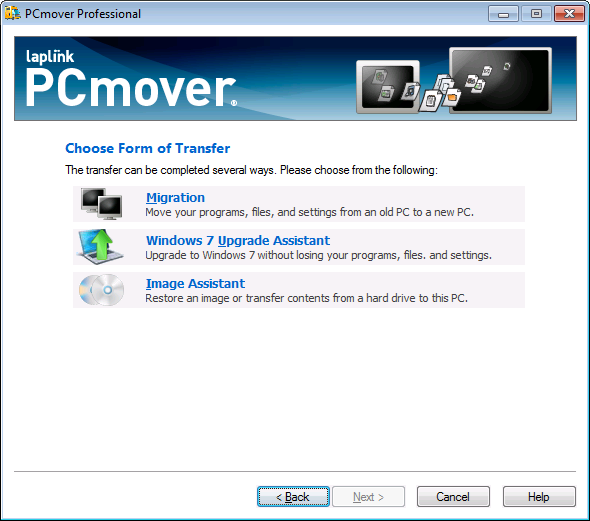
  • Review: Use Laplink PCmover to move from XP to Windows 7

    Laplink's PCmover allows you to transfer settings, files, and applications from one machine to another, including moving from Windows XP to Windows 7.
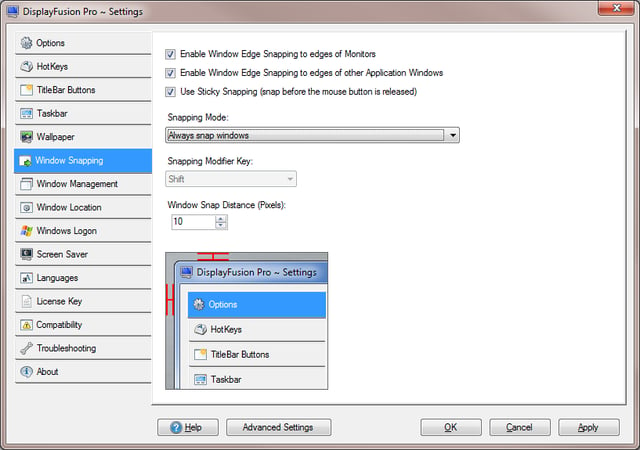
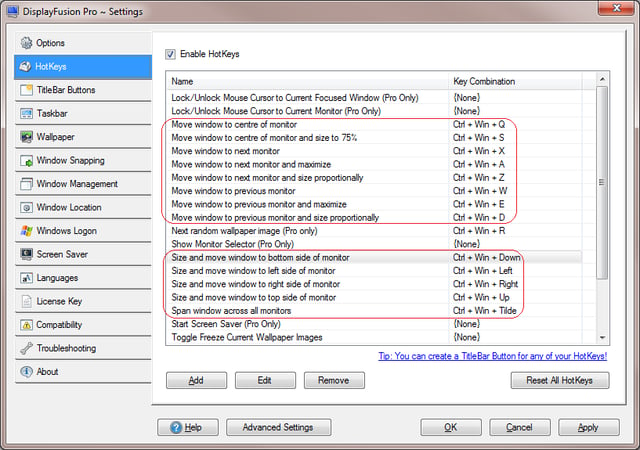
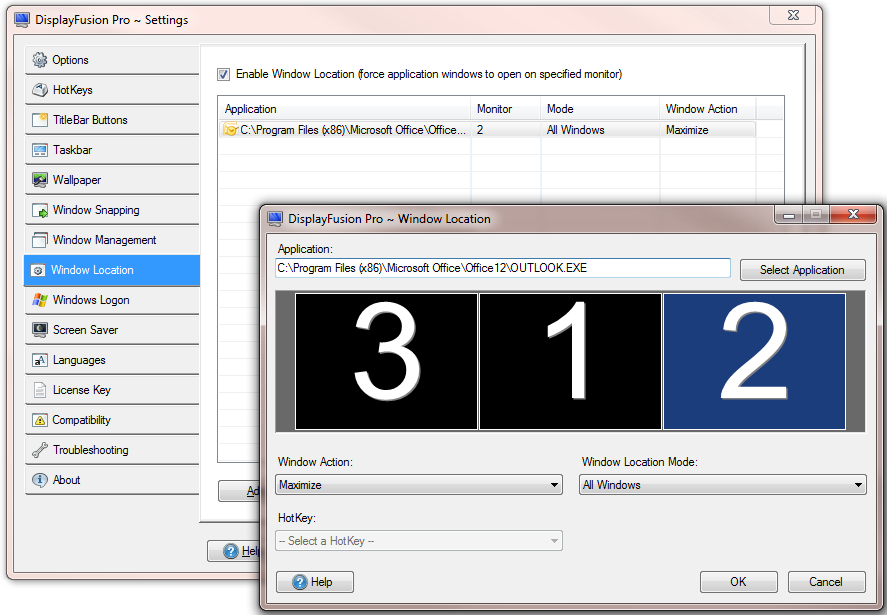
  • Enhance your Windows 7 multiple monitor system with DisplayFusion

  • Enhance your Windows 7 multiple monitor system with DisplayFusion

  • Enhance your Windows 7 multiple monitor system with DisplayFusion

  • Enhance your Windows 7 multiple monitor system with DisplayFusion

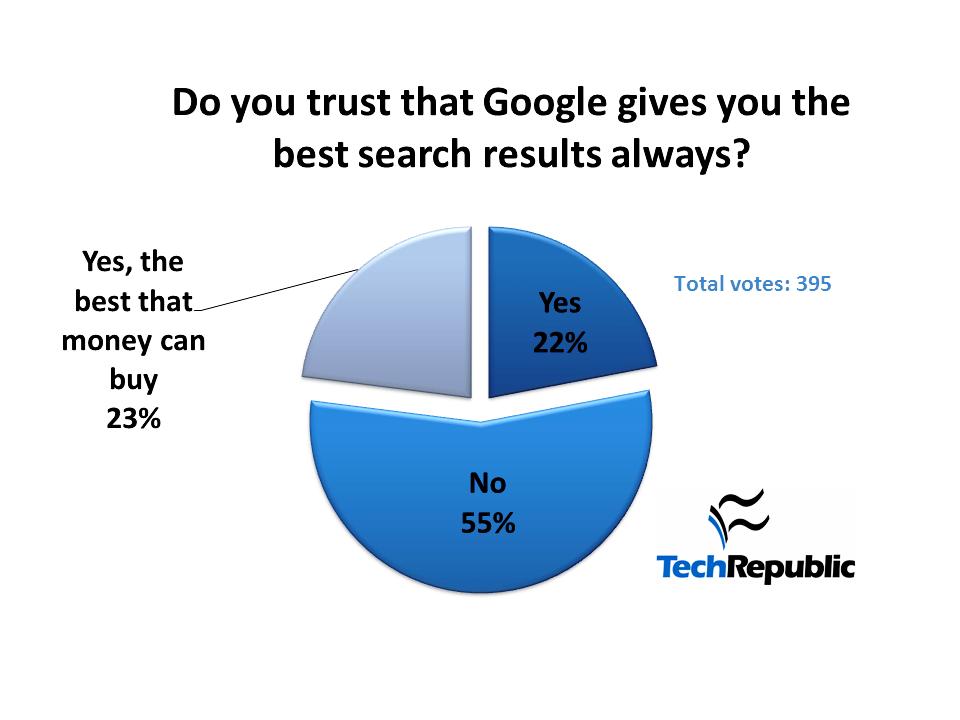
  • No trust for Google search and the power it wields

    Back in June 2011 we asked if you trusted Google search to return the best objective results. The poll results indicate that the majority does not, but they do worry about the power that gives the company.
  • Keep device drivers updated with Windows 7 Device Installation Settings

    In this edition of the Windows Desktop Report, Greg Shultz examines the benefits of allowing Windows 7 to detect and install updated device drivers and shows you how to enable or disable this feature.
  • Windows XP continues to be the operating system that just won't die

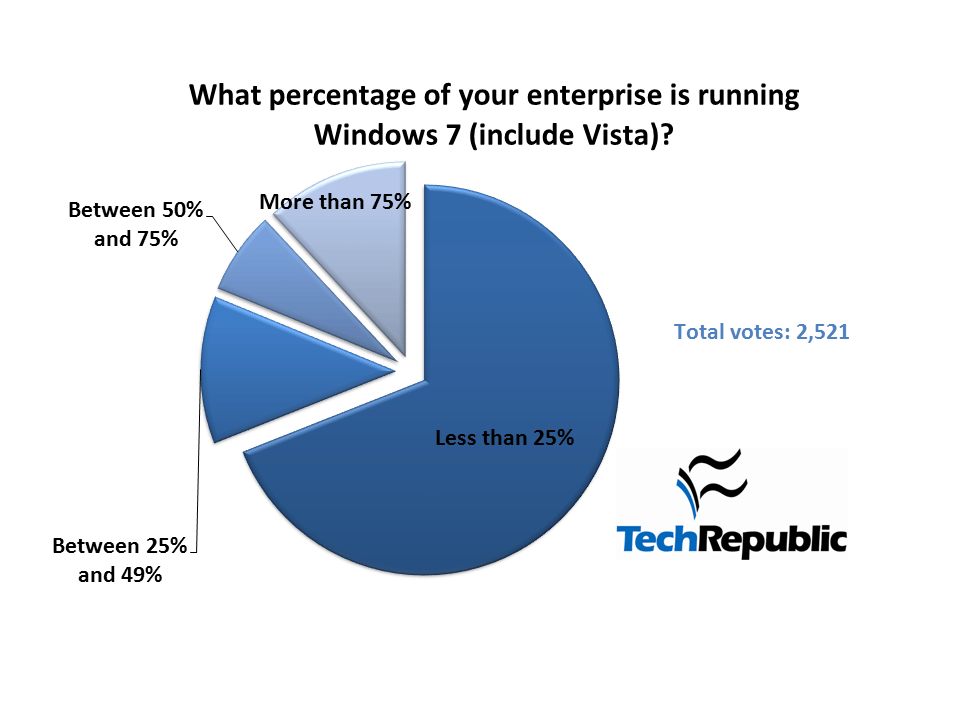
    Windows XP is slowly being phased out as new PCs are deployed, but the migration is still far from complete. Recent poll results suggest Windows XP is going to be around for a long time.
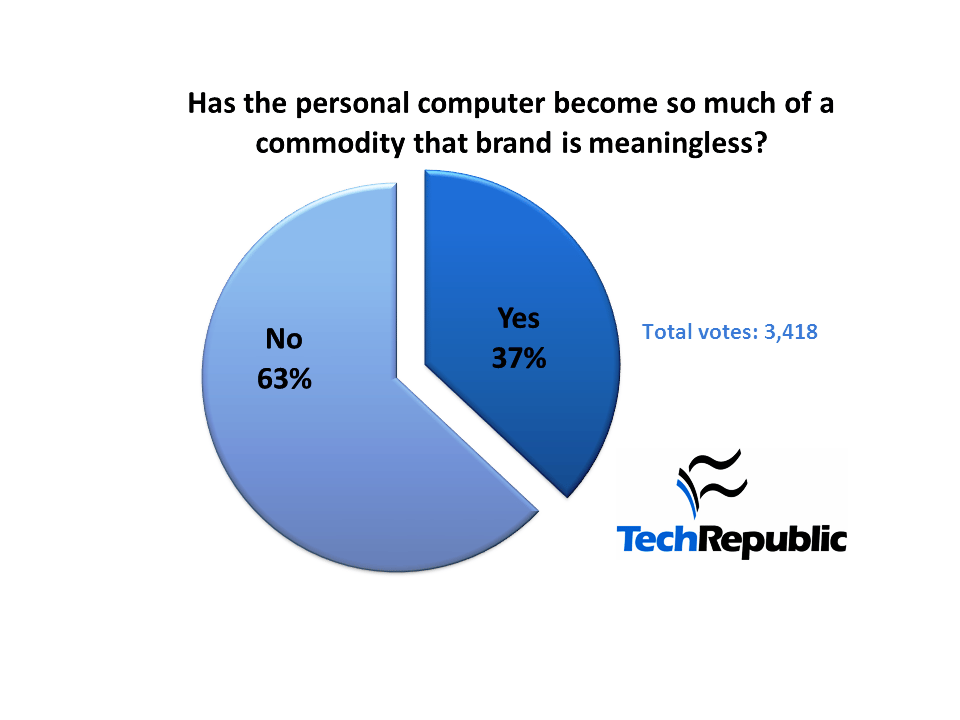
  • I don't want to live in a world without Microsoft and neither do you

    Courtesy of Yahoo Finance
  • Recover data files in Windows 7 with Previous Versions

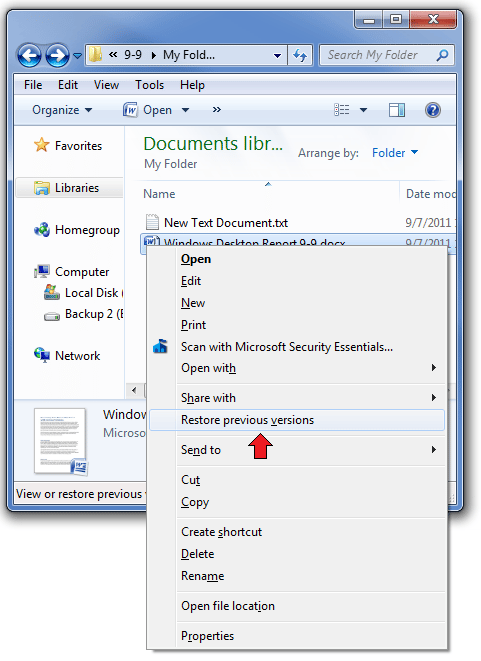
    The Previous Versions feature of System Restore in Windows 7 can recover data in the event that a file is inadvertently deleted or becomes corrupted.
  • MoLoSo: Google's enterprise strategy according to Eric Schmidt

    According to Google Chairman Eric Schmidt, the next big thing in Internet technology is the mobile, local, and social web.
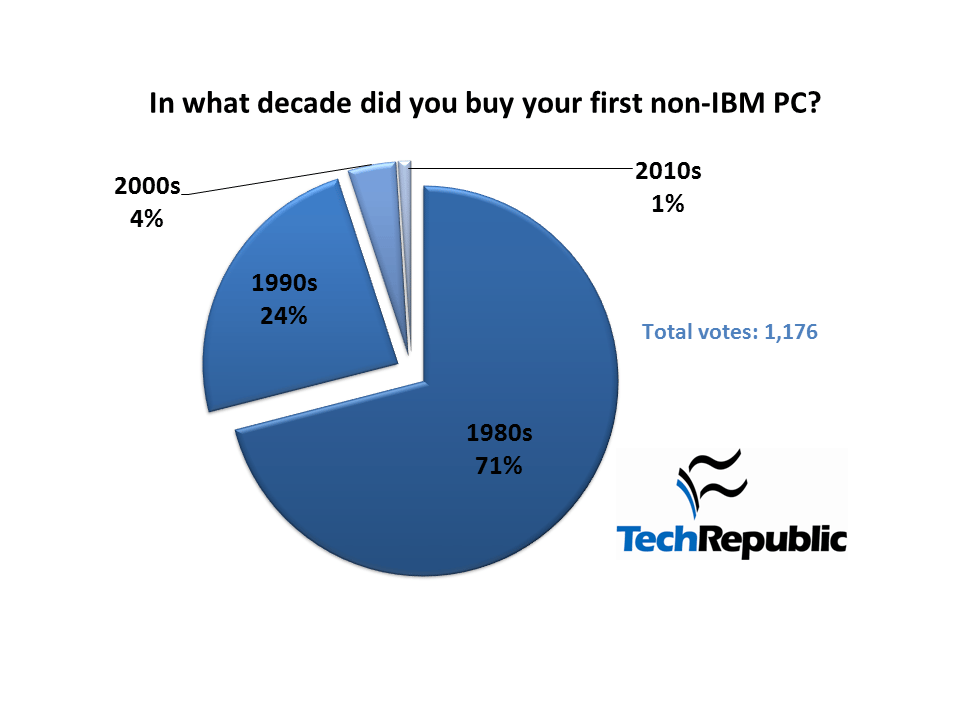
  • IBM lost its sway with IT pros in the 1980s

    TechRepublic members were quick to break tradition and purchase IBM-clone PCs starting in the 1980s.
  • Windows 8 features we know about so far

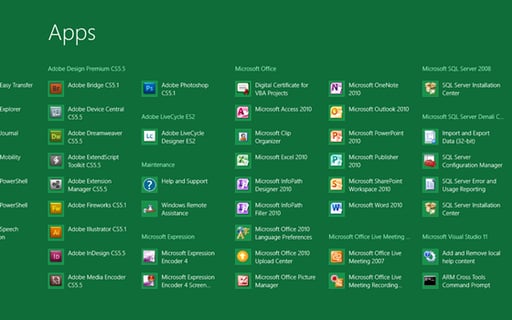
    The Microsoft BUILD conference will reveal more Windows 8 details, but Greg Shultz explores the features we know about so far.
  • Microsoft BUILD expectations running high

    Microsoft has led us to believe that what's going to be introduced at BUILD will be nothing short of spectacular. Time will tell.
  • Tweak Windows 8 to remove the Metro Interface

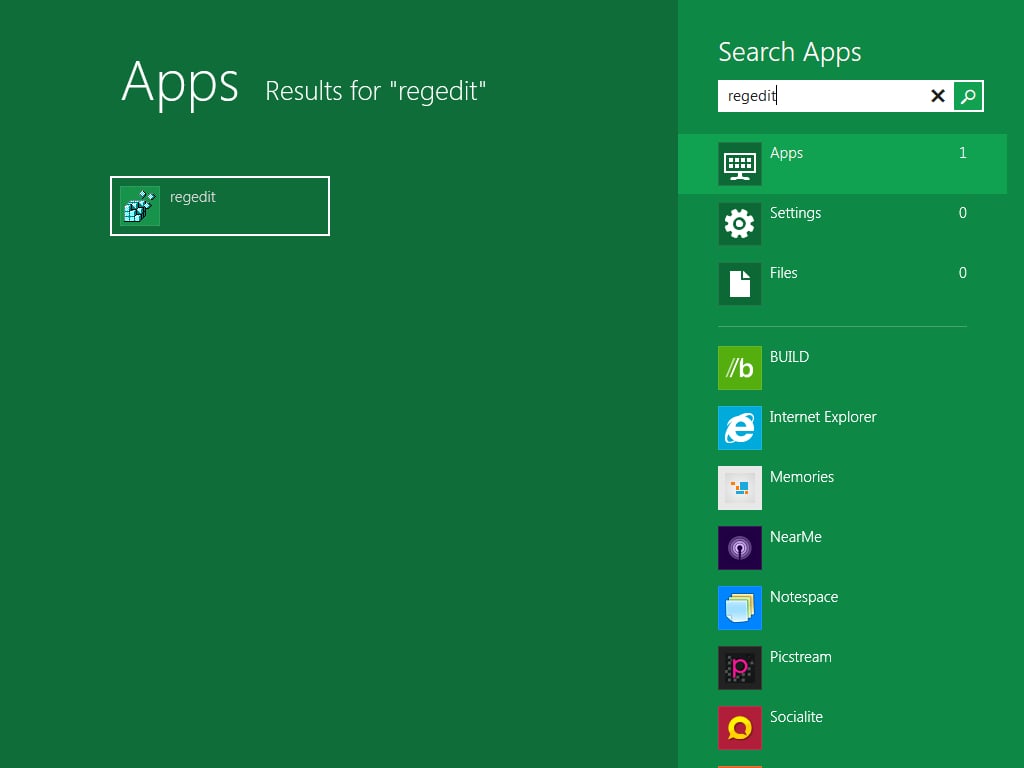
    We have been saying all along that you can opt out of the tiles interface in Windows 8. Mark Kaelin shows you the registry tweak to make it happen.
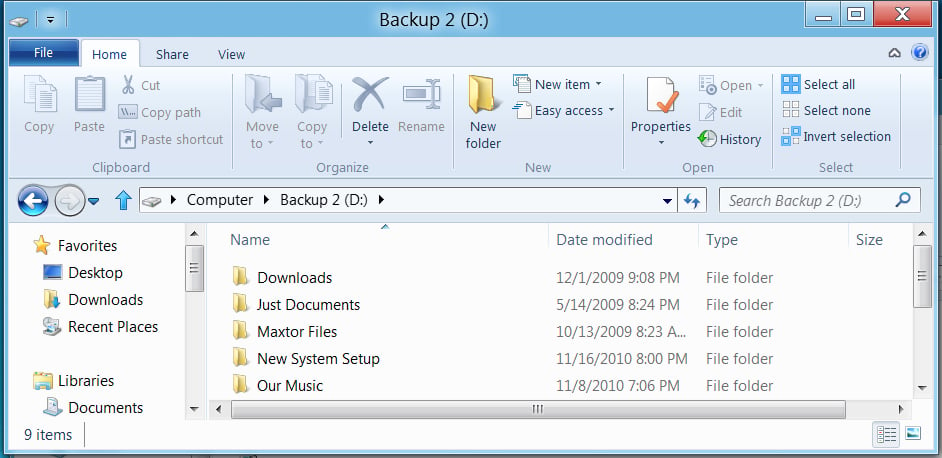
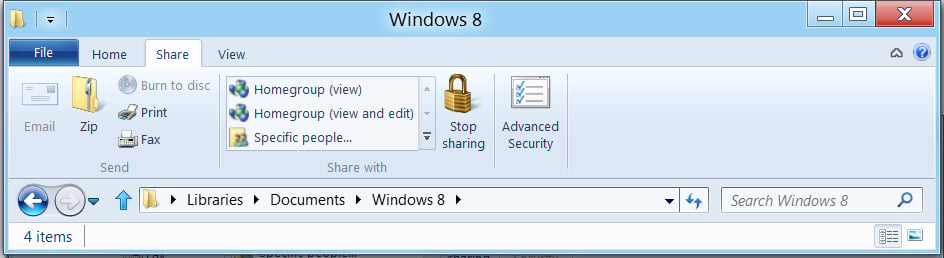
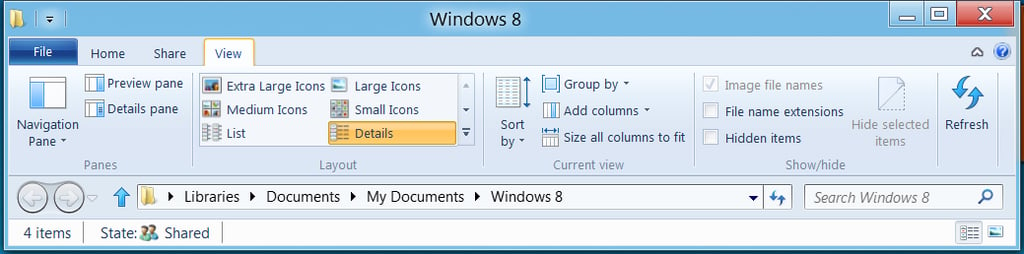
  • Break down Ribbon Core tabs in Windows 8 Windows Explorer

  • Break down Ribbon Core tabs in Windows 8 Windows Explorer

  • Break down Ribbon Core tabs in Windows 8 Windows Explorer

  • Break down Ribbon Core tabs in Windows 8 Windows Explorer

  • DSC_0038.jpg
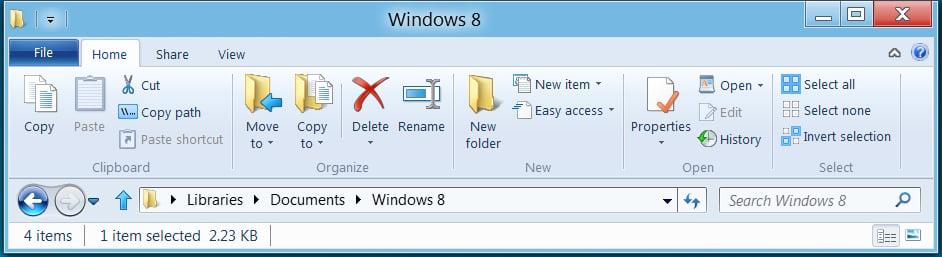
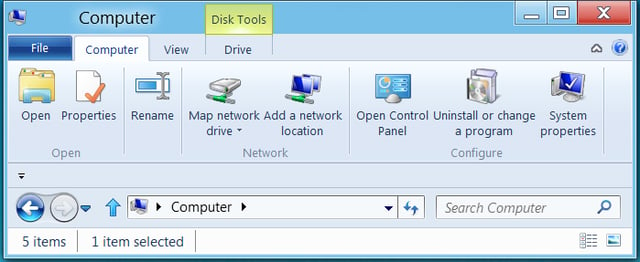
  • Get what you need when you need it with contextual tabs in Windows 8 Explorer

    Greg Shultz continues his in-depth look at Windows 8 by examining the new Windows Explorer Ribbon's contextual tabs.
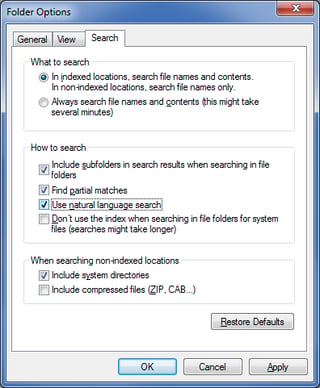
  • Enable natural language search in Windows 7 to produce better results

    Greg Shultz shows you how to take advantage of the natural language search feature in Windows 7 to get more accurate results.
  • Quick Tip: Animate your Windows 7 desktop wallpaper

    A free application called Okozo Desktop can transform your static Windows 7 desktop wallpaper into a mesmerizing animation.
  • Stop freaking out about the Windows 8 interface

    \n\tStop freaking out about the Windows 8 interface

    Based on what has often been very intense and passionate feedback, Microsoft has made a few changes to the Windows 8 Metro Interface.
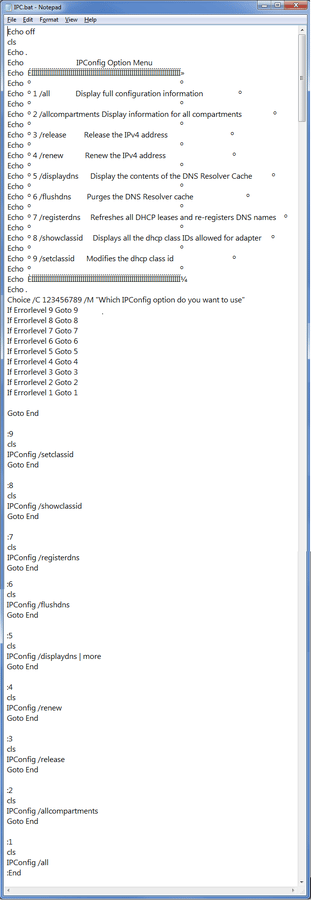
  • Make the Choice command work for you even in Windows 7

    Use the batch-file command Choice to make your batch files interactive. Greg Shultz shows how it can come in handy even in Windows 7.
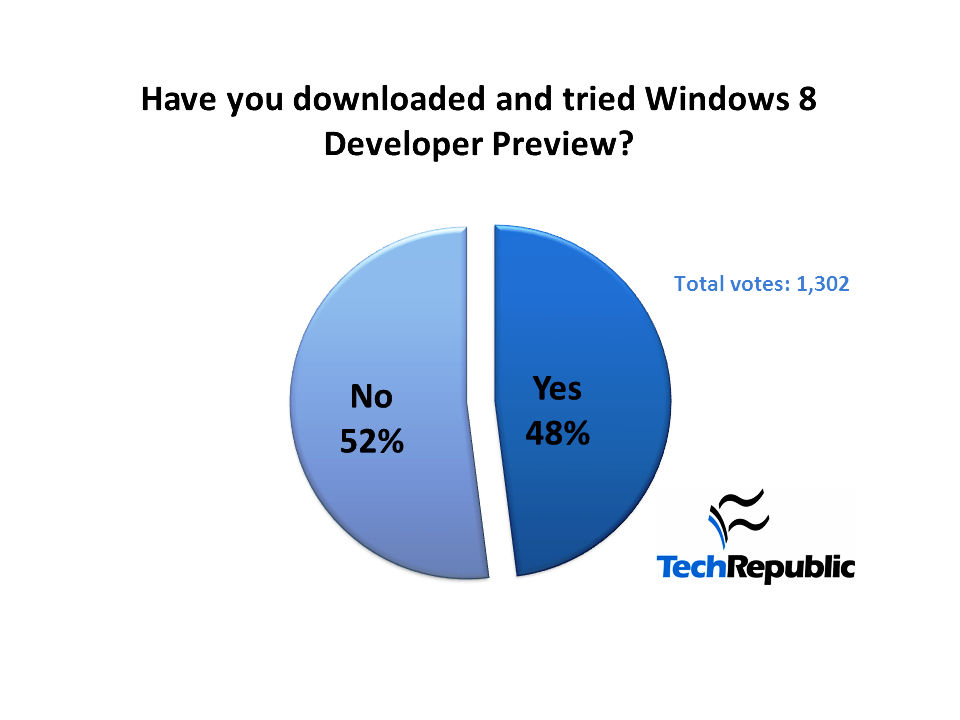
  • Only half of you have downloaded Windows 8

    In a recent poll I asked how many TechRepublic members had downloaded Windows 8 Developers Preview. There weren't as many downloads as I would have guessed.
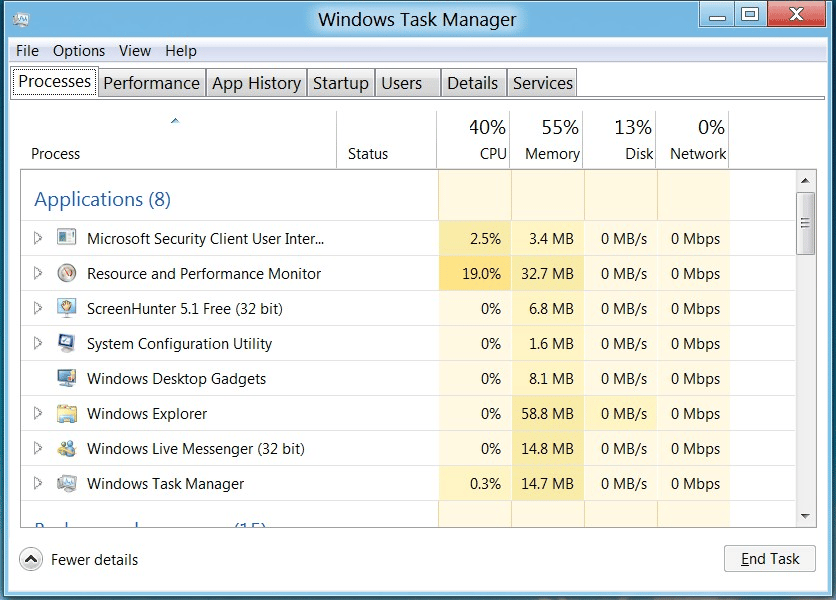
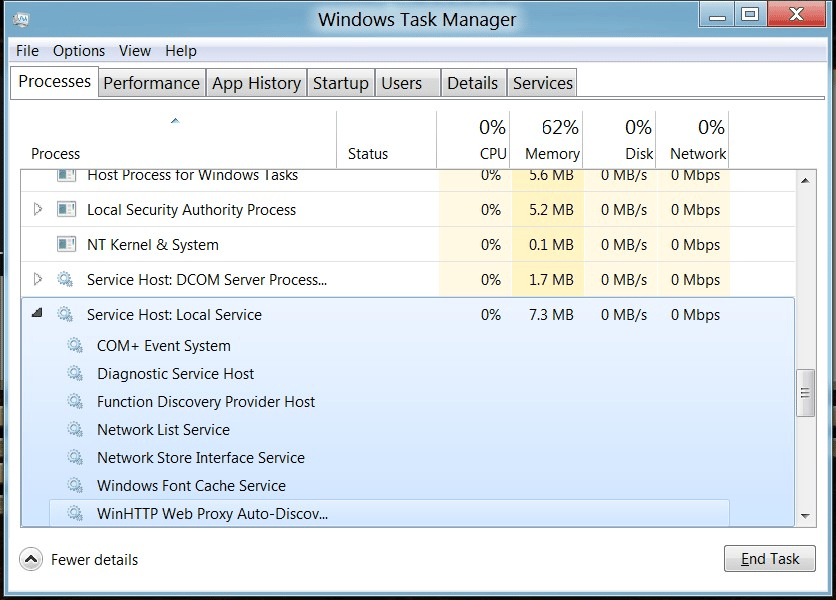
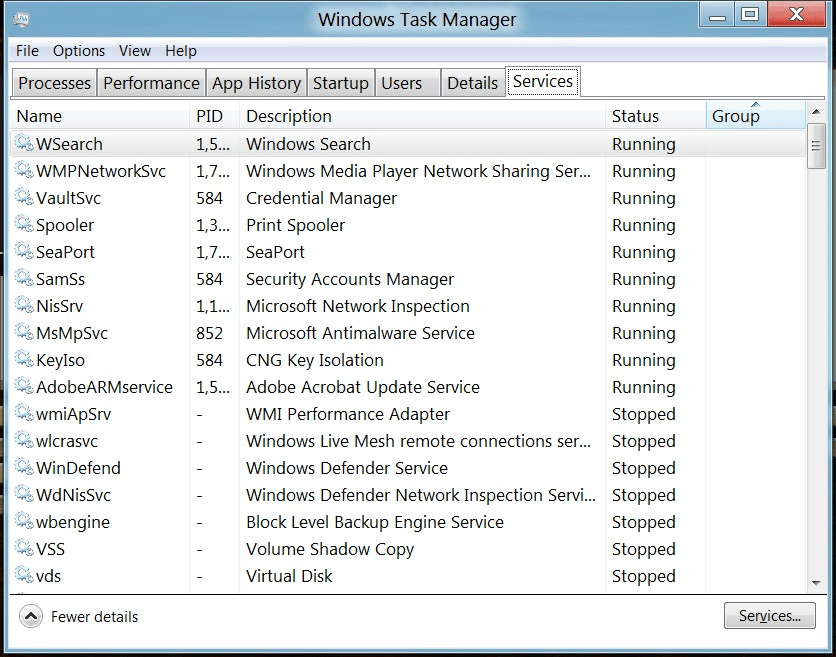
  • Explore the advanced features of the new Task Manager in Windows 8

  • Explore the advanced features of the new Task Manager in Windows 8

  • Explore the advanced features of the new Task Manager in Windows 8

  • Courtesy of Microsoft
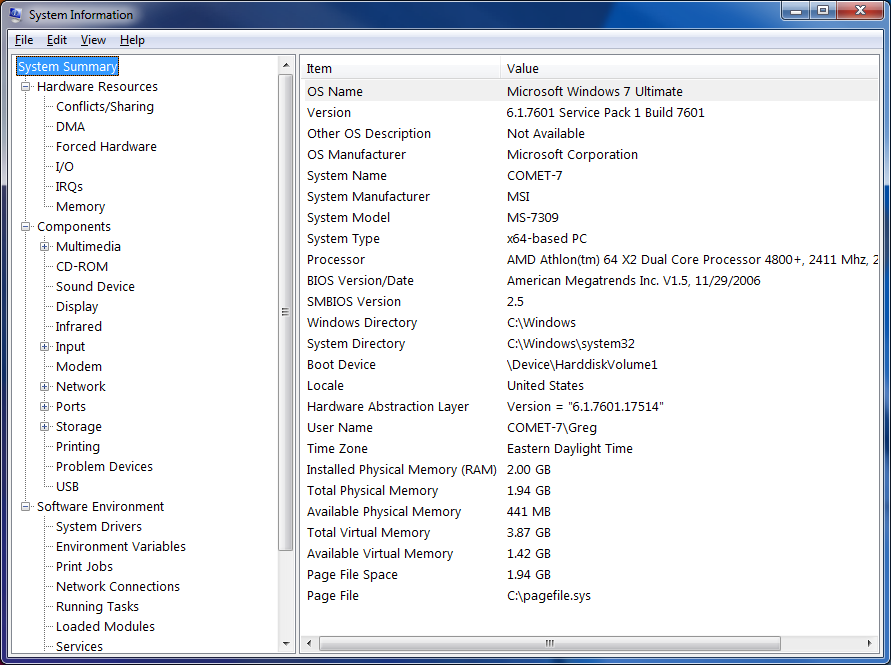
  • Use System Information to create configuration data sets for quicker troubleshooting

    Greg Shultz shows you how to use System Information to create and use configuration data sets as a troubleshooting tool.
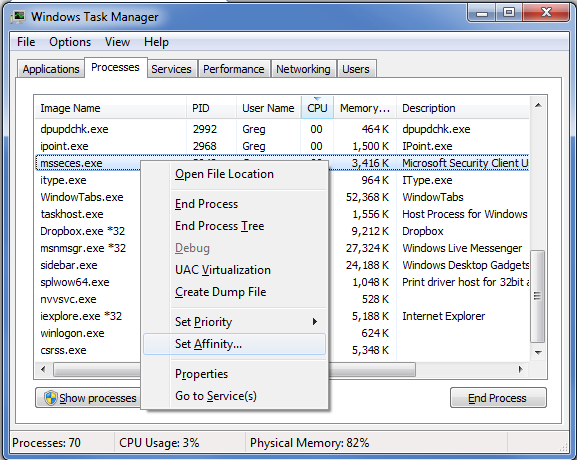
  • Change the Processor Affinity setting in Windows 7 to gain a performance edge

    Under specific circumstances and with careful tweaking, you can increase Windows 7's performance using the Processor Affinity setting.
  • 2011 Geek Gift Guide - Banner

  • 2011 Geek Gift Guide - Cover

  • 2011 Geek Gift Guide - Gift Box Big

  • 2011 Geek Gift Guide - Gift Box small

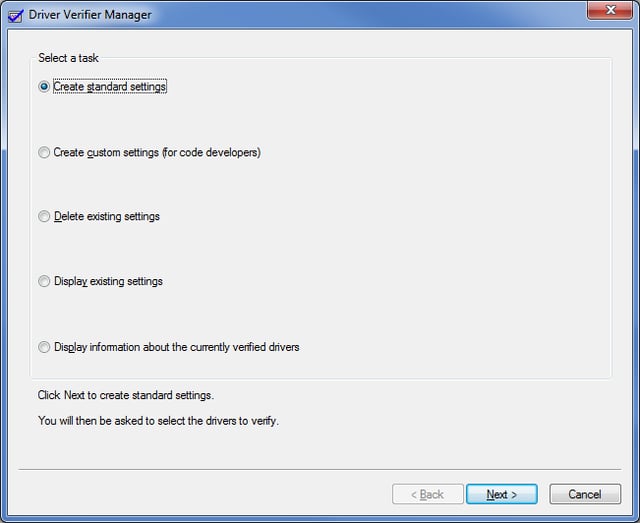
  • Troubleshoot driver problems in Windows 7 with Driver Verifier Manager - A

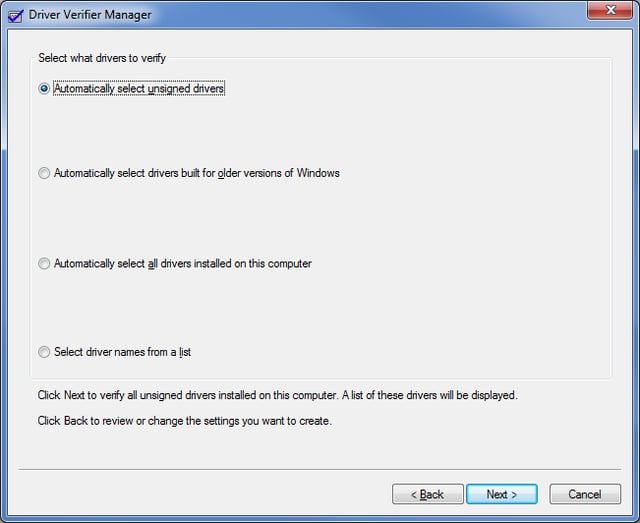
  • Troubleshoot driver problems in Windows 7 with Driver Verifier Manager - B

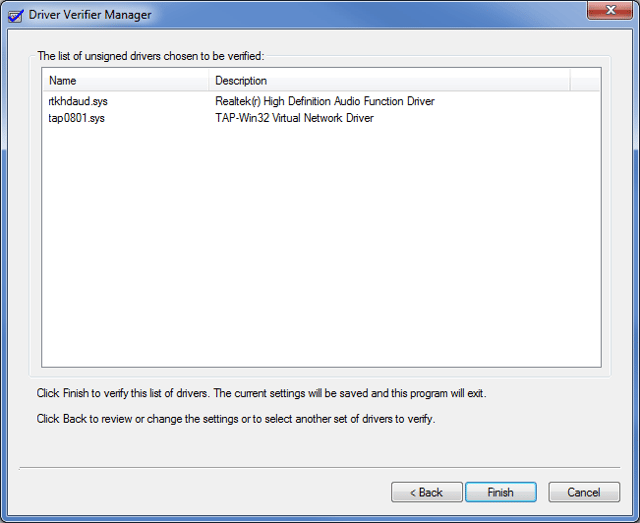
  • Troubleshoot driver problems in Windows 7 with Driver Verifier Manager - C

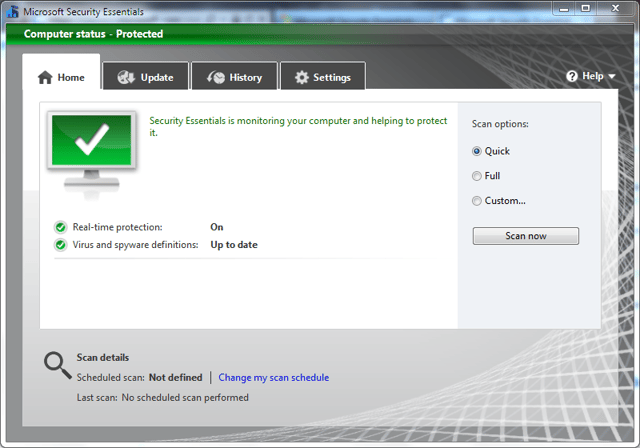
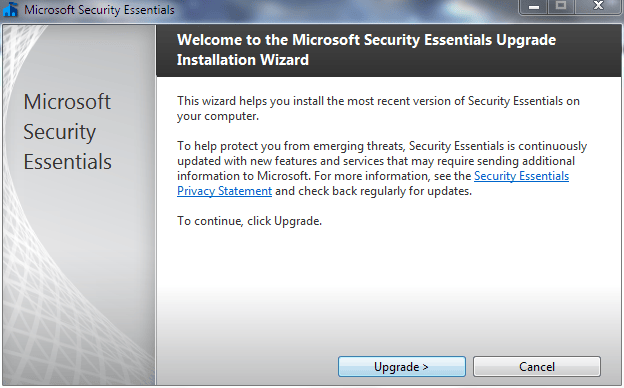
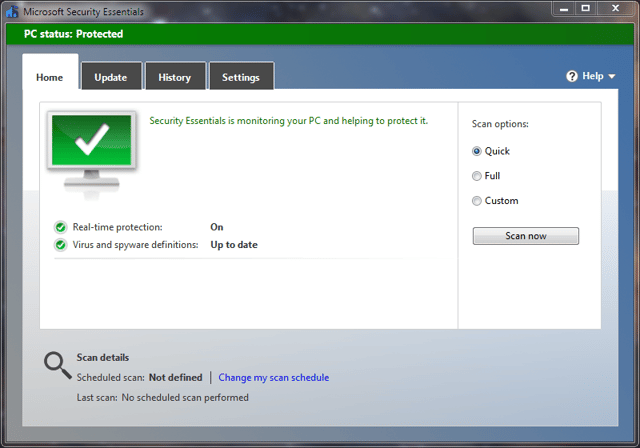
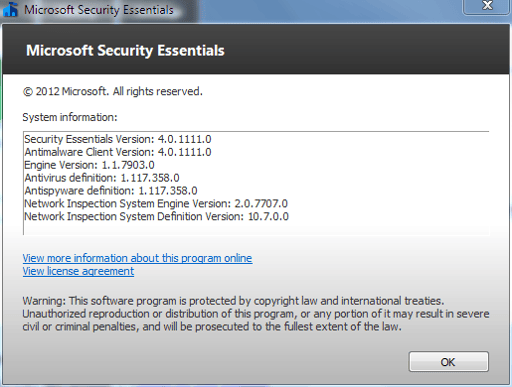
  • Test a beta version of Microsoft Security Essentials

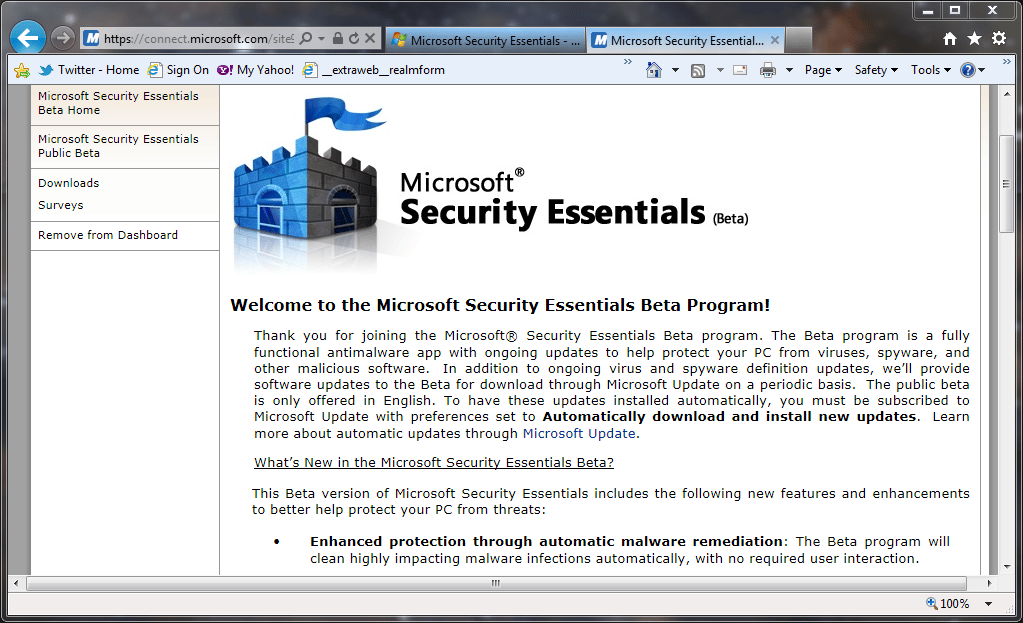
    The Microsoft Security Essential beta website
  • Test a beta version of Microsoft Security Essentials

  • Test a beta version of Microsoft Security Essentials

  • Test a beta version of Microsoft Security Essentials

  • Test a beta version of Microsoft Security Essentials

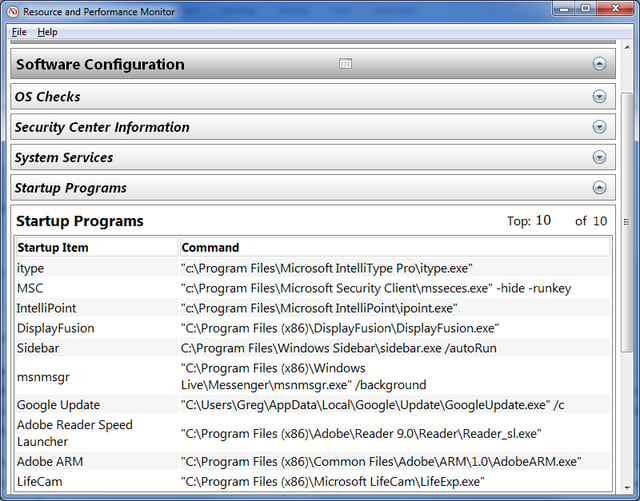
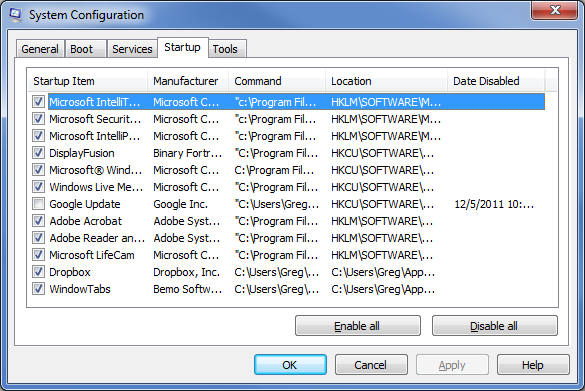
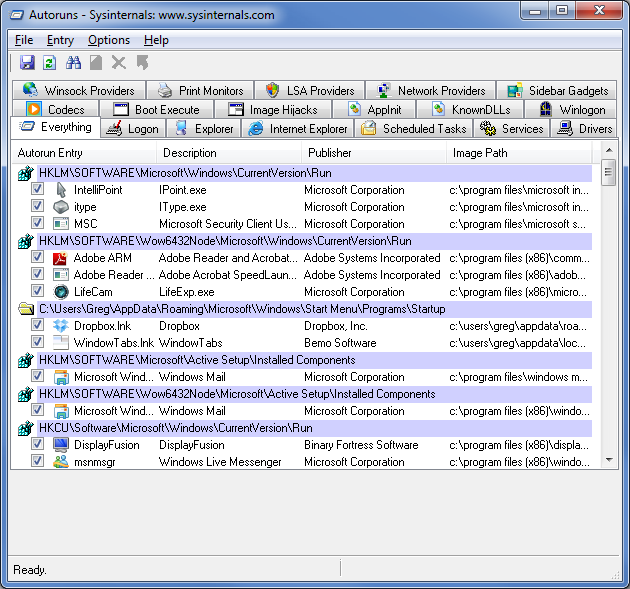
  • Bump up performance in Windows 7 by trimming back startup programs

  • Bump up performance in Windows 7 by trimming back startup programs

  • Bump up performance in Windows 7 by trimming back startup programs

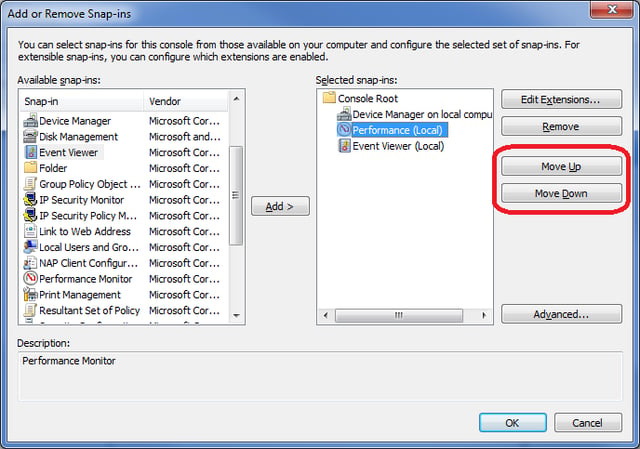
  • Create a custom Microsoft Management Console in Windows 7

    It's actually fairly easy to create custom tools in Windows 7 Microsoft Management Console. Greg Shultz reveals how to take advantage of this feature.
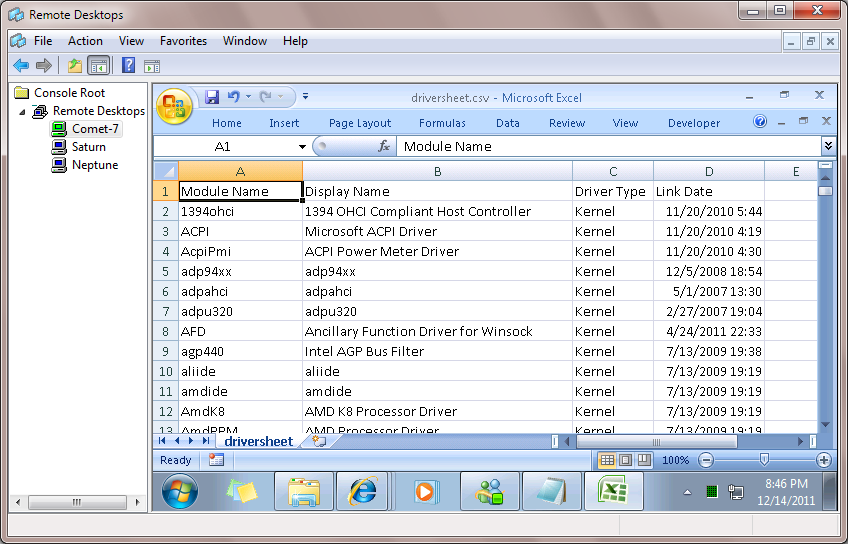
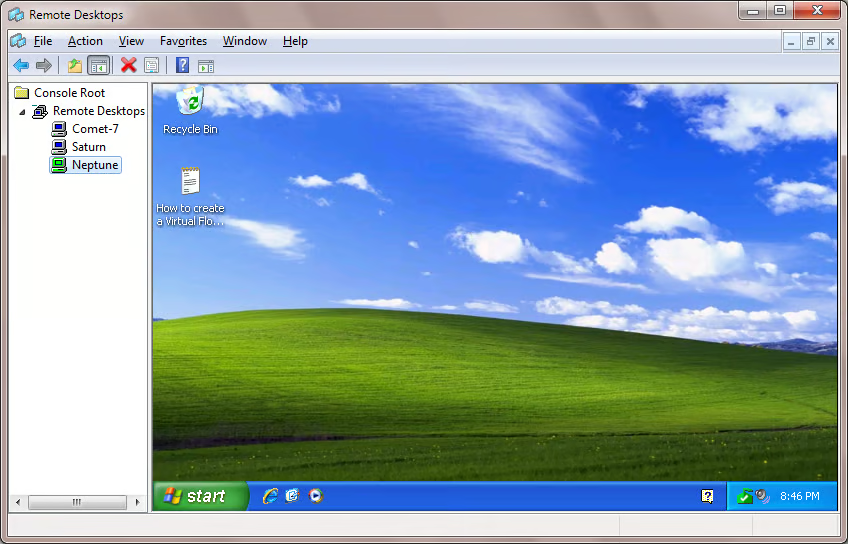
  • Customize MMC with the Remote Desktops Snap-in for Windows 7

    Greg Shultz shows you how to install and use the Remote Desktops Snap-in in Windows 7 to customize the Microsoft Management Console.
1 of 78
Mark W. Kaelin

Mark W. Kaelin has been writing and editing stories about the information technology industry, software, hardware, gaming, finance, accounting, and technology geekdom for more than 30 years.