Photos: Apple upgrades $300 iPad for education... and businesses - TechRepublic

Photos: Apple upgrades $300 iPad for education… and businesses

  • 100b-apple-edu.jpg

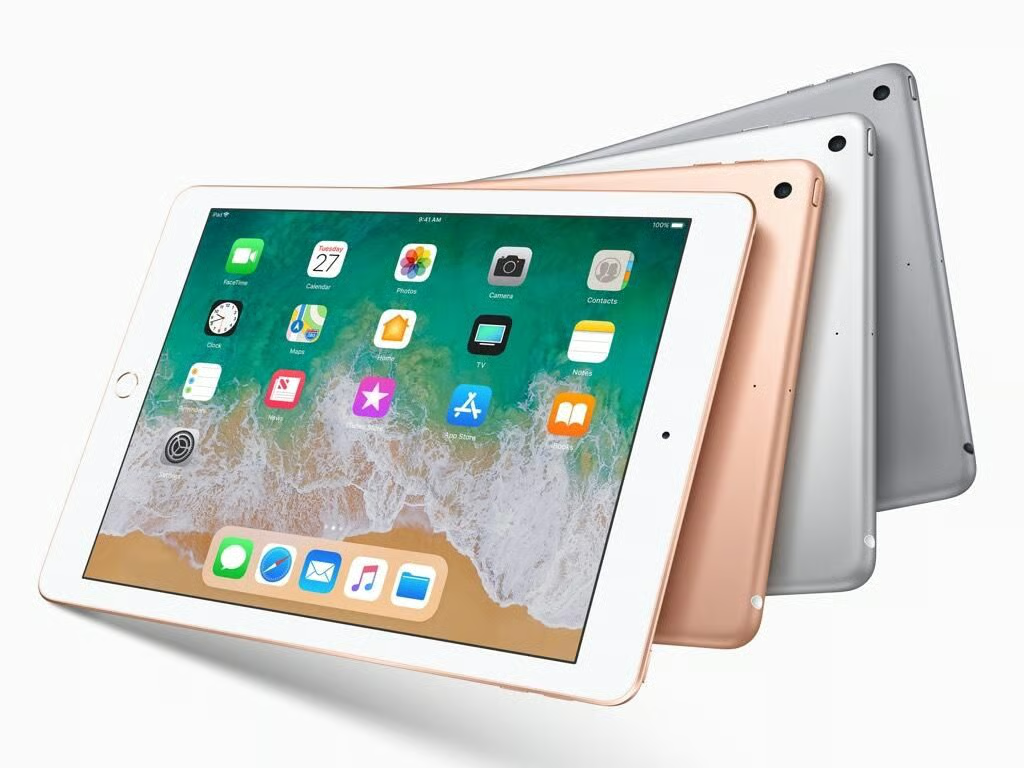
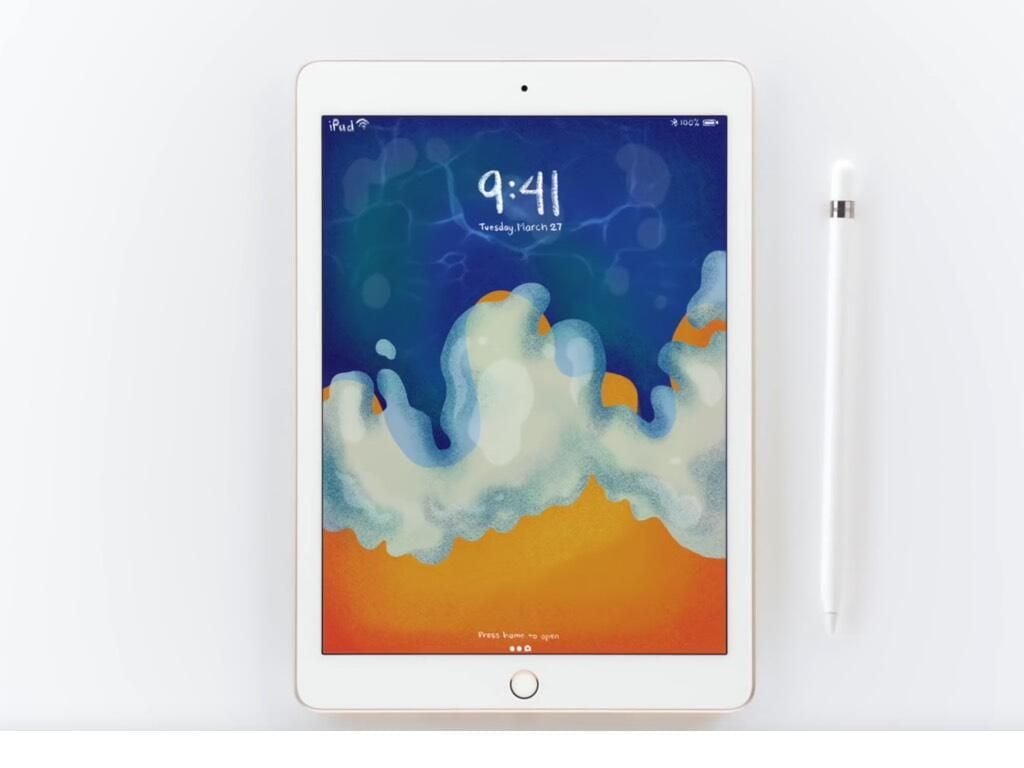
    Apple 9.7-inch iPad 2018

    Apple’s entry-level 9.7-inch iPad still costs $329 ($299 for schools) but it got a big boost to performance and support for the Apple Pencil.

  • Apple event in Chicago on March 27, 2018

    The 2018 iPad 9.7-inch was unveiled at an event at Lane Tech College Prep High School in Chicago on March 27. While the focus of the event was on using iPads in education, the new iPad will be a welcome upgrade to many businesses that use the low-cost version of the tablet for kiosks, cash registers, customer service, employee data entry, and much more.

    Image: Shara Tibken\/CNET
  • 00-apple-edu-james-martin.jpg

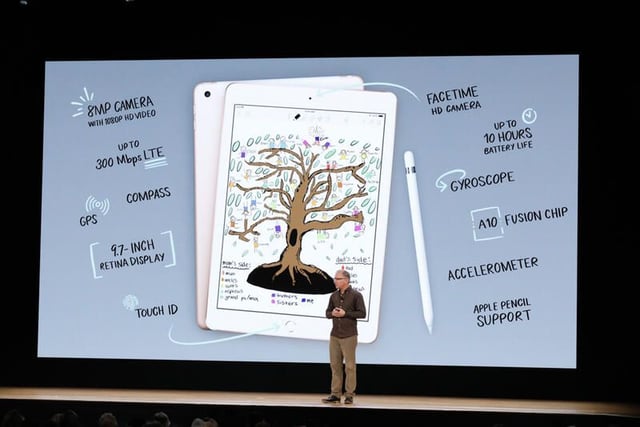
    Specs for 9.7-inch iPad 2018

    The specifications are solid at the price point, although it also has to compete with Google Chromebooks more than other tablets or even Windows 2-in-1s.

    Image: James Martin\/CNET
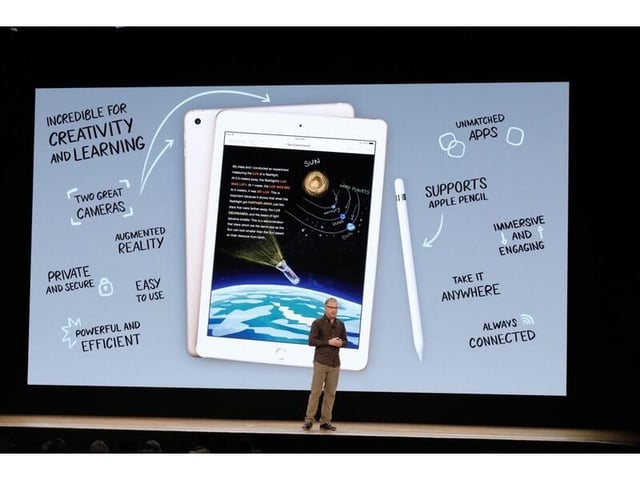
  • Features of 9.7-inch iPad 2018

    For students, iPads may have the most appeal for K-3, where there are a lot of apps aimed at entry-level learning.

    Image: James Martin\/CNET
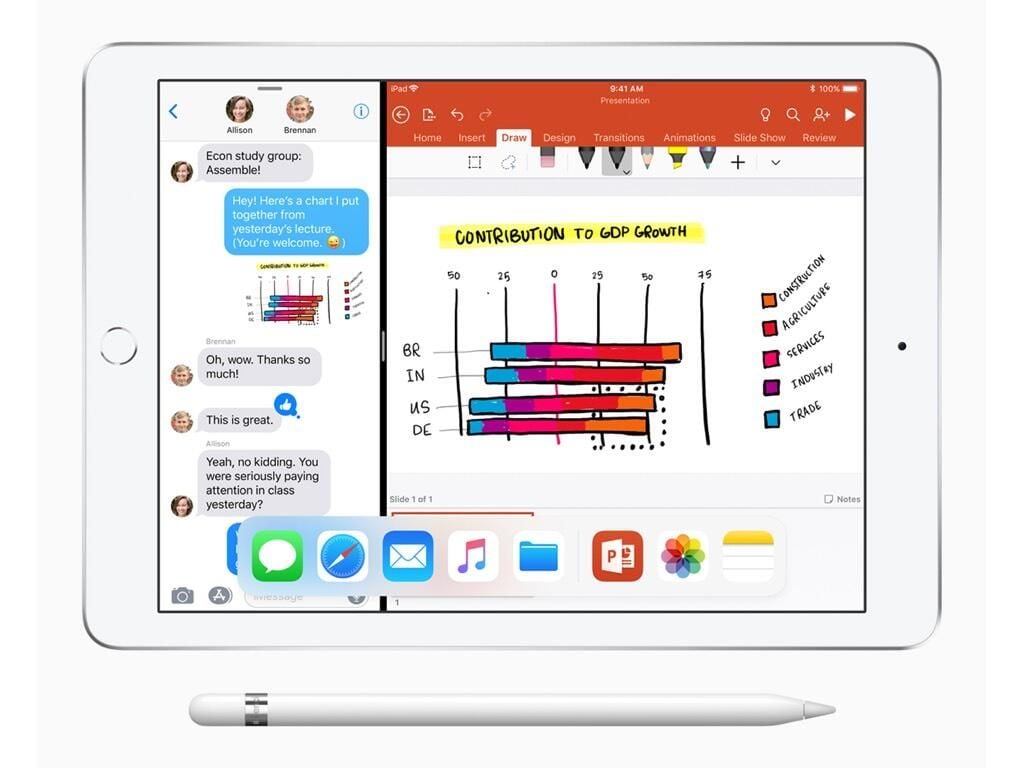
  • Multitasking and Apple Pencil support

    Apple especially highlighted the iOS features for running two apps at the same time and the new capabilities with Apple Pencil in the iPad 9.7-inch.

    Image: Apple
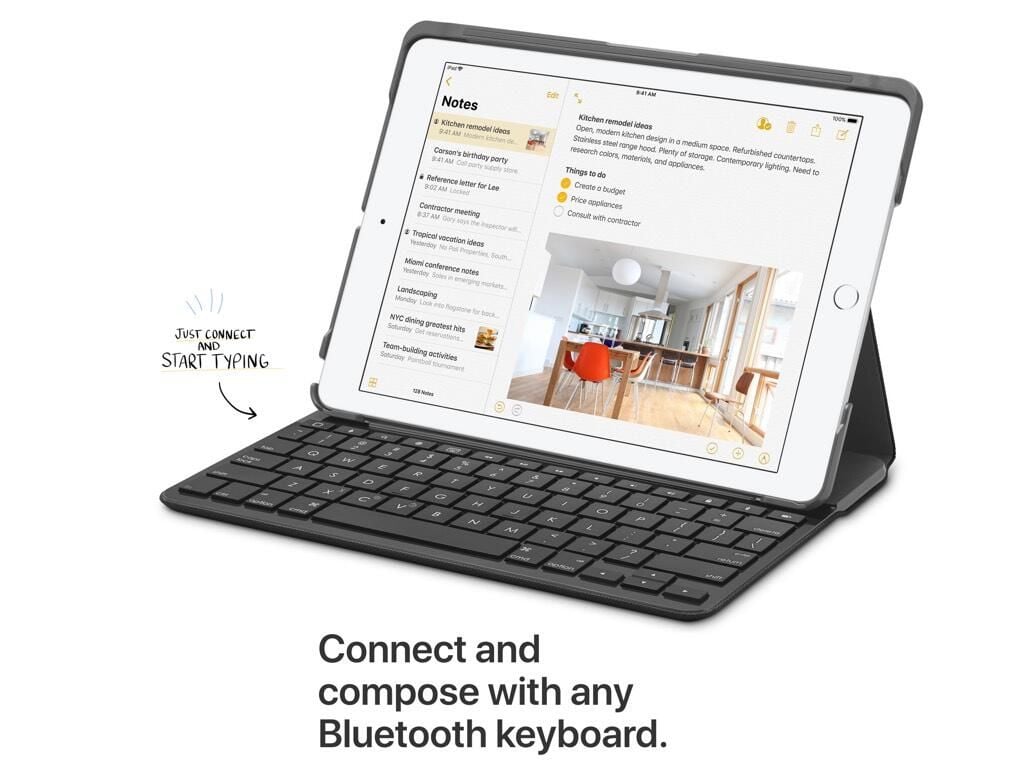
  • iPad with Bluetooth keyboard

    You can, of course, connect a Bluetooth keyboard if you want to use the iPad like a laptop at times. However, it won’t support the Smart Keyboard that the iPad Pro models offer.

    Image: Apple
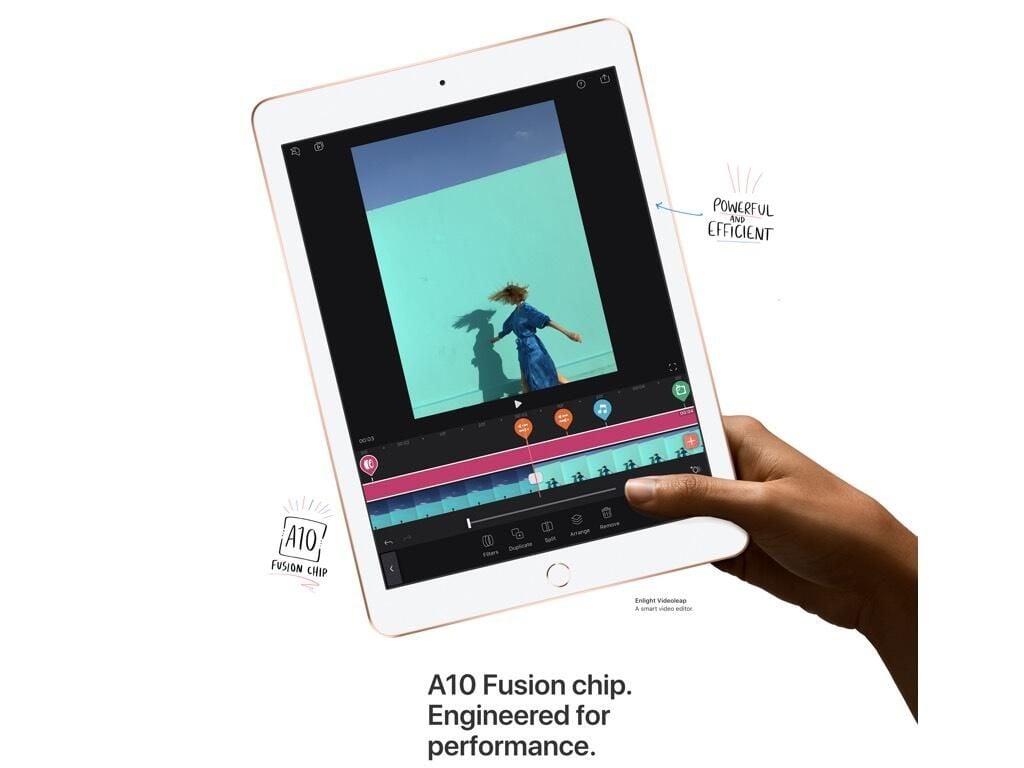
  • A10 Fusion is in

    The A10 Fusion processor gives the 2018 iPad 9.7-inch a nice speed boost.

    Image: Apple
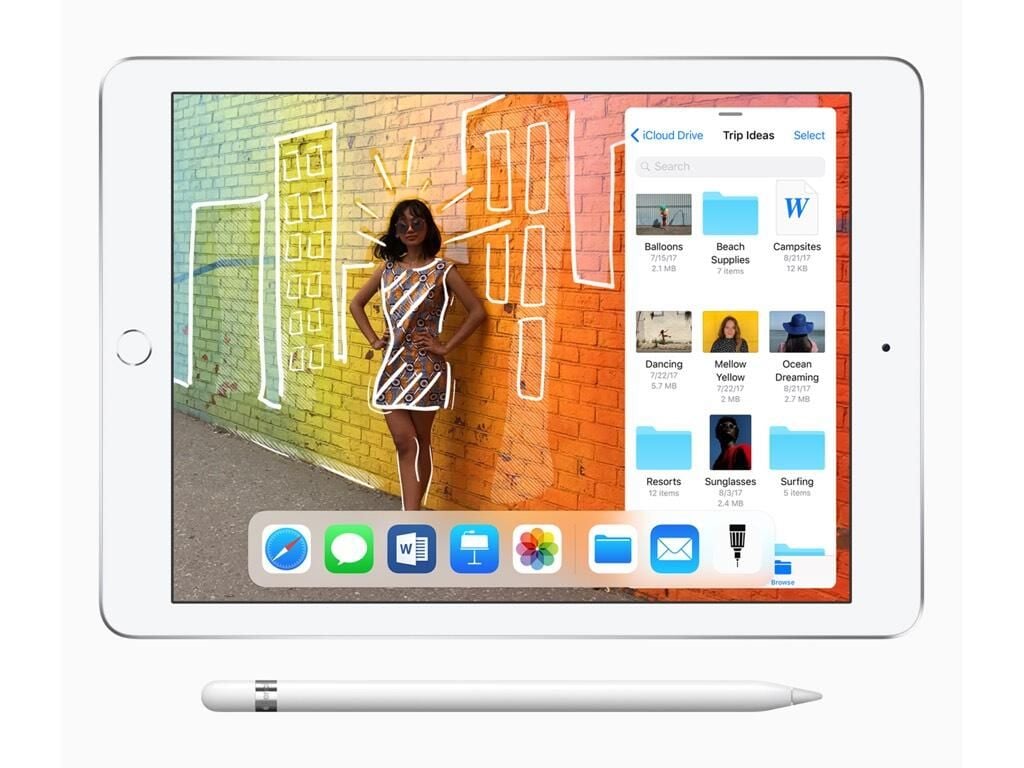
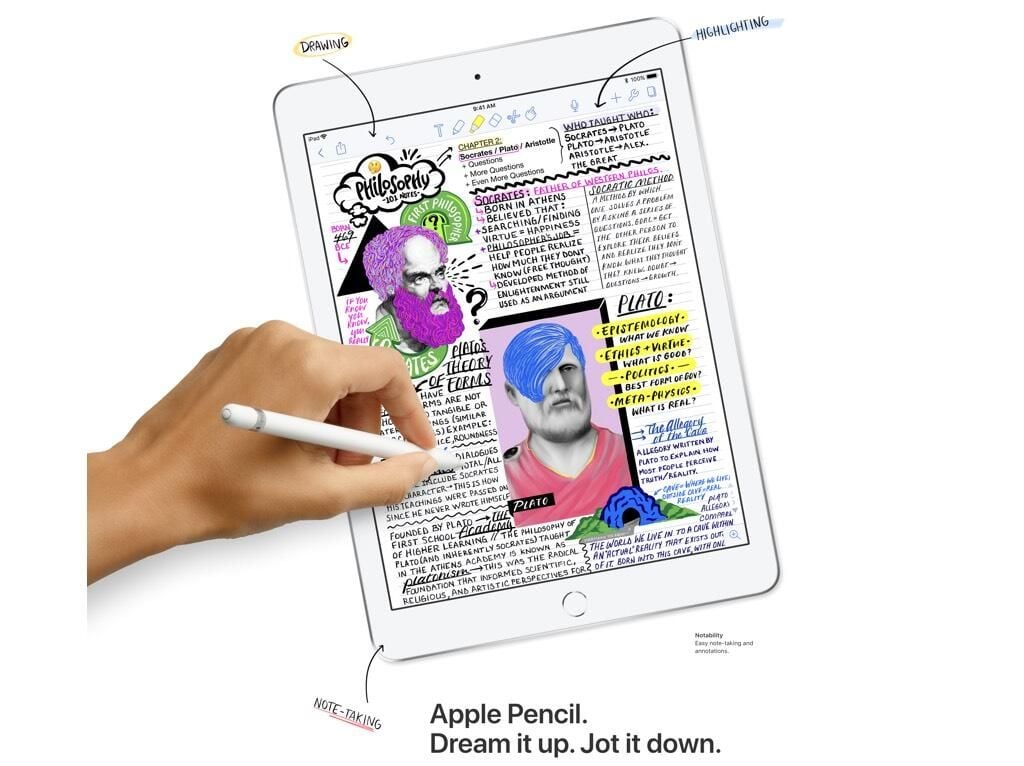
  • Software for Apple Pencil

    Apple also keeps refining the software in iOS to support the Apple Pencil.

    Image: Apple
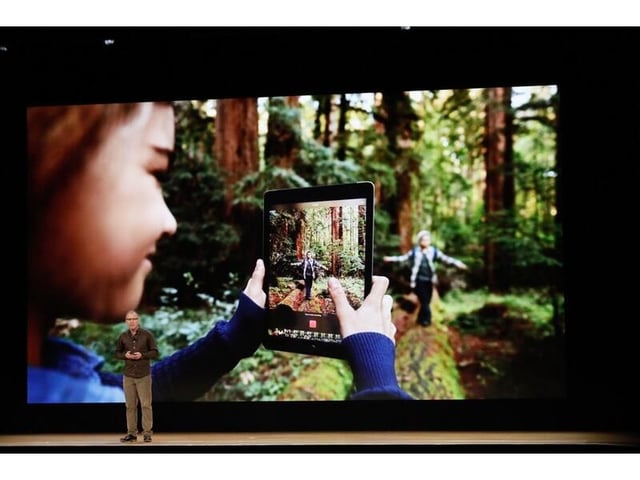
  • Cameras in 2018 iPad 9.7-inch

    The cameras in the iPad are especially aimed at augmented reality, since no one should be regularly using an iPad as a camera.

    Image: Apple
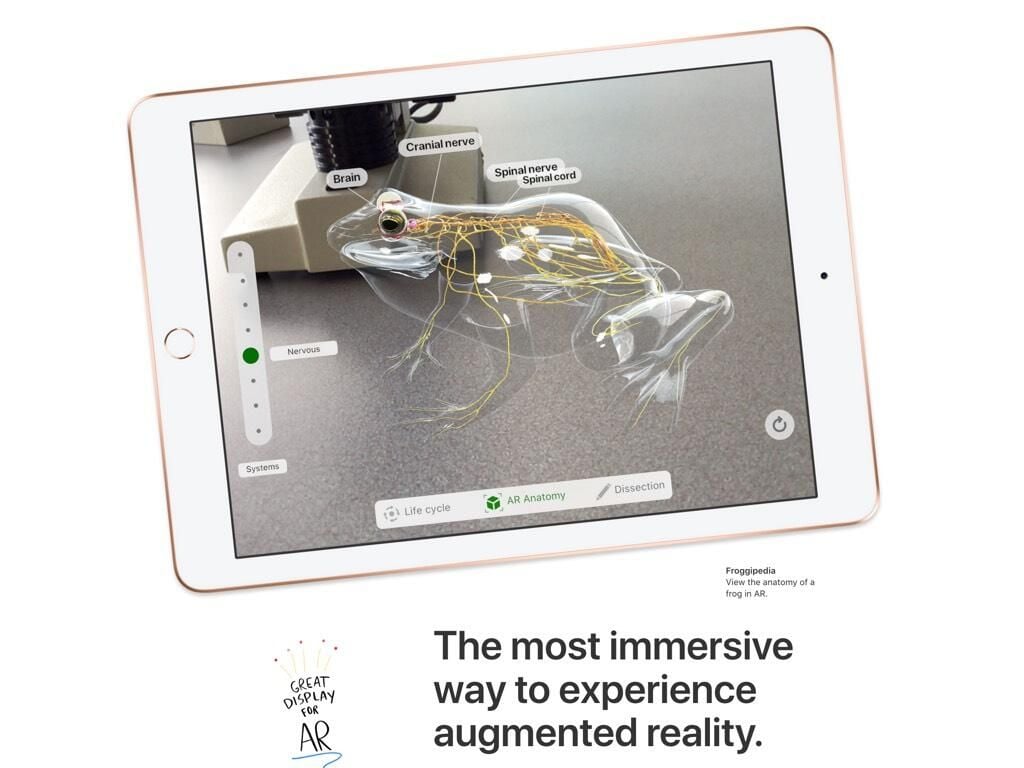
  • AR on the 2018 iPad

    Apple has been investing heavily in augmented reality, and the new iPad’s 9.7-inch screen provides a lot of real estate for viewing AR apps.

    Image: Apple
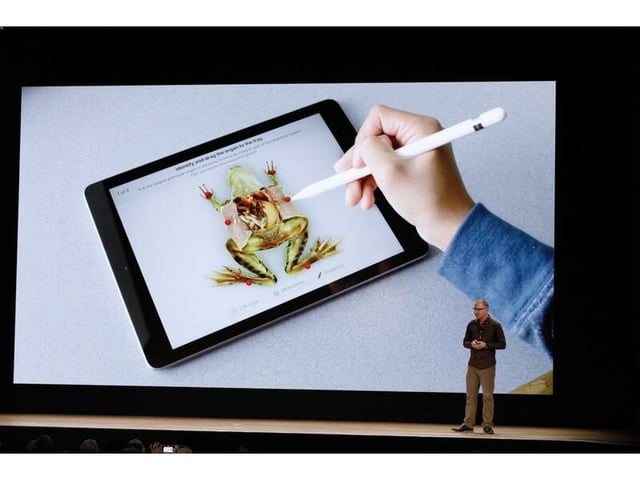
  • Frog dissection on the iPad

    In the future, some students may forgo physical frog dissections for virtual ones on the iPad.

    Image: James Martin\/CNET
  • AR on the new iPad

    AR on the iPad certainly has potential for interesting learning experiences.

    Image: James Martin\/CNET
  • iPad home screen drawn by Apple Pencil

    It is impressive what some artists have been able to draw with the Apple Pencil, like this iPad home screen.

    Image: Apple
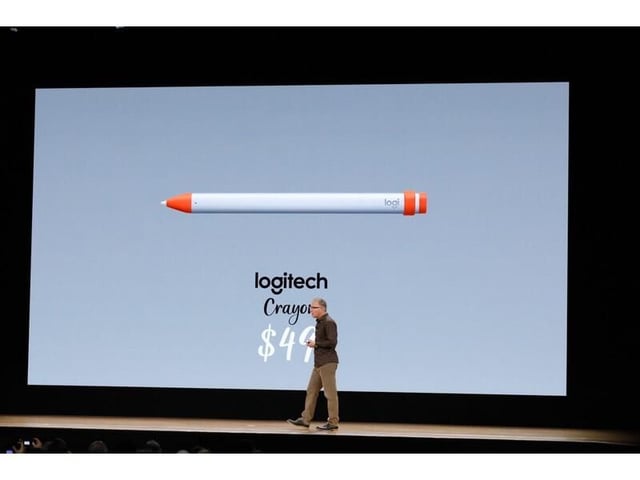
  • Logitech's $49 Crayon

    As a less expense alternative to the Apple Pencil, Logitech is offering a $49 “Crayon” that works in similar ways and is presumably aimed at younger users.

    Image: James Martin\/CNET
  • iPad for note-taking and highlighting

    Taking notes and making annotations with a stylus like the Apple Pencil is still a phenomenon that looks good in demos but isn’t in wide use.

    Image: Apple
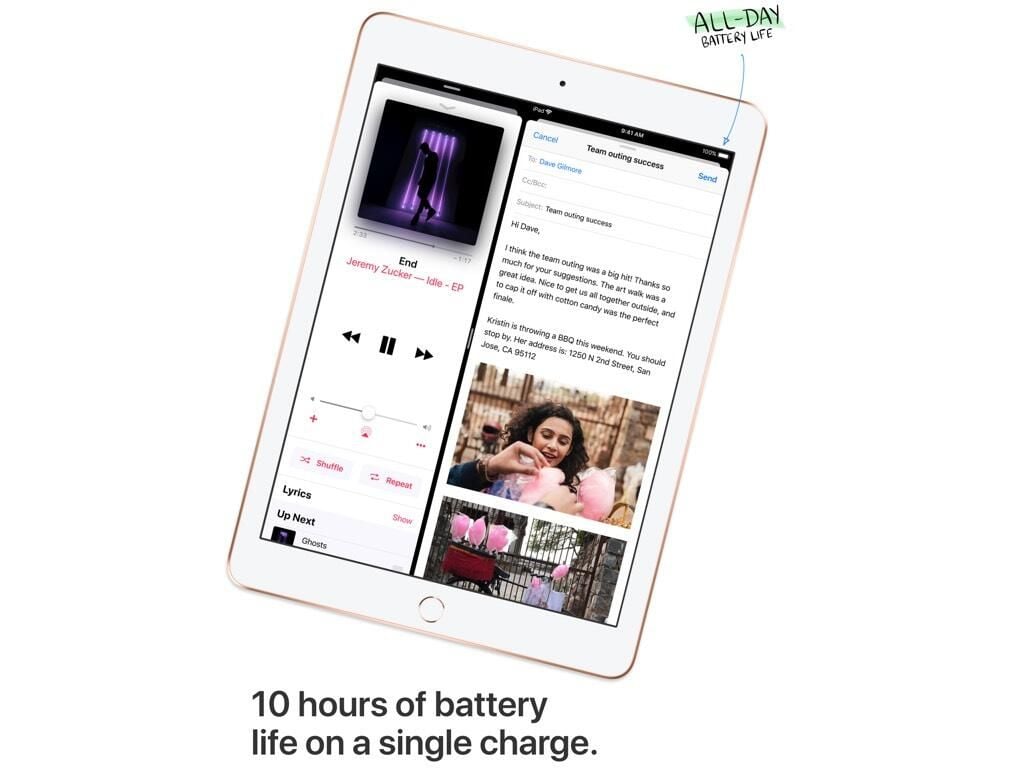
  • 10 hours of battery life

    Perhaps the feature that businesses and professionals care about the most is battery life.

    Image: Apple
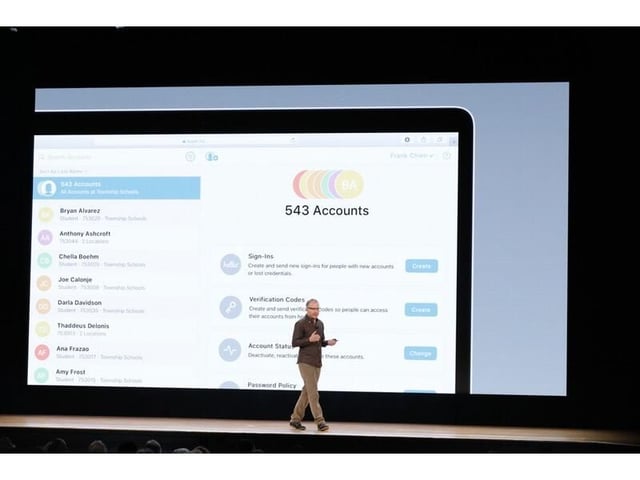
  • Apple School Manager

    Apple School Manager software gives the IT department the ability to create Apple IDs in bulk. A school of 1,500 can create IDs for the whole school in under a minute.

    Image: James Martin\/CNET
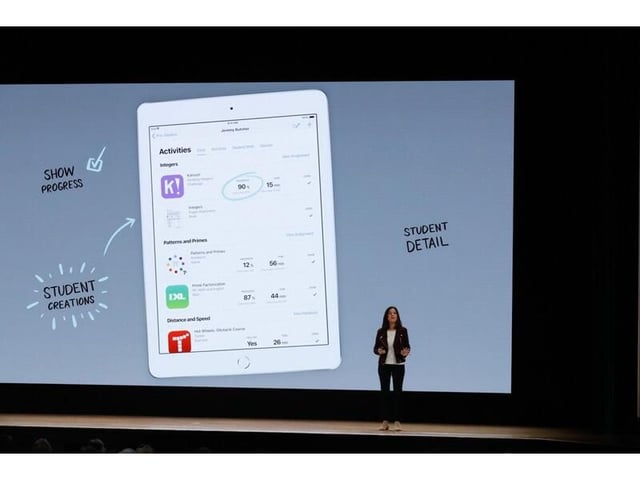
  • Teachers can see student progress

    Apple’s tools for teachers look promising. But, it also has an uphill fight against Google Classroom.

    Image: James Martin\/CNET
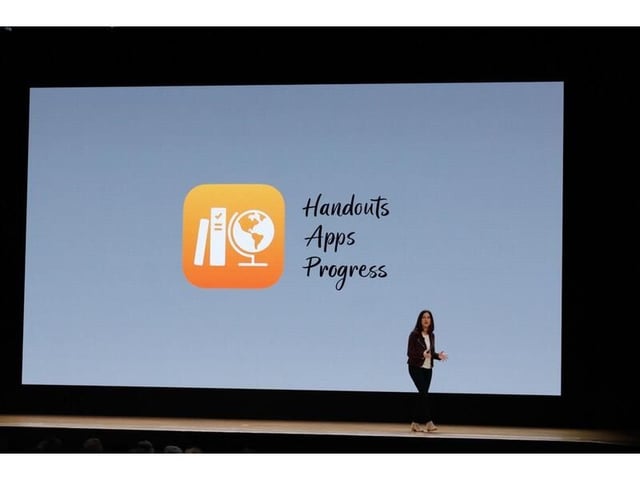
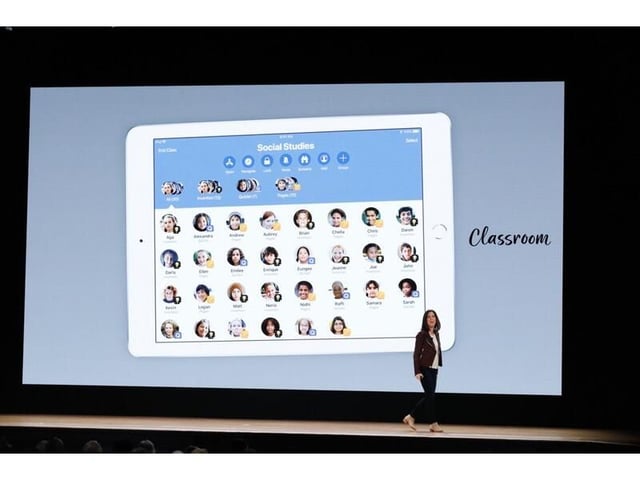
  • New Classroom software for teachers

    The interface for Apple’s classroom tools look impressive enough in the first demos.

    Image: James Martin\/CNET
  • Classroom is also coming to Mac

    Thankfully, Apple is also bringing its classroom and teachers tools to the Mac as well.

    Image: James Martin\/CNET
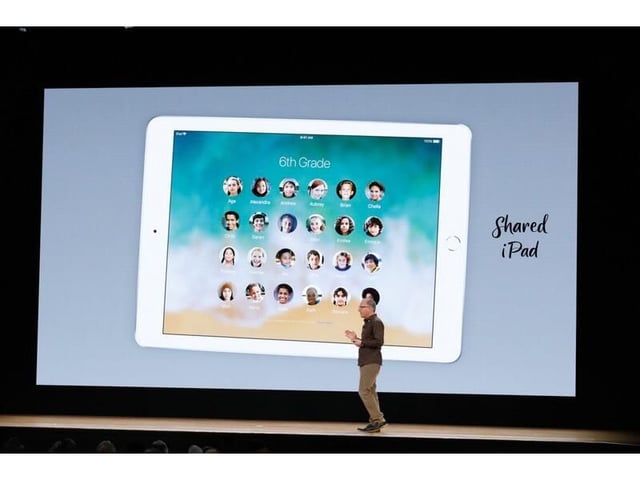
  • Shared iPad feature for schools
    Since a lot of schools have students share technology rather than each student having their own device, the Shared iPad feature is a must-have.
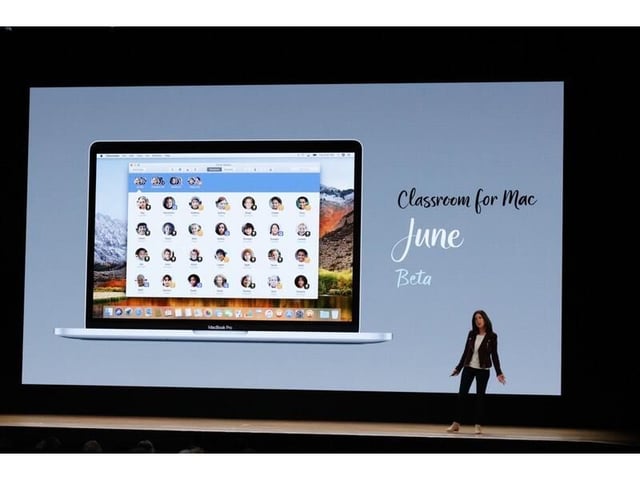
    Image: James Martin\/CNET
  • Apple Schoolwork app

    Image: James Martin\/CNET
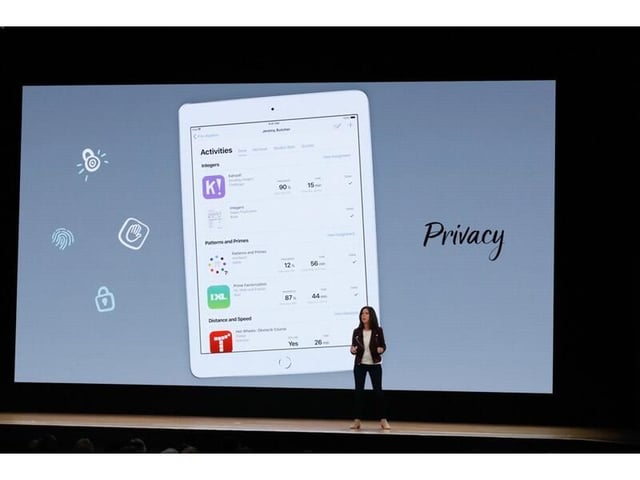
  • Apple promised strong privacy settings

    Apple also promised high standards in privacy. It said that its employees cannot see any student or teacher data, for example.

    Image: James Martin\/CNET
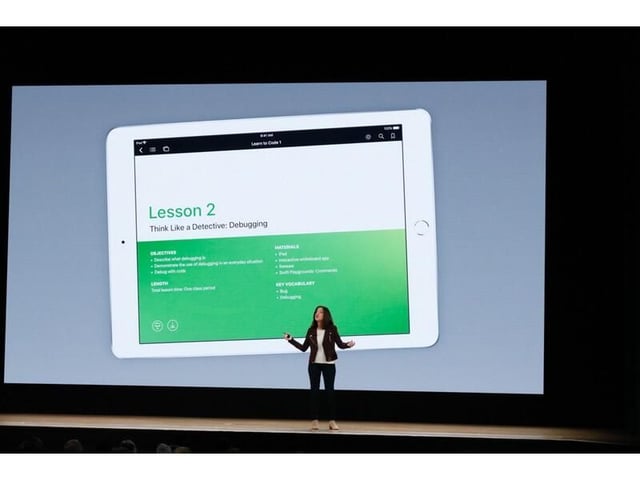
  • Learning coding on iPad

    Image: James Martin\/CNET
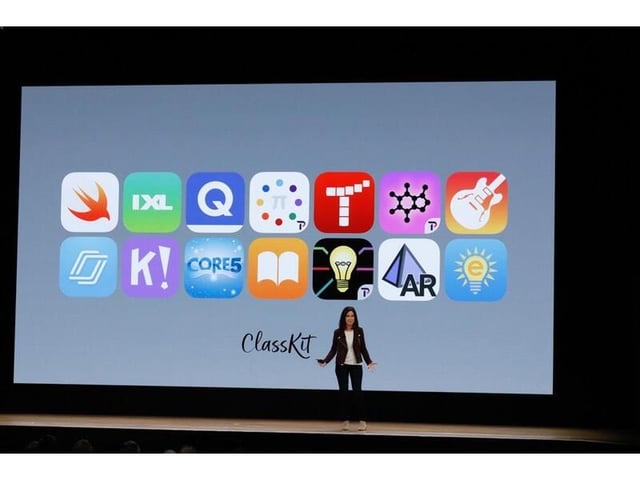
  • New ClassKit API

    In the mode of HealthKit and HomeKit, Apple also unveiled ClassKit for developers to plug into its new education platform.

    Image: James Martin\/CNET
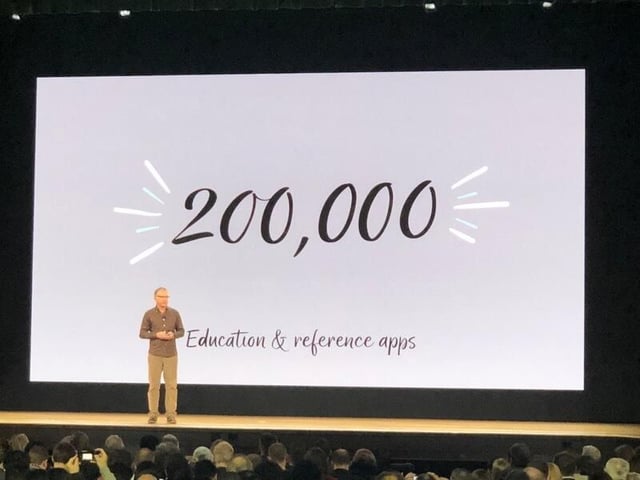
  • iPad already has lots of education apps

    Image: James Martin\/CNET
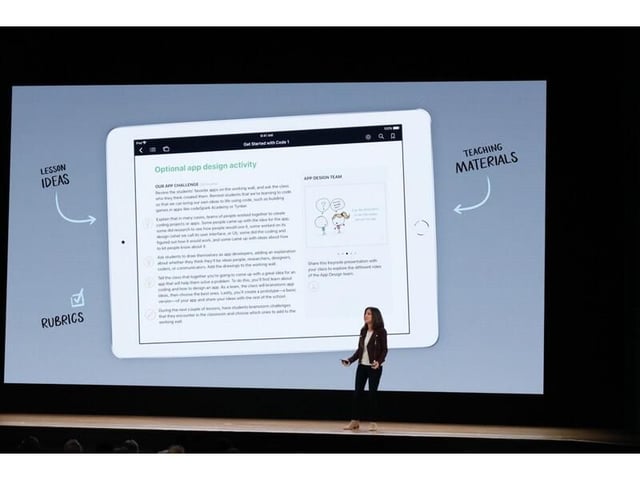
  • Tools to help teachers

    Image: James Martin\/CNET
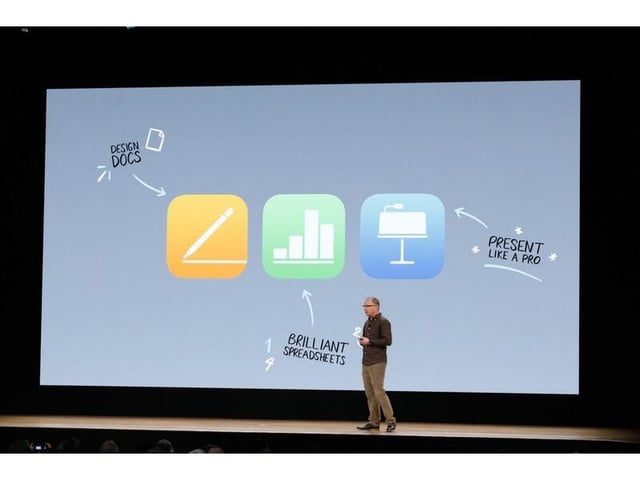
  • Shared annotations in Apple iWork apps

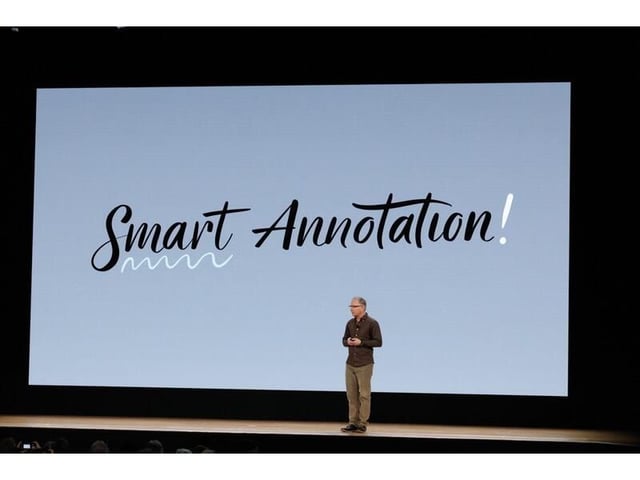
    To compete with Google Apps, Apple also announced Smart Annotation so that students, parents, and teachers can collaborate on documents.

    Image: James Martin\/CNET
  • iWork now integrates with Apple Pencil

    Image: James Martin\/CNET
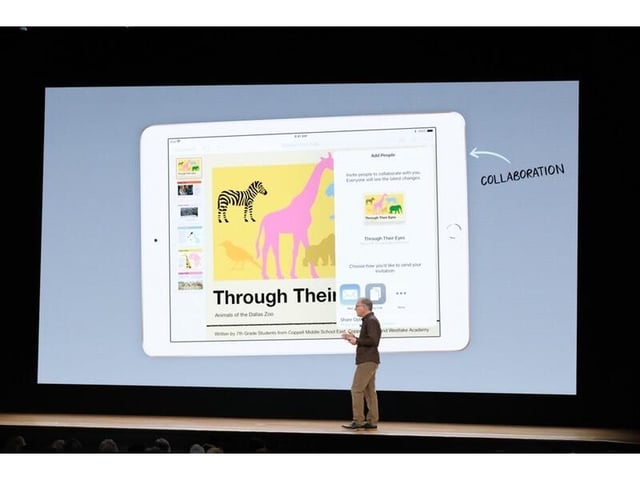
  • iWork has improved collaboration

    Image: James Martin\/CNET
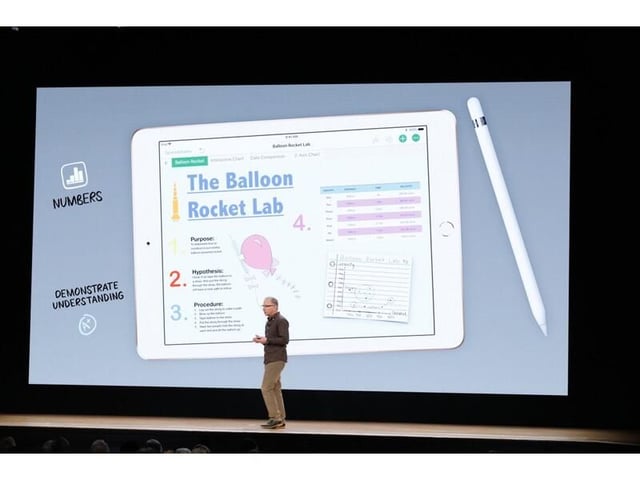
  • Numbers app with Apple Pencil support

    Image: James Martin\/CNET
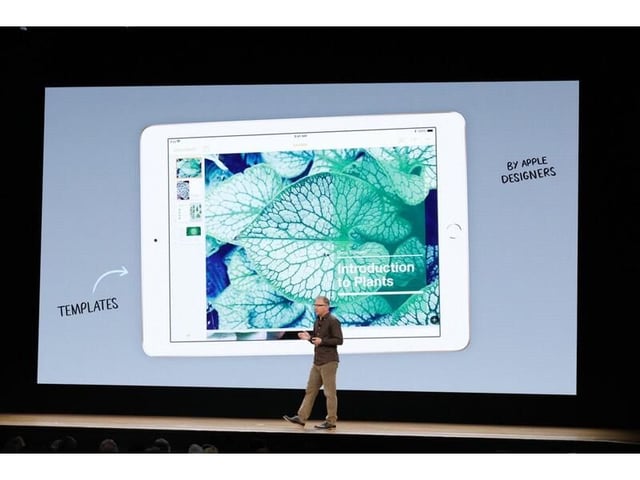
  • Apple templates in iWork

    Image: James Martin\/CNET
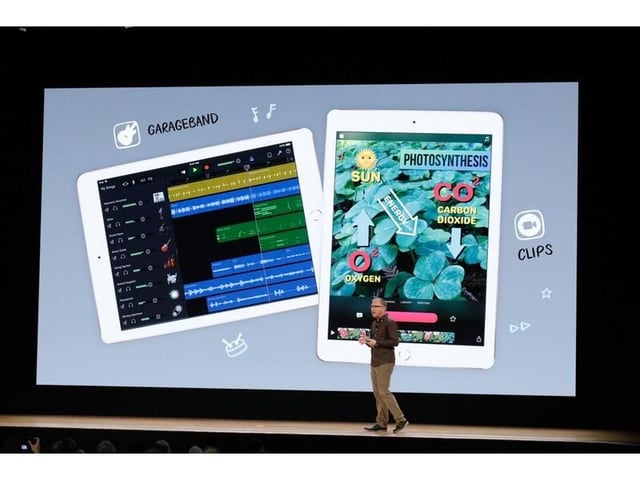
  • Creative apps now have extras for students

    Image: James Martin\/CNET
  • Horace Mann quote

    Image: James Martin\/CNET
  • 29-apple-edu-james-martin.jpg
1 of 35
Jason Hiner

Jason Hiner is Editorial Director of CNET and former Editor in Chief of TechRepublic. He's co-author of the book, Follow the Geeks.