Screenshots: Five tools to handle your hex editing needs - TechRepublic

Screenshots: Five tools to handle your hex editing needs

  • Intro

    Introduction

    Hex editors are typically used for serious work, but they\r\ncan also be fun to experiment with. Whether you’re a professional developer, a\r\nhobbyist, or a complete novice, there is probably a hex editor that is a good\r\nfit for you. This article lists five good choices among the many hex editors\r\nthat are available today.

    Note: This article is also available as an article.

    Image: iStockphoto.com/Eyematrix
  • HxD Hex Editor

    HxD Hex Editor

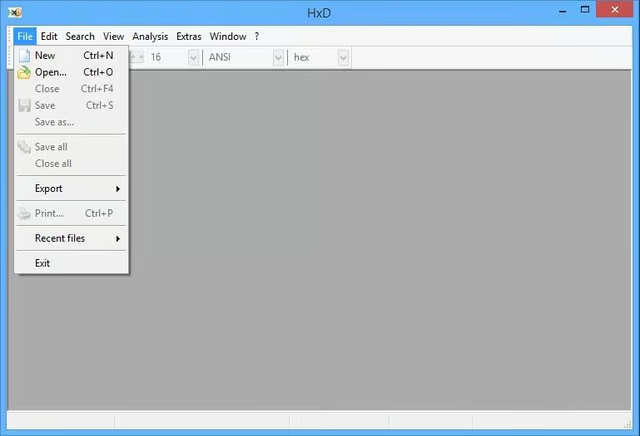
    HxD Hex Editor is a free tool that seems to have all the basics covered. When\r\nyou open a file, the editor displays the offset, a hexadecimal representation\r\nof the file, and an ASCII representation of the file. This is standard behavior\r\nfor most of the hex editors I have used over the years.

  • HxD Hex Editor

    HxD Hex Editor

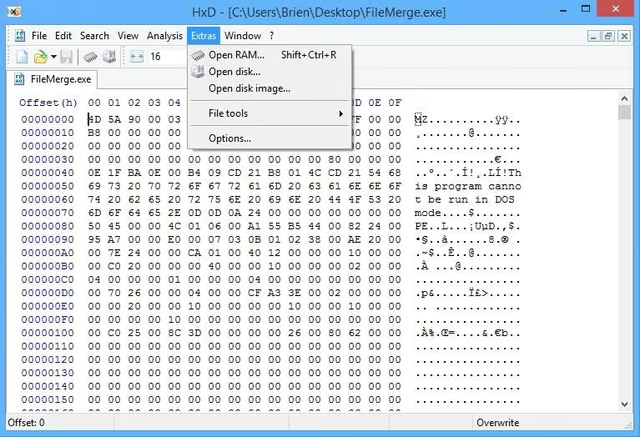
    The program\r\nalso includes a search-and-replace function, which is essential for a hex\r\neditor. The one thing that sets this editor apart from barebones editors is its\r\nability to open RAM and to open a disk.

  • Hex Workshop

    Hex Workshop

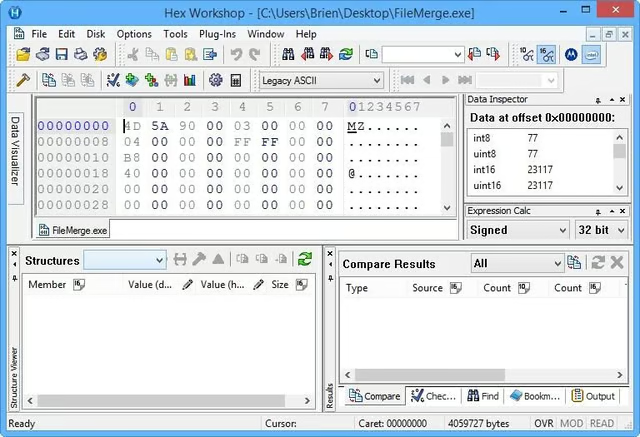
    Hex Workshop is a much more advanced hex editor. In addition to displaying the\r\nbasic information provided by HxD Hex Editor and similar tools, it provides a\r\nData At Offset, Structures, and Compare Result view.

  • Hex Workshop

    Hex Workshop

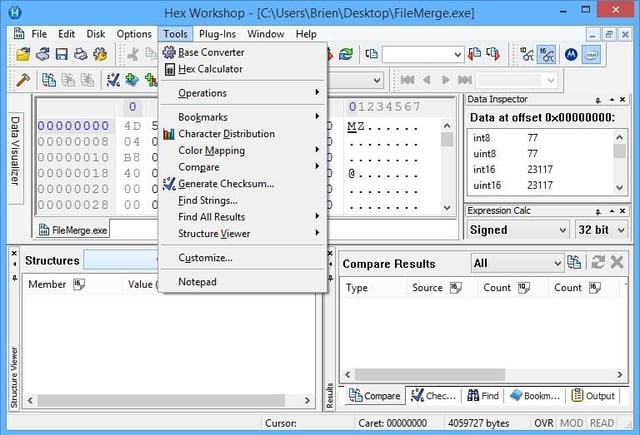
    Hex\r\nWorkshop also contains other handy functions, such as a base converter, a hex\r\ncalculator, and a checksum generator.

    Hex Workshop sells for $89.95, but a free trial version is\r\navailable for download.

  • Cygnus Hex Editor Free Edition

    Cygnus Hex Editor Free Edition

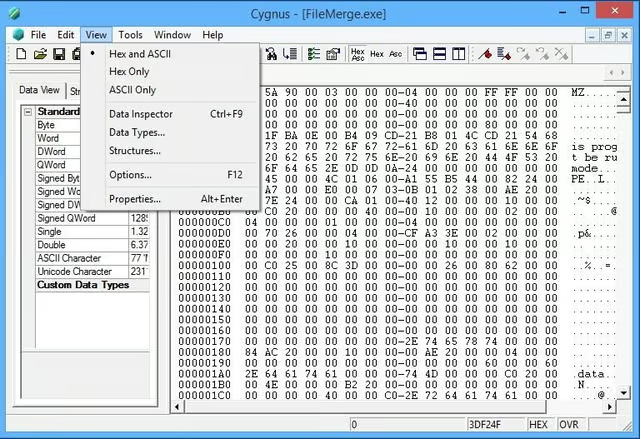
    Cygnus\r\nhas all the features you would expect from a basic hex editor, such as the\r\nability to modify, insert, and delete data and to do search and replace. One especially\r\nnice feature is the ability to paste from a file. This could be handy for\r\nmanually repairing a file that has a damaged header.

  • Free Hex Editor Neo

    Free Hex Editor Neo

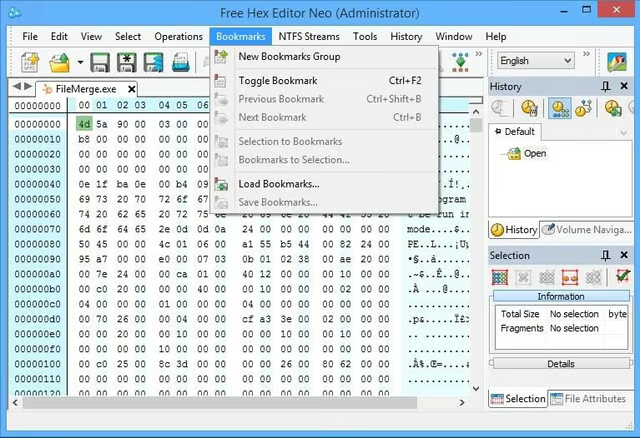
    Free Hex Editor Neo offers a huge feature set. It can do all the basic things\r\nthat the previously described hex editors can do—but it can also open\r\nprocesses, files, volumes, and physical disks. In addition, Neo supports\r\nbookmarks, which is extremely helpful when editing large files.

  • Free Hex Editor Neo

    Free Hex Editor Neo

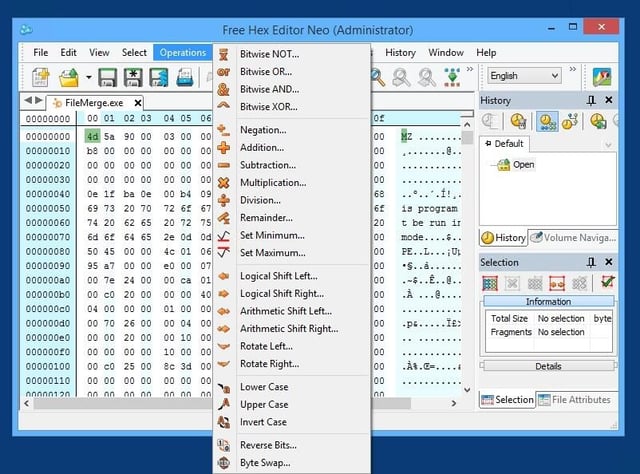
    Neo\r\nincludes a large set of operators you can use when editing a file, including\r\nrotations, logical shifts, arithmetic shifts, negation, and many more. The\r\nsoftware even supports the use of encryption.

  • Hackman Suite

    Hackman Suite

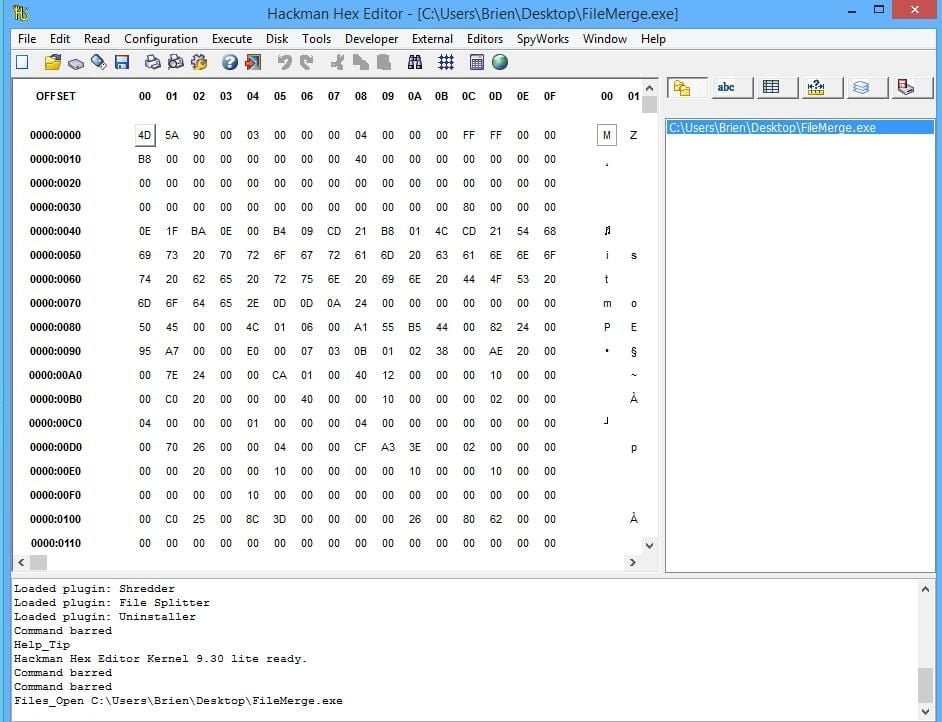
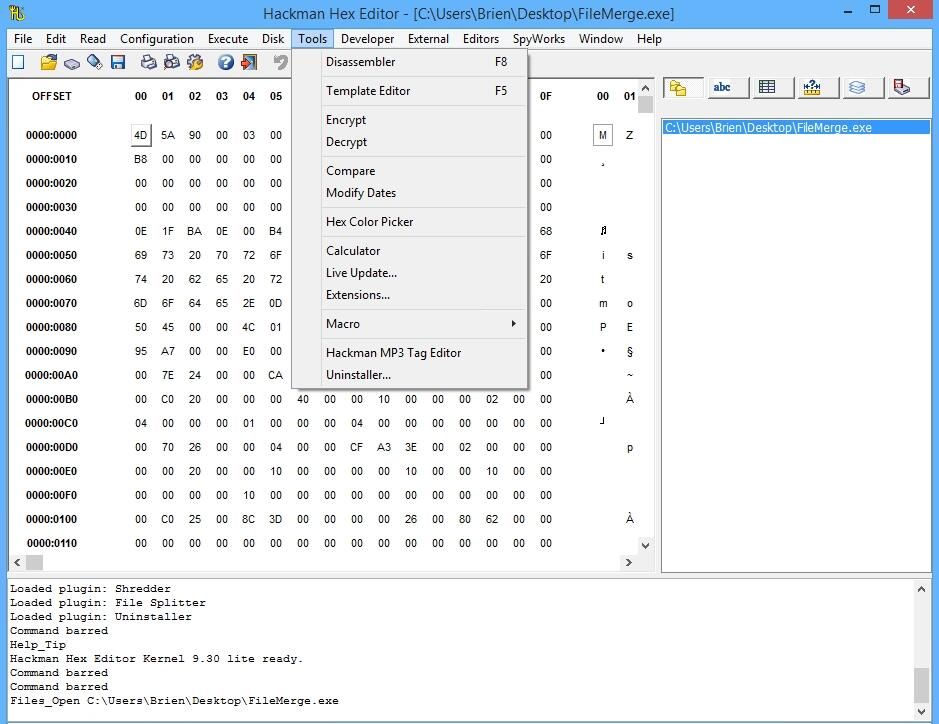
    Hackman Suite is a collection of \u201chacking\u201d utilities, one of which is a hex editor.\r\nA lot of times when a vendor bundles utilities into a single package, the\r\nindividual utilities aren’t as good as some of the standalone utilities that\r\nare available. In the case of the Hackman Suite, however, the included hex\r\neditor is quite good.

  • Hackman Suite

    Hackman Suite

    This tool can be used to examine data for files, folders,\r\ndrives, memory, and ports. It also supports the use of filters, merging and\r\nsplitting of files, and the creation of executables, and it includes additional\r\ntools, such as a color picker, a calculator, and a template editor.

    Hackman Suite sells for $27, but a free trial version is\r\navailable for download.

1 of 10
Brien Posey

* 1988 - Started teaching myself about computers \ * 1992 - Mainframe programmer for an insurance company \ * 1993 - Network Administrator for a different insurance company \ * 1996 - Author for The Cobb Group \ * 1998 - Network Administrator for Fort Knox \ * 1999 - CIO for chain of hospitals \ * 2000 - Gave up the corporate rat race to work out of my home. I have been a full time technical author ever since. Visit my Web sites at http://www.brienposey.com and http://www.relevanttechnologies.com \