Second Generation Intel Classmate PC Reviewed - TechRepublic

Second Generation Intel Classmate PC Reviewed
  • 195143.jpg

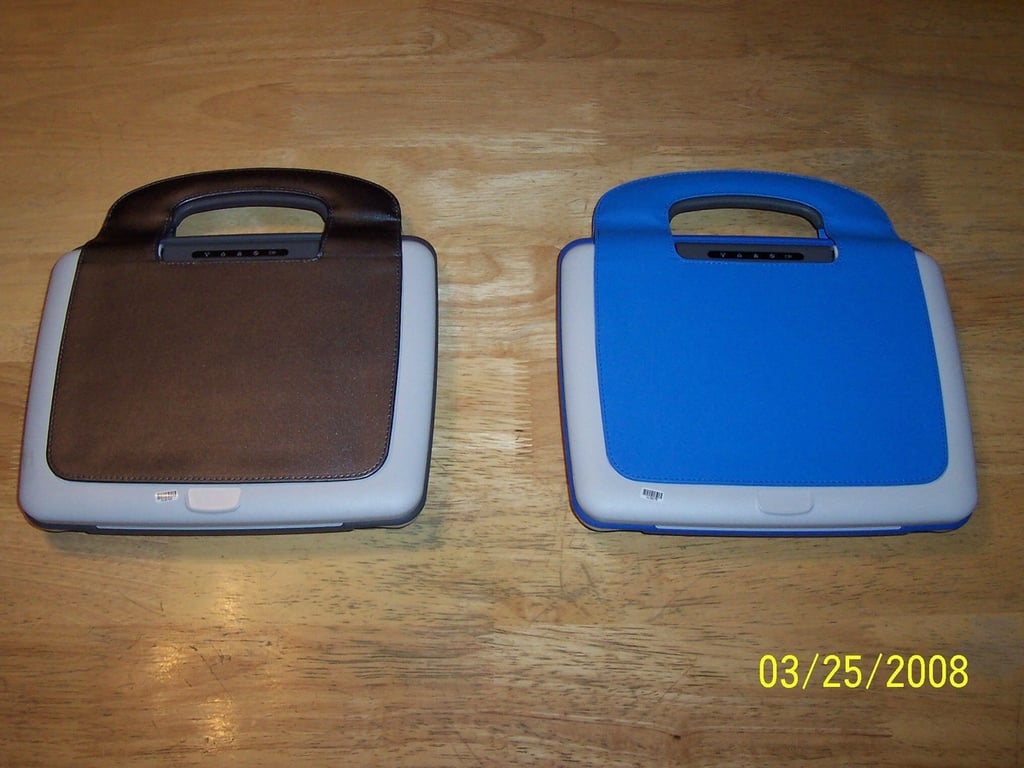
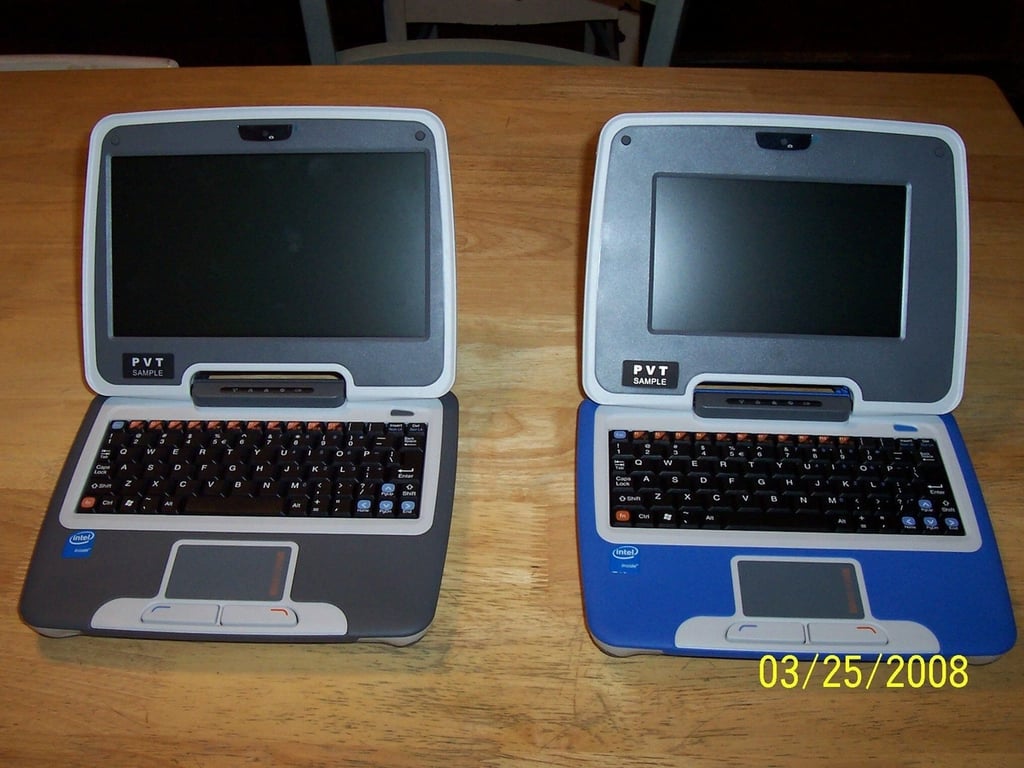
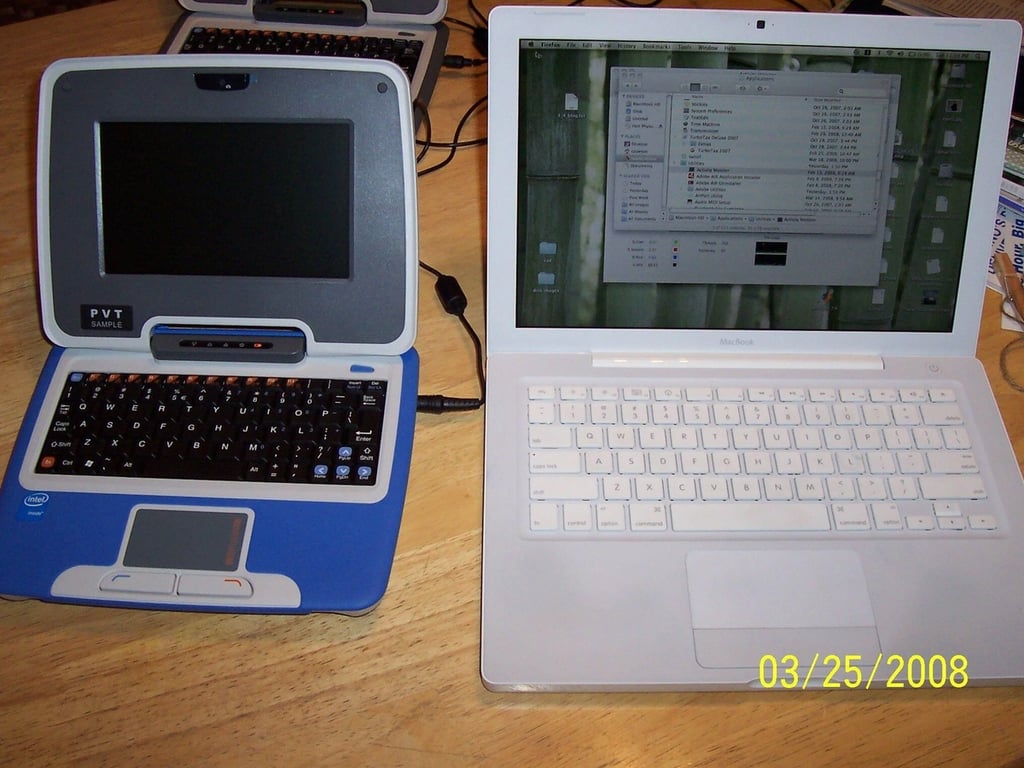
    2 Classmates - 1 traditional blue and the other a slick charcoal gray.

    I have to say I’m partial to the charcoal.

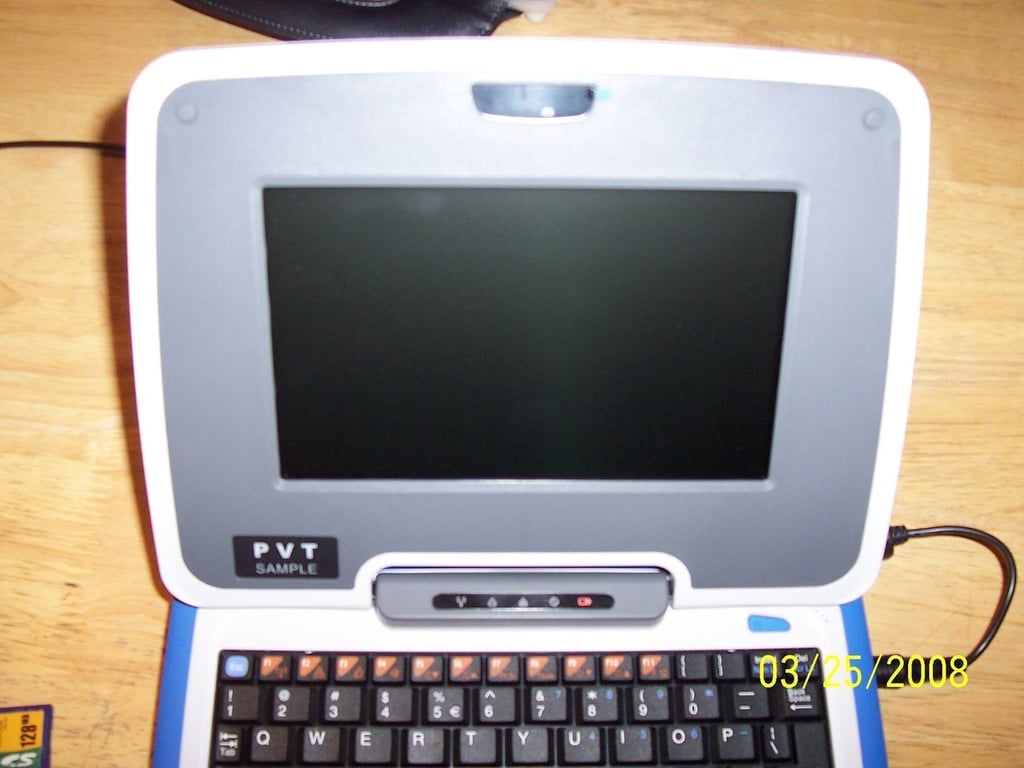
  • 9" and 7" screens are now available

    Different strokes for different folks, but that 9″ screen is mighty nice. Too bad the native resolution is the same regardless of which screen you choose.

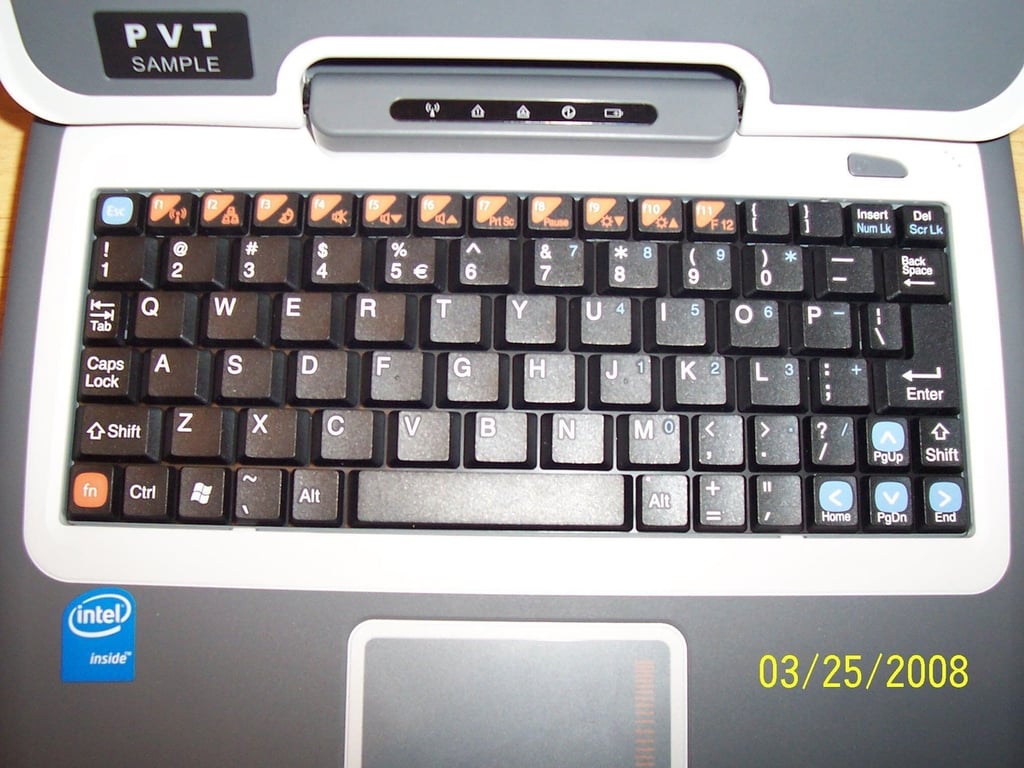
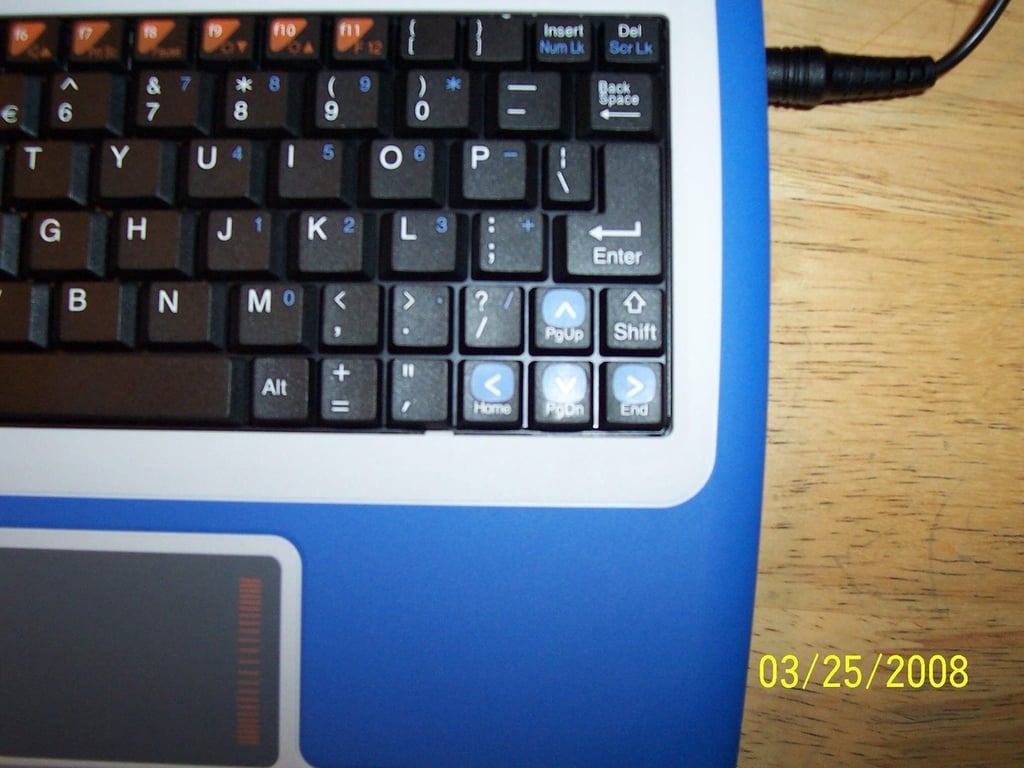
  • Upgraded keyboard

    New function keys, a right shift key (!!!), and better tactile response; still water resistant.

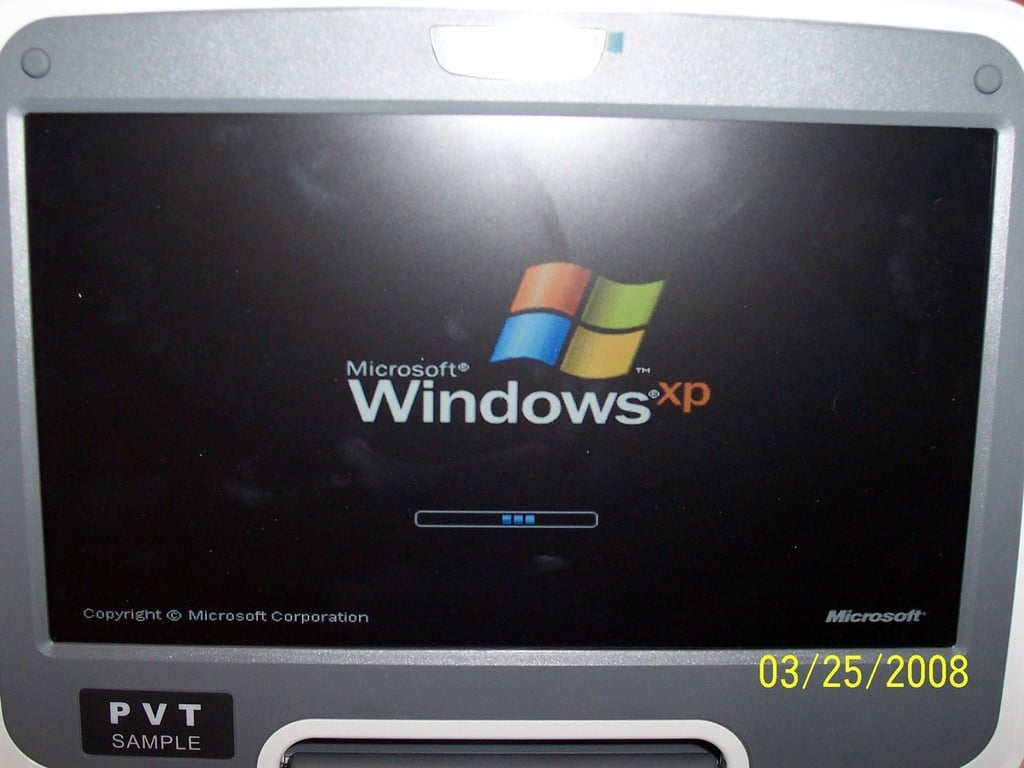
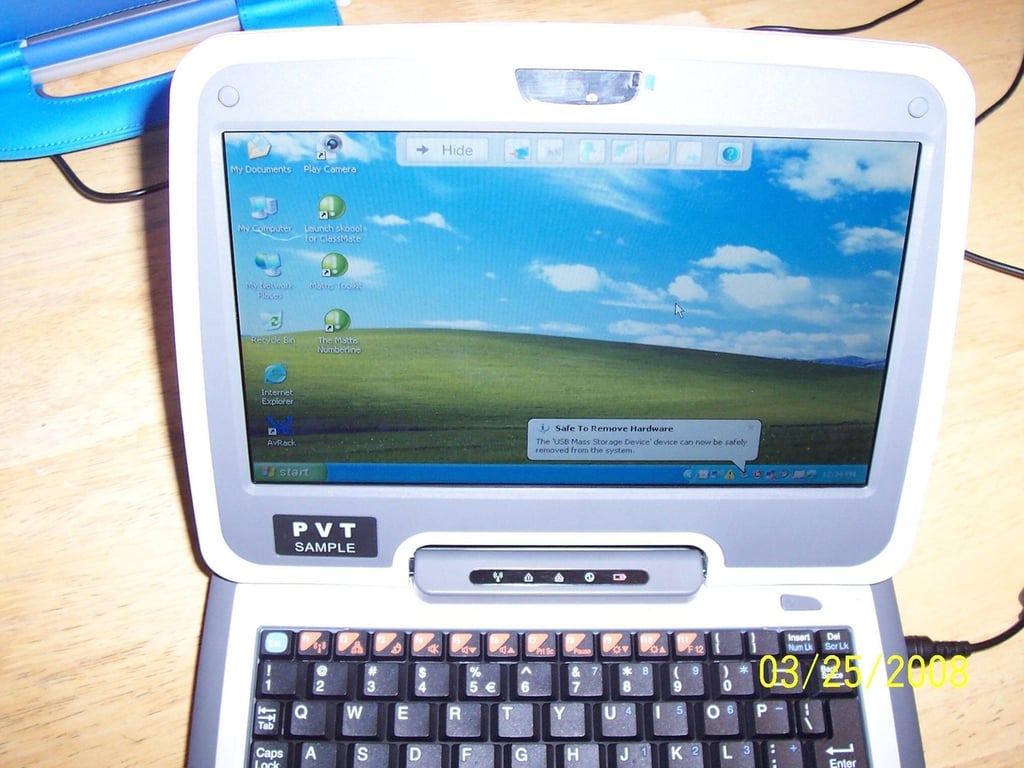
  • Windows XP - Woo Hoo (with no mesh networking support)

    Mesh networking requires Linux

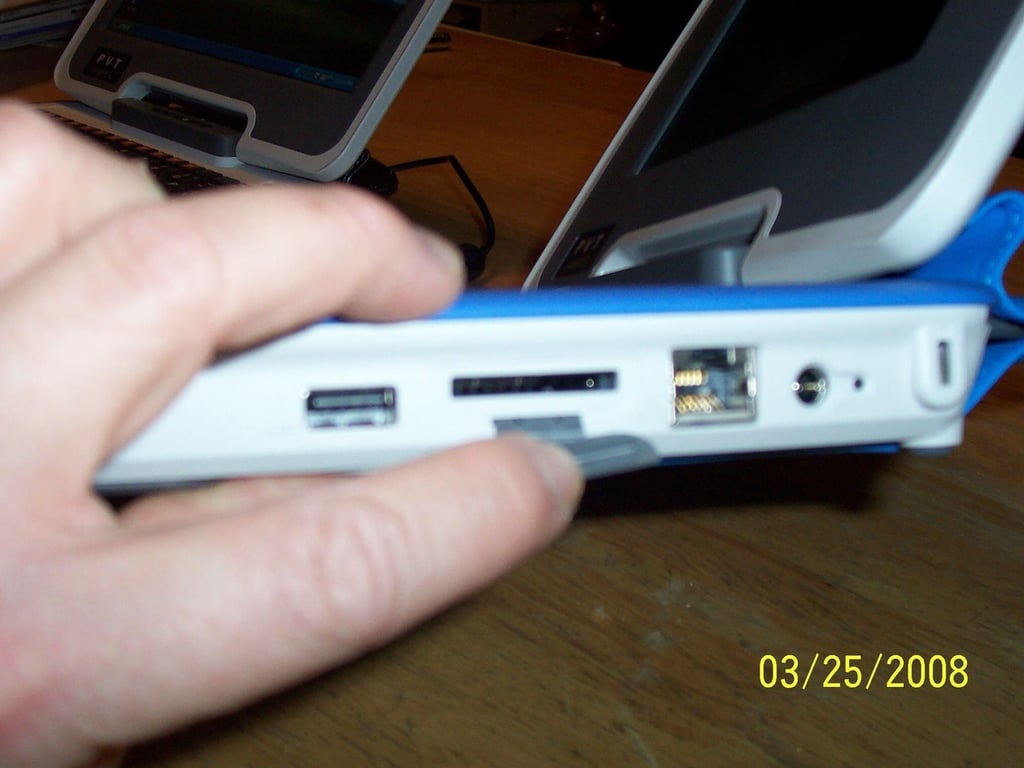
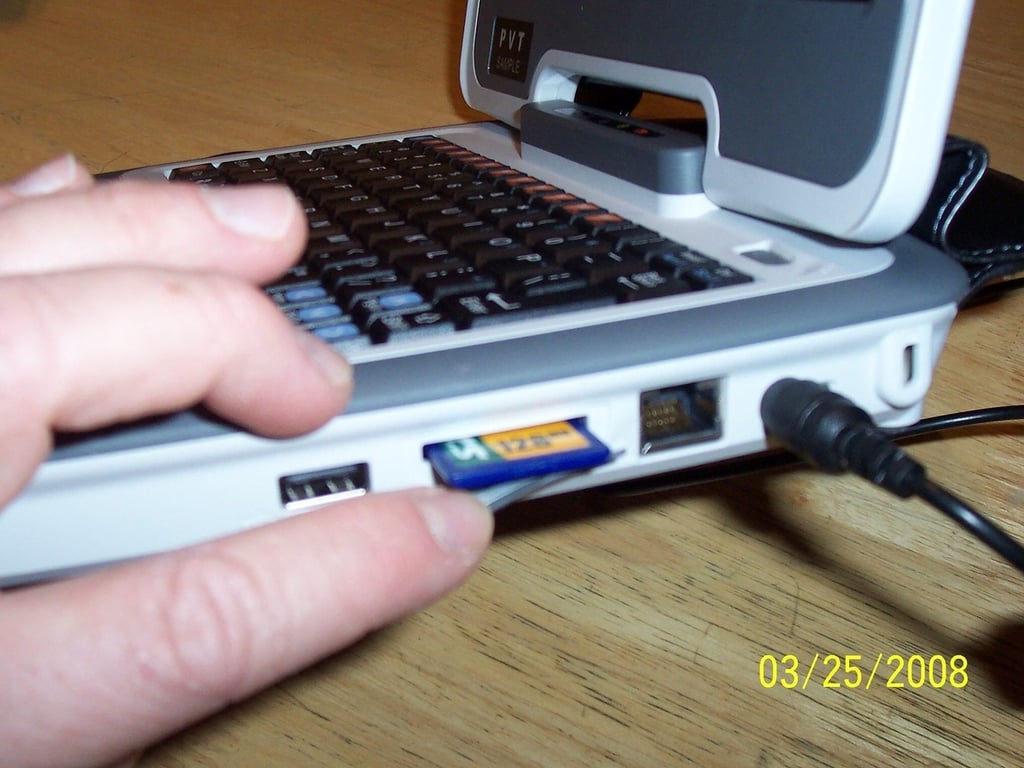
  • SD card reader

    No longer hidden in the back underneath the handle

  • Easy to get to, easy to use, and protected under a rubber boot.

    My MacBook doesn’t even have one of these.

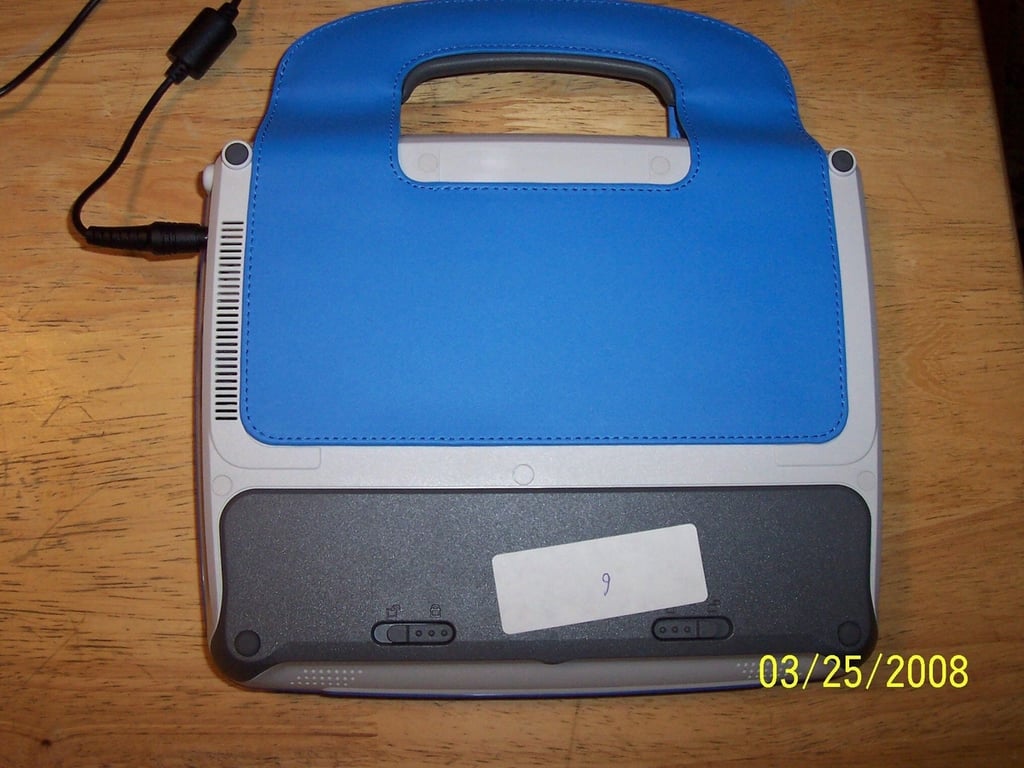
  • A view from the back

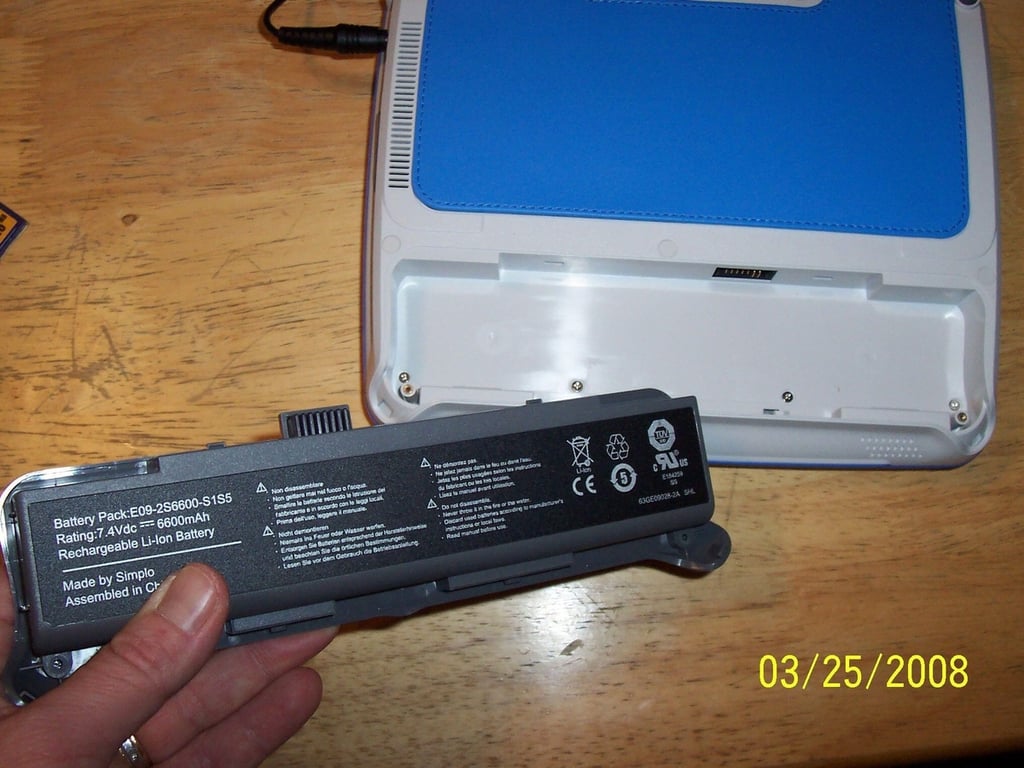
  • A new 6-cell battery provides up to 5 hours of battery life.

    Easily-removed; a 4-cell battery from the previous generation is still available.

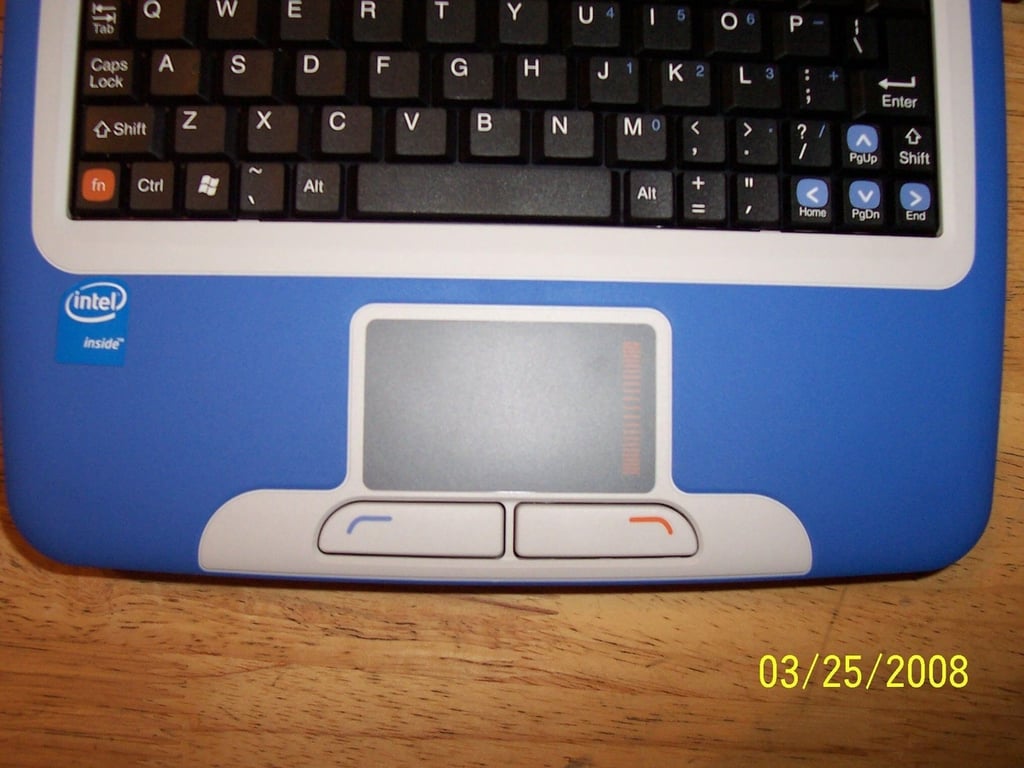
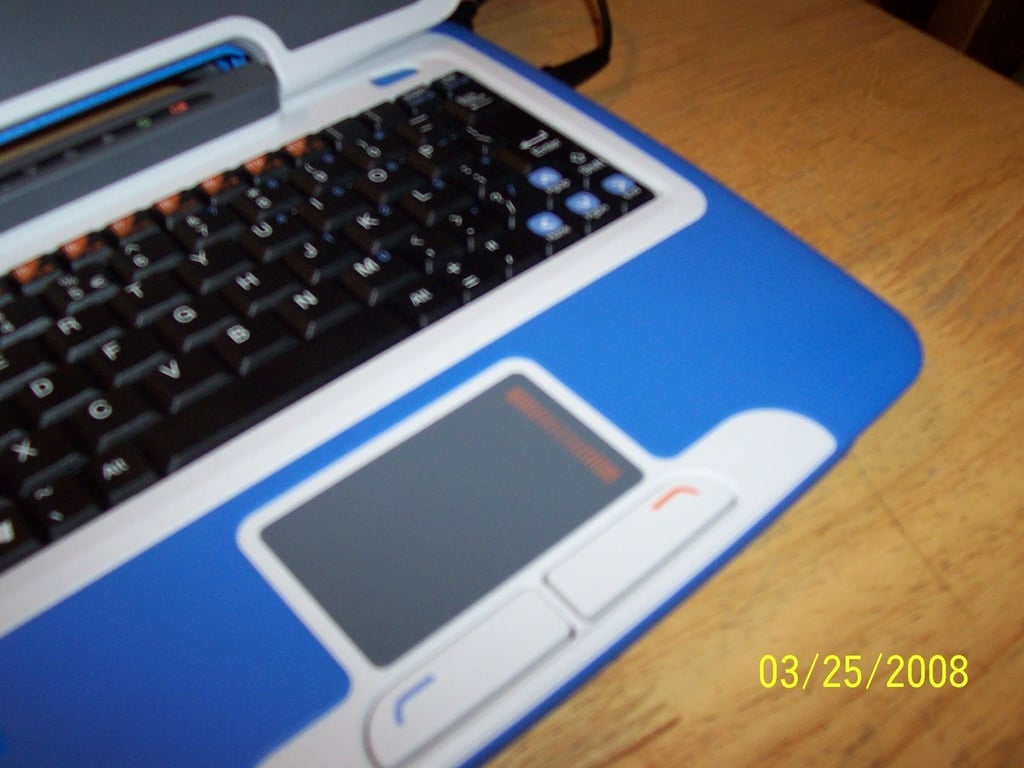
  • A rectangular touchpad

    Much better than the previous gimmicky oval

  • And a scroll area on the touchpad

  • You don't realize how much you use the right shift key until it's gone; now it's back!

    I like to believe that Intel included this at my request; I think everyone else just realized that a single left shift key is a pain in the behind.

  • 7 inches is still a fine screen size

  • But 9 inches is way better

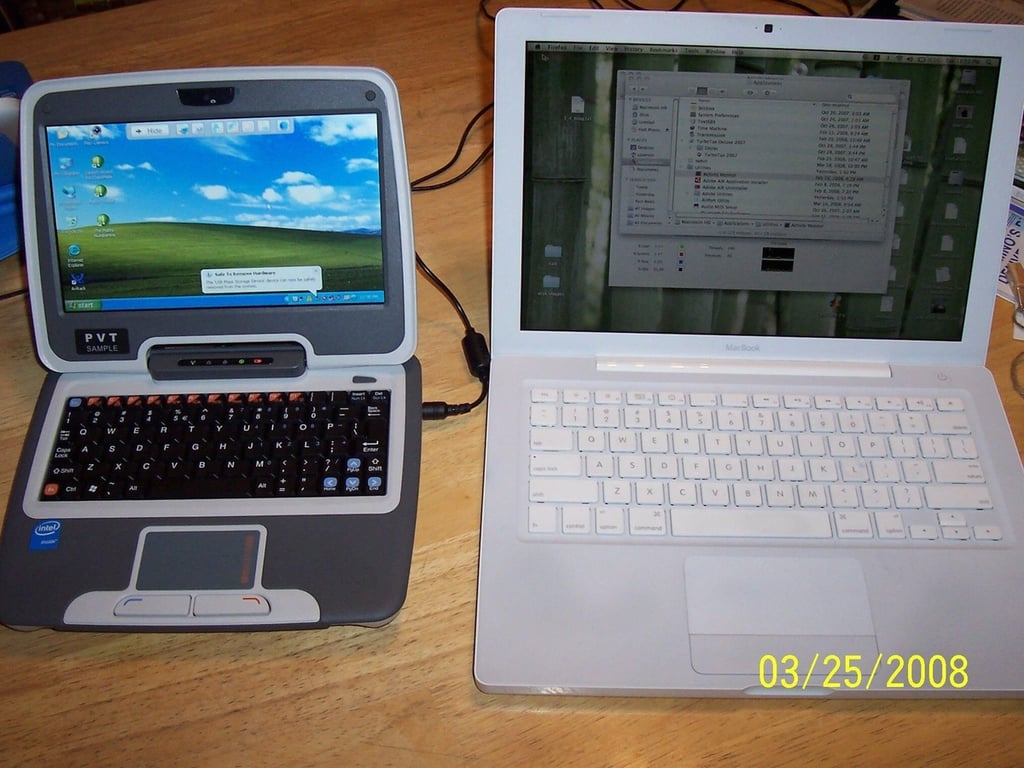
  • 9" vs. my MacBook

    These guys are really little; my MacBook is fairly diminutive.

  • 7" vs. my MacBook

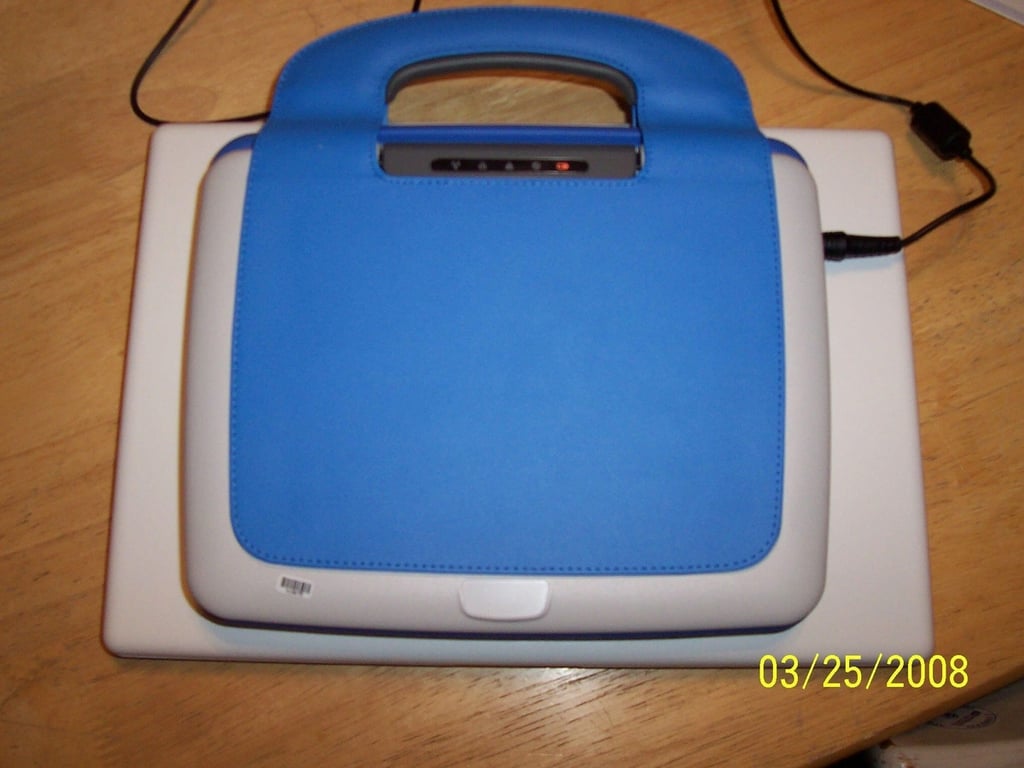
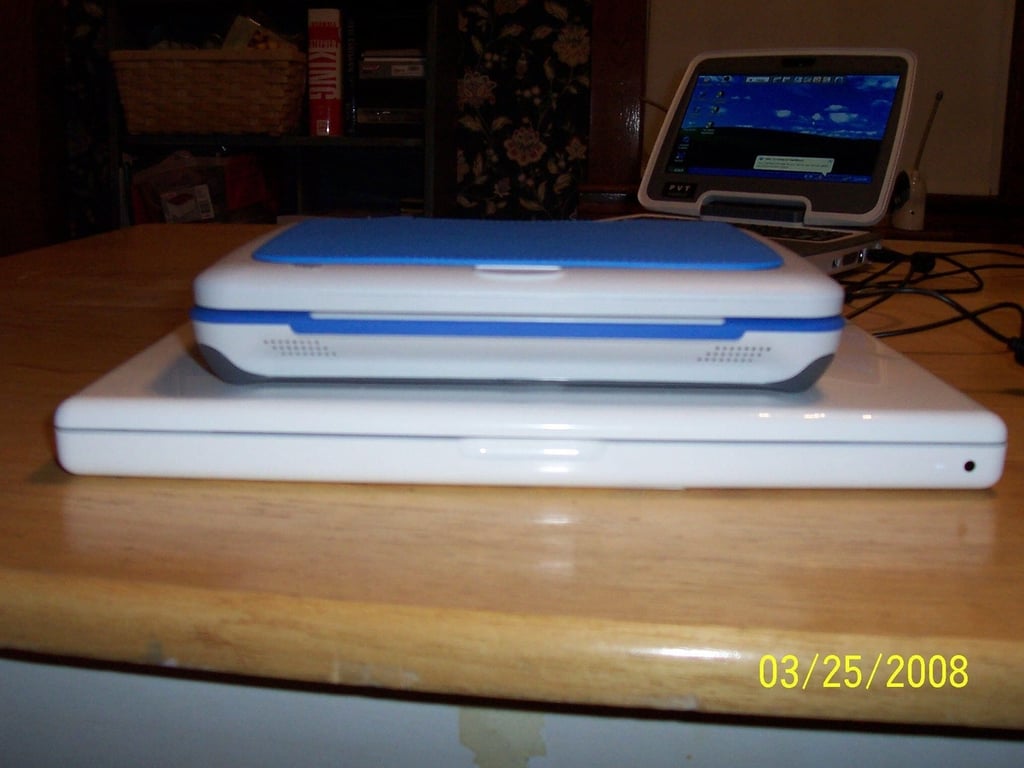
  • Sitting on top of my MacBook

    The outside form factor of both the 7″ and 9″ models are the same. This would fit quite nicely into a messenger bag, wouldn’t it?

  • And a side view

    Who needs MIDs? Give me a Classmate.

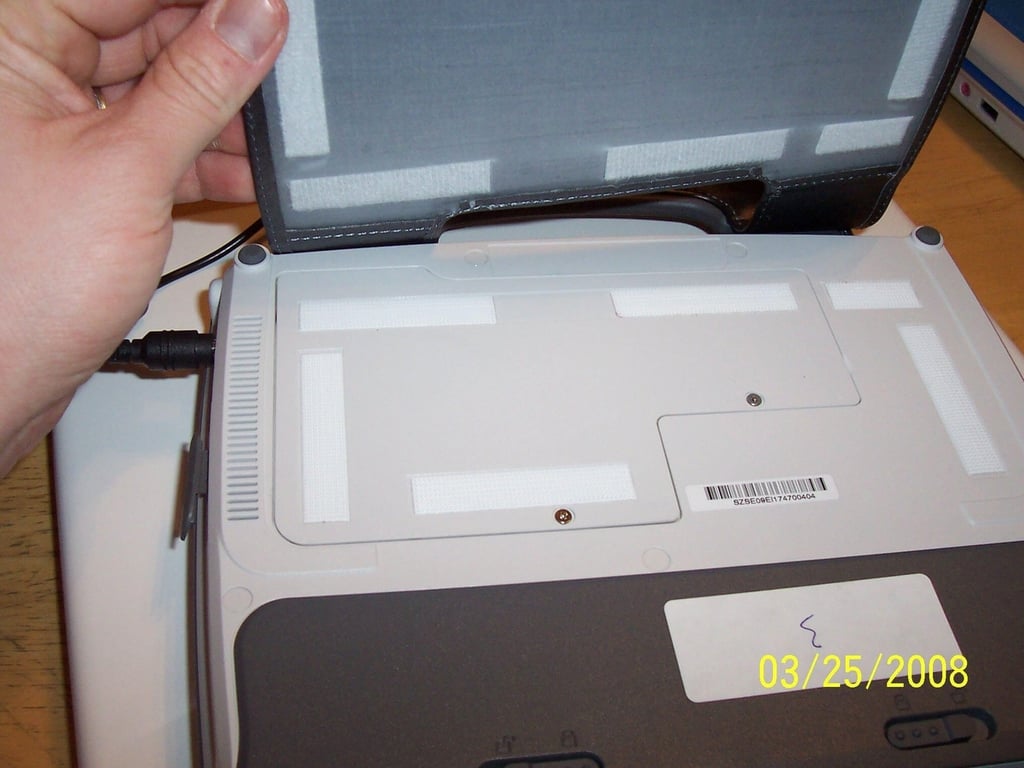
  • Removing the cover/handle

    Just pop the velcro

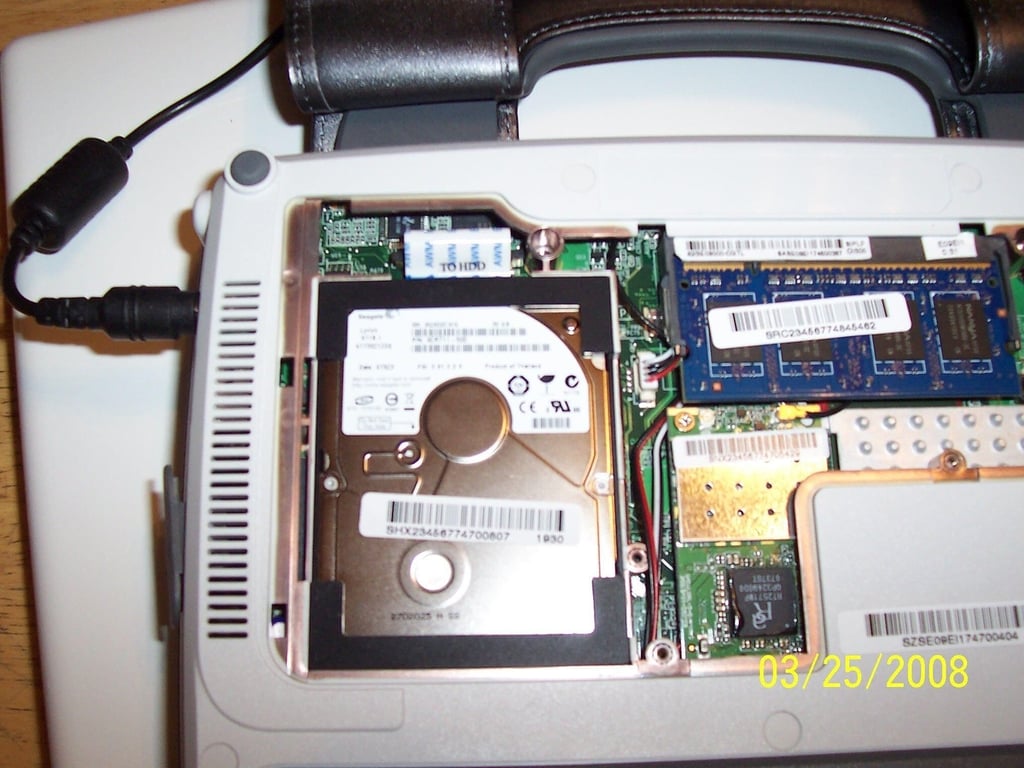
  • The PATA hard drive and RAM are easily accessible

    Just don’t lose the screws since they aren’t attached to the back plate (Hey, Intel – you gave me back my shift key; can we get the screws attached for easier maintenance?)

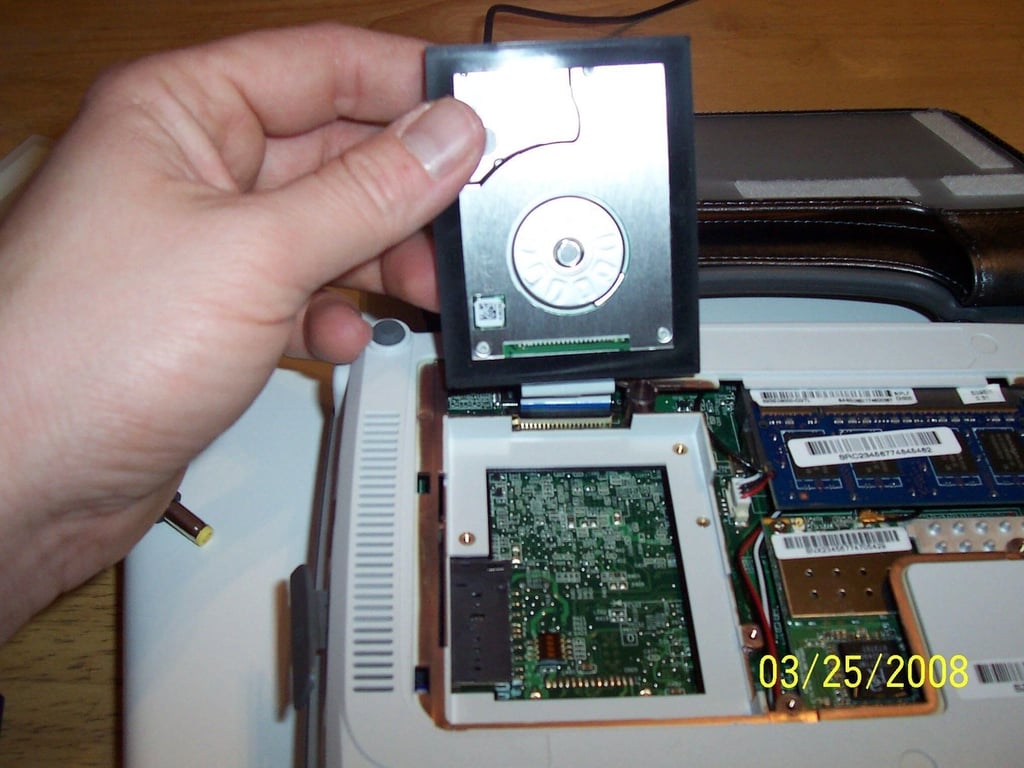
  • This is one little hard drive

    Go PATA!

1 of 20