Spotlight: Core FTP LE 2.1 - TechRepublic

Spotlight: Core FTP LE 2.1

  • 1_initial_screen.jpg

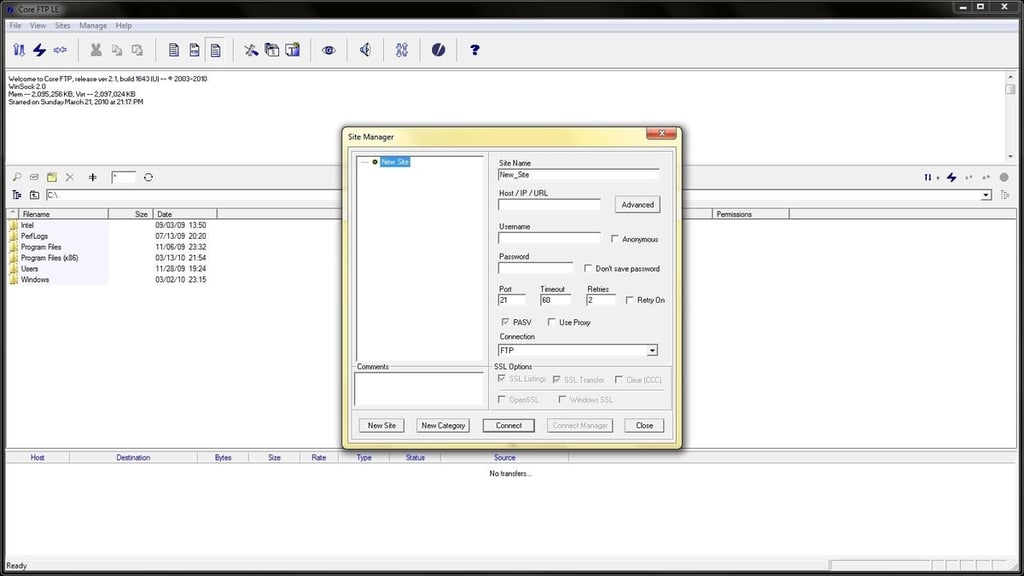
    The initial screen

    Download and run the coreftplite.exe setup file. This is what you should see when Core FTP LE starts for the first time.

    For a full review of Core FTP LE, check out the TechRepublic Product Spotlight Blog.

    Image created by Alan Norton for TechRepublic.

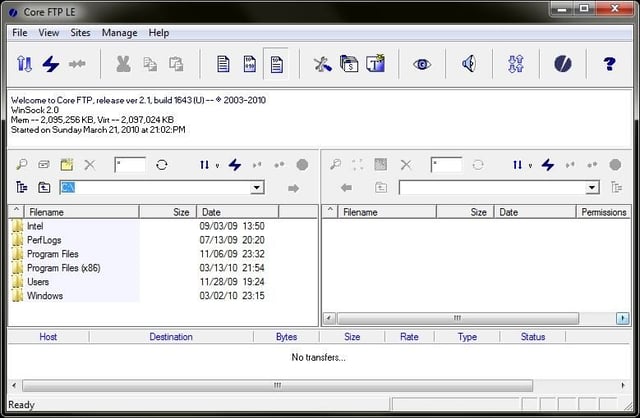
  • The main screen

    The main screen has four panes – activity log, local folders, remote directories, queue and status.

    For a full review of Core FTP LE, check out the TechRepublic Product Spotlight Blog.

    Image created by Alan Norton for TechRepublic.

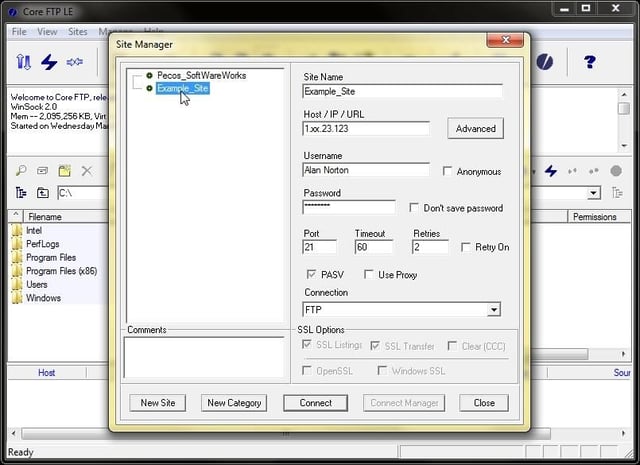
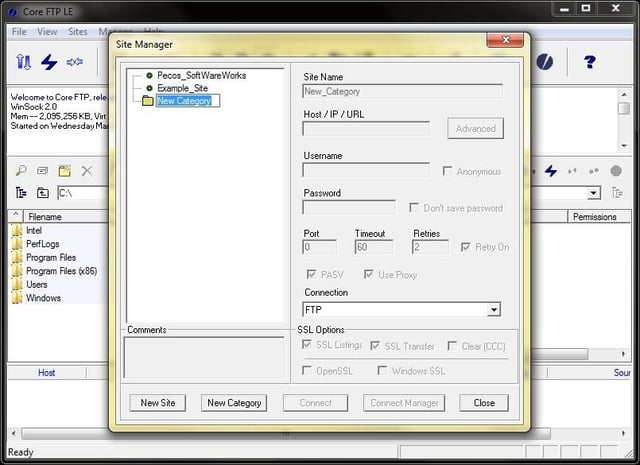
  • The Site Manager Screen

    For a full review of Core FTP LE, check out the TechRepublic Product Spotlight Blog.

    Image created by Alan Norton for TechRepublic.

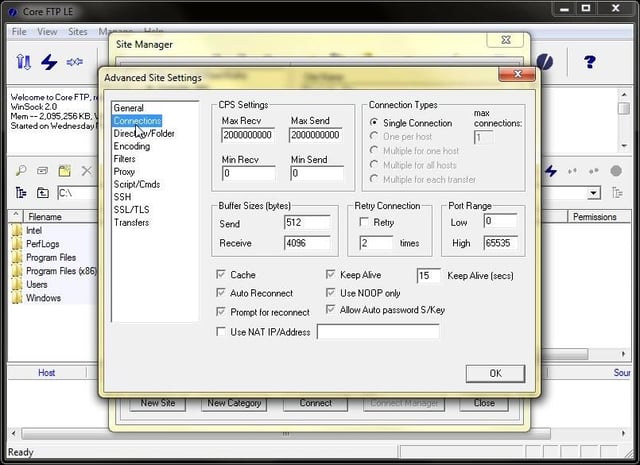
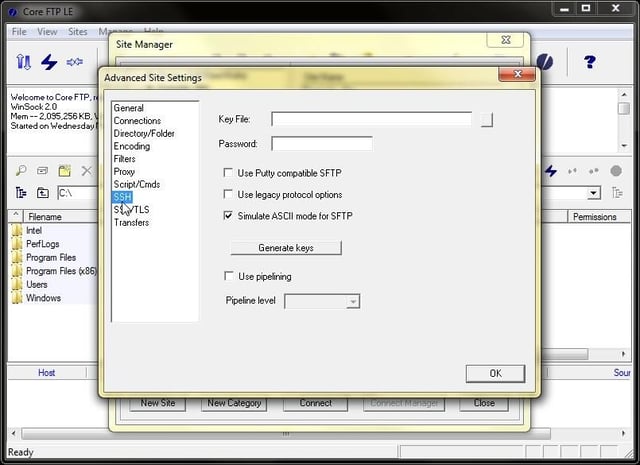
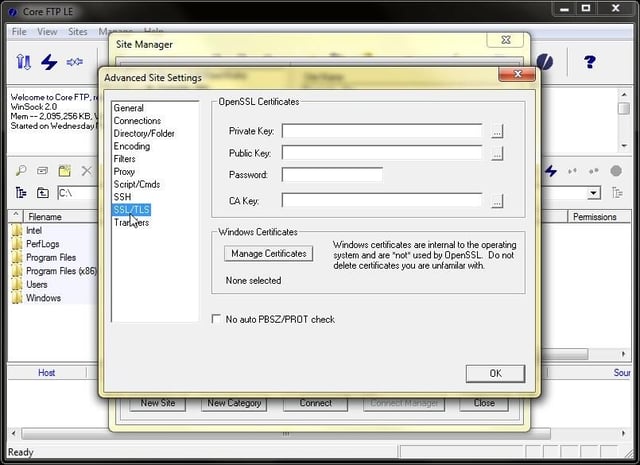
  • Advanced connections

    The Sites | Site Manager | Advanced | Connections / View | Options | Connections Screen

    For a full review of Core FTP LE, check out the TechRepublic Product Spotlight Blog.

    Image created by Alan Norton for TechRepublic.

  • Core FTP LE 2.1

    For a full review of Core FTP LE, check out the TechRepublic Product Spotlight Blog.

    Image created by Alan Norton for TechRepublic.

  • Core FTP LE 2.1

    For a full review of Core FTP LE, check out the TechRepublic Product Spotlight Blog.

    Image created by Alan Norton for TechRepublic.

  • Core FTP LE 2.1

    For a full review of Core FTP LE, check out the TechRepublic Product Spotlight Blog.

    Image created by Alan Norton for TechRepublic.

  • Core FTP LE 2.1

    For a full review of Core FTP LE, check out the TechRepublic Product Spotlight Blog.

    Image created by Alan Norton for TechRepublic.

  • Core FTP LE 2.1

    For a full review of Core FTP LE, check out the TechRepublic Product Spotlight Blog.

    Image created by Alan Norton for TechRepublic.

  • Core FTP LE 2.1

    For a full review of Core FTP LE, check out the TechRepublic Product Spotlight Blog.

    Image created by Alan Norton for TechRepublic.

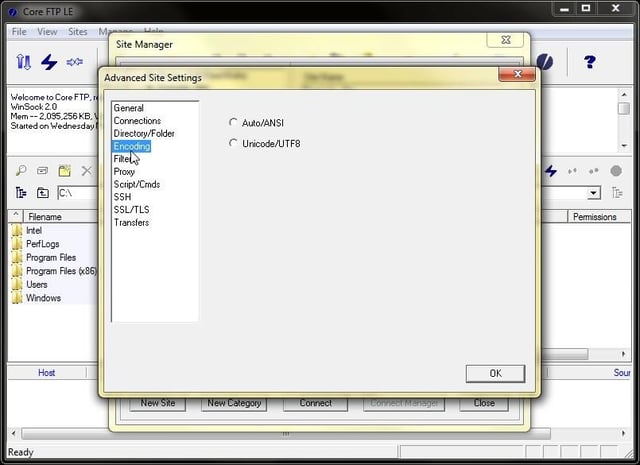
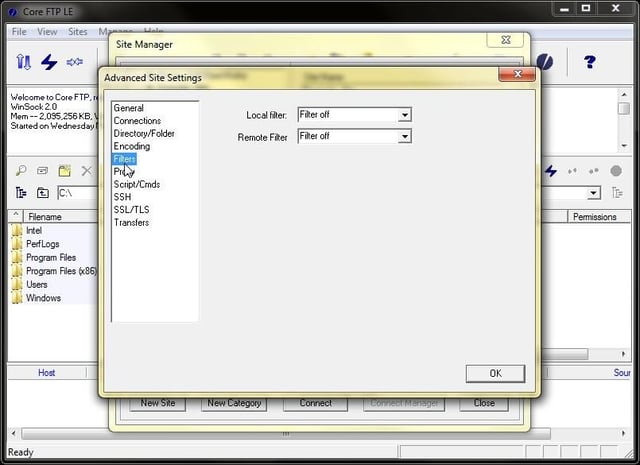
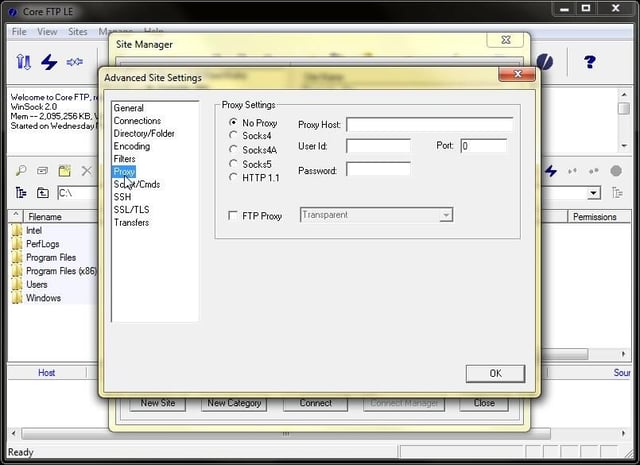
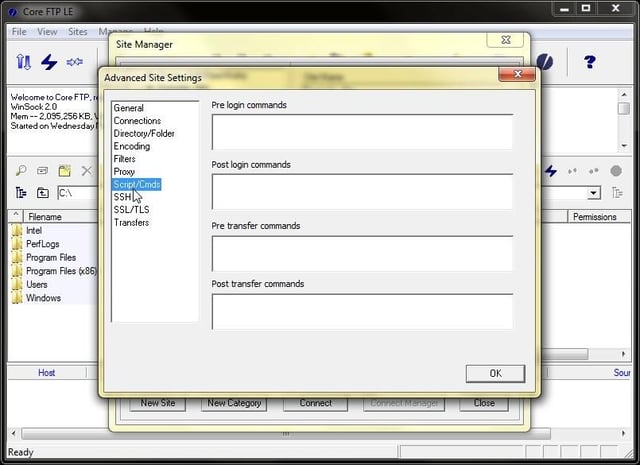
  • Core FTP LE 2.1

    For a full review of Core FTP LE, check out the TechRepublic Product Spotlight Blog.

    Image created by Alan Norton for TechRepublic.

1 of 11
Alan Norton

You can contact me at mail@pecos-softwareworks.com. I began my career as little more than a data retrieval and reporting person. Early in my career I did whatever I could to be productive, creating spreadsheets in Framework and charts in GraphWriter. I was PC oriented and soon learned how to tap into the data on the mainframe to produce the charts via a data download to the PC. I found a niche building client/server systems where I was responsible for each phase of the project life cycle. \ \ I am fortunate to have enjoyed a broad background in IT including interfacing PC's and shop floor insertion machines to the mainframe database. I have also been an independent contractor, perhaps the most satisfying part of my career. I transitioned several mid-frame systems to a PC network based Access/Visual Basic system in the contract position and learned what it takes to be successful on your own. \ \ My last position was an analyst/programmer for a large IT service provider in support of their global help desk reporting team including a role as project lead. \ \ I consider myself lucky to have been in at the beginning of the personal computer revolution. I am currently semi-retired and learning a new skill, professional writing.