Windows Vista build 5536 screenshots - TechRepublic

Windows Vista build 5536 screenshots

  • 31471.jpg

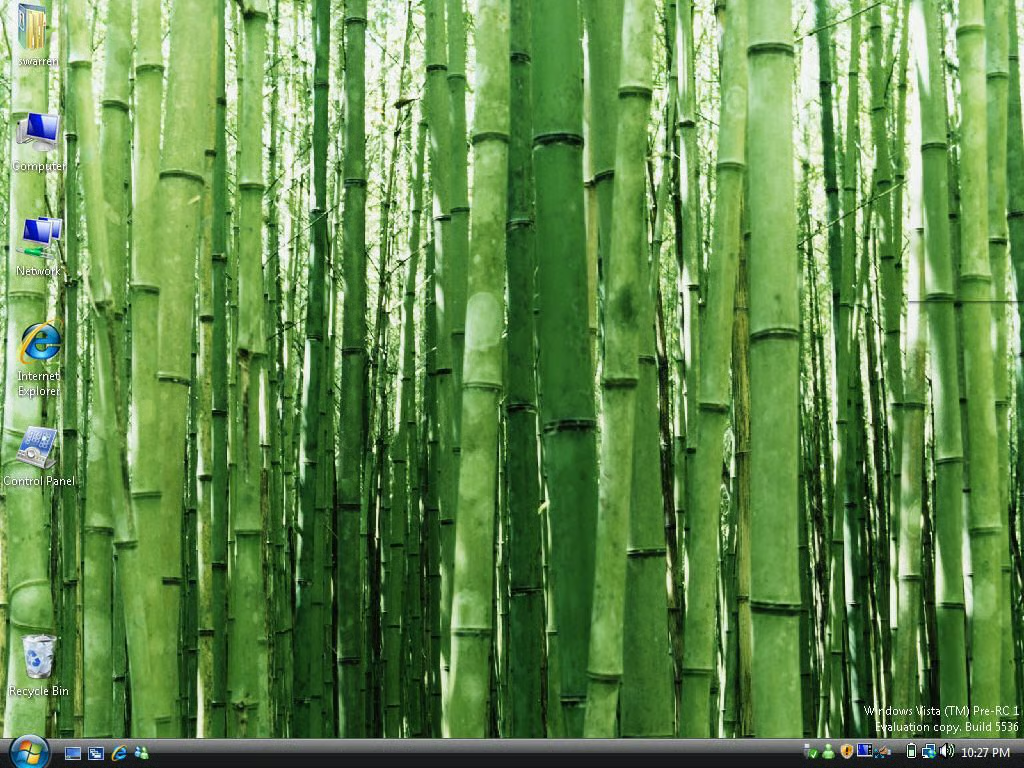
    Windows Vista build 5536 desktop

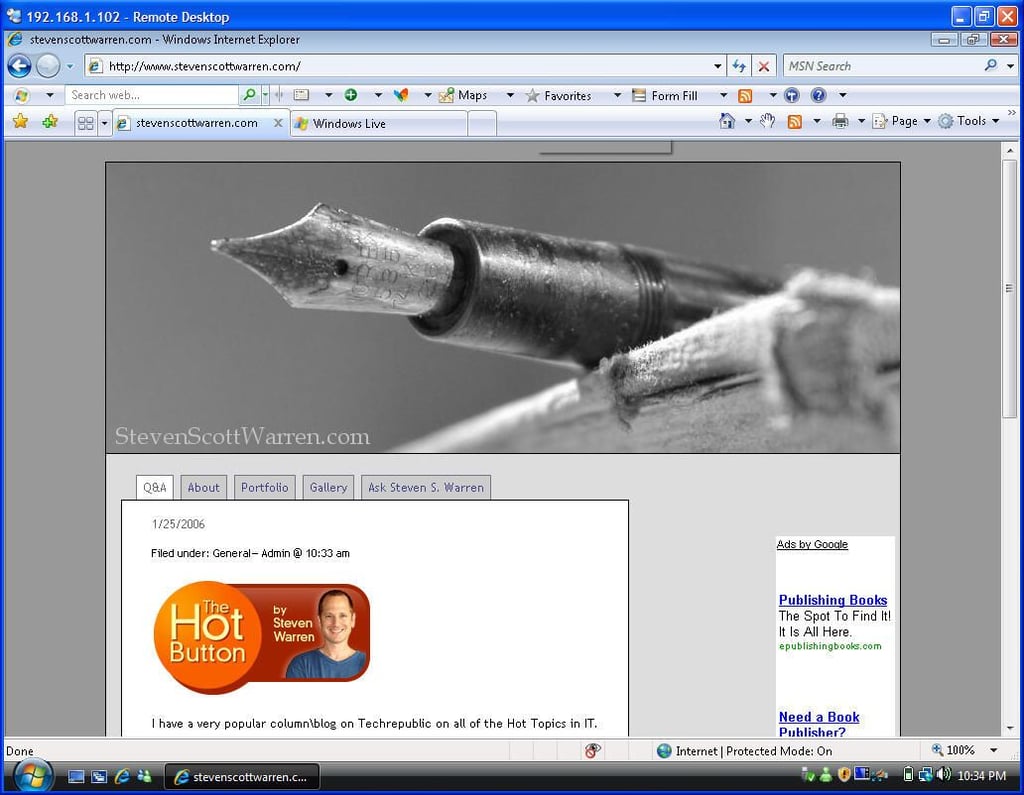
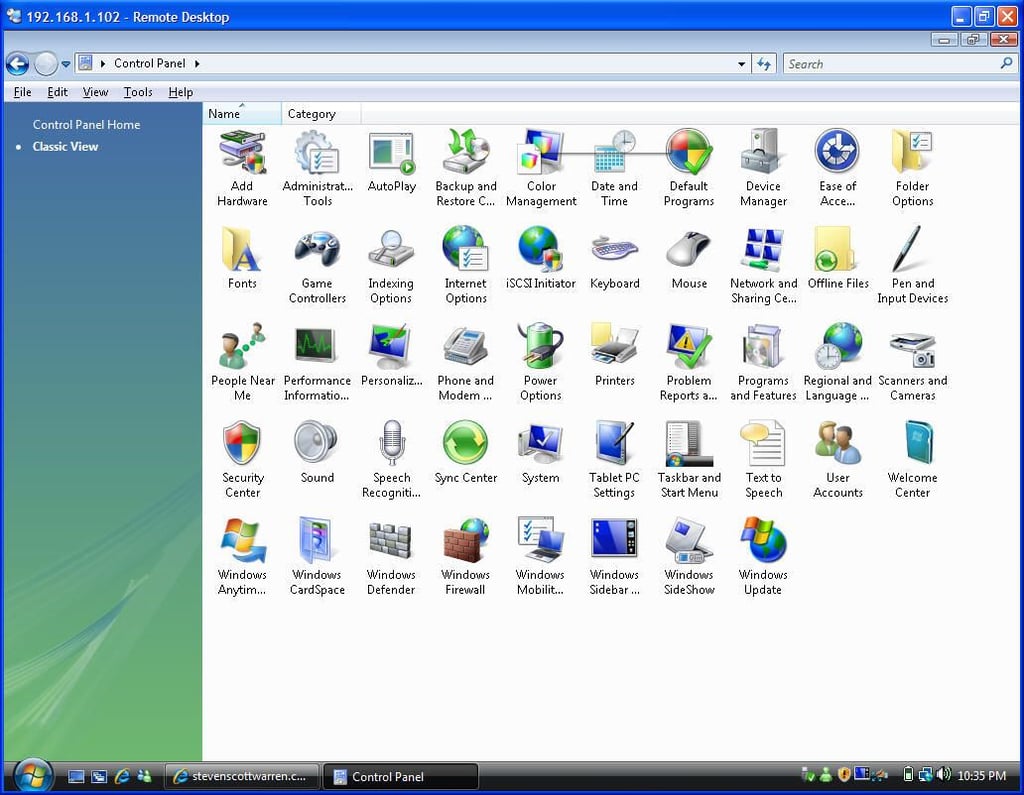
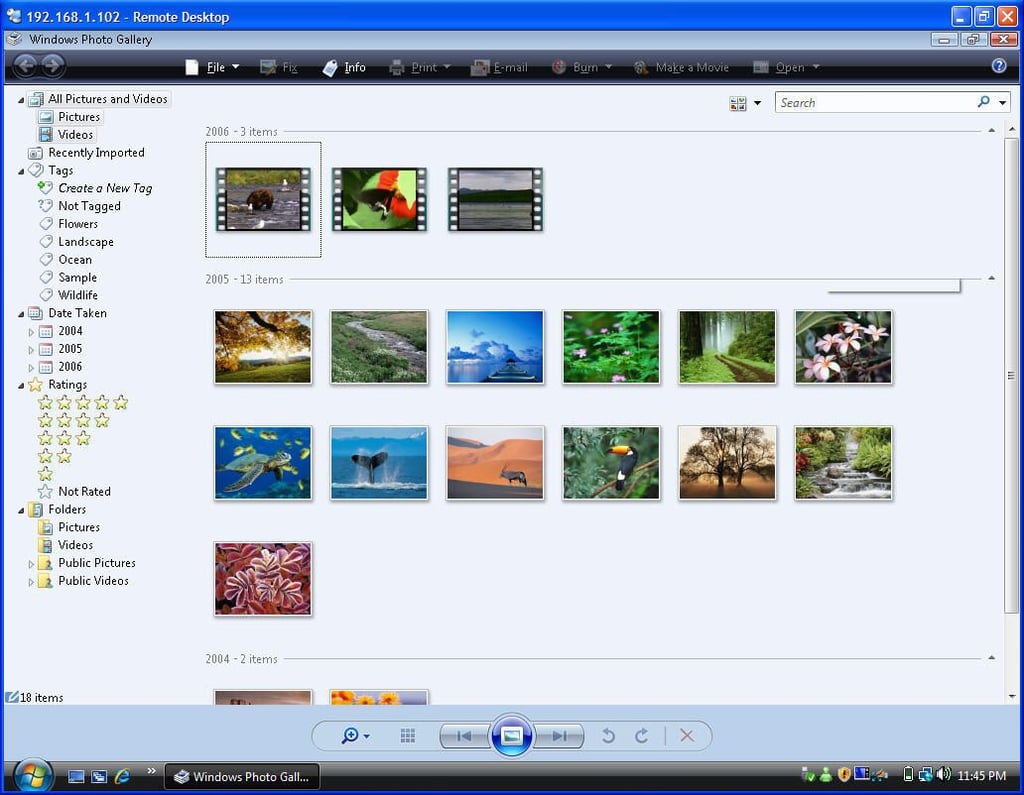
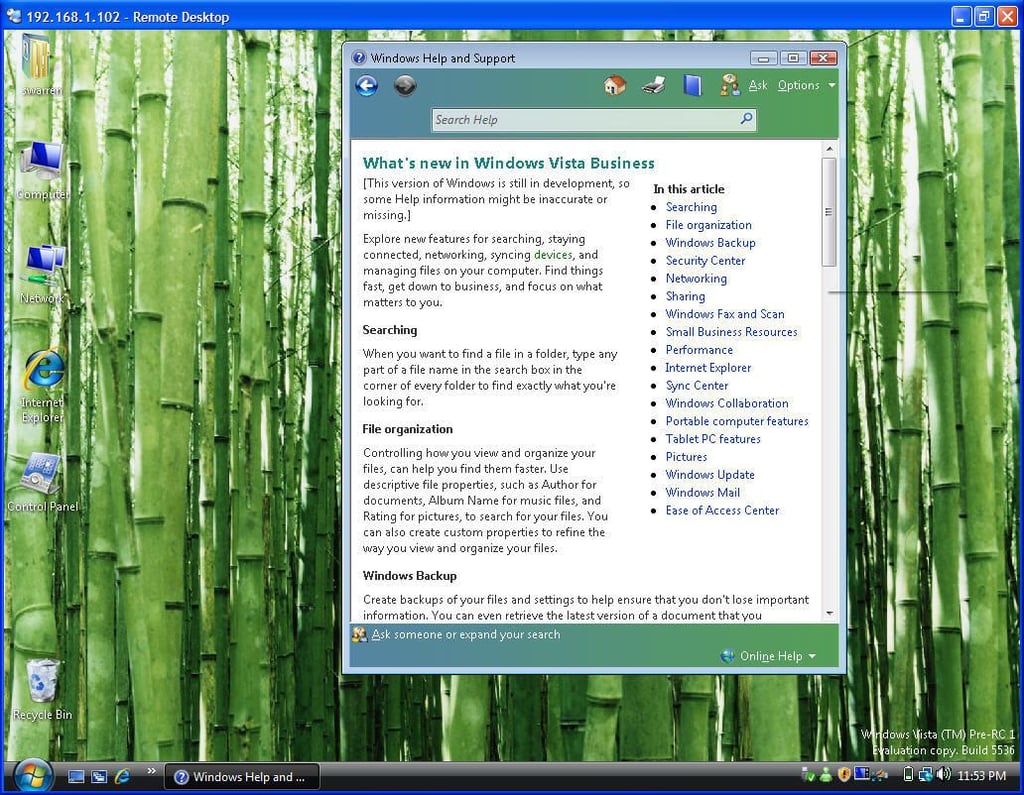
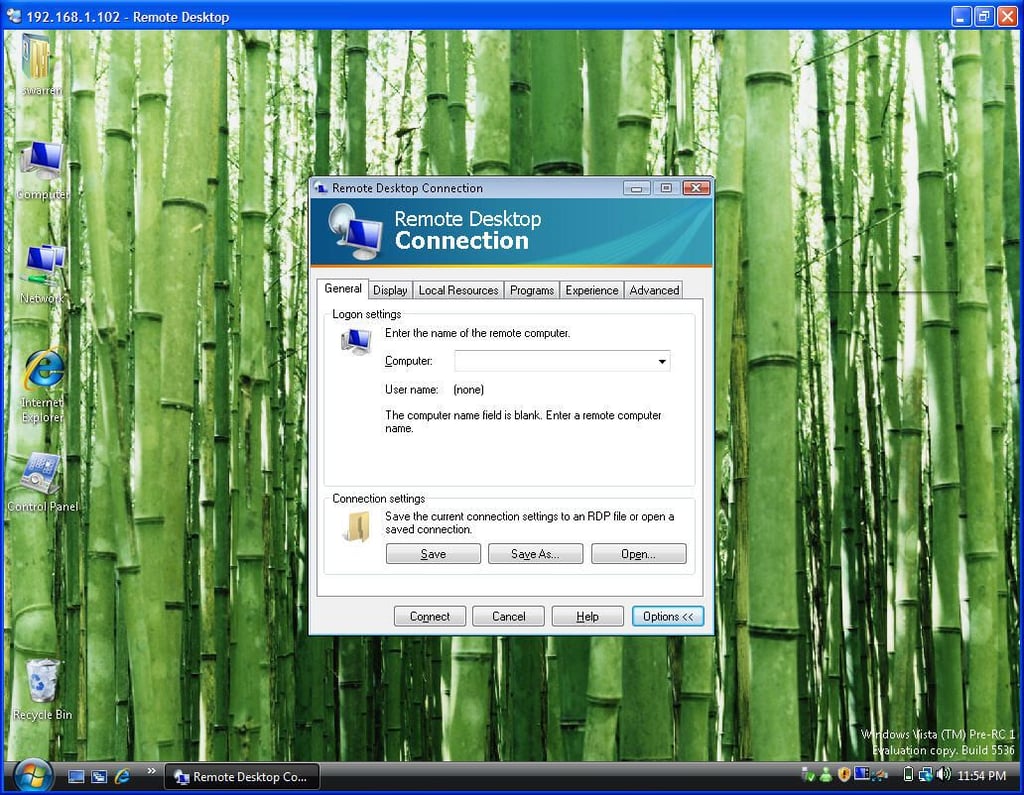
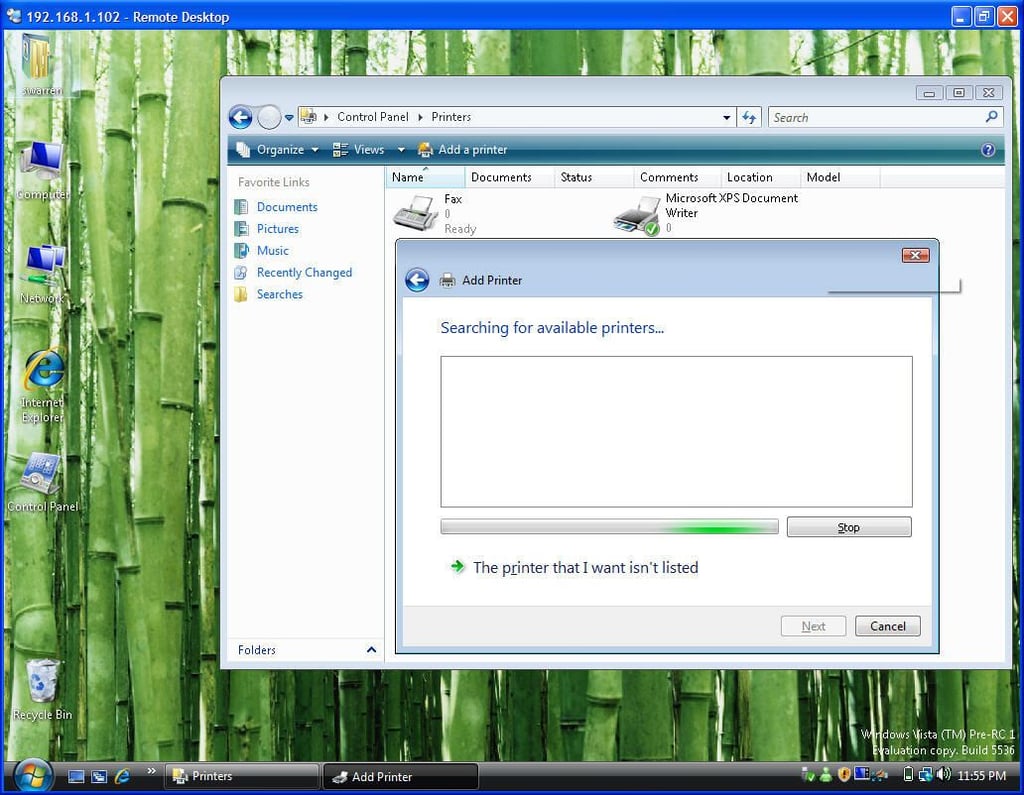
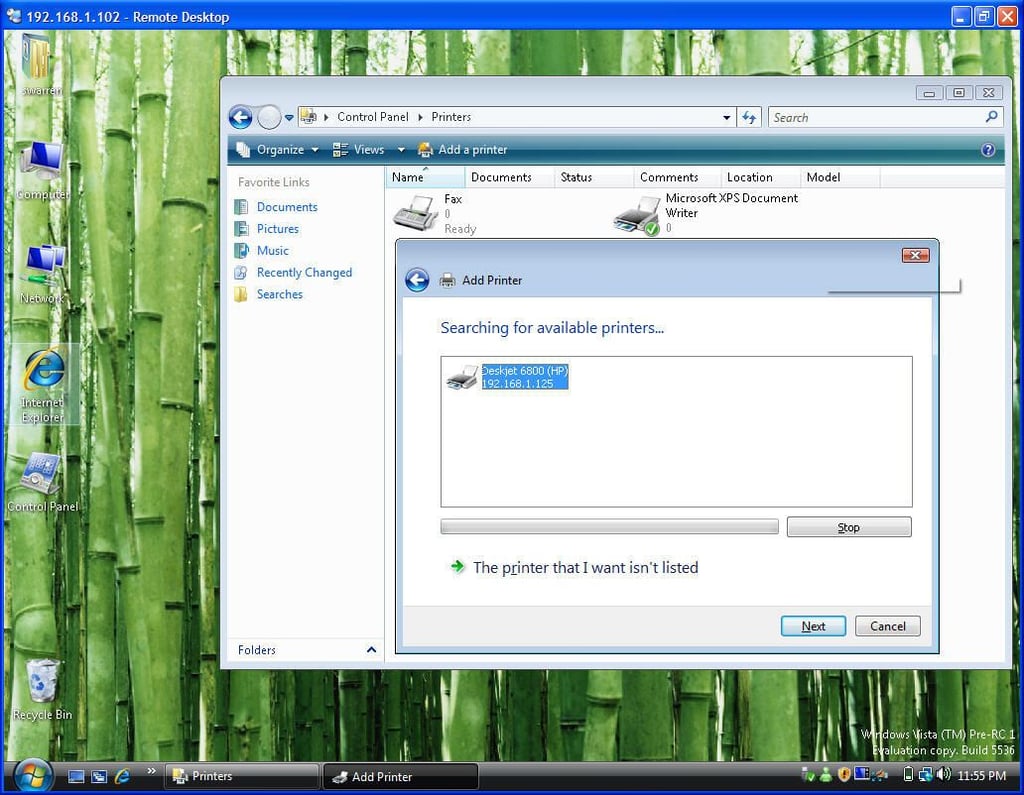
    Windows Vista build 5536 offers significant performance improvements and feature enhancements over previous releases, including the overly-hyped Beta 2. This gallery’s 35 high-resolution, screenshots give you a first look at Vista build 5536’s new integration of Windows Live services, Internet Explorer 7’s default dual-homepage design, User Account Control (UAC) improvements, personalized Control Panel, and more.

    Click each image for the full-size version.

    Submitted by Steven Warren

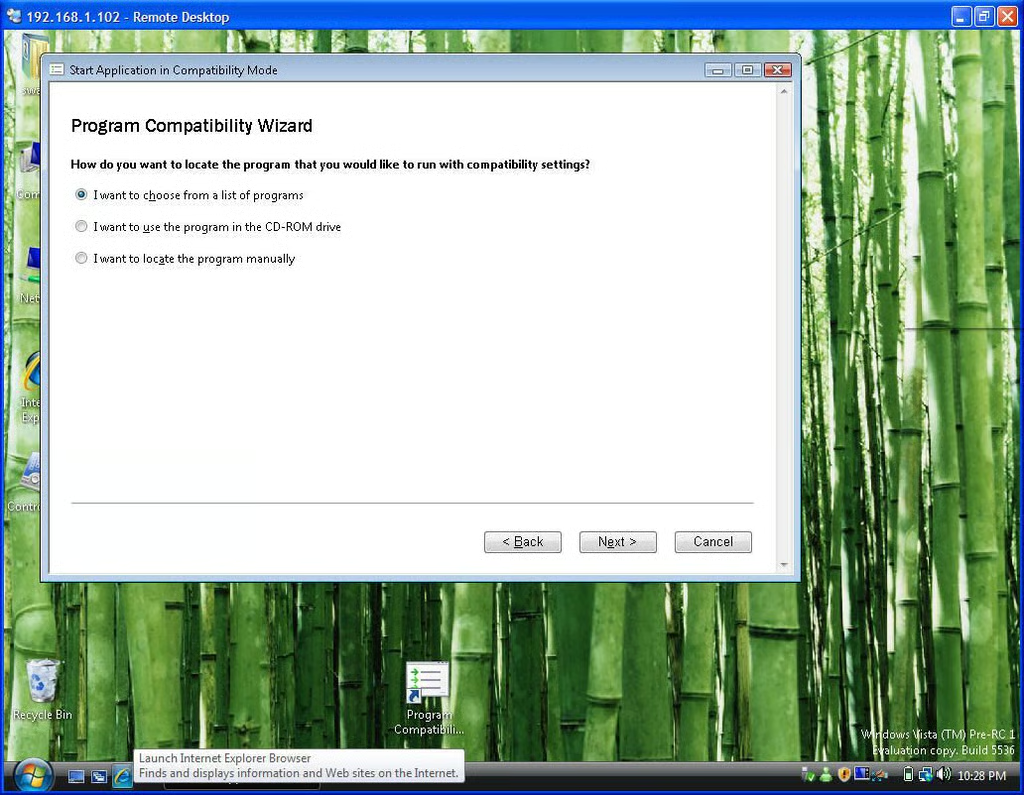
  • Program Compatability Wizard

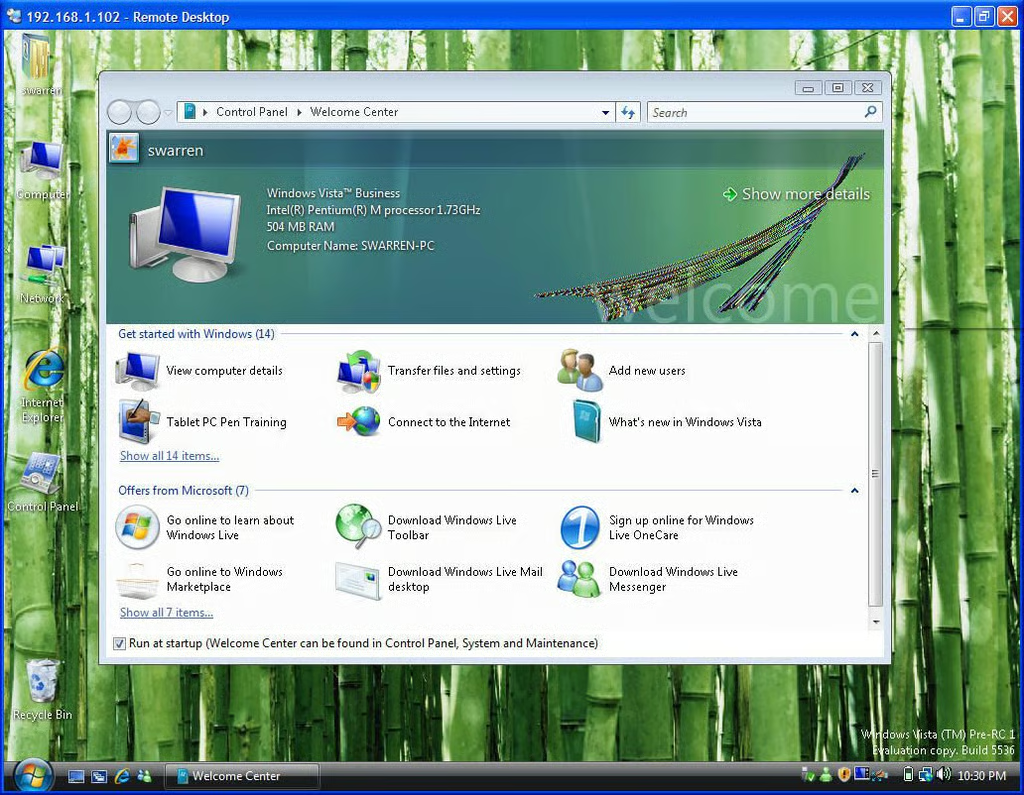
  • Welcome Center

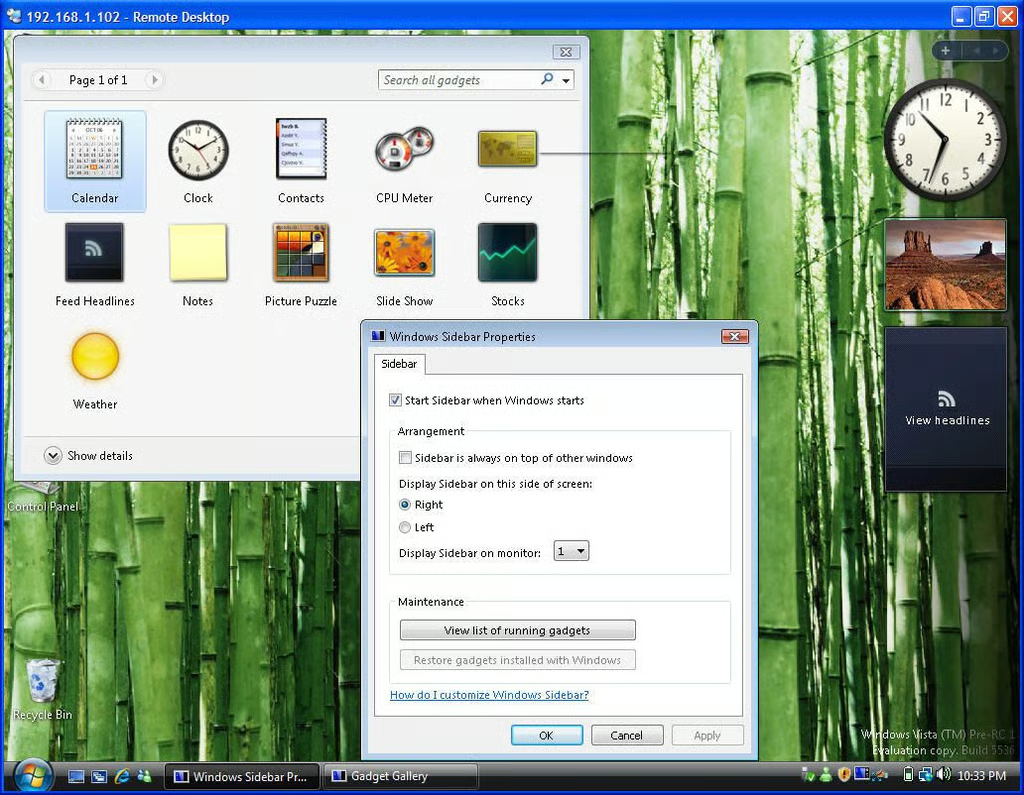
  • Windows Sidebar Properties

  • Internet Explorer 7

  • Control Panel 2

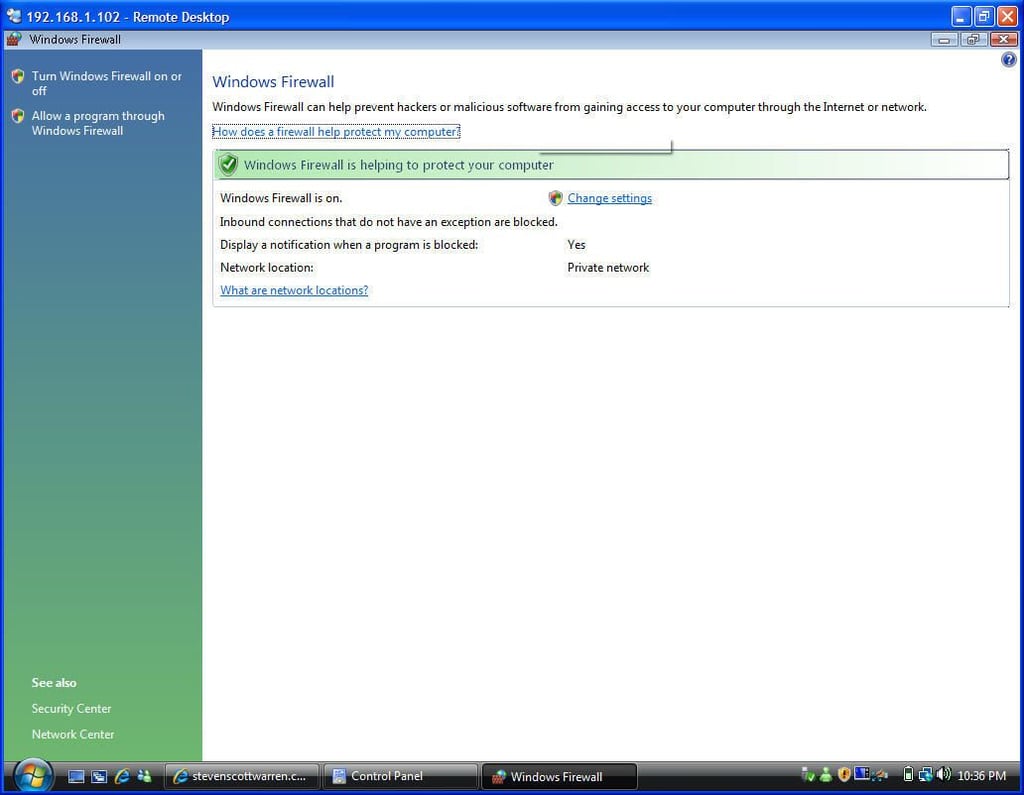
  • Windows Firewall

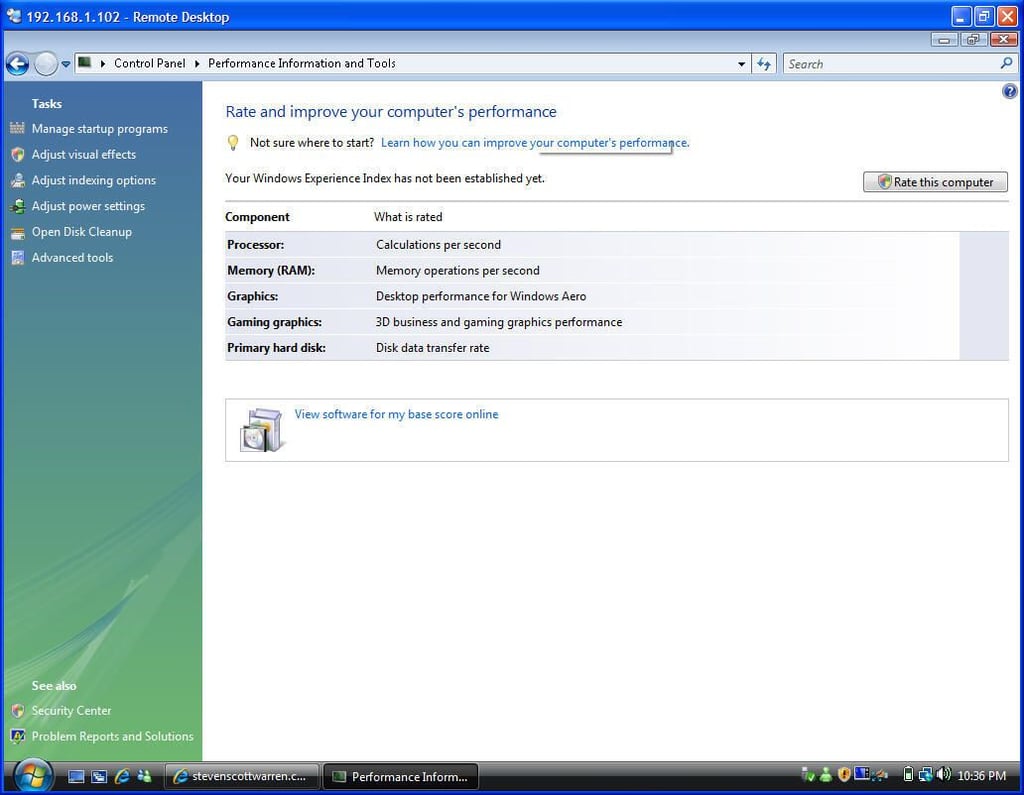
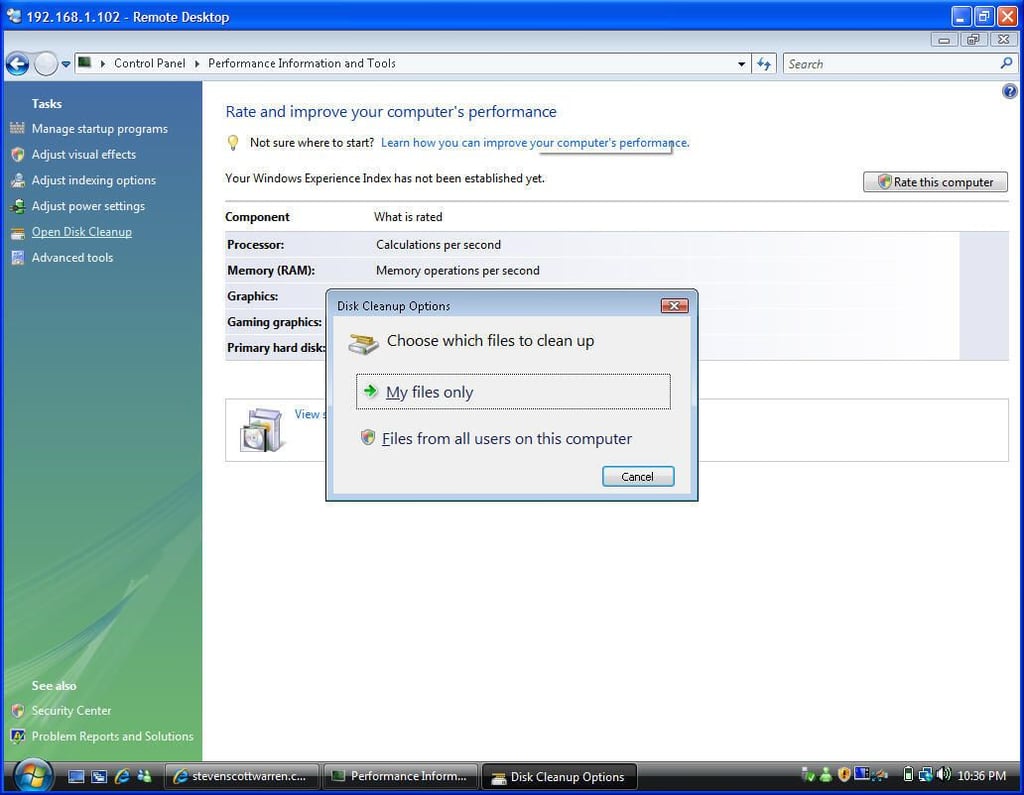
  • Performance Information and Tools

  • Disk Cleanup Options

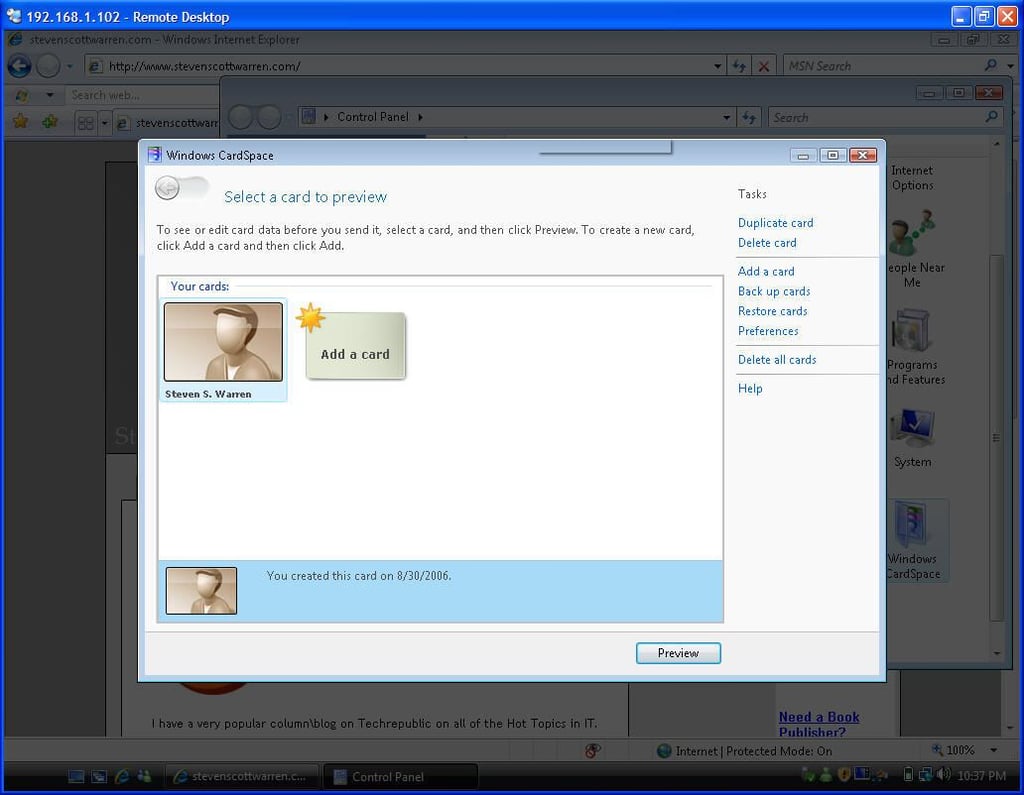
  • Windows CardSpace

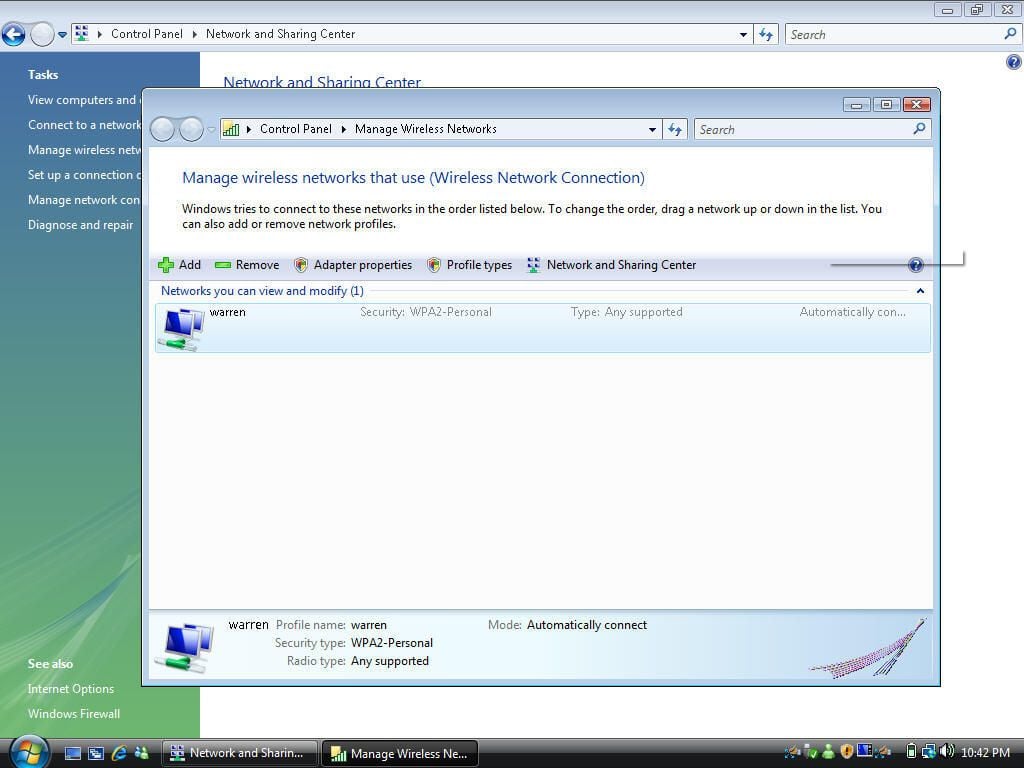
  • Manage Wireless Networks

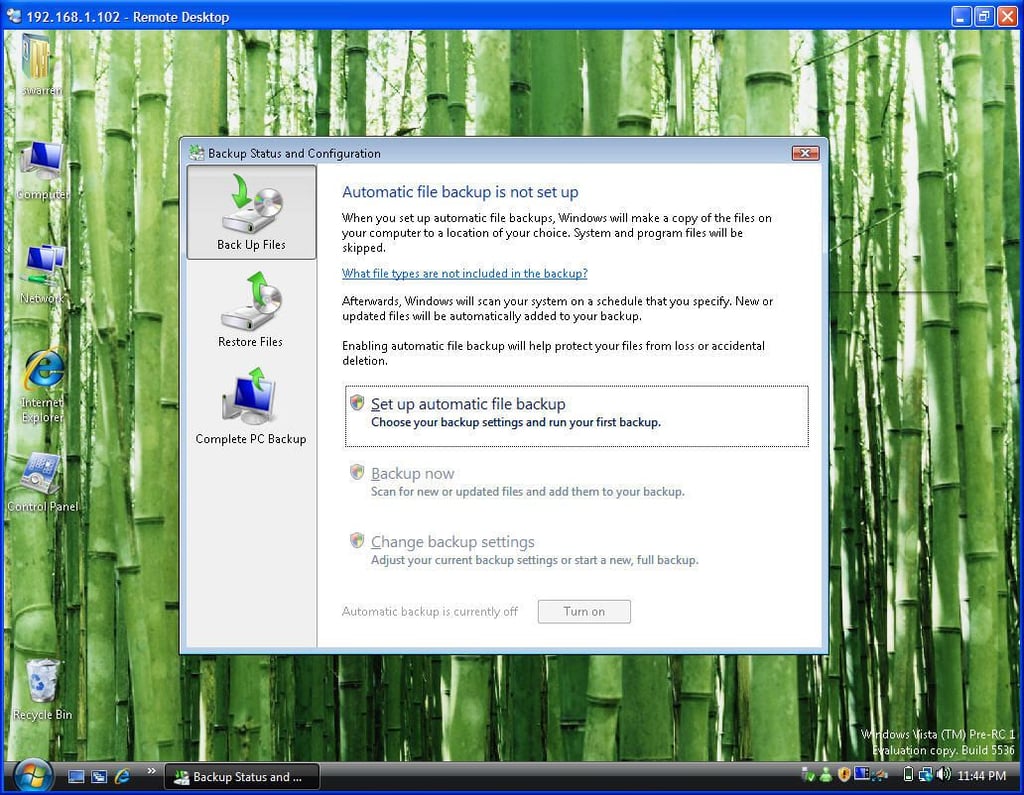
  • Backup Status and Configuration

  • Windows Photo Gallery

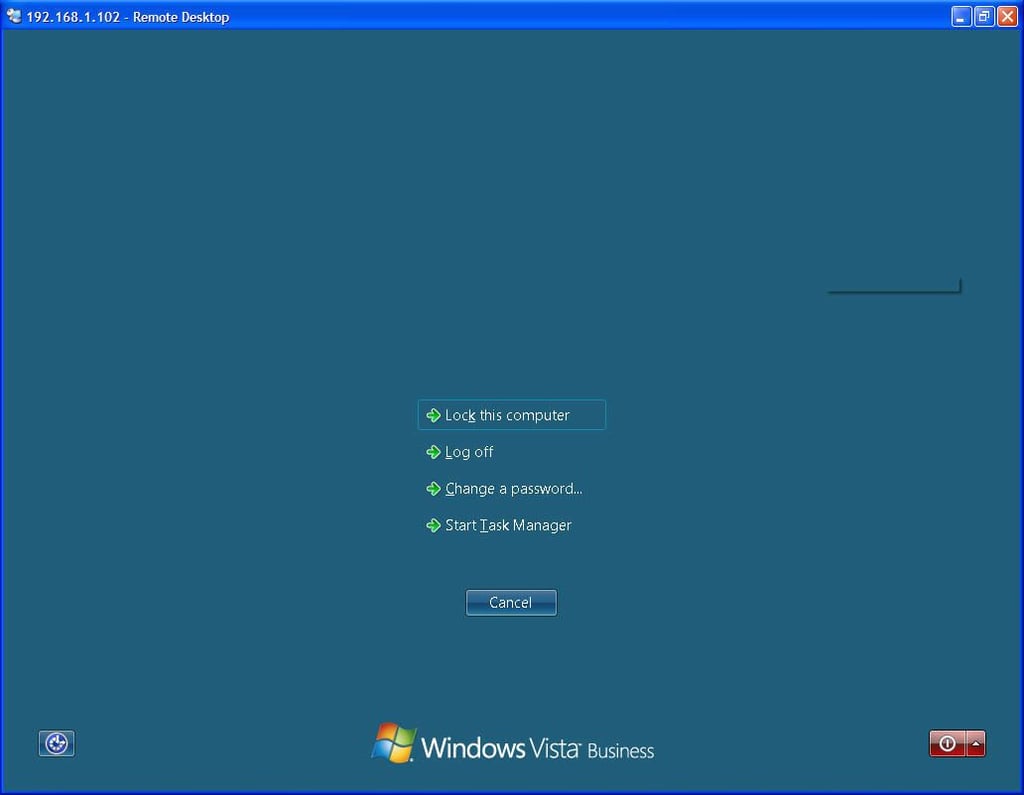
  • CTRL-ALT-DEL

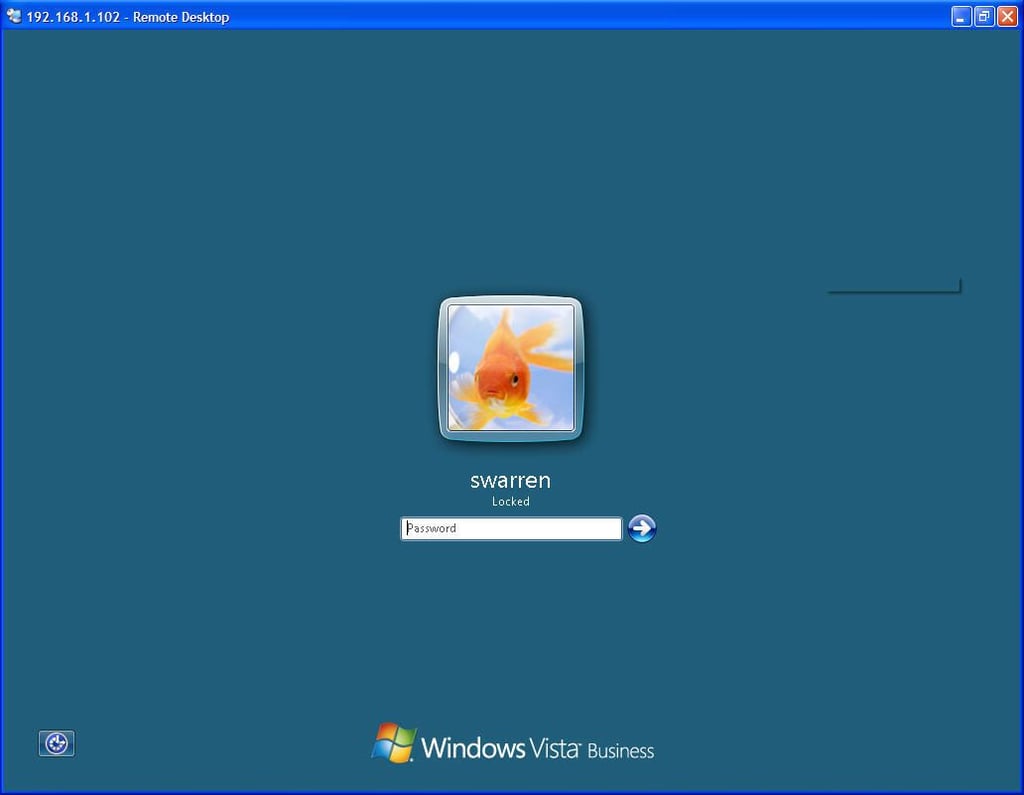
  • Logon

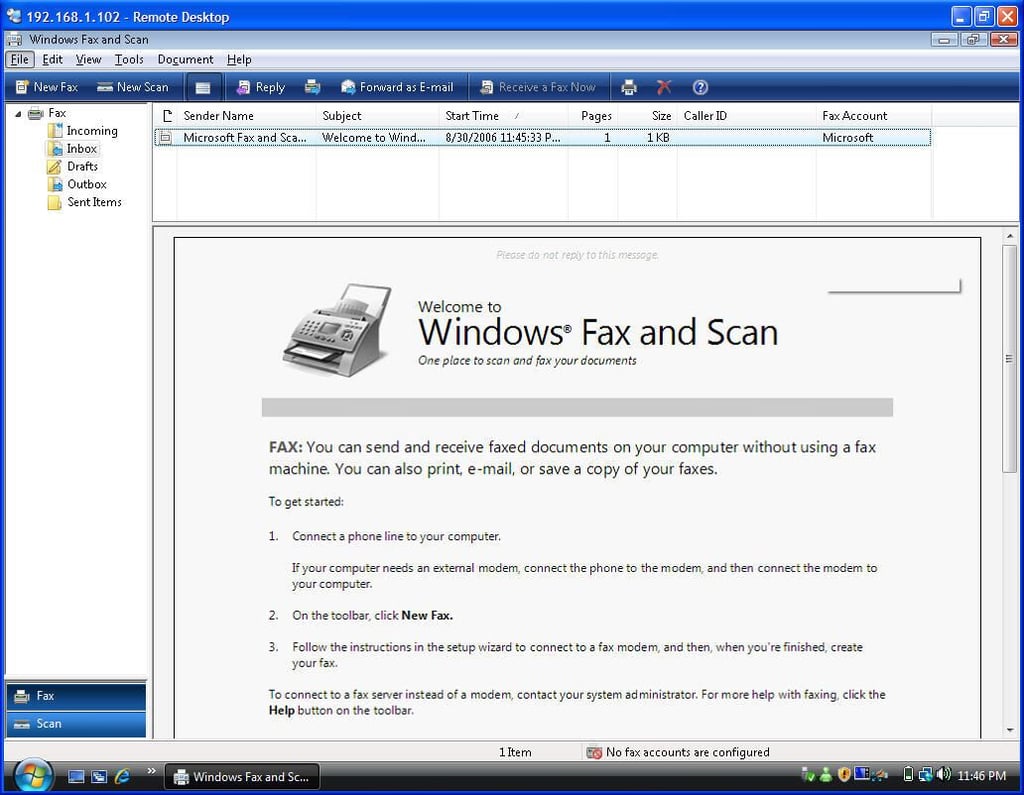
  • Windows Fax and Scan

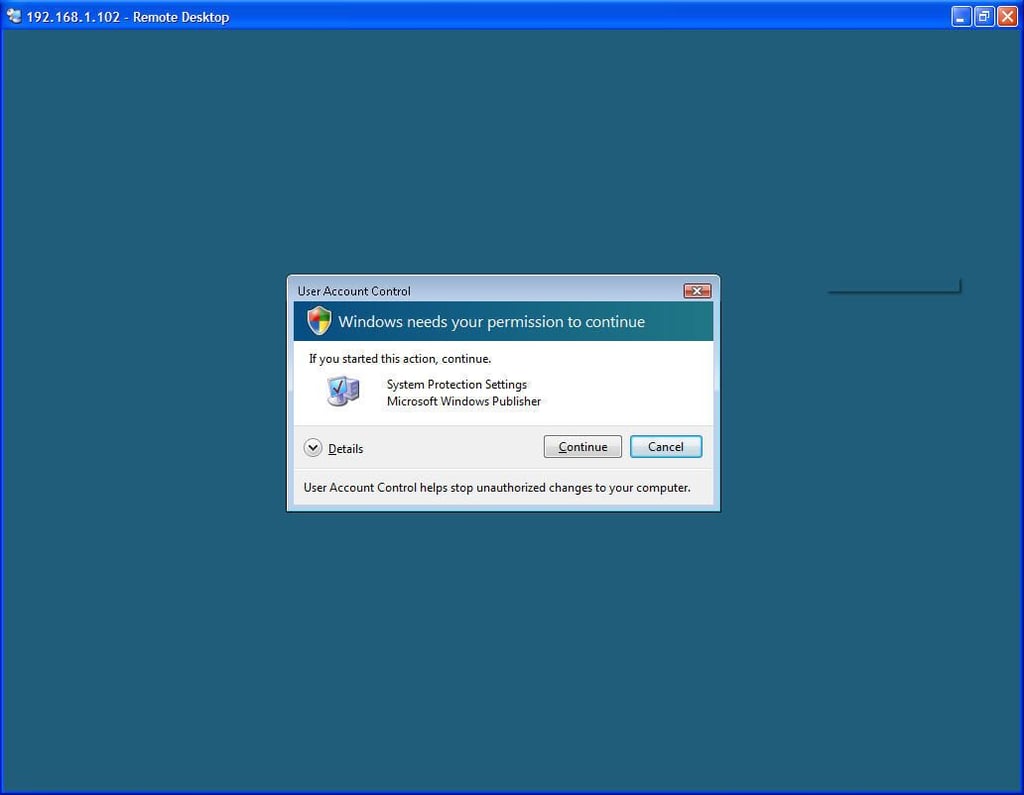
  • User Account Control

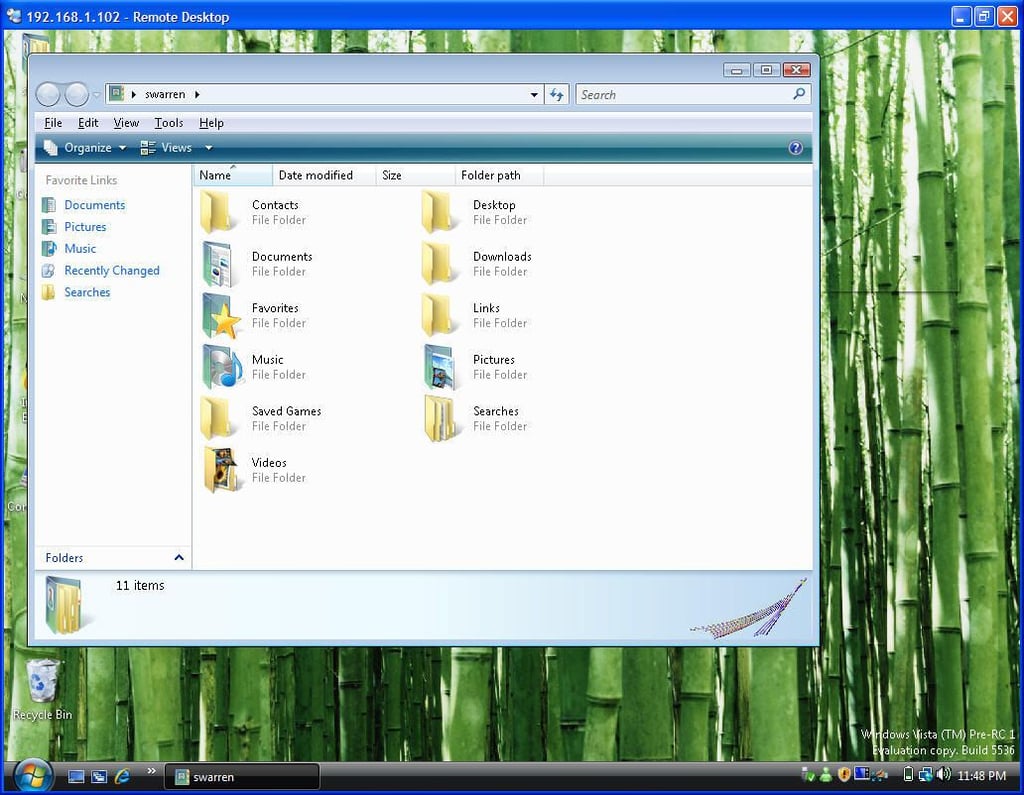
  • User folder

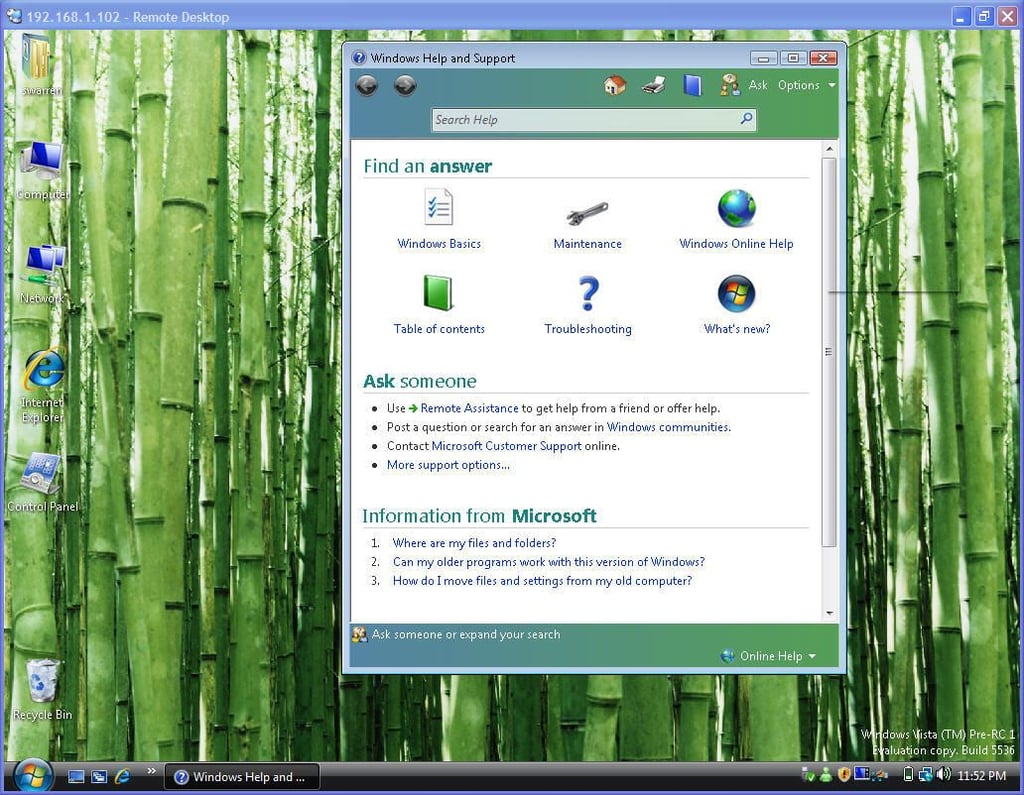
  • Windows Help and Support

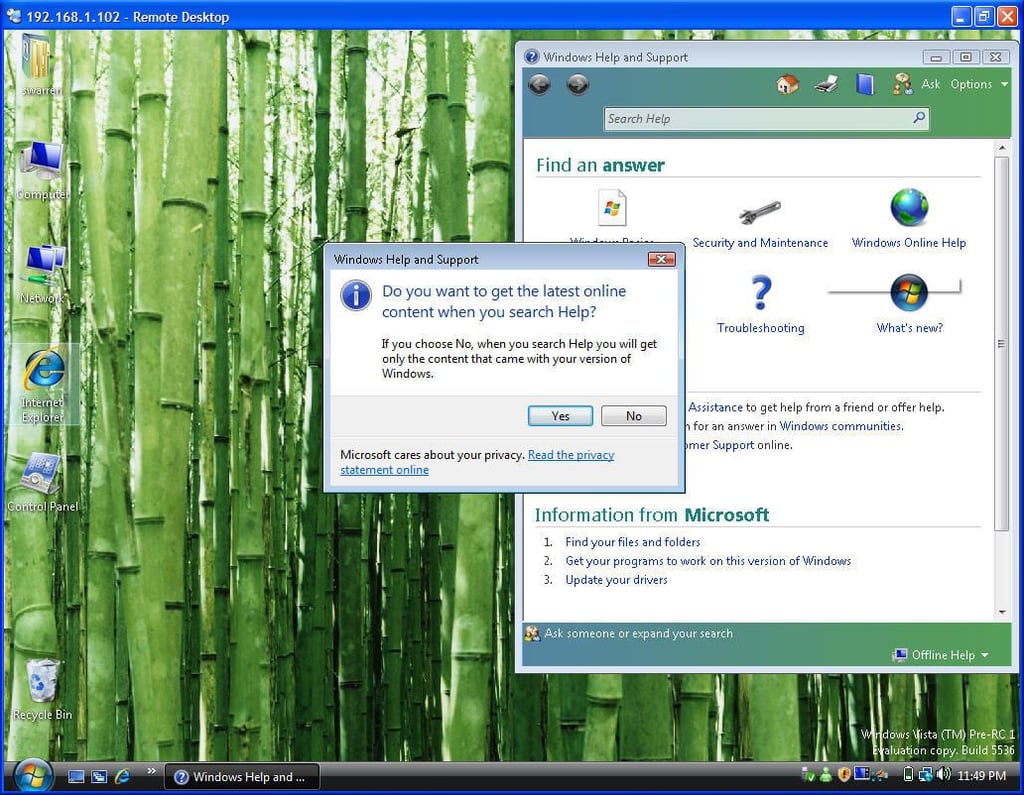
  • Windows Help and Support: Search

  • Starting an application with the Program Compatability Wizard

  • Windows Help and Support: What's New

  • Printers

  • Printers: Add a printer

  • Printers: Adding a network printer

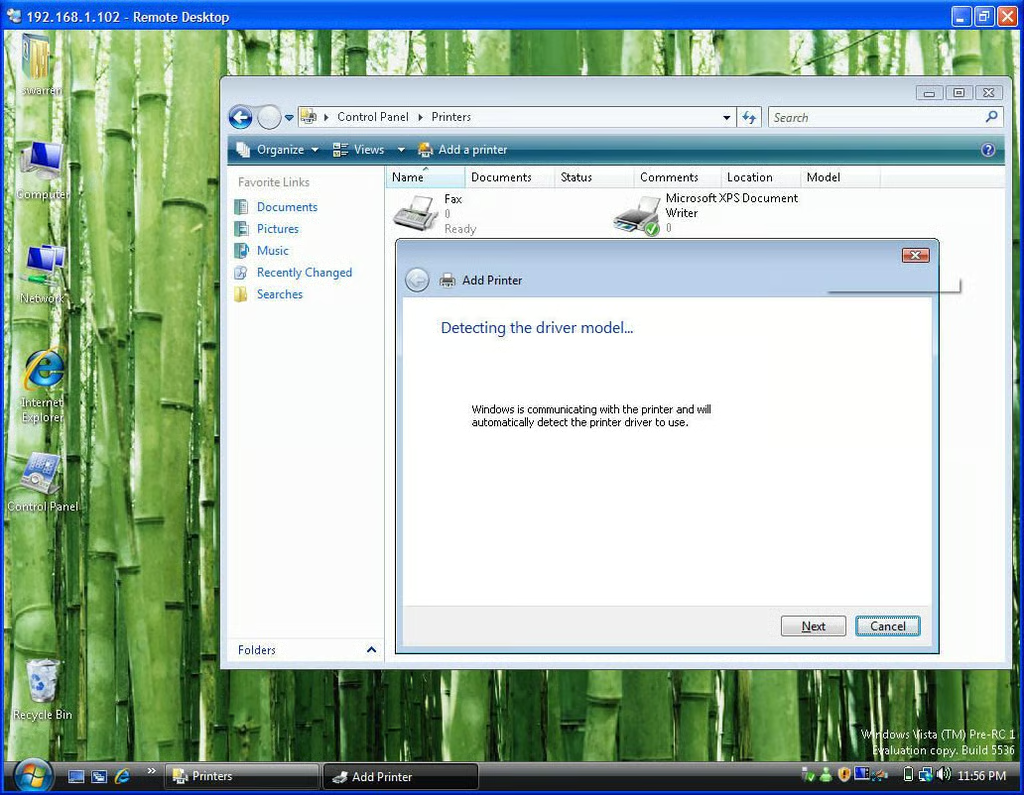
  • Printers: Detecting a printer driver

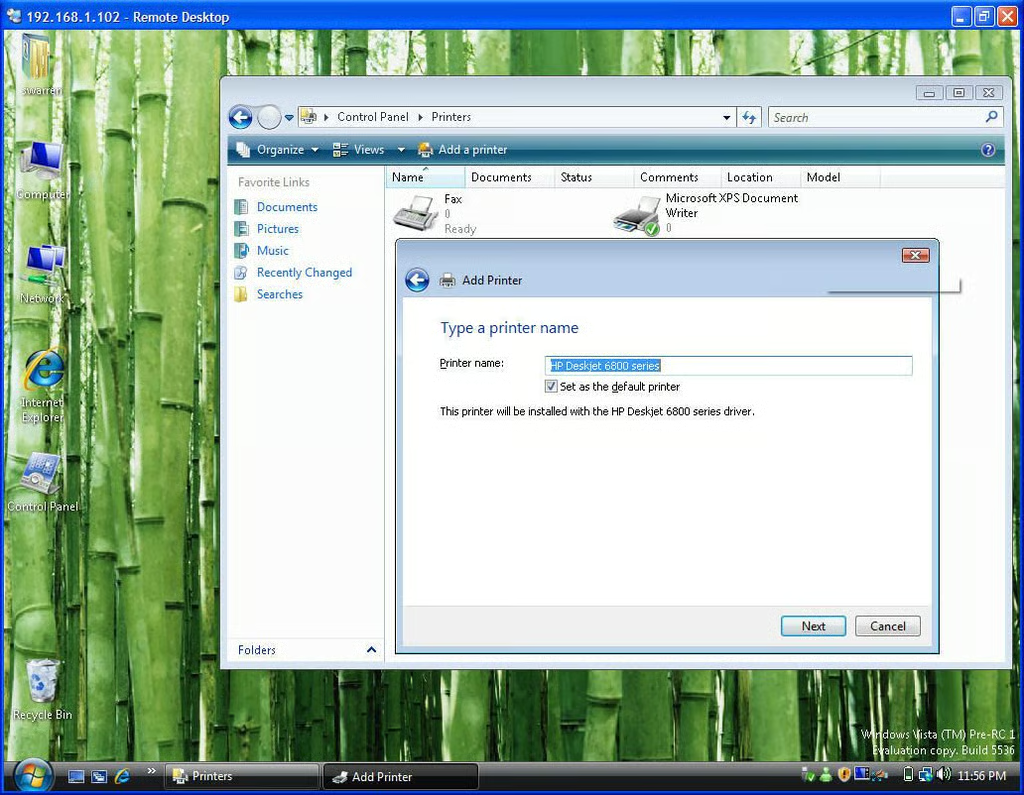
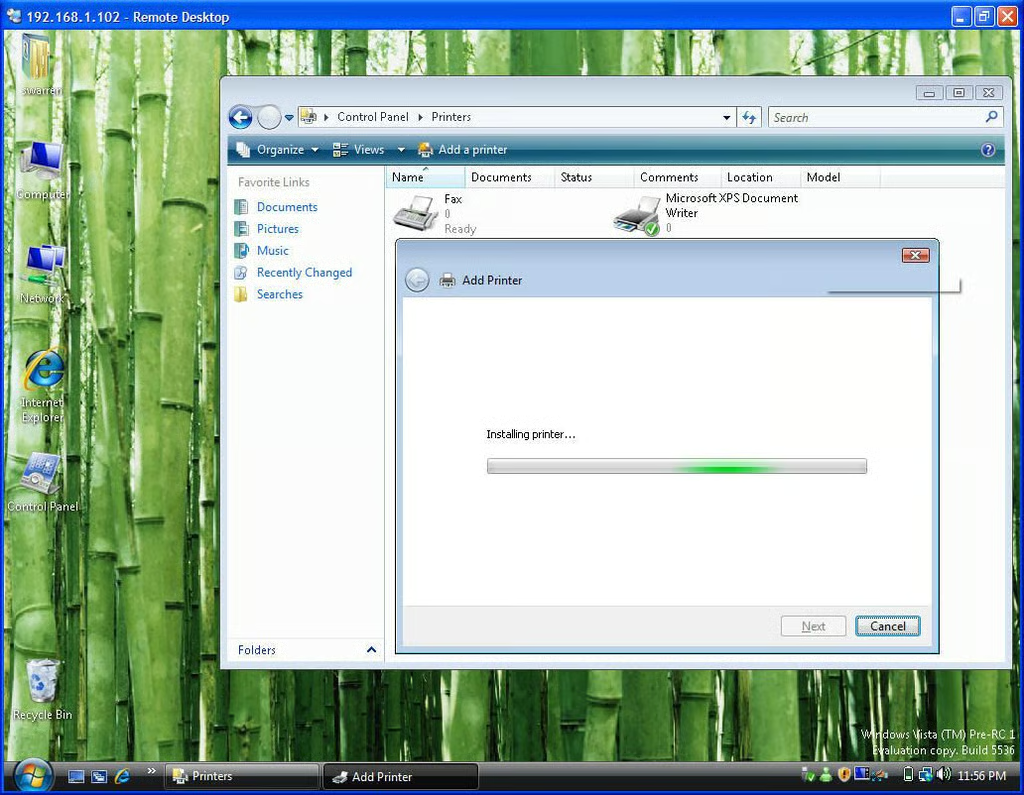
  • Printers: Installing the printer driver

1 of 27
BD

Bill Detwiler is the Editor for Technical Content and Ecosystem at Celonis. He is the former Editor in Chief of TechRepublic and previous host of TechRepublic's Dynamic Developer podcast and Cracking Open, CNET and TechRepublic's popular online show. Previously, Bill was an IT manager in the social research and energy industries. He has bachelor's and master's degrees from the University of Louisville, where he has also lectured on computer crime and crime prevention.