


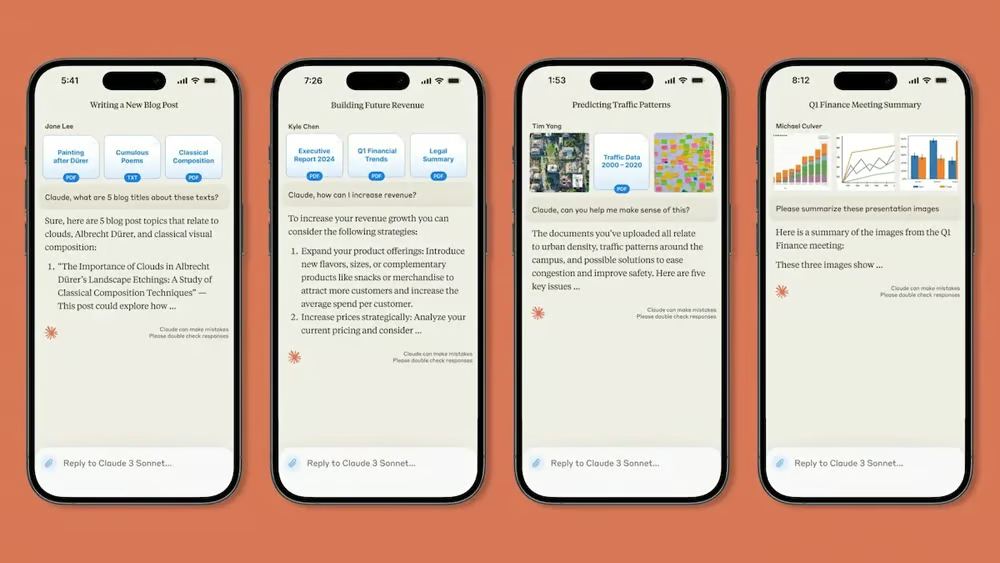
Anthropic’s Claude AI mobile app now has a conversational voice mode that is in a beta version. Currently available only in English, the feature is live on both iOS and Android platforms. At this time, conversational voice mode is not supported on desktop or web-based versions of Claude, and Anthropic has not provided a timeline for future availability.
Using Claude’s conversational voice mode
Claude’s new voice feature enables real-time spoken interaction, allowing users to talk to the AI and receive audio responses. As Claude replies, key points are displayed onscreen to enhance clarity and comprehension. The system also supports seamless transitions between text and voice inputs within the same chat session. For subscribers, Claude can interact with connected services like Google Docs, Calendar, and Gmail — offering voice-driven access to personalized content without the need to type.
A recent post from Anthropic reads, in part: “Voice mode allows you to have complete spoken conversations with Claude on your iOS and Android devices. This feature enables you to speak to Claude and hear responses through voice, making it easier to use Claude when your hands are busy but your mind isn’t.”
To activate voice mode, users must open the Claude app and tap the soundwave icon located beside the microphone. After selecting a voice option from Buttery, Airy, Mellow, Glassy, or Rounded (which are designed to improve accessibility and comfort), interaction begins. When the user is finished speaking, tapping the upward arrow sends the message, prompting a verbal response from Claude. A stop button is available to interrupt the response if needed. Additional tools such as file uploads and camera access are located under the plus icon, while the X button exits voice mode.
Anthropic recommends using voice mode in a quiet environment with minimal background noise, speaking naturally at regular pace, and breaking down complex messages into smaller chunks.
More must-read AI coverage
- SS&C Intralinks DealCentre AI vs. Datasite: Which platform is built for the future of dealmaking?
- SS&C Intralinks FundCentre AI vs. Juniper Square: Which platform better supports modern private markets fund managers?
- Why Data, Not Models, Determines AI Success
- The Rise of the AI-Native Factory: How Physical AI Is Transforming Manufacturing
Pricing information
Claude’s new conversational voice mode is available for free and paid users. Both tiers include all of the primary features mentioned above, except that using voice conversations to search Google Docs, Calendar, Gmail, and the internet is only available to paid tier subscribers.
- Free: $0
- Pro: $17 per month (annually) / $20 per month (monthly)
- Max: Starting at $100 per person per month
Catching up to its AI competitors
Anthropic’s Claude AI tends to score well on benchmarks and other tests, but the recent addition of a conversational voice mode really puts it on par with the biggest names in AI. Although it’s still in its beta phase, Claude’s new voice mode is a promising feature.