



You no longer need a WhatsApp account to join a WhatsApp call, which could make inviting people to a conversation much easier.
WhatsApp’s new guest-calling feature allows registered users to invite people to voice and video calls through shareable links. Guests can join from a computer browser without creating an account or installing the app.
For a platform with more than 3 billion users, the change removes a barrier to connecting with people outside its network. Guests must still request permission to enter, giving hosts control over who joins the conversation.
However, the feature has limitations for guest participants that help the call’s admin enforce privacy for everyone.
How WhatsApp’s new change works
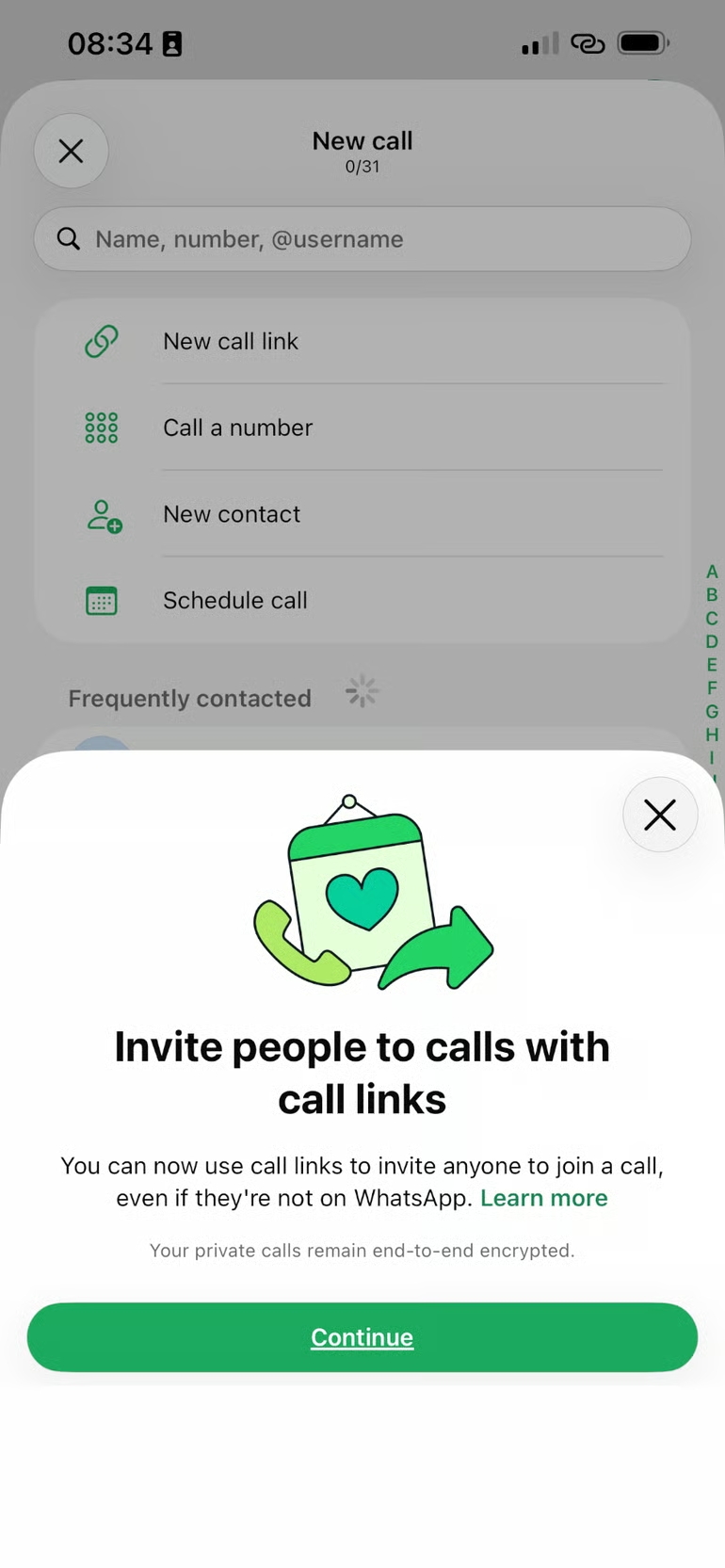
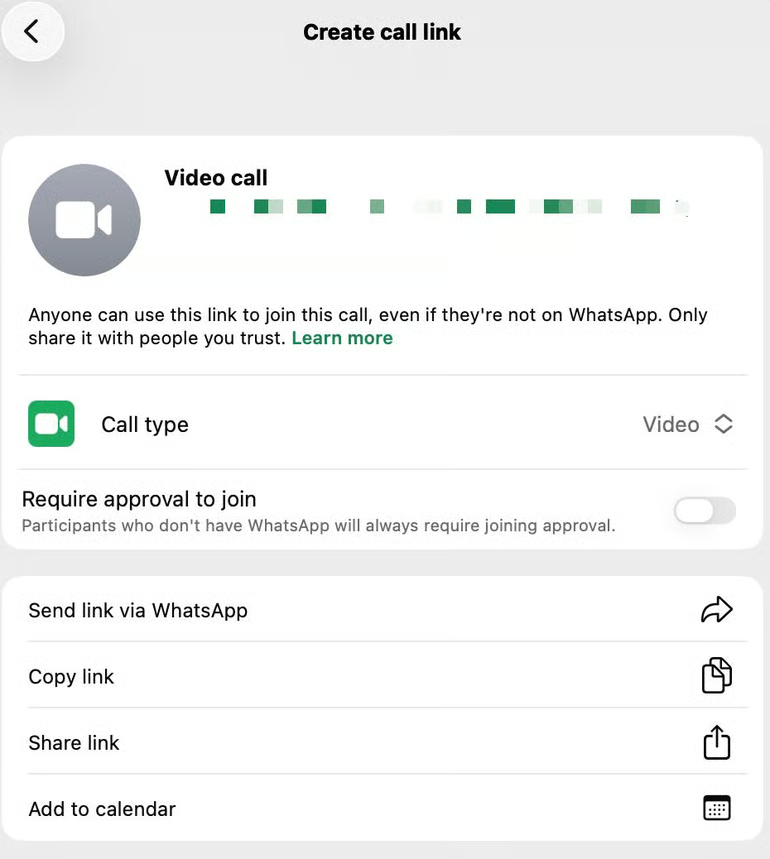
To start a guest call, an existing WhatsApp user opens the Calls tab, taps the + icon, selects the option to create a call link, chooses the call type, and shares it with the people they want to invite.
Recipients without WhatsApp accounts can open the link in a computer browser, enter their names and request to join, but they must wait for the host to admit them.
Once admitted, guests can participate in voice or video calls alongside registered users, with support for up to 32 participants.
According to WhatsApp, guest calls support up to 32 participants and have no time limits or call fees. The company also says the calls are end-to-end encrypted, meaning their audio and video content is protected from access by WhatsApp itself.
For small teams, a 32-person limit should be enough for most meetings, but larger teams could quickly hit a bottleneck. That is where dedicated conferencing platforms such as Zoom and Google Meet shine, offering meeting options designed for larger groups and more structured workplace collaboration.
Hosts also retain control over who participates. They can remove guests at any point during the call, while guests cannot invite additional participants or send messages through the call. However, guests can participate in everything else, including screen sharing, reactions, and raising their hands to speak.
WhatsApp is moving further into workplace communication
Guest calling adds another workplace-oriented capability to a platform already used for customer communication, sales, and business messaging.
WhatsApp also plans to introduce scheduling integrations with Google Calendar and Microsoft Outlook, potentially making it easier for users to organize calls alongside their existing schedules.
Together, these developments suggest Meta wants WhatsApp to serve more communication needs beyond everyday messaging. However, the platform still faces competition from dedicated conferencing services that offer more extensive meeting management and collaboration features.
Taken together, these moves suggest Meta is trying to make WhatsApp part of the software businesses use to get work done, not merely a channel for exchanging messages.
Messaging, customer support, sales automation, business integrations, and calling functions are all functions already served by dedicated business software, giving WhatsApp a potential foothold in markets beyond messaging.
Who gets to benefit
WhatsApp stands to benefit from the feature beyond making calls easier for its existing users.
By allowing people without accounts to join calls, the platform creates a low-friction entry point for non-users, some of whom may eventually sign up to access its wider messaging and calling features.
The feature does not guarantee new registrations, but it lets WhatsApp introduce its service to people who would otherwise have little reason to install it.
Remote teams spread across different countries could also benefit, particularly when they need to speak with contractors, clients or colleagues who use different communication tools.
Because WhatsApp does not impose a call fee or time limit, teams can hold longer conversations without worrying about a conferencing subscription’s meeting-duration cap, although internet data charges still apply. It could also offer a cheaper alternative to conventional international phone calls, depending on the callers’ internet access and existing phone plans.
Individuals stand to gain, too. Someone arranging a call with a tutor, a friend abroad, or a service provider no longer has to convince the other person to create a WhatsApp account or install another app just to participate. They can share a link instead, while the host retains control over who enters the call.
The main advantage is accessibility rather than a complete replacement for dedicated meeting platforms. With a 32-person participant limit and host-controlled guest access, WhatsApp may be useful for smaller conversations, while organizations with more demanding conferencing needs may still prefer specialized tools.
Other news: Google is making it easier for users to create and run their own AI-built Android apps through Google AI Studio without a developer account or publishing them publicly.